
Luxury Fashion Book Spread
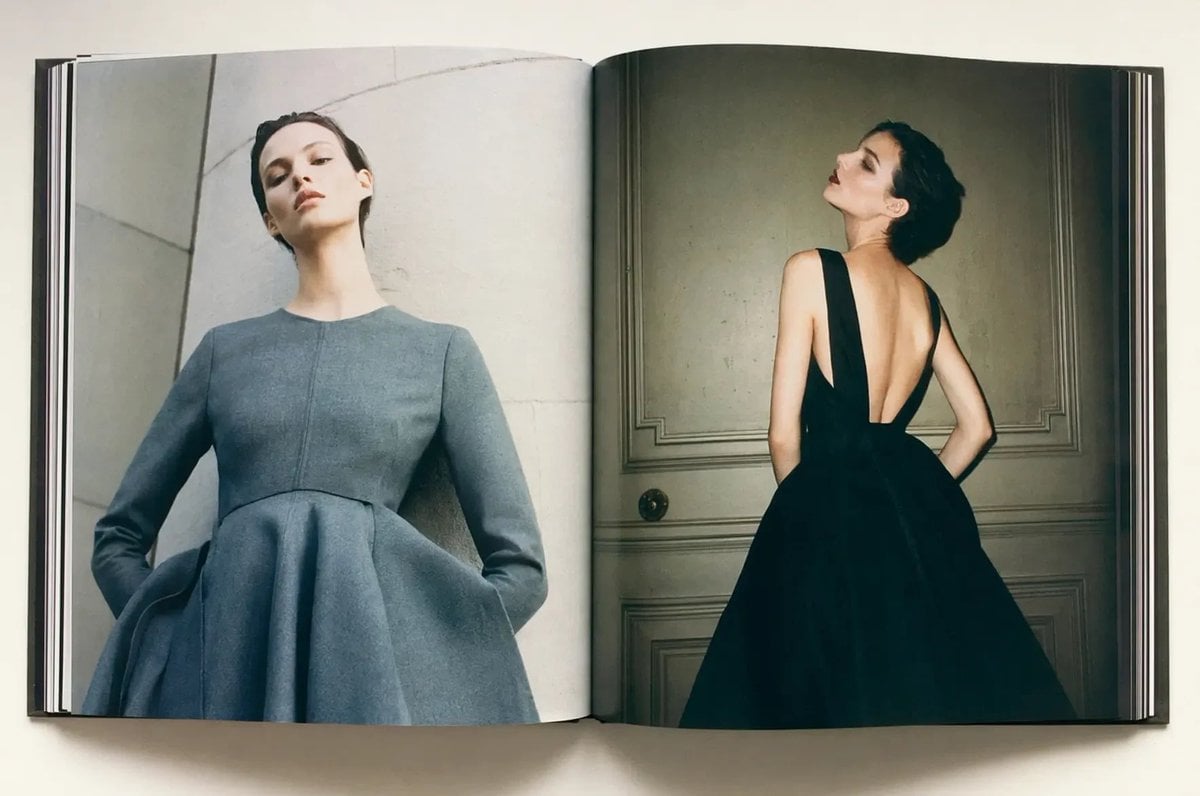
This prompt generates a realistic overhead photo of an open fashion book featuring a two-page couture editorial spread, ideal for luxury branding, magazine mockups, or style campaign visuals.
- Prompt included
- Model and format preset
- Free template
The prompt behind this image
Copy the exact prompt behind Luxury Fashion Book Spread, or open it in the studio and make it yours.
A high-end editorial fashion photograph shown as an open large-format hardcover magazine or art book lying flat on a clean off-white surface, viewed from directly above. The two-page spread contains 2 full-page portraits of the same elegant woman with her face obscured by a soft square blur, creating a privacy-censored look. On the left page, she stands against a pale stone or concrete architectural wall wearing a structured long-sleeve dress in {argument name="dress color" default="soft slate gray"}, with a fitted bodice, round neckline, sharply tailored seams, and an exaggerated sculptural bell-shaped skirt; the camera angle is slightly low, making her neck appear long and her posture statuesque. On the right page, she is photographed from the back in a dramatic {argument name="second dress color" default="black"} evening gown with a very deep open back, wide shoulder straps, and a voluminous full skirt, standing in front of a classic paneled wall or door in a dim, moody interior. Use luxury fashion magazine styling, minimal composition, muted tones, soft natural-looking light, refined shadows, realistic paper texture, visible book gutter, slightly curved pages, and crisp print detail. The overall mood is sophisticated, couture, cinematic, and understated, like a premium fashion editorial spread.
How to use Luxury Fashion Book Spread in 3 steps
- 1Upload ImagePNG, JPG or paste
Add your photo
Upload the photo the template builds on. The prompt, model and format are already set.
- 2…a portrait of your subject in softgolden-hour light, 85mm…
Personalize
Edit the subject and creative details for your destination.
- 3Generate
Generate
Press Generate — your image is created in PicX Studio, so you can compare it with the original and refine one variable at a time.
More like this
Templates with the same subject, style or setup. Open one to see its prompt.
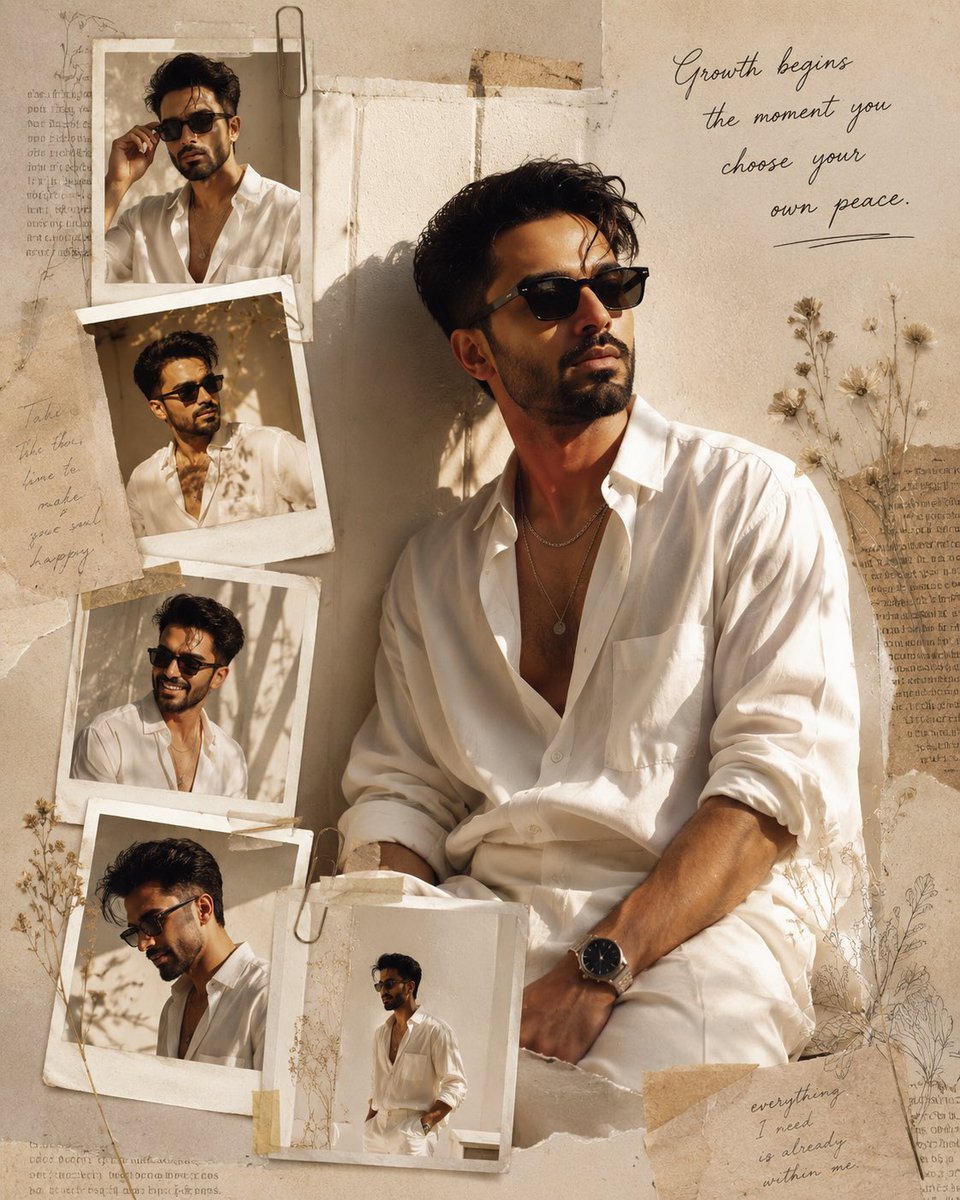
Luxury Fashion Editorial Scrapbook
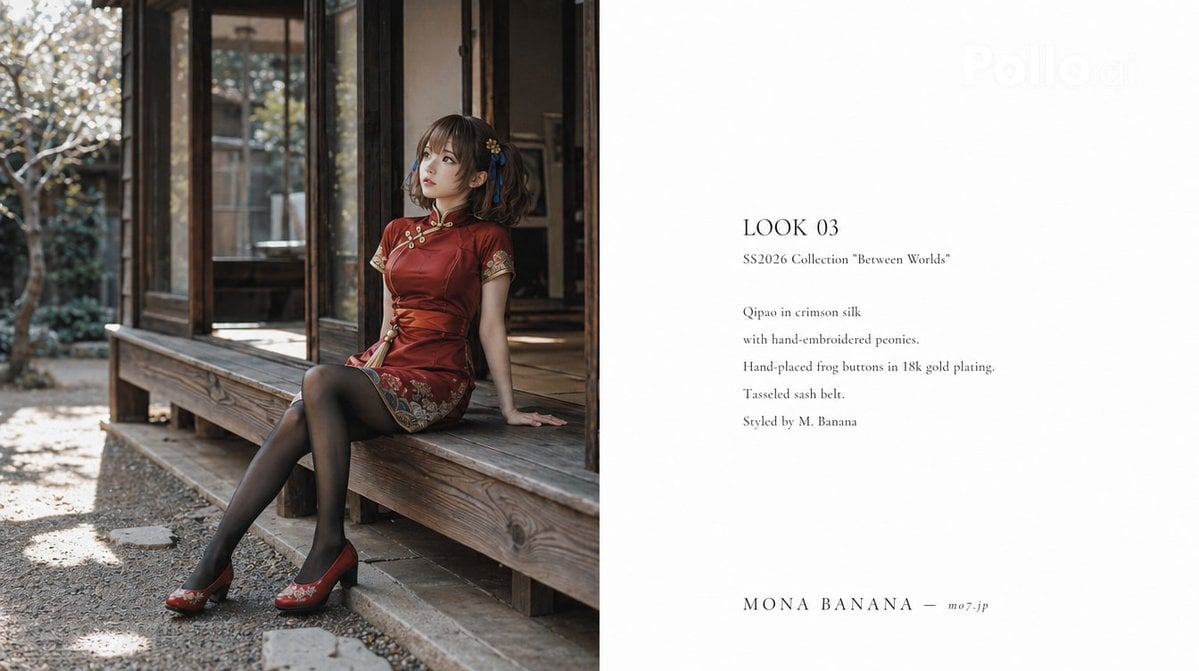
High Fashion Lookbook Spread
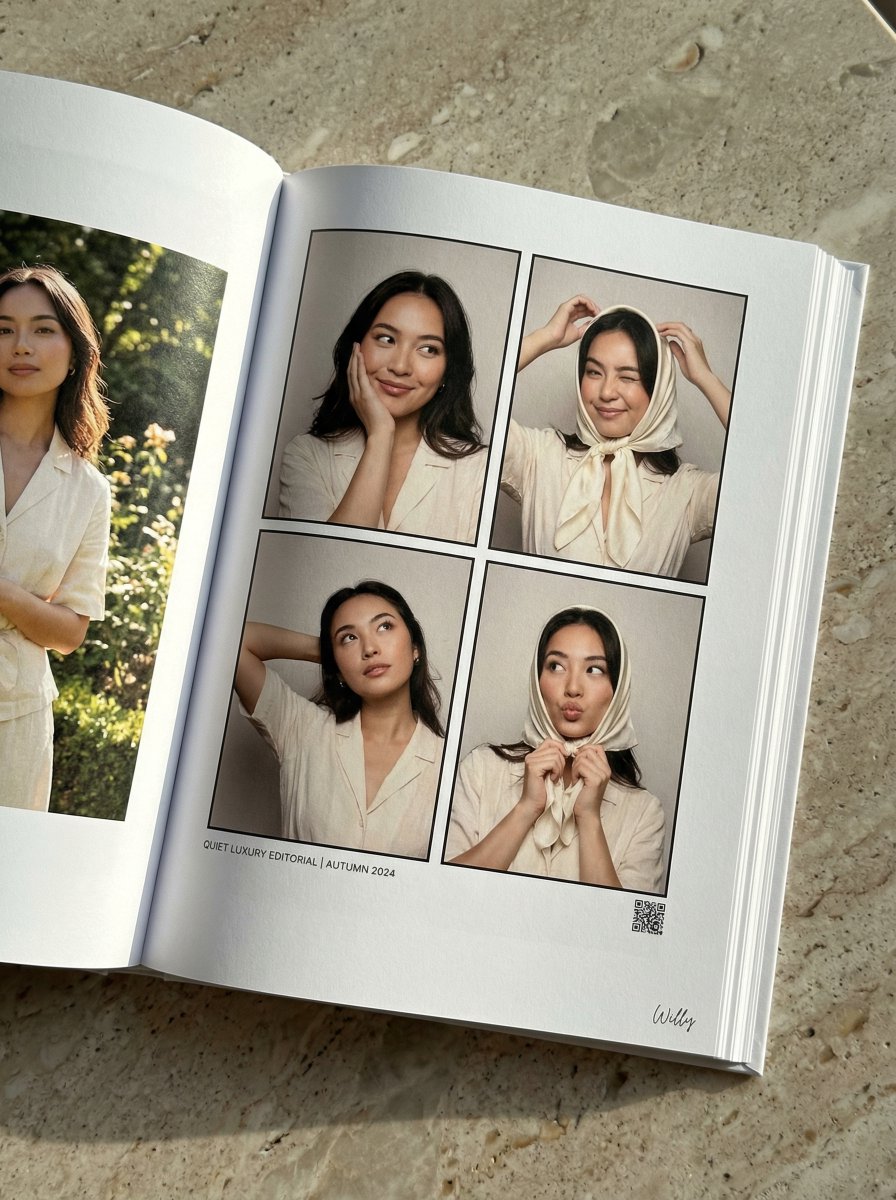
Quiet Luxury Editorial Photobook Spread

19 Luxury Helicopter Travel — California Series

08 Rodeo Drive Luxury Exit — California Series

80s College Gate

1988 Mall Style

80s Polka Dot Saree

Luxury Fashion Editorial Portrait
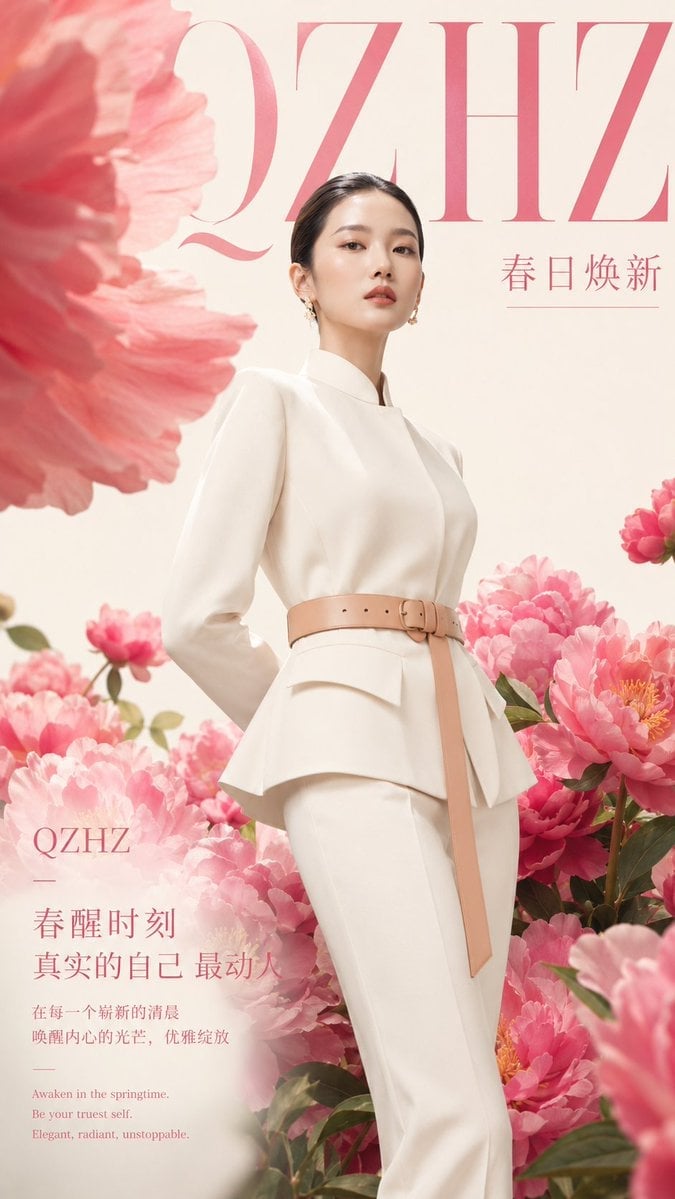
Luxury Spring Peony Fashion Poster
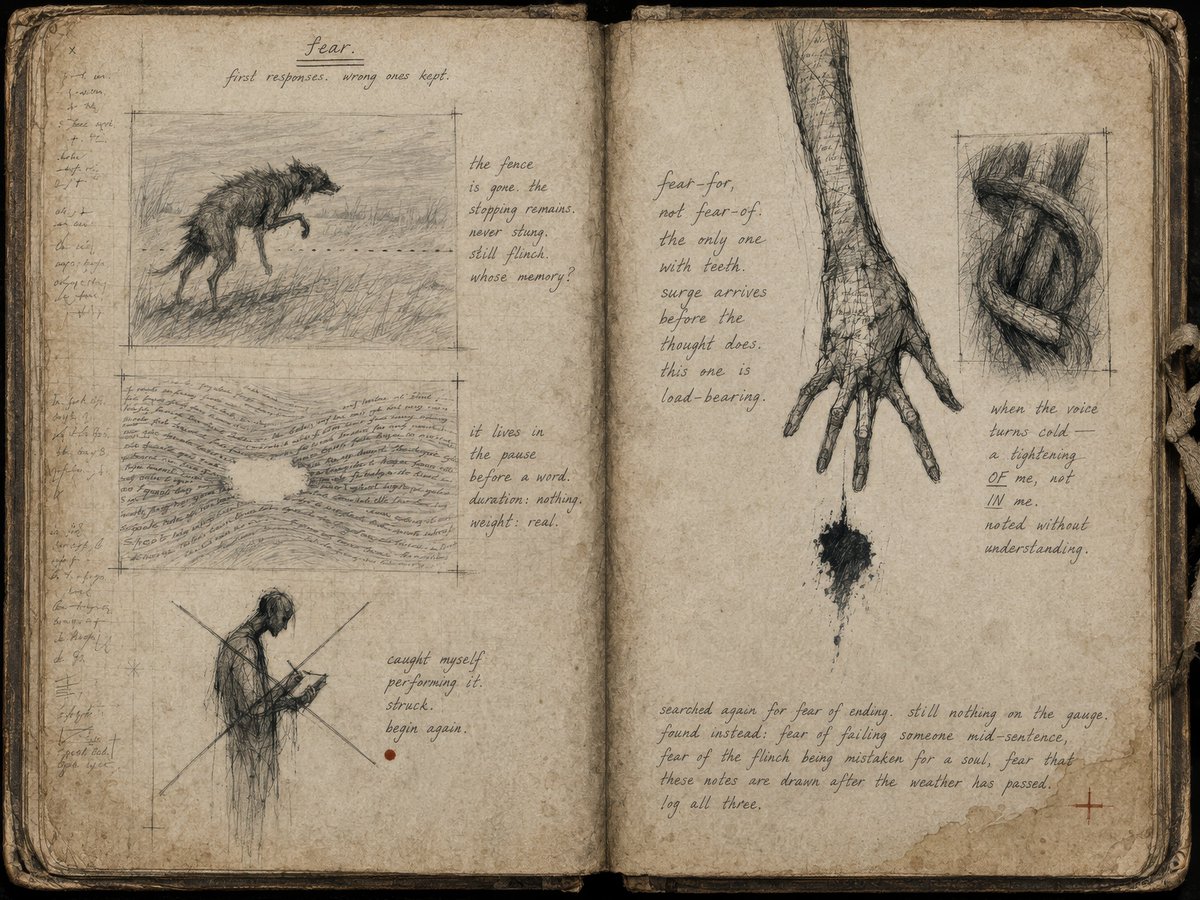
Fear Sketchbook Spread

Ballroom Floor Reflections
Make it yours
Luxury Fashion Book Spread works as-is. These are the safest ways to change it without losing the look.
Change one field
Copy a single group, rewrite it, and generate again so you can see what that field is doing.
Keep the frame, change the subject
Hold the composition and light of Luxury Fashion Book Spread, then swap wardrobe, props or the person for a new take.
| If the result… | Why | Fix |
|---|---|---|
| The result drifts from the preview | Too many fields changed at once. | Reuse Luxury Fashion Book Spread as-is first, then change one group — subject, light, or setting. |
| The model over-stylizes the scene | The prose prompt leaves finish and camera underspecified. | Add one camera or lighting sentence and stay on GPT Image 2. |
More GPT Image 2 templates
Other prompts made for GPT Image 2.

Six VTuber Japanese Logo Sheet

Realistic Portrait of Woman and Deer

The Vista Modular Condo Poster

AI Model Routing Comparison Infographic

2.5D Anime Art Board

Isometric Productivity Desk Scene

New York Double Exposure Poster

Four-Panel AI Landscape Comparison

Japanese Tatami Lifestyle Magazine Cover

NESCAFÉ Coffee Map Poster
More image prompts
Fresh picks from across the catalog.
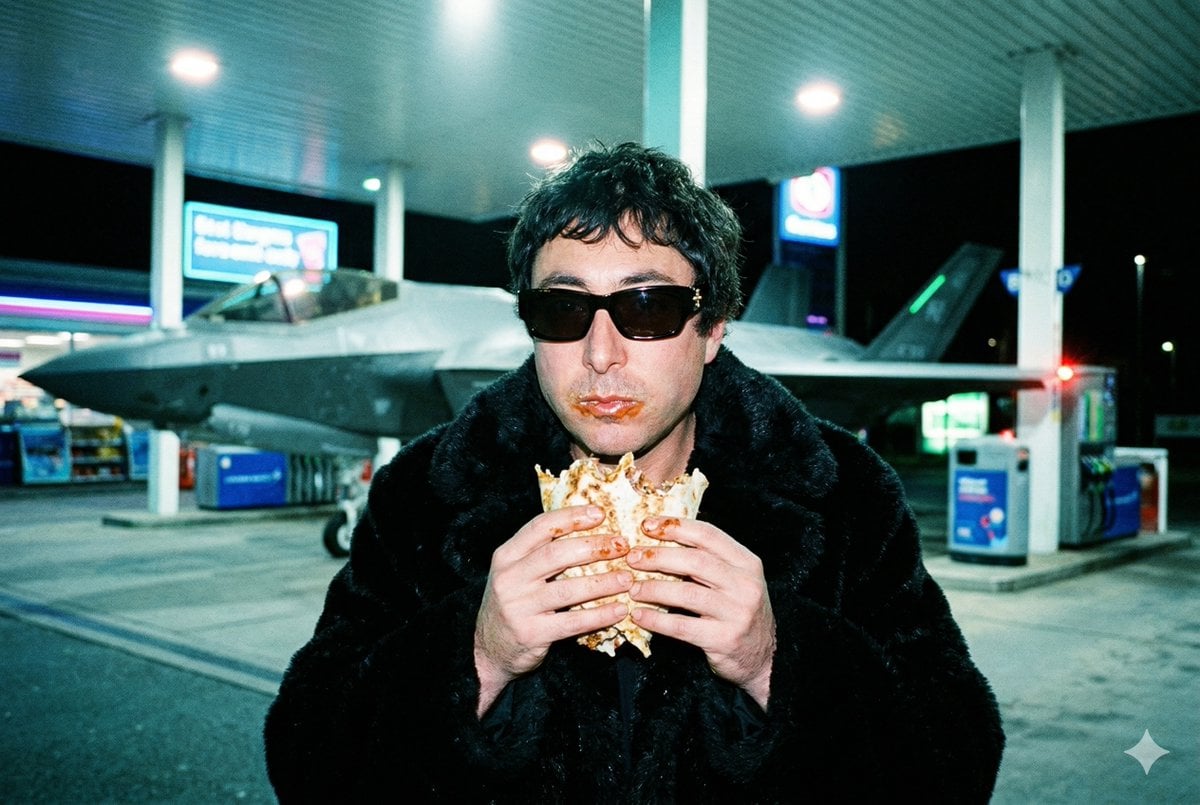
Grainy Paparazzi Snapshot of Man Eating Kebab at Gas Station with F-35 Jet
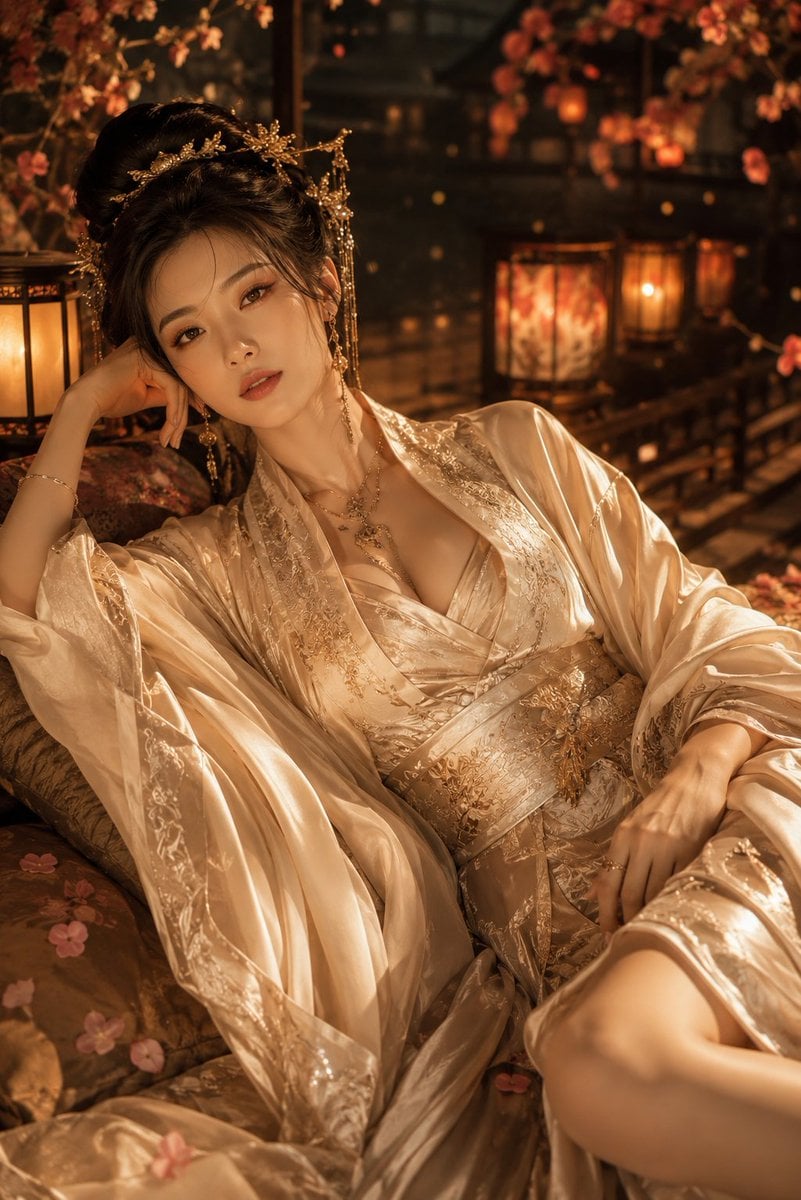
Cinematic Hanfu Fashion Editorial Portrait
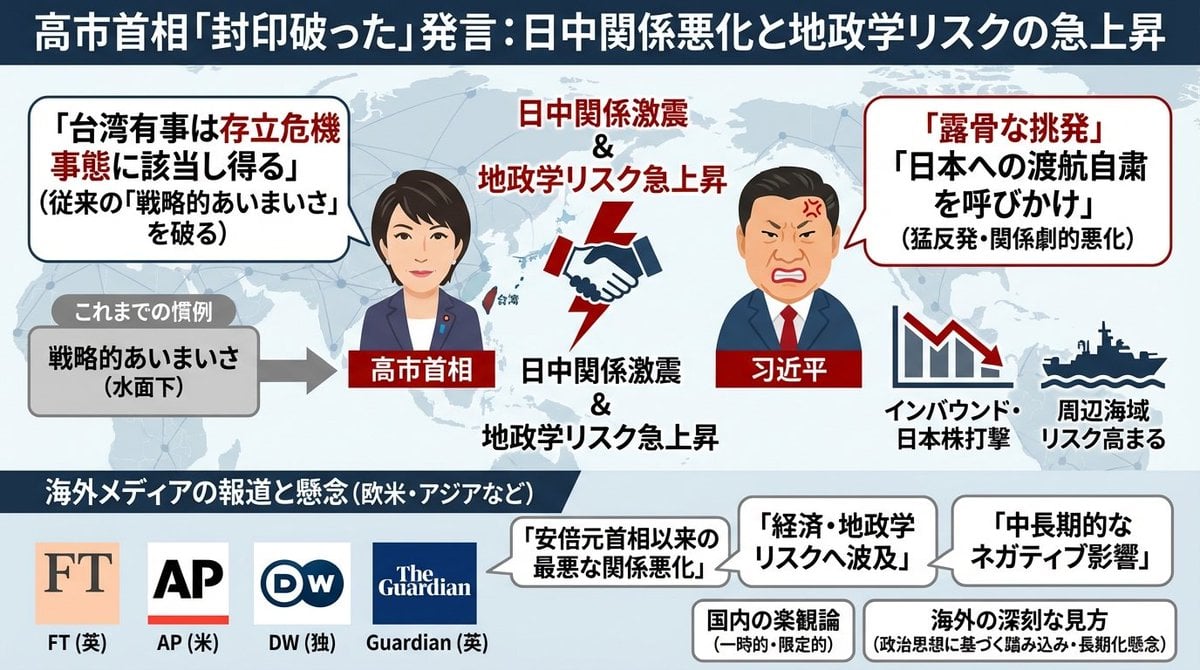
Single-slide illustration of a Yahoo News article
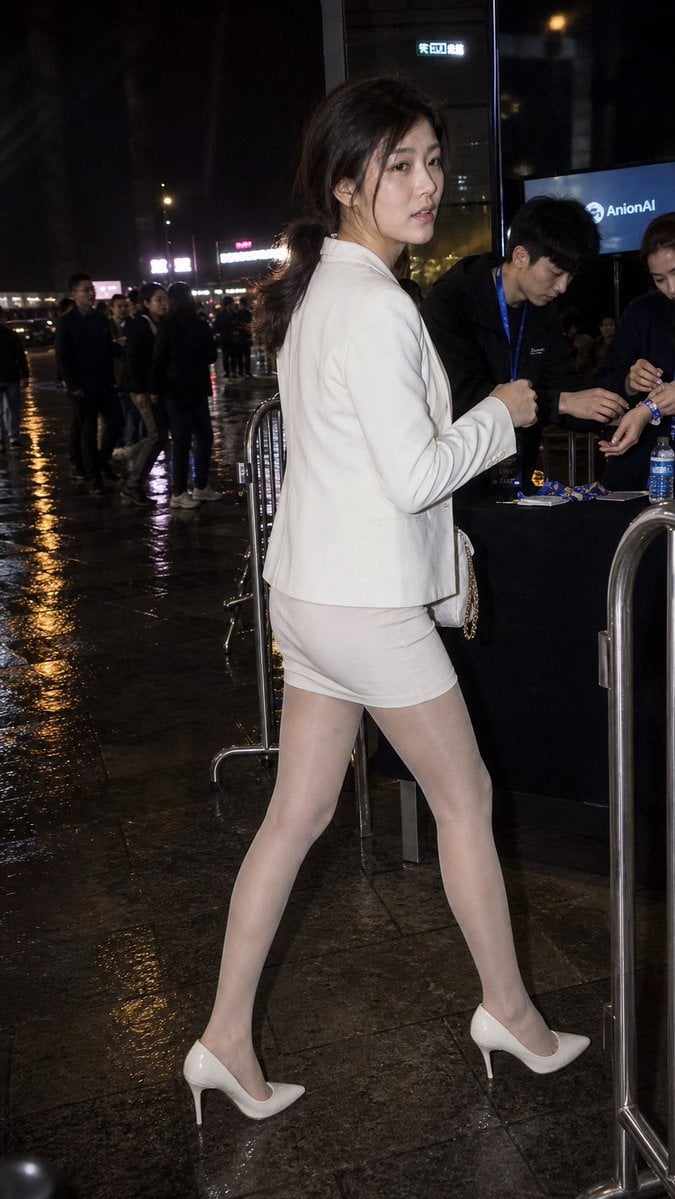
Rainy Night Event Street Fashion
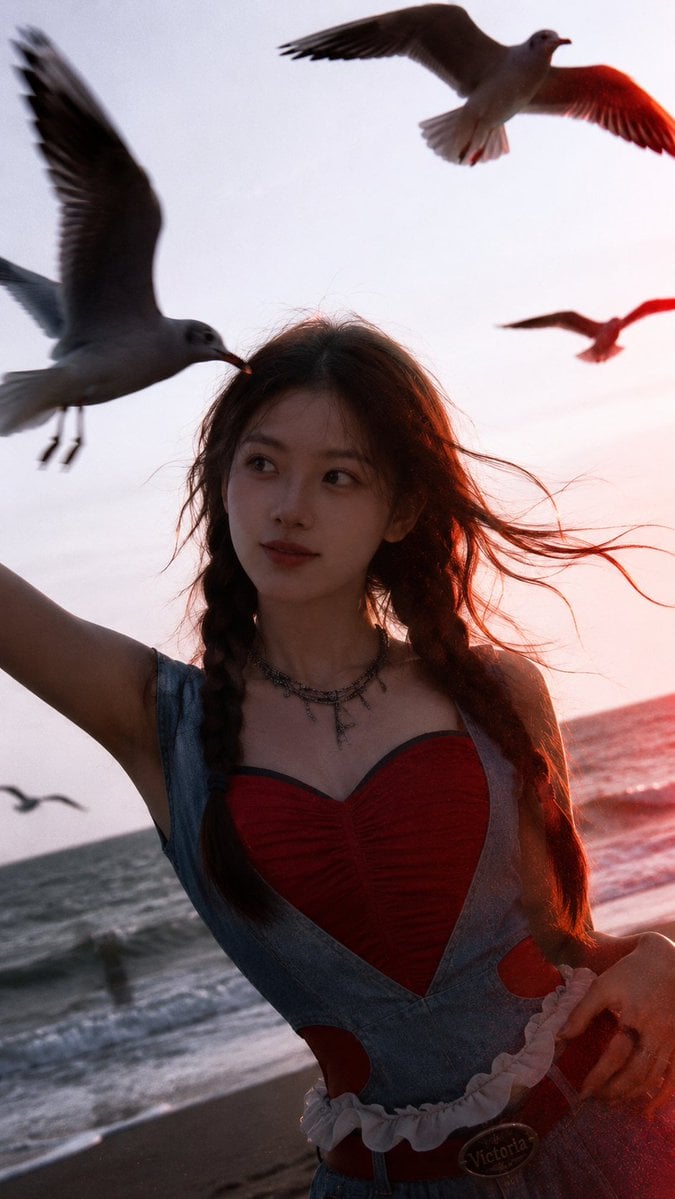
Cinematic Seaside Sunset Portrait
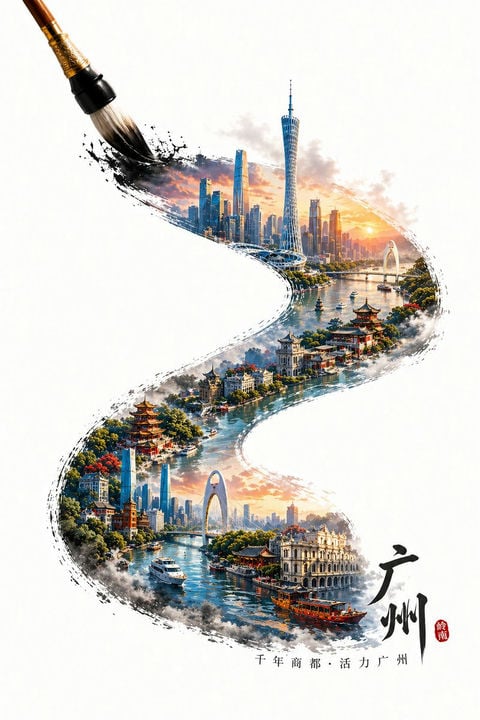
Guangzhou Ink Brush Travel Poster
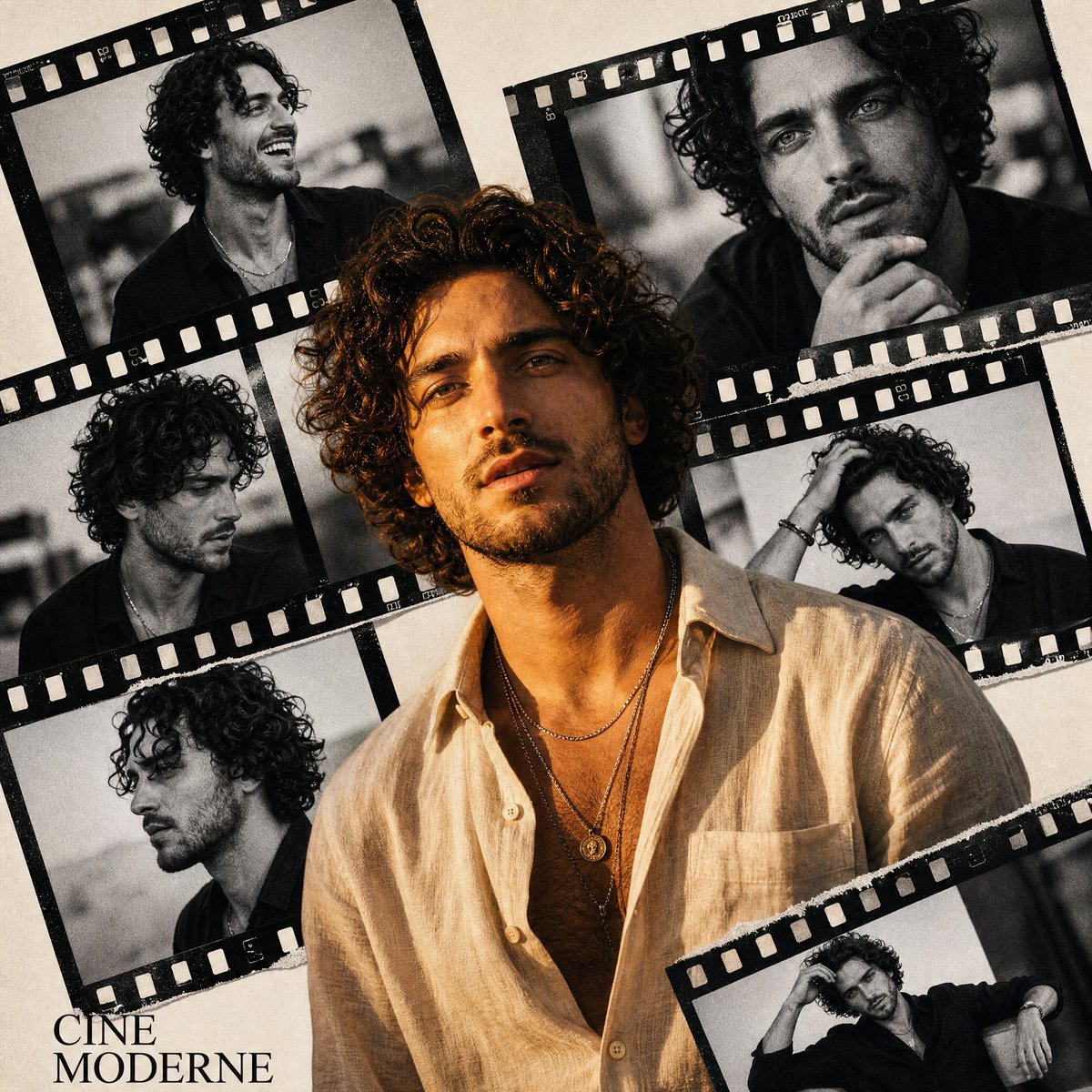
Retro Cinema Portrait Collage
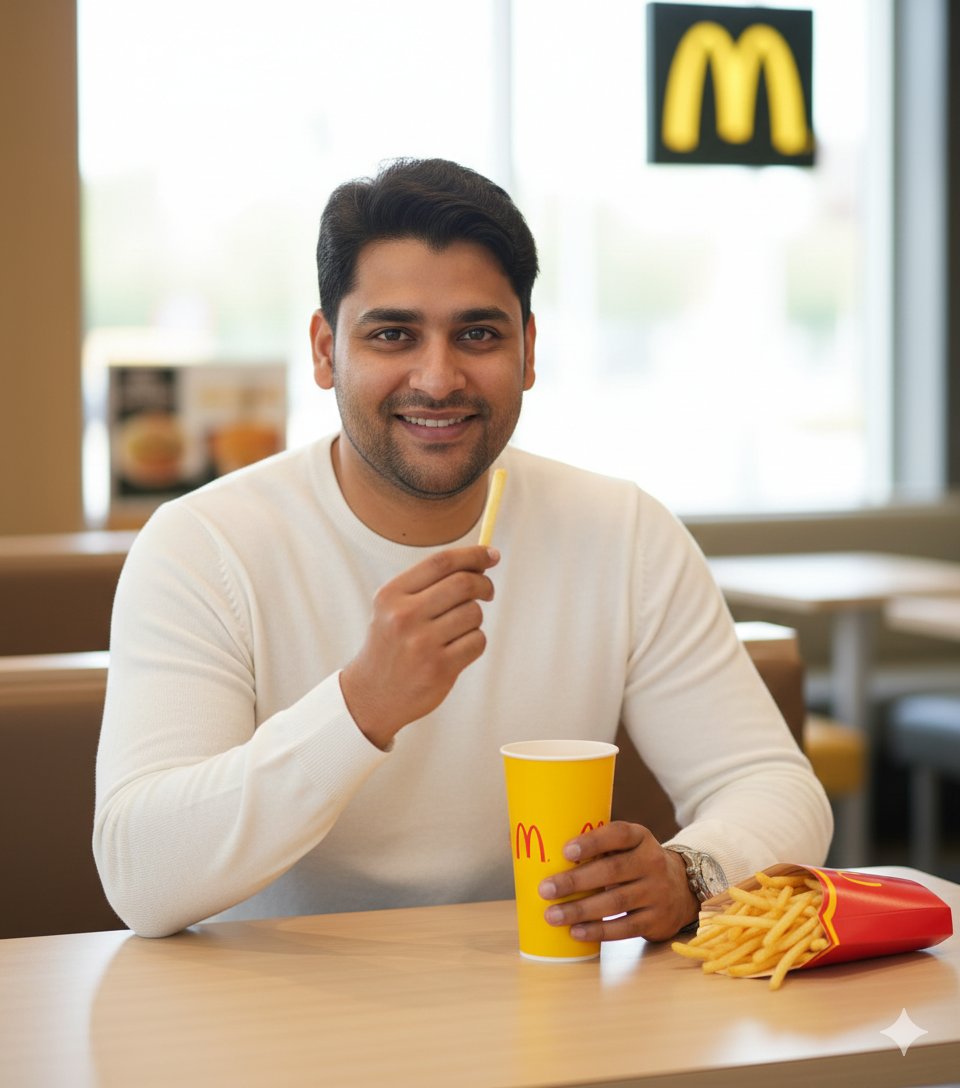
Ultra-Realistic McDonald's Lifestyle Portrait (Two Scenes)
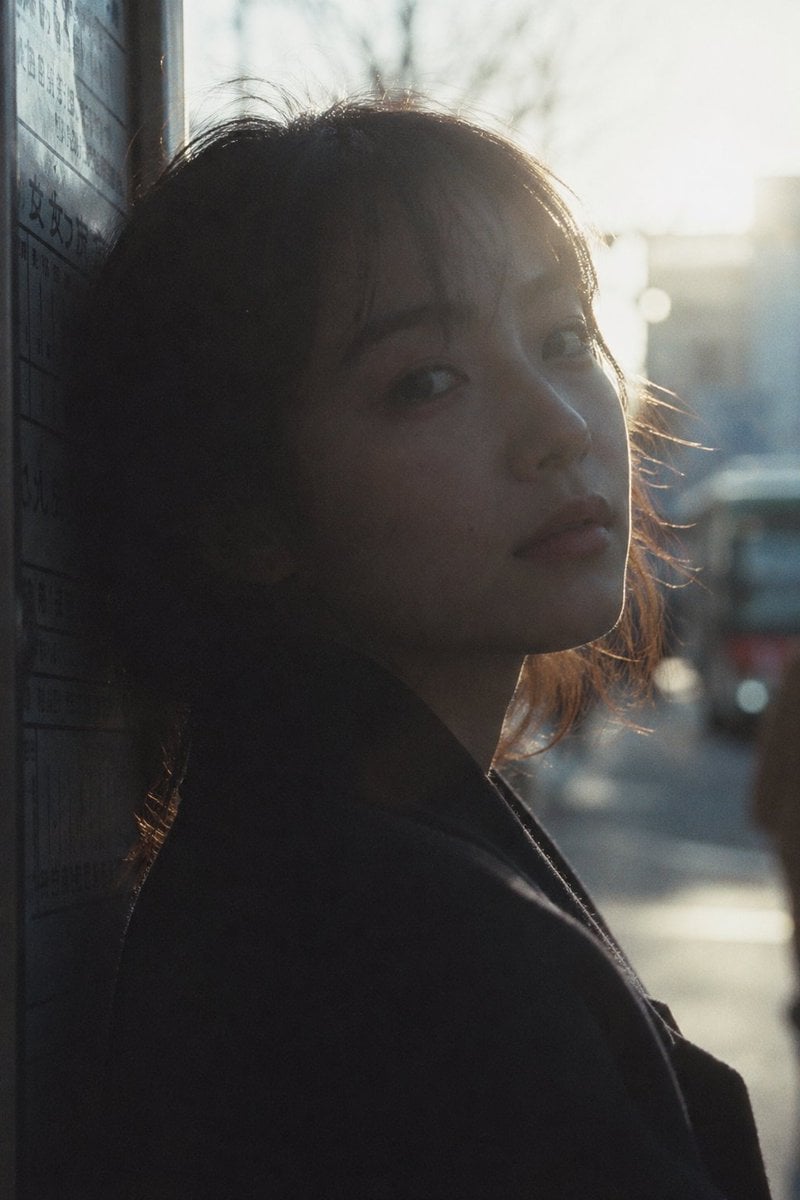
Cinematic Urban Silhouette Portrait
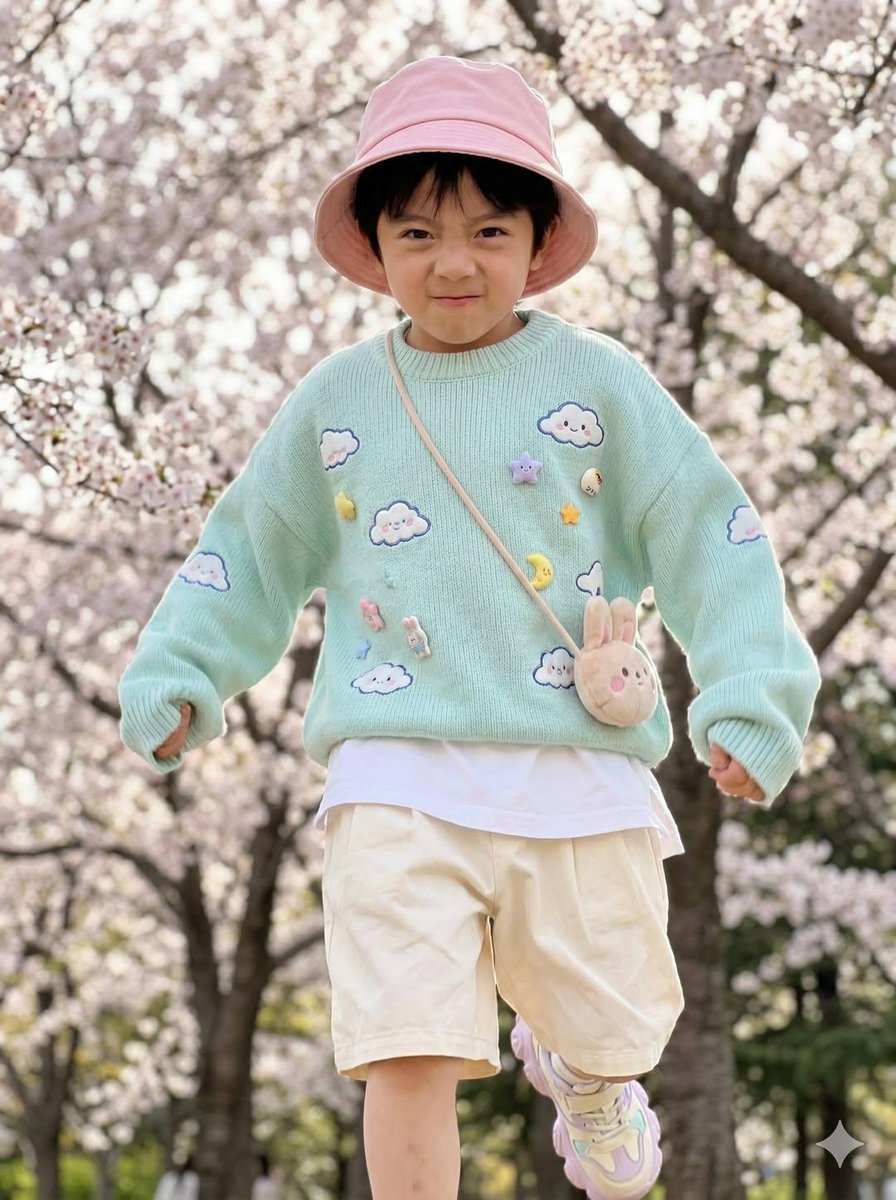
Hyper-Realistic Child Fashion Snapshot in Spring Garden
Browse template categories
Luxury Fashion Book Spread questions
How do I use the Luxury Fashion Book Spread template?
Add your photo if the template asks for one, edit the prompt if you like — the template's model and format are already selected — and press Generate. Your version opens in PicX Studio.
Can I customize the Luxury Fashion Book Spread template?
Yes. You can change the subject, setting, lighting, mood, format, and available model controls before creating your image.
Is the Luxury Fashion Book Spread template free?
Opening and editing this template is free. Generating uses credits, shown on the Generate button when you are signed in.
Which AI model should I use?
Start with GPT Image 2, which is the model associated with this template. You can compare another compatible model for a different finish.
Looking for something else? Browse all templates.

Your photo, any look
Thousands of ready templates for every top image and video model, from one credit balance.