
Luxury Fashion Editorial Scrapbook
A comprehensive prompt for generating a high-end fashion magazine layout, combining a primary portrait with secondary Polaroid-style candid shots on a vintage scrapbook background.
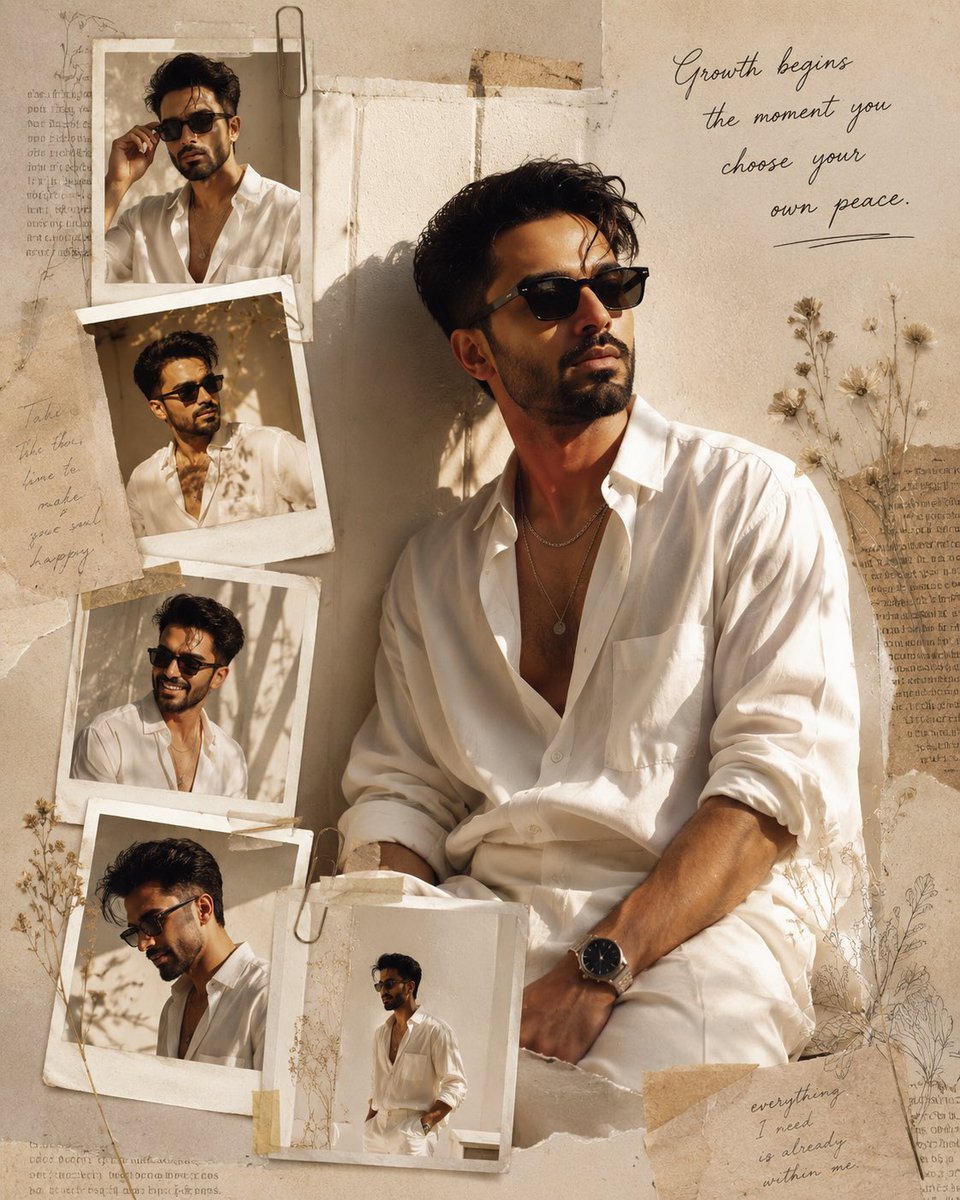
- Prompt included
- Model and format preset
- Premium template
The prompt behind this image
Copy the exact prompt behind Luxury Fashion Editorial Scrapbook, or open it in the studio and make it yours.
Use my uploaded face image as the primary facial identity reference. Preserve my exact facial identity with maximum accuracy. My face must remain instantly recognizable, including my face shape, jawline, hairstyle, hair texture, eyebrows, eye shape, nose, lips, ears, skin tone, beard, facial proportions, and every unique facial feature. Do not beautify, stylize, age, de-age, or replace my identity. Maintain perfect facial consistency across every image in the composition. Create a high-end luxury fashion editorial scrapbook portrait inspired by modern lifestyle magazines. The layout features one dominant full-color portrait positioned slightly off-center, where I am casually leaning against a textured ivory wall, wearing an {argument name="outfit style" default="oversized white cotton shirt with rolled sleeves, relaxed cream trousers, layered silver jewelry"}, a minimalist wristwatch, and sleek black sunglasses. My expression is calm and thoughtful as I look toward the warm sunlight entering from a nearby window, creating soft rim lighting around my hair. Surround the main portrait with five smaller Polaroid-style photographs arranged organically around the canvas. Each photo captures a different candid moment—adjusting my sunglasses, looking over my shoulder, smiling naturally, gazing downward, and walking slowly. The prints have slightly curled edges, subtle film grain, realistic paper texture, and are attached using torn masking tape, vintage paper clips, and overlapping scrapbook layers. The background consists of {argument name="background textures" default="layered handmade paper textures, vintage journal pages, translucent tracing paper"}, soft watercolor brush strokes, pressed wildflowers, delicate botanical sketches, coffee-stained paper fragments, and elegant handwritten notes. Incorporate faint geometric line art and subtle shadowing to create depth, making the collage feel handcrafted yet luxurious. Place an elegant handwritten quote in the upper-right corner: “{argument name="inspirational quote" default="Growth begins the moment you choose your own peace."}” Use thin black cursive handwriting that blends naturally into the composition rather than appearing digitally added. The color palette should consist of warm ivory, champagne beige, creamy whites, muted sand tones, soft charcoal, warm brown, and subtle golden highlights. Blend luxury fashion photography with minimalist Scandinavian design and vintage European editorial aesthetics. Lighting should emulate soft afternoon golden-hour sunlight streaming through a window, casting realistic highlights, gentle shadows, and subtle light rays across the collage. Include authentic film grain, natural skin texture, realistic linen fabric folds, shallow depth of field, and Kodak Portra 400 color grading. The final image should feel like the cover spread of a premium fashion magazine—minimal, timeless, elegant, artistic, and emotionally calming. Ultra-realistic, 8K resolution, DSLR quality, Vogue editorial photography, luxury lifestyle campaign, cinematic composition, handcr
How to use Luxury Fashion Editorial Scrapbook in 3 steps
- 1Upload ImagePNG, JPG or paste
Add your photo
Upload the photo the template builds on. The prompt, model and format are already set.
- 2…a portrait of your subject in softgolden-hour light, 85mm…
Personalize
Edit the subject and creative details for your destination.
- 3Generate
Generate
Press Generate — your image is created in PicX Studio, so you can compare it with the original and refine one variable at a time.
More like this
Templates with the same subject, style or setup. Open one to see its prompt.

19 Luxury Helicopter Travel — California Series

08 Rodeo Drive Luxury Exit — California Series

Google Gemini Nano Banana Pro

Conceptual Fashion Portrait in Spider We

01 Skincare Split Portrait — Nano Banana 2

24 The Getty Center — California Series

21 Glass Floor Skyscraper — California Series

03 Beverly Hills Convertible — California Series

Gpt Image 2 Fashion Portrait

Caution Tape Fashion — Industrial Editorial

Nano Banana - Paris Cafe Editorial

Luxury Fashion Editorial Portrait
Make it yours
Luxury Fashion Editorial Scrapbook works as-is. These are the safest ways to change it without losing the look.
Change one field
Copy a single group, rewrite it, and generate again so you can see what that field is doing.
Keep the frame, change the subject
Hold the composition and light of Luxury Fashion Editorial Scrapbook, then swap wardrobe, props or the person for a new take.
| If the result… | Why | Fix |
|---|---|---|
| The result drifts from the preview | Too many fields changed at once. | Reuse Luxury Fashion Editorial Scrapbook as-is first, then change one group — subject, light, or setting. |
| The model over-stylizes the scene | The prose prompt leaves finish and camera underspecified. | Add one camera or lighting sentence and stay on GPT Image 2. |
More GPT Image 2 templates
Other prompts made for GPT Image 2.

Six VTuber Japanese Logo Sheet

Realistic Portrait of Woman and Deer

The Vista Modular Condo Poster

AI Model Routing Comparison Infographic

2.5D Anime Art Board

Isometric Productivity Desk Scene

New York Double Exposure Poster

Four-Panel AI Landscape Comparison

Japanese Tatami Lifestyle Magazine Cover

NESCAFÉ Coffee Map Poster
More image prompts
Fresh picks from across the catalog.
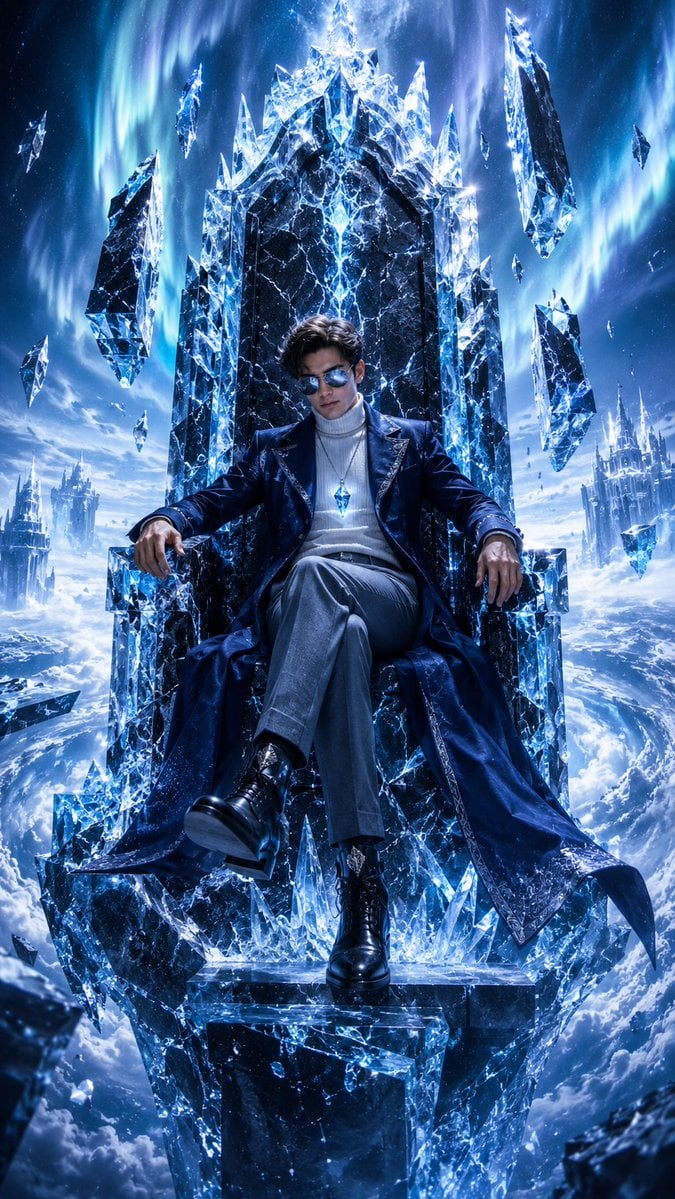
Frozen Empire Crystal Throne
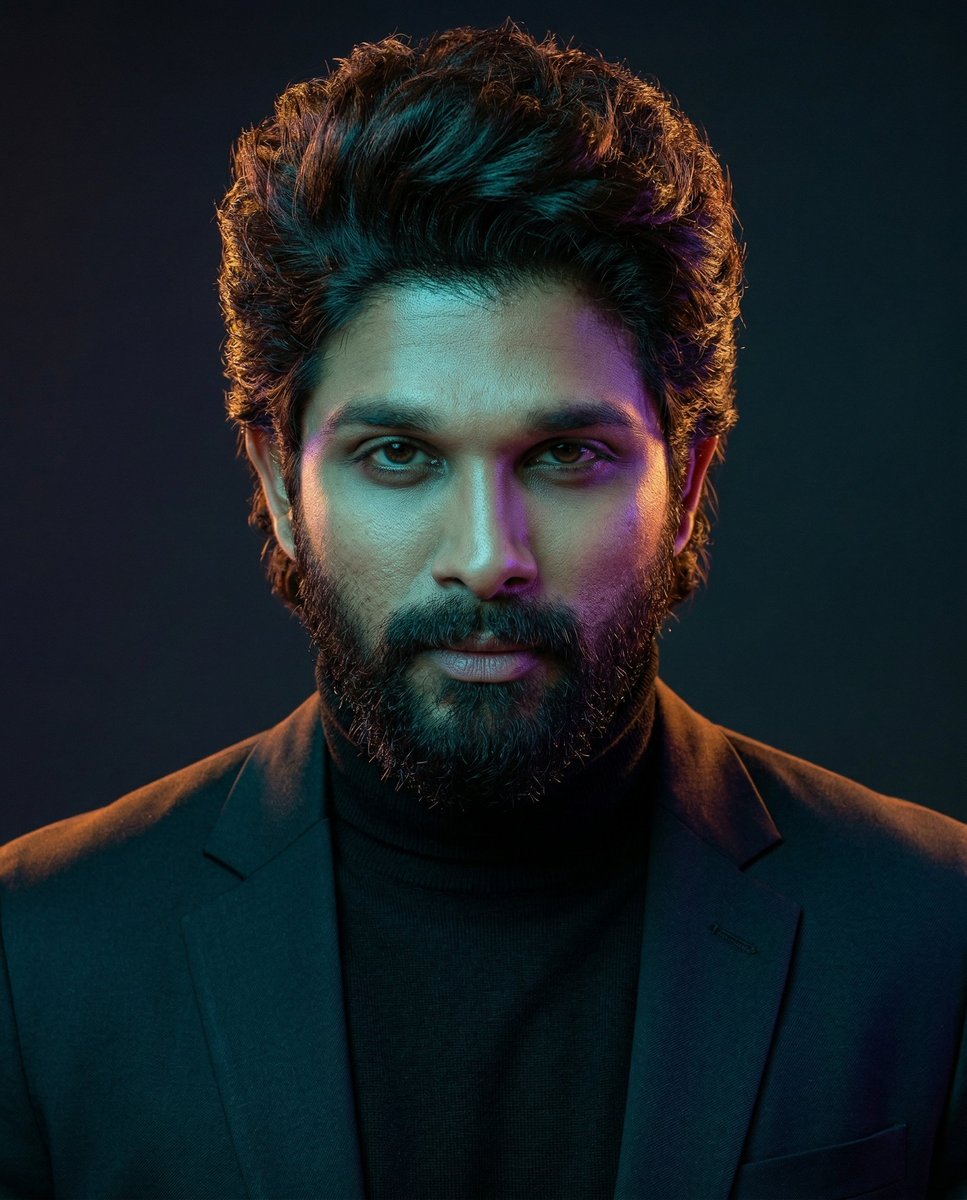
Cinematic Dual-Color Studio Portrait

3D Cartoon Character: Hip-Hop Boy in Pixar Style
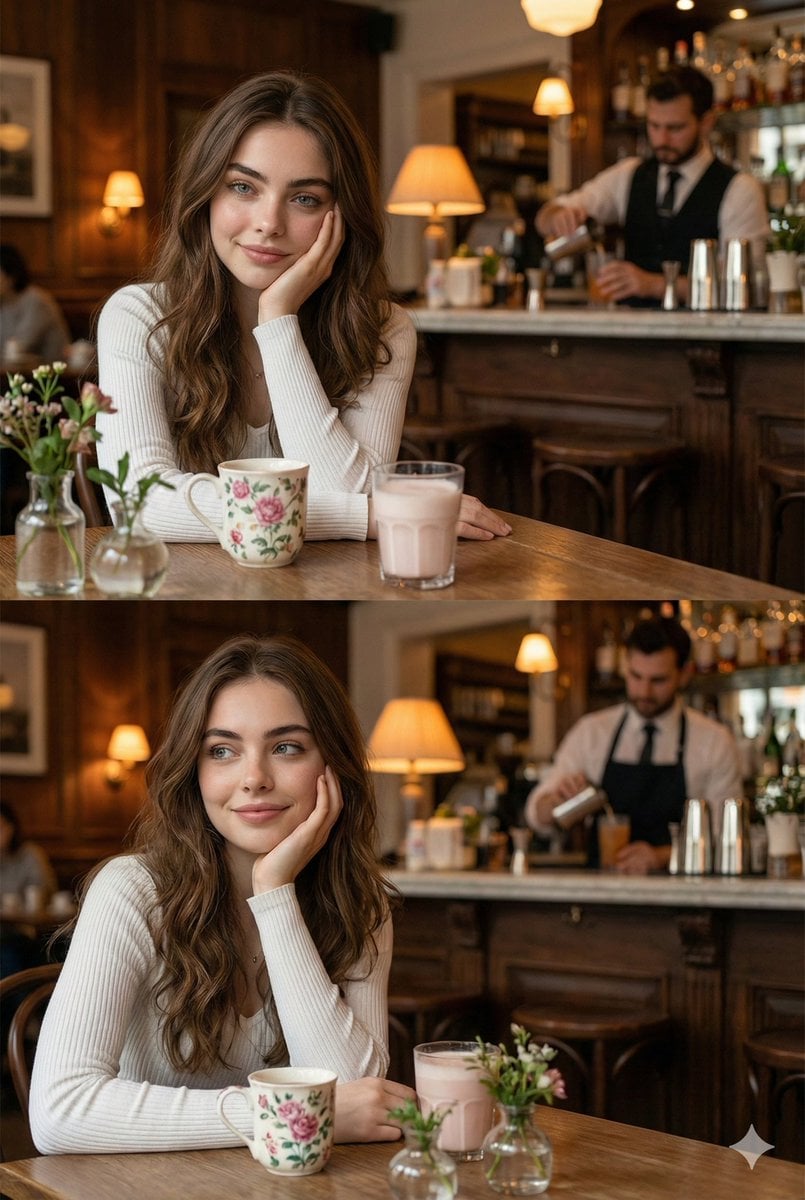
Hyper-realistic photo of a young woman in a cozy café
Social Media Pet Avatar Creator
Bridal Photoshoot Grid
Premium Activewear Landing Page
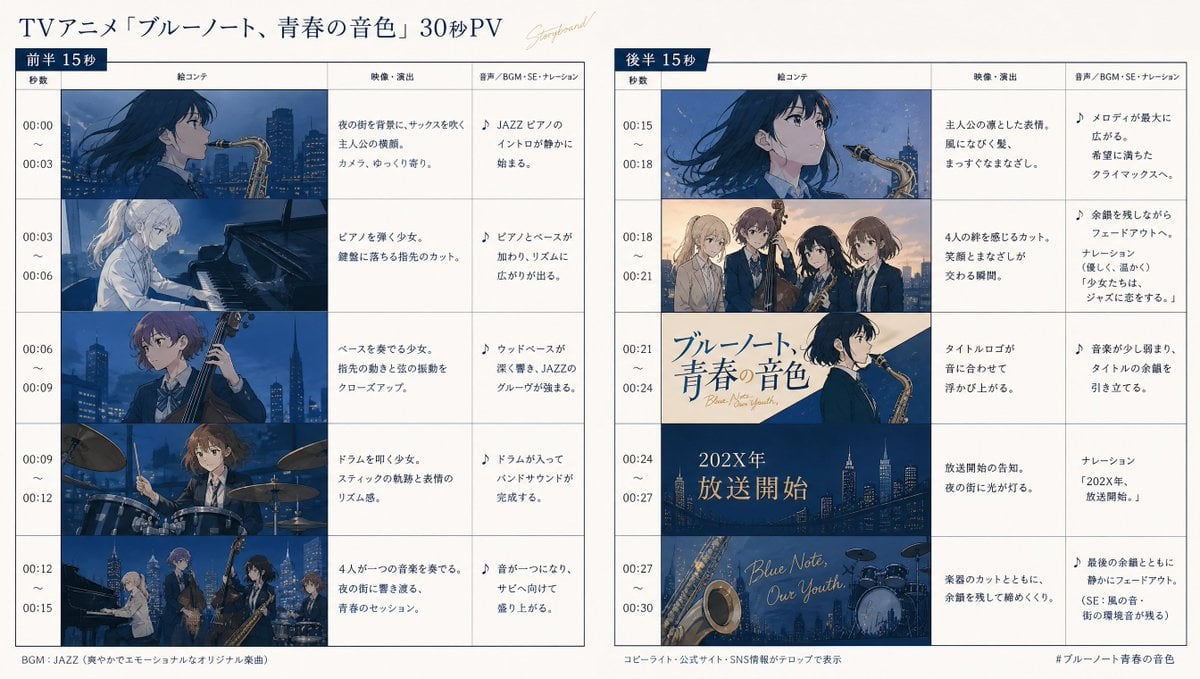
Anime Storyboard Generation
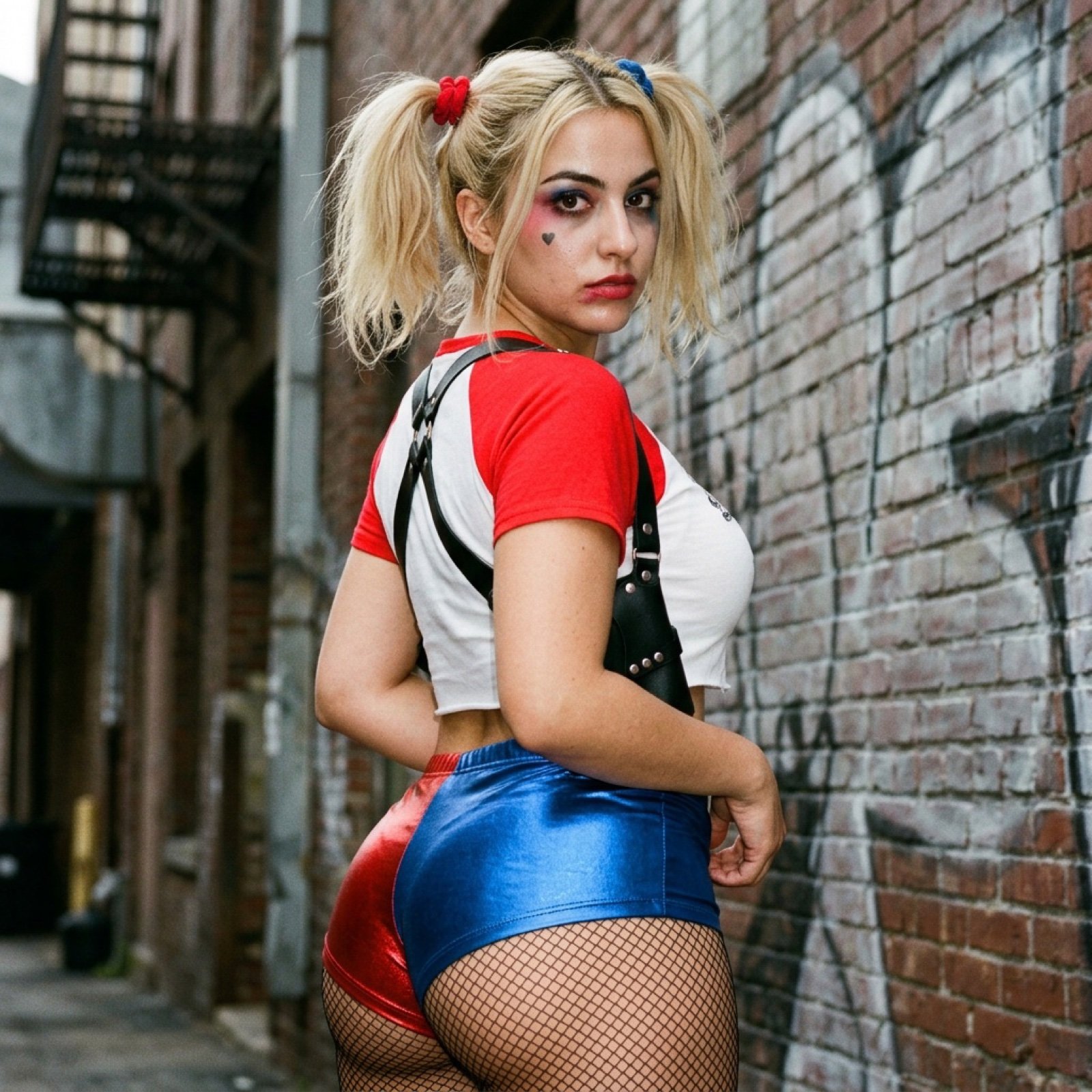
Harley Quinn Cosplay Side-Profile Snapshot
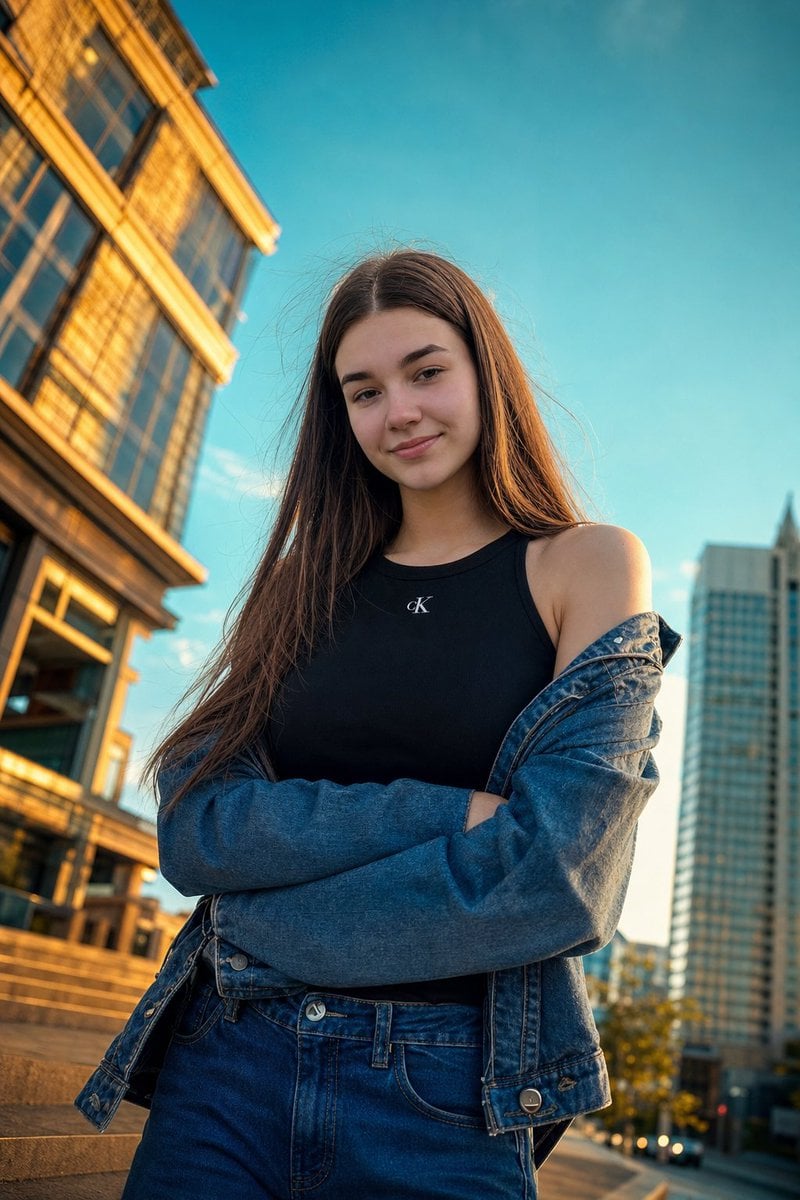
Golden Hour Urban Street Portrait
Browse template categories
Luxury Fashion Editorial Scrapbook questions
How do I use the Luxury Fashion Editorial Scrapbook template?
Add your photo if the template asks for one, edit the prompt if you like — the template's model and format are already selected — and press Generate. Your version opens in PicX Studio.
Can I customize the Luxury Fashion Editorial Scrapbook template?
Yes. You can change the subject, setting, lighting, mood, format, and available model controls before creating your image.
Is the Luxury Fashion Editorial Scrapbook template free?
Opening and editing this template is free. Generating uses credits, shown on the Generate button when you are signed in.
Which AI model should I use?
Start with GPT Image 2, which is the model associated with this template. You can compare another compatible model for a different finish.
Looking for something else? Browse all templates.

Your photo, any look
Thousands of ready templates for every top image and video model, from one credit balance.