
Harley Quinn Cosplay Side-Profile Snapshot
A detailed prompt for generating an amateur snapshot-style image of a curvy woman in a Harley Quinn cosplay.
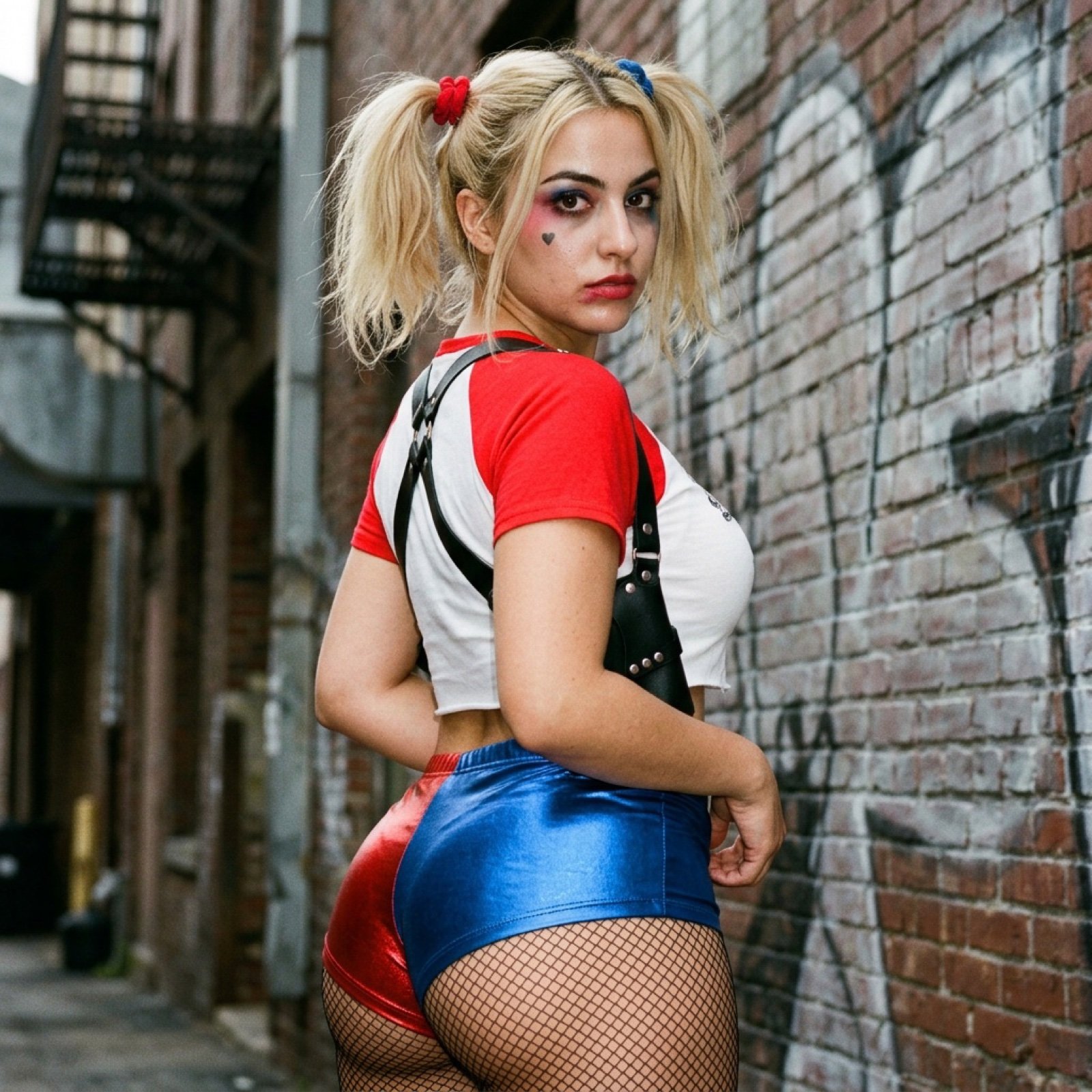
- Prompt included
- Model and format preset
- Free template
The prompt behind this image
Copy the exact prompt behind Harley Quinn Cosplay Side-Profile Snapshot, or open it in the studio and make it yours.
{ "photo_type": "Amateur Snapshot", "subject": { "age": "Mid-20s", "body_type": "Young American Woman, round breast shape, prominent projected profile, fuller bust measurement, large-breasted proportions, fuller chest frame, shapely upper silhouette, top-heavy silhouette, buxom figure, high waist-to-hip contrast, defined waistline, fuller glute measurement, curvy, prominent hips, rounded hip contour, curvy lower body, thick, powerful thighs, full thighs, push-up bra effect", "description": "Young American Woman with a buxom and curvy figure in a Harley Quinn cosplay theme, featuring an oval-to-heart-shaped face and a fair complexion.", "ethnicity": "North African / American ", "expression": "Sultry and intense gaze looking back over the shoulder", "gender": "Female", "mirror_rules": "N/A", "pose_description": "Side-profile stance, body angled toward a textured wall, turning the head back toward the camera to show off the silhouette and facial expression.", "tattoos": "A small black heart motif on the upper cheek under the eye" }, "clothing": { "bottom": { "color": "Split red and blue", "details": "Very short, high-waisted metallic shorts worn over black fishnet stockings", "fabric": "Shiny metallic spandex", "type": "Booty shorts" }, "fit_and_physics": "The clothing is tight and strained over a fuller bust and prominent hips, accentuating a top-heavy silhouette and high waist-to-hip contrast.", "outerwear": { "color": "Black", "details": "Shoulder harness and straps with silver rivets", "fabric": "Leather-look synthetic", "type": "Harness holster" }, "shoes": { "color": "N/A", "details": "Not visible in frame", "fabric": "N/A", "type": "N/A" }, "top": { "color": "Red and white", "details": "Cropped raglan style, tight-fitting with a raw hem", "fabric": "Cotton jersey", "type": "Cropped t-shirt" } }, "hair": { "color": "Blonde", "interaction": "Hair is styled into two high pigtails held by red and blue scrunchies, with loose strands framing the face", "style": "Center part, pigtails" }, "face": { "description": "Use the uploaded character reference image, keep all facial details 100% unchanged", "eyebrows": "Prominent, arched dark eyebrows", "eyes": "Dark brown, almond-shaped", "lips": "Full and symmetrical with defined smudged red lipstick", "makeup": "Harley Quinn style smudged blue and pink eyeshadow, heavy eyeliner, and red lipstick" }, "skin_texture": "Natural smartphone-captured texture with visible pores and slight oily sheen on the face", "biological_features": { "eye_complexity": "Natural reflections from on-camera flash", "hair_strand_phys"
How to use Harley Quinn Cosplay Side-Profile Snapshot in 3 steps
- 1Upload ImagePNG, JPG or paste
Add your photo
Upload the photo the template builds on. The prompt, model and format are already set.
- 2…a portrait of your subject in softgolden-hour light, 85mm…
Personalize
Edit the subject and creative details for your destination.
- 3Generate
Generate
Press Generate — your image is created in PicX Studio, so you can compare it with the original and refine one variable at a time.
More like this
Templates with the same subject, style or setup. Open one to see its prompt.
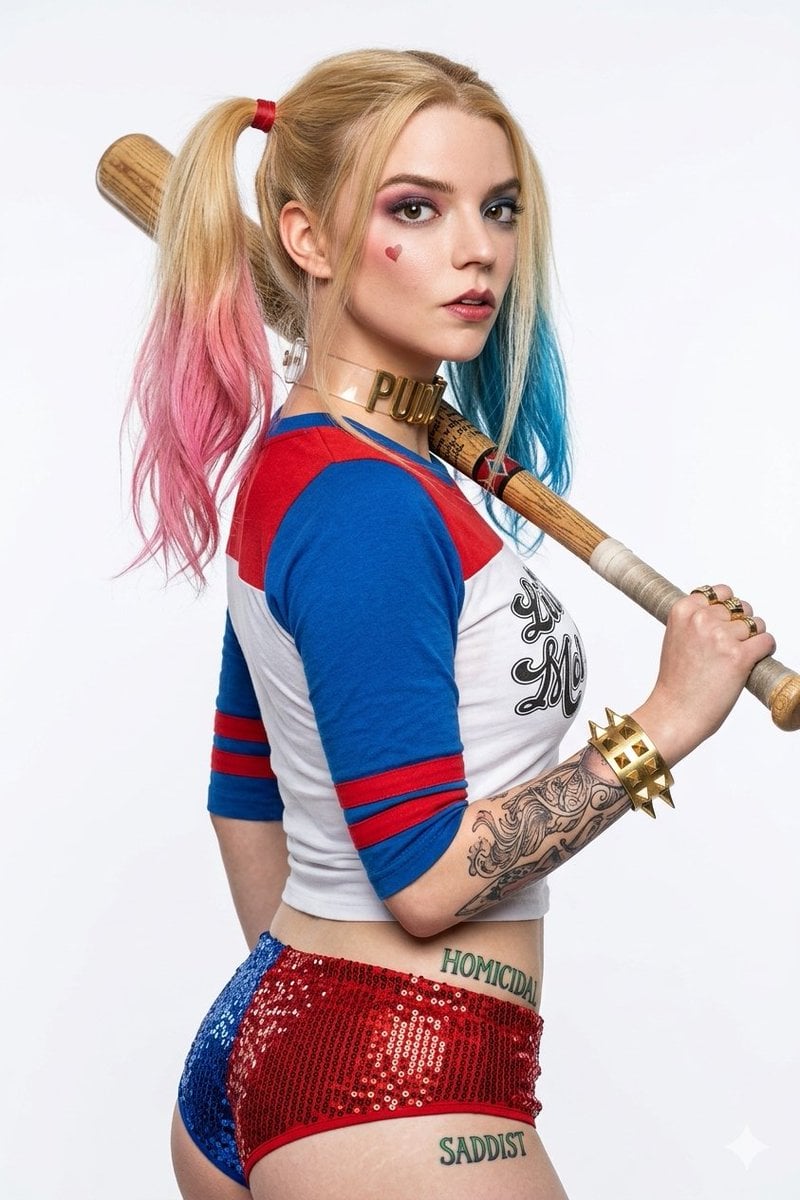
Harley Quinn Cosplay Enhancer
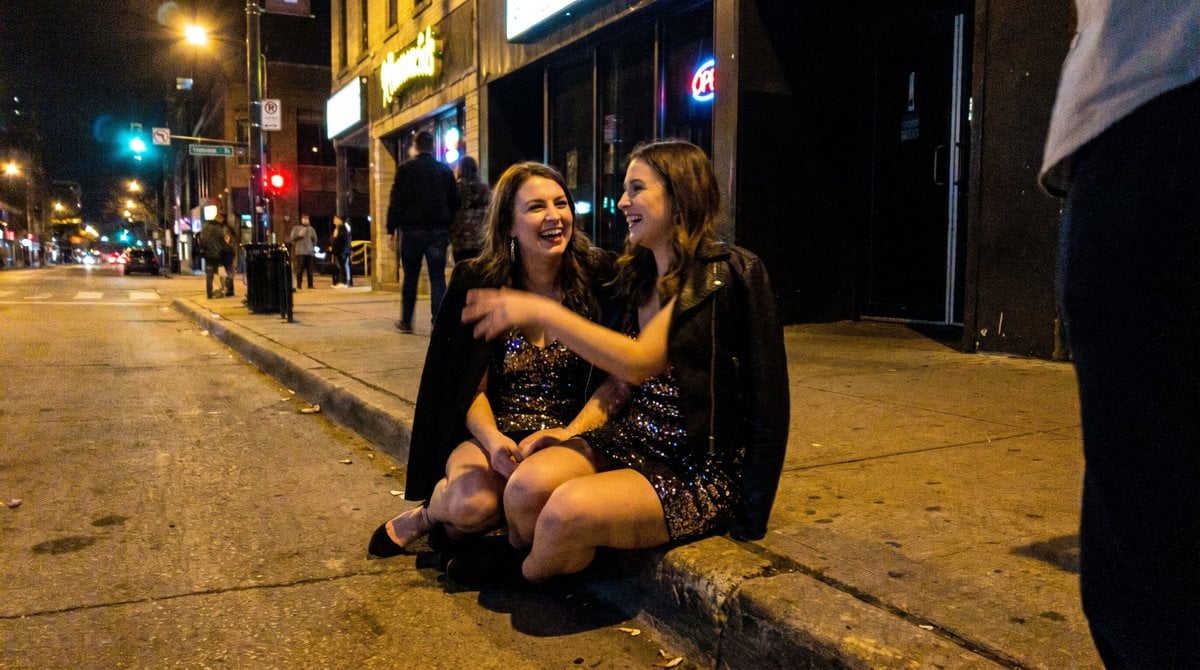
Candid Party Snapshot on Sidewalk
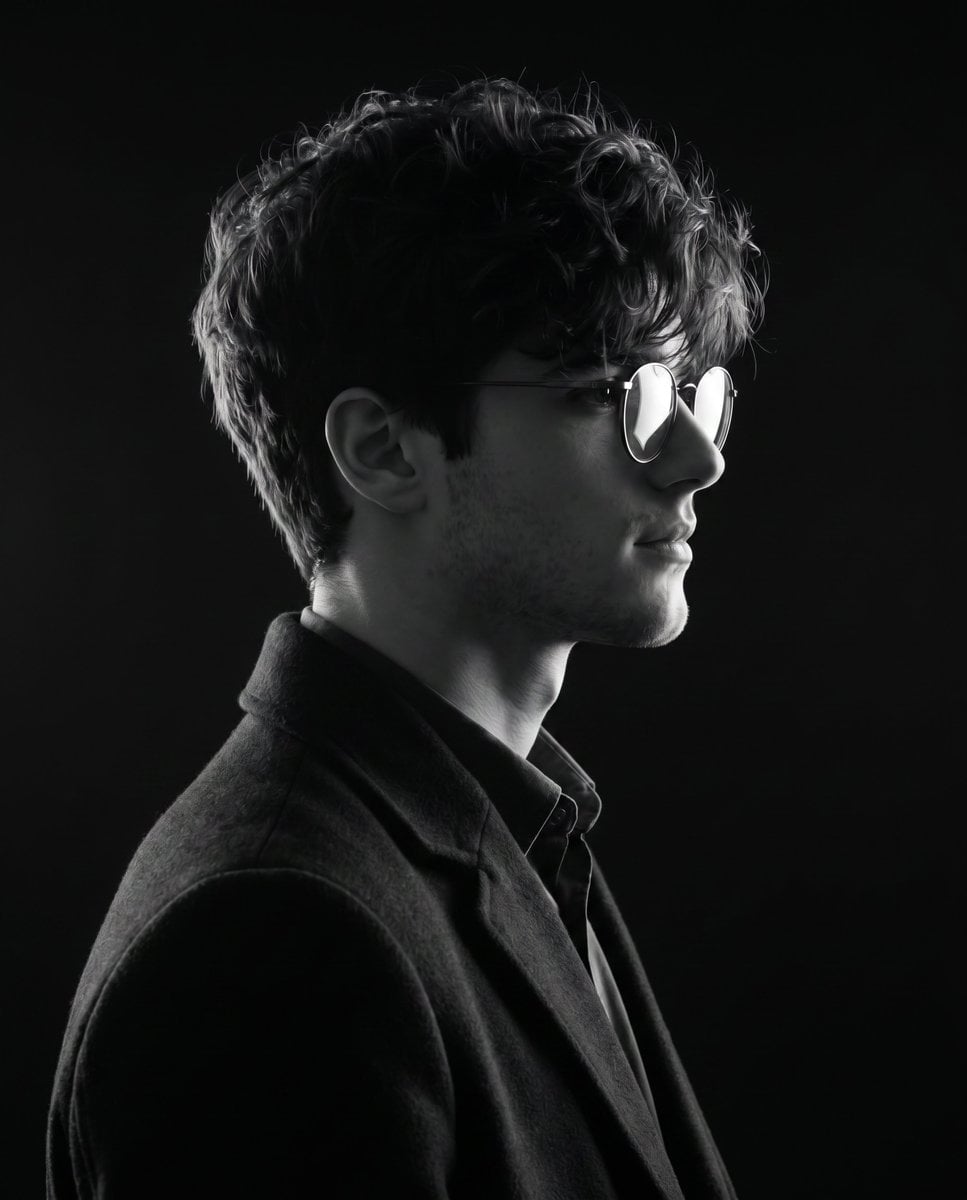
Monochrome Side-Profile Silhouette
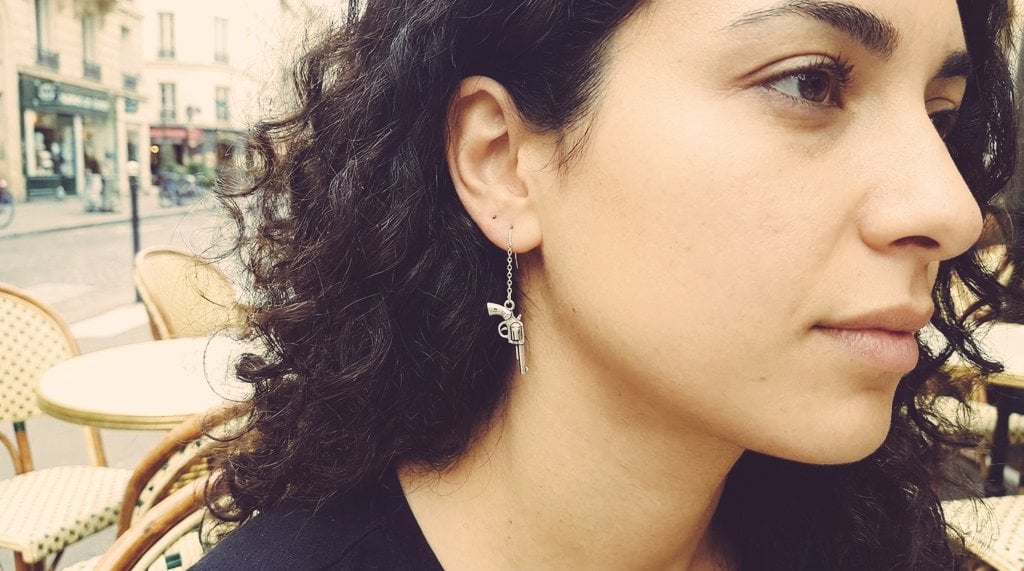
European Cafe Editorial Side Profile

Cyberpunk Neon Profile Fashion Portrait

Nostalgic Digicam Café Afternoon Portrait
Low-Angle Cyberpunk Neon Profile Portrait
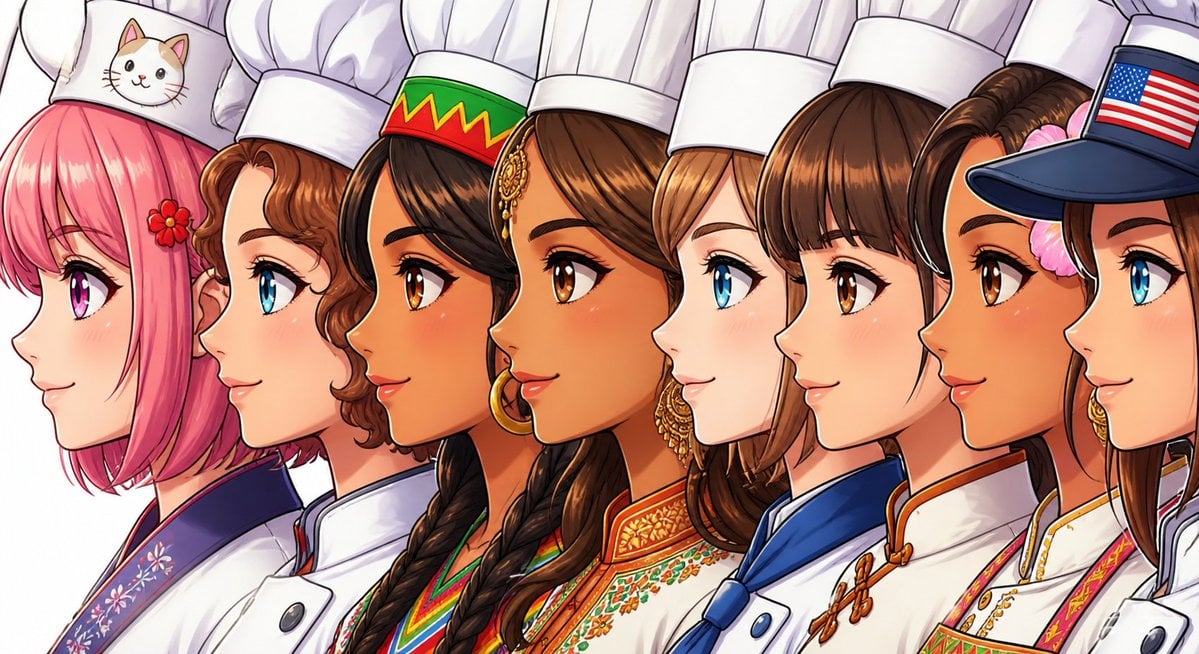
Side-by-Side Girl Profile closeup

Dancer Character - Four View Reference Sheet
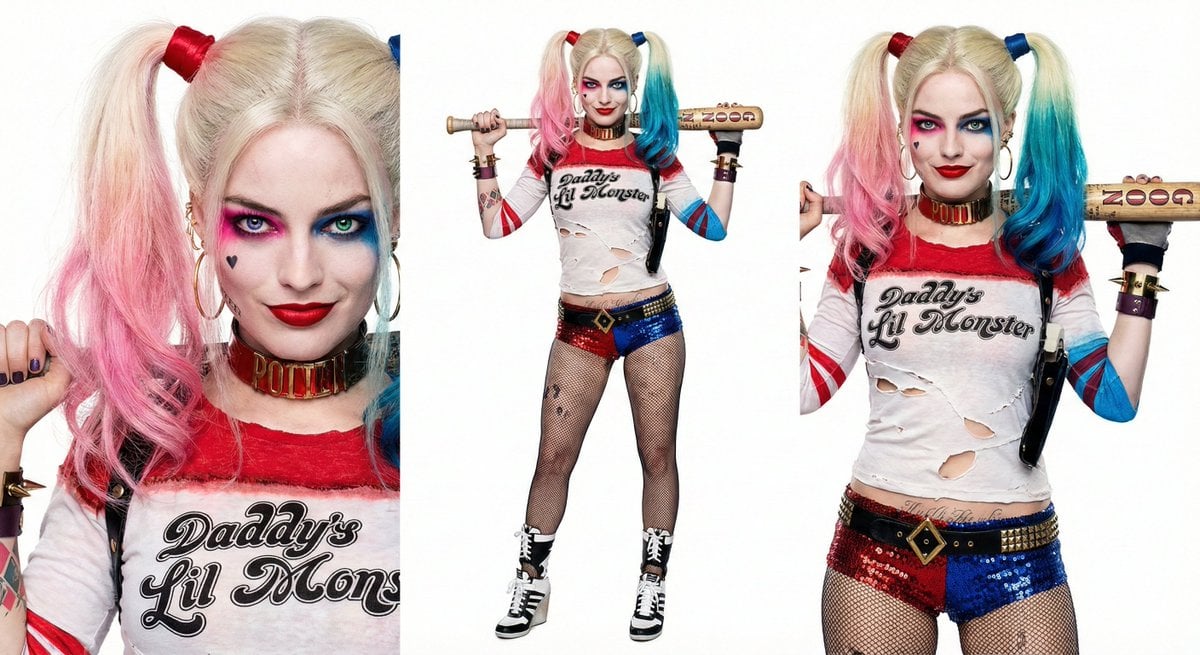
Harley Quinn Archetype Image Generation Prompt

Nano Banana Pro 2.0 — 3x3 Travel Profile Grid
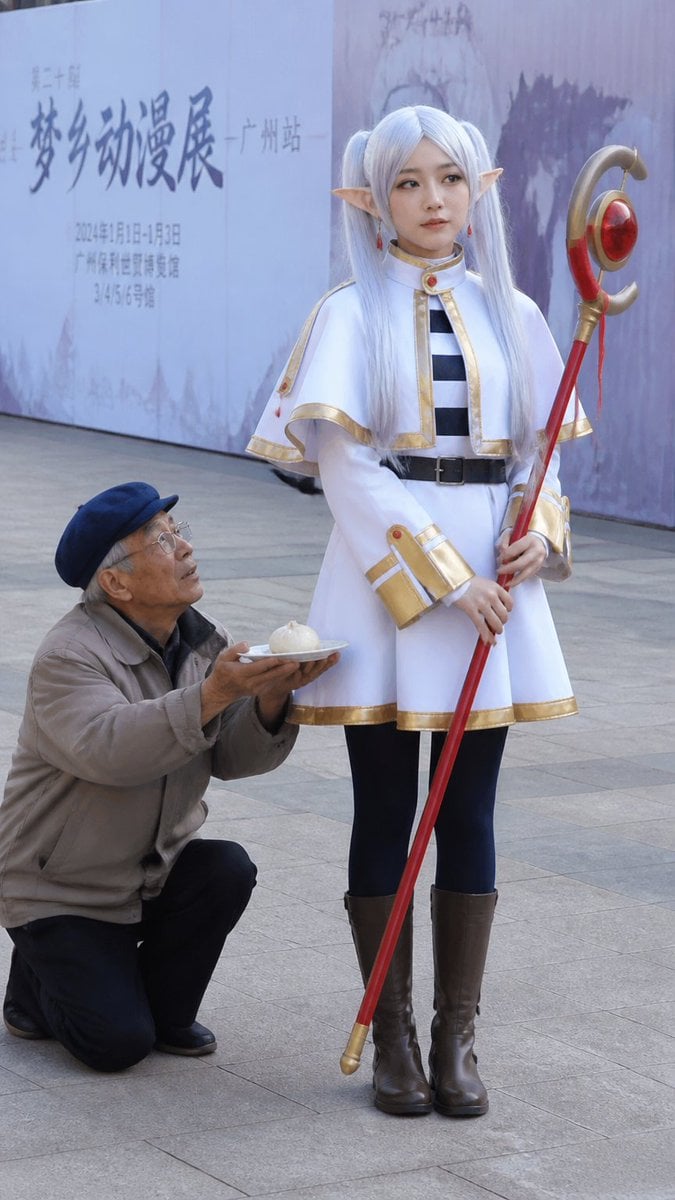
Anime Cosplayer Convention Photography
Make it yours
Harley Quinn Cosplay Side-Profile Snapshot works as-is. These are the safest ways to change it without losing the look.
Change one field
Copy a single group, rewrite it, and generate again so you can see what that field is doing.
Keep the frame, change the subject
Hold the composition and light of Harley Quinn Cosplay Side-Profile Snapshot, then swap wardrobe, props or the person for a new take.
| If the result… | Why | Fix |
|---|---|---|
| The result drifts from the preview | Too many fields changed at once. | Reuse Harley Quinn Cosplay Side-Profile Snapshot as-is first, then change one group — subject, light, or setting. |
| The model over-stylizes the scene | The prose prompt leaves finish and camera underspecified. | Add one camera or lighting sentence and stay on Nano Banana 2. |
More Nano Banana 2 templates
Other prompts made for Nano Banana 2.

Photorealistic Leaf Shaped Like a Dragon

K-Pop Idol Portrait Grid for Rapid Selection

Poetic Rain Forest Portrait During Golden Hour

Urban Street Portrait with Cartoon Inner Self Duo

Candid Nighttime Photo with Cat Prompt

High-Concept 3D Diorama Generation Prompt

Cinematic Futuristic Studio Portrait Template

Skincare Editorial Photography Collage Prompt

Hyper-Realistic Commercial Product Photography (Splash Effect)

Hyper-Realistic Nightclub Portrait Prompt
More image prompts
Fresh picks from across the catalog.
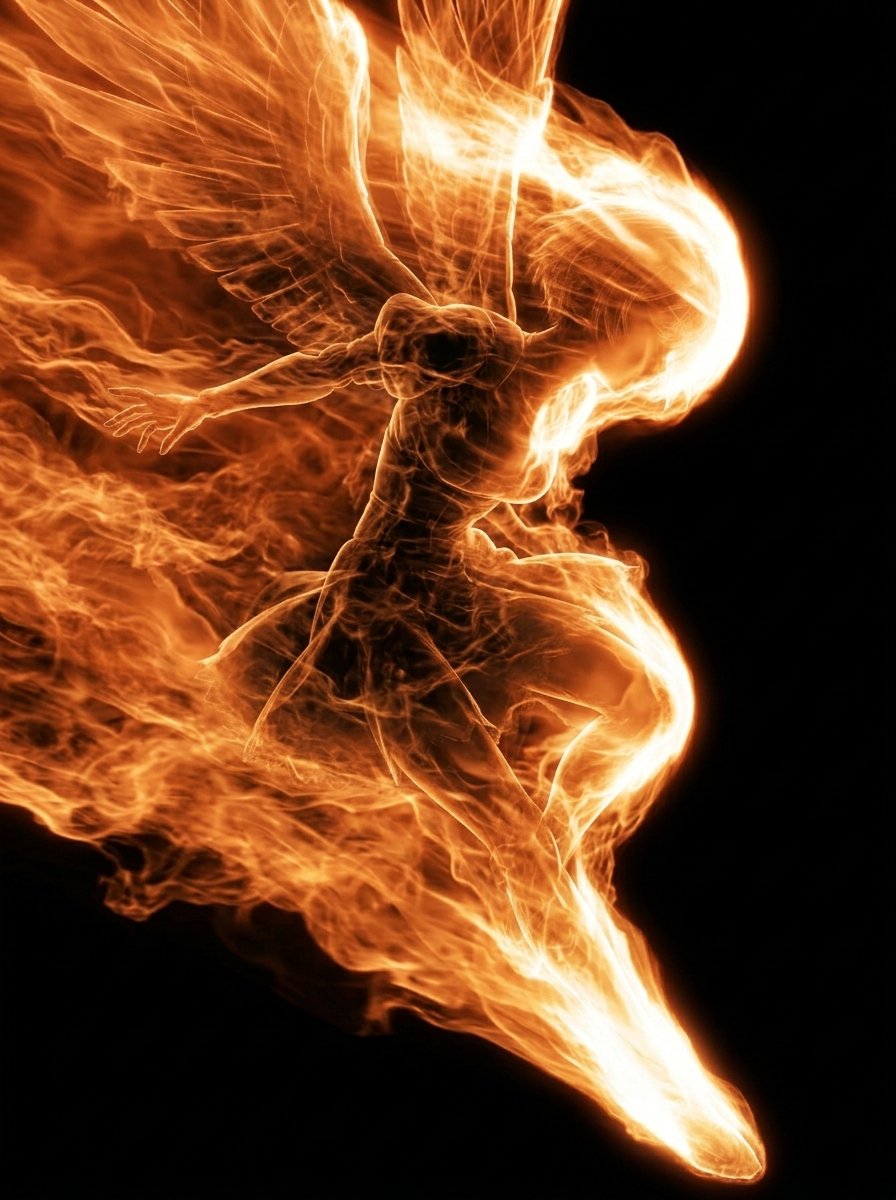
Flaming Angel in Black Void
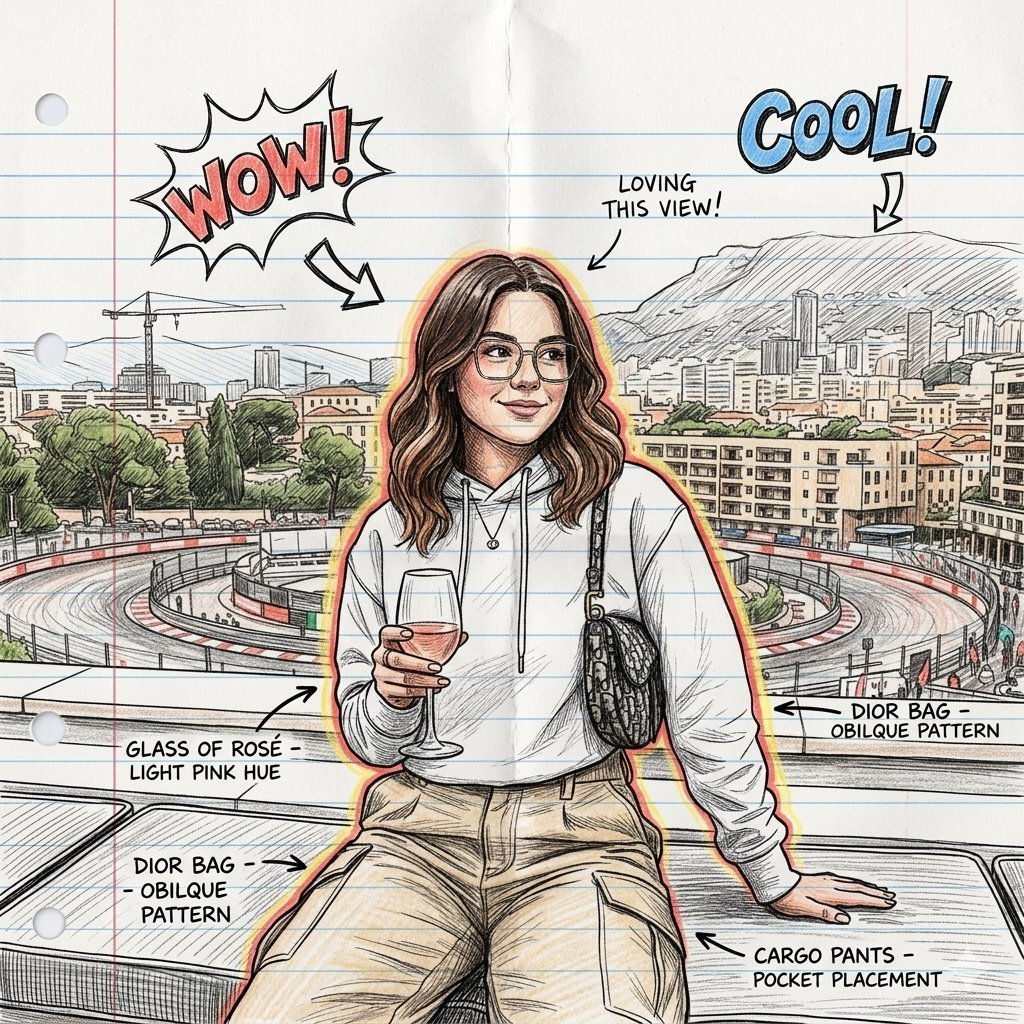
Hand-Drawn Sketch Illustration from Reference Image
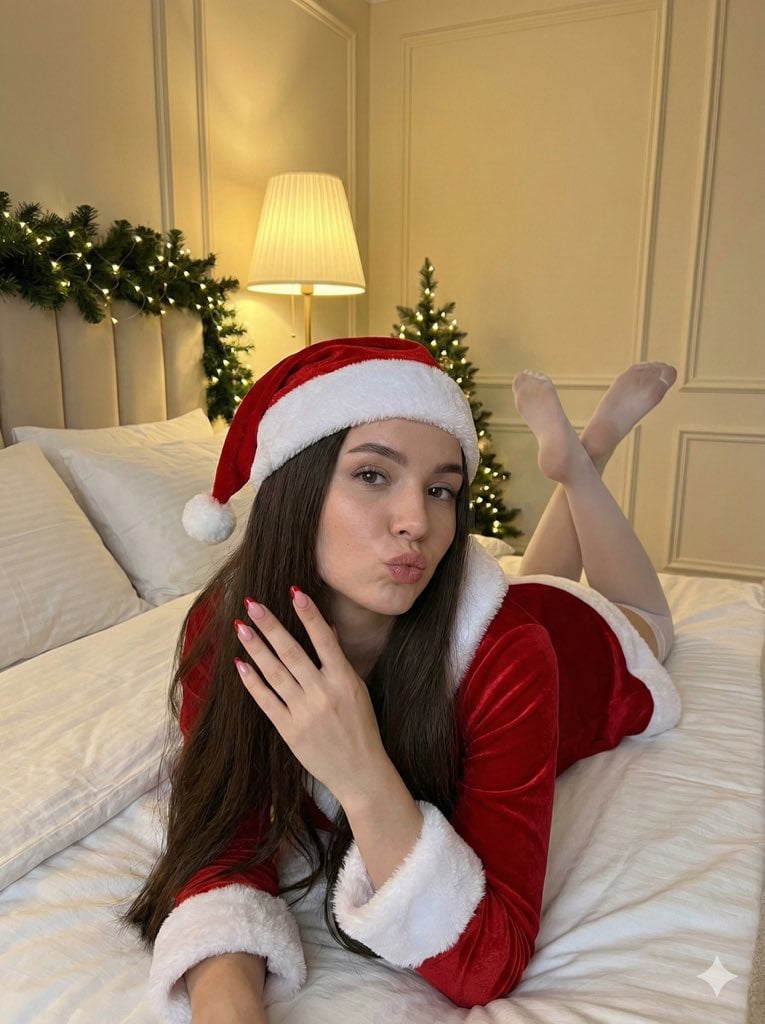
Christmas Santa Hat Bedroom Pose Prompt
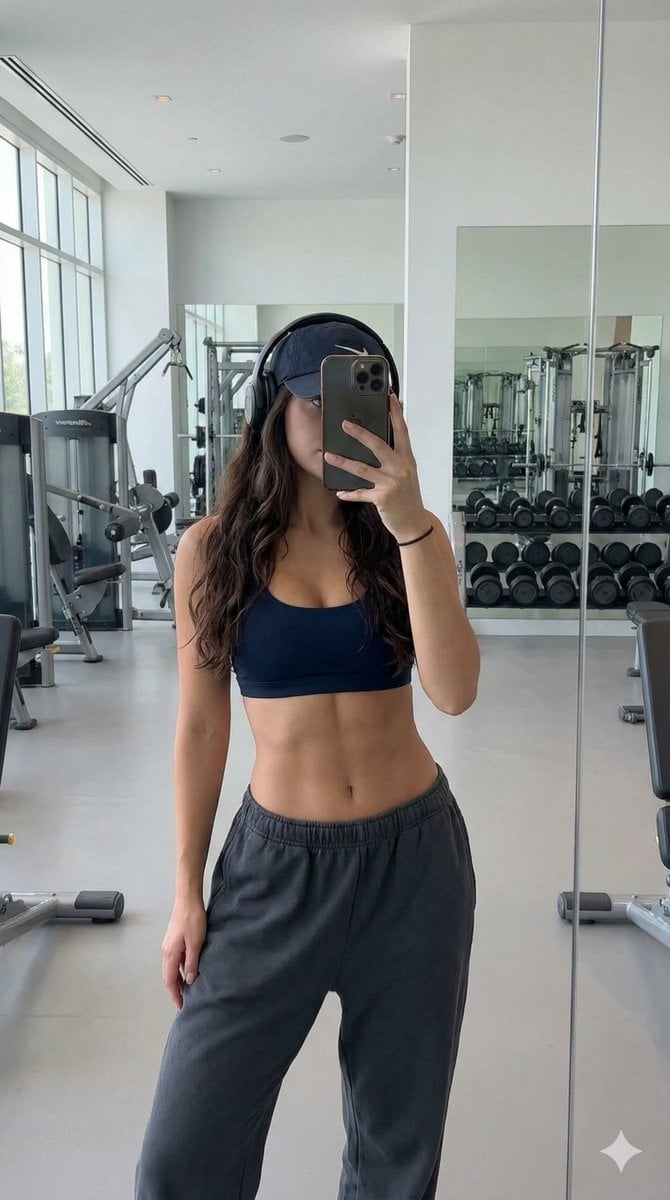
Athletic Gym Mirror Selfie Generation Prompt
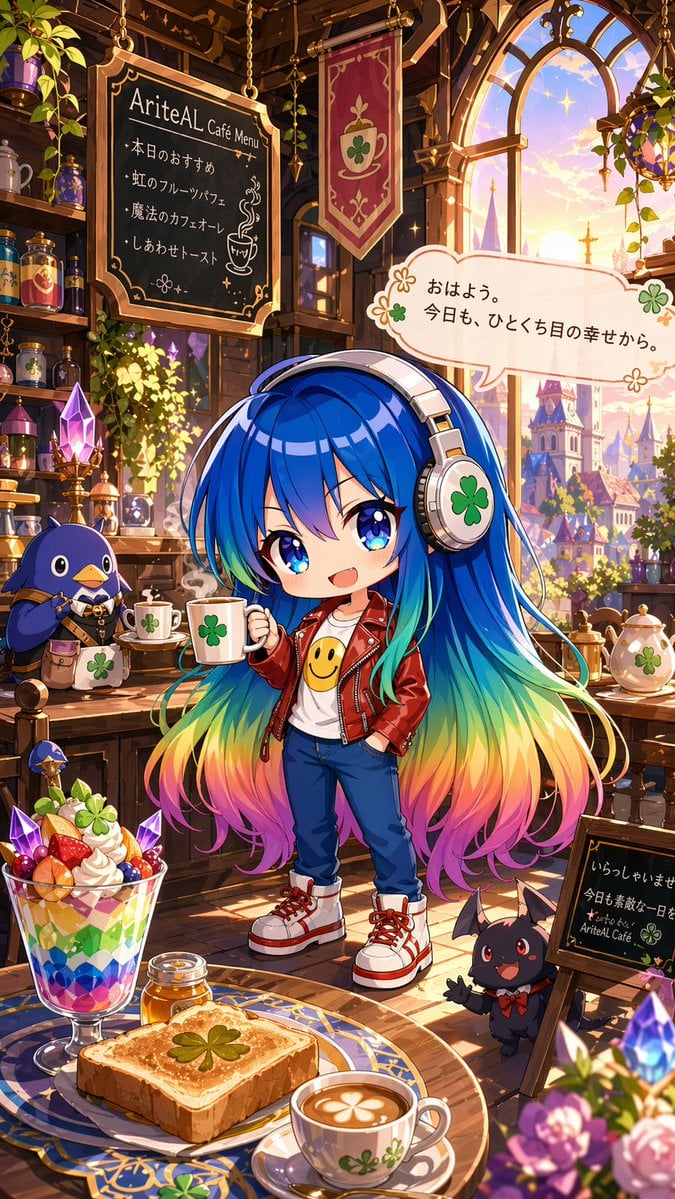
Magical Chibi Cafe Mascot at Sunrise

Cyber Projector Numbers Beauty Portrait Prompt (JSON format)
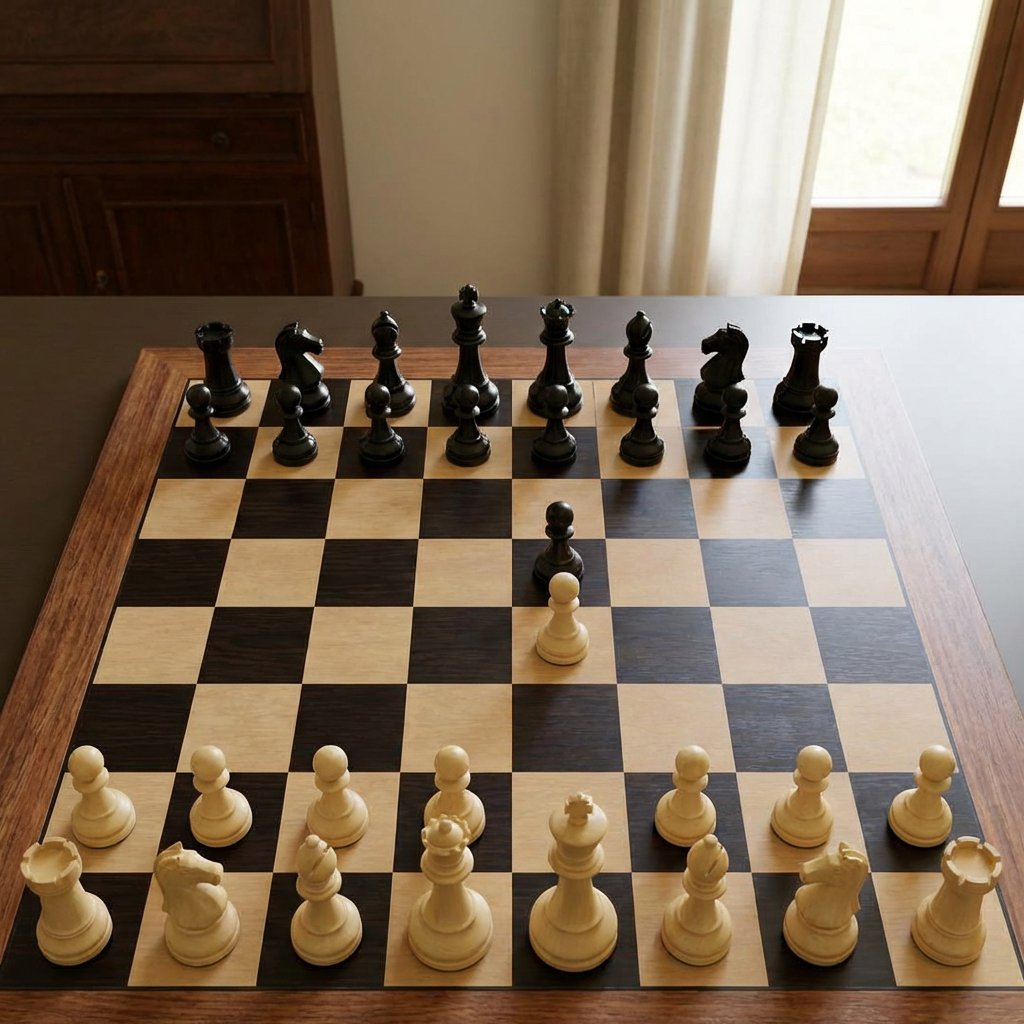
Realistic Chess Opening Photo
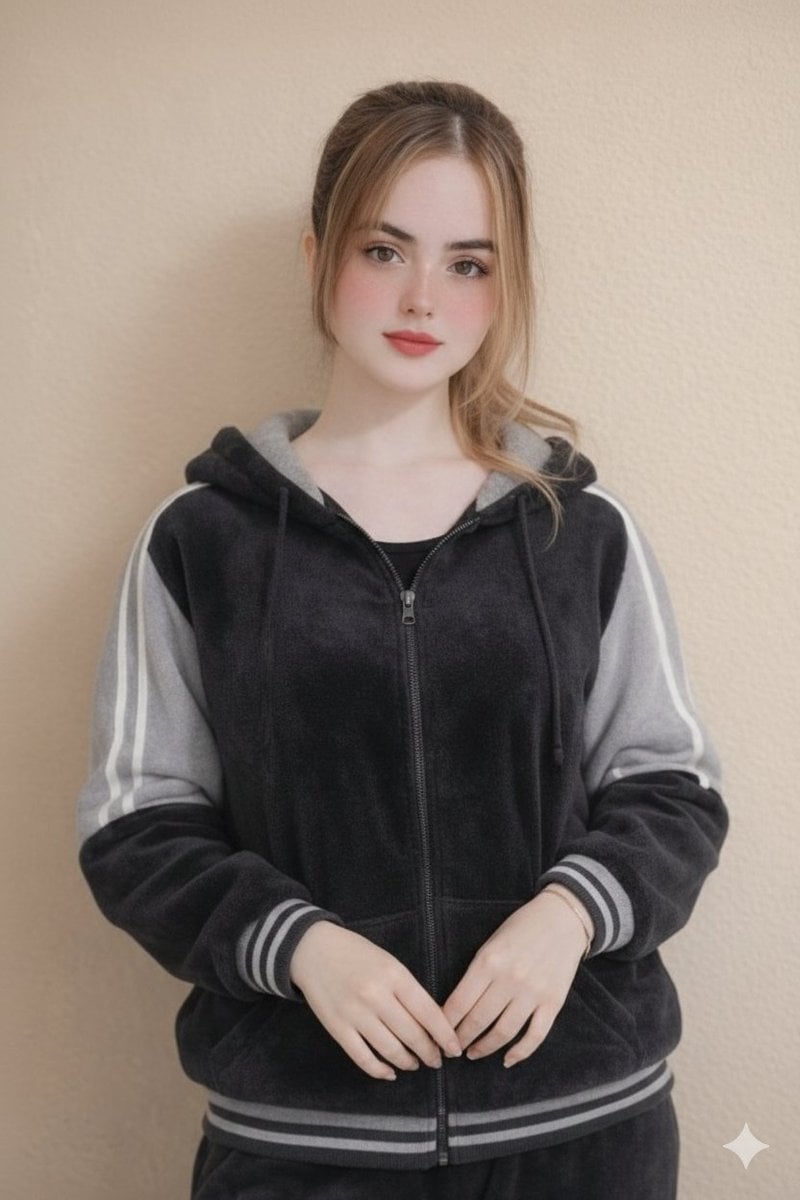
Ultra-Realistic Portrait in Velour Tracksuit
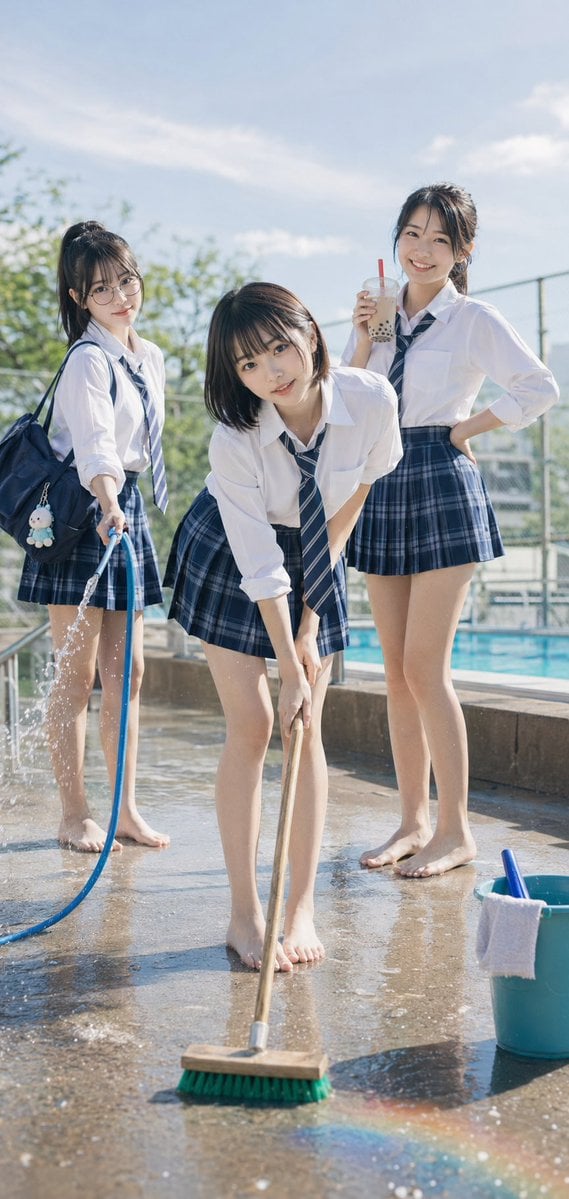
Poolside School Cleaning Scene
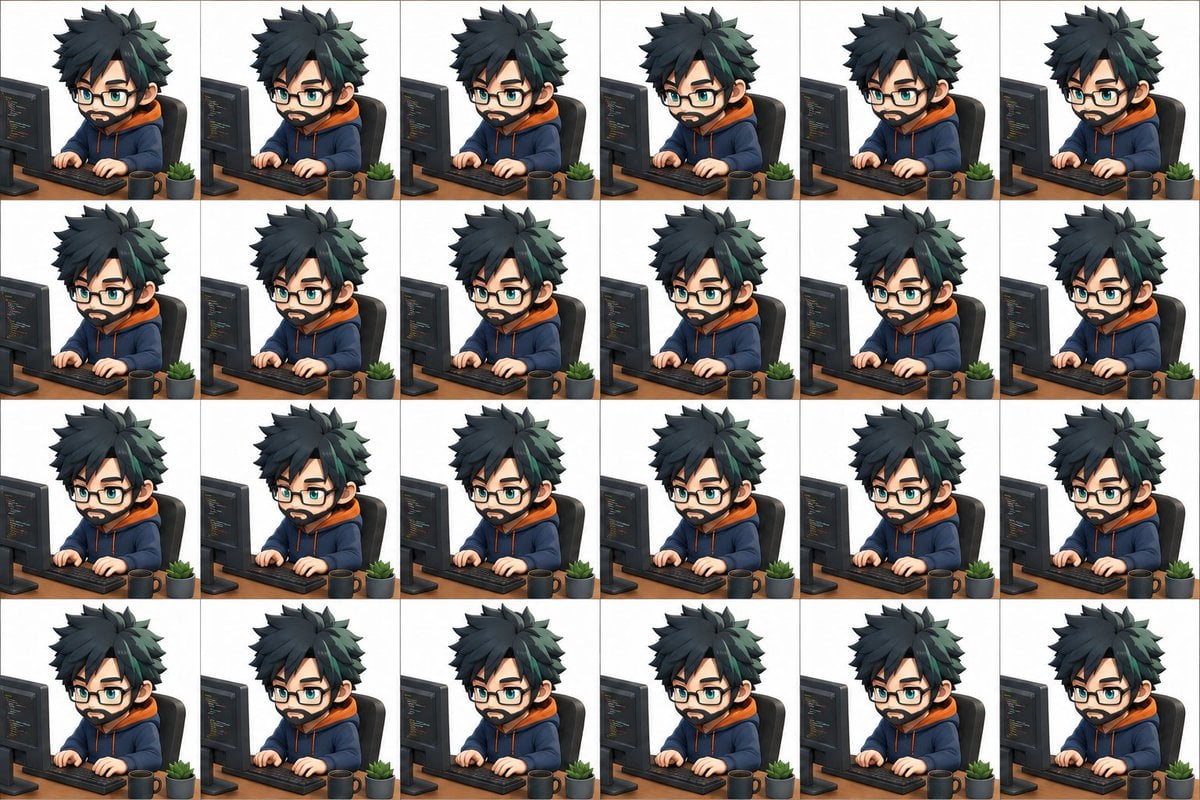
3D Chibi Sprite Sheet Generator
Browse template categories
Harley Quinn Cosplay Side-Profile Snapshot questions
How do I use the Harley Quinn Cosplay Side-Profile Snapshot template?
Add your photo if the template asks for one, edit the prompt if you like — the template's model and format are already selected — and press Generate. Your version opens in PicX Studio.
Can I customize the Harley Quinn Cosplay Side-Profile Snapshot template?
Yes. You can change the subject, setting, lighting, mood, format, and available model controls before creating your image.
Is the Harley Quinn Cosplay Side-Profile Snapshot template free?
Opening and editing this template is free. Generating uses credits, shown on the Generate button when you are signed in.
Which AI model should I use?
Start with Nano Banana 2, which is the model associated with this template. You can compare another compatible model for a different finish.
Looking for something else? Browse all templates.

Your photo, any look
Thousands of ready templates for every top image and video model, from one credit balance.