
Realistic Chess Opening Photo
This prompt generates a realistic indoor photo of a wooden chessboard with a simple opening position, useful for chess visualization, move-accuracy comparisons, or model benchmarking.
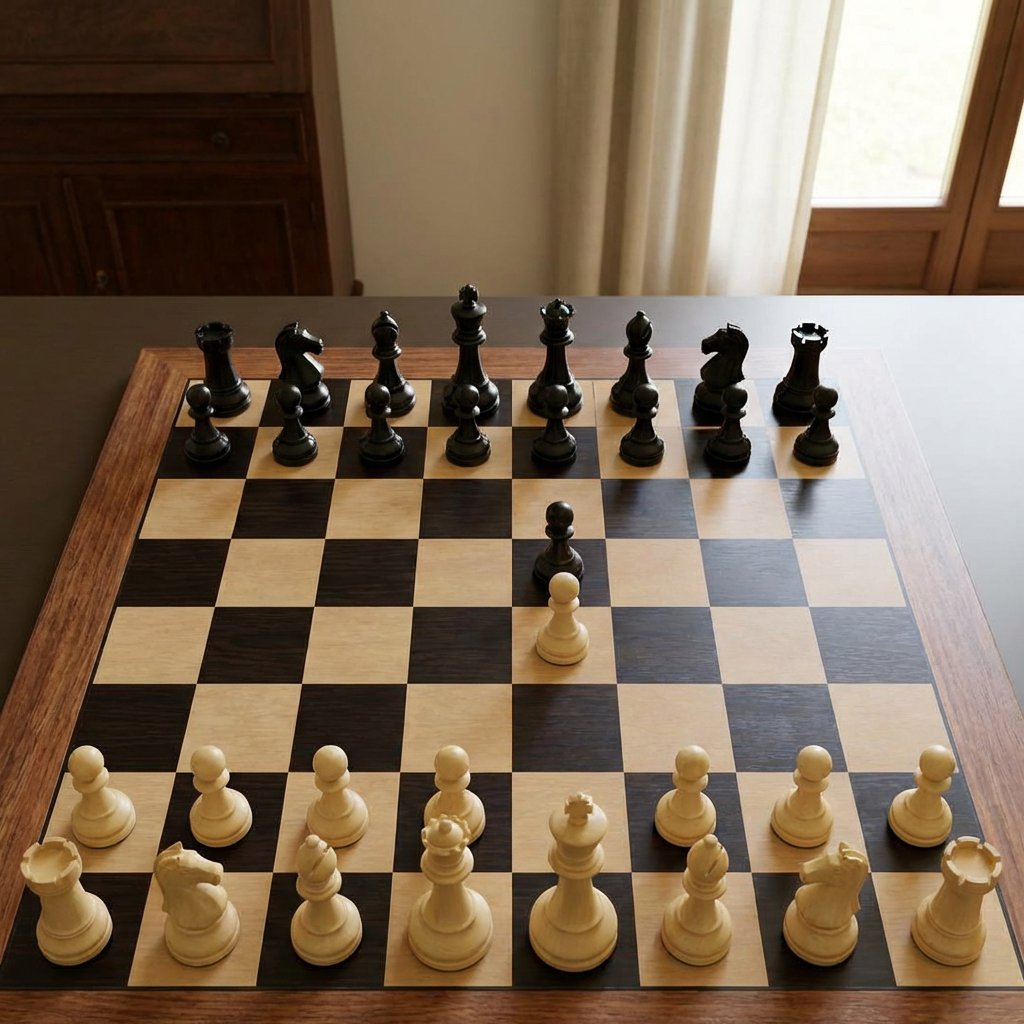
- Prompt included
- Model and format preset
- Free template
The prompt behind this image
Copy the exact prompt behind Realistic Chess Opening Photo, or open it in the studio and make it yours.
A realistic indoor photograph of a wooden chessboard on a dark wooden table, viewed from a slightly elevated front angle, with Staunton-style pieces in a mid-opening position. The board has light maple and dark walnut squares with a wooden border, and the pieces are glossy black and matte ivory. Show all 32 pieces with no captures: 16 black pieces and 16 white pieces. Black occupies the far side in standard back-rank order from left to right: rook, knight, bishop, queen, king, bishop, knight, rook, with 8 black pawns in front. White occupies the near side in standard back-rank order from left to right: rook, knight, bishop, queen, king, bishop, knight, rook, with 8 white pawns in front. The only moved pieces are 2 central pawns: a black pawn advanced two squares to e5 and a white pawn advanced two squares to e4, facing each other on adjacent central squares. Keep the rest of the pieces in their starting positions. Use natural window light from the right, soft shadows, a warm home interior background with cream curtains and a wooden cabinet, shallow depth of field, realistic proportions, clean digital-photography look, centered composition, and accurate chessboard geometry.
How to use Realistic Chess Opening Photo in 3 steps
- 1Upload ImagePNG, JPG or paste
Add your photo
Upload the photo the template builds on. The prompt, model and format are already set.
- 2…a portrait of your subject in softgolden-hour light, 85mm…
Personalize
Edit the subject and creative details for your destination.
- 3Generate
Generate
Press Generate — your image is created in PicX Studio, so you can compare it with the original and refine one variable at a time.
More like this
Templates with the same subject, style or setup. Open one to see its prompt.
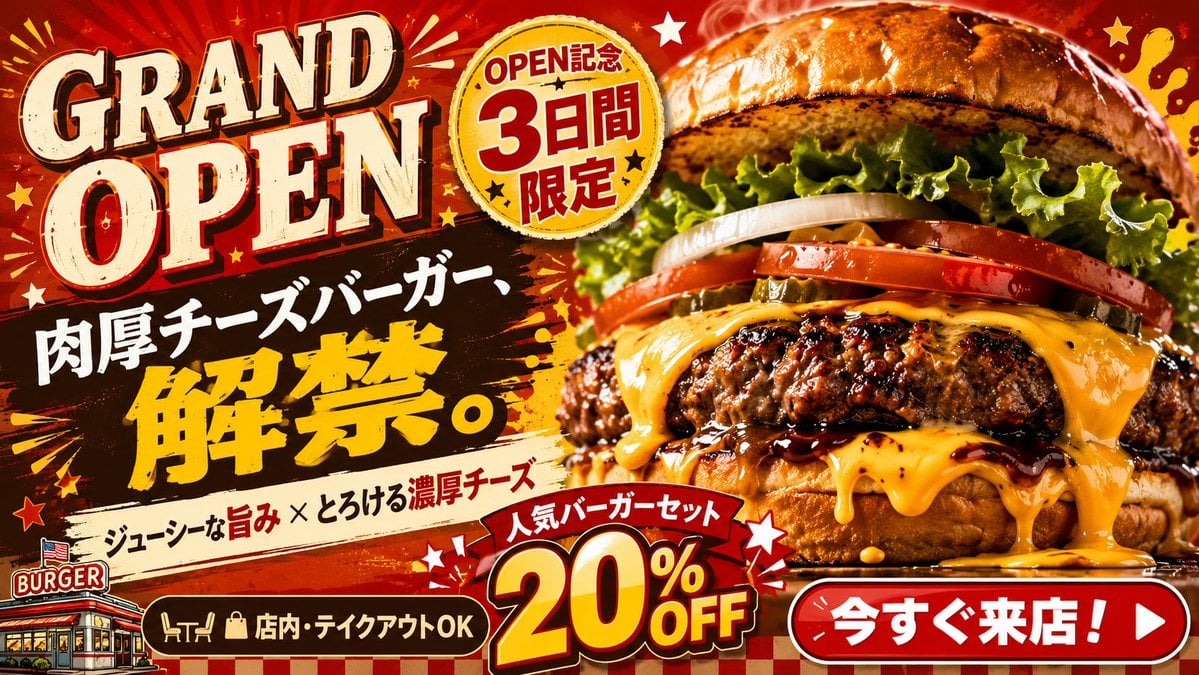
Professional Business Opening Banner
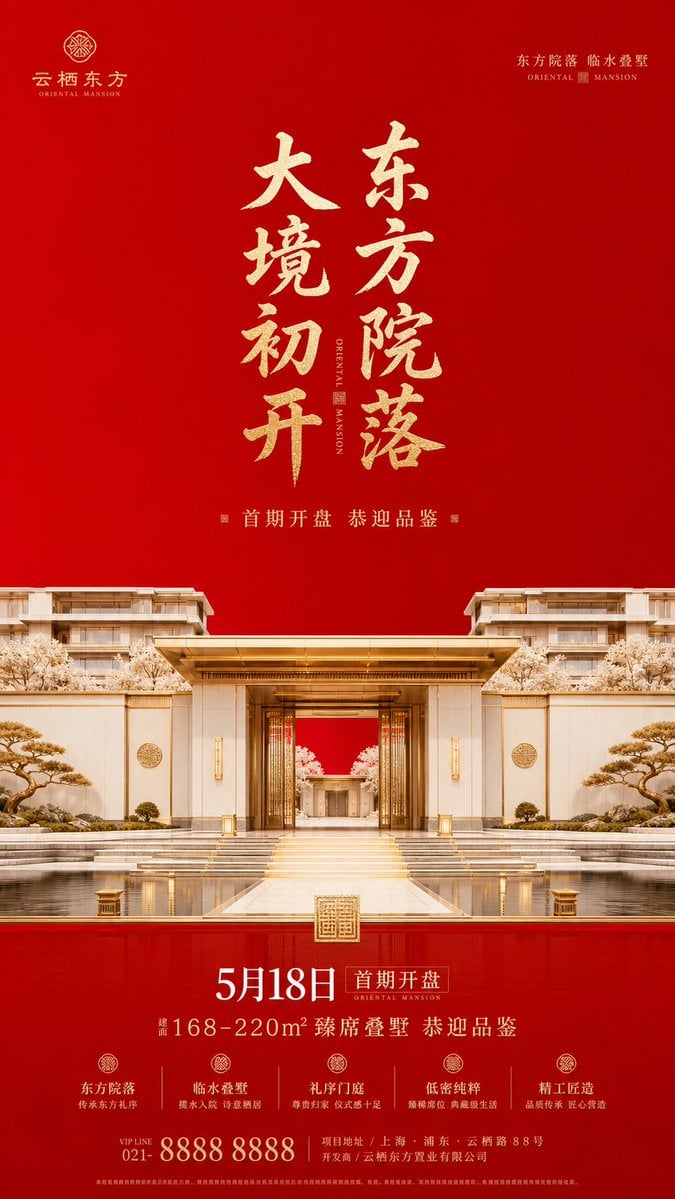
Luxury Oriental Mansion Opening Poster
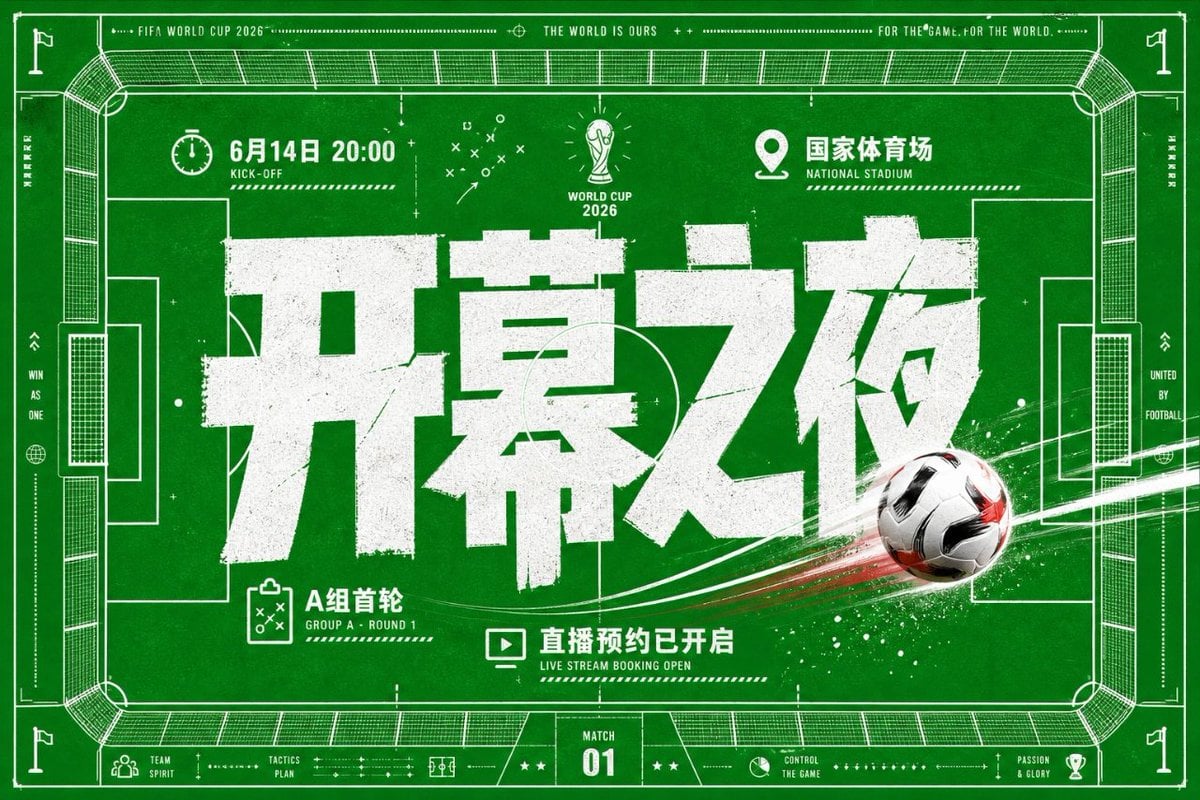
World Cup Opening Night Poster
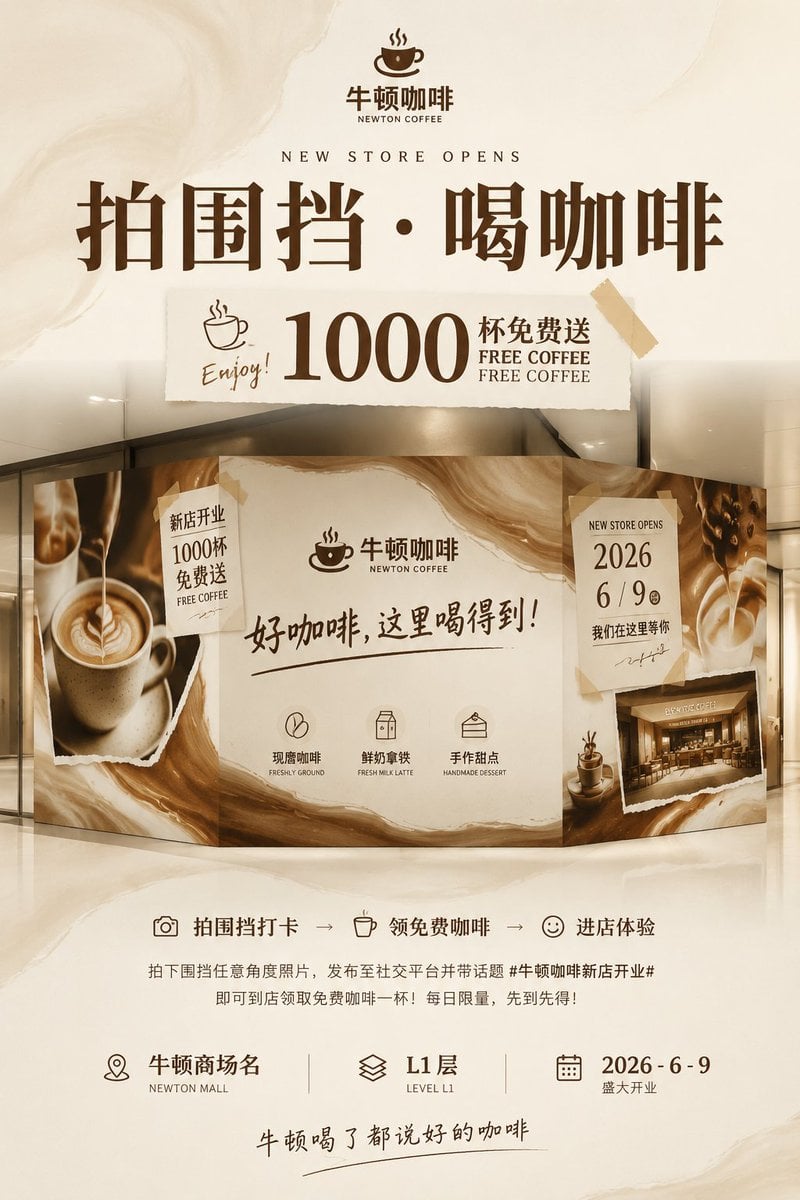
Newton Coffee Opening Poster
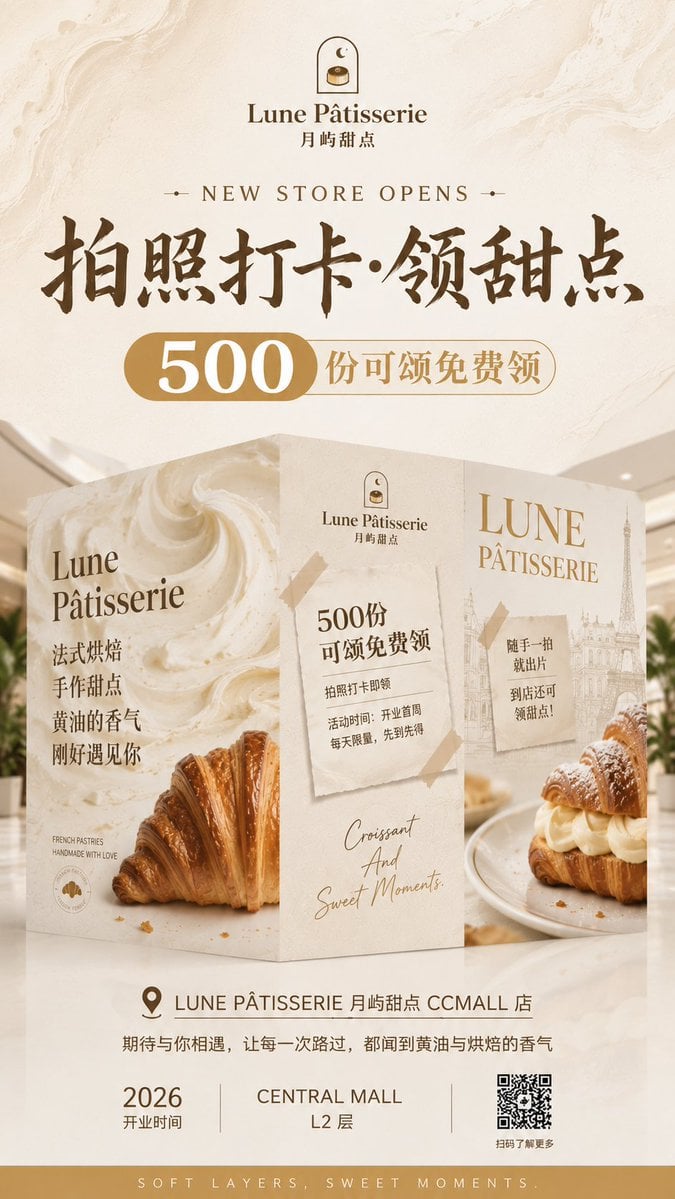
French Patisserie Opening Hoarding Poster

Mellow Cup Opening Hoarding Poster
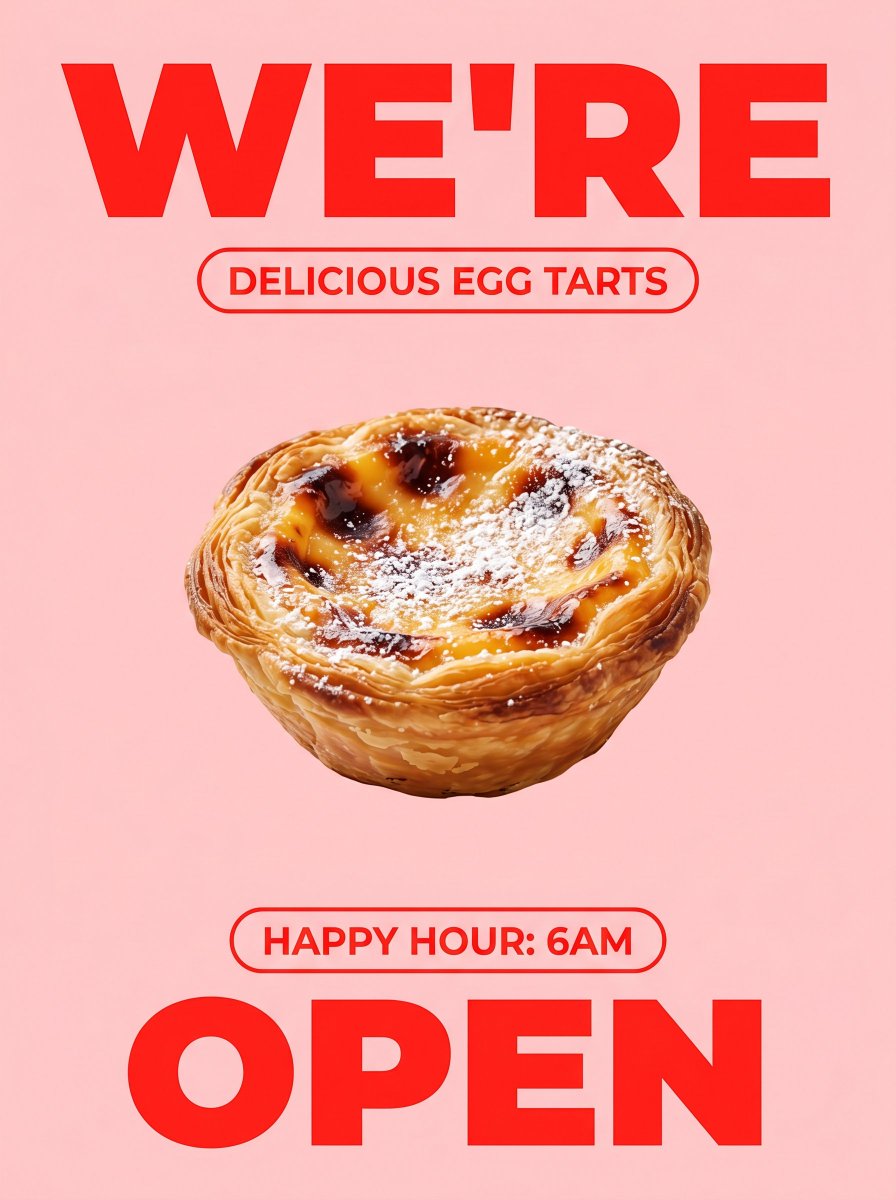
Bold Egg Tart Opening Poster
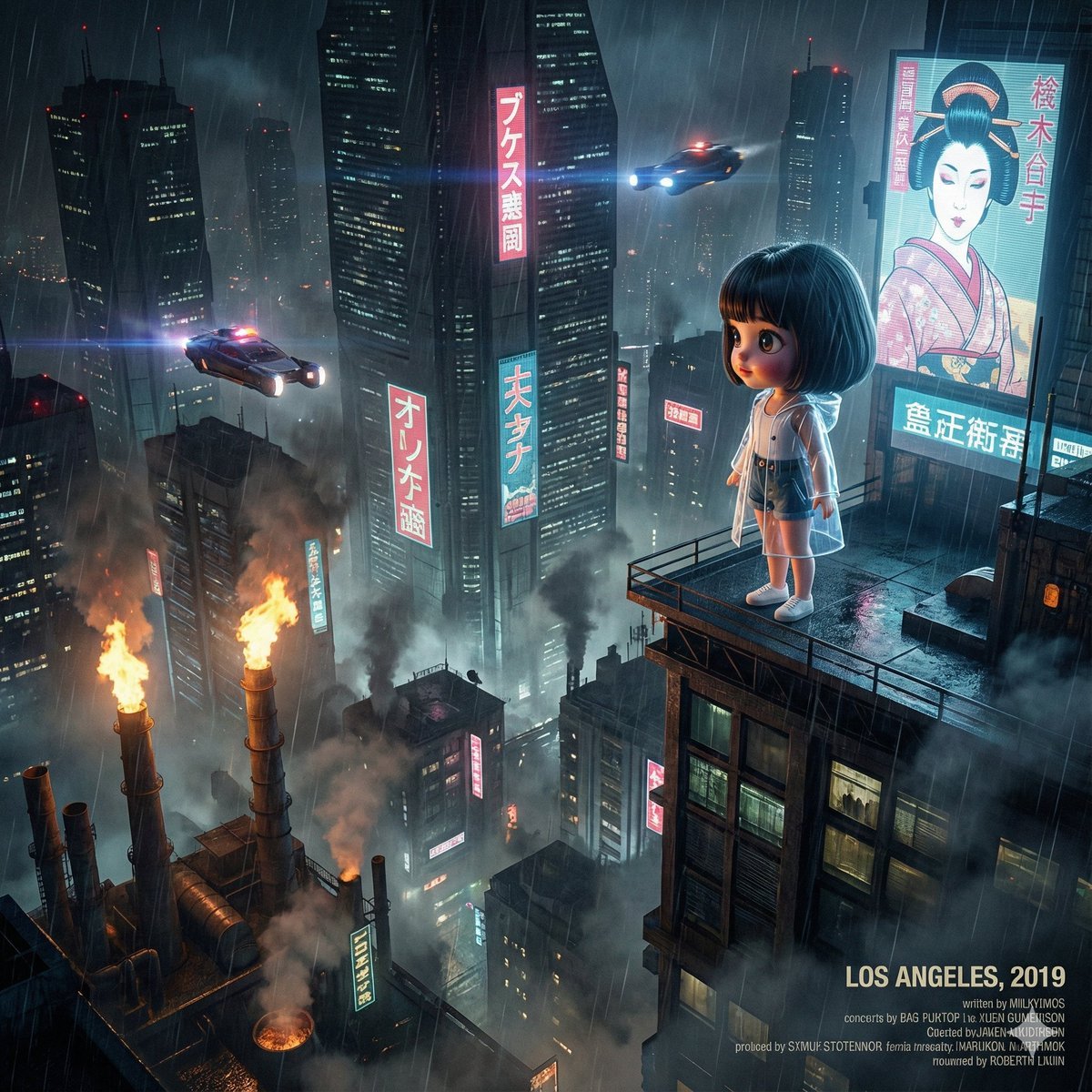
Blade Runner Opening Style Image
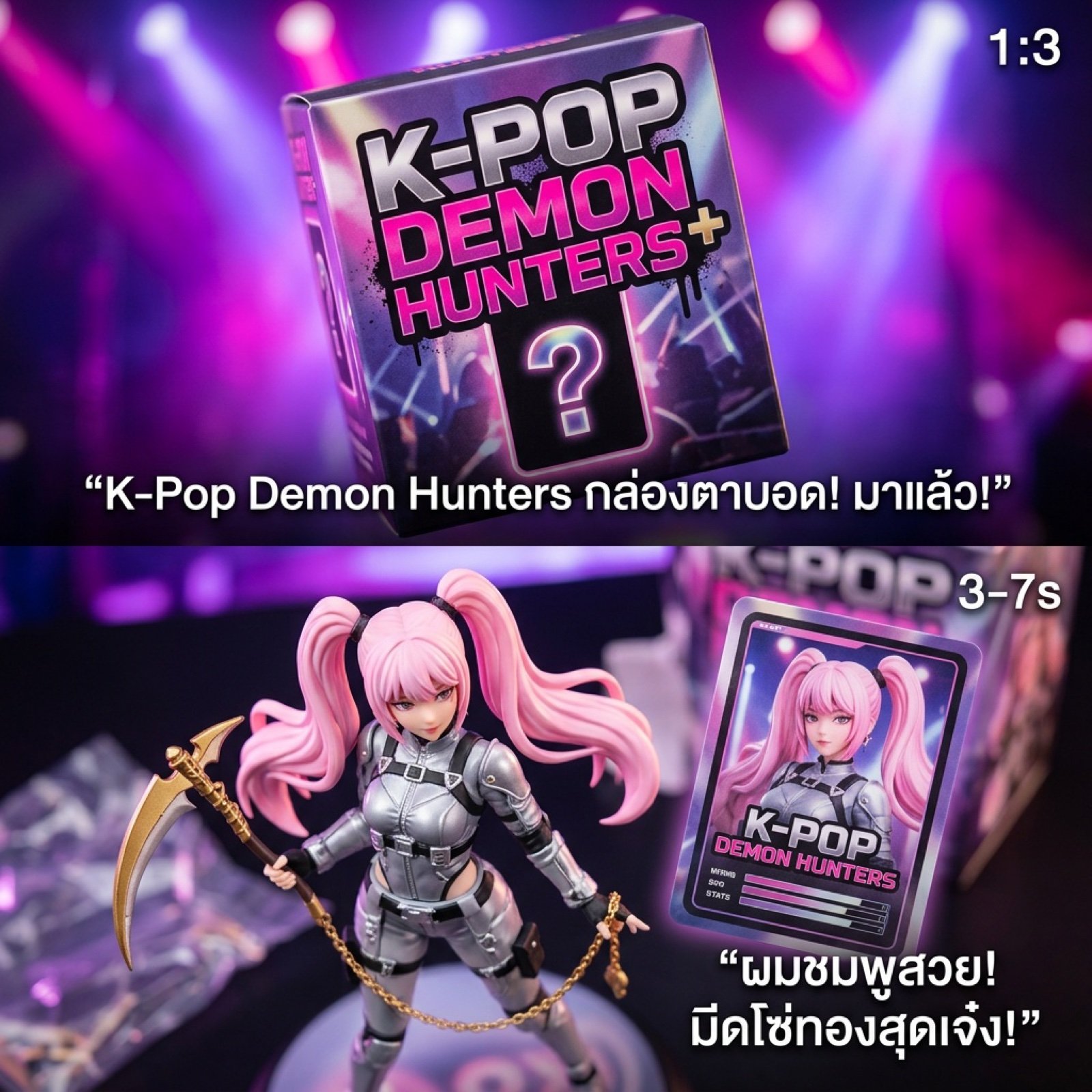
K-Pop Demon Hunters Blind Box Opening Video Script
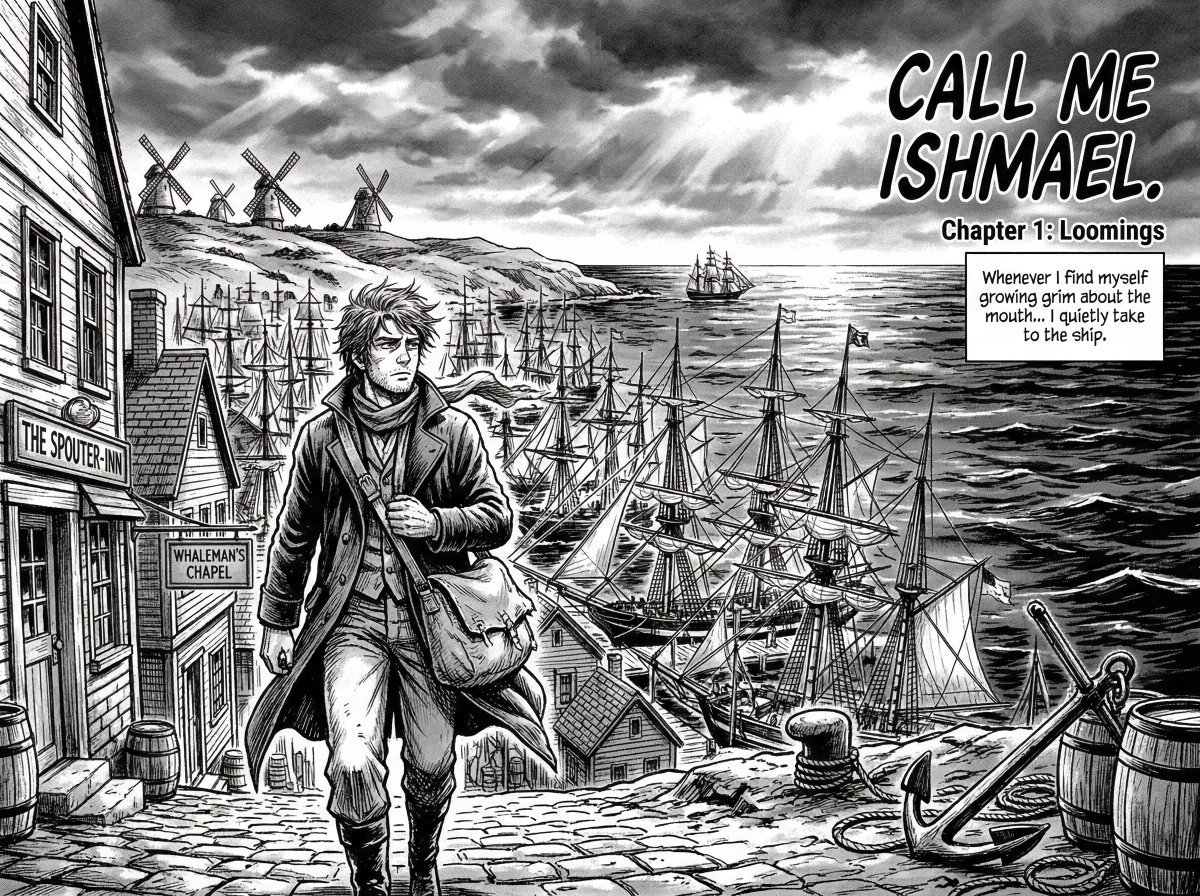
Manga Retelling of a Novel Opening
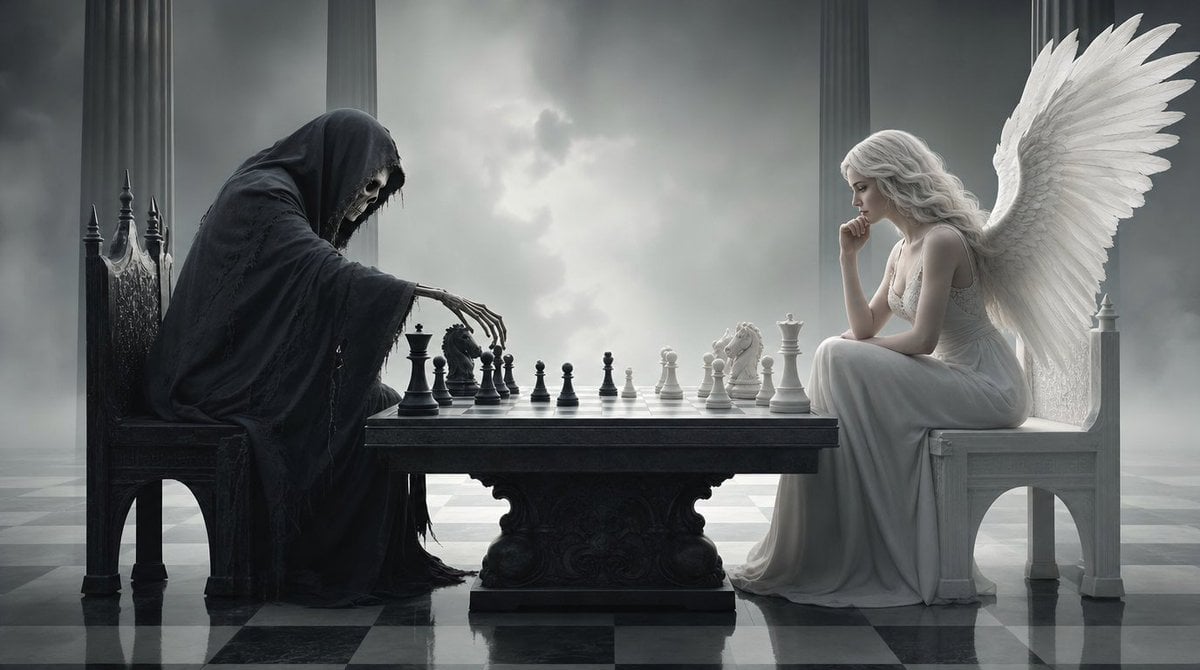
Surreal 3D Chess Match Artwork
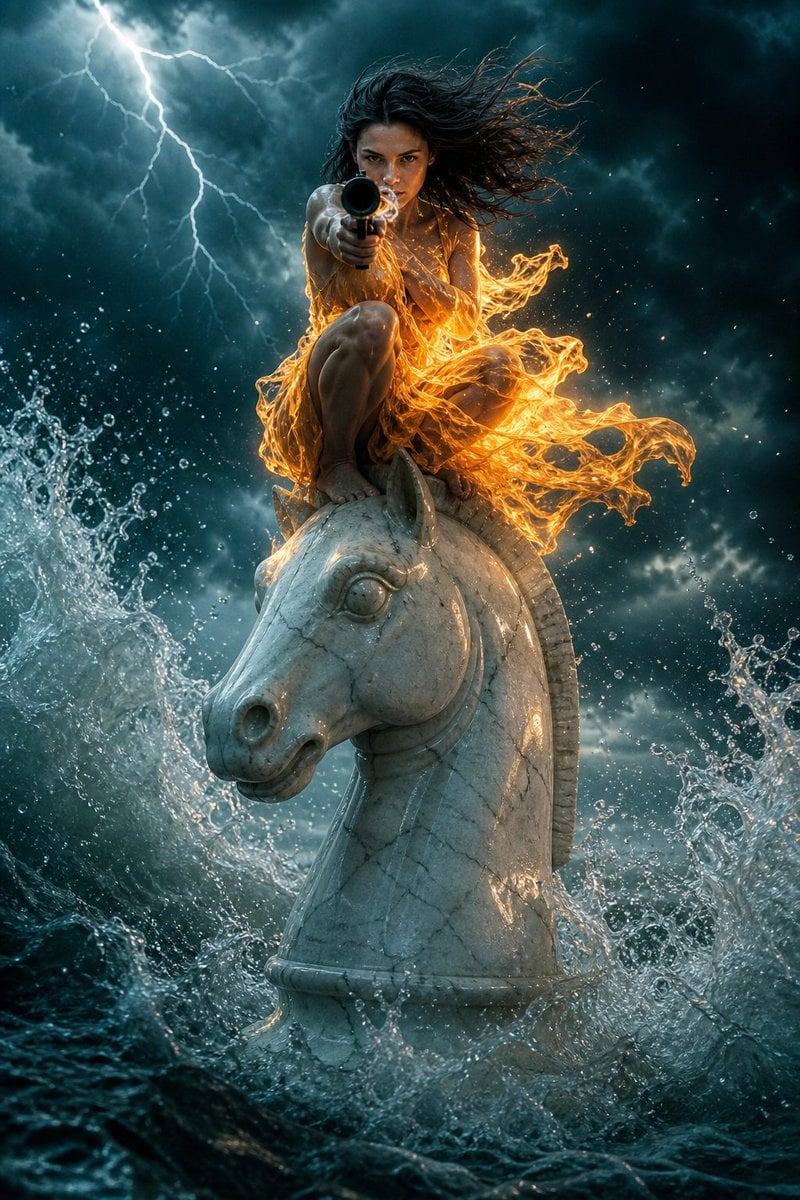
Surreal Action Sea Chess Knight
Make it yours
Realistic Chess Opening Photo works as-is. These are the safest ways to change it without losing the look.
Change one field
Copy a single group, rewrite it, and generate again so you can see what that field is doing.
Keep the frame, change the subject
Hold the composition and light of Realistic Chess Opening Photo, then swap wardrobe, props or the person for a new take.
| If the result… | Why | Fix |
|---|---|---|
| The result drifts from the preview | Too many fields changed at once. | Reuse Realistic Chess Opening Photo as-is first, then change one group — subject, light, or setting. |
| The model over-stylizes the scene | The prose prompt leaves finish and camera underspecified. | Add one camera or lighting sentence and stay on GPT Image 2. |
More GPT Image 2 templates
Other prompts made for GPT Image 2.

Six VTuber Japanese Logo Sheet

Realistic Portrait of Woman and Deer

The Vista Modular Condo Poster

AI Model Routing Comparison Infographic

2.5D Anime Art Board

Isometric Productivity Desk Scene

New York Double Exposure Poster

Four-Panel AI Landscape Comparison

Japanese Tatami Lifestyle Magazine Cover

NESCAFÉ Coffee Map Poster
More image prompts
Fresh picks from across the catalog.
2x2 Winter Ski Selfie Collage with Dog
Cinematic Luxury Watch Advertisement
Simplified Korean Aesthetic Portrait Prompt for Seedream 4.5 (Doubao)
Gpt2 Youtube Thumbnail Purple Anime Yuri Banner
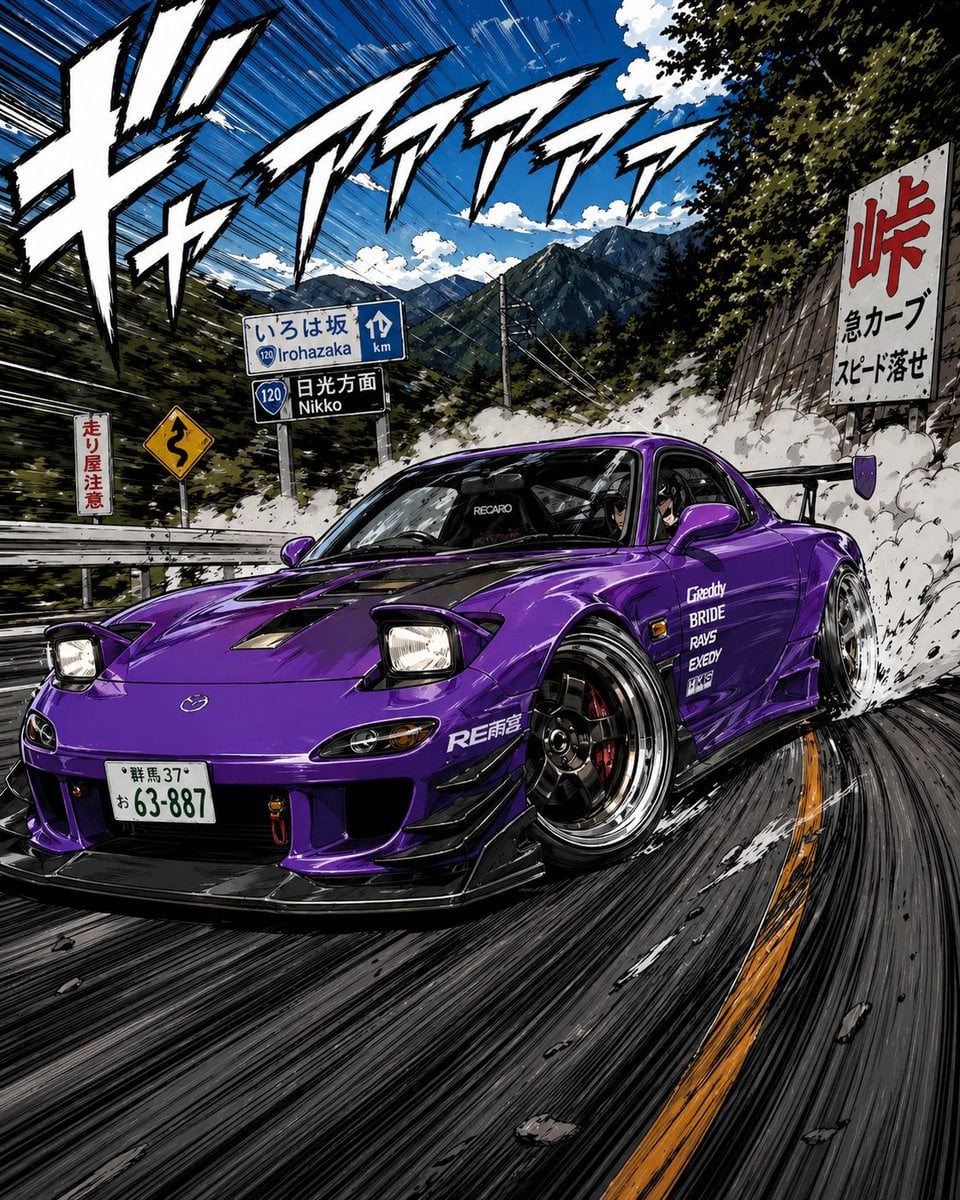
Manga Street Racing Illustration
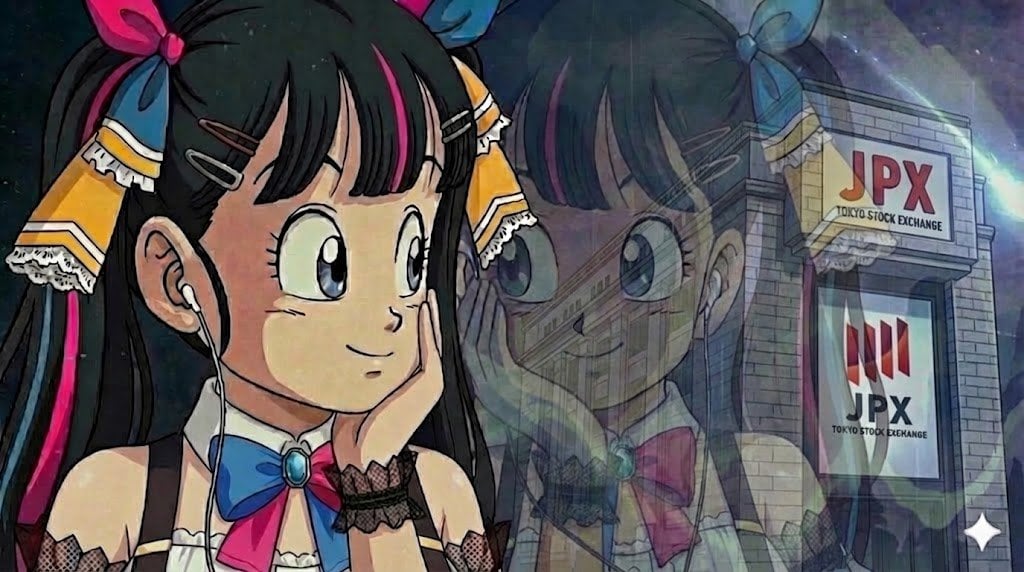
Image Restoration Prompt for Nano Banana
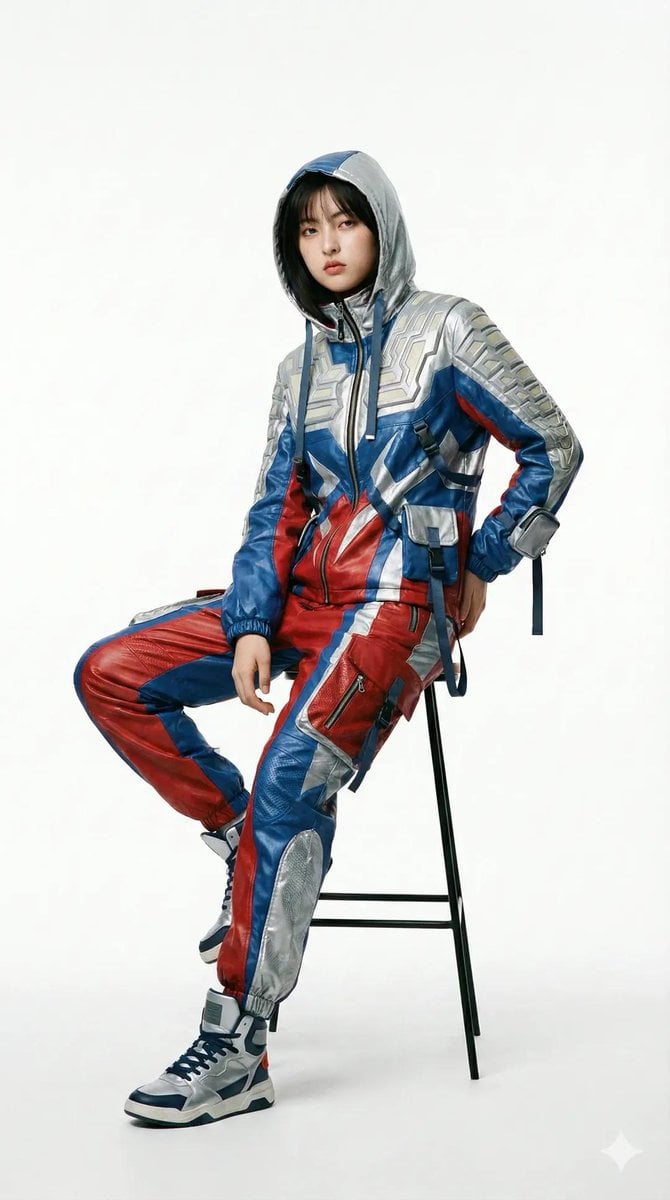
Editorial Fashion Photography with Structural Mimicry Prompt
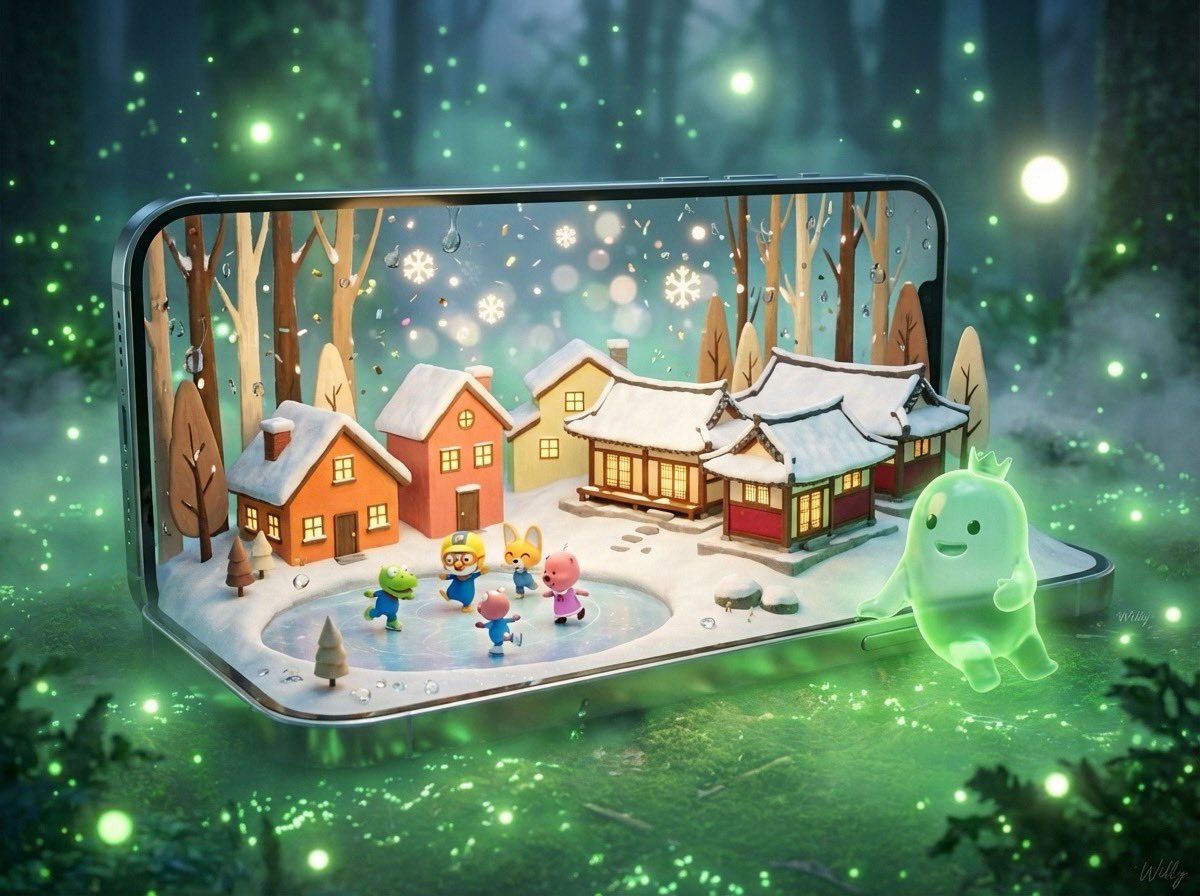
3D Pororo Winter Village Breaking the Fourth Wall
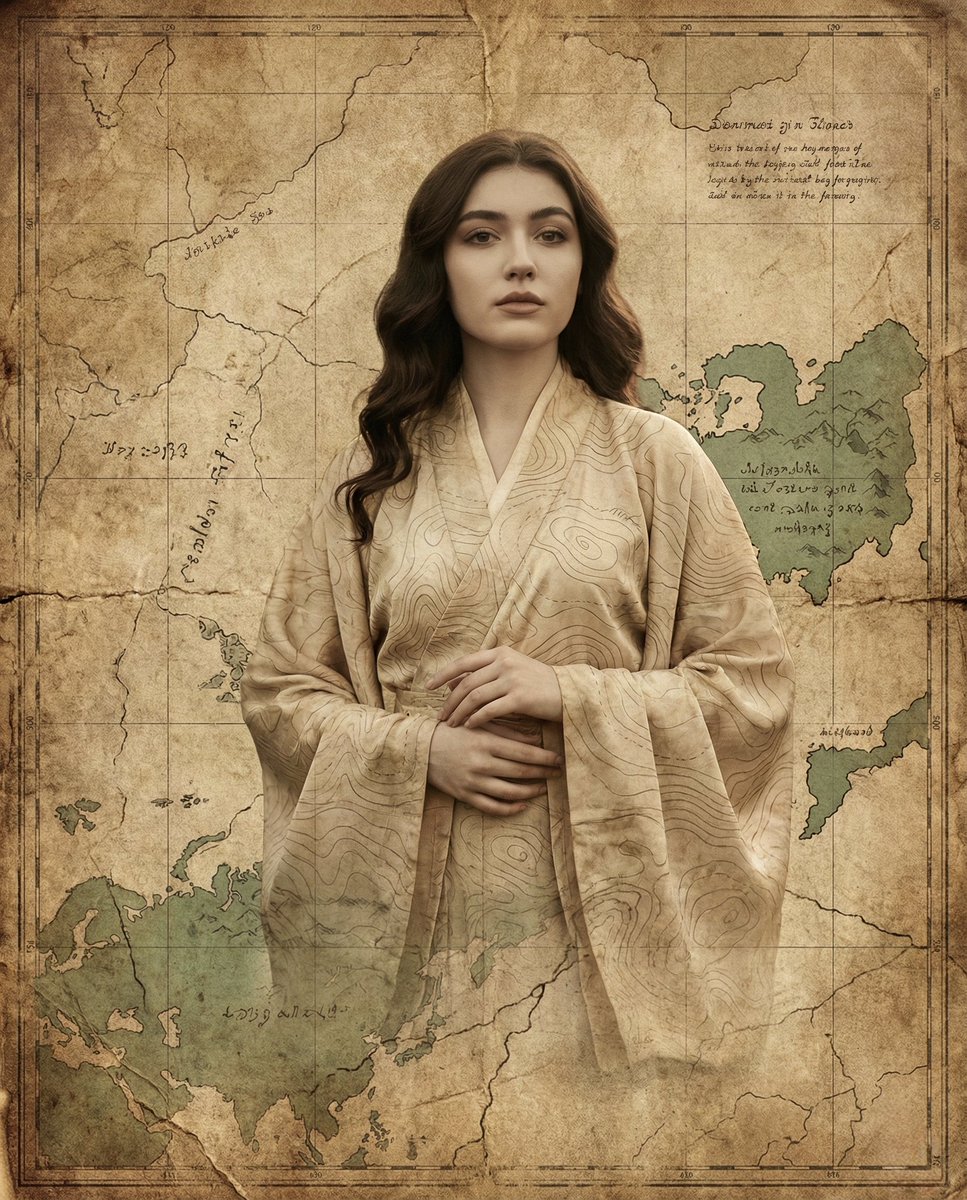
Surreal Fine-Art Portrait Emerging from Ancient Map
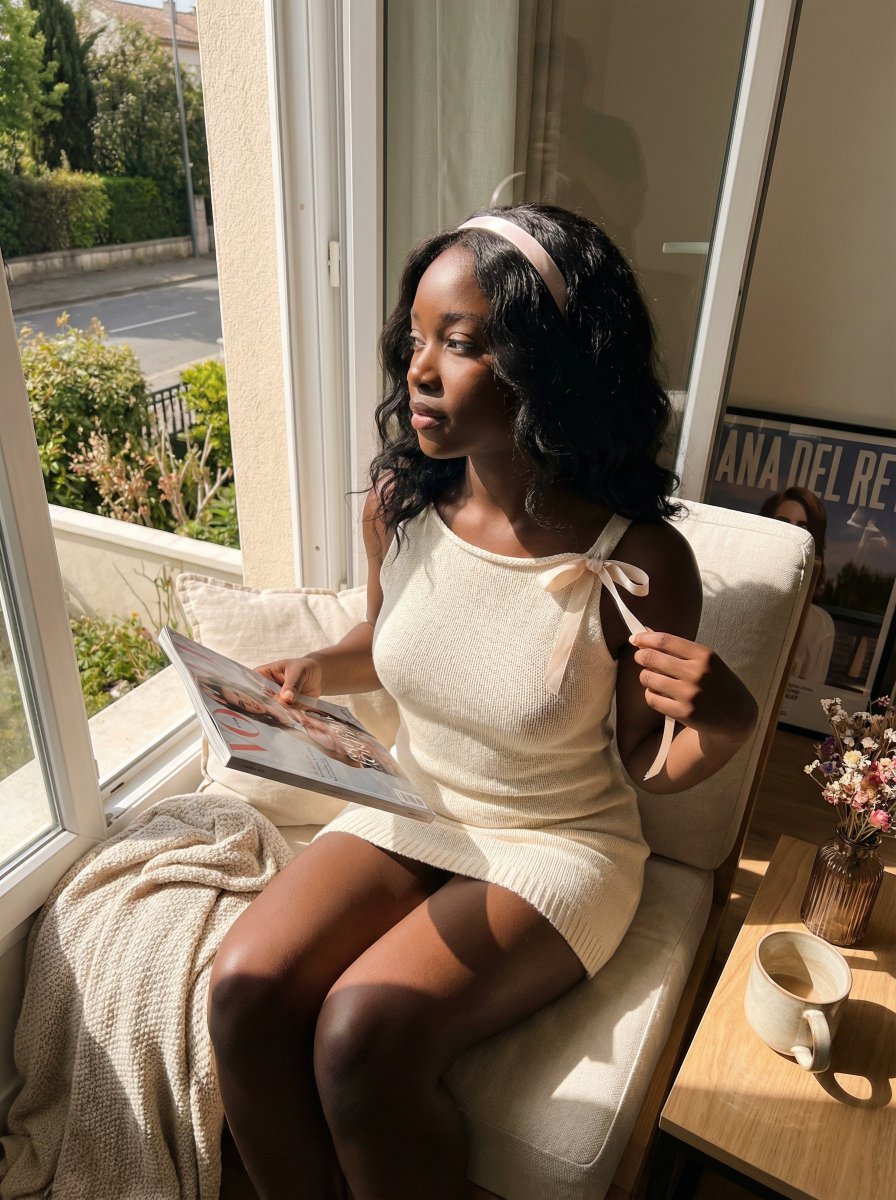
Sun-Kissed Coquette Candid Portrait Prompt (Black Woman)
Browse template categories
Realistic Chess Opening Photo questions
How do I use the Realistic Chess Opening Photo template?
Add your photo if the template asks for one, edit the prompt if you like — the template's model and format are already selected — and press Generate. Your version opens in PicX Studio.
Can I customize the Realistic Chess Opening Photo template?
Yes. You can change the subject, setting, lighting, mood, format, and available model controls before creating your image.
Is the Realistic Chess Opening Photo template free?
Opening and editing this template is free. Generating uses credits, shown on the Generate button when you are signed in.
Which AI model should I use?
Start with GPT Image 2, which is the model associated with this template. You can compare another compatible model for a different finish.
Looking for something else? Browse all templates.

Your photo, any look
Thousands of ready templates for every top image and video model, from one credit balance.