
Mellow Cup Opening Hoarding Poster
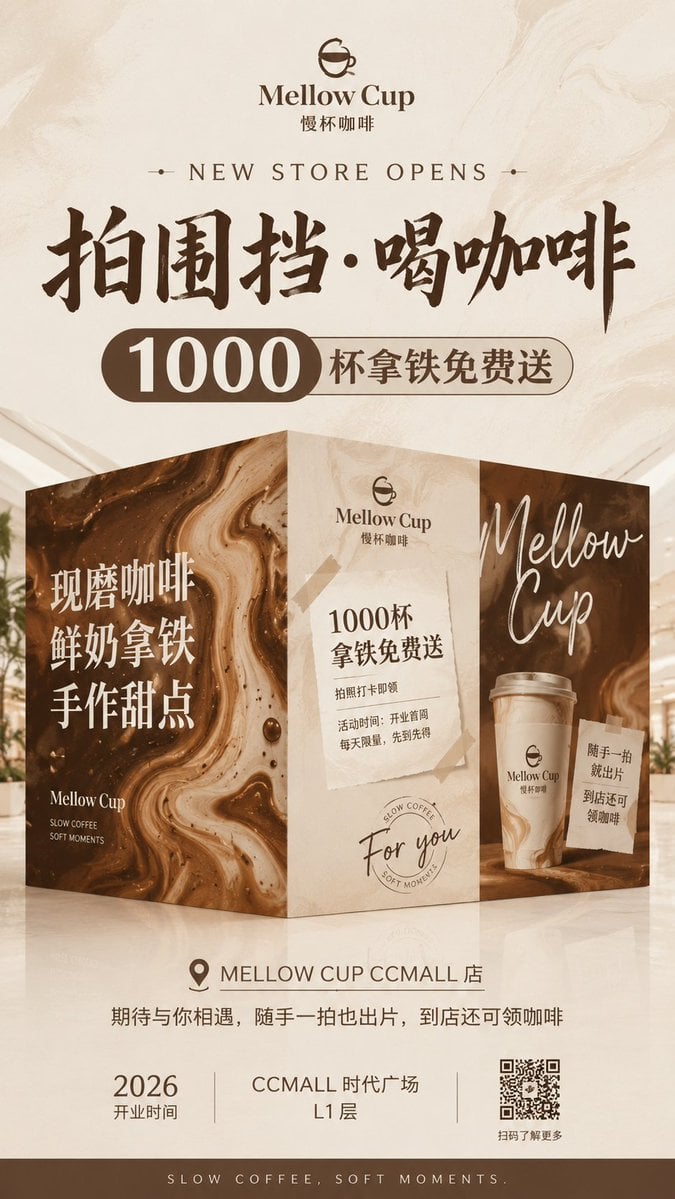
A premium coffee shop grand-opening hoarding poster with a 3D folded wall display, Chinese promotion text, store details, and a QR code.
- Prompt included
- Model and format preset
- Free template
The prompt behind this image
Copy the exact prompt behind Mellow Cup Opening Hoarding Poster, or open it in the studio and make it yours.
Goal: Create a vertical grand-opening hoarding poster for a boutique coffee shop, featuring a premium beige-and-coffee-brown visual identity, a realistic 3D folded construction-wall display, large promotional typography, and store-opening information. Canvas: Vertical poster, 9:16 ratio, warm cream marble background with subtle coffee-swirled texture, soft studio lighting, elegant premium retail advertising style. Brand: Use the cafe logo at the top: a simple brown line icon of a cup forming a smiling face, with the brand name {argument name="brand name" default="Mellow Cup"} and Chinese subtitle “慢杯咖啡”. Overall mood is calm, mellow, artisanal, and slightly luxurious. Layout: Top centered logo and brand name, then a small English line “NEW STORE OPENS” with tiny decorative dots on both sides. Below it, place a huge dark-brown brush-calligraphy Chinese headline: {argument name="main headline" default="拍围挡·喝咖啡"}. Under the headline, add a rounded capsule promotion bar: a dark brown left pill with large white number “1000”, connected to a beige outlined right pill reading “杯拿铁免费送”. Central 3D installation: Show exactly 1 freestanding folded hoarding display made of 3 visible vertical panels, standing on a glossy cream floor with soft reflections. Panel 1, left: dark coffee-marble swirl texture with large white Chinese stacked text “现磨咖啡 / 鲜奶拿铁 / 手作甜点”, small logo text near the bottom “Mellow Cup”, and tiny English tagline “SLOW COFFEE / SOFT MOMENTS”. Panel 2, center: light beige stone-paper texture with the Mellow Cup logo near top, a taped paper notice containing “1000杯 / 拿铁免费送”, smaller lines “拍照打卡即领” and “活动时间:开业首周 / 每天限量,先到先得”, plus a hand-written “For you” and a faint circular coffee stamp near the bottom. Panel 3, right: dark coffee-marble swirl texture with large white handwritten script “Mellow Cup”, a realistic takeaway latte cup with the Mellow Cup logo, and a small taped note reading “随手一拍 / 就出片 / 到店还可 / 领咖啡”. Bottom information area: Centered location row with a map pin icon and text “MELLOW CUP CCMALL 店”. Beneath it add the sentence “期待与你相遇,随手一拍也出片,到店还可领咖啡”. Then create exactly 3 bottom info blocks: left block shows “2026” and “开业时间”; center block shows {argument name="store location" default="CCMALL 时代广场 L1 层"}; right block contains a visible black-and-white QR code with caption “扫码了解更多”. Finish with a dark brown footer strip containing spaced uppercase text “SLOW COFFEE, SOFT MOMENTS.” Color and materials: Cream, latte beige, espresso brown, white typography, polished marble, coffee foam swirls, kraft paper tape, soft shadows, photorealistic 3D mockup blended with clean graphic poster design. Constraints: Use exactly 3 visible hoarding panels, exactly 3 bottom info blocks, exactly 1 QR code, and exactly 1 takeaway cup. Keep the typography crisp and centered, preserve the listed Chinese and English text accurately, do not add extra logos, people, or unrelated products.
How to use Mellow Cup Opening Hoarding Poster in 3 steps
- 1Upload ImagePNG, JPG or paste
Add your photo
Upload the photo the template builds on. The prompt, model and format are already set.
- 2…a portrait of your subject in softgolden-hour light, 85mm…
Personalize
Edit the subject and creative details for your destination.
- 3Generate
Generate
Press Generate — your image is created in PicX Studio, so you can compare it with the original and refine one variable at a time.
More like this
Templates with the same subject, style or setup. Open one to see its prompt.

Vintage Lithograph Retro World Cup Poster

Cyberpunk Neon Brazil World Cup Poster

Captain Tsubasa Anime World Cup Poster

Campaign Smoke National Symbols World Cup

World Cup Opening Night Poster
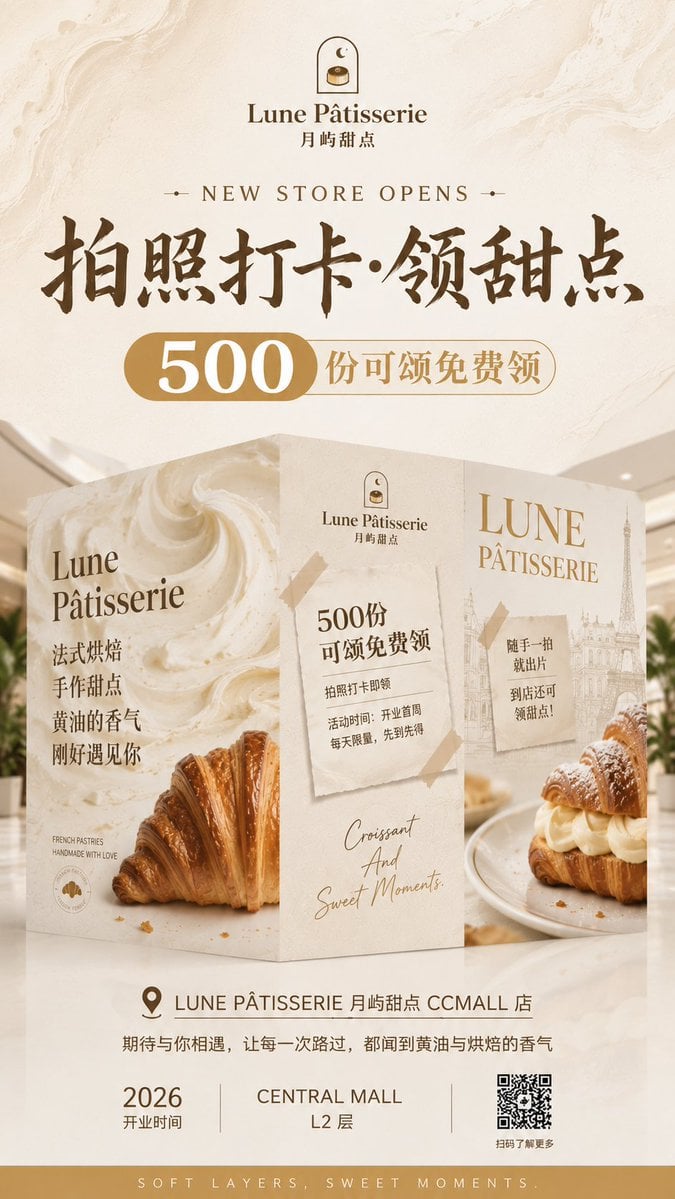
French Patisserie Opening Hoarding Poster

Japan Travel Brochure Poster

Cartoon TV Show Poster Pack

Trendy Cafe Drink Promo Poster

Urban Fashion Editorial Collage Streetwear Poster

Premium Fashion Editorial Cover Layout System

Polo Ralph Lauren Luxury American Heritage Fashion Campaign
Make it yours
Mellow Cup Opening Hoarding Poster works as-is. These are the safest ways to change it without losing the look.
Change one field
Copy a single group, rewrite it, and generate again so you can see what that field is doing.
Keep the frame, change the subject
Hold the composition and light of Mellow Cup Opening Hoarding Poster, then swap wardrobe, props or the person for a new take.
| If the result… | Why | Fix |
|---|---|---|
| The result drifts from the preview | Too many fields changed at once. | Reuse Mellow Cup Opening Hoarding Poster as-is first, then change one group — subject, light, or setting. |
| The model over-stylizes the scene | The prose prompt leaves finish and camera underspecified. | Add one camera or lighting sentence and stay on GPT Image 2. |
More GPT Image 2 templates
Other prompts made for GPT Image 2.

Six VTuber Japanese Logo Sheet

Realistic Portrait of Woman and Deer

The Vista Modular Condo Poster

AI Model Routing Comparison Infographic

2.5D Anime Art Board

Isometric Productivity Desk Scene

New York Double Exposure Poster

Four-Panel AI Landscape Comparison

Japanese Tatami Lifestyle Magazine Cover

NESCAFÉ Coffee Map Poster
More image prompts
Fresh picks from across the catalog.
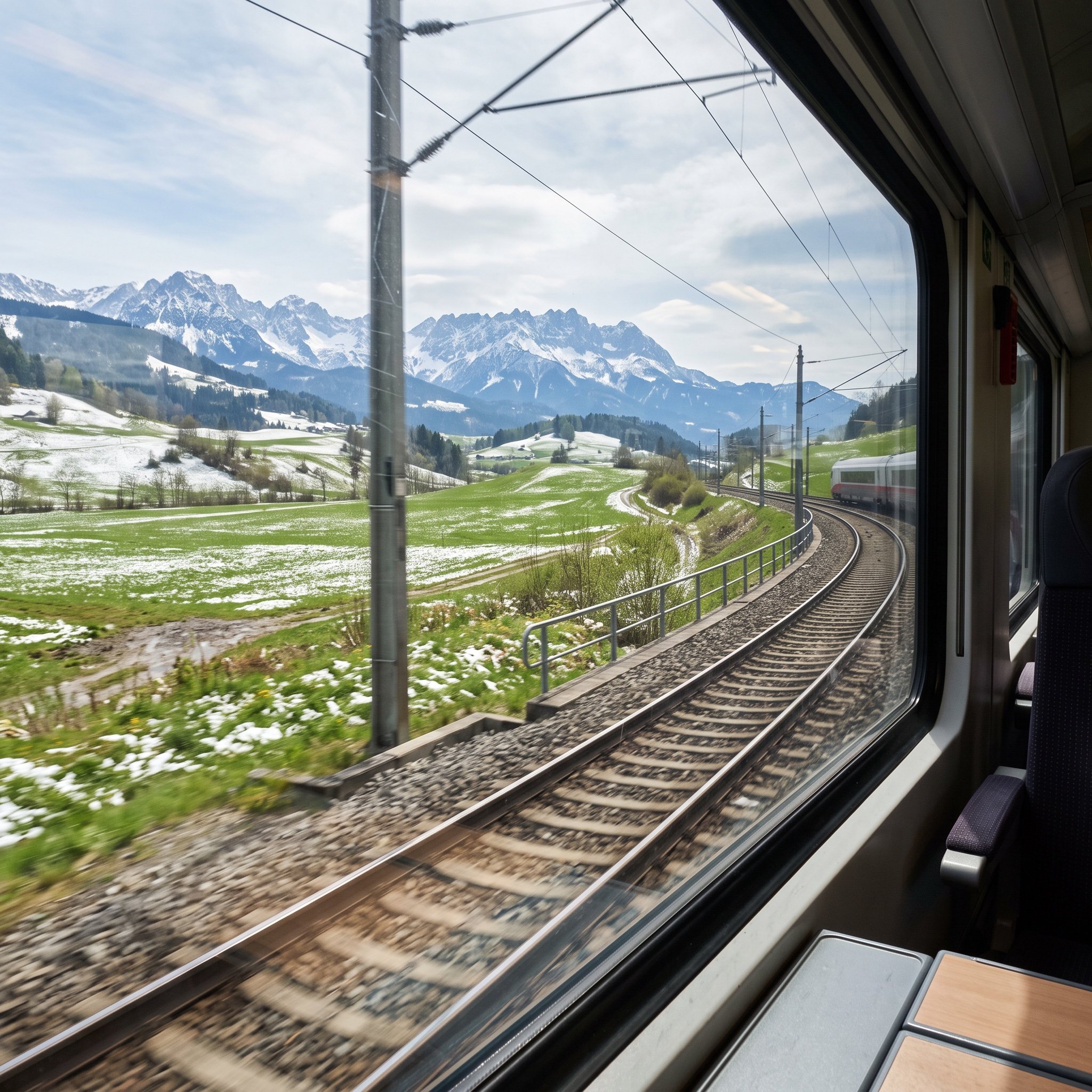
Cinematic Train Window View in European Spring
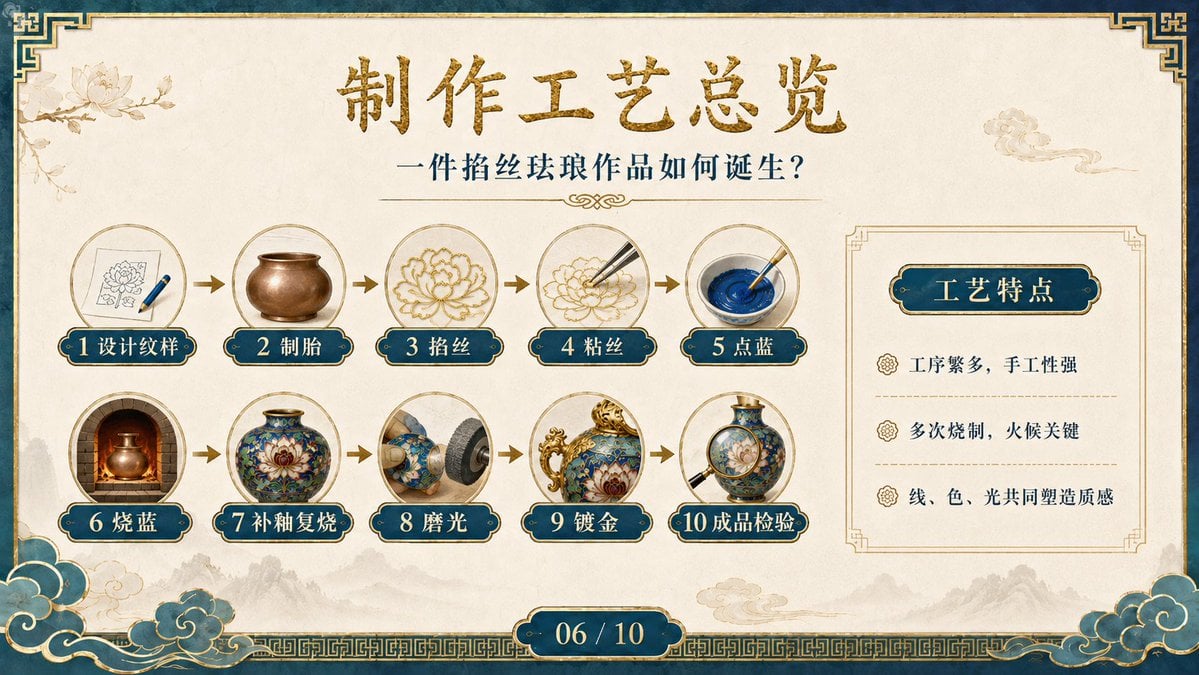
Cloisonné Craft Process PPT Slide

Avant-Garde Athleticism: Frozen Gymnast in Mid-Air
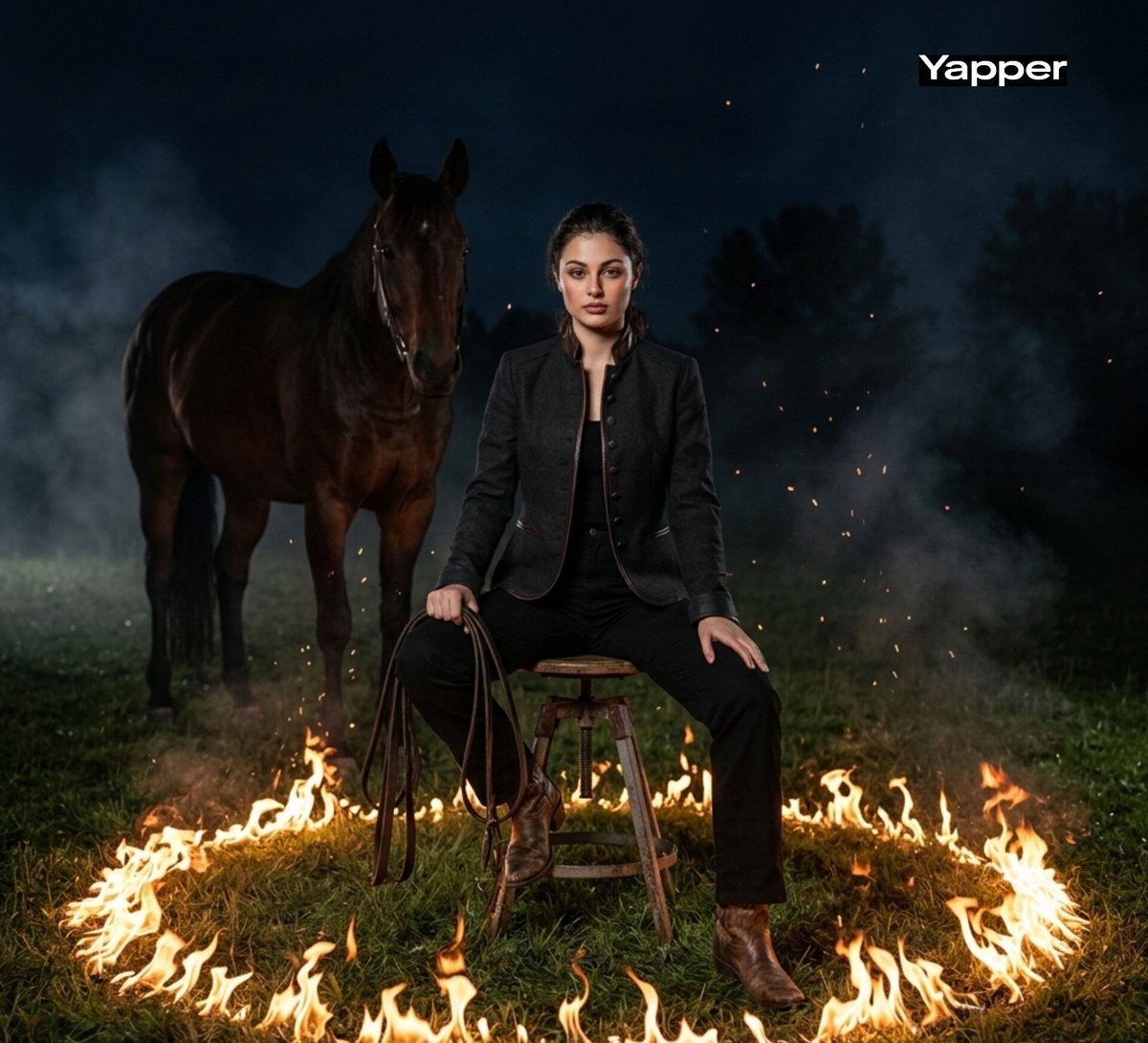
Cinematic Dark Western Portrait with Fire

Luxury Street Style Portrait in a Porsche Interior
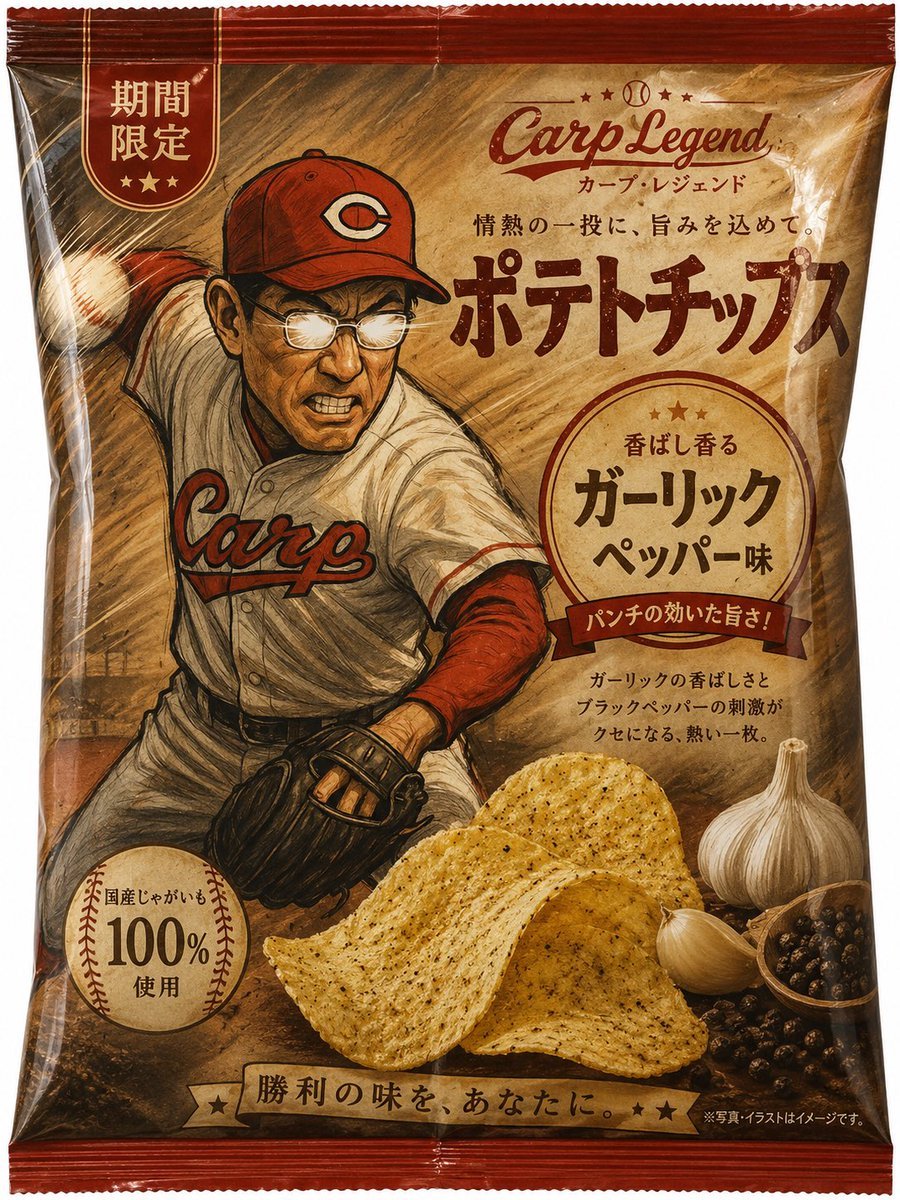
Baseball Garlic Pepper Chips Bag
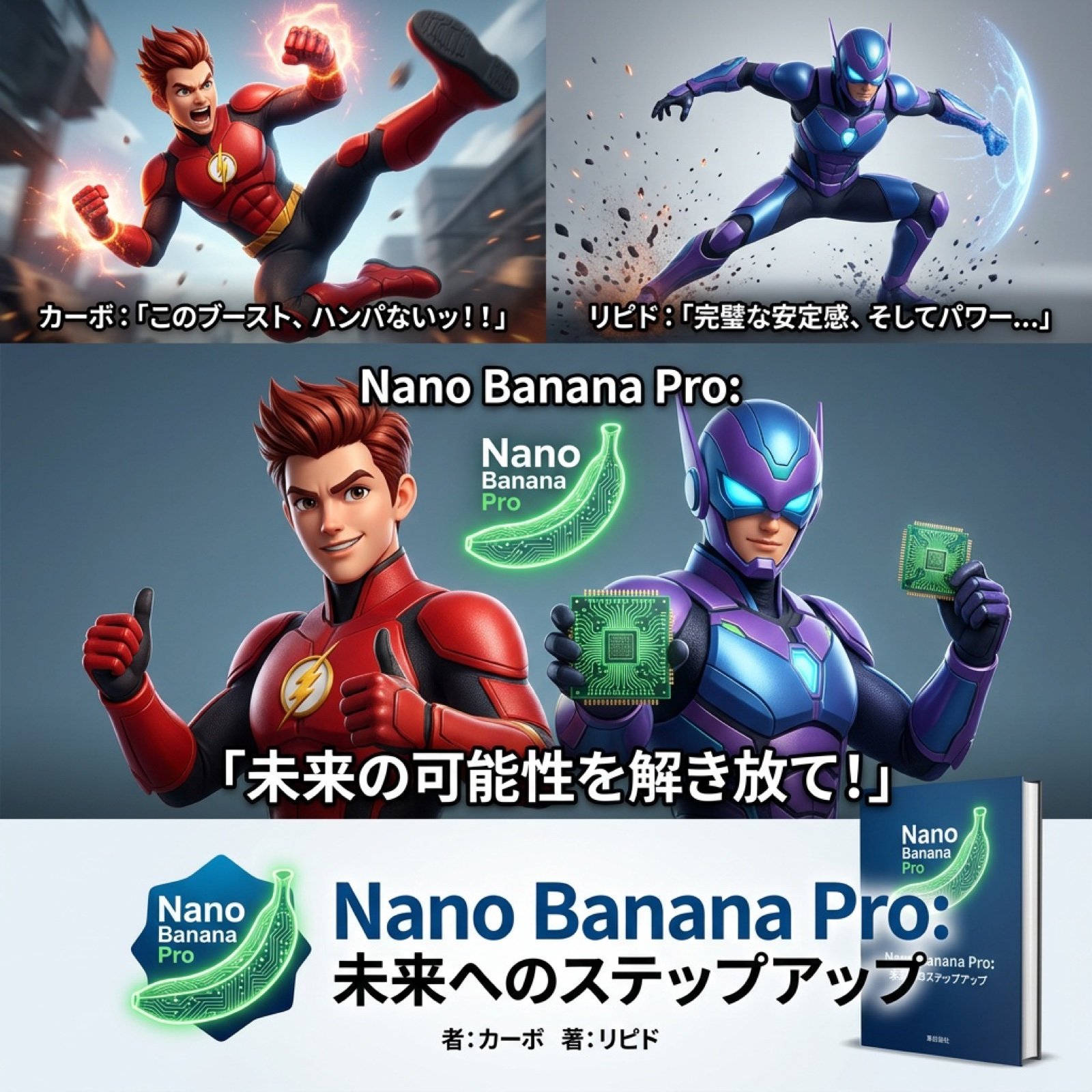
AI Video Generation Prompt for Nano Banana Pro

Ultra-Realistic Boxing Documentary Photo

90s Japanese Indie Music Store Aesthetic

Hyperrealistic Dark Sorcerer Portrait
Browse template categories
Mellow Cup Opening Hoarding Poster questions
How do I use the Mellow Cup Opening Hoarding Poster template?
Add your photo if the template asks for one, edit the prompt if you like — the template's model and format are already selected — and press Generate. Your version opens in PicX Studio.
Can I customize the Mellow Cup Opening Hoarding Poster template?
Yes. You can change the subject, setting, lighting, mood, format, and available model controls before creating your image.
Is the Mellow Cup Opening Hoarding Poster template free?
Opening and editing this template is free. Generating uses credits, shown on the Generate button when you are signed in.
Which AI model should I use?
Start with GPT Image 2, which is the model associated with this template. You can compare another compatible model for a different finish.
Looking for something else? Browse all templates.

Your photo, any look
Thousands of ready templates for every top image and video model, from one credit balance.