
World Cup Opening Night Poster
A dynamic green tactical football poster with bold Chinese headline typography for promoting a World Cup match kickoff or livestream event.
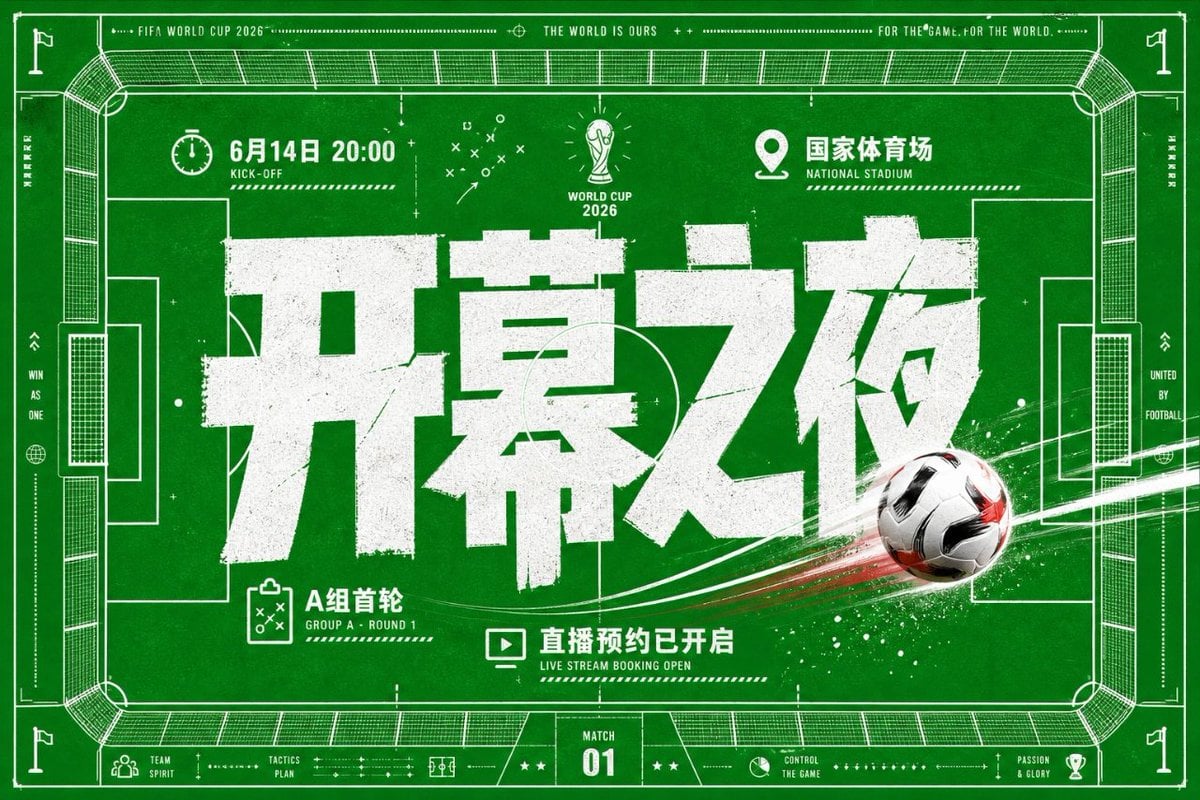
- Prompt included
- Model and format preset
- Premium template
The prompt behind this image
Copy the exact prompt behind World Cup Opening Night Poster, or open it in the studio and make it yours.
Goal: Create a high-energy football match poster in a green-and-white tactical blueprint style for {argument name="event name" default="FIFA World Cup 2026"}, combining a top-down soccer field diagram, bold Chinese typography, and dynamic ball motion. Canvas: Horizontal 16:9 sports poster, deep grass-green background with subtle paper grain, scuffed print texture, and white ink distressing. Use a full-bleed soccer pitch viewed from above as the main composition, with thin white technical linework, corner flags, goal boxes, center circle arcs, stadium seating outlines, measurement marks, dotted rules, arrows, crosses, tiny tactical symbols, and a thin white border. Layout: Put an enormous distressed white Chinese headline {argument name="main headline" default="开幕之夜"} across the center, occupying most of the poster width. Add a realistic black-white-red soccer ball on the lower-right side of the headline, flying diagonally from right to left with bright white and red motion streaks, paint splatter, and speed particles crossing the field. Keep the headline layered above the field markings but partly intersected by the ball trail for depth. Top information row: Include exactly 3 labeled information modules: left module with a stopwatch icon and {argument name="date and time" default="6月14日 20:00"} plus small English label “KICK-OFF”; center module with a simplified World Cup trophy icon and text “WORLD CUP 2026”; right module with a location pin icon and {argument name="venue" default="国家体育场"} plus small English label “NATIONAL STADIUM”. Along the very top border add small uppercase microtext: “FIFA WORLD CUP 2026”, “THE WORLD IS OURS”, and “FOR THE GAME. FOR THE WORLD.” separated by dotted lines and plus symbols. Bottom information row: Include exactly 3 main callouts below the headline: left callout with a clipboard tactics icon and text “A组首轮” with small English “GROUP A · ROUND 1”; center callout with a monitor/play icon and text {argument name="booking text" default="直播预约已开启"} with small English “LIVE STREAM BOOKING OPEN”; bottom-center scoreboard badge reading “MATCH 01”. Add small footer labels and icons such as “TEAM SPIRIT”, “TACTICS PLAN”, “CONTROL THE GAME”, and “PASSION & GLORY”. Visual style: Bold modern Chinese block display font, very heavy weight, rough stamped edges, cracked grunge texture, slight off-white ink. Background should feel like a tactical coaching board mixed with a stadium blueprint. Use only green, white, black, and small red accents from the soccer ball trail. High contrast, crisp vector linework, energetic sports advertising aesthetic. Constraints: Use exactly one soccer ball, one central oversized Chinese headline, three top modules, three bottom callouts, and one match badge. Keep all text white, avoid extra players or people, avoid photorealistic stadium crowds, no logos other than generic World Cup-style trophy iconography, no watermark.
How to use World Cup Opening Night Poster in 3 steps
- 1Upload ImagePNG, JPG or paste
Add your photo
Upload the photo the template builds on. The prompt, model and format are already set.
- 2…a portrait of your subject in softgolden-hour light, 85mm…
Personalize
Edit the subject and creative details for your destination.
- 3Generate
Generate
Press Generate — your image is created in PicX Studio, so you can compare it with the original and refine one variable at a time.
More like this
Templates with the same subject, style or setup. Open one to see its prompt.

Spider-Man Night Swing New York Cinematic

Vintage Lithograph Retro World Cup Poster

Captain Tsubasa Anime World Cup Poster

Campaign Smoke National Symbols World Cup
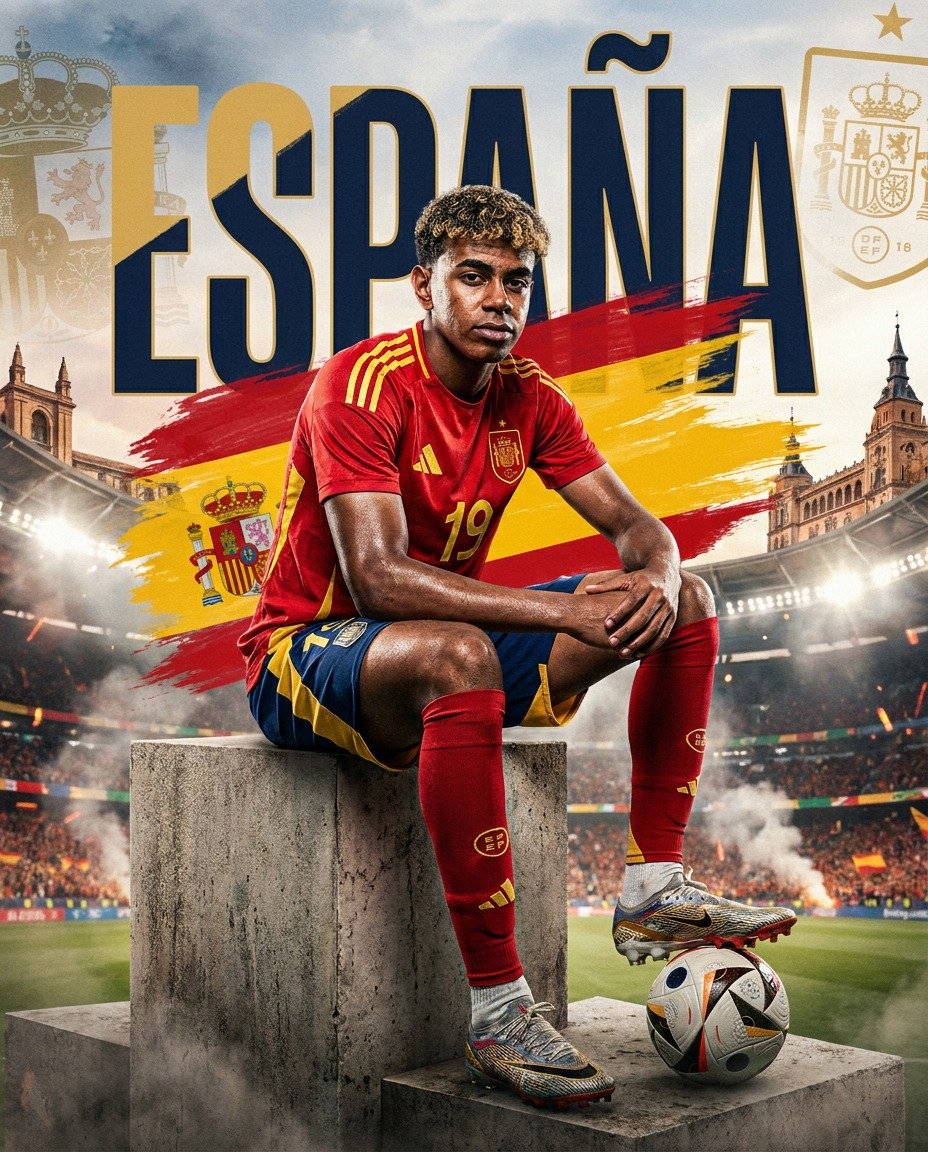
Spain World Cup Football Poster
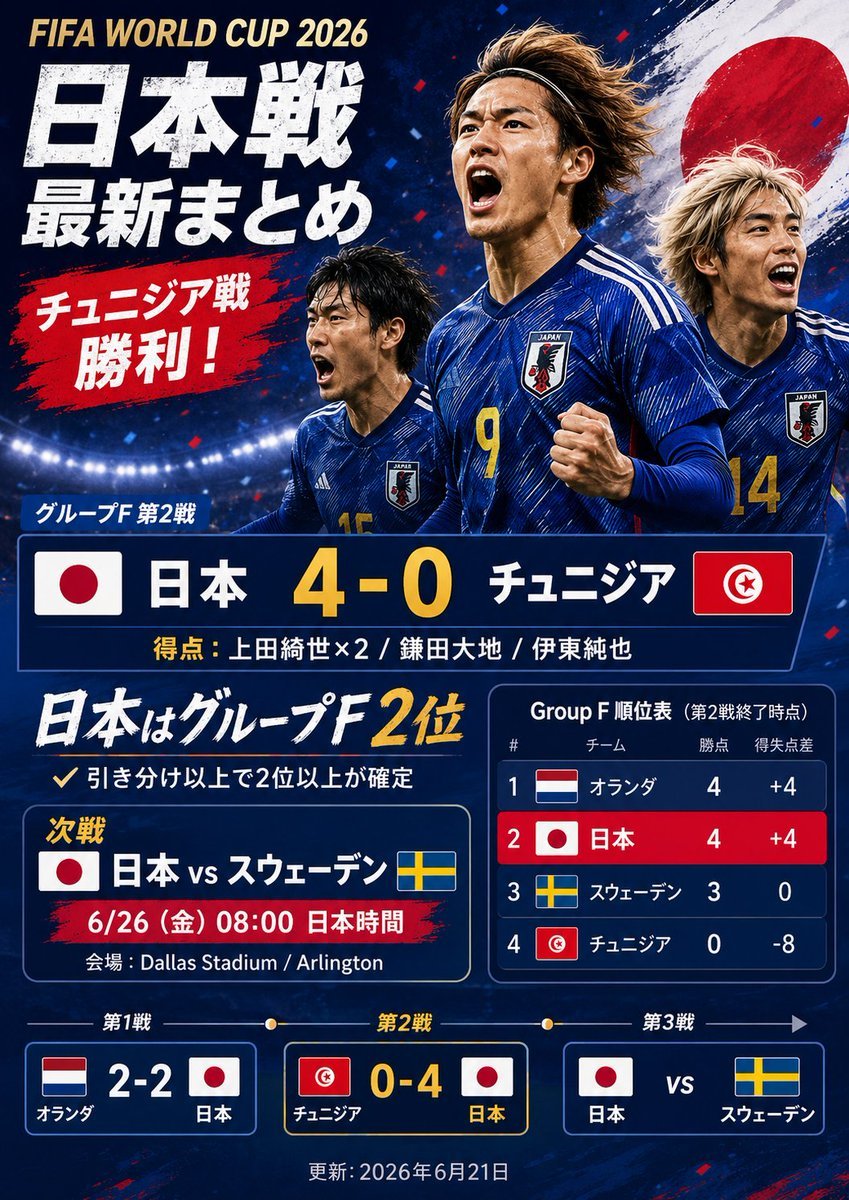
Japanese World Cup Match Summary Poster
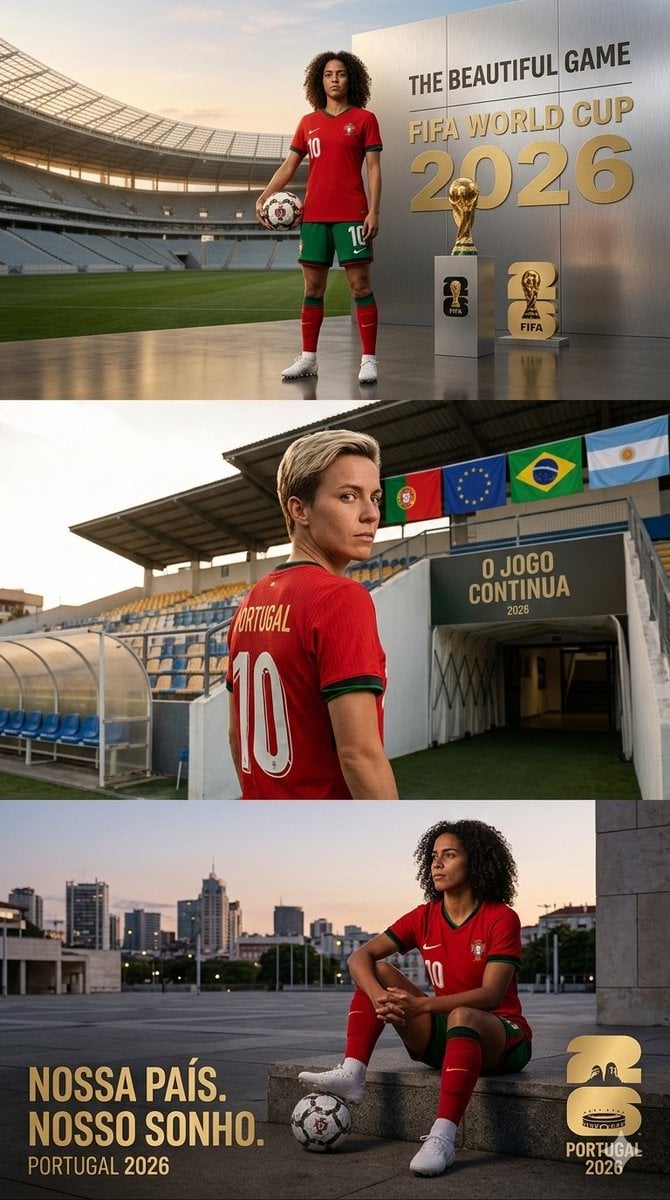
Portugal World Cup 2026 poster
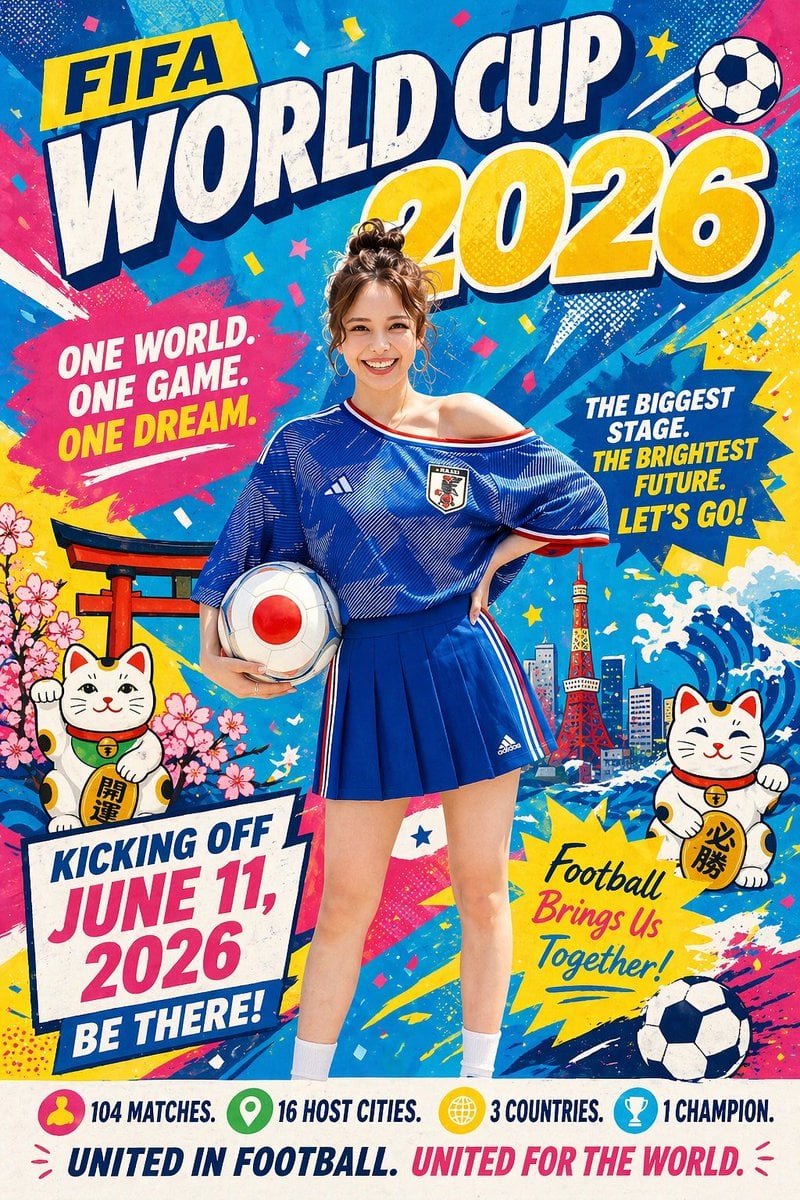
Minimalist World Cup poster
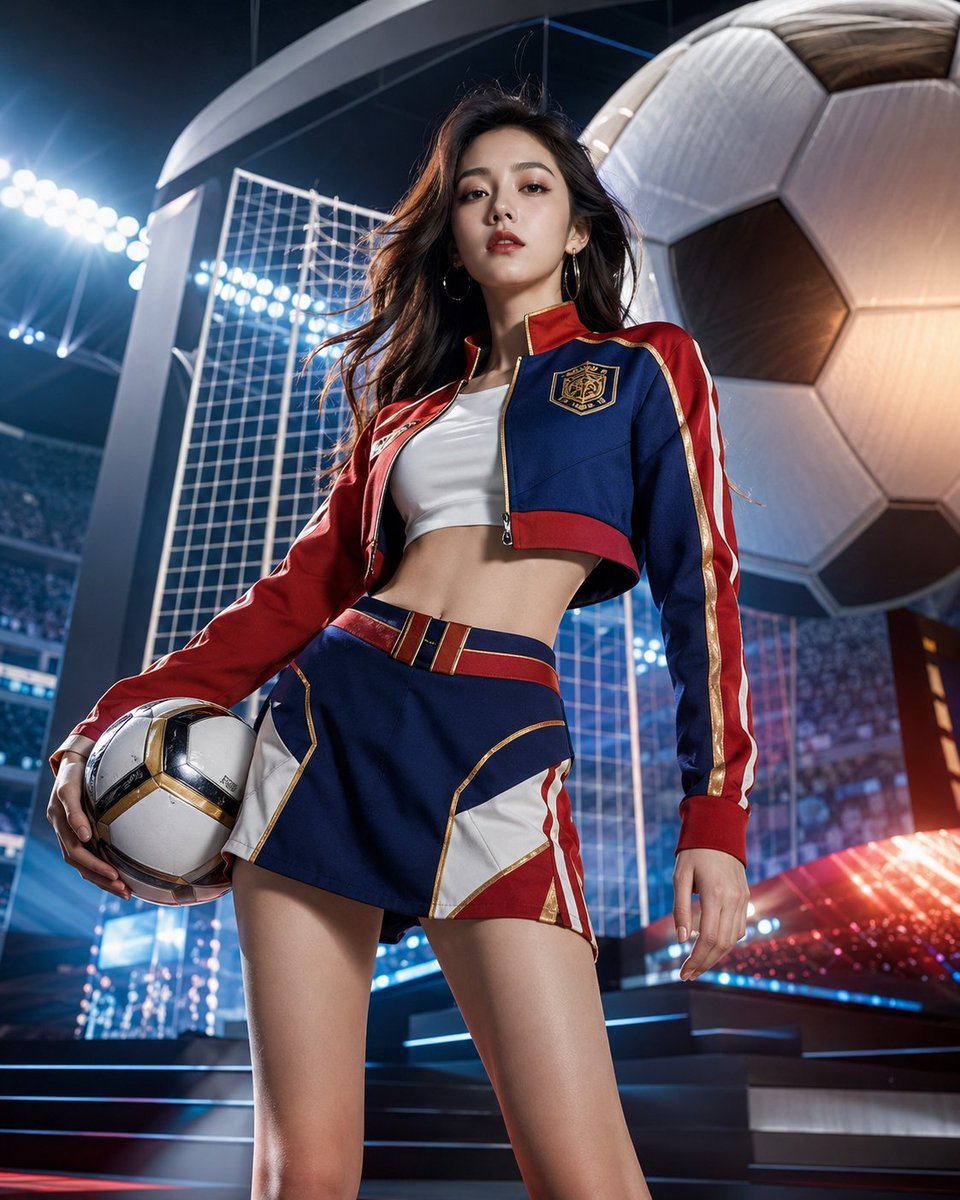
World Cup Soccer Girl High Fashion Poster
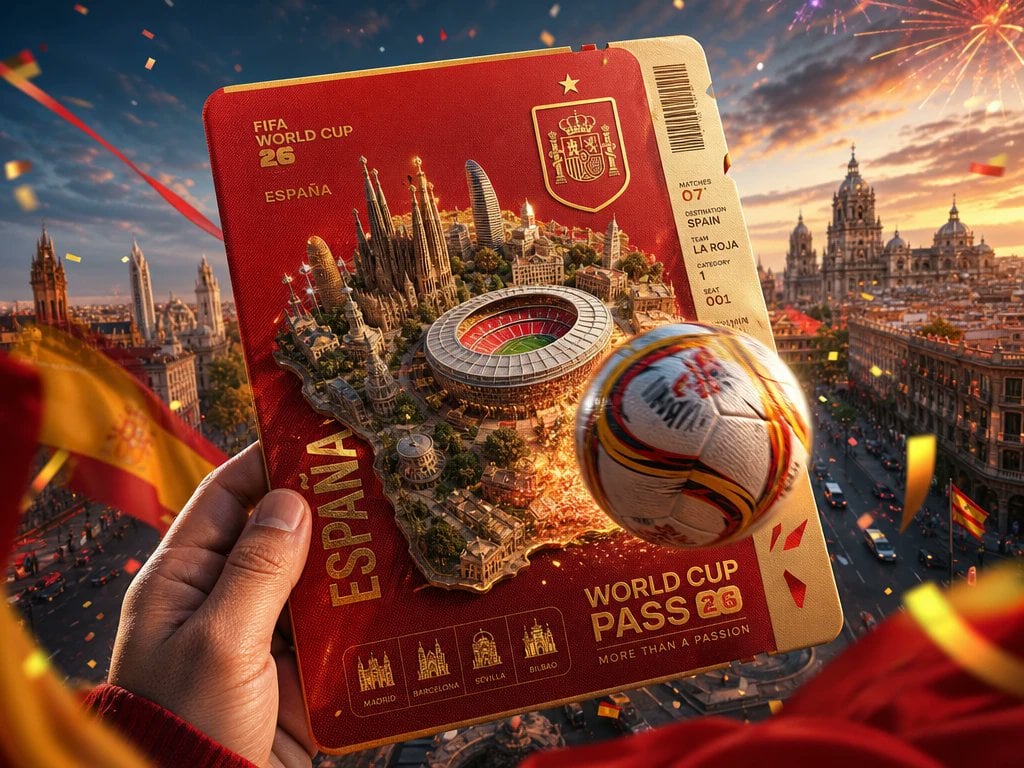
Spain World Cup Travel Pass Poster
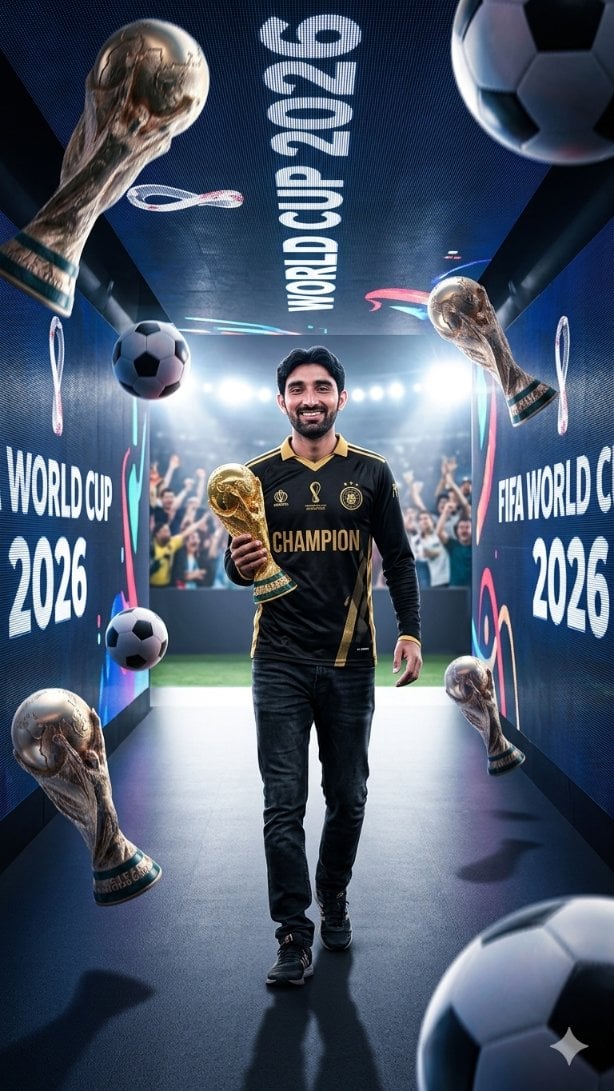
World Cup Champion Tunnel Poster

Mellow Cup Opening Hoarding Poster
Make it yours
World Cup Opening Night Poster works as-is. These are the safest ways to change it without losing the look.
Change one field
Copy a single group, rewrite it, and generate again so you can see what that field is doing.
Keep the frame, change the subject
Hold the composition and light of World Cup Opening Night Poster, then swap wardrobe, props or the person for a new take.
| If the result… | Why | Fix |
|---|---|---|
| The result drifts from the preview | Too many fields changed at once. | Reuse World Cup Opening Night Poster as-is first, then change one group — subject, light, or setting. |
| The model over-stylizes the scene | The prose prompt leaves finish and camera underspecified. | Add one camera or lighting sentence and stay on GPT Image 2. |
More GPT Image 2 templates
Other prompts made for GPT Image 2.

Six VTuber Japanese Logo Sheet

Realistic Portrait of Woman and Deer

The Vista Modular Condo Poster

AI Model Routing Comparison Infographic

2.5D Anime Art Board

Isometric Productivity Desk Scene

New York Double Exposure Poster

Four-Panel AI Landscape Comparison

Japanese Tatami Lifestyle Magazine Cover

NESCAFÉ Coffee Map Poster
More image prompts
Fresh picks from across the catalog.

Ultra-Realistic DSLR Photo of an Indian Man in a Café
Luxury Fashion Advertisement Poster

Close-up Portrait with Metallic Chainmail Top
Extreme Close-up Winter Portrait (Rukmini Vasanth)
Fantasy Dragon and Warrior Image Prompt
Cinematic POV Video Prompt: Mountain Goat on Steep Cliff
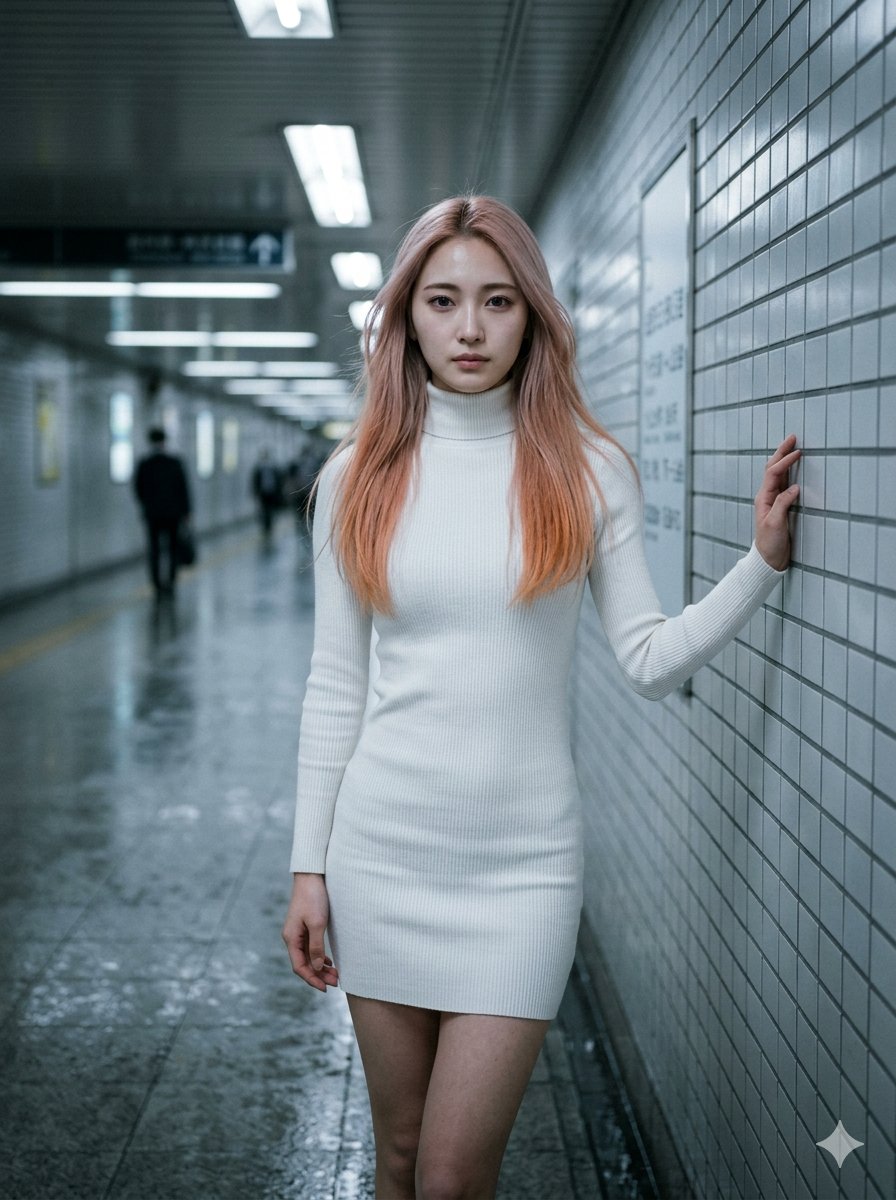
Subway Corridor Fashion Portrait
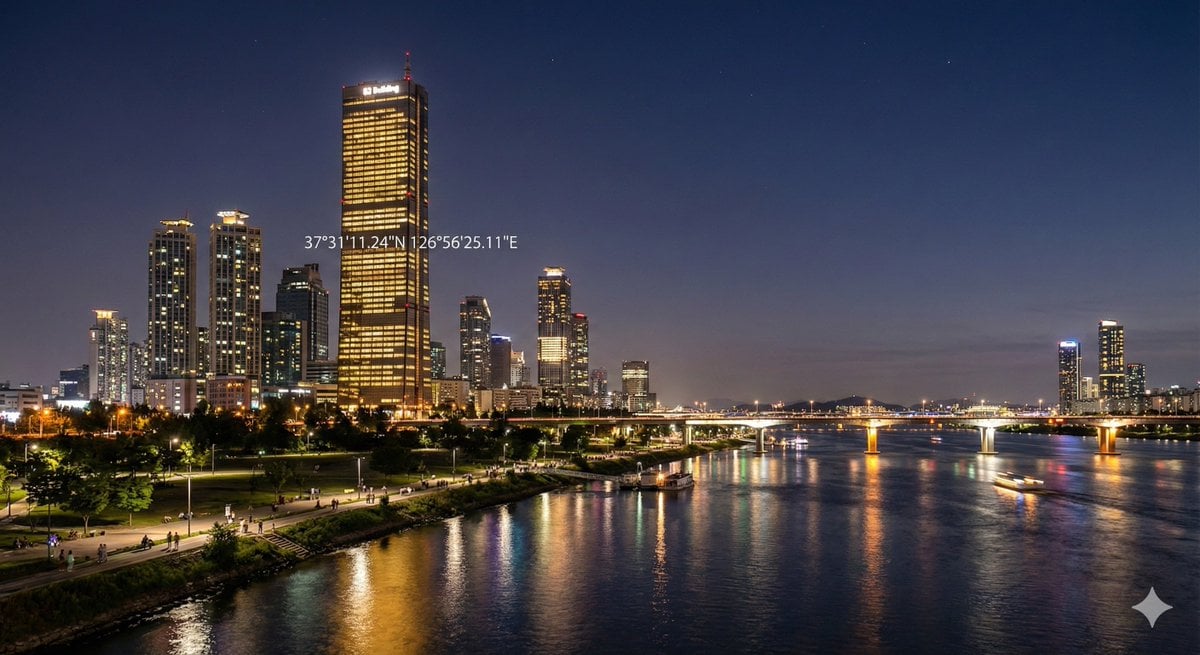
Night view of skyscraper via coordinates
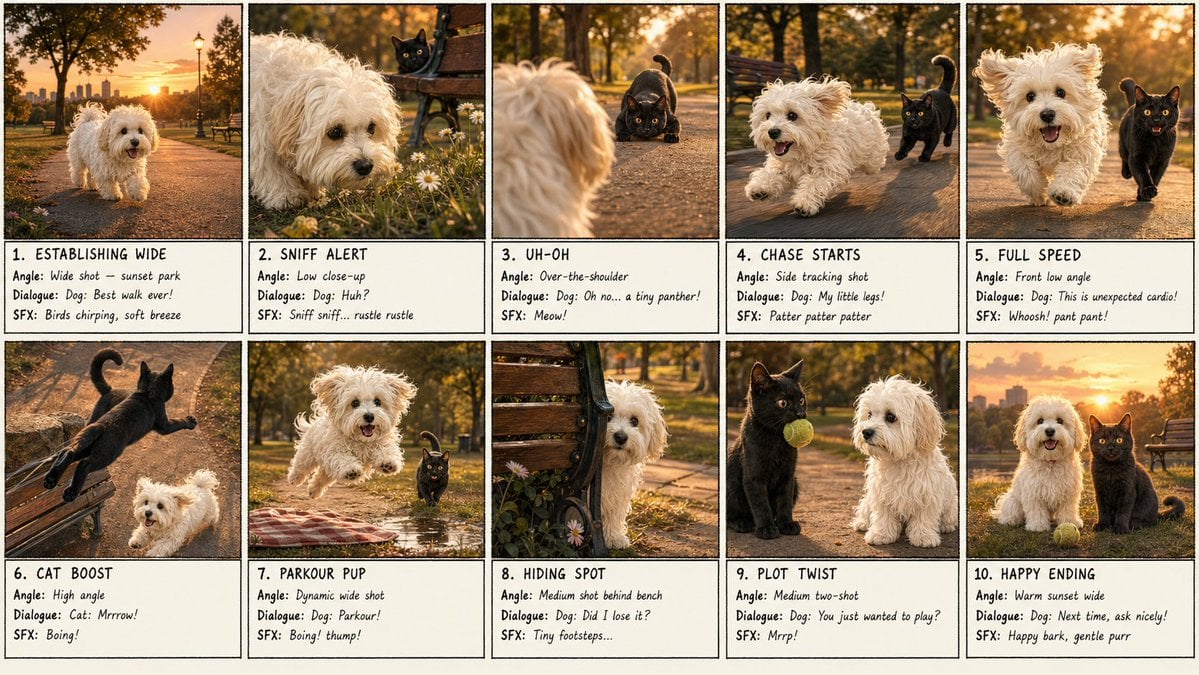
Panel Dog and Cat Park Storyboard
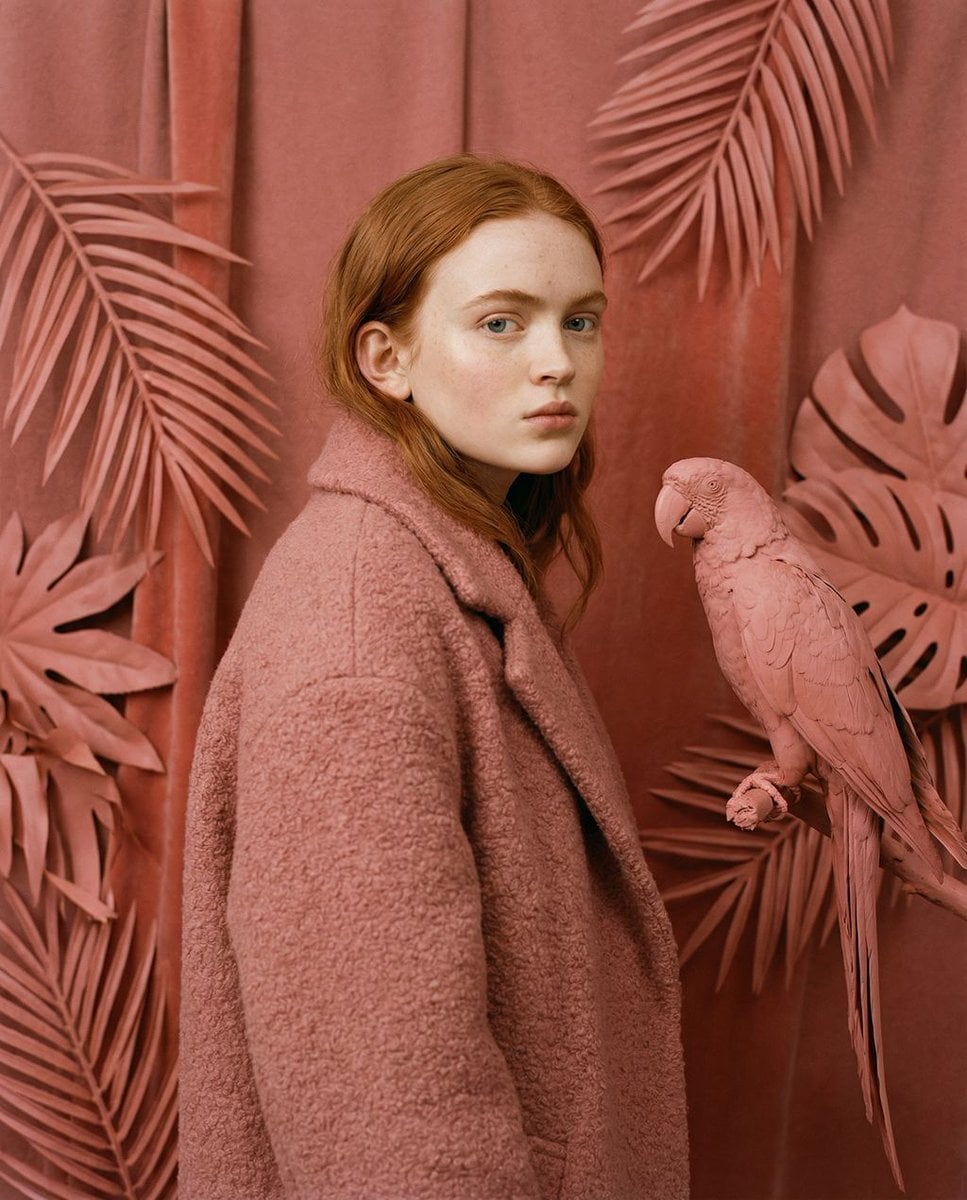
Avant-Garde Editorial Velvet Portrait
Browse template categories
World Cup Opening Night Poster questions
How do I use the World Cup Opening Night Poster template?
Add your photo if the template asks for one, edit the prompt if you like — the template's model and format are already selected — and press Generate. Your version opens in PicX Studio.
Can I customize the World Cup Opening Night Poster template?
Yes. You can change the subject, setting, lighting, mood, format, and available model controls before creating your image.
Is the World Cup Opening Night Poster template free?
Opening and editing this template is free. Generating uses credits, shown on the Generate button when you are signed in.
Which AI model should I use?
Start with GPT Image 2, which is the model associated with this template. You can compare another compatible model for a different finish.
Looking for something else? Browse all templates.

Your photo, any look
Thousands of ready templates for every top image and video model, from one credit balance.