
Japanese World Cup Match Summary Poster
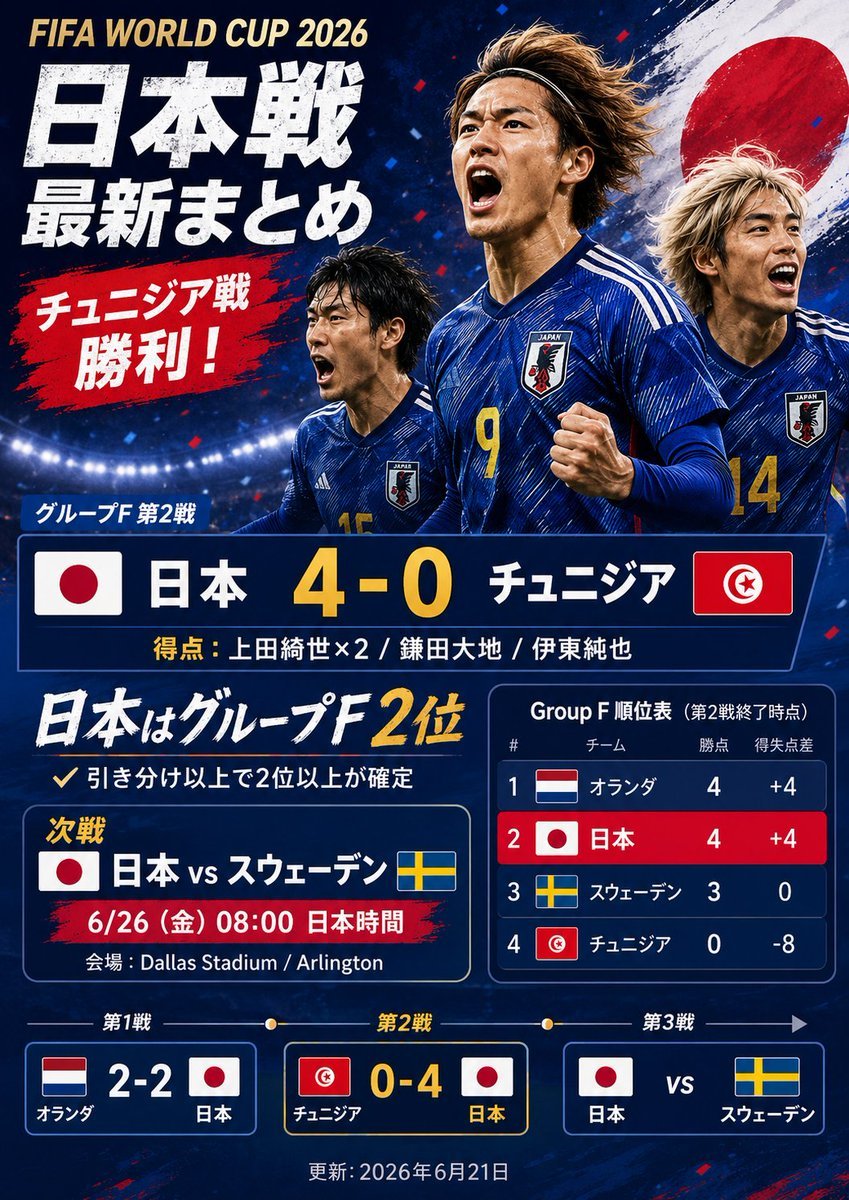
Generates a dramatic Japanese sports-news poster summarizing a fictional Japan 4–0 Tunisia World Cup match with scoreboard, standings, and next-match panels.
- Prompt included
- Model and format preset
- Premium template
The prompt behind this image
Copy the exact prompt behind Japanese World Cup Match Summary Poster, or open it in the studio and make it yours.
Goal: Create a dramatic Japanese sports-news extra edition graphic about {argument name="event title" default="FIFA WORLD CUP 2026"}, styled like a viral social media match-summary poster after Japan defeats Tunisia 4–0. Canvas: Vertical 3:4 poster, dark navy stadium background with bright floodlights along the lower horizon, red and blue confetti, grunge paint textures, high contrast, energetic tabloid/sports-news design. Main image: Show exactly 3 Japanese male soccer players in blue Japan national-team jerseys, running and celebrating. The center player is largest, wearing number 9, fist clenched; the left player is smaller and partly behind him, wearing number 15; the right player is partly cropped, wearing number 14. Place a large Japanese flag brushstroke circle behind the players on the upper right. Use realistic sports photography lighting, wind-swept hair, intense expressions, but do not use real player likenesses. Layout and text: At top left, place a small gold English title: {argument name="event title" default="FIFA WORLD CUP 2026"}. Under it, use huge distressed white Japanese newspaper-style headline text: {argument name="main Japanese headline" default="日本戦\n最新まとめ"}. Add a red brushstroke callout below with bold white Japanese text: {argument name="red callout text" default="チュニジア戦\n勝利!"}. Keep the typography bold, condensed, slightly rough, with drop shadows and angled paint-stroke accents. Score block: In the center, create one large navy scoreboard bar with exactly 2 national flags, Japan on the left and Tunisia on the right. Include Japanese team names and a large yellow score: {argument name="main score line" default="日本 4-0 チュニジア"}. Above it place the group-stage label in Japanese, and below it add scorers in smaller text: {argument name="scorers line" default="得点:上田綺世×2 / 鎌田大地 / 伊東純也"}. Lower information area: Add a large handwritten-style white and yellow Japanese statement saying Japan is in 2nd place in Group F, with a smaller note underneath saying a draw or better secures second place or higher. Create exactly 2 middle panels: left panel for the next match, showing Japan vs Sweden with Japan and Sweden flags, date/time, and venue; right panel for the Group F standings. Standings table: The standings panel must have exactly 4 rows, ranked 1 to 4: Netherlands, Japan, Sweden, Tunisia. Include each country flag, team name in Japanese, points, and goal difference. Use dark navy cells, a red highlight row for Japan, white text, and yellow accents. Bottom match timeline: Create exactly 3 rectangular match cards connected by a thin timeline with dots, labeled match 1, match 2, match 3. Card 1 shows Netherlands 2–2 Japan with both flags. Card 2 is highlighted and shows Tunisia 0–4 Japan with both flags. Card 3 shows Japan vs Sweden with both flags. Add a small update date centered at the bottom. Visual style: Modern Japanese sports newspaper extra, bold editorial layout, navy/red/white/yellow palette, realistic players combined with graphic overlays, sharp borders, glowing stadium light, paint splashes, distressed textures, celebratory urgency. Make all text crisp and legible, no watermarks, no logos other than generic national flags and a generic Japan crest.
How to use Japanese World Cup Match Summary Poster in 3 steps
- 1Upload ImagePNG, JPG or paste
Add your photo
Upload the photo the template builds on. The prompt, model and format are already set.
- 2…a portrait of your subject in softgolden-hour light, 85mm…
Personalize
Edit the subject and creative details for your destination.
- 3Generate
Generate
Press Generate — your image is created in PicX Studio, so you can compare it with the original and refine one variable at a time.
More like this
Templates with the same subject, style or setup. Open one to see its prompt.

Vintage Lithograph Retro World Cup Poster

Captain Tsubasa Anime World Cup Poster

Campaign Smoke National Symbols World Cup
Brazil Versus Japan Knockout Split Rivalry Poster
Spain World Cup Football Poster
World Cup Opening Night Poster
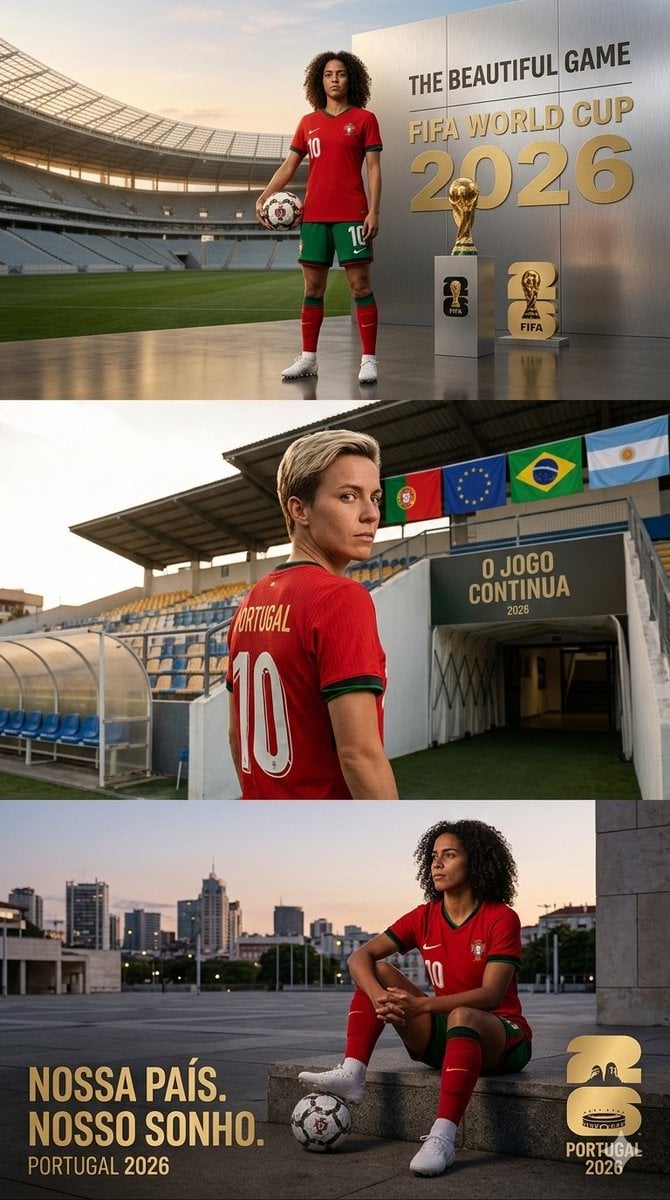
Portugal World Cup 2026 poster
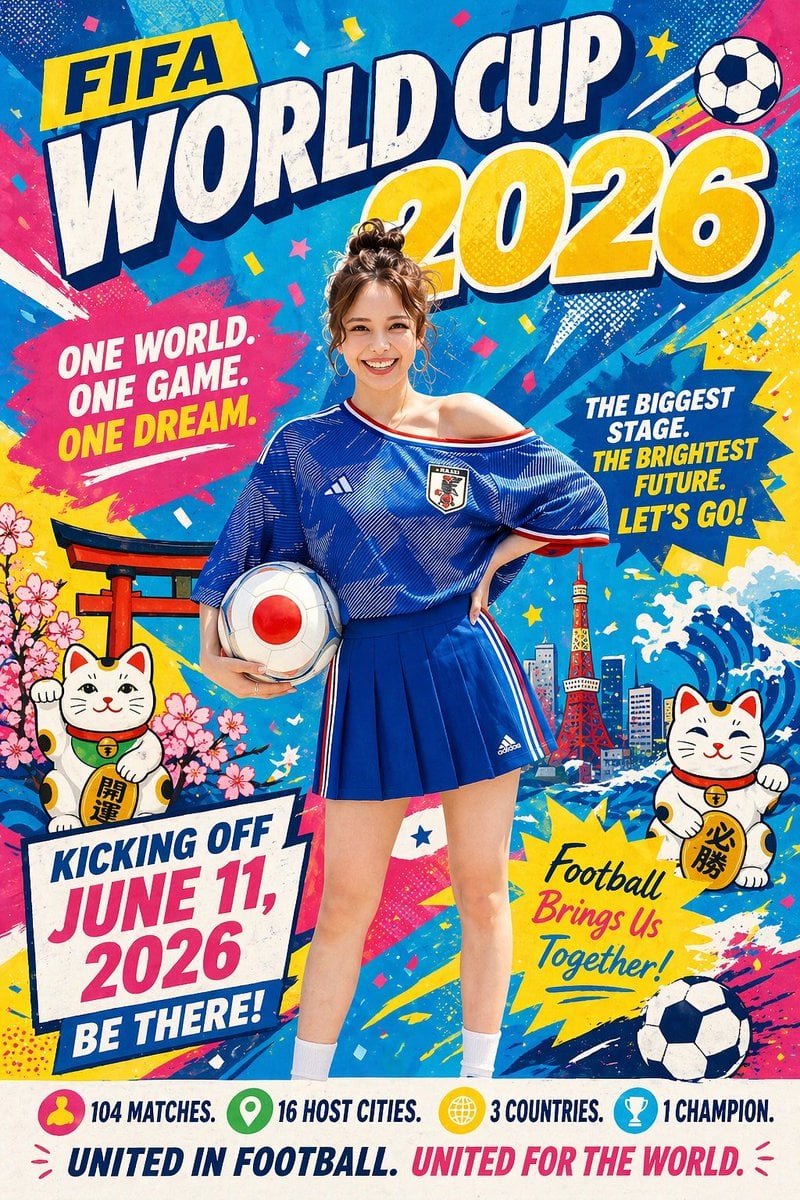
Minimalist World Cup poster
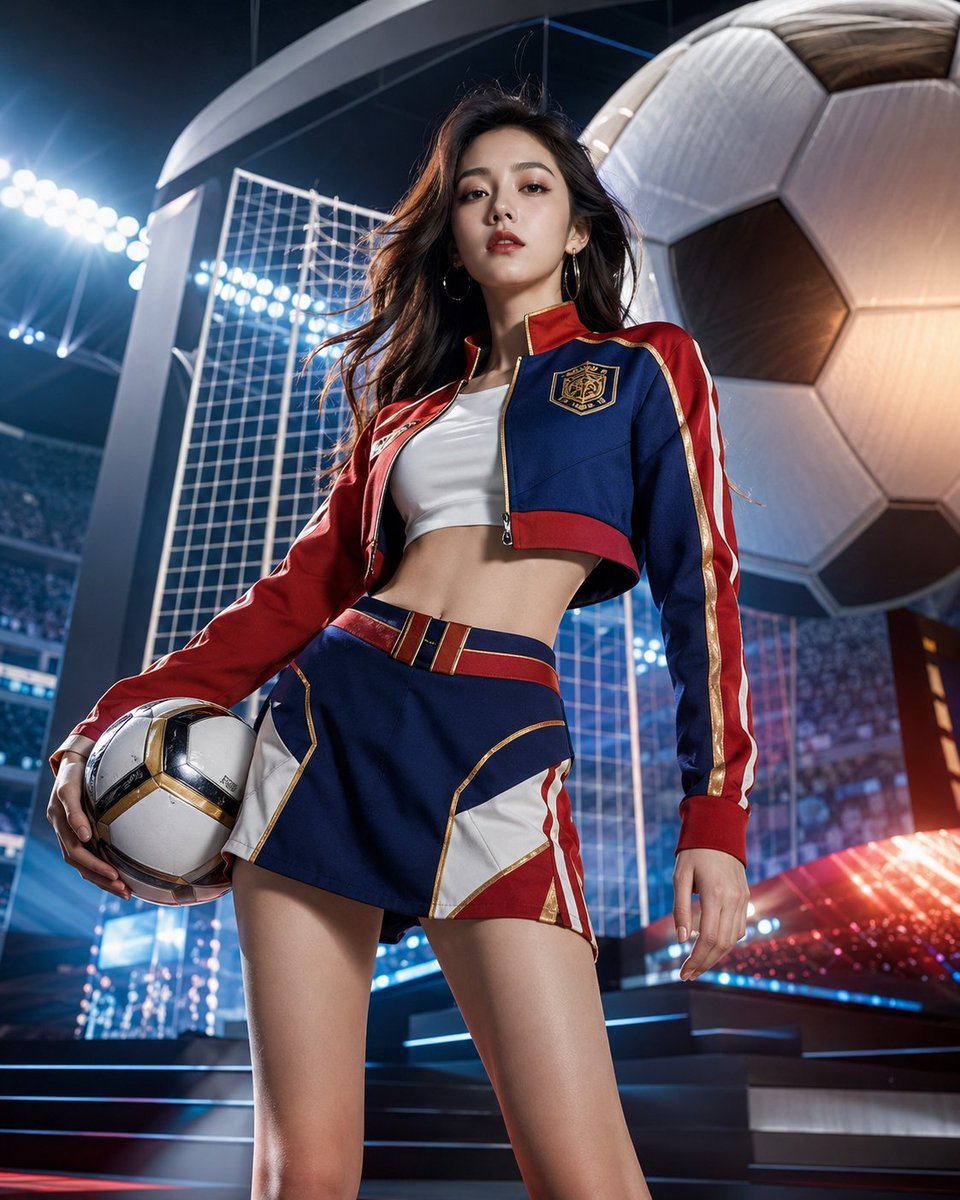
World Cup Soccer Girl High Fashion Poster
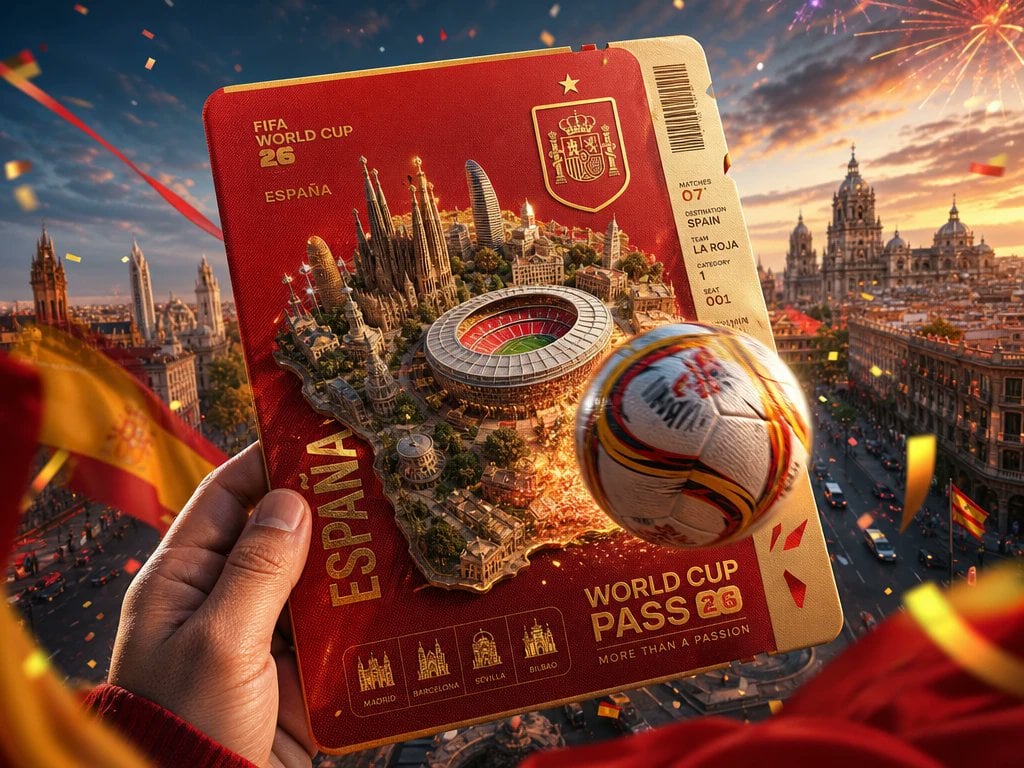
Spain World Cup Travel Pass Poster
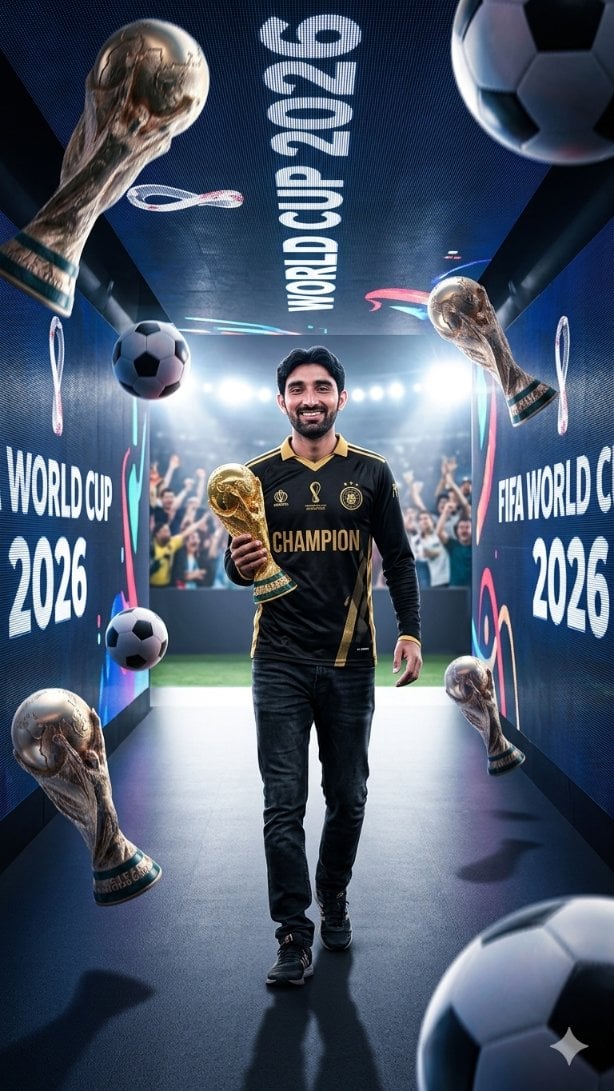
World Cup Champion Tunnel Poster
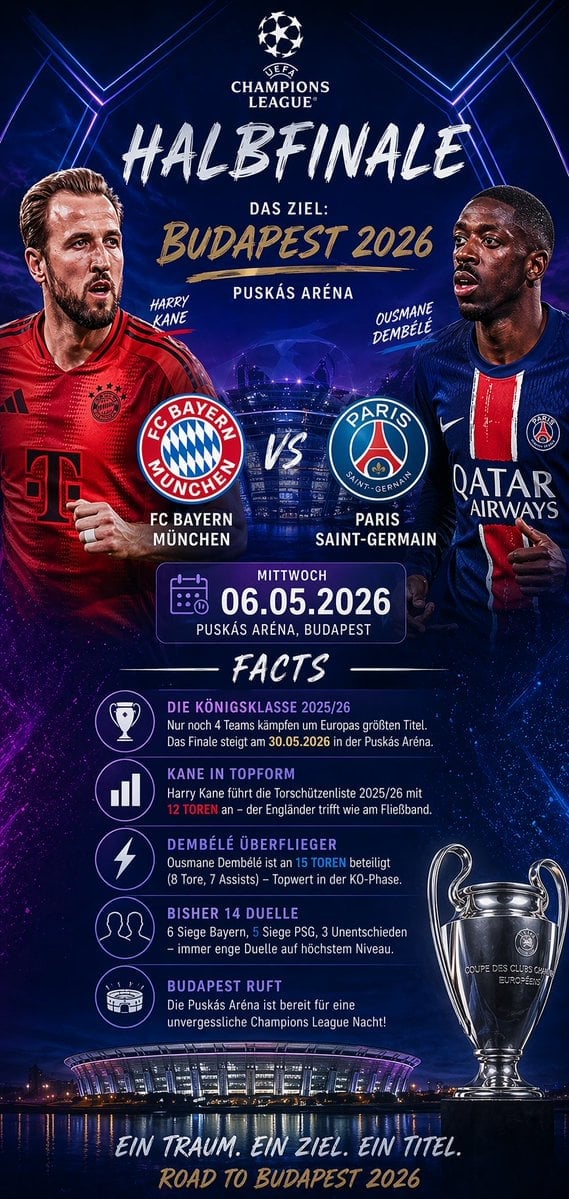
Soccer Match Infographic Poster
Make it yours
Japanese World Cup Match Summary Poster works as-is. These are the safest ways to change it without losing the look.
Change one field
Copy a single group, rewrite it, and generate again so you can see what that field is doing.
Keep the frame, change the subject
Hold the composition and light of Japanese World Cup Match Summary Poster, then swap wardrobe, props or the person for a new take.
| If the result… | Why | Fix |
|---|---|---|
| The result drifts from the preview | Too many fields changed at once. | Reuse Japanese World Cup Match Summary Poster as-is first, then change one group — subject, light, or setting. |
| The model over-stylizes the scene | The prose prompt leaves finish and camera underspecified. | Add one camera or lighting sentence and stay on GPT Image 2. |
More GPT Image 2 templates
Other prompts made for GPT Image 2.

Six VTuber Japanese Logo Sheet

Realistic Portrait of Woman and Deer

The Vista Modular Condo Poster

AI Model Routing Comparison Infographic

2.5D Anime Art Board

Isometric Productivity Desk Scene

New York Double Exposure Poster

Four-Panel AI Landscape Comparison

Japanese Tatami Lifestyle Magazine Cover

NESCAFÉ Coffee Map Poster
More image prompts
Fresh picks from across the catalog.

Colored Pencil Illustration Style Prompt
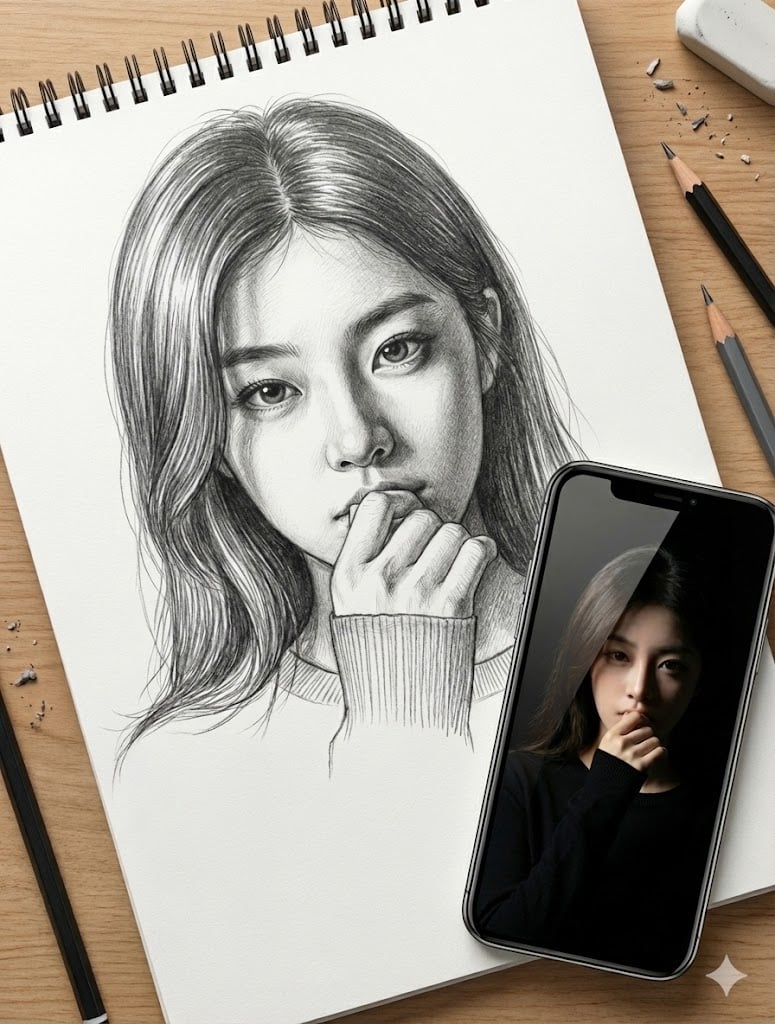
Masterful Realistic Oil Painting of a Live Model
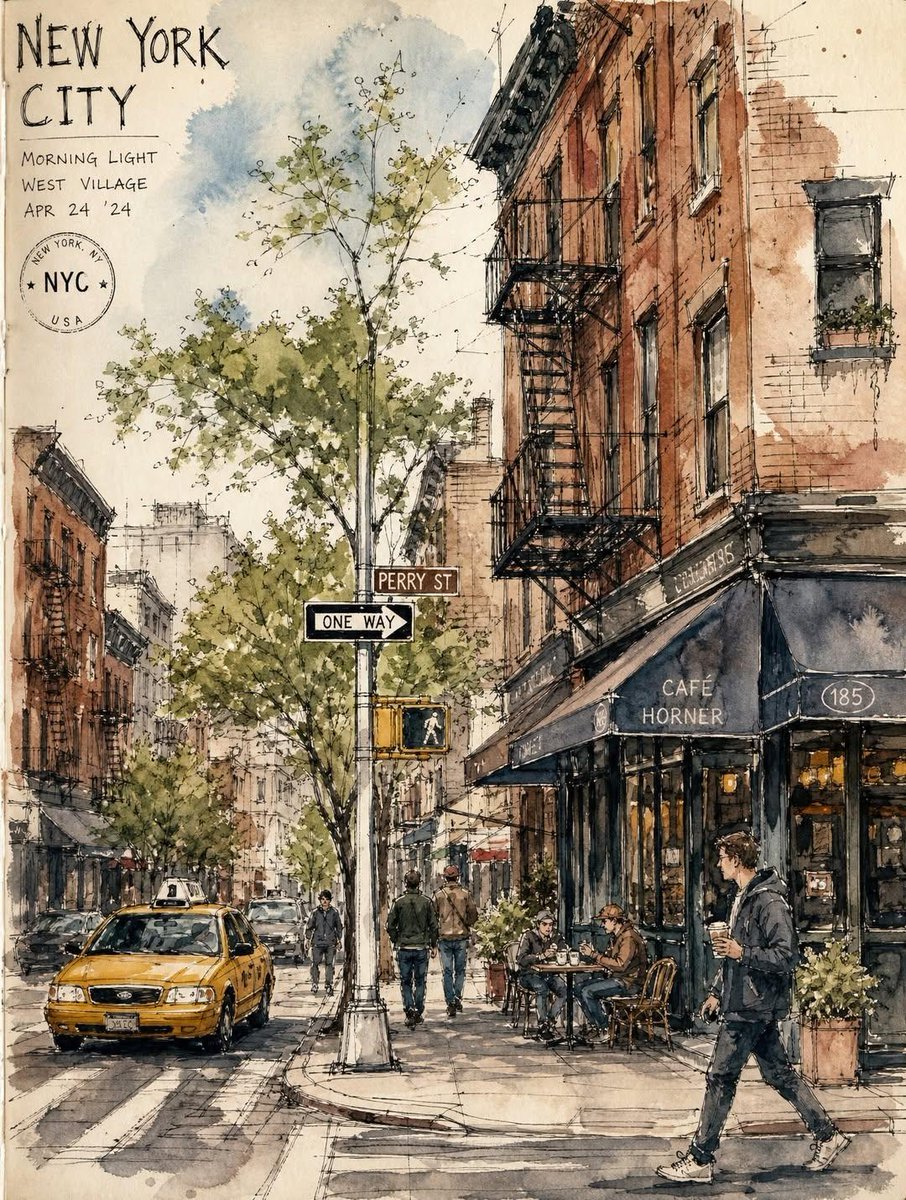
Vintage European Travel Sketchbook
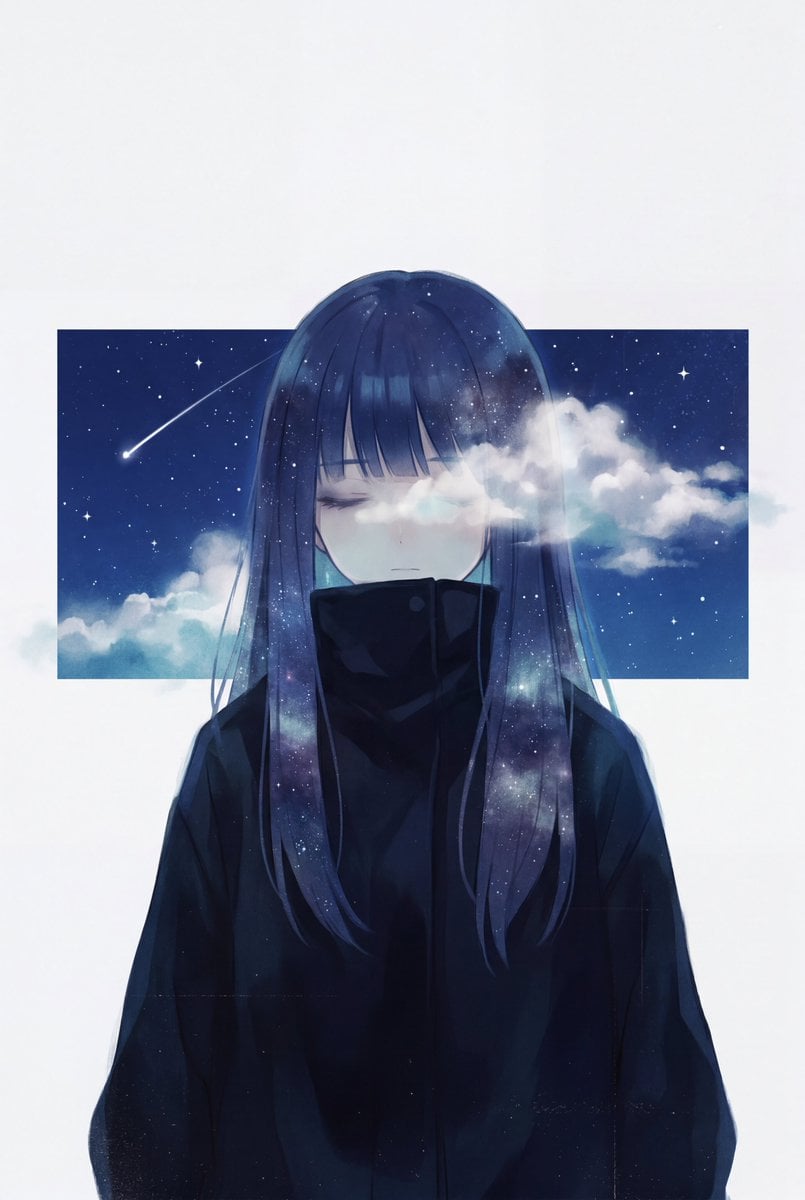
Minimalist Melancholic Cosmic Anime
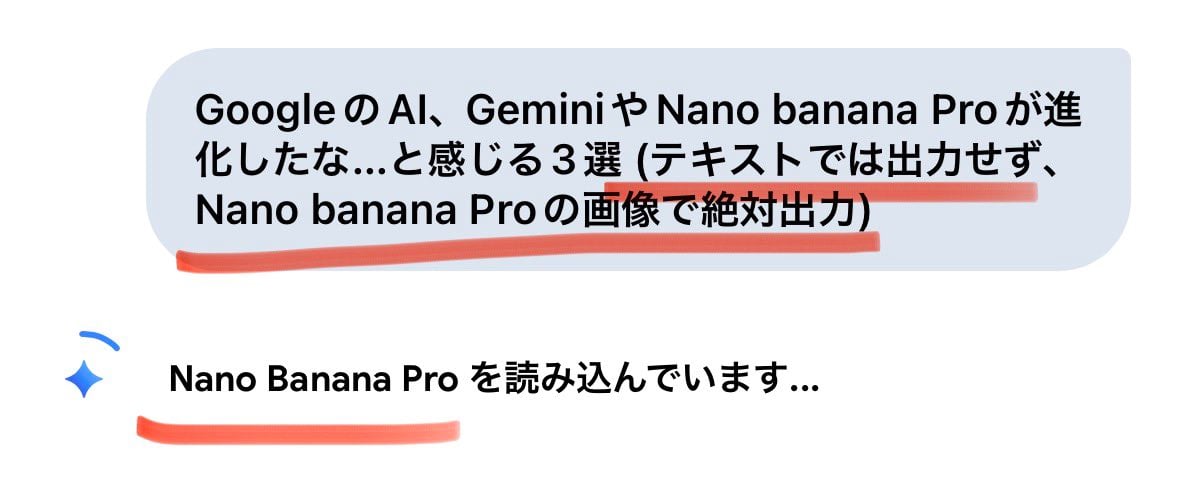
Forcing Image Output in Nano Banana Pro
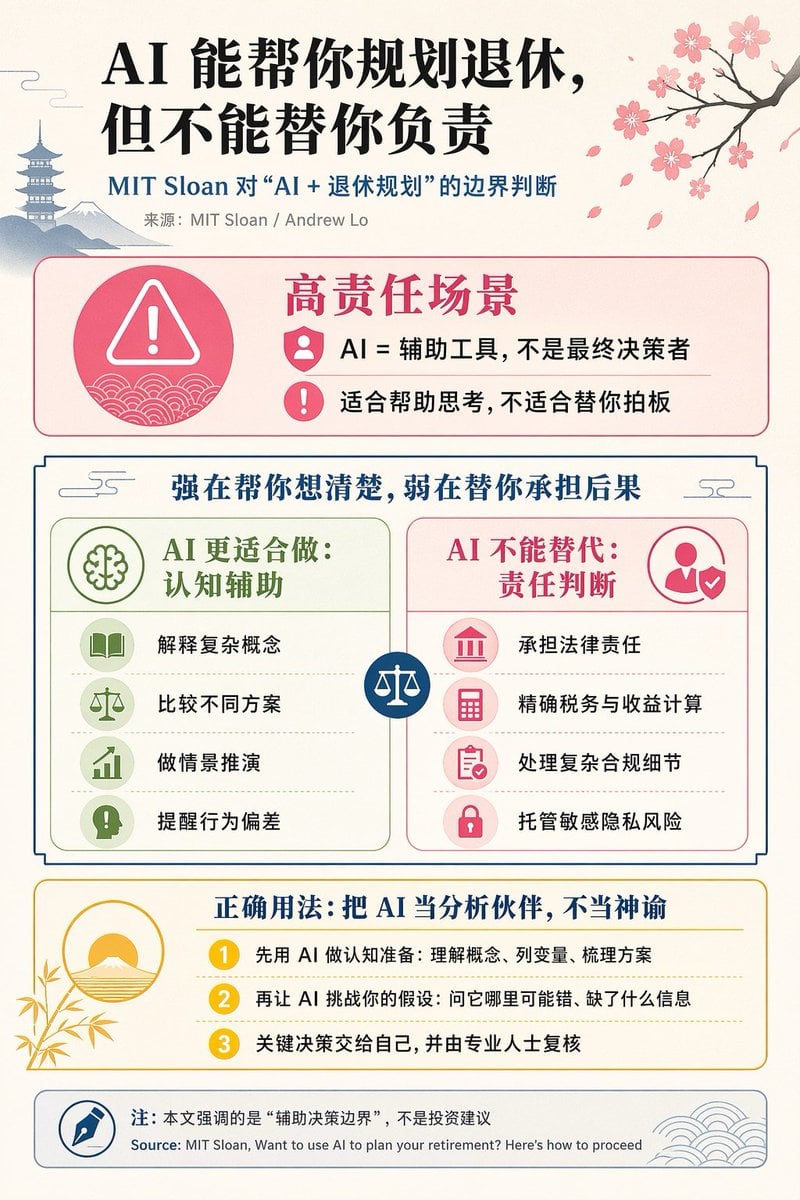
Chinese AI Retirement Planning Infographic

Architect Live Stream UI Mockup

Golden Hour Mountain Viewpoint Portrait
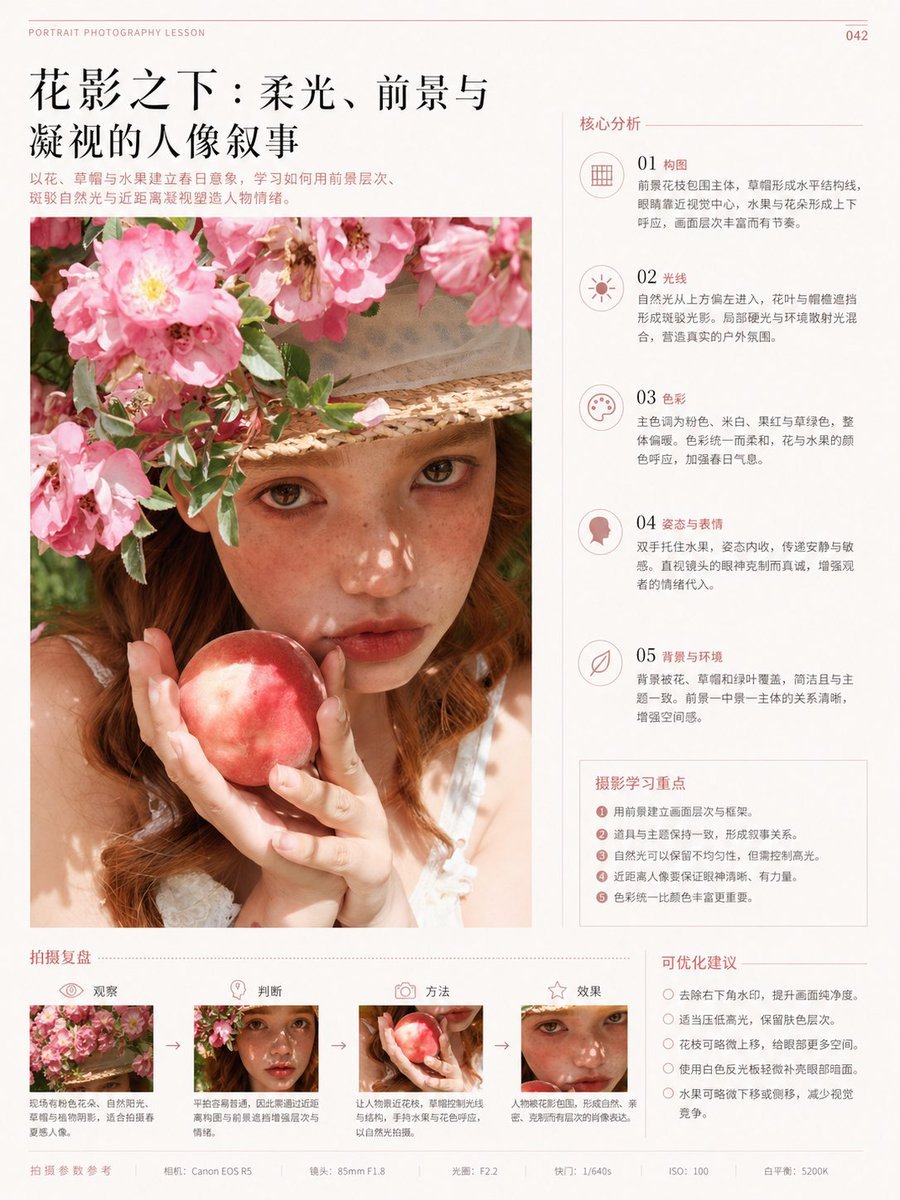
Chinese Editorial Photography Lesson Page
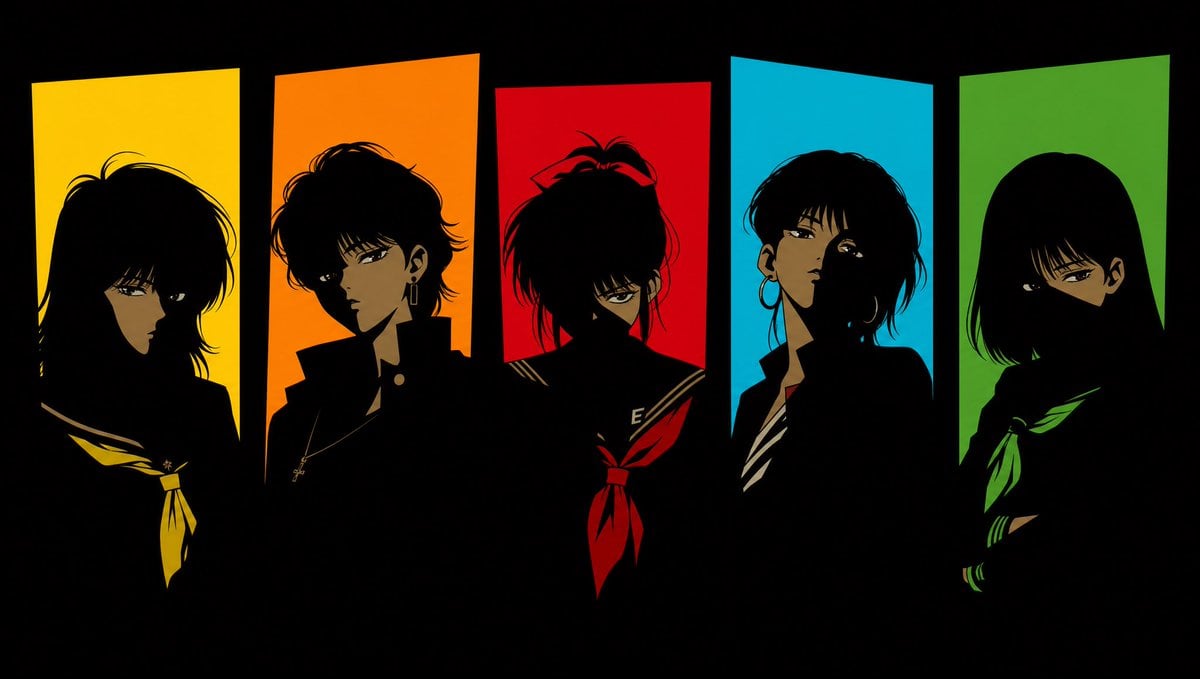
Five 1980s Delinquent Anime Girls
Browse template categories
Japanese World Cup Match Summary Poster questions
How do I use the Japanese World Cup Match Summary Poster template?
Add your photo if the template asks for one, edit the prompt if you like — the template's model and format are already selected — and press Generate. Your version opens in PicX Studio.
Can I customize the Japanese World Cup Match Summary Poster template?
Yes. You can change the subject, setting, lighting, mood, format, and available model controls before creating your image.
Is the Japanese World Cup Match Summary Poster template free?
Opening and editing this template is free. Generating uses credits, shown on the Generate button when you are signed in.
Which AI model should I use?
Start with GPT Image 2, which is the model associated with this template. You can compare another compatible model for a different finish.
Looking for something else? Browse all templates.

Your photo, any look
Thousands of ready templates for every top image and video model, from one credit balance.