
Masterful Realistic Oil Painting of a Live Model
A Nano Banana Pro prompt (咒语2) focused on generating a masterful, realistic oil painting scene.
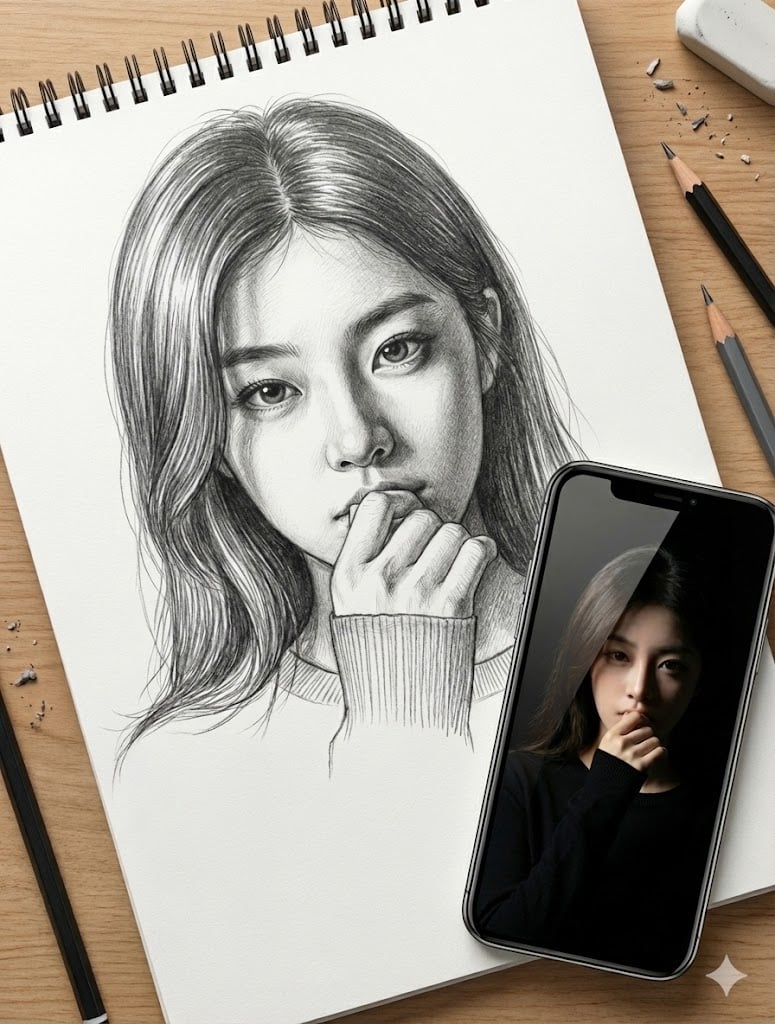
- Prompt included
- Model and format preset
- Free template
The prompt behind this image
Copy the exact prompt behind Masterful Realistic Oil Painting of a Live Model, or open it in the studio and make it yours.
Overall Vibe & Quality: Perfect composition, highest quality, 8K resolution, soft and dreamy atmosphere, professional level, award-winning style, masterful artistry. Romantic, gentle, fresh atmosphere with a sophisticated sensibility. The Subject & Scene: A live oil painting session. a live model in a naturally lit studio, posed gently with a soft, dreaming expression. Natural, diffused light streams in from a large window to her side, illuminating her features and the surrounding real floral arrangements ({argument name="flowers" default="soft cherry blossoms, hydrangeas in muted tones"}). The Painting Style (Realistic Oil): Masterful realistic oil painting rendered on stretched linen canvas, visible weave texture. Rich, buttery paint texture with subtle impasto on highlights and clothing, contrasting with incredibly smooth, luminous blending for skin tones (using sfumato and fine glazing techniques to create depth). The color palette is soft and sophisticated, translating the pastel feel into rich oils: muted rose, sage green, soft violet, peach, warm ochre, and cream. Expressive yet controlled brushwork adds texture to her flowing hair. The painting on the easel is nearly finished, showing an exact, realistic likeness of modal with the same gentle proportions and expression. The Environment & Props: The artist's wooden easel holds the canvas in the foreground. Beside it are professional oil painting supplies: a large wooden palette covered in mounds of mixed oil colors, various hog hair and sable brushes, palette knives, glass jars of turpentine and linseed oil, paint tubes, and oil-stained rags. Signature: In the lower right corner of the canvas, the artist signature "{argument name="date" default="2026.1.6"} by yourname" is painted discreetly in muted tone oil paint with a fine sable brush. Aspect Ratio: 3:4 portrait orientation.
How to use Masterful Realistic Oil Painting of a Live Model in 3 steps
- 1
Open
The prompt is already in the box next to the preview, with the template's model and format selected.
- 2…a portrait of your subject in softgolden-hour light, 85mm…
Personalize
Edit the subject and creative details for your destination.
- 3Generate
Generate
Press Generate — your image is created in PicX Studio, so you can compare it with the original and refine one variable at a time.
More like this
Templates with the same subject, style or setup. Open one to see its prompt.
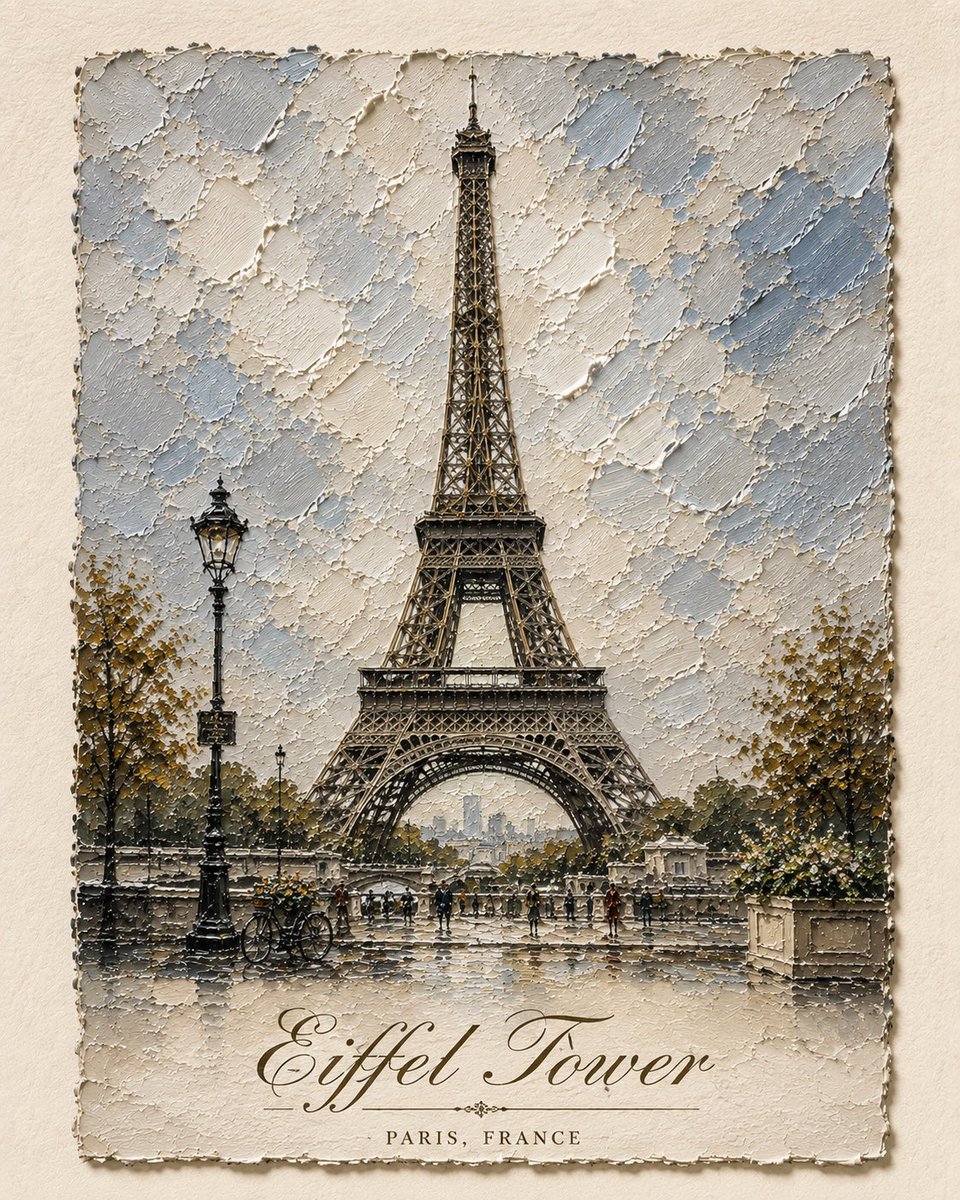
Impasto Oil Architectural Painting
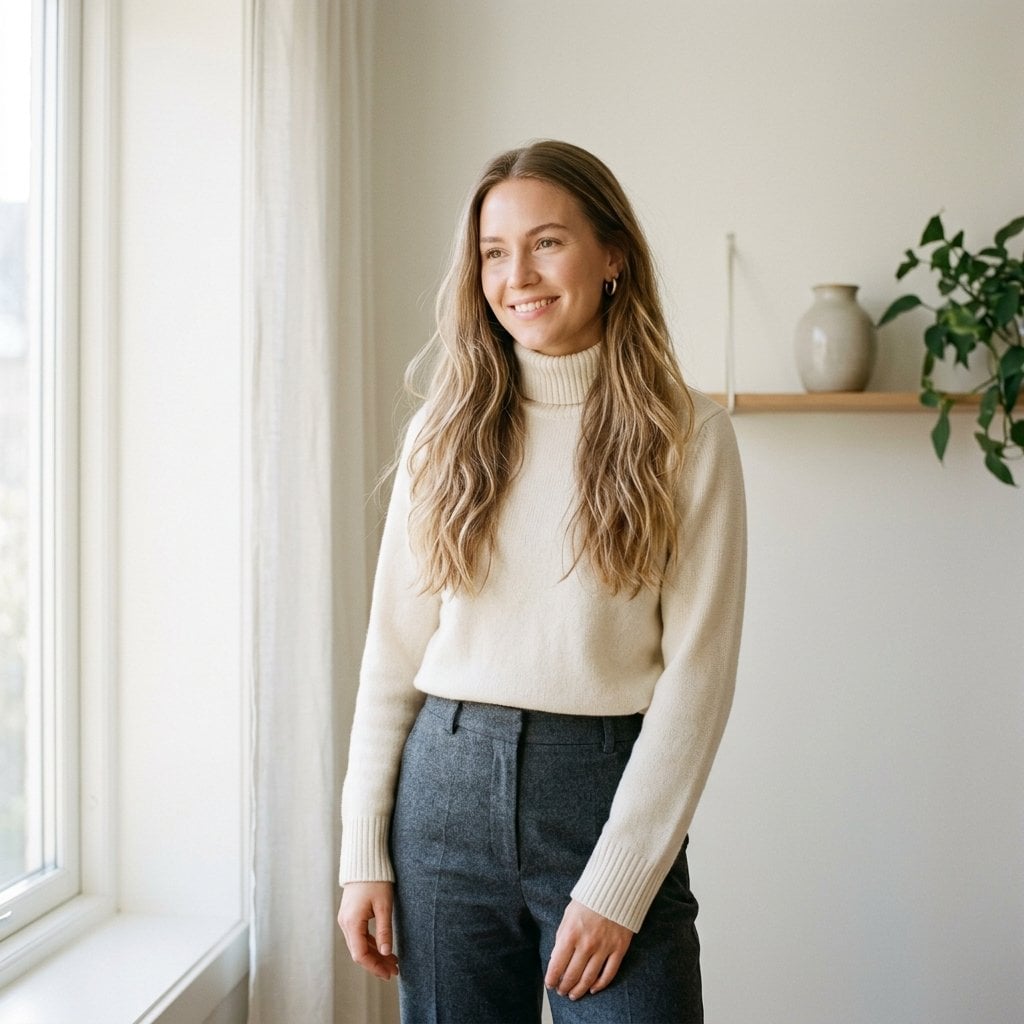
Fashion Oil Painting Aesthetic
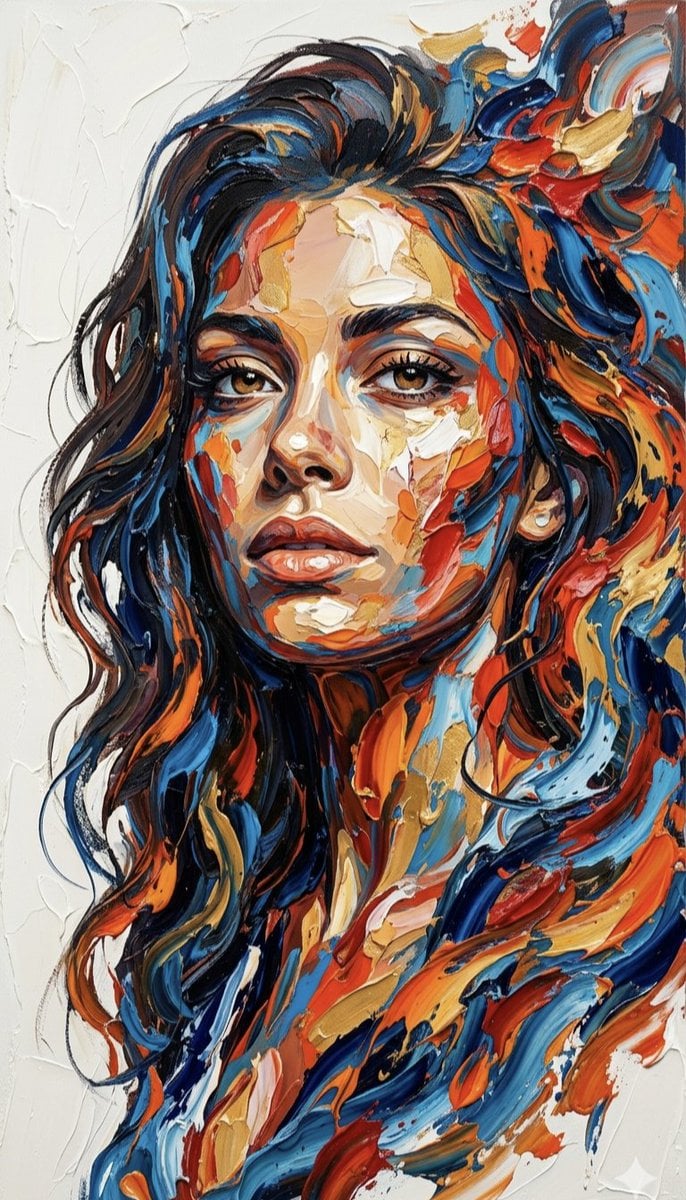
Impasto Palette Knife Oil Painting
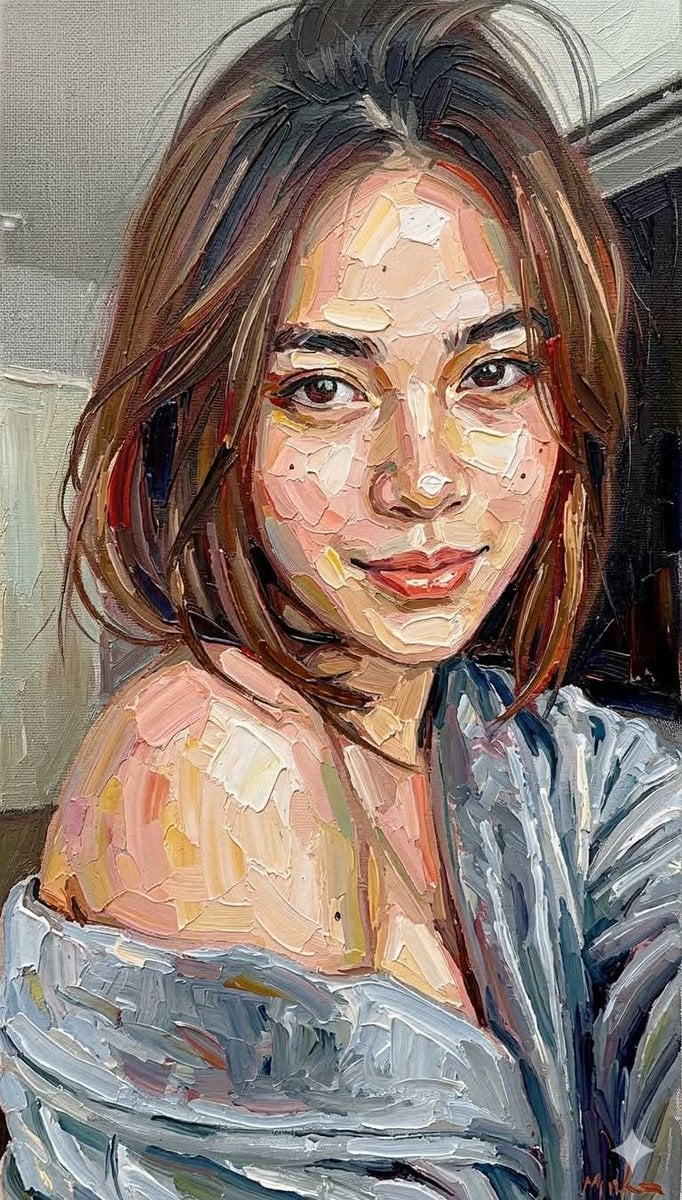
Impasto Oil Painting Portrait Style
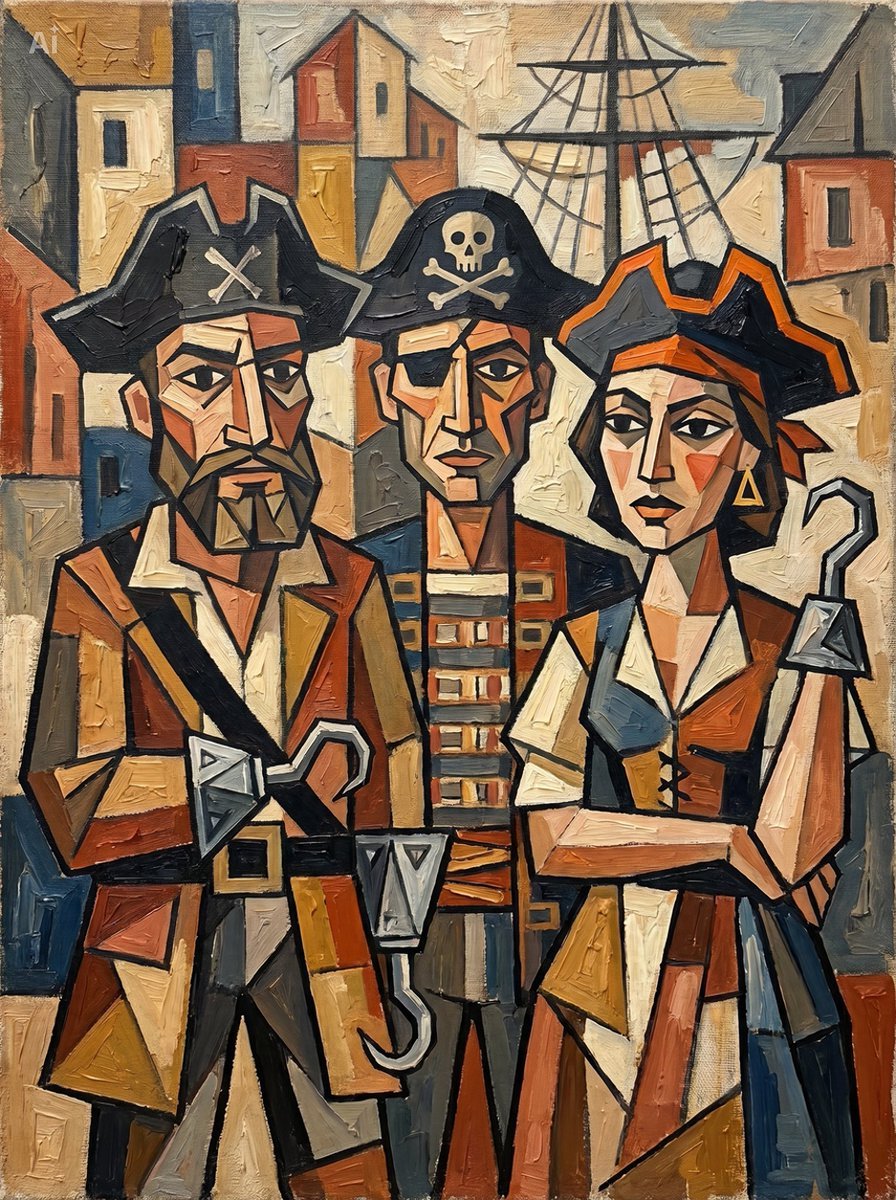
Cubist Pirate Oil Painting
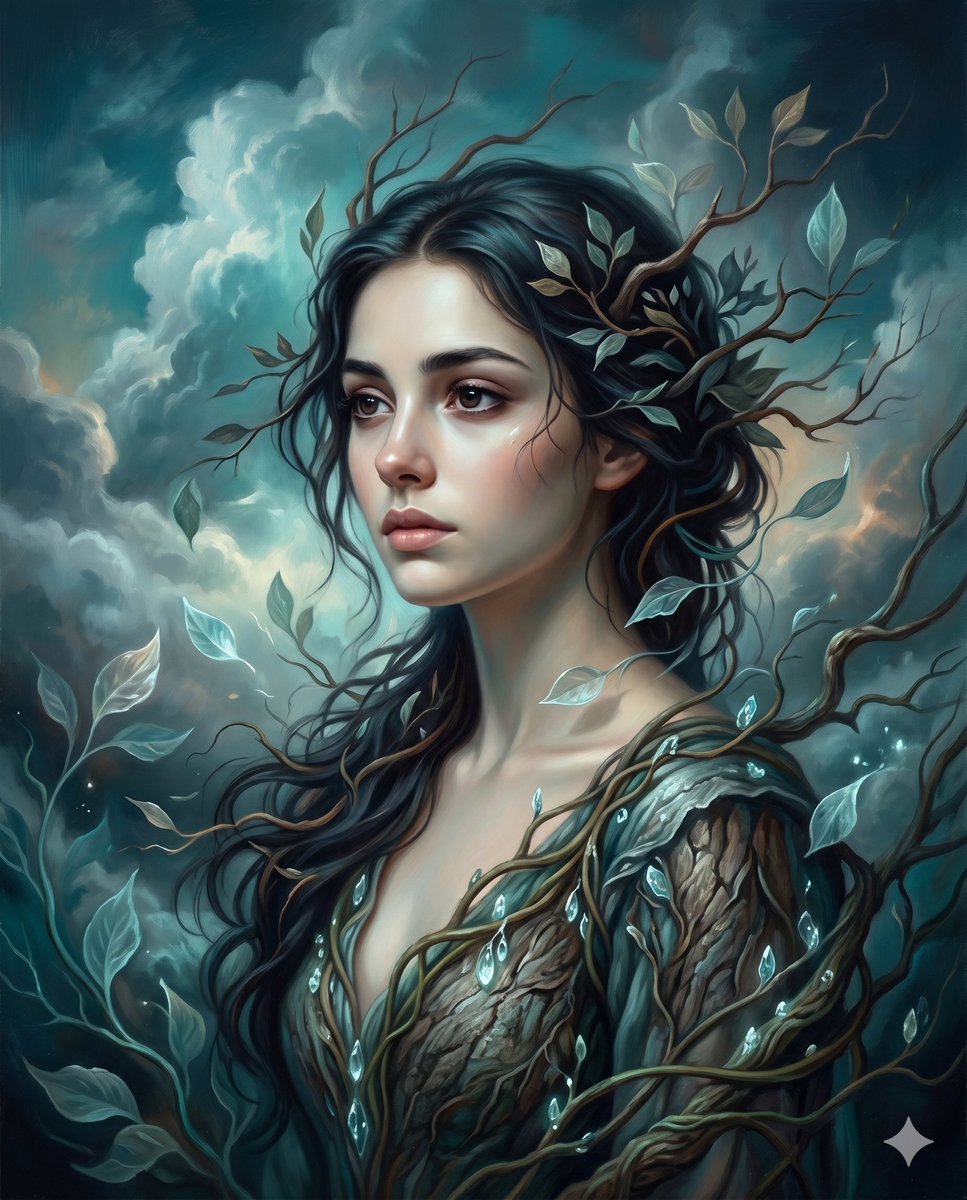
Surrealist romantic oil painting

Oil Painting Still Life Wine

Premium Vertical Product Campaign Poster

Journey of Life Oil Painting
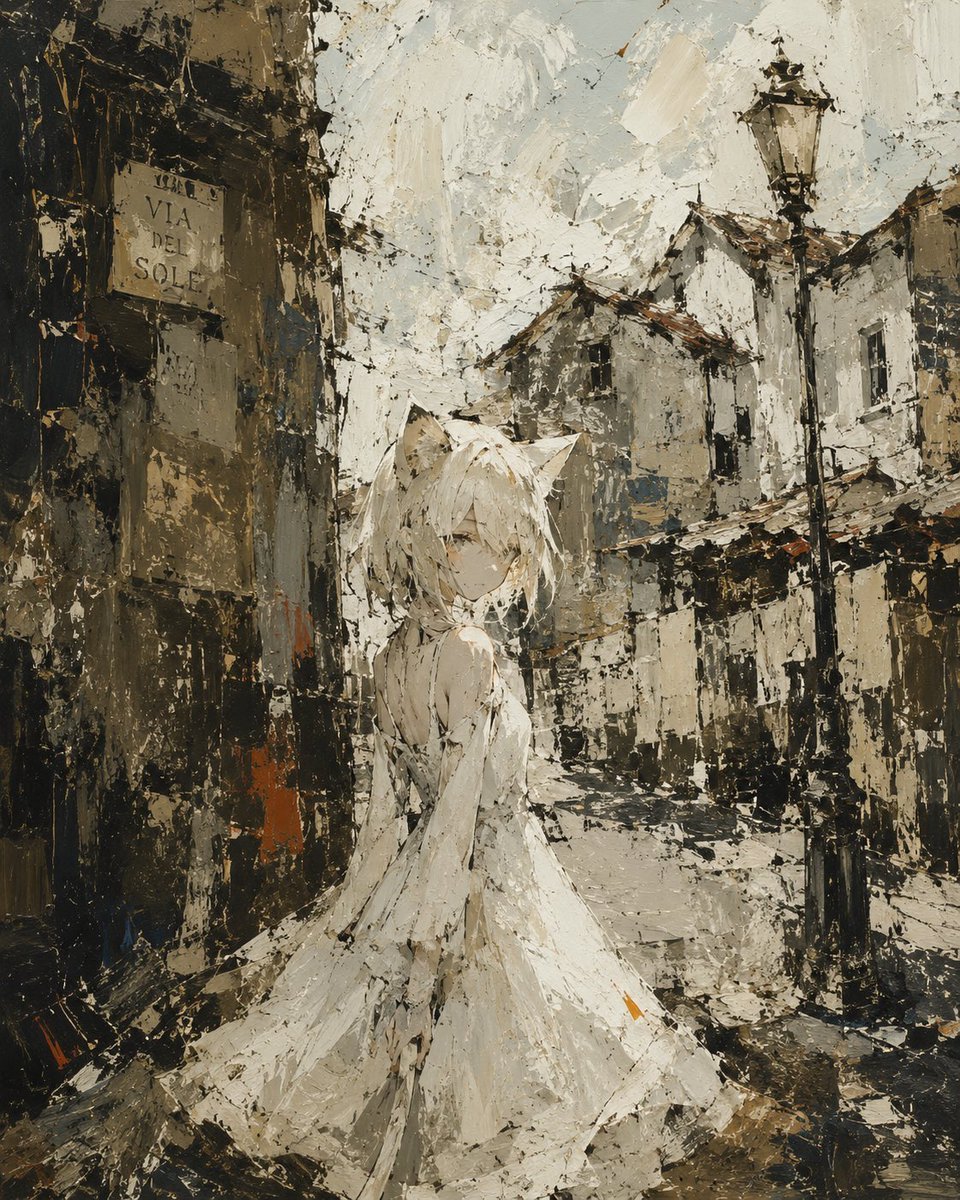
Rough Oil Painting Style Illustration
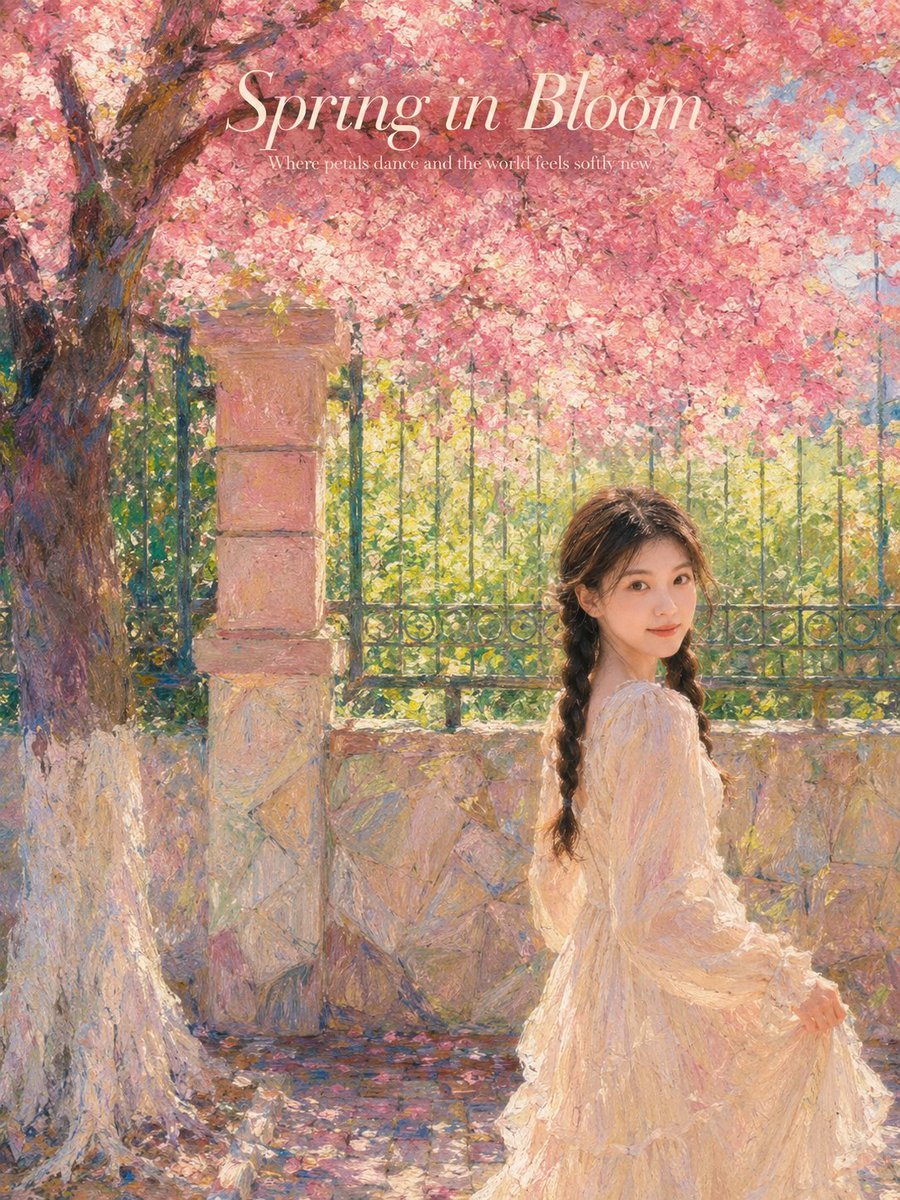
Impressionist Spring Garden Oil Painting

Red Thread Caricature Oil Painting
Make it yours
Masterful Realistic Oil Painting of a Live Model works as-is. These are the safest ways to change it without losing the look.
Change one field
Copy a single group, rewrite it, and generate again so you can see what that field is doing.
Keep the frame, change the subject
Hold the composition and light of Masterful Realistic Oil Painting of a Live Model, then swap wardrobe, props or the person for a new take.
| If the result… | Why | Fix |
|---|---|---|
| The result drifts from the preview | Too many fields changed at once. | Reuse Masterful Realistic Oil Painting of a Live Model as-is first, then change one group — subject, light, or setting. |
| The model over-stylizes the scene | The prose prompt leaves finish and camera underspecified. | Add one camera or lighting sentence and stay on Nano Banana 2. |
More Nano Banana 2 templates
Other prompts made for Nano Banana 2.

Photorealistic Leaf Shaped Like a Dragon

K-Pop Idol Portrait Grid for Rapid Selection

Poetic Rain Forest Portrait During Golden Hour

Urban Street Portrait with Cartoon Inner Self Duo

Candid Nighttime Photo with Cat Prompt

High-Concept 3D Diorama Generation Prompt

Cinematic Futuristic Studio Portrait Template

Skincare Editorial Photography Collage Prompt

Hyper-Realistic Commercial Product Photography (Splash Effect)

Hyper-Realistic Nightclub Portrait Prompt
More image prompts
Fresh picks from across the catalog.
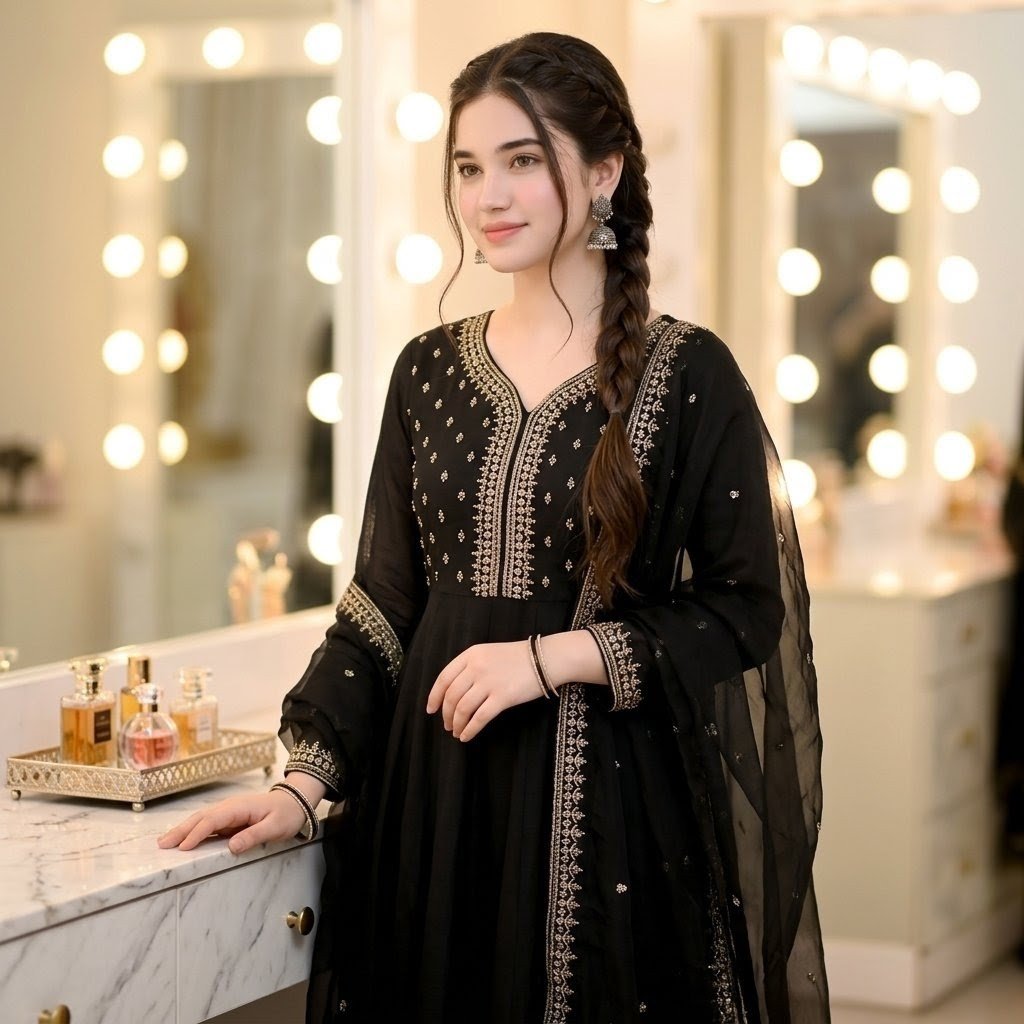
Indian Ethnic Wear Portrait
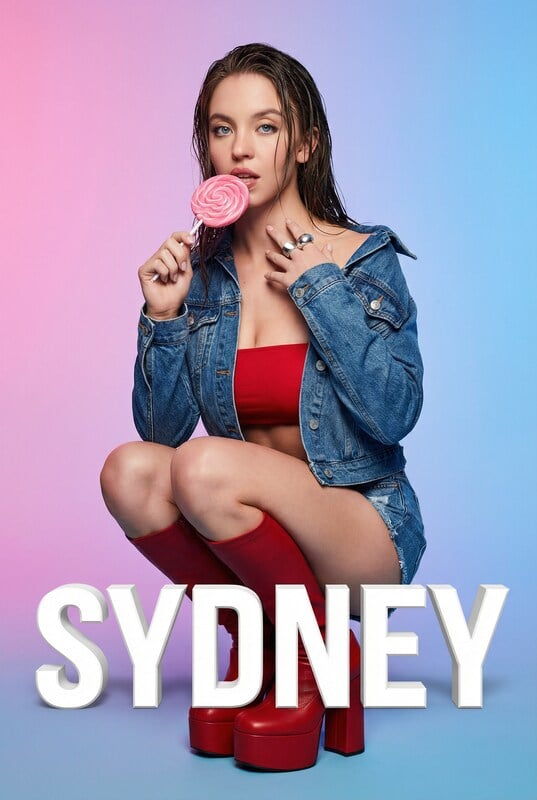
Playful Portrait with Foreground Text and Gradient Background

Pastel Anime Beach Phone Case

Instagram Story with Annotations
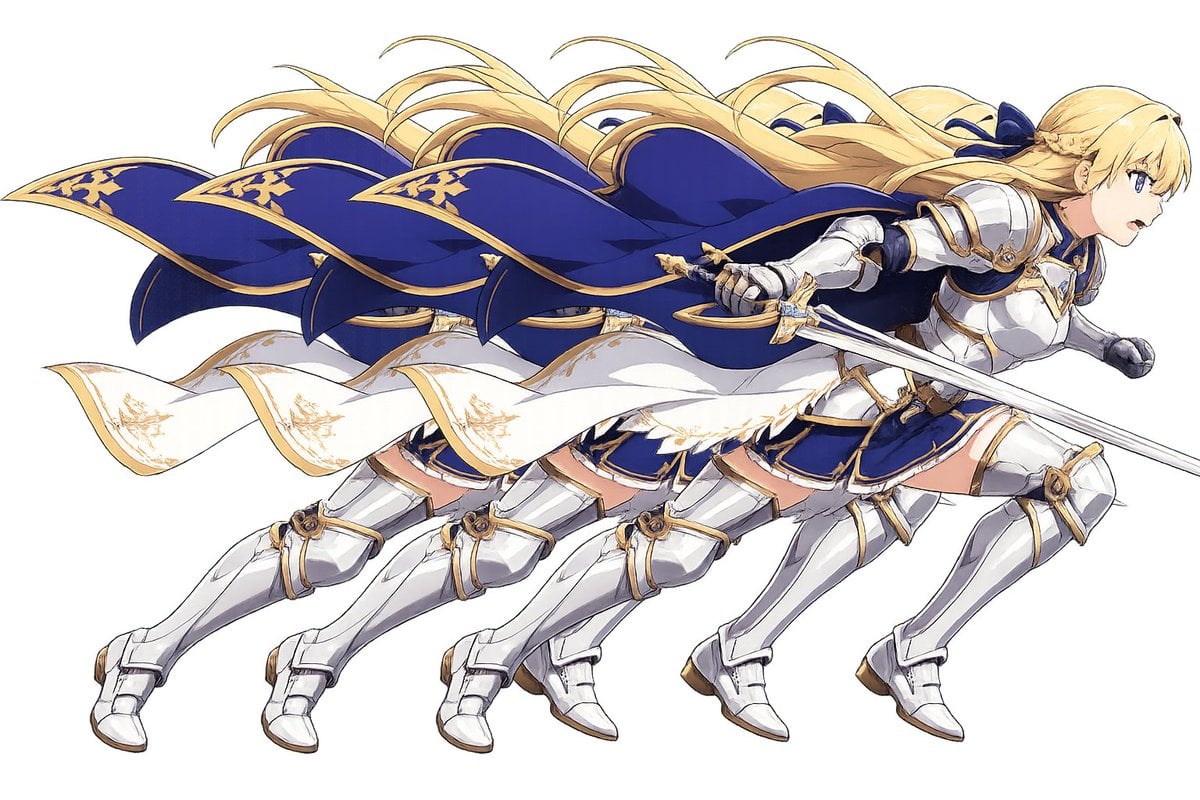
Overlapping Anime Knight Motion Trail
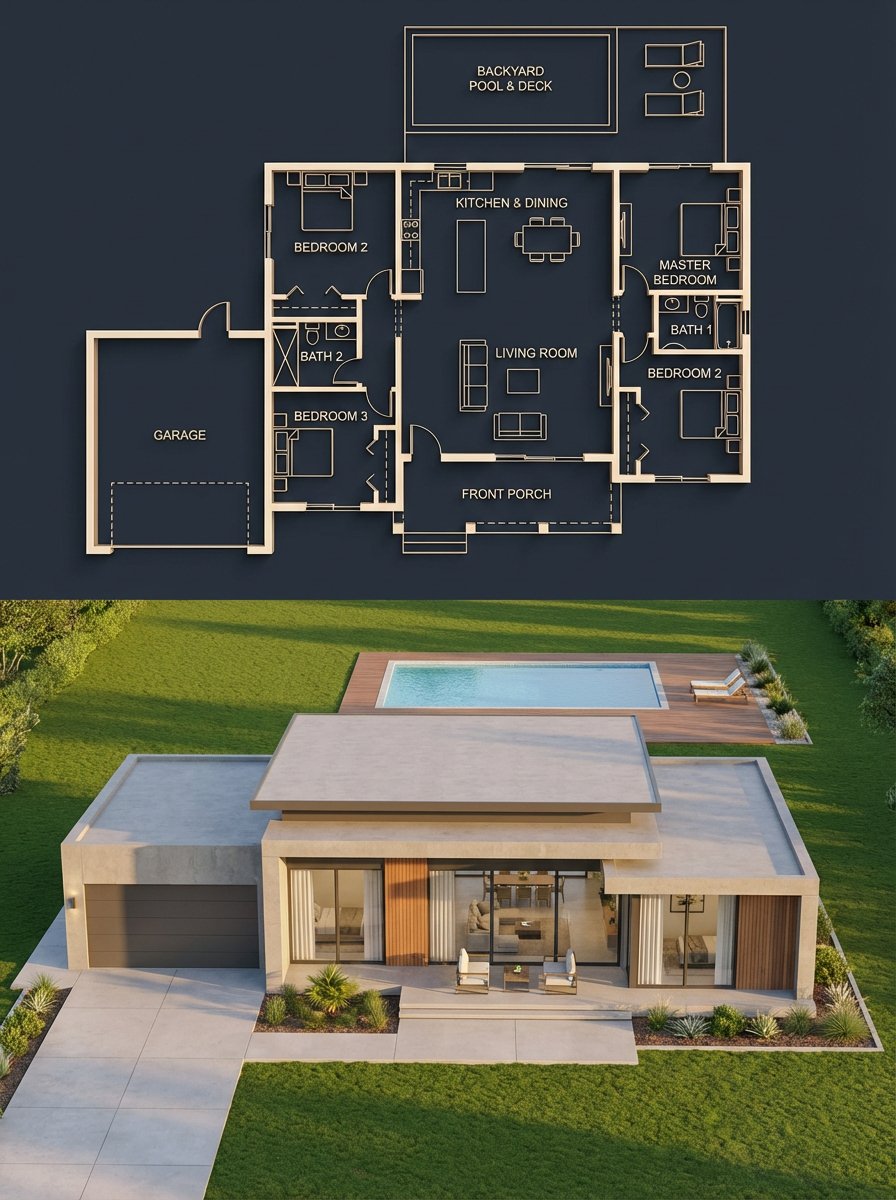
Architectural Blueprint to Render Split
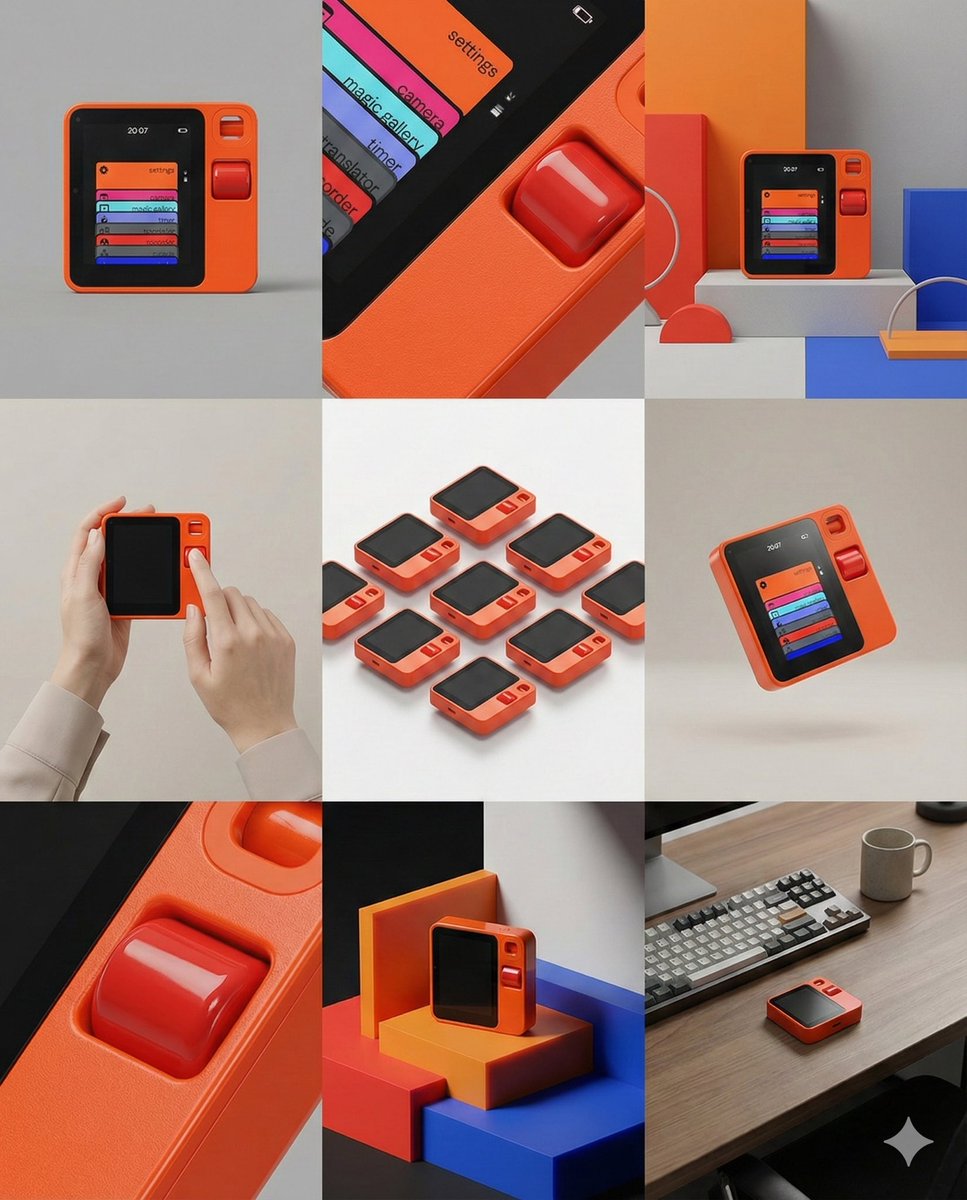
Panel Product Storyboard Grid Prompt
Quiet Luxury Travel Photography on the Amalfi Coast
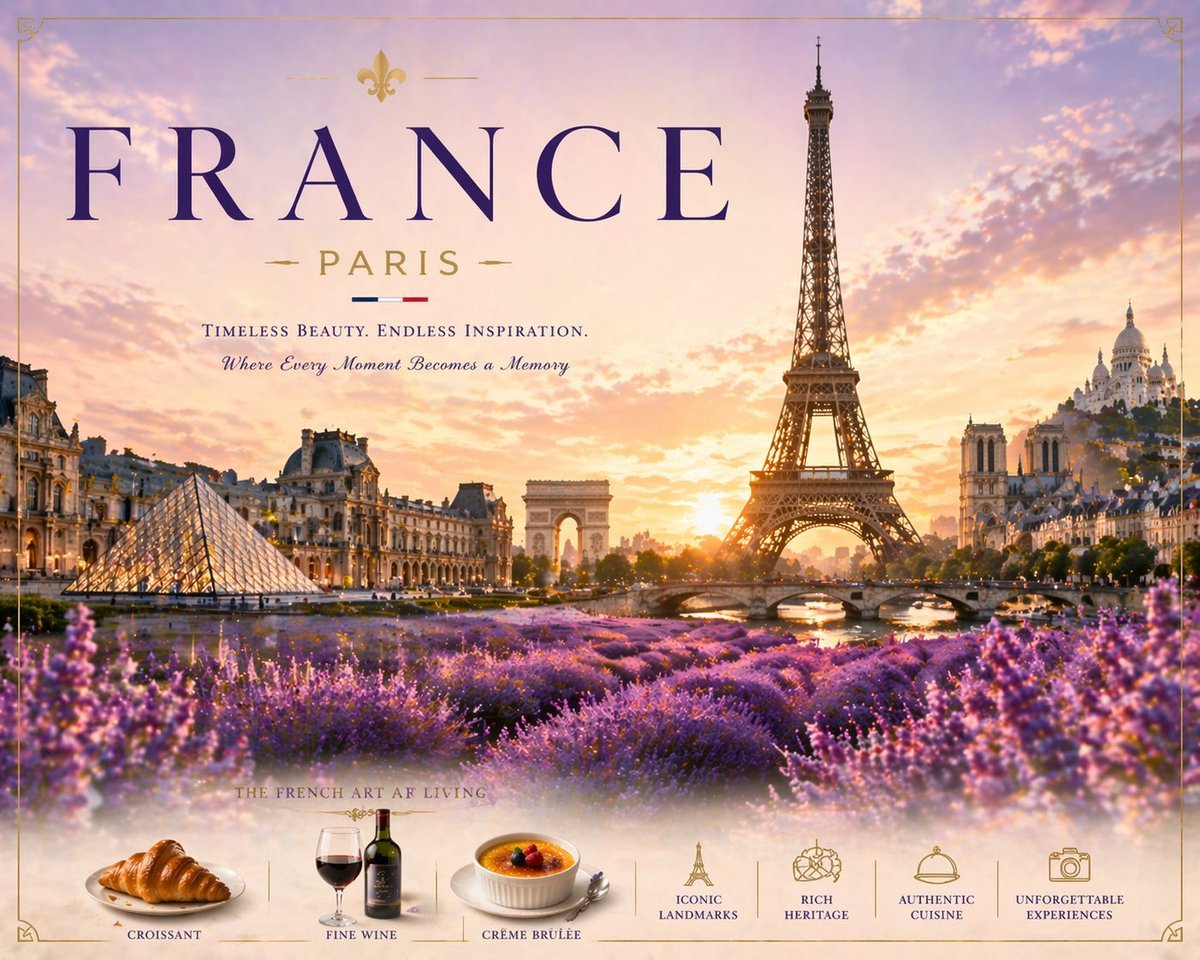
Romantic Paris Travel Poster

Imagination Coming to Life
Browse template categories
Masterful Realistic Oil Painting of a Live Model questions
How do I use the Masterful Realistic Oil Painting of a Live Model template?
Add your photo if the template asks for one, edit the prompt if you like — the template's model and format are already selected — and press Generate. Your version opens in PicX Studio.
Can I customize the Masterful Realistic Oil Painting of a Live Model template?
Yes. You can change the subject, setting, lighting, mood, format, and available model controls before creating your image.
Is the Masterful Realistic Oil Painting of a Live Model template free?
Opening and editing this template is free. Generating uses credits, shown on the Generate button when you are signed in.
Which AI model should I use?
Start with Nano Banana 2, which is the model associated with this template. You can compare another compatible model for a different finish.
Looking for something else? Browse all templates.

Your photo, any look
Thousands of ready templates for every top image and video model, from one credit balance.