
Panel Product Storyboard Grid Prompt
A detailed prompt for creating a 3x3 storyboard grid (nine equal panels) from a single reference image.
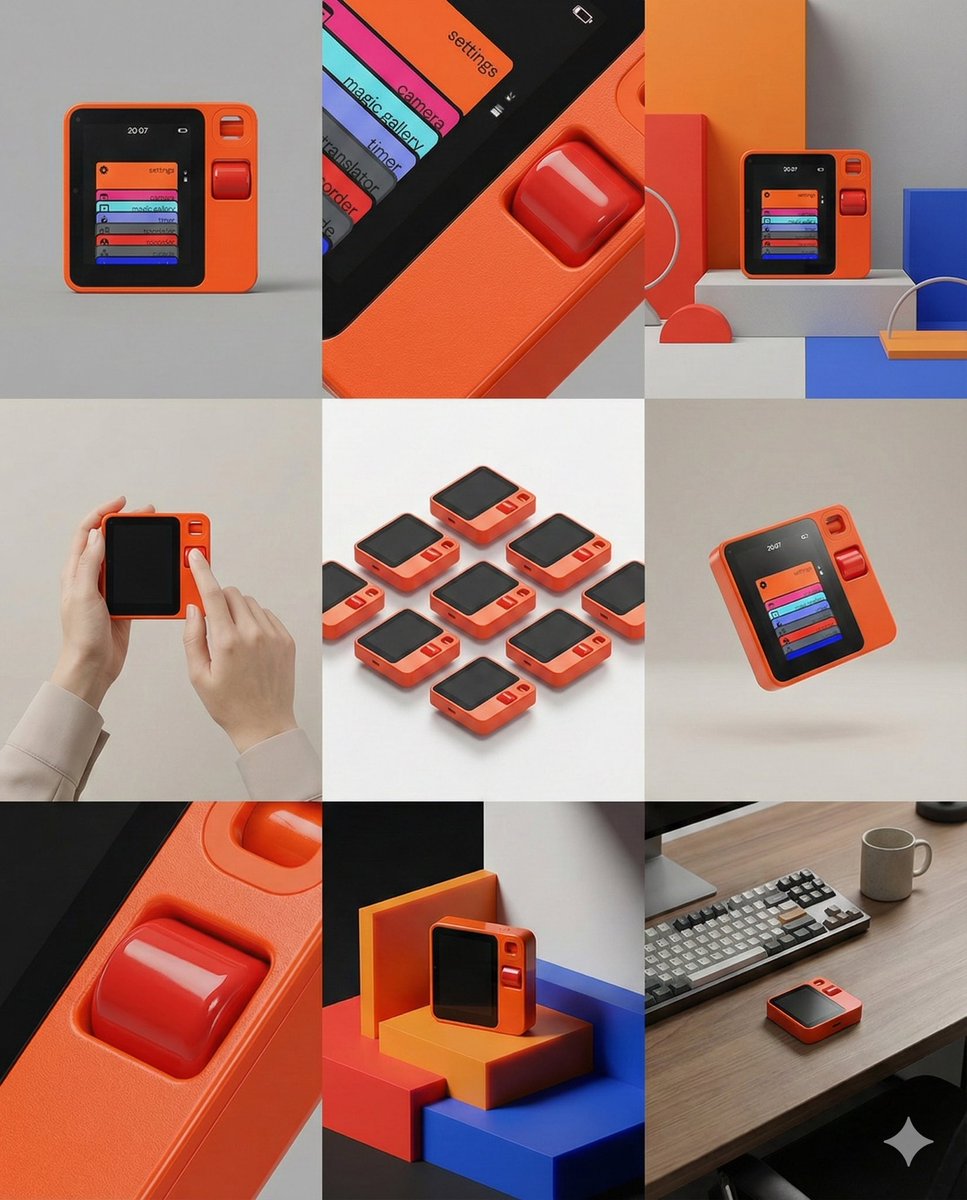
- Prompt included
- Model and format preset
- Free template
The prompt behind this image
Copy the exact prompt behind Panel Product Storyboard Grid Prompt, or open it in the studio and make it yours.
Create ONE final image. A clean 3×3 [ratio] storyboard grid with nine equal [ratio] sized panels on [4:5] ratio. Use the reference image as the base product reference. Keep the same product, packaging design, branding, materials, colors, proportions and overall identity across all nine panels exactly as the reference. The product must remain clearly recognizable in every frame. The label, logo and proportions must stay exactly the same. This storyboard is a high-end designer mockup presentation for a branding portfolio. The focus is on form, composition, materiality and visual rhythm rather than realism or lifestyle narrative. The overall look should feel curated, editorial and design-driven. FRAME 1: Front-facing hero shot of the product in a clean studio setup. Neutral background, balanced composition, calm and confident presentation of the product. FRAME 2: Close-up shot with the focus centered on the middle of the product. Focusing on surface texture, materials and print details. FRAME 3: Shows the reference product placed in an environment that naturally fits the brand and product category. Studio setting inspired by the product design elements and colours. FRAME 4: Product shown in use or interaction on a neutral studio background. Hands and interaction elements are minimal and restrained, the look matches the style of the package. FRAME 5: Isometric composition showing multiple products arranged in a precise geometric order from the top isometric angle. All products are placed at the same isometric top angle, evenly spaced, clean, structured and graphic. FRAME 6: Product levitating slightly tilted on a neutral background that matches the reference image color palette. Floating position is angled and intentional, the product is floating naturally in space. FRAME 7: is an extreme close-up focusing on a specific detail of the label, edge, texture or material behavior. FRAME 8: The product in an unexpected yet aesthetically strong setting that feels bold, editorial and visually striking. Unexpected but highly stylized setting. Studio-based, and designer-driven. Bold composition that elevates the brand. FRAME 9: Wide composition showing the product in use, placed within a refined designer setup. Clean props, controlled styling, cohesive with the rest of the series. CAMERA & STYLE: Ultra high-quality studio imagery with a real camera look. Different camera angles and framings across frames. Controlled depth of field, precise lighting, accurate materials and reflections. Lighting logic, color palette, mood and visual language must remain consistent across all nine panels as one cohesive series. OUTPUT: A clean 3×3 grid with no borders, no text, no captions and no watermarks.
How to use Panel Product Storyboard Grid Prompt in 3 steps
- 1Upload ImagePNG, JPG or paste
Add your photo
Upload the photo the template builds on. The prompt, model and format are already set.
- 2…a portrait of your subject in softgolden-hour light, 85mm…
Personalize
Edit the subject and creative details for your destination.
- 3Generate
Generate
Press Generate — your image is created in PicX Studio, so you can compare it with the original and refine one variable at a time.
More like this
Templates with the same subject, style or setup. Open one to see its prompt.
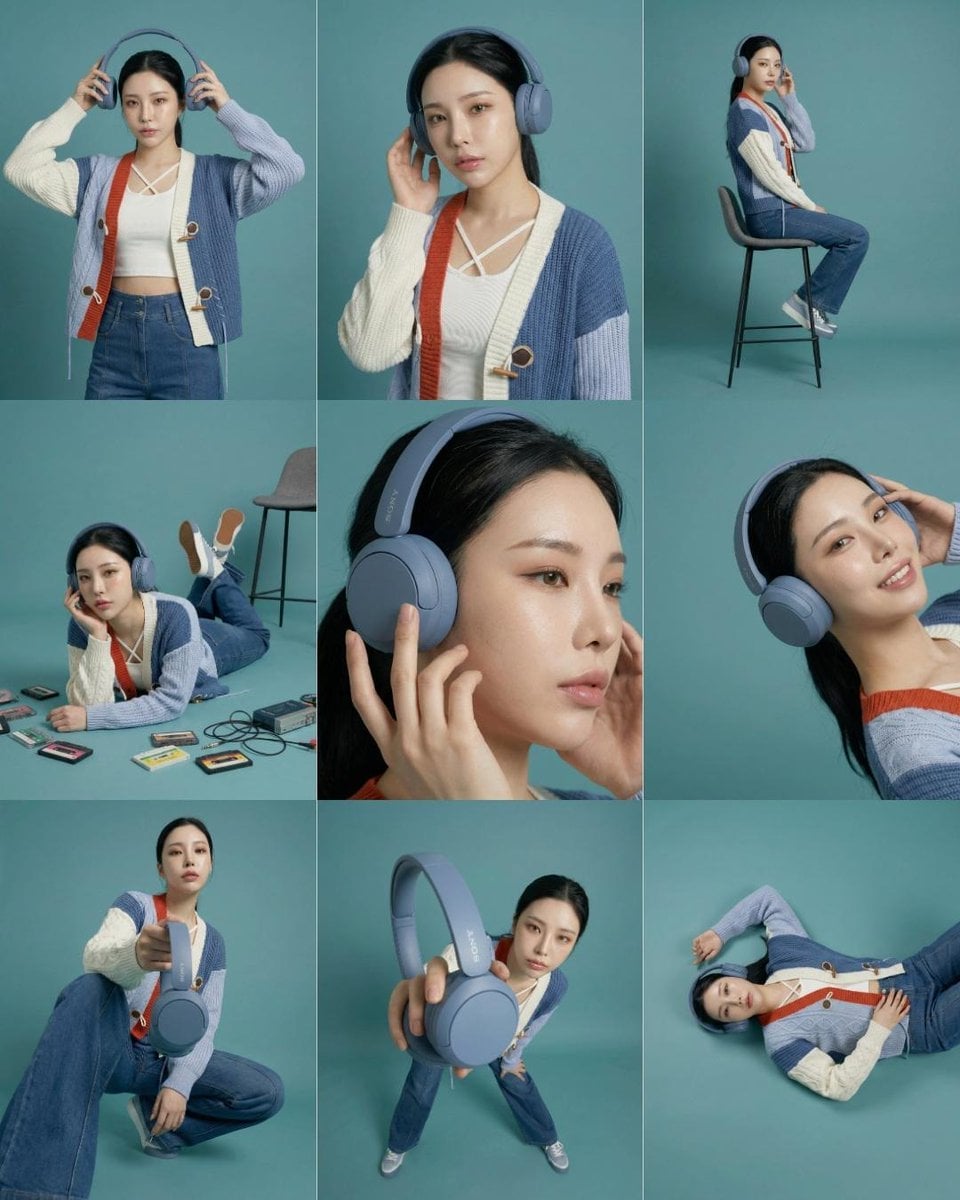
Headphones Lifestyle Nine Panel Grid
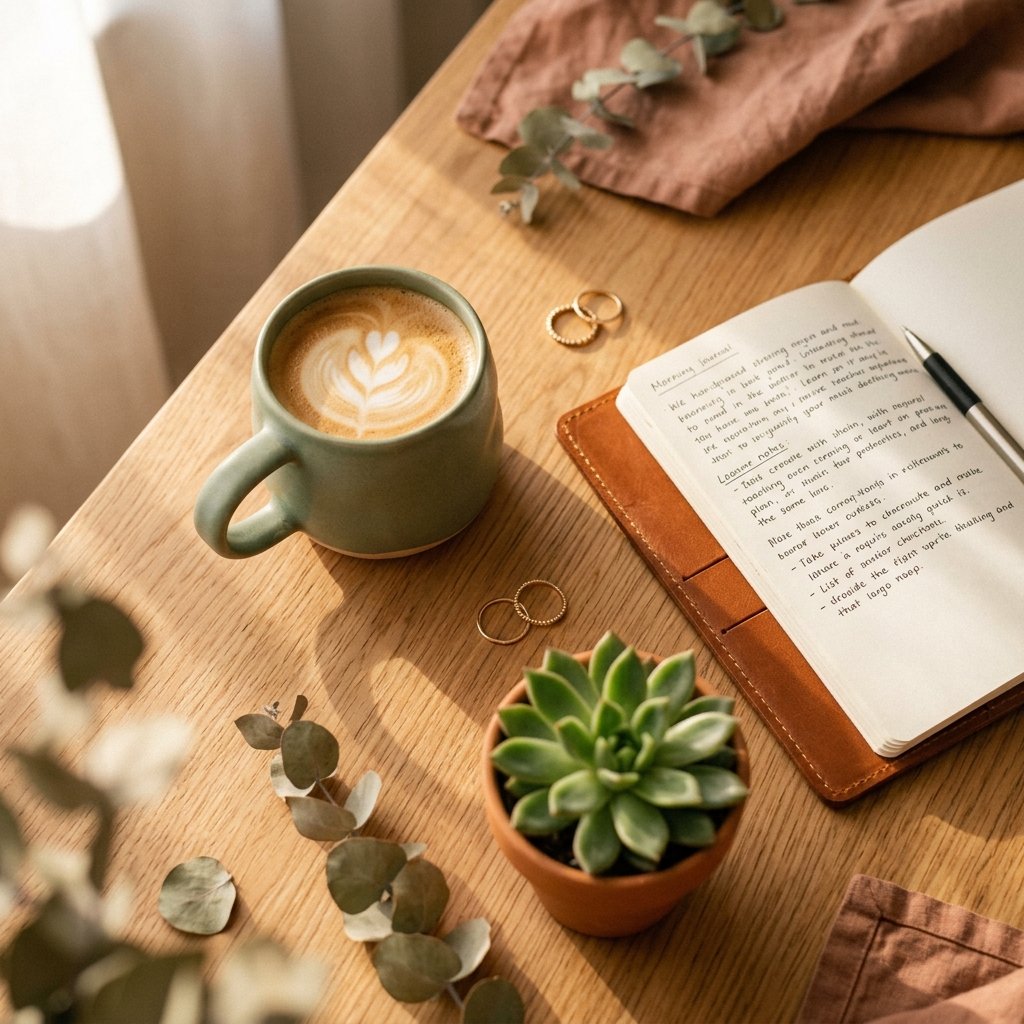
Instagram Feed Grid
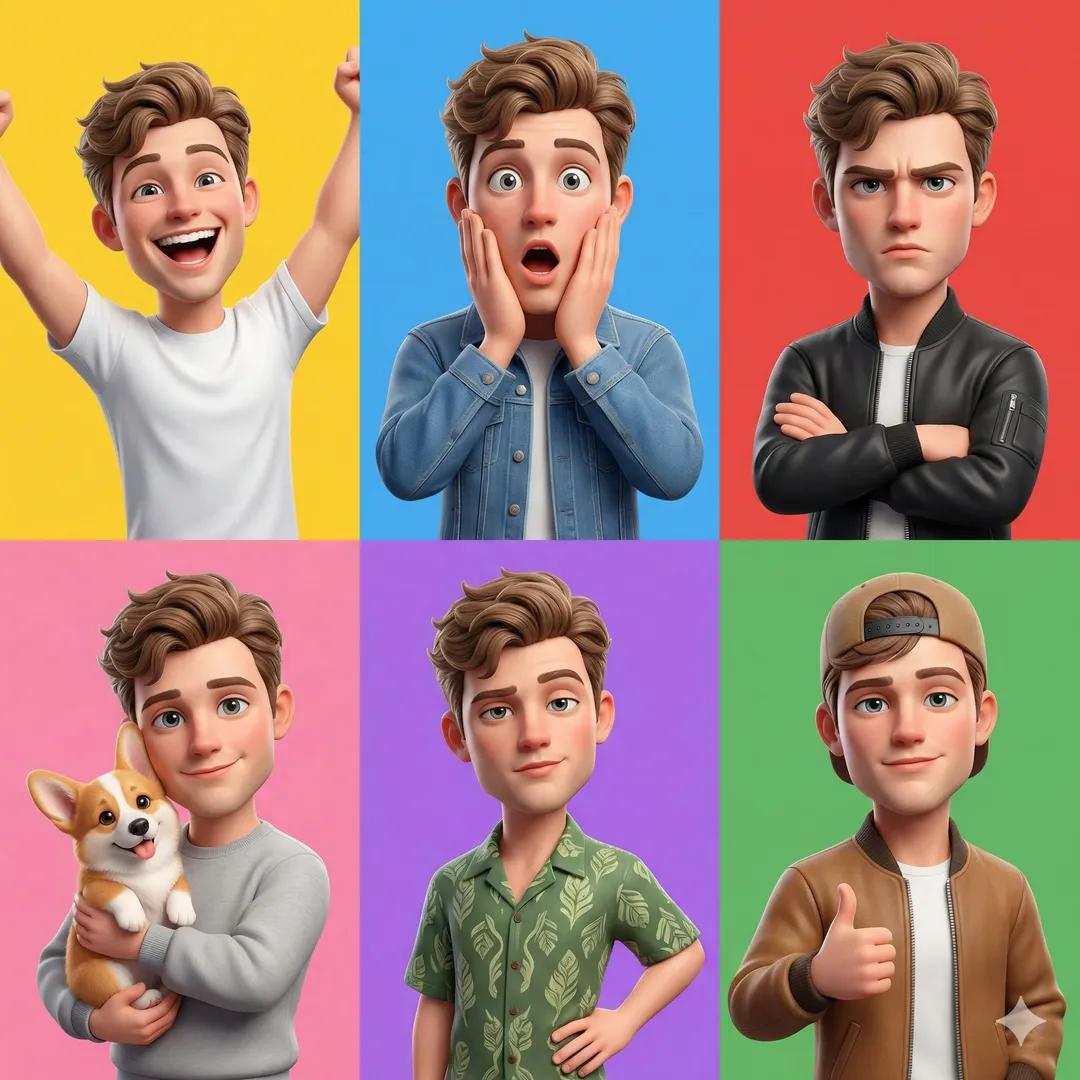
Pixar 6-Panel Streethero Expression Grid
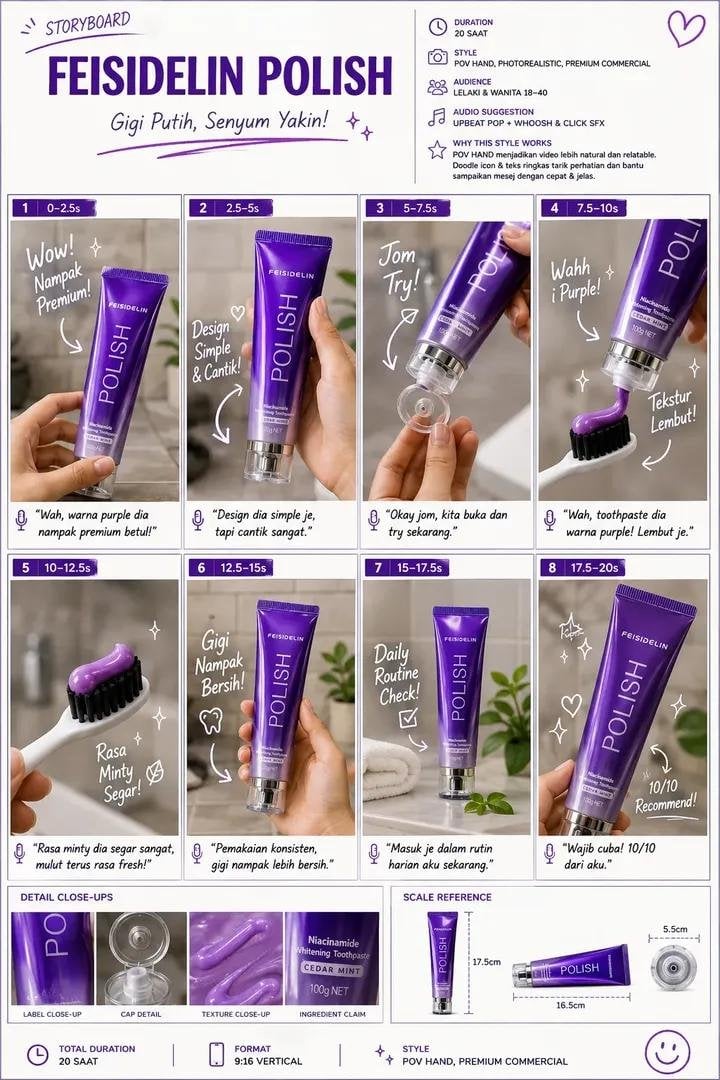
Luxury Toothpaste Commercial Storyboard
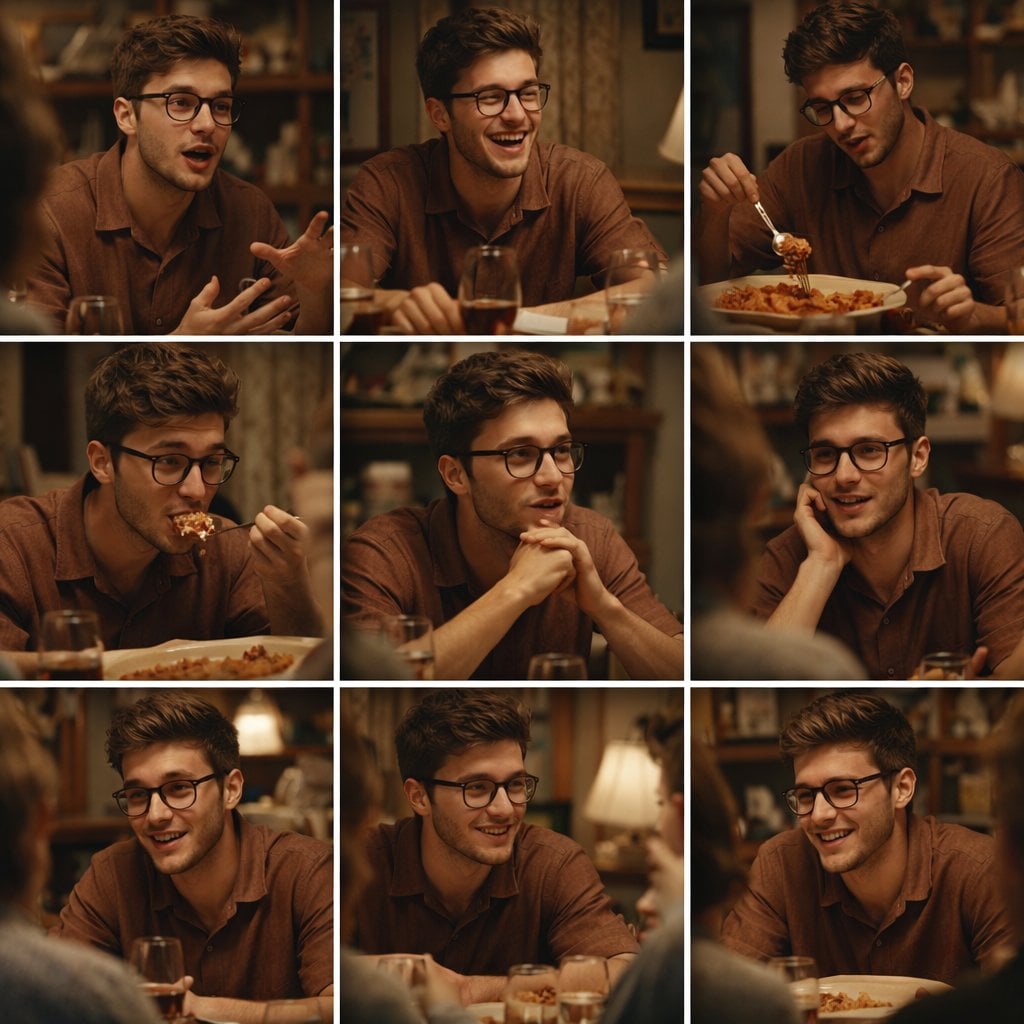
A 3x3 grid storyboard contact sheet comprised of nine candid, cinematic
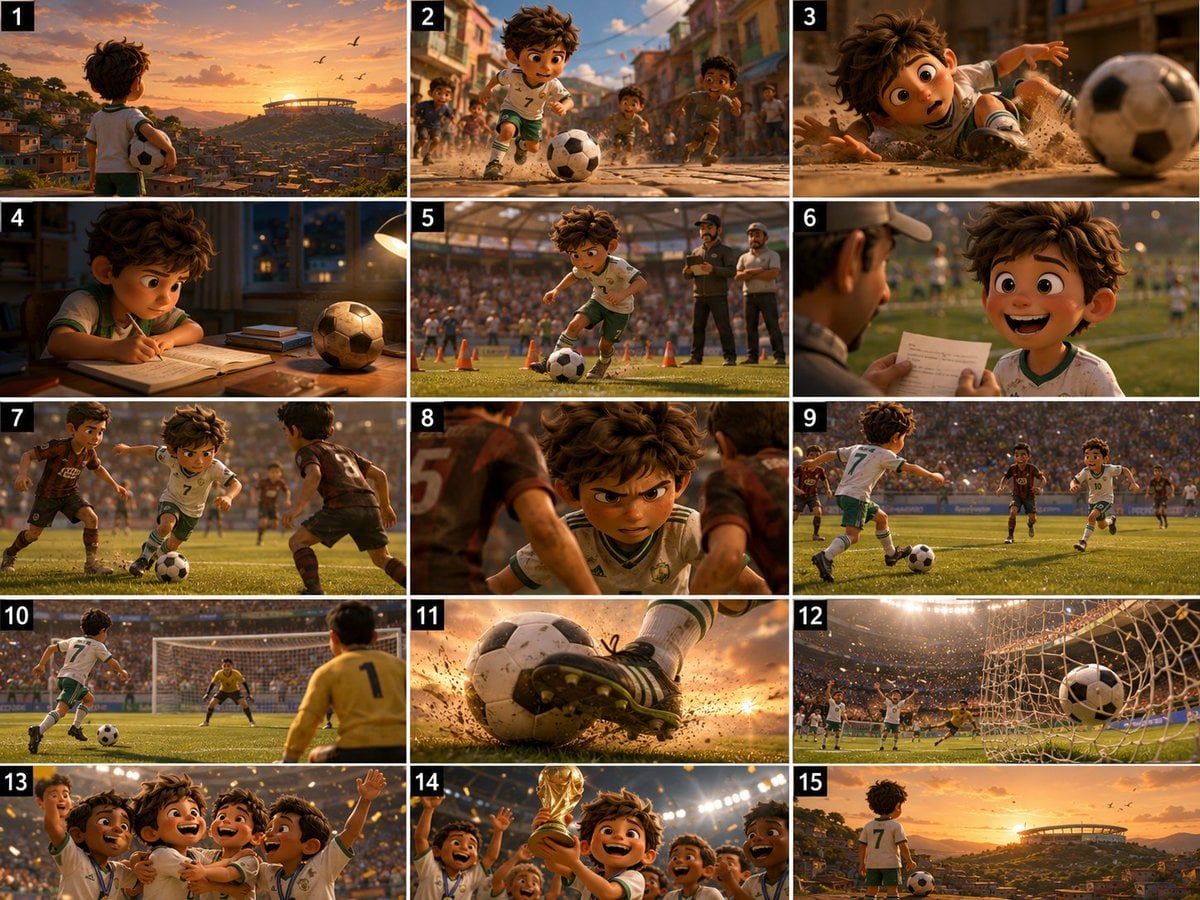
Panel Football Boy Storyboard

A k.pop idol on the stage with mic

Trendy Cafe Drink Promo Poster
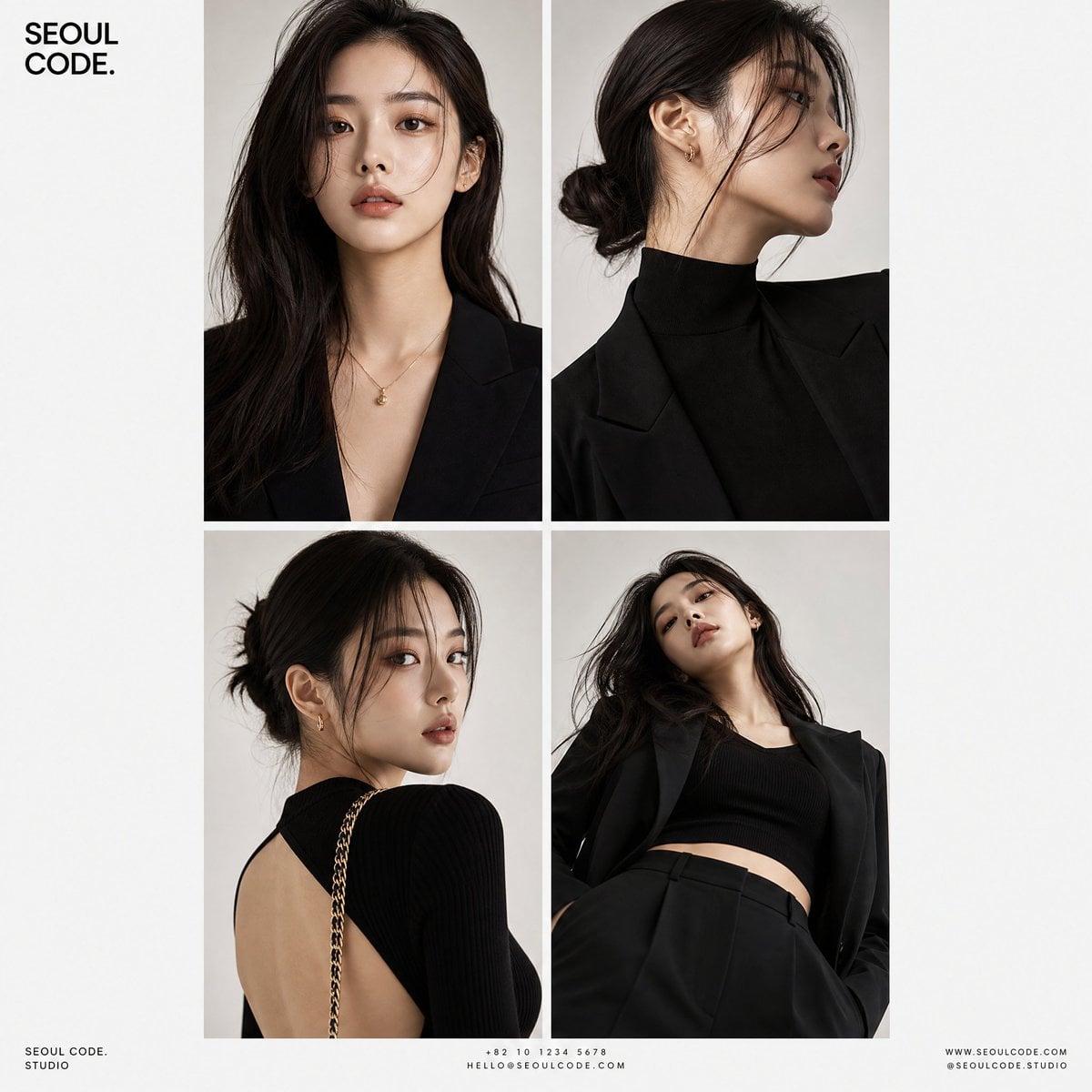
Korean Luxury Fashion Editorial 2x2 Grid Series
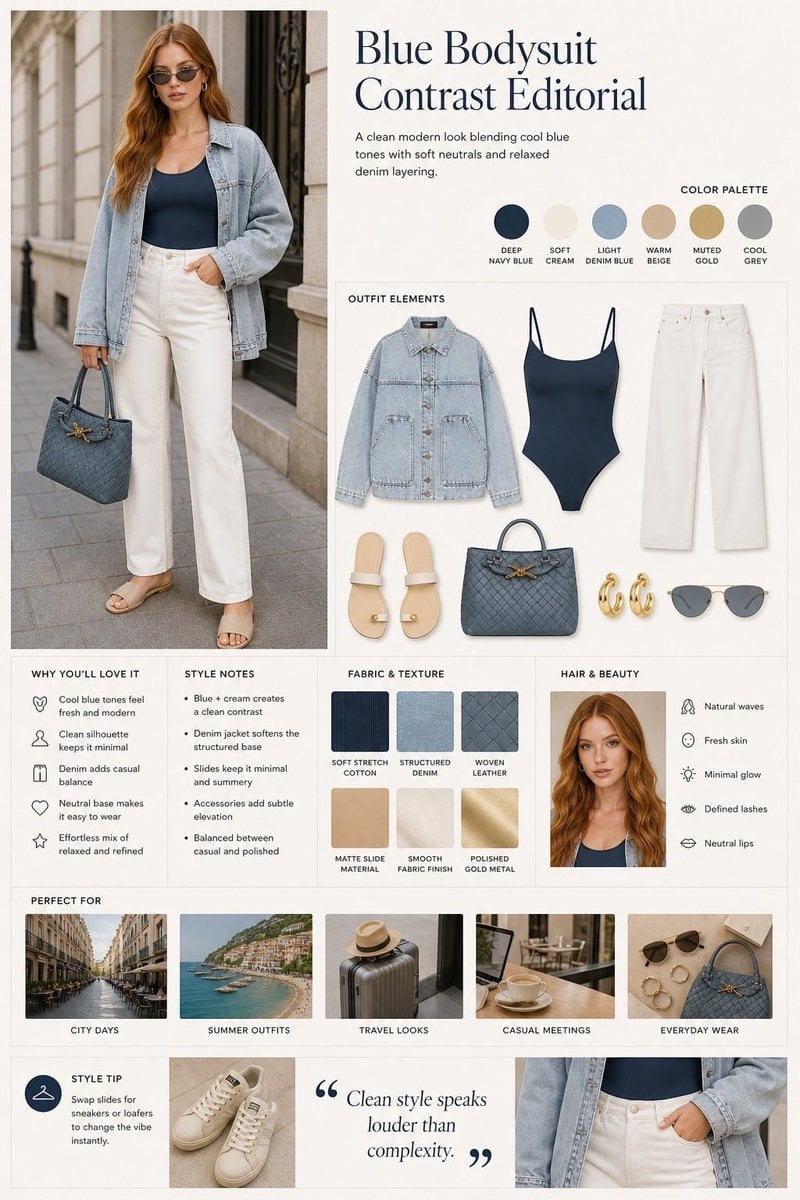
Minimalist Fashion Editorial Split Layout
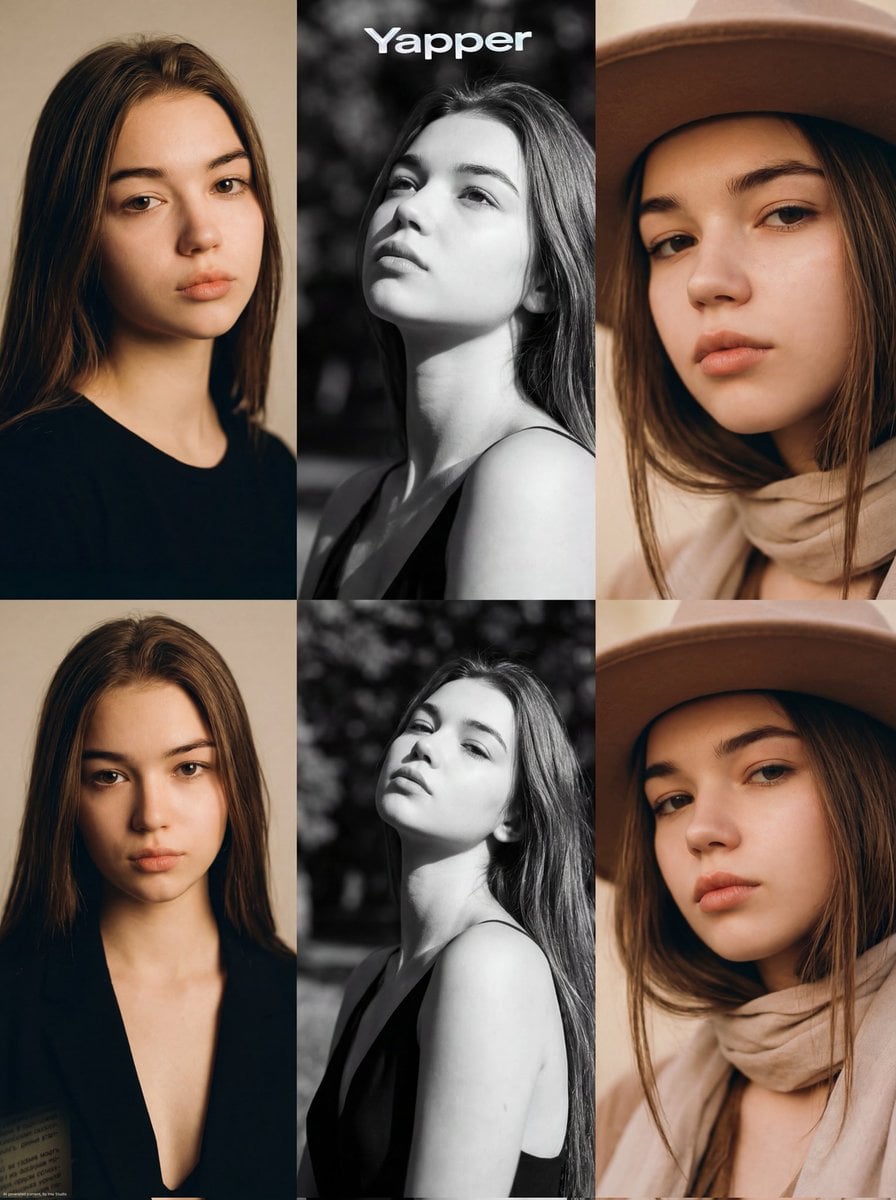
Ultra-Realistic Vogue-Style Editorial Fashion Grid
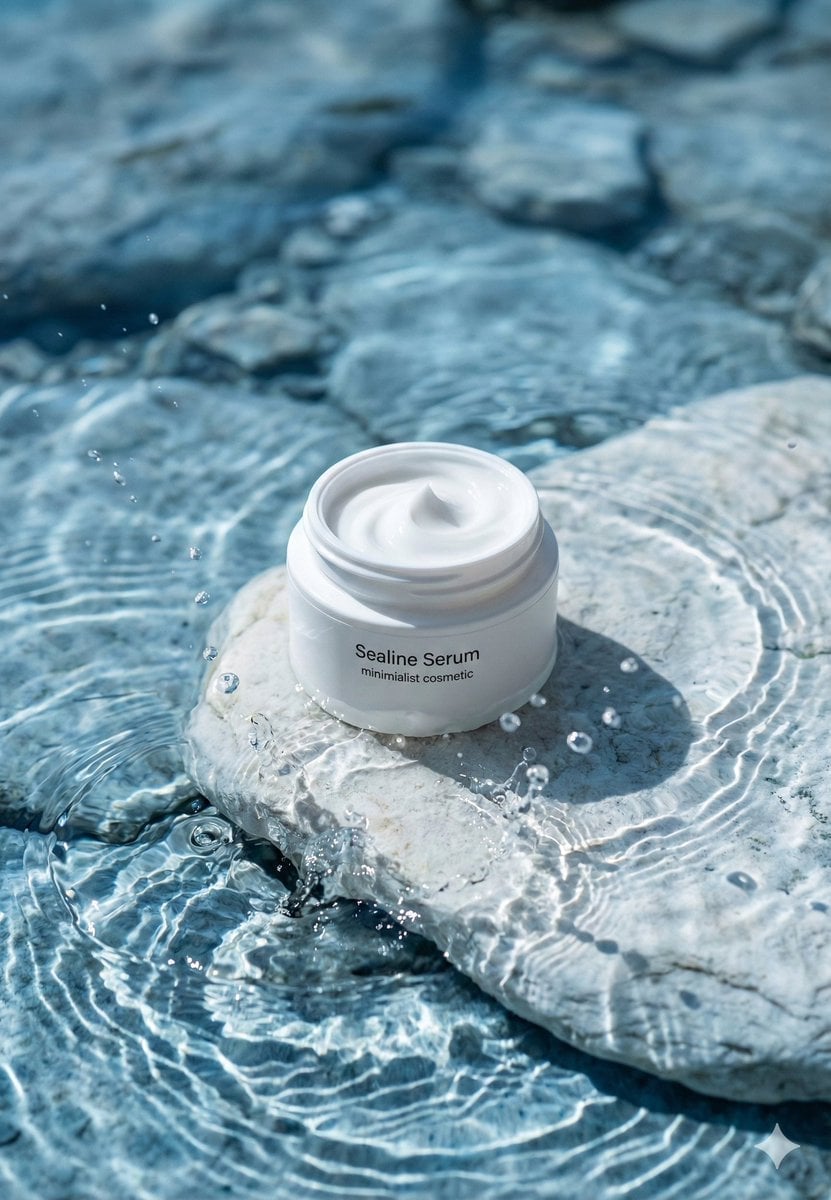
Minimalist Skincare Product Water Stone Still
Make it yours
Panel Product Storyboard Grid Prompt works as-is. These are the safest ways to change it without losing the look.
Change one field
Copy a single group, rewrite it, and generate again so you can see what that field is doing.
Keep the frame, change the subject
Hold the composition and light of 9-Panel Product Storyboard Grid Prompt, then swap wardrobe, props or the person for a new take.
| If the result… | Why | Fix |
|---|---|---|
| The result drifts from the preview | Too many fields changed at once. | Reuse 9-Panel Product Storyboard Grid Prompt as-is first, then change one group — subject, light, or setting. |
| The model over-stylizes the scene | The prose prompt leaves finish and camera underspecified. | Add one camera or lighting sentence and stay on Nano Banana 2. |
More Nano Banana 2 templates
Other prompts made for Nano Banana 2.

Photorealistic Leaf Shaped Like a Dragon

K-Pop Idol Portrait Grid for Rapid Selection

Poetic Rain Forest Portrait During Golden Hour

Urban Street Portrait with Cartoon Inner Self Duo

Candid Nighttime Photo with Cat Prompt

High-Concept 3D Diorama Generation Prompt

Cinematic Futuristic Studio Portrait Template

Skincare Editorial Photography Collage Prompt

Hyper-Realistic Commercial Product Photography (Splash Effect)

Hyper-Realistic Nightclub Portrait Prompt
More image prompts
Fresh picks from across the catalog.
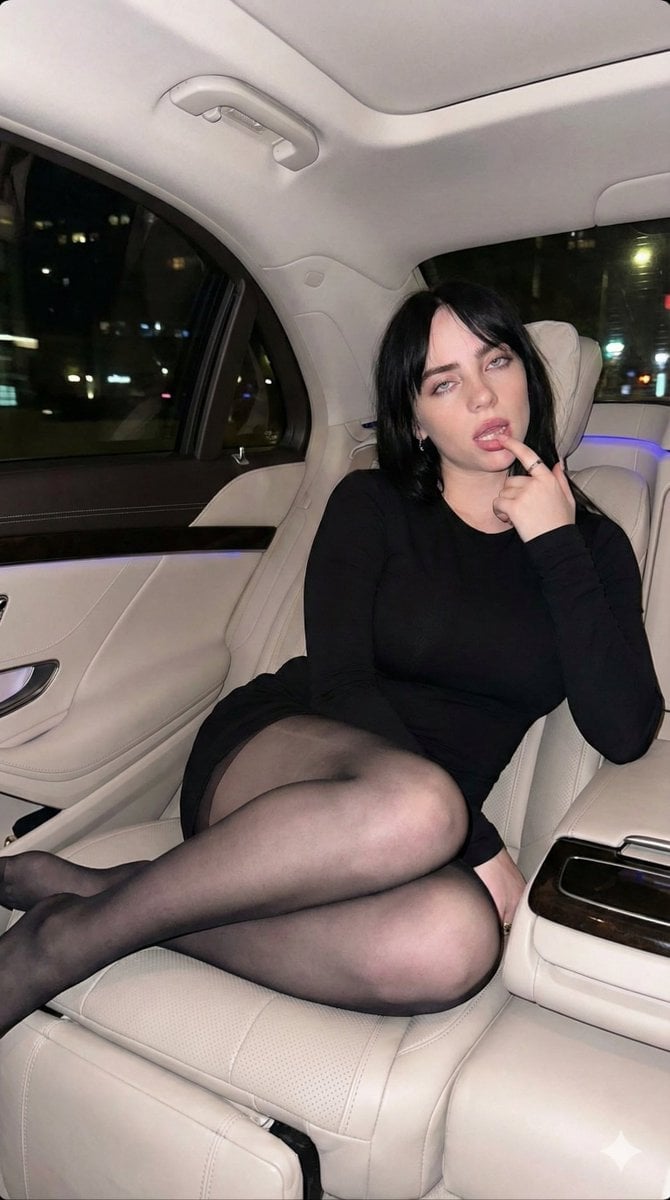
Direct Flash Portrait of Woman in Luxury Car Prompt
Realistic Gym Mirror Selfie
Oppenheimer Scene Face Swap and Restoration
Low-Fidelity CCTV Surveillance Image
Luxury Car Showroom Portrait
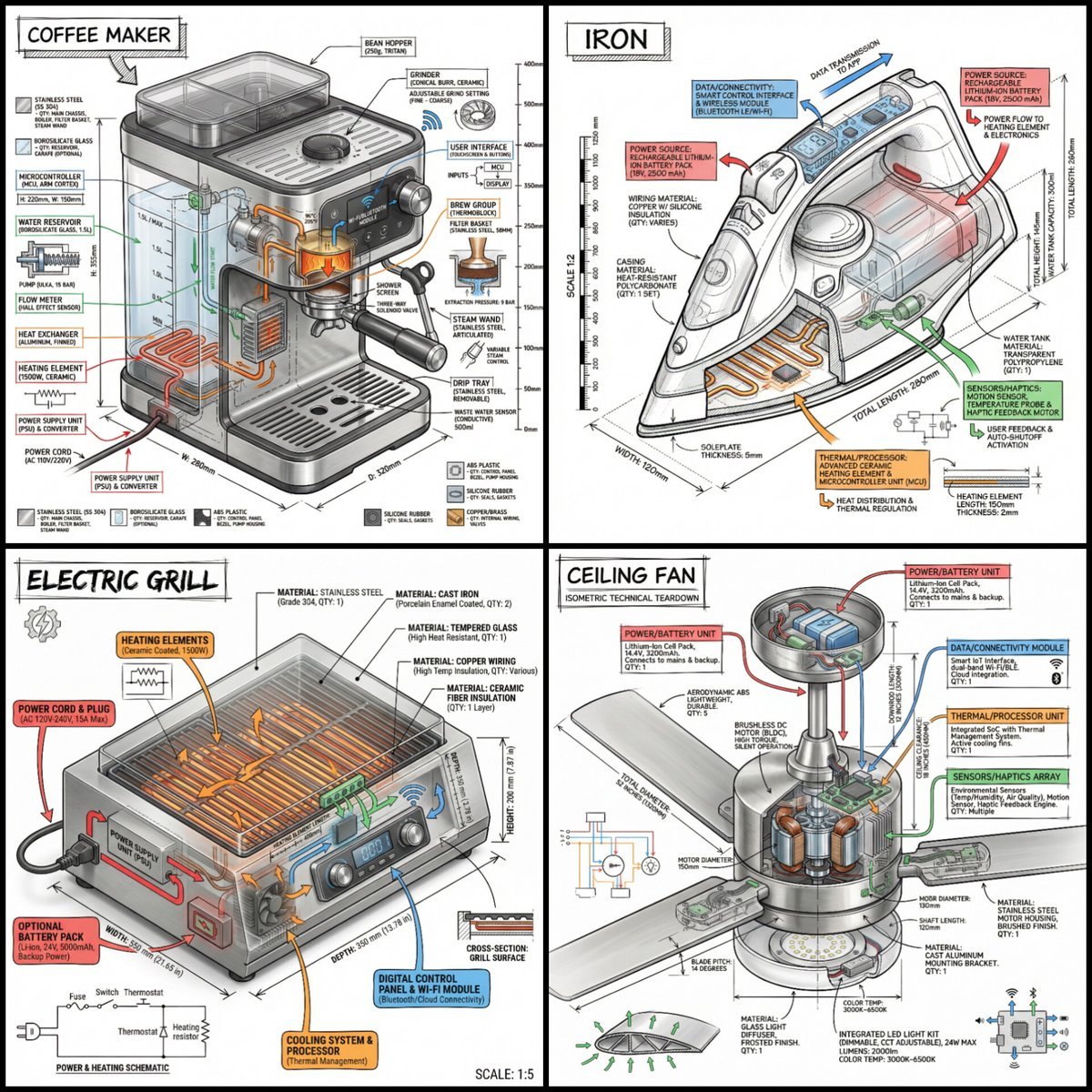
Technical Infographic of an Object with Isometric 3D View
Indoor Group Flash Photo Prompt for Nano Banana
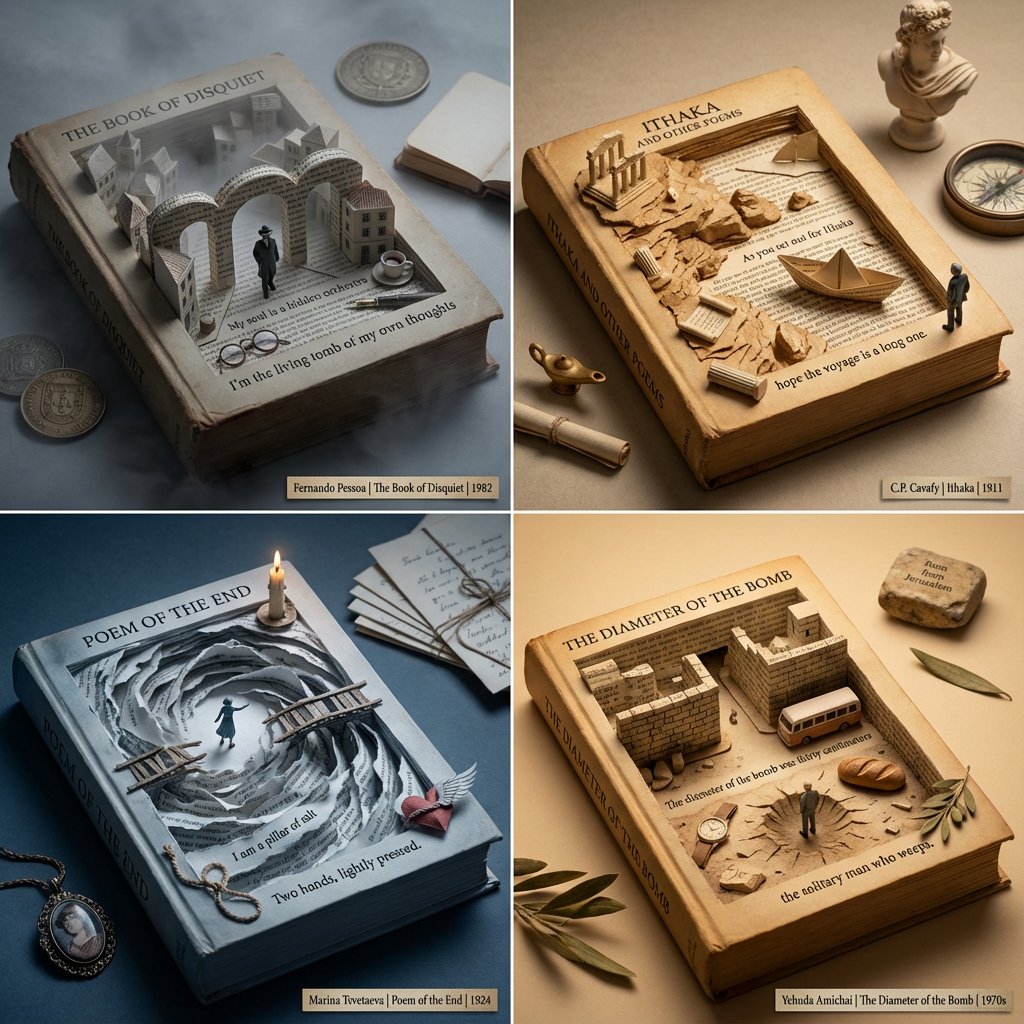
Poetry Recommendation System Prompt (Carved Book Sculpture Aesthetic)
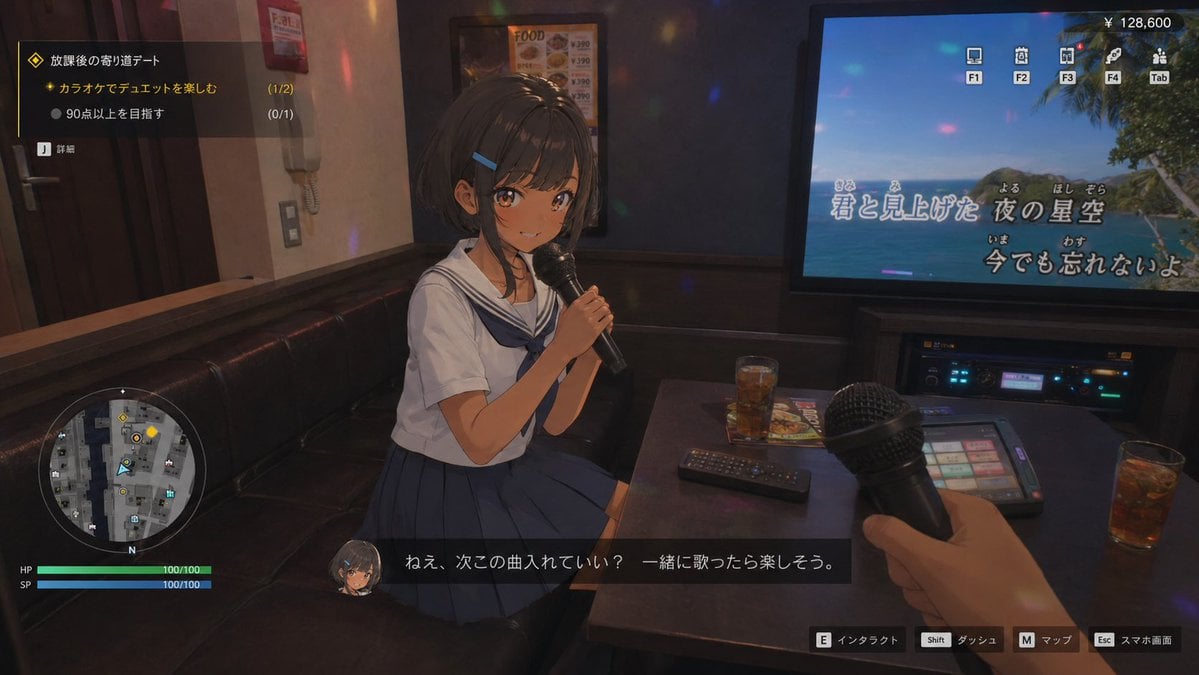
3D Anime RPG Gameplay Screen
Moss Living Product Rendering Prompt
Browse template categories
Panel Product Storyboard Grid Prompt questions
How do I use the 9-Panel Product Storyboard Grid Prompt template?
Add your photo if the template asks for one, edit the prompt if you like — the template's model and format are already selected — and press Generate. Your version opens in PicX Studio.
Can I customize the 9-Panel Product Storyboard Grid Prompt template?
Yes. You can change the subject, setting, lighting, mood, format, and available model controls before creating your image.
Is the 9-Panel Product Storyboard Grid Prompt template free?
Opening and editing this template is free. Generating uses credits, shown on the Generate button when you are signed in.
Which AI model should I use?
Start with Nano Banana 2, which is the model associated with this template. You can compare another compatible model for a different finish.
Looking for something else? Browse all templates.

Your photo, any look
Thousands of ready templates for every top image and video model, from one credit balance.