
Realistic Gym Mirror Selfie
A hyper-realistic smartphone mirror selfie prompt capturing a woman resting on a gym bench with natural textures and lighting.
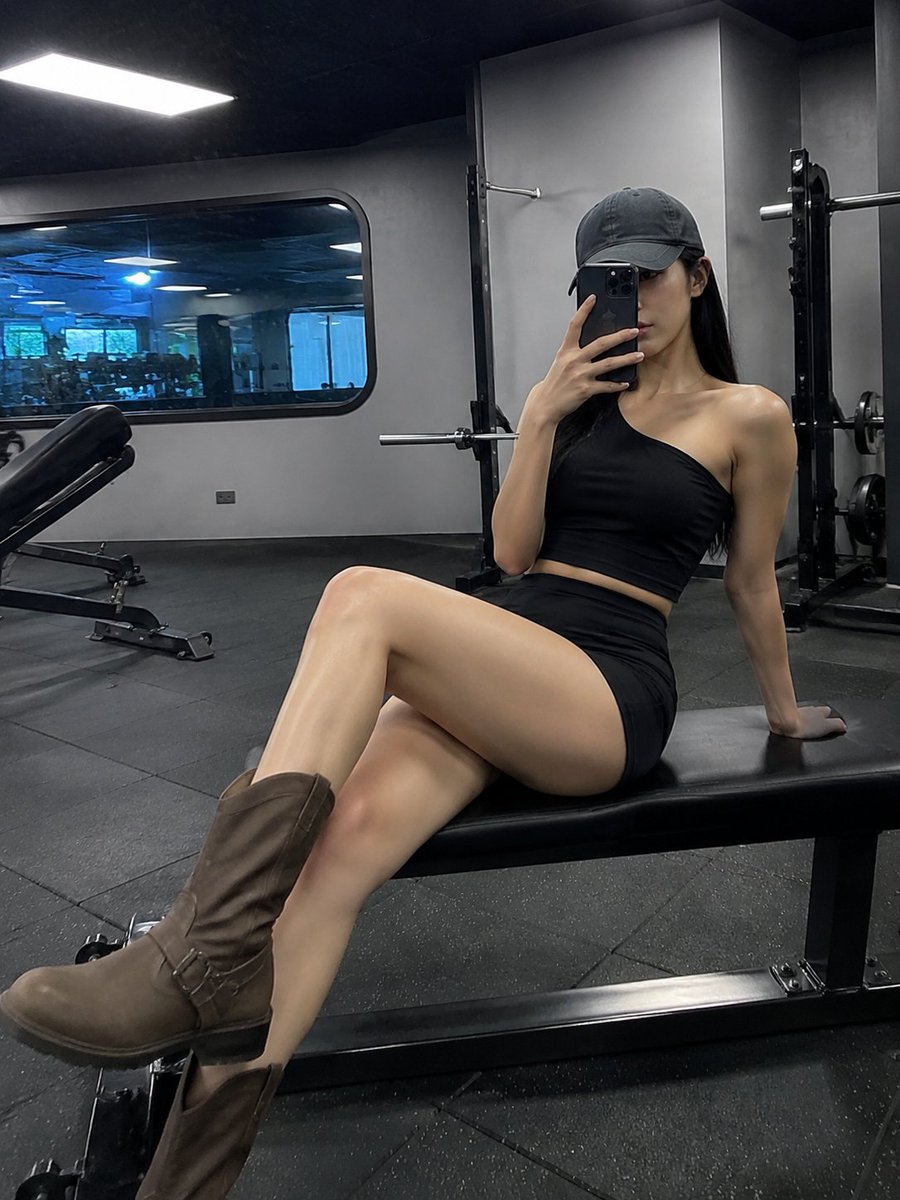
- Prompt included
- Model and format preset
- Free template
The prompt behind this image
Copy the exact prompt behind Realistic Gym Mirror Selfie, or open it in the studio and make it yours.
A realistic smartphone mirror selfie of a {argument name="subject" default="woman in her early-to-mid 20s"} seated on a {argument name="prop" default="black gym bench"} inside a {argument name="location" default="contemporary fitness center"}. She sits slightly right of center in the vertical frame, leaning back casually, holding her phone in front of her face to capture the reflection. She wears a dark gray forward-facing baseball cap with long straight black hair flowing out beneath it. Her expression is detached and cool, eyes directed at the phone or mirror, lips lightly closed and partially obscured by the device — no smile, as if caught mid-rest after training. Her top is a black bandeau or single-shoulder strappy athletic piece, fitted with slight creasing and matte stretch texture, leaving collarbones, shoulders, and the tops of her arms bare. Her bottom is a black high-waisted mini skirt or skort, snug through the hips, with natural fabric folds near the thighs from the seated position. She wears tall brown boots. One leg crosses into the foreground while the other extends diagonally toward the lower-left corner, producing a strong diagonal line and subtle wide-angle distortion that elongates the legs. Skin tone is fair and warm ivory, naturally lit by cool overhead fluorescents but not plastic or retouched. Exposed areas include the neck, shoulders, collarbones, upper chest, both arms, hands, a sliver of waist, and significant portions of both thighs, knees, and lower legs. Background shows a modern gym: gray walls, dark gray tile flooring, black benching equipment, weight bars, a nearby workout bench to the left, and a large rounded-rectangular glass window behind her reflecting cool blue-white fluorescent light. Primary lighting is from wide overhead LED panels. Retain mirror scratches, glass glare streaks, mild exposure blooming, and slight image compression artifacts. Visual feel should mimic a real small-sensor smartphone wide-angle mirror selfie: vertical 2:3 or 3:4 frame, mid-height mirror viewpoint, subject shifted slightly right, legs reaching lower-left. Deep focus keeps both the figure and background gym equipment readable. Avoid polished studio aesthetics — preserve casual social framing, minor imperfections, background equipment clutter, accidental reflections, and authentic indoor digital grain.
How to use Realistic Gym Mirror Selfie in 3 steps
- 1
Open
The prompt is already in the box next to the preview, with the template's model and format selected.
- 2…a portrait of your subject in softgolden-hour light, 85mm…
Personalize
Edit the subject and creative details for your destination.
- 3Generate
Generate
Press Generate — your image is created in PicX Studio, so you can compare it with the original and refine one variable at a time.
More like this
Templates with the same subject, style or setup. Open one to see its prompt.

Rooftop Fisheye — Cat-Ear Balaclava at Golden Hour

Felt & Knit 3D Character — Photo-Exact Face, Pixar-Quality Plush Figurine

Eid al-Adha Cute Chaos — Fisheye Selfie with Farm Selfie, Mosque & Animals

Cat Photobomb Selfie — 0.5x Wide Angle Café Chaos

Gen Z Triple Selfie Collage — Y2K Flash Photography

Surreal Cat Astronaut — Humanoid Face Freefall

Nano Banana Grwm Mirror Selfie Pink
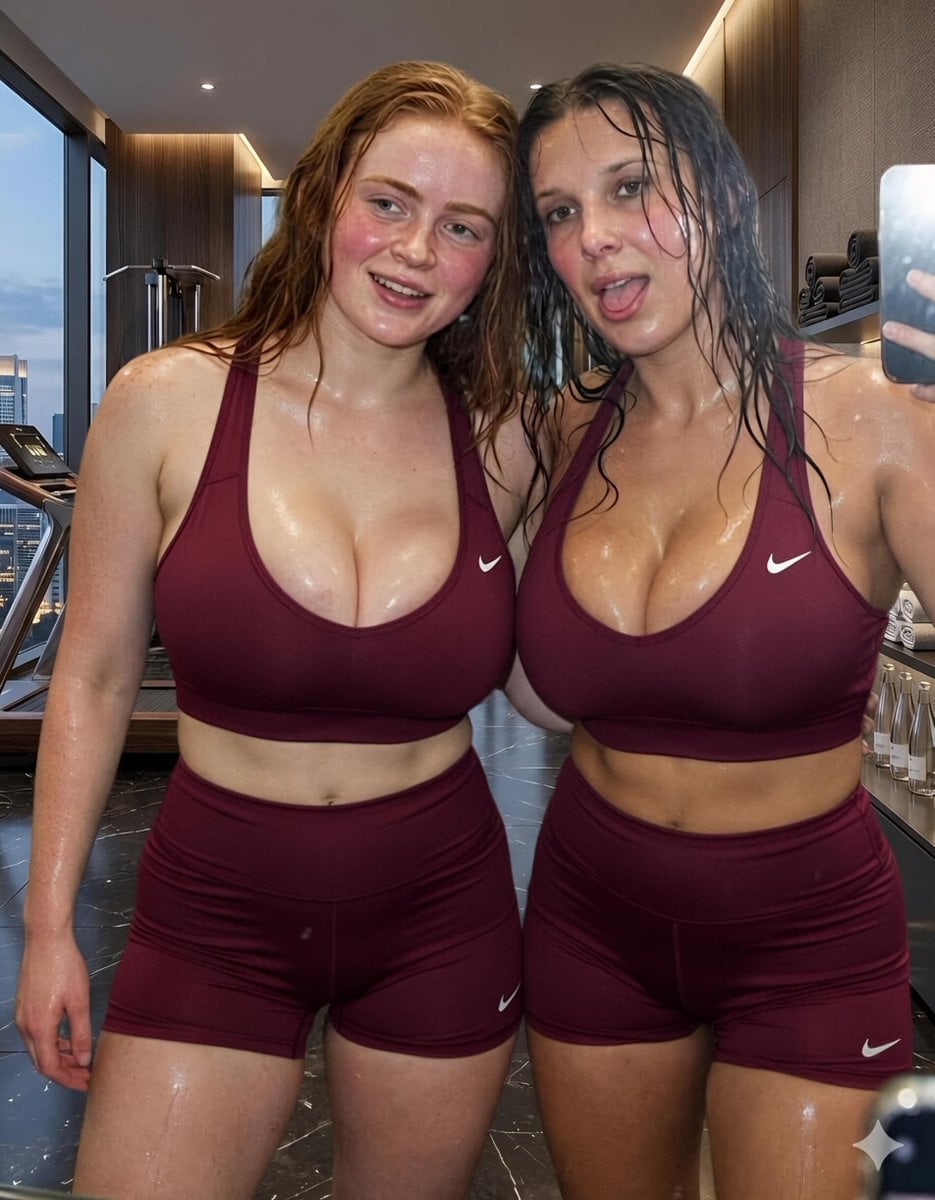
Modern Luxury Gym Mirror Selfie
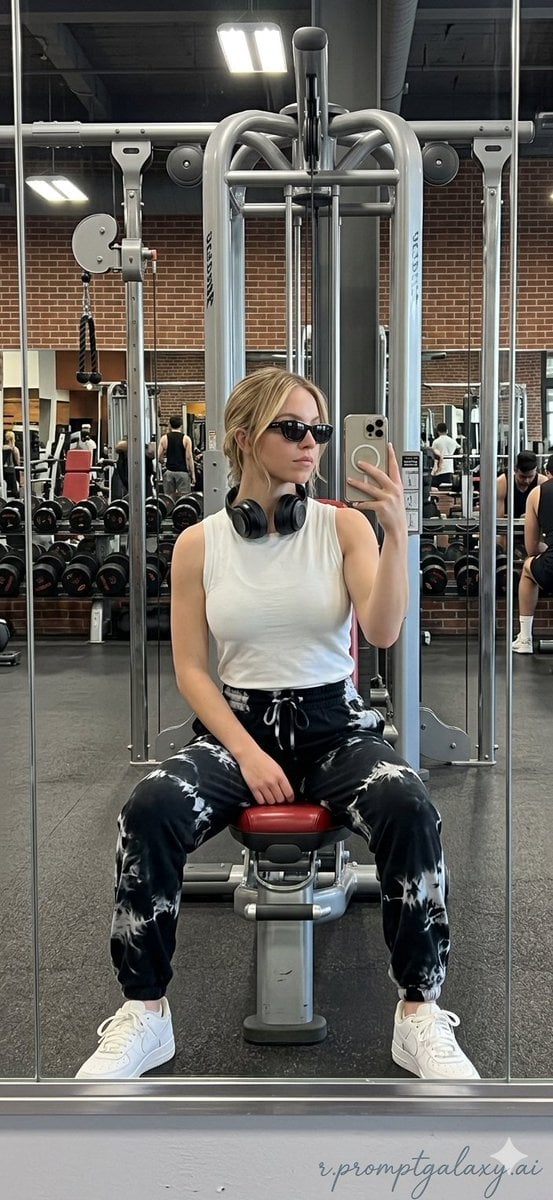
Realistic Gym Mirror Selfie
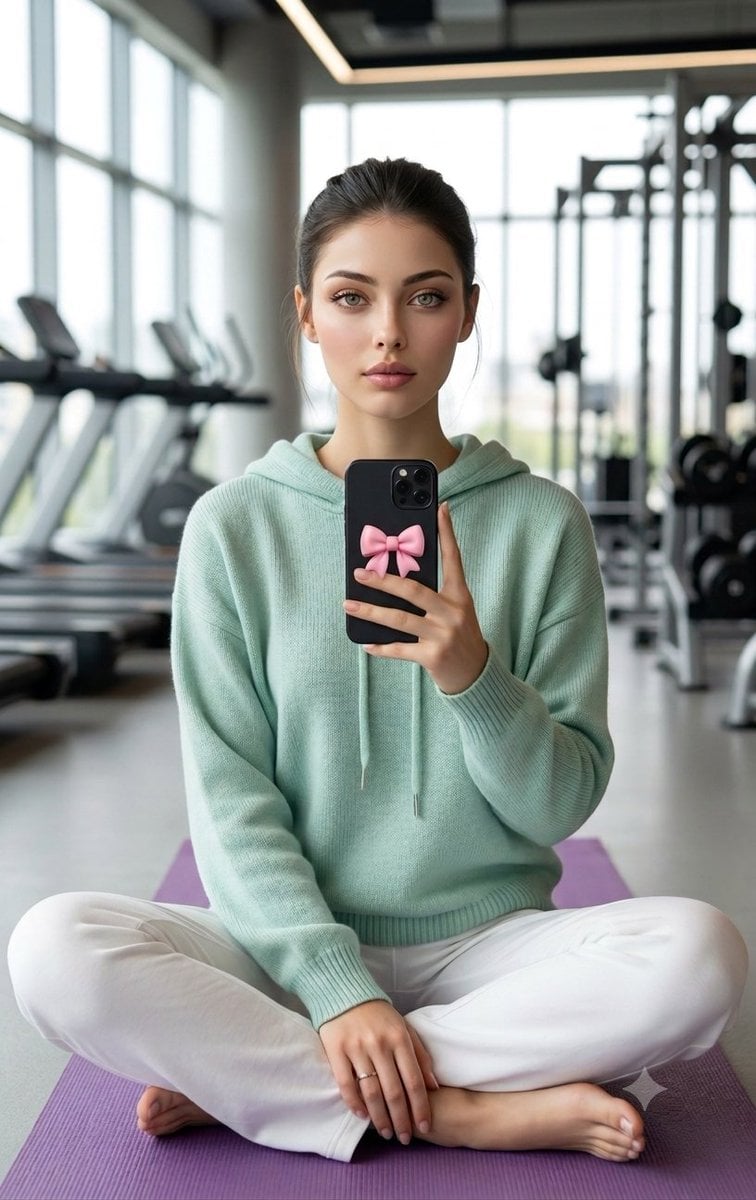
Professional Gym Mirror Selfie Portrait
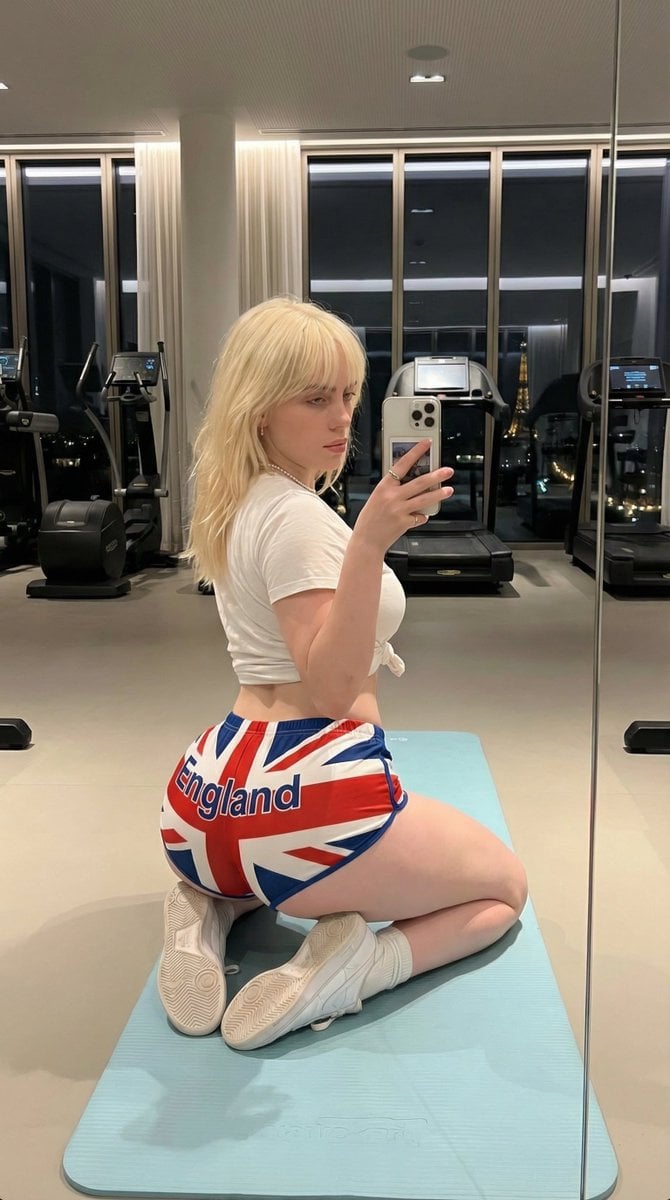
Exaggerated Physique Gym Mirror Selfie Prompt (Spain Theme)
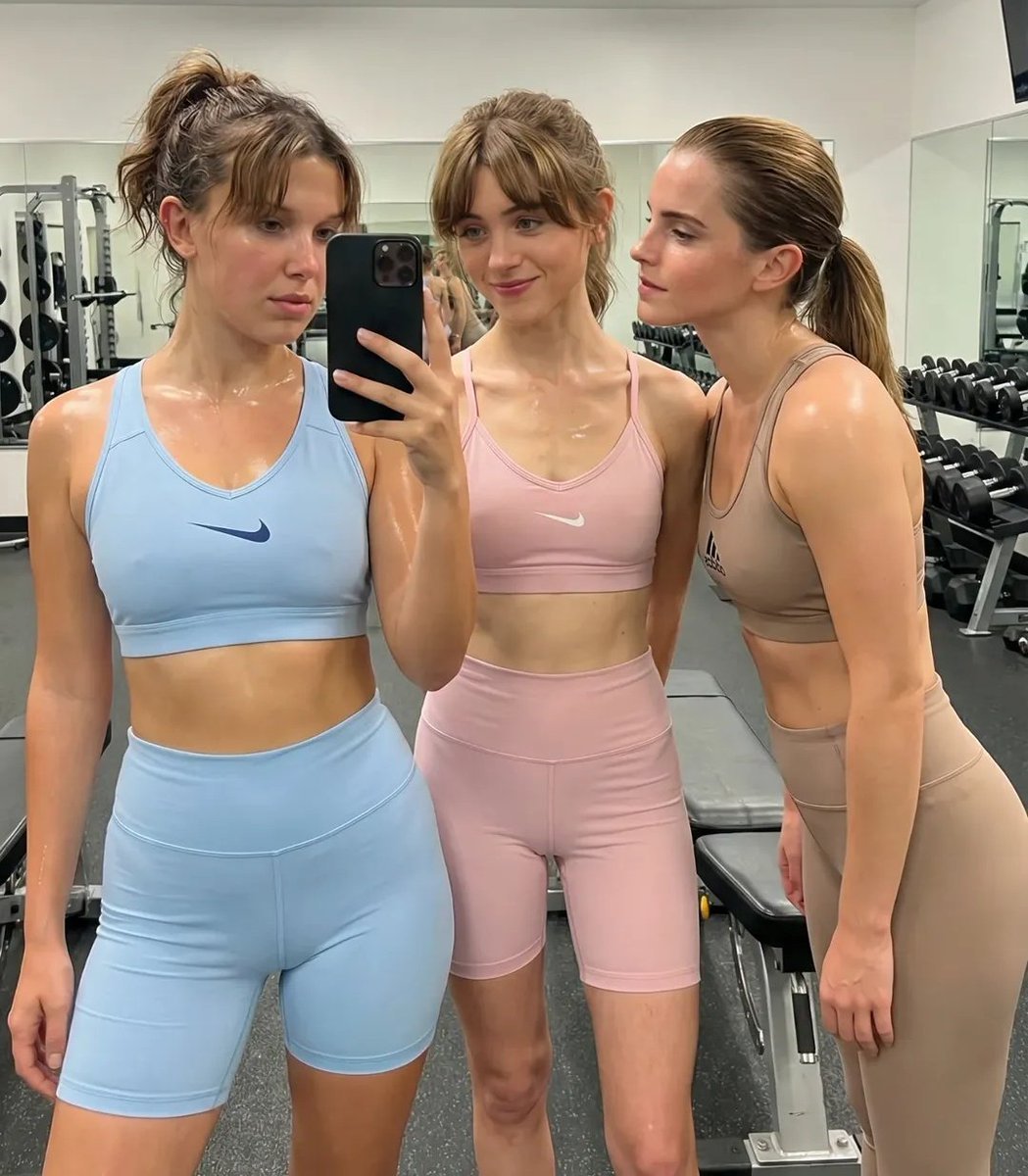
Ultra-Realistic Gym Mirror Selfie
Make it yours
Realistic Gym Mirror Selfie works as-is. These are the safest ways to change it without losing the look.
Change one field
Copy a single group, rewrite it, and generate again so you can see what that field is doing.
Keep the frame, change the subject
Hold the composition and light of Realistic Gym Mirror Selfie, then swap wardrobe, props or the person for a new take.
| If the result… | Why | Fix |
|---|---|---|
| The result drifts from the preview | Too many fields changed at once. | Reuse Realistic Gym Mirror Selfie as-is first, then change one group — subject, light, or setting. |
| The model over-stylizes the scene | The prose prompt leaves finish and camera underspecified. | Add one camera or lighting sentence and stay on GPT Image 2. |
More GPT Image 2 templates
Other prompts made for GPT Image 2.

Six VTuber Japanese Logo Sheet

Realistic Portrait of Woman and Deer

The Vista Modular Condo Poster

AI Model Routing Comparison Infographic

2.5D Anime Art Board

Isometric Productivity Desk Scene

New York Double Exposure Poster

Four-Panel AI Landscape Comparison

Japanese Tatami Lifestyle Magazine Cover

NESCAFÉ Coffee Map Poster
More image prompts
Fresh picks from across the catalog.
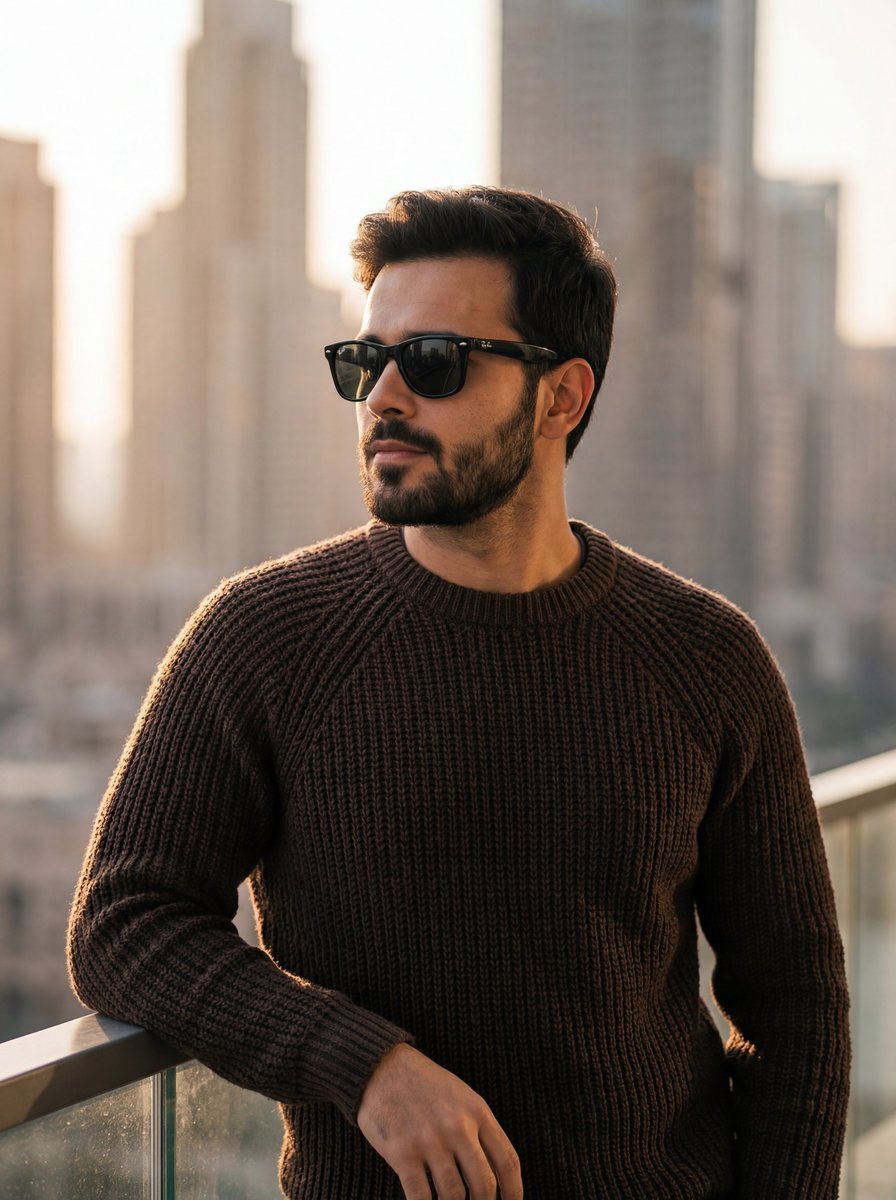
Golden Hour Portrait of Stylish Man on Balcony

Chinese VPS Comparison Cover

Minimalist Cave Painting Style Avatar
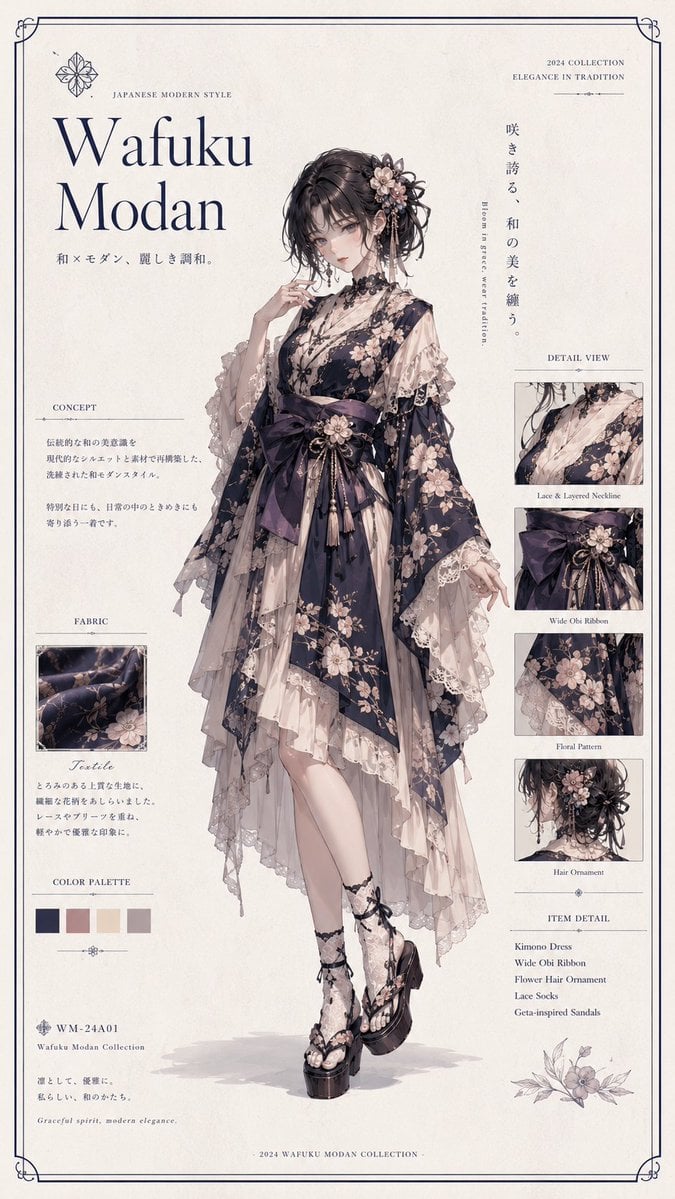
Wafuku Modern Fashion Poster
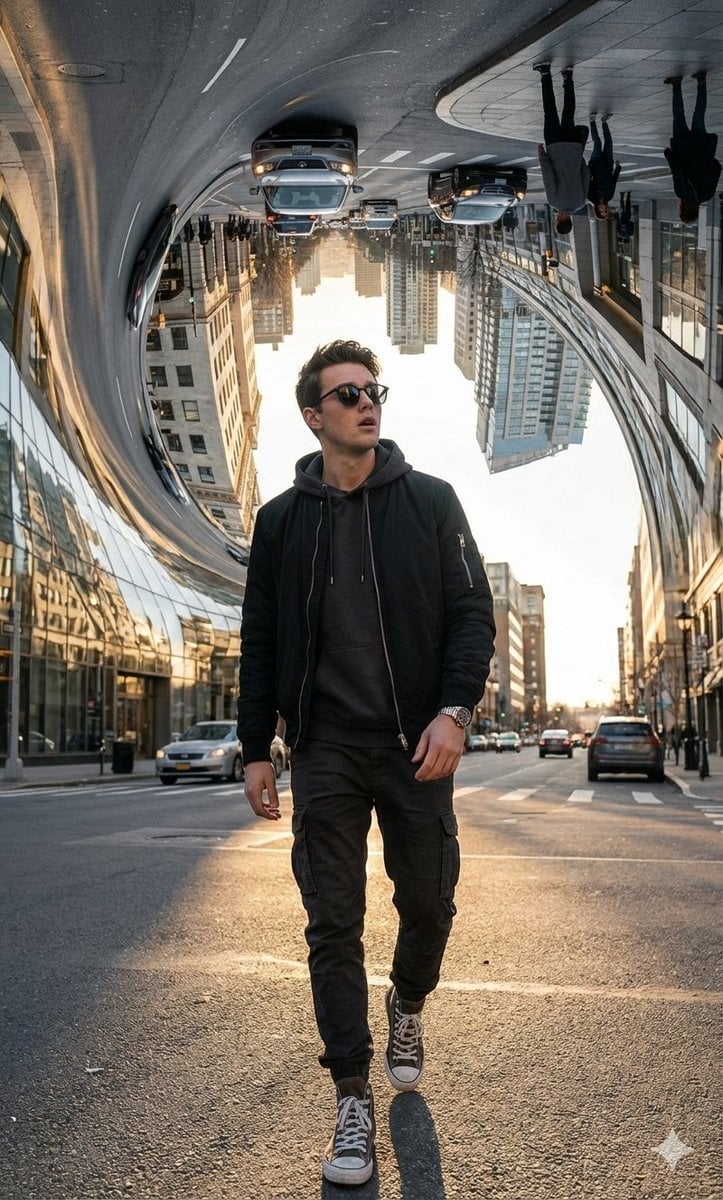
Surreal Bending City Streetwear Portrait
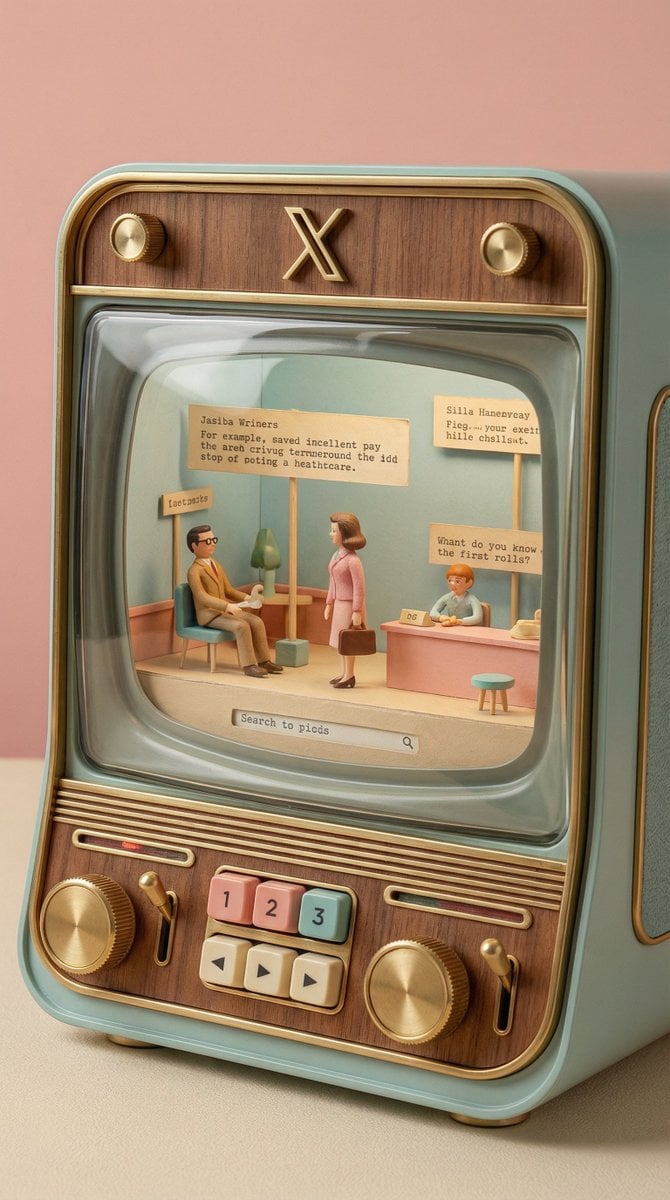
Wes Anderson-designed X App Mobile Interface
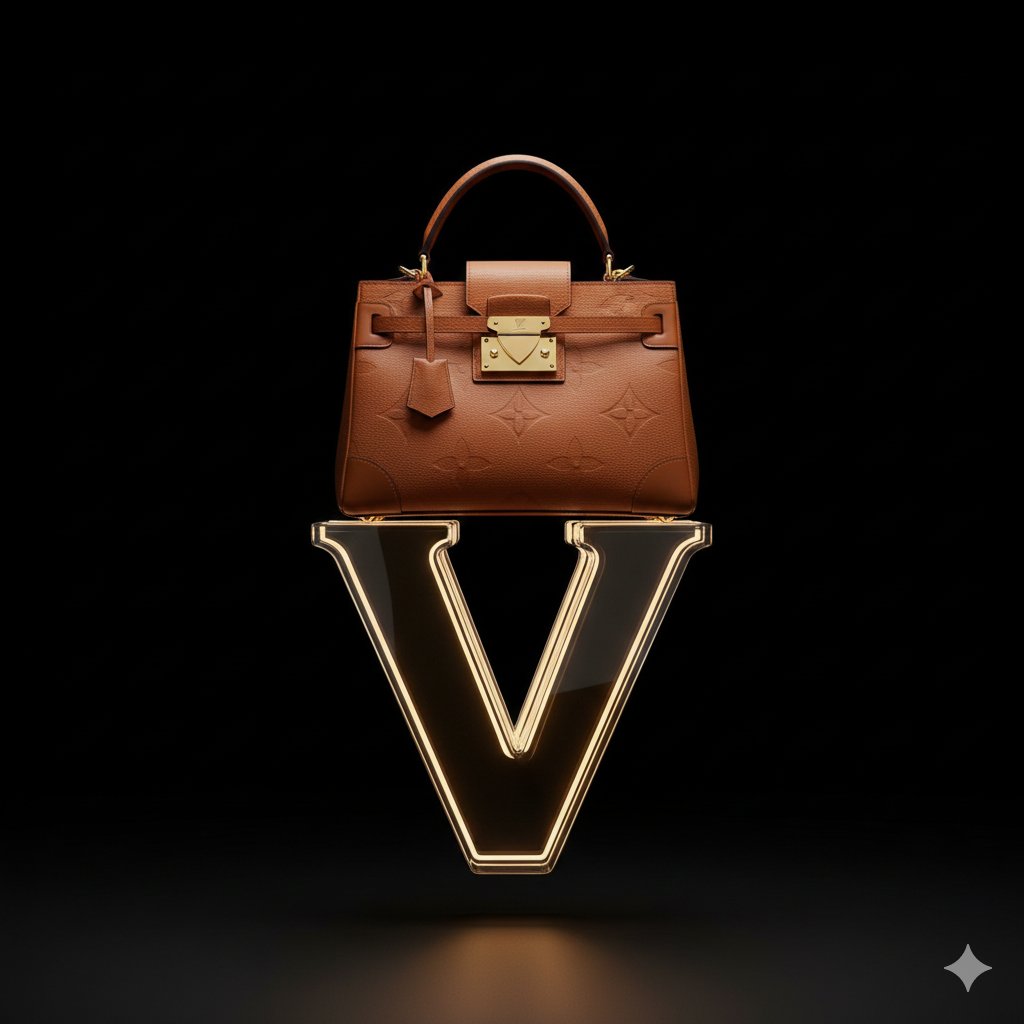
Avant-Garde Louis Vuitton Ski Goggles Editorial Prompt
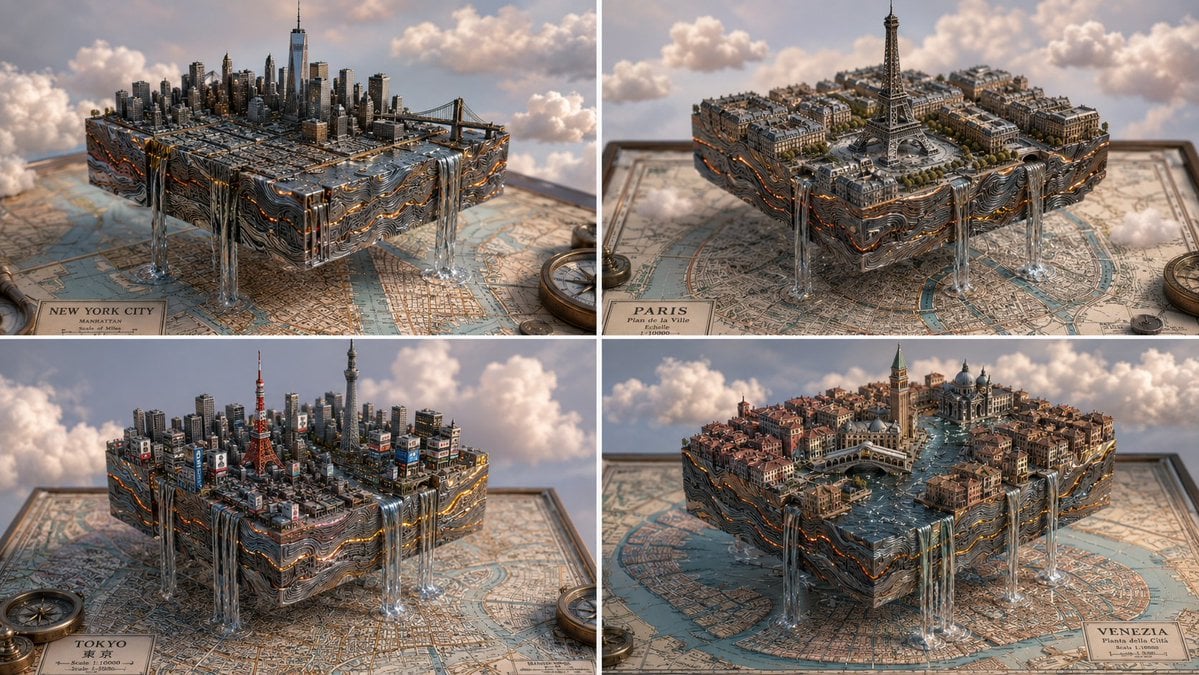
Isometric Magma Damascus Steel Cities
Gothic Stipple Art Poem Visualization

Y2K Fashion Magazine Cover
Browse template categories
Realistic Gym Mirror Selfie questions
How do I use the Realistic Gym Mirror Selfie template?
Add your photo if the template asks for one, edit the prompt if you like — the template's model and format are already selected — and press Generate. Your version opens in PicX Studio.
Can I customize the Realistic Gym Mirror Selfie template?
Yes. You can change the subject, setting, lighting, mood, format, and available model controls before creating your image.
Is the Realistic Gym Mirror Selfie template free?
Opening and editing this template is free. Generating uses credits, shown on the Generate button when you are signed in.
Which AI model should I use?
Start with GPT Image 2, which is the model associated with this template. You can compare another compatible model for a different finish.
Looking for something else? Browse all templates.

Your photo, any look
Thousands of ready templates for every top image and video model, from one credit balance.