
Minimalist Cave Painting Style Avatar
A creative prompt for generating highly minimalist line art avatars inspired by prehistoric cave paintings, focusing on essential spirit and posture rather than detail.
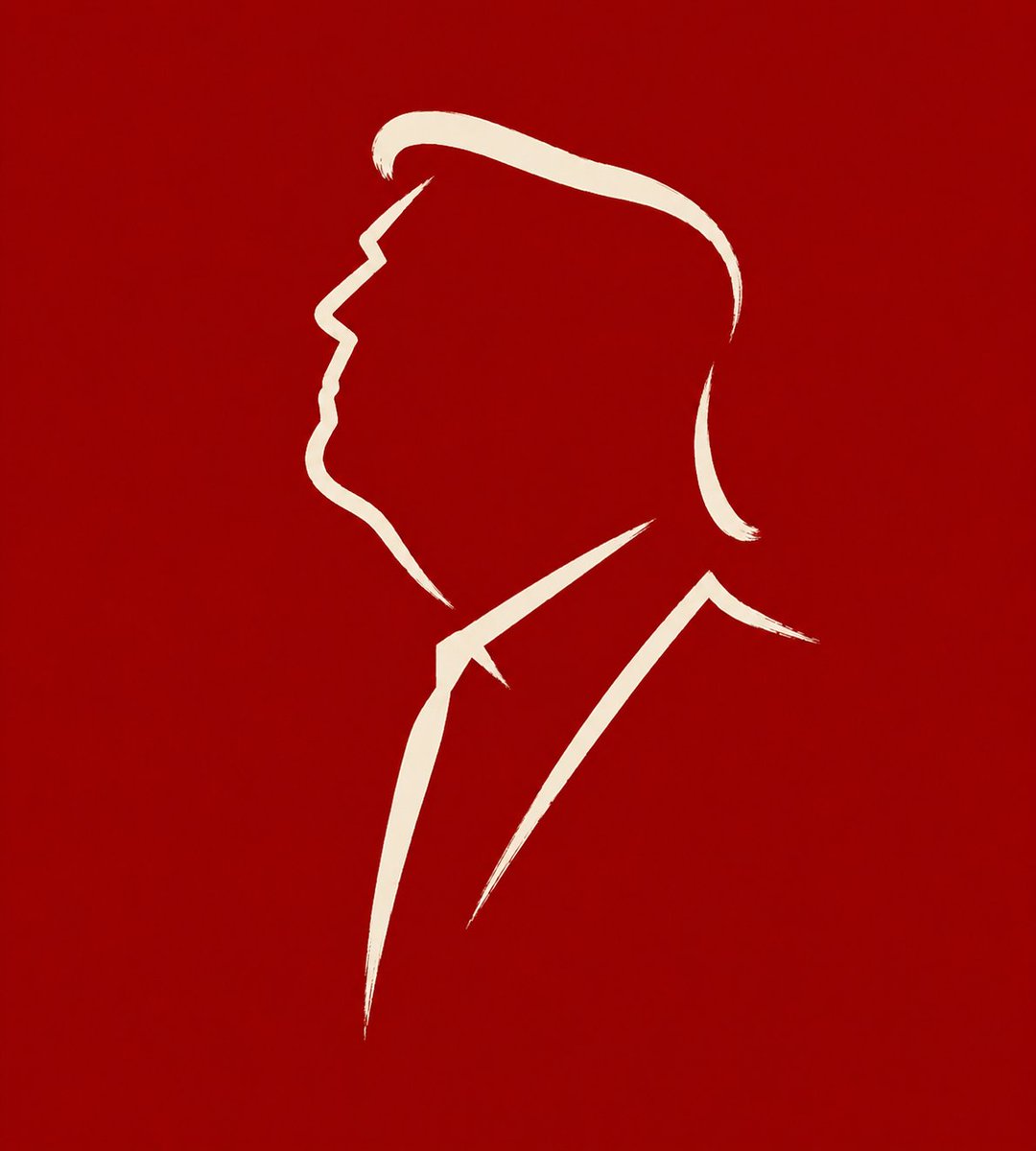
- Prompt included
- Model and format preset
- Free template
The prompt behind this image
Copy the exact prompt behind Minimalist Cave Painting Style Avatar, or open it in the studio and make it yours.
Transform the input image into a {argument name="ratio" default="1:1"}, extremely minimalist, symbolic line illustration suitable for use as a social-media avatar. The subject can be a person, an animal, or a plant. Do not reproduce the exact shape, do not depict fine detail, do not draw a complete outline; instead, like an early cave painting or a primitive carving, extract the most essential expression, posture, and silhouette features from the subject, and leave a mark directly with the fewest possible lines. The goal is not to draw the whole thing, but to create something like a distilled visual symbol — one that lets people recognize its character and spirit from just a few strokes. The number of lines must be extremely limited, ideally kept within {argument name="number of lines" default="3 to 6 strokes"}. Every stroke should be simple, direct, and decisive, as if drawn in one continuous motion, with natural pauses and slight variation — not mechanical, not overly decorated, not excessively smooth, and not a fully closed outline in the style of a modern logo. Breaks, empty space, and omission are allowed, letting the blank space take part in the expression. Do not draw facial-feature detail, fur/hair texture, clothing folds, leaf veins, or other explanatory detail — keep only the most critical contour turns and the key points that carry the expression. The overall character should be rustic, direct, restrained, and precise, like a primal visual language. The background should stay simple, quiet, and calm, and can be {argument name="background color" default="deep crimson red"}, a stone-wall color, grayish white, a dark color, or another plain, clean tone that sets off the lines. The main lines should be clear, simple, and have presence. Avoid realism, avoid shadows, avoid volume, avoid complex decoration, and avoid a modern graphic-design feel. The final result should feel like an extremely distilled visual mark: sparse, precise, incisive, and still — extracting the subject's expression and spirit in just a few strokes.
How to use Minimalist Cave Painting Style Avatar in 3 steps
- 1Upload ImagePNG, JPG or paste
Add your photo
Upload the photo the template builds on. The prompt, model and format are already set.
- 2…a portrait of your subject in softgolden-hour light, 85mm…
Personalize
Edit the subject and creative details for your destination.
- 3Generate
Generate
Press Generate — your image is created in PicX Studio, so you can compare it with the original and refine one variable at a time.
More like this
Templates with the same subject, style or setup. Open one to see its prompt.

Japanese Minimalist Concrete Studio Fashion Editorial

Korean Streetwear Minimalist Campaign Portrait

Minimalist Fashion Editorial Split Layout
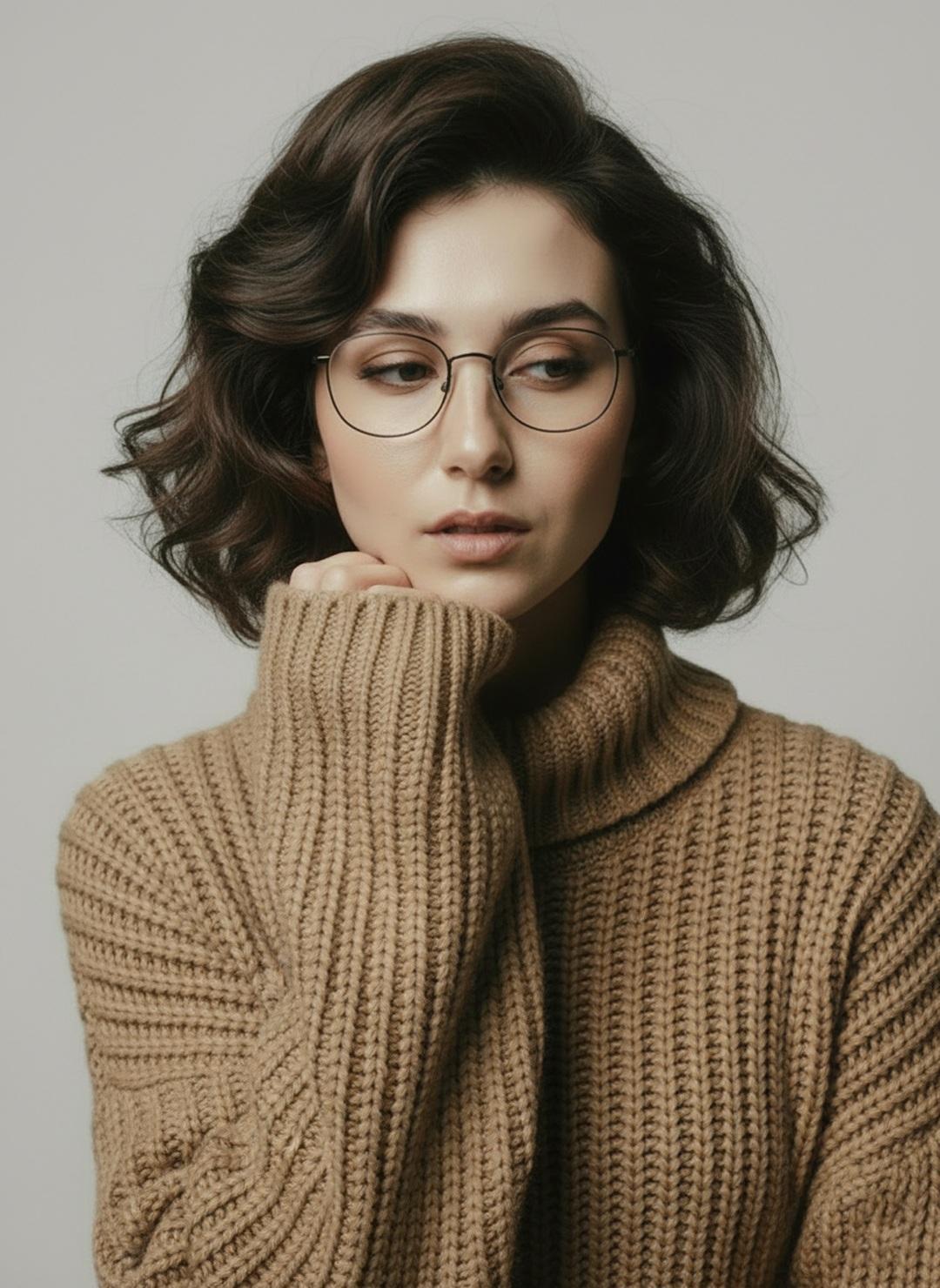
Minimalist Scandinavian Editorial Fashion Portrait Series

Quiet Minimalist Anime Style Guide

Premium Vintage Travel Poster Landscape
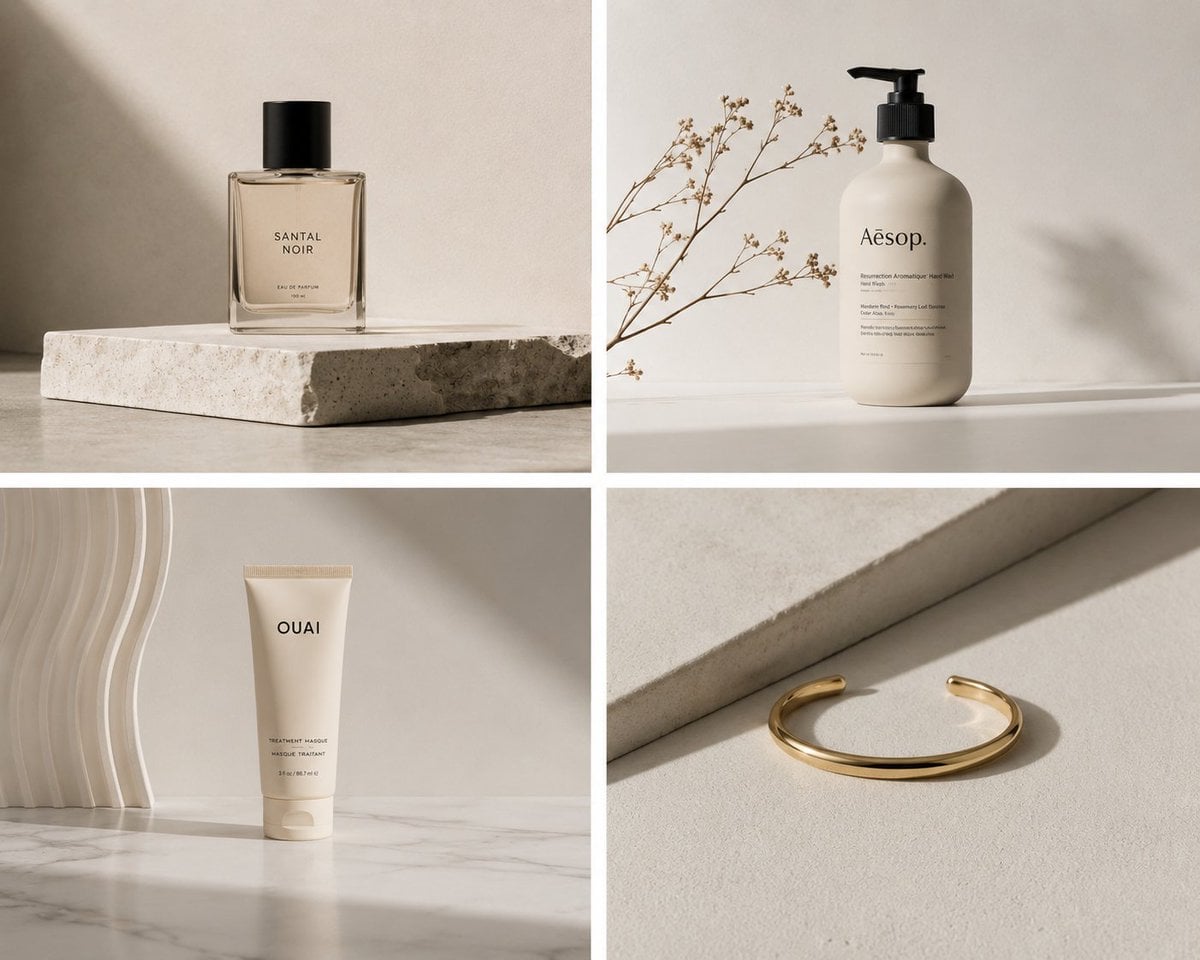
Elegant Minimalist Product Photography

Soft Shadow Studio Minimalist Product Shot

Futuristic Studio Neon Ring Minimalist Portrait

Minimalist Skincare Product Water Stone Still

Moss Logo Minimalist Brand Flat Lay
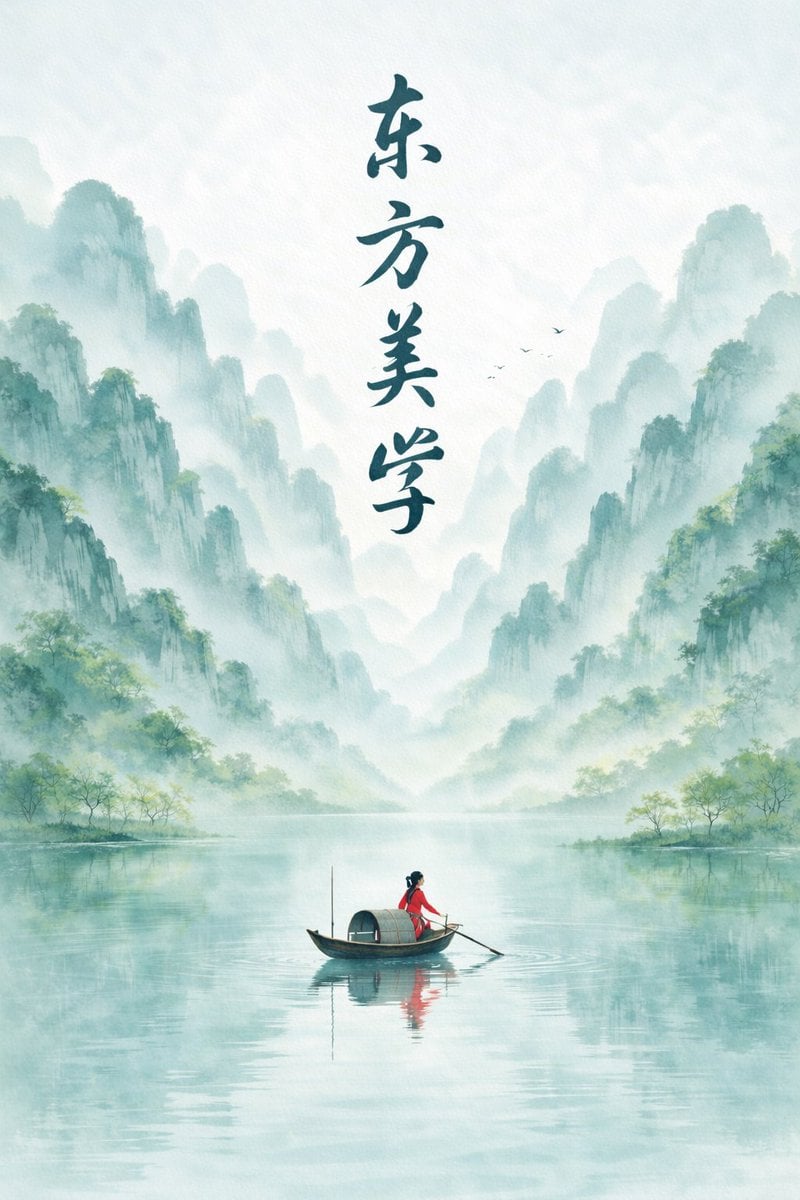
Minimalist Chinese Ink Wash Mist Painting
Make it yours
Minimalist Cave Painting Style Avatar works as-is. These are the safest ways to change it without losing the look.
Change one field
Copy a single group, rewrite it, and generate again so you can see what that field is doing.
Keep the frame, change the subject
Hold the composition and light of Minimalist Cave Painting Style Avatar, then swap wardrobe, props or the person for a new take.
| If the result… | Why | Fix |
|---|---|---|
| The result drifts from the preview | Too many fields changed at once. | Reuse Minimalist Cave Painting Style Avatar as-is first, then change one group — subject, light, or setting. |
| The model over-stylizes the scene | The prose prompt leaves finish and camera underspecified. | Add one camera or lighting sentence and stay on GPT Image 2. |
More GPT Image 2 templates
Other prompts made for GPT Image 2.

Six VTuber Japanese Logo Sheet

Realistic Portrait of Woman and Deer

The Vista Modular Condo Poster

AI Model Routing Comparison Infographic

2.5D Anime Art Board

Isometric Productivity Desk Scene

New York Double Exposure Poster

Four-Panel AI Landscape Comparison

Japanese Tatami Lifestyle Magazine Cover

NESCAFÉ Coffee Map Poster
More image prompts
Fresh picks from across the catalog.
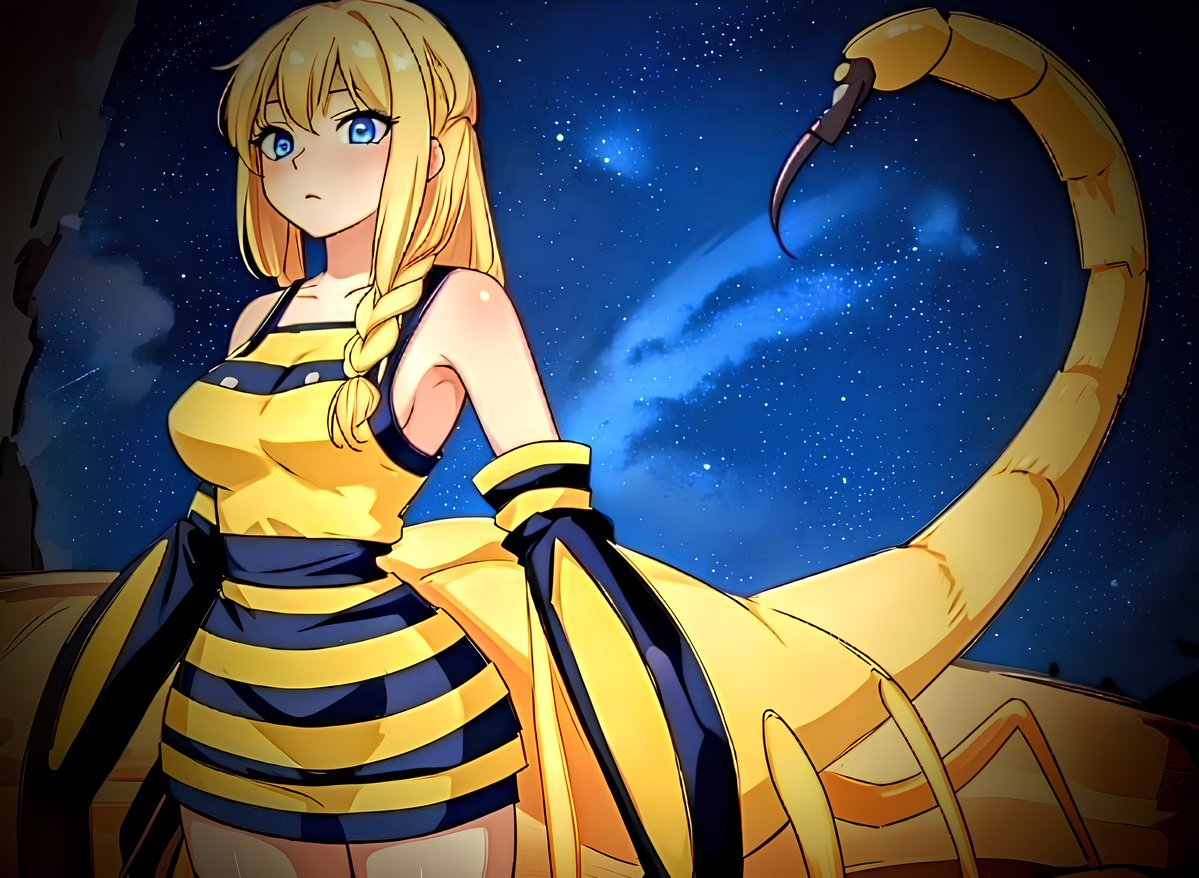
Deathstalker Arachne Personification
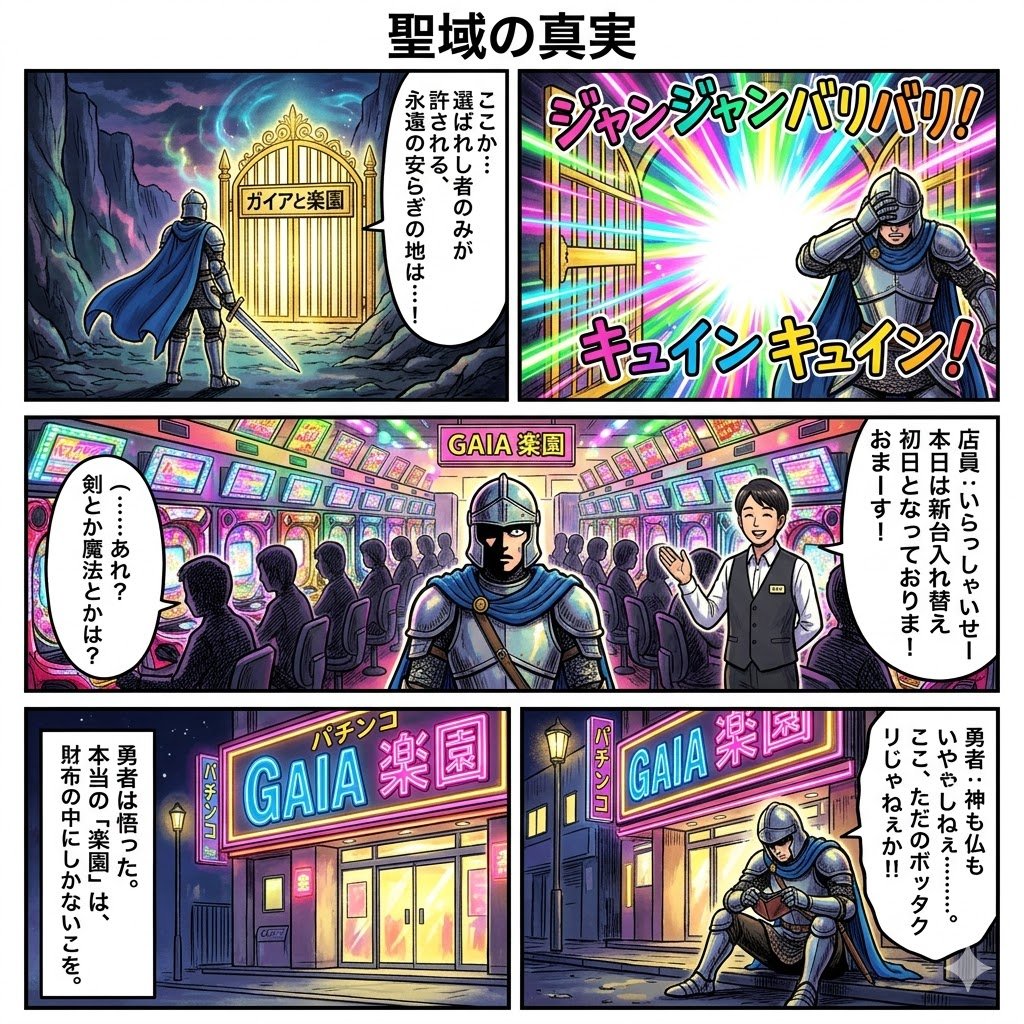
Four-Panel Manga: The Truth of the Sanctuary
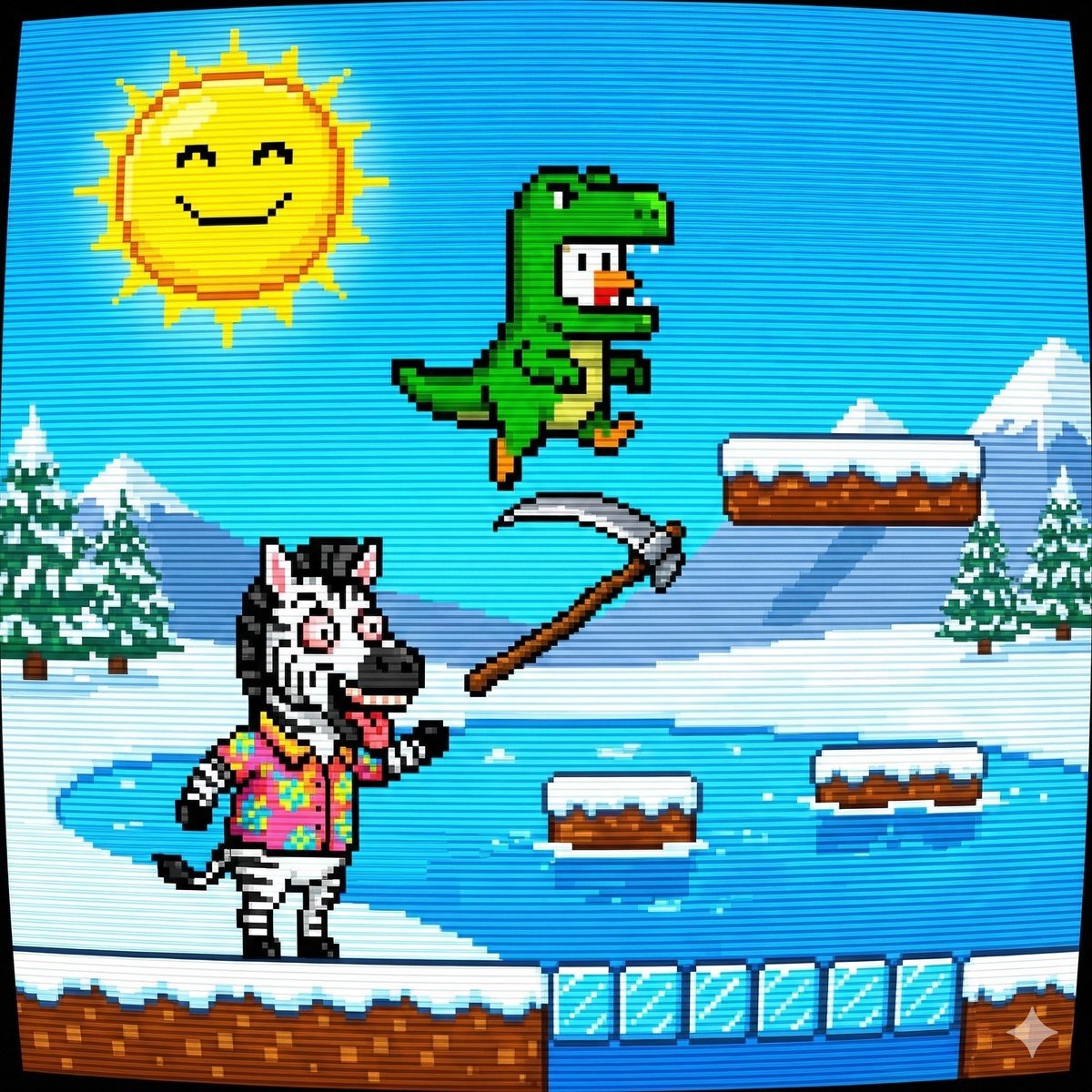
Nano Banana Pro Prompt: 8-bit Chicken in T-Rex Costume
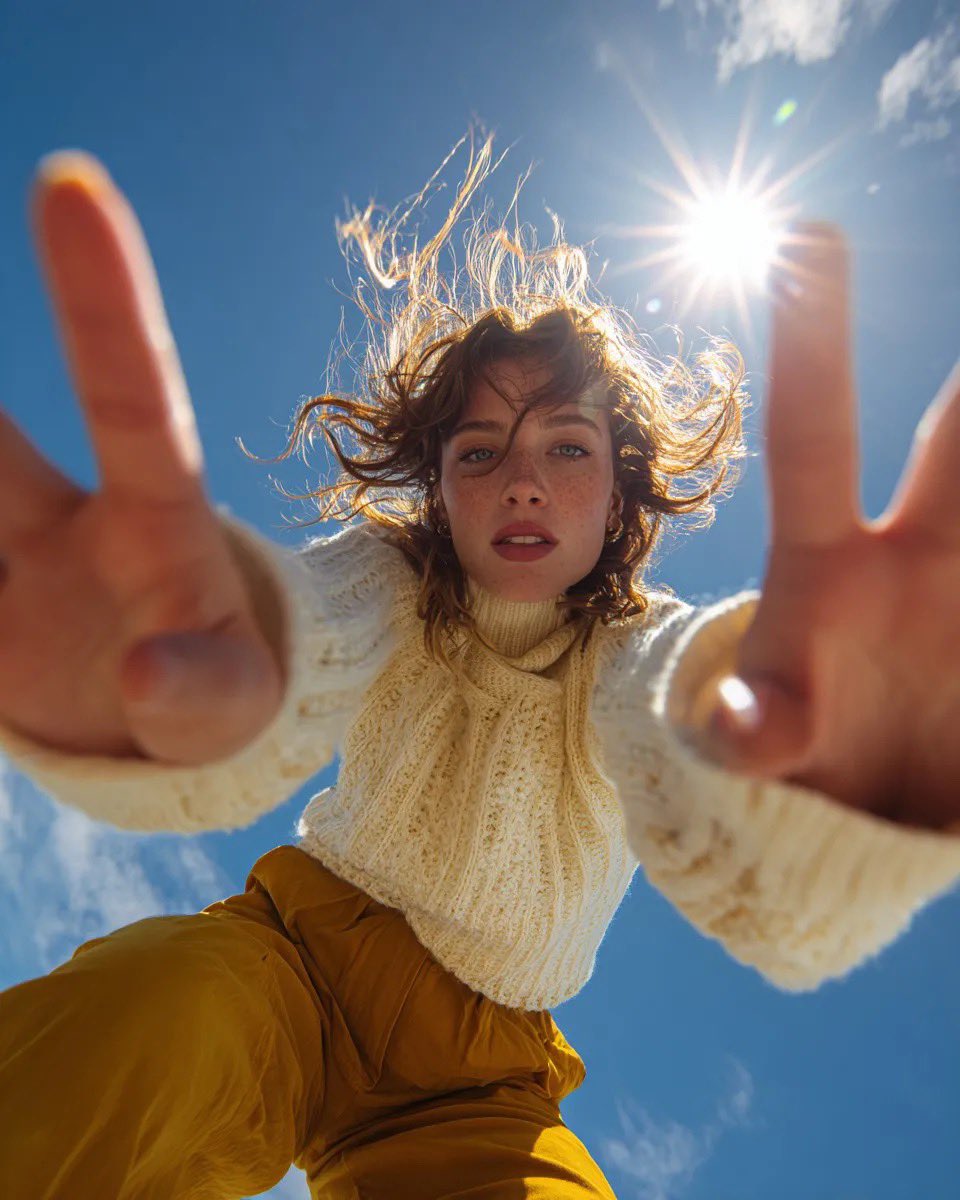
Ultra Wide Low-Angle Portrait — Sairah (Nano Banana)
Photorealistic Portrait of a Young Woman
Ultra-Realistic Product Photography of Yogurt
Cinematic Fashion Portrait on a Paris Rooftop
Minimalist Luxury Product Photography Prompts
Anime Mall Escalator Fashion Portrait
AI Art History Scrapbook
Browse template categories
Minimalist Cave Painting Style Avatar questions
How do I use the Minimalist Cave Painting Style Avatar template?
Add your photo if the template asks for one, edit the prompt if you like — the template's model and format are already selected — and press Generate. Your version opens in PicX Studio.
Can I customize the Minimalist Cave Painting Style Avatar template?
Yes. You can change the subject, setting, lighting, mood, format, and available model controls before creating your image.
Is the Minimalist Cave Painting Style Avatar template free?
Opening and editing this template is free. Generating uses credits, shown on the Generate button when you are signed in.
Which AI model should I use?
Start with GPT Image 2, which is the model associated with this template. You can compare another compatible model for a different finish.
Looking for something else? Browse all templates.

Your photo, any look
Thousands of ready templates for every top image and video model, from one credit balance.