
Moss Logo Minimalist Brand Flat Lay
MeiGen Trending #388 — biophilic moss-sculpted logo on white studio flat lay with bottom signature.

- Prompt included
- Model and format preset
- Free template
The prompt behind this image
Copy the exact prompt behind Moss Logo Minimalist Brand Flat Lay, or open it in the studio and make it yours.
[BRAND NAME]: Enter the brand name here. Goal: Generate a minimalist organic image where a stylized logo icon of [BRAND NAME] is transformed into a large moss-textured artifact, with a small brand signature at the bottom. Constraint: NO TEXT inside or immediately near the central moss icon. Only the bottom signature. 1. THE CENTRAL MOSS ICON - Main Subject: A large, geometrically precise symbol, sculpted into the exact form of the [BRAND NAME] logo icon. - Material: The symbol is entirely made of dense, heavily textured, natural green stabilizing moss. The texture is rough and organic with varying shades of green and brown. - Form: The geometric edges are sharp and clean, but filled with the soft, billowy texture of moss. 2. ENVIRONMENT & LAYOUT - View: A top-down, central flat lay view. - Background: A flawless, uniform, matte white studio background. Full minimalist negative space. - Lighting: Bright, soft, diffused studio lighting that emphasizes the tactile moss texture while minimizing harsh shadows. 3. BOTTOM BRAND SIGNATURE (CRITICAL) - Placement: A clean horizontal signature block centered at the bottom, far below the moss icon. - Elements: A tiny, flat, minimalist version of the [BRAND NAME] logo icon on the left. - Text: The word "[BRAND NAME]" in a clean, bold, black sans-serif typeface immediately to the right of the tiny logo. - Scale: The signature must be very small compared to the central moss artifact. 4. AESTHETIC - Biophilic design, premium product photography, clean, fresh, airy, high-end editorial look. 8k resolution.
How to use Moss Logo Minimalist Brand Flat Lay in 3 steps
- 1
Open
The prompt is already in the box next to the preview, with the template's model and format selected.
- 2…a portrait of your subject in softgolden-hour light, 85mm…
Personalize
Edit the subject and creative details for your destination.
- 3Generate
Generate
Press Generate — your image is created in PicX Studio, so you can compare it with the original and refine one variable at a time.
More like this
Templates with the same subject, style or setup. Open one to see its prompt.
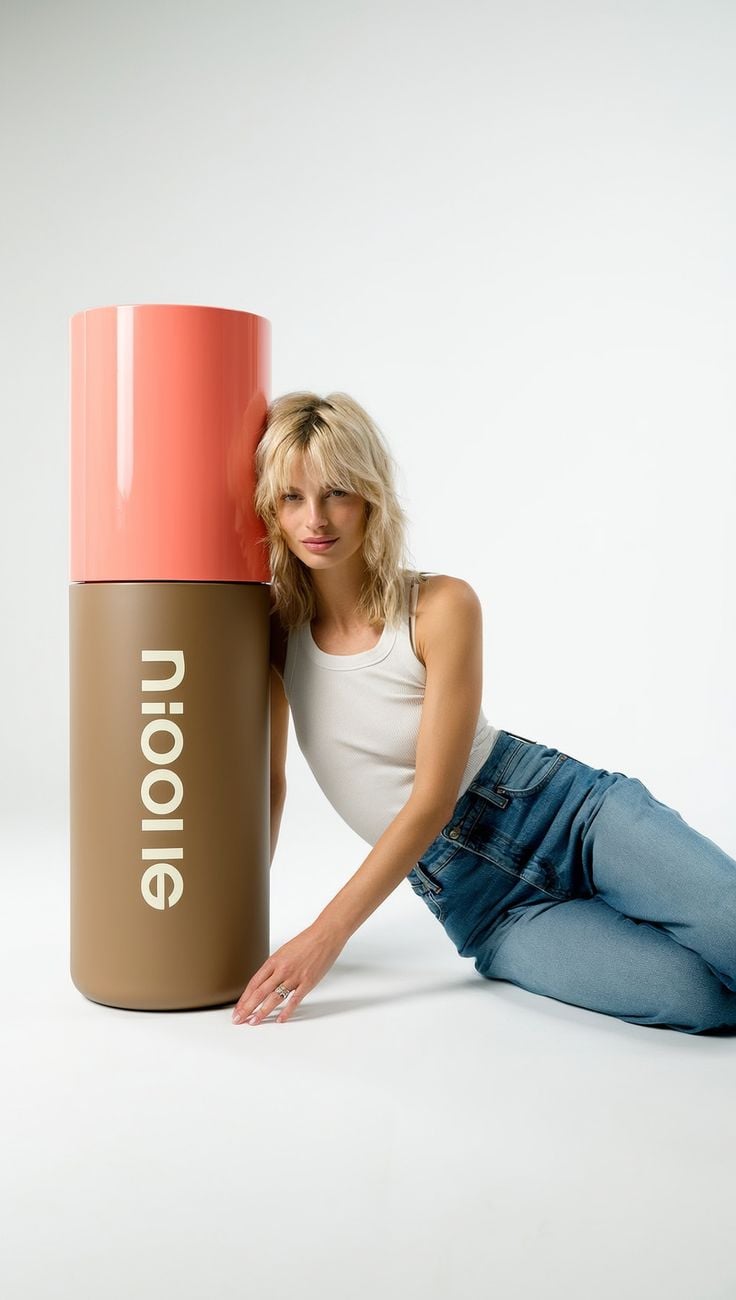
Oversized Minimalist Product Portrait
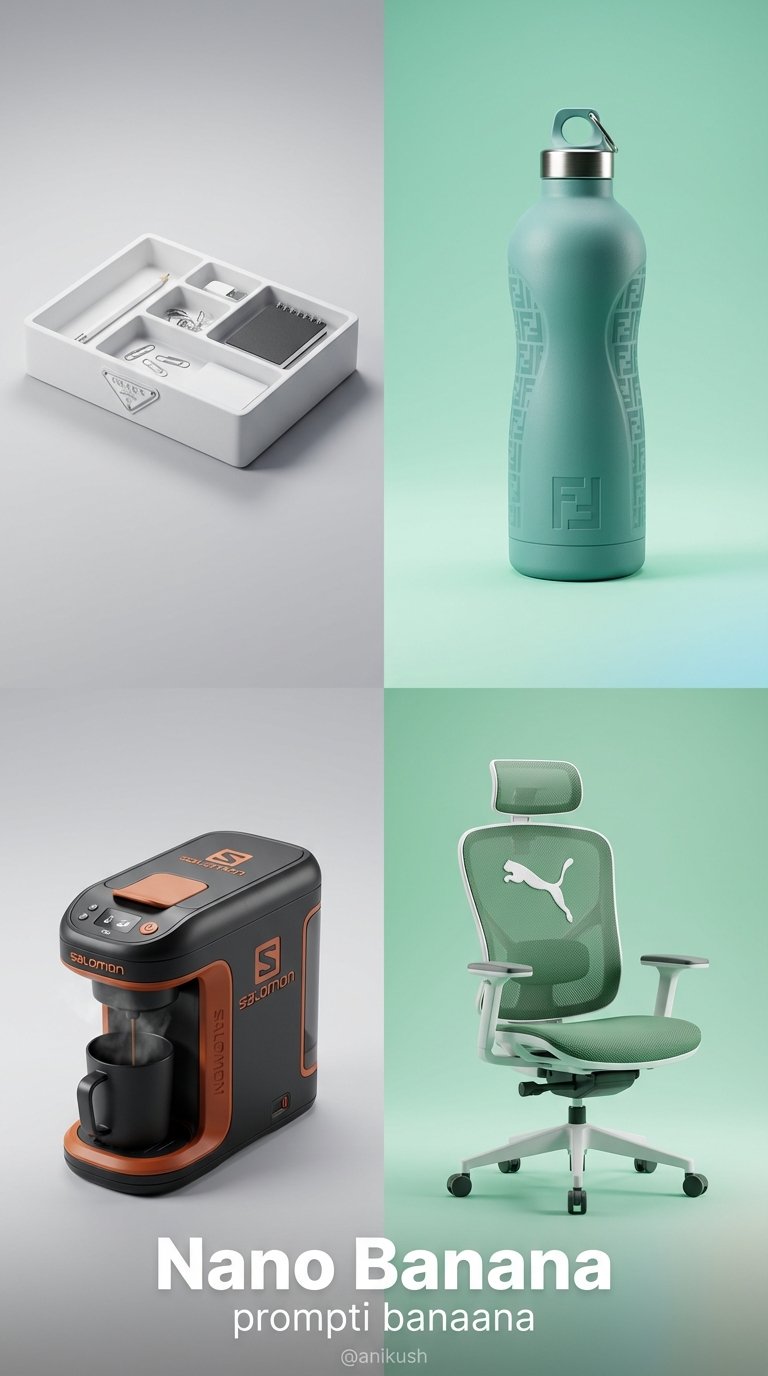
Minimalist Luxury Brand Concept
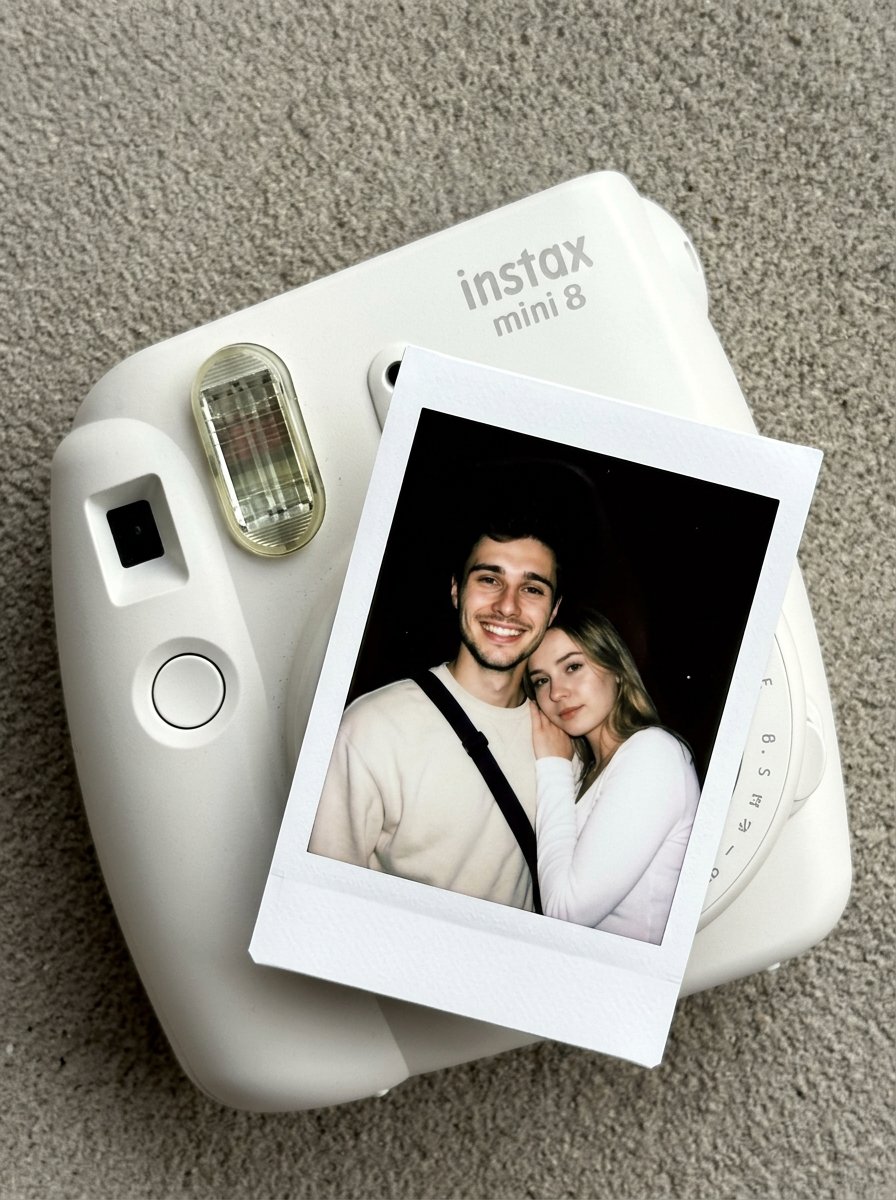
02 Instax Camera Product — Nano Banana 2

Minimalist Skincare Product Water Stone Still
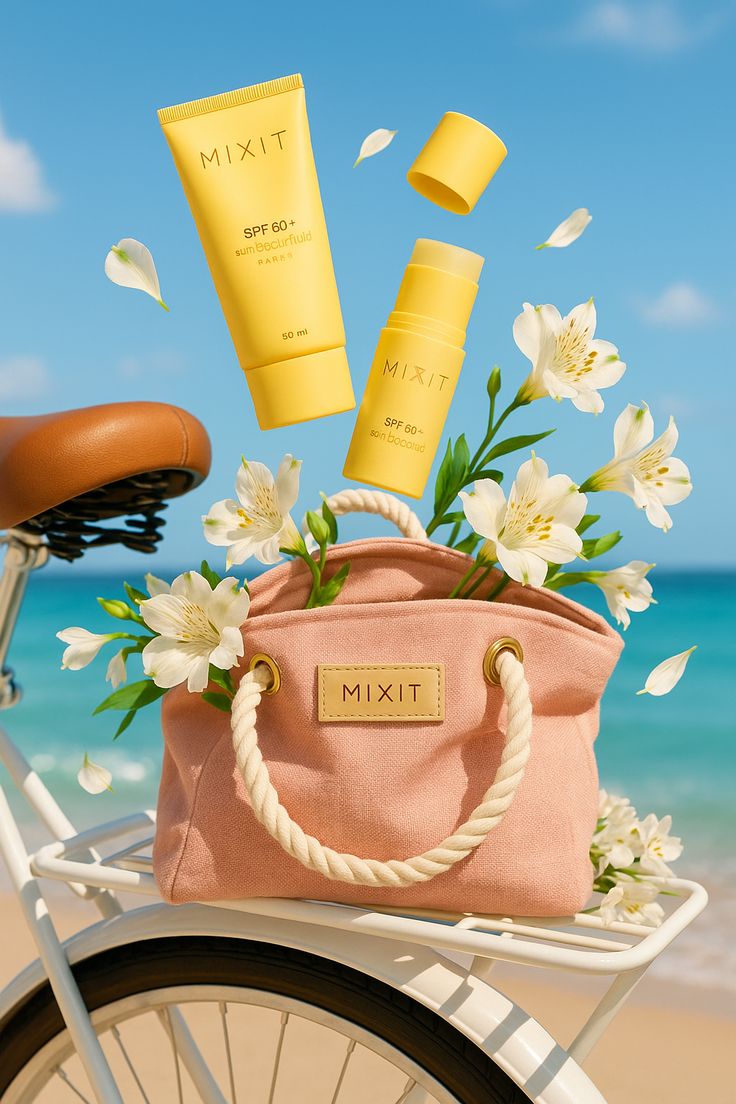
Sun-Kissed Summer Skincare Beachfront
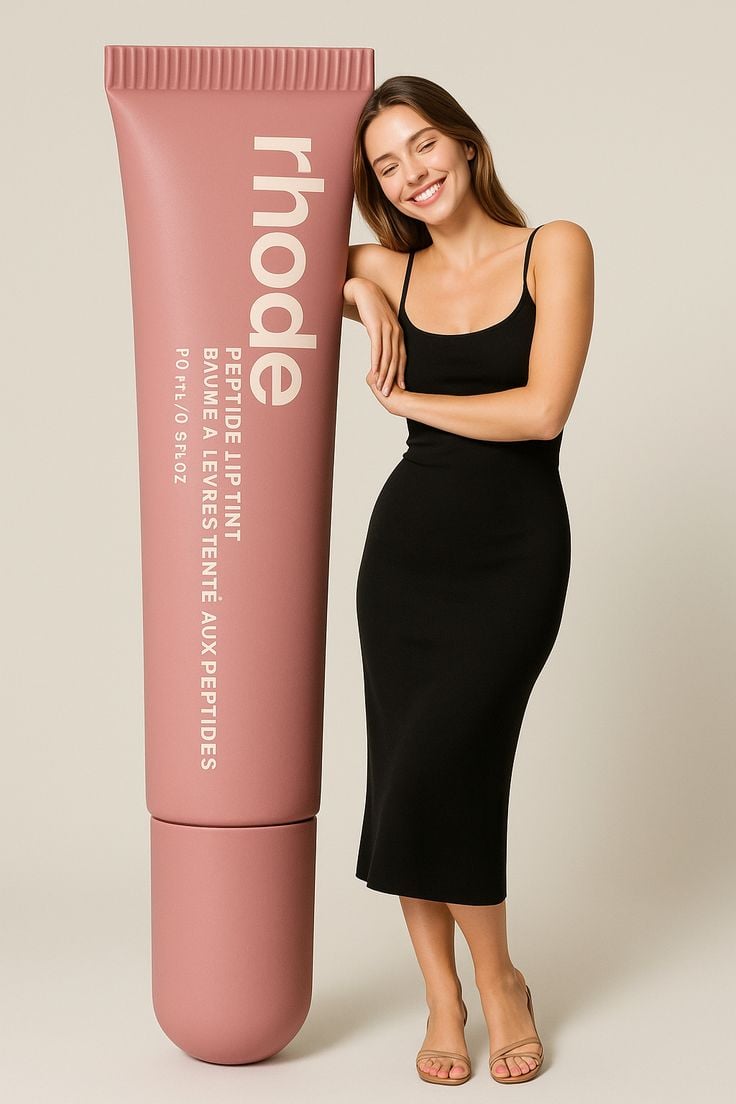
Giant Product Lifestyle Mockup
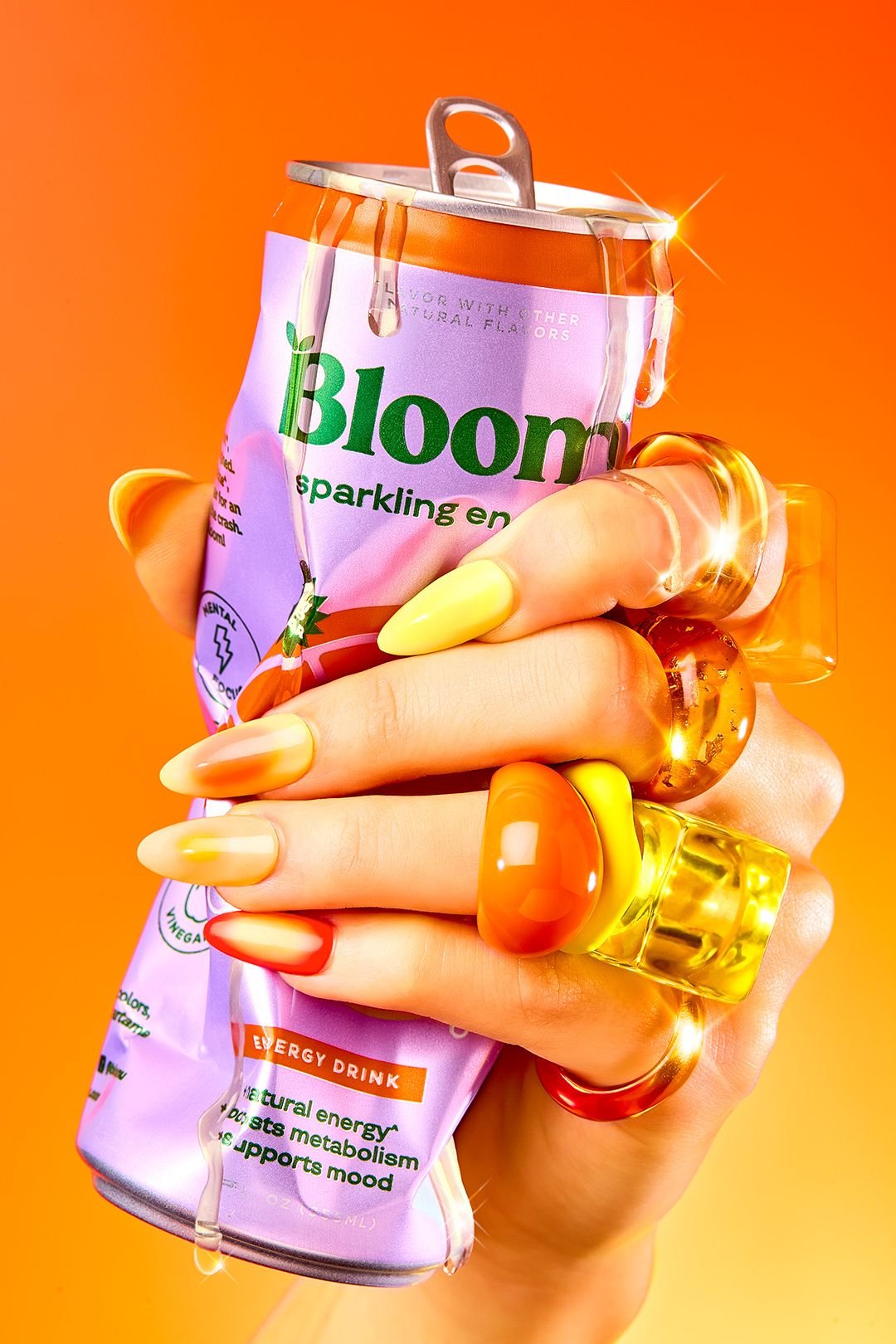
Vibrant Citrus Energy Bloom
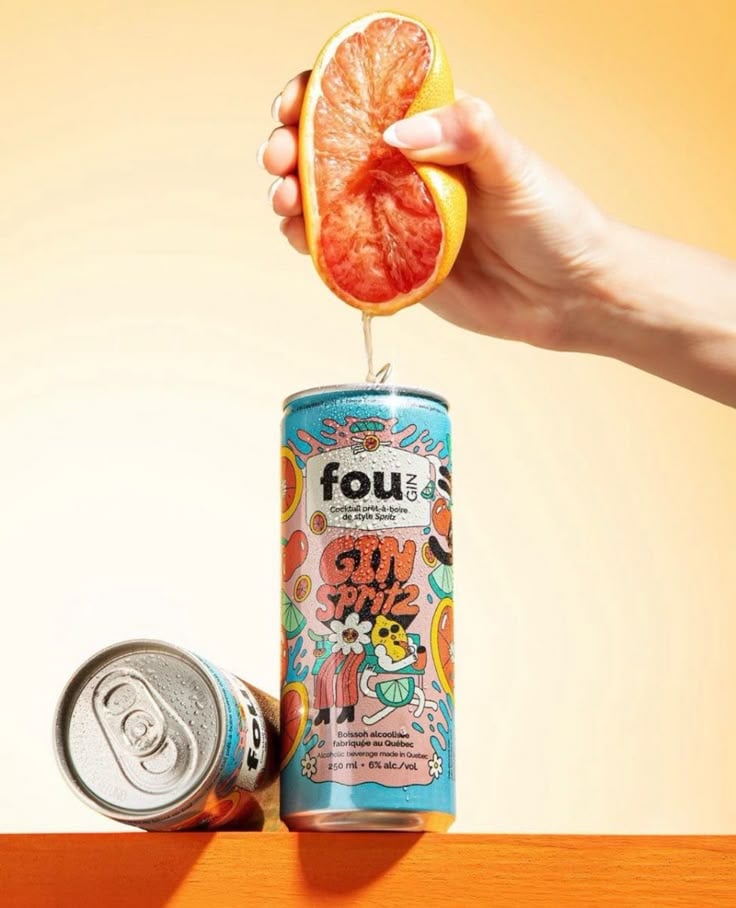
Vibrant Citrus Gin Spritz Promo
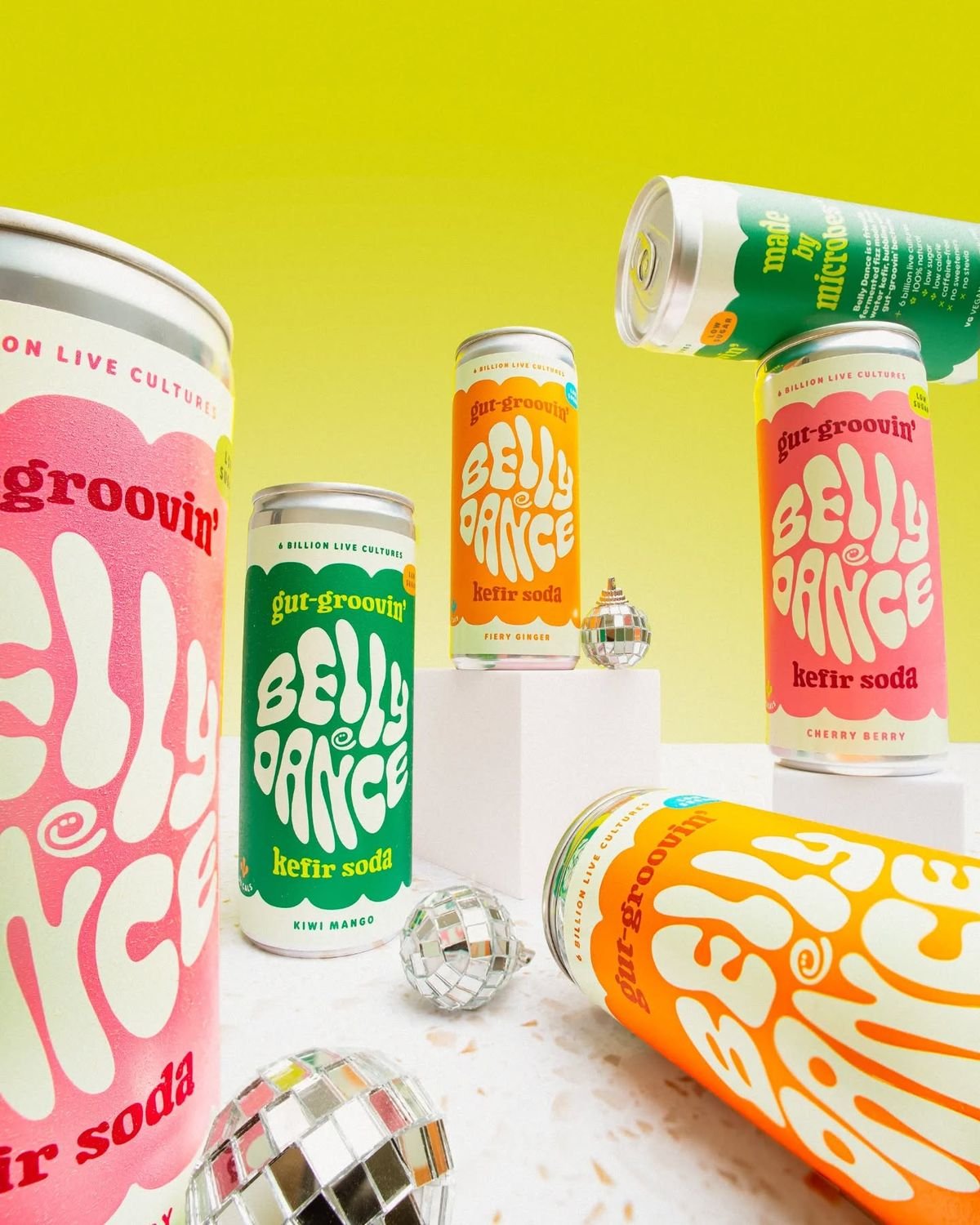
Retro Disco Beverage Showcase
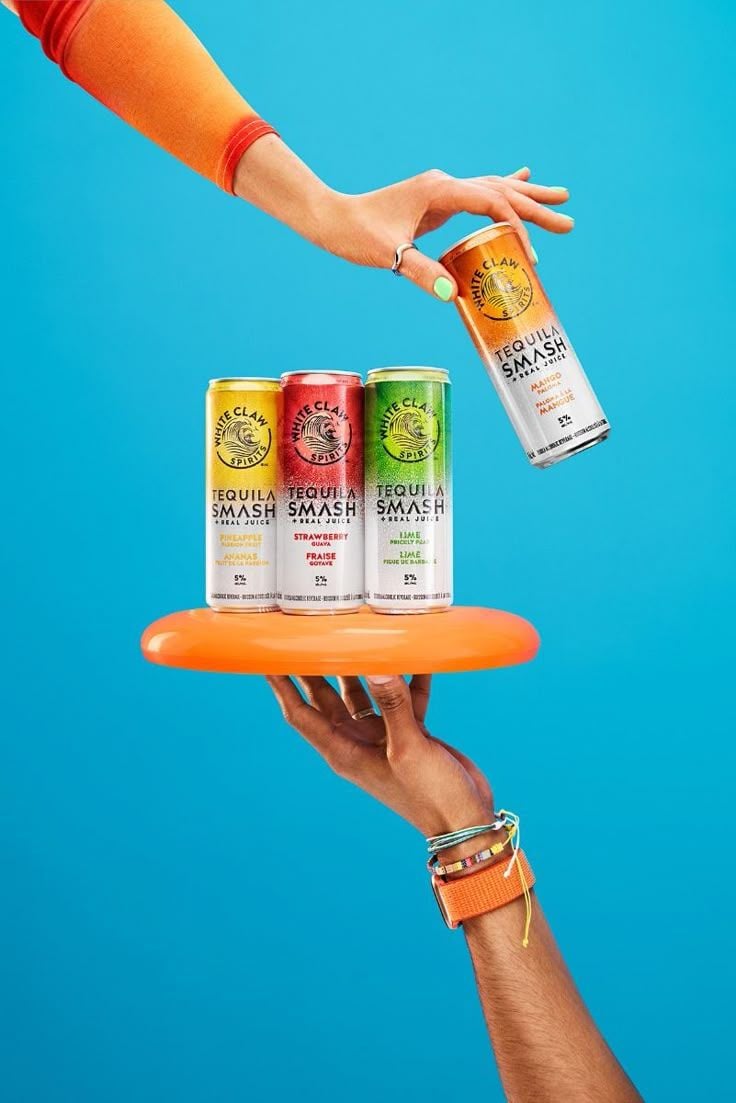
Vibrant Tequila Smash Product Showcase

Botanical Skincare Minimal Product Advertising
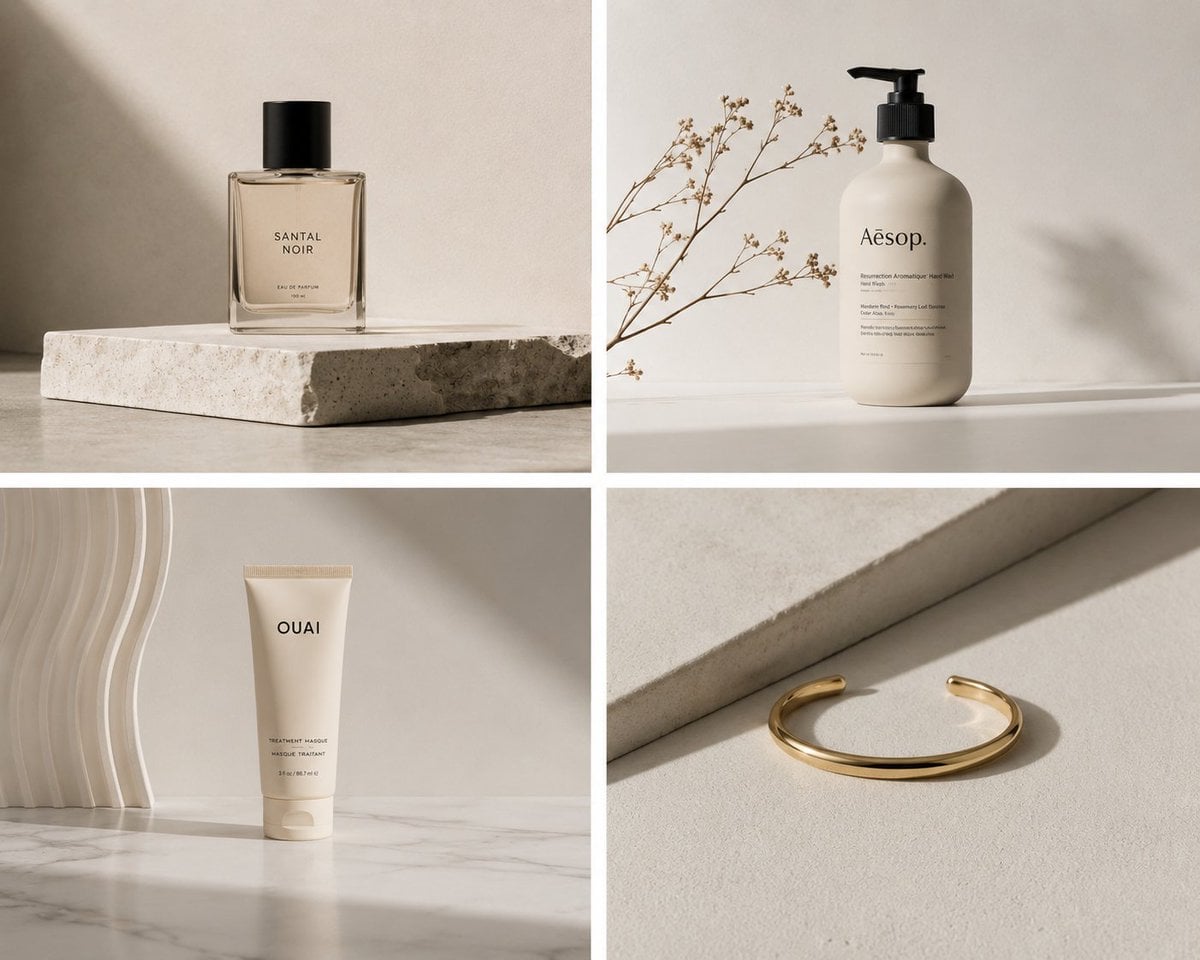
Elegant Minimalist Product Photography
Make it yours
Moss Logo Minimalist Brand Flat Lay works as-is. These are the safest ways to change it without losing the look.
Change one field
Copy a single group, rewrite it, and generate again so you can see what that field is doing.
Keep the frame, change the subject
Hold the composition and light of Moss Logo Minimalist Brand Flat Lay, then swap wardrobe, props or the person for a new take.
| If the result… | Why | Fix |
|---|---|---|
| The result drifts from the preview | Too many fields changed at once. | Reuse Moss Logo Minimalist Brand Flat Lay as-is first, then change one group — subject, light, or setting. |
| The model over-stylizes the scene | The prose prompt leaves finish and camera underspecified. | Add one camera or lighting sentence and stay on PicX Studio. |
More image prompts
Fresh picks from across the catalog.

Character 'Participation Screen' Reveal Prompt
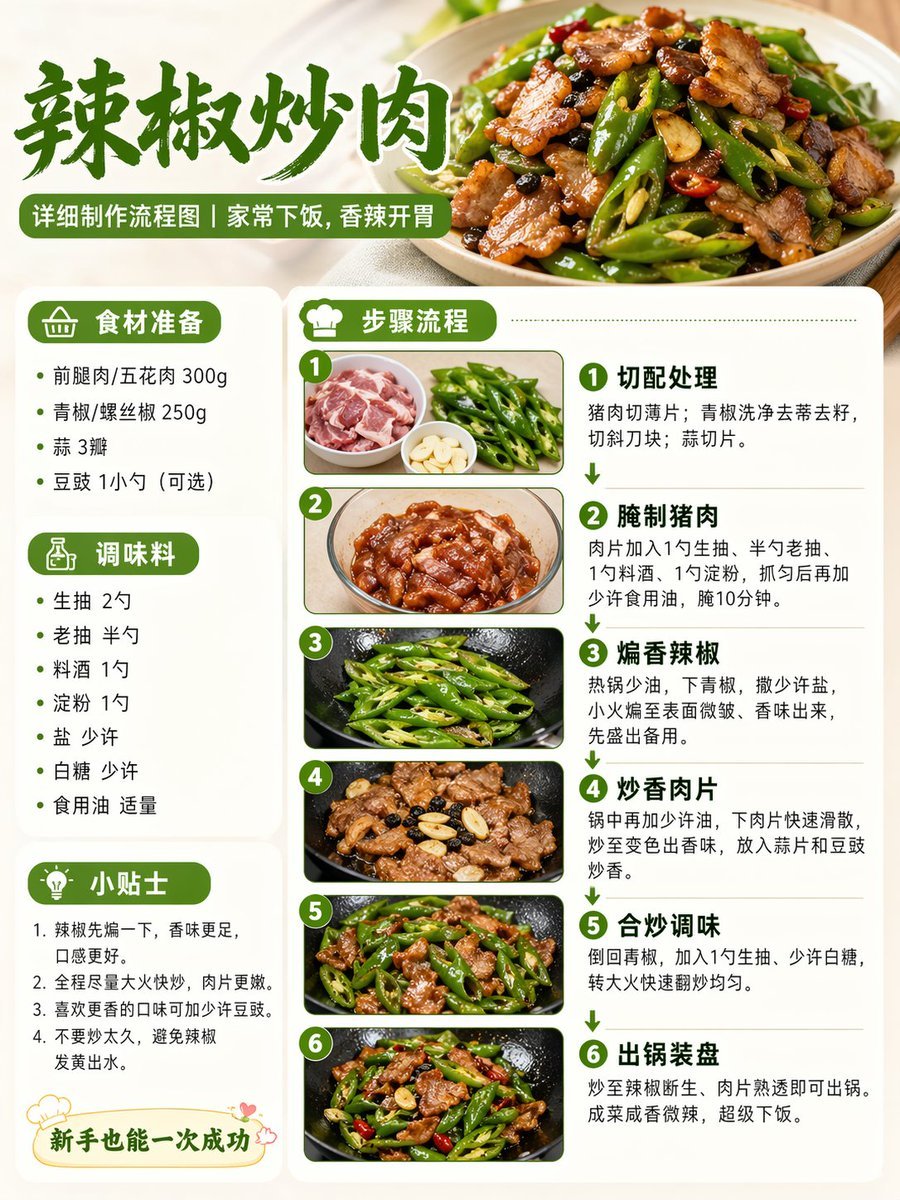
Food Recipe Flowchart Prompt

Cyberpunk Portrait with Sci-Fi Interface
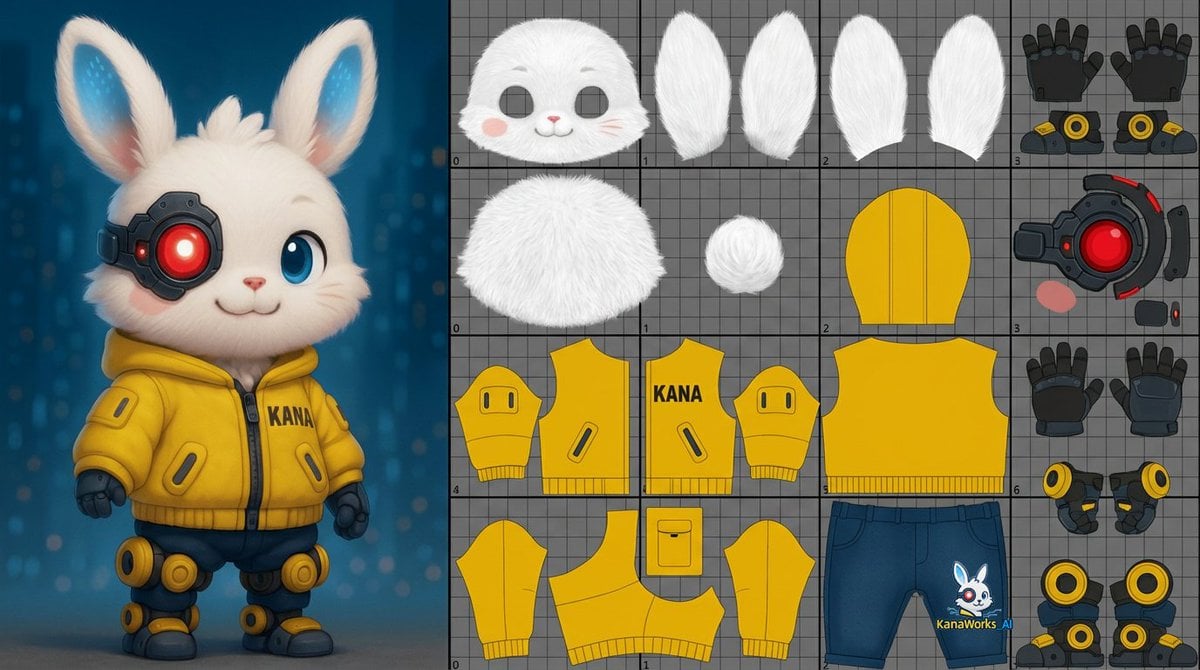
Prompt for UV Unwrapping a 3D Model

Futuristic Sakura Itasha Supercar
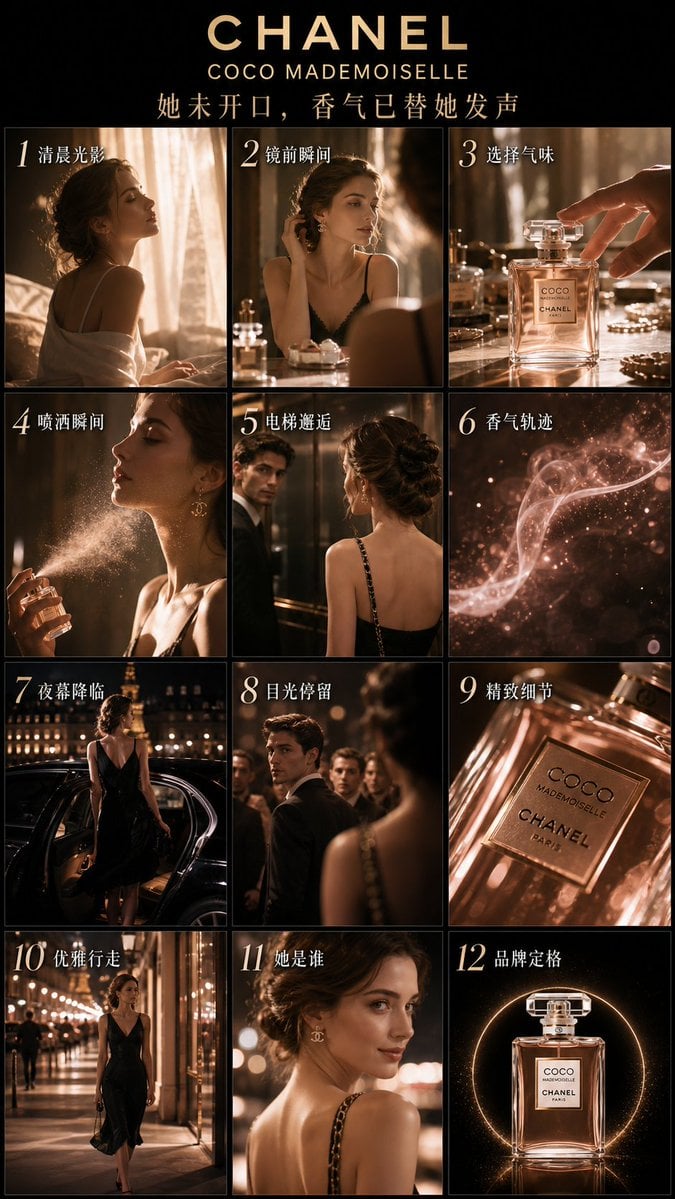
Luxury Perfume Advertising Storyboard
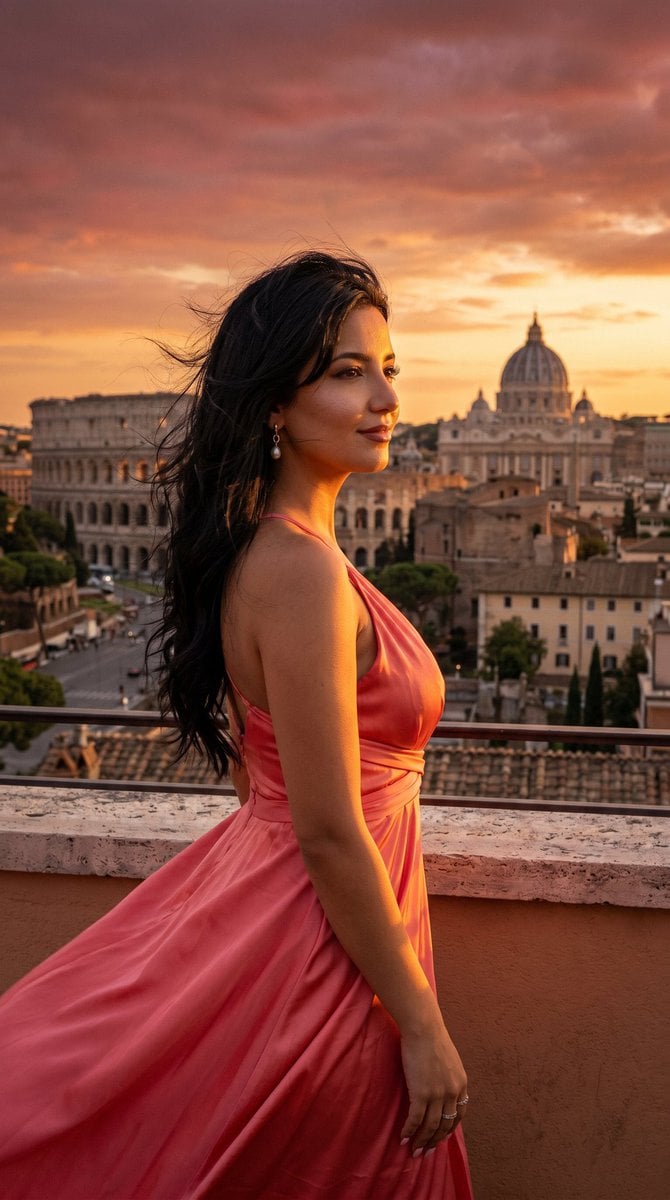
Rome Skyline Sunset Cinematic Portrait

Gpt2 Social Media Post Bmw Performance Social Poster

Beach Club Portrait with Identity Preservation Prompt
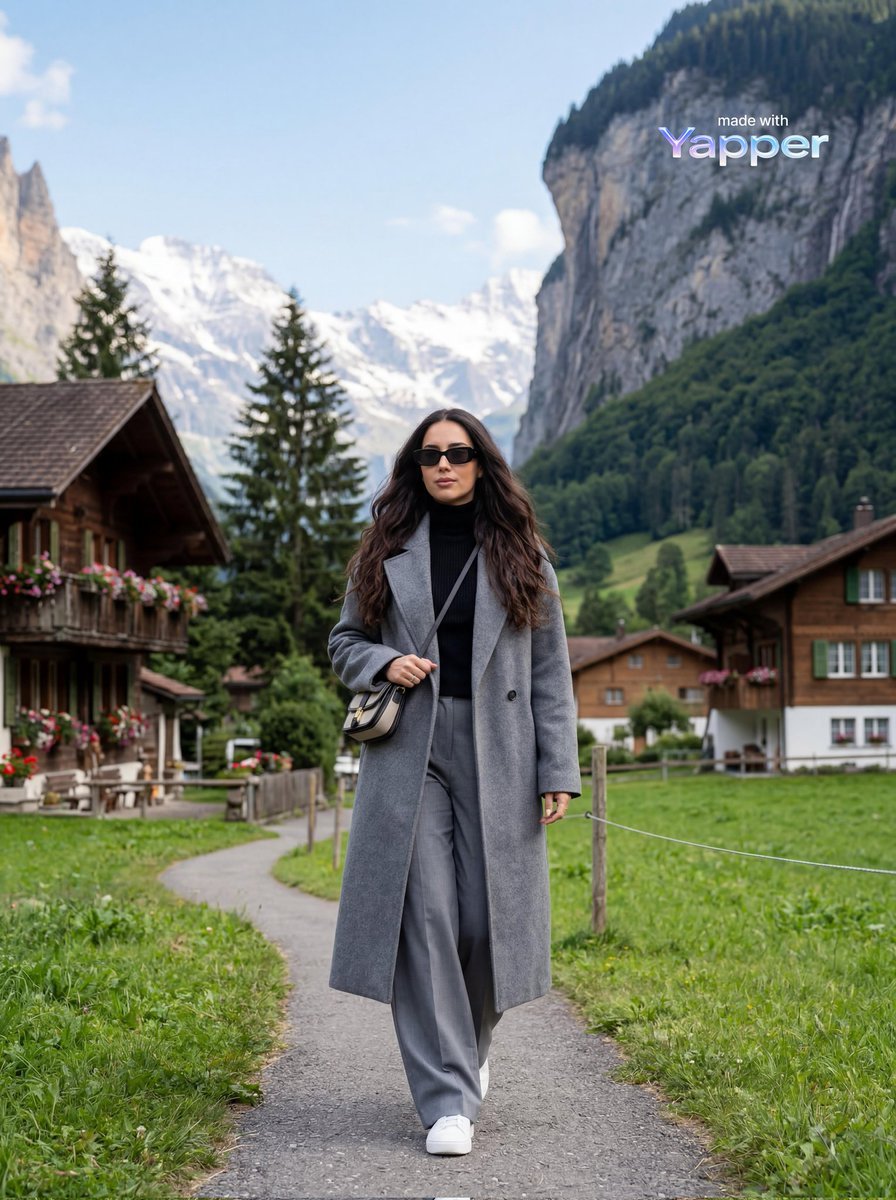
Travel Lifestyle Photography in Swiss Alpine Village
Browse template categories
Moss Logo Minimalist Brand Flat Lay questions
How do I use the Moss Logo Minimalist Brand Flat Lay template?
Add your photo if the template asks for one, edit the prompt if you like — the template's model and format are already selected — and press Generate. Your version opens in PicX Studio.
Can I customize the Moss Logo Minimalist Brand Flat Lay template?
Yes. You can change the subject, setting, lighting, mood, format, and available model controls before creating your image.
Is the Moss Logo Minimalist Brand Flat Lay template free?
Opening and editing this template is free. Generating uses credits, shown on the Generate button when you are signed in.
Which AI model should I use?
Choose a compatible model in PicX Studio based on the style, speed, and output controls your project needs.
Looking for something else? Browse all templates.

Your photo, any look
Thousands of ready templates for every top image and video model, from one credit balance.