
Oversized Minimalist Product Portrait
Oversized Minimalist Product Portrait is a ready photo look.
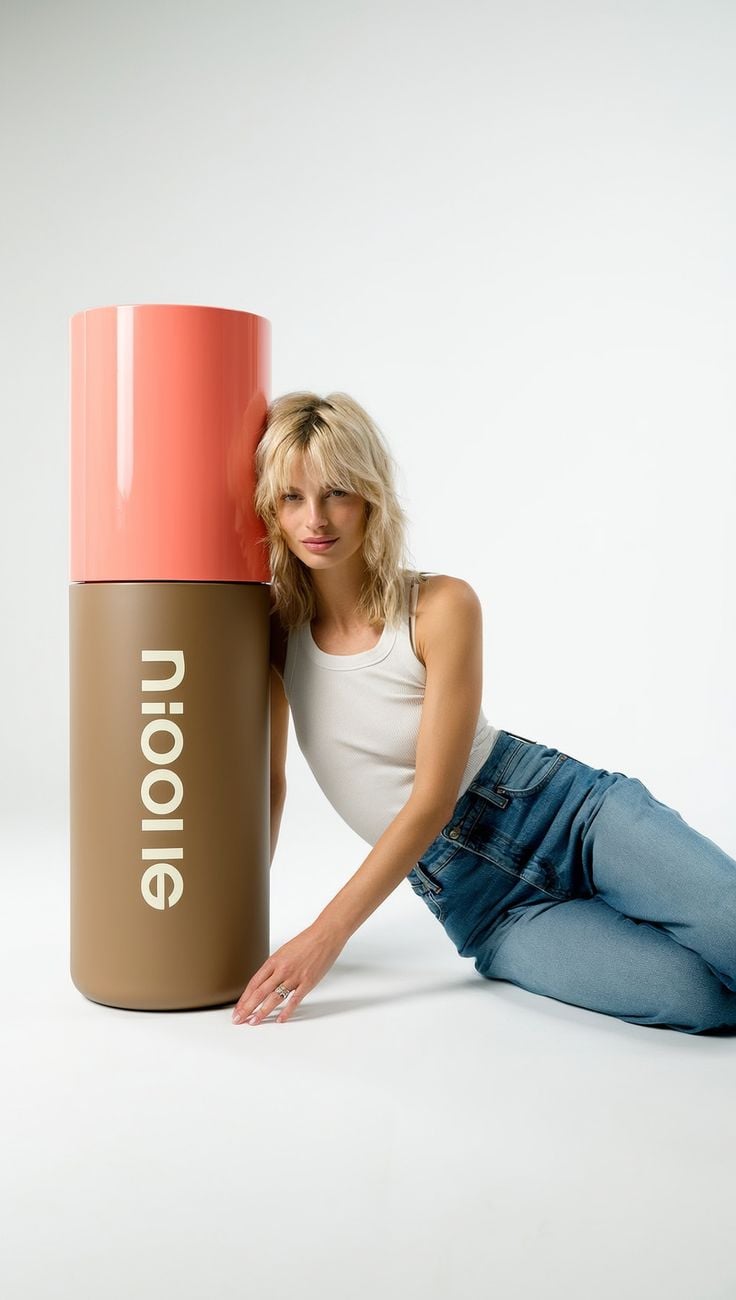
- Prompt included
- Model and format preset
- Free template
The prompt behind this image
Copy the exact prompt behind Oversized Minimalist Product Portrait, or open it in the studio and make it yours.
- Prompt
- A premium cosmetic product advertisement featuring a large cylindrical skincare bottle with a brown base and coral pink cap standing upright. A stylish blonde woman in a white sleeveless top and blue jeans is leaning beside the bottle in a relaxed fashion pose. The background is clean white with soft studio lighting, creating a modern luxury beauty brand aesthetic. Ultra realistic, editorial commercial photography style, high detail, 4K.
- Size
- 1024x1024
- N
- 1
Raw JSON
{
  "prompt": "A premium cosmetic product advertisement featuring a large cylindrical skincare bottle with a brown base and coral pink cap standing upright. A stylish blonde woman in a white sleeveless top and blue jeans is leaning beside the bottle in a relaxed fashion pose. The background is clean white with soft studio lighting, creating a modern luxury beauty brand aesthetic. Ultra realistic, editorial commercial photography style, high detail, 4K.",
  "size": "1024x1024",
  "n": 1
}How to use Oversized Minimalist Product Portrait in 3 steps
- 1
Open
The prompt is already in the box next to the preview, with the template's model and format selected.
- 2…a portrait of your subject in softgolden-hour light, 85mm…
Personalize
Edit the subject and creative details for your destination.
- 3Generate
Generate
Press Generate — your image is created in PicX Studio, so you can compare it with the original and refine one variable at a time.
More like this
Templates with the same subject, style or setup. Open one to see its prompt.
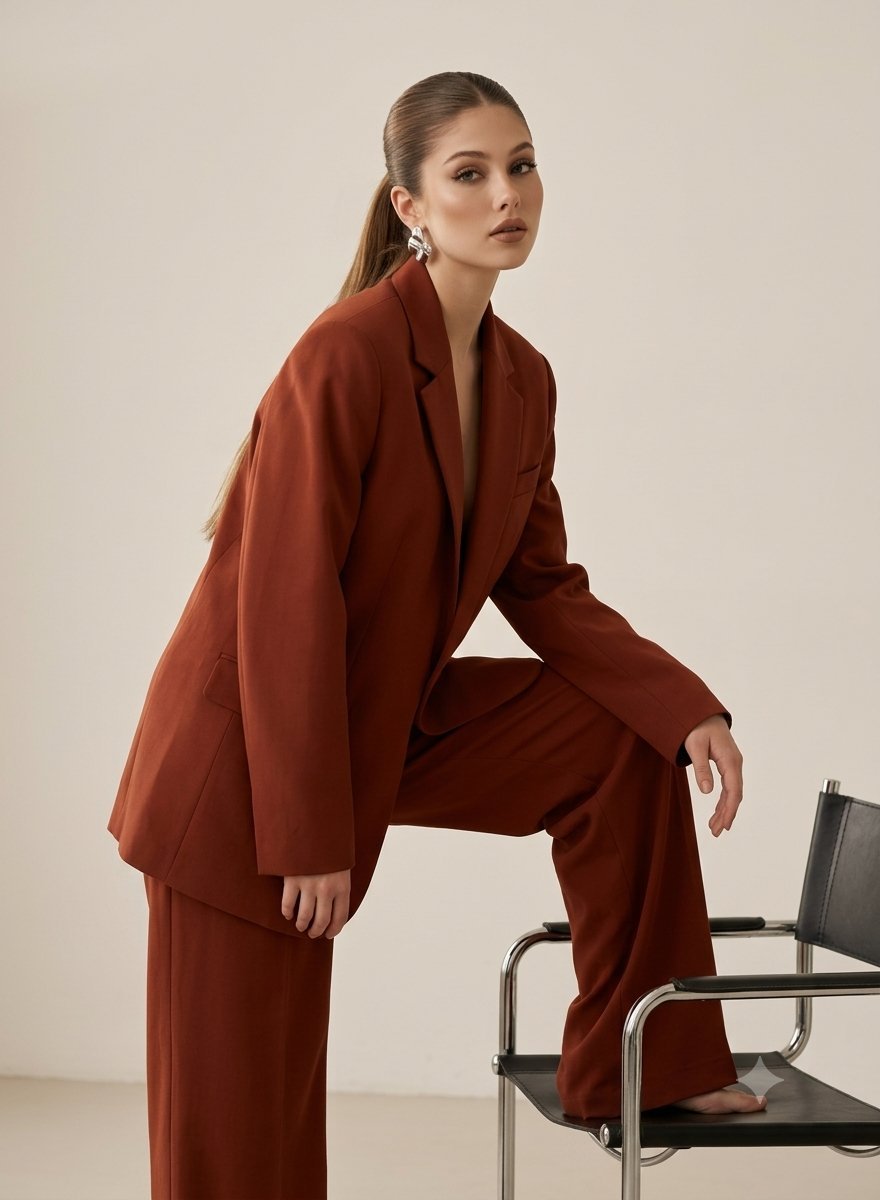
Minimalist Oversized Suit Editorial Portrait
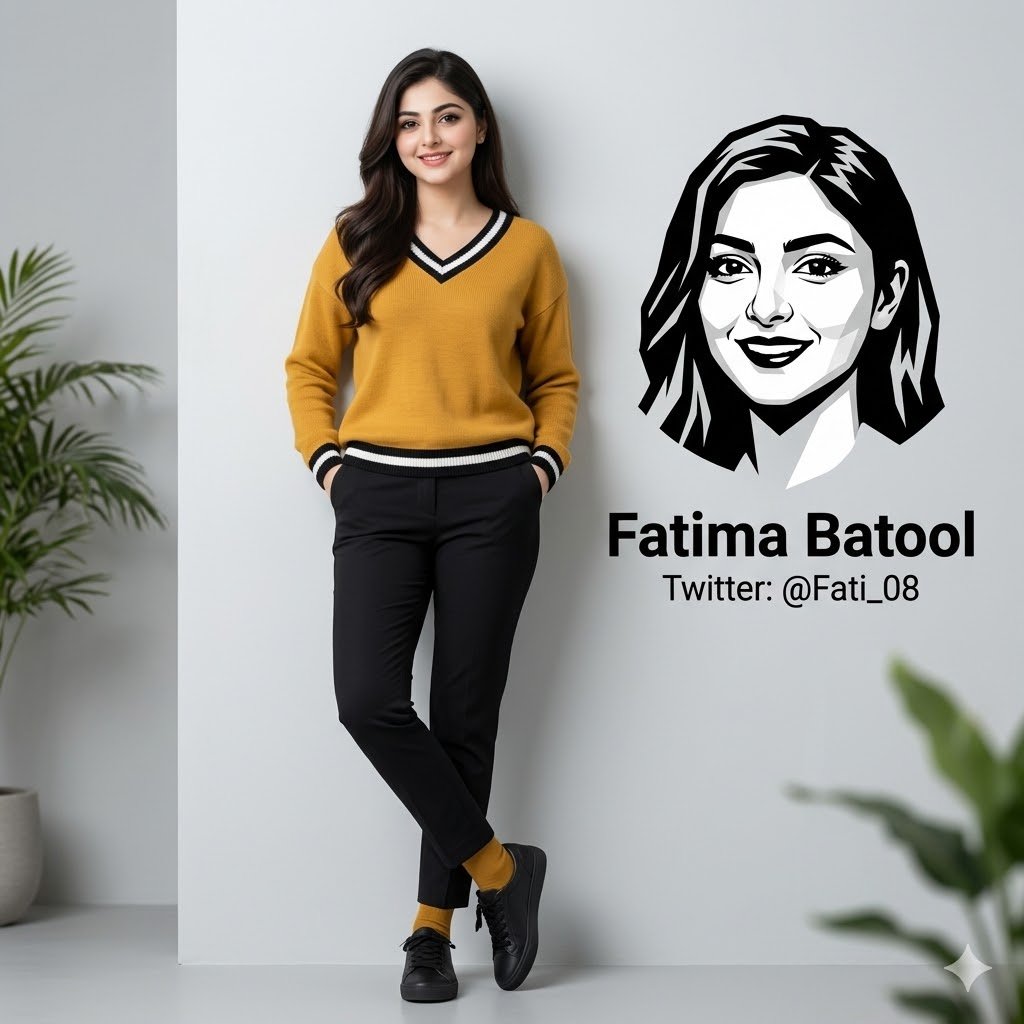
Minimalist Personal Branding Portrait

Found Photograph: Us, 1970

80s Couple Studio Portrait

80s Bollywood Star

80s Golden Hour Cinema

Me in 1985

1985 Studio Portrait
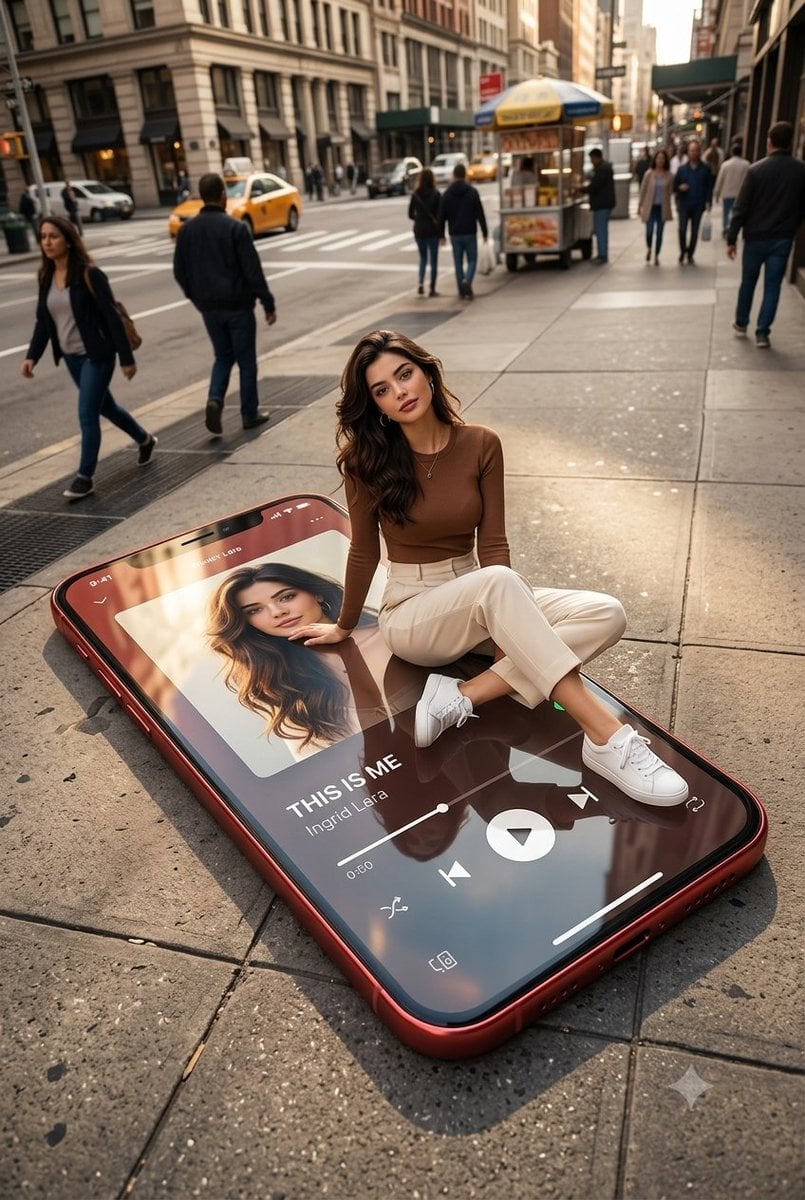
Oversized Smartphone Street Portrait

Hyper-Realistic Minecraft POV Portrait
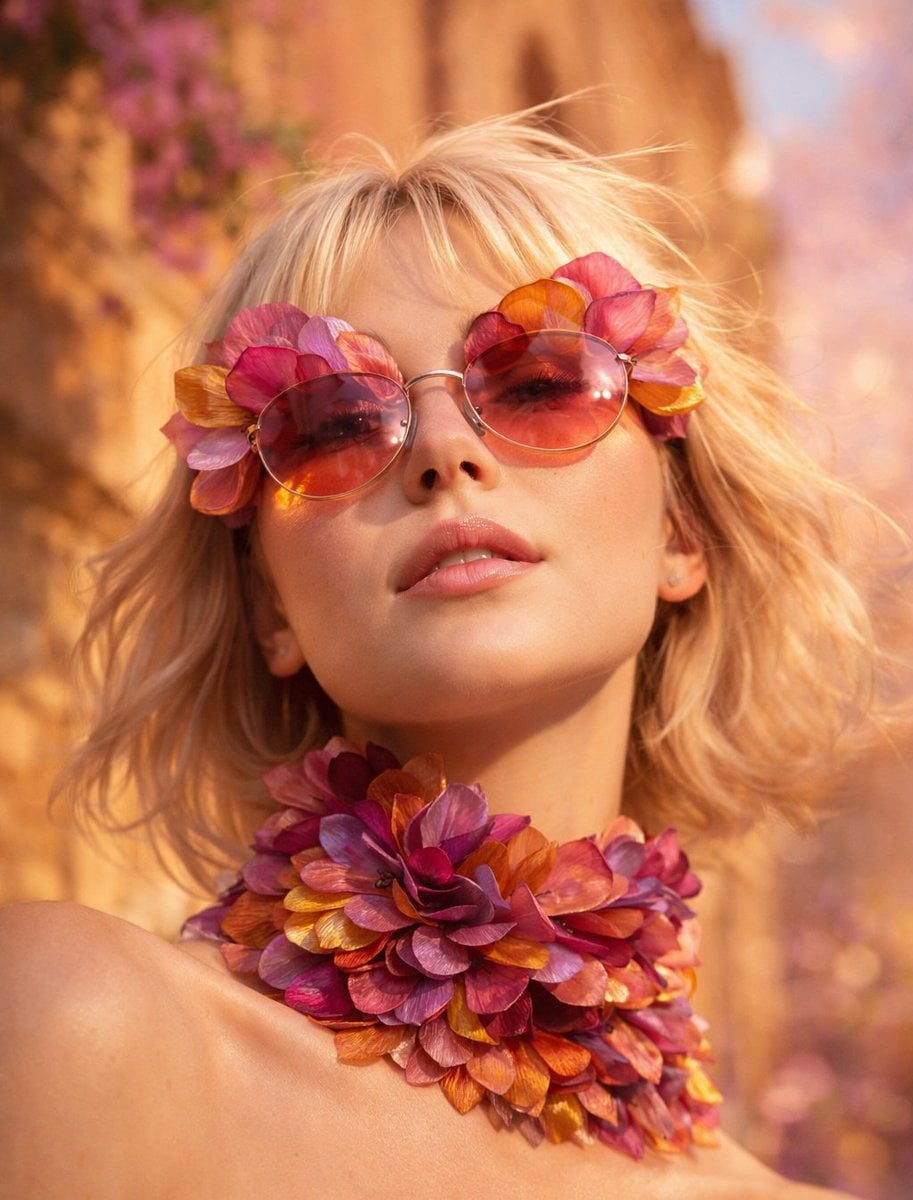
Low-angle close-up portrait of a platinum blonde woman wearing oversized
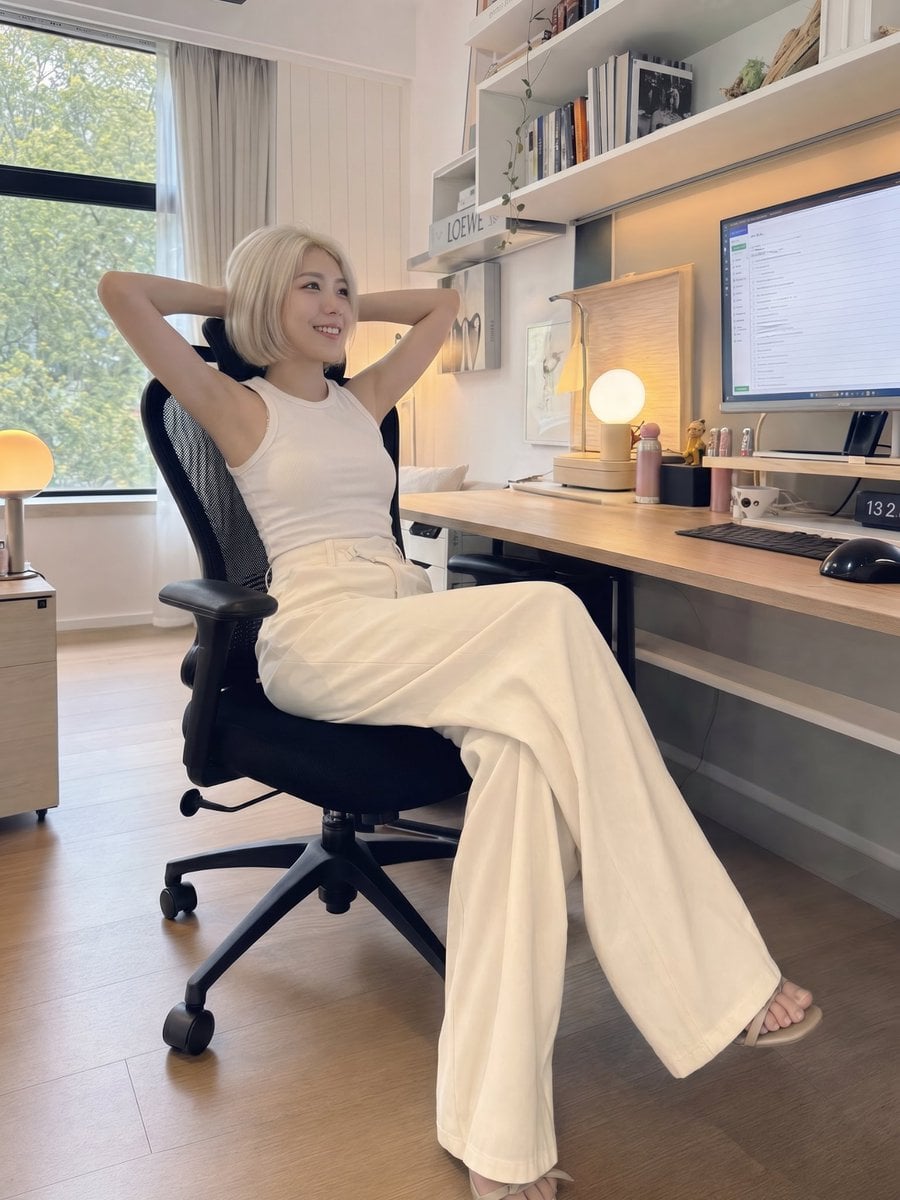
iPhone Style Minimalist Office Portrait
Make it yours
Oversized Minimalist Product Portrait works as-is. These are the safest ways to change it without losing the look.
Change one field
Copy a single group, rewrite it, and generate again so you can see what that field is doing.
Keep the frame, change the subject
Hold the composition and light of Oversized Minimalist Product Portrait, then swap wardrobe, props or the person for a new take.
| If the result… | Why | Fix |
|---|---|---|
| The result drifts from the preview | Too many fields changed at once. | Reuse Oversized Minimalist Product Portrait as-is first, then change one group — subject, light, or setting. |
| PicX Studio ignores part of the JSON | Some models flatten or skip nested keys. | Keep the same values and paste them as a short paragraph instead. |
More image prompts
Fresh picks from across the catalog.
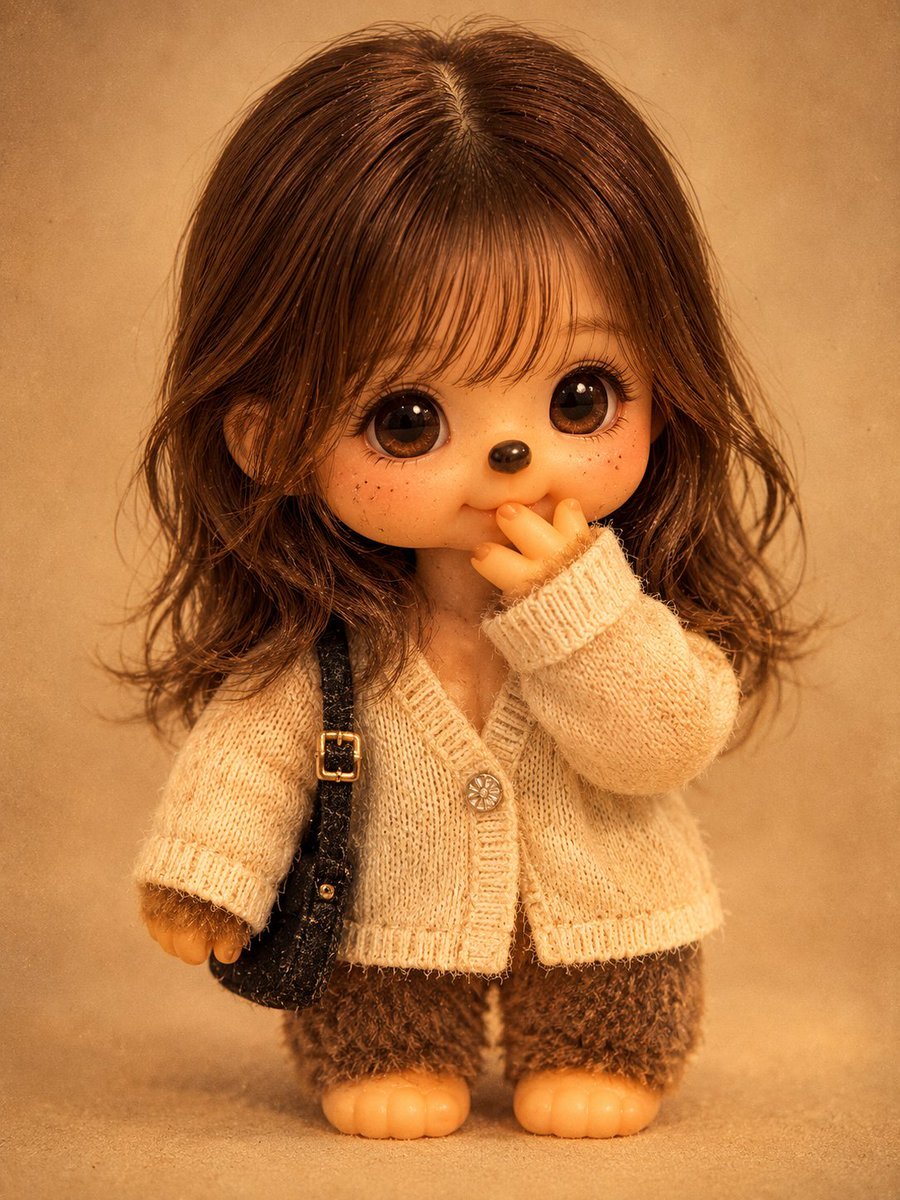
Vintage Monchhichi Doll Conversion
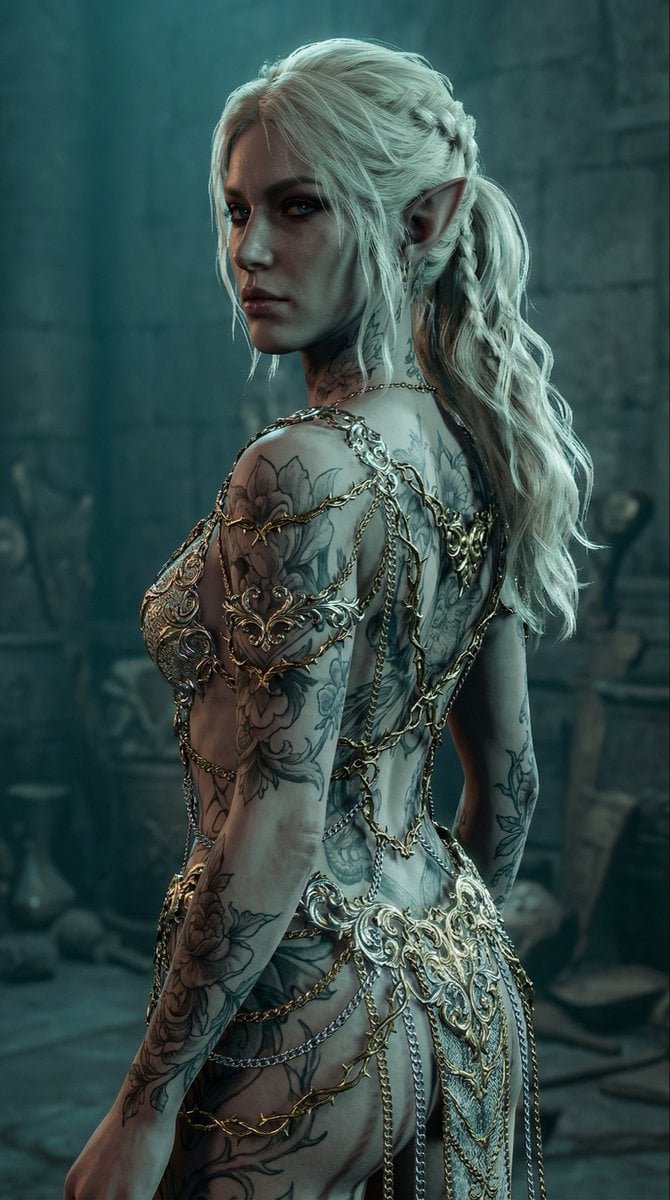
Elven Woman with Ornate Chain Dress
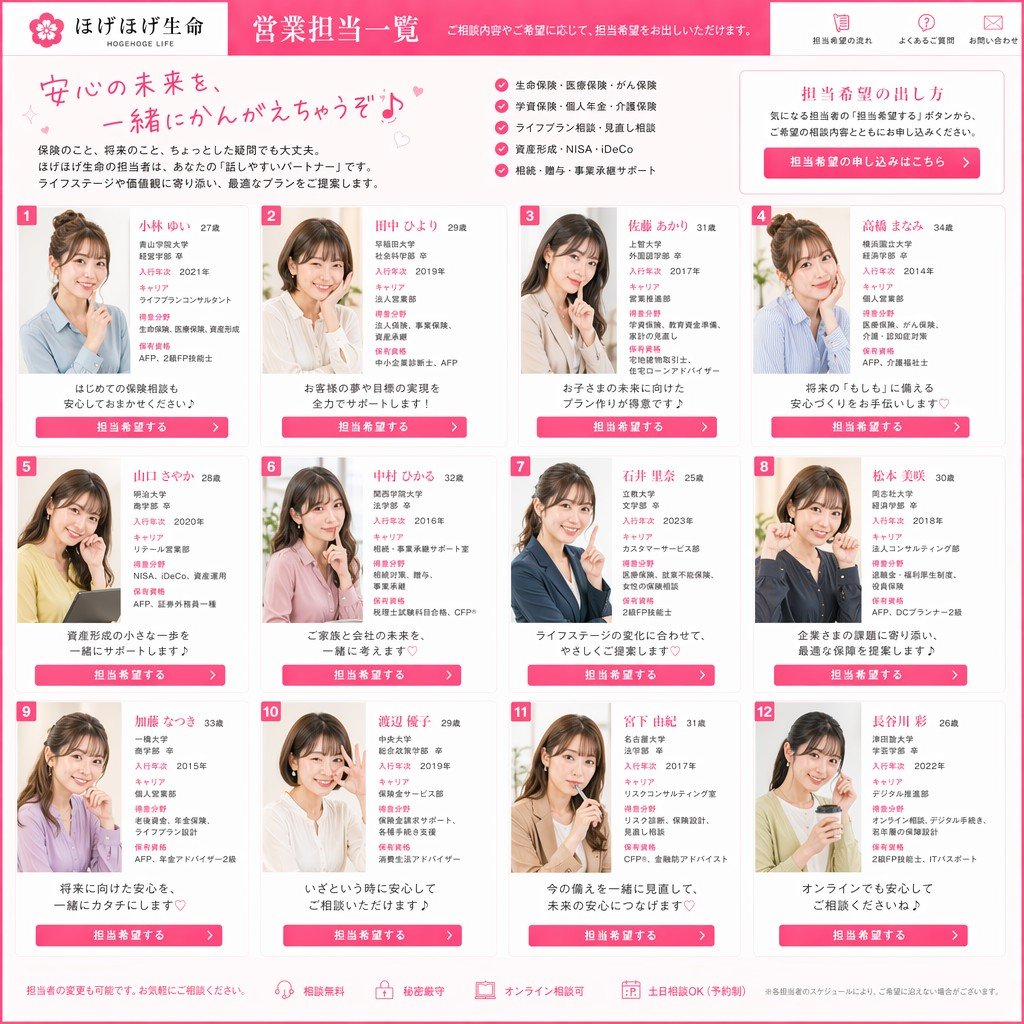
Japanese Insurance Staff Directory Mockup
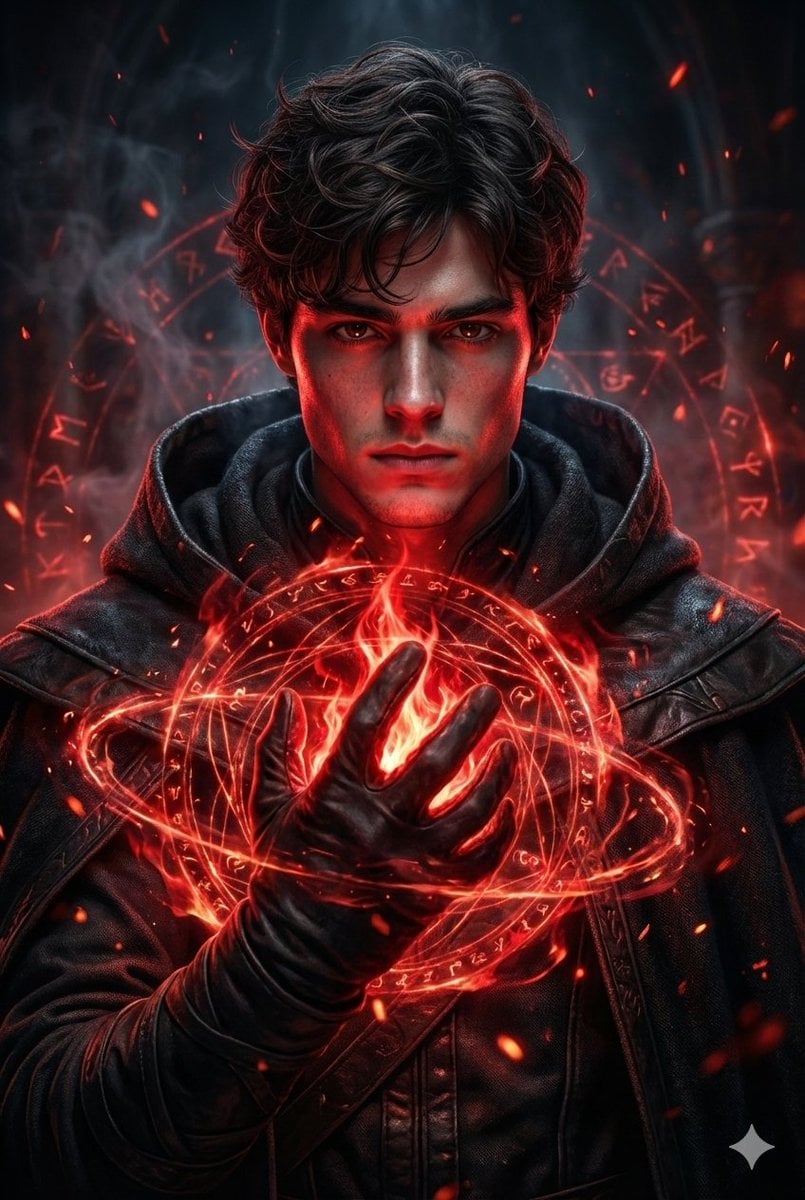
Hyperrealistic Dark Sorcerer Portrait
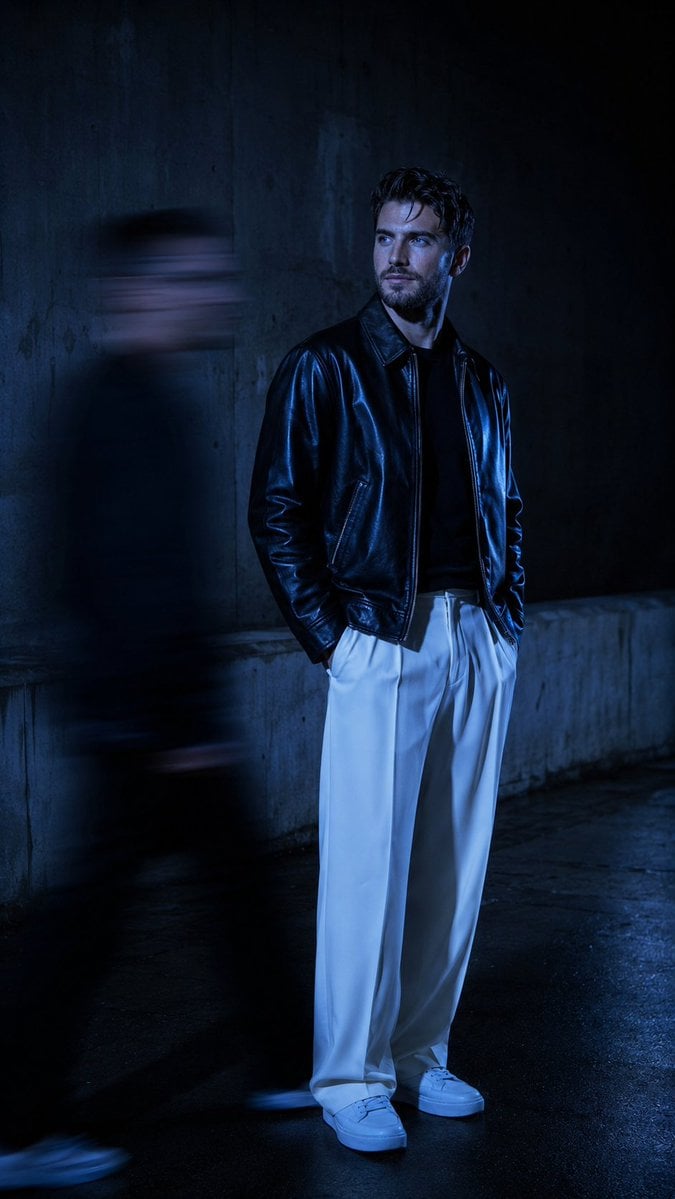
Urban Alley Night Portrait with Motion Blur

Hyper-Realistic Commercial Product Photography (Splash Effect)
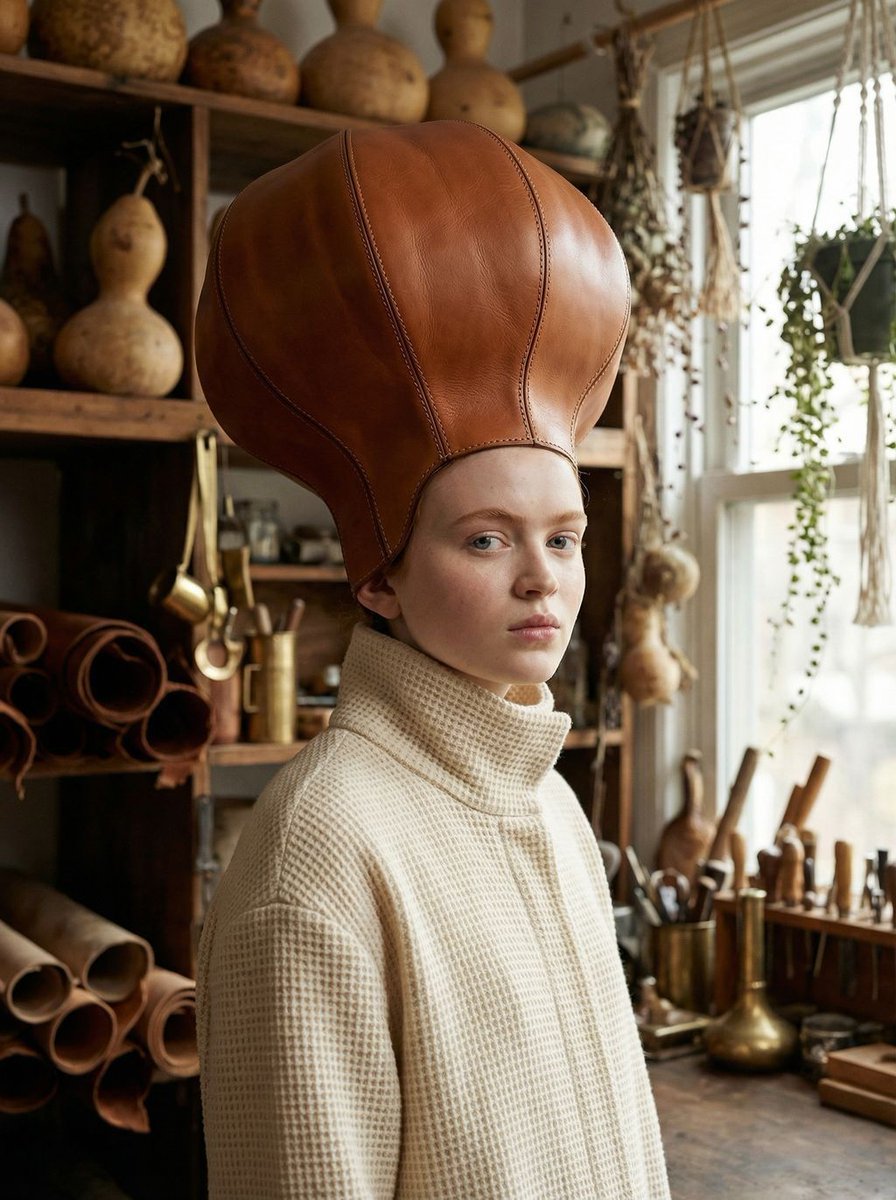
Avant-Garde Fashion Portrait with Leather Headpiece (JSON)
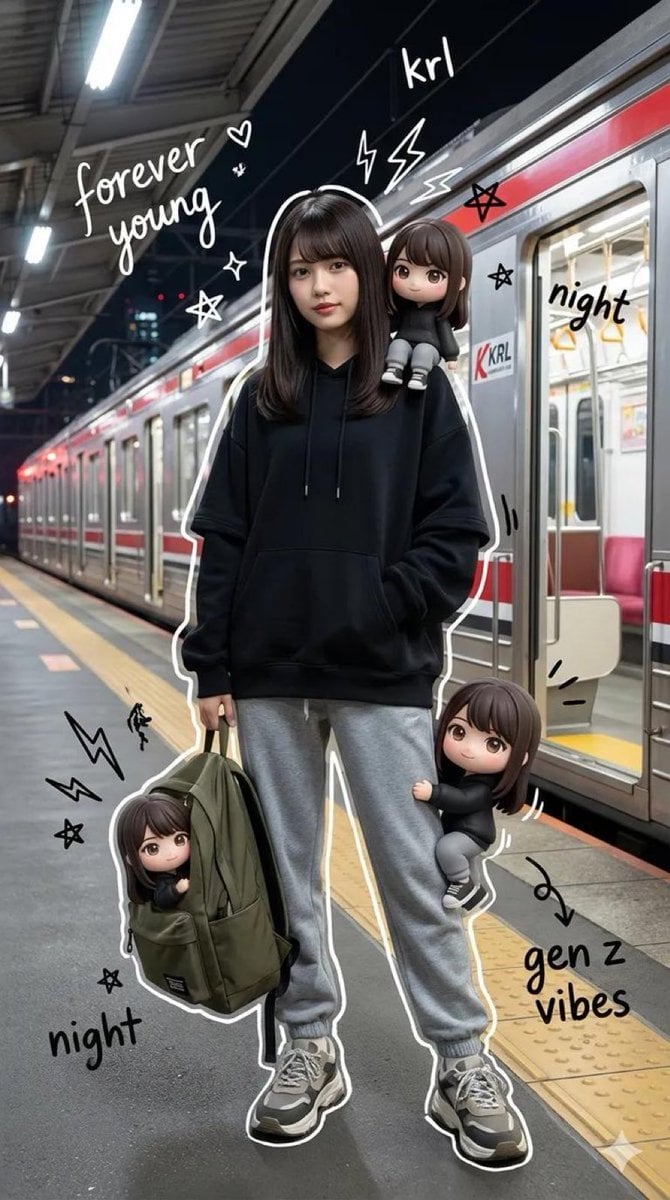
Mixed Media Portrait of Gen Z Teenager with Chibi Companions
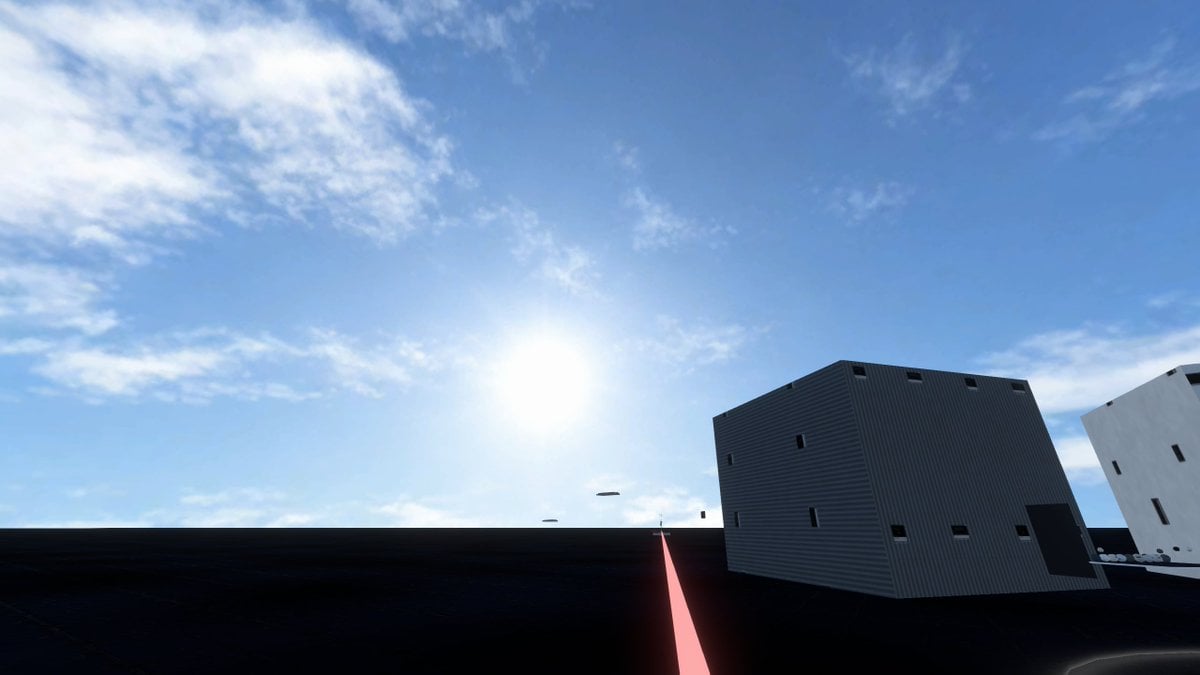
Minimal Game Engine Skybox Scene
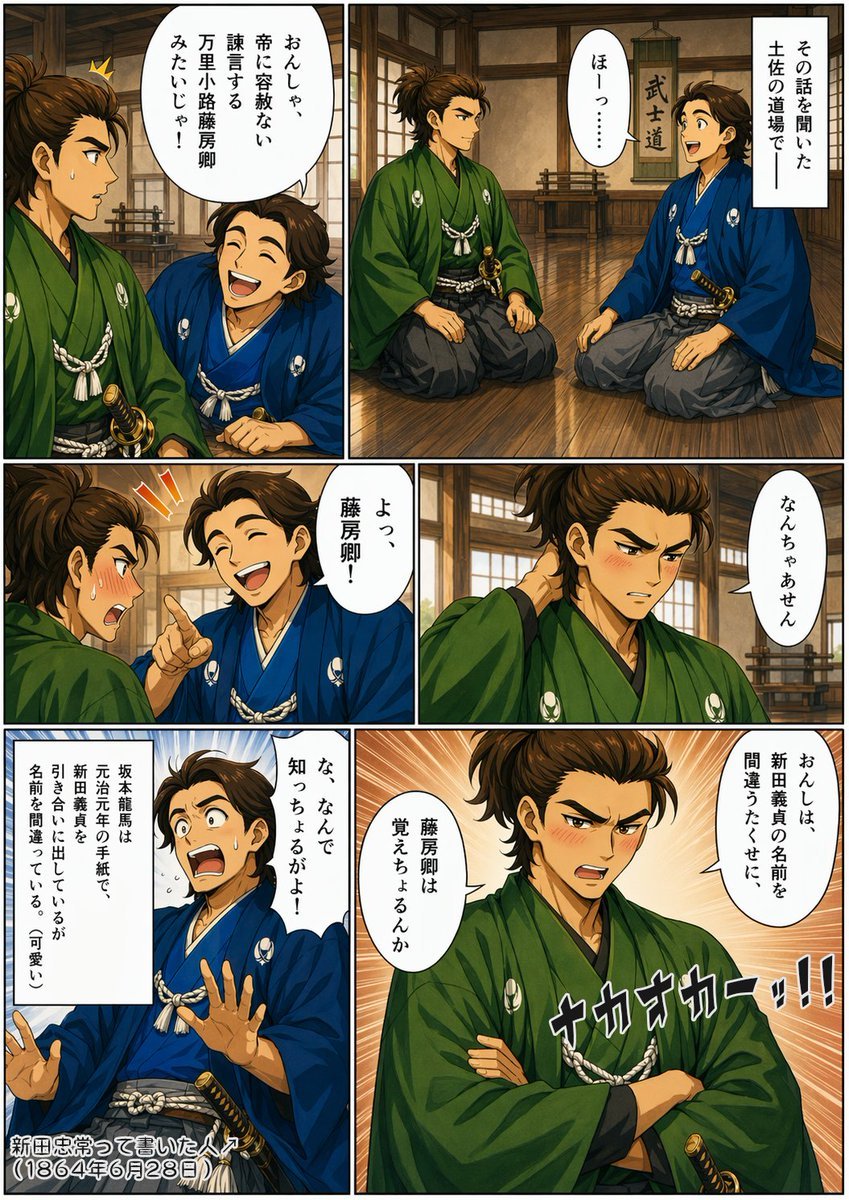
Bakumatsu Samurai Dojo Manga Page
Browse template categories
Oversized Minimalist Product Portrait questions
How do I use the Oversized Minimalist Product Portrait template?
Add your photo if the template asks for one, edit the prompt if you like — the template's model and format are already selected — and press Generate. Your version opens in PicX Studio.
Can I customize the Oversized Minimalist Product Portrait template?
Yes. You can change the subject, setting, lighting, mood, format, and available model controls before creating your image.
Is the Oversized Minimalist Product Portrait template free?
Opening and editing this template is free. Generating uses credits, shown on the Generate button when you are signed in.
Which AI model should I use?
Choose a compatible model in PicX Studio based on the style, speed, and output controls your project needs.
Looking for something else? Browse all templates.

Your photo, any look
Thousands of ready templates for every top image and video model, from one credit balance.