
Bakumatsu Samurai Dojo Manga Page
A six-panel historical manga page showing two Bakumatsu-era samurai talking in a wooden dojo, designed for story illustrations, social posts, or historical comic scenes.
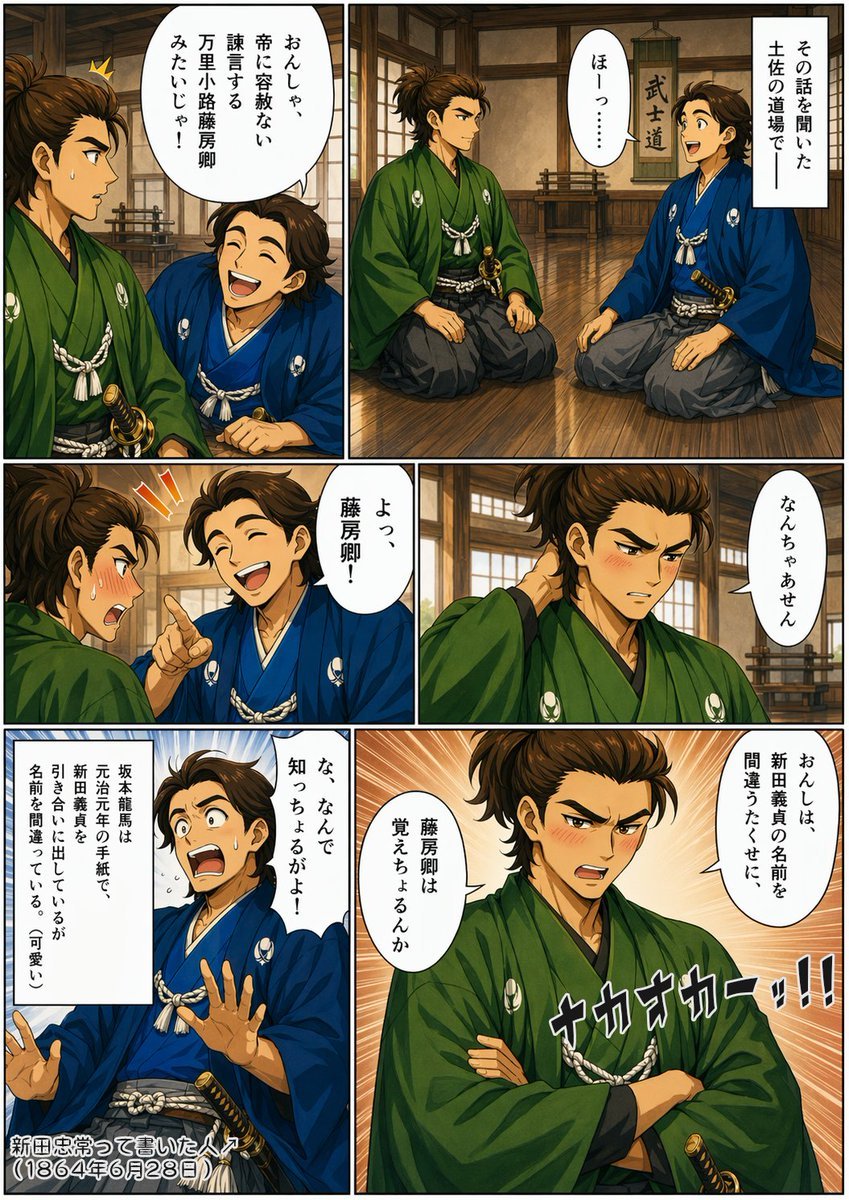
- Prompt included
- Model and format preset
- Free template
The prompt behind this image
Copy the exact prompt behind Bakumatsu Samurai Dojo Manga Page, or open it in the studio and make it yours.
- Type
- historical manga page
- Style
- dramatic Japanese comic illustration in a polished modern digital ink-and-color style, set in the late Edo Bakumatsu period
- Format
- single page with 6 panels in a 2-column layout
- Theme
- an anecdotal conversation between two samurai in a dojo, mixing serious historical dialogue with light comedic correction
- Setting › Location
- traditional Japanese dojo interior
- Setting › Details
- wooden plank floor with warm reflections, timber beams and plaster walls, shoji windows, a hanging vertical scroll in the background reading 武士道, low wooden weapon racks near the back wall
- Setting › Time
- daytime indoor ambient light
- Characters › 0 › Role
- speaker 1
- Characters › 0 › Identity
- young Bakumatsu samurai resembling {argument name="character name" default="Nakaoka Shintaro"}
- Characters › 0 › Appearance › Gender
- male
- Characters › 0 › Appearance › Build
- slim to average
- Characters › 0 › Appearance › Hair
- dark brown samurai topknot with loose strands
- Characters › 0 › Appearance › Kimono
- deep green haori and kimono with white family crests and white cord ornaments
- Characters › 0 › Appearance › Hakama
- dark gray
- Characters › 0 › Appearance › Sword
- katana at the waist
- Characters › 1 › Role
- speaker 2
- Characters › 1 › Identity
- young Bakumatsu samurai resembling {argument name="second character" default="Sakamoto Ryoma"}
- Characters › 1 › Appearance › Gender
- male
- Characters › 1 › Appearance › Build
- average
- Characters › 1 › Appearance › Hair
- dark brown tousled samurai hairstyle
- Characters › 1 › Appearance › Kimono
- bright blue haori and kimono with white family crests and white cord ornaments
- Characters › 1 › Appearance › Hakama
- gray
- Characters › 1 › Appearance › Sword
- katana at the waist
- Layout › Panels › 0 › Position
- top-left
Raw JSON
{"type":"historical manga page","style":"dramatic Japanese comic illustration in a polished modern digital ink-and-color style, set in the late Edo Bakumatsu period","format":"single page with 6 panels in a 2-column layout","theme":"an anecdotal conversation between two samurai in a dojo, mixing serious historical dialogue with light comedic correction","setting":{"location":"traditional Japanese dojo interior","details":["wooden plank floor with warm reflections","timber beams and plaster walls","shoji windows","a hanging vertical scroll in the background reading 武士道","low wooden weapon racks near the back wall"],"time":"daytime indoor ambient light"},"characters":[{"role":"speaker 1","identity":"young Bakumatsu samurai resembling {argument name=\"character name\" default=\"Nakaoka Shintaro\"}","appearance":{"gender":"male","build":"slim to average","hair":"dark brown samurai topknot with loose strands","kimono":"deep green haori and kimono with white family crests and white cord ornaments","hakama":"dark gray","sword":"katana at the waist"}},{"role":"speaker 2","identity":"young Bakumatsu samurai resembling {argument name=\"second character\" default=\"Sakamoto Ryoma\"}","appearance":{"gender":"male","build":"average","hair":"dark brown tousled samurai hairstyle","kimono":"bright blue haori and kimono with white family crests and white cord ornaments","hakama":"gray","sword":"katana at the waist"}}],"layout":{"panels":[{"position":"top-left","count":1,"scene":"close two-shot, green-clad samurai in left foreground and blue-clad samurai seated beside him, both on the dojo floor","text":["おんしゃ、幕に容赦ない諫言する藤房卿みたいじゃ!"]},{"position":"top-right","count":1,"scene":"wider two-shot of both samurai kneeling and facing each other in the dojo","text":["その話を聞いた土佐の道場で","ほー?…"]},{"position":"middle-left","count":1,"scene":"tight conversational panel, blue-clad samurai raises one finger while reacting","text":["よっ、藤房卿!"]},{"position":"middle-right","count":1,"scene":"close-up of the green-clad samurai scratching the back of his neck awkwardly","text":["なんちゃあせん"]},{"position":"bottom-left","count":1,"scene":"blue-clad samurai flustered, both hands partly raised, comedic vertical note box on the left","text":["な、なんで知っちょるがよ!","坂本龍馬は元治元年の手紙で、新田義貞を引き合いに出しているが名前を間違えている(可愛い)","新田忠常って書いた人(1864年6月28日)"]},{"position":"bottom-right","count":1,"scene":"dramatic bust shot of the green-clad samurai with arms folded, radiant speed-line background, stern expression","text":["おんしは、新田義貞の名前を間違うたくせに","藤房卿は覚えちょるんか","ナカオカー!!!"]}],"total_panels":6},"visual_direction":{"camera":"alternates between medium two-shots and expressive close-ups","mood":"earnest historical drama with humorous punchline","effects":["clean black panel borders","manga speech balloons","one explanatory rectangular narration box","orange and blue emphasis lines in reaction panels","large stylized sound-effect text in final panel","warm brown and amber interior palette contrasted with green and blue robes"]},"quality":"highly detailed anime manga page, crisp line art, expressive gestures, readable Japanese comic lettering, historically inspired costume design"}How to use Bakumatsu Samurai Dojo Manga Page in 3 steps
- 1Upload ImagePNG, JPG or paste
Add your photo
Upload the photo the template builds on. The prompt, model and format are already set.
- 2…a portrait of your subject in softgolden-hour light, 85mm…
Personalize
Edit the subject and creative details for your destination.
- 3Generate
Generate
Press Generate — your image is created in PicX Studio, so you can compare it with the original and refine one variable at a time.
More like this
Templates with the same subject, style or setup. Open one to see its prompt.
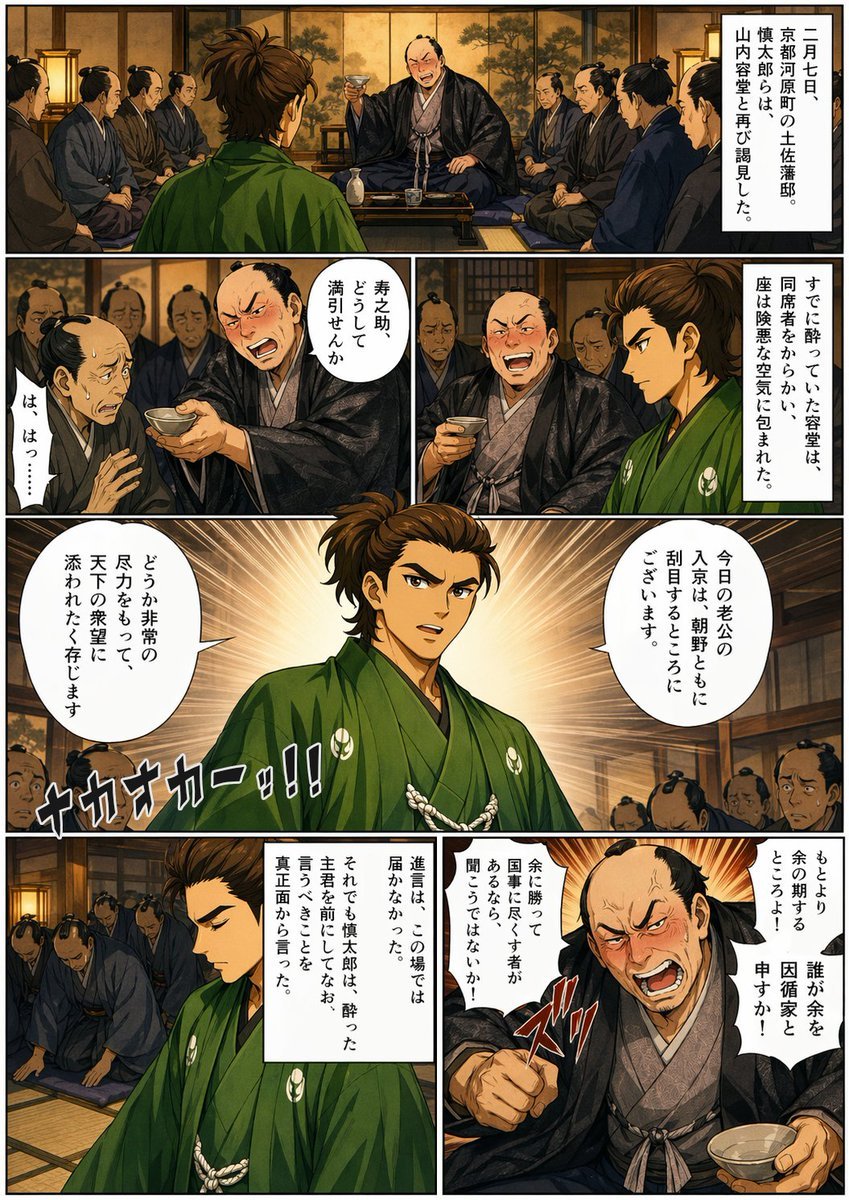
Bakumatsu Confrontation Manga Page

Quiet Hamster Manga Page

Late-Night Hamster Manga Page

Surreal Noir Hamster Manga Page

Shojo Horror Manga Corridor Page

Cute AI Manga Lesson Comic Page

Hamster Summons Sol Manga Page

Lazy Day Chibi Manga Page

Overwhelmed Coding Manga Page

Fantasy Wagashi Manga Cooking Page

Sunny Seaside Anime Manga Page
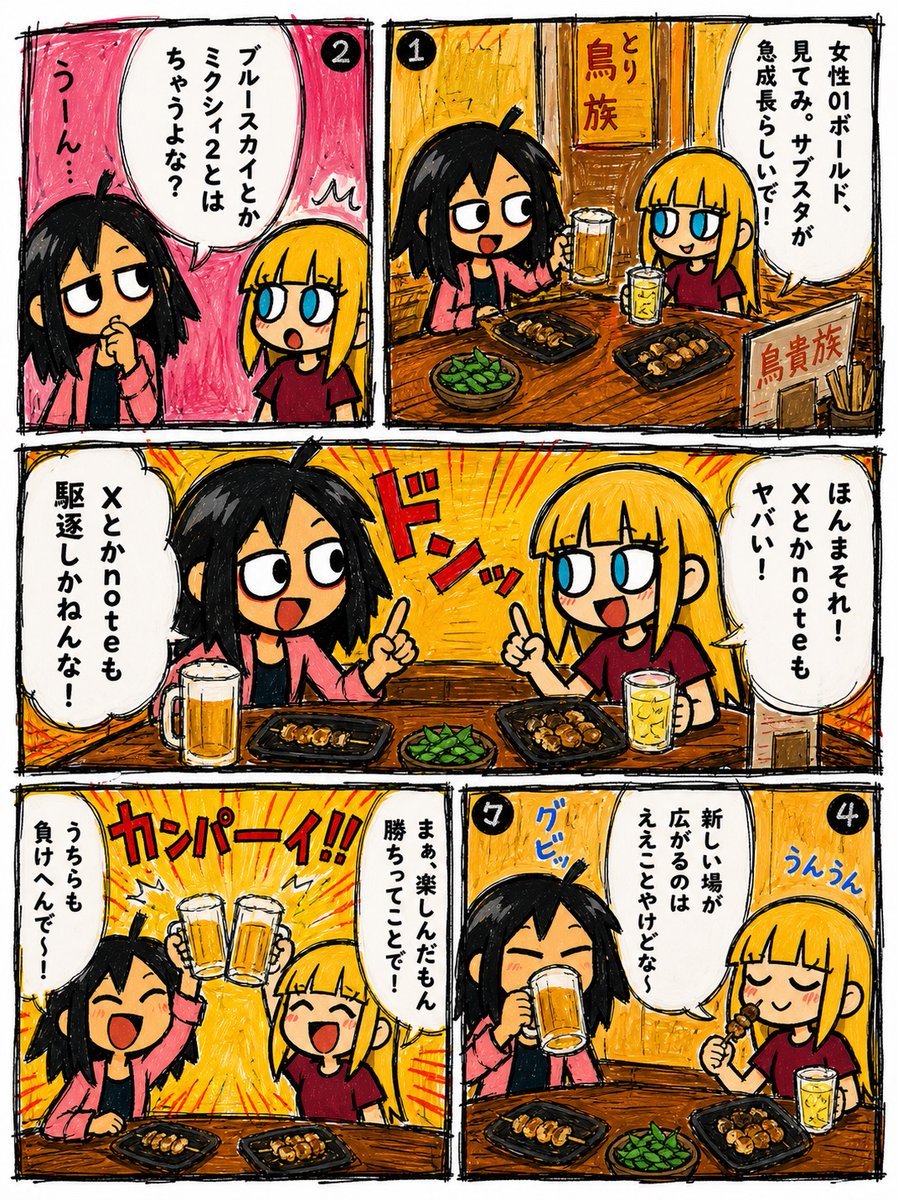
Hand-Drawn Izakaya Manga Page
Make it yours
Bakumatsu Samurai Dojo Manga Page works as-is. These are the safest ways to change it without losing the look.
Swap the setting
Keep the rest of the prompt and replace the location block. The current setting is “traditional Japanese dojo interior”.
Change one field
Copy a single group, rewrite it, and generate again so you can see what that field is doing.
Keep the frame, change the subject
Hold the composition and light of Bakumatsu Samurai Dojo Manga Page, then swap wardrobe, props or the person for a new take.
| If the result… | Why | Fix |
|---|---|---|
| The result drifts from the preview | Too many fields changed at once. | Reuse Bakumatsu Samurai Dojo Manga Page as-is first, then change one group — subject, light, or setting. |
| GPT Image 2 ignores part of the JSON | Some models flatten or skip nested keys. | Keep the same values and paste them as a short paragraph instead. |
More GPT Image 2 templates
Other prompts made for GPT Image 2.

Six VTuber Japanese Logo Sheet

Realistic Portrait of Woman and Deer

The Vista Modular Condo Poster

AI Model Routing Comparison Infographic

2.5D Anime Art Board

Isometric Productivity Desk Scene

New York Double Exposure Poster

Four-Panel AI Landscape Comparison

Japanese Tatami Lifestyle Magazine Cover

NESCAFÉ Coffee Map Poster
More image prompts
Fresh picks from across the catalog.
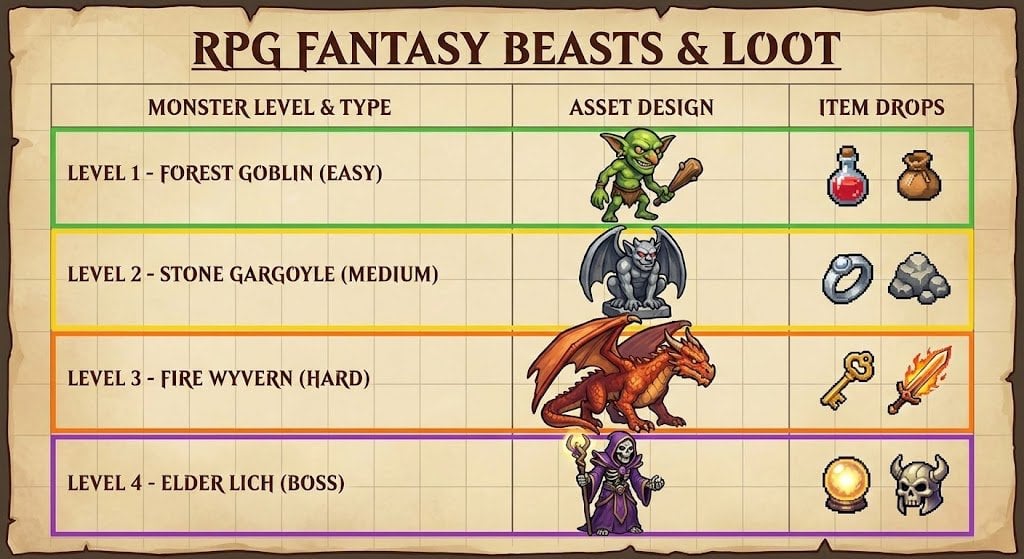
RPG Game Asset Sheet for Monsters

Stunning 8K Outdoor Photo Prompt

Two Years Birthday Portrait

Cinematic Moody Portrait

WhatsApp Group Profile Avatar

Surreal Coffee Ad Poster

Modern Esther Writing at a Worktable
Artisan Toy Product Photography Prompt

Couture Fashion Editorial Woman and Drag

Studio Fashion Portrait with High Contrast
Browse template categories
Bakumatsu Samurai Dojo Manga Page questions
How do I use the Bakumatsu Samurai Dojo Manga Page template?
Add your photo if the template asks for one, edit the prompt if you like — the template's model and format are already selected — and press Generate. Your version opens in PicX Studio.
Can I customize the Bakumatsu Samurai Dojo Manga Page template?
Yes. You can change the subject, setting, lighting, mood, format, and available model controls before creating your image.
Is the Bakumatsu Samurai Dojo Manga Page template free?
Opening and editing this template is free. Generating uses credits, shown on the Generate button when you are signed in.
Which AI model should I use?
Start with GPT Image 2, which is the model associated with this template. You can compare another compatible model for a different finish.
Looking for something else? Browse all templates.

Your photo, any look
Thousands of ready templates for every top image and video model, from one credit balance.