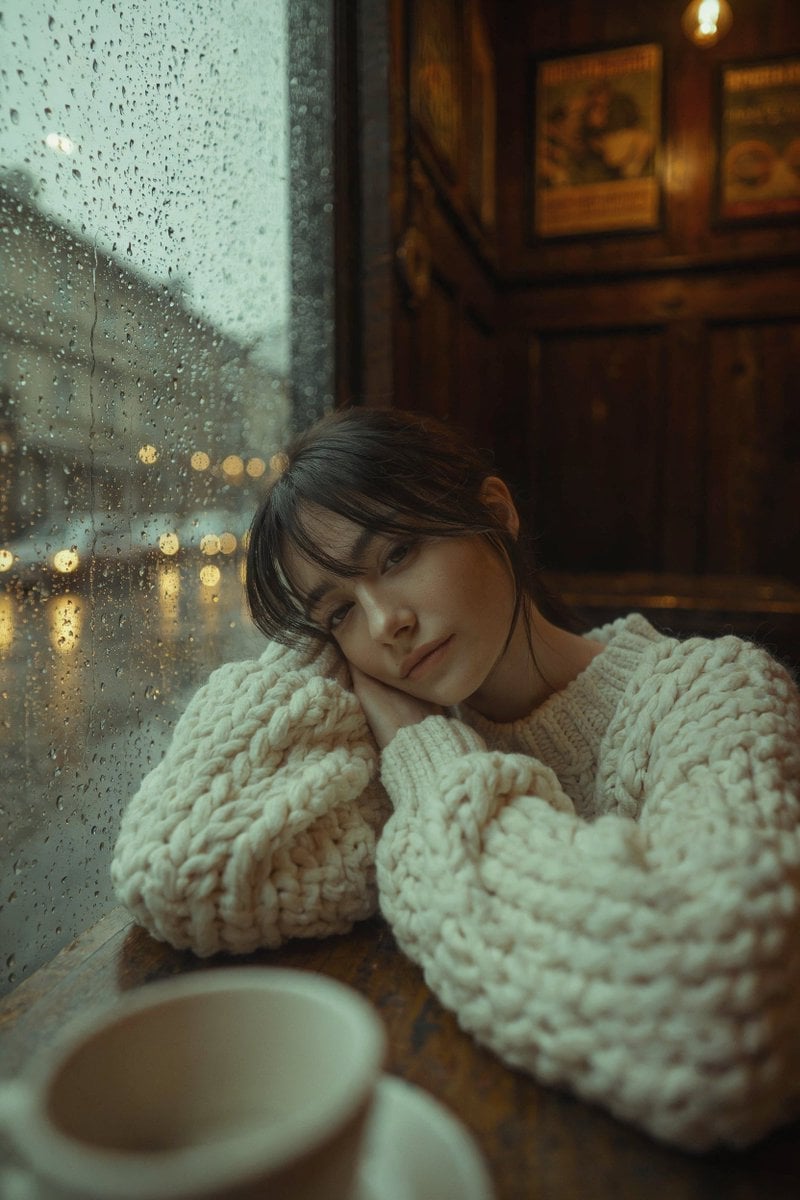
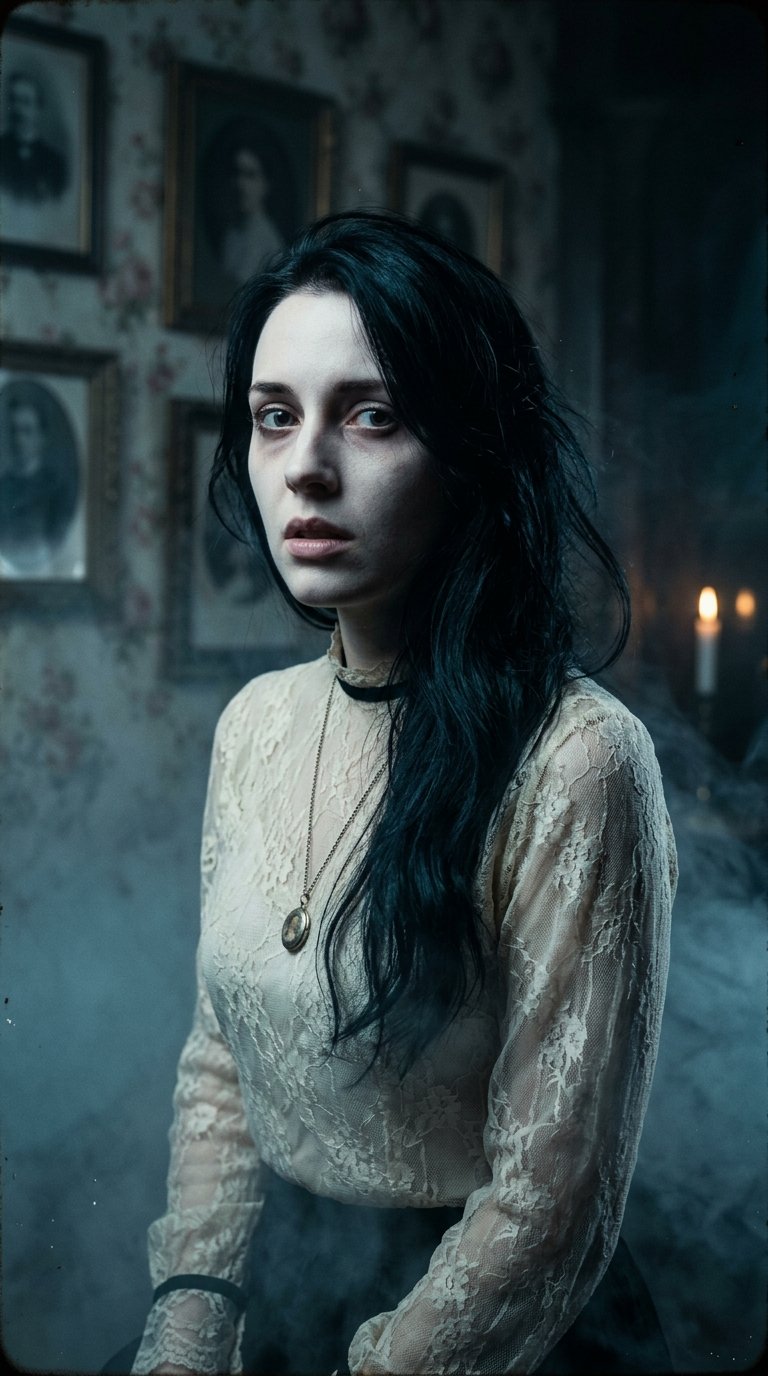
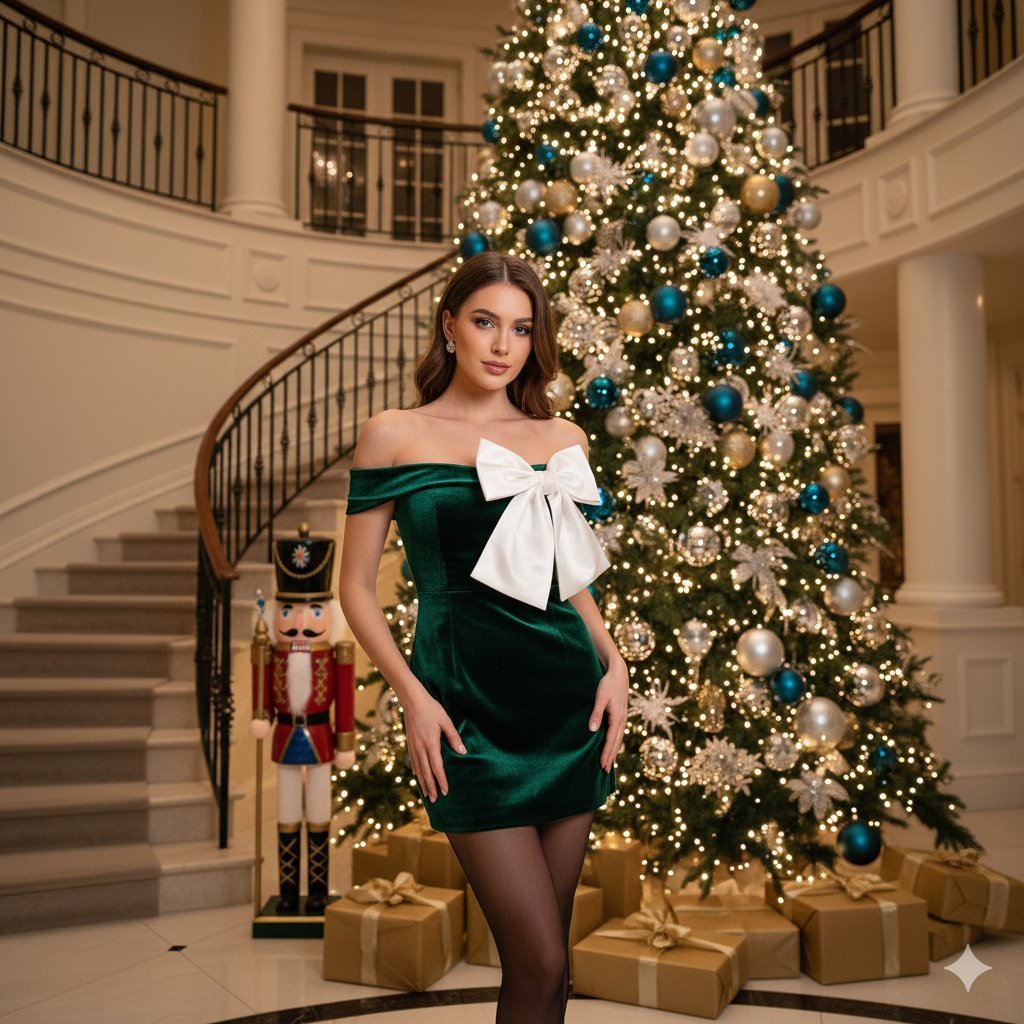
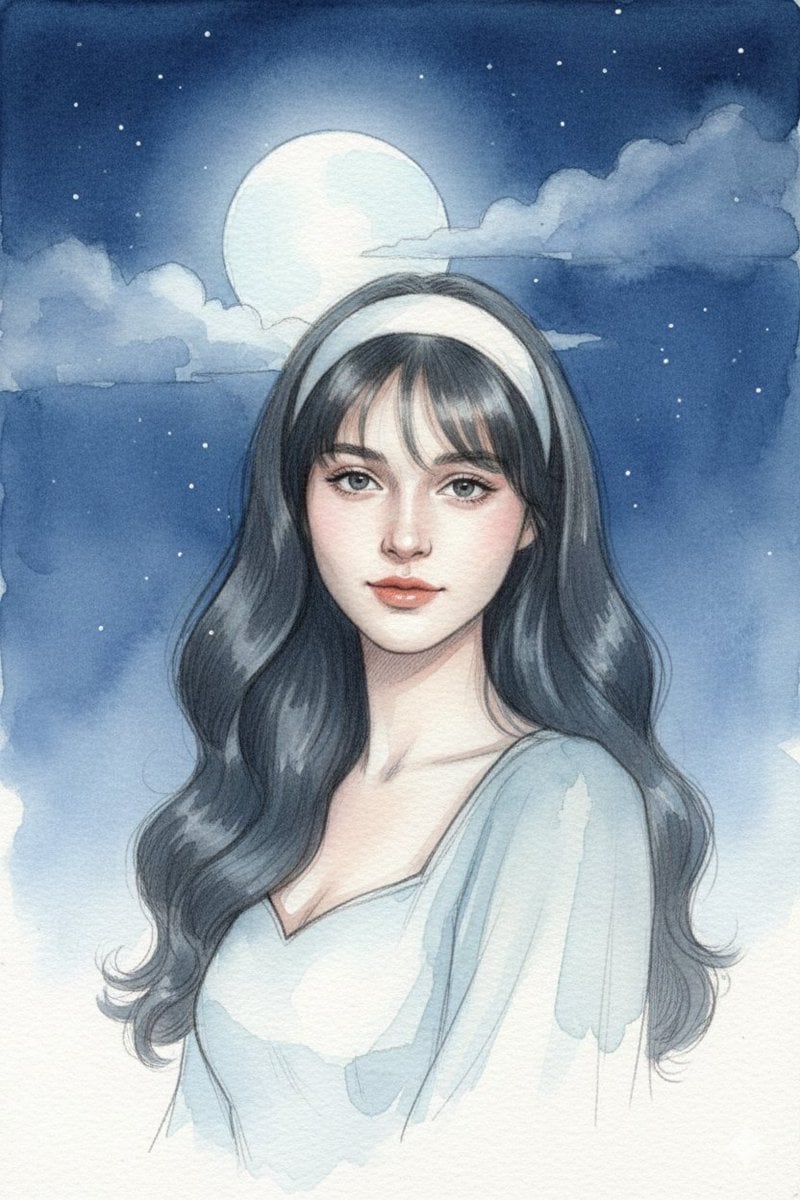
How do I use the Cinematic Moody Portrait template?
Edit the prompt in the box under the preview — the template's model and format are already selected — and press Generate. Your version appears right on this page.
A cinematic prompt for generating a moody portrait in a vintage room with dramatic sunlight, focused on high facial fidelity.

This template uses your photo — add one with the + button.
Use my uploaded face image as the primary identity reference. Preserve my exact facial identity with high fidelity. Create a cinematic moody portrait of me sitting in a vintage leather armchair inside a dark, atmospheric room. Warm golden sunlight streams through a large window, creating dramatic volumetric light rays and dust particles. Thoughtful, confident pose with one hand near the face, wearing a {argument name="clothing" default="dark plaid shirt, sunglasses, and jeans"}. Rich shadows, warm amber tones, filmic color grading, shallow depth of field, luxury lounge aesthetic, ultra-realistic photography, highly detailed, professional editorial style, 85mm lens, masterpiece quality, 8K.
Use my uploaded face image as the primary identity reference. Preserve my exact facial identity with high fidelity. Create a cinematic moody portrait of me sitting in a vintage leather armchair inside a dark, atmospheric room. Warm golden sunlight streams through a large window, creating dramatic volumetric light rays and dust particles. Thoughtful, confident pose with one hand near the face, wearing a {argument name="clothing" default="dark plaid shirt, sunglasses, and jeans"}. Rich shadows, warm amber tones, filmic color grading, shallow depth of field, luxury lounge aesthetic, ultra-realistic photography, highly detailed, professional editorial style, 85mm lens, masterpiece quality, 8K.
Edit the prompt in the box under the preview — the template's model and format are already selected — and press Generate. Your version appears right on this page.
Yes. You can change the subject, setting, lighting, mood, format, and available model controls before creating your image.
Opening and editing this template is free. Generating uses credits, shown on the Generate button when you are signed in.
Start with GPT Image 2, which is the model associated with this template. You can compare another compatible model for a different finish.
Follow a topic to a crawlable collection of related PicX Studio templates.