
Cinematic Fire Portrait - Boy
Cinematic Fire Portrait - Boy is a ready photo look.
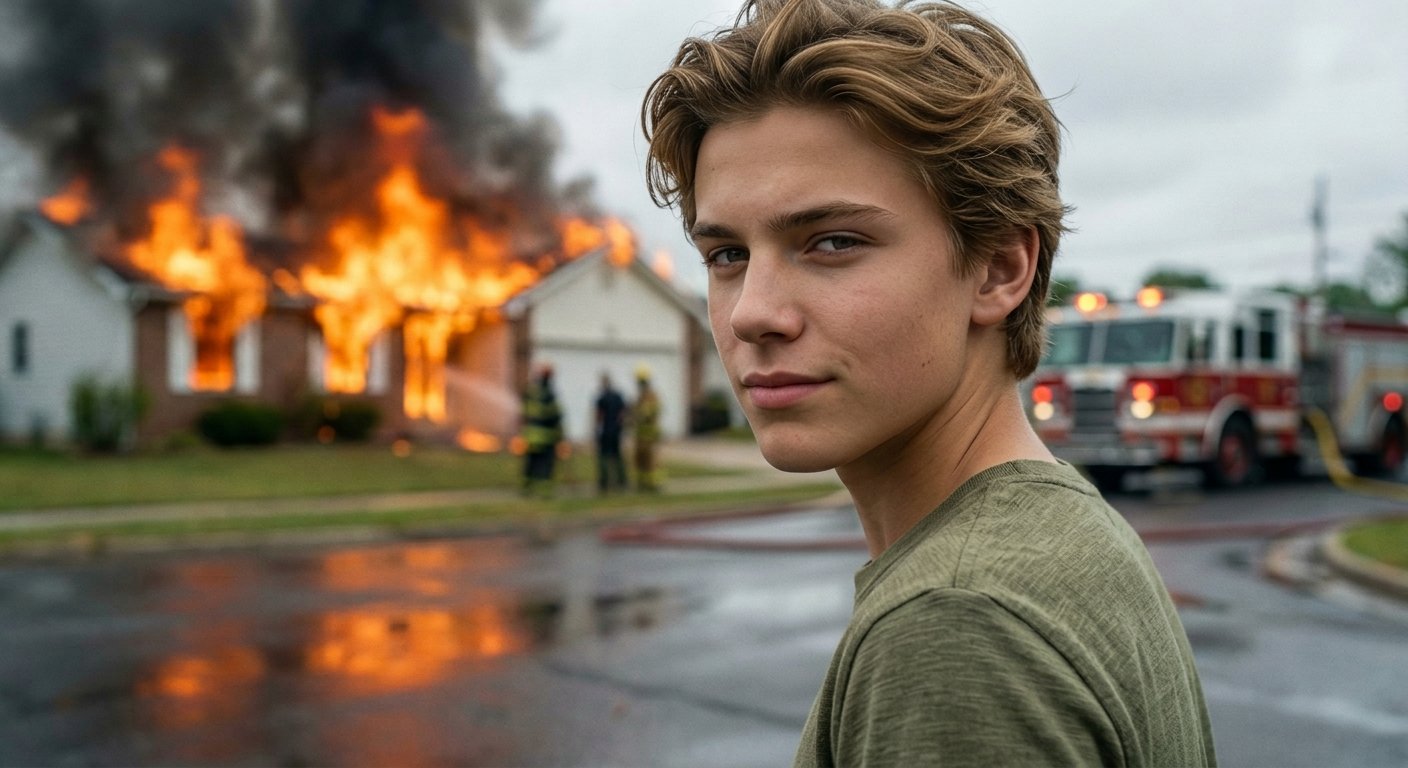
- Prompt included
- Model and format preset
- Free template
The prompt behind this image
Copy the exact prompt behind Cinematic Fire Portrait - Boy, or open it in the studio and make it yours.
Cinematic street emergency scene with a young handsome man in early 20s, close-up foreground framing, head slightly tilted down and turned slightly to the side, shoulders relaxed, body facing away from background fire while head subtly angled toward camera, subtle controlled smirk with slight asymmetry, lips gently pressed with faint upward curve on one side, eyes looking directly at camera with calm, slightly mischievous and composed emotion contrasting chaotic background, natural slightly messy hair, casual everyday wear, simple top with natural fabric texture, house fully on fire with bright orange flames bursting through windows and roof, thick dark smoke rising into sky, firefighters in distance, fire truck partially visible, hose on ground, blurred human silhouettes observing scene, strong depth of field separation with subject in sharp focus and background slightly blurred, mixed natural and fire lighting, soft natural daylight illuminating subject face from front/side, warm orange glow from fire subtly outlining subject edges, high dynamic range between bright flames and cooler foreground tones, ultra-realistic, high resolution, cinematic detail, 85mm lens, shallow depth of field
How to use Cinematic Fire Portrait - Boy in 3 steps
- 1
Open
The prompt is already in the box next to the preview, with the template's model and format selected.
- 2…a portrait of your subject in softgolden-hour light, 85mm…
Personalize
Edit the subject and creative details for your destination.
- 3Generate
Generate
Press Generate — your image is created in PicX Studio, so you can compare it with the original and refine one variable at a time.
More like this
Templates with the same subject, style or setup. Open one to see its prompt.

Rainy Café Window Moody Portrait
PixVerse v6 - Cinematic Fire Scene

80s Bollywood Star

80s Golden Hour Cinema

Hyper-Realistic Minecraft POV Portrait

Toddler Version of a Person in 3d Pixar

Ultra Detailed 3d Plush Cartoon Characte

untitled

Nano Banana 2

Gemini Nano Banana 2 Logo in Wet Sand Be

Nano Banana 2 Gourmet Ice Cream Commerci
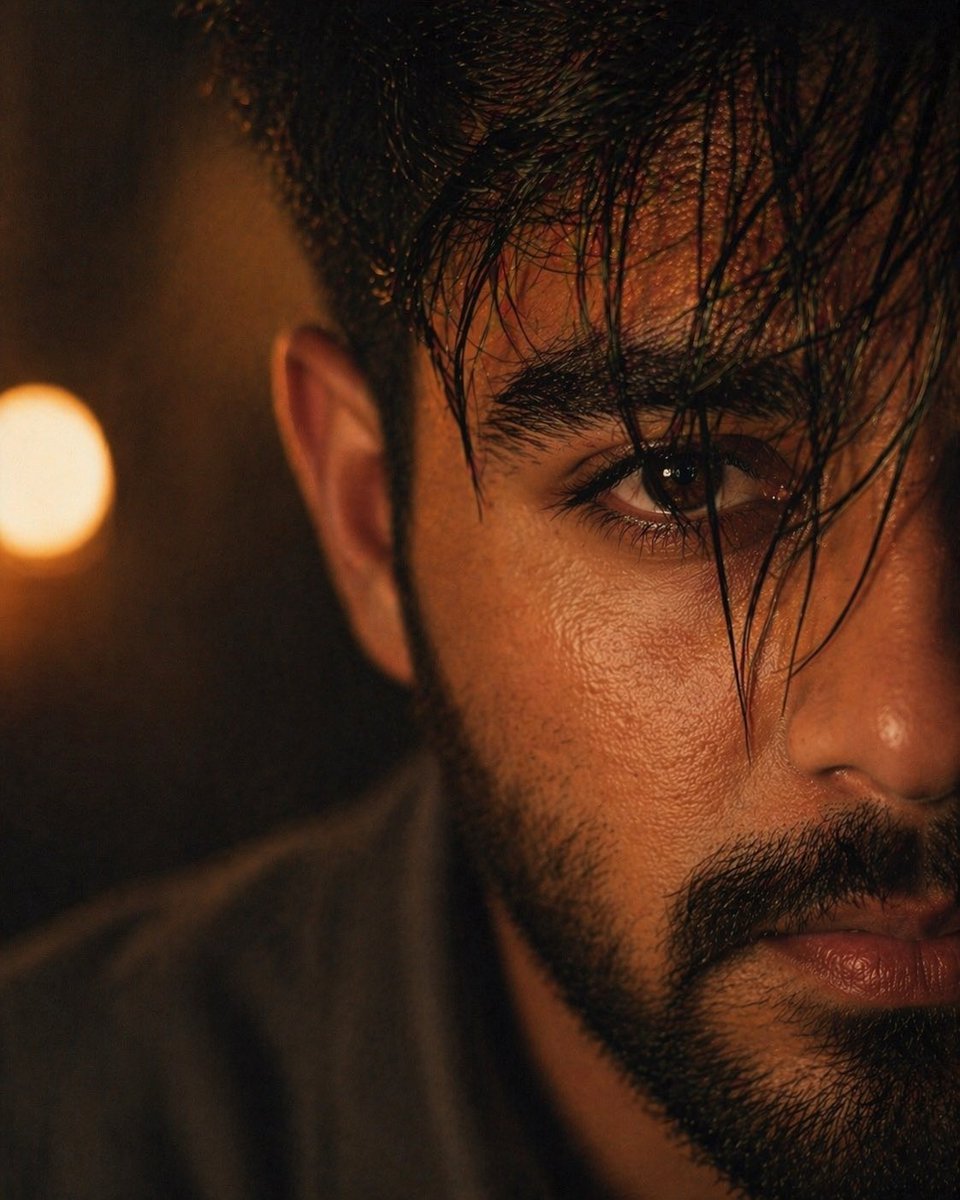
Moody Cinematic Close-up Male Portrait
Make it yours
Cinematic Fire Portrait - Boy works as-is. These are the safest ways to change it without losing the look.
Change one field
Copy a single group, rewrite it, and generate again so you can see what that field is doing.
Keep the frame, change the subject
Hold the composition and light of Cinematic Fire Portrait - Boy, then swap wardrobe, props or the person for a new take.
| If the result… | Why | Fix |
|---|---|---|
| The result drifts from the preview | Too many fields changed at once. | Reuse Cinematic Fire Portrait - Boy as-is first, then change one group — subject, light, or setting. |
| The model over-stylizes the scene | The prose prompt leaves finish and camera underspecified. | Add one camera or lighting sentence and stay on PicX Studio. |
More image prompts
Fresh picks from across the catalog.
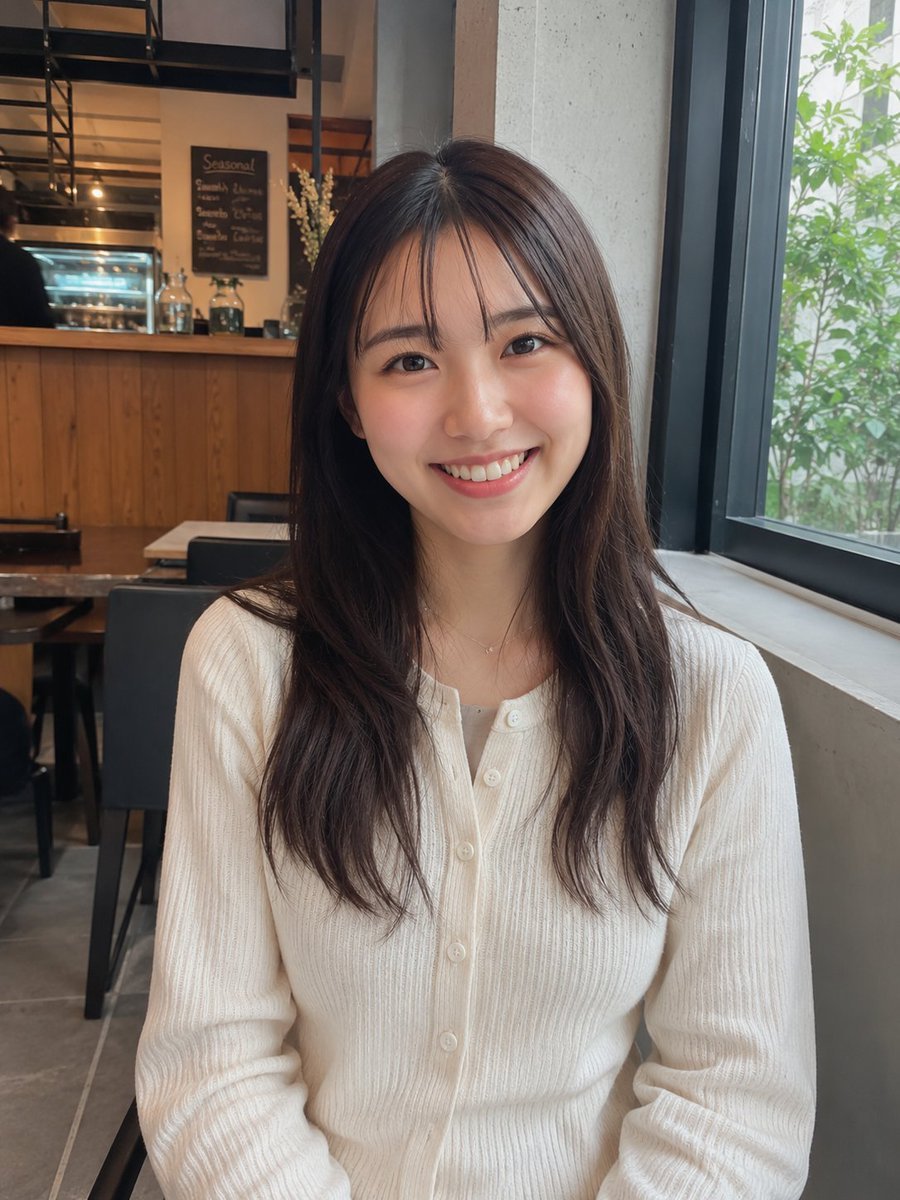
Realistic Cafe Portrait of Young Japanese Woman
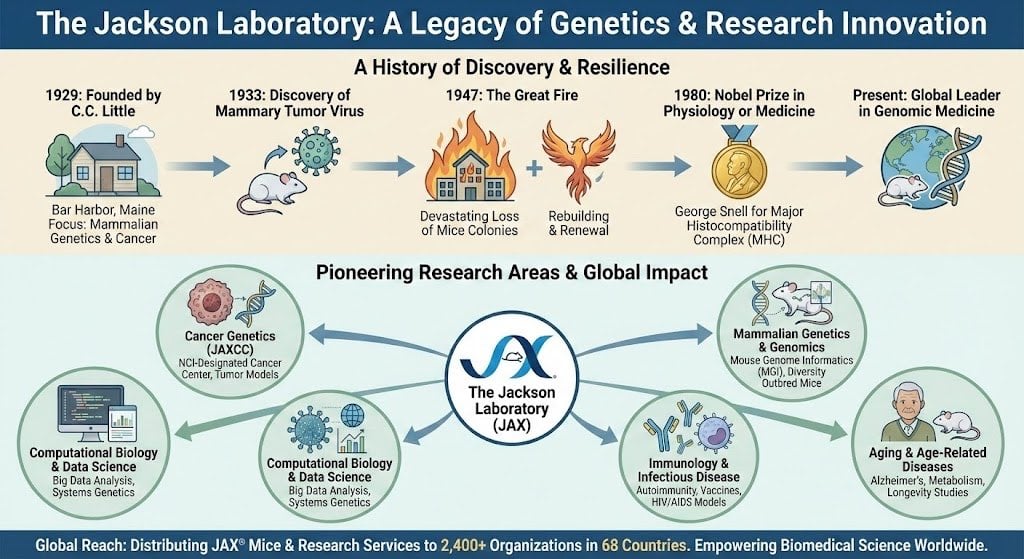
Infographic about the Jackson Laboratory
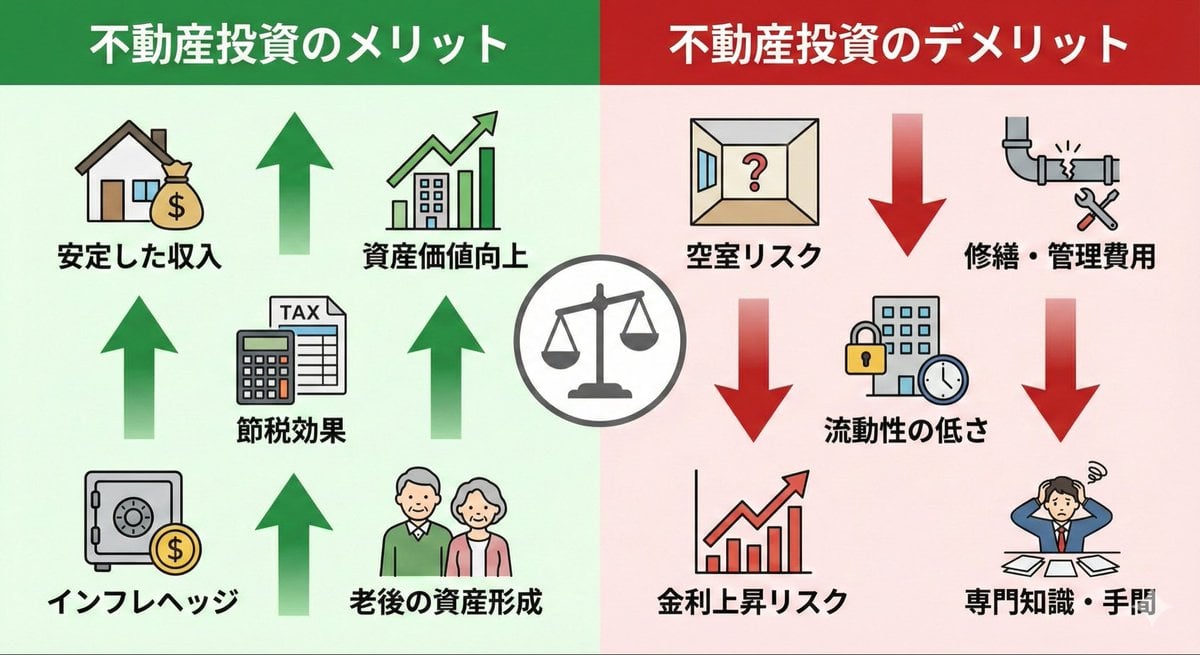
Pros and cons of real estate investment infographic
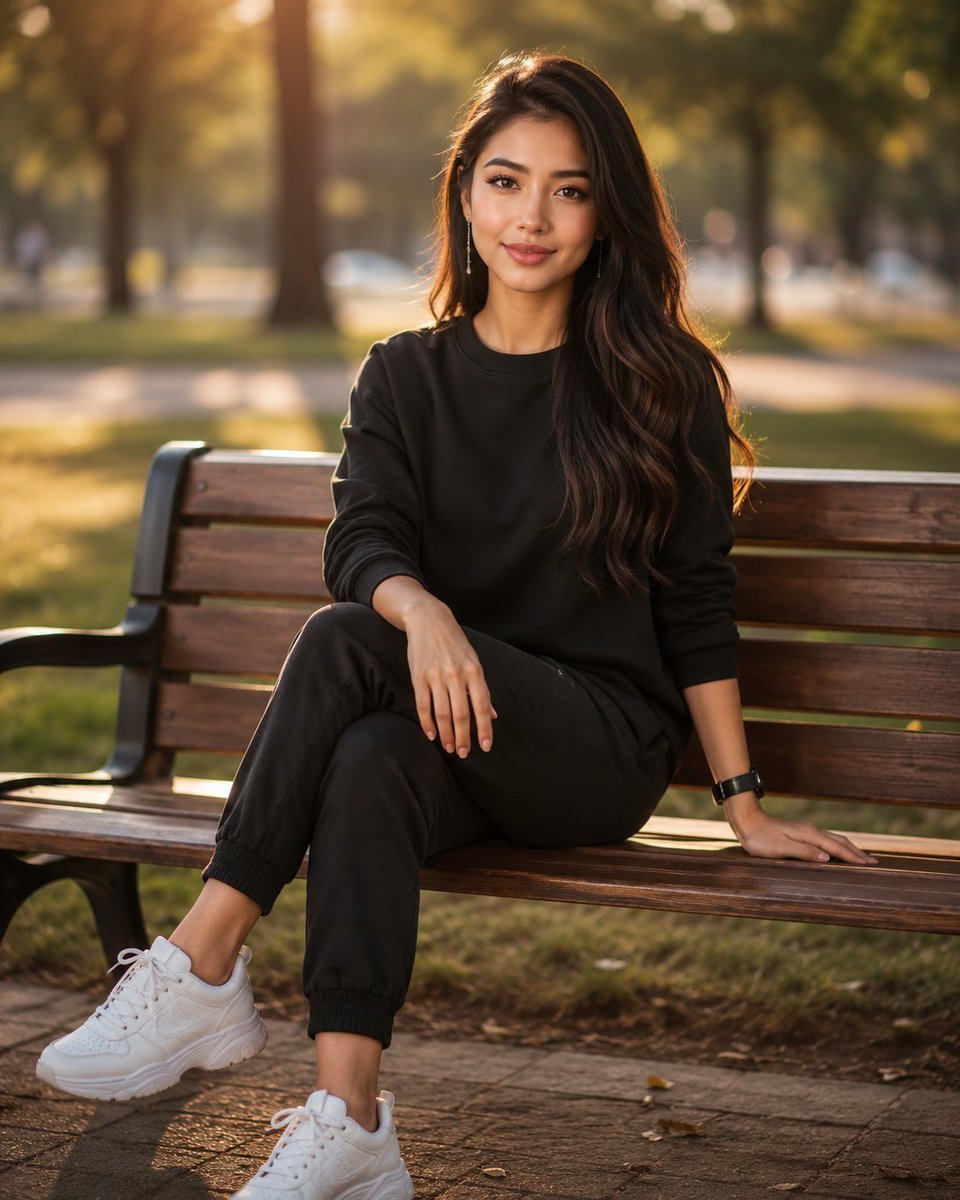
Golden Hour Park Bench Portrait

Hand-drawn Infographic Card Prompt
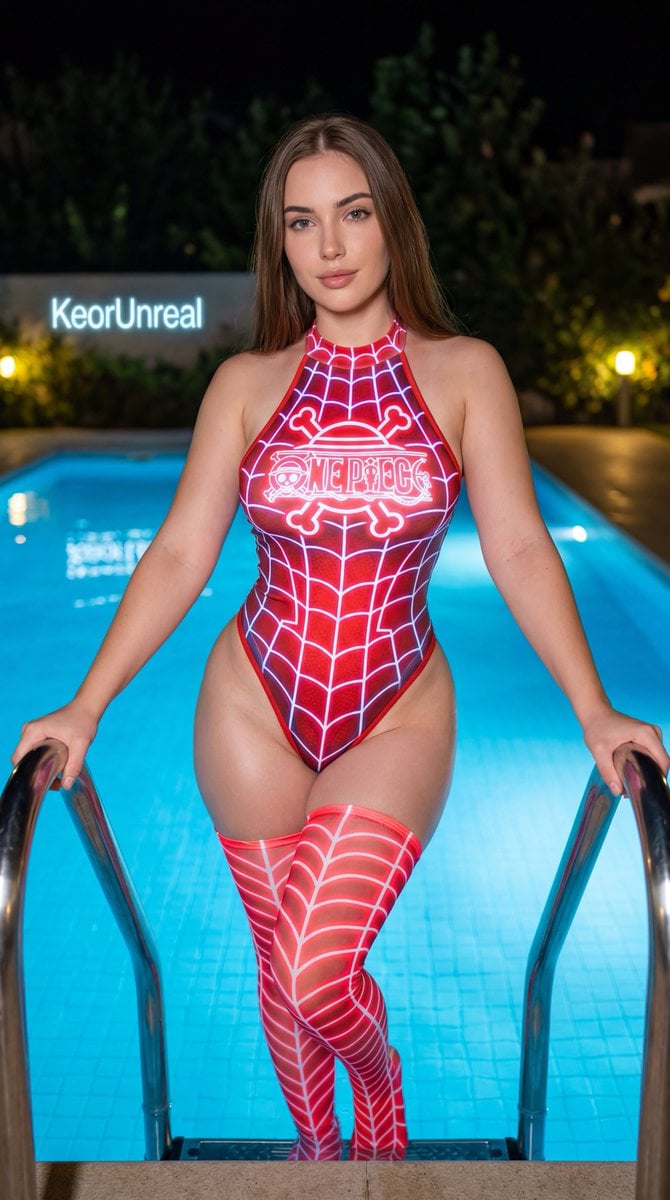
Neon Red One Piece Bodysuit at Night Pool
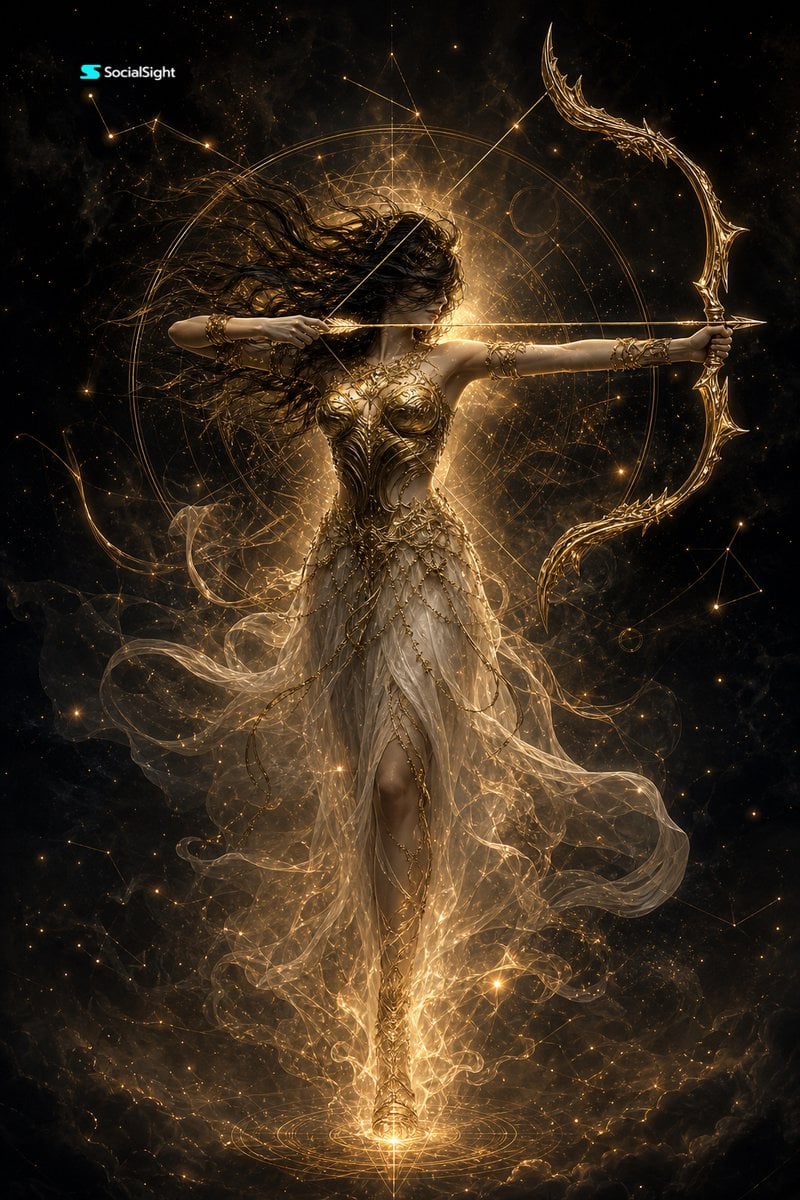
Celestial Goddess Archer
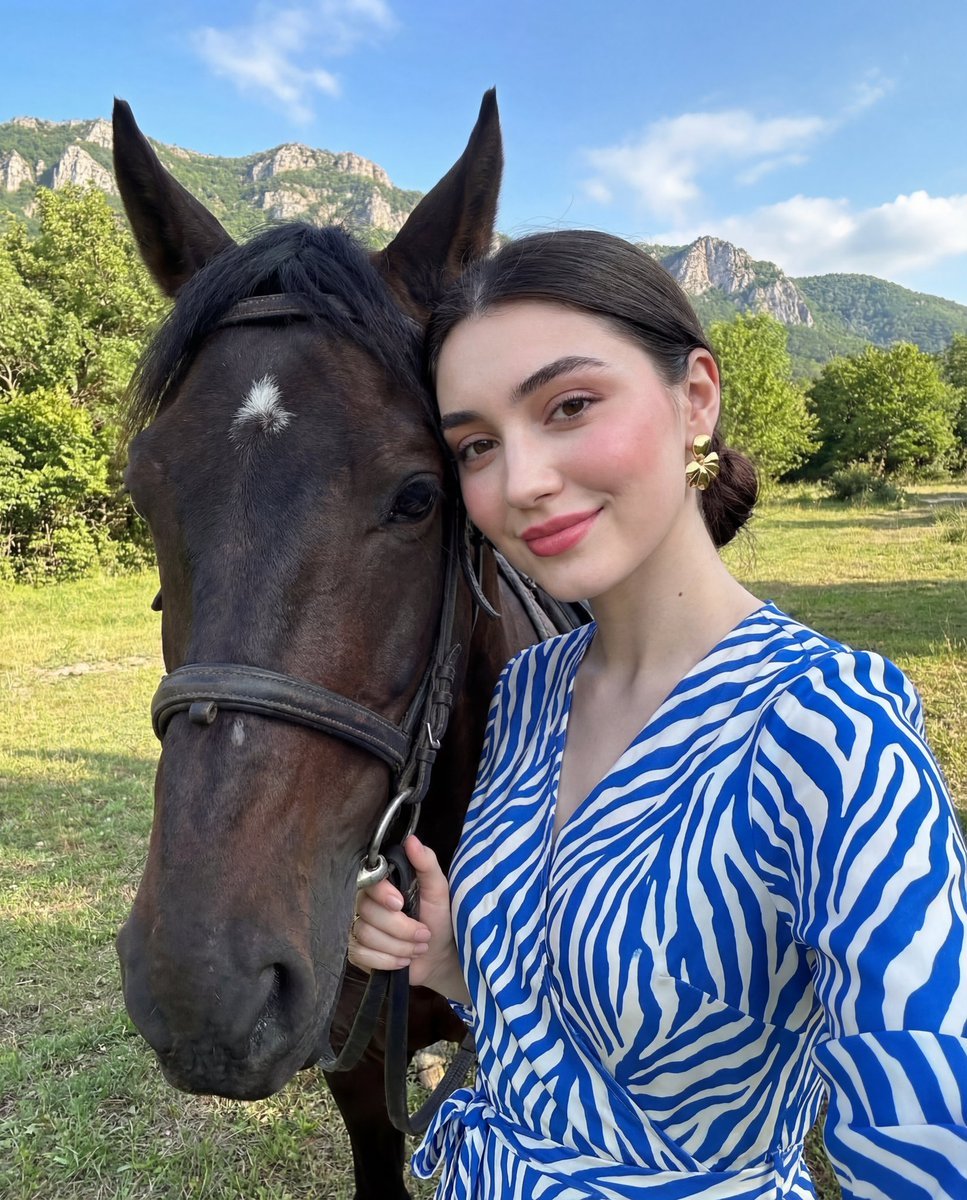
Luxury Lifestyle Portrait Prompt with Horse for Gemini Nano Banana Pro
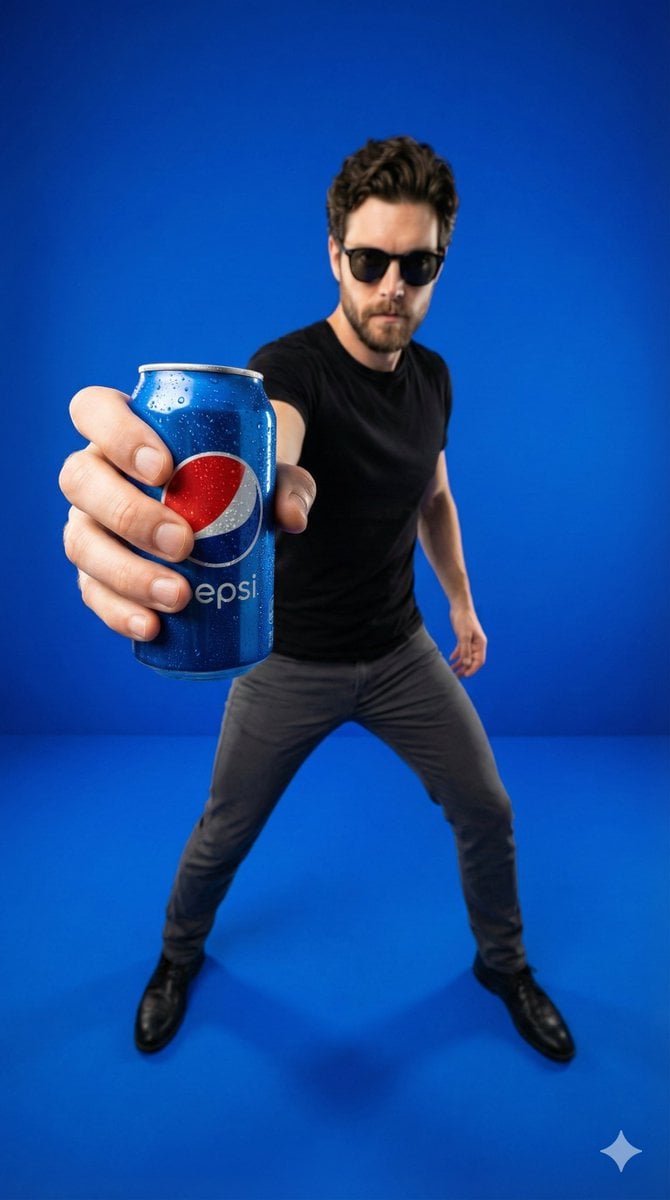
Wide-Angle Product Poster (Pepsi Can)
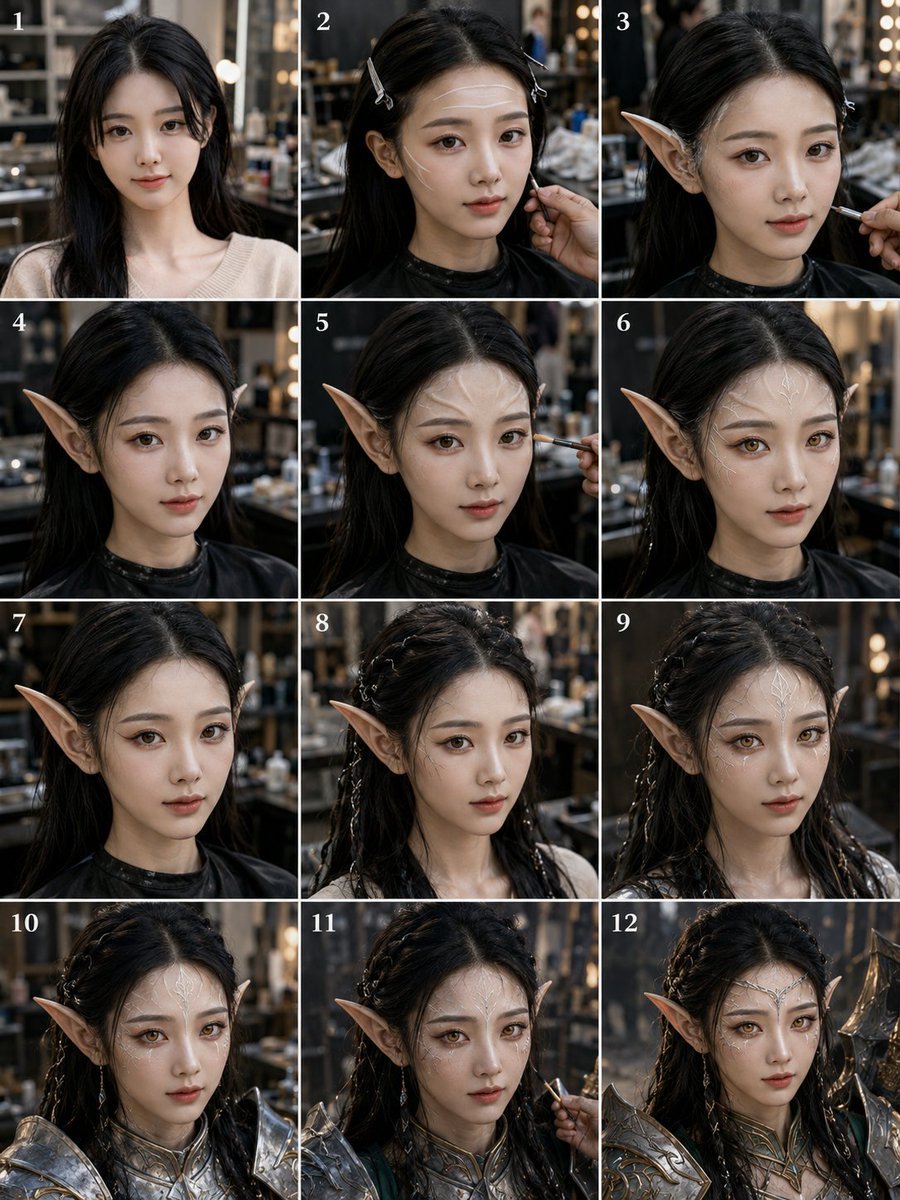
Panel Elf Warrior Transformation
Browse template categories
Cinematic Fire Portrait - Boy questions
How do I use the Cinematic Fire Portrait - Boy template?
Add your photo if the template asks for one, edit the prompt if you like — the template's model and format are already selected — and press Generate. Your version opens in PicX Studio.
Can I customize the Cinematic Fire Portrait - Boy template?
Yes. You can change the subject, setting, lighting, mood, format, and available model controls before creating your image.
Is the Cinematic Fire Portrait - Boy template free?
Opening and editing this template is free. Generating uses credits, shown on the Generate button when you are signed in.
Which AI model should I use?
Choose a compatible model in PicX Studio based on the style, speed, and output controls your project needs.
Looking for something else? Browse all templates.

Your photo, any look
Thousands of ready templates for every top image and video model, from one credit balance.