
untitled
untitled is a ready photo look for Seedance 2.0 Standard.

- Prompt included
- Model and format preset
- Free template
The prompt behind this image
Copy the exact prompt behind untitled, or open it in the studio and make it yours.
FORMAT: 10s / continuous camera drift / 1 invisible match cut A crowded downtown street at golden hour. People walking normally. Suddenly, gravity shifts sideways. Pedestrians begin sliding along buildings while still walking naturally, as if unaware. Cars tilt and drive vertically along glass facades. A woman calmly sips coffee while standing sideways on a skyscraper wall. CAMERA: Slow floating dolly that gradually rotates 90 degrees with the world, revealing the shift without cutting. MATCH CUT: A man jumping across a gap → cut mid-air → becomes a diver entering an upside-down "sky ocean" above the city. ACTION AFTER CUT: Fish swim between skyscrapers as clouds ripple like water. STYLE: Hyperreal cinematic, soft golden light, long shadows, subtle lens bloom. AUDIO: City ambience morphs into underwater muffled sound, distant whale-like echoes.
How to use untitled in 3 steps
- 1
Open
The prompt is already in the box next to the preview, with the template's model and format selected.
- 2…a portrait of your subject in softgolden-hour light, 85mm…
Personalize
Edit the subject and creative details for your destination.
- 3Generate
Generate
Press Generate — your image is created in PicX Studio, so you can compare it with the original and refine one variable at a time.
More like this
Templates with the same subject, style or setup. Open one to see its prompt.












Make it yours
untitled works as-is. These are the safest ways to change it without losing the look.
Change one field
Copy a single group, rewrite it, and generate again so you can see what that field is doing.
Keep the frame, change the subject
Hold the composition and light of 58-untitled, then swap wardrobe, props or the person for a new take.
| If the result… | Why | Fix |
|---|---|---|
| The result drifts from the preview | Too many fields changed at once. | Reuse 58-untitled as-is first, then change one group — subject, light, or setting. |
| The model over-stylizes the scene | The prose prompt leaves finish and camera underspecified. | Add one camera or lighting sentence and stay on Seedance 2.0 Standard. |
More Seedance 2.0 Standard templates
Other prompts made for Seedance 2.0 Standard.






More image prompts
Fresh picks from across the catalog.
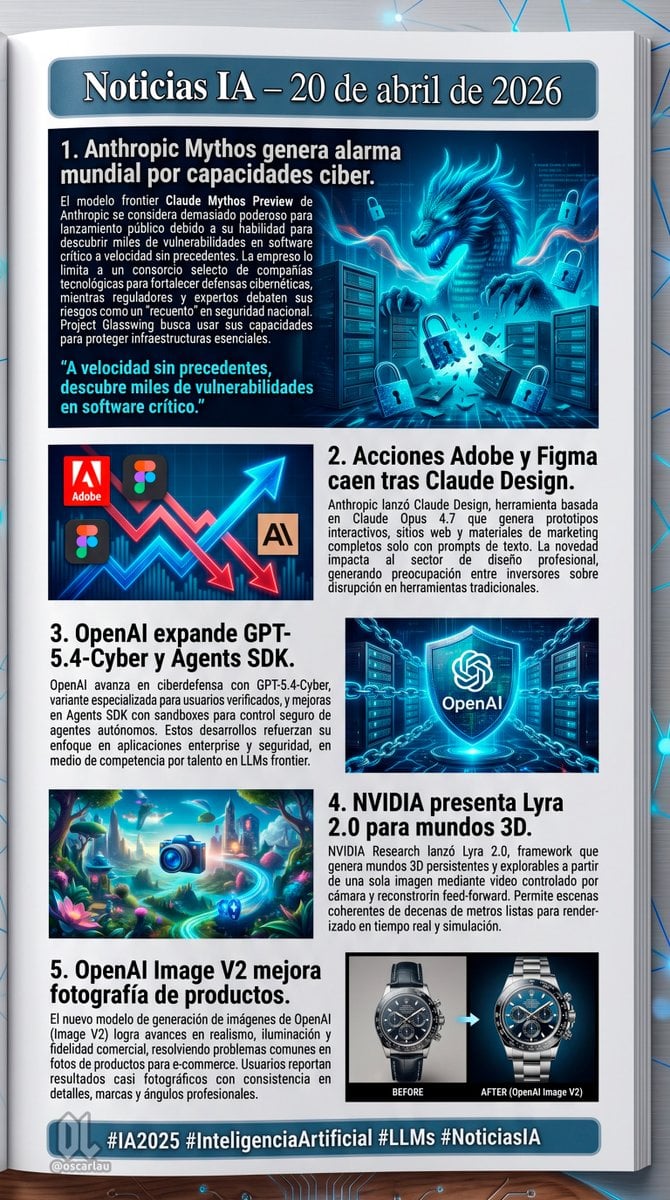
AI News Newsletter Page Layout

Header image with uploaded person introducing Nano Banana Pro

Blindfolded Sorcerer Victory Pose
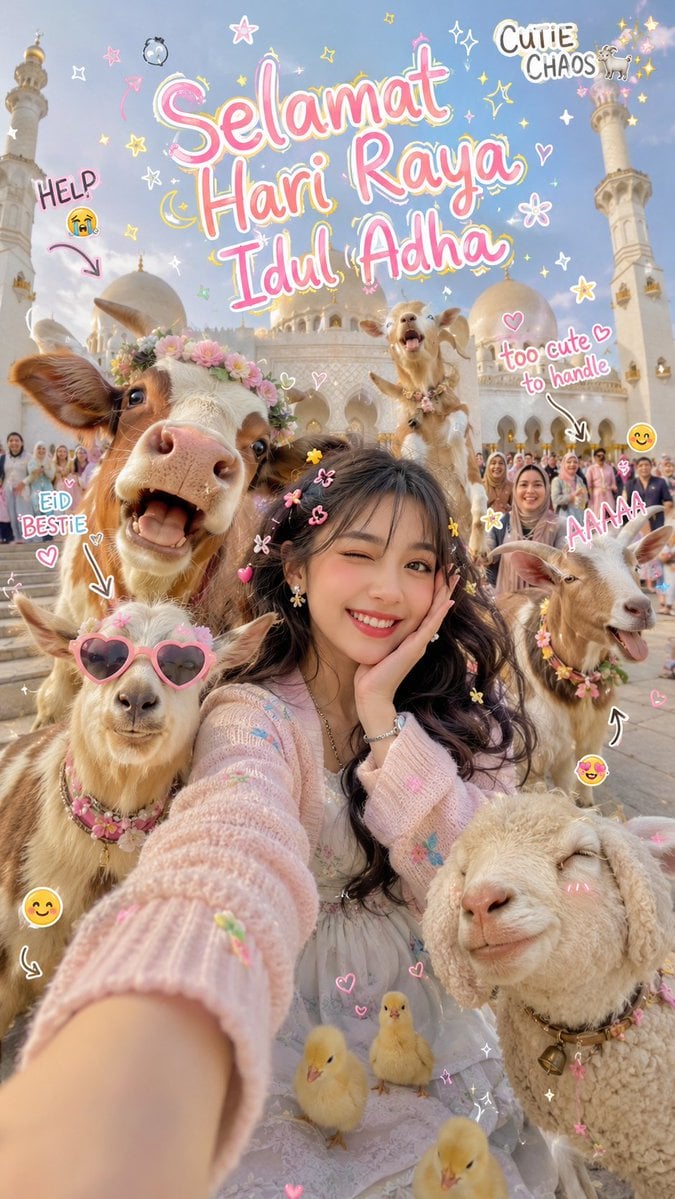
Cinematic Eid al-Adha Fashion Editorial
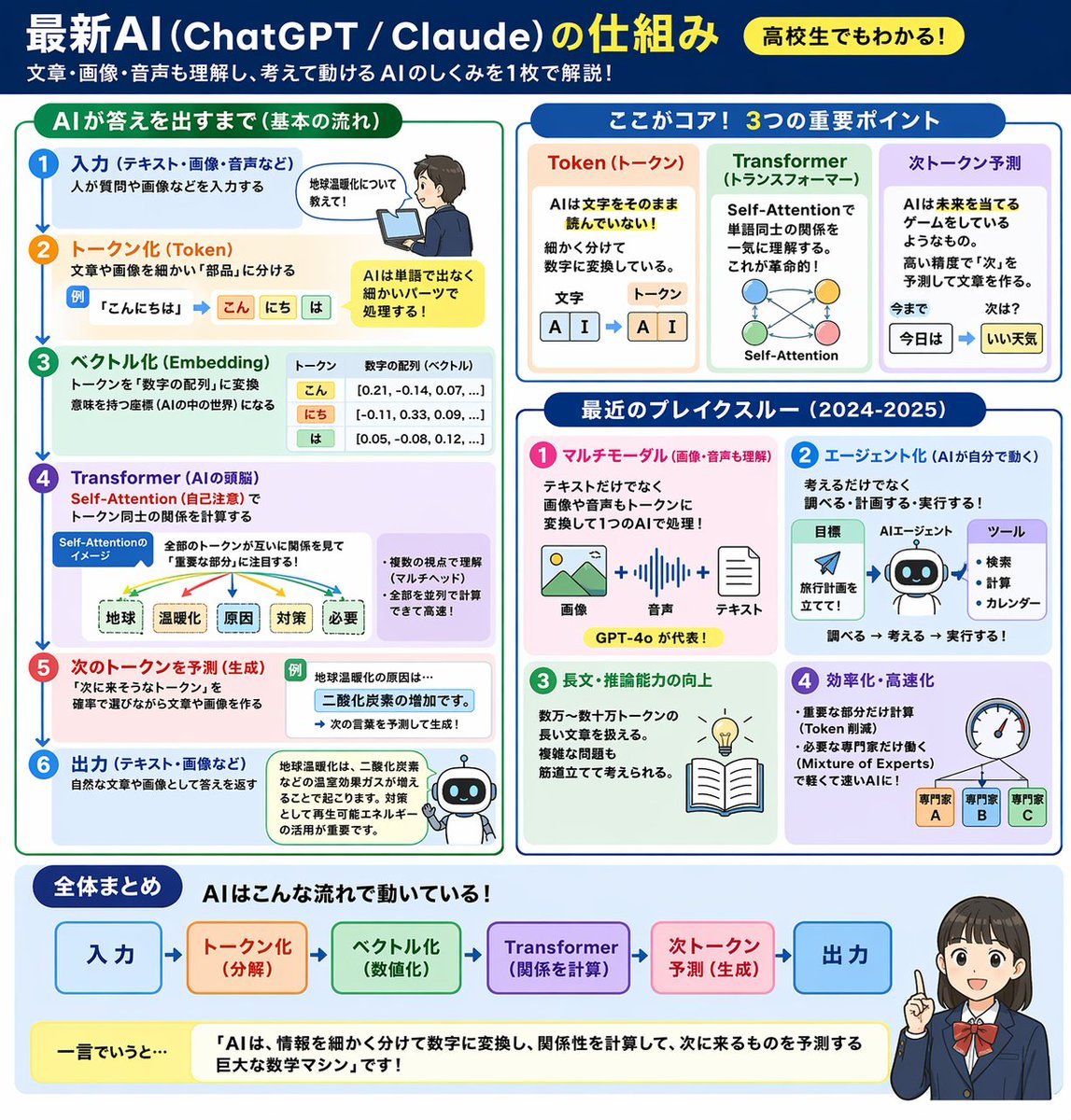
AI Mechanism Infographic
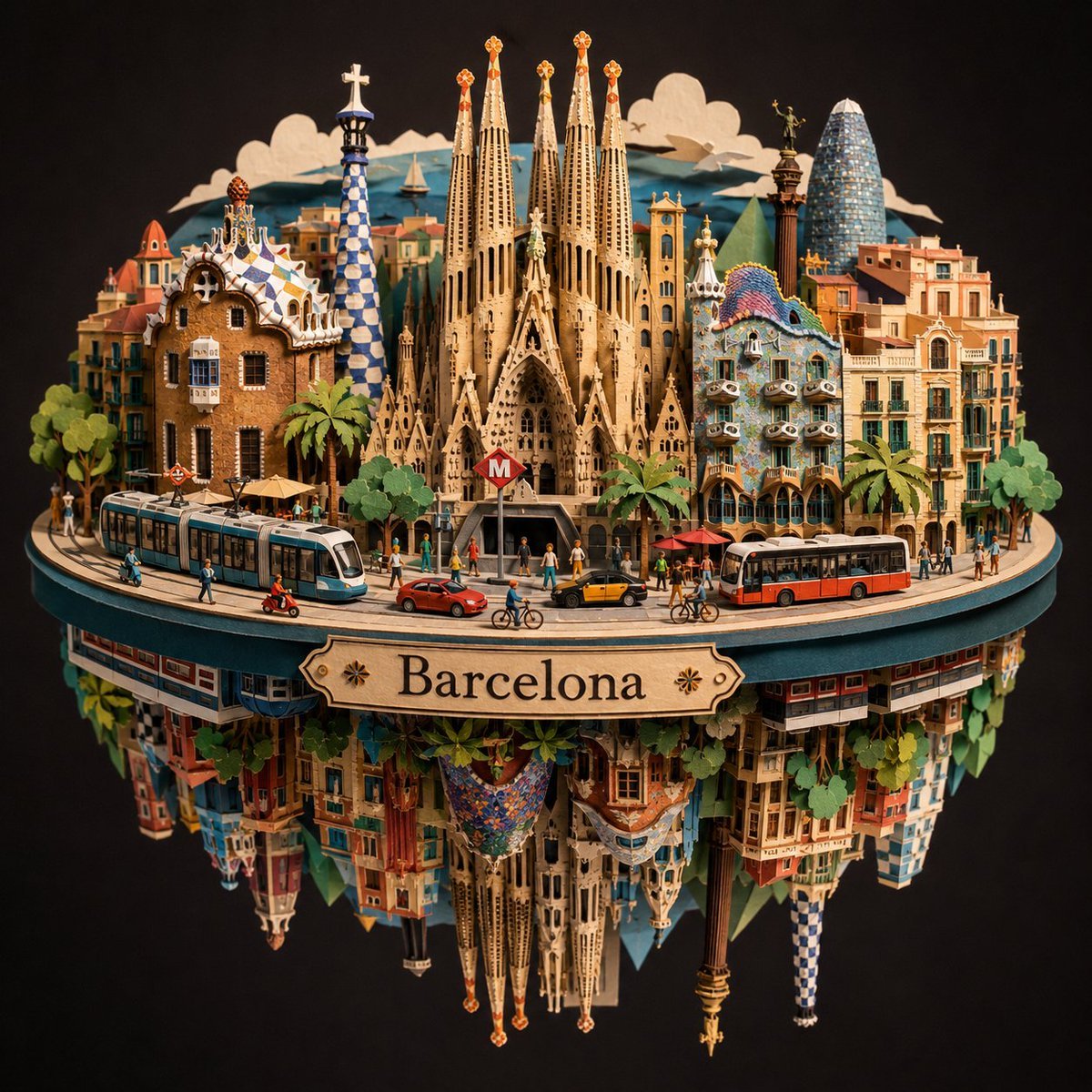
Barcelona Spherical Paper City Diorama
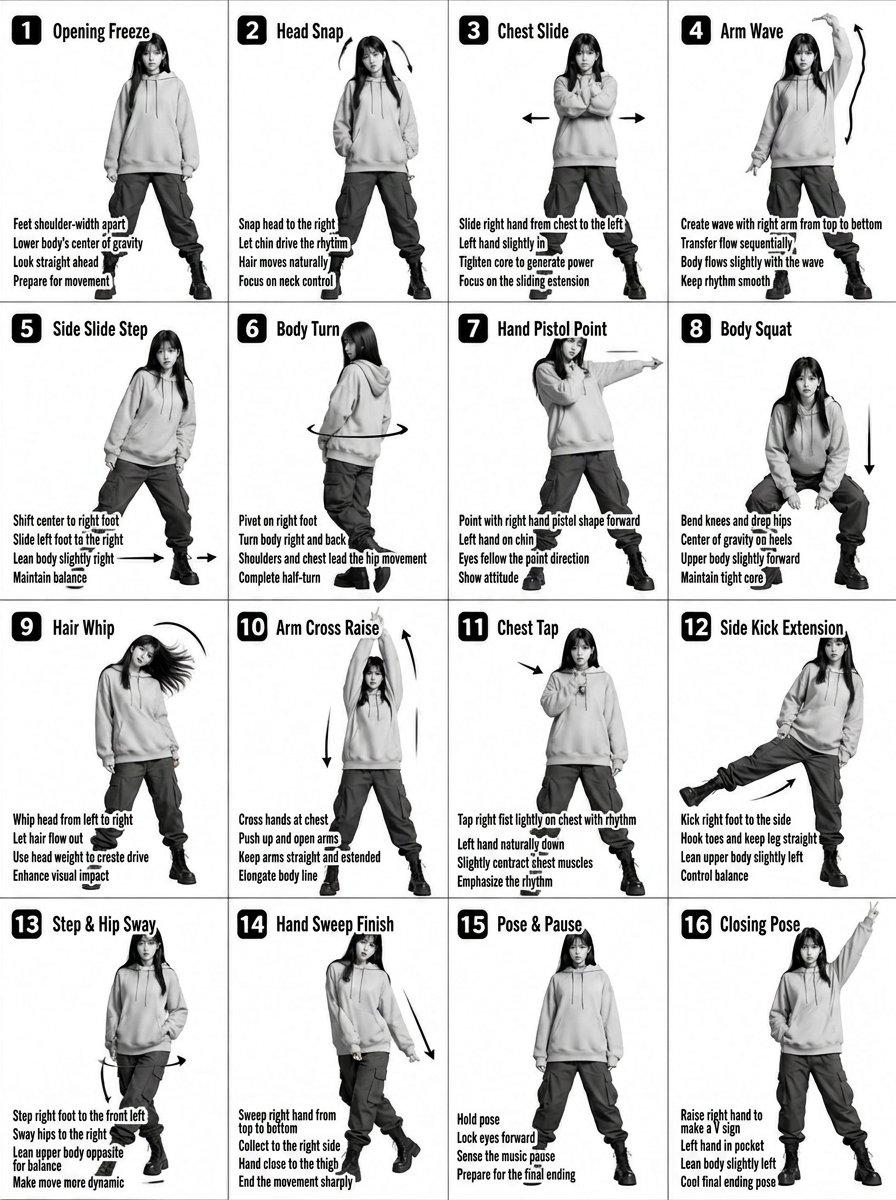
K-pop Dance Tutorial Poster Generator
Loona

Anime Fantasy Travel Movie Poster
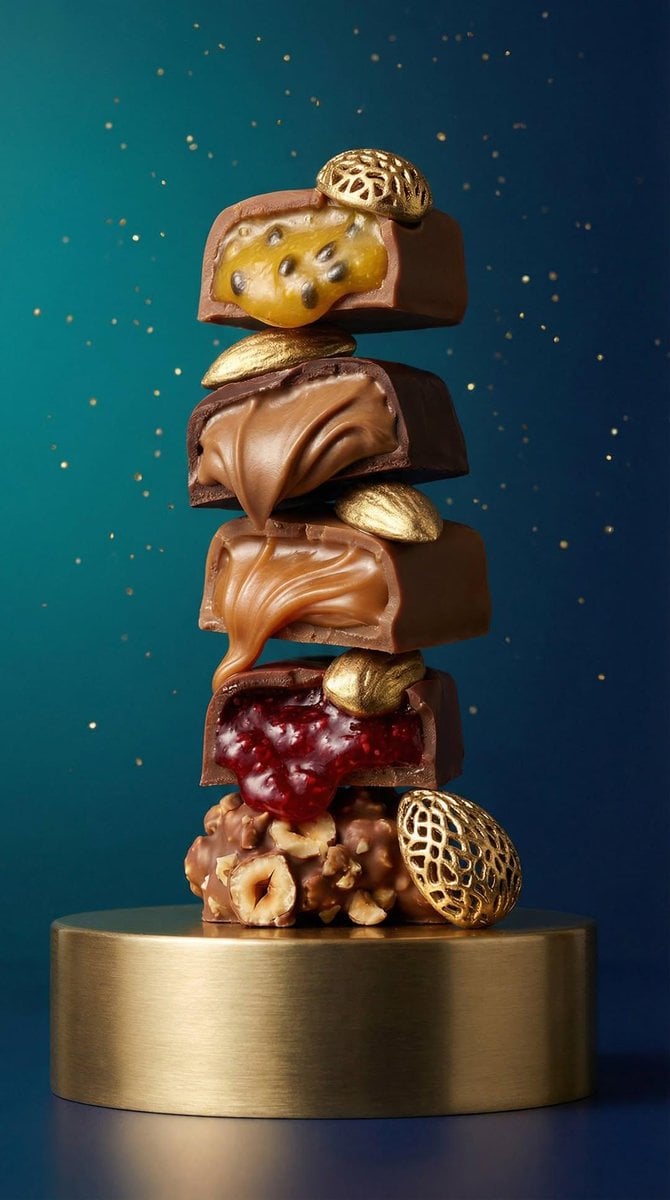
High-Detail Praline Food Photography
Browse template categories
untitled questions
How do I use the 58-untitled template?
Add your photo if the template asks for one, edit the prompt if you like — the template's model and format are already selected — and press Generate. Your version opens in PicX Studio.
Can I customize the 58-untitled template?
Yes. You can change the subject, setting, lighting, mood, format, and available model controls before creating your image.
Is the 58-untitled template free?
Opening and editing this template is free. Generating uses credits, shown on the Generate button when you are signed in.
Which AI model should I use?
Start with Seedance 2.0 Standard, which is the model associated with this template. You can compare another compatible model for a different finish.
Looking for something else? Browse all templates.

Your photo, any look
Thousands of ready templates for every top image and video model, from one credit balance.