
K-pop Dance Tutorial Poster Generator
Transforms a 4x4 movement sheet into a high-fashion K-pop idol tutorial poster with neon accents and modern graphics.
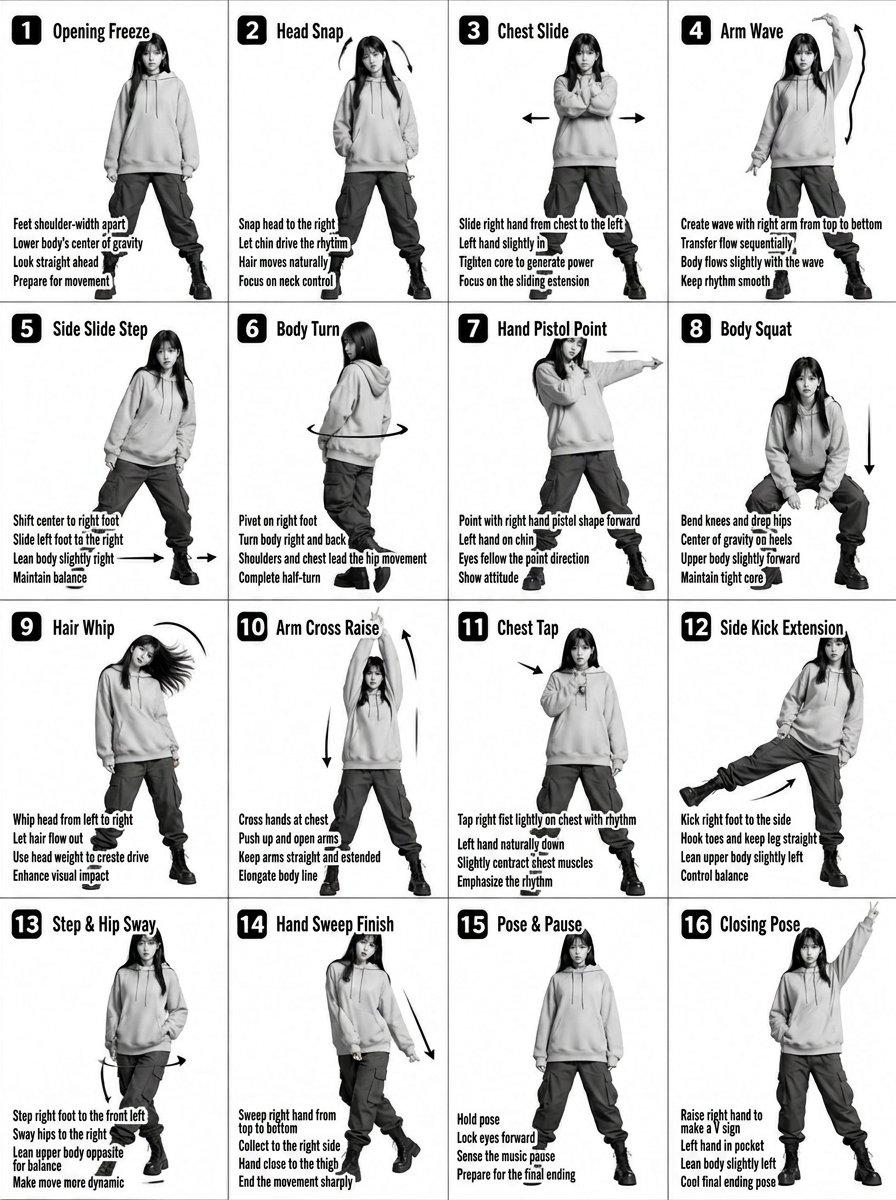
- Prompt included
- Model and format preset
- Free template
The prompt behind this image
Copy the exact prompt behind K-pop Dance Tutorial Poster Generator, or open it in the studio and make it yours.
Transform the input image into a stylized {argument name="style" default="K-pop dance tutorial poster"} with a fashion-forward streetwear aesthetic, keeping the exact 4x4 grid layout (16 panels) and choreography structure. Core Composition Maintain a 16-panel grid (4 columns × 4 rows) with clean spacing Each panel shows the same female dancer performing sequential choreography Preserve panel numbering (1–16) in bold, modern UI-style labels Keep step titles and instructional captions, but redesign typography to feel like K-pop album graphics / dance practice overlays Subject Styling (K-pop Idol Inspired) Young female dancer with soft glam K-pop makeup (dewy skin, subtle shimmer, defined eyes) Hair: long, sleek, slightly dynamic (motion-friendly, flowing during moves) Expression: confident, charismatic stage presence Outfit (streetwear-inspired): {argument name="clothing" default="Cropped hoodie or oversized zip-up jacket with cargo pants"} Chunky sneakers or platform boots Optional accessories: chain necklace, ear cuffs, fingerless gloves Visual Style Switch from plain grayscale → high-contrast + soft neon accents Base palette: {argument name="colors" default="black, white, gray"} Accent colors: neon pink, electric blue, or violet glow (subtle, not overpowering) Lighting: Studio lighting with a soft glow + rim light effect Slight stage-light vibe, like a K-pop dance practice video Graphics & Effects Add dynamic motion trails and glow accents on arms, legs, and hair movement Replace basic arrows with stylized motion graphics (neon strokes, swooshes) Subtle light streaks or particle effects for energy Optional faint floor reflection or glossy surface Typography Titles: bold, modern, slightly condensed sans-serif (K-pop album style) Add subtle glow or gradient to titles Instruction text: clean, minimal, slightly futuristic UI style Panel numbers: inside rounded squares or pill shapes with neon outline Camera & Framing Full-body framing in each panel (consistent scale) Straight-on angle, but with slight dynamic tilt or perspective energy Maintain clarity of movement for instructional purpose Mood & Energy Feels like a K-pop dance practice meets fashion editorial Clean but energetic Stylish, rhythmic, performance-driven Important Constraints Keep choreography readable and sequential Do NOT merge panels or change layout Maintain consistency of dancer identity across all panels
How to use K-pop Dance Tutorial Poster Generator in 3 steps
- 1Upload ImagePNG, JPG or paste
Add your photo
Upload the photo the template builds on. The prompt, model and format are already set.
- 2…a portrait of your subject in softgolden-hour light, 85mm…
Personalize
Edit the subject and creative details for your destination.
- 3Generate
Generate
Press Generate — your image is created in PicX Studio, so you can compare it with the original and refine one variable at a time.
More like this
Templates with the same subject, style or setup. Open one to see its prompt.

Pop Art Superhero Explosion Poster

Last Dance Legacy Monochrome Portrait

Japan Travel Brochure Poster
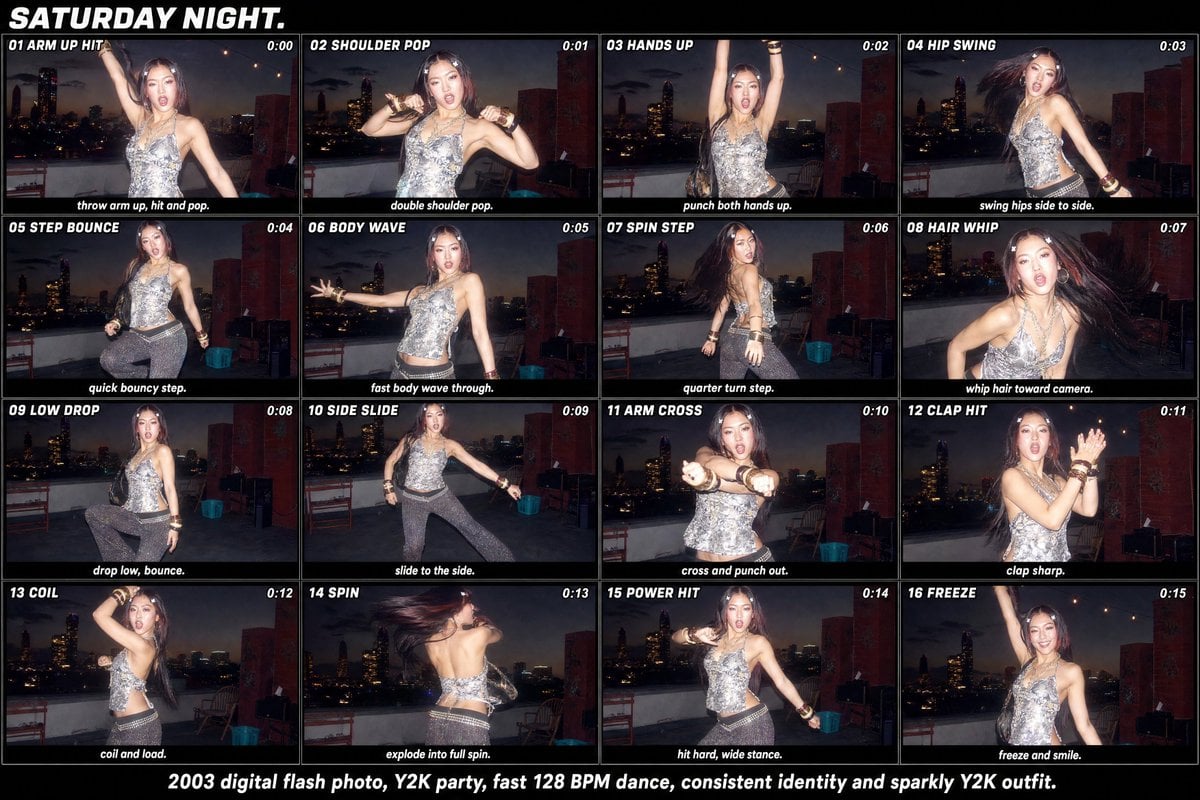
Y2K Rooftop Dance Tutorial Sheet

Cartoon TV Show Poster Pack

Trendy Cafe Drink Promo Poster

Urban Fashion Editorial Collage Streetwear Poster

Premium Fashion Editorial Cover Layout System

Polo Ralph Lauren Luxury American Heritage Fashion Campaign

Monochrome Halftone Editorial Fashion Poster

Retro Mirror Luxury Fashion Campaign Poster

Luxury Fashion Campaign Typography Poster System
Make it yours
K-pop Dance Tutorial Poster Generator works as-is. These are the safest ways to change it without losing the look.
Change one field
Copy a single group, rewrite it, and generate again so you can see what that field is doing.
Keep the frame, change the subject
Hold the composition and light of K-pop Dance Tutorial Poster Generator, then swap wardrobe, props or the person for a new take.
| If the result… | Why | Fix |
|---|---|---|
| The result drifts from the preview | Too many fields changed at once. | Reuse K-pop Dance Tutorial Poster Generator as-is first, then change one group — subject, light, or setting. |
| The model over-stylizes the scene | The prose prompt leaves finish and camera underspecified. | Add one camera or lighting sentence and stay on GPT Image 2. |
More GPT Image 2 templates
Other prompts made for GPT Image 2.

Six VTuber Japanese Logo Sheet

Realistic Portrait of Woman and Deer

The Vista Modular Condo Poster

AI Model Routing Comparison Infographic

2.5D Anime Art Board

Isometric Productivity Desk Scene

New York Double Exposure Poster

Four-Panel AI Landscape Comparison

Japanese Tatami Lifestyle Magazine Cover

NESCAFÉ Coffee Map Poster
More image prompts
Fresh picks from across the catalog.
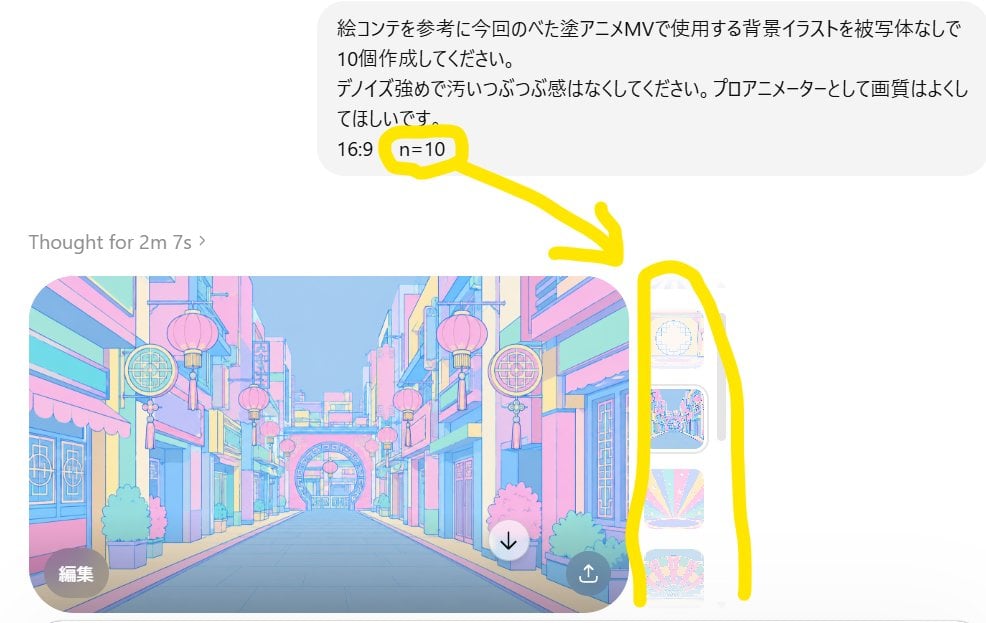
Annotated ChatGPT Multiple Image Outputs
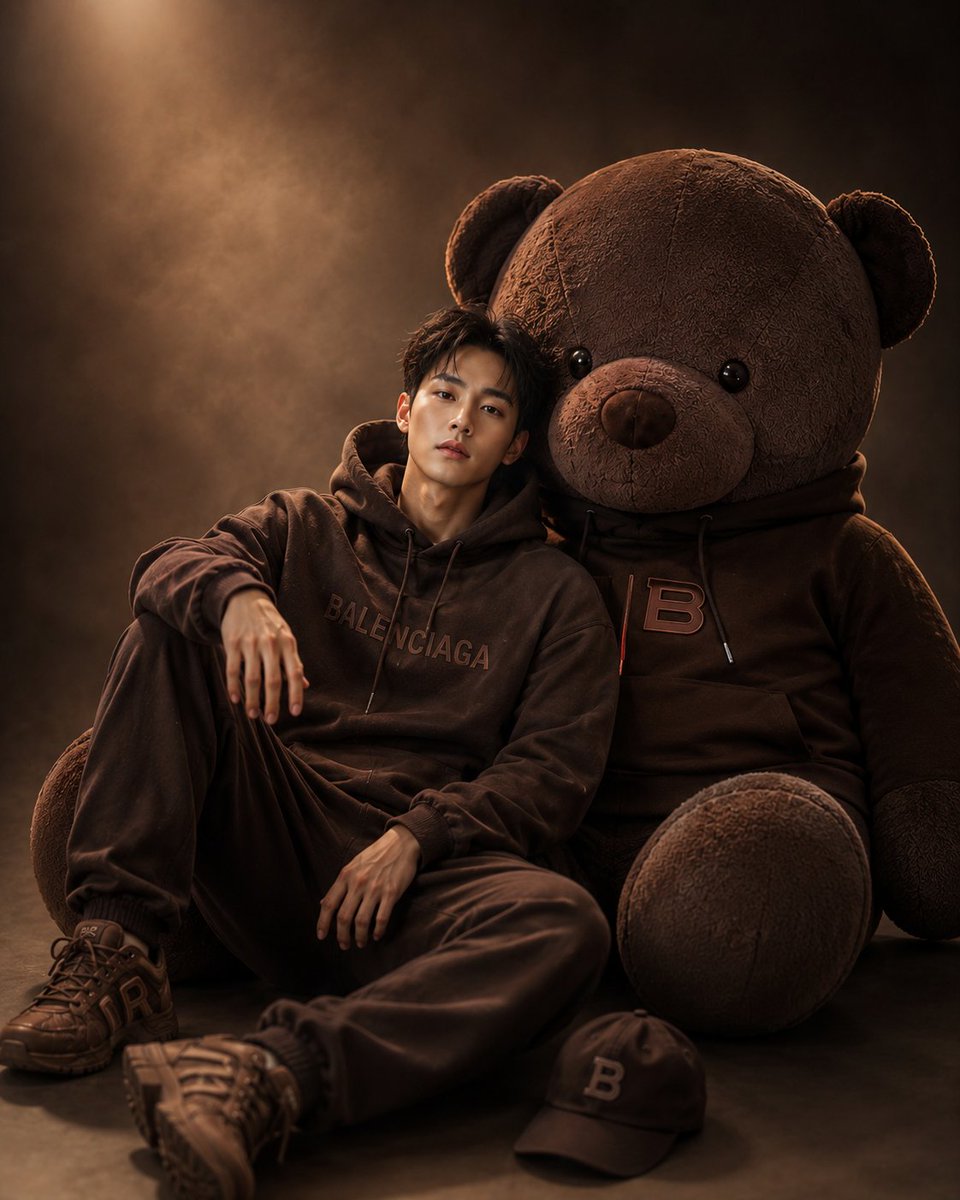
Cinematic Studio Portrait with Giant Teddy Bear
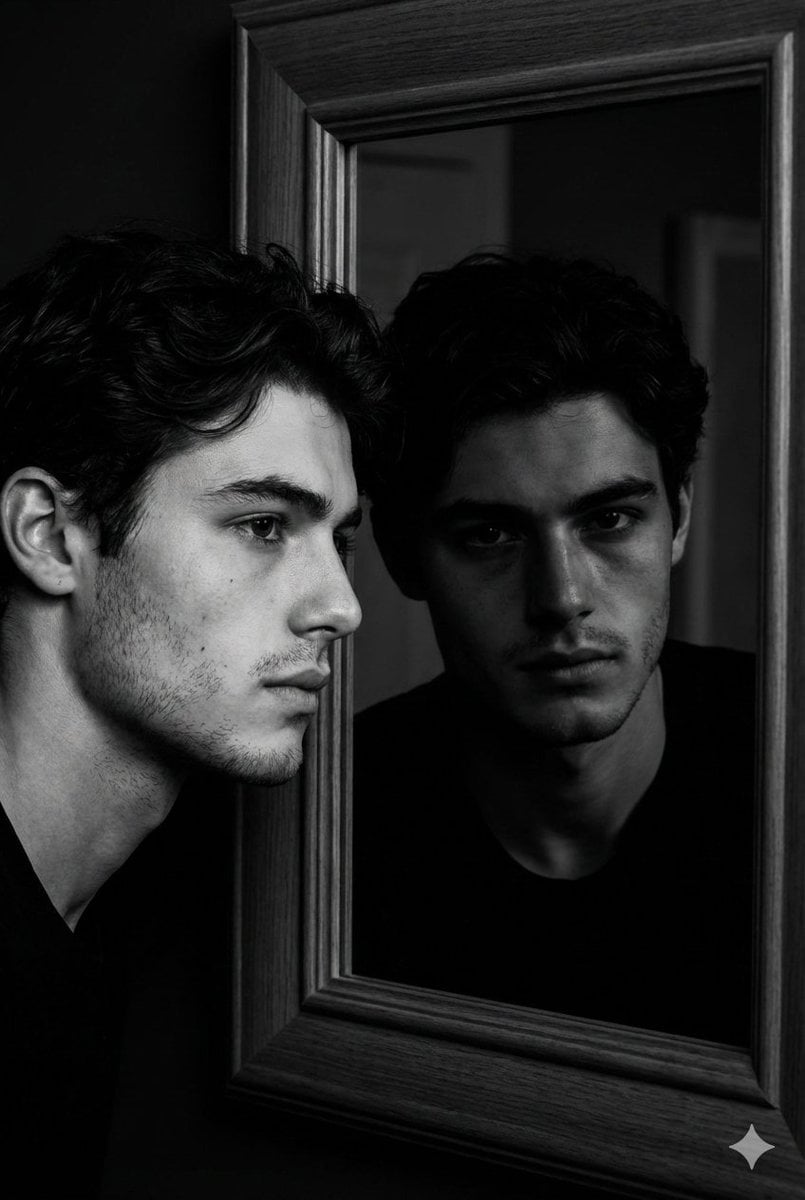
Noir Mirror Reflection Portrait
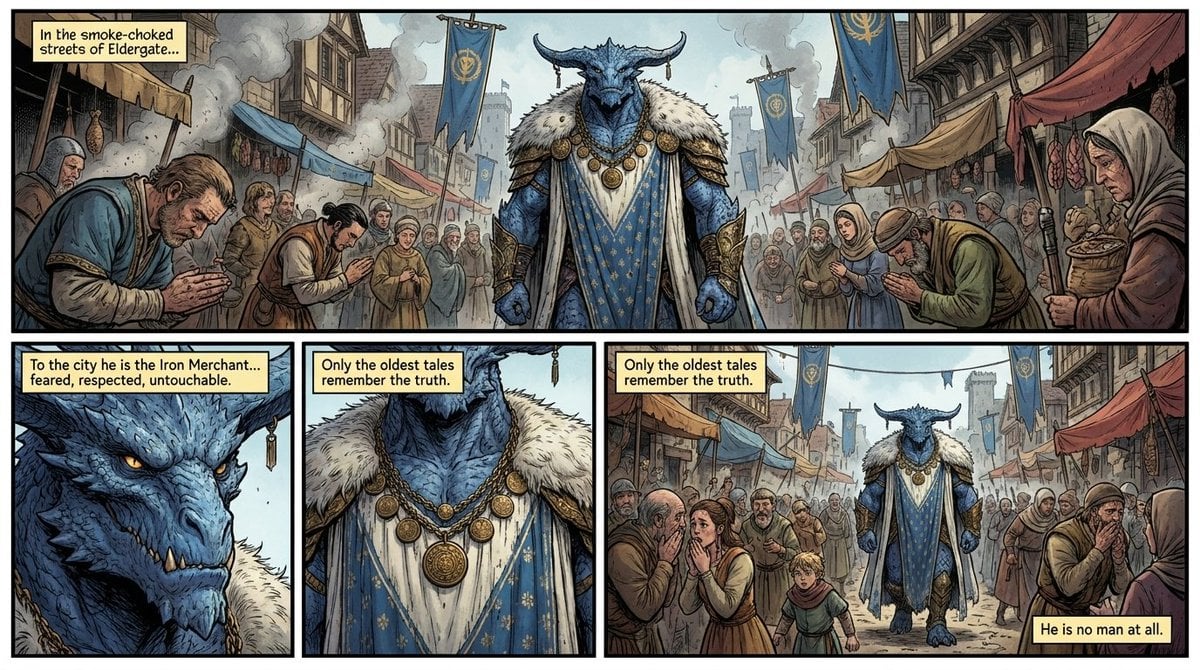
Fantasy Comic Page of Korvax in Eldergate
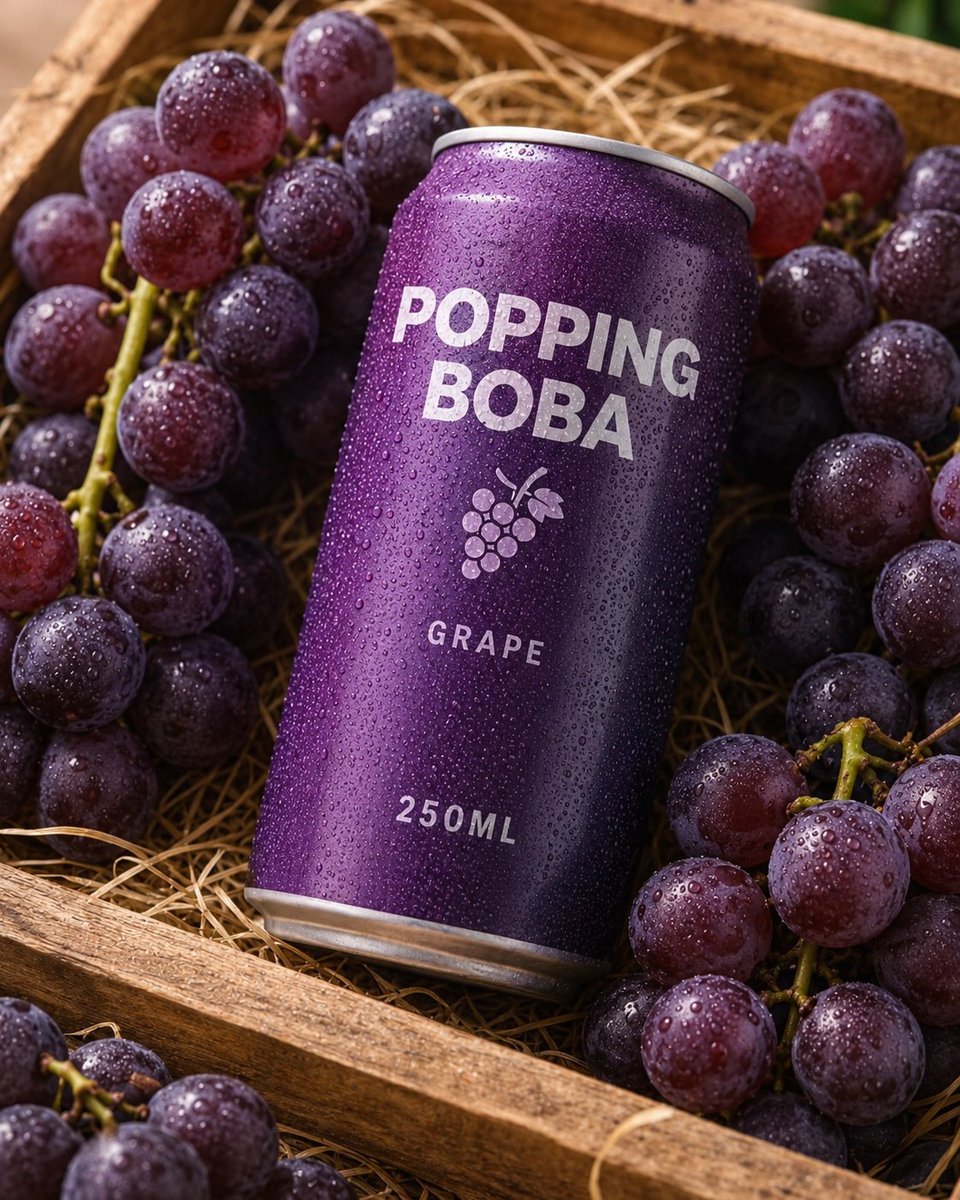
Splash Hero Beverage Photography
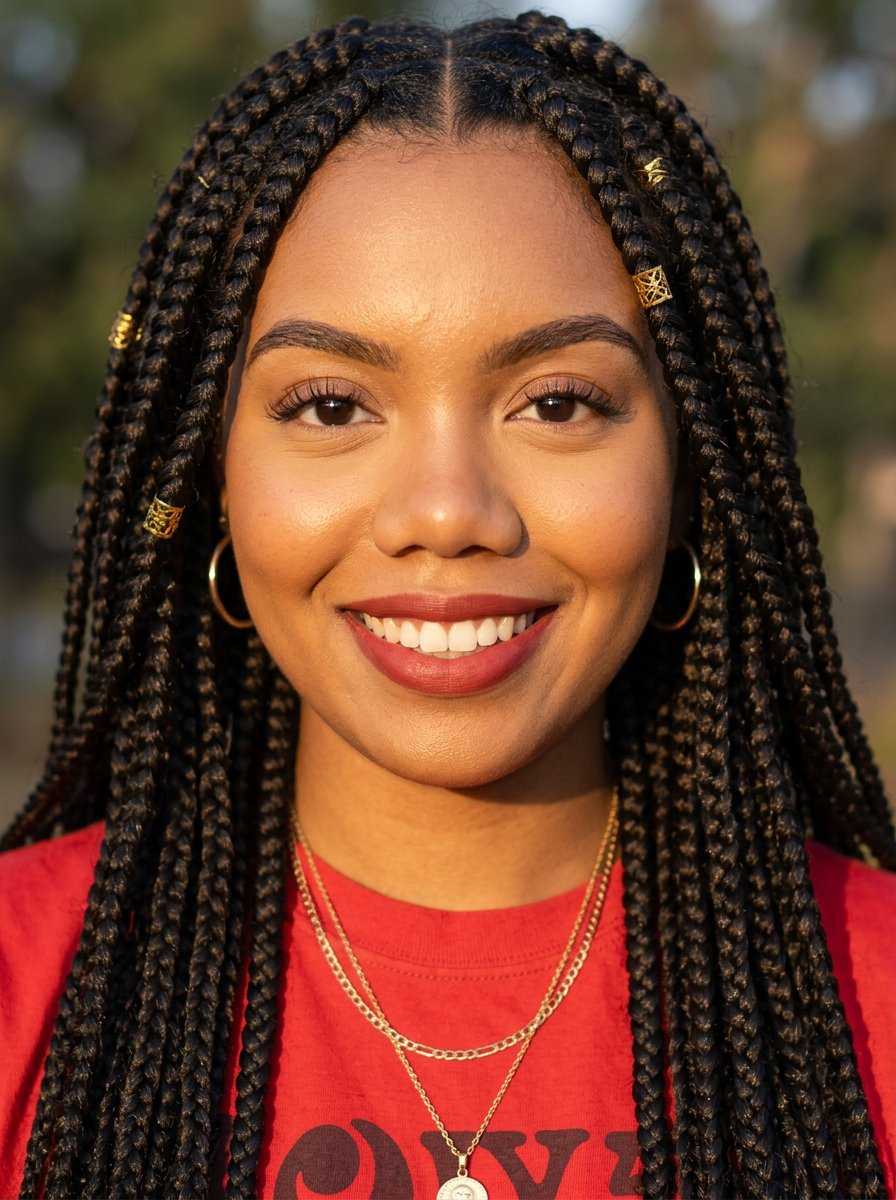
headshot
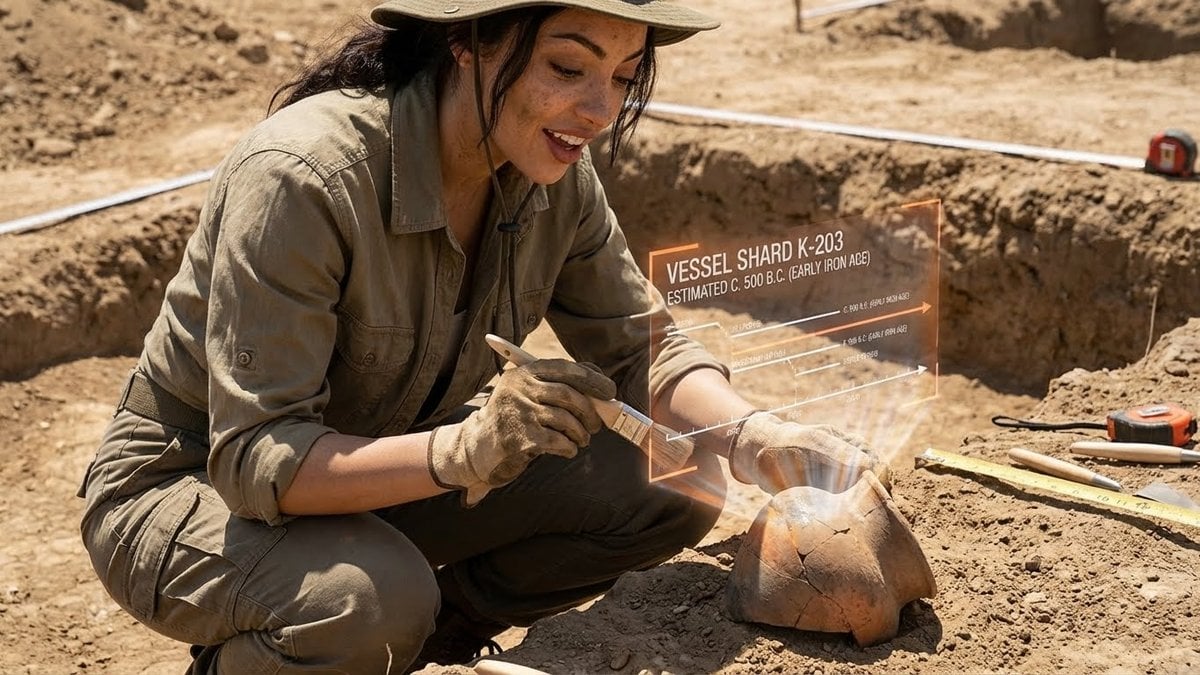
Structured Prompt for Archaeological Dig Scene with 3D Data Overlay
untitled
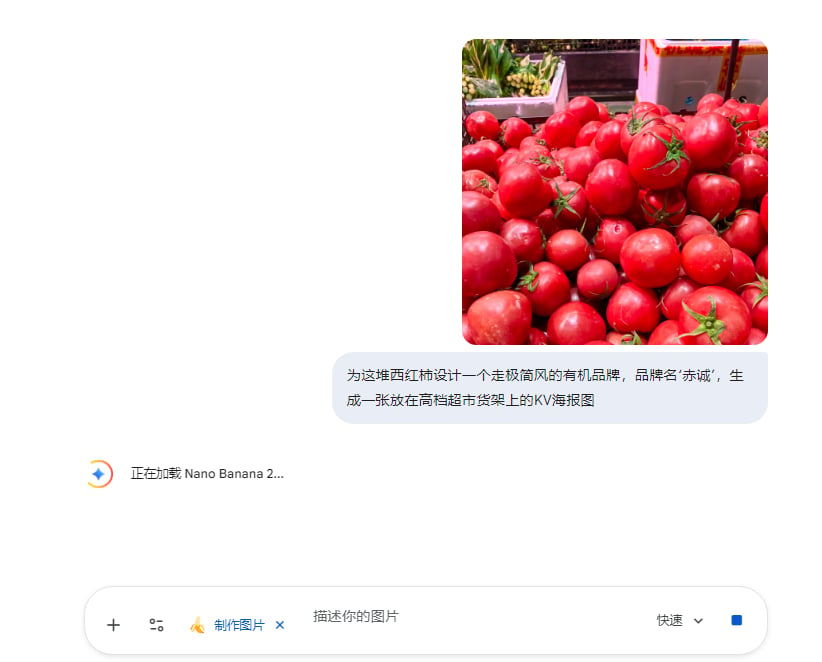
Commercial Prompts for Tomato Sales using Nano Banana 2
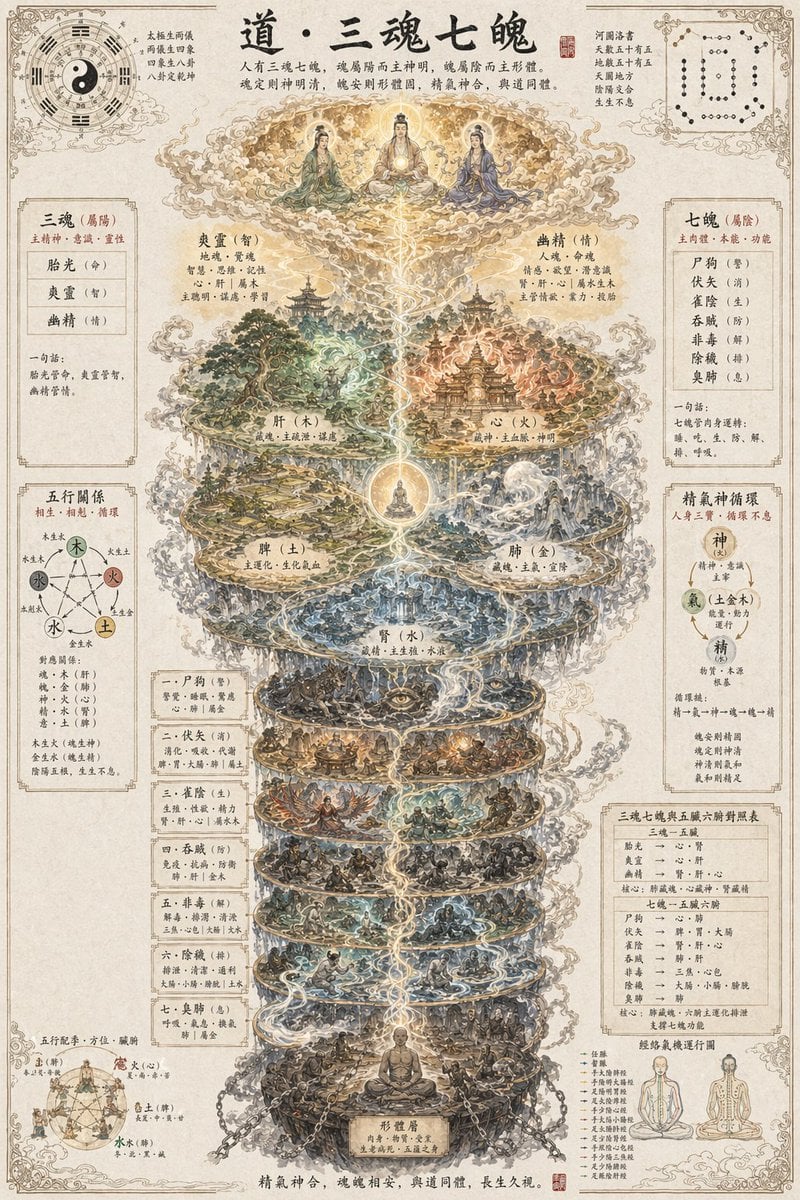
Taoist Three Souls Seven Po Poster
Browse template categories
K-pop Dance Tutorial Poster Generator questions
How do I use the K-pop Dance Tutorial Poster Generator template?
Add your photo if the template asks for one, edit the prompt if you like — the template's model and format are already selected — and press Generate. Your version opens in PicX Studio.
Can I customize the K-pop Dance Tutorial Poster Generator template?
Yes. You can change the subject, setting, lighting, mood, format, and available model controls before creating your image.
Is the K-pop Dance Tutorial Poster Generator template free?
Opening and editing this template is free. Generating uses credits, shown on the Generate button when you are signed in.
Which AI model should I use?
Start with GPT Image 2, which is the model associated with this template. You can compare another compatible model for a different finish.
Looking for something else? Browse all templates.

Your photo, any look
Thousands of ready templates for every top image and video model, from one credit balance.