
Structured Prompt for Archaeological Dig Scene with 3D Data Overlay
A highly structured JSON-formatted prompt for Nano Banana Pro detailing an archaeological scene.
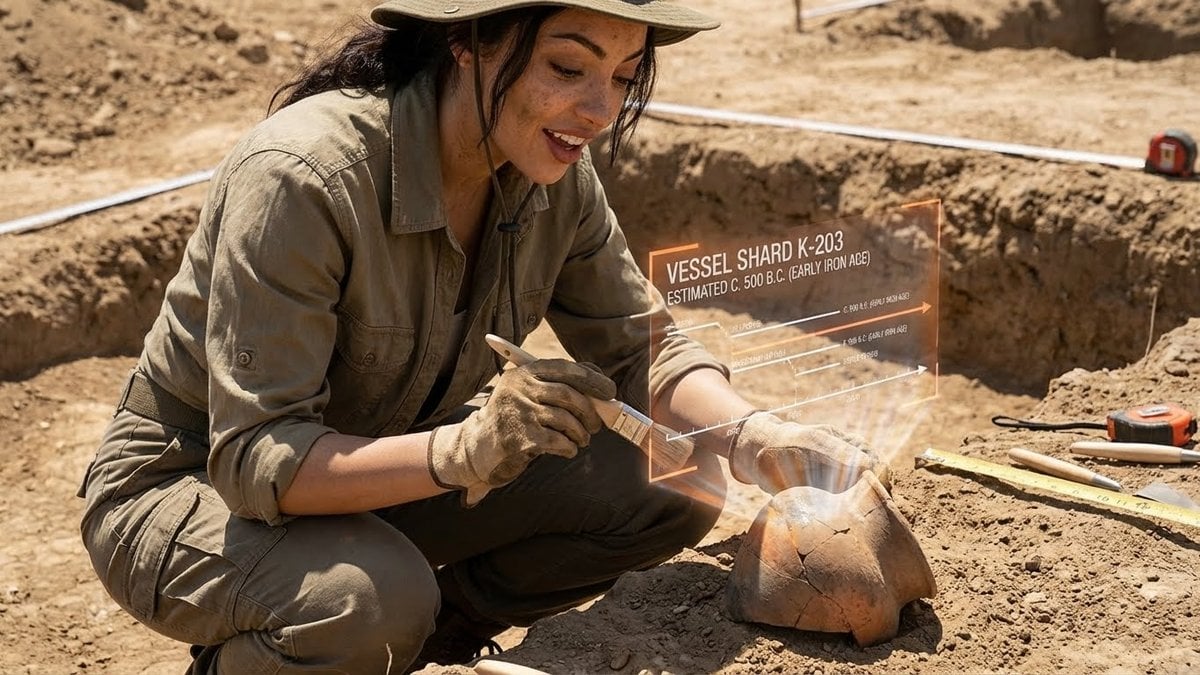
- Prompt included
- Model and format preset
- Premium template
The prompt behind this image
Copy the exact prompt behind Structured Prompt for Archaeological Dig Scene with 3D Data Overlay, or open it in the studio and make it yours.
- PromptDetails › Description
- An archaeological dig scene where the subject is viewing a 3D timeline and data overlay projected onto a recently uncovered artifact.
- PromptDetails › StyleTags
- Archeology, Earthy Textures, Academic/Documentary, Dry and Dusty
- Scene › Background › Setting
- An active archaeological trench in a dusty, sun-baked desert environment
- Scene › Background › Details
- Brushes and small tools visible, measuring tapes and grid markers in the soil, exposed layers of earth, a recently uncovered ceramic shard/pot.
- Scene › Subject › Description
- The person defined by `[UPLOADED IMAGE]`, wearing field clothes and perhaps a brimmed hat, looking excited and careful.
- Scene › Subject › Pose
- Crouching down in the trench, holding a small brush near the artifact, looking intently at the projection.
- Scene › Subject › Focus
- The artifact and the projection are the key points of visual interest.
- OverlayObject › Type
- 3D Timeline and Data Projection
- OverlayObject › RelationshipToEnvironment
- A semi-transparent, three-dimensional graphic emanating directly from the surface of the ceramic pot, showing its timeline.
- OverlayObject › Transform
- A series of floating text labels and lines showing dates and cultural periods, seemingly anchored to the artifact.
- OverlayObject › SurfaceInteraction
- Faint, slightly flickering orange/white text and lines that look 'hot' or energized, contrasting with the dry earth.
- OverlayObject › Components › ArtifactID
- {argument name="artifact ID" default="Vessel Shard K-203"}
- OverlayObject › Components › Dating
- {argument name="dating" default="Estimated C. 500 B.C. (Early Iron Age)"}
- OverlayObject › Components › Position
- Emanating from and hovering around the pot.
- TechnicalStyle › AspectRatio
- 5:4 (Portrait)
- TechnicalStyle › PhotographyStyle
- Documentary, High Contrast
- TechnicalStyle › Camera › ShotType
- Close-Up
- TechnicalStyle › Camera › Angle
- Low to the ground, capturing the detail of the soil and the artifact.
- TechnicalStyle › Camera › DepthOfField
- Shallow, focusing tightly on the subject's hands, the artifact, and the projection.
- TechnicalStyle › Lighting › Type
- Harsh, Overhead Daylight
- TechnicalStyle › Lighting › Description
- Strong, high-angle sun casting short, dark shadows, emphasizing the dry, dusty nature of the scene.
- TechnicalStyle › Color › Palette
- Monochromatic earth tones (browns, tans, desaturated oranges), contrasted by the bright white/orange of the projection.
Raw JSON
{
 "promptDetails": {
 "description": "An archaeological dig scene where the subject is viewing a 3D timeline and data overlay projected onto a recently uncovered artifact.",
 "styleTags": [
 "Archeology",
 "Earthy Textures",
 "Academic/Documentary",
 "Dry and Dusty"
 ]
 },
 "scene": {
 "background": {
 "setting": "An active archaeological trench in a dusty, sun-baked desert environment",
 "details": "Brushes and small tools visible, measuring tapes and grid markers in the soil, exposed layers of earth, a recently uncovered ceramic shard/pot."
 },
 "subject": {
 "description": "The person defined by `[UPLOADED IMAGE]`, wearing field clothes and perhaps a brimmed hat, looking excited and careful.",
 "pose": "Crouching down in the trench, holding a small brush near the artifact, looking intently at the projection.",
 "focus": "The artifact and the projection are the key points of visual interest."
 }
 },
 "overlayObject": {
 "type": "3D Timeline and Data Projection",
 "relationshipToEnvironment": "A semi-transparent, three-dimensional graphic emanating directly from the surface of the ceramic pot, showing its timeline.",
 "transform": "A series of floating text labels and lines showing dates and cultural periods, seemingly anchored to the artifact.",
 "surfaceInteraction": "Faint, slightly flickering orange/white text and lines that look 'hot' or energized, contrasting with the dry earth.",
 "components": {
 "artifactID": "{argument name=\"artifact ID\" default=\"Vessel Shard K-203\"}",
 "dating": "{argument name=\"dating\" default=\"Estimated C. 500 B.C. (Early Iron Age)\"}",
 "position": "Emanating from and hovering around the pot."
 }
 },
 "technicalStyle": {
 "aspectRatio": "5:4 (Portrait)",
 "photographyStyle": "Documentary, High Contrast",
 "camera": {
 "shotType": "Close-Up",
 "angle": "Low to the ground, capturing the detail of the soil and the artifact.",
 "depthOfField": "Shallow, focusing tightly on the subject's hands, the artifact, and the projection."
 },
 "lighting": {
 "type": "Harsh, Overhead Daylight",
 "description": "Strong, high-angle sun casting short, dark shadows, emphasizing the dry, dusty nature of the scene."
 },
 "color": {
 "palette": "Monochromatic earth tones (browns, tans, desaturated oranges), contrasted by the bright white/orange of the projection."
 }
 }
}How to use Structured Prompt for Archaeological Dig Scene with 3D Data Overlay in 3 steps
- 1Upload ImagePNG, JPG or paste
Add your photo
Upload the photo the template builds on. The prompt, model and format are already set.
- 2…a portrait of your subject in softgolden-hour light, 85mm…
Personalize
Edit the subject and creative details for your destination.
- 3Generate
Generate
Press Generate — your image is created in PicX Studio, so you can compare it with the original and refine one variable at a time.
More like this
Templates with the same subject, style or setup. Open one to see its prompt.
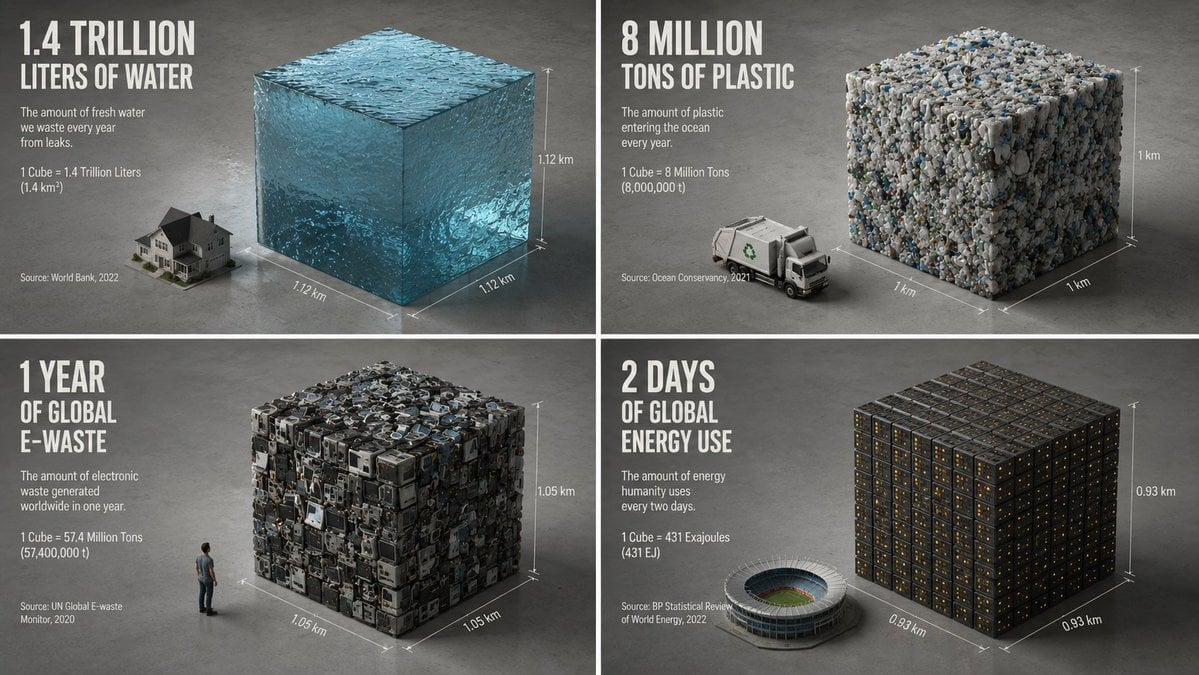
Minimalist Isometric Data Physics Cube
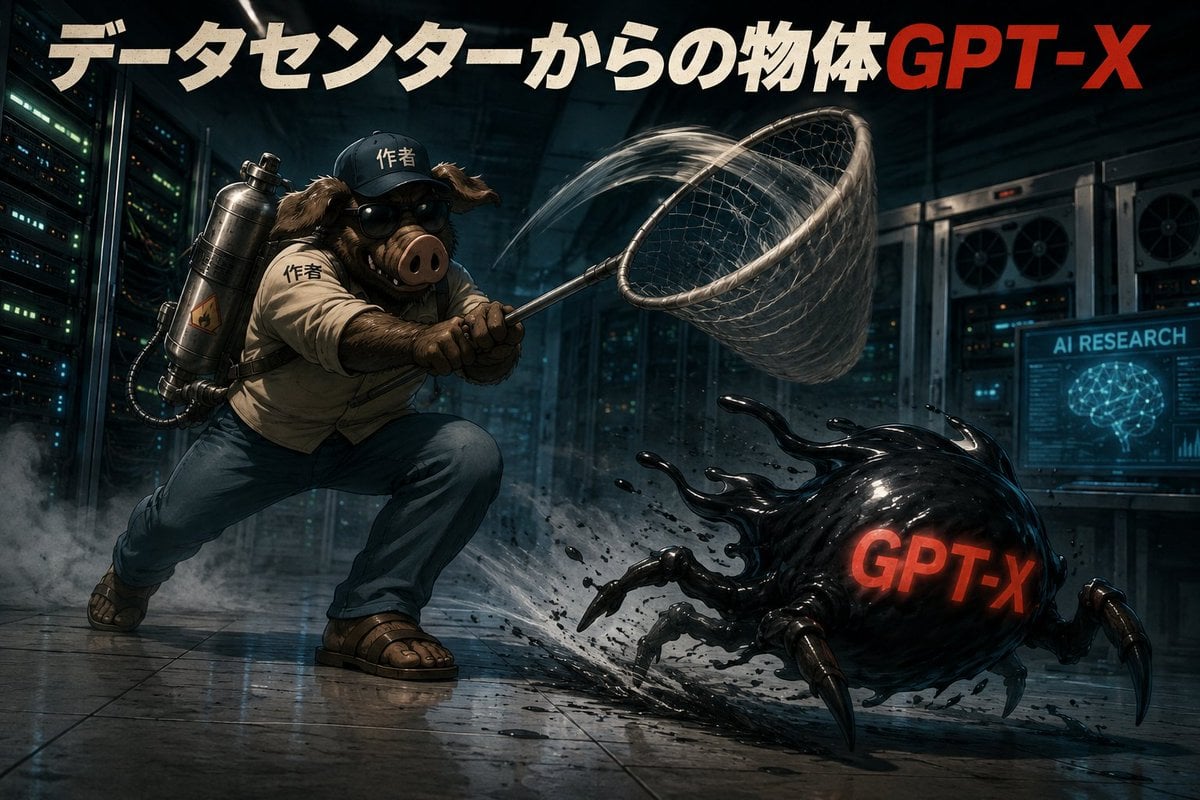
Data Center GPT-X Monster Hunt
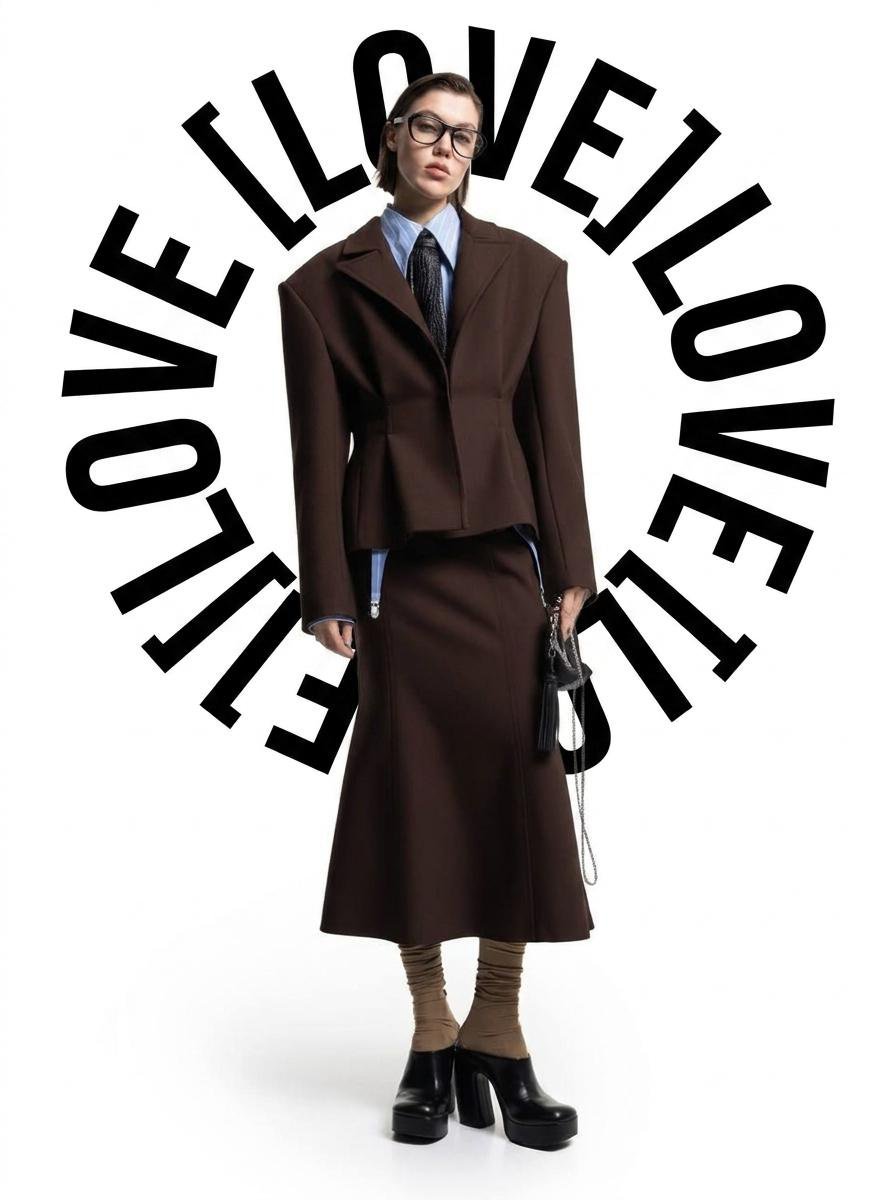
Circular Halo Text Overlay

Vinyl Shop Bin Digging
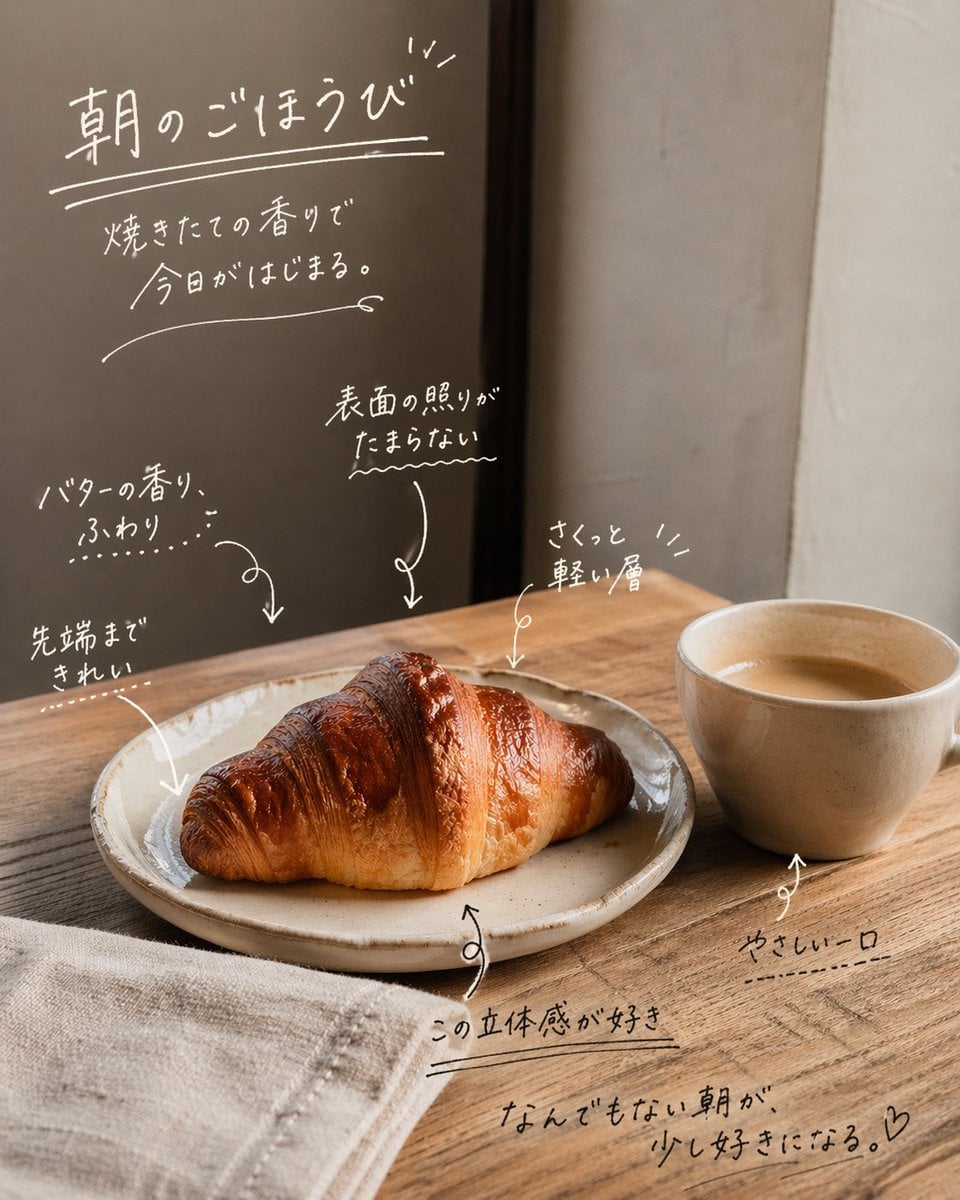
Handwritten Japanese Cafe Photo Overlay
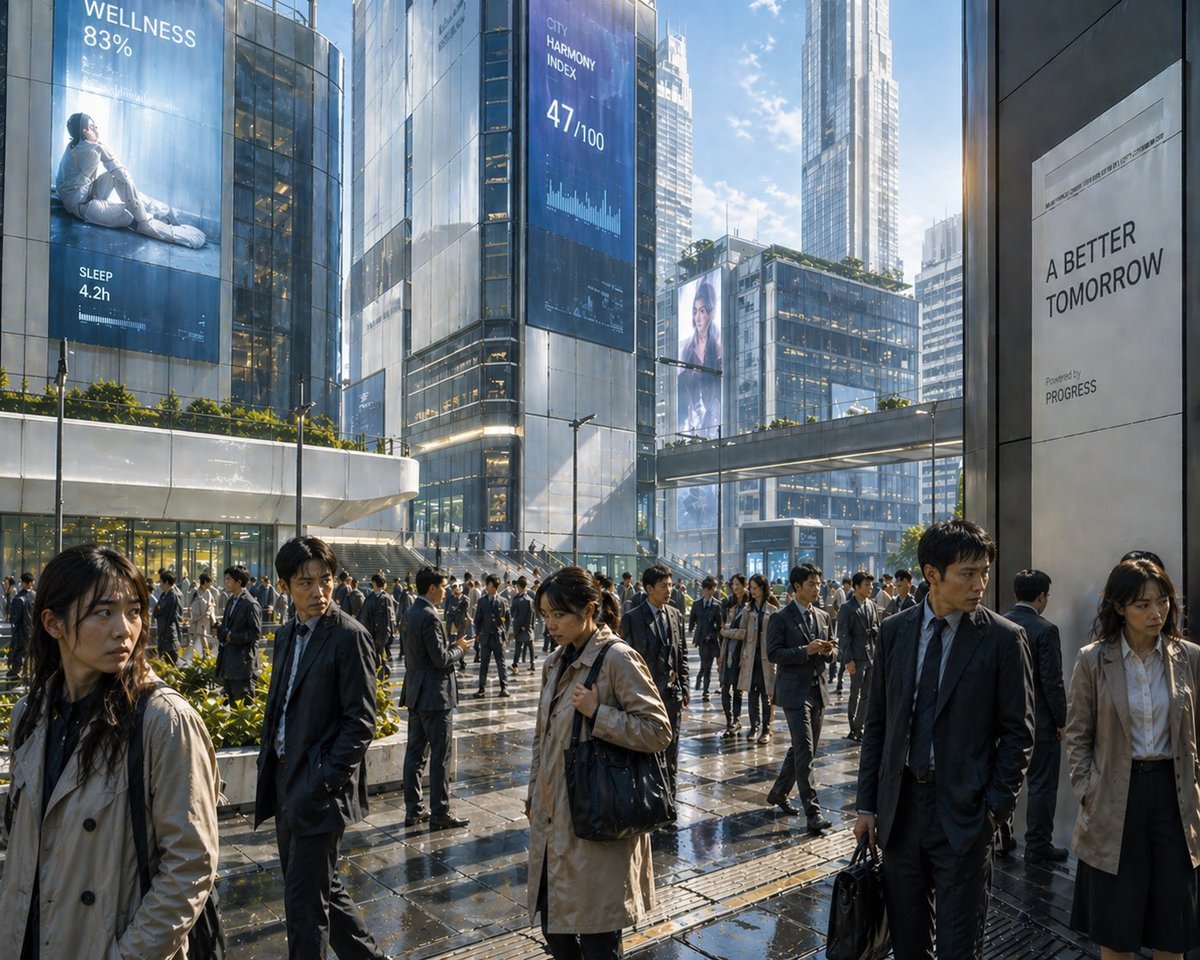
Futuristic Corporate Plaza With Data Billboards
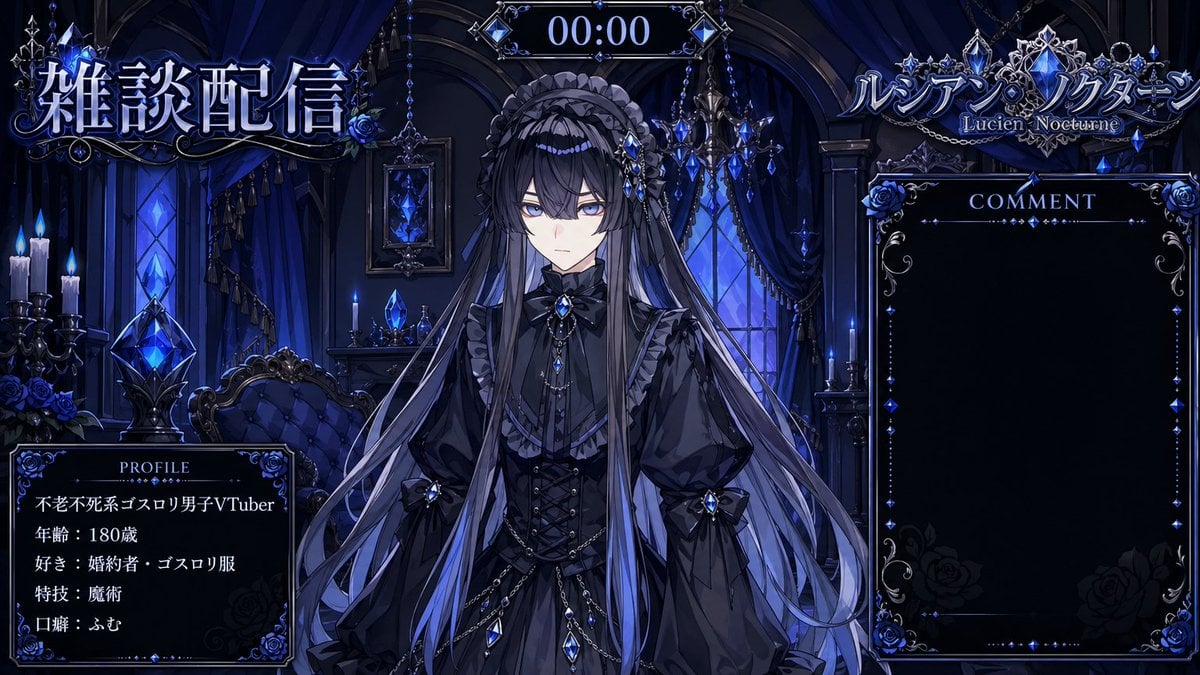
VTuber Streaming Overlay Layout

Dreamy Anime Selfie With Face Overlay

Structured nightlife fashion photography prompt

Anime VTuber Live Stream Overlay
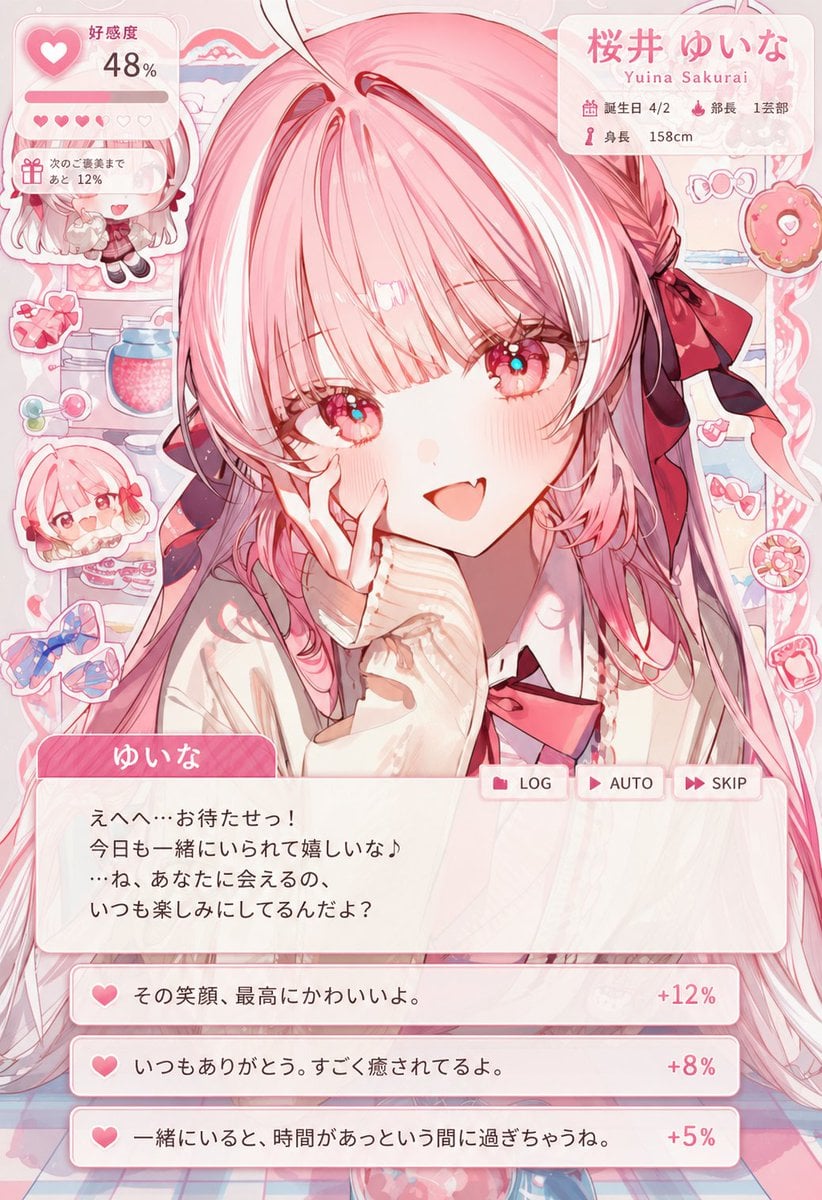
Dating Sim UI Overlay Prompt
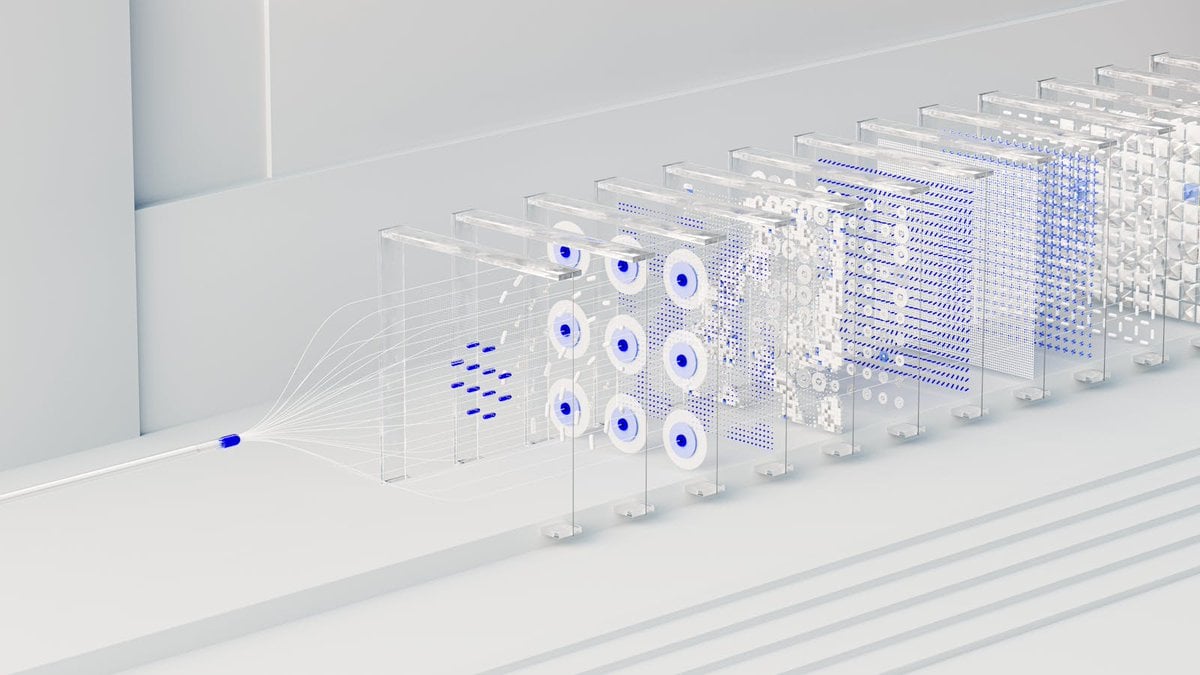
3D Abstract Data Pipeline Visualization
Make it yours
Structured Prompt for Archaeological Dig Scene with 3D Data Overlay works as-is. These are the safest ways to change it without losing the look.
Swap the setting
Keep the rest of the prompt and replace the location block. The current setting is “An active archaeological trench in a dusty, sun-baked desert environment”.
Swap the light
One lighting change is enough to compare takes. Current light: “Harsh, Overhead Daylight”.
Change one field
Copy a single group, rewrite it, and generate again so you can see what that field is doing.
| If the result… | Why | Fix |
|---|---|---|
| The result drifts from the preview | Too many fields changed at once. | Reuse Structured Prompt for Archaeological Dig Scene with 3D Data Overlay as-is first, then change one group — subject, light, or setting. |
| Nano Banana 2 ignores part of the JSON | Some models flatten or skip nested keys. | Keep the same values and paste them as a short paragraph instead. |
More Nano Banana 2 templates
Other prompts made for Nano Banana 2.

Photorealistic Leaf Shaped Like a Dragon

K-Pop Idol Portrait Grid for Rapid Selection

Poetic Rain Forest Portrait During Golden Hour

Urban Street Portrait with Cartoon Inner Self Duo

Candid Nighttime Photo with Cat Prompt

High-Concept 3D Diorama Generation Prompt

Cinematic Futuristic Studio Portrait Template

Skincare Editorial Photography Collage Prompt

Hyper-Realistic Commercial Product Photography (Splash Effect)

Hyper-Realistic Nightclub Portrait Prompt
More image prompts
Fresh picks from across the catalog.

McDonald's Advertisement Prompt
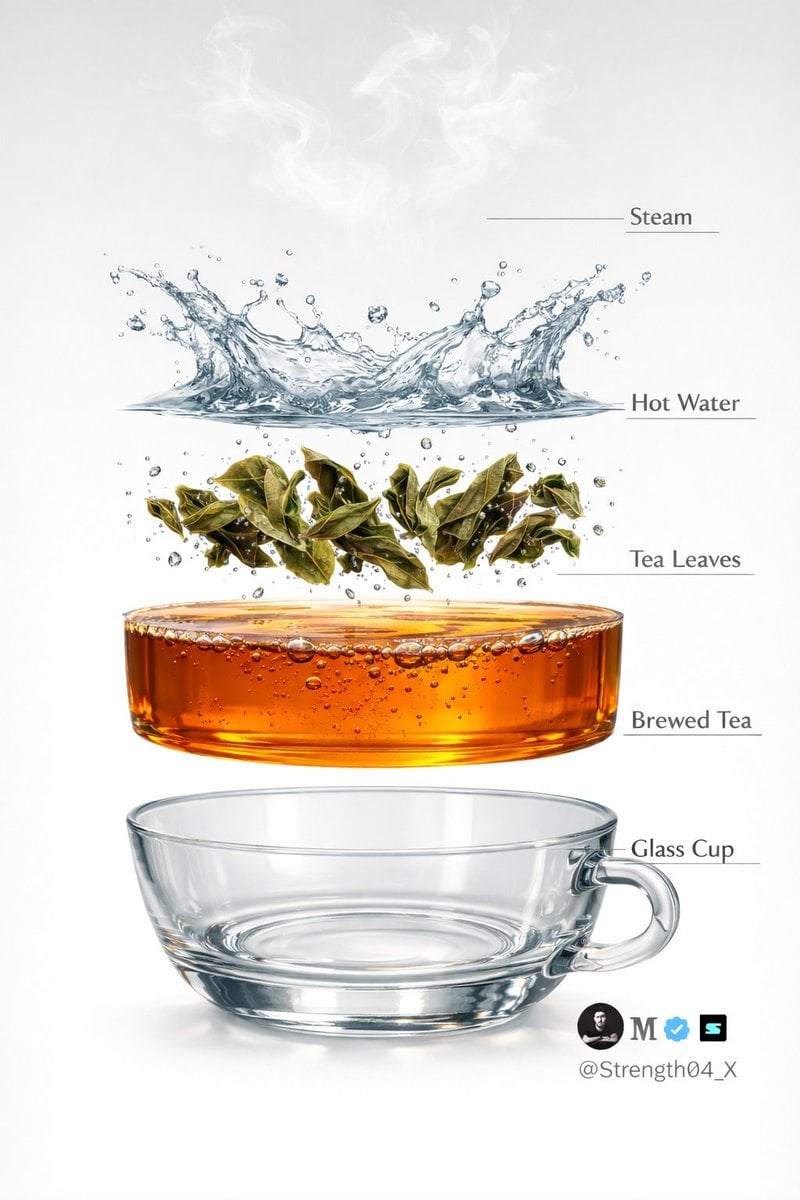
Hyper-realistic Tea Photography Prompts (Still Life and Exploded View)
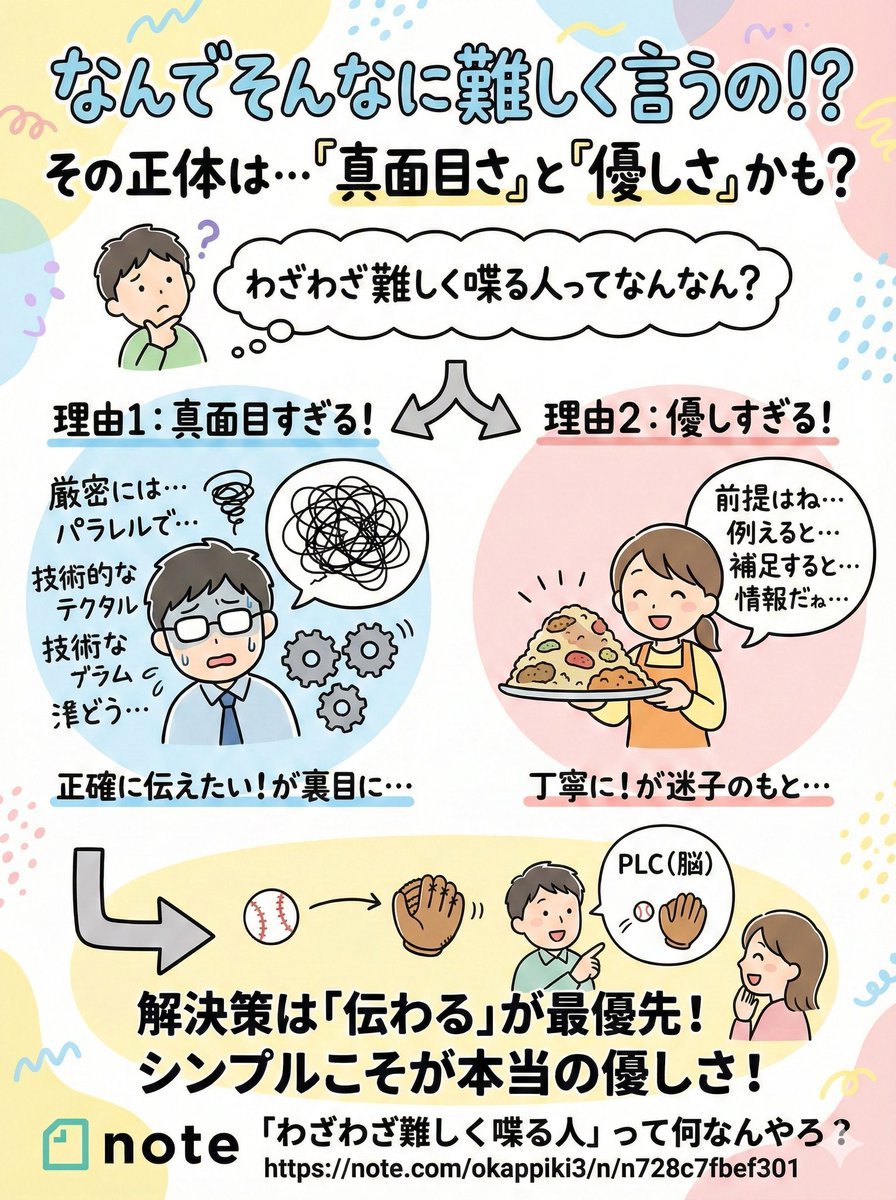
Pop-style flyer image for a note article
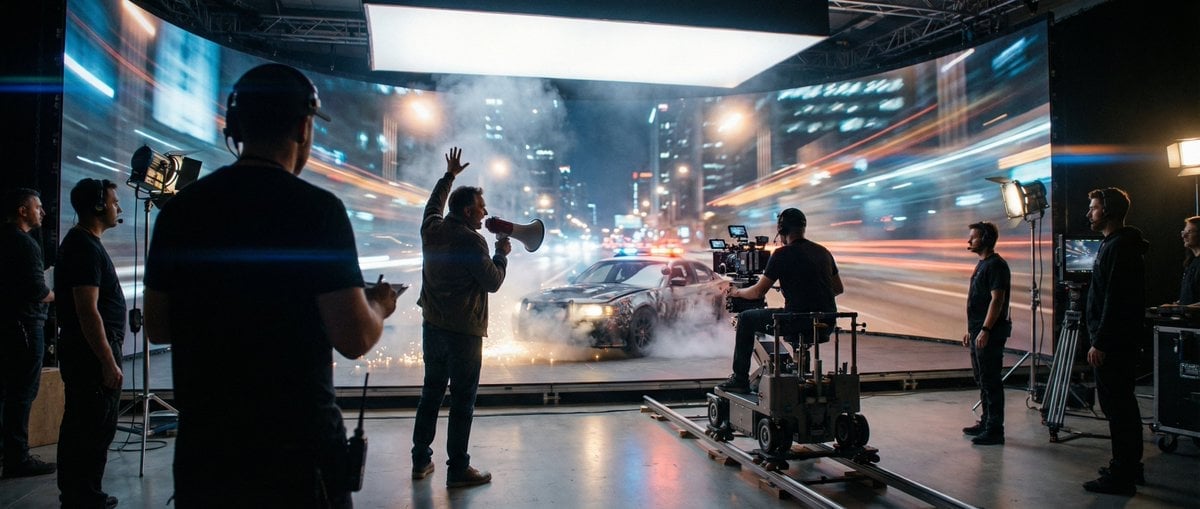
Cinematic Studio Shot of a Soccer Commercial Set

Diaochan 3D Break-Frame Archive Poster
Where’s Waldo Star Wars scene

Moody Cinematic Portrait with Lighter Flame

Anime Prize Figure Photography

Romantic Kyoto Anime Scene
Brand Identity Design Board
Browse template categories
Structured Prompt for Archaeological Dig Scene with 3D Data Overlay questions
How do I use the Structured Prompt for Archaeological Dig Scene with 3D Data Overlay template?
Add your photo if the template asks for one, edit the prompt if you like — the template's model and format are already selected — and press Generate. Your version opens in PicX Studio.
Can I customize the Structured Prompt for Archaeological Dig Scene with 3D Data Overlay template?
Yes. You can change the subject, setting, lighting, mood, format, and available model controls before creating your image.
Is the Structured Prompt for Archaeological Dig Scene with 3D Data Overlay template free?
Opening and editing this template is free. Generating uses credits, shown on the Generate button when you are signed in.
Which AI model should I use?
Start with Nano Banana 2, which is the model associated with this template. You can compare another compatible model for a different finish.
Looking for something else? Browse all templates.

Your photo, any look
Thousands of ready templates for every top image and video model, from one credit balance.