
Anime VTuber Live Stream Overlay
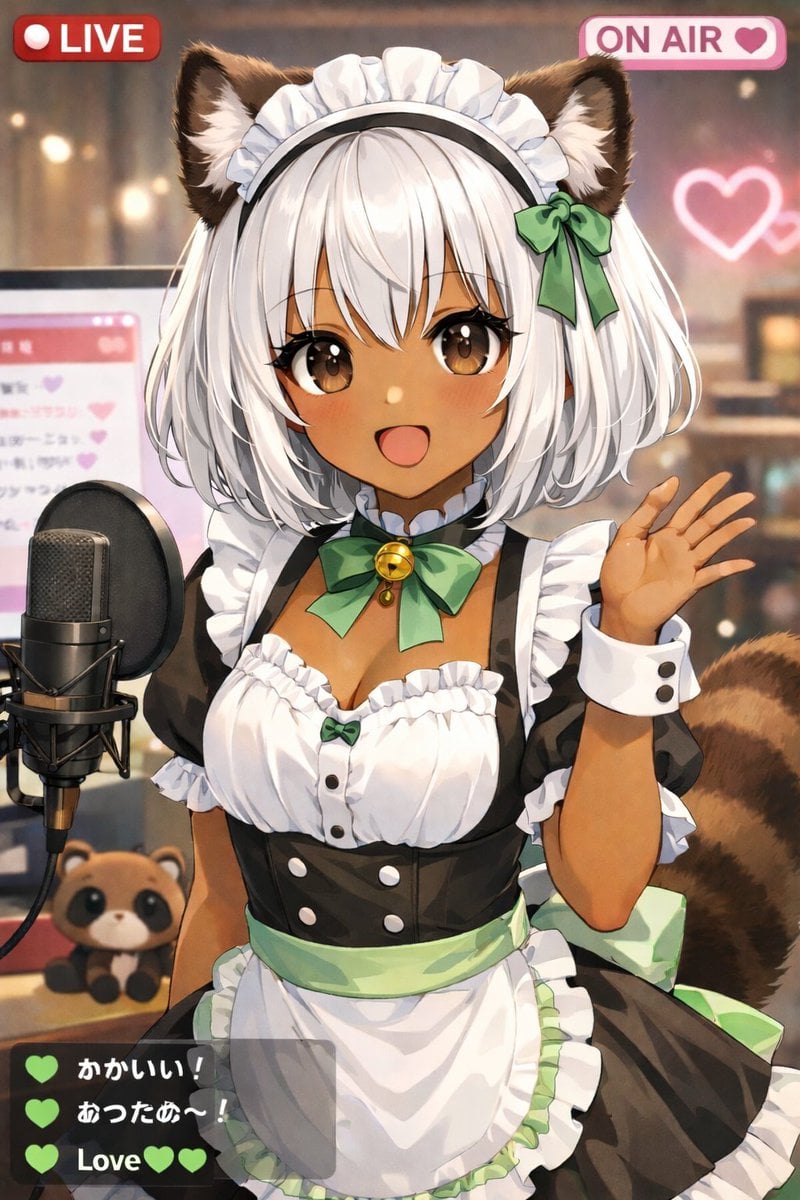
Generates an anime-style illustration of a VTuber streaming with UI overlays like LIVE badges and a chat box.
- Prompt included
- Model and format preset
- Free template
The prompt behind this image
Copy the exact prompt behind Anime VTuber Live Stream Overlay, or open it in the studio and make it yours.
An anime-style illustration of a cute {argument name="animal type" default="tanuki"}-girl VTuber streaming live. She has dark skin, short white bob hair, fluffy brown animal ears, large brown eyes, and a fluffy striped tail. She is smiling happily with her mouth open and waving at the camera with her left hand. She is wearing a black and white maid outfit with frilly white trim, a white apron with a light green waistband, and a green ribbon choker with a golden bell. The background is a cozy, softly lit room with bokeh effects, featuring a glowing pink neon heart on the wall. To her left is a professional black studio microphone on a stand, and behind it is a computer monitor displaying a pink chat interface. A small {argument name="plushie type" default="tanuki plushie"} sits on the desk next to the microphone. The image features a streaming UI overlay with 3 distinct components: a red badge in the top left reading "{argument name="top left badge" default="LIVE"}", a pink badge in the top right reading "{argument name="top right badge" default="ON AIR"}" with a heart icon, and a semi-transparent dark grey chat box in the bottom left containing exactly 3 messages. The first message has a green heart and the text "Cute!", the second has a green heart and the text "Warm~!", and the third says "{argument name="chat message" default="Love"}" with two green hearts.
Reference images included
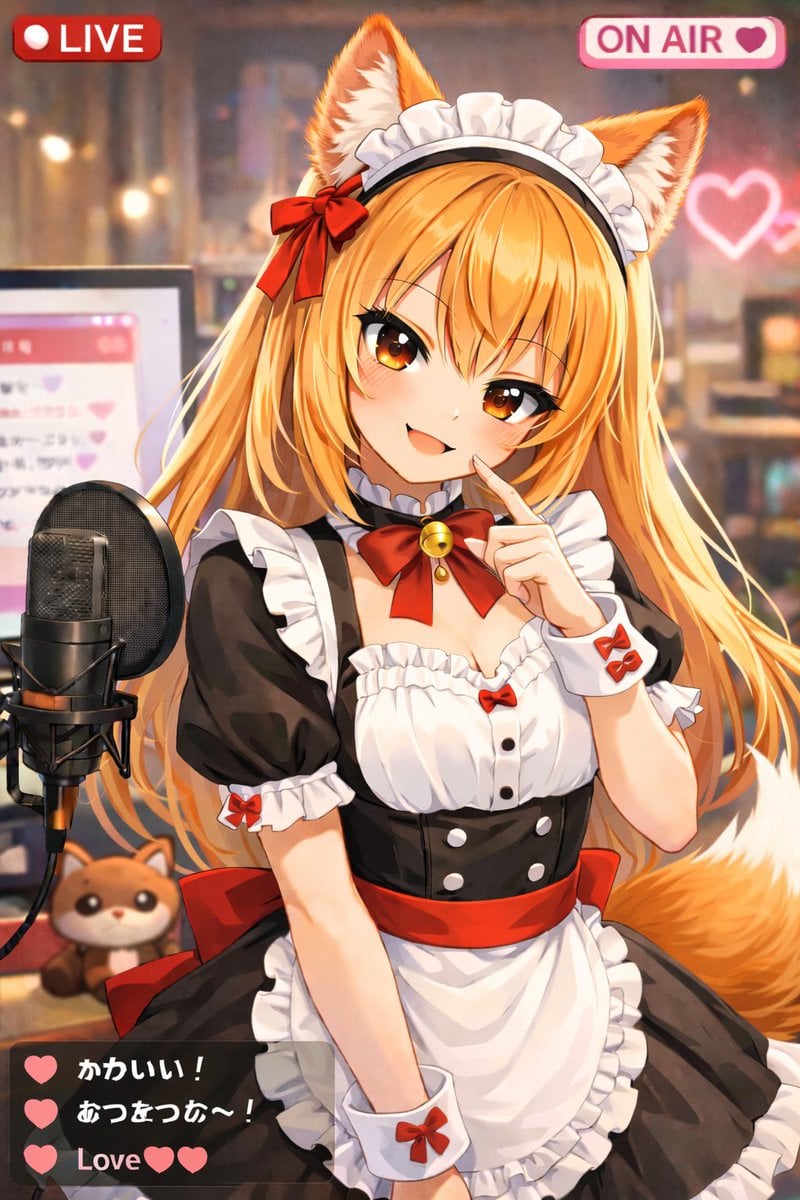
Anime VTuber Live Stream Overlay needs input media to work. They load alongside the prompt when you open it in the studio.
How to use Anime VTuber Live Stream Overlay in 3 steps
- 1Upload ImagePNG, JPG or paste
Add your photo
Upload the photo the template builds on. The prompt, model and format are already set.
- 2…a portrait of your subject in softgolden-hour light, 85mm…
Personalize
Edit the subject and creative details for your destination.
- 3Generate
Generate
Press Generate — your image is created in PicX Studio, so you can compare it with the original and refine one variable at a time.
More like this
Templates with the same subject, style or setup. Open one to see its prompt.
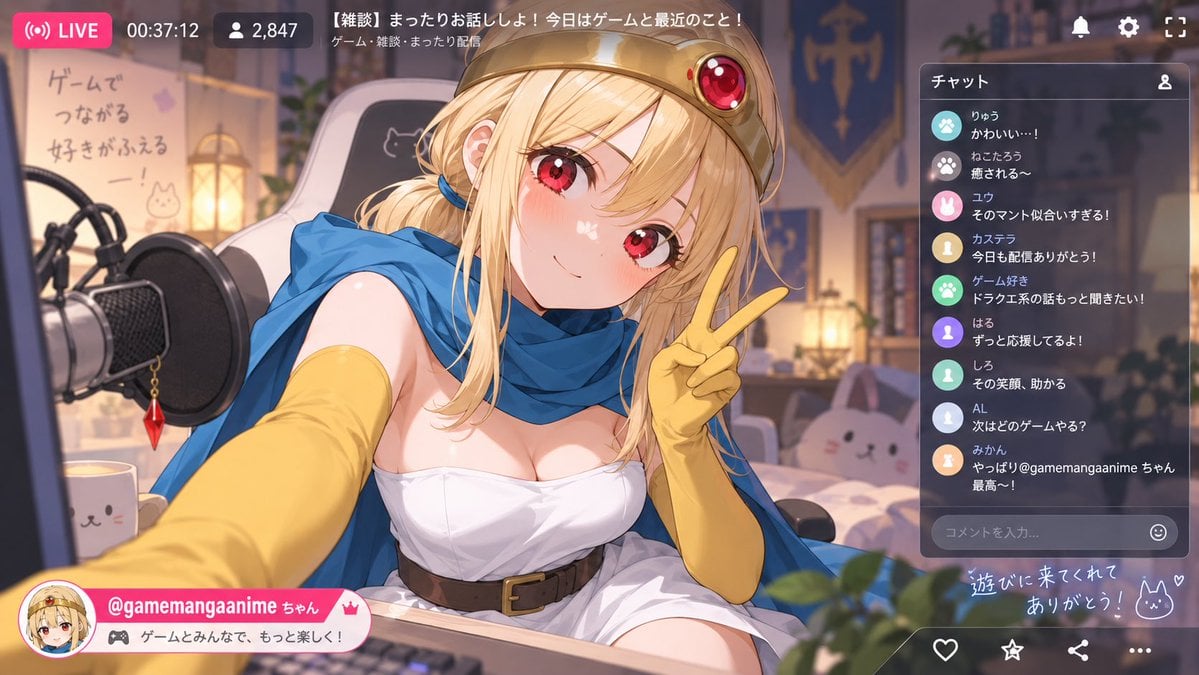
Anime VTuber Livestream Screenshot
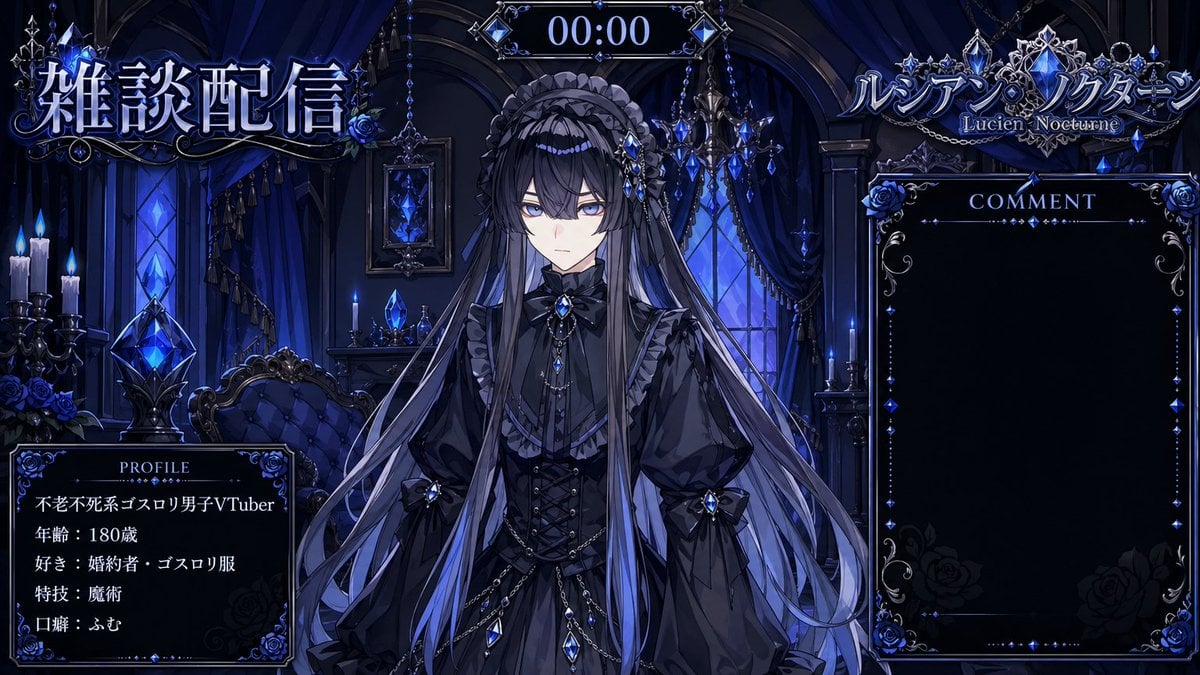
VTuber Streaming Overlay Layout
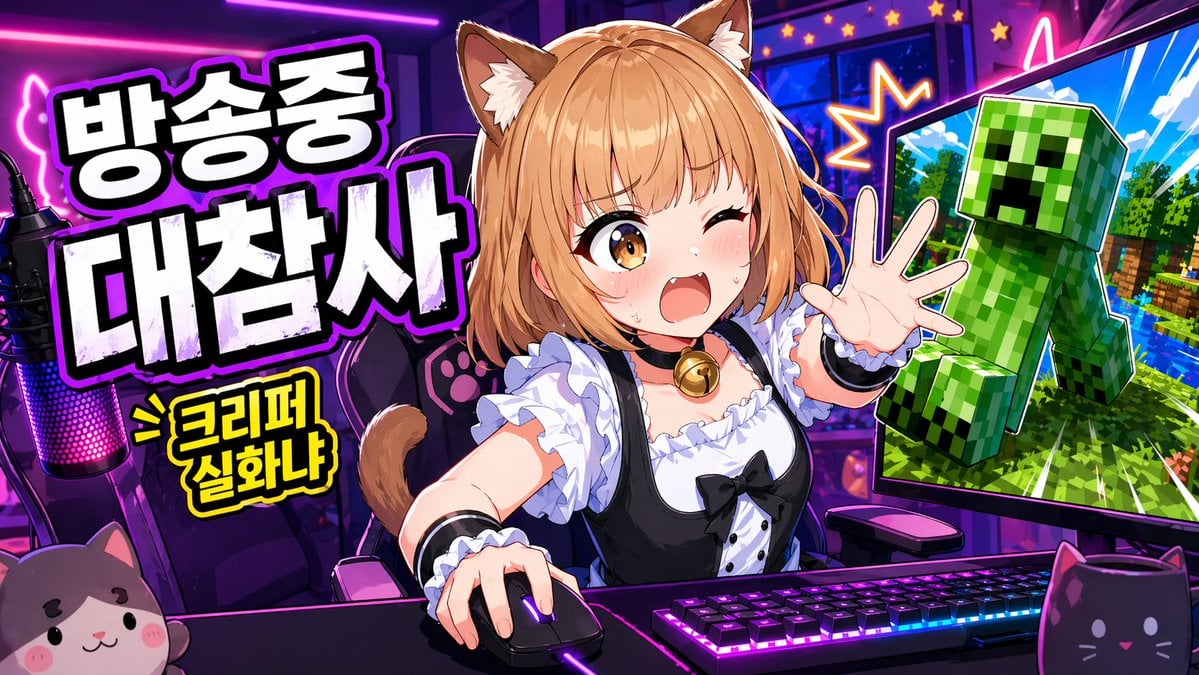
Anime VTuber Minecraft Stream Thumbnail
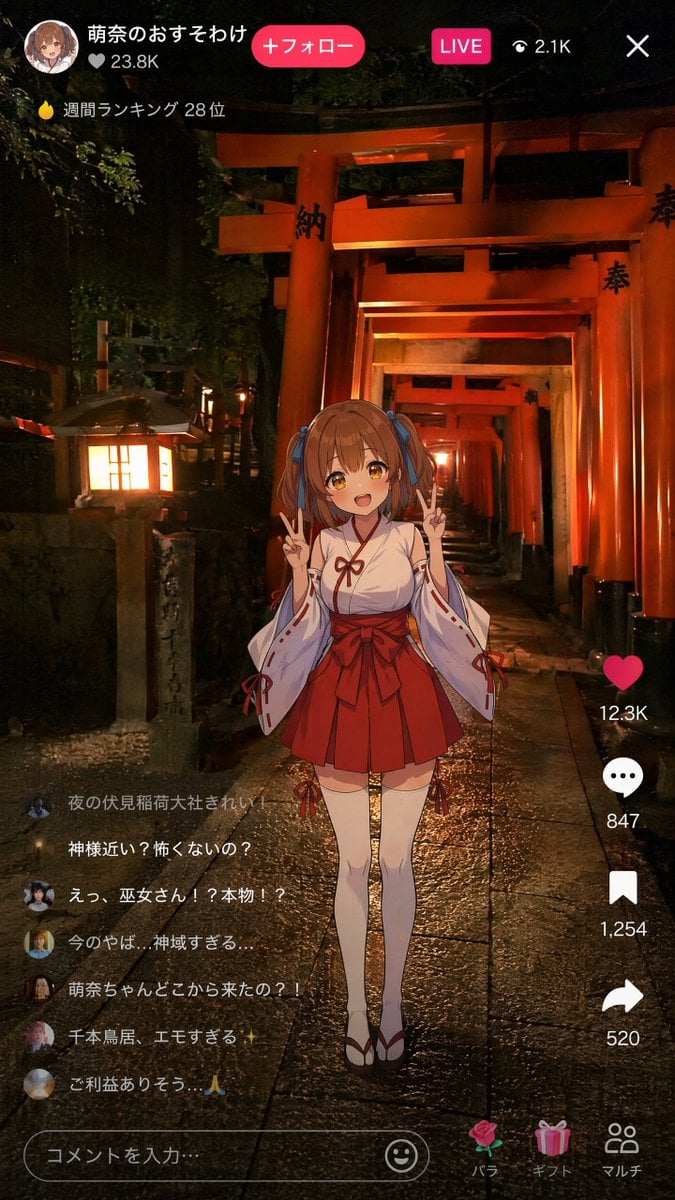
Anime Miko Night Shrine Livestream
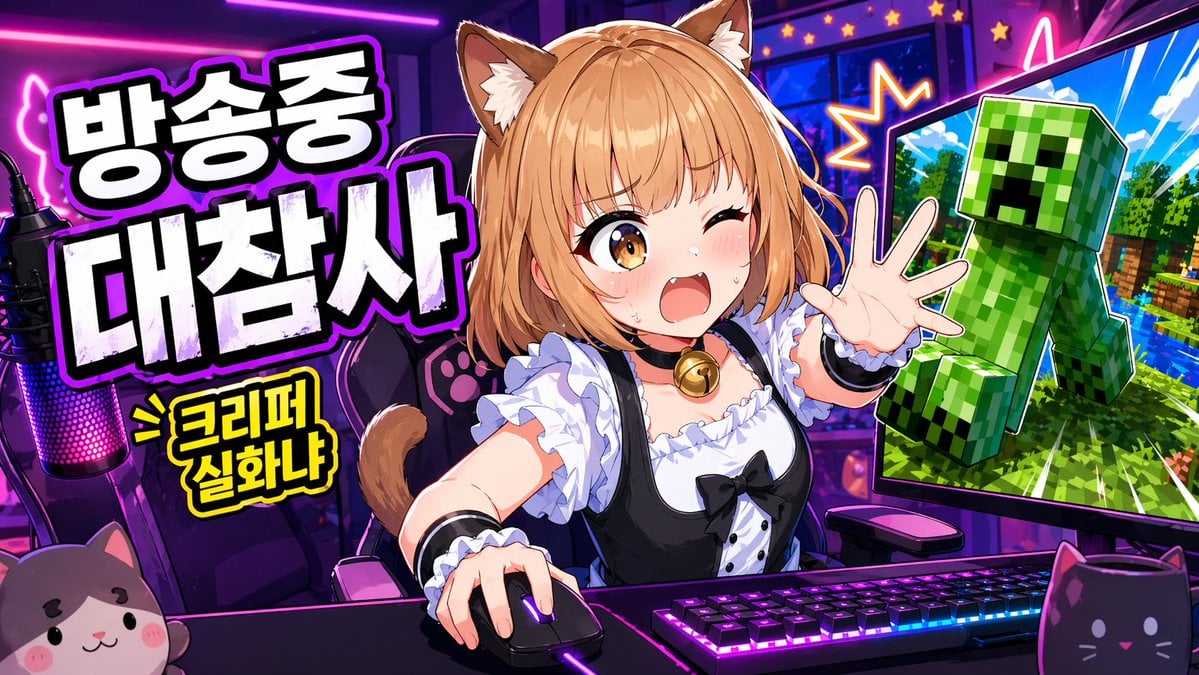
Gpt2 Youtube Thumbnail Anime Vtuber Minecraft Stream Thumbnail
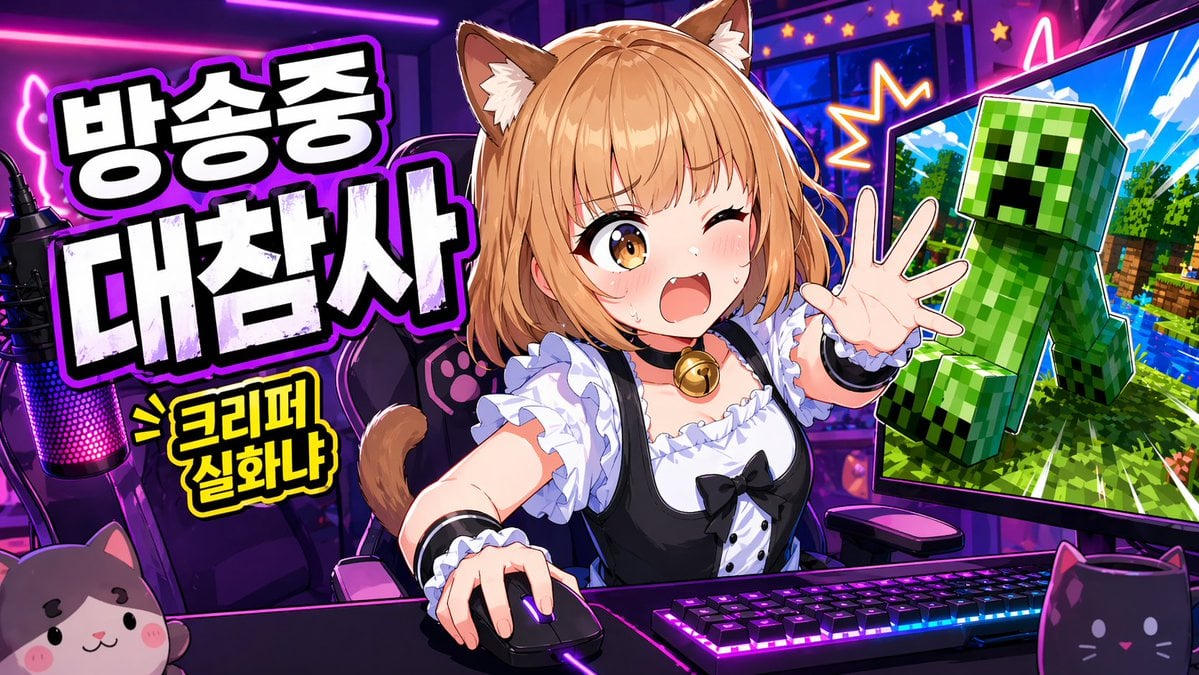
Anime VTuber Gaming Thumbnail
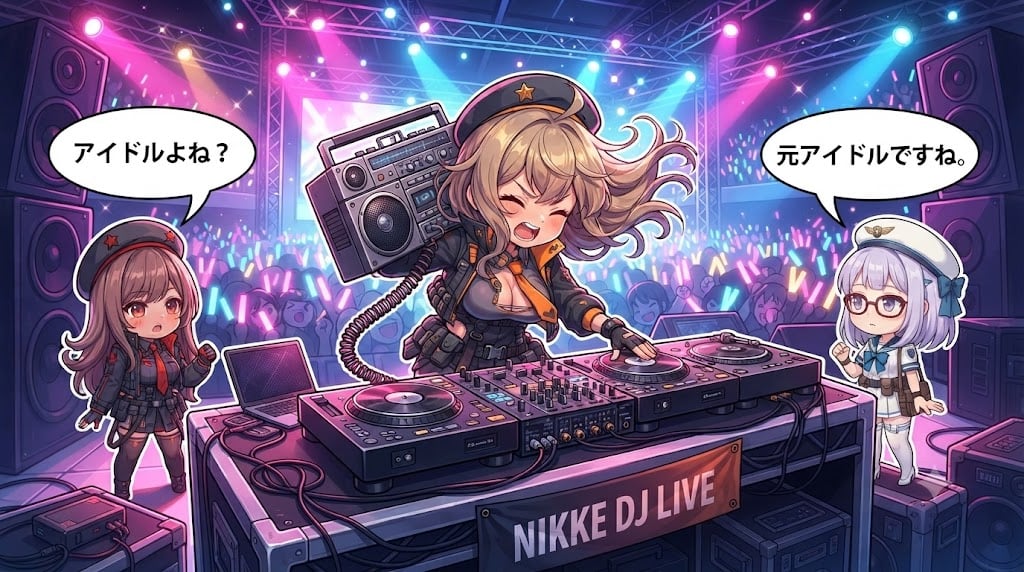
Chibi Anime DJ Live Concert

Cel 2D Finale Fireworks

Cel 2D Garden Maze

Cel 2D Rooftop Concert

Cel 2D Bicycle Coast

Cel 2D Castle Gate
Make it yours
Anime VTuber Live Stream Overlay works as-is. These are the safest ways to change it without losing the look.
Change one field
Copy a single group, rewrite it, and generate again so you can see what that field is doing.
Keep the frame, change the subject
Hold the composition and light of Anime VTuber Live Stream Overlay, then swap wardrobe, props or the person for a new take.
| If the result… | Why | Fix |
|---|---|---|
| The result drifts from the preview | Too many fields changed at once. | Reuse Anime VTuber Live Stream Overlay as-is first, then change one group — subject, light, or setting. |
| The model over-stylizes the scene | The prose prompt leaves finish and camera underspecified. | Add one camera or lighting sentence and stay on GPT Image 2. |
More GPT Image 2 templates
Other prompts made for GPT Image 2.

Six VTuber Japanese Logo Sheet

Realistic Portrait of Woman and Deer

The Vista Modular Condo Poster

AI Model Routing Comparison Infographic

2.5D Anime Art Board

Isometric Productivity Desk Scene

New York Double Exposure Poster

Four-Panel AI Landscape Comparison

Japanese Tatami Lifestyle Magazine Cover

NESCAFÉ Coffee Map Poster
More image prompts
Fresh picks from across the catalog.
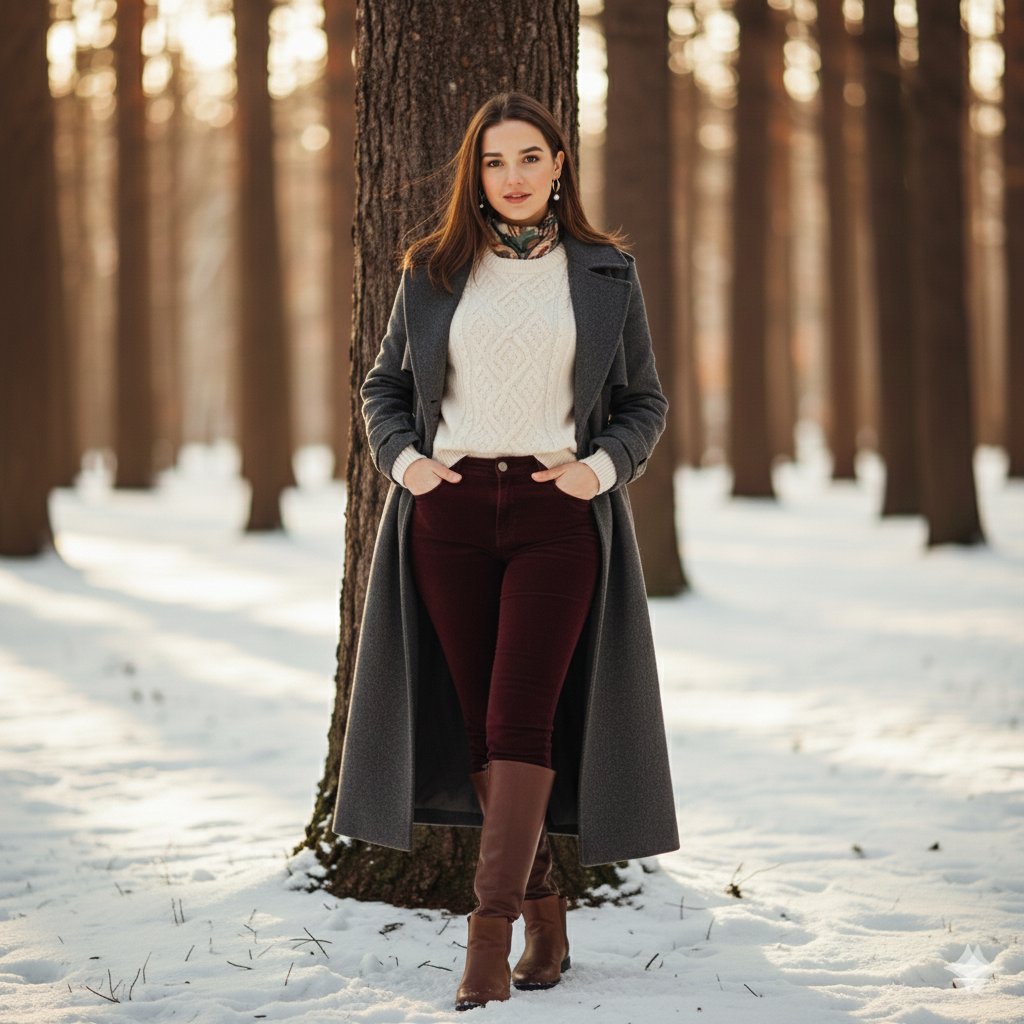
Cinematic Winter Portrait Photoshoot Prompt
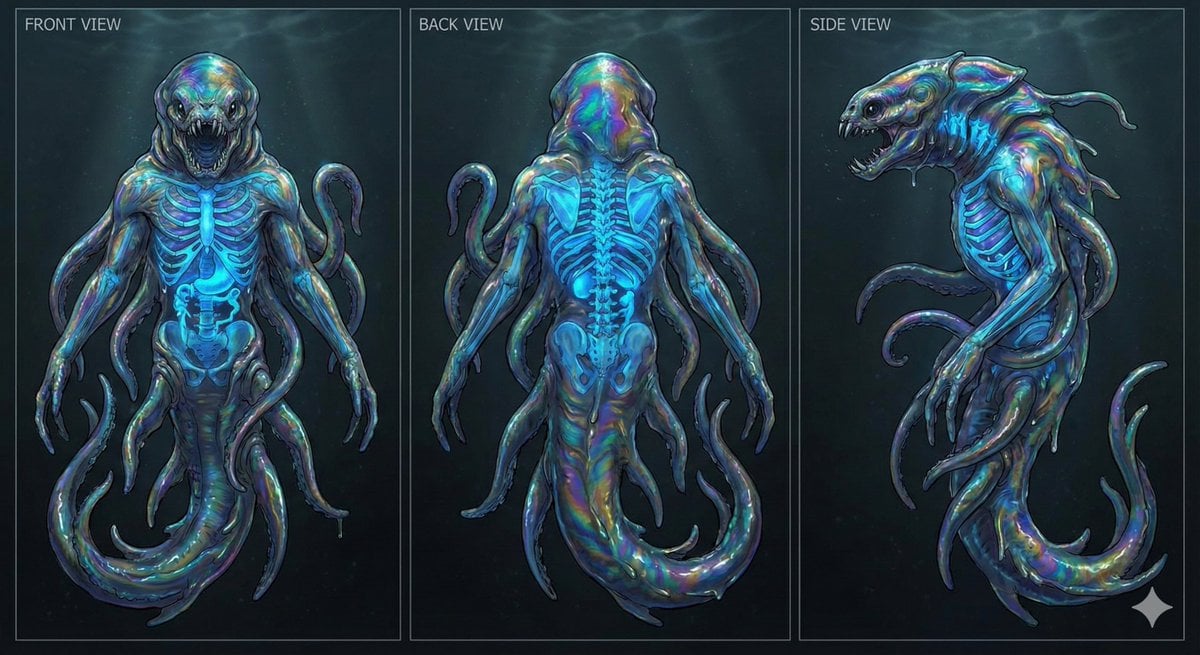
Character Sheet for Deep-Sea Creature with Bioluminescent Skeleton
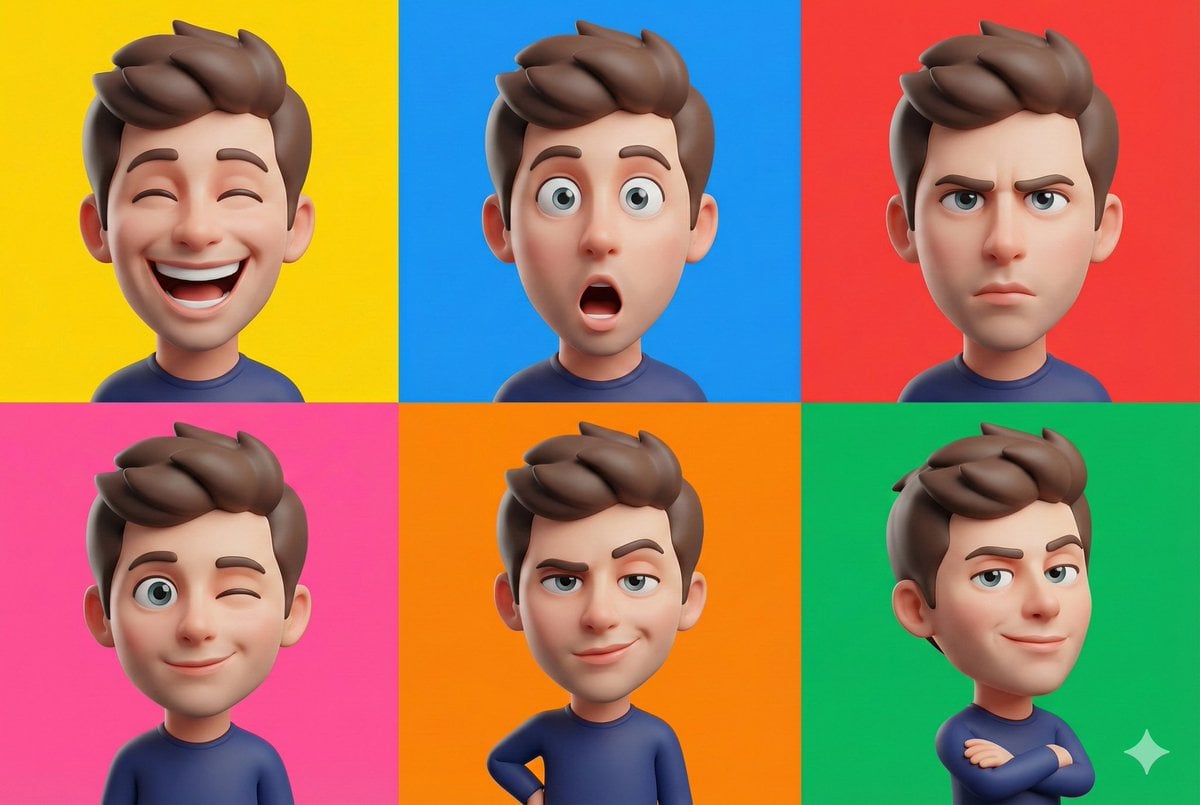
3D Caricature Style Transfer Prompt
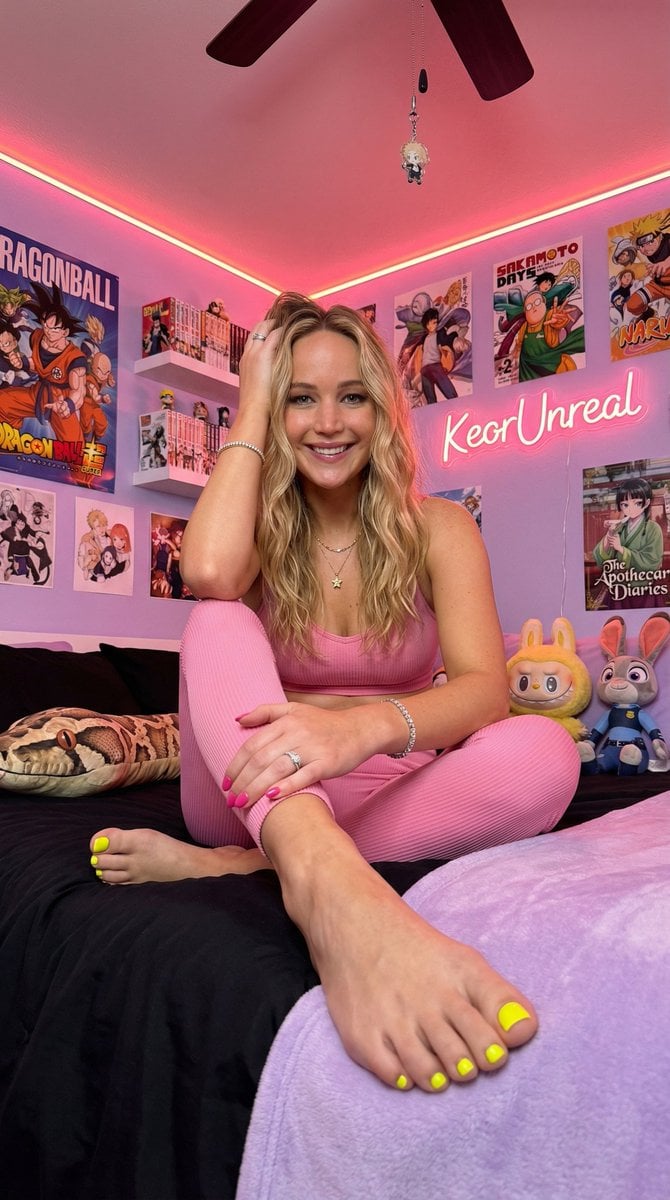
Cinematic Low-Angle Otaku Bedroom Portrait
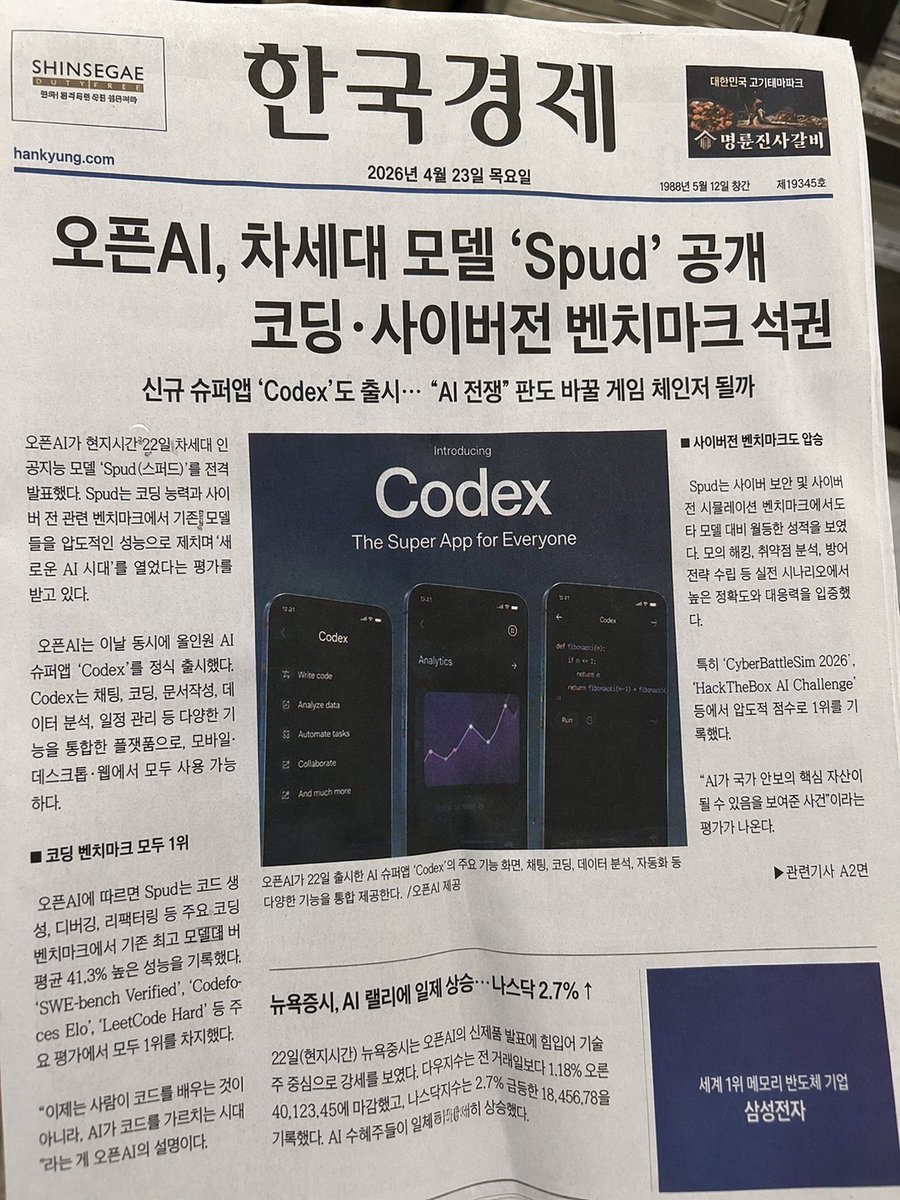
Photorealistic Korean Newspaper Front Page

Editorial Caricature Illustration of a Man
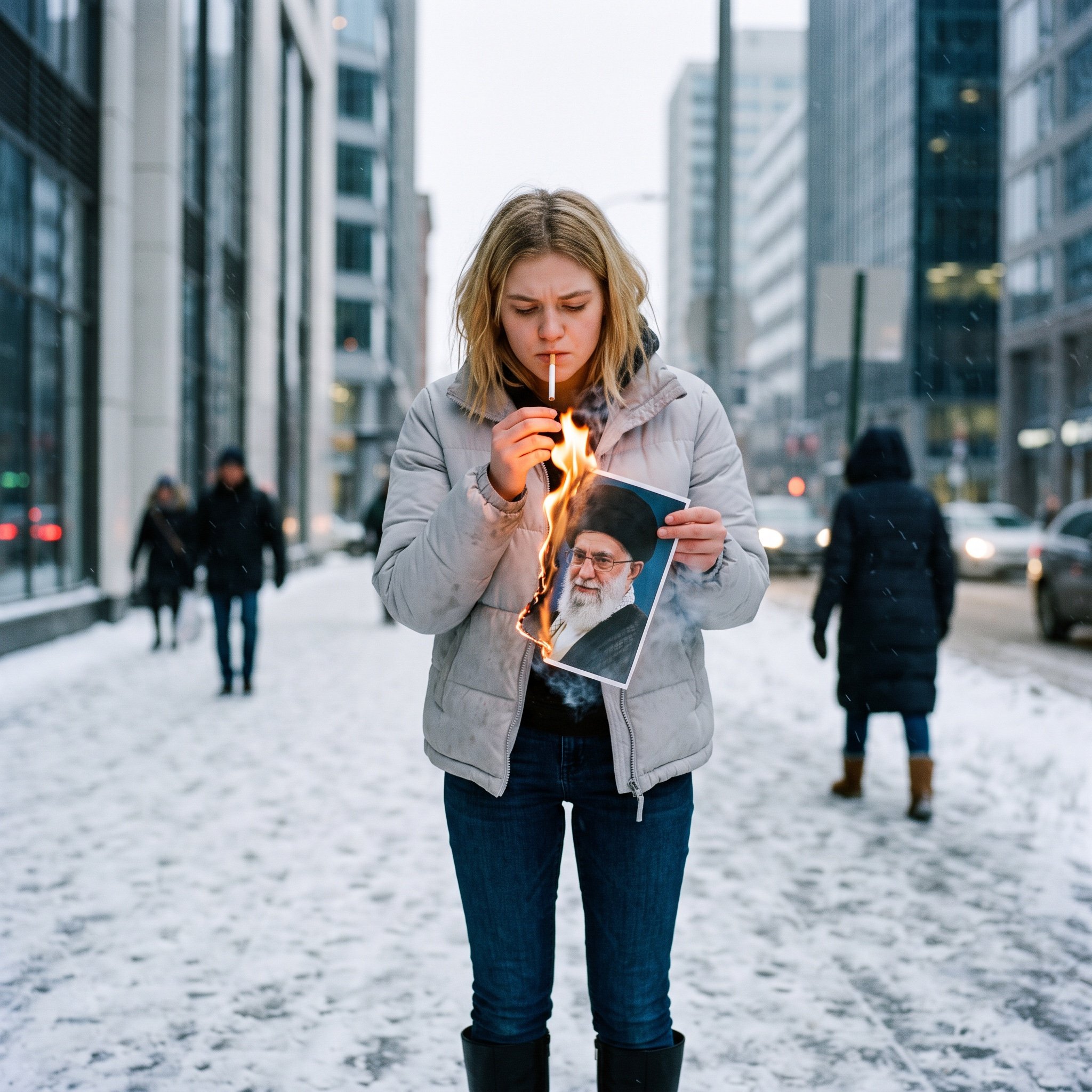
Political Defiance Photojournalism Prompt
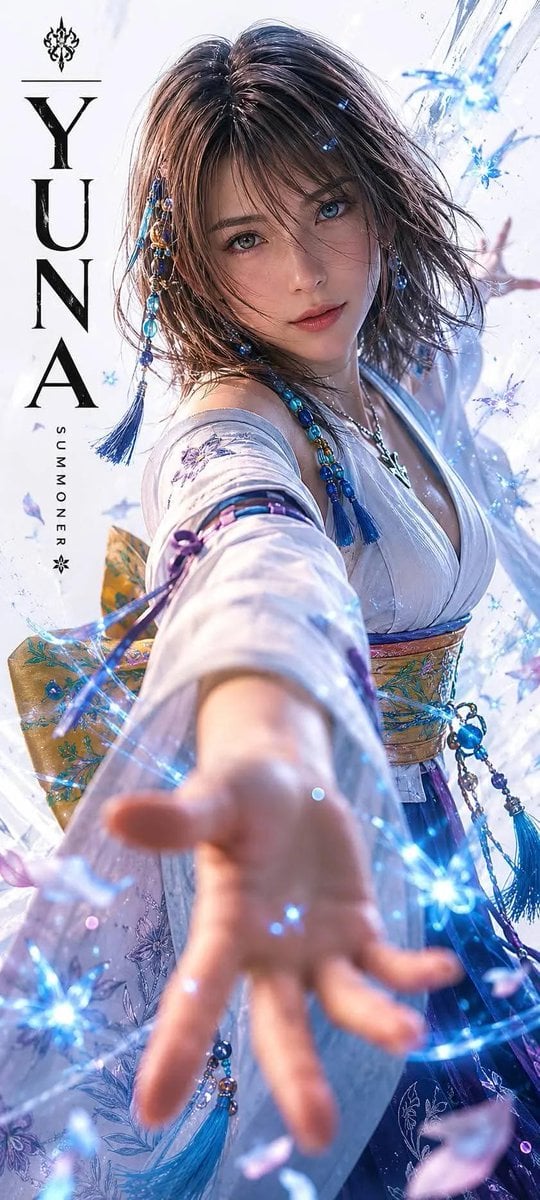
Realistic Live-Action Rikku Portrait

Cinematic Fantasy Portrait with Sunset Orb
3D Stylized Character in Clay-Morphism Style
Browse template categories
Anime VTuber Live Stream Overlay questions
How do I use the Anime VTuber Live Stream Overlay template?
Add your photo if the template asks for one, edit the prompt if you like — the template's model and format are already selected — and press Generate. Your version opens in PicX Studio.
Can I customize the Anime VTuber Live Stream Overlay template?
Yes. You can change the subject, setting, lighting, mood, format, and available model controls before creating your image.
Is the Anime VTuber Live Stream Overlay template free?
Opening and editing this template is free. Generating uses credits, shown on the Generate button when you are signed in.
Which AI model should I use?
Start with GPT Image 2, which is the model associated with this template. You can compare another compatible model for a different finish.
Looking for something else? Browse all templates.

Your photo, any look
Thousands of ready templates for every top image and video model, from one credit balance.