
Chibi Anime DJ Live Concert
Generates a colorful chibi anime DJ concert scene with three characters, Japanese speech bubbles, neon stage lighting, and a detailed DJ booth.
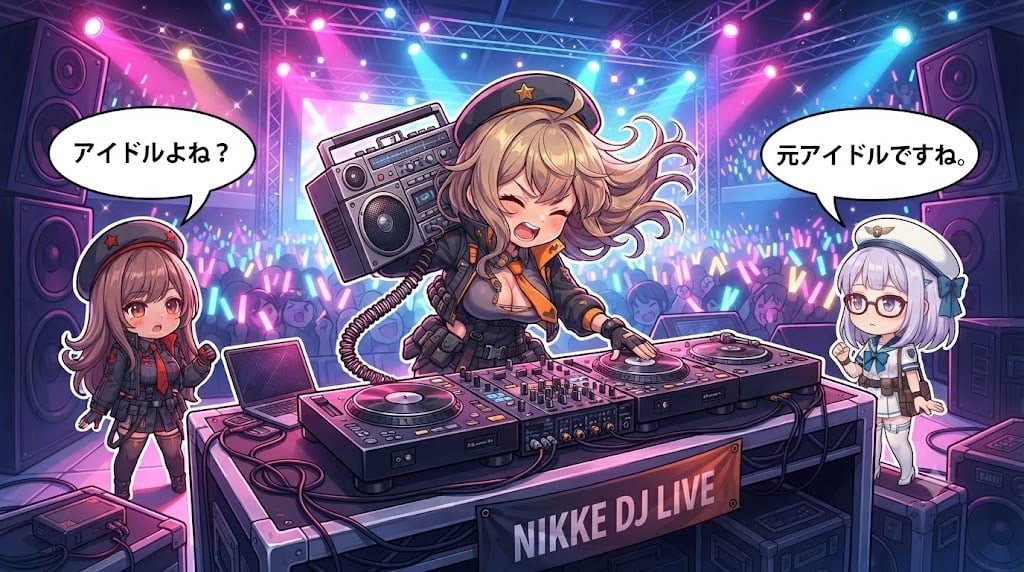
- Prompt included
- Model and format preset
- Premium template
The prompt behind this image
Copy the exact prompt behind Chibi Anime DJ Live Concert, or open it in the studio and make it yours.
Create a vibrant anime chibi concert-stage illustration set at a futuristic live DJ event. The canvas is a wide 16:9 horizontal scene with a packed concert crowd in the background, glowing blue, pink, purple, and cyan light sticks, large stacked speakers on both far sides, metal truss rigging overhead, spotlights, lasers, star-like sparkles, and a huge LED screen behind the performers. In the foreground, show exactly 3 chibi anime girls: the center girl is the main DJ, a blonde energetic chibi with wind-swept hair, eyes closed and singing/shouting happily, wearing a black military-style cap with a gold star, black tactical idol outfit with orange accents, fingerless gloves, and a headset mic; she carries a large retro boombox over one shoulder with a coiled cable and places one hand on the right turntable. On the left, show a smaller brown-haired chibi girl in a dark red-and-black military school uniform and matching beret with a red star, looking surprised and holding one hand up. On the right, show a small lavender-haired chibi girl with round glasses, a white sailor-style cap, white-and-blue outfit, and a calm expression, standing near the DJ table. The foreground DJ setup must include exactly 2 turntables, 1 central mixer with many knobs and sliders, 1 open laptop on the left side of the table, visible audio cables, and road cases beneath and around the table. Add exactly 2 white comic speech bubbles with black outlines: the left bubble above the brown-haired girl says {argument name="left speech bubble" default="アイドルよね?"}; the right bubble above the lavender-haired girl says {argument name="right speech bubble" default="元アイドルですね。"}. Put a dark banner on the front of the DJ booth reading {argument name="event banner text" default="NIKKE DJ LIVE"} in large pale lettering. Use a polished high-detail Japanese anime game illustration style, cute chibi proportions, crisp line art, glossy lighting, dramatic neon concert colors, and a lively idol-performance atmosphere. Keep the composition centered on the blonde DJ, with a slightly low front perspective that makes the DJ table feel large and dynamic. Do not add extra characters in the foreground, extra speech bubbles, watermarks, or unreadable random text.
How to use Chibi Anime DJ Live Concert in 3 steps
- 1Upload ImagePNG, JPG or paste
Add your photo
Upload the photo the template builds on. The prompt, model and format are already set.
- 2…a portrait of your subject in softgolden-hour light, 85mm…
Personalize
Edit the subject and creative details for your destination.
- 3Generate
Generate
Press Generate — your image is created in PicX Studio, so you can compare it with the original and refine one variable at a time.
More like this
Templates with the same subject, style or setup. Open one to see its prompt.



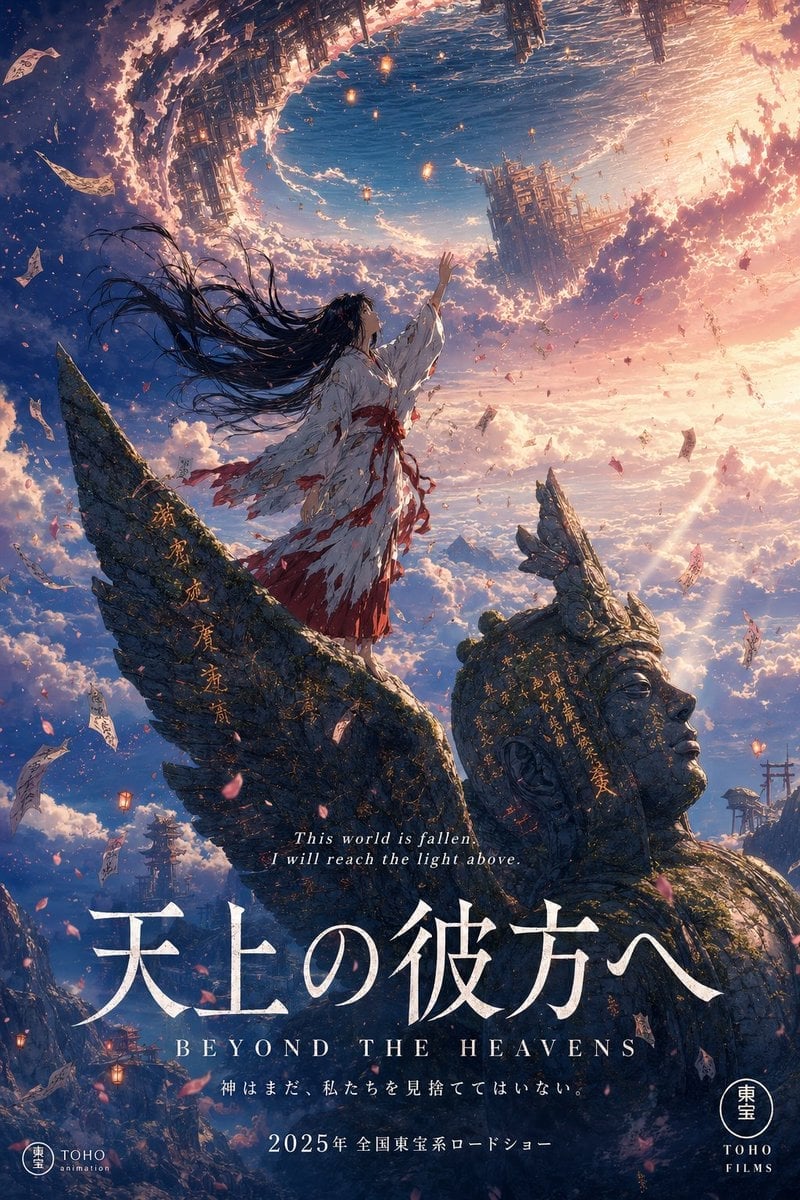
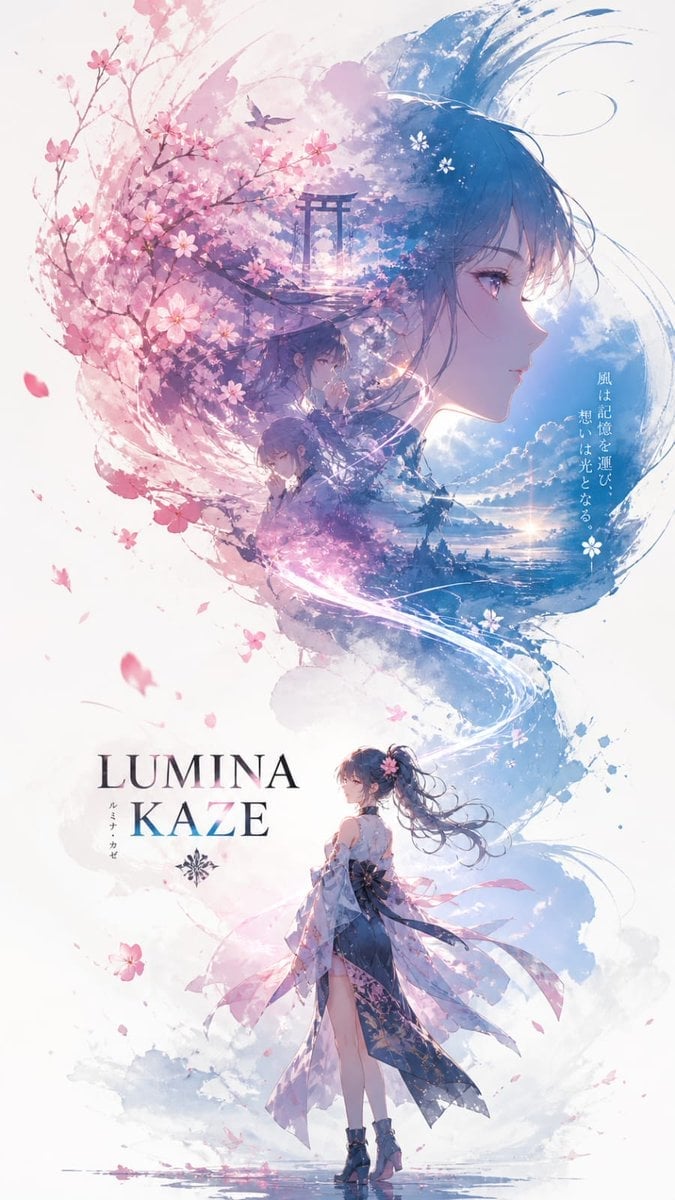
Make it yours
Chibi Anime DJ Live Concert works as-is. These are the safest ways to change it without losing the look.
Change one field
Copy a single group, rewrite it, and generate again so you can see what that field is doing.
Keep the frame, change the subject
Hold the composition and light of Chibi Anime DJ Live Concert, then swap wardrobe, props or the person for a new take.
| If the result… | Why | Fix |
|---|---|---|
| The result drifts from the preview | Too many fields changed at once. | Reuse Chibi Anime DJ Live Concert as-is first, then change one group — subject, light, or setting. |
| The model over-stylizes the scene | The prose prompt leaves finish and camera underspecified. | Add one camera or lighting sentence and stay on GPT Image 2. |
More GPT Image 2 templates
Other prompts made for GPT Image 2.

Six VTuber Japanese Logo Sheet

Realistic Portrait of Woman and Deer

The Vista Modular Condo Poster

AI Model Routing Comparison Infographic

2.5D Anime Art Board

Isometric Productivity Desk Scene

New York Double Exposure Poster

Four-Panel AI Landscape Comparison

Japanese Tatami Lifestyle Magazine Cover

NESCAFÉ Coffee Map Poster
More image prompts
Fresh picks from across the catalog.
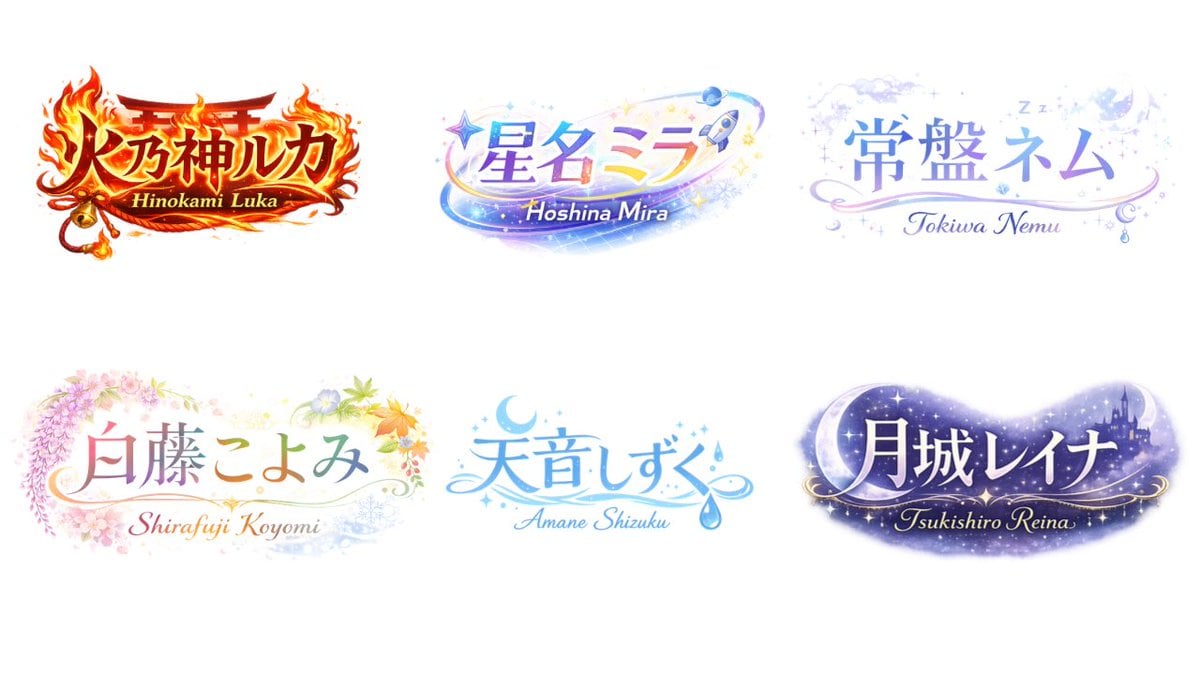
VTuber Logo Concept Grid

Spherical Cute Animal Portrait
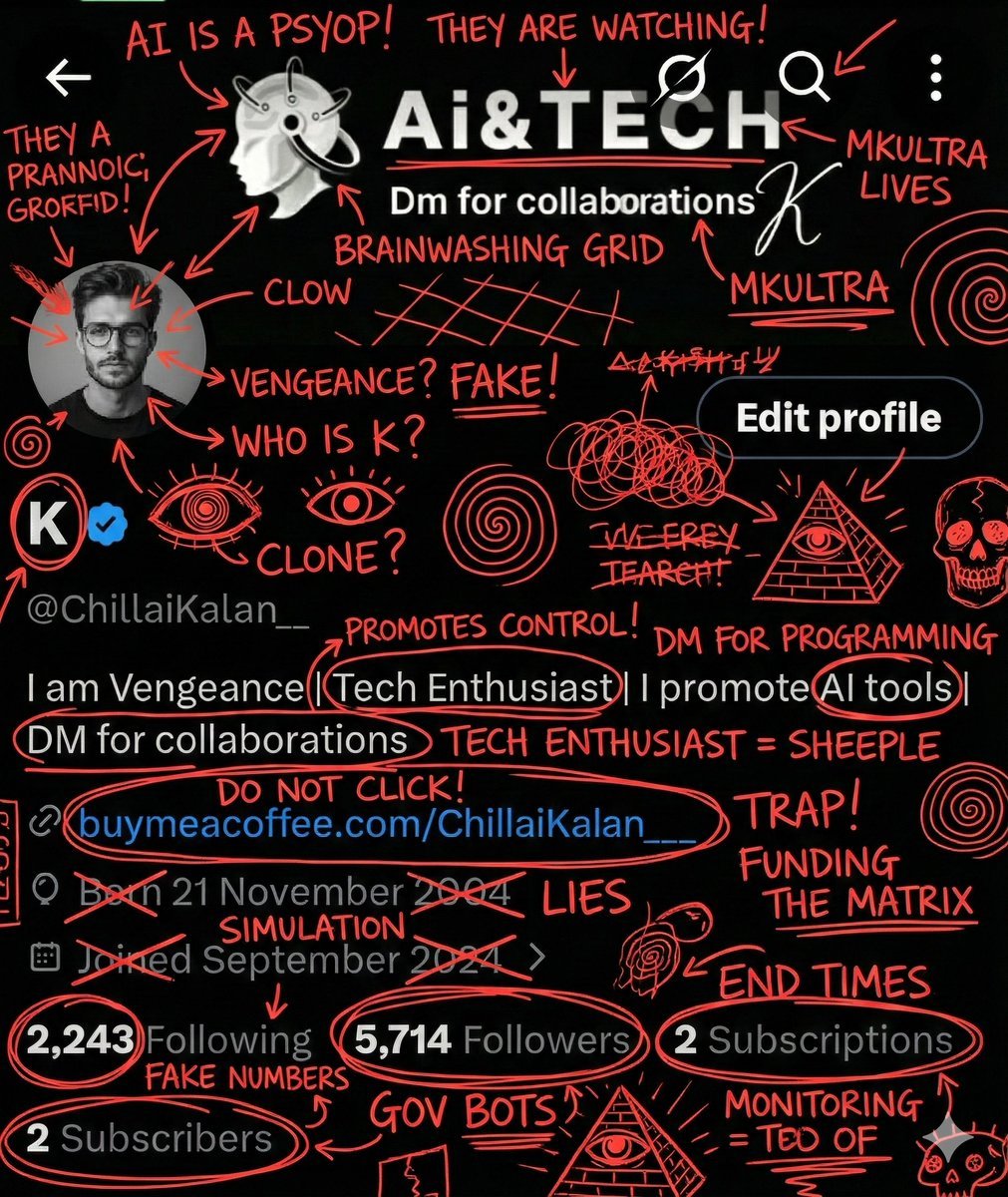
Image Overlay for 'Conspiracy Scribbles' Effect
Angel in a Cradle Image Generation Prompt
Realistic Bulls Courtside Fan Portrait
Post-Apocalyptic Titan Anime Poster
Elegant Blush Portrait with Headscarf
Image Restoration Prompt for Nano Banana
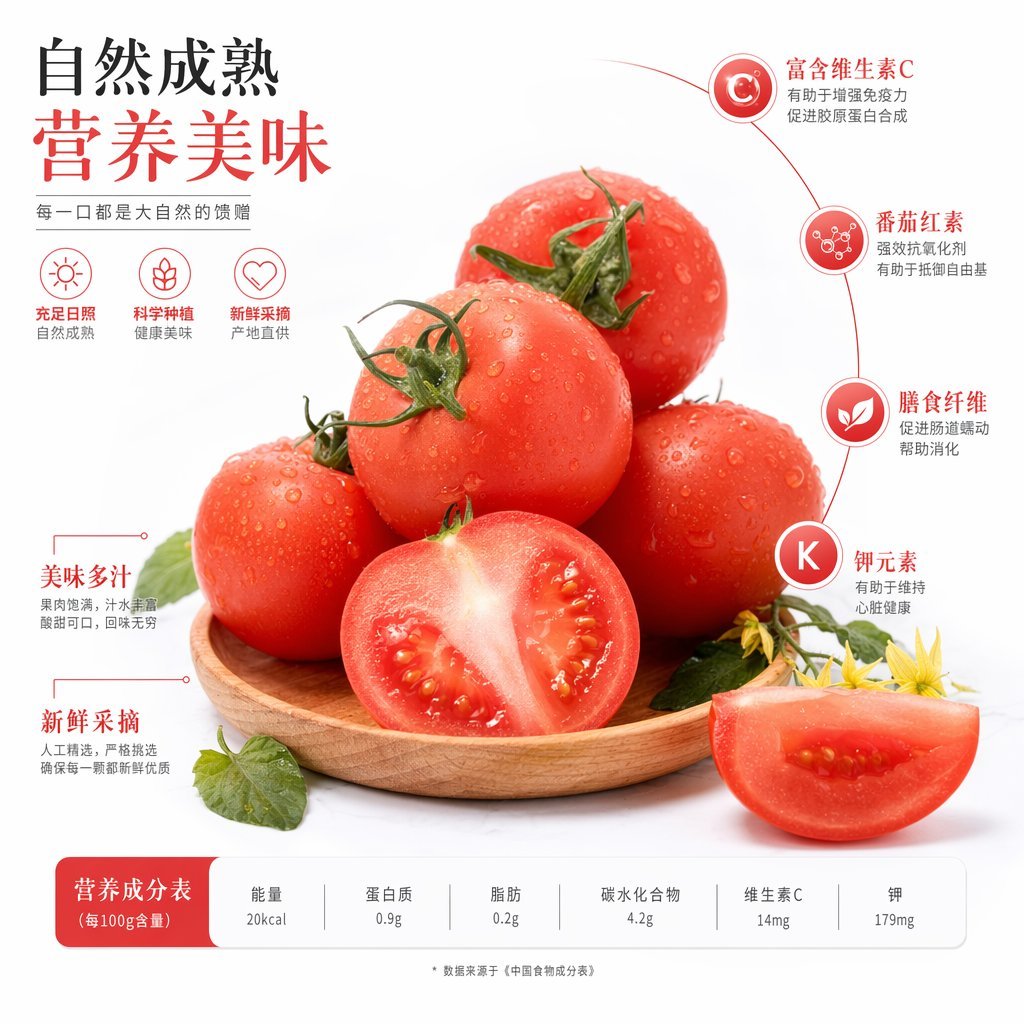
Chinese Tomato Nutrition Poster
Vertical ultra high detail image setup for Nano Banana Pro
Browse template categories
Chibi Anime DJ Live Concert questions
How do I use the Chibi Anime DJ Live Concert template?
Add your photo if the template asks for one, edit the prompt if you like — the template's model and format are already selected — and press Generate. Your version opens in PicX Studio.
Can I customize the Chibi Anime DJ Live Concert template?
Yes. You can change the subject, setting, lighting, mood, format, and available model controls before creating your image.
Is the Chibi Anime DJ Live Concert template free?
Opening and editing this template is free. Generating uses credits, shown on the Generate button when you are signed in.
Which AI model should I use?
Start with GPT Image 2, which is the model associated with this template. You can compare another compatible model for a different finish.
Looking for something else? Browse all templates.

Your photo, any look
Thousands of ready templates for every top image and video model, from one credit balance.