
Chibi Anime Ninja Sticker Sheet
Generates a square 3×3 set of expressive chibi anime ninja reaction stickers for social media, merch mockups, or sticker-pack concepts.

- Prompt included
- Model and format preset
- Free template
The prompt behind this image
Copy the exact prompt behind Chibi Anime Ninja Sticker Sheet, or open it in the studio and make it yours.
Goal: Create a 3×3 sticker sheet of chibi anime ninja reactions featuring {argument name="character name" default="Naruto Uzumaki"}, drawn as a playful parody of a classic shonen manga style. Canvas: Square 1:1 image on a solid black background. Arrange exactly 9 separate die-cut stickers in an evenly spaced 3×3 grid. Each sticker has a thick white border and a thin dark outline, like printable vinyl stickers. Character design: The same young blond spiky-haired ninja appears in every sticker, wearing an orange jumpsuit with dark navy accents, a fluffy white collar, blue open-toe sandals, and a dark blue forehead band with a silver metal plate engraved with a leaf-like spiral symbol. He has three whisker-like cheek marks on each side, exaggerated chibi proportions, oversized expressions, energetic manga linework, saturated colors, and hand-drawn marker shading. Sticker count and poses: Include exactly 9 stickers: 1. Top left: sitting and crying dramatically, mouth wide open, fists near face, huge blue streams of tears flooding outward with splash droplets. 2. Top center: confused standing pose, tilted head, skeptical frown, surrounded by colorful question marks in yellow, red, and blue. 3. Top right: terrified screaming pose, bulging eyes, sweat drops, hands clawed forward, red punctuation marks behind the head. 4. Middle left: smug cool pose, sitting with pixelated black sunglasses, finger-gun gesture, sparkling yellow star effects. 5. Middle center: silly face pose, winking, pulling cheeks with both fingers, tongue sticking out, yellow exclamation marks and motion swirls. 6. Middle right: affectionate pose, kneeling while hugging a large pink heart, laughing with blush, surrounded by multiple pink hearts. 7. Bottom left: triumphant launch pose, jumping upward from a fiery rocket-like blast cloud, starry eyes, clenched fists, small cartoon rocket and stars nearby. 8. Bottom center: party celebration pose, laughing with one leg kicked up, wearing a party hat, holding a red cup and a green bottle, surrounded by colorful confetti. 9. Bottom right: exhausted unimpressed bust portrait, half-lidded eyes, dark under-eye shadow, blank expression, speech bubble with three dots and a scribbly frustration cloud. Visual style: Bold anime sticker art, expressive comedy reactions, dynamic black ink outlines, watercolor/marker texture, bright orange, yellow, blue, pink, and red accents. Keep each sticker isolated with visible black gaps between them. Constraints: No extra characters, no readable text besides simple punctuation marks, no watermark, no logo, no realistic rendering, no photo style.
How to use Chibi Anime Ninja Sticker Sheet in 3 steps
- 1Upload ImagePNG, JPG or paste
Add your photo
Upload the photo the template builds on. The prompt, model and format are already set.
- 2…a portrait of your subject in softgolden-hour light, 85mm…
Personalize
Edit the subject and creative details for your destination.
- 3Generate
Generate
Press Generate — your image is created in PicX Studio, so you can compare it with the original and refine one variable at a time.
More like this
Templates with the same subject, style or setup. Open one to see its prompt.
Chibi Anime Morning Greeting Sticker
Puffy Chibi Sticker Sheet
Kawaii Chibi Sticker Sheet

Anime Character Charm Analysis Sheet
Chibi Japanese Schoolgirl Sticker Sheet
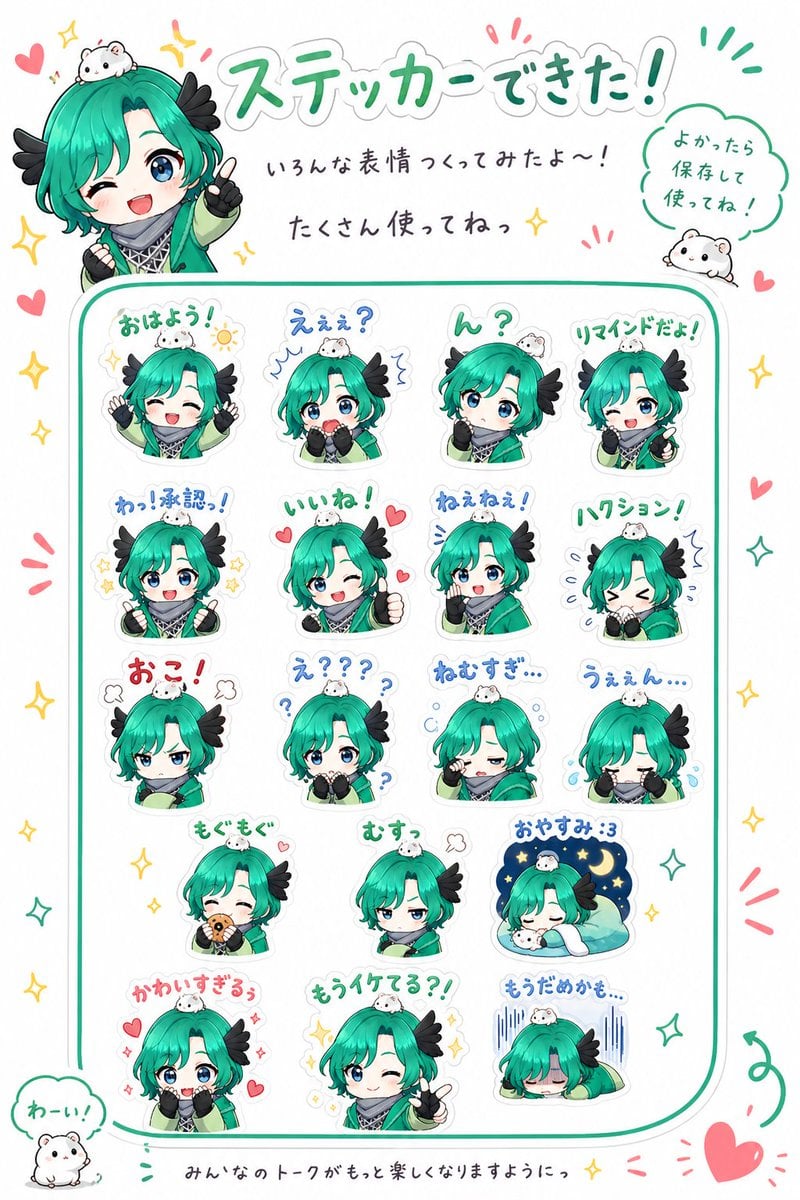
Chibi Character Sticker Sheet Ad
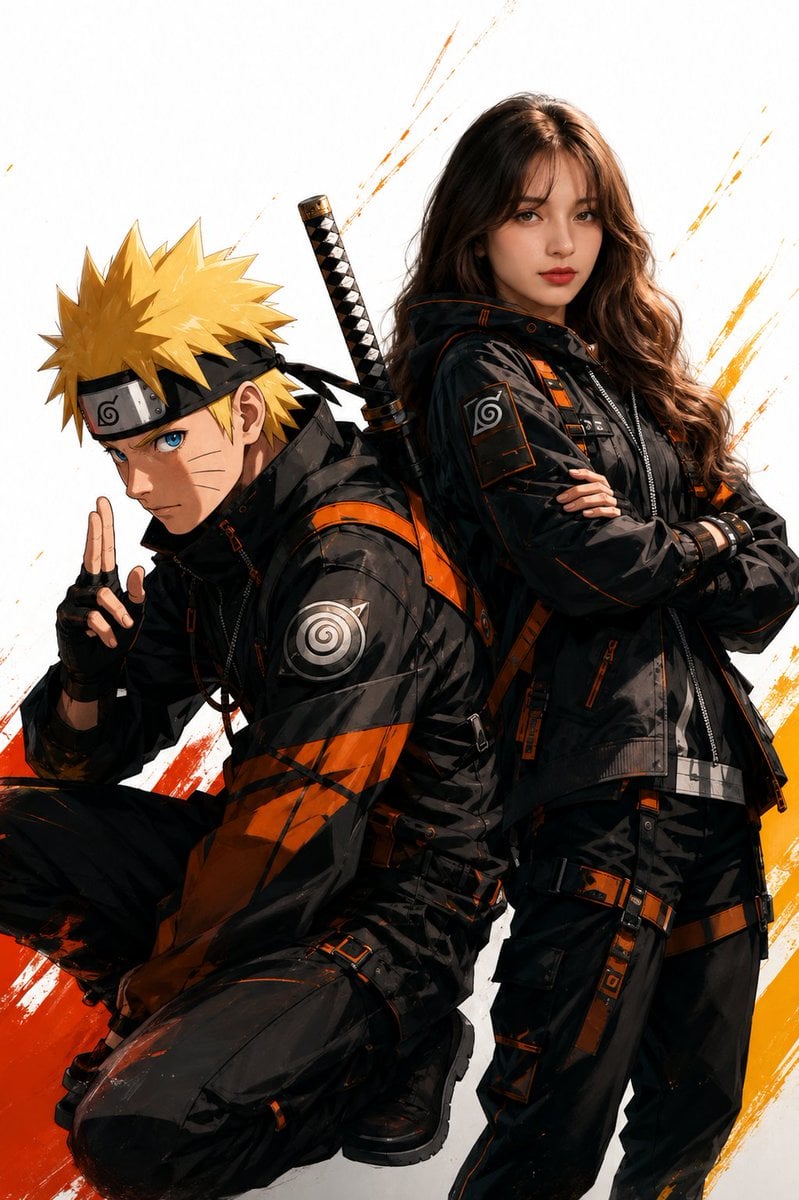
Anime Realistic Ninja Duo Portrait

Brand Sticker Sheet Monoline Vector

A trendy, high-end Sticker Sheet set
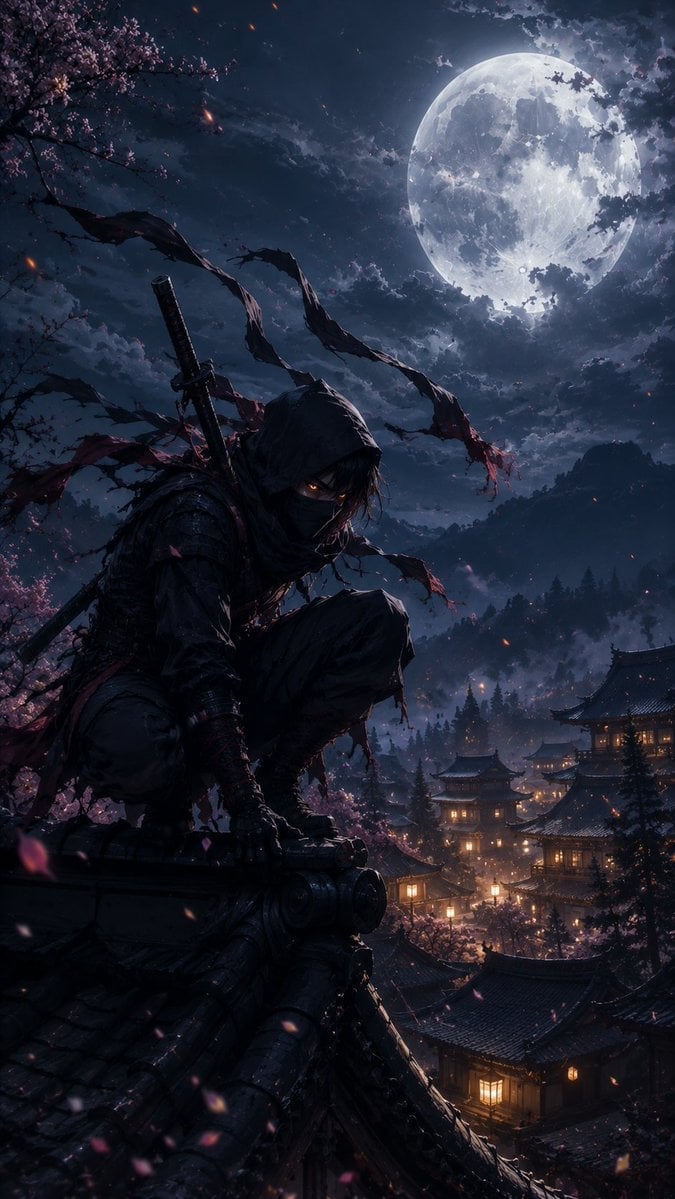
Cinematic Ninja Anime Wallpaper
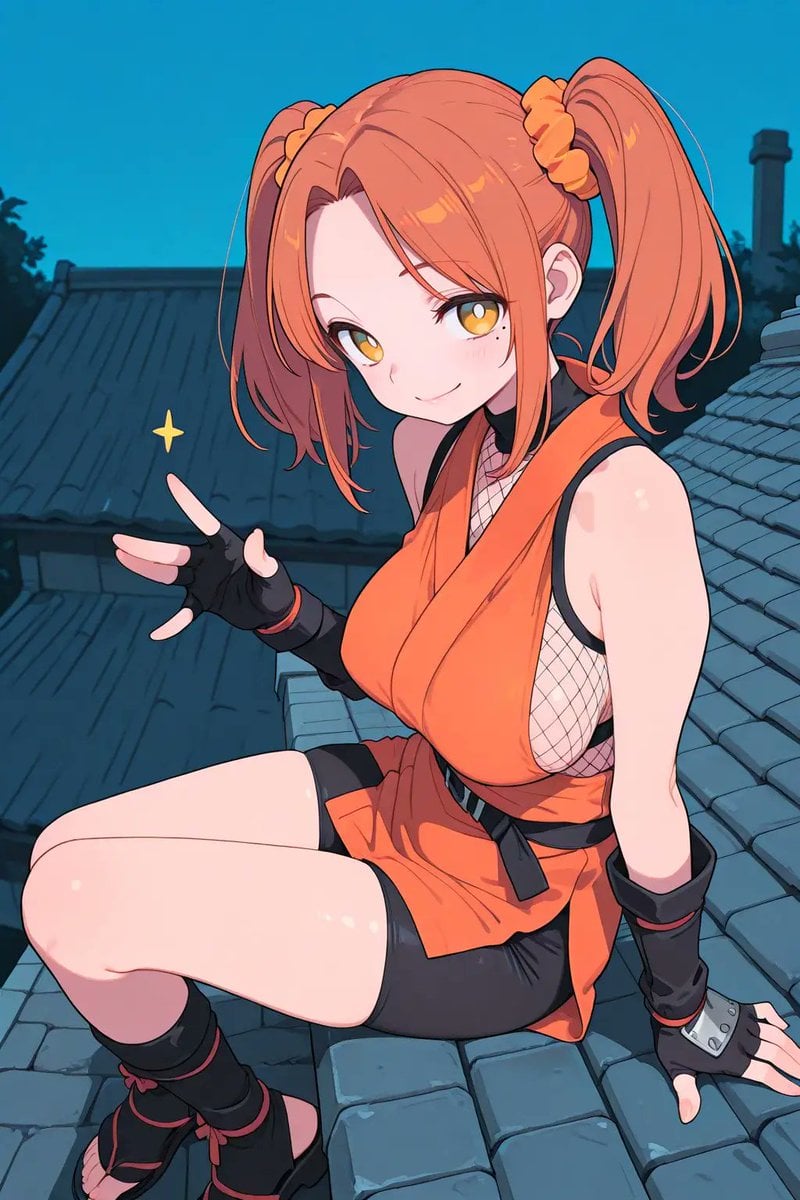
Anime Ninja Girl on Rooftop
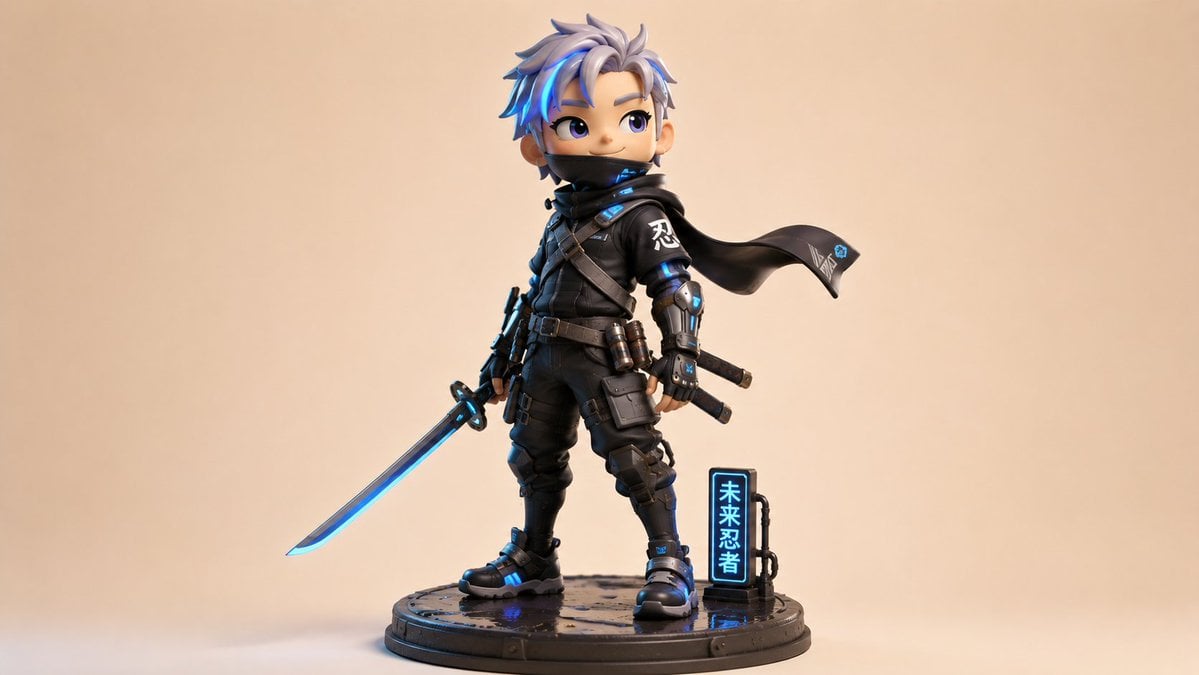
Chibi Cyber Ninja Figurine
Make it yours
Chibi Anime Ninja Sticker Sheet works as-is. These are the safest ways to change it without losing the look.
Change one field
Copy a single group, rewrite it, and generate again so you can see what that field is doing.
Keep the frame, change the subject
Hold the composition and light of Chibi Anime Ninja Sticker Sheet, then swap wardrobe, props or the person for a new take.
| If the result… | Why | Fix |
|---|---|---|
| The result drifts from the preview | Too many fields changed at once. | Reuse Chibi Anime Ninja Sticker Sheet as-is first, then change one group — subject, light, or setting. |
| The model over-stylizes the scene | The prose prompt leaves finish and camera underspecified. | Add one camera or lighting sentence and stay on GPT Image 2. |
More GPT Image 2 templates
Other prompts made for GPT Image 2.

Six VTuber Japanese Logo Sheet

Realistic Portrait of Woman and Deer

The Vista Modular Condo Poster

AI Model Routing Comparison Infographic

2.5D Anime Art Board

Isometric Productivity Desk Scene

New York Double Exposure Poster

Four-Panel AI Landscape Comparison

Japanese Tatami Lifestyle Magazine Cover

NESCAFÉ Coffee Map Poster
More image prompts
Fresh picks from across the catalog.

Wildlife Photographer with Cheetah Cub
Custom Logo Basketball Selfie
Kitchen English Fill-in Worksheet Poster
Minimalist Fashion Magazine Cover
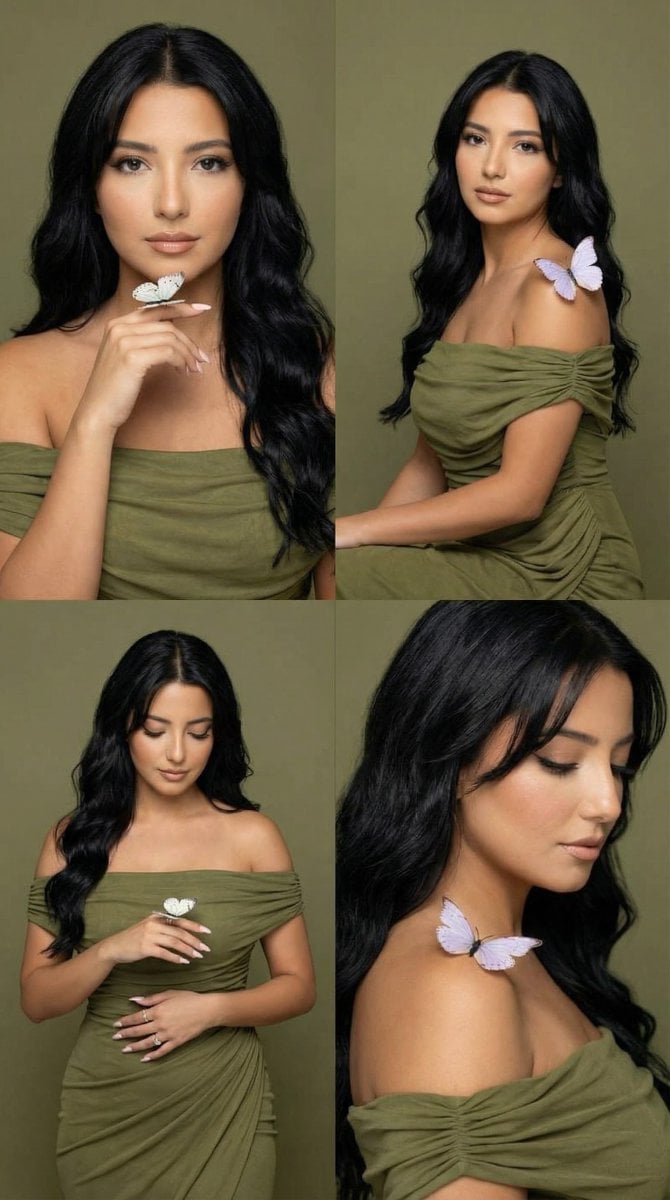
Olive Studio Butterfly Editorial Grid Prompt
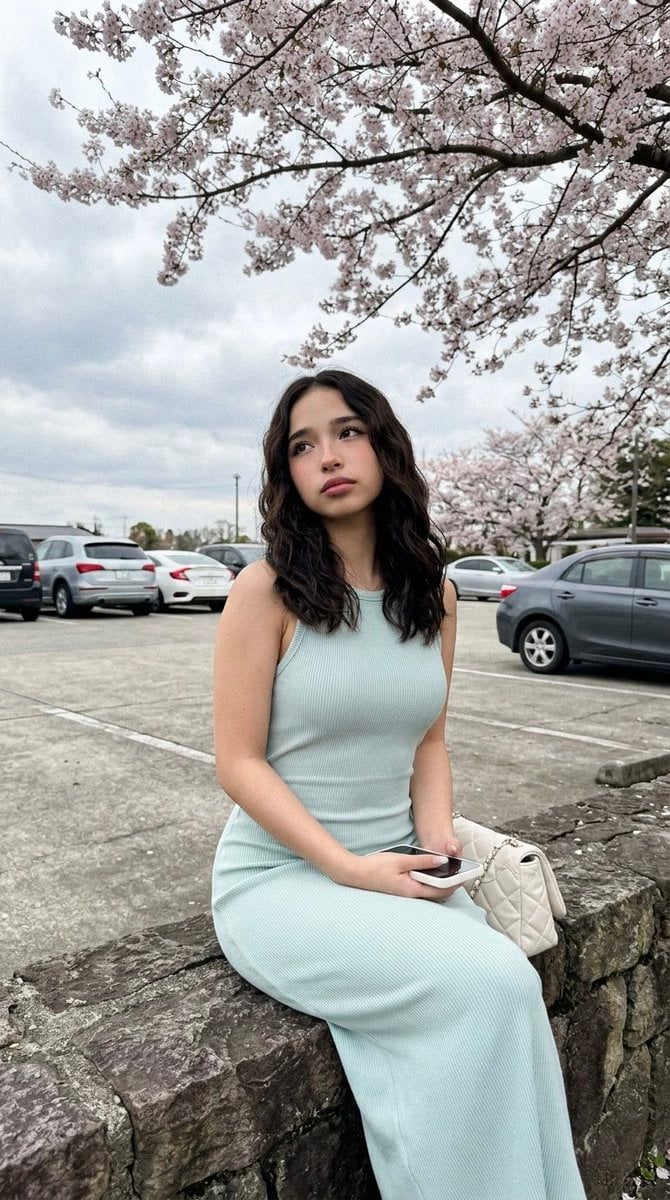
Cherry Blossom Parking Lot Portrait Prompt
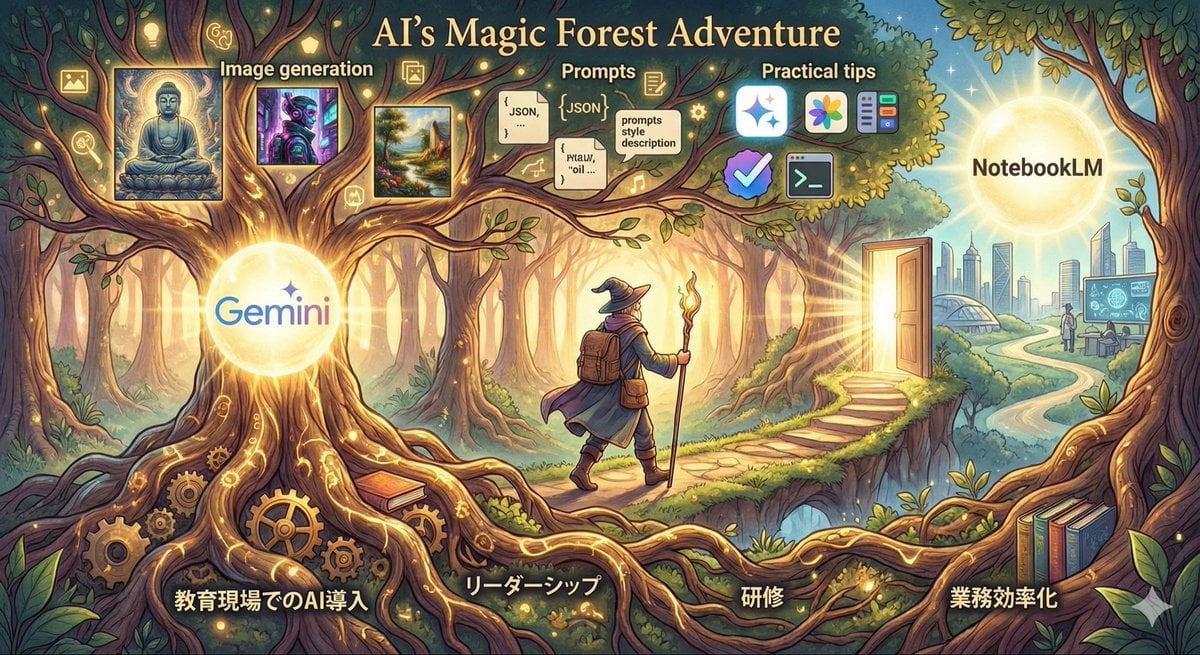
Optimal Taste Selection Prompt
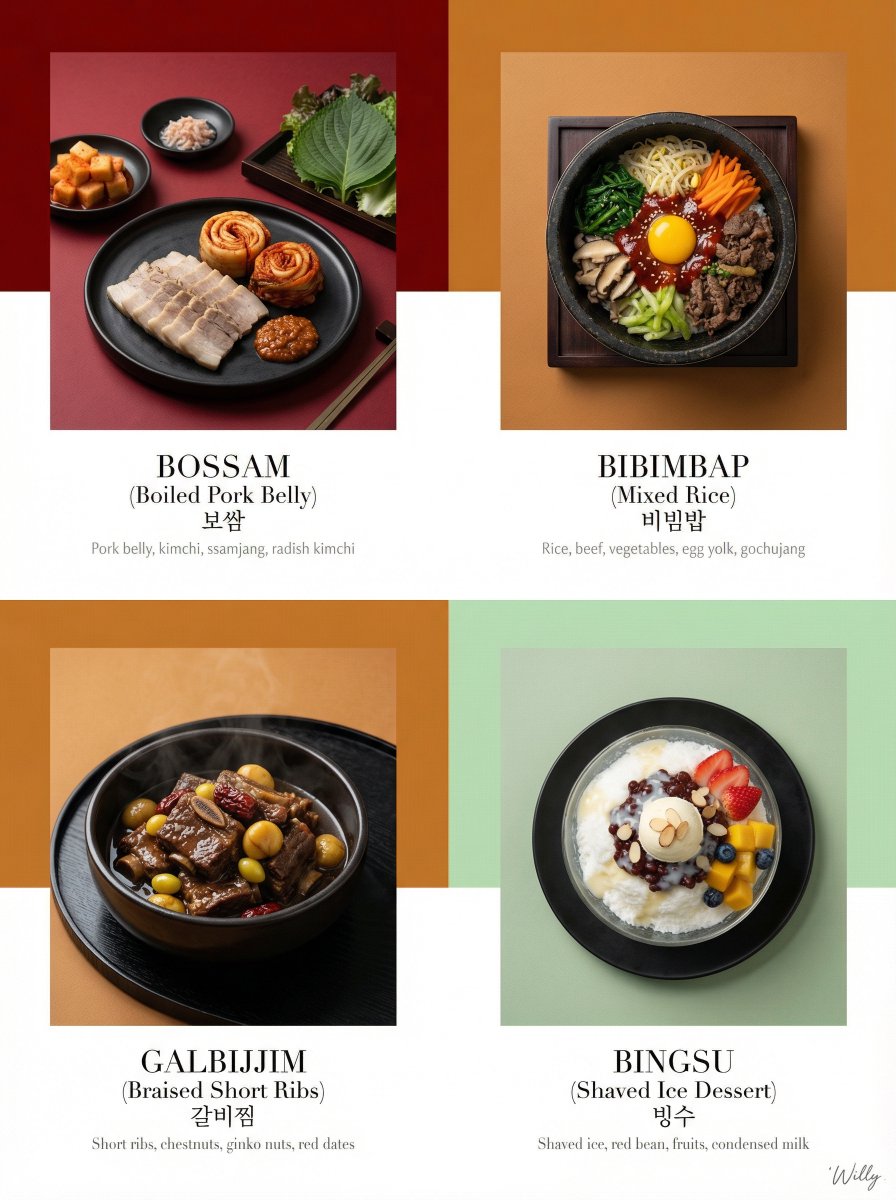
Luxury Korean Tasting Menu Editorial Layout Prompt
Gothic Lolita Furisode Outfit
Cozy Bedroom Selfie Prompt
Browse template categories
Chibi Anime Ninja Sticker Sheet questions
How do I use the Chibi Anime Ninja Sticker Sheet template?
Add your photo if the template asks for one, edit the prompt if you like — the template's model and format are already selected — and press Generate. Your version opens in PicX Studio.
Can I customize the Chibi Anime Ninja Sticker Sheet template?
Yes. You can change the subject, setting, lighting, mood, format, and available model controls before creating your image.
Is the Chibi Anime Ninja Sticker Sheet template free?
Opening and editing this template is free. Generating uses credits, shown on the Generate button when you are signed in.
Which AI model should I use?
Start with GPT Image 2, which is the model associated with this template. You can compare another compatible model for a different finish.
Looking for something else? Browse all templates.

Your photo, any look
Thousands of ready templates for every top image and video model, from one credit balance.