
Anime Ninja Girl on Rooftop
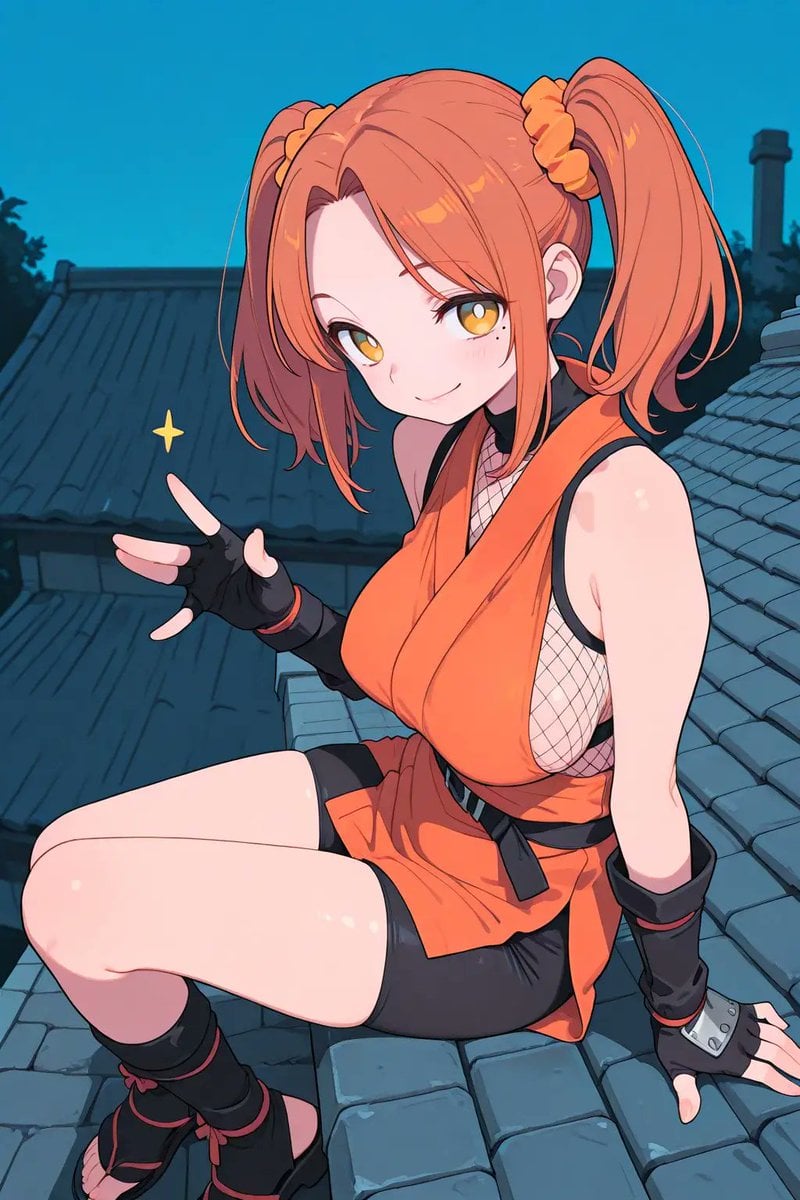
Generates a vertical cel-shaded anime illustration of an orange-haired ninja girl posing on a Japanese rooftop at dusk.
- Prompt included
- Model and format preset
- Free template
The prompt behind this image
Copy the exact prompt behind Anime Ninja Girl on Rooftop, or open it in the studio and make it yours.
Create a polished anime-style vertical illustration of {argument name="character name" default="a young female ninja"} sitting sideways on a sloped traditional Japanese tiled rooftop at dusk, viewed from a slightly high three-quarter angle. She has {argument name="hair color" default="bright orange"} hair styled into exactly two high twin ponytails, secured with exactly two matching orange scrunchies, with long bangs framing her face; place a large soft-edged square censor blur directly over the center of her face, hiding all facial features. Her outfit is a vivid orange sleeveless ninja tunic with a deep wrap neckline, black trim, visible white fishnet mesh side panels, a black waist belt with a hanging strap, black fitted shorts underneath, exactly two black fingerless gloves with red trim, one gray metal wrist guard on the right glove, exactly two black leg warmers with red ties, and open-toe black ninja sandals. Pose her seated with one knee raised and the other leg bent forward, right hand braced on the roof tiles, left hand lifted making a playful peace-sign gesture; add one small yellow sparkle beside the raised hand. The background shows dark blue-gray traditional rooftops receding into shadow, a chimney silhouette, faint trees, and a clear teal-blue evening sky. Use clean crisp line art, cel-shaded anime coloring, glossy highlights on skin and hair, saturated orange accents, soft cinematic dusk lighting, detailed roof tile texture, and no text, watermark, or extra characters.
How to use Anime Ninja Girl on Rooftop in 3 steps
- 1Upload ImagePNG, JPG or paste
Add your photo
Upload the photo the template builds on. The prompt, model and format are already set.
- 2…a portrait of your subject in softgolden-hour light, 85mm…
Personalize
Edit the subject and creative details for your destination.
- 3Generate
Generate
Press Generate — your image is created in PicX Studio, so you can compare it with the original and refine one variable at a time.
More like this
Templates with the same subject, style or setup. Open one to see its prompt.

Cel 2D Rooftop Concert
Neon Gothic Anime Rooftop Girl
Sunset Catgirl School Rooftop Anime

If We Met in 1985

Teen Girl Alpine Lake Mountain View
Moonlit Dark Ninja Rooftop

Rooftop Fisheye — Cat-Ear Balaclava at Golden Hour

Cel 2D Finale Fireworks

Cel 2D Garden Maze

Cel 2D Bicycle Coast

Cel 2D Castle Gate

Cel 2D Kitchen Chaos
Make it yours
Anime Ninja Girl on Rooftop works as-is. These are the safest ways to change it without losing the look.
Change one field
Copy a single group, rewrite it, and generate again so you can see what that field is doing.
Keep the frame, change the subject
Hold the composition and light of Anime Ninja Girl on Rooftop, then swap wardrobe, props or the person for a new take.
| If the result… | Why | Fix |
|---|---|---|
| The result drifts from the preview | Too many fields changed at once. | Reuse Anime Ninja Girl on Rooftop as-is first, then change one group — subject, light, or setting. |
| The model over-stylizes the scene | The prose prompt leaves finish and camera underspecified. | Add one camera or lighting sentence and stay on GPT Image 2. |
More GPT Image 2 templates
Other prompts made for GPT Image 2.

Six VTuber Japanese Logo Sheet

Realistic Portrait of Woman and Deer

The Vista Modular Condo Poster

AI Model Routing Comparison Infographic

2.5D Anime Art Board

Isometric Productivity Desk Scene

New York Double Exposure Poster

Four-Panel AI Landscape Comparison

Japanese Tatami Lifestyle Magazine Cover

NESCAFÉ Coffee Map Poster
More image prompts
Fresh picks from across the catalog.
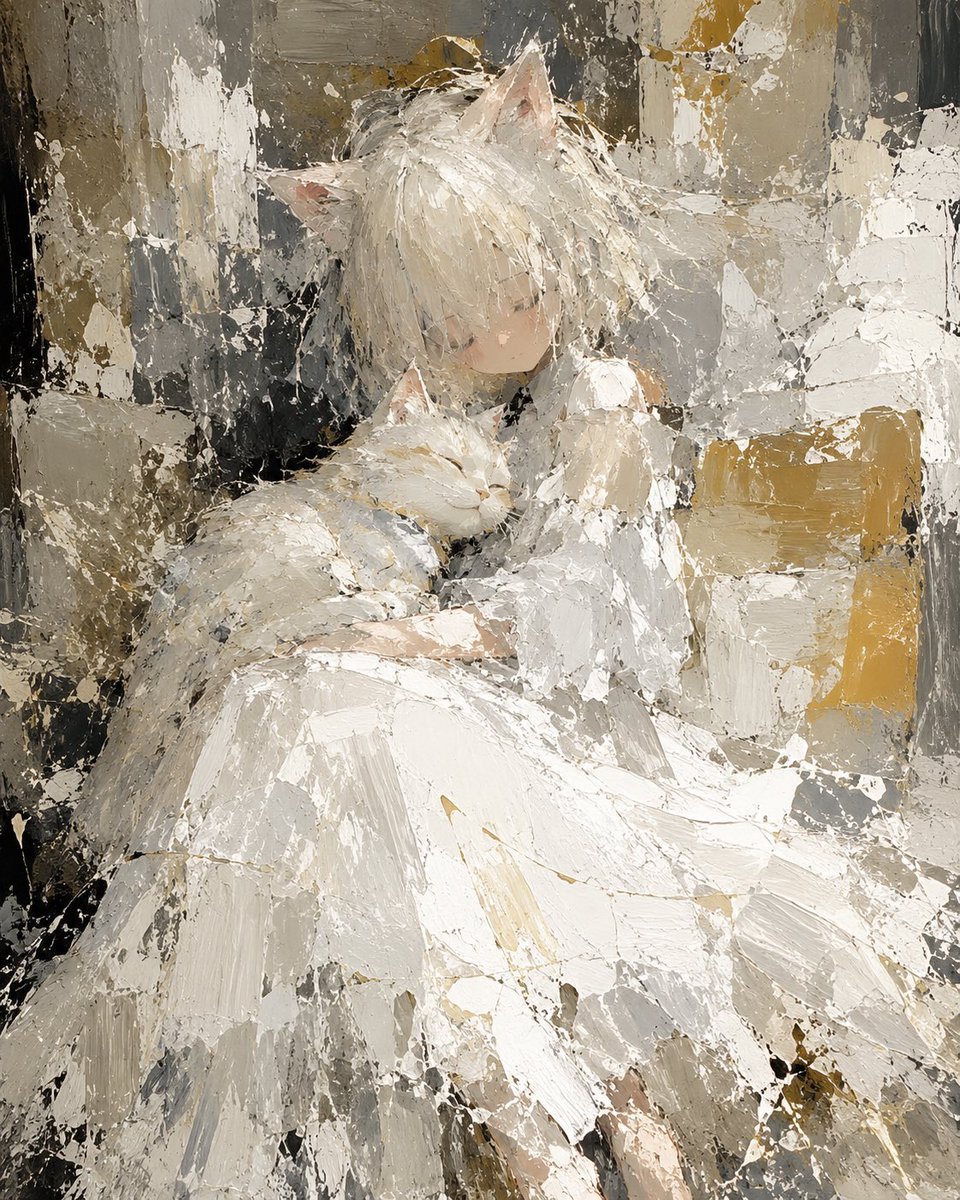
Abstract Cat Girl and Gentle Cat Painting
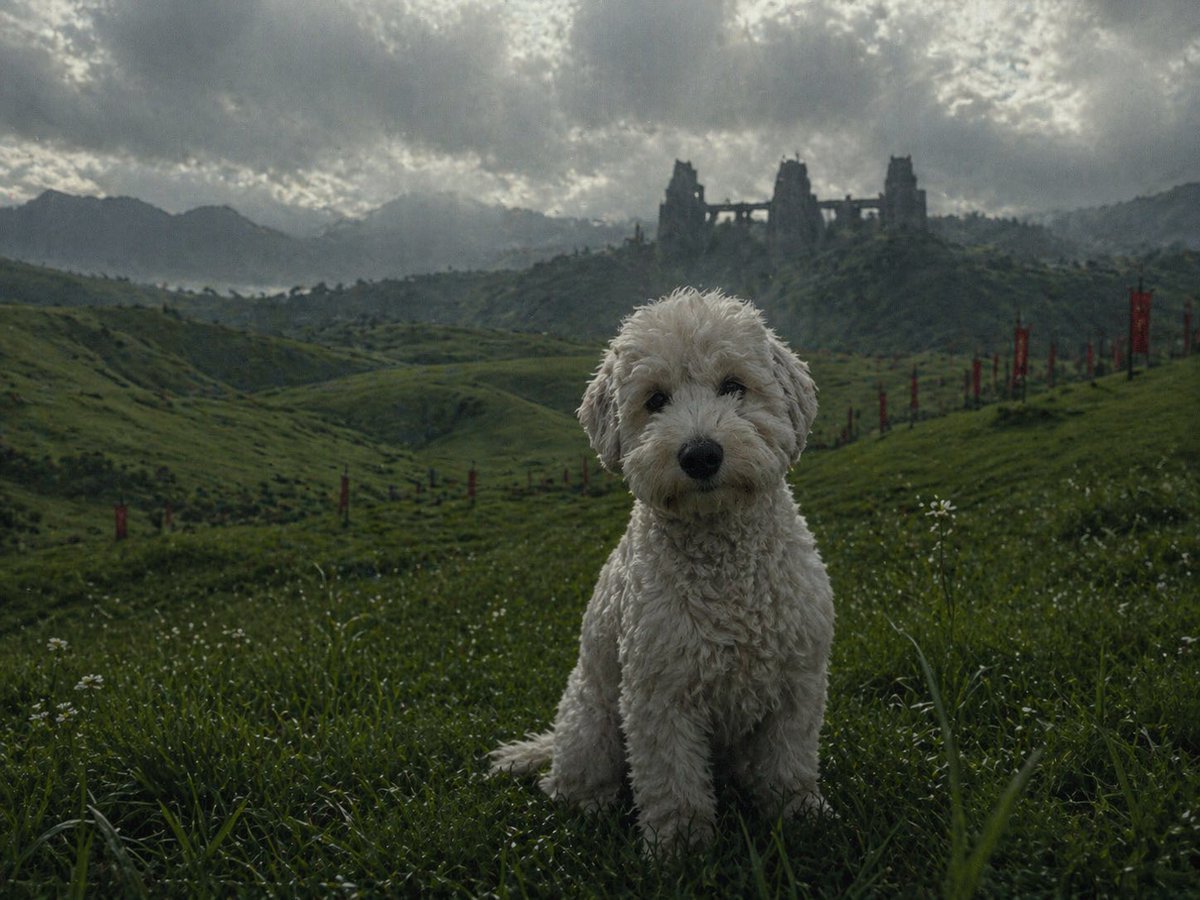
Pet in Cinematic Scene
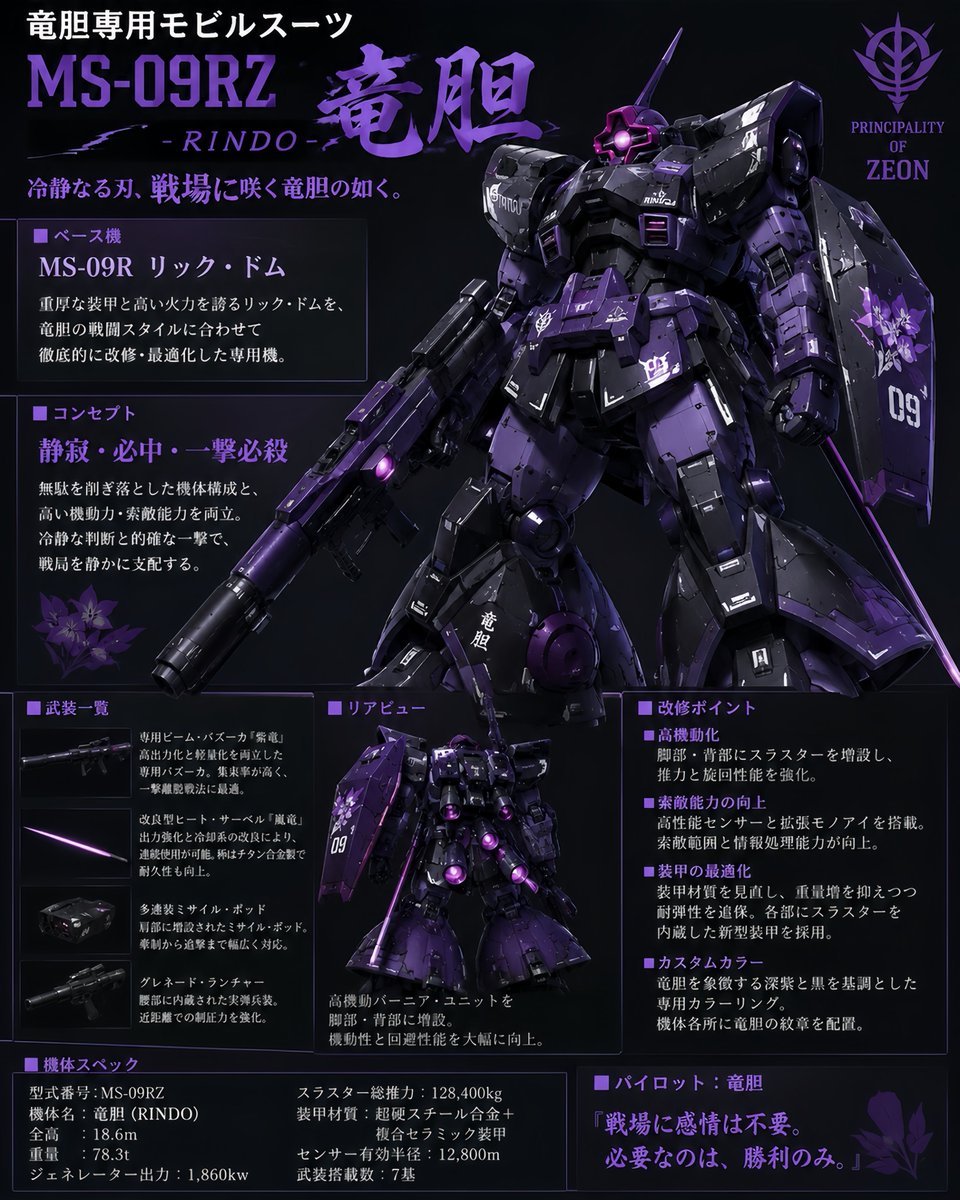
Custom Zeon Mobile Suit Overhaul
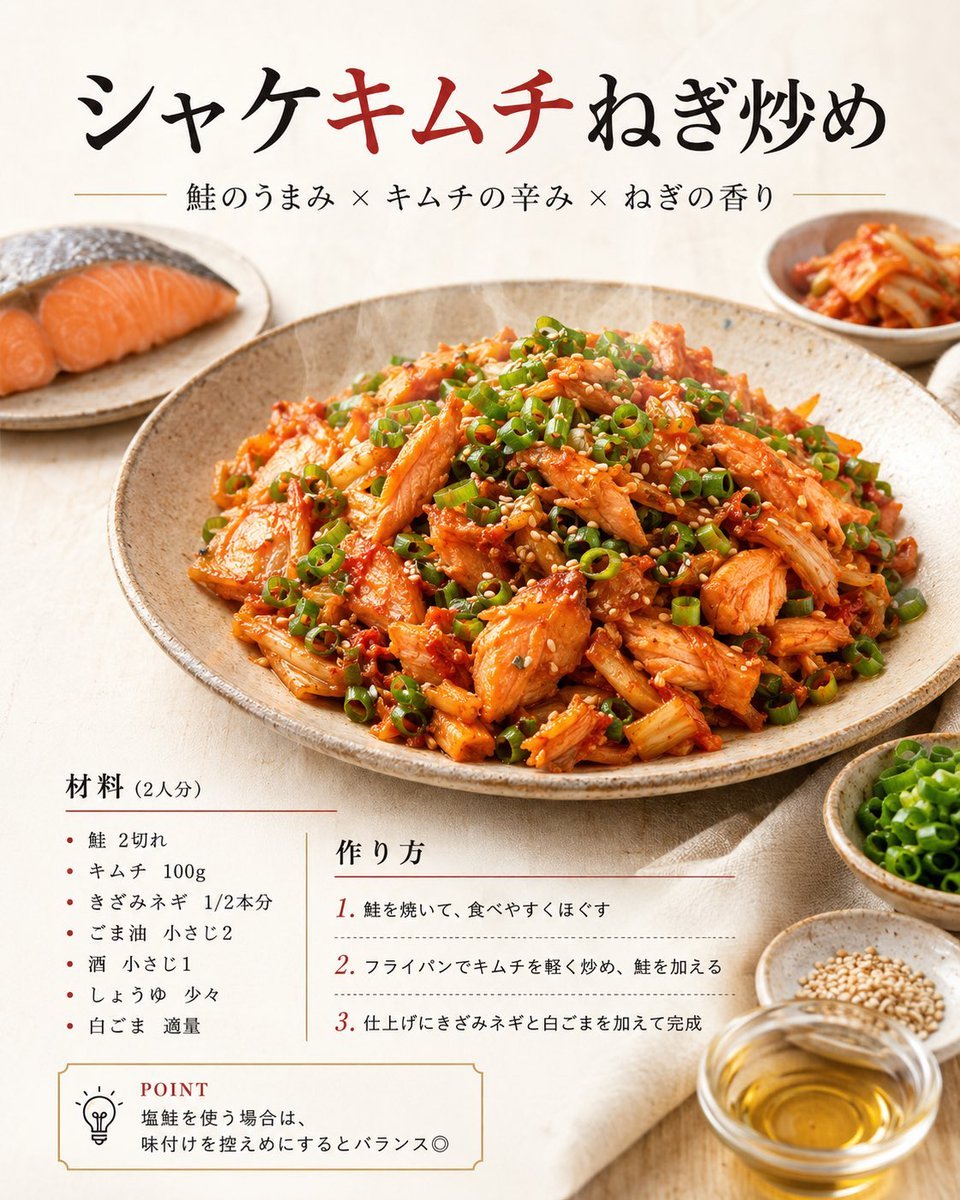
Japanese Salmon Kimchi Recipe Poster
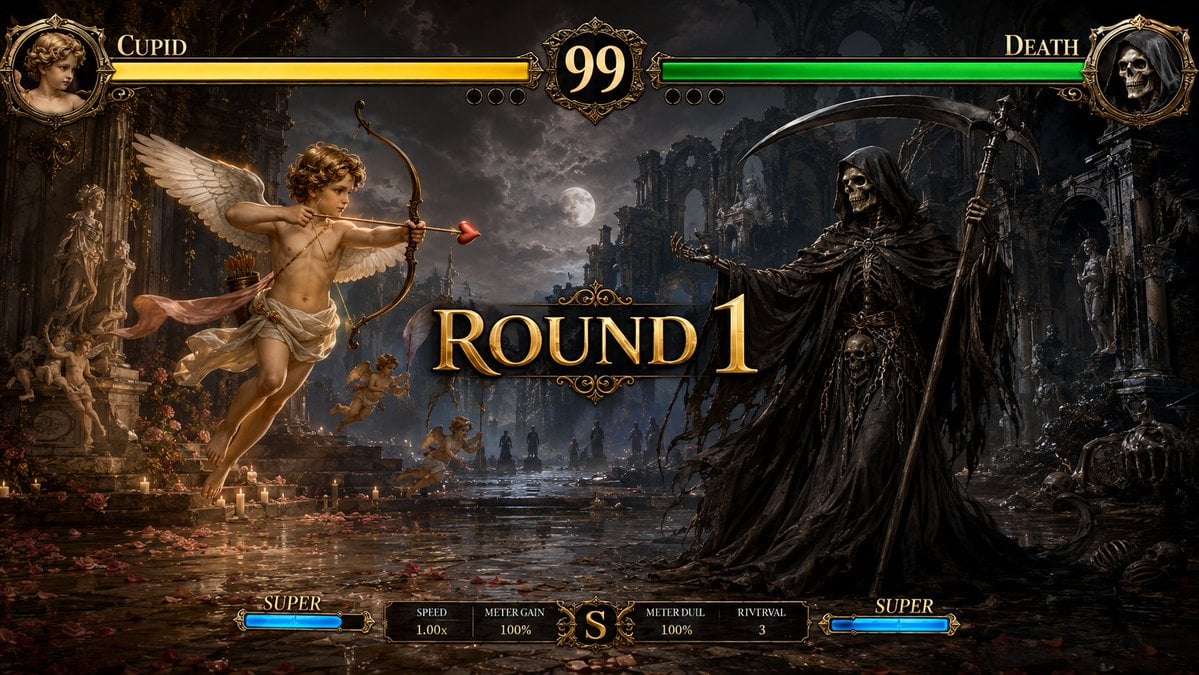
Mythological Fighting Game Versus Screen
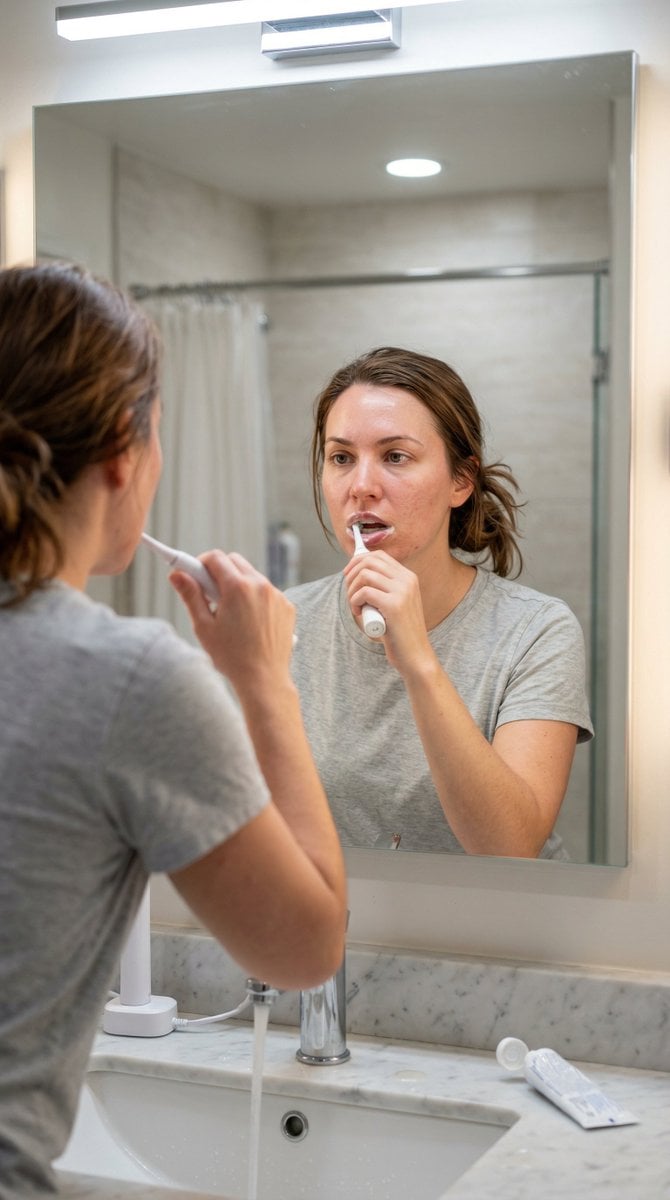
Hyper-Photorealistic Bathroom Mirror Scene
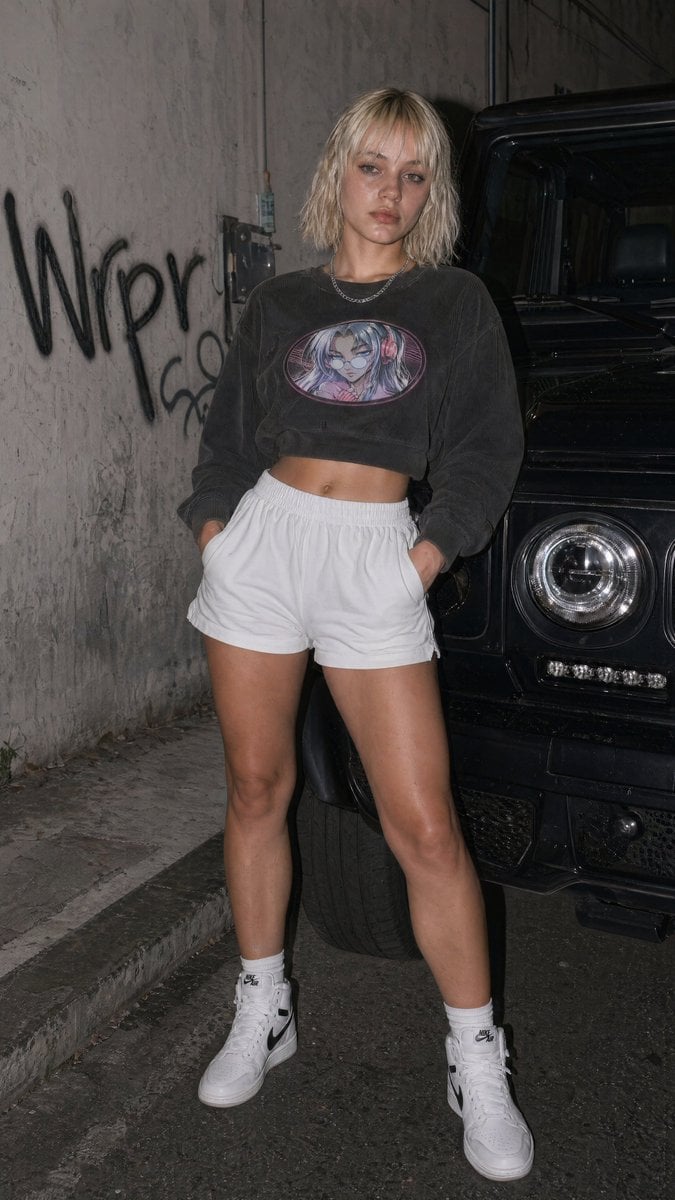
Flash Streetwear Portrait by Black SUV
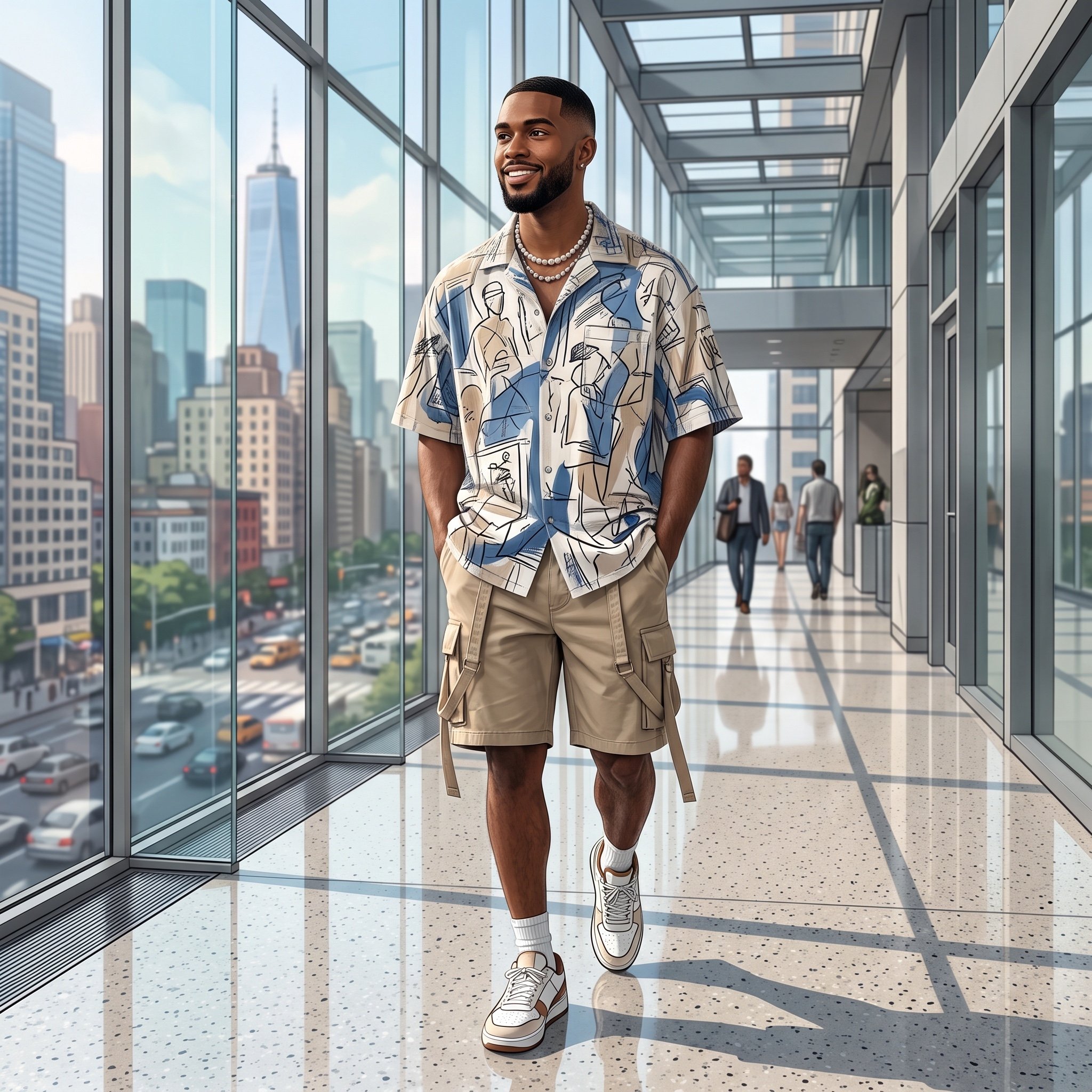
Modern Urban Editorial Portrait of a Man
Man Holding Holographic Drone Prompt
Radiant Purple Bob Portrait
Browse template categories
Anime Ninja Girl on Rooftop questions
How do I use the Anime Ninja Girl on Rooftop template?
Add your photo if the template asks for one, edit the prompt if you like — the template's model and format are already selected — and press Generate. Your version opens in PicX Studio.
Can I customize the Anime Ninja Girl on Rooftop template?
Yes. You can change the subject, setting, lighting, mood, format, and available model controls before creating your image.
Is the Anime Ninja Girl on Rooftop template free?
Opening and editing this template is free. Generating uses credits, shown on the Generate button when you are signed in.
Which AI model should I use?
Start with GPT Image 2, which is the model associated with this template. You can compare another compatible model for a different finish.
Looking for something else? Browse all templates.

Your photo, any look
Thousands of ready templates for every top image and video model, from one credit balance.