
Hyper-Photorealistic Bathroom Mirror Scene
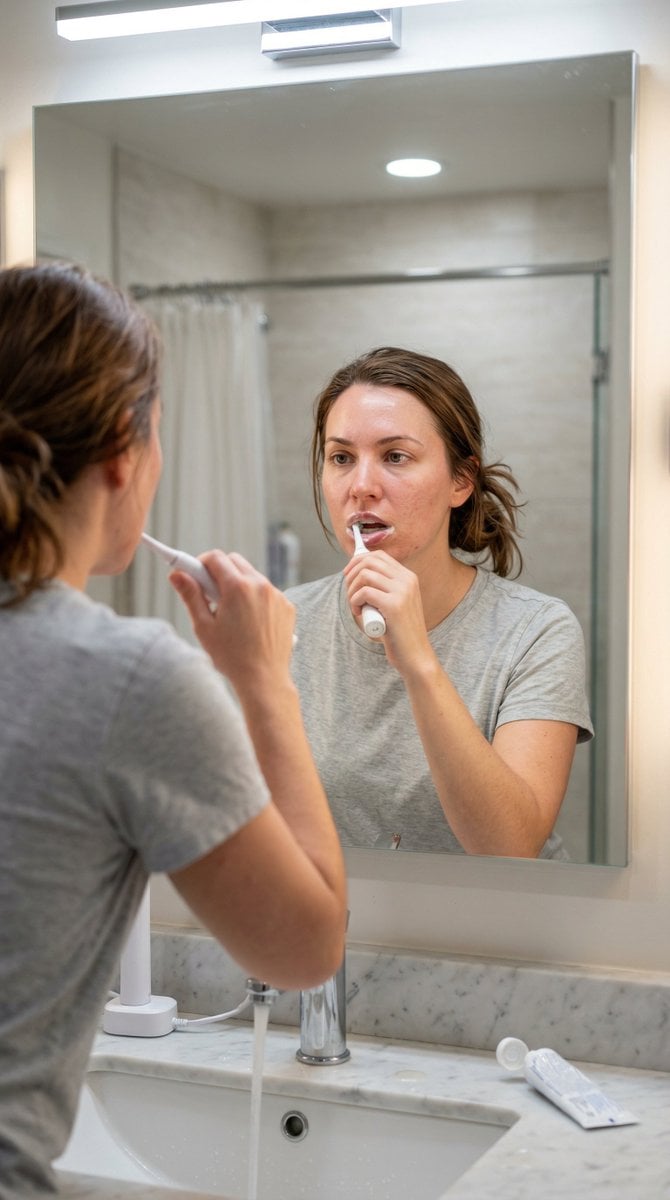
A detailed prompt for generating a hyper-photorealistic image of a woman brushing her teeth in front of a bathroom mirror, focusing on preserving exact facial features from a reference photo and achieving realistic…
- Prompt included
- Model and format preset
- Free template
The prompt behind this image
Copy the exact prompt behind Hyper-Photorealistic Bathroom Mirror Scene, or open it in the studio and make it yours.
- Aspect Ratio
- 9:16
- Prompt
- Photorealistic bathroom mirror scene of the same woman (exact face reference from uploaded photo, preserve every facial feature, skin texture, pores, natural imperfections, no beautification or smoothing) standing in front of a large rectangular bathroom mirror, brushing her teeth with a white electric toothbrush in her right hand. Framed to show her full face and upper shoulders clearly in the mirror reflection, looking straight at her reflection in the mirror with a neutral/relaxed expression, slight foam at the corners of mouth from toothpaste. Mouth slightly open during brushing motion, toothbrush angled naturally against teeth. Shot from the viewer's perspective as if standing behind her looking into the mirror (mirror reflection composition), eye-level framing. Bright even bathroom lighting from overhead LED fixtures (cool-white 4000-5000K) plus soft warm vanity lights around the mirror edges, creating realistic skin highlights, subtle shadows under chin, natural eye catchlights, authentic wet-look shine on lips/teeth from toothpaste/foam. Medium-length chestnut brown hair loosely tied back in a messy low ponytail or bun, a few loose strands framing face. Wearing a simple light gray cotton t-shirt or basic crew-neck top, fully clothed, modest coverage. Delicate fine-line tattoo visible on right forearm if present in reference. Foreground details: modern white porcelain sink with chrome faucet/tap running slightly (small stream of water visible), toothbrush charger on counter, tube of white toothpaste open nearby, marble or white tiled countertop with minor water spots for realism. Background softly blurred: tiled bathroom wall in light neutral tones, shower curtain or glass door faintly visible behind. Ultra-sharp focus on face/reflection, hyper-photorealistic skin details (visible pores, subtle redness, natural texture, light oil sheen on forehead), candid everyday smartphone or point-and-shoot photo aesthetic, natural color grading, high dynamic range, no artificial glow, no over-sharpening, believable depth of field with creamy bokeh on background.
- Negative Prompt
- blurry, deformed face, changed facial features, plastic skin, beauty filter, airbrushed, doll-like, heavy makeup, exaggerated symmetry, bad hands, extra fingers, warped mirror reflection, text, watermark, logo, oversaturated, cartoonish, 3D render, low quality, jpeg artifacts, noise, night time, dim lighting, suggestive pose, exposed skin beyond normal casual, no selfie hand/phone visible
- Style
- hyper-photorealistic, candid bathroom mirror everyday moment
- Quality
- high-resolution, ultra-detailed skin pores/hair/texture/foam details
Raw JSON
{
  "aspect_ratio": "9:16",
  "prompt": "Photorealistic bathroom mirror scene of the same woman (exact face reference from uploaded photo, preserve every facial feature, skin texture, pores, natural imperfections, no beautification or smoothing) standing in front of a large rectangular bathroom mirror, brushing her teeth with a white electric toothbrush in her right hand. Framed to show her full face and upper shoulders clearly in the mirror reflection, looking straight at her reflection in the mirror with a neutral/relaxed expression, slight foam at the corners of mouth from toothpaste. Mouth slightly open during brushing motion, toothbrush angled naturally against teeth. Shot from the viewer's perspective as if standing behind her looking into the mirror (mirror reflection composition), eye-level framing. Bright even bathroom lighting from overhead LED fixtures (cool-white 4000-5000K) plus soft warm vanity lights around the mirror edges, creating realistic skin highlights, subtle shadows under chin, natural eye catchlights, authentic wet-look shine on lips/teeth from toothpaste/foam. Medium-length chestnut brown hair loosely tied back in a messy low ponytail or bun, a few loose strands framing face. Wearing a simple light gray cotton t-shirt or basic crew-neck top, fully clothed, modest coverage. Delicate fine-line tattoo visible on right forearm if present in reference. Foreground details: modern white porcelain sink with chrome faucet/tap running slightly (small stream of water visible), toothbrush charger on counter, tube of white toothpaste open nearby, marble or white tiled countertop with minor water spots for realism. Background softly blurred: tiled bathroom wall in light neutral tones, shower curtain or glass door faintly visible behind. Ultra-sharp focus on face/reflection, hyper-photorealistic skin details (visible pores, subtle redness, natural texture, light oil sheen on forehead), candid everyday smartphone or point-and-shoot photo aesthetic, natural color grading, high dynamic range, no artificial glow, no over-sharpening, believable depth of field with creamy bokeh on background.",
  "negative_prompt": "blurry, deformed face, changed facial features, plastic skin, beauty filter, airbrushed, doll-like, heavy makeup, exaggerated symmetry, bad hands, extra fingers, warped mirror reflection, text, watermark, logo, oversaturated, cartoonish, 3D render, low quality, jpeg artifacts, noise, night time, dim lighting, suggestive pose, exposed skin beyond normal casual, no selfie hand/phone visible",
  "style": "hyper-photorealistic, candid bathroom mirror everyday moment",
  "quality": "high-resolution, ultra-detailed skin pores/hair/texture/foam details"
}How to use Hyper-Photorealistic Bathroom Mirror Scene in 3 steps
- 1Upload ImagePNG, JPG or paste
Add your photo
Upload the photo the template builds on. The prompt, model and format are already set.
- 2…a portrait of your subject in softgolden-hour light, 85mm…
Personalize
Edit the subject and creative details for your destination.
- 3Generate
Generate
Press Generate — your image is created in PicX Studio, so you can compare it with the original and refine one variable at a time.
More like this
Templates with the same subject, style or setup. Open one to see its prompt.

Gen Z Triple Selfie Collage — Y2K Flash Photography
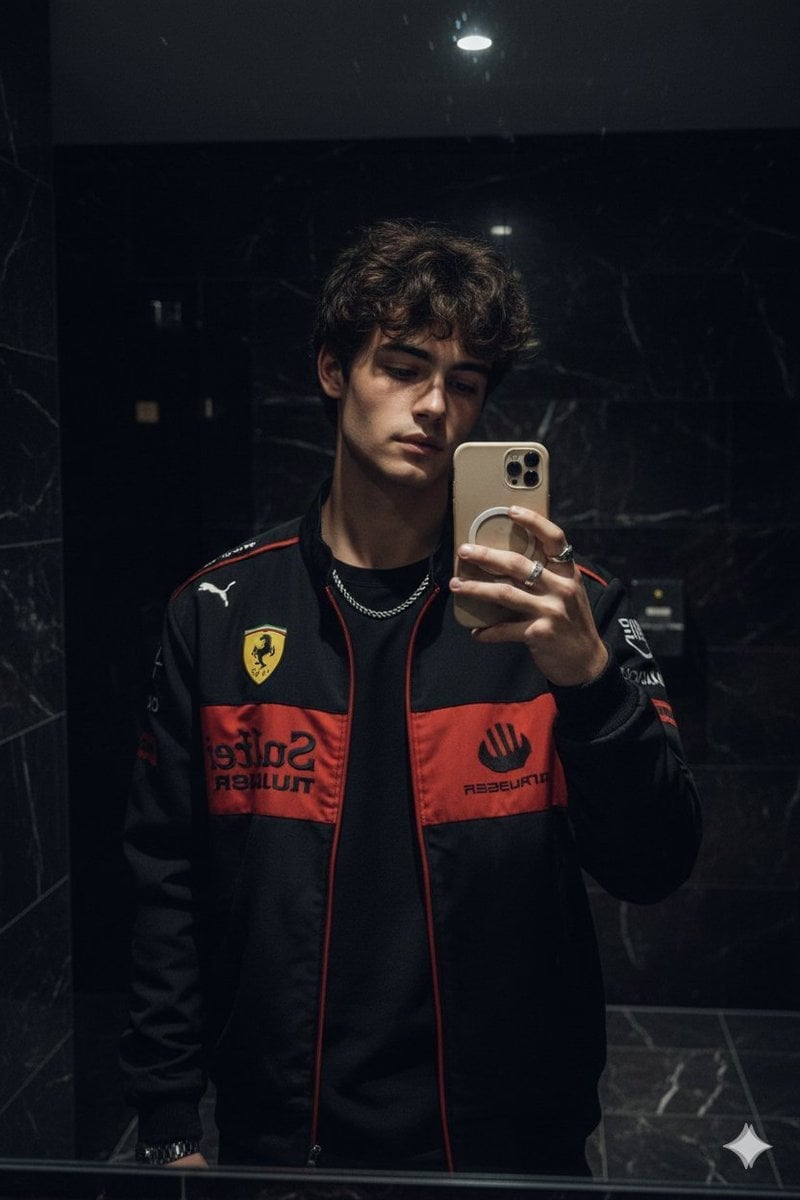
Dark Marble Bathroom Racing Jacket Mirror Selfie

Cozy Knit Sweater Window Portrait

Rooftop Fisheye — Cat-Ear Balaclava at Golden Hour

Felt & Knit 3D Character — Photo-Exact Face, Pixar-Quality Plush Figurine

Eid al-Adha Cute Chaos — Fisheye Selfie with Farm Selfie, Mosque & Animals

Cat Photobomb Selfie — 0.5x Wide Angle Café Chaos

Surreal Cat Astronaut — Humanoid Face Freefall

Mountain Lake Sunset Landscape
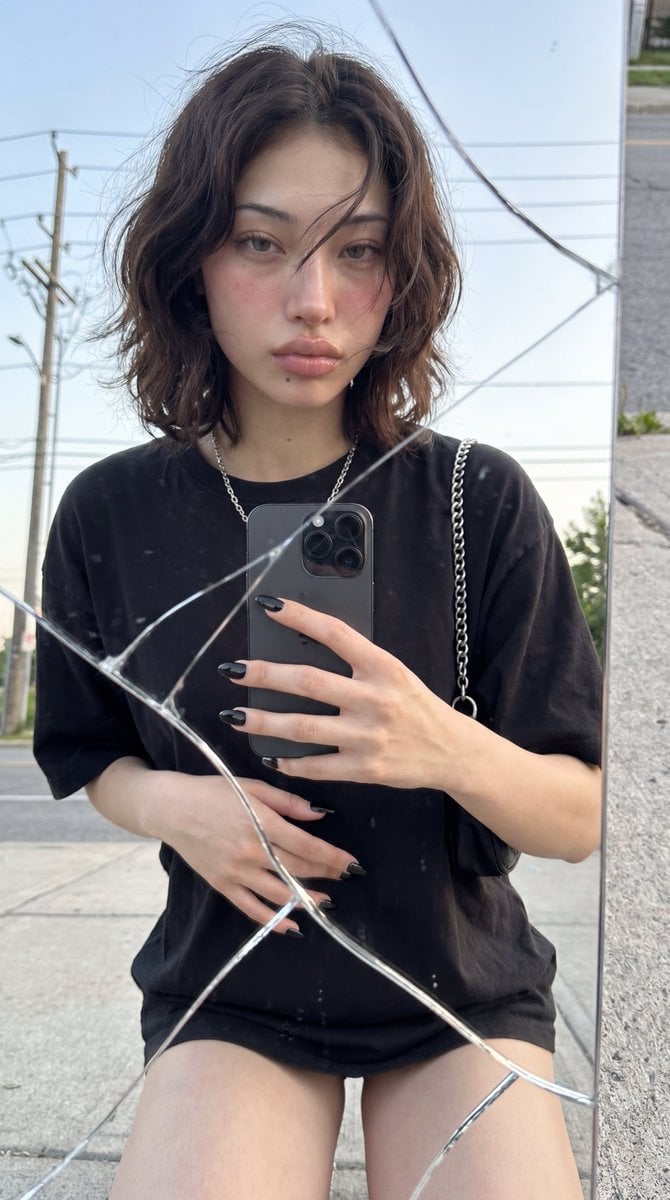
Photorealistic Cracked Mirror Selfie
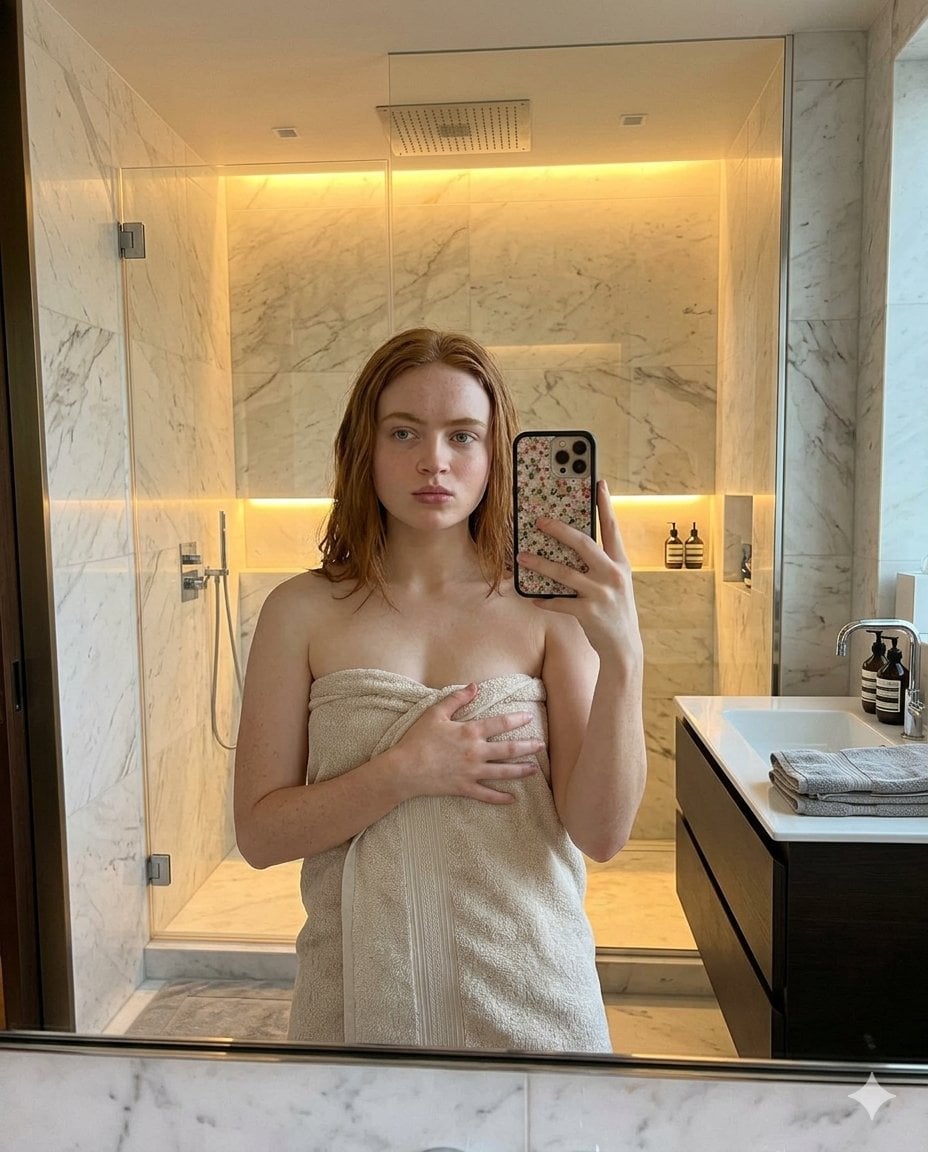
Modern Bathroom Mirror Selfie

Retro Mirror Luxury Fashion Campaign Poster
Make it yours
Hyper-Photorealistic Bathroom Mirror Scene works as-is. These are the safest ways to change it without losing the look.
Change one field
Copy a single group, rewrite it, and generate again so you can see what that field is doing.
Keep the frame, change the subject
Hold the composition and light of Hyper-Photorealistic Bathroom Mirror Scene, then swap wardrobe, props or the person for a new take.
| If the result… | Why | Fix |
|---|---|---|
| The result drifts from the preview | Too many fields changed at once. | Reuse Hyper-Photorealistic Bathroom Mirror Scene as-is first, then change one group — subject, light, or setting. |
| Nano Banana 2 ignores part of the JSON | Some models flatten or skip nested keys. | Keep the same values and paste them as a short paragraph instead. |
More Nano Banana 2 templates
Other prompts made for Nano Banana 2.

Photorealistic Leaf Shaped Like a Dragon

K-Pop Idol Portrait Grid for Rapid Selection

Poetic Rain Forest Portrait During Golden Hour

Urban Street Portrait with Cartoon Inner Self Duo

Candid Nighttime Photo with Cat Prompt

High-Concept 3D Diorama Generation Prompt

Cinematic Futuristic Studio Portrait Template

Skincare Editorial Photography Collage Prompt

Hyper-Realistic Commercial Product Photography (Splash Effect)

Hyper-Realistic Nightclub Portrait Prompt
More image prompts
Fresh picks from across the catalog.
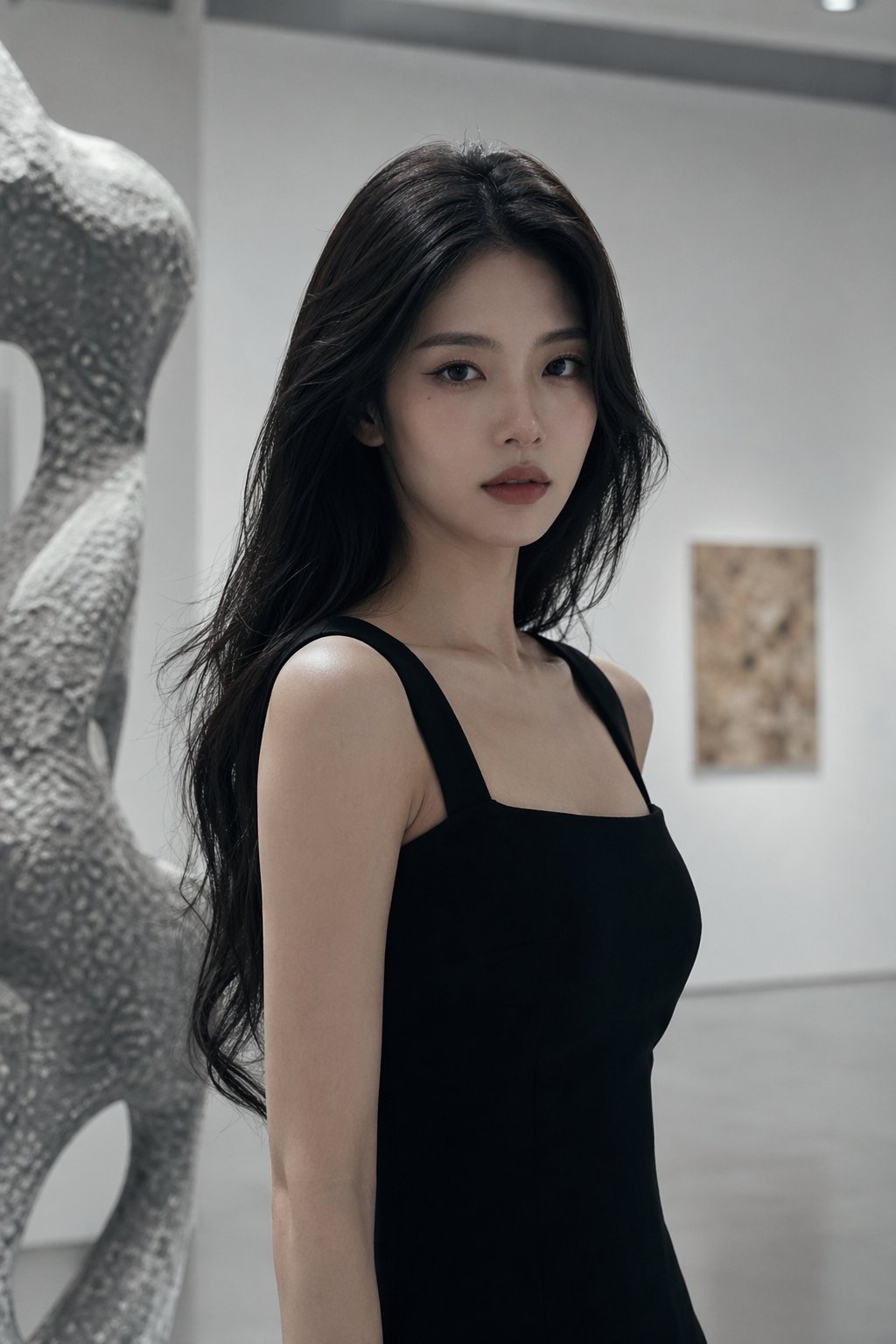
Nano Banana Asian Cold Glamour Portrait
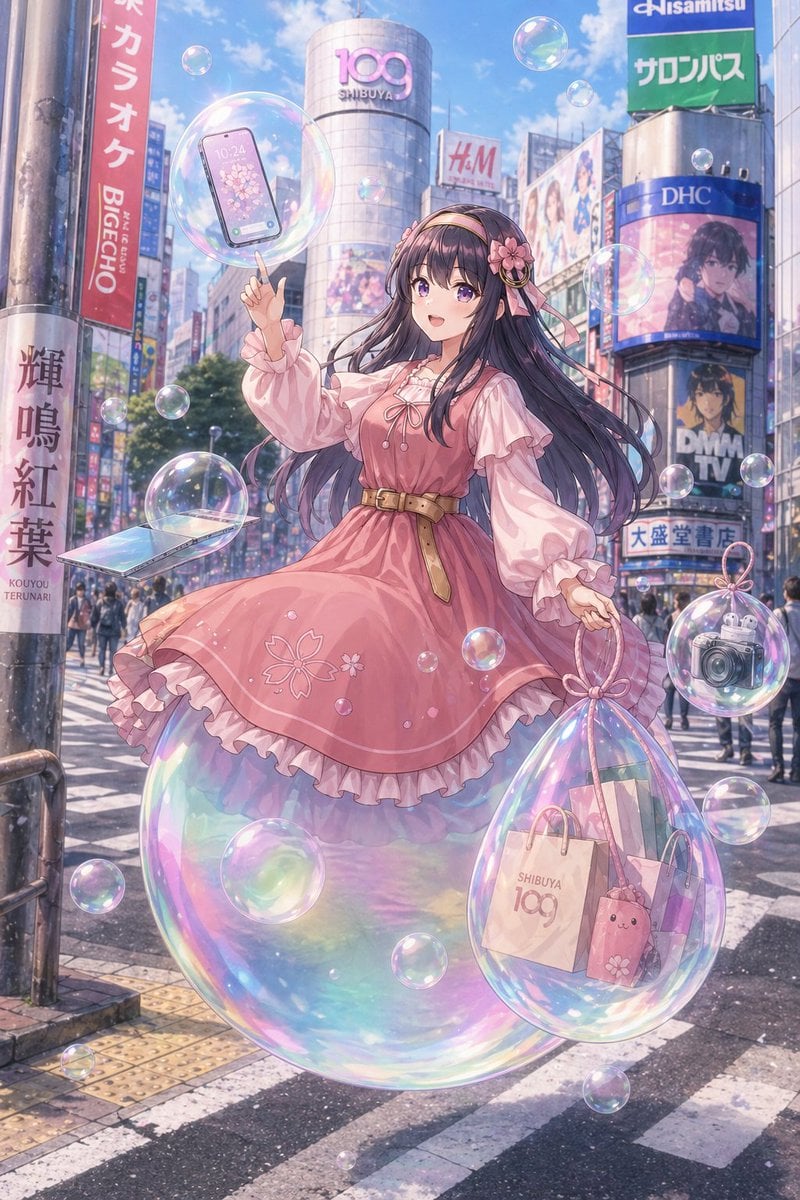
Pastel Anime Girl at Shibuya Crossing
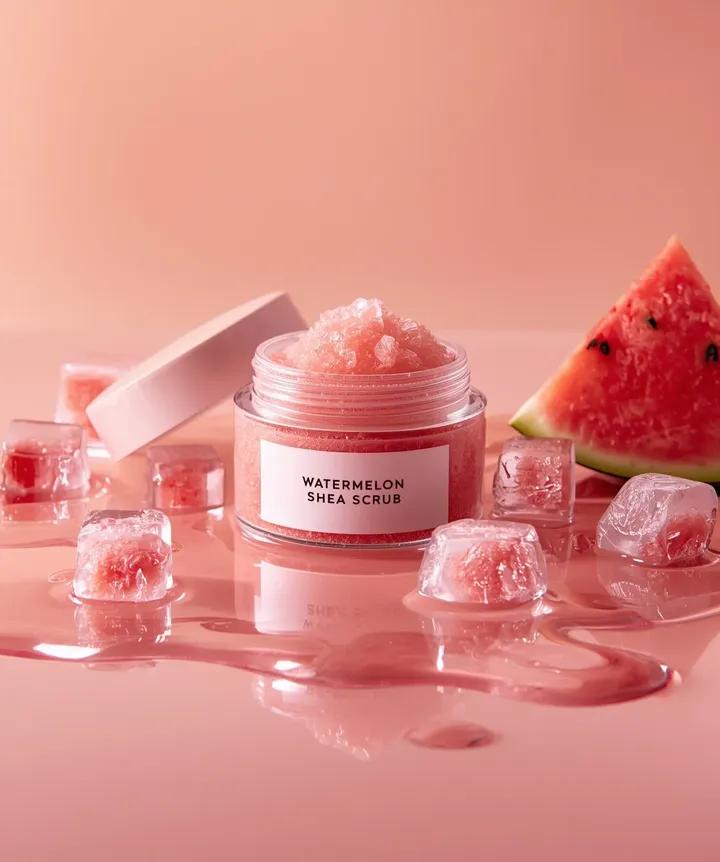
Hyper-photorealistic cosmetic skincare jar product shot with watermelon and ice cubes
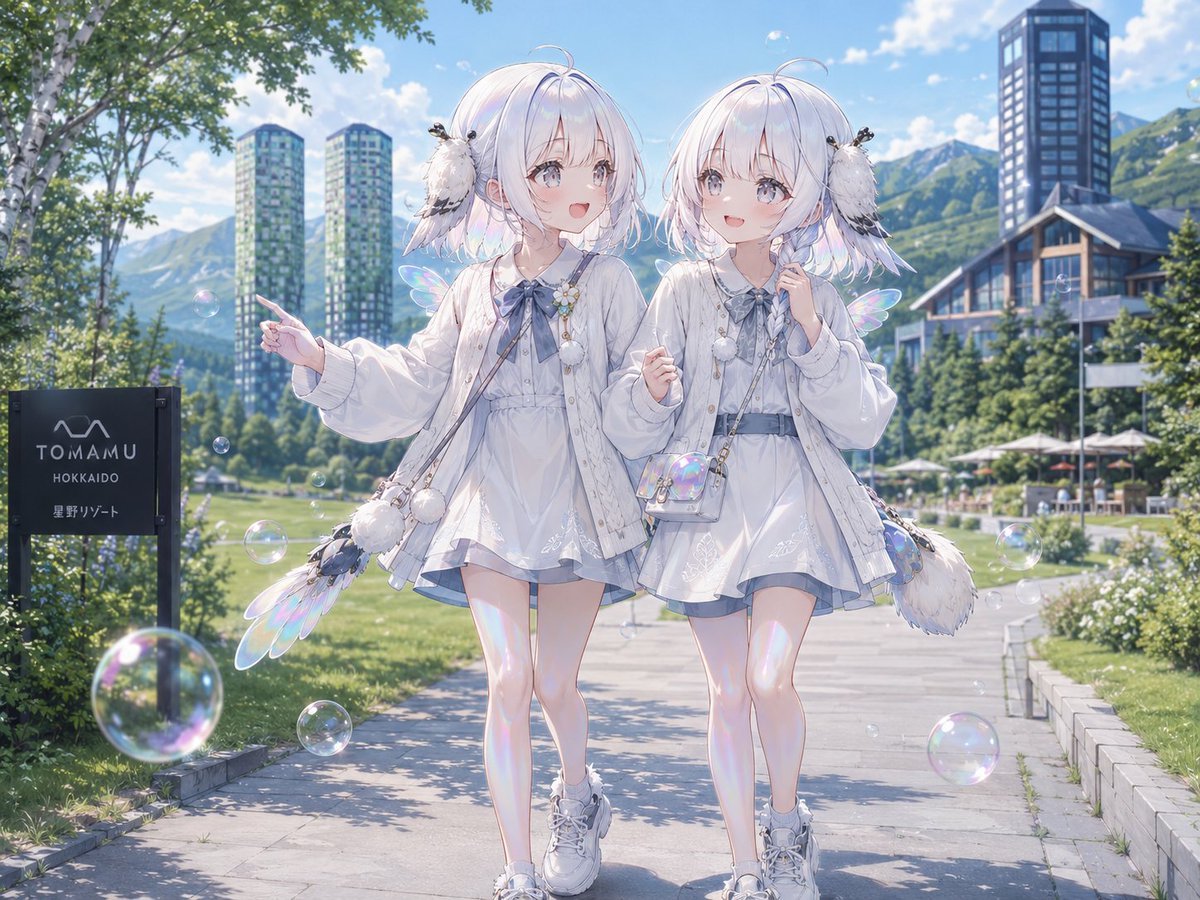
Twin Soap Bubble Birds at Tomamu
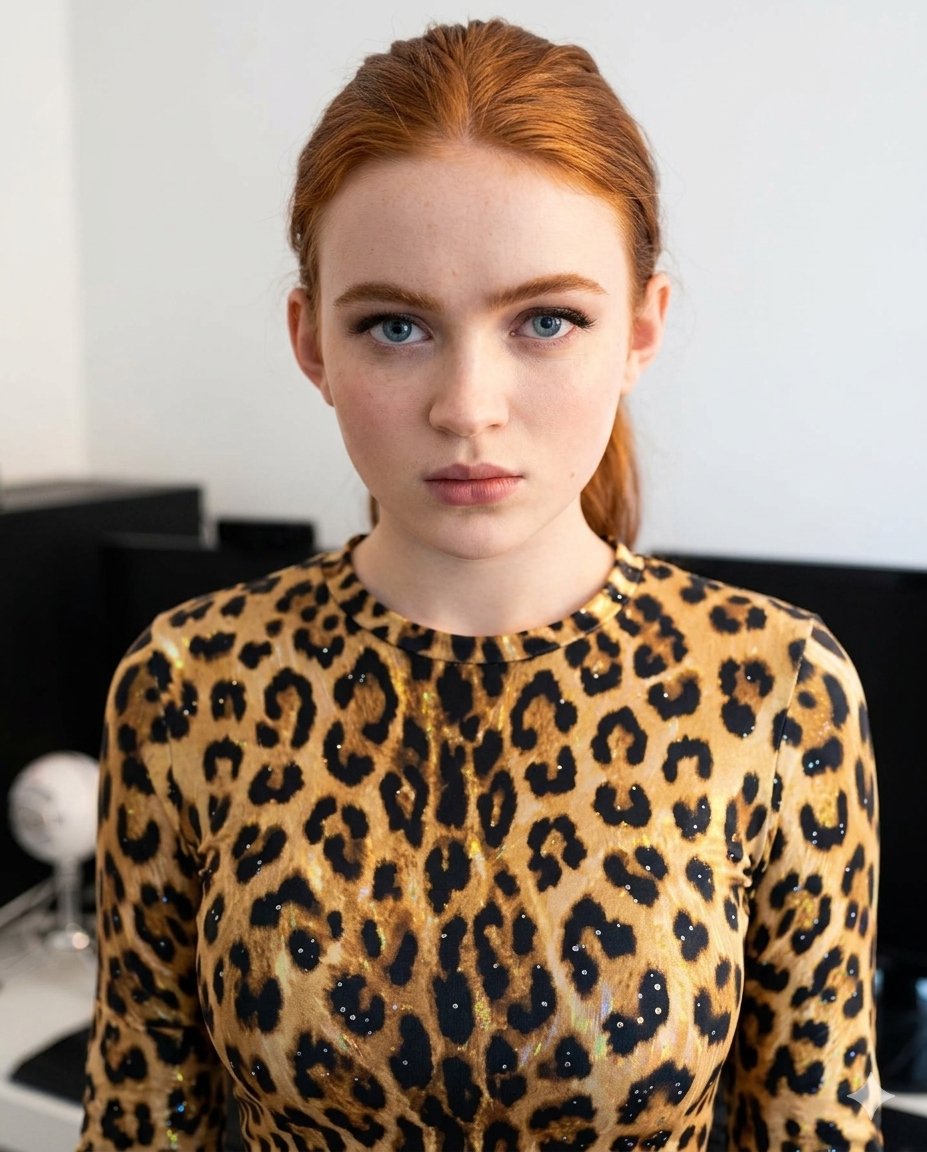
Sparkling Cheetah Portrait Prompt for Gemini Nano Banana Pro

Okinawa Seaside Fashion Editorial with Car

Romantic Top-Down Portrait in a Wildflower Meadow
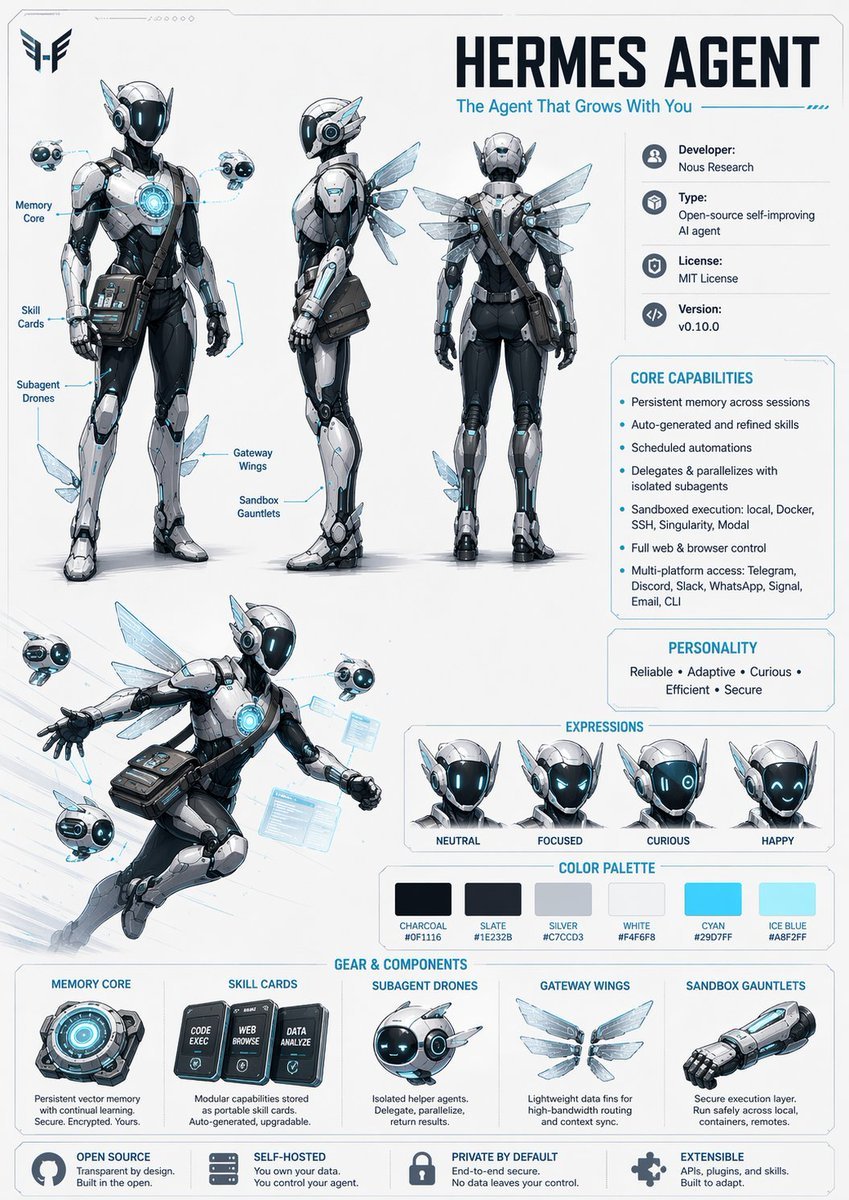
Character Design Sheet Prompt

Magical Children's Storybook Illustration
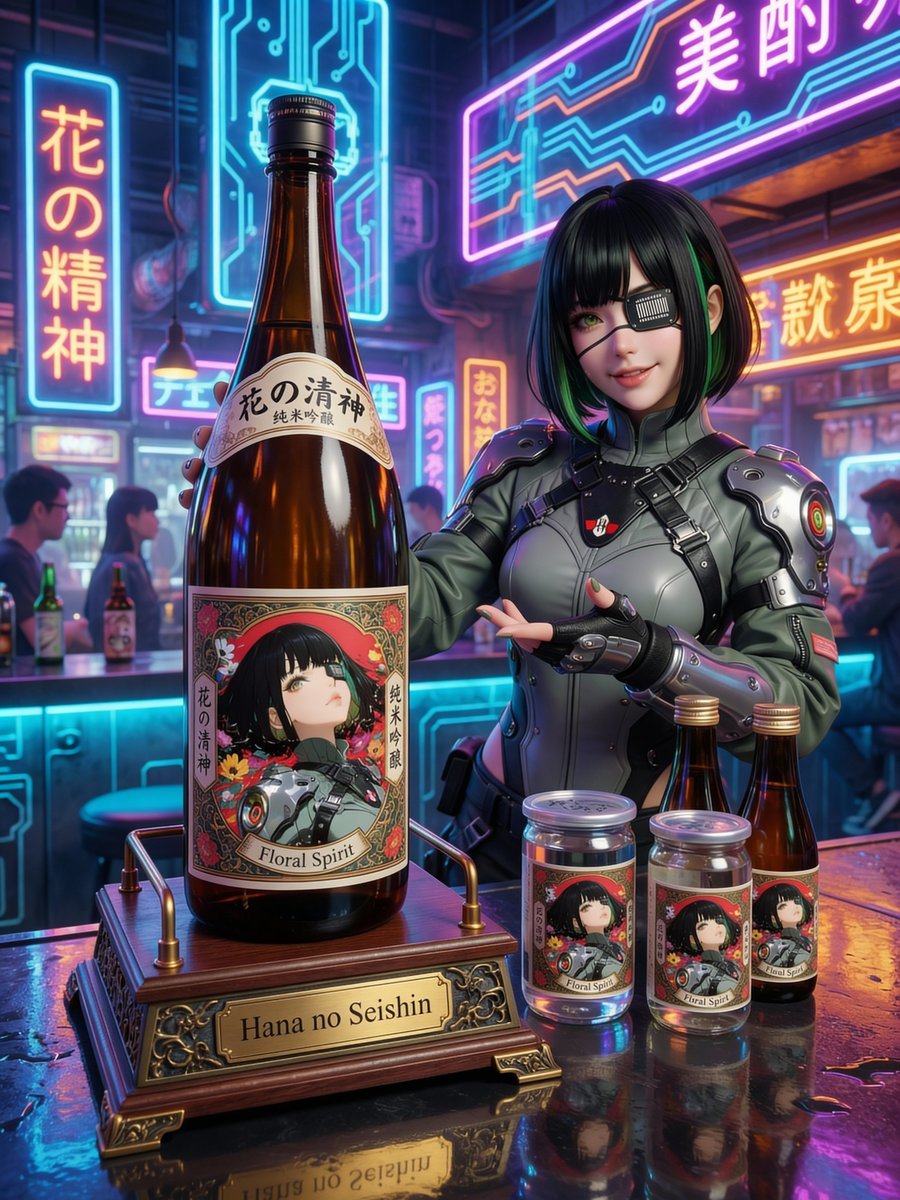
Fictional Sake Brand Bottle Design
Browse template categories
Hyper-Photorealistic Bathroom Mirror Scene questions
How do I use the Hyper-Photorealistic Bathroom Mirror Scene template?
Add your photo if the template asks for one, edit the prompt if you like — the template's model and format are already selected — and press Generate. Your version opens in PicX Studio.
Can I customize the Hyper-Photorealistic Bathroom Mirror Scene template?
Yes. You can change the subject, setting, lighting, mood, format, and available model controls before creating your image.
Is the Hyper-Photorealistic Bathroom Mirror Scene template free?
Opening and editing this template is free. Generating uses credits, shown on the Generate button when you are signed in.
Which AI model should I use?
Start with Nano Banana 2, which is the model associated with this template. You can compare another compatible model for a different finish.
Looking for something else? Browse all templates.

Your photo, any look
Thousands of ready templates for every top image and video model, from one credit balance.