
Twin Soap Bubble Birds at Tomamu
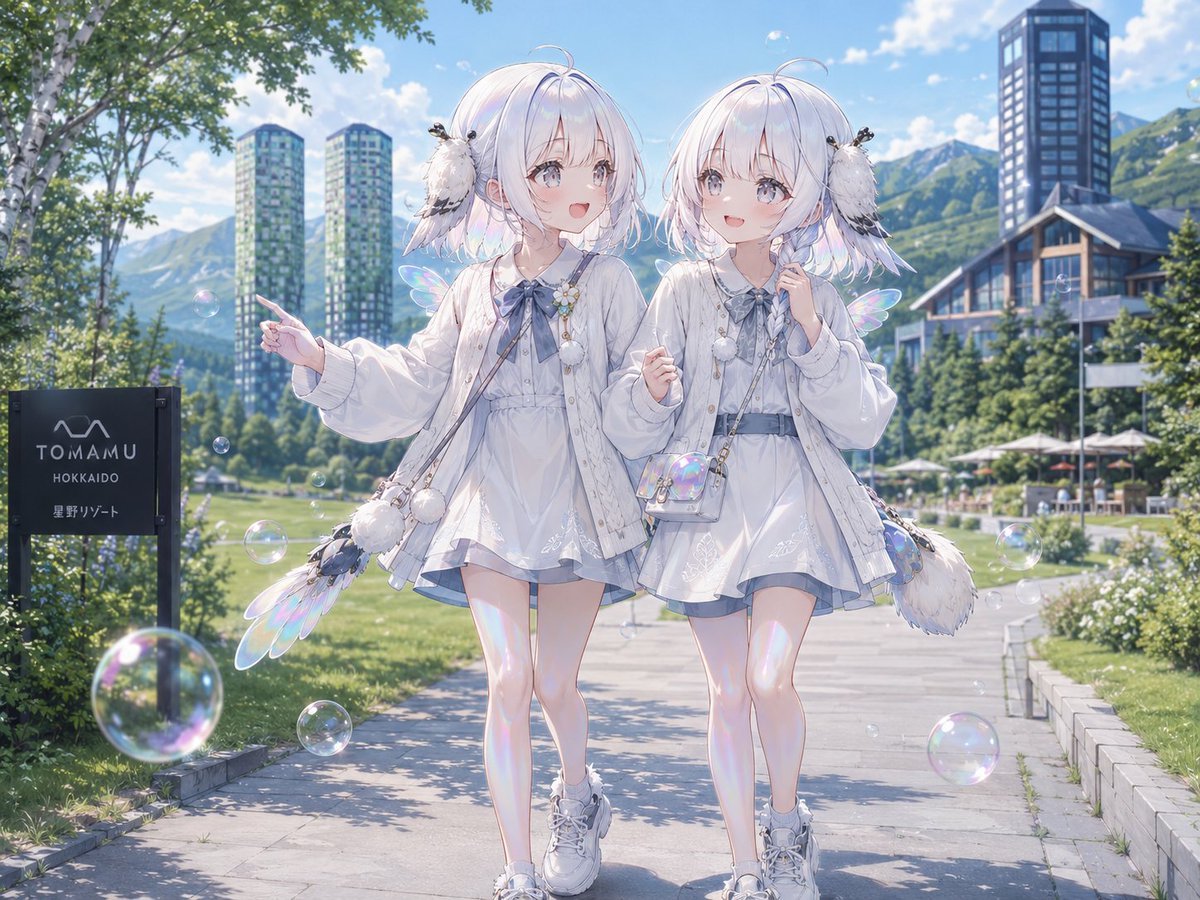
Generates a dreamy anime resort scene with twin silver-haired girls, bird ornaments, bubbles, and Tomamu-style mountain condominiums.
- Prompt included
- Model and format preset
- Free template
The prompt behind this image
Copy the exact prompt behind Twin Soap Bubble Birds at Tomamu, or open it in the studio and make it yours.
Create a bright, highly detailed anime illustration of {argument name="character description" default="twin young girls with pale silver-white bobbed hair"} walking side by side on a sunny resort pathway in Tomamu, Hokkaido. Both characters have their faces intentionally covered by smooth pale gray square blocks with no facial features. They wear matching airy white layered dresses with pale blue-gray ribbons, oversized light cardigans, delicate bead chains, pom-pom charms, small crossbody bags, white socks, and chunky white sneakers. Count exactly two girls: the left twin points outward with her left hand and has a feathery bird-like wing accessory and fluffy pom-pom bag at her side; the right twin holds one hand near her collar and carries a small iridescent transparent shoulder bag. Add exactly two fluffy white long-tailed-tit bird hair ornaments, one perched beside each twin’s head, with tiny black eyes and soft black-and-white feather markings. Surround them with exactly nine visible translucent soap bubbles with rainbow iridescence, distributed across foreground, midground, and sky. The background is a realistic anime resort landscape: a paved garden walkway, vivid green lawns, shrubs, white-barked trees, mountain slopes, blue sky with soft clouds, a chalet-style building and patio umbrellas on the right, exactly two tall greenish condominium towers in the left background, and one dark rectangular high-rise tower in the right background. On the left foreground place a black resort sign reading {argument name="sign text" default="TOMAMU HOKKAIDO 星野リゾート"}. Use soft summer daylight, sparkling highlights, pastel blue-white color grading, delicate linework, dreamy iridescent effects, shallow depth of field, and a polished Japanese AI-art aesthetic. Overall mood: {argument name="mood" default="whimsical, fresh, luxurious resort fantasy"}.
How to use Twin Soap Bubble Birds at Tomamu in 3 steps
- 1Upload ImagePNG, JPG or paste
Add your photo
Upload the photo the template builds on. The prompt, model and format are already set.
- 2…a portrait of your subject in softgolden-hour light, 85mm…
Personalize
Edit the subject and creative details for your destination.
- 3Generate
Generate
Press Generate — your image is created in PicX Studio, so you can compare it with the original and refine one variable at a time.
More like this
Templates with the same subject, style or setup. Open one to see its prompt.
Bursting Soap Bubble Macro Photo
Soap Bubble Elf in Cozy Apartment
Dreamy Golden Hour Portrait with Cat and Soap Bubbles
Dark Pop Horror Alley Twins
Chibi Royal Horse Twin Princes
Real Woman with Illustrated Twin
Soap foam sculpture in the exact shape of the uploaded logo, made

Blonde Twin Tails Girl Drinking Tea
Realistic Smartphone Selfie Twins
Real Person and Ink-Twin Doodle
Full-Body Teal Twin-Tail Anime Idol
Anime Yin-Yang Twin Girls
Make it yours
Twin Soap Bubble Birds at Tomamu works as-is. These are the safest ways to change it without losing the look.
Change one field
Copy a single group, rewrite it, and generate again so you can see what that field is doing.
Keep the frame, change the subject
Hold the composition and light of Twin Soap Bubble Birds at Tomamu, then swap wardrobe, props or the person for a new take.
| If the result… | Why | Fix |
|---|---|---|
| The result drifts from the preview | Too many fields changed at once. | Reuse Twin Soap Bubble Birds at Tomamu as-is first, then change one group — subject, light, or setting. |
| The model over-stylizes the scene | The prose prompt leaves finish and camera underspecified. | Add one camera or lighting sentence and stay on GPT Image 2. |
More GPT Image 2 templates
Other prompts made for GPT Image 2.

Six VTuber Japanese Logo Sheet

Realistic Portrait of Woman and Deer

The Vista Modular Condo Poster

AI Model Routing Comparison Infographic

2.5D Anime Art Board

Isometric Productivity Desk Scene

New York Double Exposure Poster

Four-Panel AI Landscape Comparison

Japanese Tatami Lifestyle Magazine Cover

NESCAFÉ Coffee Map Poster
More image prompts
Fresh picks from across the catalog.
Summer Oriental Courtyard Illustration
3D Fluffy Monster Bursting Through Wall
Luxury Equestrian Editorial with Dua Lipa
Converting Images to Cute Paper Crafts with Grok and Nano Banana Pro
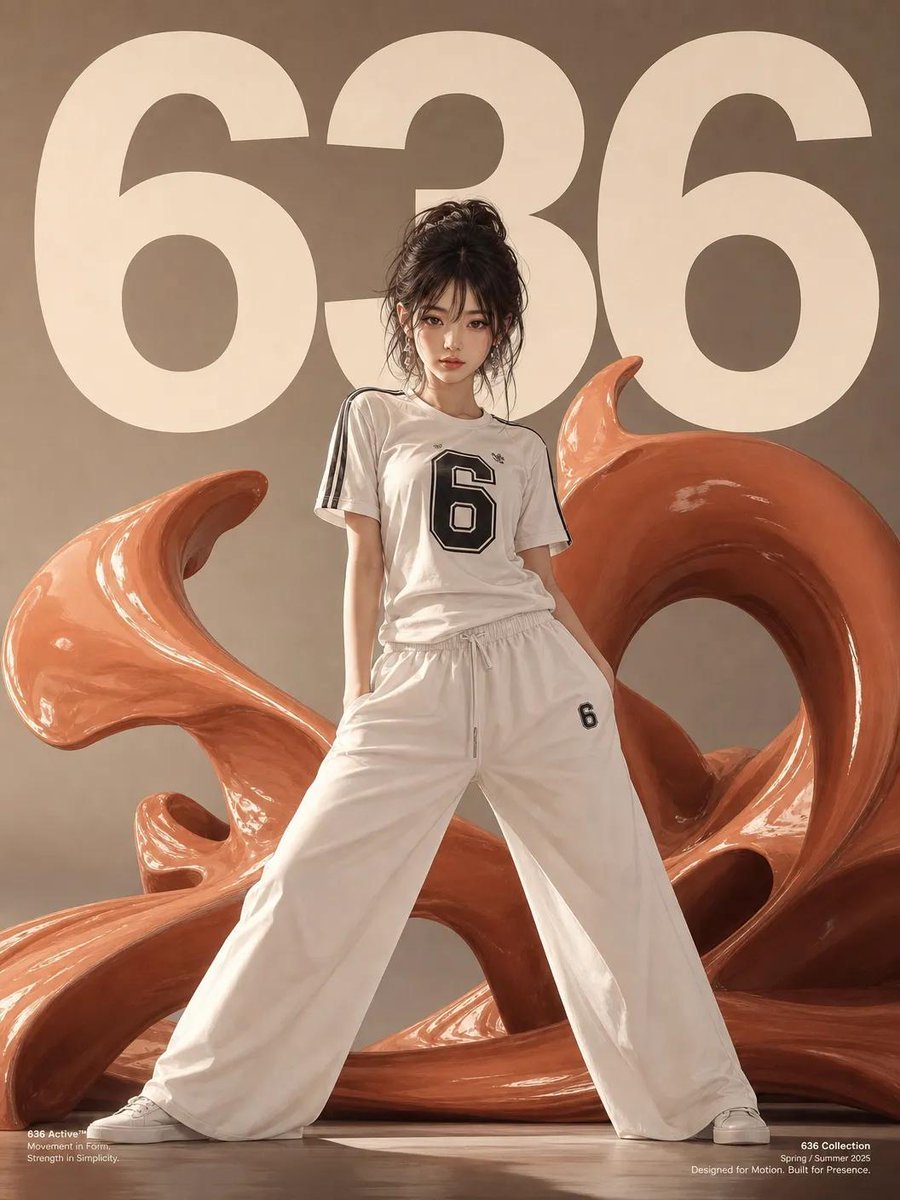
Anime Style Activewear Editorial
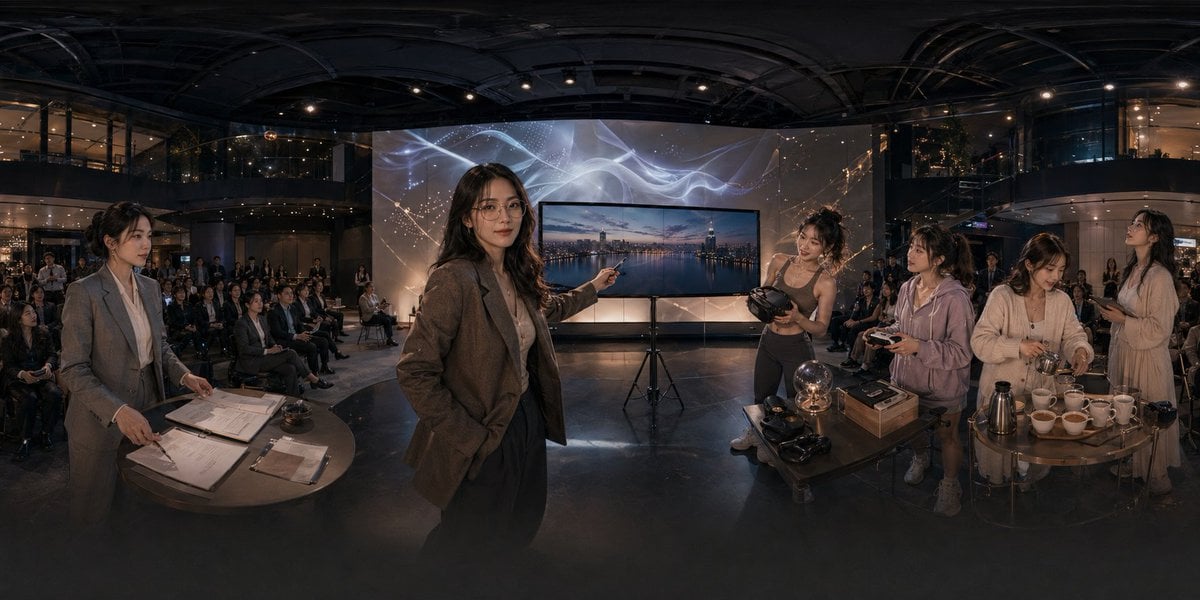
Panoramic Tech Event Atrium Scene
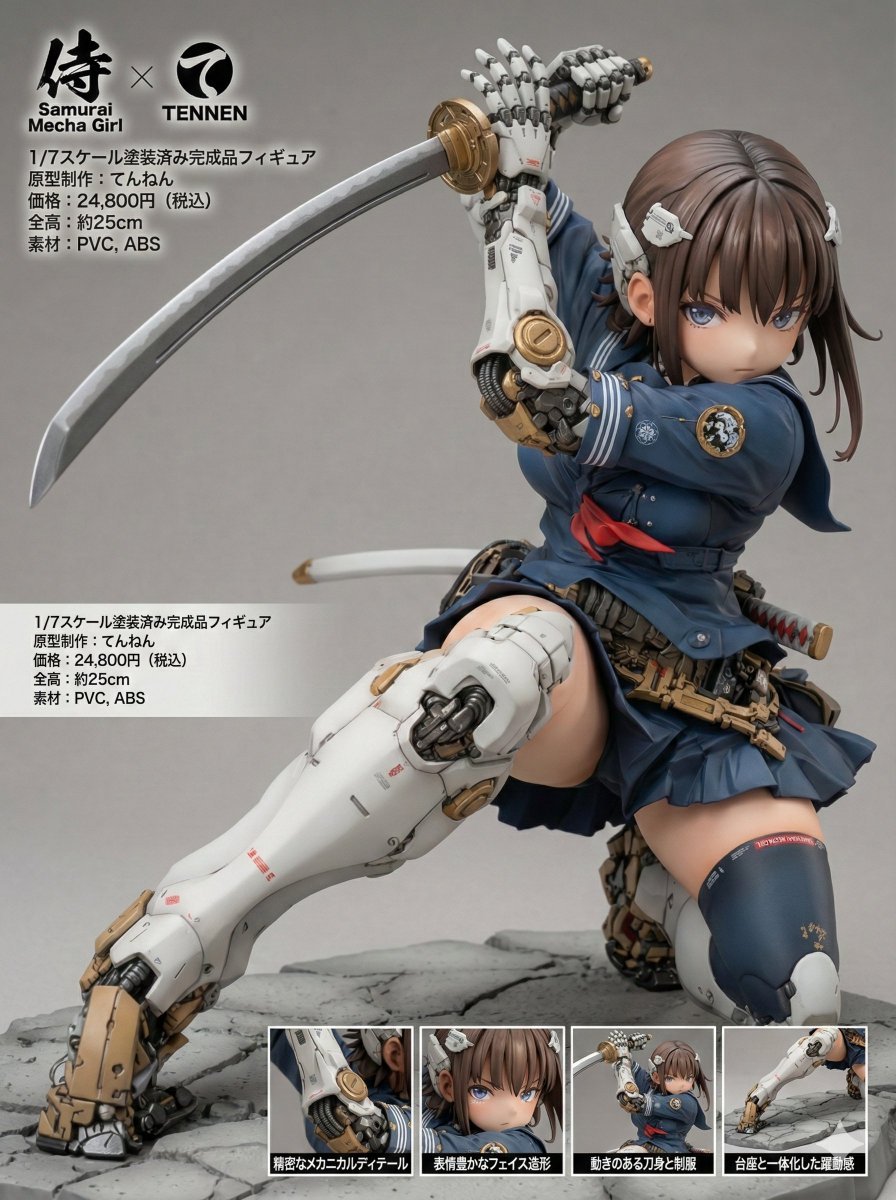
Multi-Language Figure Product Introduction Layout Prompt for Nano Banana Pro
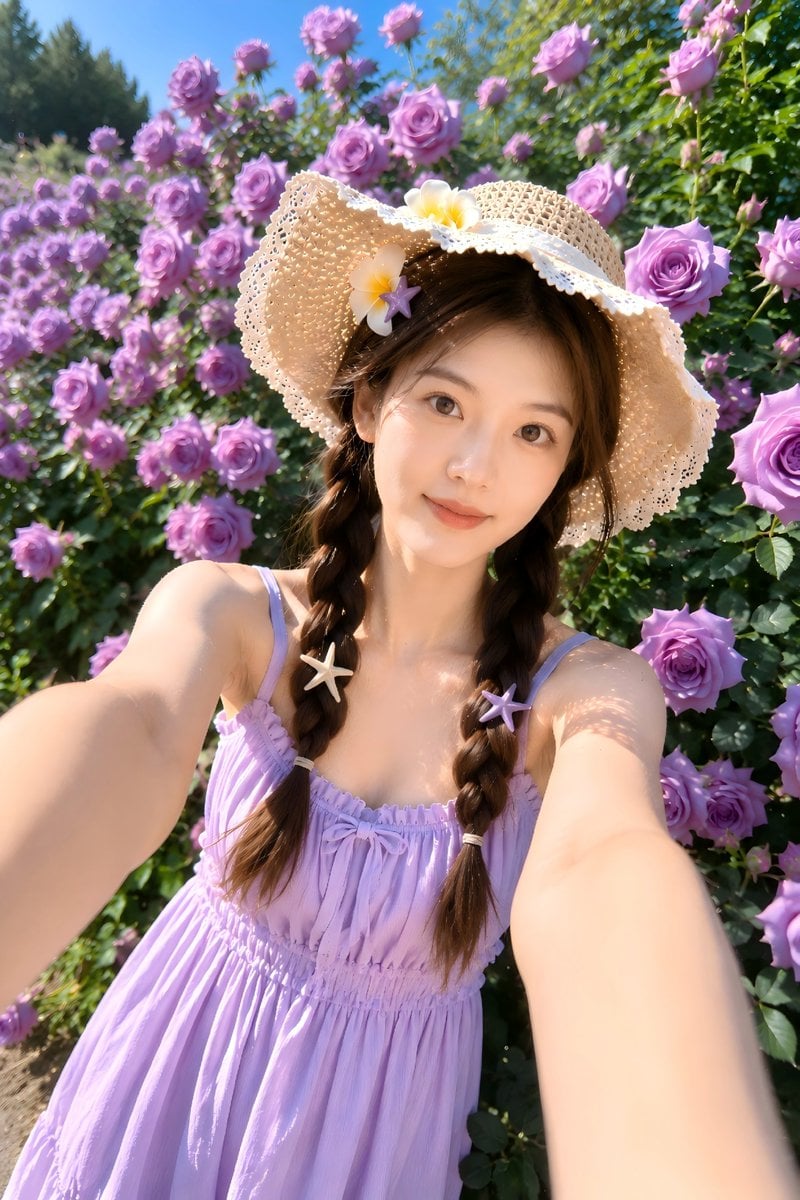
Summer Garden Rose Selfie
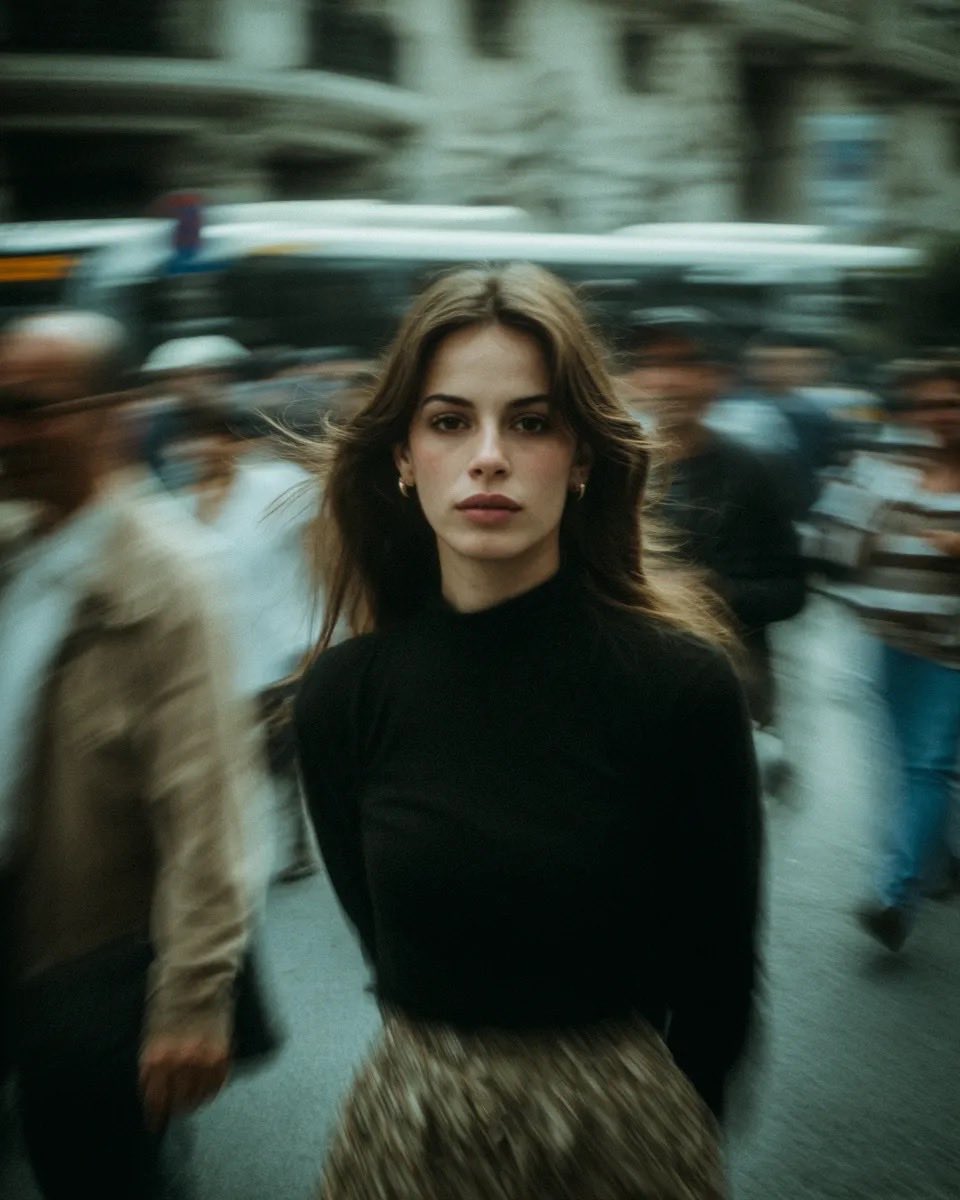
Cinematic Street Portrait with Motion Blur
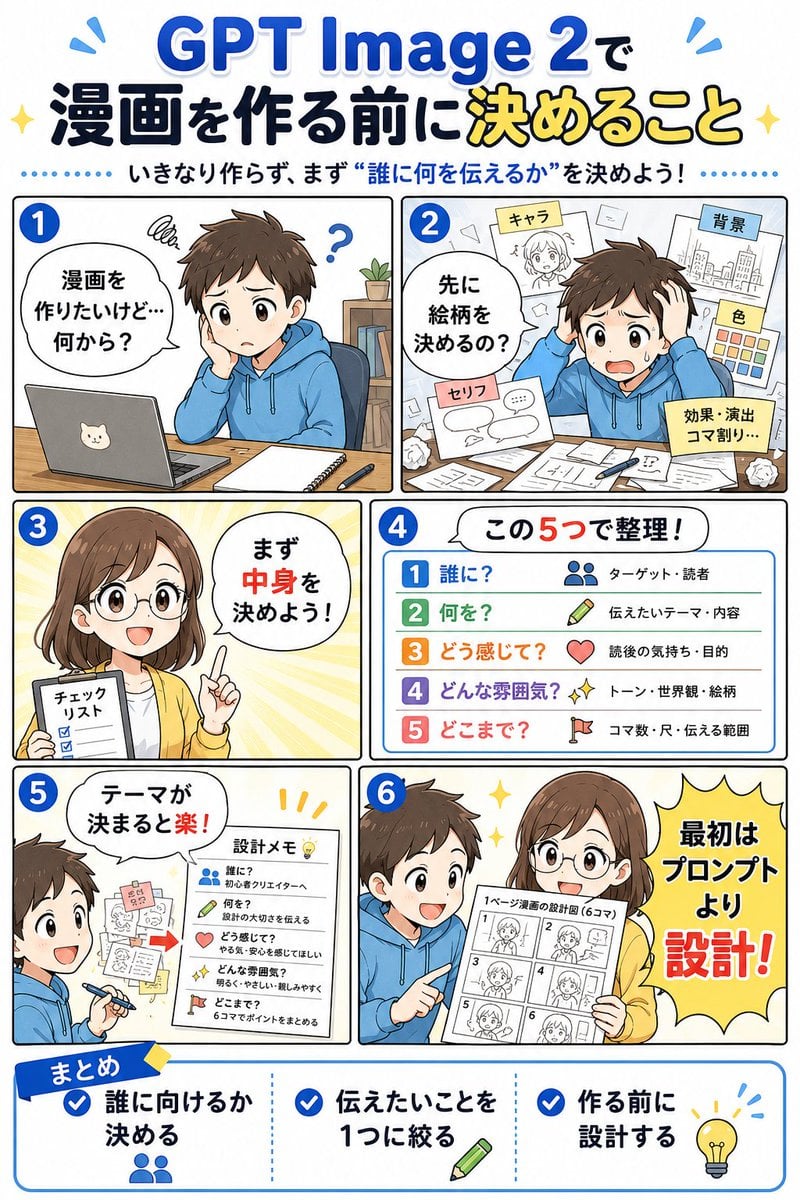
GPT Image 2 Manga Planning Infographic
Browse template categories
Twin Soap Bubble Birds at Tomamu questions
How do I use the Twin Soap Bubble Birds at Tomamu template?
Add your photo if the template asks for one, edit the prompt if you like — the template's model and format are already selected — and press Generate. Your version opens in PicX Studio.
Can I customize the Twin Soap Bubble Birds at Tomamu template?
Yes. You can change the subject, setting, lighting, mood, format, and available model controls before creating your image.
Is the Twin Soap Bubble Birds at Tomamu template free?
Opening and editing this template is free. Generating uses credits, shown on the Generate button when you are signed in.
Which AI model should I use?
Start with GPT Image 2, which is the model associated with this template. You can compare another compatible model for a different finish.
Looking for something else? Browse all templates.

Your photo, any look
Thousands of ready templates for every top image and video model, from one credit balance.