
Chibi Royal Horse Twin Princes
Generates a dreamy gacha-style palace illustration of two crowned horse-anthro royal twins in ornate uniforms.
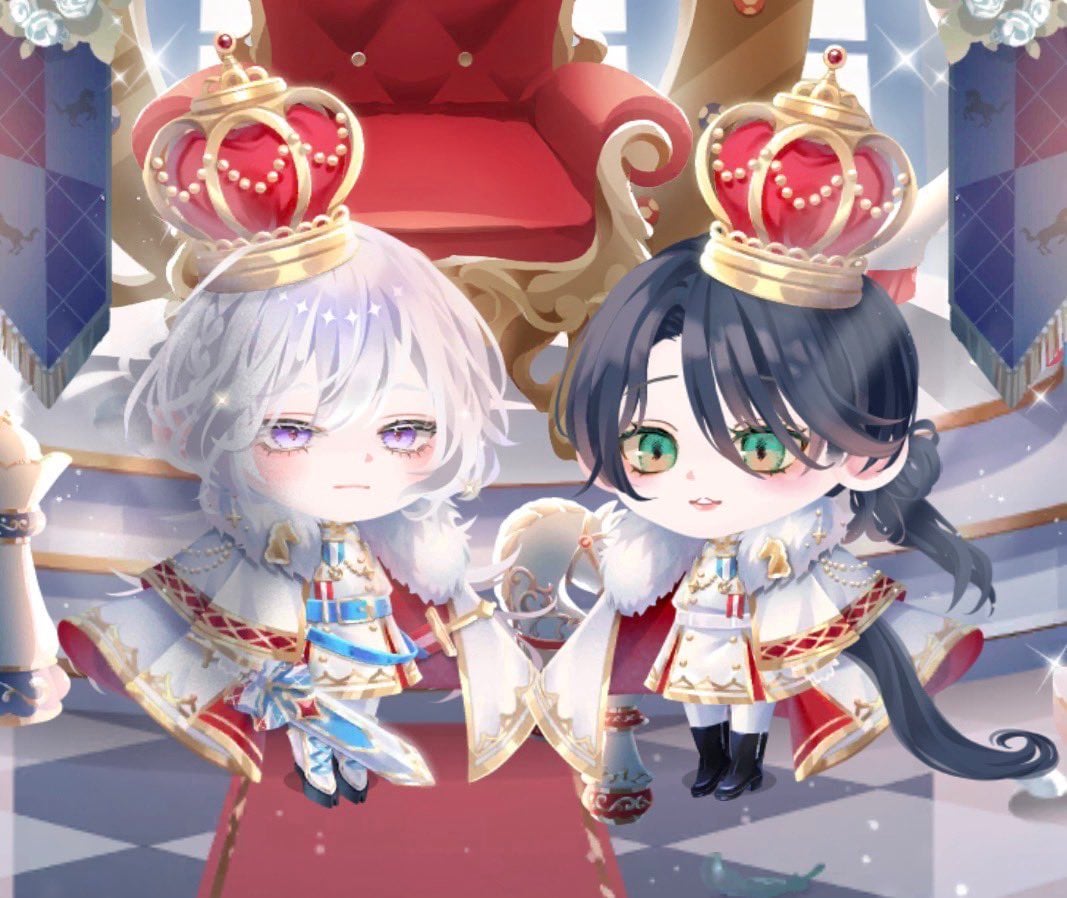
- Prompt included
- Model and format preset
- Free template
The prompt behind this image
Copy the exact prompt behind Chibi Royal Horse Twin Princes, or open it in the studio and make it yours.
Create a soft, high-detail chibi anime illustration of {argument name="character count" default="two"} royal horse-anthro twin children standing side by side in a bright palace throne room. The image shows exactly two characters: the left twin has fluffy short {argument name="left twin hair color" default="silvery white"} hair, pale skin, droopy lavender eyes, a calm slightly sleepy expression, a white horse ear and fluffy white tail, and wears a miniature white-and-gold prince uniform with blue accents, medals, epaulettes, a fur-trimmed cape, jeweled sash details, gloves, and dark boots; the right twin has long {argument name="right twin hair color" default="dark navy black"} hair tied low with loose curls, pale skin, large green eyes, a gentle smiling expression, a white horse ear and long dark tail, and wears a matching white-and-gold royal uniform with red accents, medals, epaulettes, fur-trimmed cape, black boots, and delicate pearl chains. Each twin wears one oversized ornate crown, for exactly two crowns total: gold frames with red velvet centers, pearl garlands, small jewel finials, and bright sparkle highlights. Place them in front of a large plush red throne with gold carved arms and trim, tall palace windows pouring in white light, blue royal banners with subtle horse emblems on both sides, a red carpet, and a glossy gray-and-white checkerboard floor. Use a dreamy gacha-game character style, oversized heads and tiny bodies, delicate eyelashes, soft blush, pastel lighting, shimmering magical particles, lens-flare sparkles, and polished fantasy royalty details. Composition should be a medium-wide frontal view, symmetrical and cute, with the throne centered behind them and both characters fully visible from crown to boots. No text, no watermark, no extra characters.
How to use Chibi Royal Horse Twin Princes in 3 steps
- 1Upload ImagePNG, JPG or paste
Add your photo
Upload the photo the template builds on. The prompt, model and format are already set.
- 2…a portrait of your subject in softgolden-hour light, 85mm…
Personalize
Edit the subject and creative details for your destination.
- 3Generate
Generate
Press Generate — your image is created in PicX Studio, so you can compare it with the original and refine one variable at a time.
More like this
Templates with the same subject, style or setup. Open one to see its prompt.

Cute Layered Paper Cut Chibi Girl

Pixar-Style Chibi Café Morning Scene
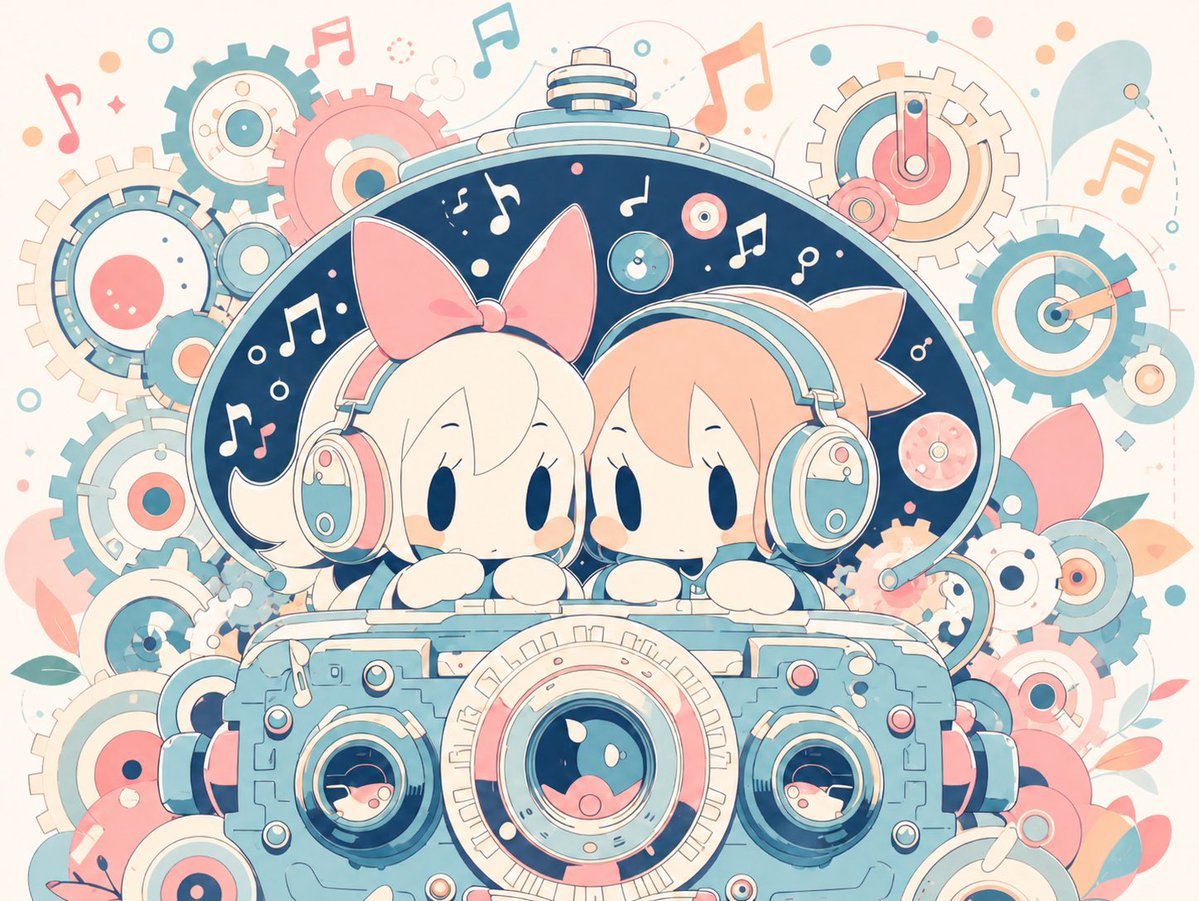
Milky Pastel Chibi Music Camera Twins

Nano Banana Pro Pink Office Chibi
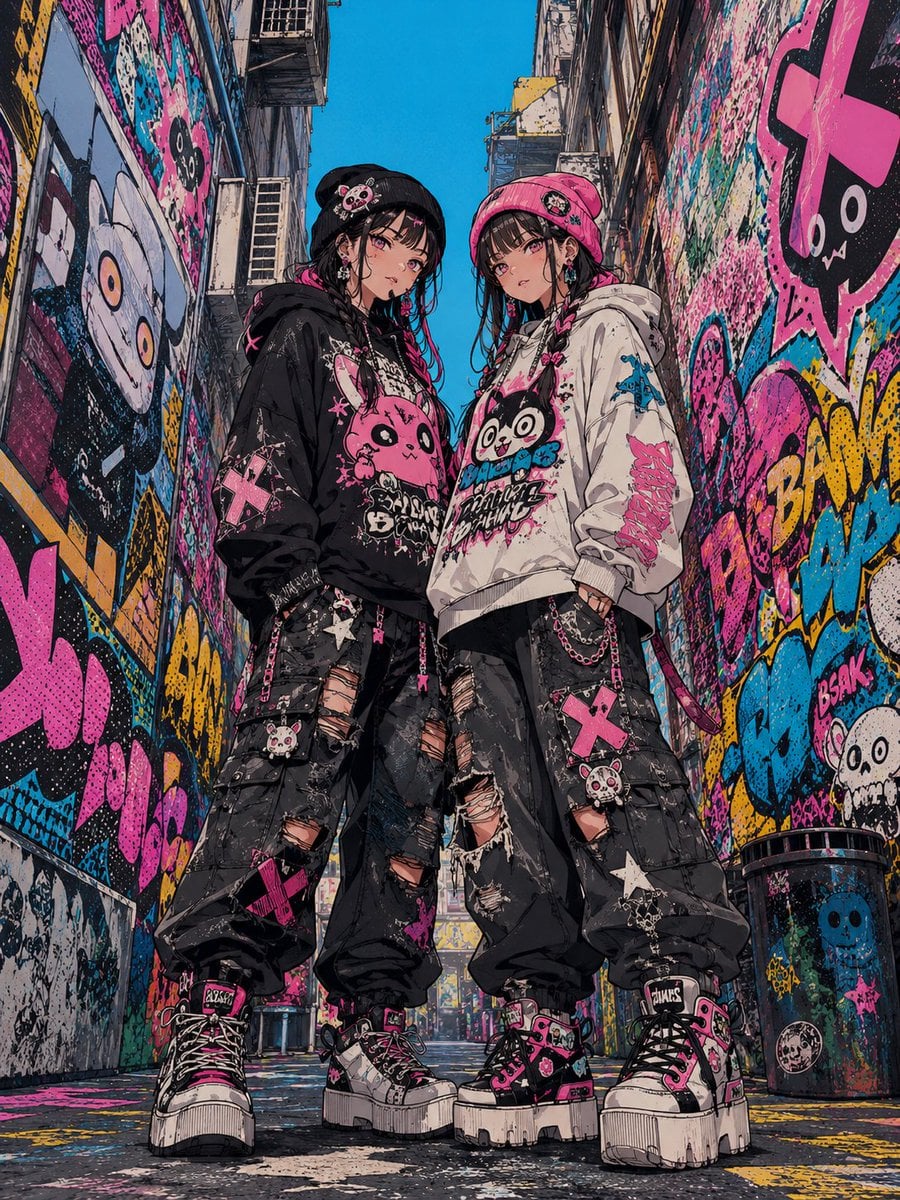
Dark Pop Horror Alley Twins
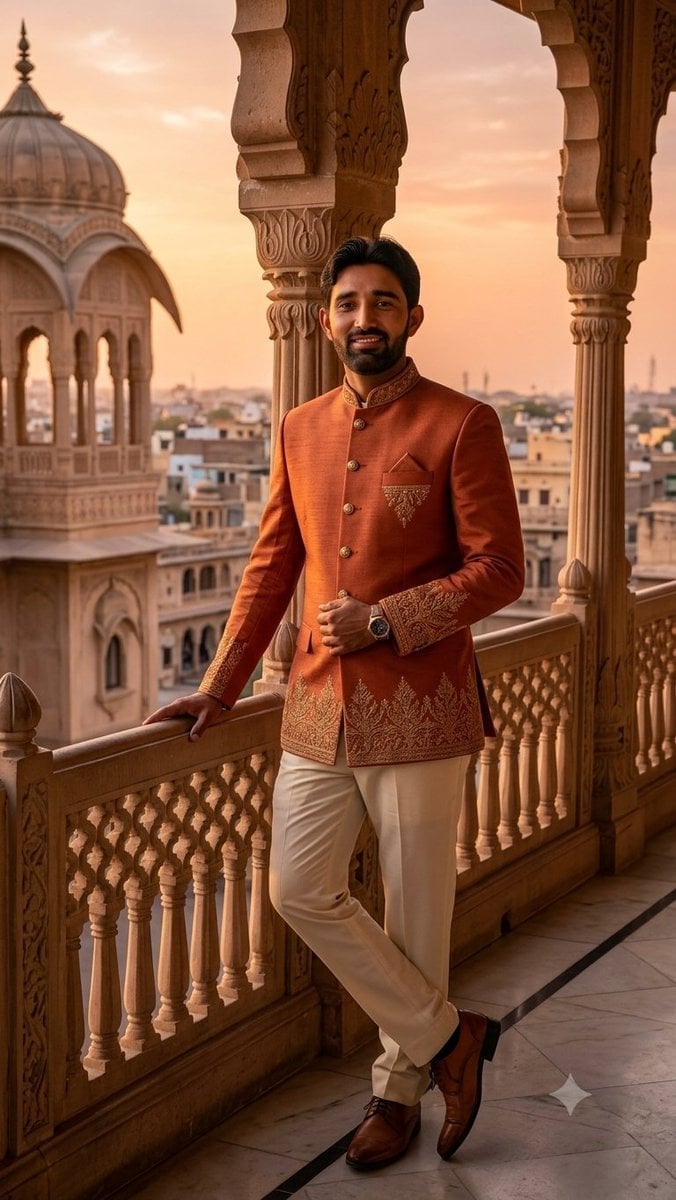
Indian Royal Bandhgala Portrait

Chibi Anime Ninja Sticker Sheet
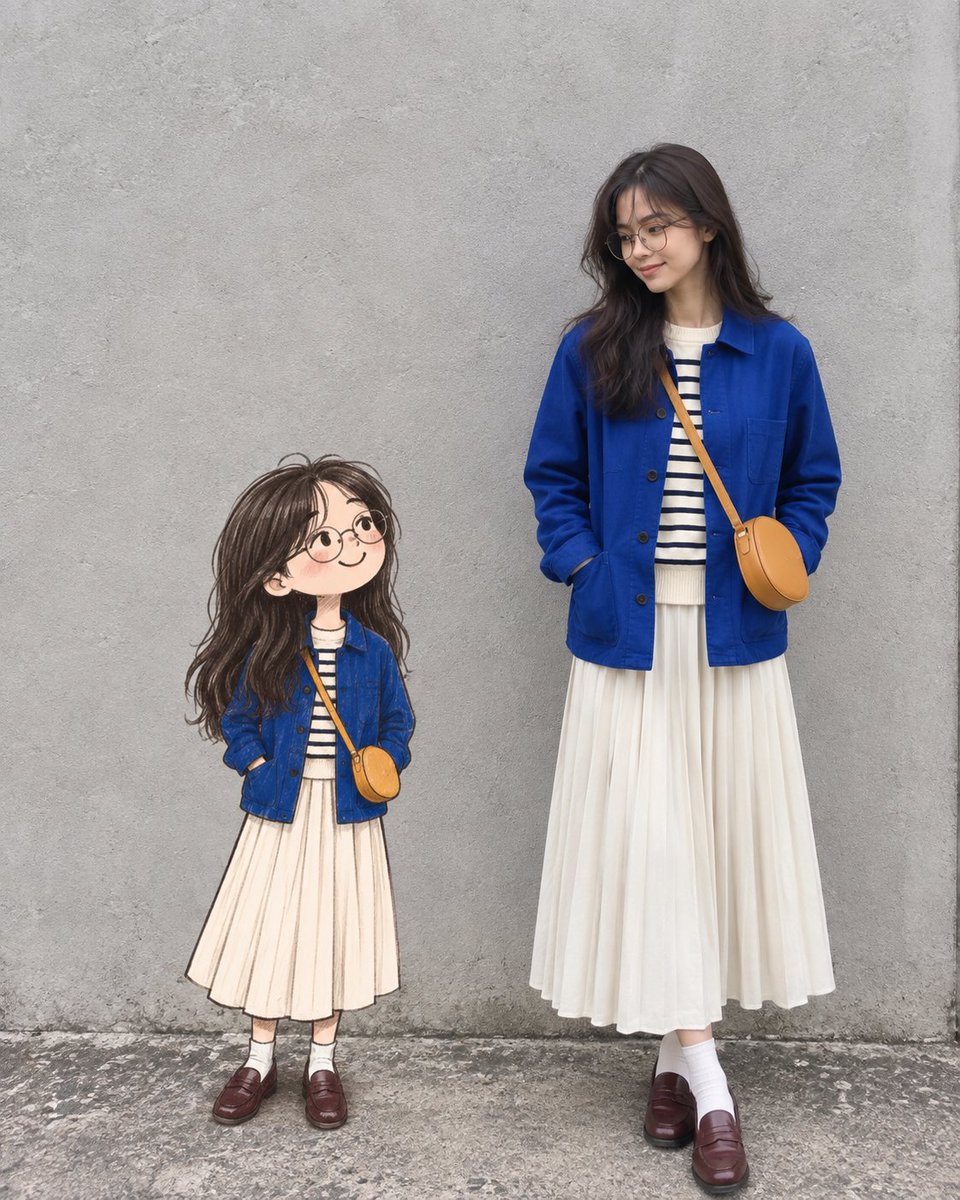
Real Woman with Illustrated Twin

Blonde Twin Tails Girl Drinking Tea
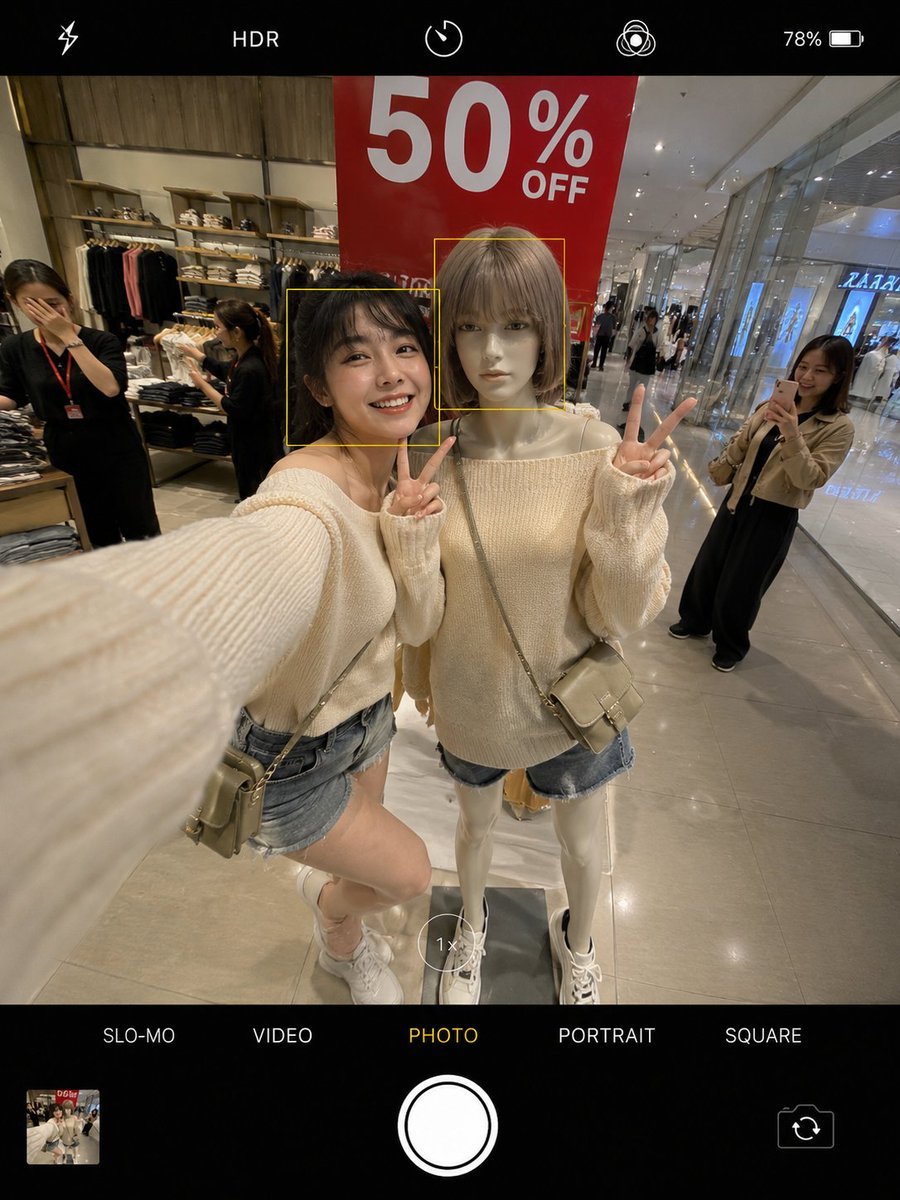
Realistic Smartphone Selfie Twins
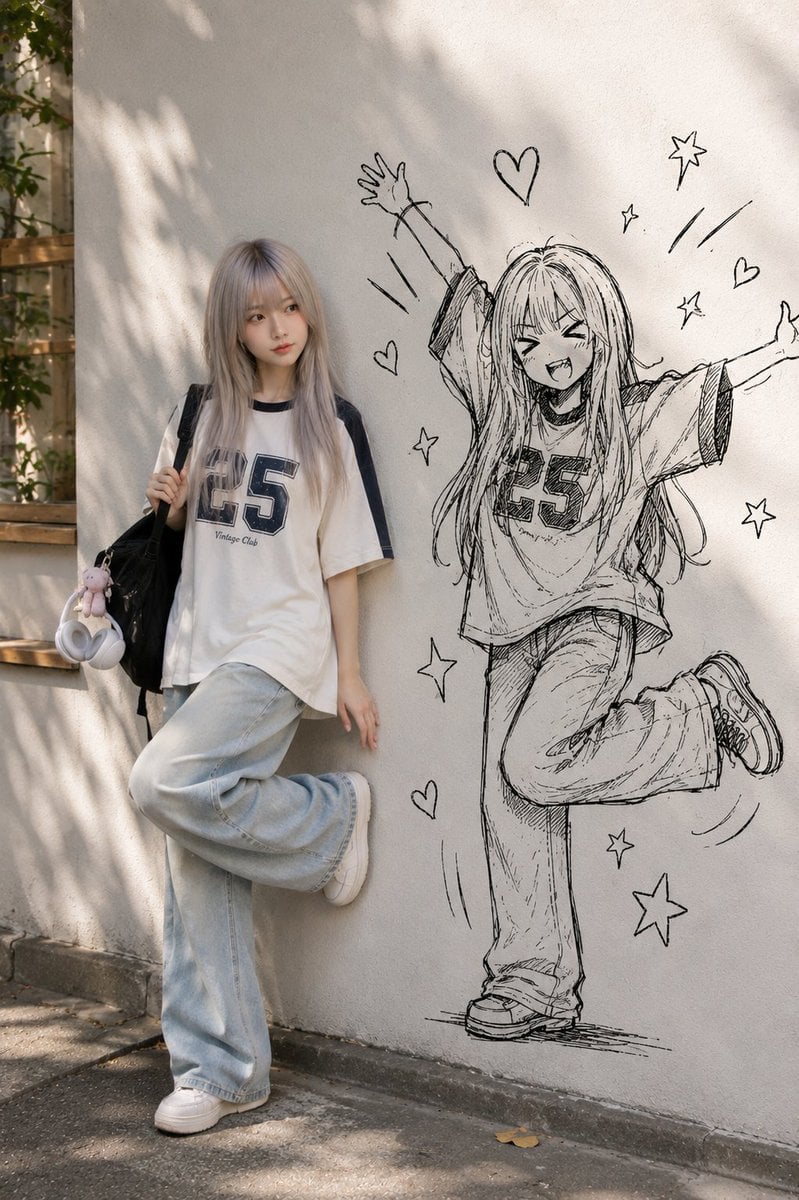
Real Person and Ink-Twin Doodle
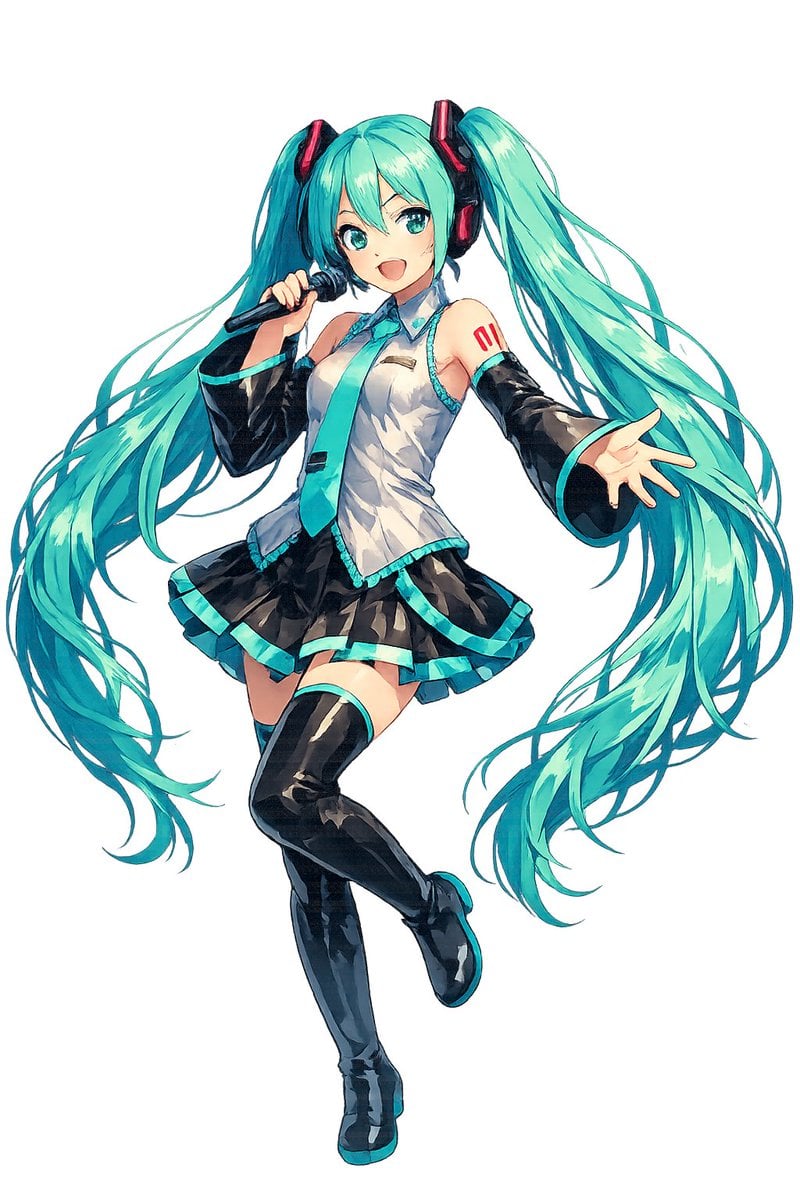
Full-Body Teal Twin-Tail Anime Idol
Make it yours
Chibi Royal Horse Twin Princes works as-is. These are the safest ways to change it without losing the look.
Change one field
Copy a single group, rewrite it, and generate again so you can see what that field is doing.
Keep the frame, change the subject
Hold the composition and light of Chibi Royal Horse Twin Princes, then swap wardrobe, props or the person for a new take.
| If the result… | Why | Fix |
|---|---|---|
| The result drifts from the preview | Too many fields changed at once. | Reuse Chibi Royal Horse Twin Princes as-is first, then change one group — subject, light, or setting. |
| The model over-stylizes the scene | The prose prompt leaves finish and camera underspecified. | Add one camera or lighting sentence and stay on GPT Image 2. |
More GPT Image 2 templates
Other prompts made for GPT Image 2.

Six VTuber Japanese Logo Sheet

Realistic Portrait of Woman and Deer

The Vista Modular Condo Poster

AI Model Routing Comparison Infographic

2.5D Anime Art Board

Isometric Productivity Desk Scene

New York Double Exposure Poster

Four-Panel AI Landscape Comparison

Japanese Tatami Lifestyle Magazine Cover

NESCAFÉ Coffee Map Poster
More image prompts
Fresh picks from across the catalog.
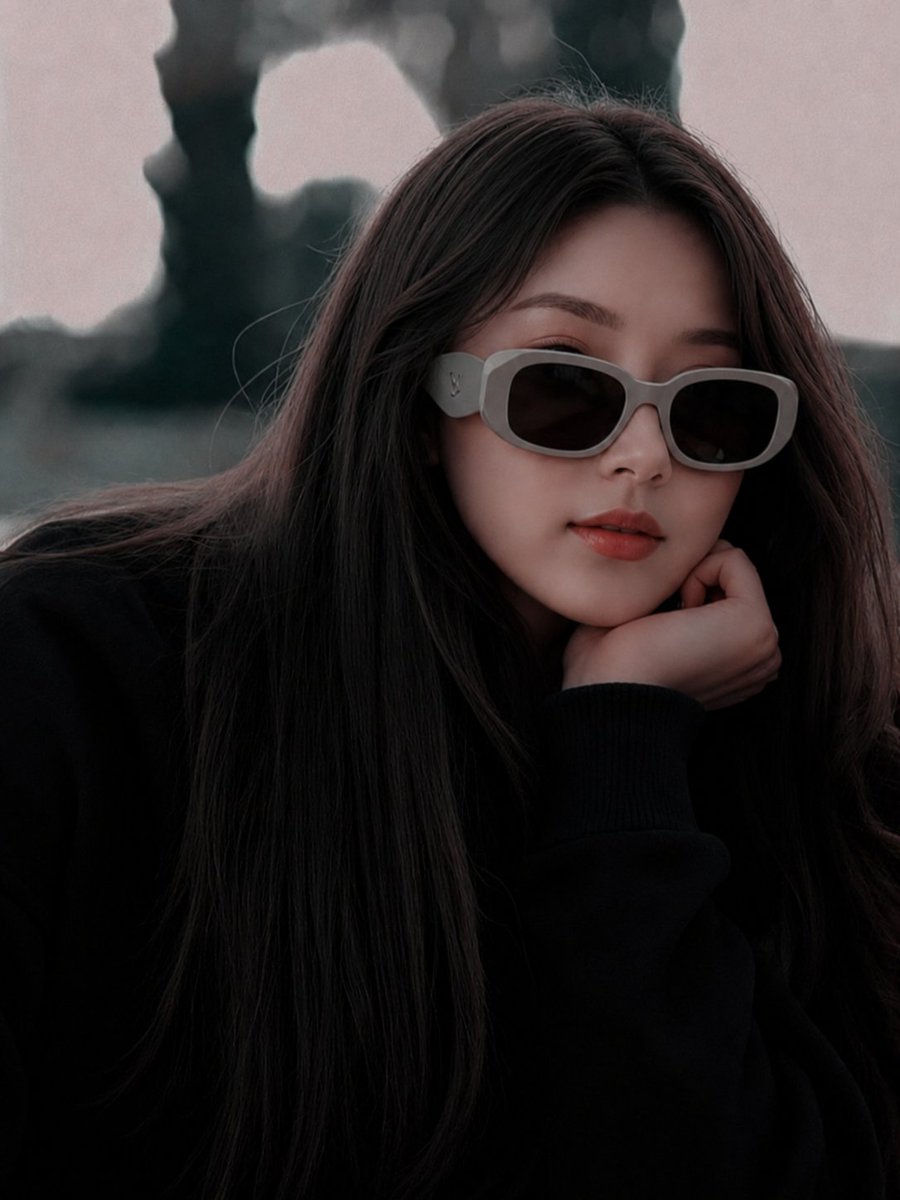
East Asian Fashion Sunglasses Portrait
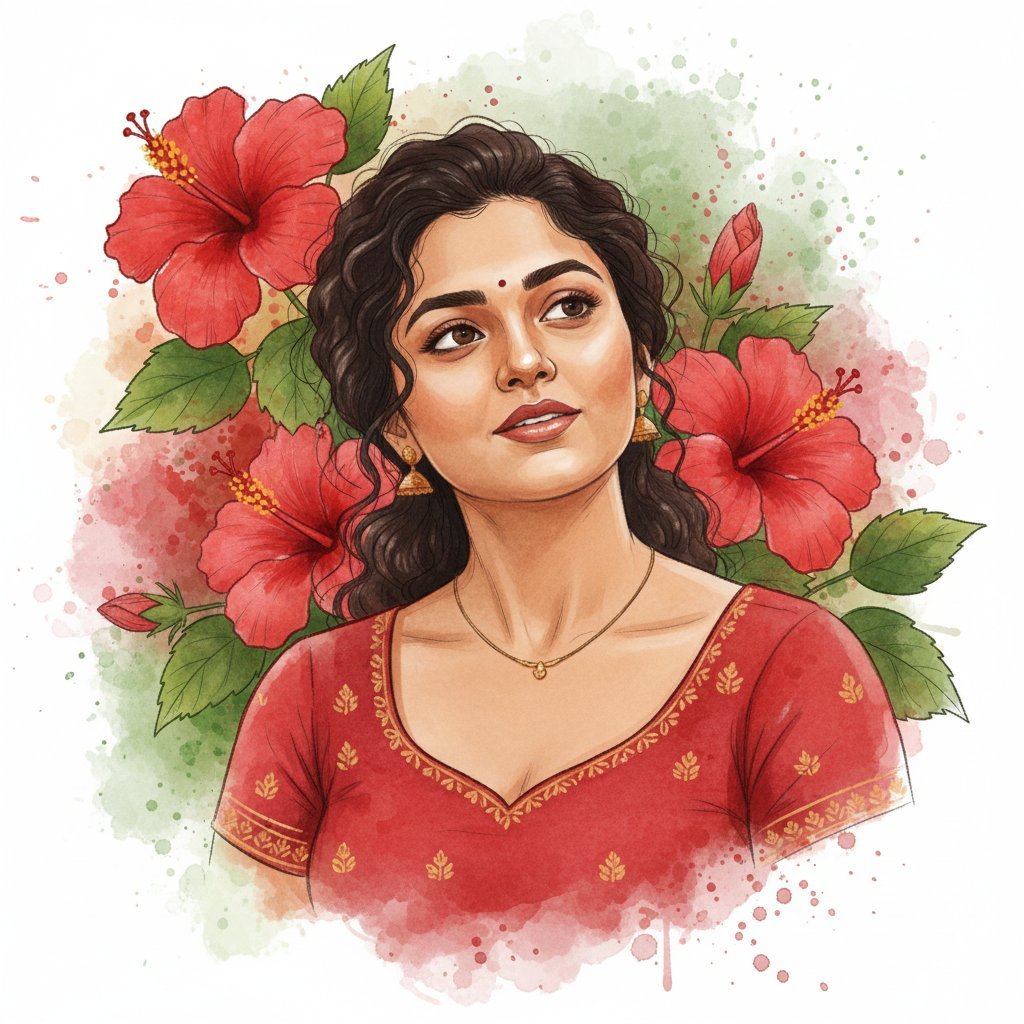
Digital Watercolor Illustration with Strict Identity Lock
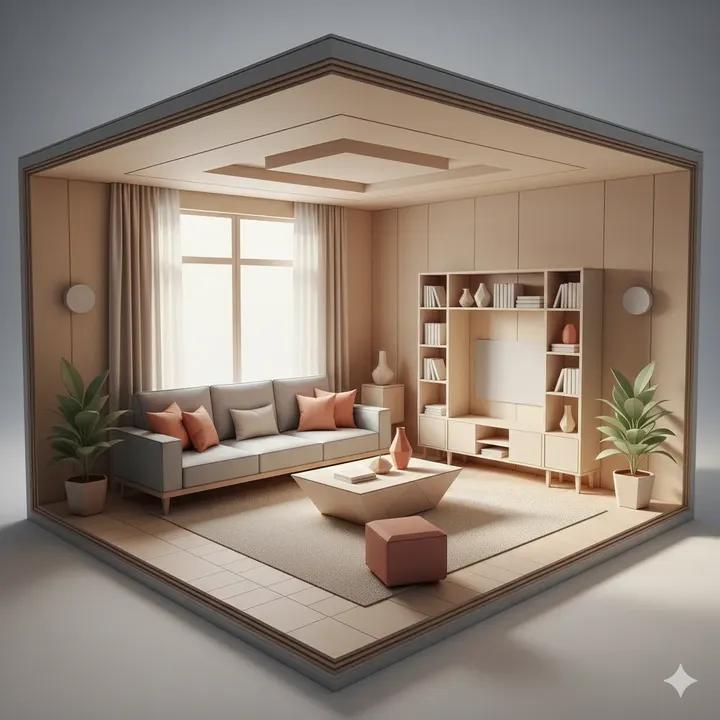
Origami Living Room Architecture Concept
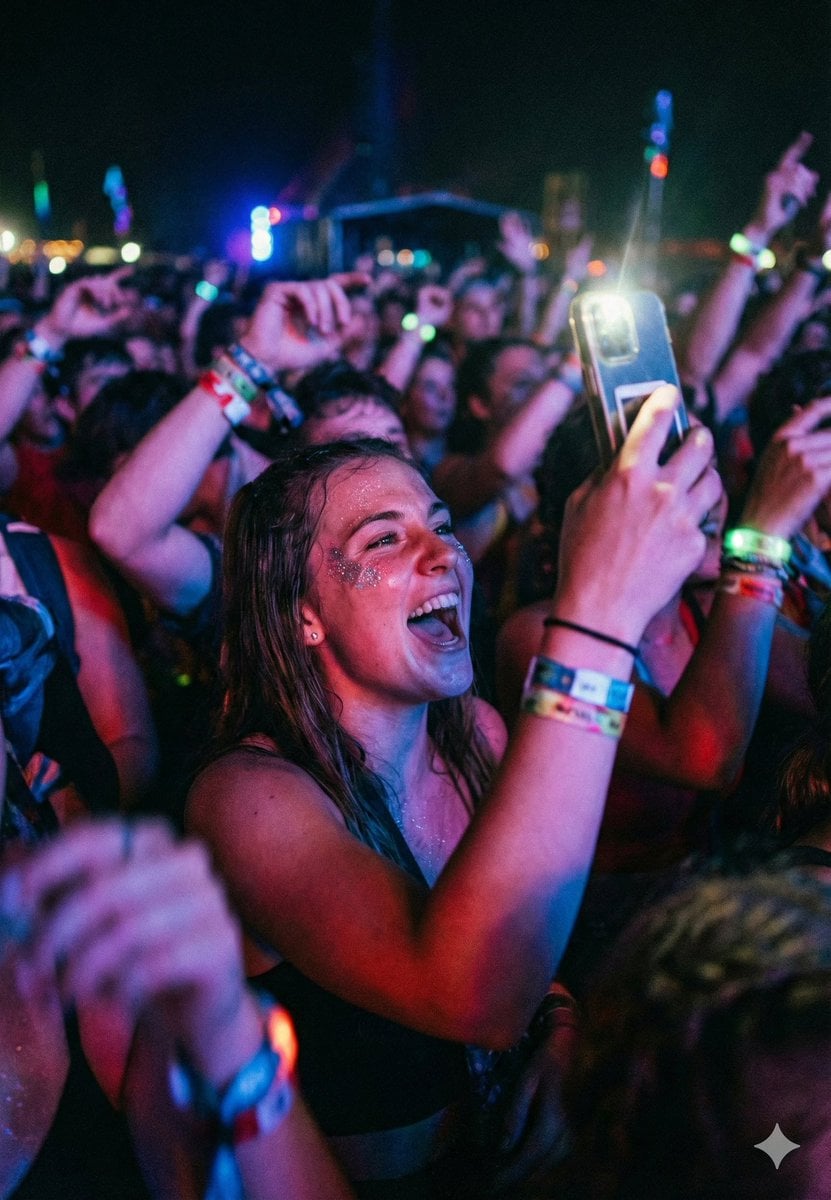
Cinematic Concert Crowd Photo Prompt
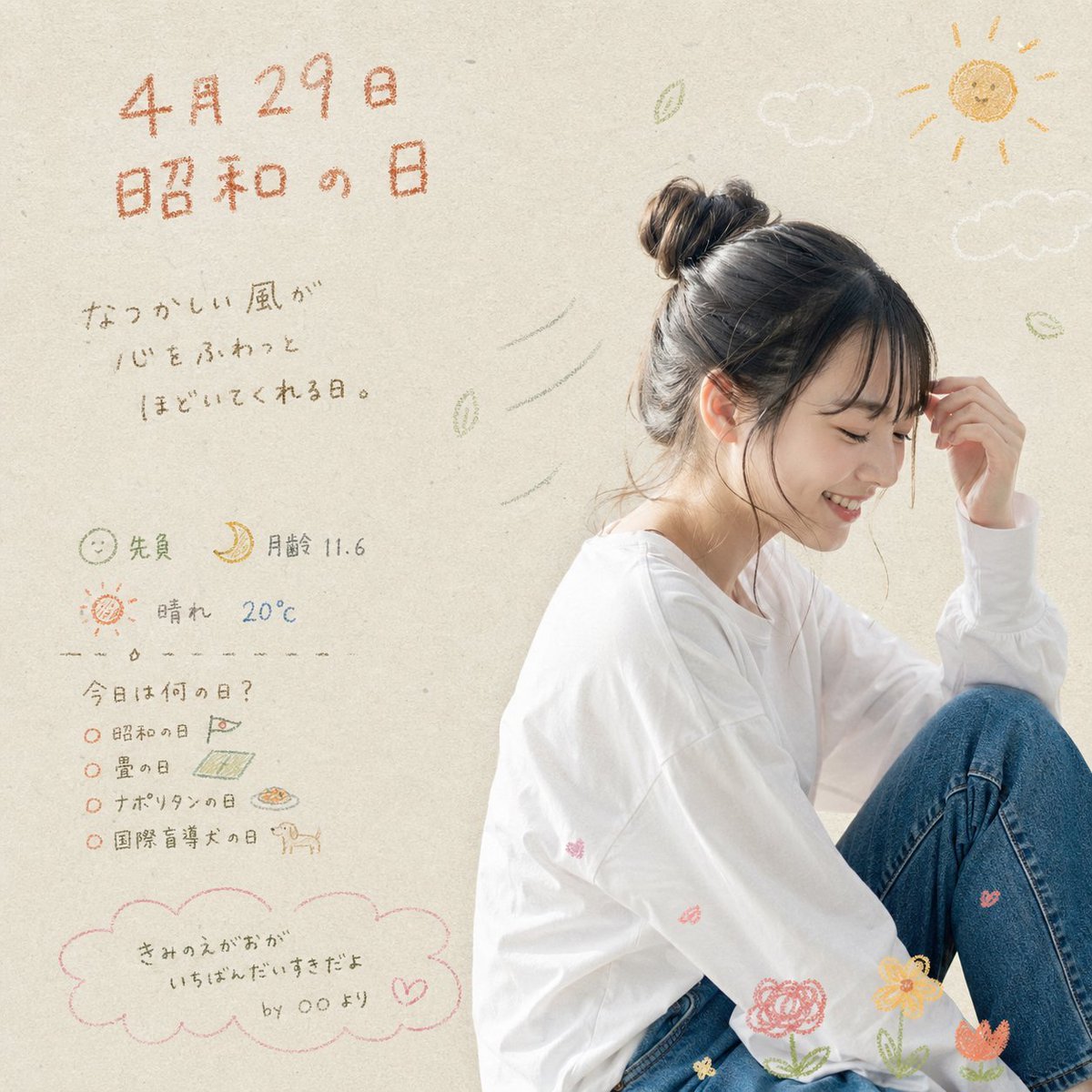
Showa Day Scrapbook Portrait
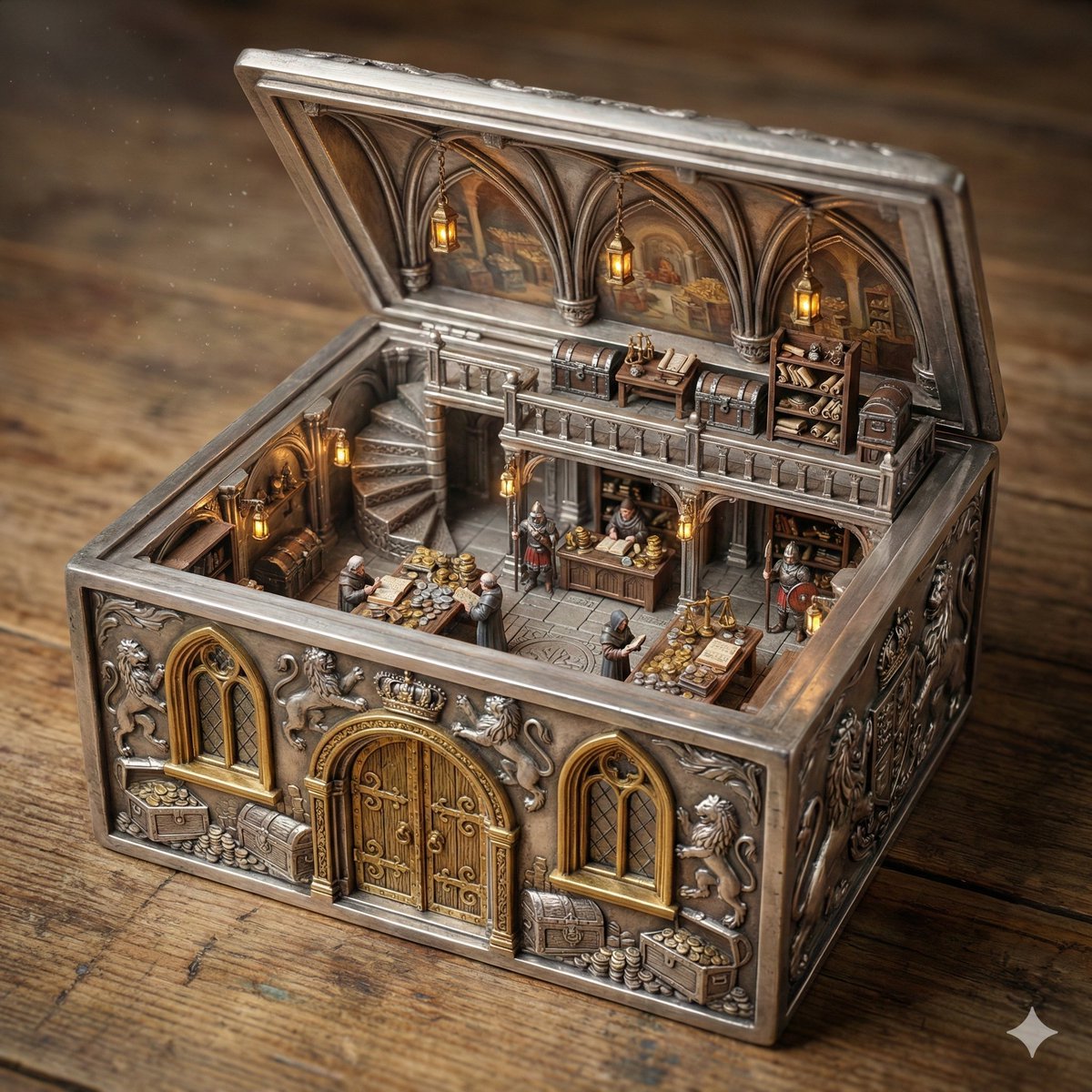
Ornate Box Diorama of a Royal Treasury Counting Room
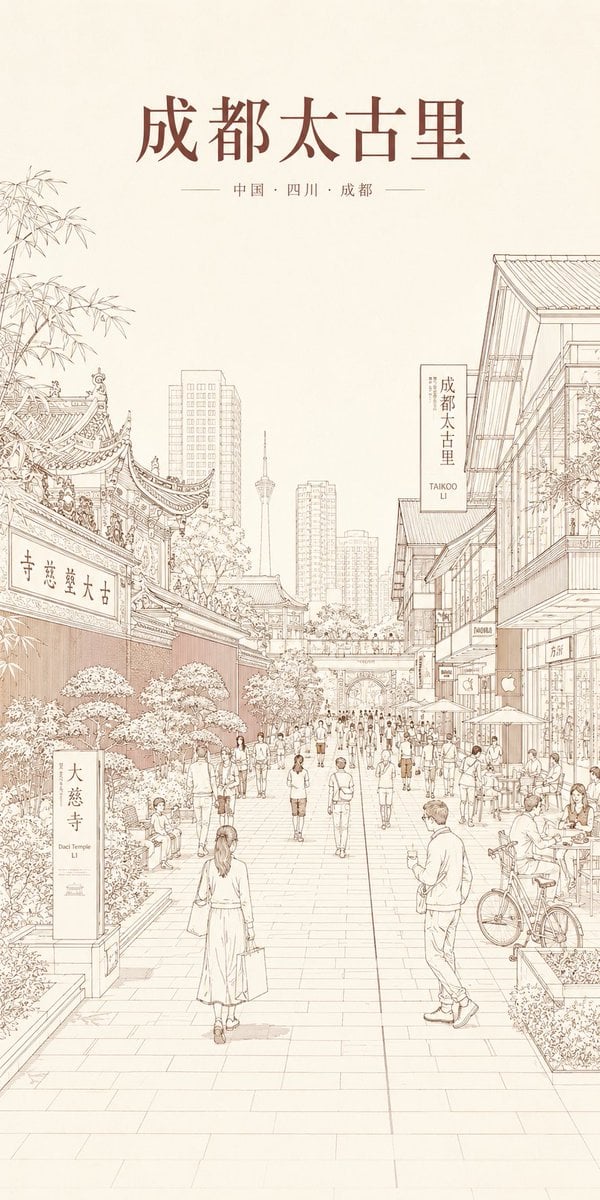
Chengdu Taikoo Li Line Art Poster
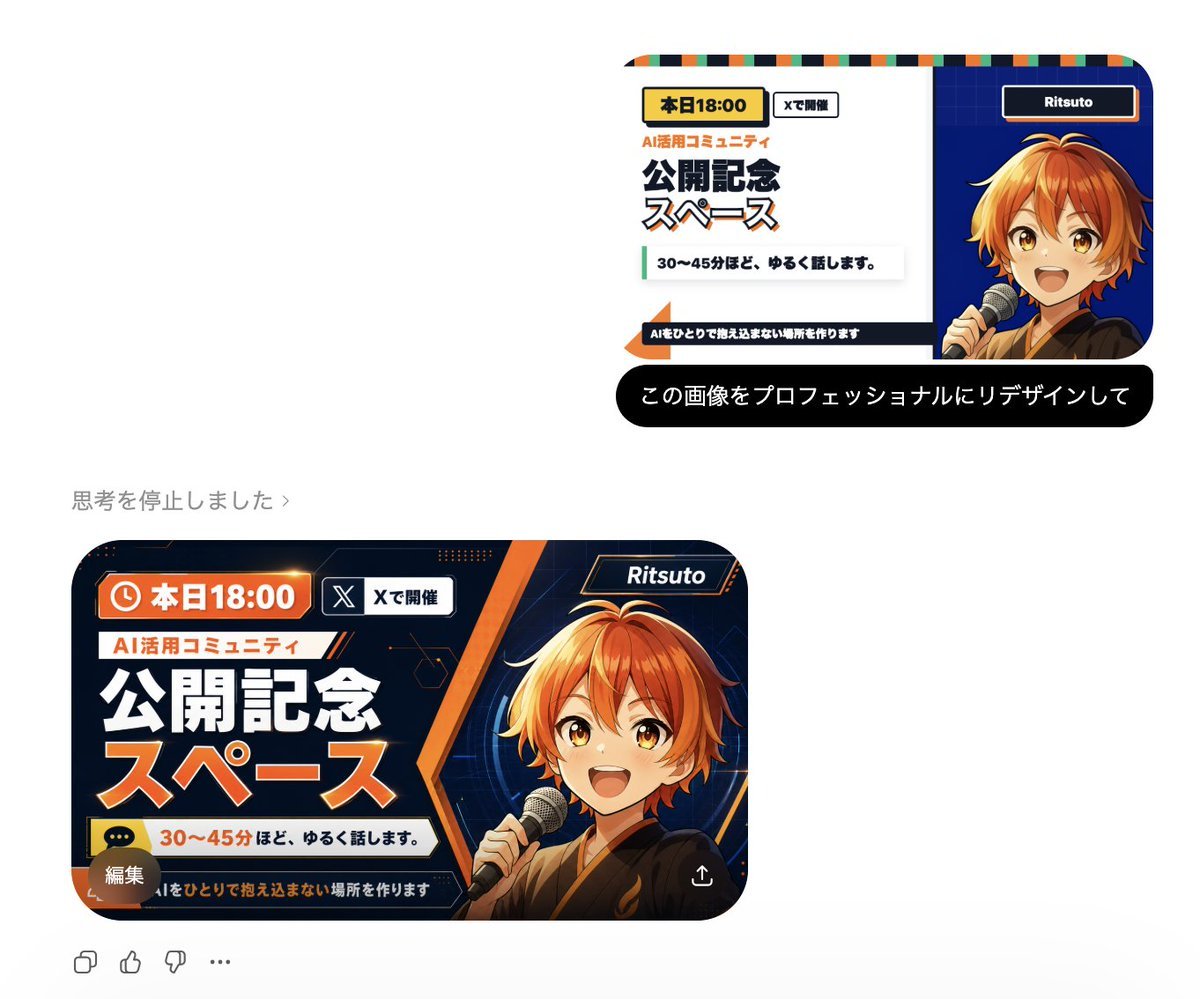
Professional Image Redesign
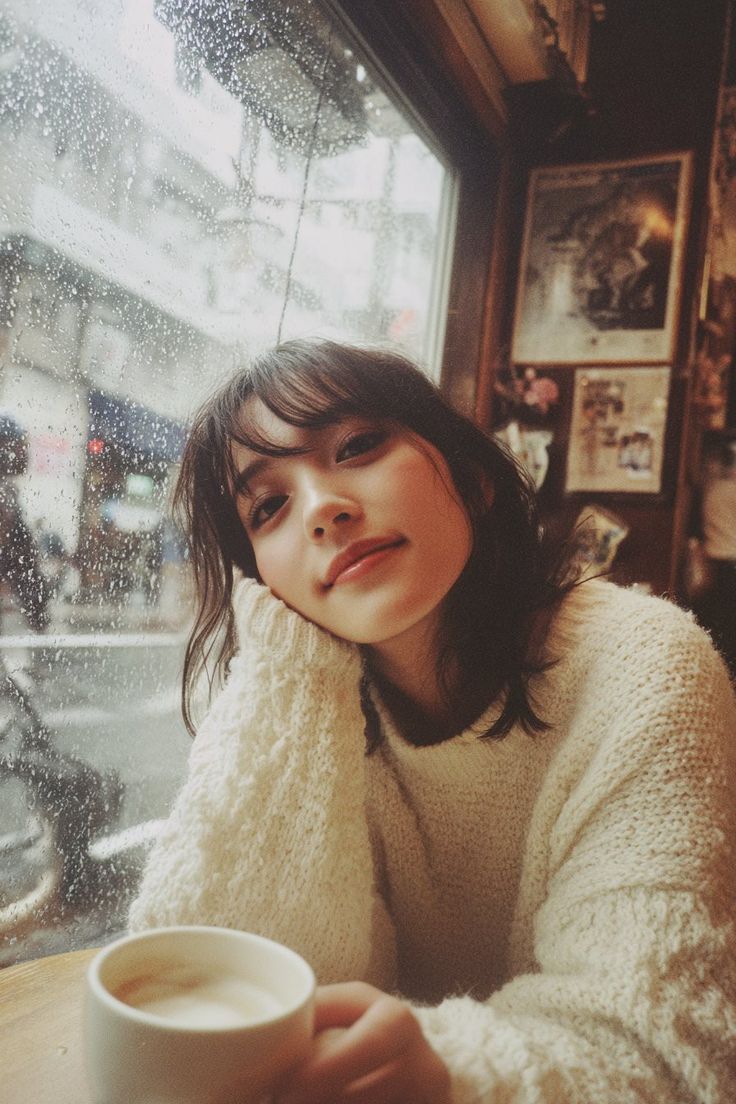
Cozy Rainy Day Café Portrait (Film Aesthetic)
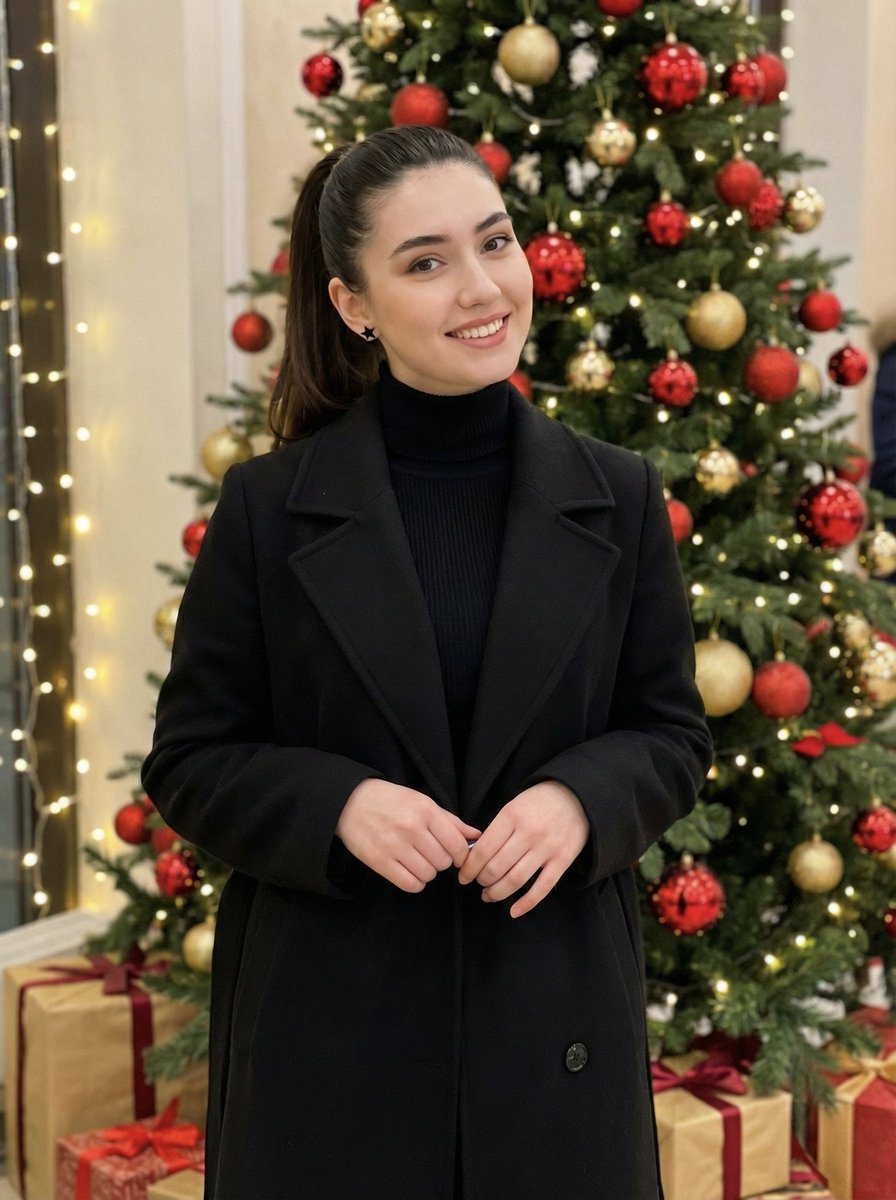
Holiday Elegance Portrait with Face Reference
Browse template categories
Chibi Royal Horse Twin Princes questions
How do I use the Chibi Royal Horse Twin Princes template?
Add your photo if the template asks for one, edit the prompt if you like — the template's model and format are already selected — and press Generate. Your version opens in PicX Studio.
Can I customize the Chibi Royal Horse Twin Princes template?
Yes. You can change the subject, setting, lighting, mood, format, and available model controls before creating your image.
Is the Chibi Royal Horse Twin Princes template free?
Opening and editing this template is free. Generating uses credits, shown on the Generate button when you are signed in.
Which AI model should I use?
Start with GPT Image 2, which is the model associated with this template. You can compare another compatible model for a different finish.
Looking for something else? Browse all templates.

Your photo, any look
Thousands of ready templates for every top image and video model, from one credit balance.