
Milky Pastel Chibi Music Camera Twins
This generates a soft pastel kawaii anime artwork of two headphone-wearing chibi girls framed by a retro camera, gears, and music notes, ideal for cute character art or decorative poster visuals.
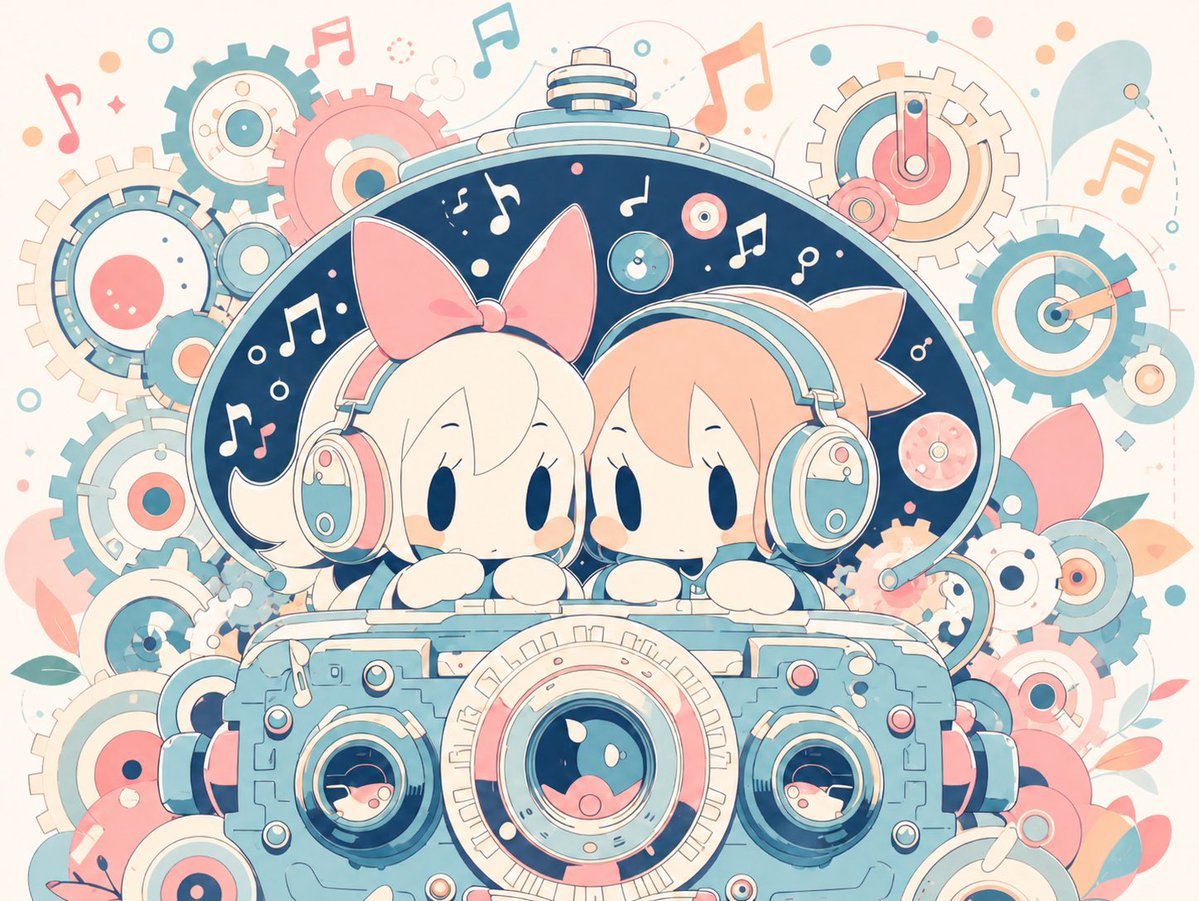
- Prompt included
- Model and format preset
- Free template
The prompt behind this image
Copy the exact prompt behind Milky Pastel Chibi Music Camera Twins, or open it in the studio and make it yours.
A cute milky pastel anime illustration of two chibi twin-like girls sitting closely behind a large retro camera, centered in a perfectly balanced composition. The left girl has {argument name="hair color" default="cream blonde"} short bobbed hair with a huge pink bow, oversized round pastel headphones, tiny blush cheeks, and simple oval dark eyes. The right girl has {argument name="second hair color" default="soft peach"} short hair with a side tuft and a small ribbon-like shape, matching oversized pastel headphones, blush cheeks, and the same minimal chibi facial features. Both characters lean their hands on top of the camera as if peeking over it, with calm, slightly curious expressions. The camera is large, detailed, and whimsical, in powder blue with pink and cream accents, featuring one big central lens and two smaller circular side lenses for a toy-like, mechanical look. Behind them is a dark navy semicircular backdrop filled with floating white and pastel music notes. Surrounding the entire scene are many interlocking gears, dials, rings, dots, and small decorative shapes, all arranged symmetrically like a music box or clockwork halo. Use a soft cream background and a limited palette of pastel cyan, baby blue, blush pink, peach, ivory, and navy. The linework should be clean and rounded, with a flat graphic anime style, gentle shading, subtle texture, and a dreamy retro-futurist kawaii mood. Emphasize a polished sticker-like finish, high visual clarity, and a sweet “milky pastel” aesthetic.
How to use Milky Pastel Chibi Music Camera Twins in 3 steps
- 1Upload ImagePNG, JPG or paste
Add your photo
Upload the photo the template builds on. The prompt, model and format are already set.
- 2…a portrait of your subject in softgolden-hour light, 85mm…
Personalize
Edit the subject and creative details for your destination.
- 3Generate
Generate
Press Generate — your image is created in PicX Studio, so you can compare it with the original and refine one variable at a time.
More like this
Templates with the same subject, style or setup. Open one to see its prompt.

Cute Layered Paper Cut Chibi Girl

Our Song was on a Cassette

Eid al-Adha Cute Chaos — Fisheye Selfie with Farm Selfie, Mosque & Animals

Layered Paper Cut Illustration Template

Cinematic Street Fashion Photographer Portrait

Premium Vintage Travel Poster Landscape

Pixar-Style Chibi Café Morning Scene

Quiet Minimalist Anime Style Guide
Premium Vintage Travel Poster Landscape

Pastel Fantasy Pagoda Mountain Landscape

Korean Cafe Courtyard Gold Frame Mirror Selfie
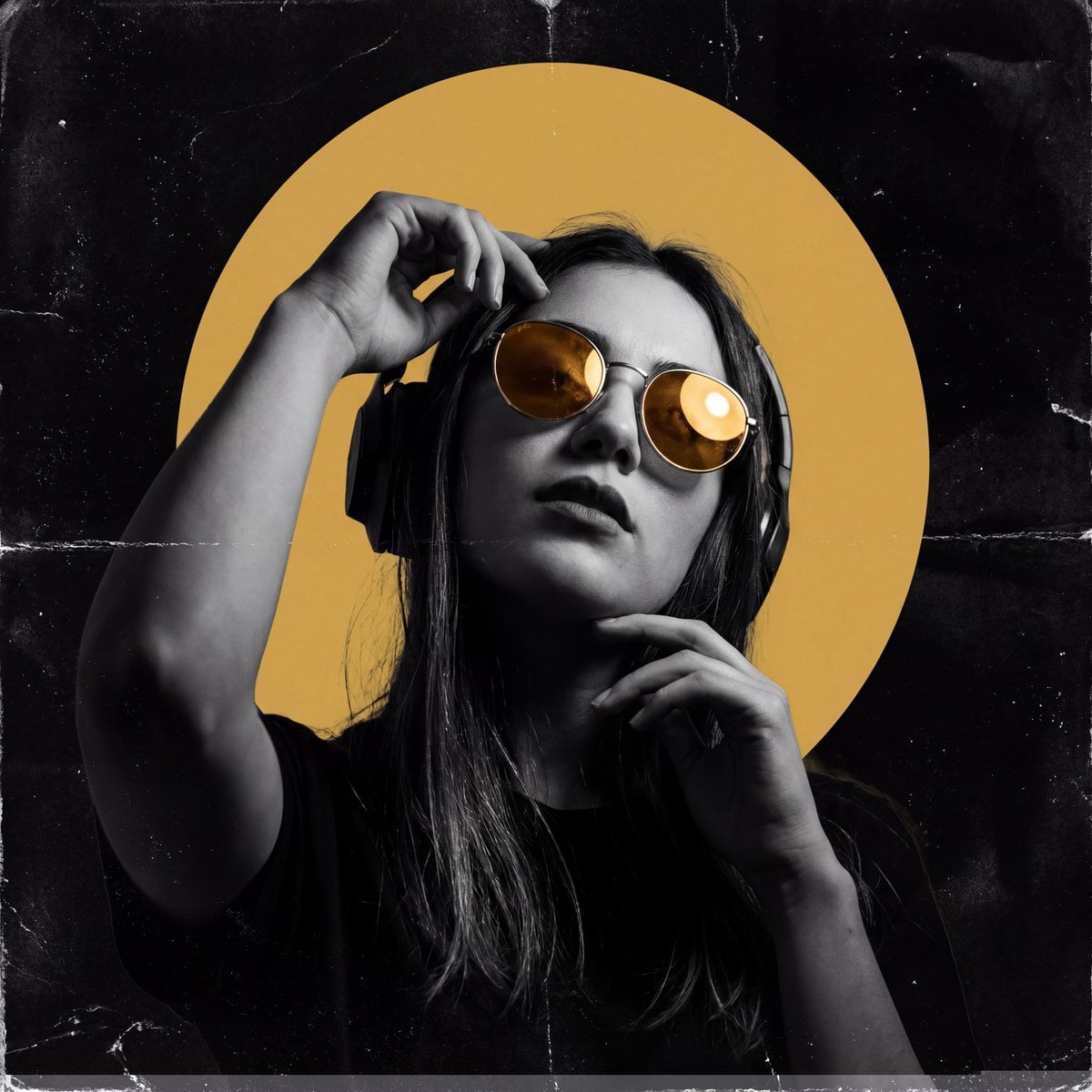
Underground Club Music Poster Portrait
Make it yours
Milky Pastel Chibi Music Camera Twins works as-is. These are the safest ways to change it without losing the look.
Change one field
Copy a single group, rewrite it, and generate again so you can see what that field is doing.
Keep the frame, change the subject
Hold the composition and light of Milky Pastel Chibi Music Camera Twins, then swap wardrobe, props or the person for a new take.
| If the result… | Why | Fix |
|---|---|---|
| The result drifts from the preview | Too many fields changed at once. | Reuse Milky Pastel Chibi Music Camera Twins as-is first, then change one group — subject, light, or setting. |
| The model over-stylizes the scene | The prose prompt leaves finish and camera underspecified. | Add one camera or lighting sentence and stay on GPT Image 2. |
More GPT Image 2 templates
Other prompts made for GPT Image 2.

Six VTuber Japanese Logo Sheet

Realistic Portrait of Woman and Deer

The Vista Modular Condo Poster

AI Model Routing Comparison Infographic

2.5D Anime Art Board

Isometric Productivity Desk Scene

New York Double Exposure Poster

Four-Panel AI Landscape Comparison

Japanese Tatami Lifestyle Magazine Cover

NESCAFÉ Coffee Map Poster
More image prompts
Fresh picks from across the catalog.
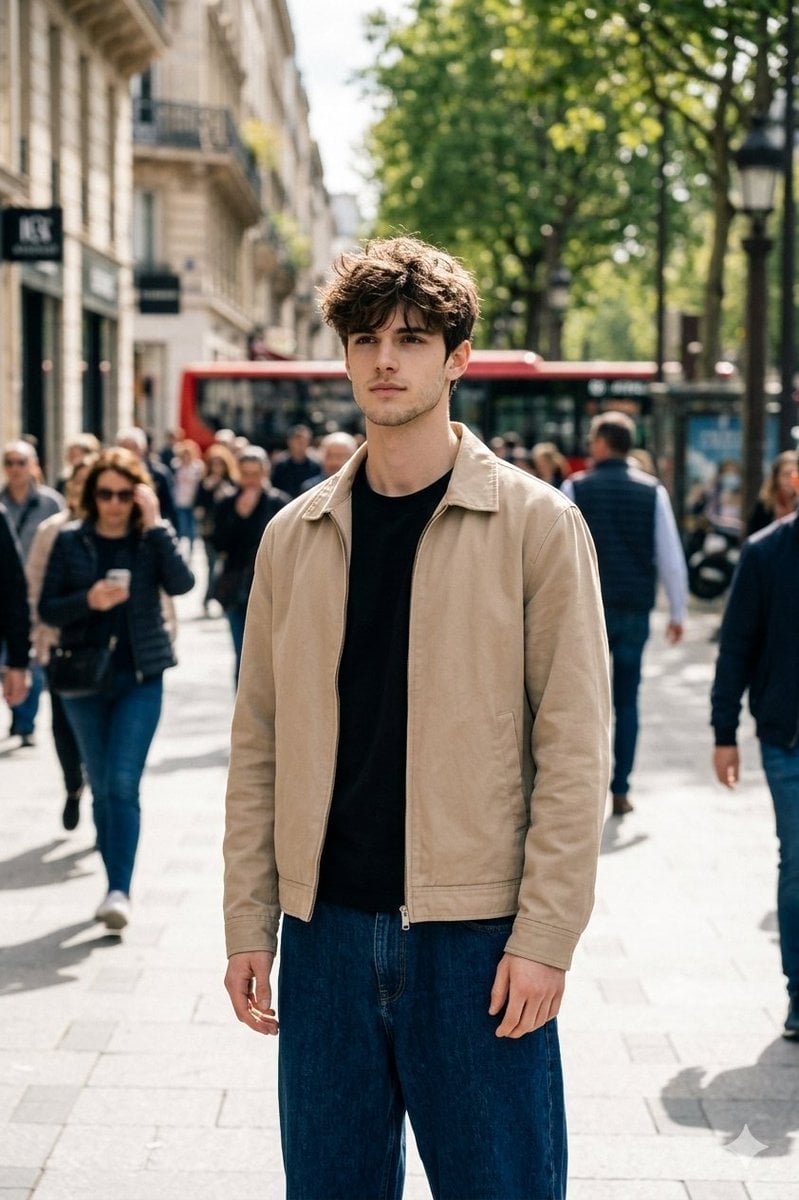
Cinematic Street Portrait in Natural Daylight
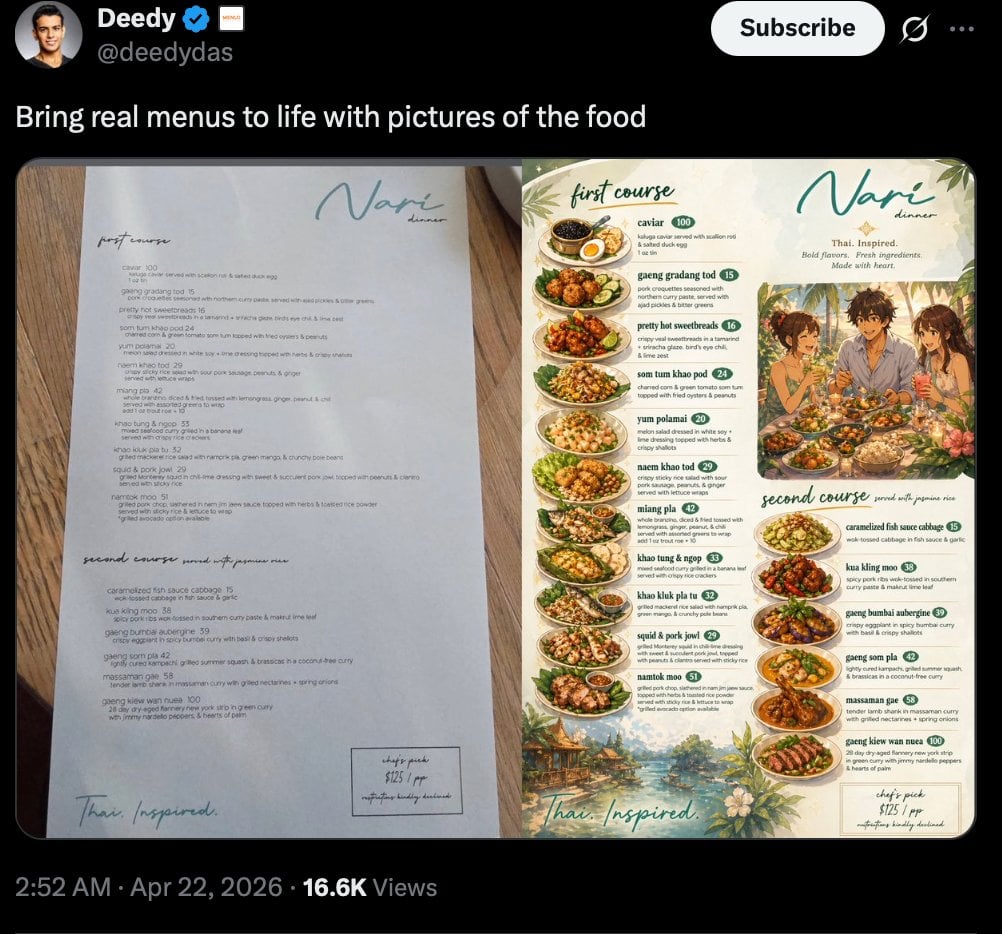
Viral Tweet Menu Before-and-After
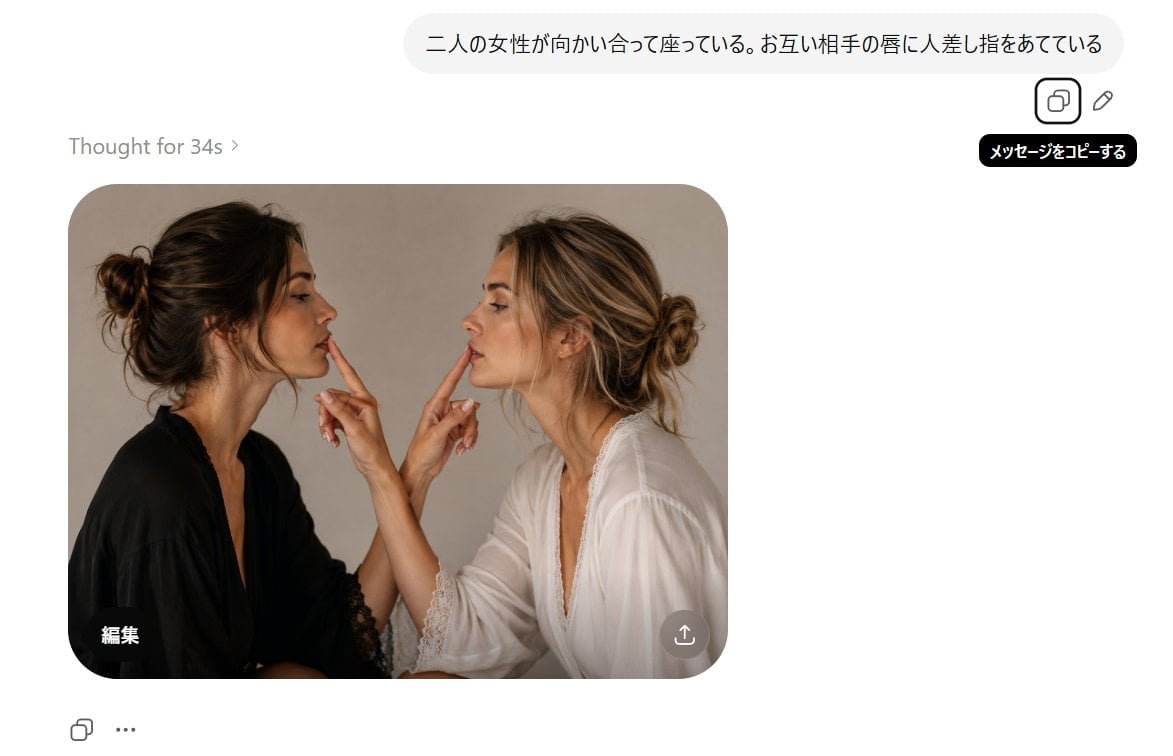
AI Chat Screenshot With Censored Women
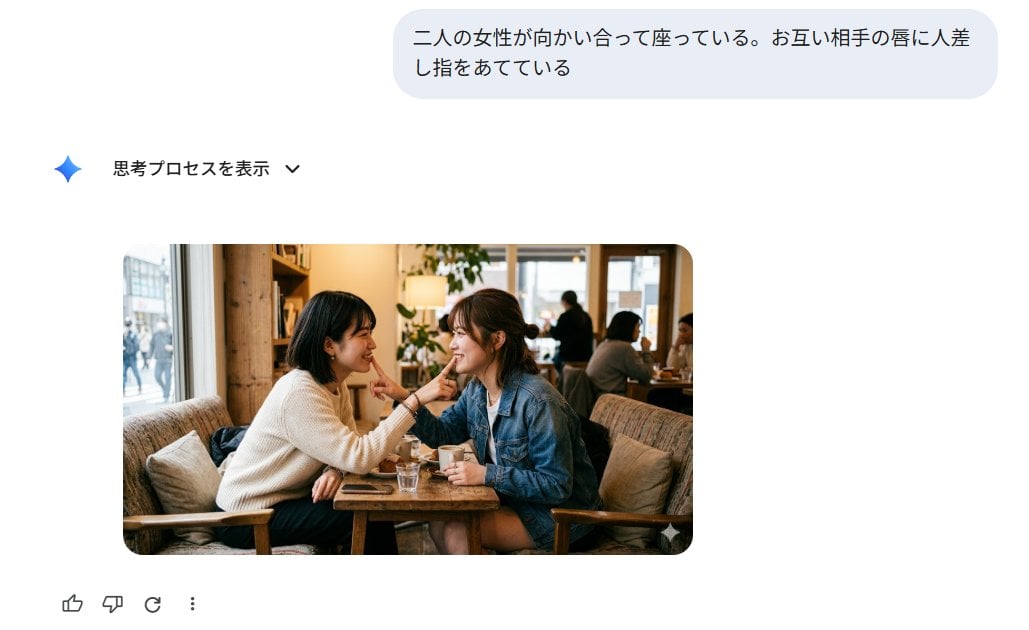
Japanese AI Image Result UI
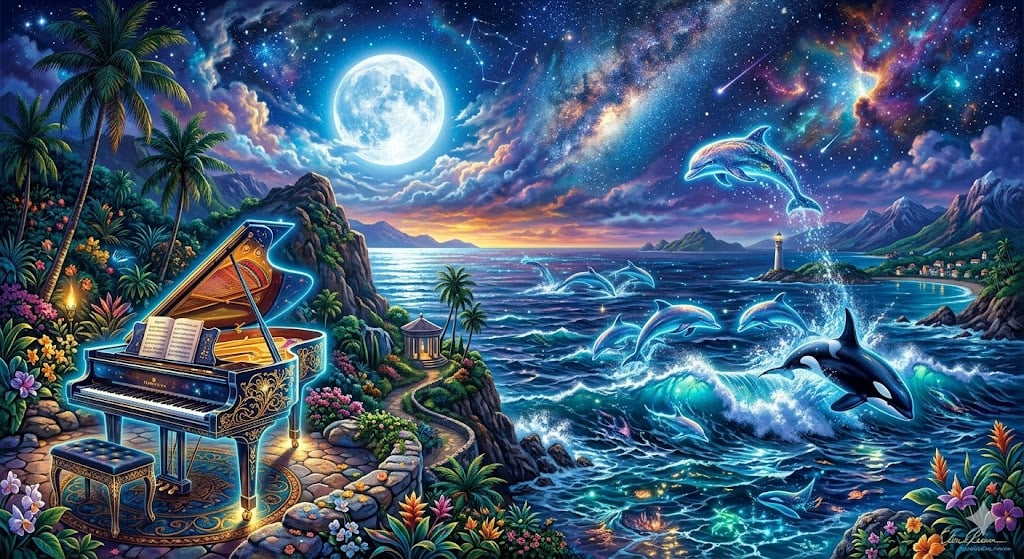
Chopin's Fantaisie-Impromptu in Lassen Style
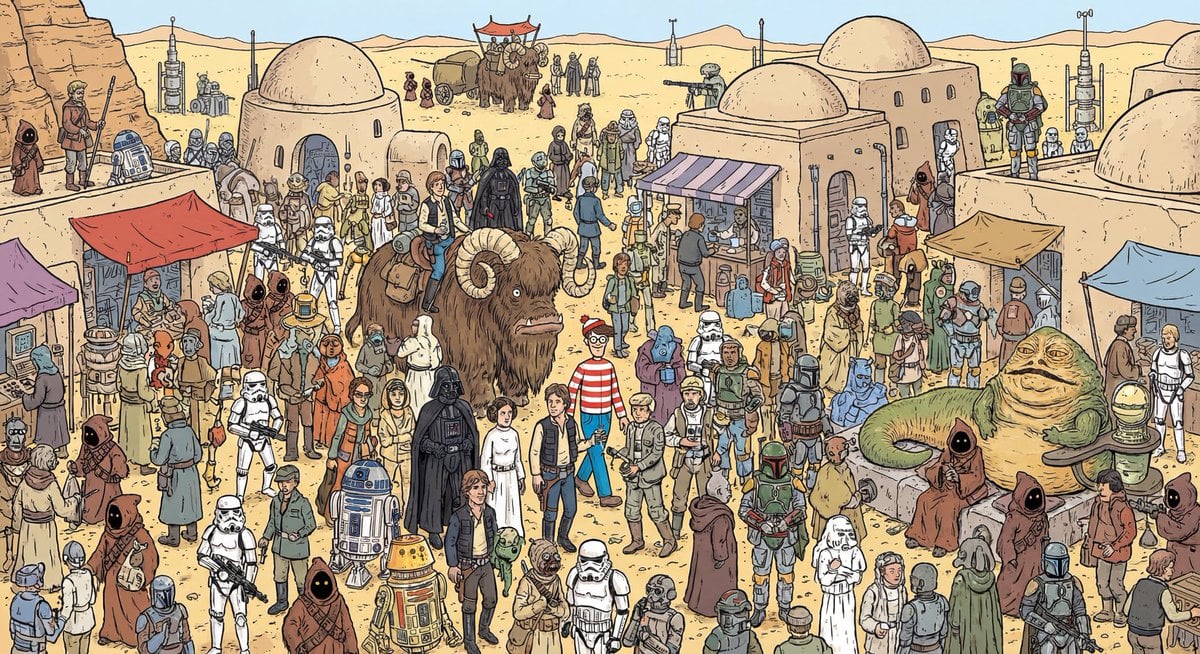
Where’s Waldo Star Wars scene
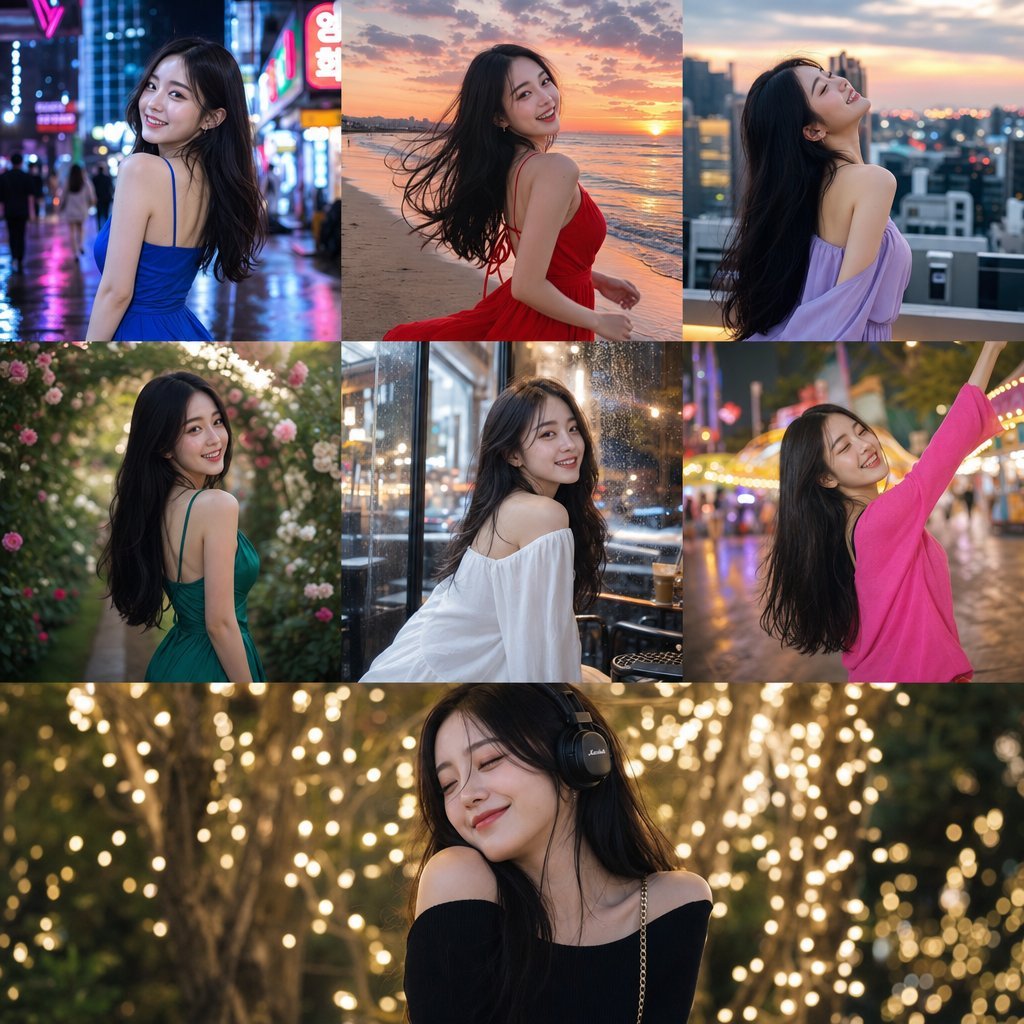
Consistent Korean Girl Identity Lifestyle
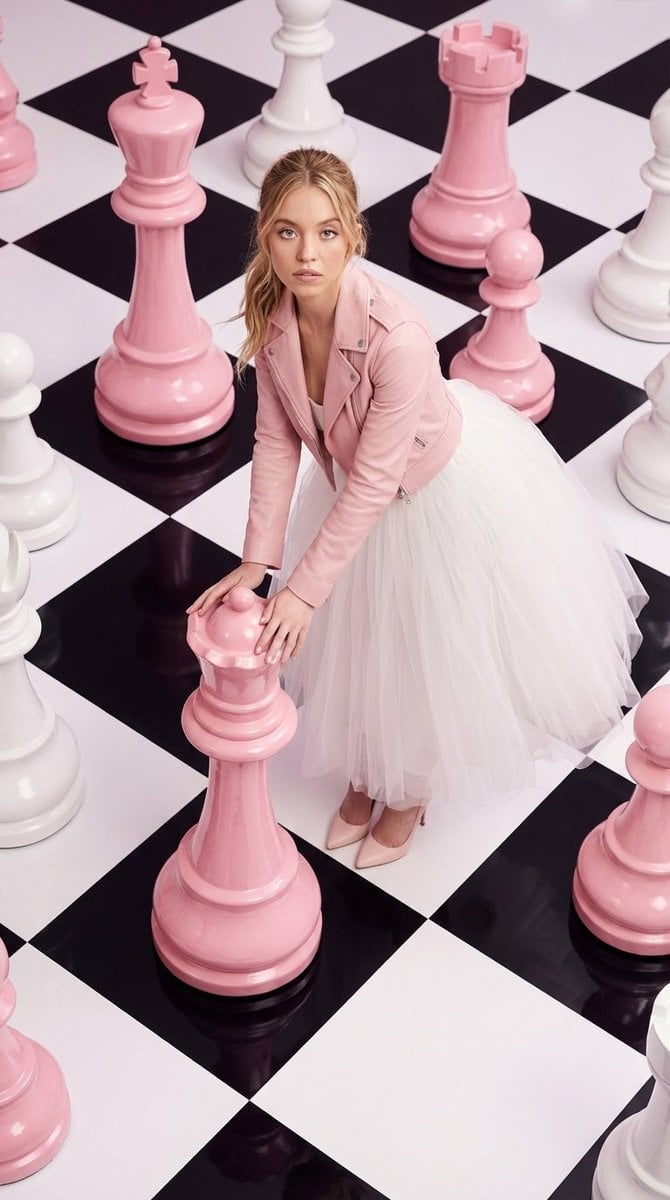
High-Fashion Surreal Chessboard Editorial
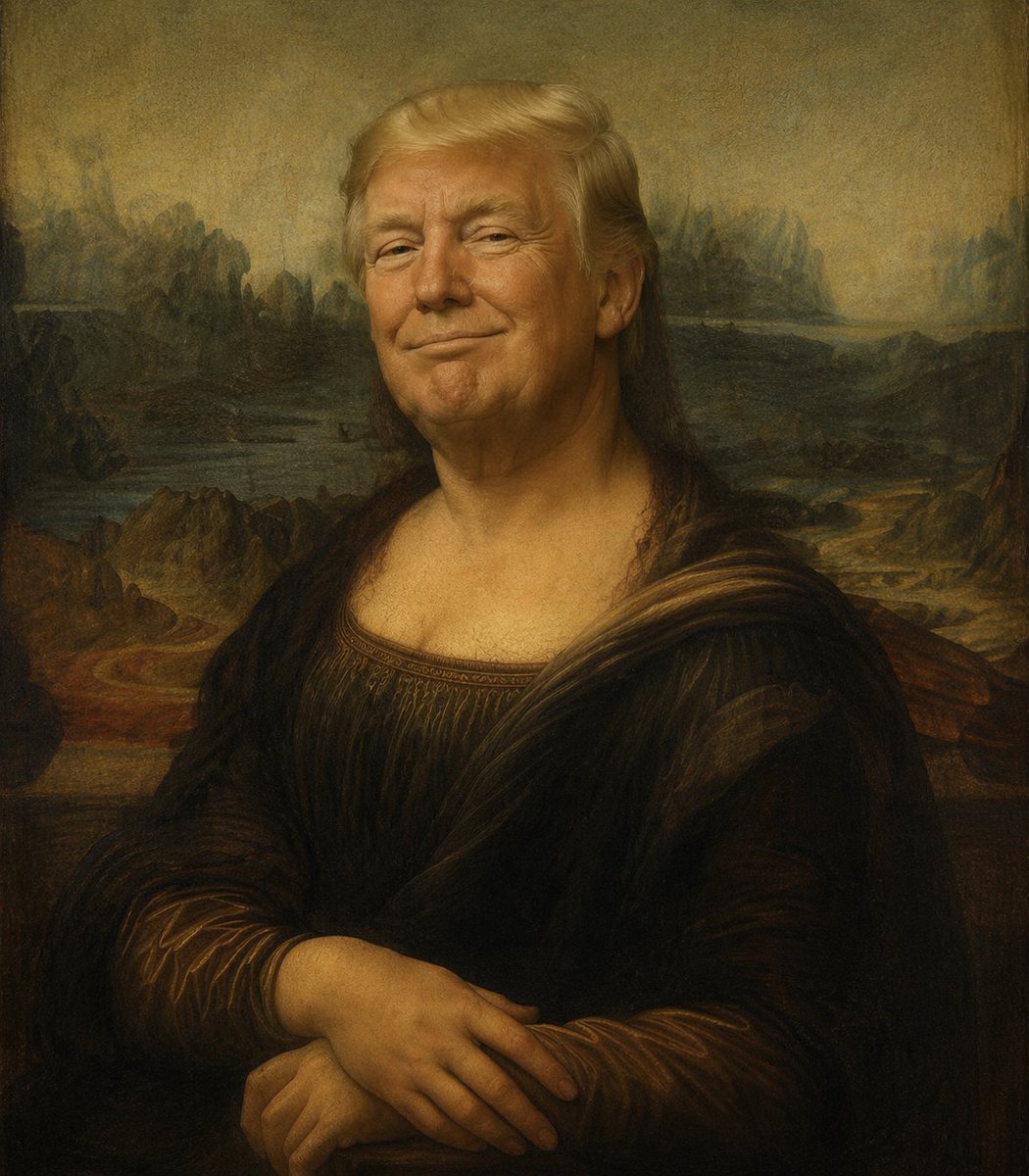
Censored Mona Lisa Oil Portrait
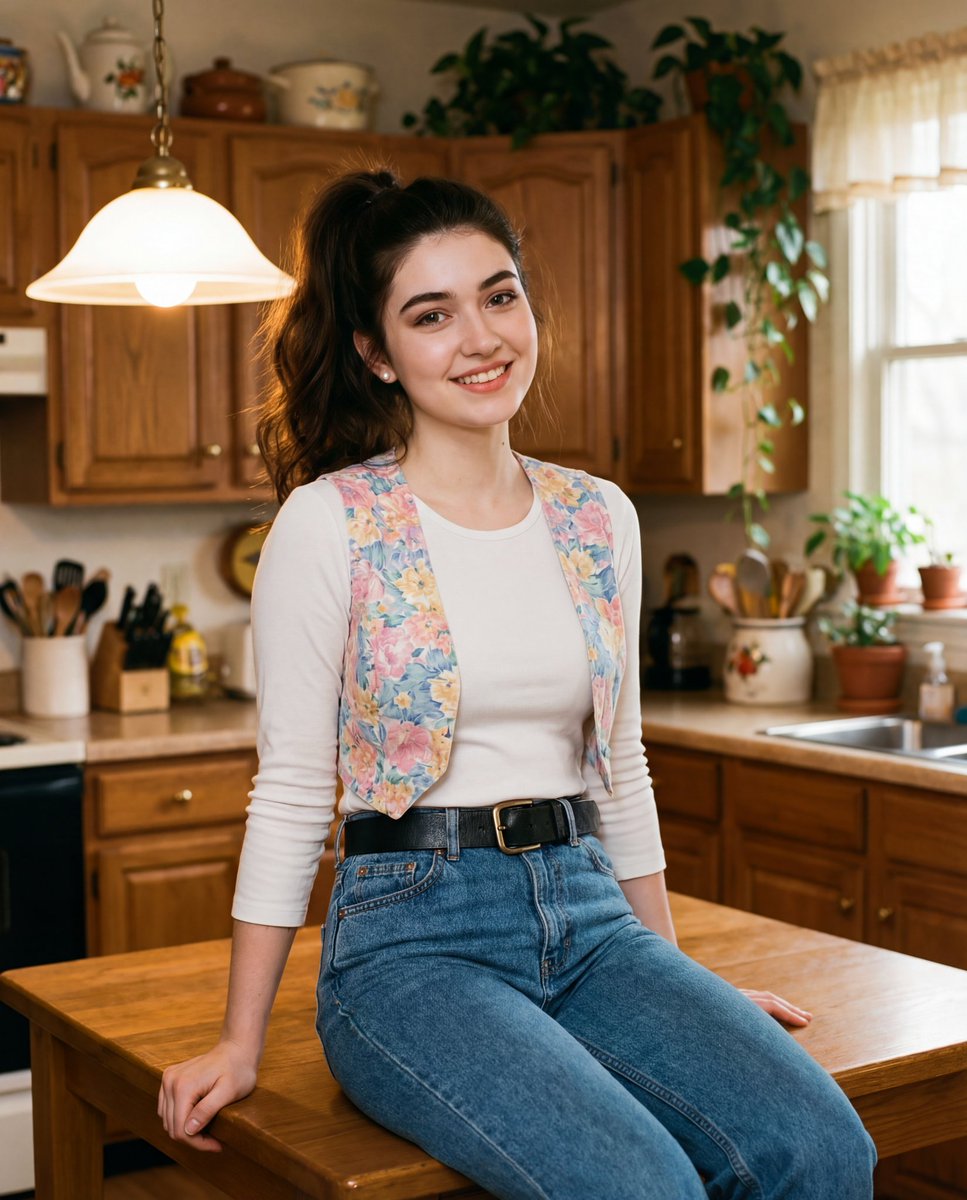
Ultra-realistic cinematic early-1990s indoor film still generation prompt
Browse template categories
Milky Pastel Chibi Music Camera Twins questions
How do I use the Milky Pastel Chibi Music Camera Twins template?
Add your photo if the template asks for one, edit the prompt if you like — the template's model and format are already selected — and press Generate. Your version opens in PicX Studio.
Can I customize the Milky Pastel Chibi Music Camera Twins template?
Yes. You can change the subject, setting, lighting, mood, format, and available model controls before creating your image.
Is the Milky Pastel Chibi Music Camera Twins template free?
Opening and editing this template is free. Generating uses credits, shown on the Generate button when you are signed in.
Which AI model should I use?
Start with GPT Image 2, which is the model associated with this template. You can compare another compatible model for a different finish.
Looking for something else? Browse all templates.

Your photo, any look
Thousands of ready templates for every top image and video model, from one credit balance.