
Pastel Fantasy Pagoda Mountain Landscape
Curated from MeiGen gallery ID 2064113423135478120: Pastel Fantasy Pagoda Mountain Landscape.

- Prompt included
- Model and format preset
- Free template
The prompt behind this image
Copy the exact prompt behind Pastel Fantasy Pagoda Mountain Landscape, or open it in the studio and make it yours.
A dreamy pastel fantasy landscape in a vertical composition, showing a glowing East Asian pagoda-style temple perched halfway up a cluster of towering crystalline ice mountains, surrounded by delicate pink cherry blossom trees and drifting petals. Wide environmental shot from a slightly low front-facing angle, centered composition, temple placed just right of center, layered foreground of smooth rock forms, luminous cascading waterfalls, and a reflective pool with soft pink light traces; 35mm deep-focus perspective. Highly polished 3D fantasy illustration, ultra-smooth surfaces, sculpted matte rocks, translucent icy peaks, subtle volumetric haze, ethereal neon glow with a clean porcelain-like finish. Soft overcast twilight lighting, cool cyan-blue emission from mountains and waterfalls, warm pastel pink and peach illumination from temple windows and accents, serene bioluminescent look, soft bloom and faint edge glow.
How to use Pastel Fantasy Pagoda Mountain Landscape in 3 steps
- 1
Open
The prompt is already in the box next to the preview, with the template's model and format selected.
- 2…a portrait of your subject in softgolden-hour light, 85mm…
Personalize
Edit the subject and creative details for your destination.
- 3Generate
Generate
Press Generate — your image is created in PicX Studio, so you can compare it with the original and refine one variable at a time.
More like this
Templates with the same subject, style or setup. Open one to see its prompt.

Surreal Cat Astronaut — Humanoid Face Freefall
JSON Seedance - Fairy Macro Flight
Videogame Cinematic Trailer - Seedance 2.0

Toddler Version of a Person in 3d Pixar

Ultra Detailed 3d Plush Cartoon Characte
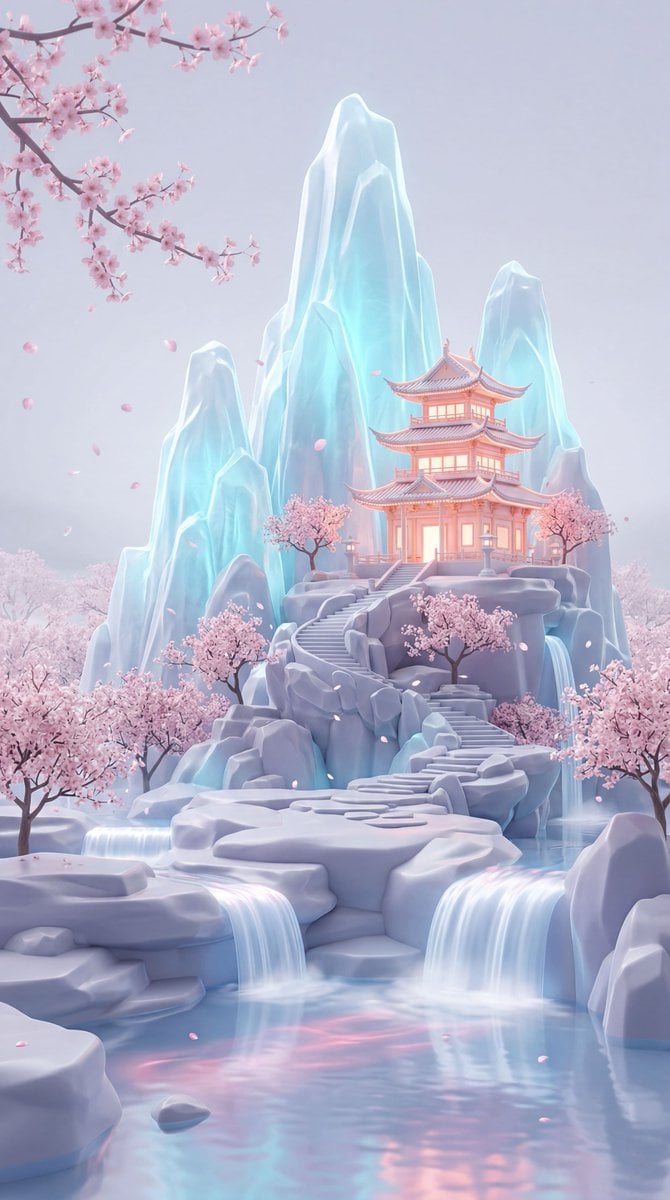
Dreamy Pastel Fantasy Pagoda

80s Bollywood Star

80s Golden Hour Cinema

1985 Street Scene

Teen Girl Alpine Lake Mountain View

Felt & Knit 3D Character — Photo-Exact Face, Pixar-Quality Plush Figurine

CGI 3D Rooftop Concert
Make it yours
Pastel Fantasy Pagoda Mountain Landscape works as-is. These are the safest ways to change it without losing the look.
Change one field
Copy a single group, rewrite it, and generate again so you can see what that field is doing.
Keep the frame, change the subject
Hold the composition and light of Pastel Fantasy Pagoda Mountain Landscape, then swap wardrobe, props or the person for a new take.
| If the result… | Why | Fix |
|---|---|---|
| The result drifts from the preview | Too many fields changed at once. | Reuse Pastel Fantasy Pagoda Mountain Landscape as-is first, then change one group — subject, light, or setting. |
| The model over-stylizes the scene | The prose prompt leaves finish and camera underspecified. | Add one camera or lighting sentence and stay on PicX Studio. |
More image prompts
Fresh picks from across the catalog.
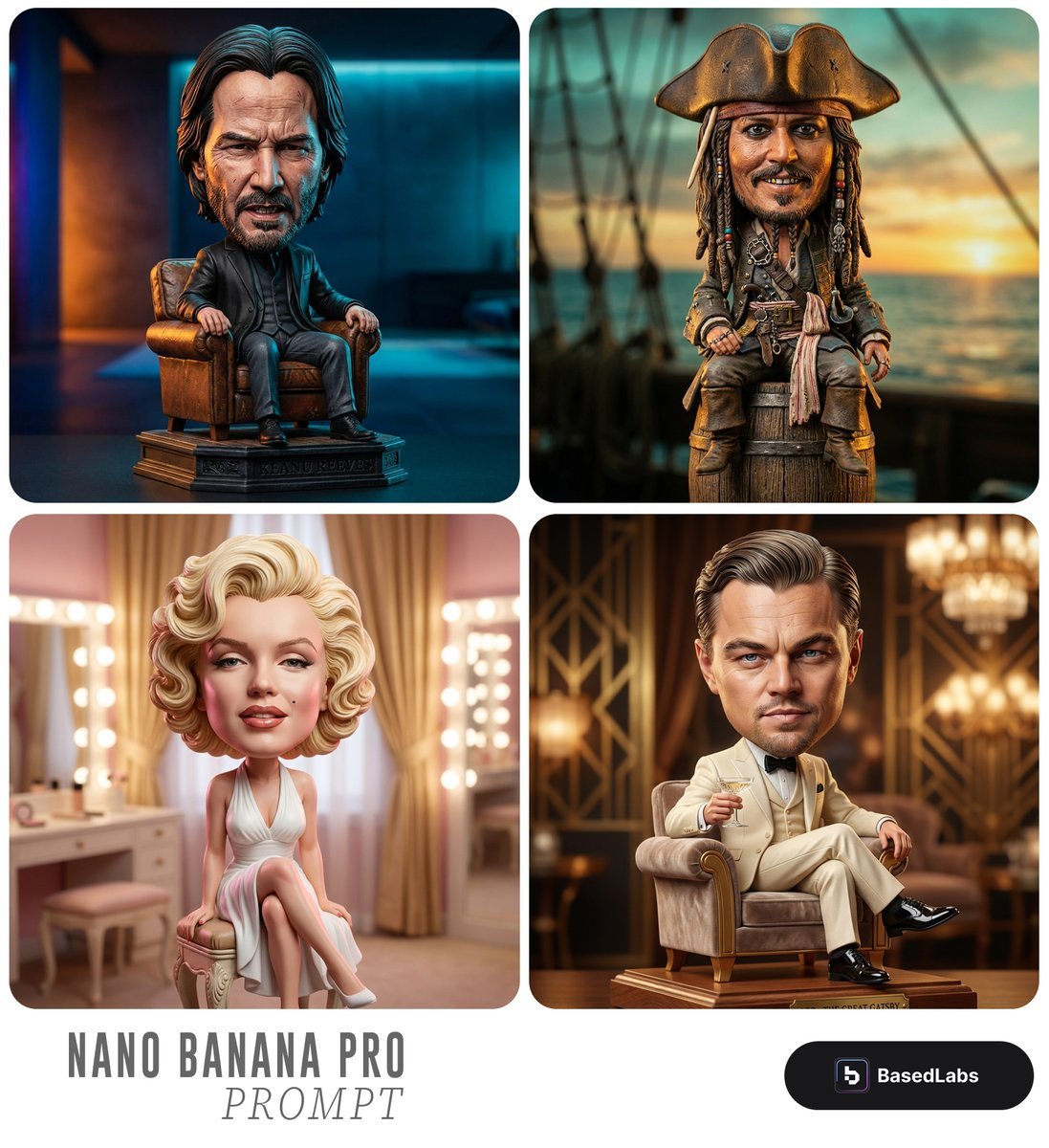
Caricature Bobblehead Figurine Prompt
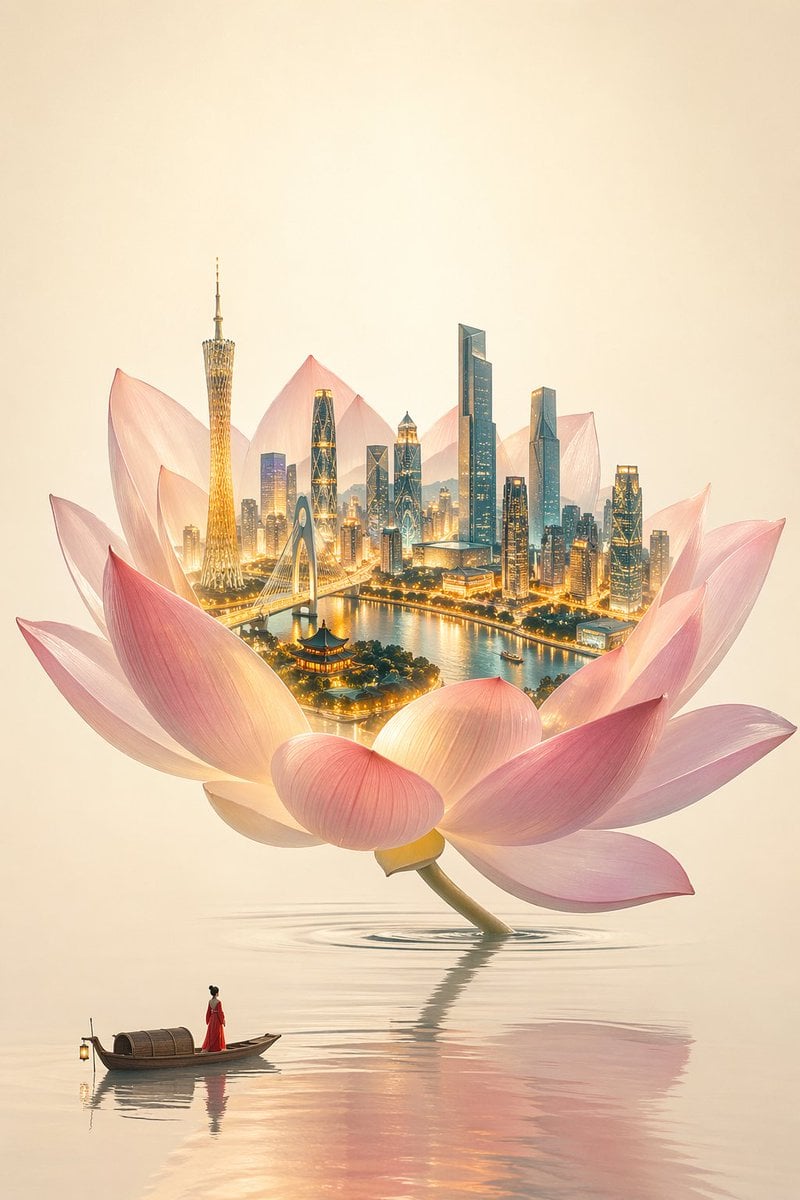
One Flower, One World City Illustration

Japanese Google Homepage Screenshot
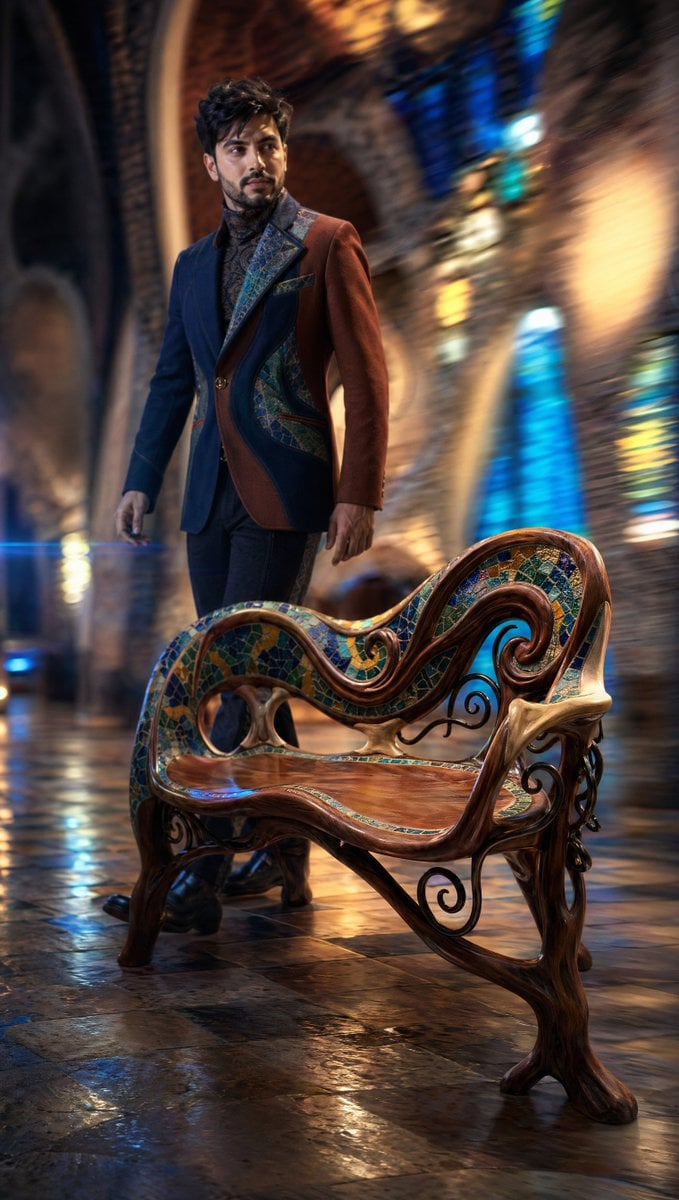
Dynamic Tracking Shot Product Advertisement

MRE Package Design Prompt (Short)
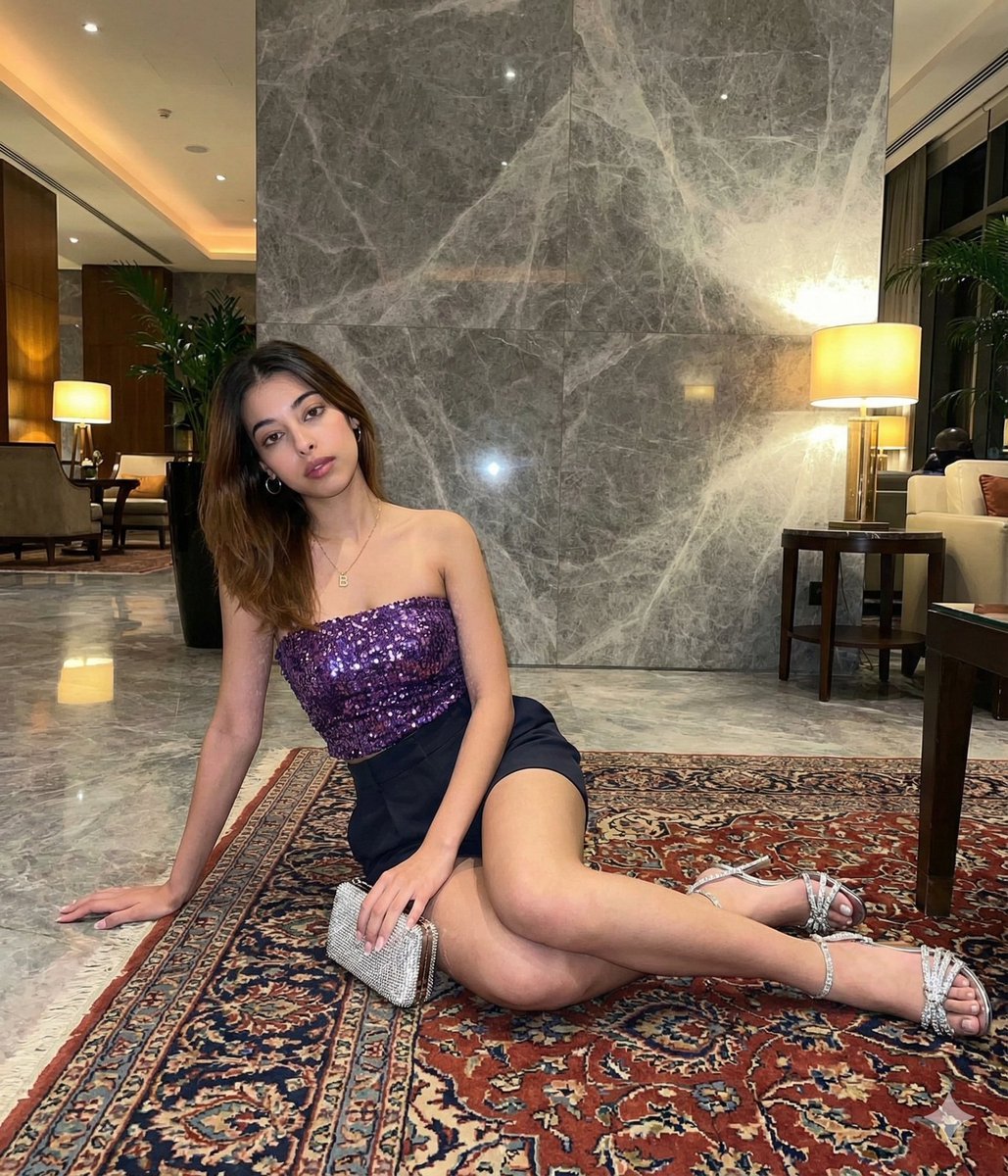
Luxury Hotel Lobby Portrait Prompt
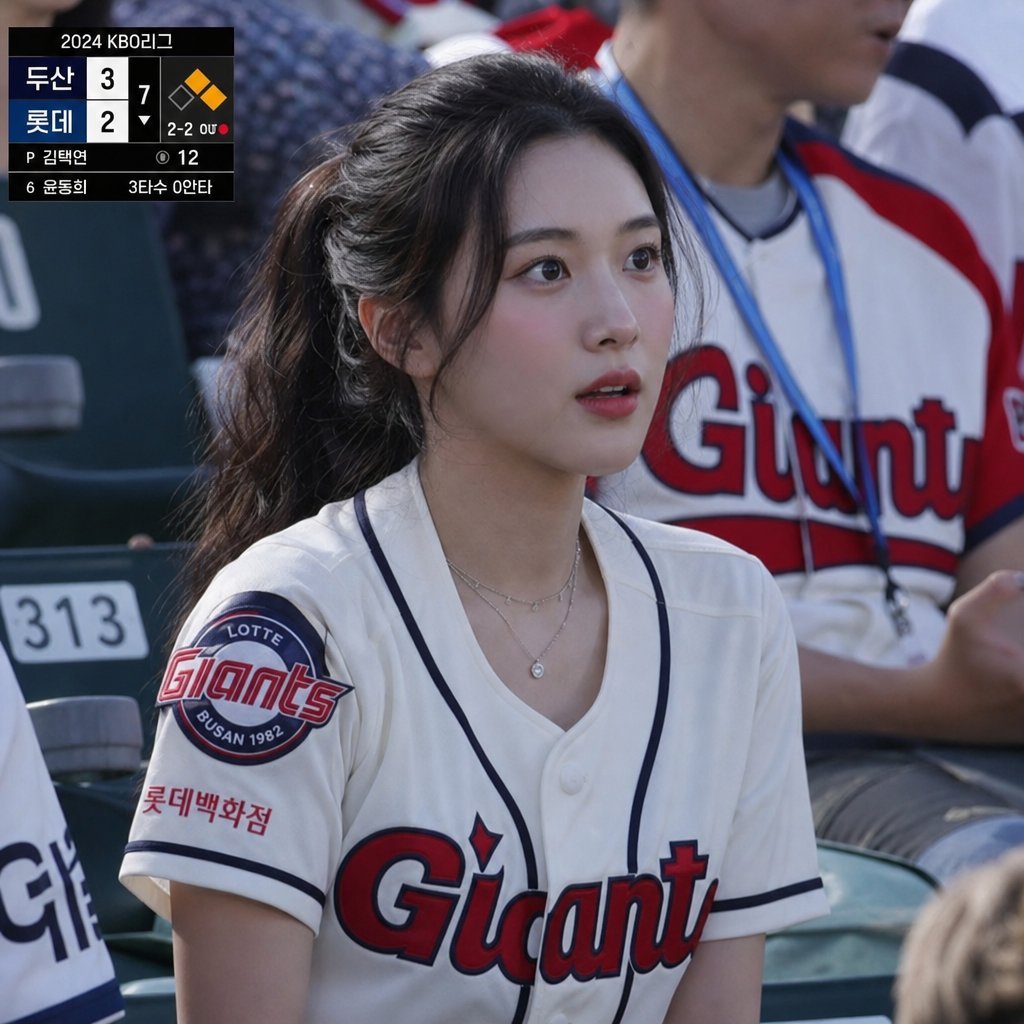
KBO Lotte Giants Broadcast Fan Shot
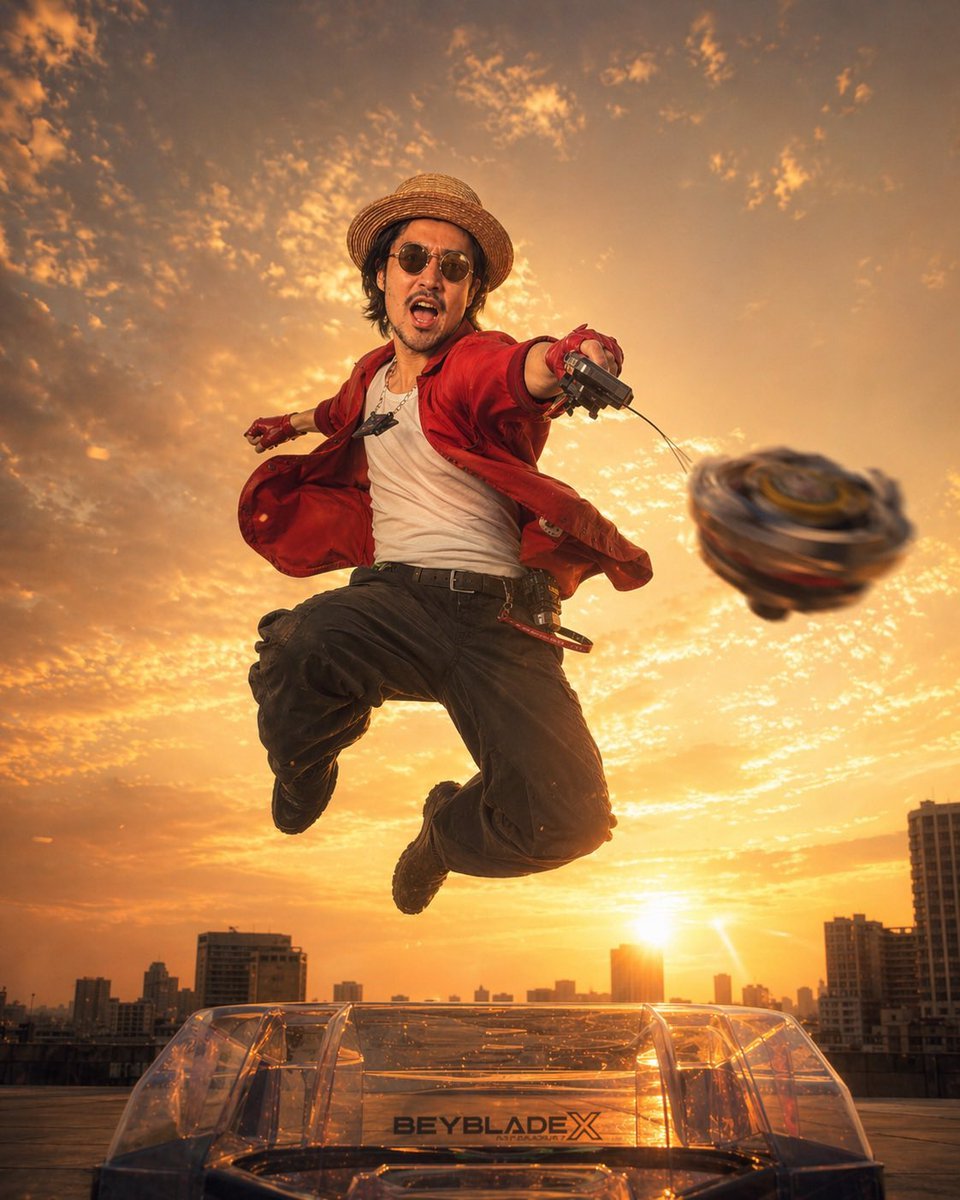
Cinematic Beyblade Rooftop Launch
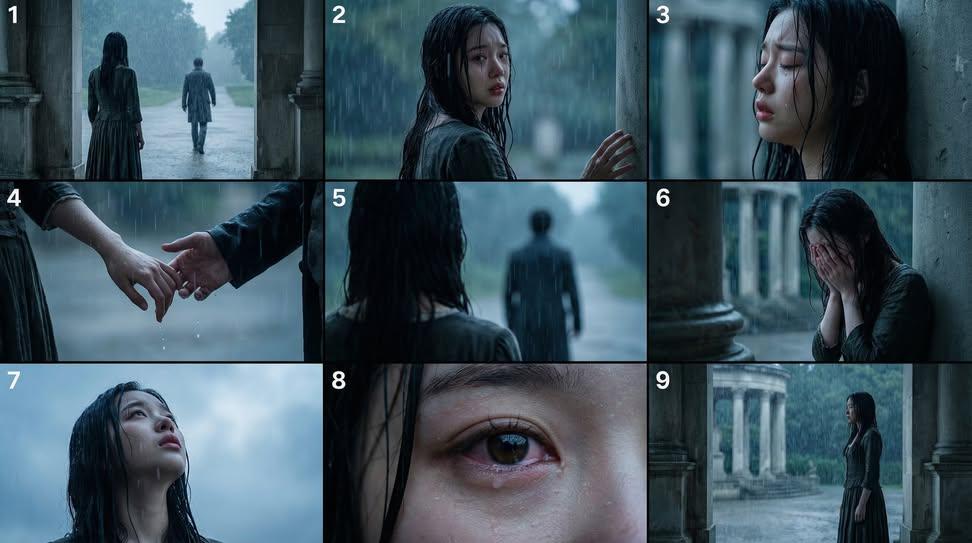
Cinematic Storyboard Generation Prompt
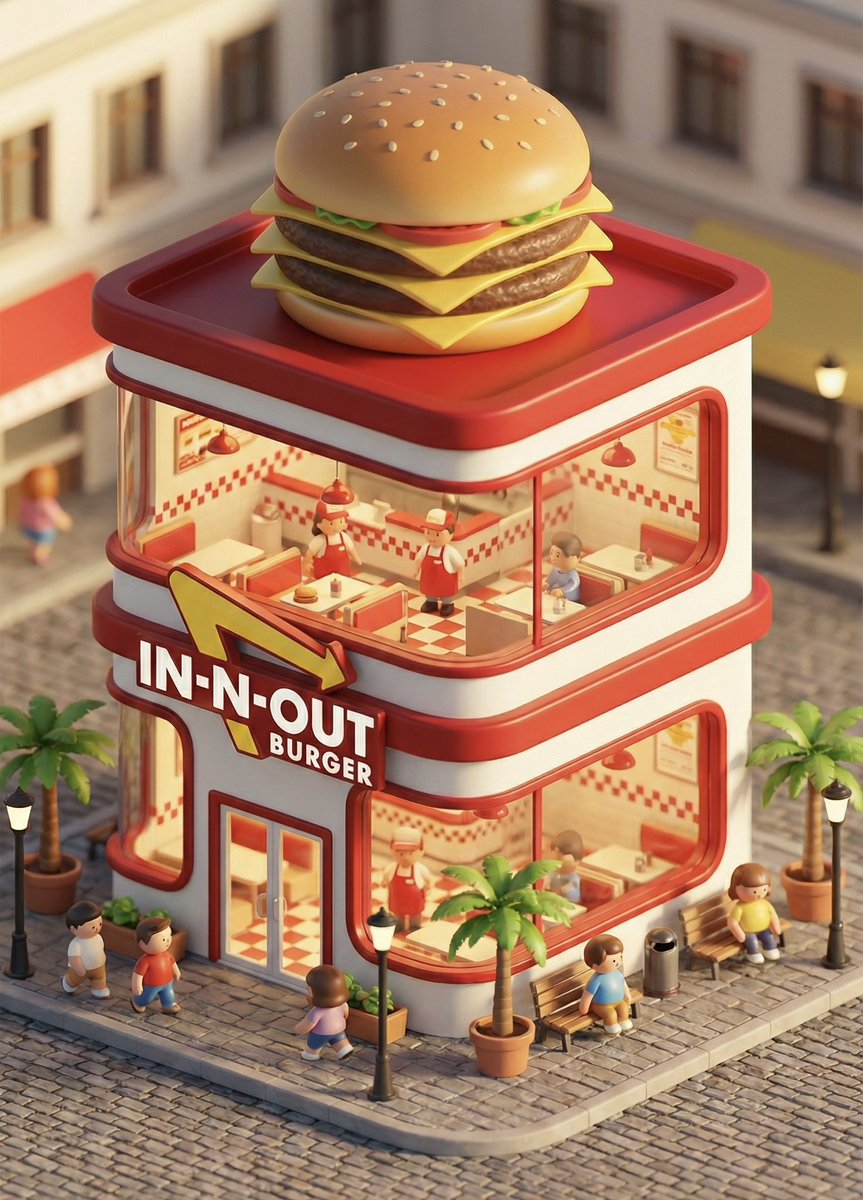
3D chibi concept store brand prompt
Browse template categories
Pastel Fantasy Pagoda Mountain Landscape questions
How do I use the Pastel Fantasy Pagoda Mountain Landscape template?
Add your photo if the template asks for one, edit the prompt if you like — the template's model and format are already selected — and press Generate. Your version opens in PicX Studio.
Can I customize the Pastel Fantasy Pagoda Mountain Landscape template?
Yes. You can change the subject, setting, lighting, mood, format, and available model controls before creating your image.
Is the Pastel Fantasy Pagoda Mountain Landscape template free?
Opening and editing this template is free. Generating uses credits, shown on the Generate button when you are signed in.
Which AI model should I use?
Choose a compatible model in PicX Studio based on the style, speed, and output controls your project needs.
Looking for something else? Browse all templates.

Your photo, any look
Thousands of ready templates for every top image and video model, from one credit balance.