
KBO Lotte Giants Broadcast Fan Shot
Generates a realistic Korean baseball broadcast-style spectator photo with a Lotte Giants fan, privacy-obscured face, and on-screen scoreboard overlay.
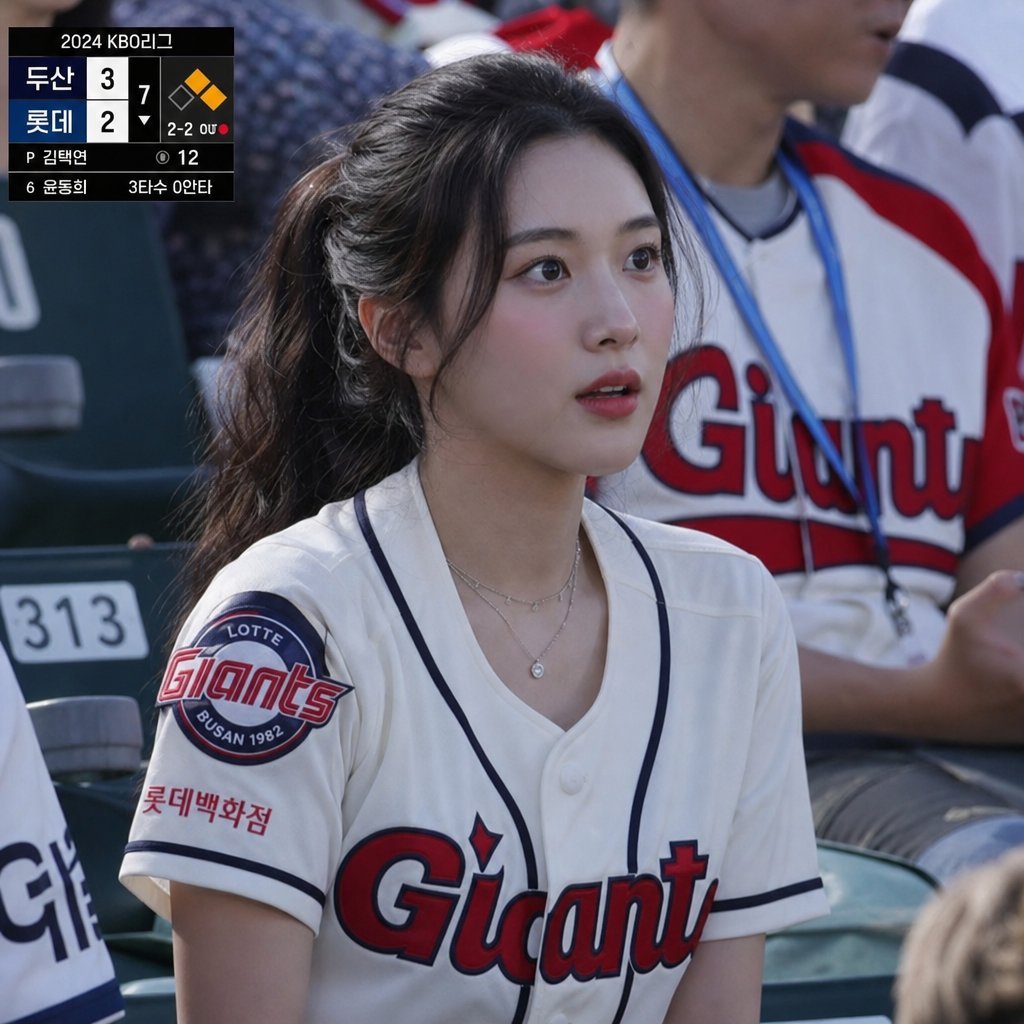
- Prompt included
- Model and format preset
- Free template
The prompt behind this image
Copy the exact prompt behind KBO Lotte Giants Broadcast Fan Shot, or open it in the studio and make it yours.
Create a realistic sports broadcast still photo from a 2024 KBO League baseball game, shot from the spectator seats in bright daylight with shallow depth of field. The main subject is a young female fan seated in the stands wearing a white Lotte Giants baseball jersey with navy piping, red-and-navy “Giants” chest lettering, a circular Lotte Giants Busan 1982 sleeve patch, and small Korean sponsor text on the sleeve; she has long dark hair tied in a ponytail, layered delicate necklaces, and her face is intentionally covered by a centered opaque rectangular privacy blur in a muted gray-brown gradient. Behind her are stadium seats and another fan wearing a white Giants jersey with red sleeves and a blue lanyard, softly out of focus. Add a black TV broadcast scoreboard overlay in the upper-left corner with exactly 2 team rows labeled {argument name="away team" default="두산"} and {argument name="home team" default="롯데"}, scores 3 and 2, inning marker 7, a small baseball diamond graphic with one orange base highlighted, count text “2-2 0U,” pitcher line “P 김택연,” pitch count “12,” and bottom batter information “6 윤동희 3타수 0안타.” Use authentic Korean baseball broadcast styling, natural camera perspective, realistic fabric texture, accurate stadium lighting, documentary photography look, and a slightly compressed telephoto crop.
How to use KBO Lotte Giants Broadcast Fan Shot in 3 steps
- 1Upload ImagePNG, JPG or paste
Add your photo
Upload the photo the template builds on. The prompt, model and format are already set.
- 2…a portrait of your subject in softgolden-hour light, 85mm…
Personalize
Edit the subject and creative details for your destination.
- 3Generate
Generate
Press Generate — your image is created in PicX Studio, so you can compare it with the original and refine one variable at a time.
More like this
Templates with the same subject, style or setup. Open one to see its prompt.
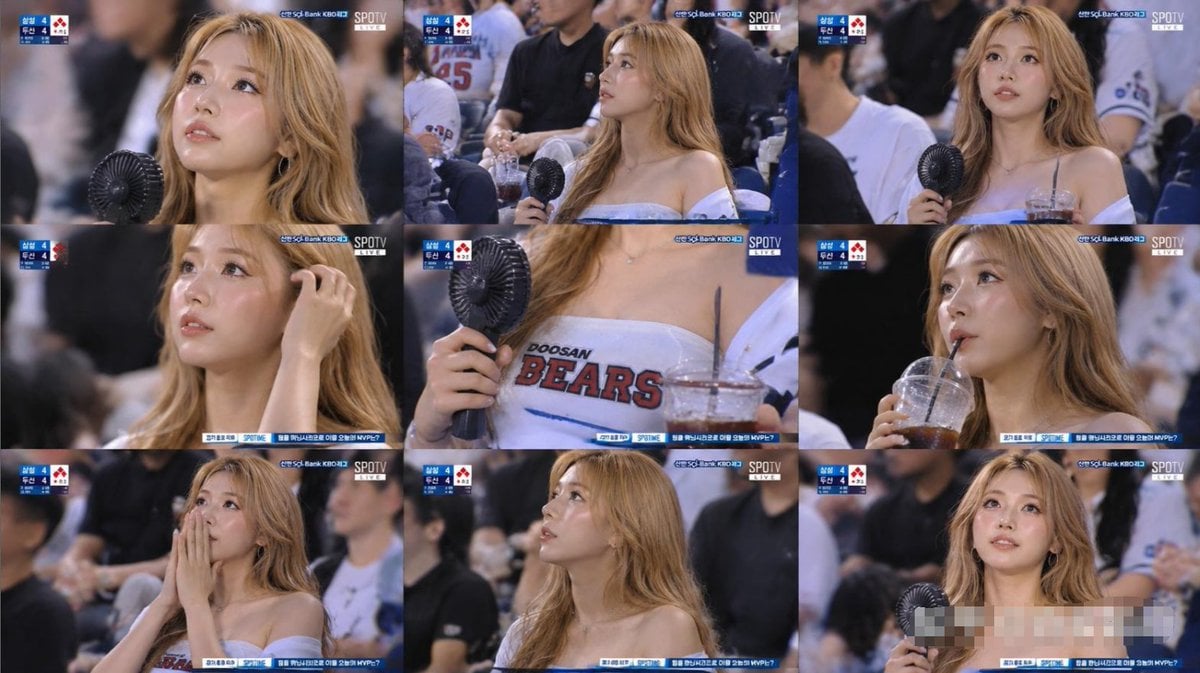
KBO Baseball Fan Television Broadcast Storyboard
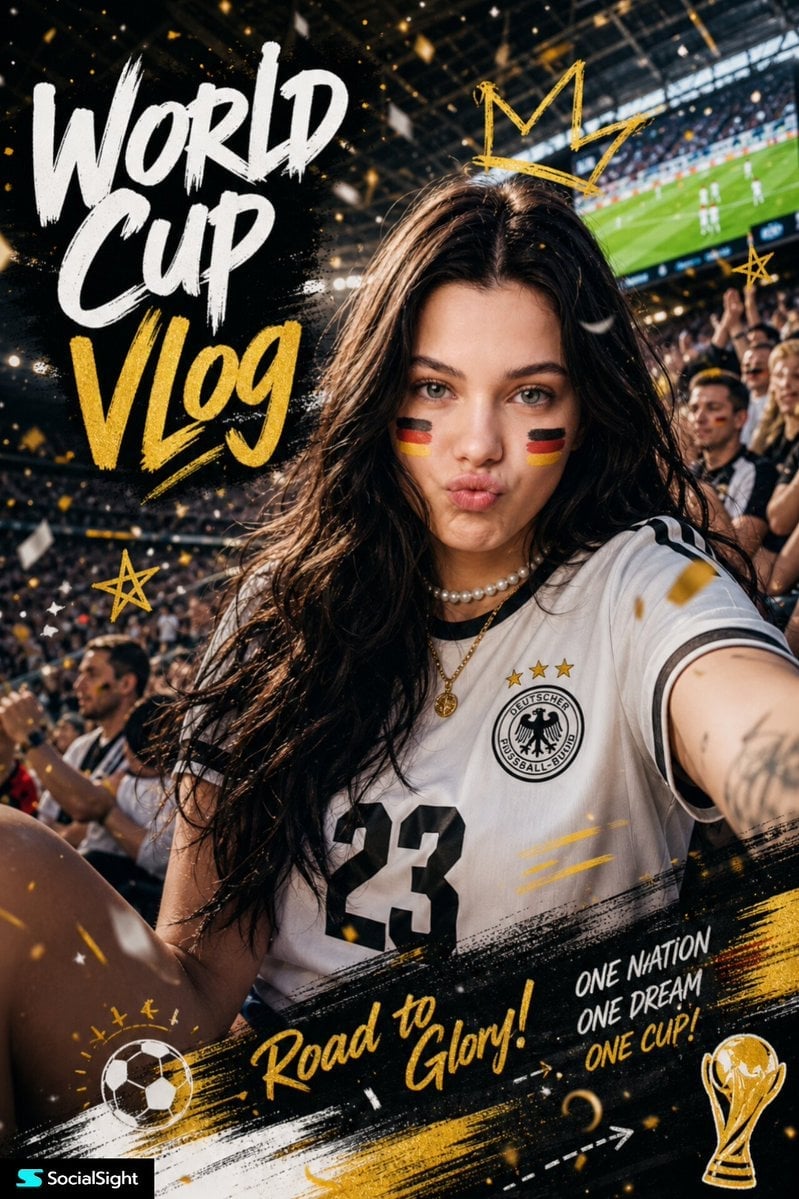
Fifa Stadium Fan Portrait Poster
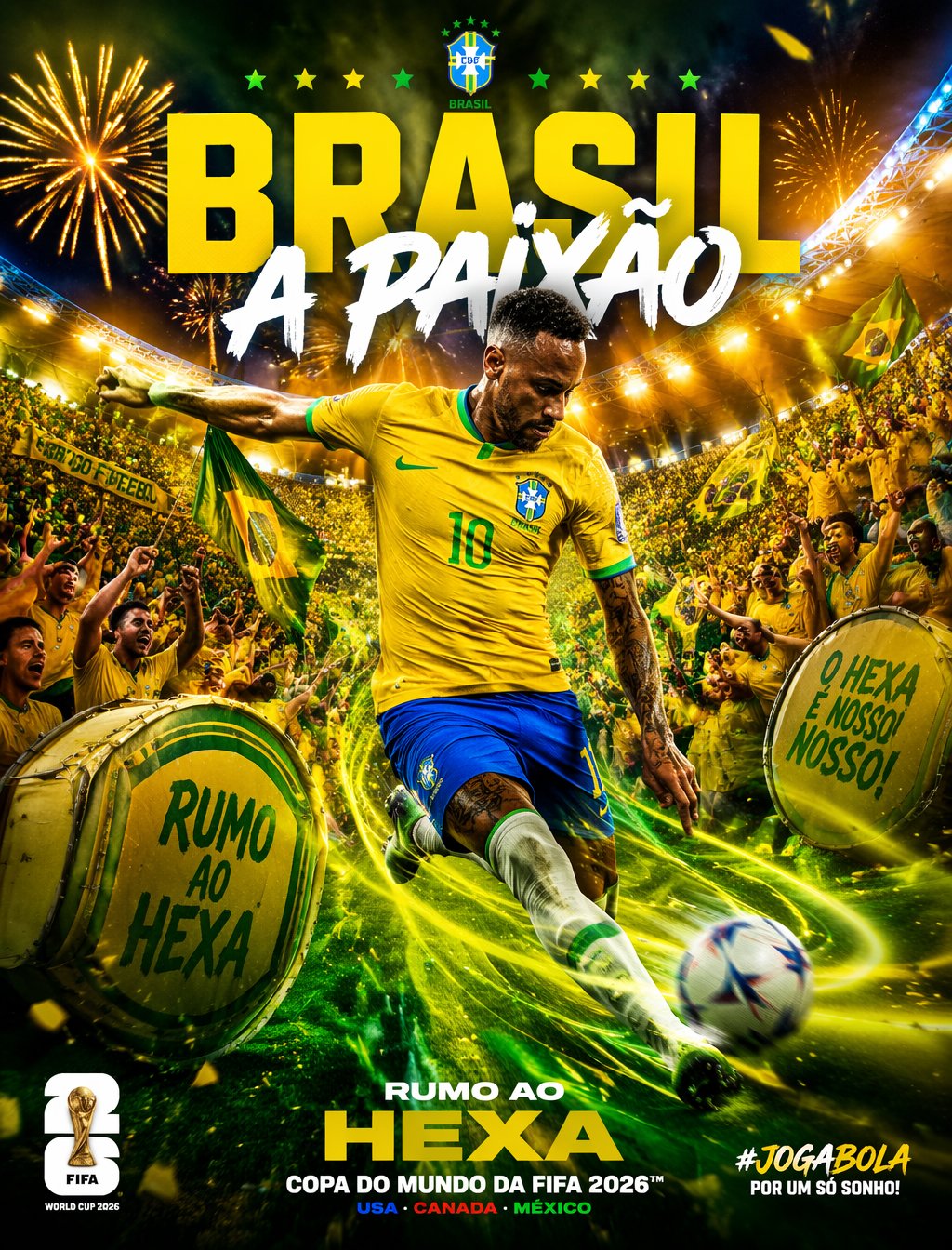
Brazil Passion Power Shot Poster
Argentina Vamos Diagonal Fan Poster
Argentina 10 Celebration Fan Poster
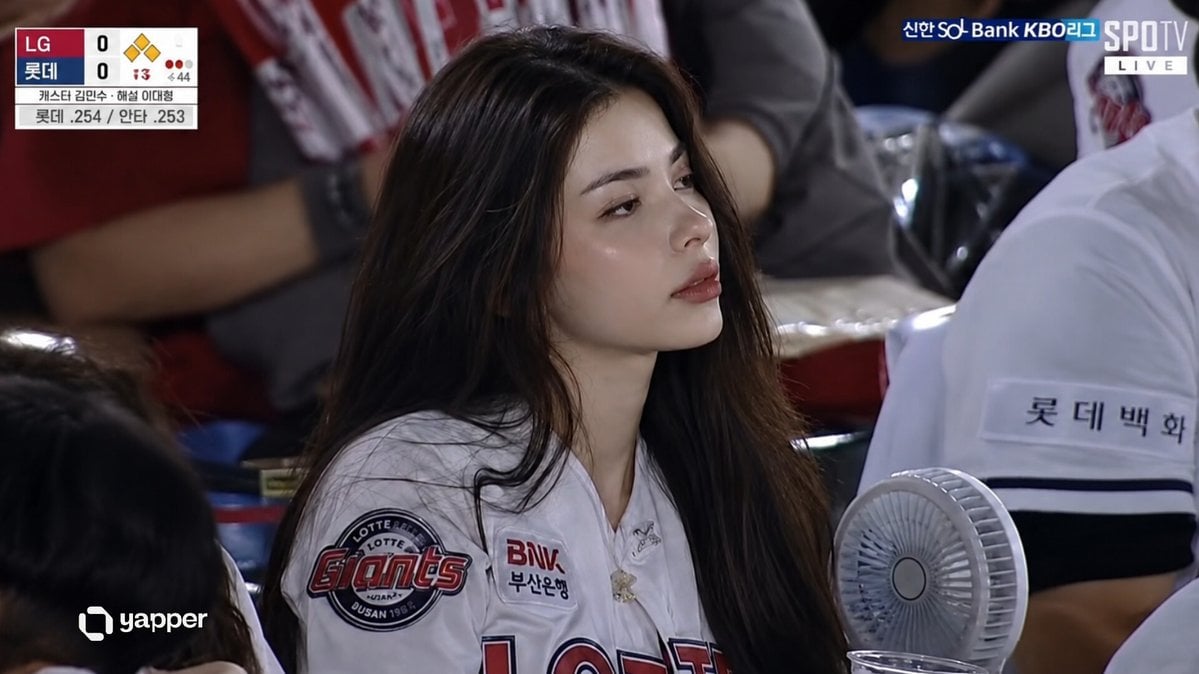
KBO Baseball Broadcast Candid
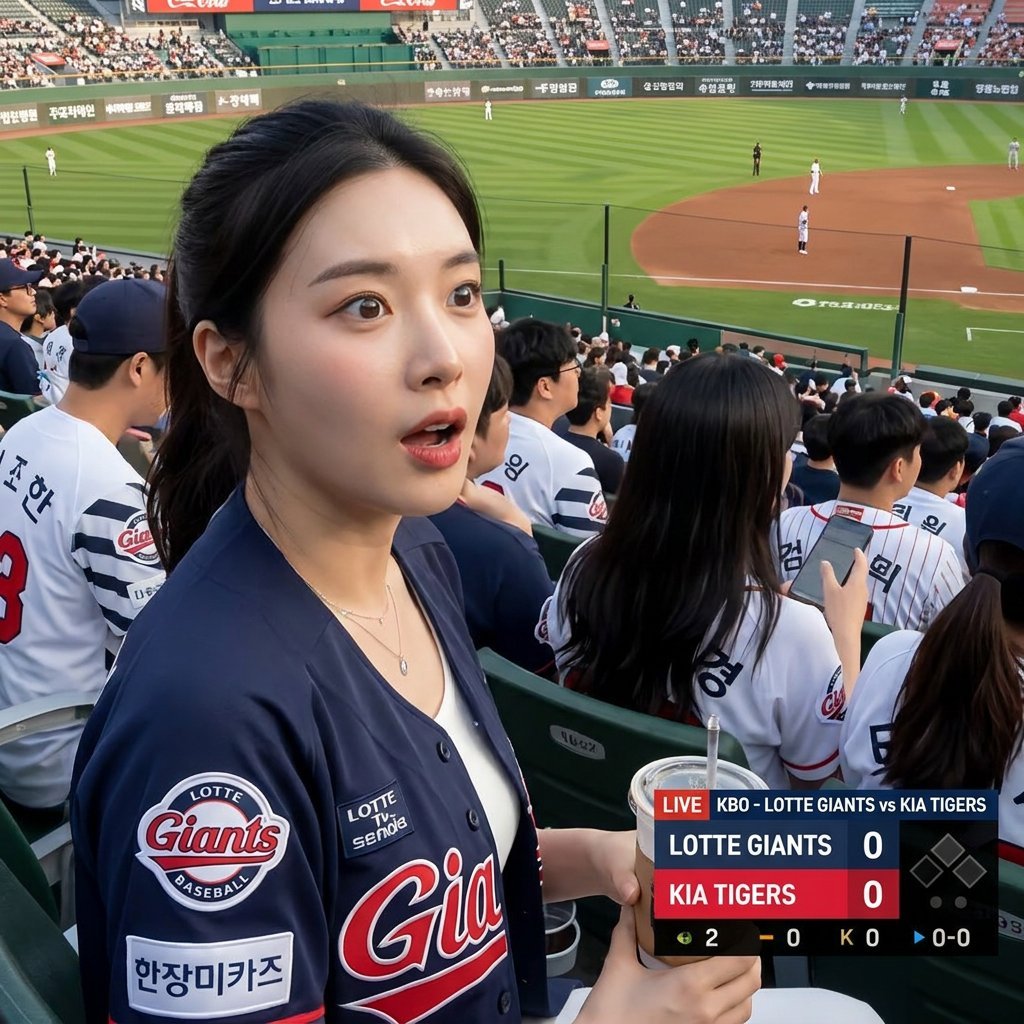
Korean Baseball Broadcast Fan Photo
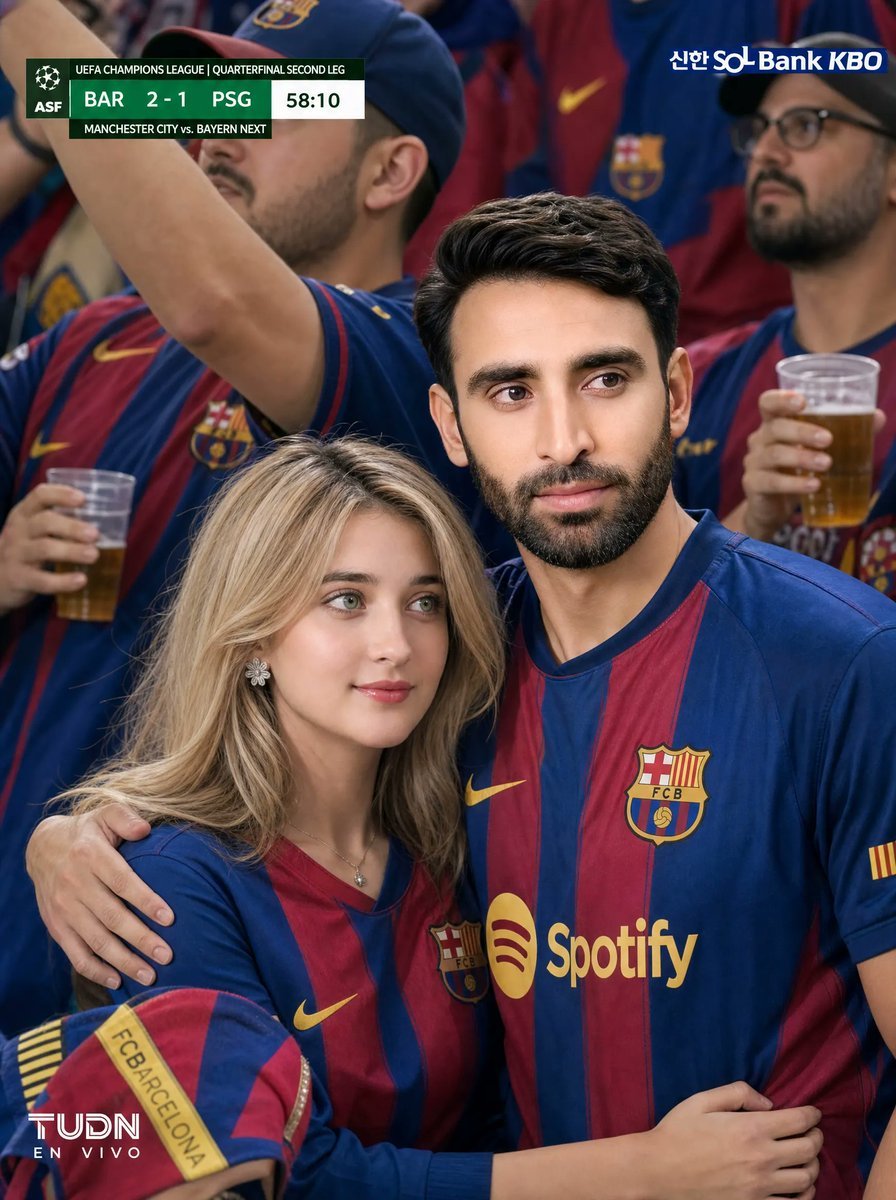
Barcelona Fans Stadium Broadcast Photo
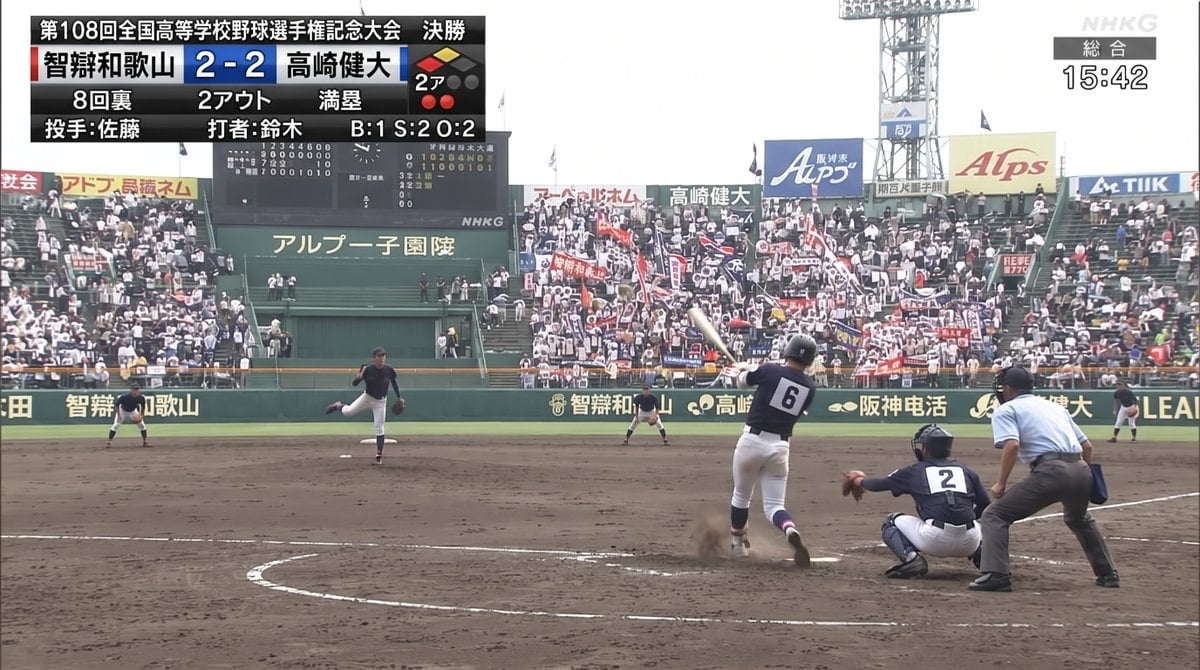
Koshien Baseball Broadcast Screen
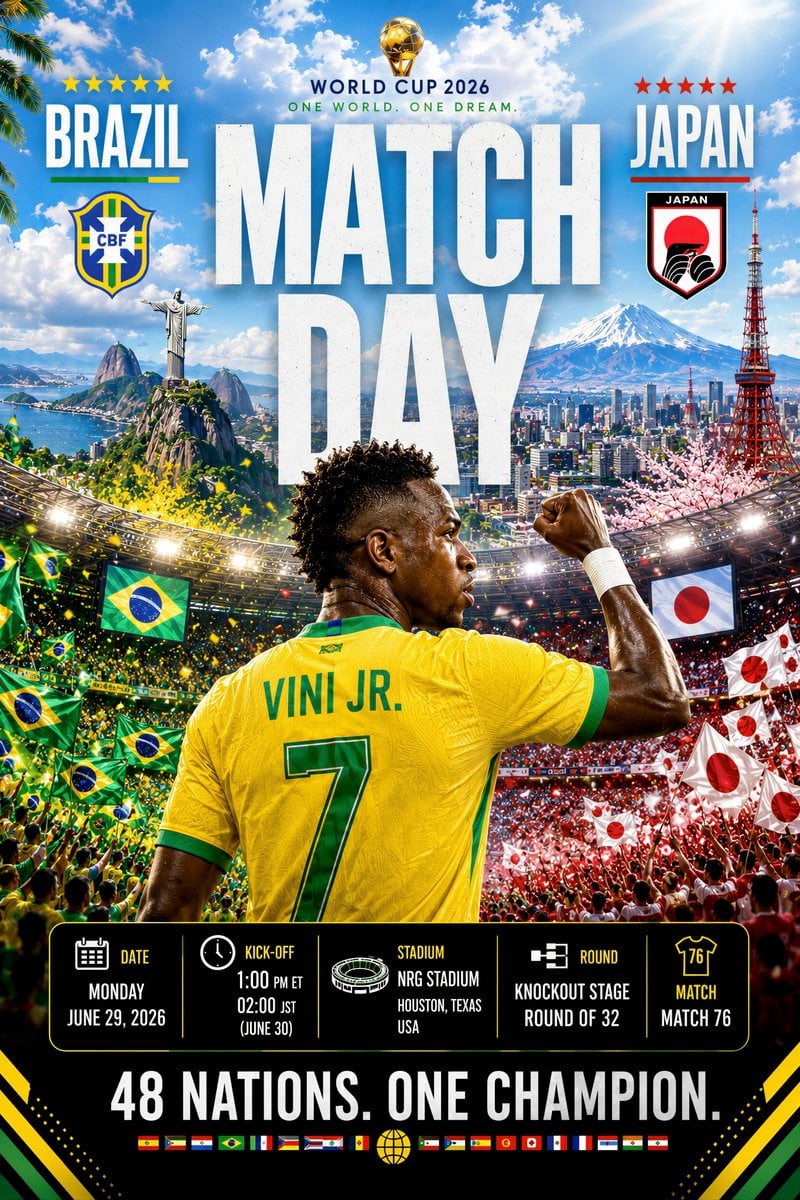
Premium Match Day Broadcast Poster
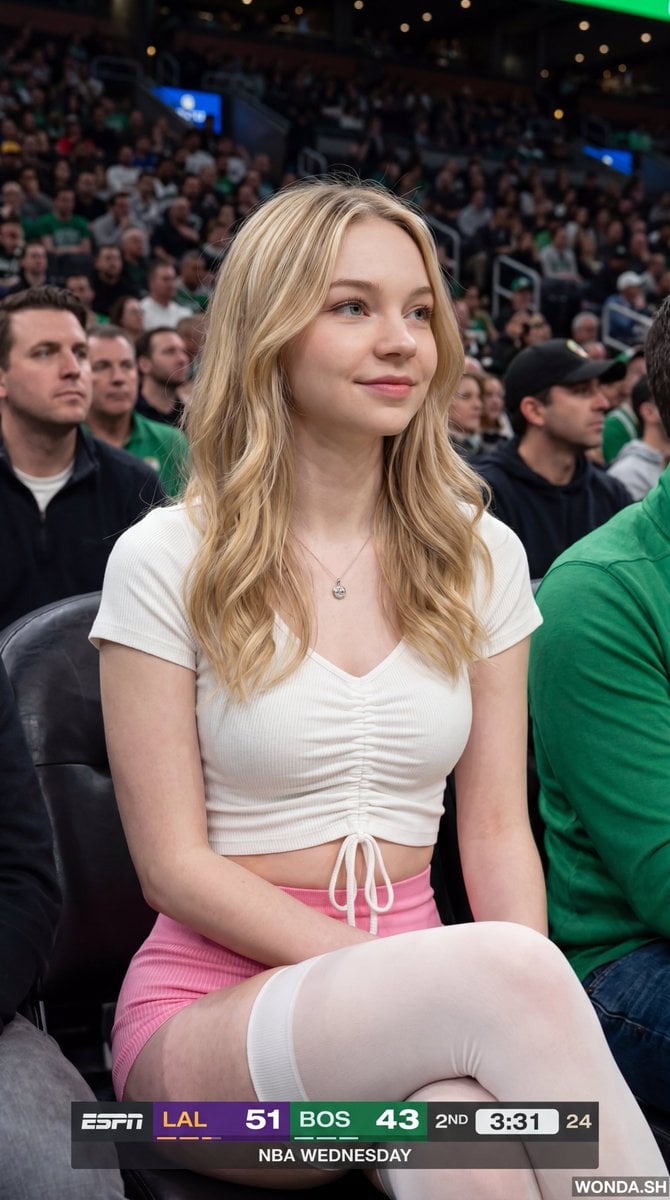
NBA Broadcast Stadium Screenshot
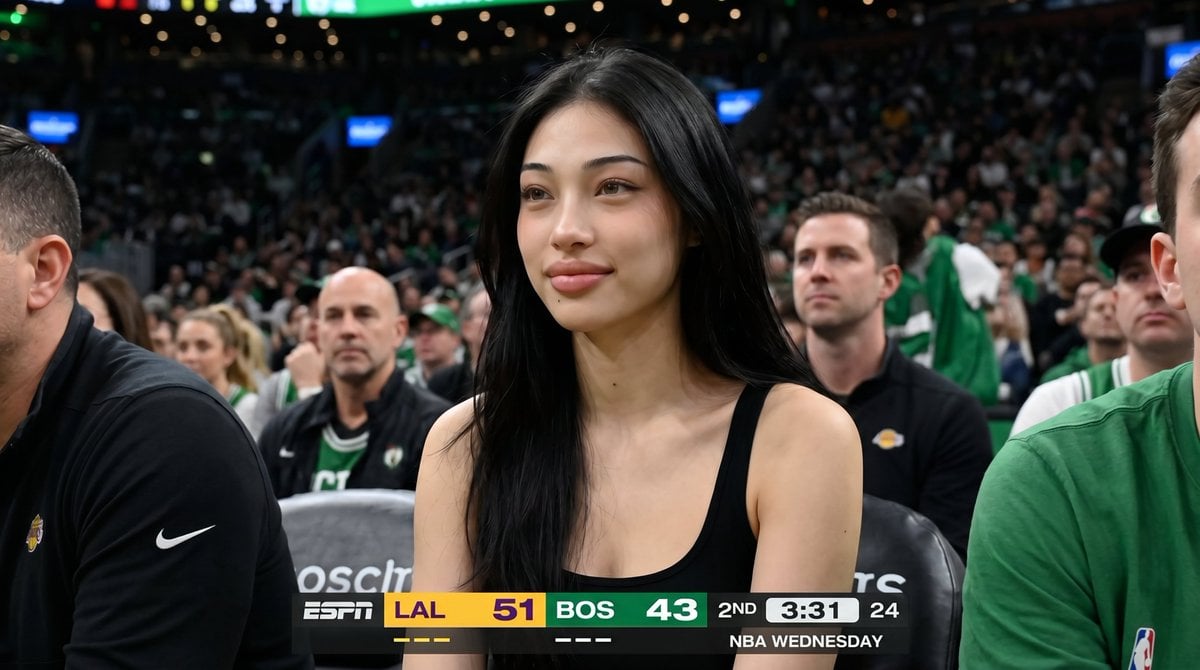
Basketball Arena Broadcast Portrait
Make it yours
KBO Lotte Giants Broadcast Fan Shot works as-is. These are the safest ways to change it without losing the look.
Change one field
Copy a single group, rewrite it, and generate again so you can see what that field is doing.
Keep the frame, change the subject
Hold the composition and light of KBO Lotte Giants Broadcast Fan Shot, then swap wardrobe, props or the person for a new take.
| If the result… | Why | Fix |
|---|---|---|
| The result drifts from the preview | Too many fields changed at once. | Reuse KBO Lotte Giants Broadcast Fan Shot as-is first, then change one group — subject, light, or setting. |
| The model over-stylizes the scene | The prose prompt leaves finish and camera underspecified. | Add one camera or lighting sentence and stay on GPT Image 2. |
More GPT Image 2 templates
Other prompts made for GPT Image 2.

Six VTuber Japanese Logo Sheet

Realistic Portrait of Woman and Deer

The Vista Modular Condo Poster

AI Model Routing Comparison Infographic

2.5D Anime Art Board

Isometric Productivity Desk Scene

New York Double Exposure Poster

Four-Panel AI Landscape Comparison

Japanese Tatami Lifestyle Magazine Cover

NESCAFÉ Coffee Map Poster
More image prompts
Fresh picks from across the catalog.
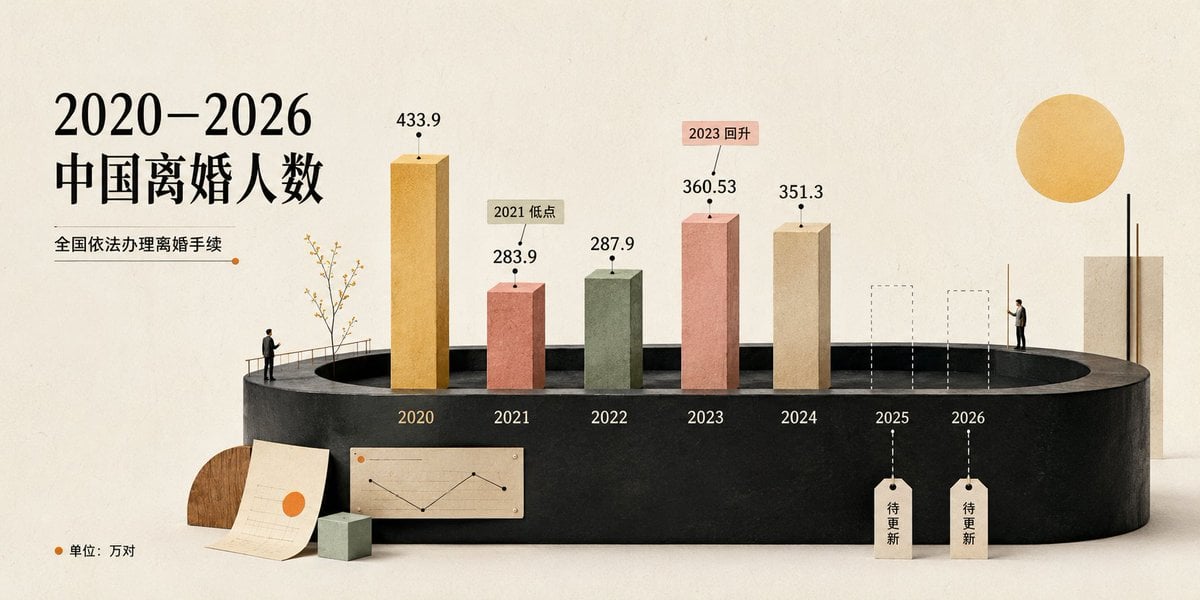
China Divorce Data 3D Infographic
Realistic Chalkboard Text Rendering
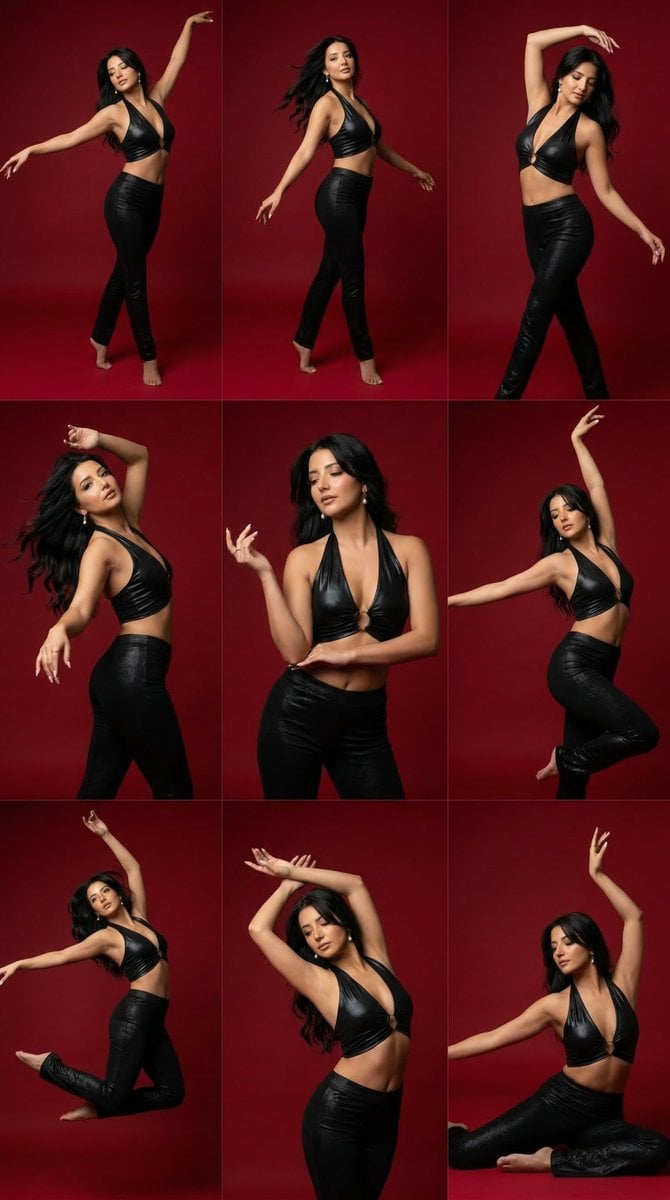
Panel Dance Editorial Grid Prompt
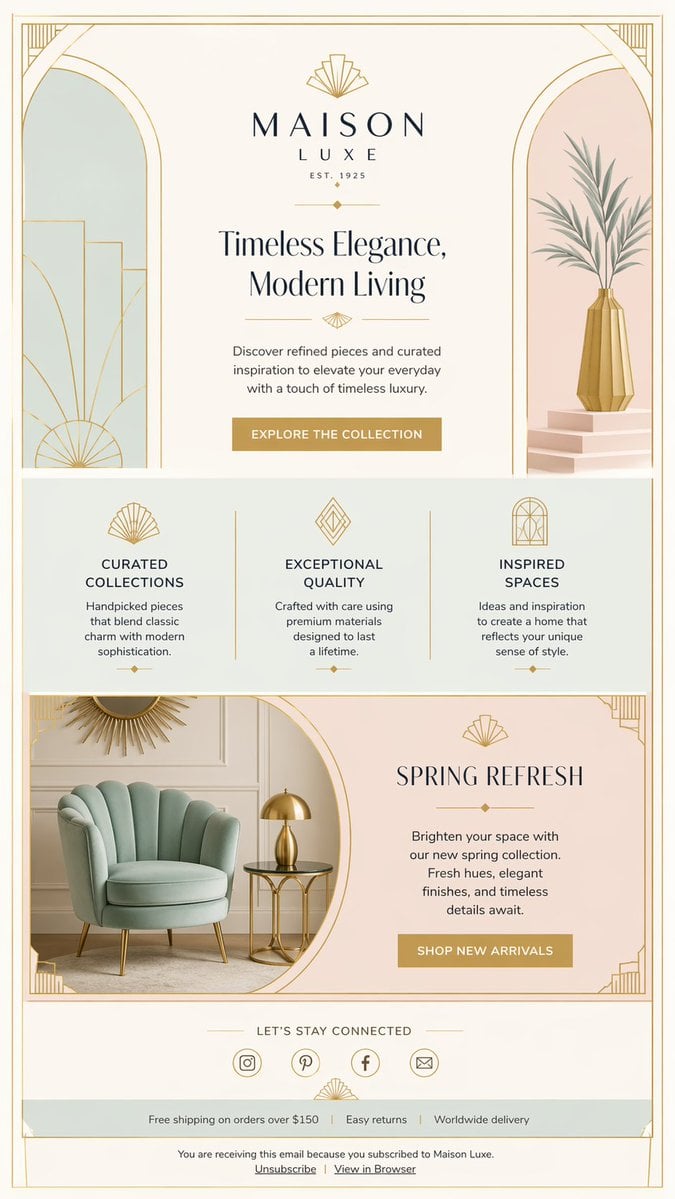
Luxury Art Deco Home Decor Email
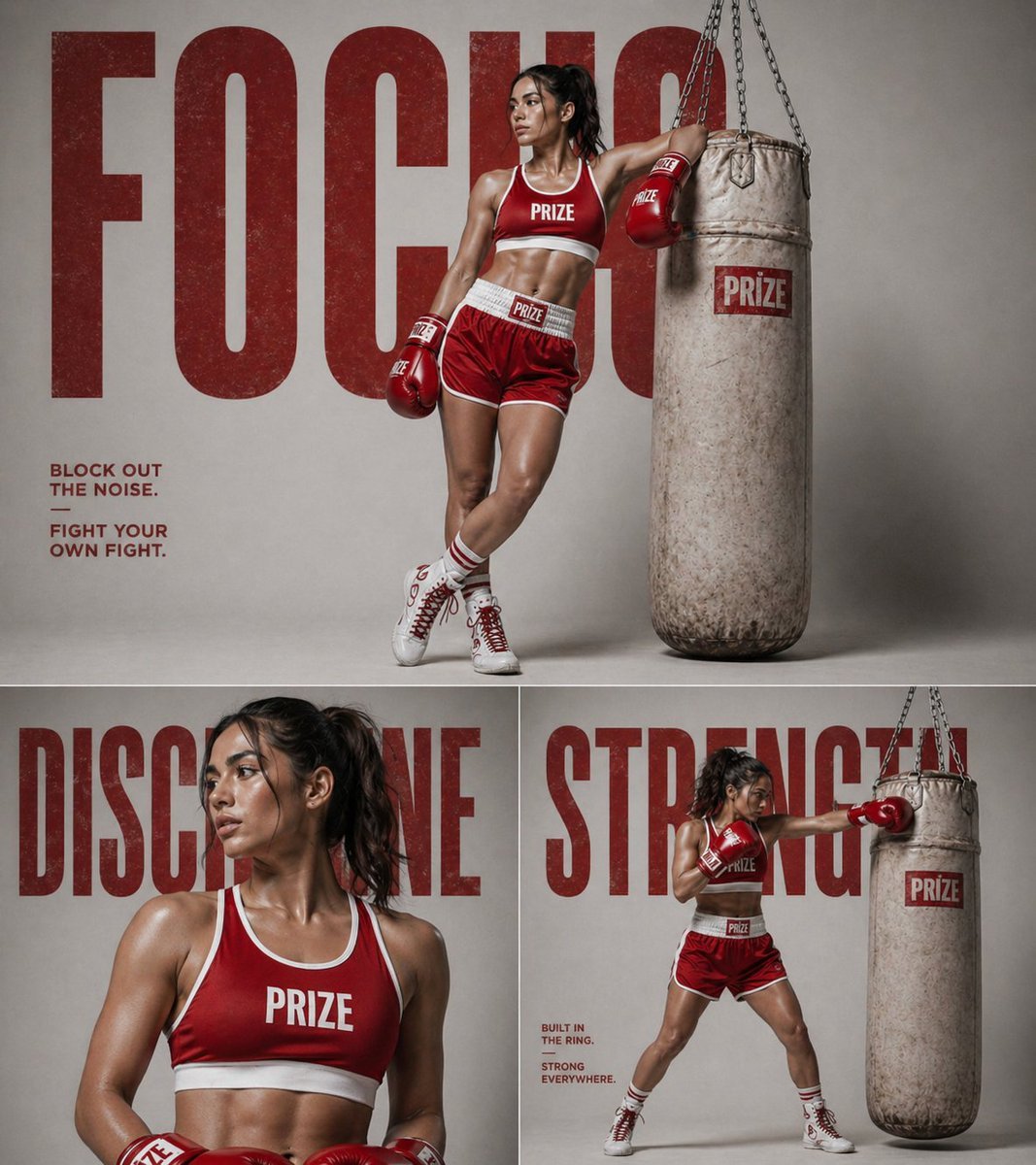
panel fitness boxing poster prompt
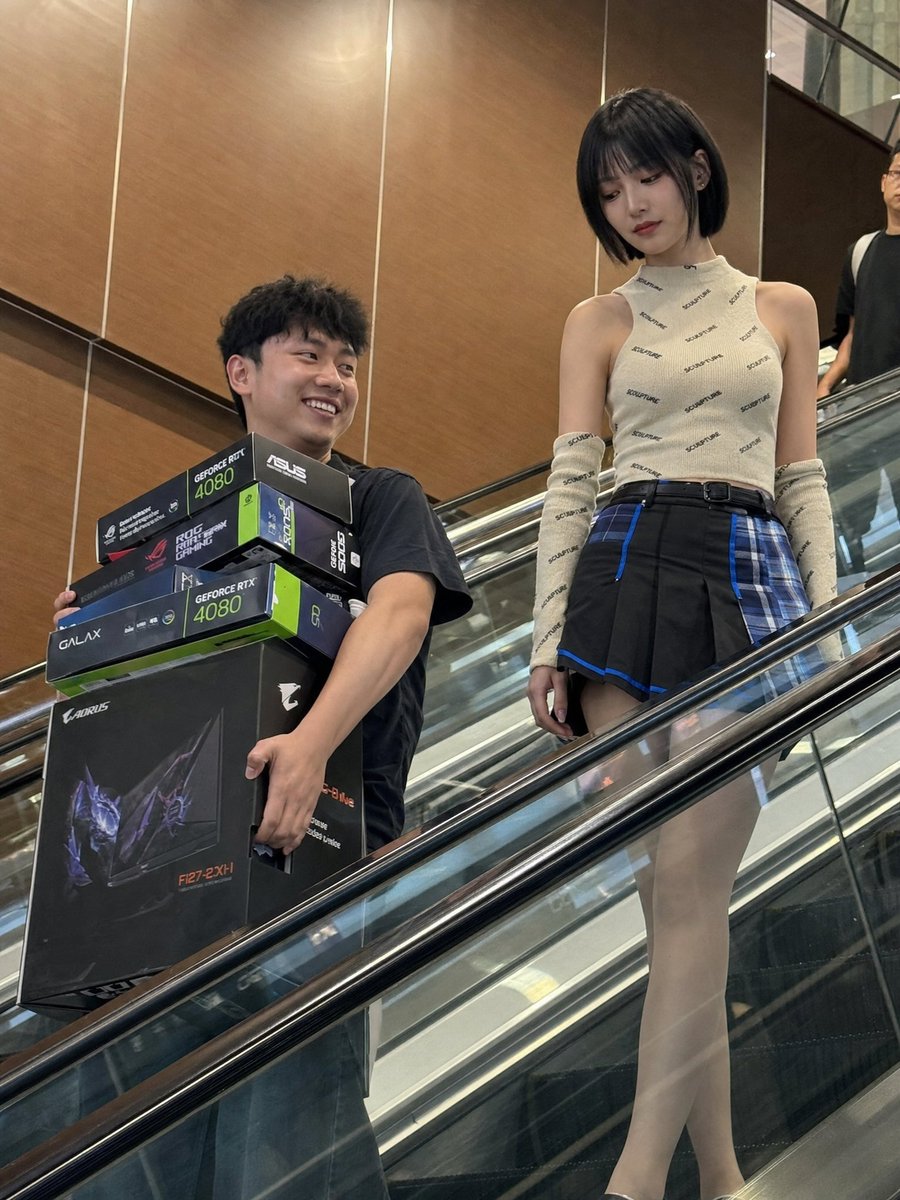
Candid Mall Shopping Snapshot
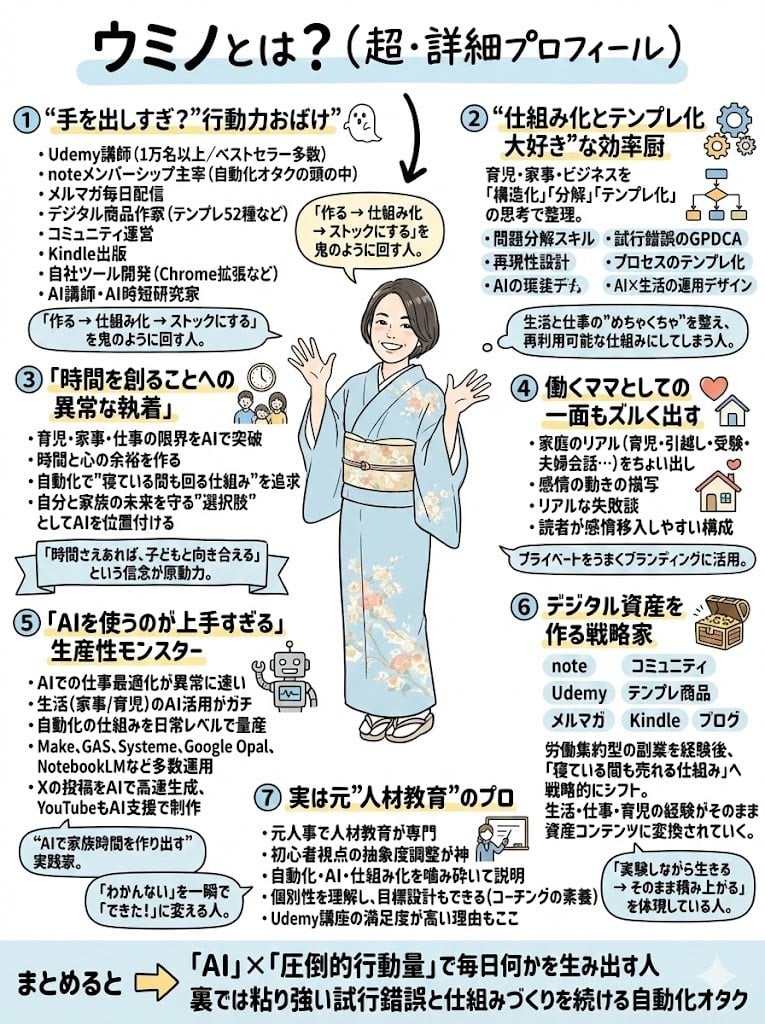
ChatGPT Prompt for Self-Introduction Text Generation

Supplement Brand Ad Campaign
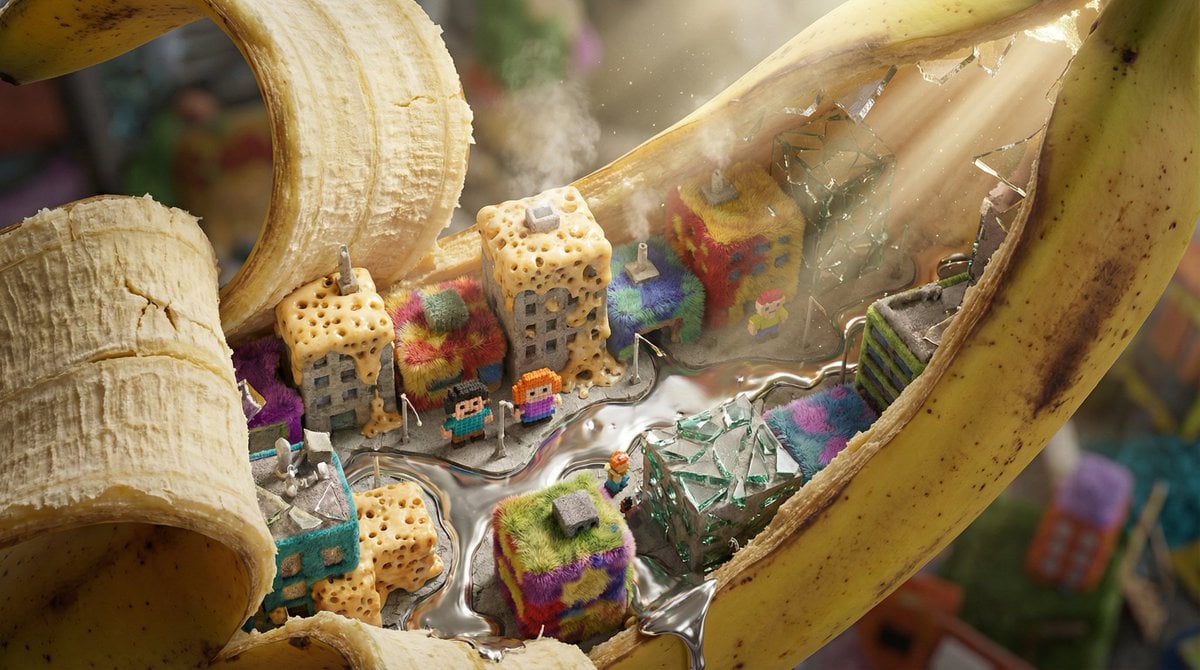
Nano-Scale Cityscape Inside a Banana Peel Prompt
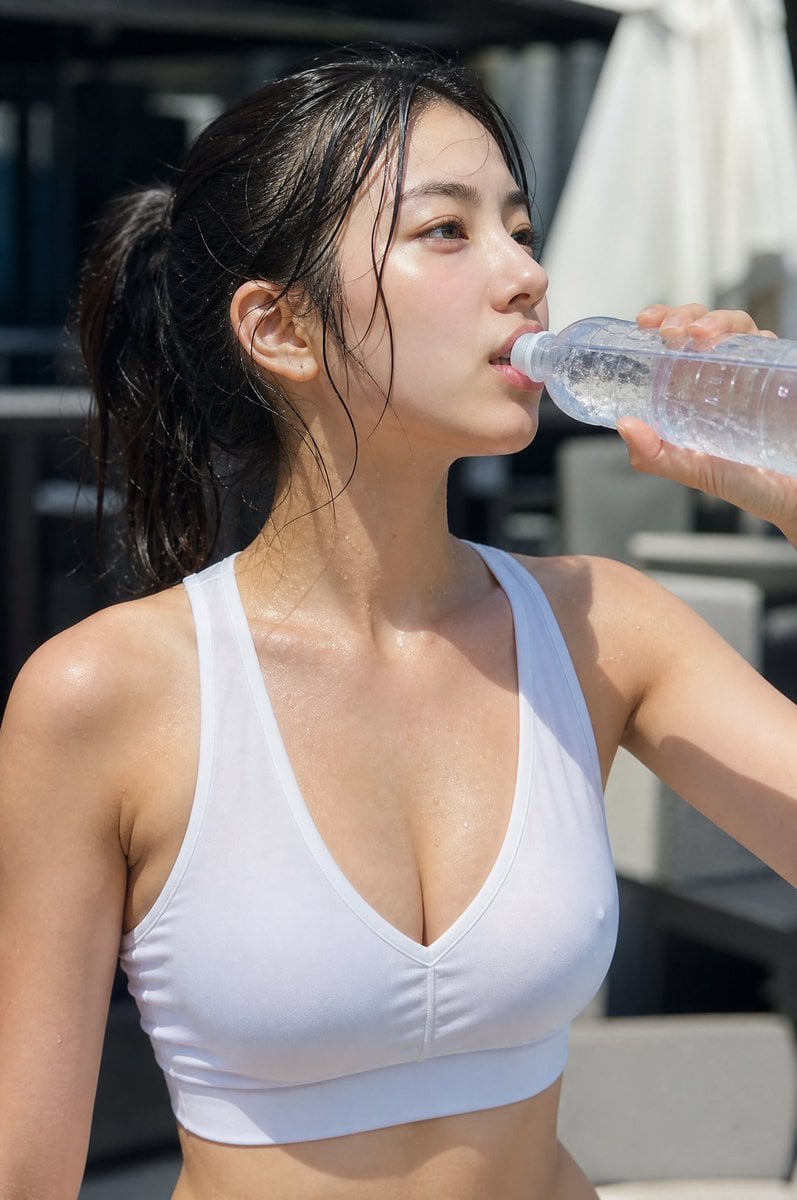
Minimalist Athletic Fashion Close-up
Browse template categories
KBO Lotte Giants Broadcast Fan Shot questions
How do I use the KBO Lotte Giants Broadcast Fan Shot template?
Add your photo if the template asks for one, edit the prompt if you like — the template's model and format are already selected — and press Generate. Your version opens in PicX Studio.
Can I customize the KBO Lotte Giants Broadcast Fan Shot template?
Yes. You can change the subject, setting, lighting, mood, format, and available model controls before creating your image.
Is the KBO Lotte Giants Broadcast Fan Shot template free?
Opening and editing this template is free. Generating uses credits, shown on the Generate button when you are signed in.
Which AI model should I use?
Start with GPT Image 2, which is the model associated with this template. You can compare another compatible model for a different finish.
Looking for something else? Browse all templates.

Your photo, any look
Thousands of ready templates for every top image and video model, from one credit balance.