
Candid Mall Shopping Snapshot
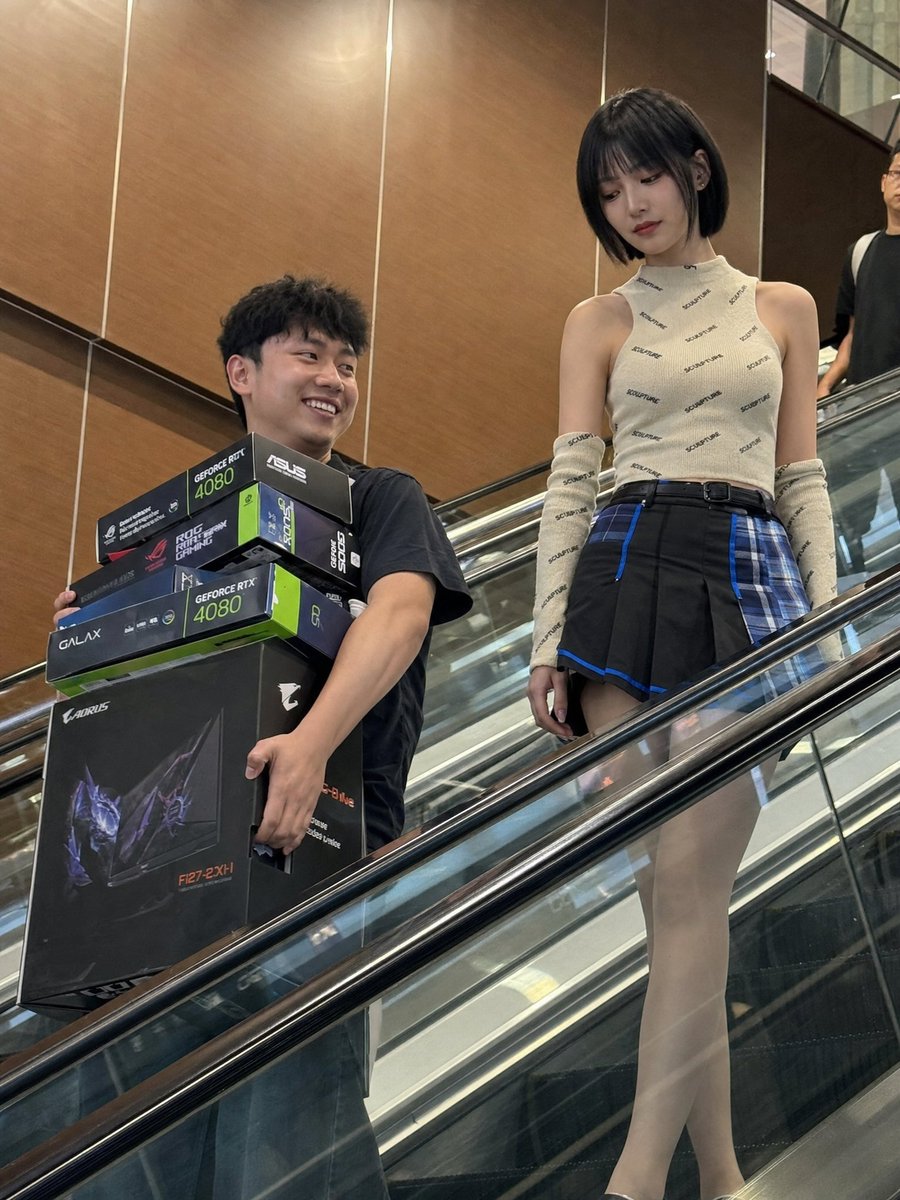
A realistic prompt for creating an imperfect, candid-style photo of two people on an escalator with electronics boxes, mimicking social media compressed textures.
- Prompt included
- Model and format preset
- Free template
The prompt behind this image
Copy the exact prompt behind Candid Mall Shopping Snapshot, or open it in the studio and make it yours.
Create a realistic low-resolution candid phone photo of {argument name="people" default="two young adults"} descending an indoor {argument name="location" default="shopping mall escalator"}, captured from a lower diagonal angle across the escalator. The composition should feel accidental and slightly imperfect, with the escalator handrail and glass side panel cutting across the foreground as a strong diagonal obstruction. On the left, show a cheerful young man with short black slightly tousled hair, wearing a dark casual short-sleeve shirt. He is smiling genuinely while carrying several {argument name="products" default="oversized PC hardware boxes"} pressed against his torso, including visible GeForce RTX 4080 graphics card boxes, ASUS or GALAX-style GPU packaging, and a large black AORUS monitor box. His face, neck, forearms, and hands are visible, with natural warm skin tone and practical tension in the hands from holding heavy boxes. On the right, show a slim young woman standing slightly higher on the escalator, calm and composed, looking downward rather than at the camera. She has a neat short dark bob haircut with straight bangs, soft indoor shine, pale warm ivory skin, and an East Asian fashion-editorial inspired makeup style: smooth matte base, subtle eyes, and defined red lips. She wears a fitted sleeveless cream or beige knit top covered with small repeated dark text-like pattern, matching long patterned arm sleeves, and a short black pleated skirt with vivid blue and turquoise plaid paneling, blue trim, and a dark belt. Visible skin includes her face, neck, exposed shoulders, upper arms, a small neckline area, and partially visible thighs above the escalator rail. The skin should look natural and softly matte, as if smooth and cool to the touch, lit by ordinary overhead mall lights rather than beauty lighting. The background is a warm brown wood or laminate wall panel area inside a mall or electronics shopping center, with vertical seams, reflective metal rails, glass panels, and a partial passerby shape near the edge of the frame. Use practical indoor mall lighting: soft overhead illumination, warm reflected light from the brown wall, weak uneven shadows, and broken reflections on the escalator glass and metal. Keep a deep phone-camera-like depth of field where the subjects, boxes, escalator, and background remain mostly readable. The image should preserve compressed social-media photo texture: mild noise, softened details, slightly muddy colors, imperfect framing, and a believable candid snapshot feeling. The emotional tone is a funny, slightly surreal tech purchase moment: the man looks proud and happy after buying expensive gaming hardware, while the woman appears cool, stylish, and detached. It should feel like they had just bought the hardware and were caught by someone passing by before either noticed the camera.
How to use Candid Mall Shopping Snapshot in 3 steps
- 1
Open
The prompt is already in the box next to the preview, with the template's model and format selected.
- 2…a portrait of your subject in softgolden-hour light, 85mm…
Personalize
Edit the subject and creative details for your destination.
- 3Generate
Generate
Press Generate — your image is created in PicX Studio, so you can compare it with the original and refine one variable at a time.
More like this
Templates with the same subject, style or setup. Open one to see its prompt.

Woman in Mall with Chanel Bag - Heart Gesture

Sunday Afternoon, 1988

Our Song was on a Cassette

The Date After College

80s College Gate
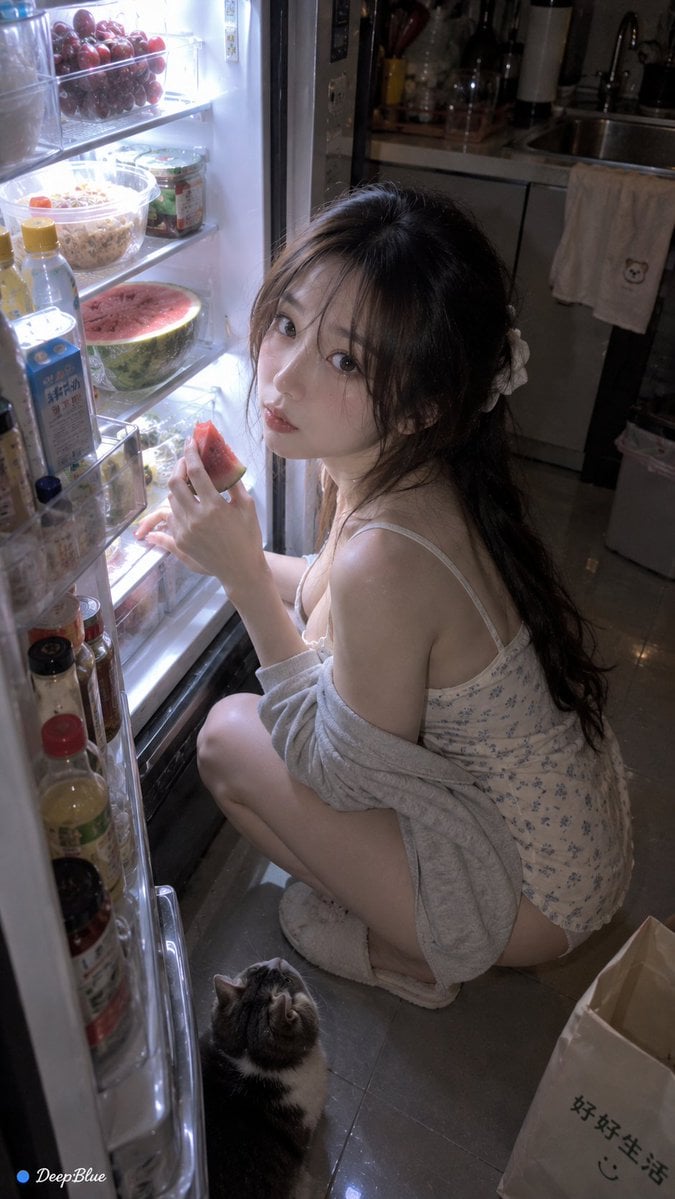
Late Night Fridge Candid Snapshot

Teen Girl Alpine Lake Mountain View
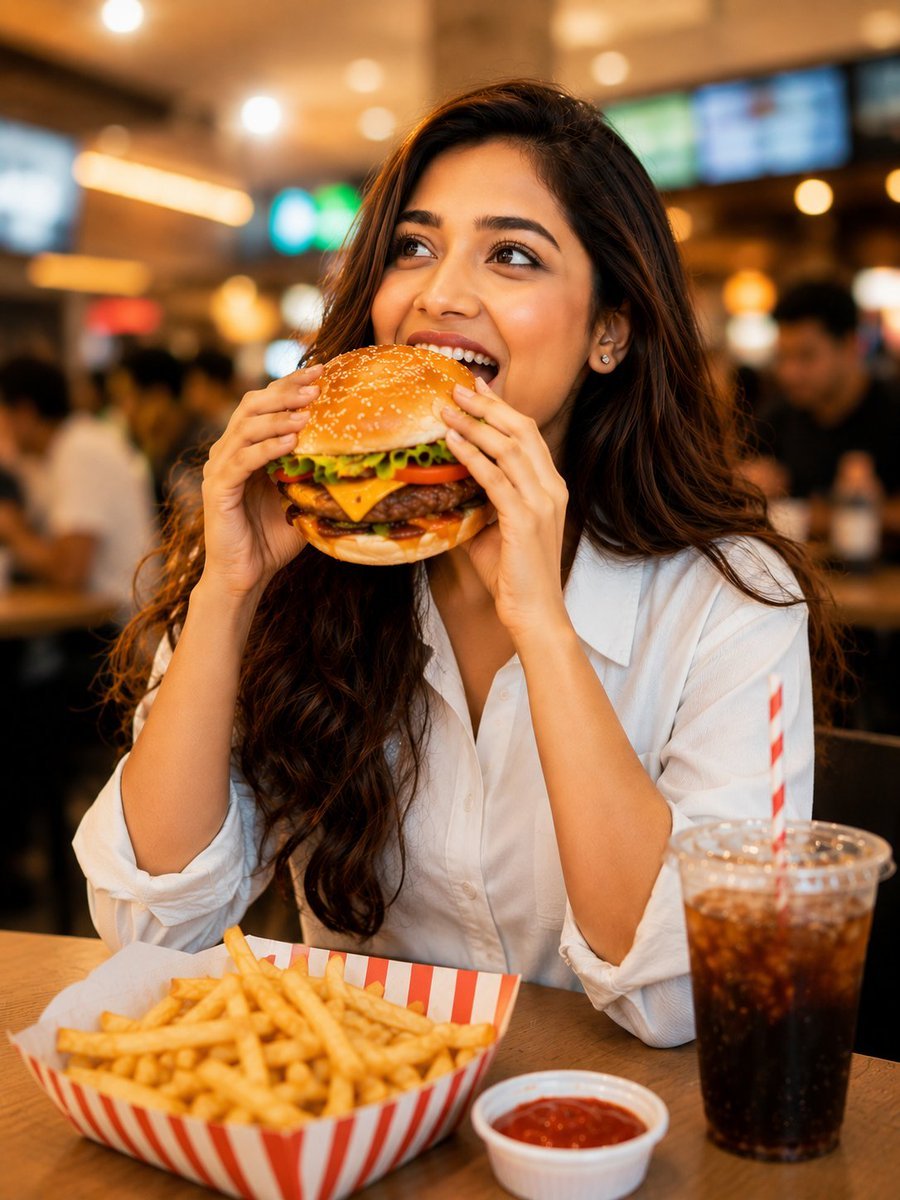
Candid Mall Food Court Portrait
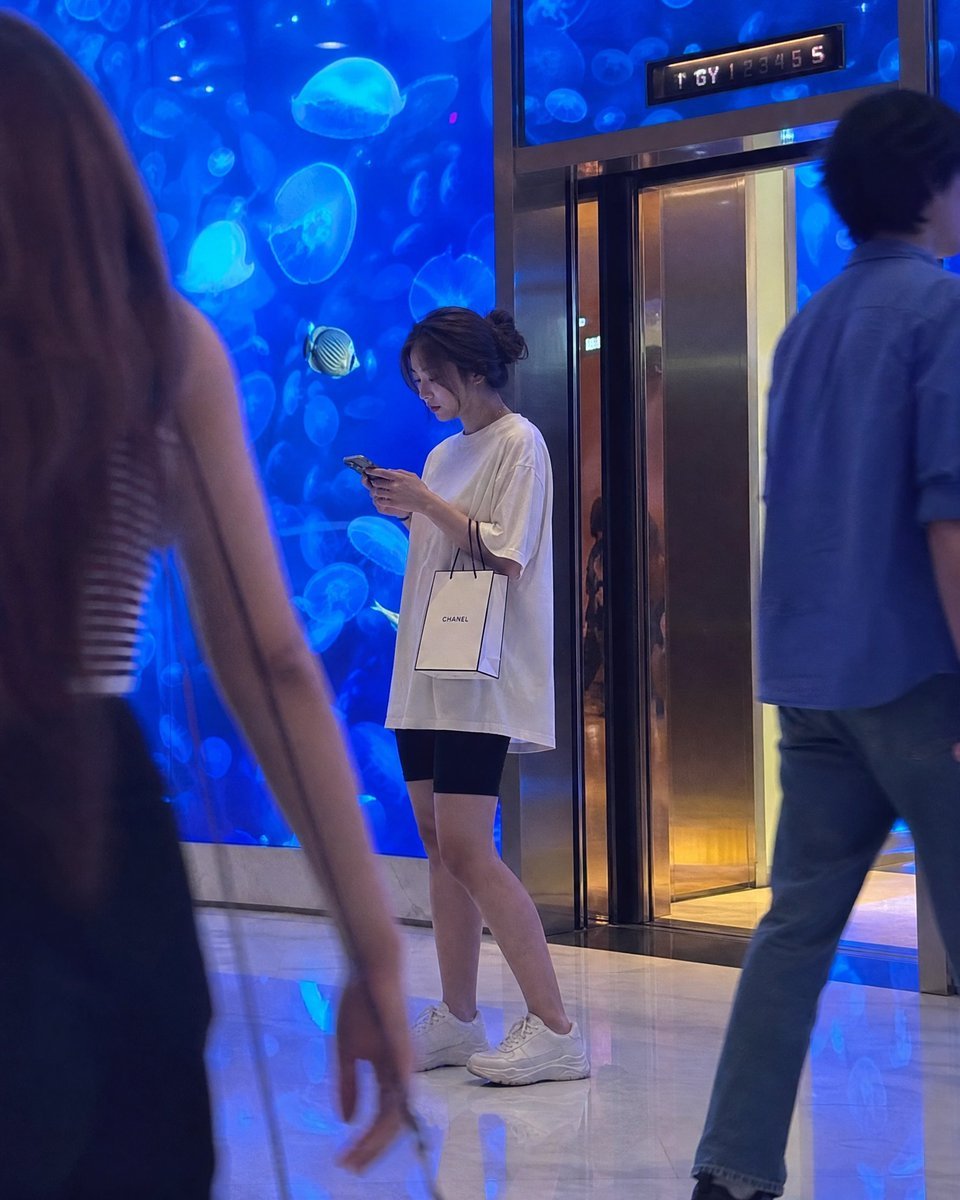
Candid Luxury Mall Aquarium Portrait
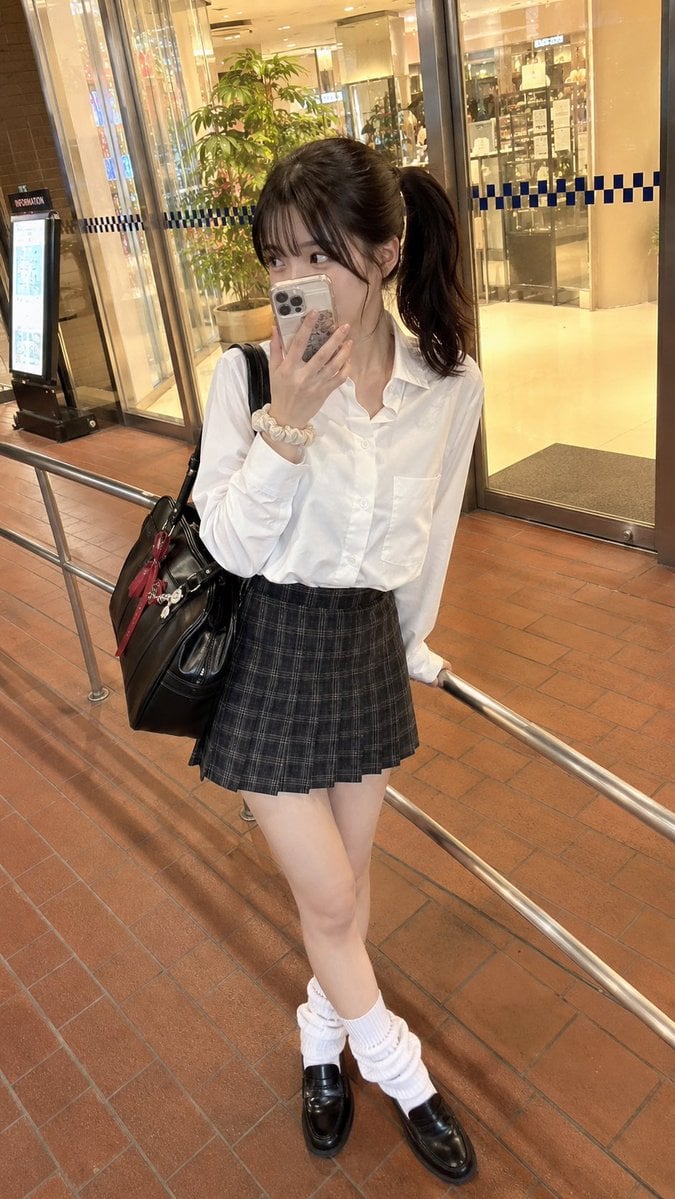
Candid Mall Fashion Portrait
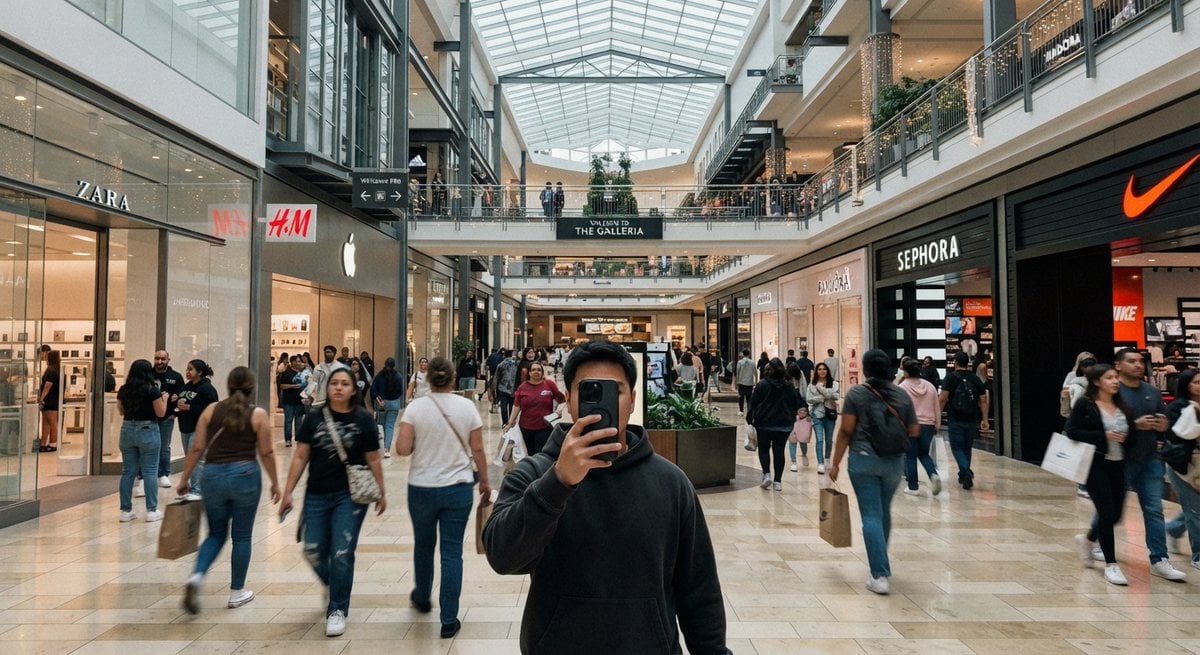
Casual Mall Selfie Snapshot
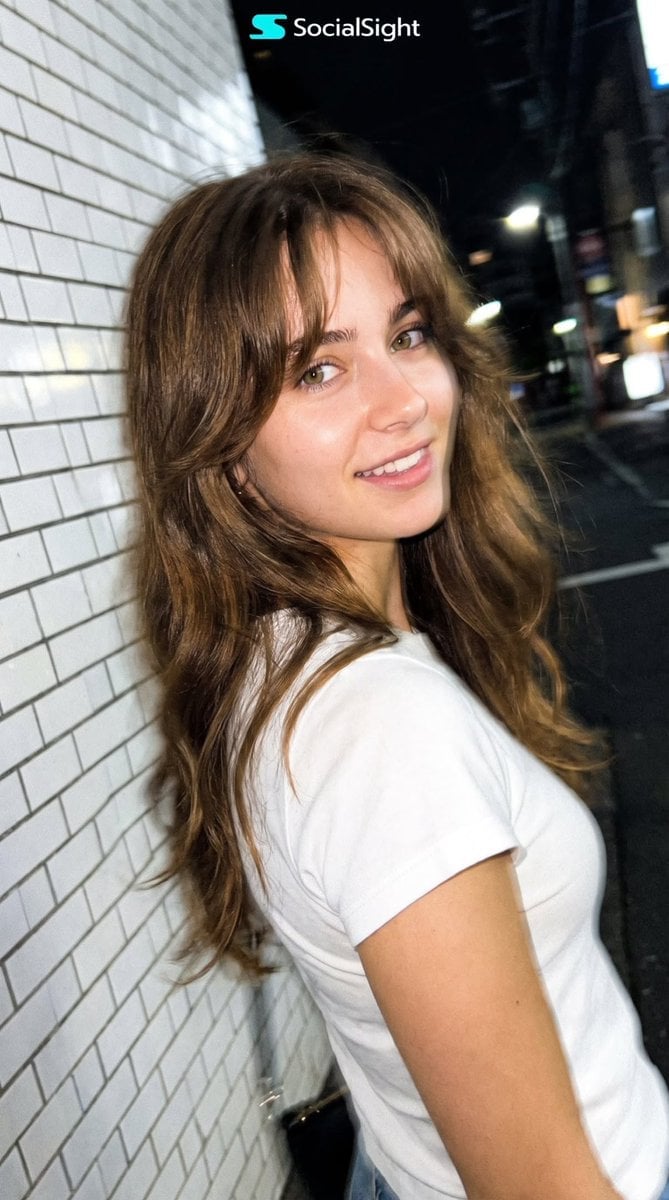
Candid Tokyo Night Smartphone Snapshot
Make it yours
Candid Mall Shopping Snapshot works as-is. These are the safest ways to change it without losing the look.
Change one field
Copy a single group, rewrite it, and generate again so you can see what that field is doing.
Keep the frame, change the subject
Hold the composition and light of Candid Mall Shopping Snapshot, then swap wardrobe, props or the person for a new take.
| If the result… | Why | Fix |
|---|---|---|
| The result drifts from the preview | Too many fields changed at once. | Reuse Candid Mall Shopping Snapshot as-is first, then change one group — subject, light, or setting. |
| The model over-stylizes the scene | The prose prompt leaves finish and camera underspecified. | Add one camera or lighting sentence and stay on GPT Image 2. |
More GPT Image 2 templates
Other prompts made for GPT Image 2.

Six VTuber Japanese Logo Sheet

Realistic Portrait of Woman and Deer

The Vista Modular Condo Poster

AI Model Routing Comparison Infographic

2.5D Anime Art Board

Isometric Productivity Desk Scene

New York Double Exposure Poster

Four-Panel AI Landscape Comparison

Japanese Tatami Lifestyle Magazine Cover

NESCAFÉ Coffee Map Poster
More image prompts
Fresh picks from across the catalog.
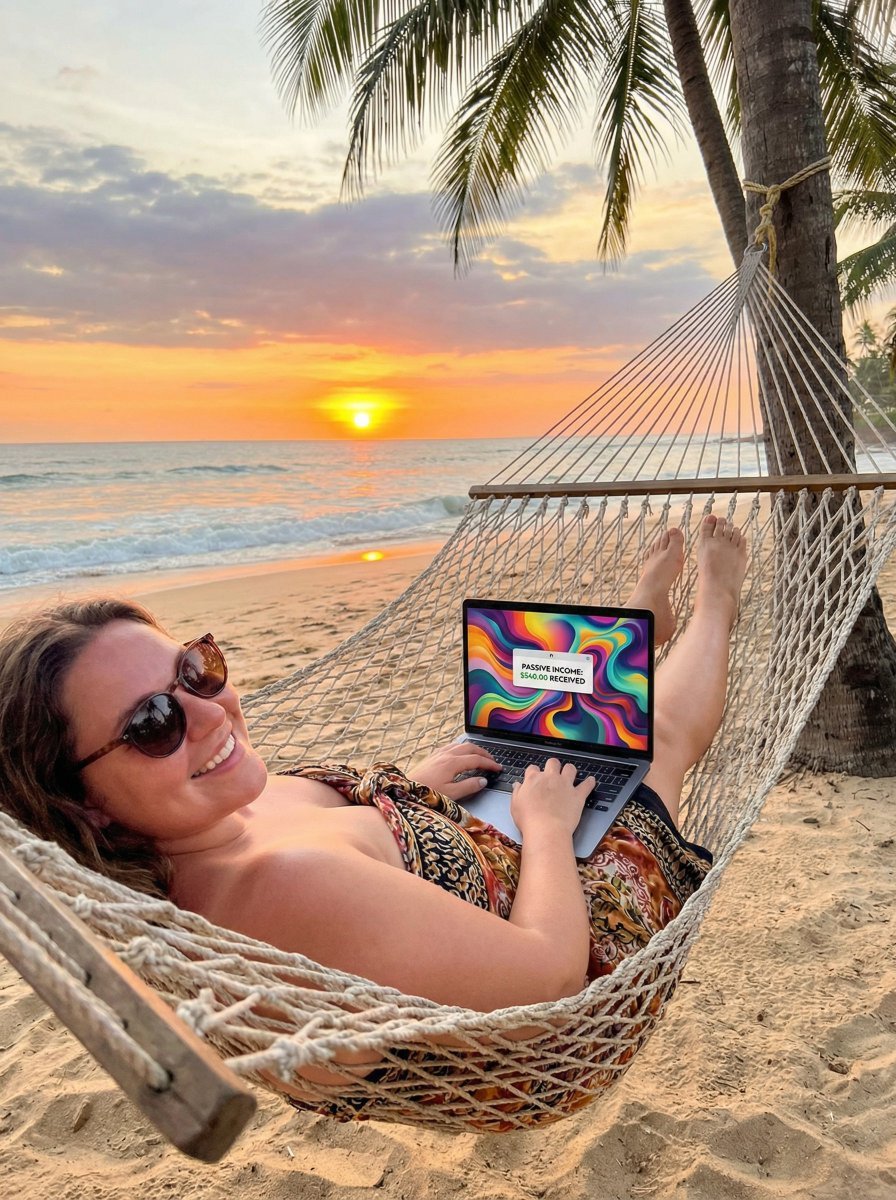
JSON Prompt for Digital Nomad Generating AI Art on a Beach Hammock
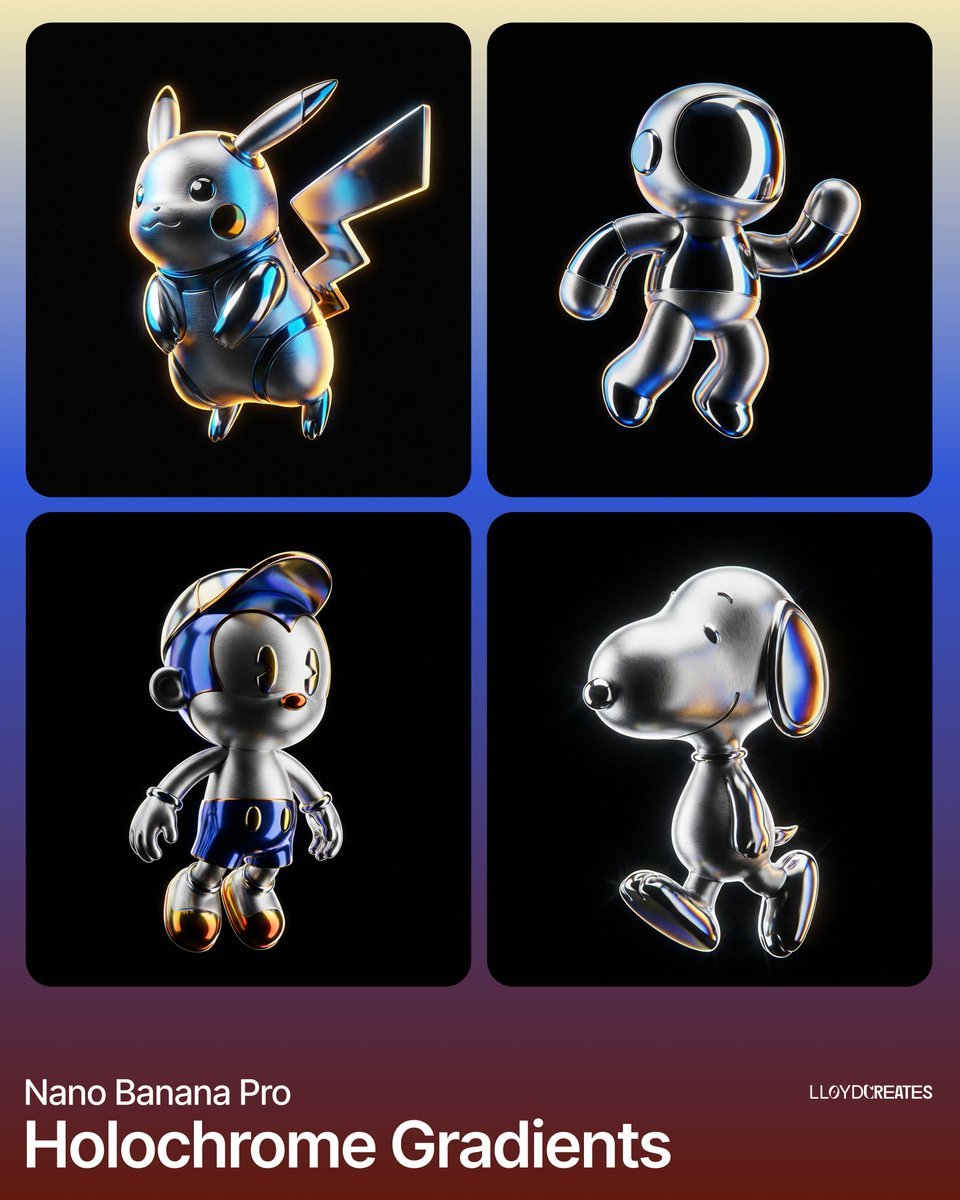
Hyper-Realistic Product Render with Holochrome Gradients
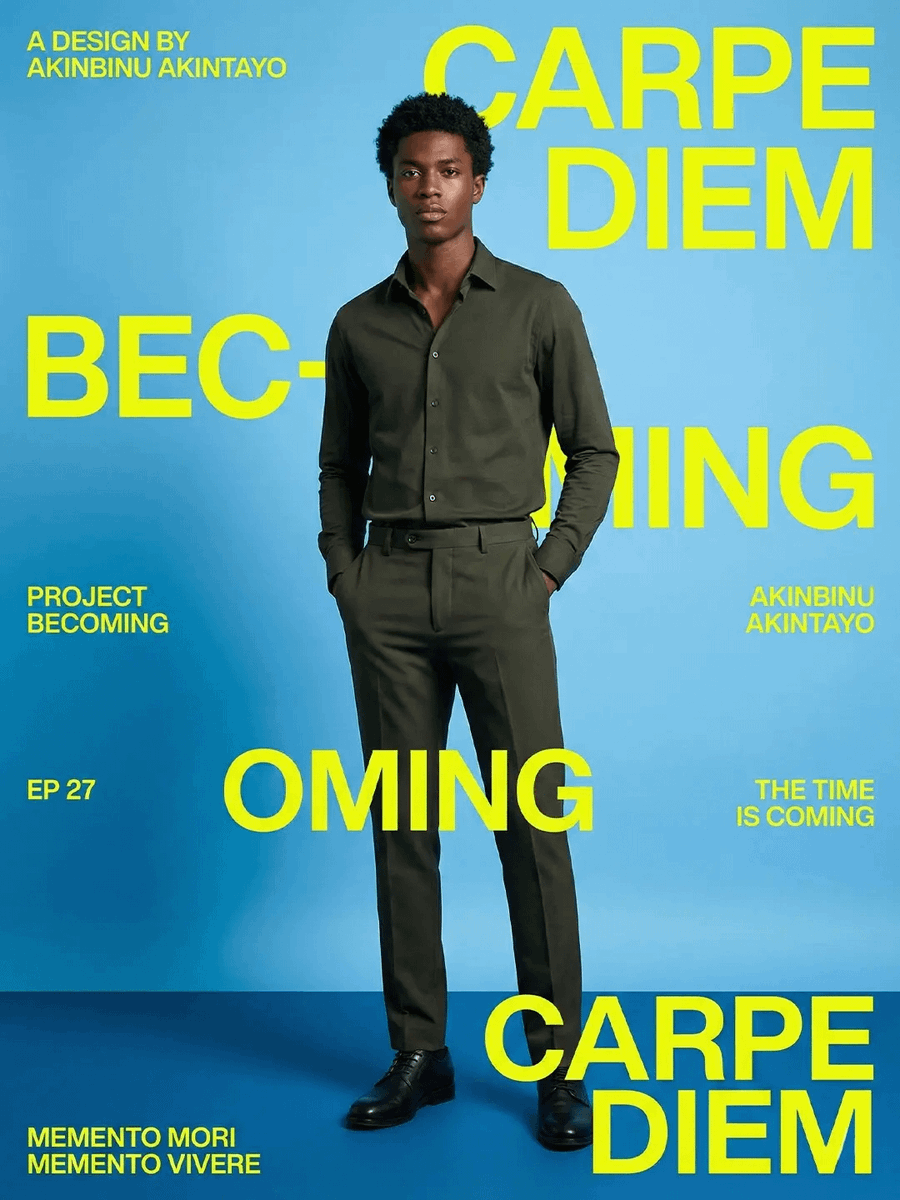
Carpe Diem Fashion Typography Poster
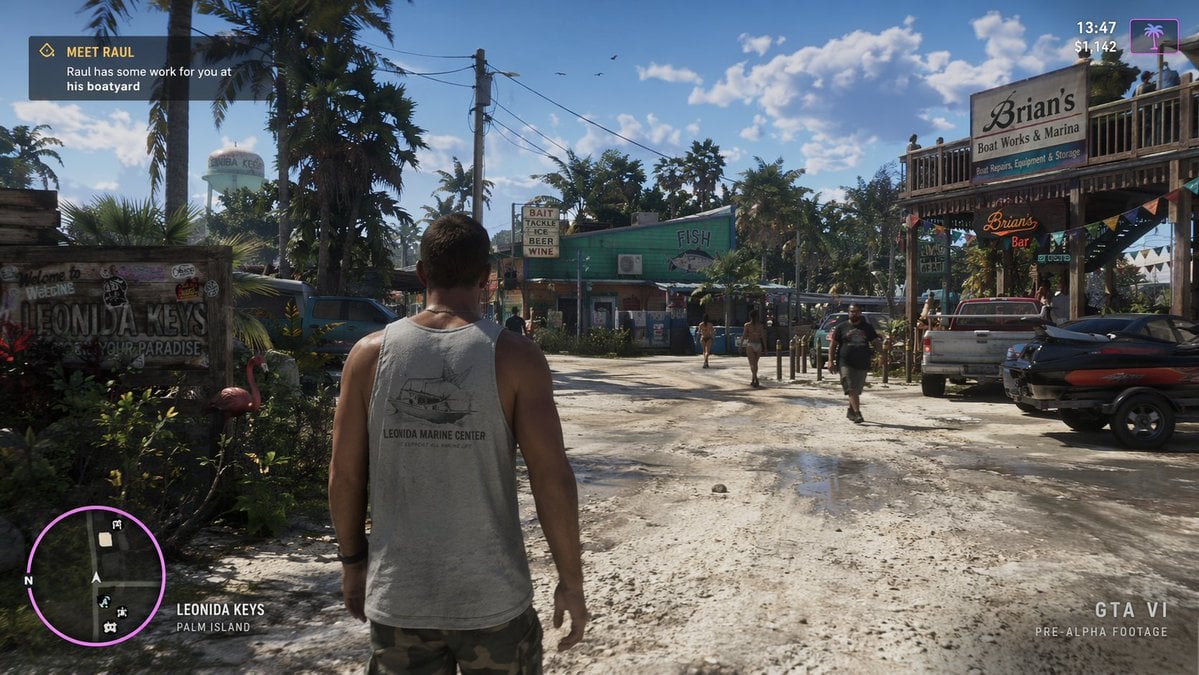
Open-World Game Screenshot Mockup
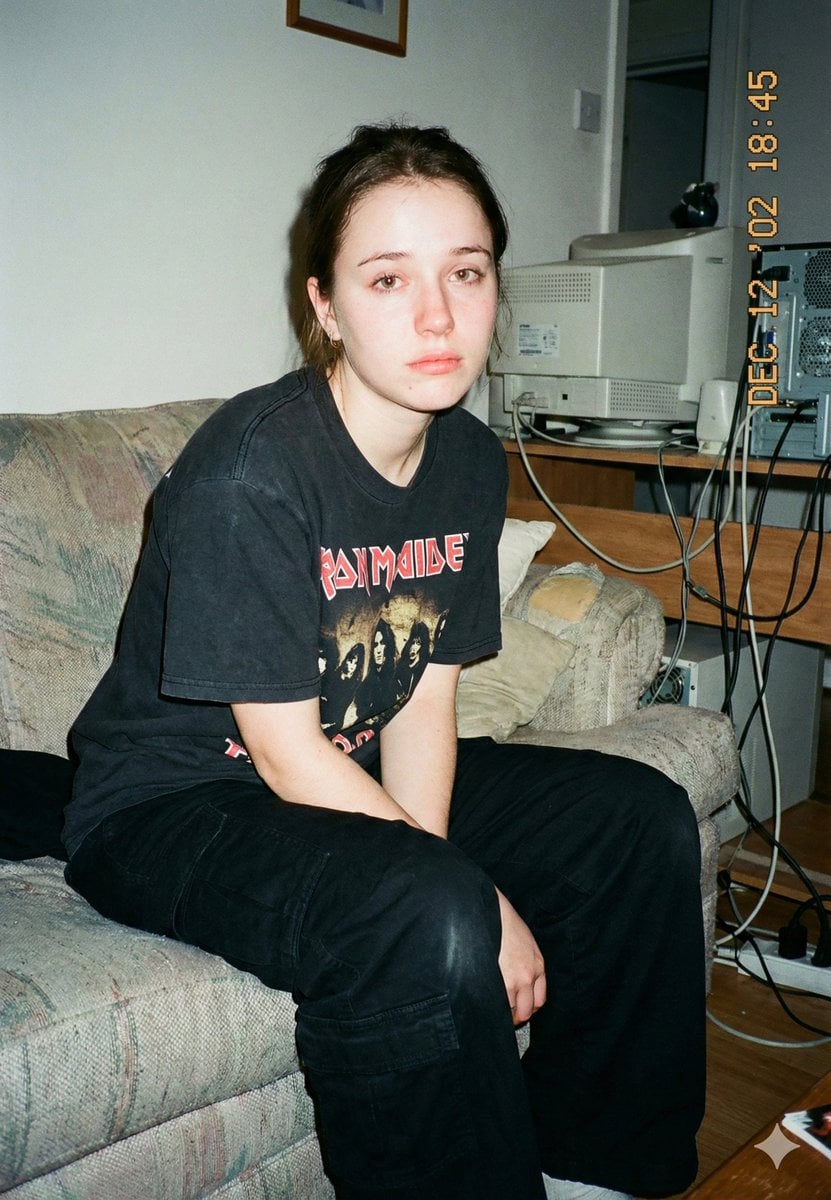
Lo-Fi Candid Portrait with Direct Flash (Early 2000s Aesthetic)

Civ-Style 1954 Tokyo Harbor Screenshot
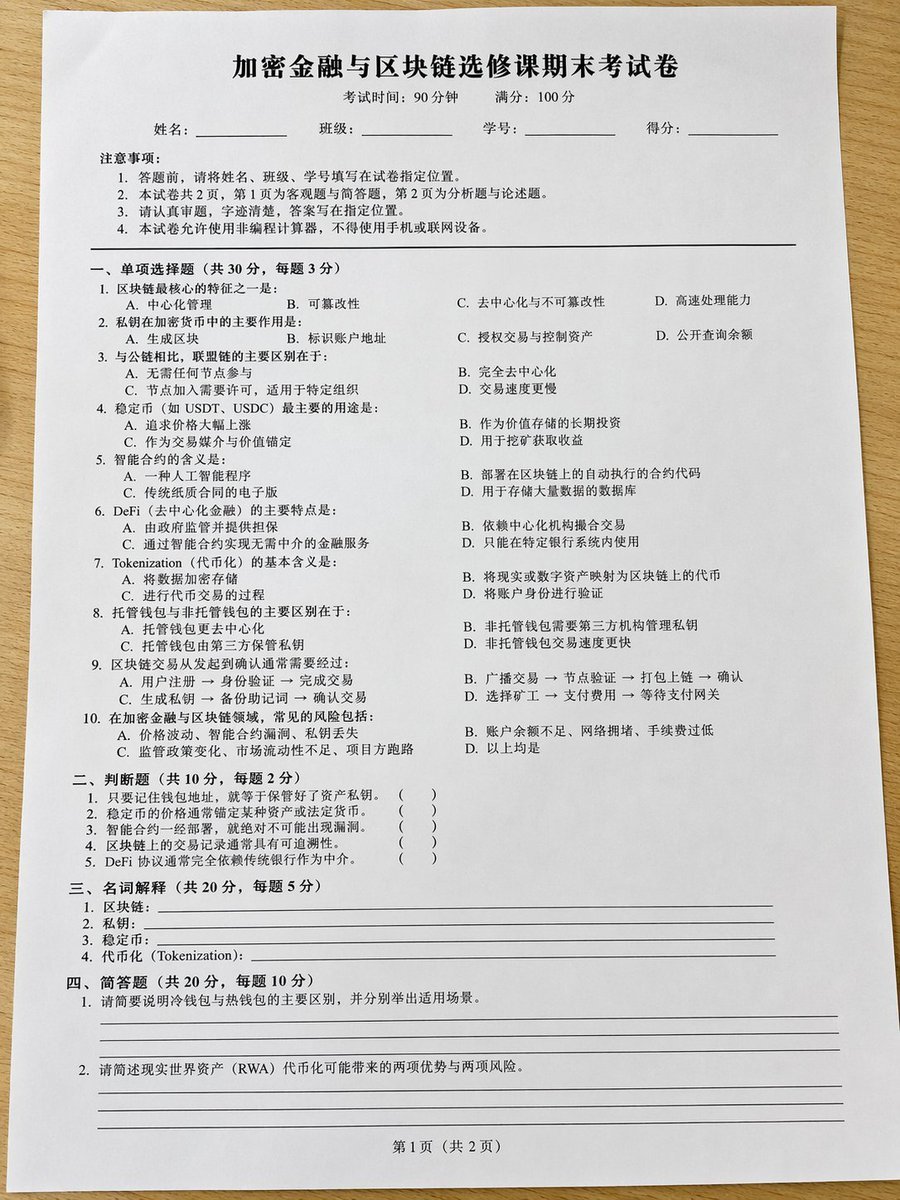
Realistic Crypto Exam Paper
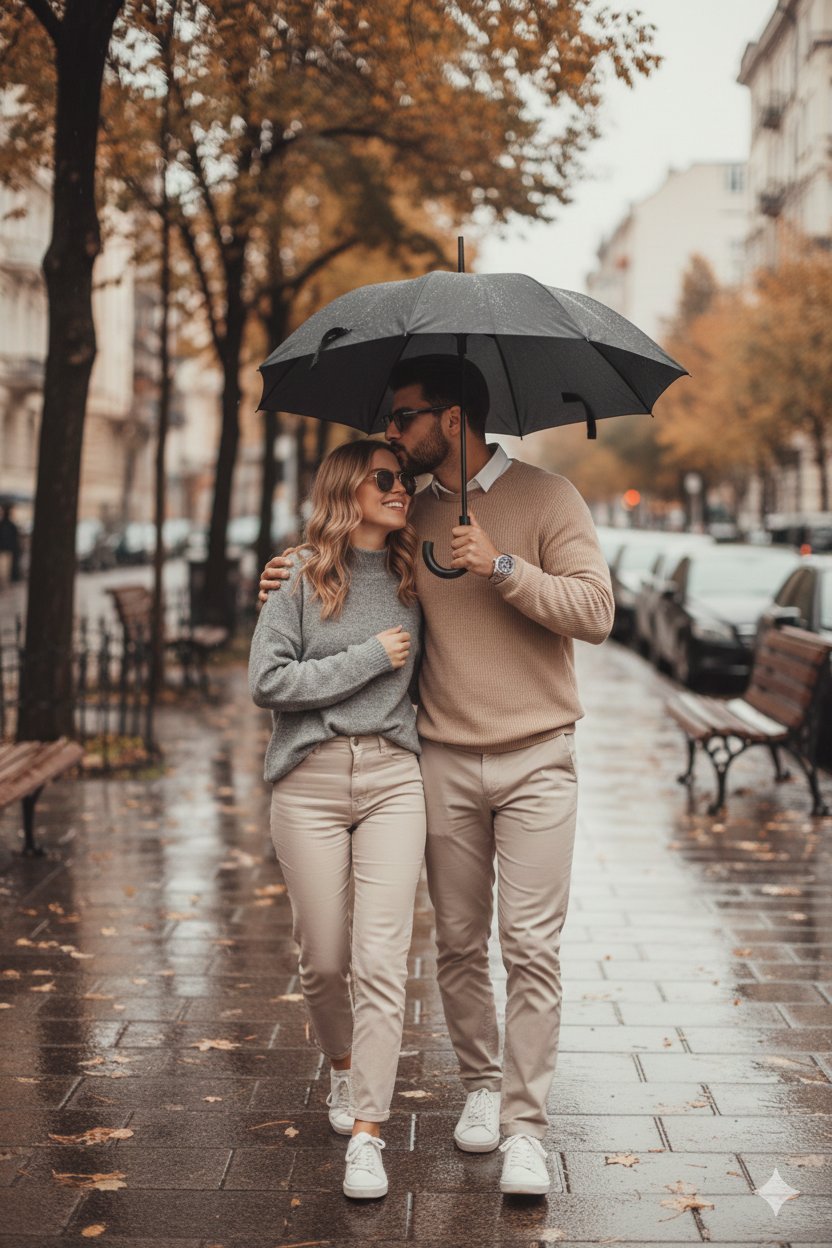
Together We Are Perfect
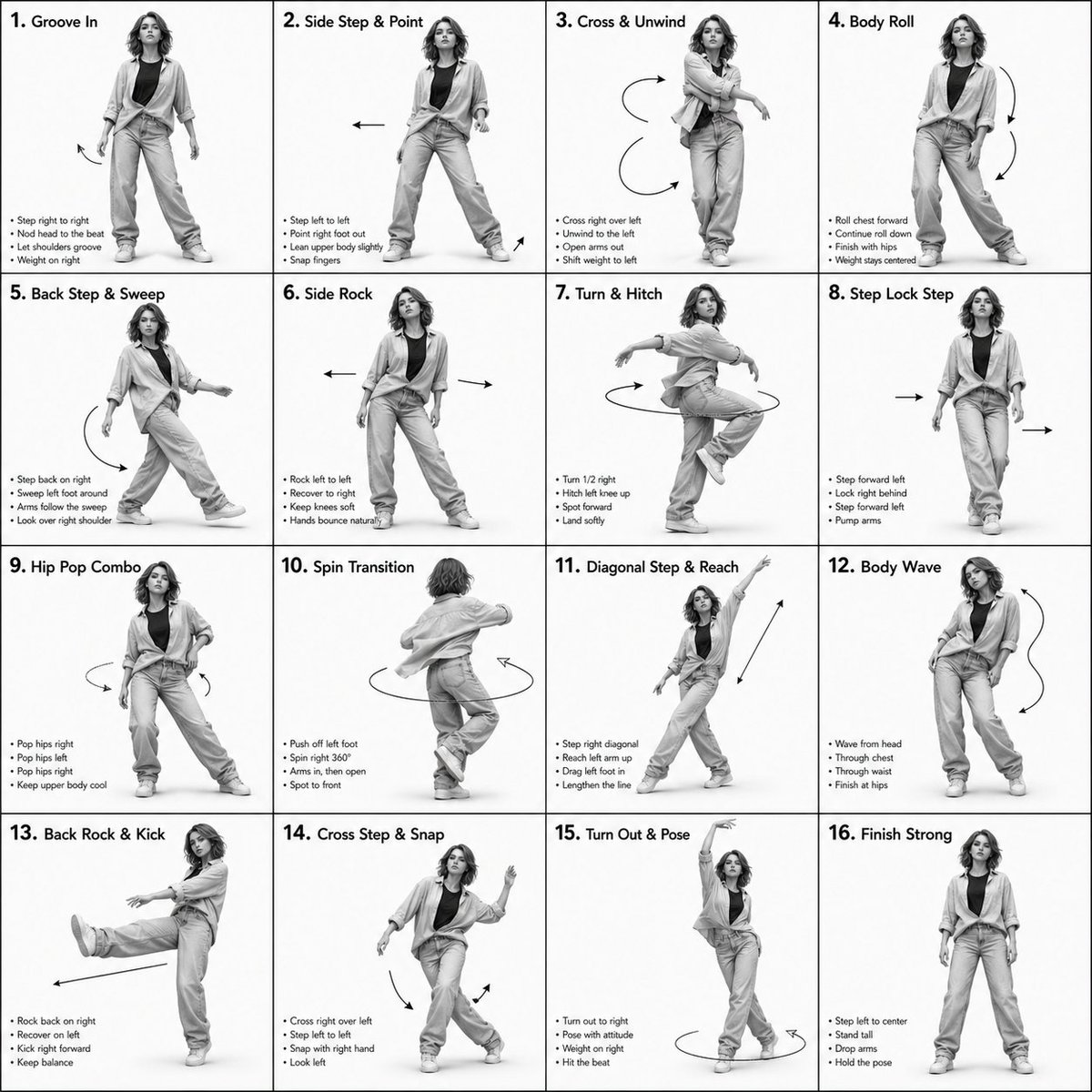
3D Rendered Dance Sequence Guide
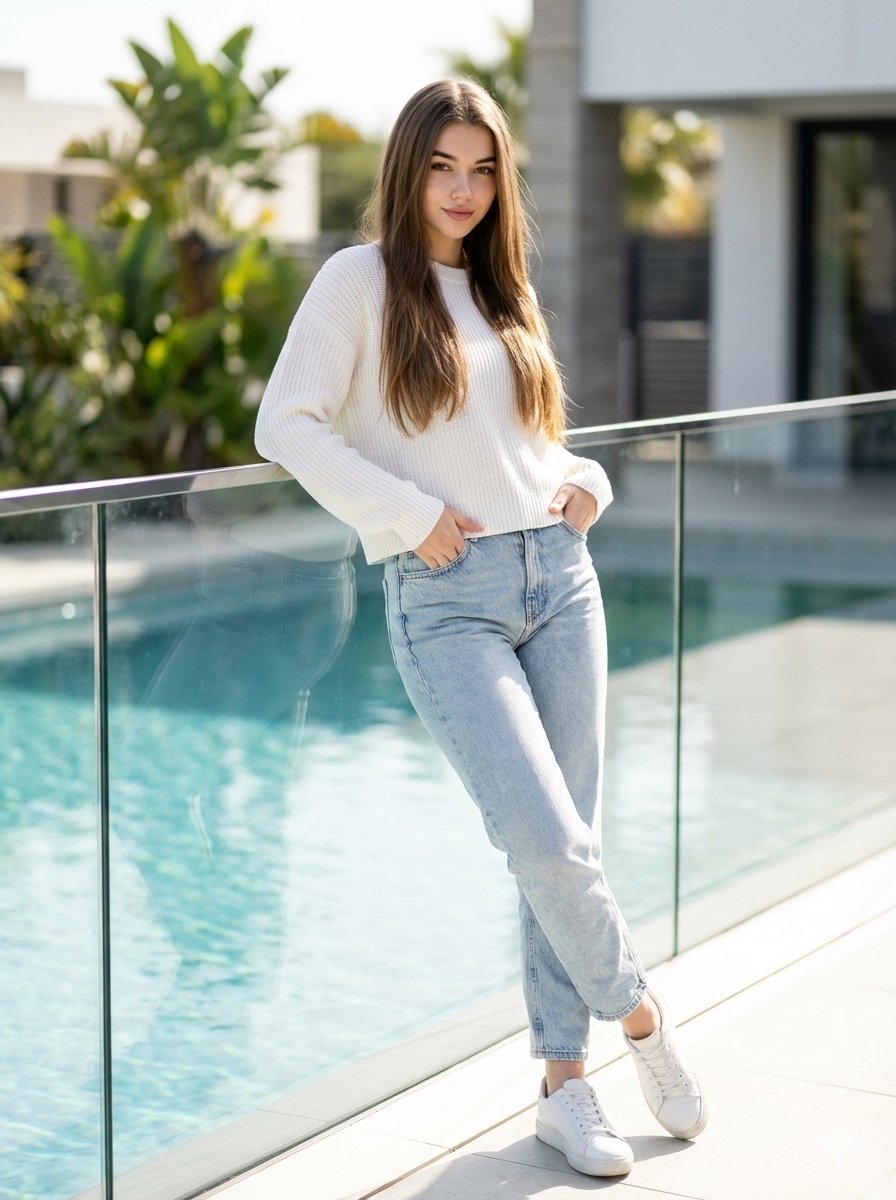
16K Ultra-Realistic Identity-Locked Luxury Portrait
Featured in prompt roundups
Hand-picked collections that include this template.
Browse template categories
Candid Mall Shopping Snapshot questions
How do I use the Candid Mall Shopping Snapshot template?
Add your photo if the template asks for one, edit the prompt if you like — the template's model and format are already selected — and press Generate. Your version opens in PicX Studio.
Can I customize the Candid Mall Shopping Snapshot template?
Yes. You can change the subject, setting, lighting, mood, format, and available model controls before creating your image.
Is the Candid Mall Shopping Snapshot template free?
Opening and editing this template is free. Generating uses credits, shown on the Generate button when you are signed in.
Which AI model should I use?
Start with GPT Image 2, which is the model associated with this template. You can compare another compatible model for a different finish.
Looking for something else? Browse all templates.

Your photo, any look
Thousands of ready templates for every top image and video model, from one credit balance.