
Together We Are Perfect
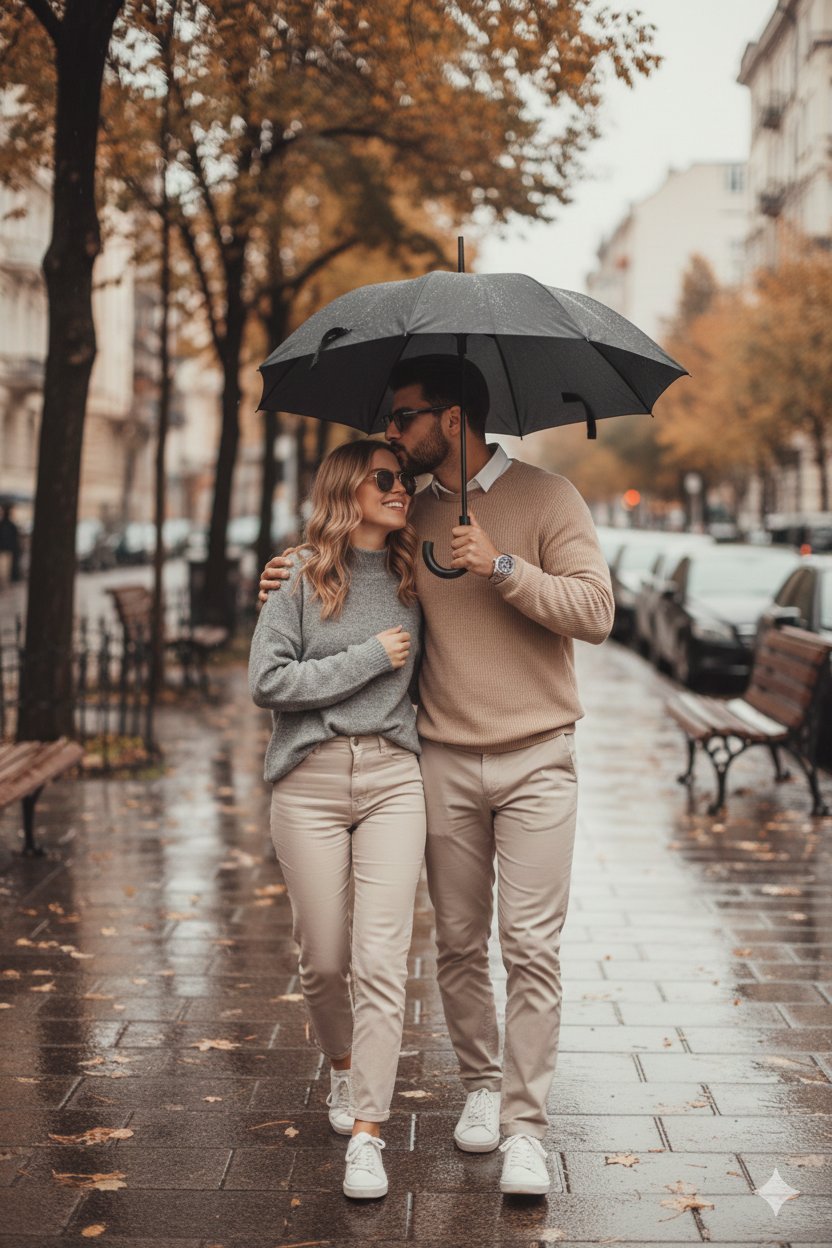
Together We Are Perfect is a ready photo look for Nano Banana.
- Prompt included
- Model and format preset
- Free template
The prompt behind this image
Copy the exact prompt behind Together We Are Perfect, or open it in the studio and make it yours.
{Use 100% same face as in reference "scene": "A romantic couple walking closely together on a rainy autumn day along a quiet city sidewalk", "subjects": { "count": 2, "description": "A young couple walking arm in arm under a black umbrella, the man gently kissing the woman on the forehead while she smiles warmly", "pose": "Intimate and relaxed, walking forward naturally" }, "environment": { "location": "European-style city street", "weather": "Light rain with wet pavement", "season": "Autumn", "background": "Softly blurred historic architecture, parked cars, wooden benches, trees with orange and red leaves" }, "clothing": { "style": "Minimalist, neutral-toned outfits", "details": "Beige and grey sweaters, light-colored trousers, casual sneakers" }, "lighting": { "type": "Soft natural daylight", "mood": "Warm, cozy, romantic", "effects": "Subtle haze and rain reflections on the ground" }, "camera": { "shot_type": "Full-body shot", "angle": "Eye-level", "depth_of_field": "Shallow, creamy bokeh background", "lens": "85mm cinematic portrait lens" }, "color_grading": { "tones": "Warm browns, soft creams, muted greens", "style": "Film-like, moody, slightly desaturated" }, "quality": "Ultra-realistic, high detail, cinematic photography, 4K", "emotion": "Love, comfort, intimacy, calm" }
How to use Together We Are Perfect in 3 steps
- 1
Open
The prompt is already in the box next to the preview, with the template's model and format selected.
- 2…a portrait of your subject in softgolden-hour light, 85mm…
Personalize
Edit the subject and creative details for your destination.
- 3Generate
Generate
Press Generate — your image is created in PicX Studio, so you can compare it with the original and refine one variable at a time.
More like this
Templates with the same subject, style or setup. Open one to see its prompt.
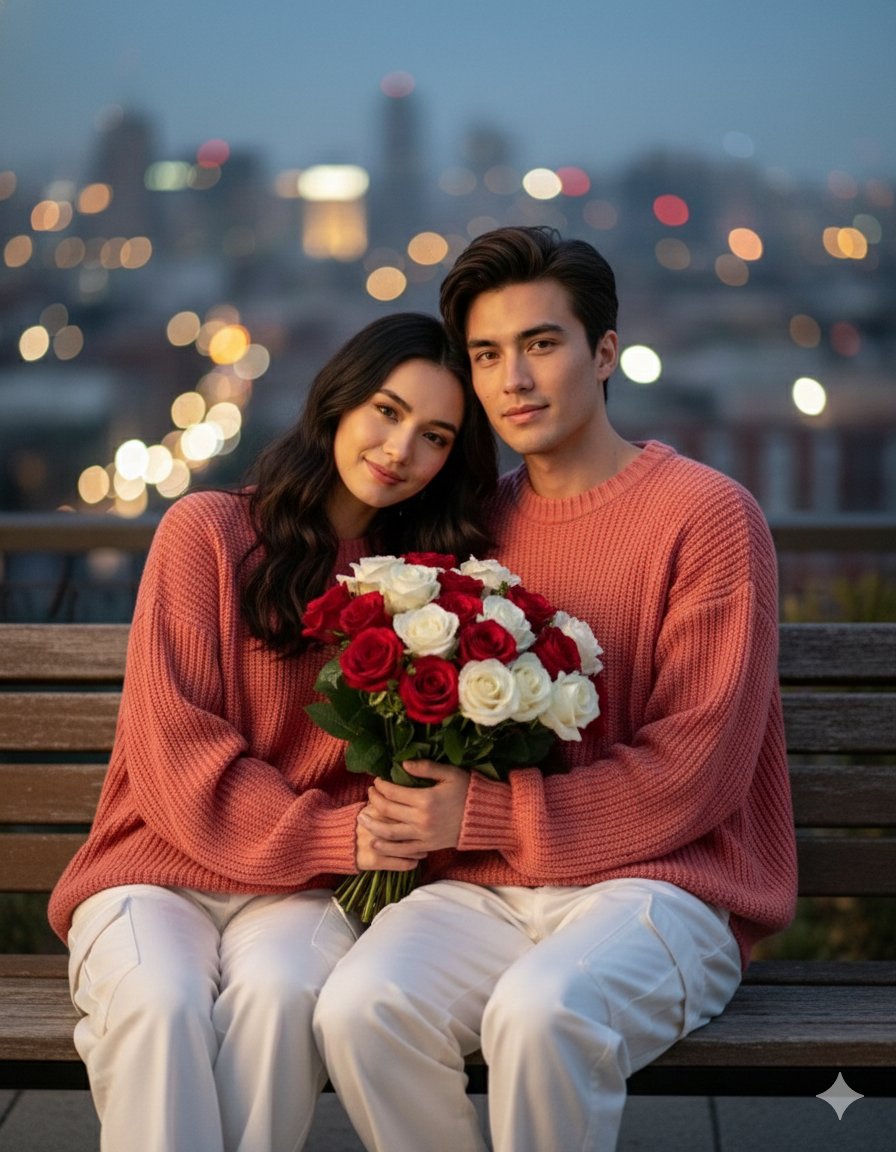
Together We Are Perfect a Romantic Coupl

Found Photograph: Us, 1970

80s Couple Studio Portrait

Cinema Date Popcorn Realistic By Nano Ba

Enchanted Forest Root Kiss Scene By Nano

Romantic Cinematic Still of a Couple in

Nano Banana Pro Photoreal Playful Couple

Couple Goals from the Google Gemini Nano
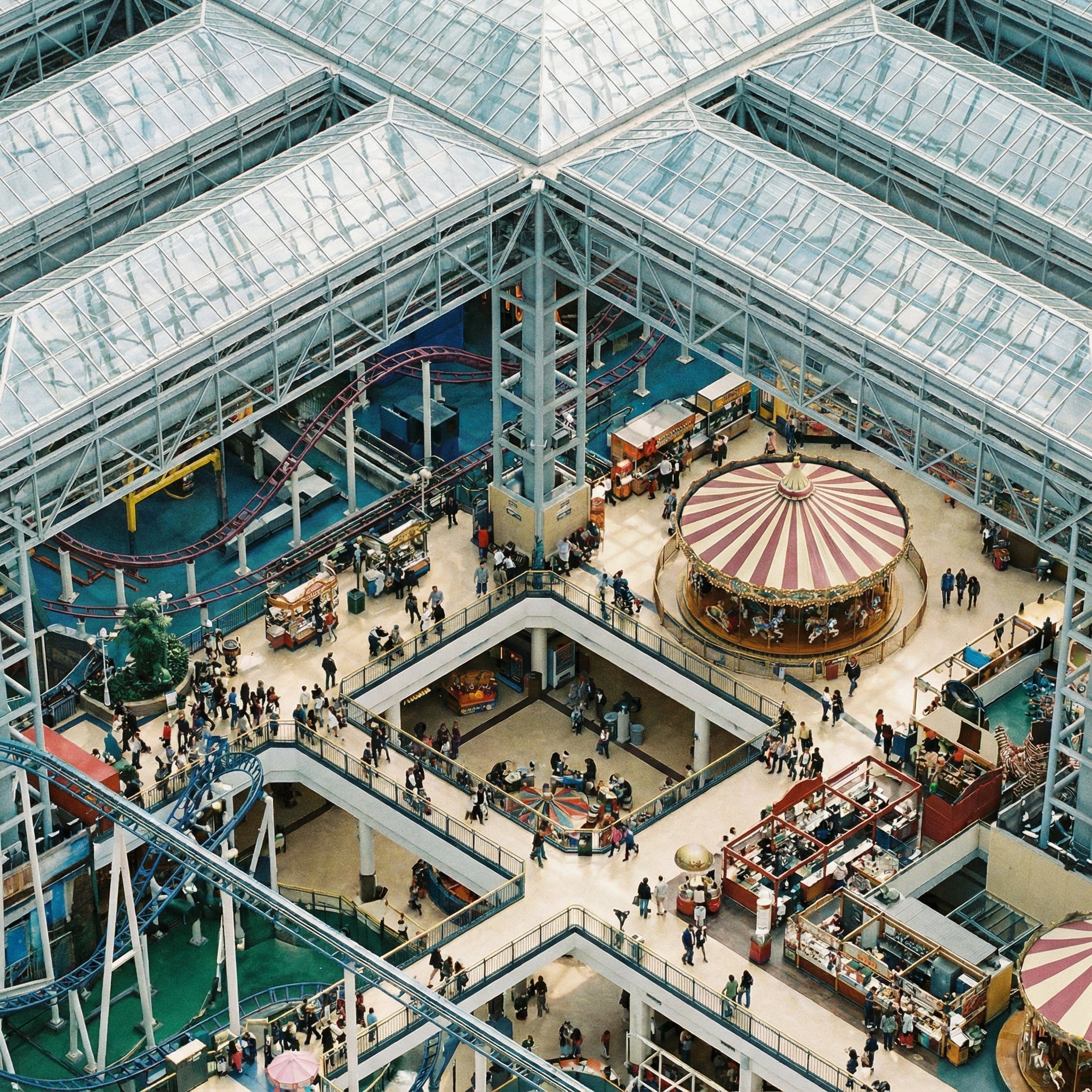
Perfectly Isometric Photography

Festive Couple Holiday Magic Template

Sunday Afternoon, 1988

Two Tickets, One Night
Make it yours
Together We Are Perfect works as-is. These are the safest ways to change it without losing the look.
Change one field
Copy a single group, rewrite it, and generate again so you can see what that field is doing.
Keep the frame, change the subject
Hold the composition and light of 20-together-we-are-perfect, then swap wardrobe, props or the person for a new take.
| If the result… | Why | Fix |
|---|---|---|
| The result drifts from the preview | Too many fields changed at once. | Reuse 20-together-we-are-perfect as-is first, then change one group — subject, light, or setting. |
| The model over-stylizes the scene | The prose prompt leaves finish and camera underspecified. | Add one camera or lighting sentence and stay on Nano Banana. |
More Nano Banana templates
Other prompts made for Nano Banana.










More image prompts
Fresh picks from across the catalog.
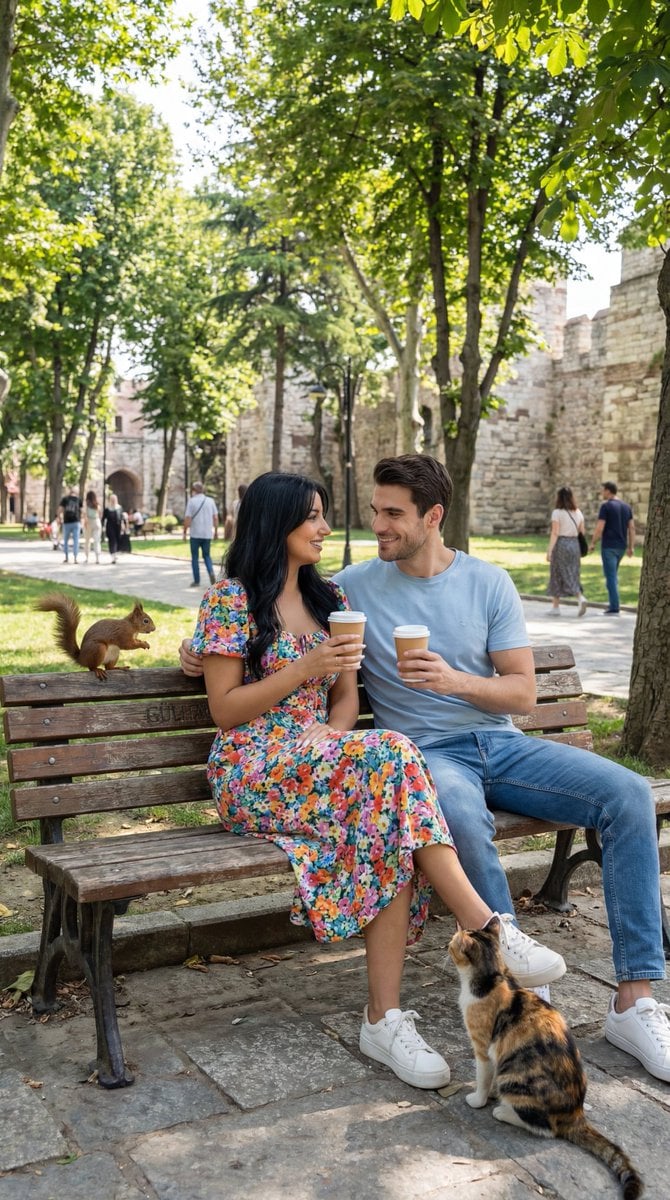
Ultra-Photoreal Candid Street Romance Prompt

Glittering Host Club Birthday Event Poster

Character Archive — Blueprint Concept Sheet
Futuristic Sunset Megacity
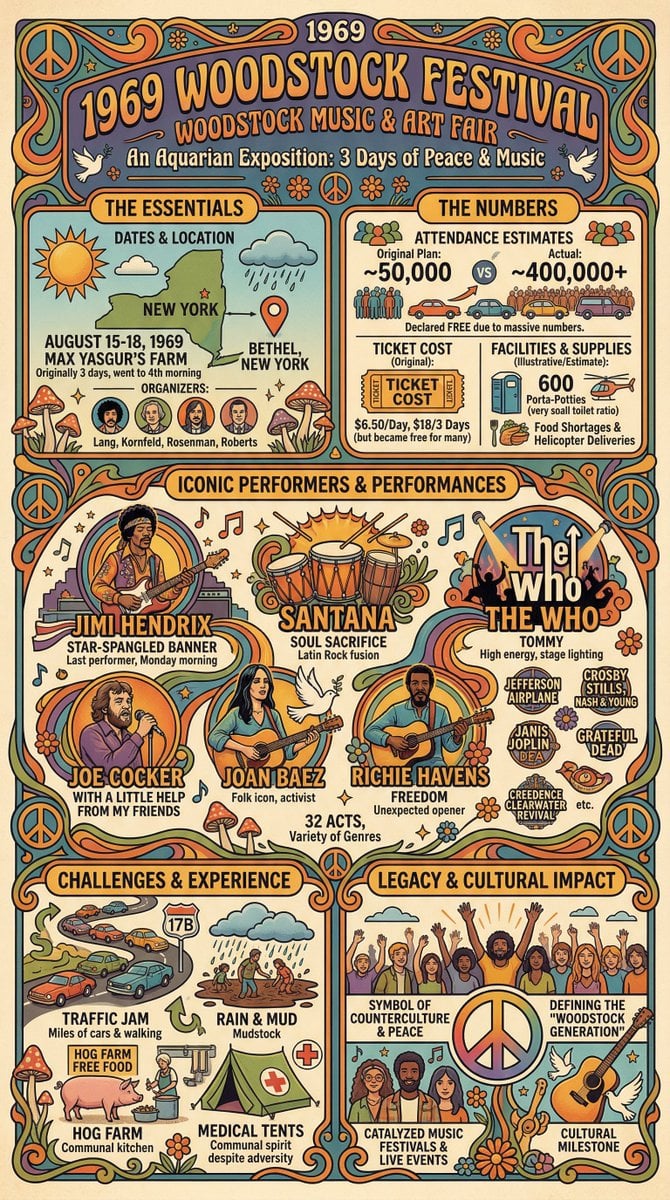
Infographic Creation with Simple Text Prompt
X Bubblebrain Portrait
Candid Gen Z Street Style Photo with Hidden Cat
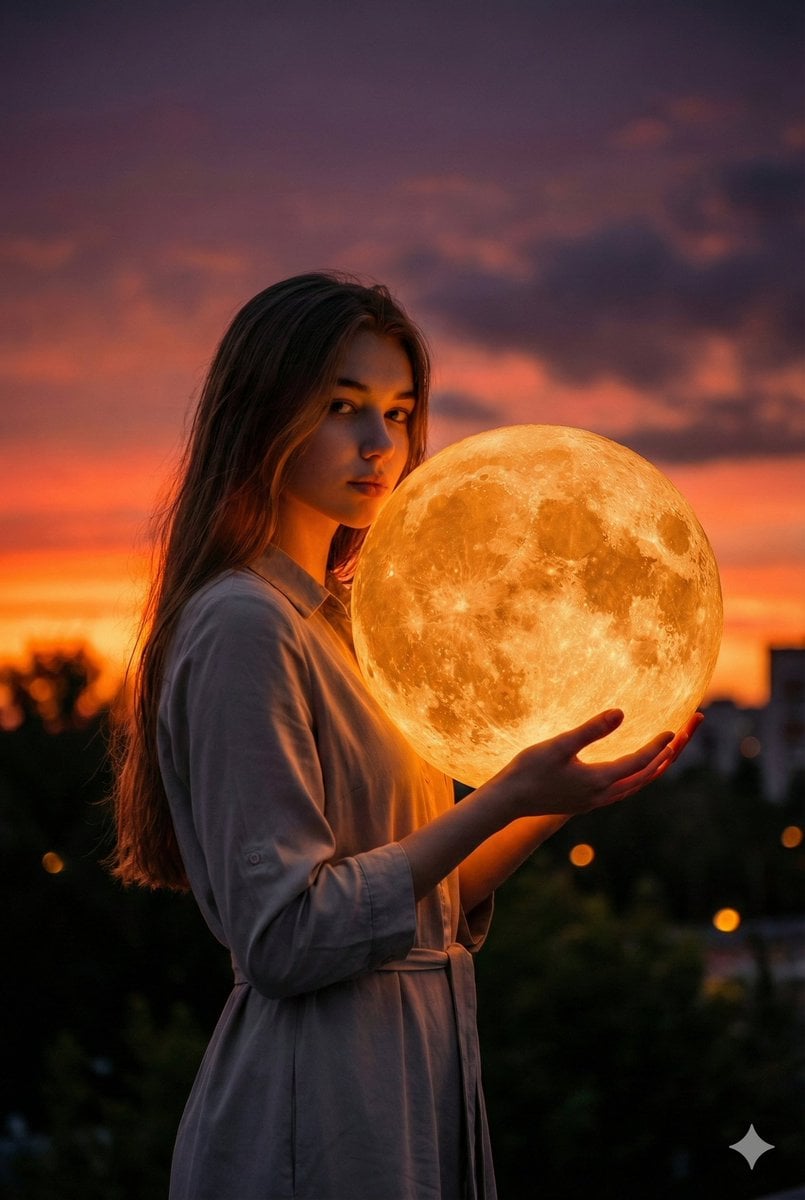
Cinematic Photorealistic Portrait Holding a Giant Glowing Moon

Artemis II Mission Journal Diorama

Gpt2 Infographic Edu Visual Biomimetic Skyray Aircraft Poster
Browse template categories
Together We Are Perfect questions
How do I use the 20-together-we-are-perfect template?
Add your photo if the template asks for one, edit the prompt if you like — the template's model and format are already selected — and press Generate. Your version opens in PicX Studio.
Can I customize the 20-together-we-are-perfect template?
Yes. You can change the subject, setting, lighting, mood, format, and available model controls before creating your image.
Is the 20-together-we-are-perfect template free?
Opening and editing this template is free. Generating uses credits, shown on the Generate button when you are signed in.
Which AI model should I use?
Start with Nano Banana, which is the model associated with this template. You can compare another compatible model for a different finish.
Looking for something else? Browse all templates.

Your photo, any look
Thousands of ready templates for every top image and video model, from one credit balance.