
Nano Banana Pro Photoreal Playful Couple
Nano Banana Pro Photoreal Playful Couple is a ready photo look for Nano Banana.

- Prompt included
- Model and format preset
- Free template
The prompt behind this image
Copy the exact prompt behind Nano Banana Pro Photoreal Playful Couple, or open it in the studio and make it yours.
{ "generation_request": { "meta_data": { "tool": "NanoBanana Pro", "task_type": "photoreal_playful_couple_car_selfie_triptych", "version": "v1.0_CAR_SELFIE_3FRAME_PLAYFUL_EN", "priority": "highest" }, "references": { "reference_image_1": { "source": "UPLOAD_REFERENCE_IMAGE (OPTIONAL)", "purpose": "POSE_SEQUENCE_MOOD_REFERENCE", "strict_lock": false, "preserve_pose_sequence": true, "preserve_framing": true, "preserve_lighting_mood": true } }, "output_settings": { "aspect_ratio": "9:16", "orientation": "portrait", "resolution_target": "ultra_high_res", "render_style": "ultra_photoreal_candid_lifestyle", "sharpness": "crisp_but_natural", "film_grain": "subtle_analog", "color_grade": "natural_daylight_soft", "dynamic_range": "high", "skin_tone": "natural_true_to_life" }, "camera": { "camera_style": "handheld smartphone selfie look (high quality)", "lens": "24mm_equivalent", "aperture": "f/2.0", "shutter_speed": "1/500", "iso": 320, "white_balance": "daylight", "focus_mode": "continuous_af", "focus_priority": "front_subject_eyes" }, "global_scene": { "setting": "car interior, front seats, window view with open road and sky", "time_of_day": "late_afternoon_to_dusk", "lighting": "soft natural daylight entering from windows, gentle facial shadows, no harsh flash", "mood": "playful, intimate, spontaneous, road-trip energy" }, "subjects": { "group": { "count": 2, "description": "modern couple, youthful and playful (do not match any real person's identity)", "wardrobe": { "male": "casual light t-shirt, minimal logos, relaxed fit", "female": "casual hoodie or sweater, relaxed fit" }, "accessories": "glasses optional, seatbelts visible", "hands_and_nails": "natural nails only, realistic hand anatomy" } }, "strip_composition": { "layout": "vertical_triptych_3_frames_single_image", "dividers": "thin horizontal separators between frames, clean edges, no text", "continuity": "same couple, same car, same lighting across all frames" }, "poses_sequence": { "frame_1_top": "playful exaggerated expression: both open mouths laughing or mock-biting, female hand gently on male cheek; high energy", "frame_2_middle": "affectionate kiss on cheek, faces close, relaxed smiles", "frame_3_bottom": "soft cuddle pose, cheeks touching, subtle smiles looking at camera" }, "composition": { "framing": "tight close-up selfie in each frame, faces fill most of the frame", "depth_of_field": "moderate DOF, faces sharp, background softly blurred", "motion": "freeze candid movement cleanly, no motion blur", "no_extra_people": true }, "style_constraints": [ "Photorea
How to use Nano Banana Pro Photoreal Playful Couple in 3 steps
- 1
Open
The prompt is already in the box next to the preview, with the template's model and format selected.
- 2…a portrait of your subject in softgolden-hour light, 85mm…
Personalize
Edit the subject and creative details for your destination.
- 3Generate
Generate
Press Generate — your image is created in PicX Studio, so you can compare it with the original and refine one variable at a time.
More like this
Templates with the same subject, style or setup. Open one to see its prompt.

Cinema Date Popcorn Realistic By Nano Ba

Enchanted Forest Root Kiss Scene By Nano

Couple Goals from the Google Gemini Nano

Found Photograph: Us, 1970

80s Couple Studio Portrait

Nano Banana Is So Addictive

Nano Banana 2 Perspective Experiment

Gemini Nano Banana 2 Isometric 3d City D

Nano Banana 2

Gemini Nano Banana 2

Nano Banana 2 Gourmet Ice Cream Commerci

Romantic Cinematic Still of a Couple in
Make it yours
Nano Banana Pro Photoreal Playful Couple works as-is. These are the safest ways to change it without losing the look.
Change one field
Copy a single group, rewrite it, and generate again so you can see what that field is doing.
Keep the frame, change the subject
Hold the composition and light of 62-nano-banana-pro-photoreal-playful-couple, then swap wardrobe, props or the person for a new take.
| If the result… | Why | Fix |
|---|---|---|
| The result drifts from the preview | Too many fields changed at once. | Reuse 62-nano-banana-pro-photoreal-playful-couple as-is first, then change one group — subject, light, or setting. |
| The model over-stylizes the scene | The prose prompt leaves finish and camera underspecified. | Add one camera or lighting sentence and stay on Nano Banana. |
More Nano Banana templates
Other prompts made for Nano Banana.







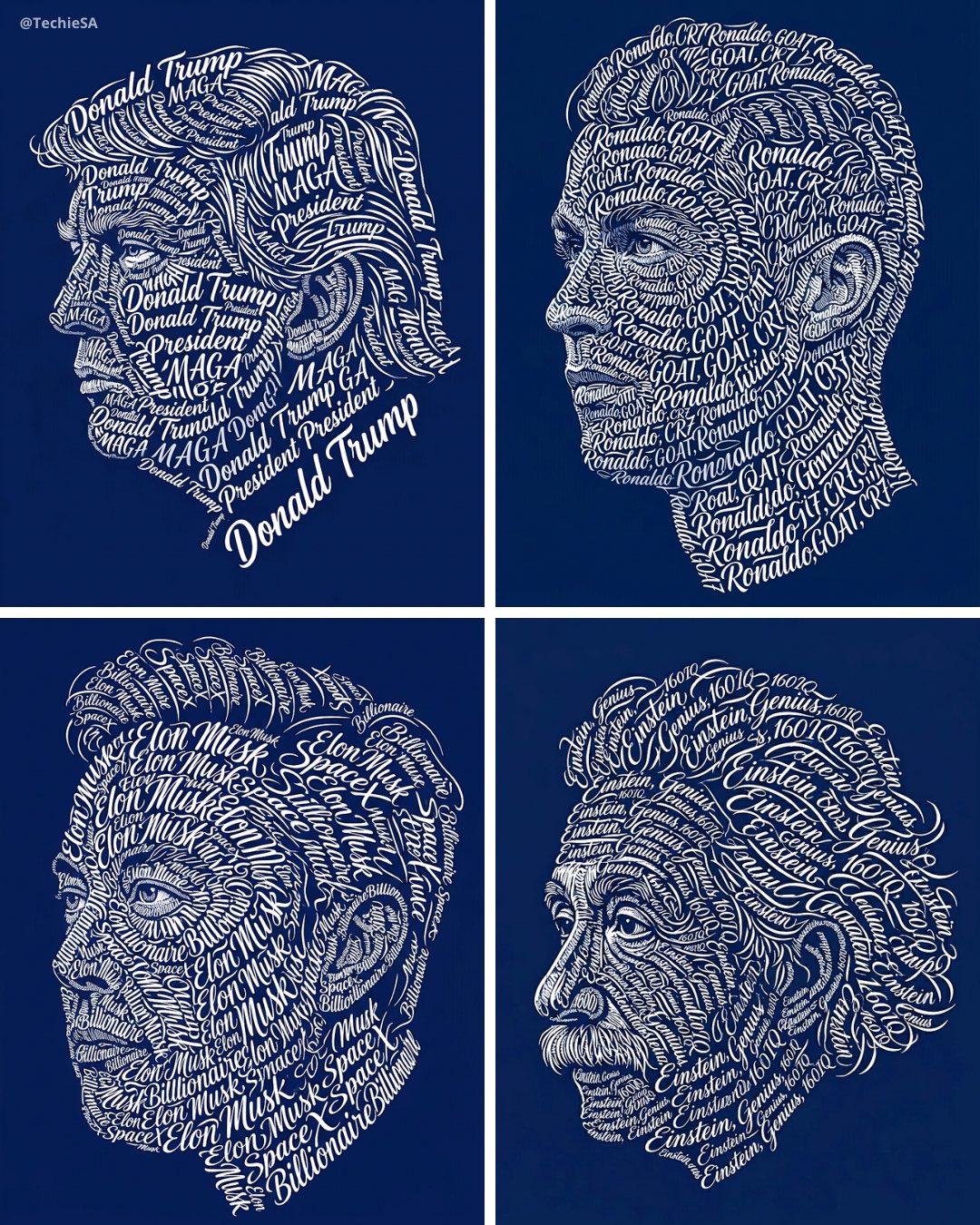


More image prompts
Fresh picks from across the catalog.

Alishan One-Day Travel Poster
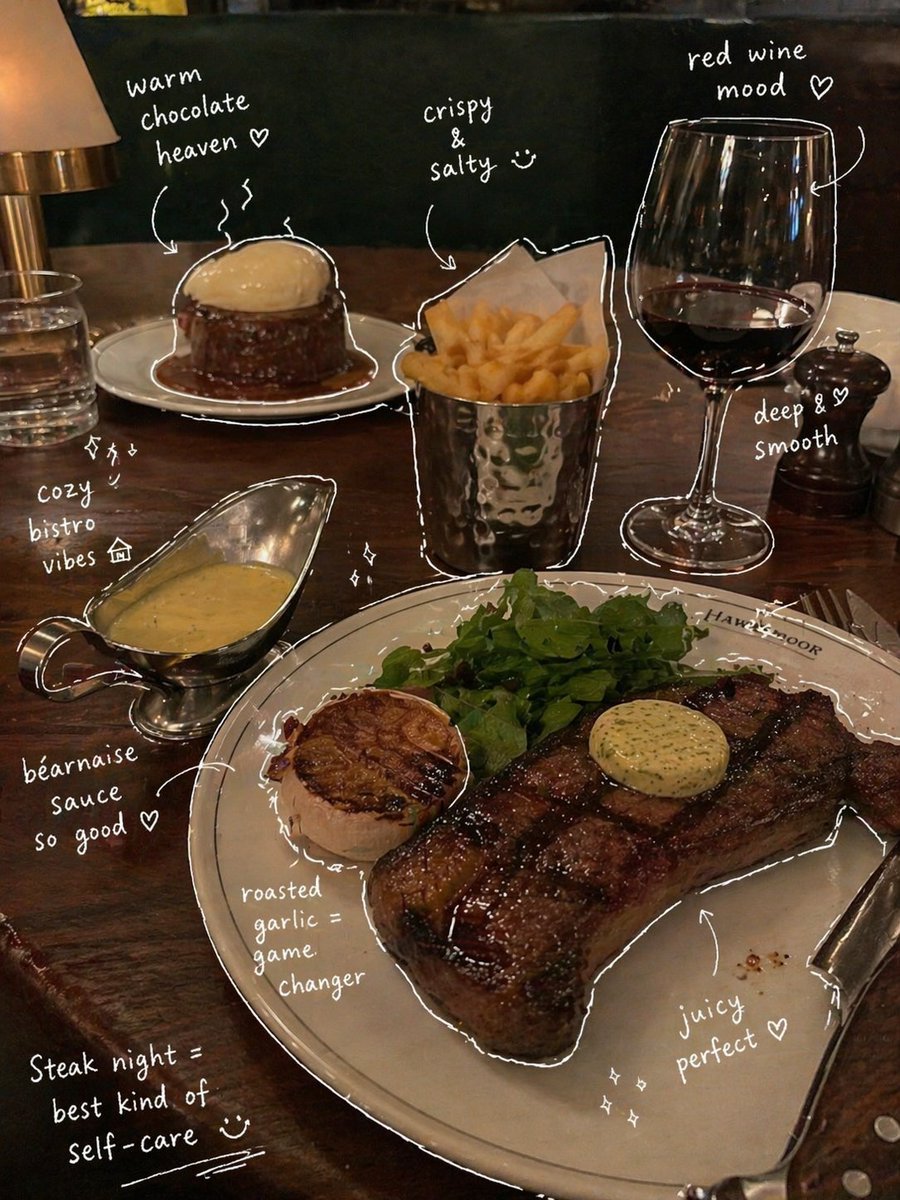
Hand-Drawn Annotated Food Diary Style
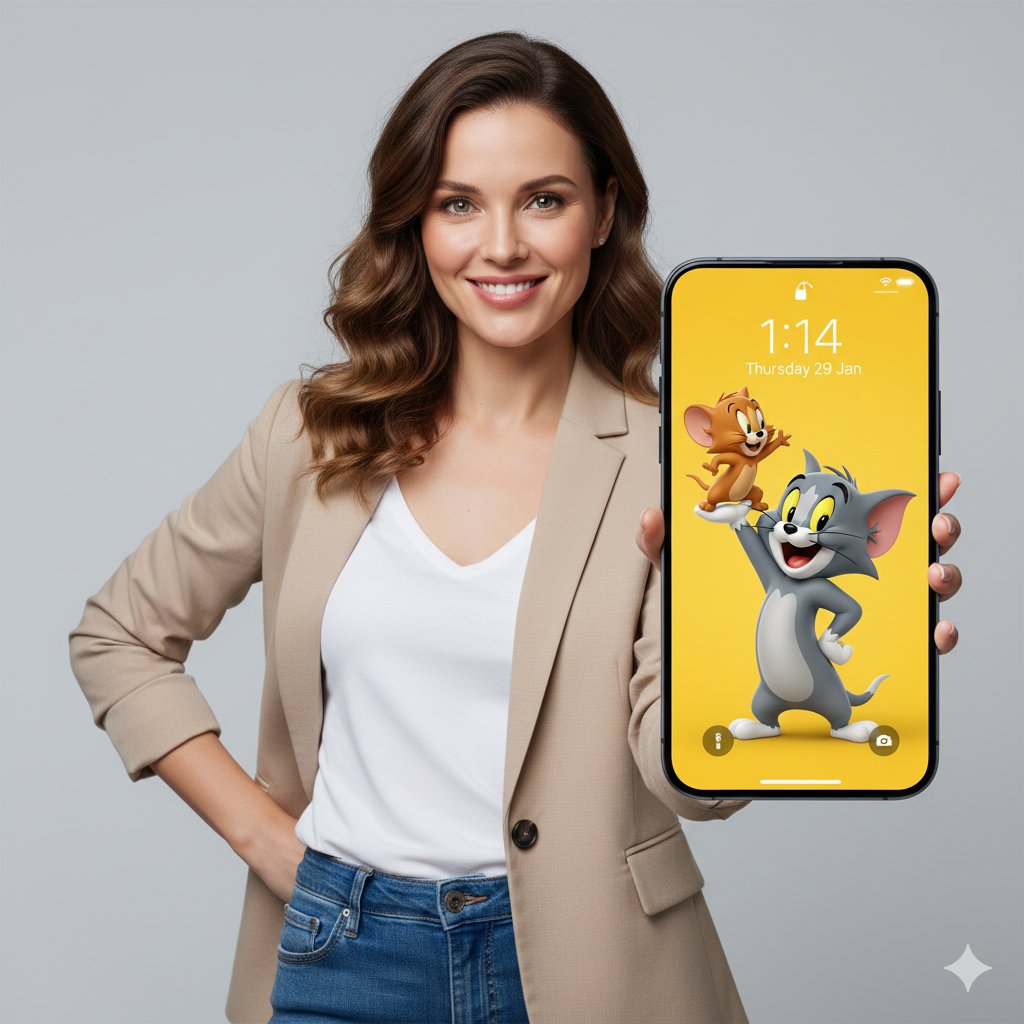
3D Tom and Jerry Wallpaper with Businesswoman Ad
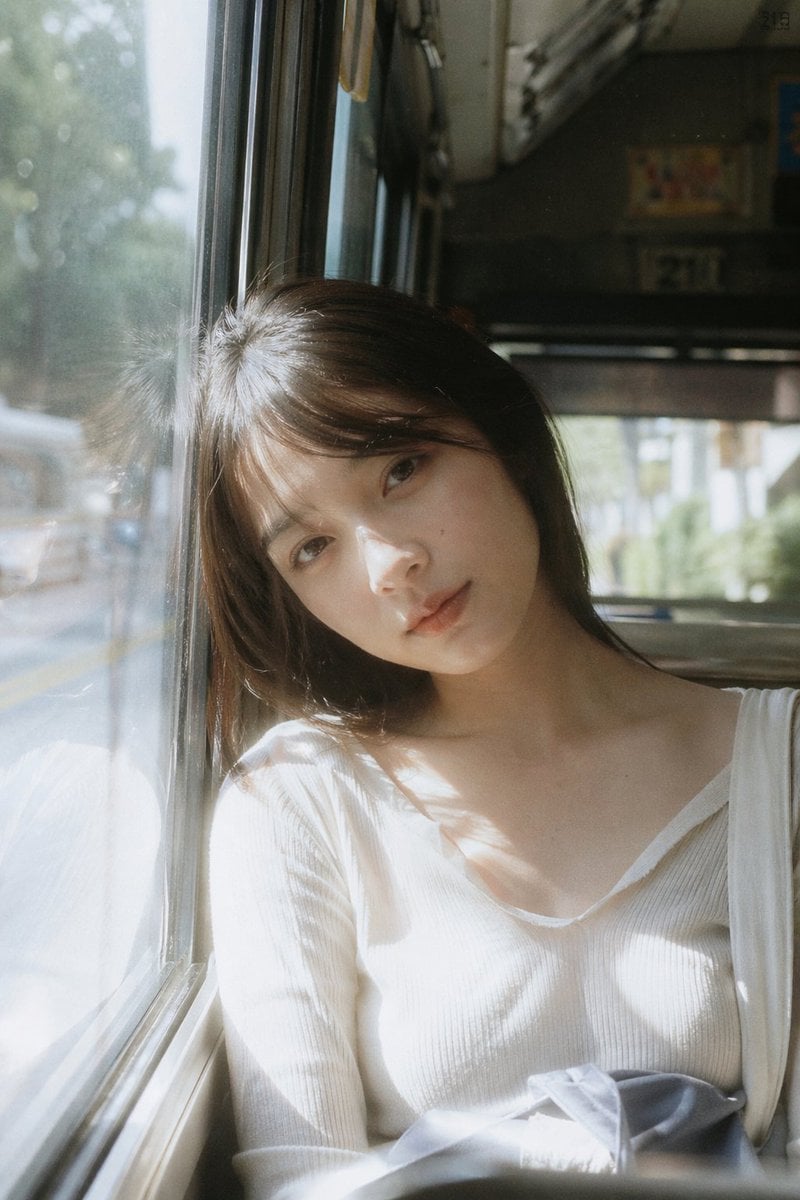
Bus Window Film Aesthetic
Cyberpunk Cinematic Photo Edit
Cinematic Portrait of Subject Floating High Above Clouds

Ink-Wash Style Presentation Slides
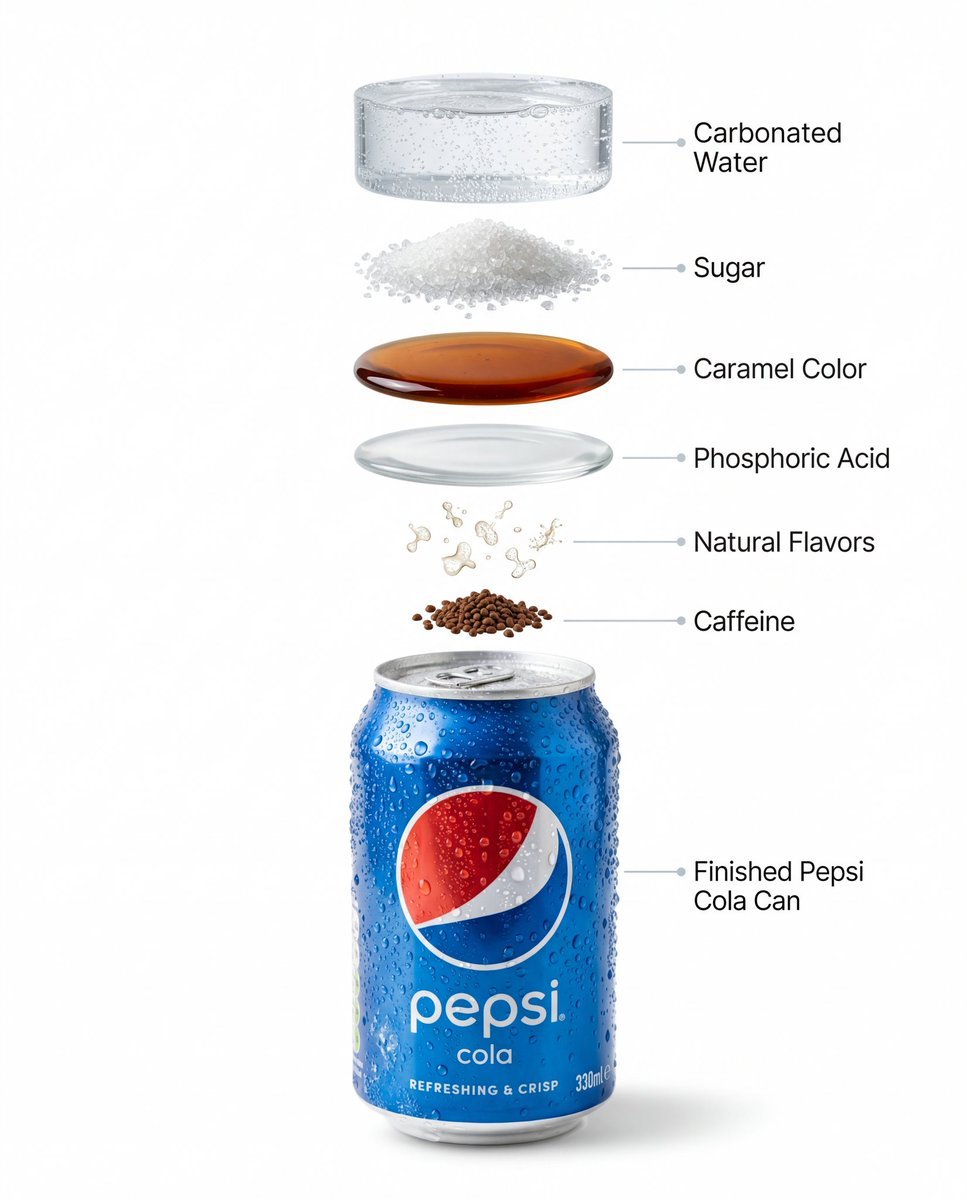
Hyper-Realistic Product Photography and Infographic Prompts for Pepsi

Porsche 911 GT3 RS Motorsport Poster

Eyecatch Image Generation from Video Transcript
Browse template categories
Nano Banana Pro Photoreal Playful Couple questions
How do I use the 62-nano-banana-pro-photoreal-playful-couple template?
Add your photo if the template asks for one, edit the prompt if you like — the template's model and format are already selected — and press Generate. Your version opens in PicX Studio.
Can I customize the 62-nano-banana-pro-photoreal-playful-couple template?
Yes. You can change the subject, setting, lighting, mood, format, and available model controls before creating your image.
Is the 62-nano-banana-pro-photoreal-playful-couple template free?
Opening and editing this template is free. Generating uses credits, shown on the Generate button when you are signed in.
Which AI model should I use?
Start with Nano Banana, which is the model associated with this template. You can compare another compatible model for a different finish.
Looking for something else? Browse all templates.

Your photo, any look
Thousands of ready templates for every top image and video model, from one credit balance.