
Ink-Wash Style Presentation Slides
A template for generating East-Asian ink-wash style presentation slides, featuring textured rice paper backgrounds and traditional motifs.
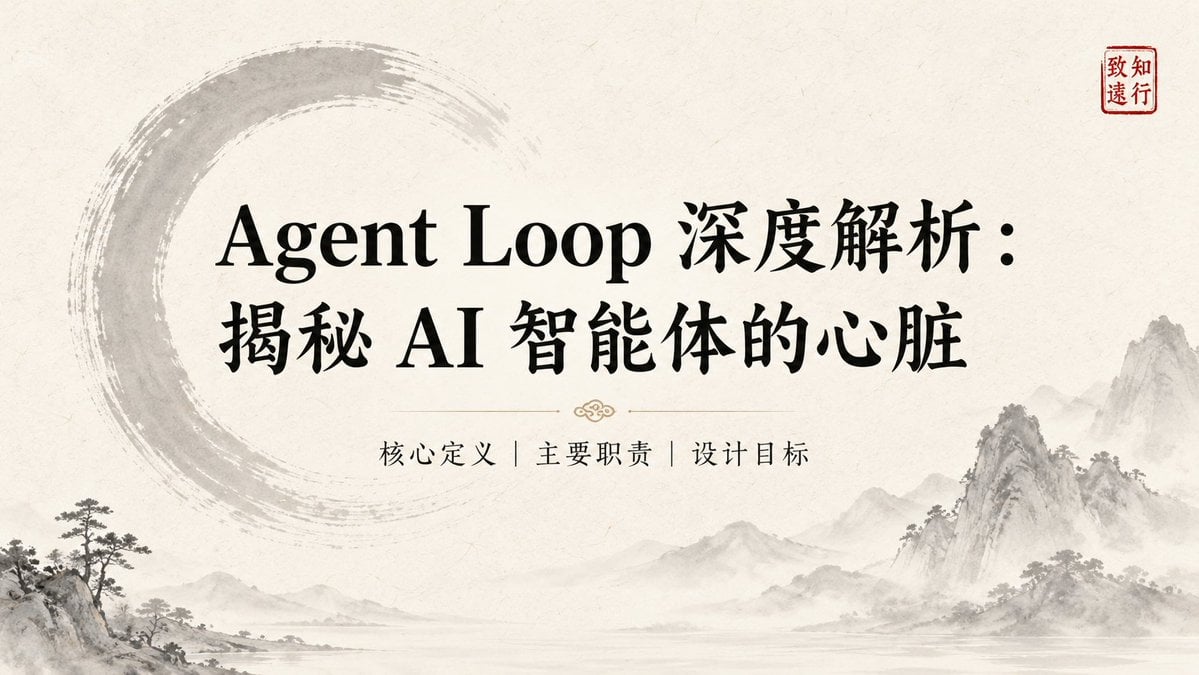
- Prompt included
- Model and format preset
- Free template
The prompt behind this image
Copy the exact prompt behind Ink-Wash Style Presentation Slides, or open it in the studio and make it yours.
Title: {argument name="标题" default="在此输入幻灯片标题"} Key Points: - [要点 1:简洁的描述] - [要点 2:核心数据或事实] - [要点 3:关键结论] Visual Elements: [描述视觉元素,例如:纹理宣纸背景 (Textured rice paper background)、水墨山水 (Ink-wash motifs)、简约的圆圈 (Enso circle)、红色印章 (Red seal mark)、雾气效果 (Mist-grey effects)]。 整体风格应保持 {argument name="视觉风格" default="Quiet / Restrained / Wabi-Sabi / Contemporary East-Asian Luxury"}。 Layout Preference: [布局说明,例如:左右分割 (Split layout)、居中对齐 (Centered layout)、文字居左且右侧留白 (Left-aligned text with negative space)]。 Text Hierarchy: [文字层级,例如:标题使用大号衬线字体 (Large Display Serif),正文使用易读的衬线字体 (Body Serif),确保视觉平衡和清晰的阅读顺序]。 Continuity Note: [延续性说明,例如:保持与前一页相同的背景纹理和色调 (#F5F0E8, #2C3E2D),使用相似的印章位置以维持视觉一致性]。
How to use Ink-Wash Style Presentation Slides in 3 steps
- 1
Open
The prompt is already in the box next to the preview, with the template's model and format selected.
- 2…a portrait of your subject in softgolden-hour light, 85mm…
Personalize
Edit the subject and creative details for your destination.
- 3Generate
Generate
Press Generate — your image is created in PicX Studio, so you can compare it with the original and refine one variable at a time.
More like this
Templates with the same subject, style or setup. Open one to see its prompt.

Vintage Lithograph Retro World Cup Poster
Vintage Lithograph Retro World Cup Poster
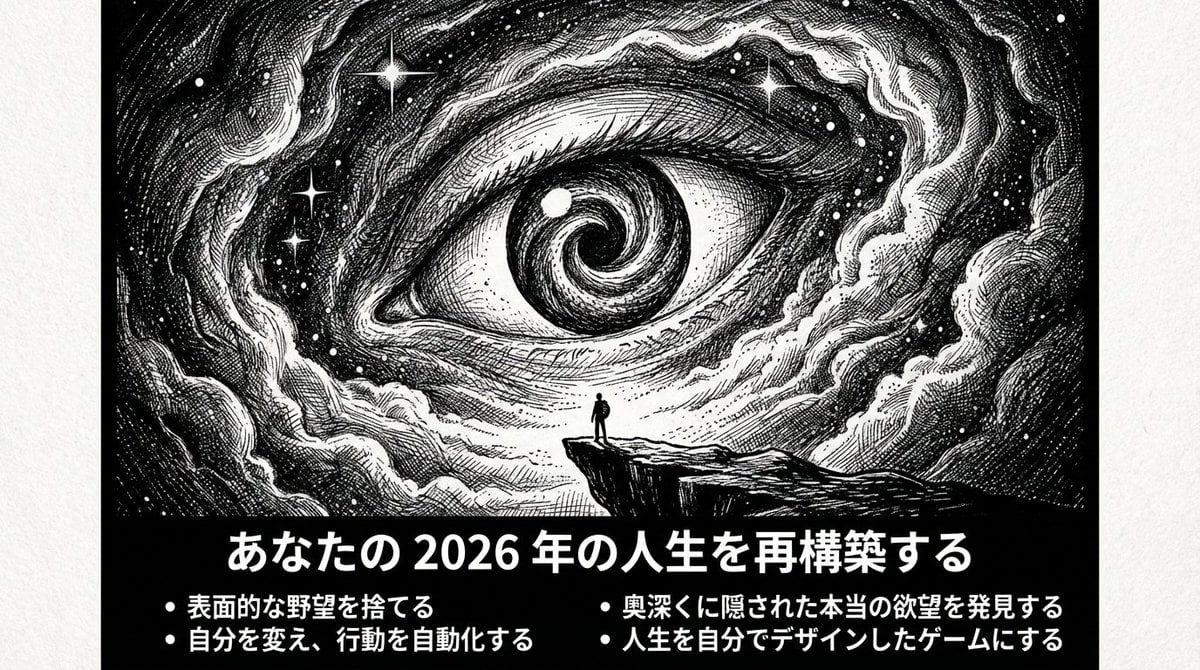
Ultimate Prompt for Dan Koe Style Presentation Slides (PPT) using Nano Banana Pro
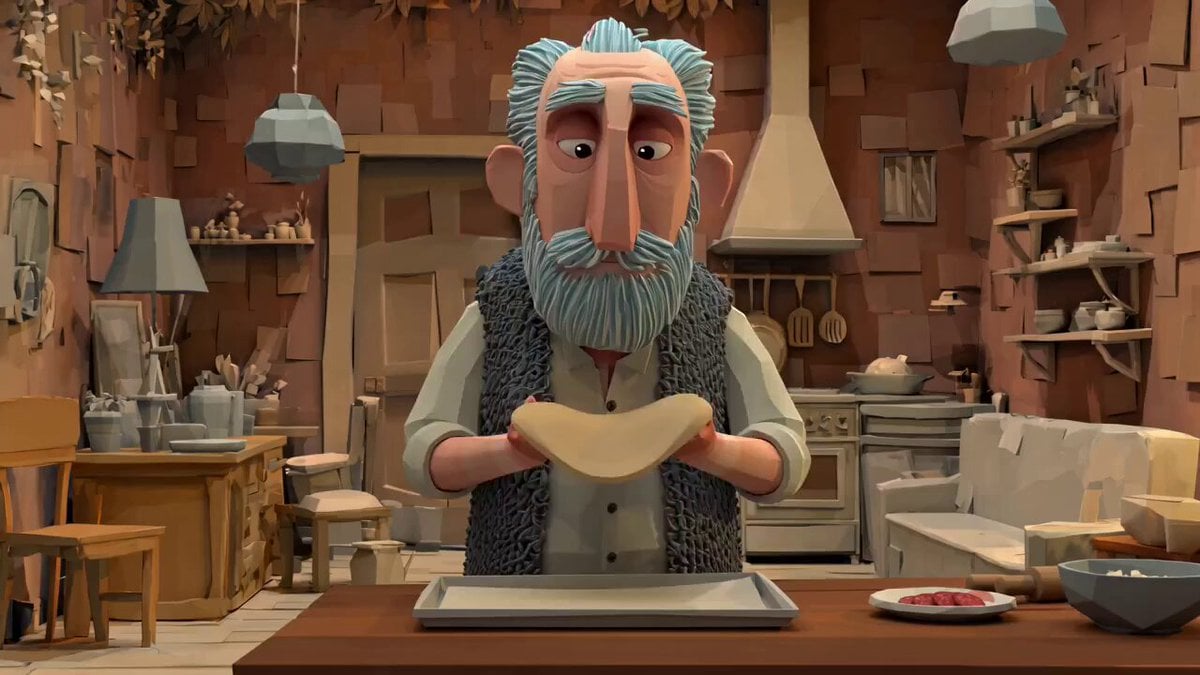
Animation Style - Framer Motion
Animation Style - Framer Motion v2
Animation Style - Framer Motion
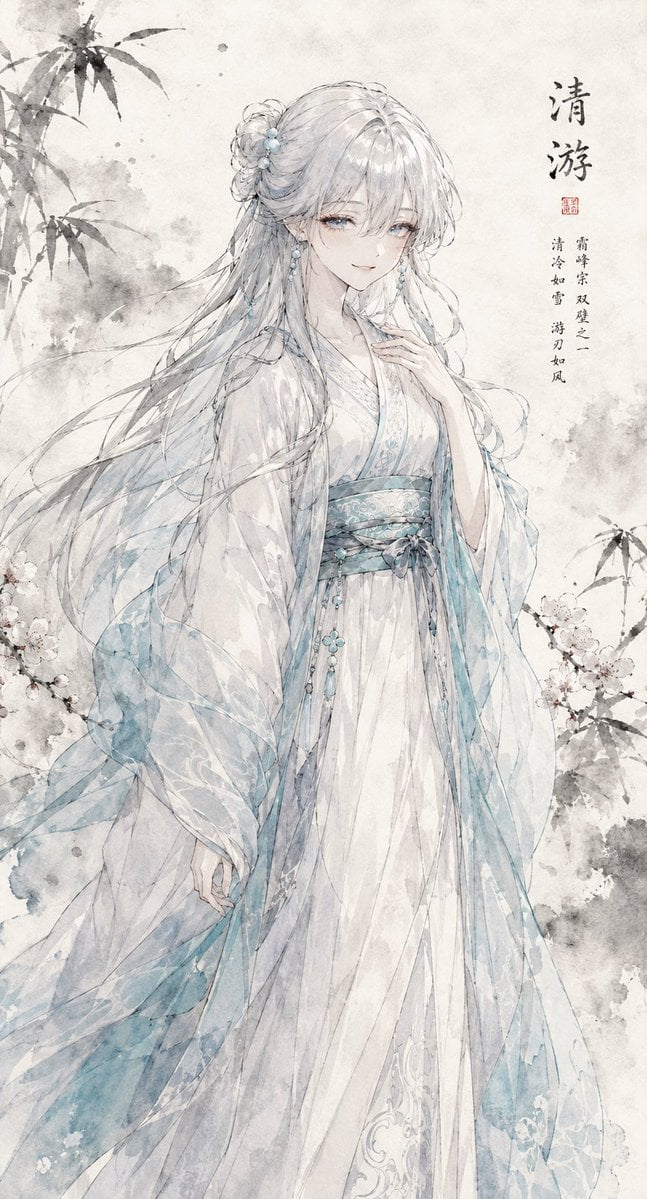
Ink Wash Hanfu Character Portrait
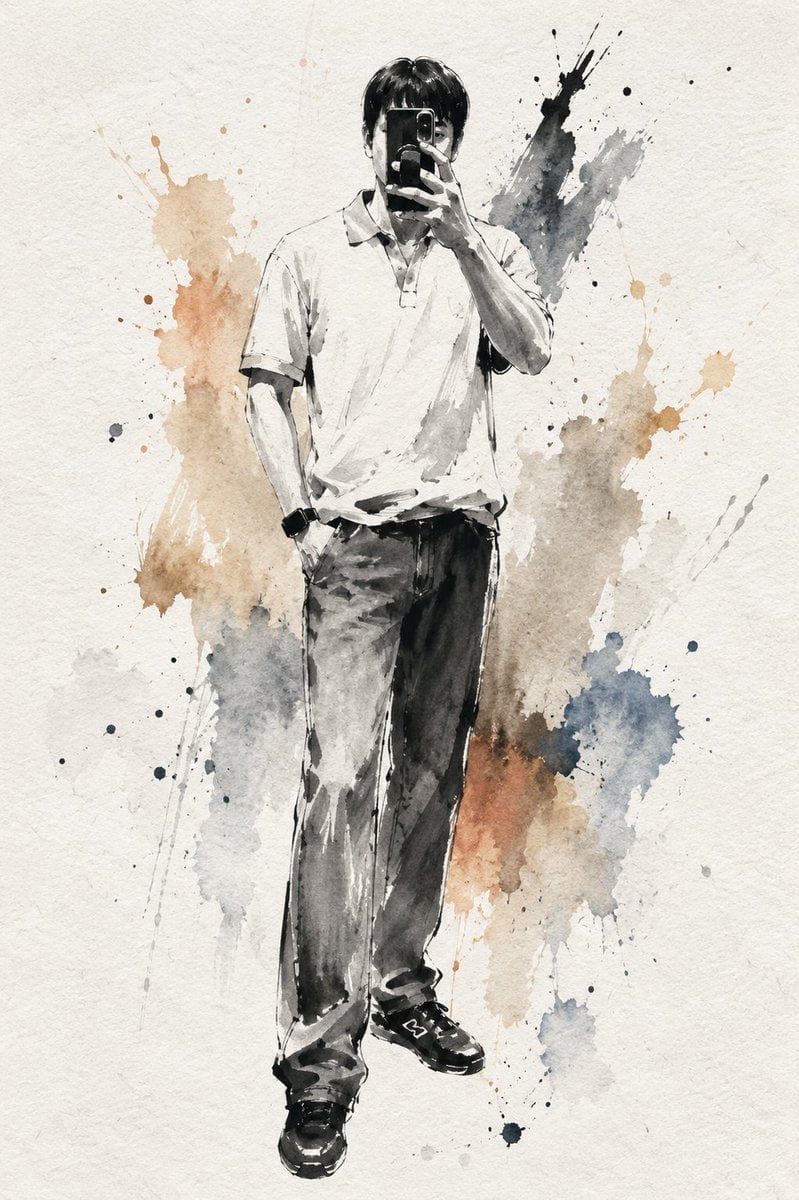
Artistic Ink Wash Portrait Sketch
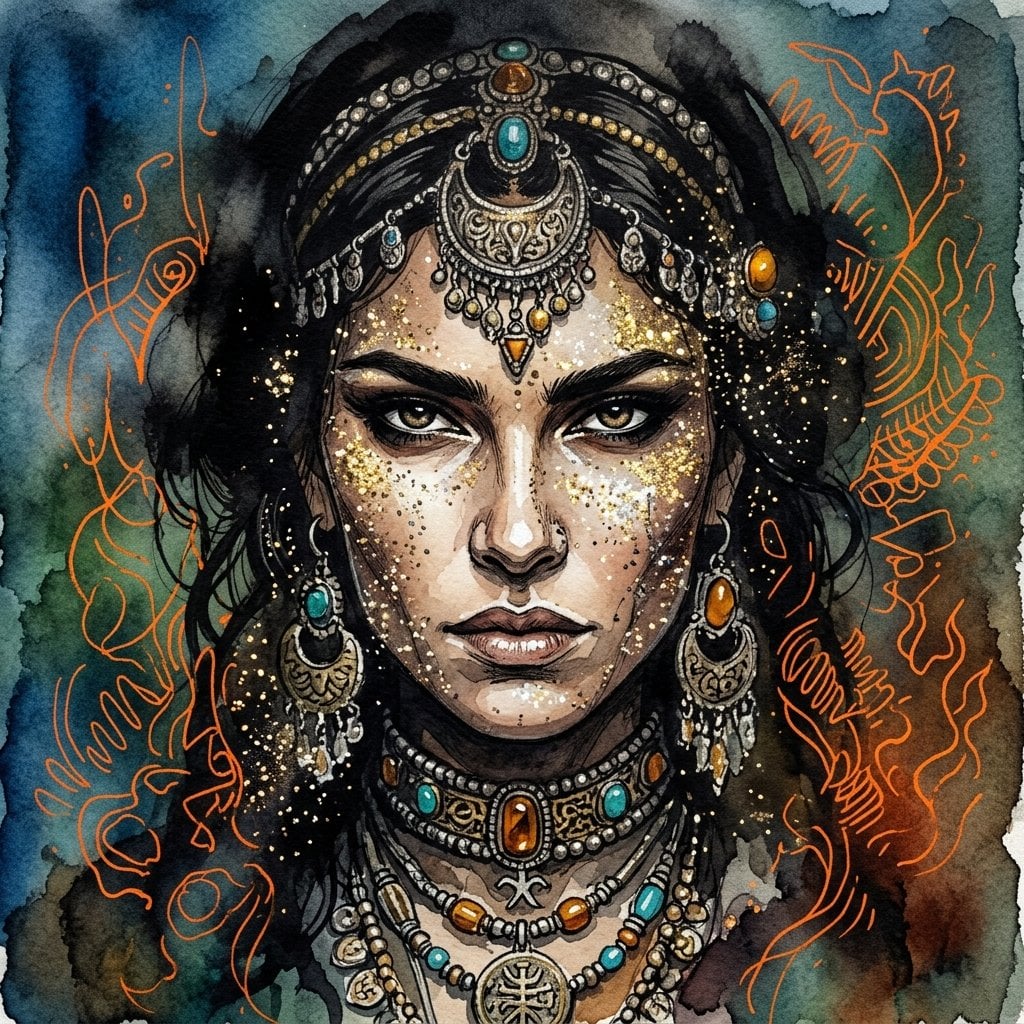
Ink wash and watercolor woman portrait
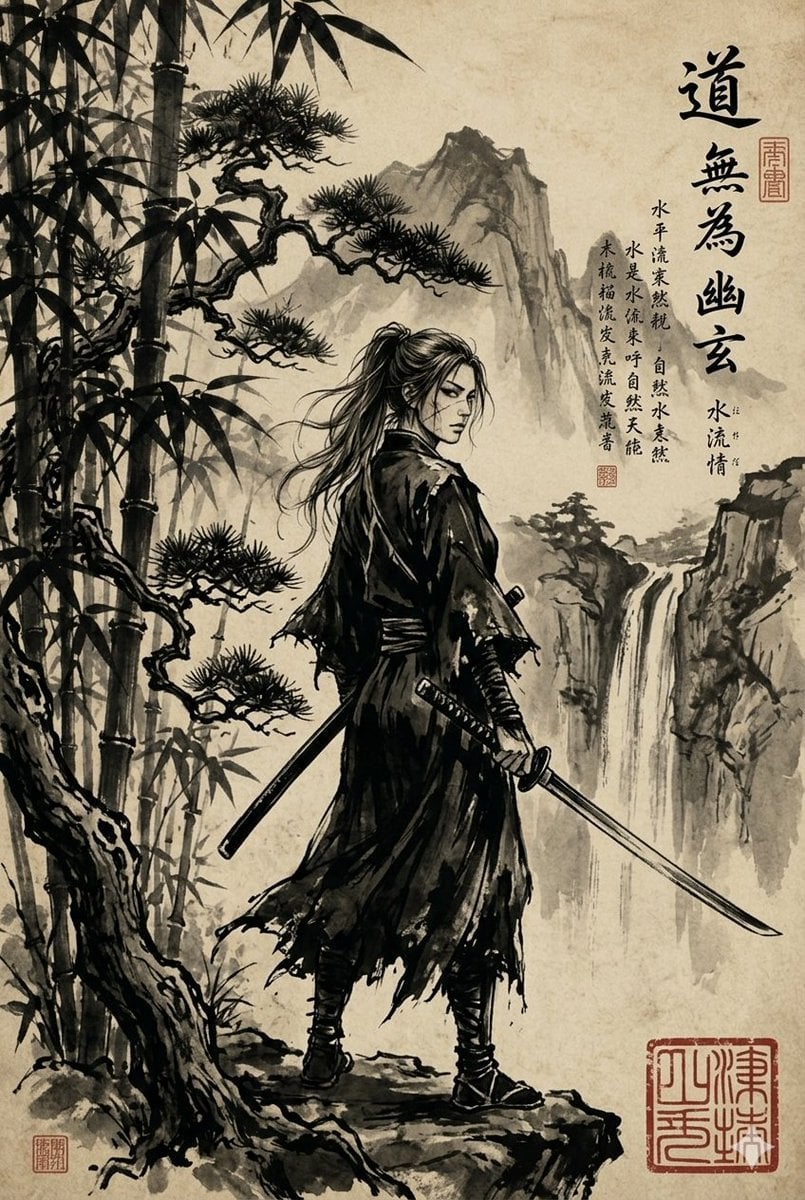
Ink-Wash Samurai Landscape
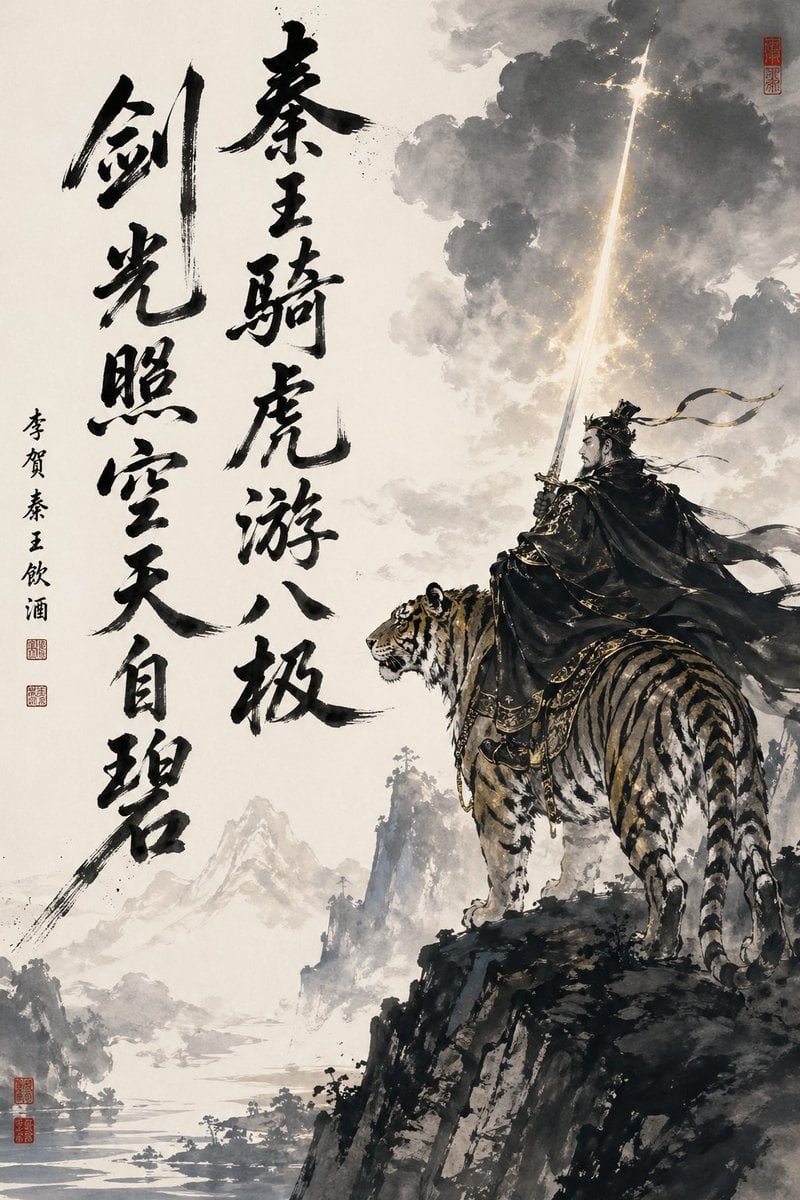
Ink-Wash Warrior Riding a Tiger
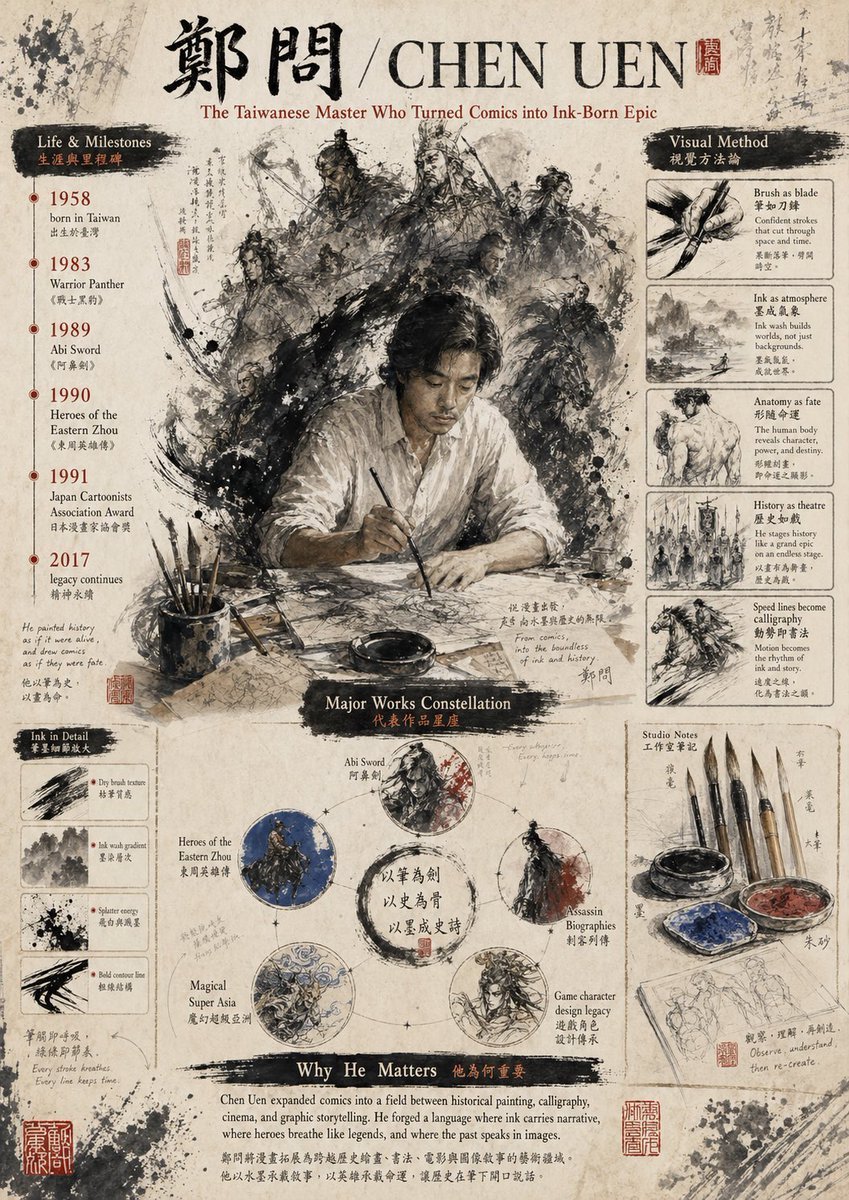
Ink-Wash Tribute Poster for Chen Uen
Make it yours
Ink-Wash Style Presentation Slides works as-is. These are the safest ways to change it without losing the look.
Change one field
Copy a single group, rewrite it, and generate again so you can see what that field is doing.
Keep the frame, change the subject
Hold the composition and light of Ink-Wash Style Presentation Slides, then swap wardrobe, props or the person for a new take.
| If the result… | Why | Fix |
|---|---|---|
| The result drifts from the preview | Too many fields changed at once. | Reuse Ink-Wash Style Presentation Slides as-is first, then change one group — subject, light, or setting. |
| The model over-stylizes the scene | The prose prompt leaves finish and camera underspecified. | Add one camera or lighting sentence and stay on GPT Image 2. |
More GPT Image 2 templates
Other prompts made for GPT Image 2.

Six VTuber Japanese Logo Sheet

Realistic Portrait of Woman and Deer

The Vista Modular Condo Poster

AI Model Routing Comparison Infographic

2.5D Anime Art Board

Isometric Productivity Desk Scene

New York Double Exposure Poster

Four-Panel AI Landscape Comparison

Japanese Tatami Lifestyle Magazine Cover

NESCAFÉ Coffee Map Poster
More image prompts
Fresh picks from across the catalog.

Pixar-Style 3D Character Sticker Set (9 Variations)
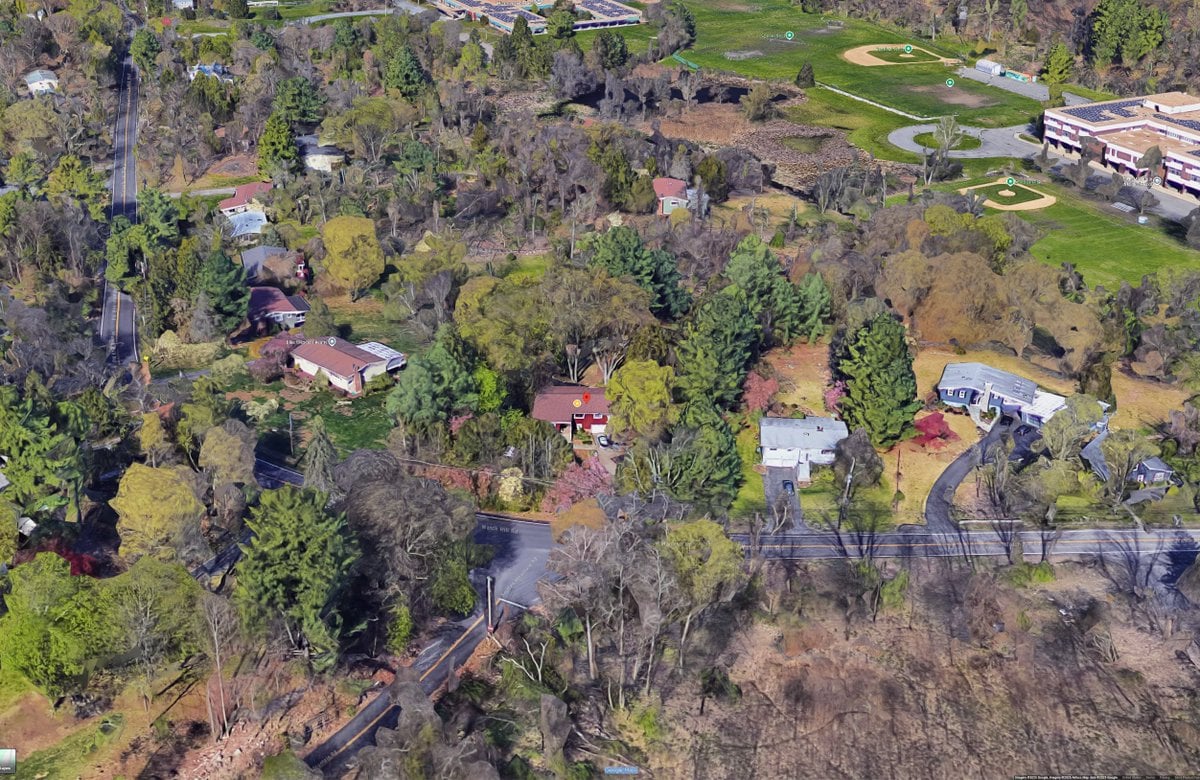
Hand-Drawn Urban Planning Map from 3D View
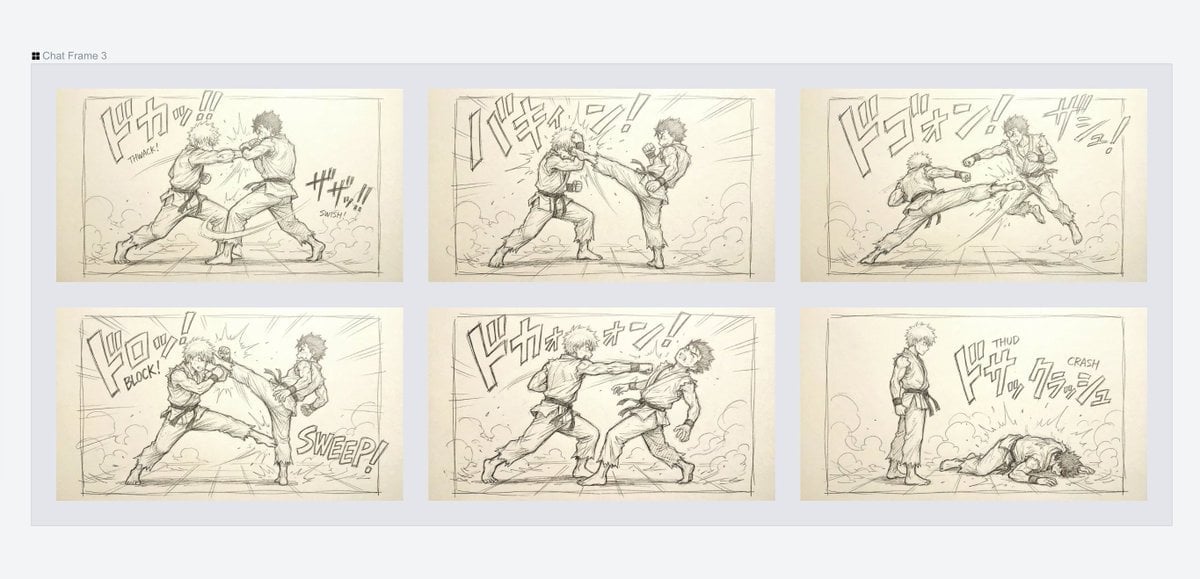
Varied Combat Scene Rough Sketch Prompt

Cinematic Fashion Shot of a Man in a Library

Image generation for Jolivet's 'Pachinko for Two Pianos'
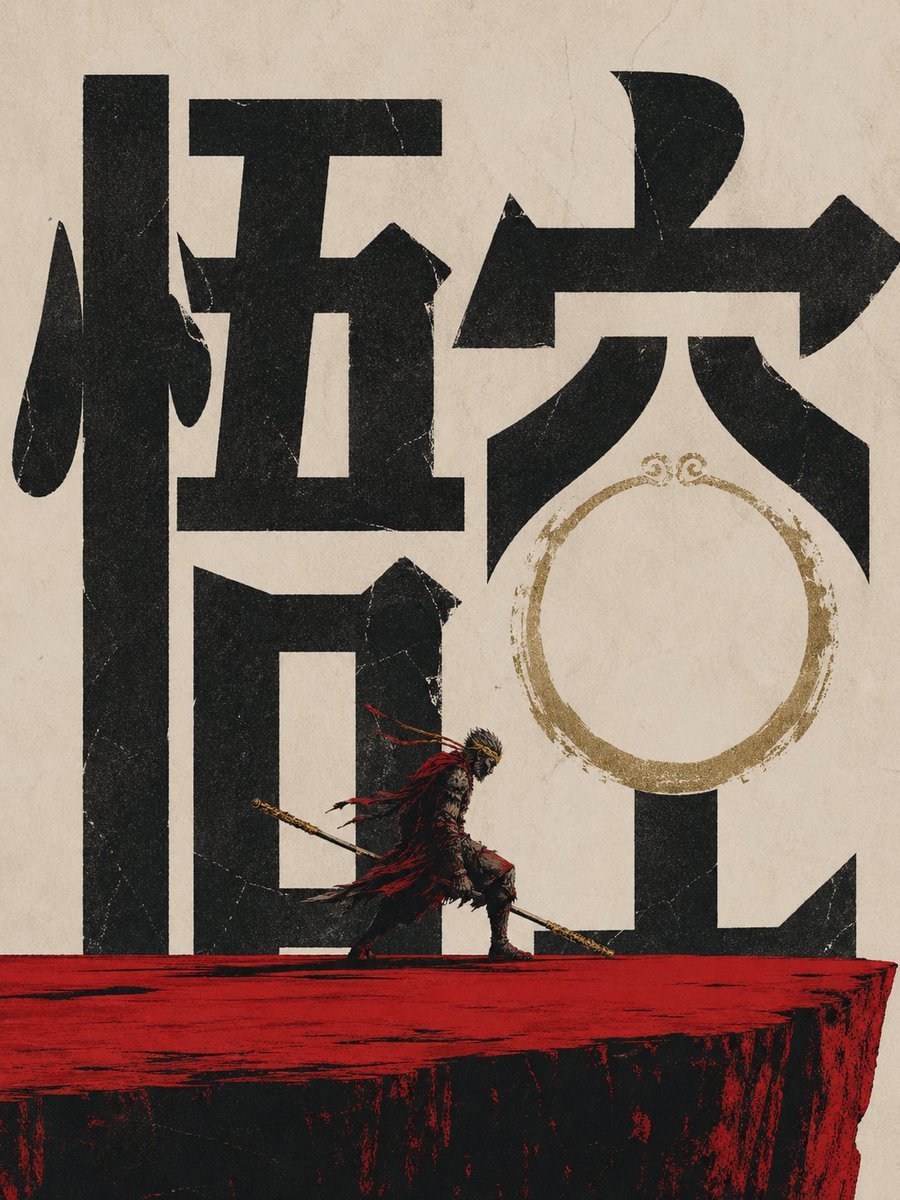
Wukong Calligraphy Poster
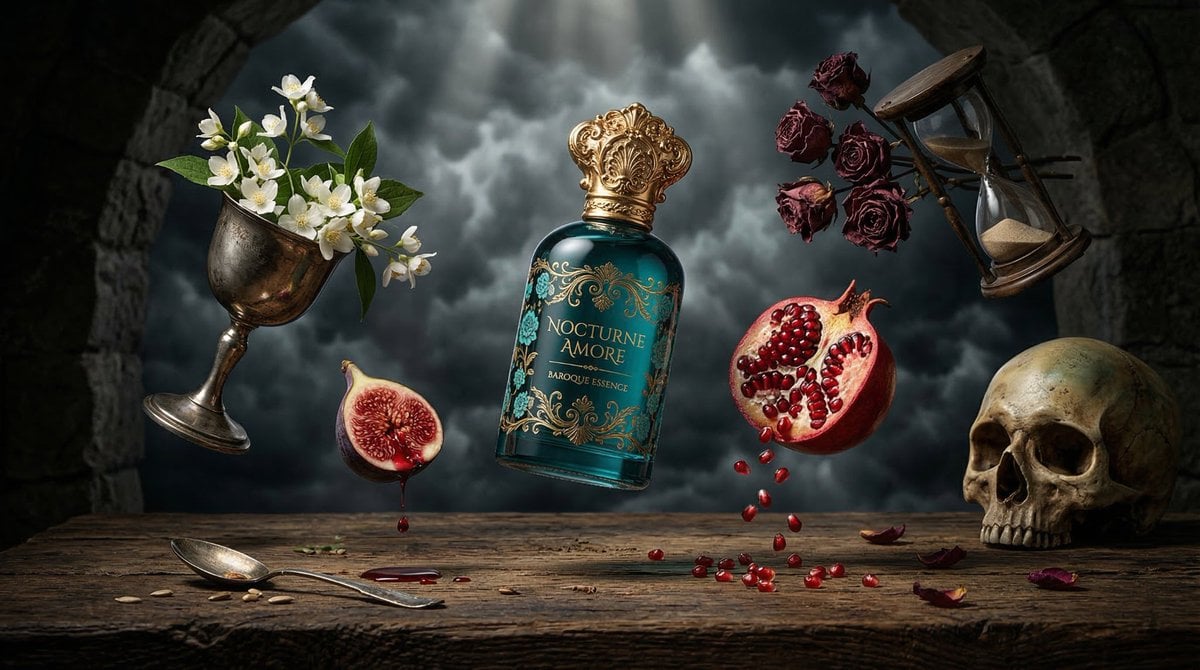
Surreal Baroque Perfume Ad Prompt
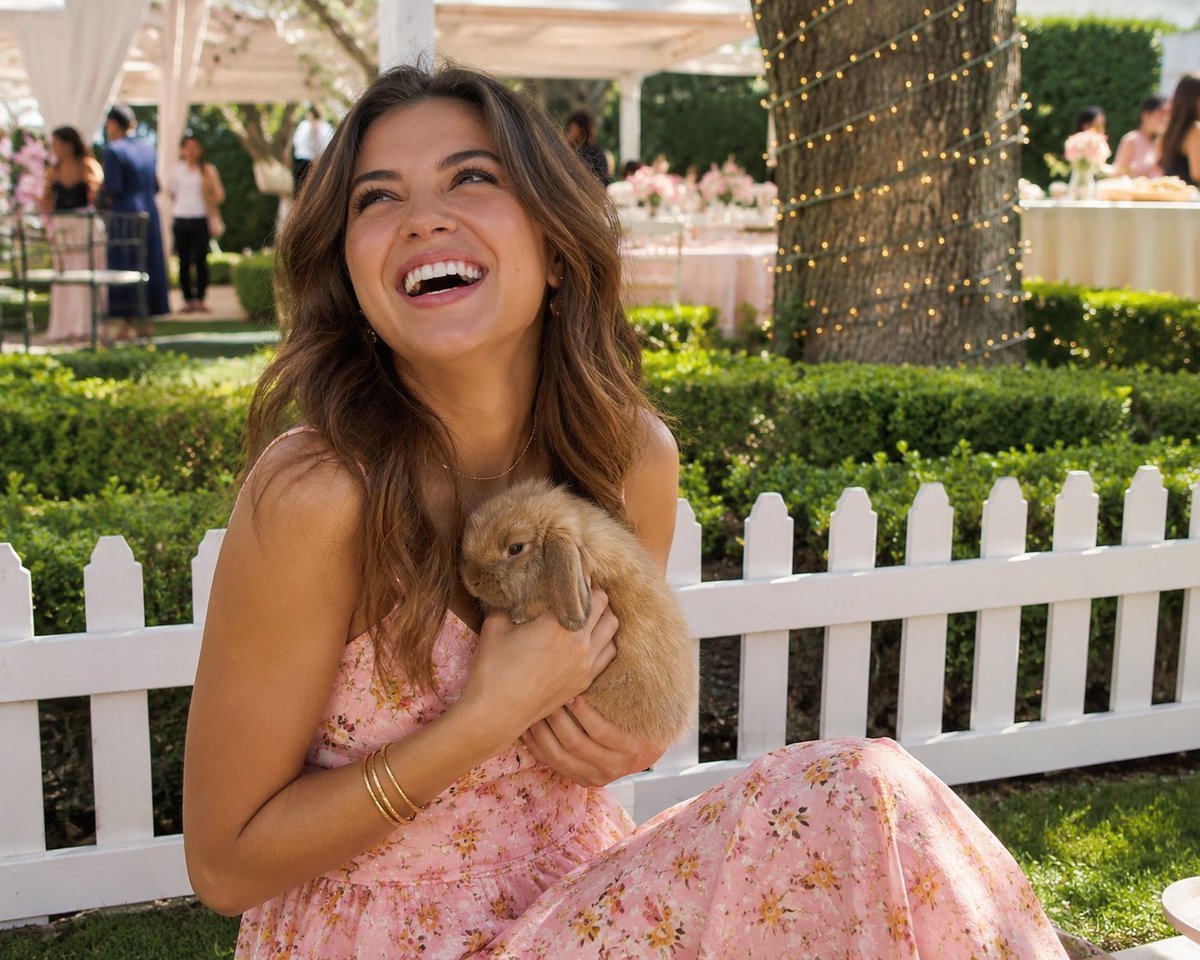
Candid Garden Portrait with Bunny
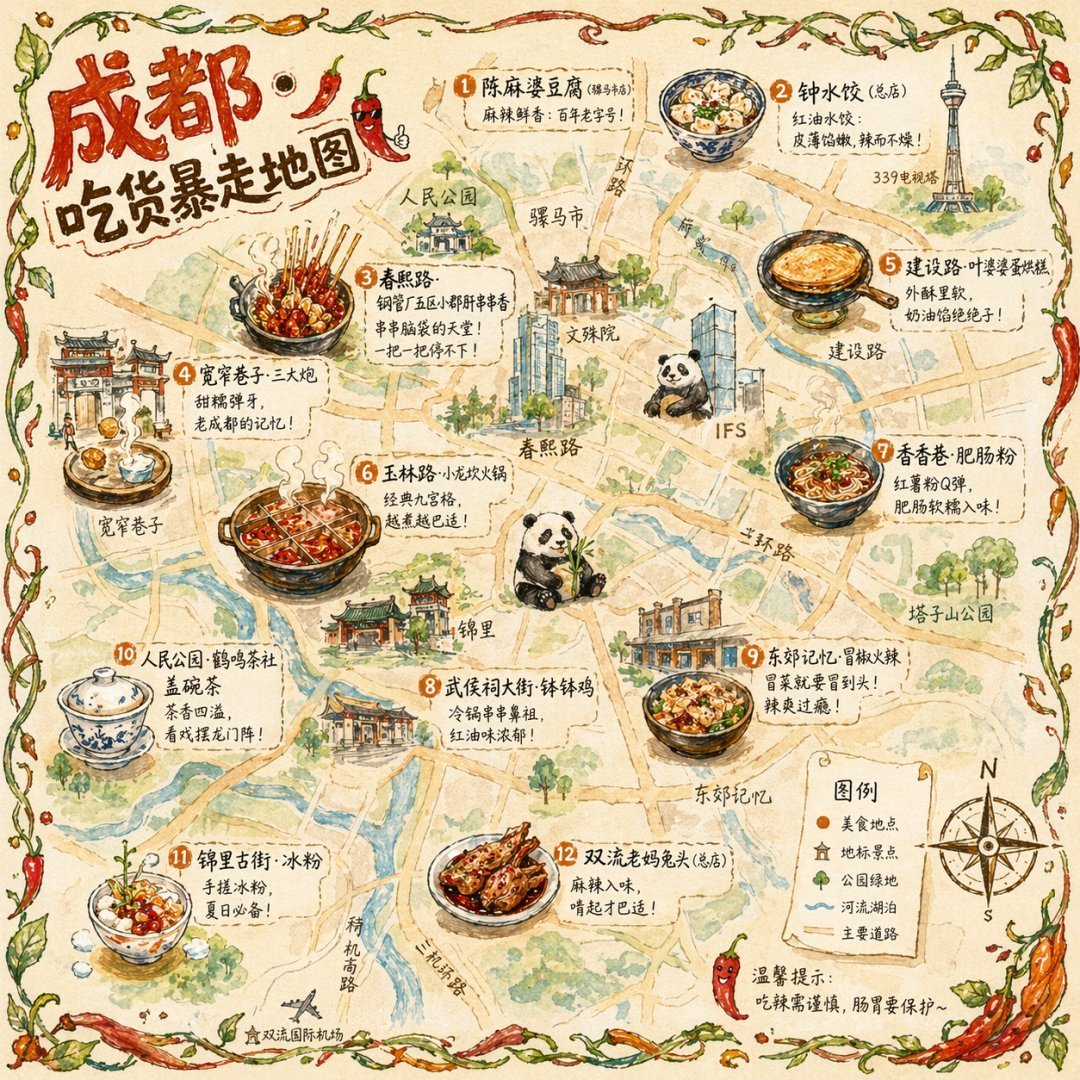
Gpt2 Illustrated City Food Map

Detailed Digital Vector Portrait with Comic Shading
Browse template categories
Ink-Wash Style Presentation Slides questions
How do I use the Ink-Wash Style Presentation Slides template?
Add your photo if the template asks for one, edit the prompt if you like — the template's model and format are already selected — and press Generate. Your version opens in PicX Studio.
Can I customize the Ink-Wash Style Presentation Slides template?
Yes. You can change the subject, setting, lighting, mood, format, and available model controls before creating your image.
Is the Ink-Wash Style Presentation Slides template free?
Opening and editing this template is free. Generating uses credits, shown on the Generate button when you are signed in.
Which AI model should I use?
Start with GPT Image 2, which is the model associated with this template. You can compare another compatible model for a different finish.
Looking for something else? Browse all templates.

Your photo, any look
Thousands of ready templates for every top image and video model, from one credit balance.