How do I use the Artistic Ink Wash Portrait Sketch template?
Choose the primary action to open PicX Studio with the available template settings. Review the model and format, personalize the creative direction, and generate when ready.
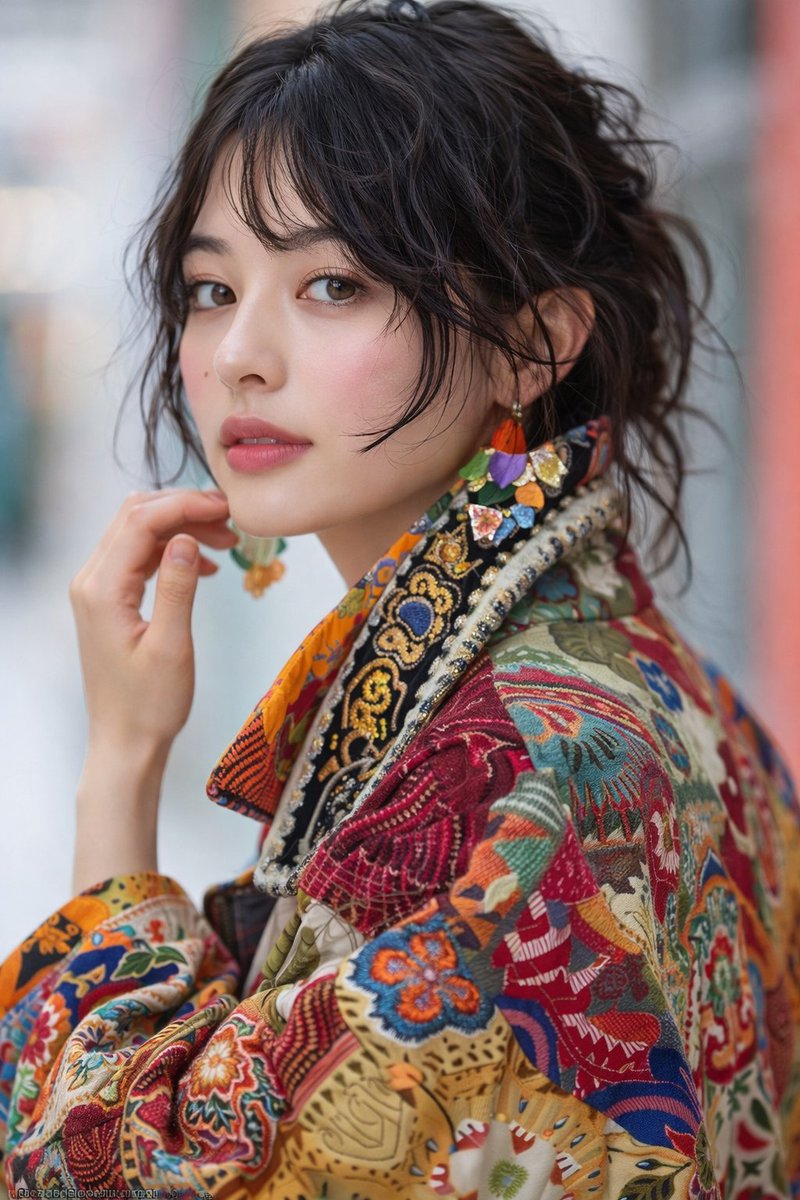
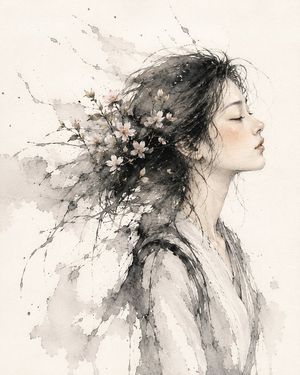
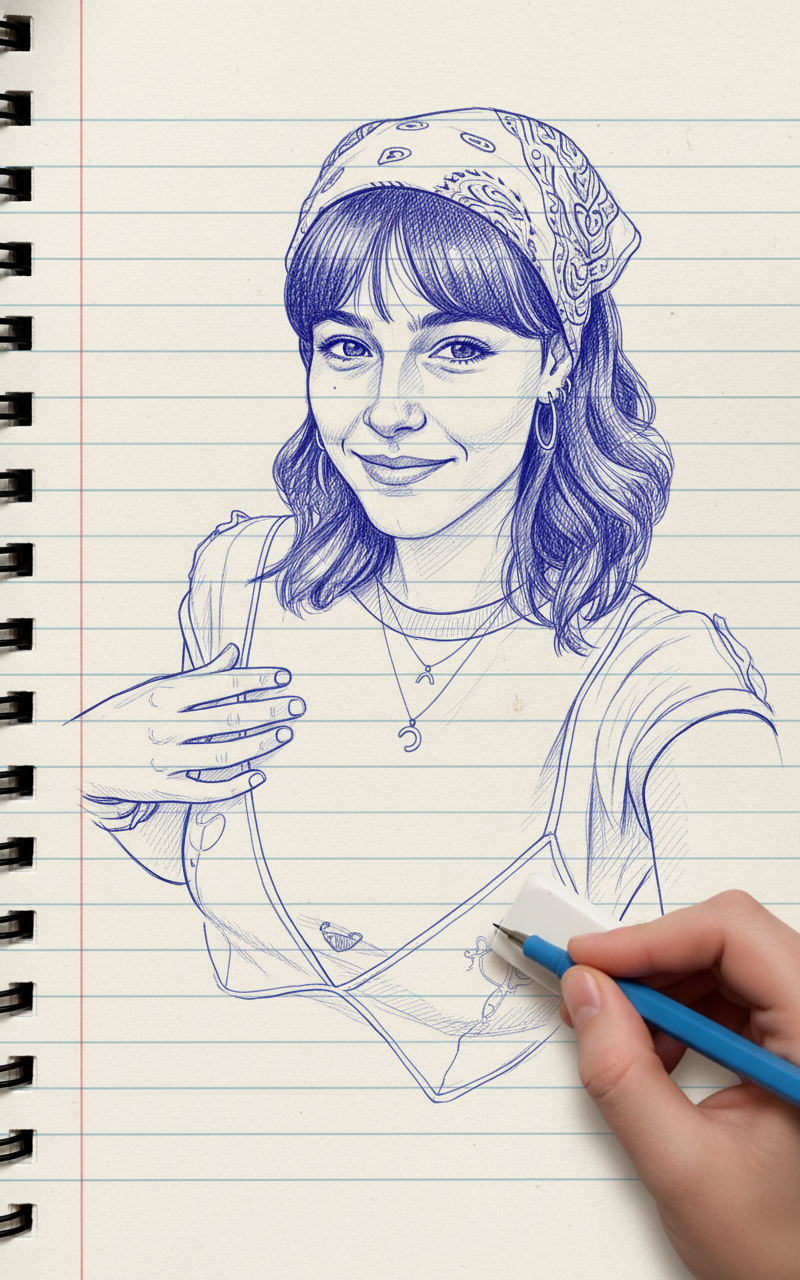
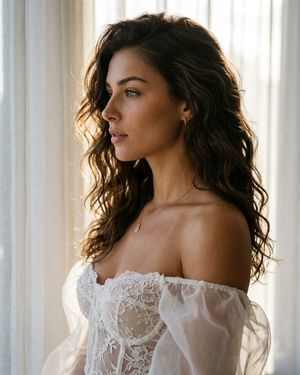
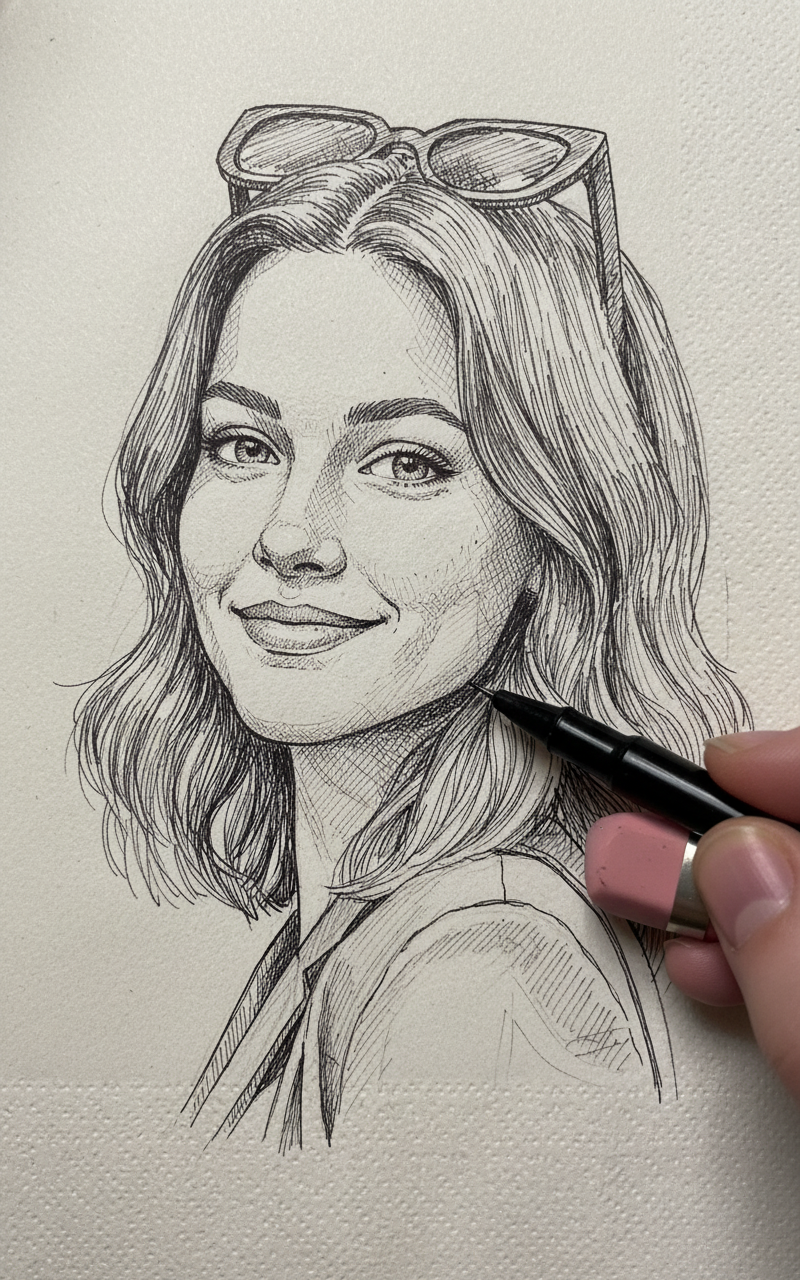
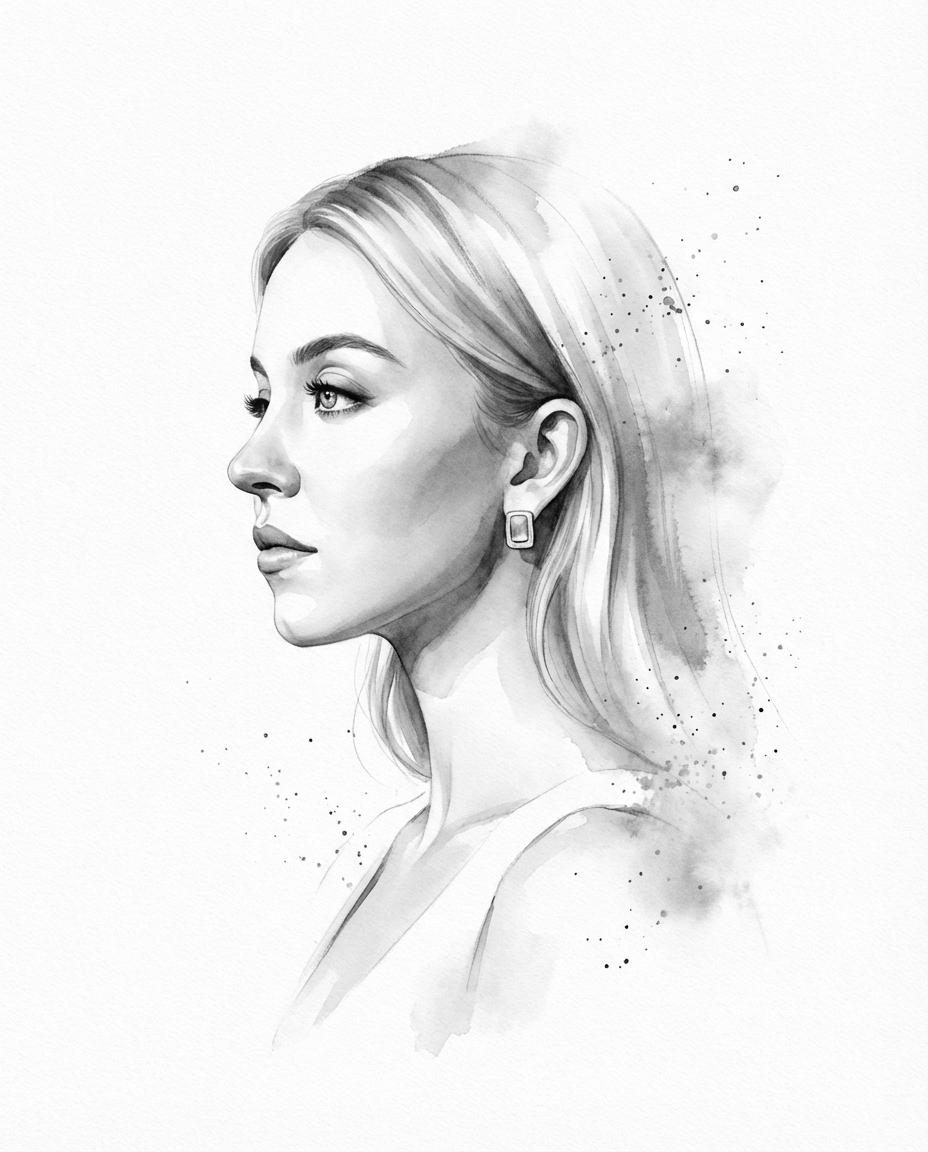
A sophisticated prompt for turning photographs into hand-drawn illustrations with a refined sketchbook aesthetic, featuring 0.5mm pencil work and watercolor spl
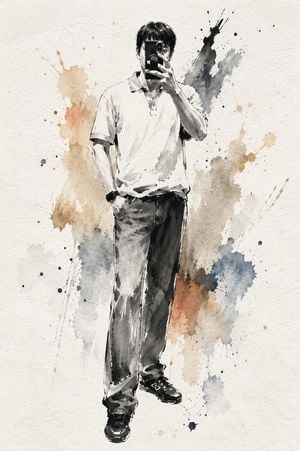
Use the uploaded photo as the primary reference for the character. IMPORTANT REFERENCE INSTRUCTIONS Preserve the subject's recognizable identity while simplifying it into a beautiful hand-drawn illustration. Accurately reflect the uploaded photo's: - overall mood and atmosphere - outfit and clothing details - accessories (glasses, jewelry, hats, bags, etc.) - hairstyle and hair color - visible pets or companion animals (if present) - meaningful personal objects The subject should remain immediately recognizable while rendered in an elegant, artistic sketch style. If the subject is male, depict a {argument name="male age" default="young boy"}. If the subject is female, depict a {argument name="female age" default="young girl"}. STYLE Create a highly detailed hand-drawn illustration on a white sketchbook page using fine 0.5mm colored pencils. Build the drawing primarily with delicate pencil strokes and subtle colored-pencil shading while preserving the natural paper texture. The sketchbook is placed on a natural wooden easel. Soft, warm sunlight gently filters through a nearby window, creating subtle highlights, delicate shadows, and a cozy, calm artist's studio atmosphere. BACKGROUND Keep the background extremely minimal and understated. Use soft neutral and pastel tones with plenty of negative space. Do not include complex objects or distracting elements. Add only a few small doodles ({argument name="doodles" default="stars and hearts"}) around the subject, drawn loosely with rough 4B pencil outlines. COLOR TREATMENT The overall image should remain mostly monochrome with very low saturation. Apply color almost exclusively to the subject using soft watercolor-like paint splashes scattered around the figure, blending naturally into the sketch without overwhelming it. The paint splashes should feel light, artistic, and organic rather than bold or graphic. MOOD Warm, cozy, calm, minimal, elegant, artistic, handmade, gallery-quality, premium illustration with a refined sketchbook aesthetic.
Choose the primary action to open PicX Studio with the available template settings. Review the model and format, personalize the creative direction, and generate when ready.
Yes. You can change the subject, setting, lighting, mood, format, and available model controls before creating your image.
This template is free to open and customize. Generation usage is shown in PicX Studio before you create.
Start with GPT Image 2, which is the model associated with this template. You can compare another compatible model for a different finish.
Follow a topic to a crawlable collection of related PicX Studio templates.