
Ultra-Realistic Cinematic Street Photography Prompt
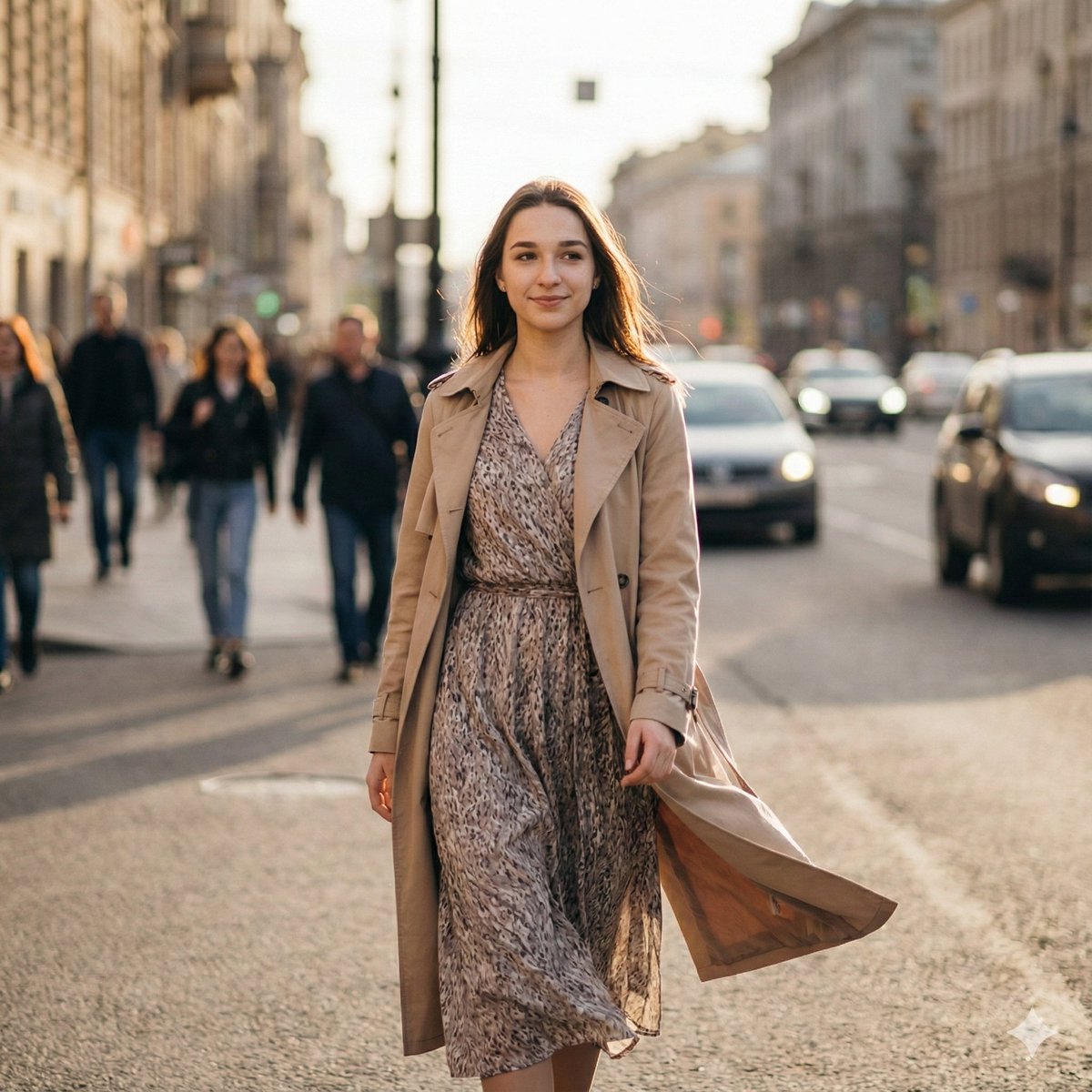
A structured JSON prompt for generating an ultra-realistic, candid street photograph of a girl, requiring the use of a reference image for identity, face, and hairstyle.
- Prompt included
- Model and format preset
- Free template
The prompt behind this image
Copy the exact prompt behind Ultra-Realistic Cinematic Street Photography Prompt, or open it in the studio and make it yours.
- Prompt
- Ultra-realistic candid street photograph of the SAME girl from the reference image, natural expression, soft smile, walking confidently through a busy city street. 3/4 walking angle toward the camera instead of full side profile. Golden hour warm light, subtle rim light on hair, shallow depth of field. Background people slightly motion-blurred to show movement, cars and city elements softly blurred, cinematic look. She has the same face, same hairstyle and same age as the reference. She is wearing a flowing patterned dress with a light beige trench coat gently moving in the wind, minimal makeup, natural color tones. Shot on full-frame lens, 50mm, f1.8, realistic skin texture, high detail, sharp subject with motion blur in background, editorial street photography style.
- Negative Prompt
- overprocessed skin, plastic face, doll-like eyes, extra fingers, distortion, low resolution, overly dramatic lighting, cartoon, painting, anime, deformed body, heavy makeup, exaggerated smile
- Style
- cinematic, documentary street photography, natural color grading
- Camera › Lens
- 50mm
- Camera › Aperture
- f1.8
- Camera › Shutter Speed
- 1/60
- Camera › Shot Type
- mid length portrait
- Quality
- 8k, ultra-detailed, photorealistic
Raw JSON
{
  "prompt": "Ultra-realistic candid street photograph of the SAME girl from the reference image, natural expression, soft smile, walking confidently through a busy city street. 3/4 walking angle toward the camera instead of full side profile. Golden hour warm light, subtle rim light on hair, shallow depth of field. Background people slightly motion-blurred to show movement, cars and city elements softly blurred, cinematic look. She has the same face, same hairstyle and same age as the reference. She is wearing a flowing patterned dress with a light beige trench coat gently moving in the wind, minimal makeup, natural color tones. Shot on full-frame lens, 50mm, f1.8, realistic skin texture, high detail, sharp subject with motion blur in background, editorial street photography style.",
  "negative_prompt": "overprocessed skin, plastic face, doll-like eyes, extra fingers, distortion, low resolution, overly dramatic lighting, cartoon, painting, anime, deformed body, heavy makeup, exaggerated smile",
  "style": "cinematic, documentary street photography, natural color grading",
  "camera": {
    "lens": "50mm",
    "aperture": "f1.8",
    "shutter_speed": "1/60",
    "shot_type": "mid length portrait"
  },
  "quality": "8k, ultra-detailed, photorealistic"
}How to use Ultra-Realistic Cinematic Street Photography Prompt in 3 steps
- 1Upload ImagePNG, JPG or paste
Add your photo
Upload the photo the template builds on. The prompt, model and format are already set.
- 2…a portrait of your subject in softgolden-hour light, 85mm…
Personalize
Edit the subject and creative details for your destination.
- 3Generate
Generate
Press Generate — your image is created in PicX Studio, so you can compare it with the original and refine one variable at a time.
More like this
Templates with the same subject, style or setup. Open one to see its prompt.
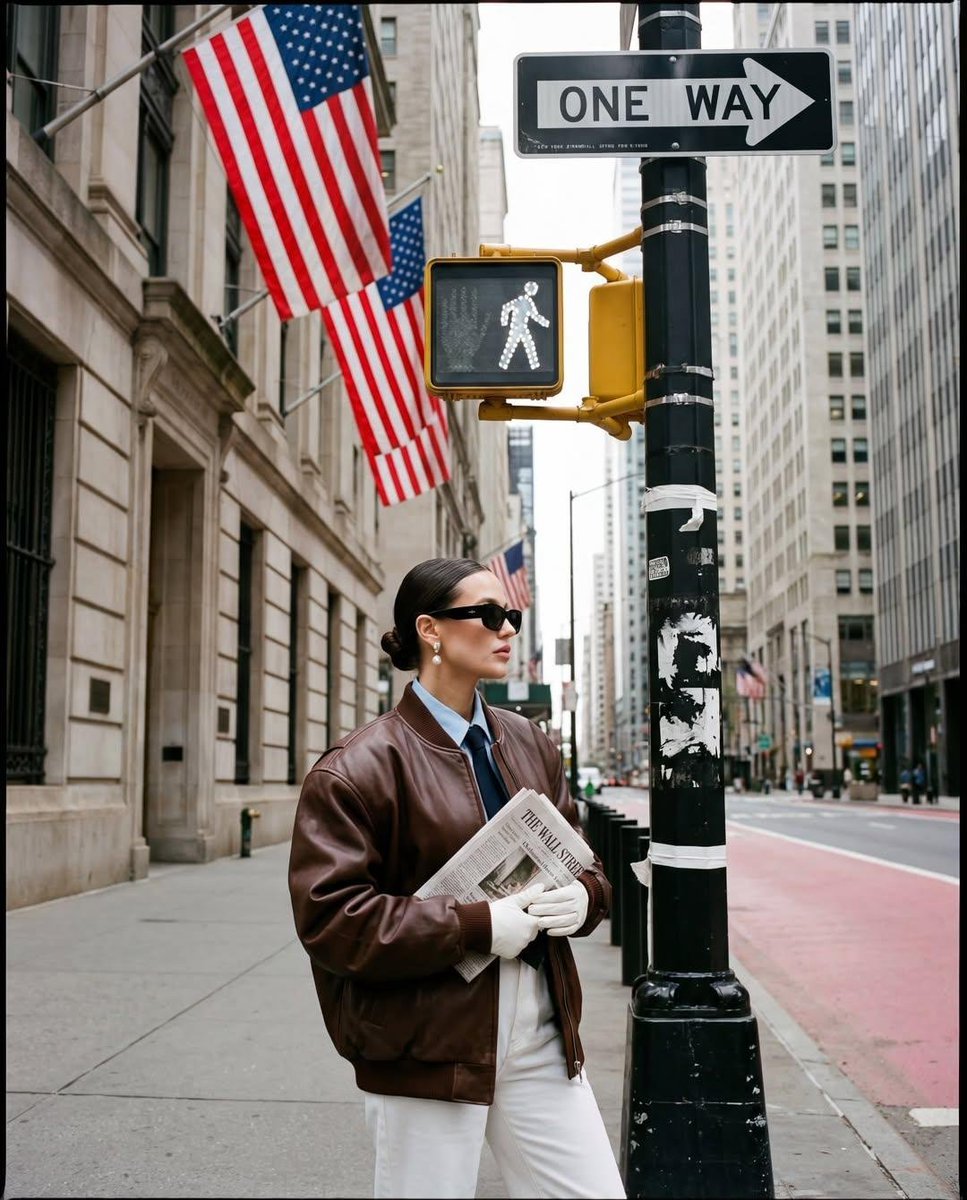
Ultra-realistic street fashion editorial photograph in New York City
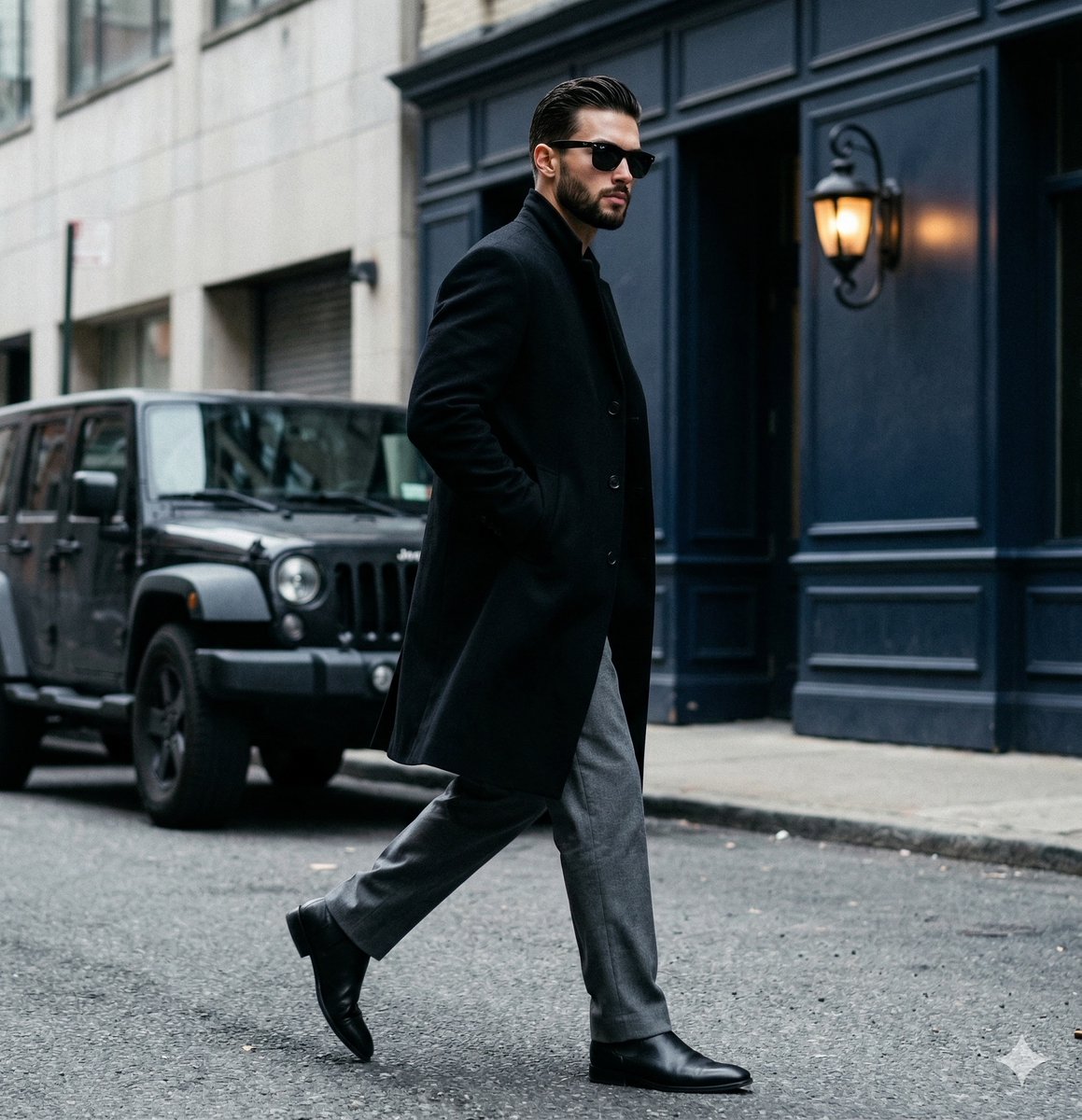
A candid paparazzi-style street photography shot of a handsome man

Two Tickets, One Night

Meet Me When It Rains

Two Hearts. One Scooter.

1986 Street Couple

1985 Street Scene

Mirror Selfie Chibi Characters Pixar Style

Flower Petal Sunglasses Couture Portrait

Fashion Portrait Colored Smoke Studio

Mountain Valley Lifestyle Portrait

青蛇小青写真大片,绿色紧身蛇鳞裙,湿发红唇,妖娆妩媚
Make it yours
Ultra-Realistic Cinematic Street Photography Prompt works as-is. These are the safest ways to change it without losing the look.
Change one field
Copy a single group, rewrite it, and generate again so you can see what that field is doing.
Keep the frame, change the subject
Hold the composition and light of Ultra-Realistic Cinematic Street Photography Prompt, then swap wardrobe, props or the person for a new take.
| If the result… | Why | Fix |
|---|---|---|
| The result drifts from the preview | Too many fields changed at once. | Reuse Ultra-Realistic Cinematic Street Photography Prompt as-is first, then change one group — subject, light, or setting. |
| Nano Banana 2 ignores part of the JSON | Some models flatten or skip nested keys. | Keep the same values and paste them as a short paragraph instead. |
More Nano Banana 2 templates
Other prompts made for Nano Banana 2.

Photorealistic Leaf Shaped Like a Dragon

K-Pop Idol Portrait Grid for Rapid Selection

Poetic Rain Forest Portrait During Golden Hour

Urban Street Portrait with Cartoon Inner Self Duo

Candid Nighttime Photo with Cat Prompt

High-Concept 3D Diorama Generation Prompt

Cinematic Futuristic Studio Portrait Template

Skincare Editorial Photography Collage Prompt

Hyper-Realistic Commercial Product Photography (Splash Effect)

Hyper-Realistic Nightclub Portrait Prompt
More image prompts
Fresh picks from across the catalog.
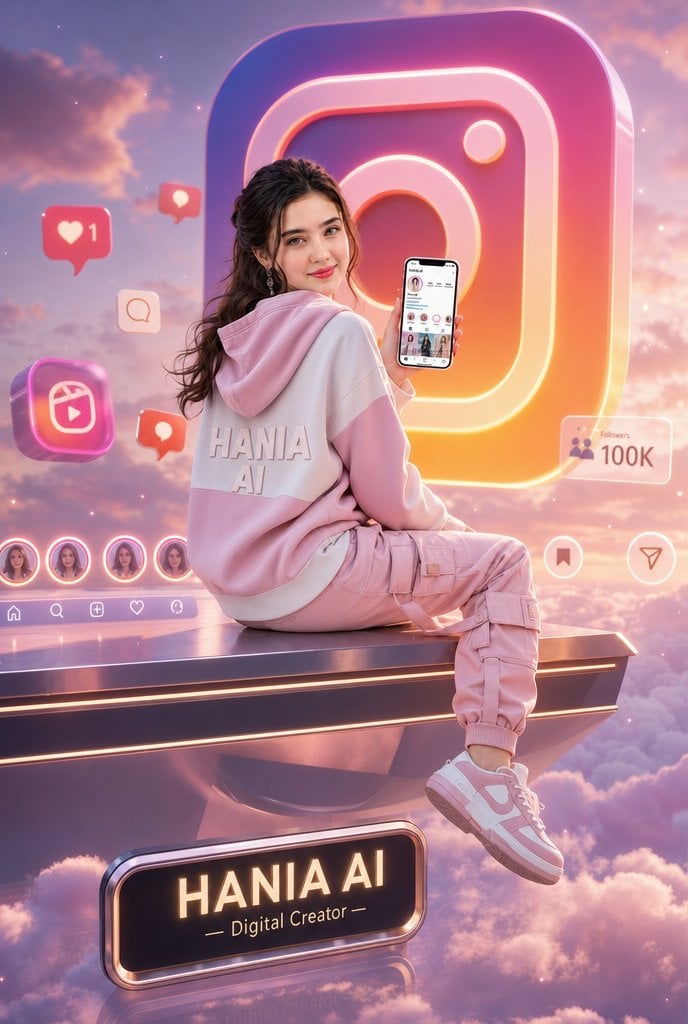
Floating Instagram Creator Portrait
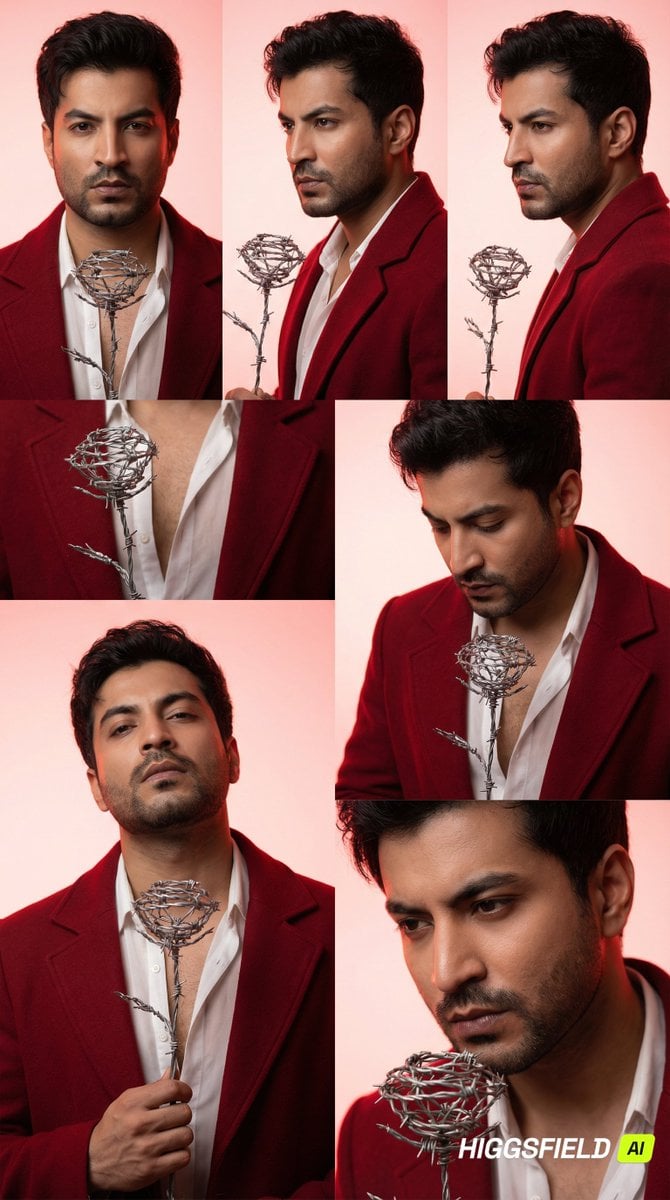
3x2 Grid Portrait of South Asian Man with Barbed Wire Rose
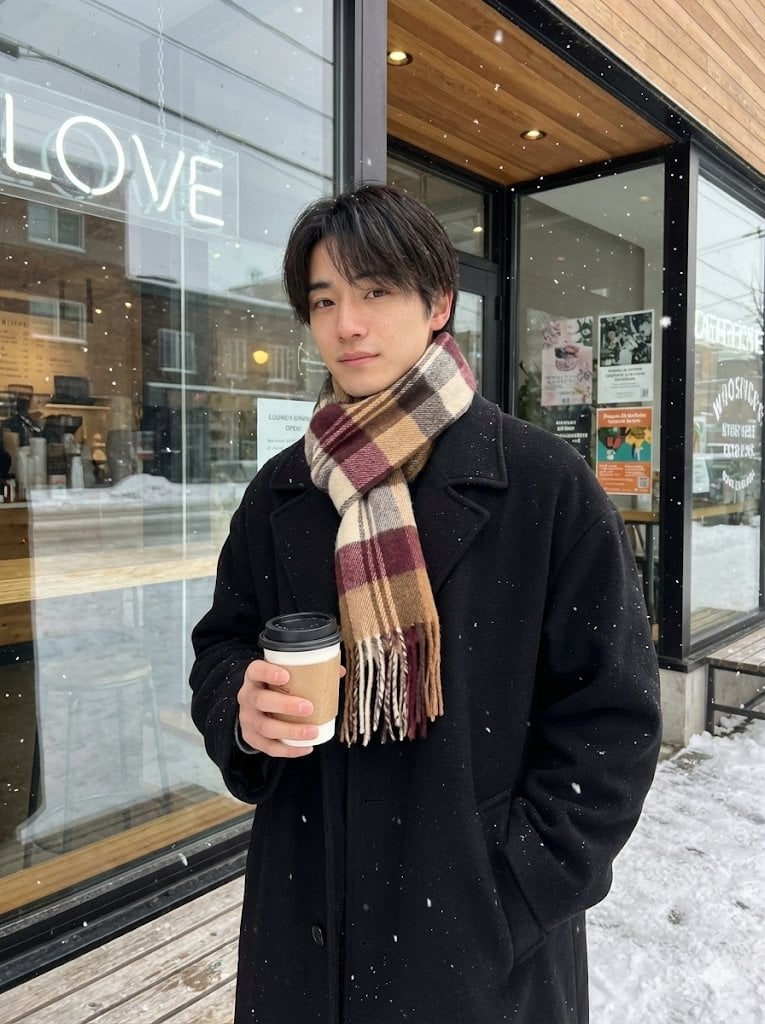
AI Profile Photo Generation Prompt (Angled Shot Modification)
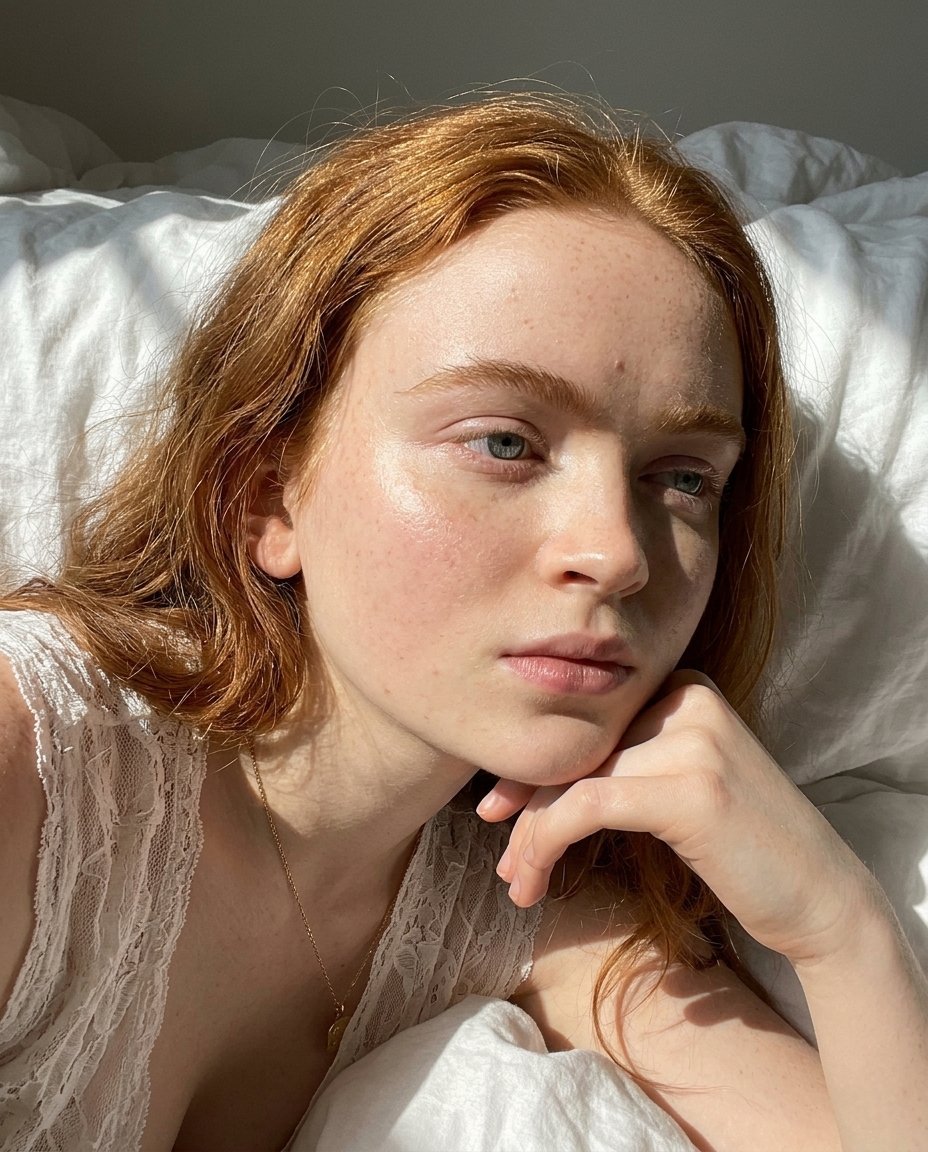
Natural Sunlight Close-up Portrait Prompt for Nano Banana 2
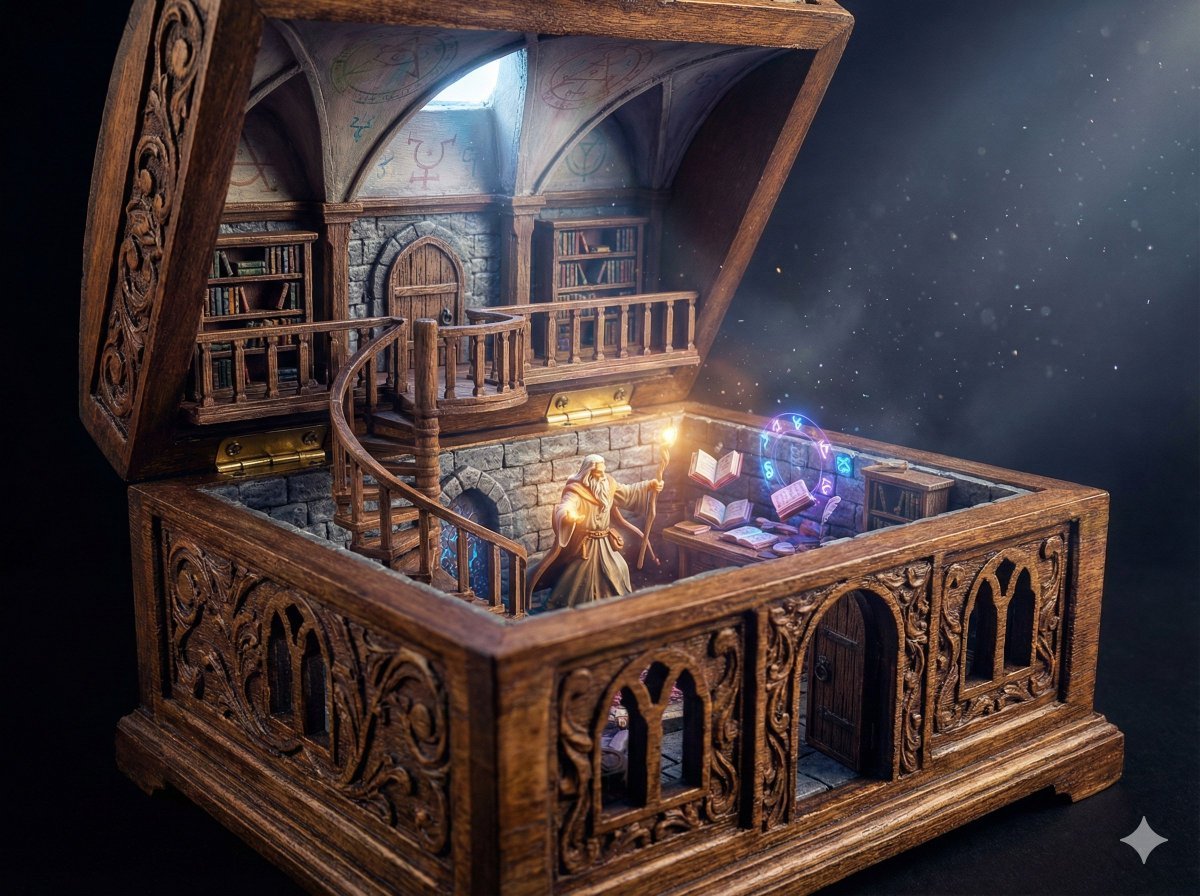
Wizard in a Box Miniature Diorama
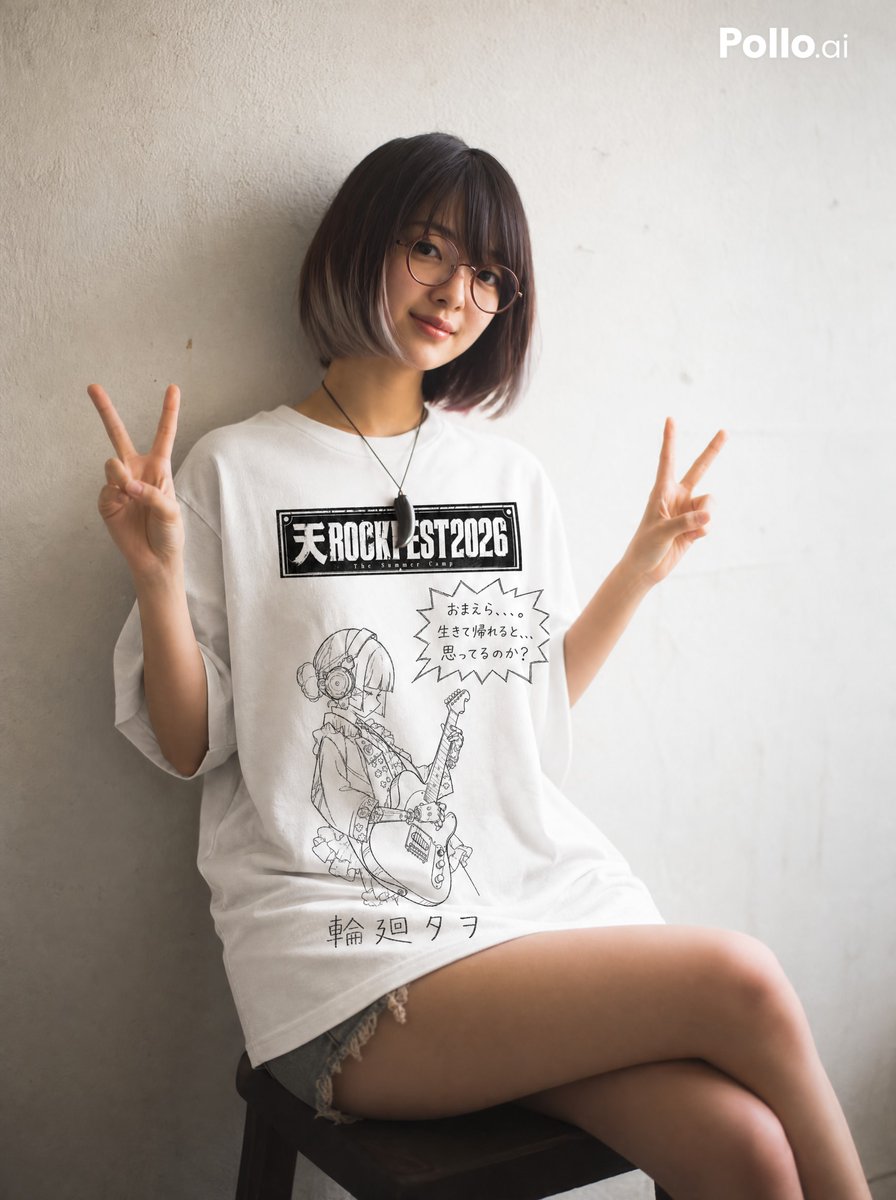
Hand-drawn Yuru-kyara T-shirt Mockup
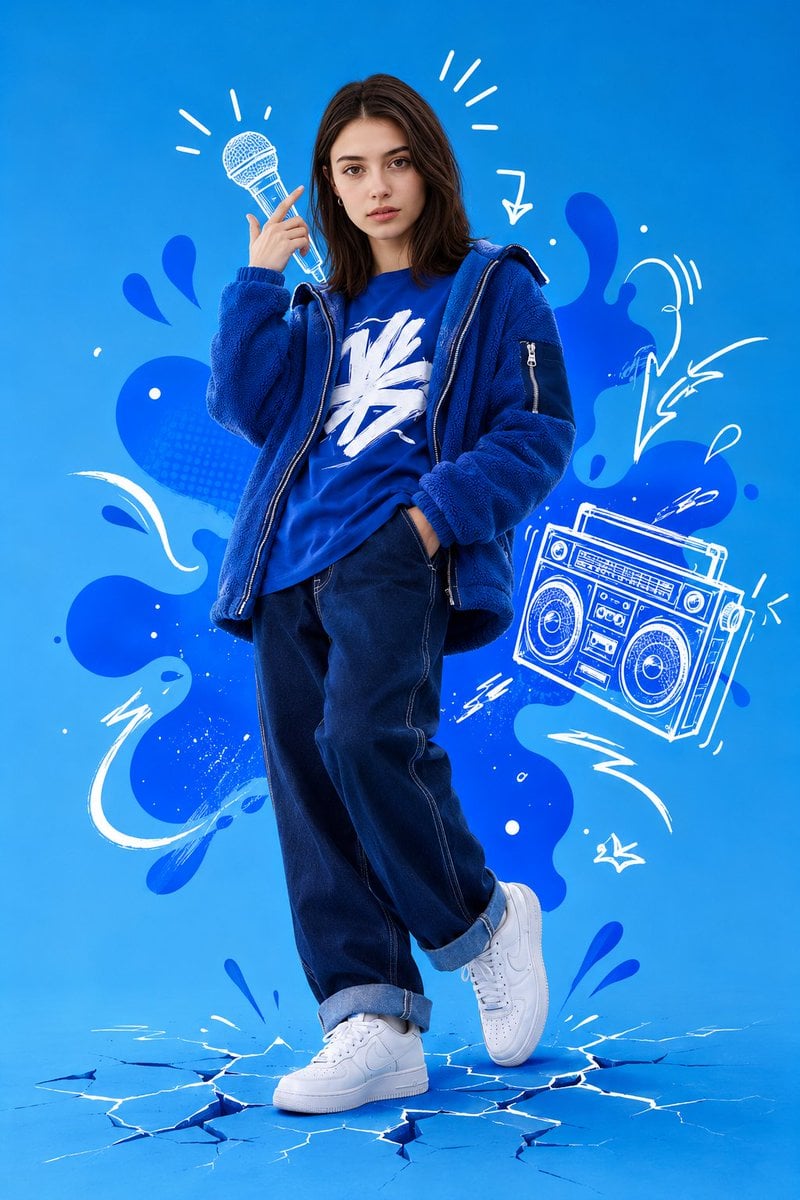
Mixed Media Street Art Portrait
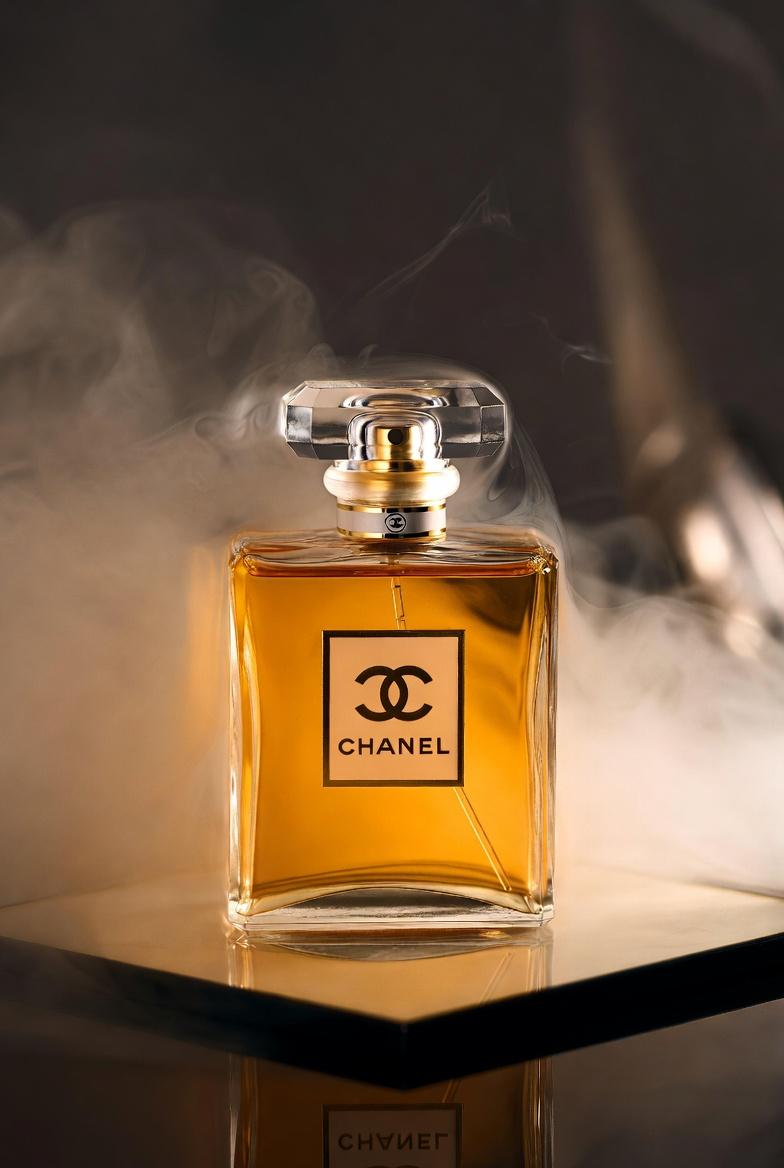
Chanel Perfume Product Shot Prompt
Dramatic Historical Scene Generation with Emotional Dialogue
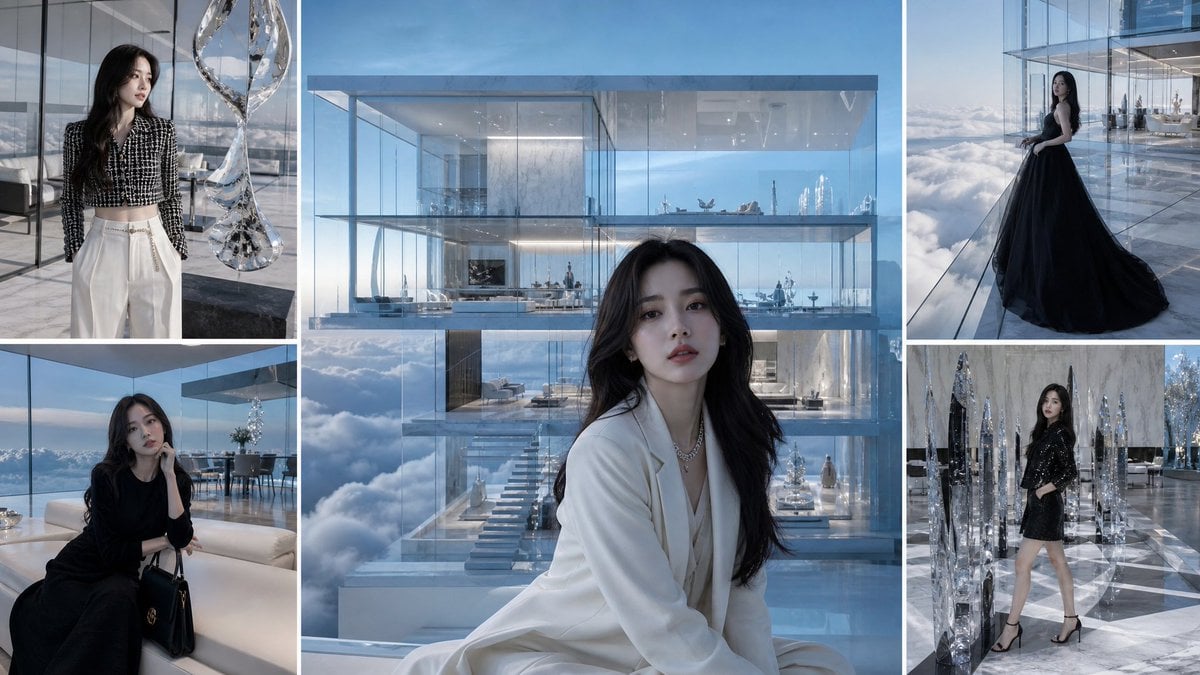
Luxury Glass Sky Penthouse Fashion Collage
Browse template categories
Ultra-Realistic Cinematic Street Photography Prompt questions
How do I use the Ultra-Realistic Cinematic Street Photography Prompt template?
Add your photo if the template asks for one, edit the prompt if you like — the template's model and format are already selected — and press Generate. Your version opens in PicX Studio.
Can I customize the Ultra-Realistic Cinematic Street Photography Prompt template?
Yes. You can change the subject, setting, lighting, mood, format, and available model controls before creating your image.
Is the Ultra-Realistic Cinematic Street Photography Prompt template free?
Opening and editing this template is free. Generating uses credits, shown on the Generate button when you are signed in.
Which AI model should I use?
Start with Nano Banana 2, which is the model associated with this template. You can compare another compatible model for a different finish.
Looking for something else? Browse all templates.

Your photo, any look
Thousands of ready templates for every top image and video model, from one credit balance.