
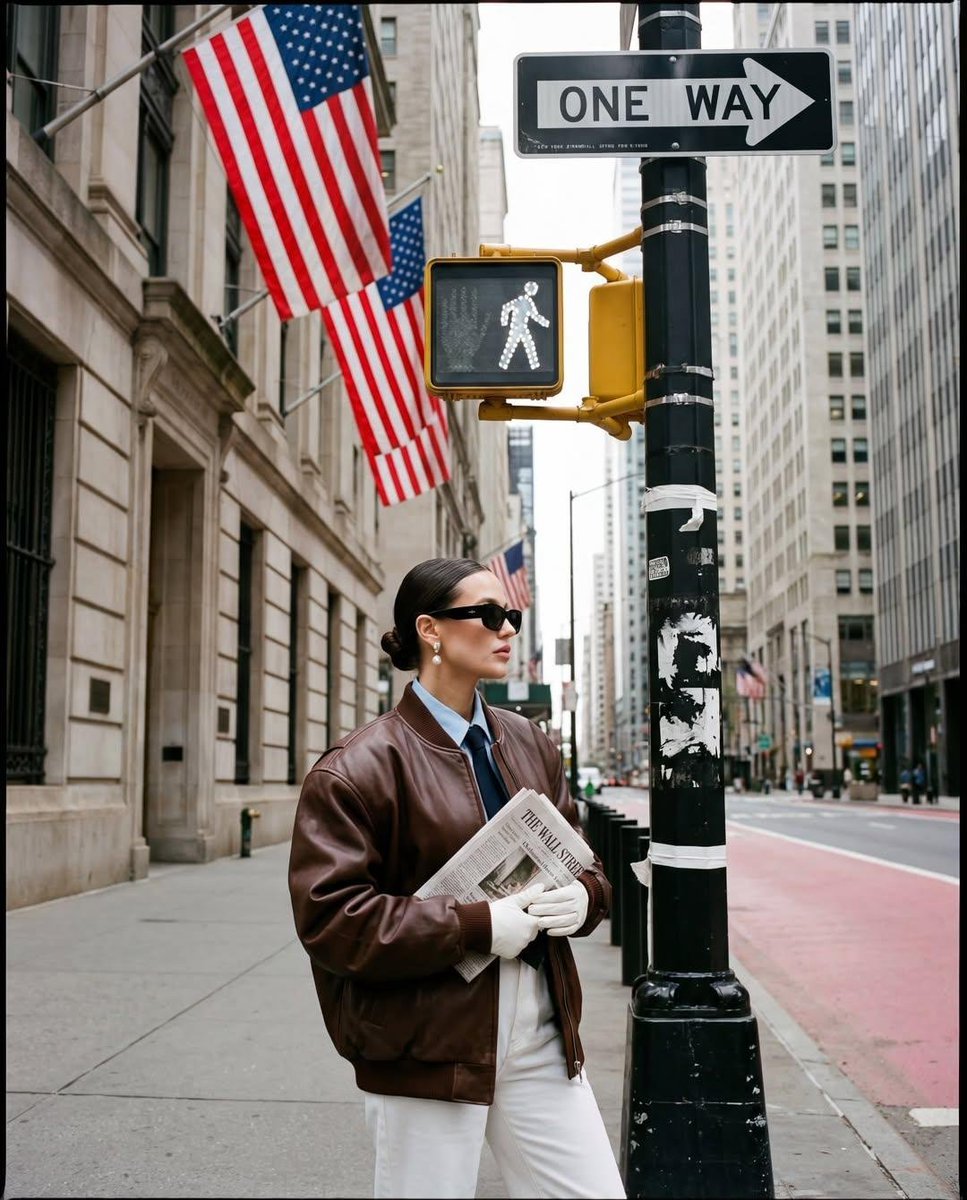
Ultra-realistic street fashion editorial photograph in New York City
Ultra-realistic street fashion editorial photograph in New York City / Wall Street area, shot in vertical 3:4 (1152×1536).
- Prompt included
- Model and format preset
- Premium template
The prompt behind this image
Copy the exact prompt behind Ultra-realistic street fashion editorial photograph in New York City, or open it in the studio and make it yours.
Ultra-realistic street fashion editorial photograph in New York City / Wall Street area, shot in vertical 3:4 (1152×1536). A stylish woman stands in the lower-right foreground on a wide concrete sidewalk at a street corner, posed in left-facing profile (body angled left, head slightly forward), calm confident expression. She wears large black rectangular sunglasses, pearl drop earrings, hair sleek center-part pulled into a low bun, subtle makeup with warm blush and muted lipstick. Outfit: oversized chocolate-brown leather bomber jacket with pronounced shoulders and glossy creases, layered over a light blue collared shirt and a dark necktie. Hands in front holding a folded newspaper: “THE WALL STREET” clearly visible across the top of the paper. She wears white gloves and high-waisted white pants (clean, structured). Environment / Street Elements (Must match): A tall black metal street pole dominates the right side foreground, wrapped with white tape bands and small worn stickers; at the top right there’s a black-and-white “ONE WAY” sign (arrow pointing right). Just left of the pole is a yellow/orange pedestrian traffic signal with the white walking figure illuminated. Above and behind, multiple large American flags hang from the stone building façade, the nearest flag filling the upper center-left area with visible red-and-white stripes and blue field. Background is a canyon of tall buildings: left side is an older light beige stone building with rectangular windows, vent-like panels, and dark trim at the base; right side shows modern tall buildings and a long street receding into the distance. On the roadway to the right is a pinkish-red lane (bus/bike lane feel) with textured sidewalk corner and a small red tactile paving patch near the pole base. Far background includes tiny pedestrians and cars along the street; everything is sharp enough to read the scene but remains secondary to the subject. Composition / Perspective: Wide-angle street perspective with strong vertical lines; the camera is at rough chest height aimed slightly upward so the signal, flags, and signs tower above the subject. Subject is framed from mid-thigh up, placed bottom-right, leaving large negative space of architecture and street signage above. Maintain exact spacing: pole near right edge, pedestrian signal centered above subject, flags hanging upper-left, street depth vanishing toward upper-right background. Lighting / Color / Texture: Overcast daylight with soft shadows, neutral highlights. Warm, slightly desaturated film look (beige stone tones, muted browns), subtle contrast, gentle lifted blacks. Add fine film grain and slight texture like a candid editorial street shot. Natural skin texture, realistic leather sheen and folds, realistic newspaper paper texture. Camera / Lens / Settings (Emulation): Full-frame look, 24–28mm wide lens, documentary/editorial street style, moderate depth of field (subject crisp, background slightly softer but still readable). Slight vintage/film-grade color science. Hard Rules (No deviations): Do not change the pose, outfit layers (brown leather jacket + blue shirt + tie), sunglasses shape, pearl earrings, bun hairstyle, white gloves, white pants, the “THE WALL STREET” newspaper text, the “ONE WAY” sign, the walking man icon, the American flags, or the exact NYC street-corner composition. No extra props, no extra people in foreground, no cropping changes, no stylization beyond realistic film/editorial grain. Negative Prompt (Strict): no illustration, no CGI look, no anime, no painterly texture, no extra typography overlays, no added logos, no changed signs, no different newspaper title, no different flag placement, no blur on main subject, no heavy HDR, no neon colors, no beauty-plastic skin, no distorted hands, no warped buildings, no random lens flares.
How to use Ultra-realistic street fashion editorial photograph in New York City in 3 steps
- 1
Open
The prompt is already in the box next to the preview, with the template's model and format selected.
- 2…a portrait of your subject in softgolden-hour light, 85mm…
Personalize
Edit the subject and creative details for your destination.
- 3Generate
Generate
Press Generate — your image is created in PicX Studio, so you can compare it with the original and refine one variable at a time.
More like this
Templates with the same subject, style or setup. Open one to see its prompt.
Lifestyle photography, cinematic color grading, shallow depth of field

Dramatic motion blur trails, long-exposure photography effect, dynamic
Photography Prompt #982

Portrait of a young woman in her early 20s walking calmly on a beautiful

LIGHTING each element still lit by its original source, windows casting
Minimalist conceptual fashion editorial poster, studio shot on a clean

A 3x3 grid storyboard contact sheet comprised of nine candid, cinematic

A high-definition cinematic portrait of a sophisticated woman sitting
Ultra-premium cinematic food photography, 8K UHD, 3 4 aspect ratio

A luxury brand advertisement featuring three stylish arranged

Realistic portrait 100 identical face, no editing allowed

21 Glass Floor Skyscraper — California Series
Make it yours
Ultra-realistic street fashion editorial photograph in New York City works as-is. These are the safest ways to change it without losing the look.
Change one field
Copy a single group, rewrite it, and generate again so you can see what that field is doing.
Keep the frame, change the subject
Hold the composition and light of Ultra-realistic street fashion editorial photograph in New York City, then swap wardrobe, props or the person for a new take.
| If the result… | Why | Fix |
|---|---|---|
| The result drifts from the preview | Too many fields changed at once. | Reuse Ultra-realistic street fashion editorial photograph in New York City as-is first, then change one group — subject, light, or setting. |
| The model over-stylizes the scene | The prose prompt leaves finish and camera underspecified. | Add one camera or lighting sentence and stay on Nano Banana 2. |
More Nano Banana 2 templates
Other prompts made for Nano Banana 2.

Photorealistic Leaf Shaped Like a Dragon

K-Pop Idol Portrait Grid for Rapid Selection

Poetic Rain Forest Portrait During Golden Hour

Urban Street Portrait with Cartoon Inner Self Duo

Candid Nighttime Photo with Cat Prompt

High-Concept 3D Diorama Generation Prompt

Cinematic Futuristic Studio Portrait Template

Skincare Editorial Photography Collage Prompt

Hyper-Realistic Commercial Product Photography (Splash Effect)

Hyper-Realistic Nightclub Portrait Prompt
More image prompts
Fresh picks from across the catalog.
Prompt: Use my uploaded portrait photo only as th
Photo-to-LEGO Minifigure Transformation
Comic Art Style Prompt
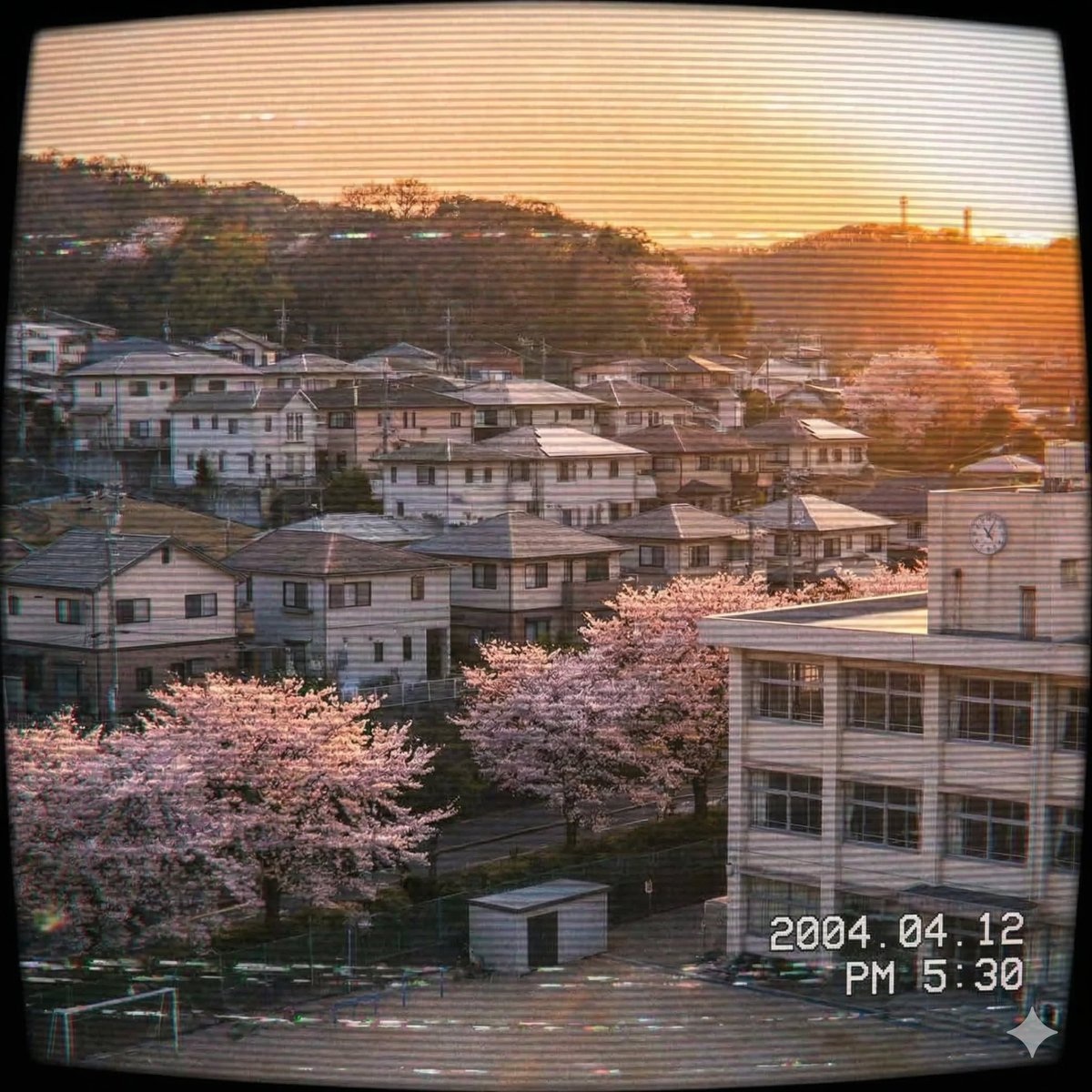
Japanese Suburb in 2000s Old Footage Style
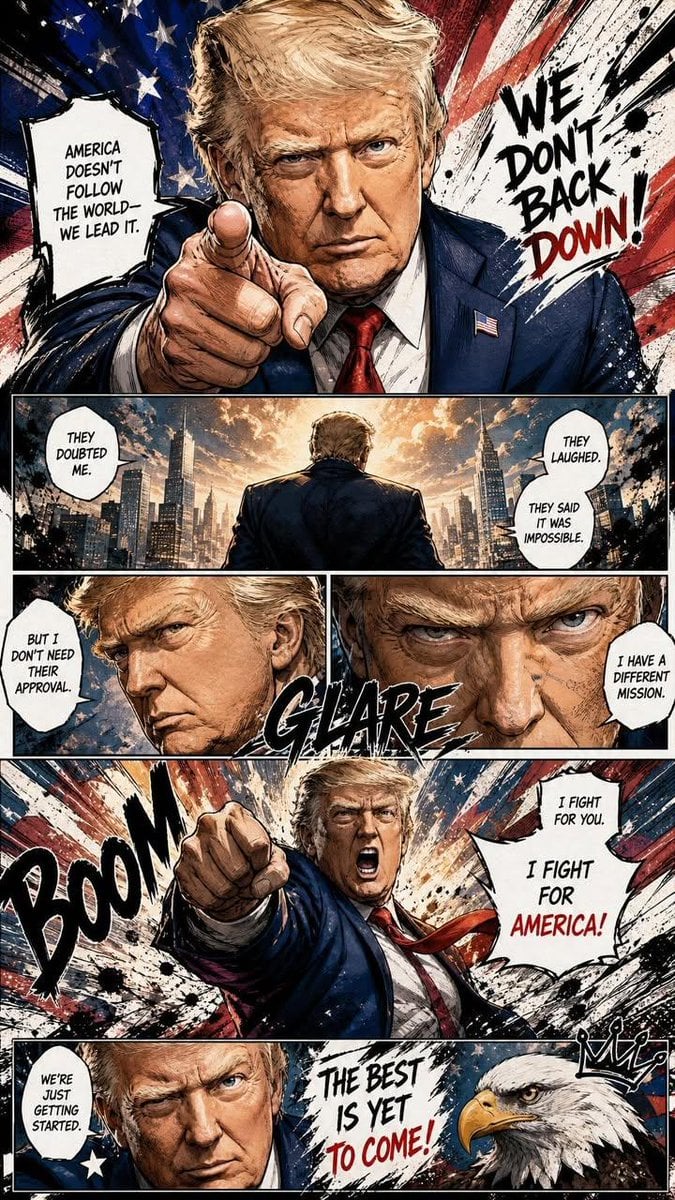
Dynamic Manga Page Illustration
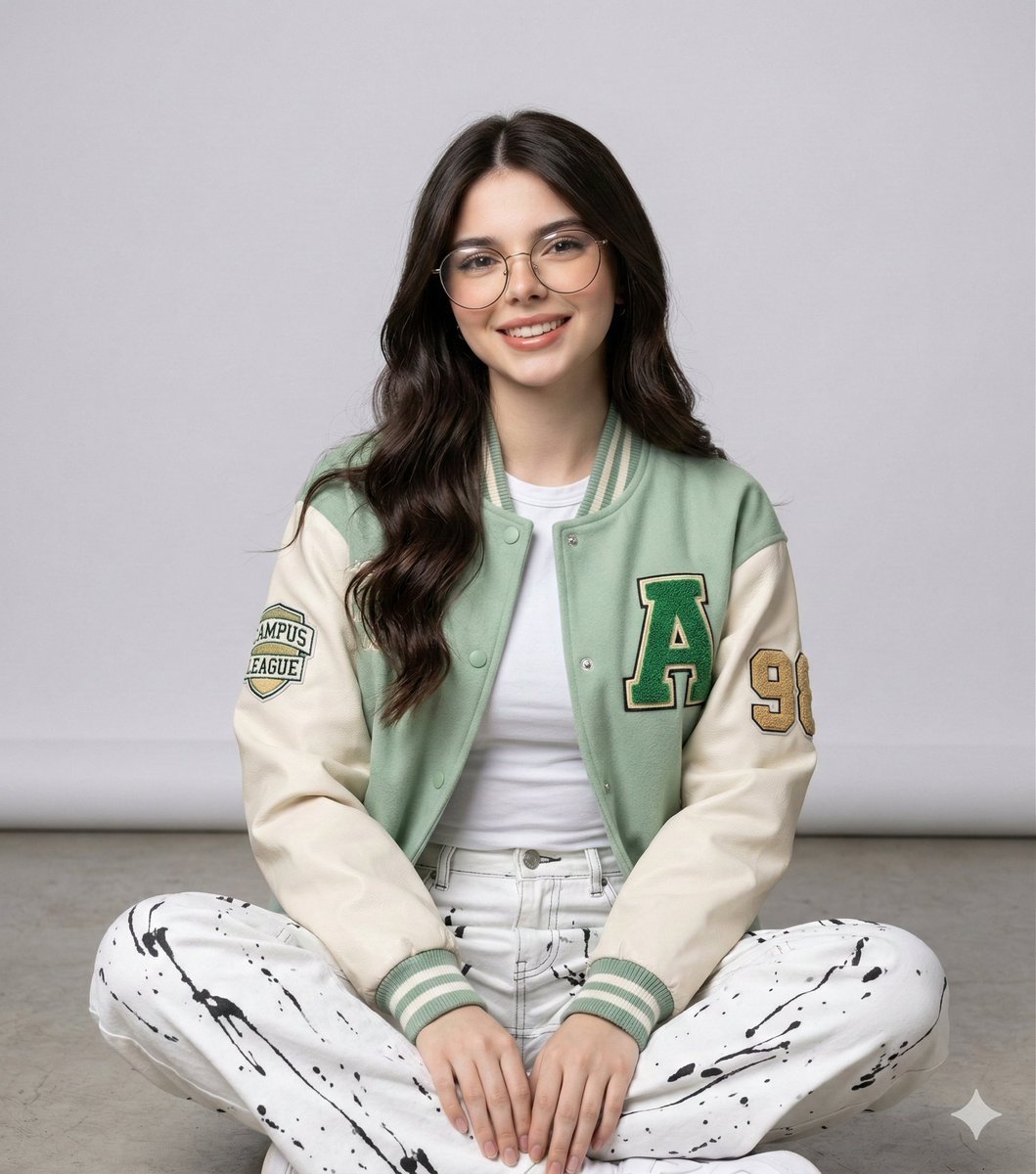
Studio Portrait of a Woman in Varsity Jacket and Splatter Pants
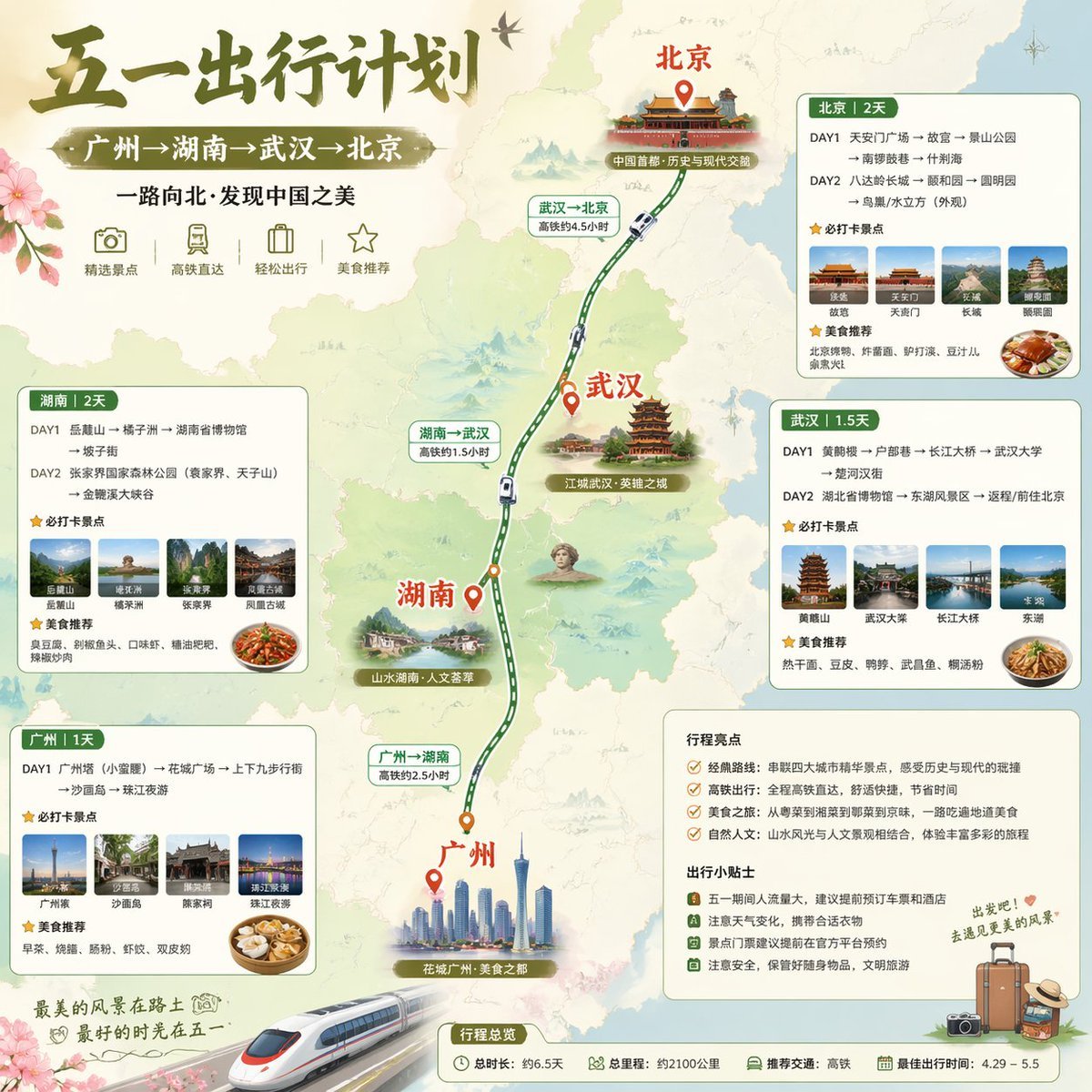
China May Day Rail Travel Infographic
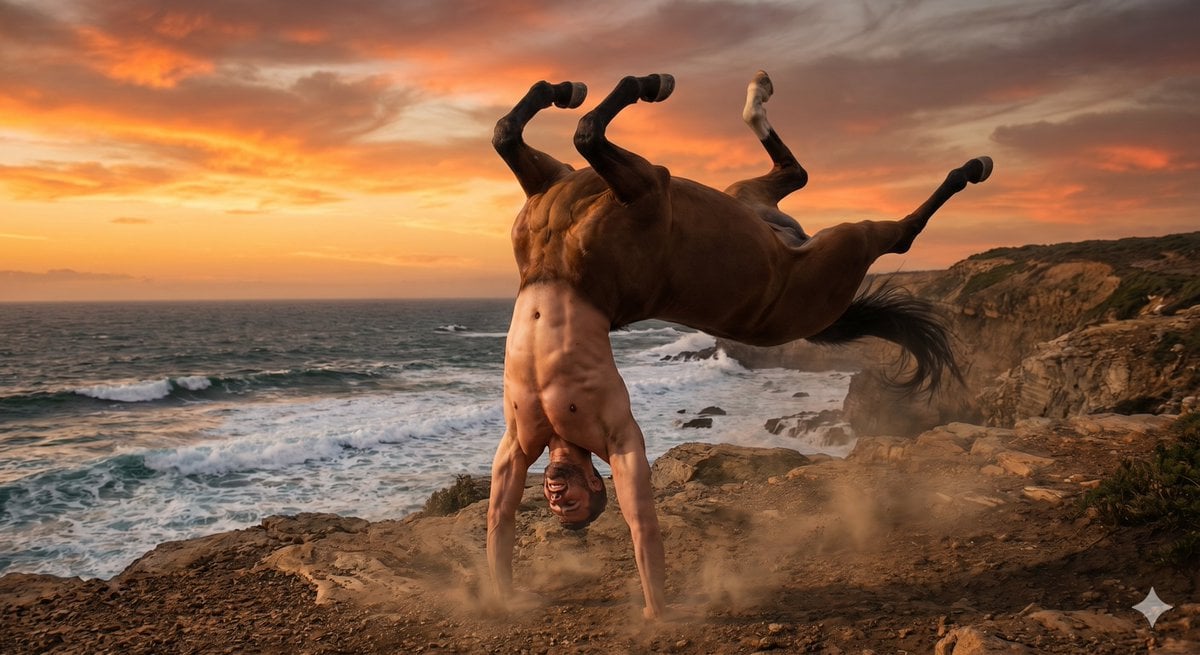
Centaur handstand prompt for GPT Image 2

Gpt2 Infographic Edu Visual Parent Child Miscommunication Infographic
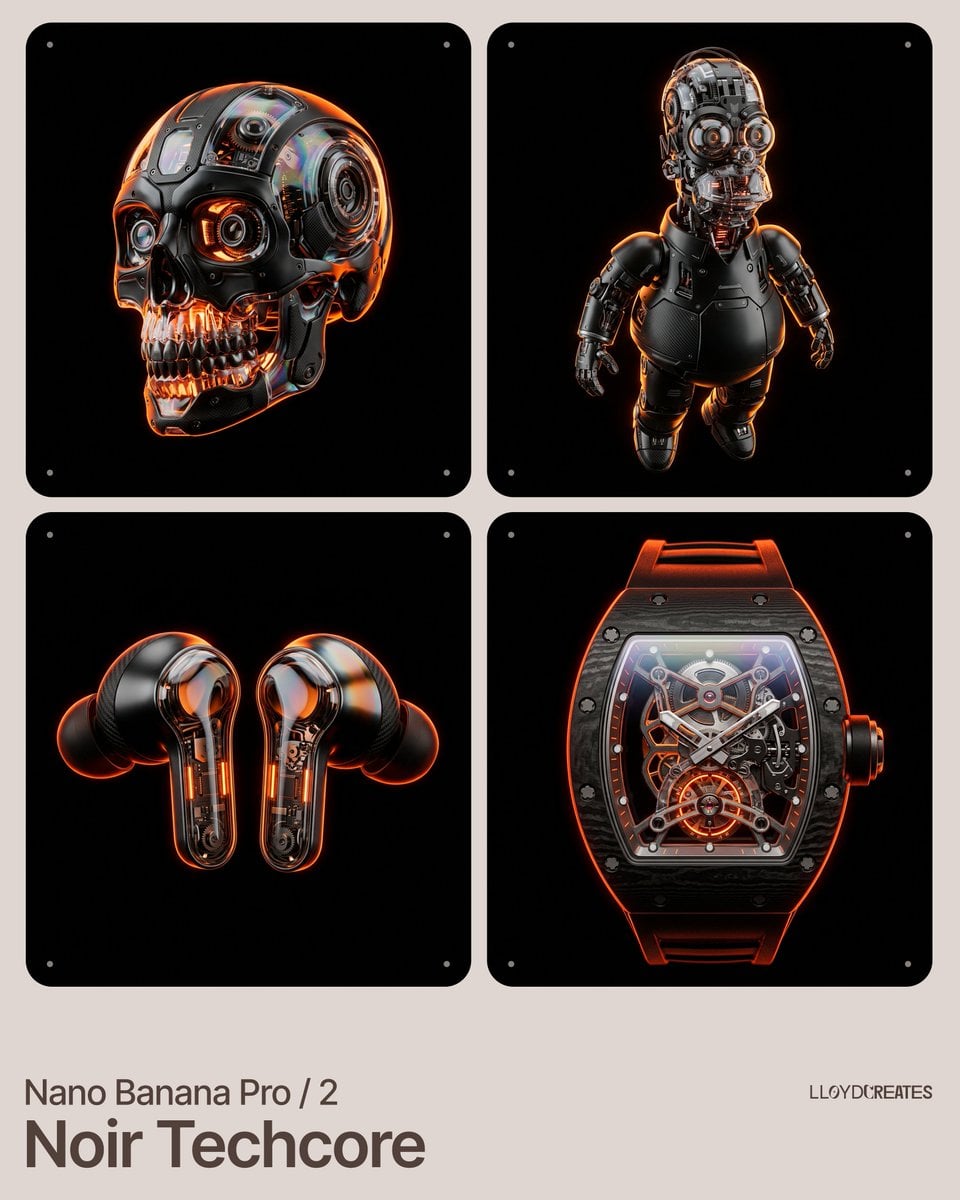
Noir Techcore Product Photography Prompt for Nano Banana Pro
Browse template categories
Ultra-realistic street fashion editorial photograph in New York City questions
How do I use the Ultra-realistic street fashion editorial photograph in New York City template?
Add your photo if the template asks for one, edit the prompt if you like — the template's model and format are already selected — and press Generate. Your version opens in PicX Studio.
Can I customize the Ultra-realistic street fashion editorial photograph in New York City template?
Yes. You can change the subject, setting, lighting, mood, format, and available model controls before creating your image.
Is the Ultra-realistic street fashion editorial photograph in New York City template free?
Opening and editing this template is free. Generating uses credits, shown on the Generate button when you are signed in.
Which AI model should I use?
Start with Nano Banana 2, which is the model associated with this template. You can compare another compatible model for a different finish.
Looking for something else? Browse all templates.

Your photo, any look
Thousands of ready templates for every top image and video model, from one credit balance.