
Photography Prompt #982
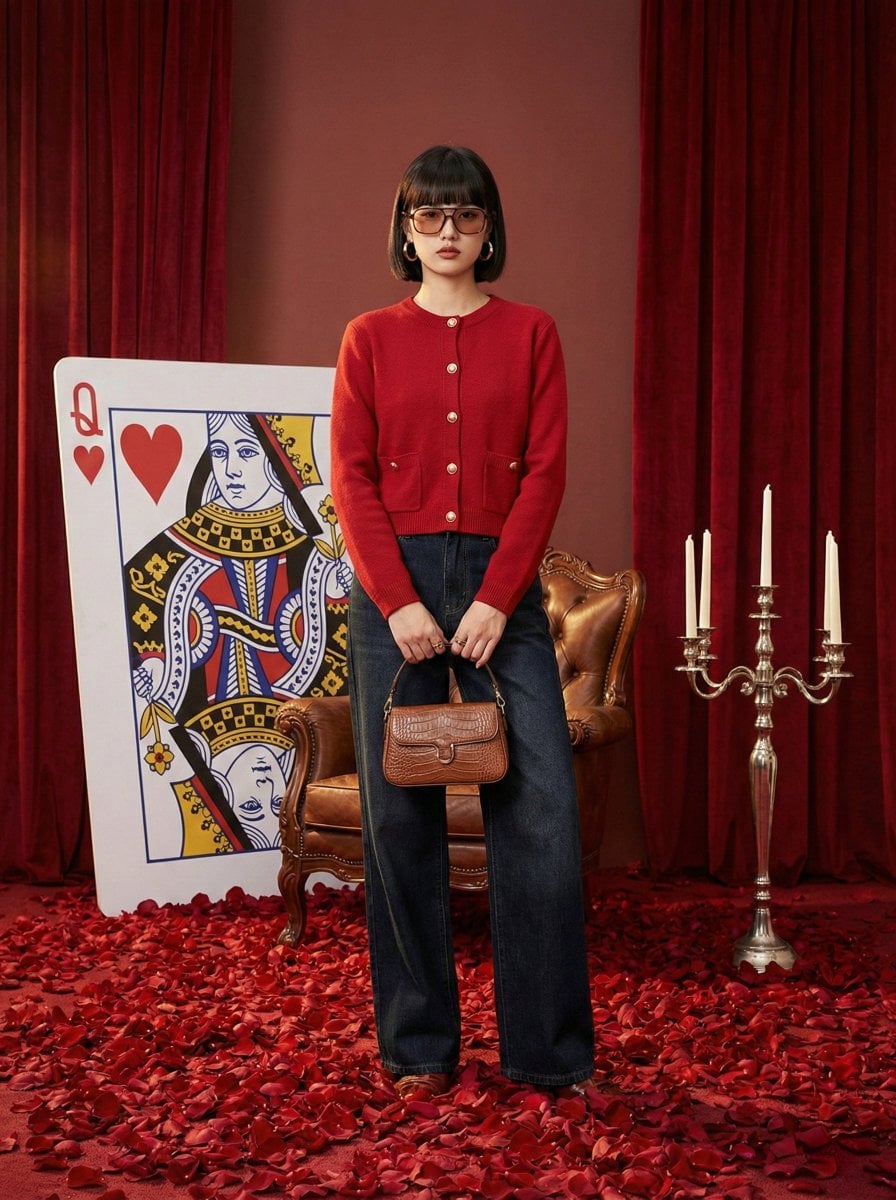
{ "meta": { "image_quality": "High", "image_type": "Studio Photography", "resolution_estimation": "1024x1280", "file_characteristics": { "compression_artifacts": "Low", "noise_level": "None", "lens_type_estimation"…
- Prompt included
- Model and format preset
- Premium template
The prompt behind this image
Copy the exact prompt behind Photography Prompt #982, or open it in the studio and make it yours.
{ "meta": { "image_quality": "High", "image_type": "Studio Photography", "resolution_estimation": "1024x1280", "file_characteristics": { "compression_artifacts": "Low", "noise_level": "None", "lens_type_estimation": "Standard Prime (approx. 50mm)" } }, "global_context": { "scene_description": "A fashion editorial shot featuring a woman in a red cardigan and dark jeans standing in a surreal Alice in Wonderland-themed studio. The floor is covered in a thick layer of red rose petals. Behind her sits a vintage leather armchair and a giant 'Queen of Hearts' playing card leaned against red velvet curtains. A silver candelabra with white candles stands to the right.", "environment_type": "Studio", "time_of_day": "N/A (Indoor Artificial)", "weather_atmosphere": "Theatrical, Romantic, Surreal", "lighting": { "source": "Studio Softboxes", "direction": "Frontal-left (45-degree angle)", "quality": "Soft", "color_temperature": "Warm Neutral (~3200K - 4000K)" }, "color_palette": { "dominant_hex_estimates": [ "#8B0000", "#E31B23", "#1A1B2E", "#FFFFFF" ], "accent_colors": [ "#C5A059", "#000000" ], "contrast_level": "High" } }, "composition": { "camera_angle": "Eye-level", "framing": "Full-body shot", "depth_of_field": "Medium (background elements slightly soft but legible)", "focal_point": "The woman in the red cardigan", "symmetry_type": "None", "rule_of_thirds_alignment": "Subject is centered horizontally; eyes align with the upper third line." }, "objects": [ { "id": "obj_001", "label": "Female Model", "category": "Person", "location": { "relative_position": "Center", "bounding_box_percentage": { "x": 25.0, "y": 14.0, "width": 30.0, "height": 70.0 } }, "dimensions_relative": "Large", "distance_from_camera": "Near", "pose_orientation": "Standing upright, slightly turned to the left, looking directly at camera.", "material": "Skin, hair, fabric", "surface_properties": { "texture": "Smooth skin, soft knit, denim", "reflectivity": "Low", "micro_details": "Dark bob haircut, gold hoop earrings, tinted glasses.", "wear_state": "Pristine" }, "color_details": { "base_color_hex": "#E31B23", "secondary_colors": [ "#1A1B2E" ], "gradient_or_pattern": "Solid colors" }, "interaction_with_light": { "shadow_casting": "Soft shadow cast to the right and onto the floor petals", "highlight_zones": "Left side of face and cardigan shoulder", "translucency": "None" }, "relationships": [ { "type": "wearing", "target_object_id": "obj_002" }, { "type": "holding", "target_object_id": "obj_004" } ] }, { "id": "obj_002", "label": "Red Cardigan", "category": "Clothing", "location": { "relative_position": "Upper Center", "bounding_box_percentage": { "x": 26.0, "y": 24.0, "width": 25.0, "height": 26.0 } }, "dimensions_relative": "Medium", "distance_from_camera": "Near", "pose_orientation": "Buttoned at the top, open at the bottom", "material": "Knitted wool/cashmere", "surface_properties": { "texture": "Ribbed cuffs and hem, fine knit body", "reflectivity": "None", "micro_details": "Four visible gold-tone circular buttons", "wear_state": "New" }, "color_details": { "base_color_hex": "#E31B23", "secondary_colors": [ "#C5A059" ], "gradient_or_pattern": "Solid" }, "interaction_with_light": { "shadow_casting": "Folds create soft internal shadows", "highlight_zones": "Upper shoulders and sleeve edges" } }, { "id": "obj_003", "label": "Wide-leg Jeans", "category": "Clothing", "location": { "relative_position": "Lower Center", "bounding_box_percentage": { "x": 29.0, "y": 41.0, "width": 26.0, "height": 42.0 } }, "dimensions_relative": "Medium-Large", "distance_from_camera": "Near", "pose_orientation": "Straight vertical hang", "material": "Denim", "surface_properties": { "texture": "Coarse weave, visible center crease/seam", "reflectivity": "None", "micro_details": "Contrast stitching, black belt with gold buckle", "wear_state": "New" }, "color_details": { "base_color_hex": "#1A1B2E", "secondary_colors": [ "#C5A059" ], "gradient_or_pattern": "Dark indigo wash" } }, { "id": "obj_004", "label": "Handbag", "category": "Accessory", "location": { "relative_position": "Center-Right (Model's hand)", "bounding_box_percentage": { "x": 37.0, "y": 62.0, "width": 15.0, "height": 10.0 } }, "dimensions_relative": "Small", "distance_from_camera": "Near", "pose_orientation": "Held by chain strap", "material": "Leather, Metal", "surface_properties": { "texture": "Embossed/quilted paisley-like pattern", "reflectivity": "Medium (chain and leather sheen)", "micro_details": "Silver-tone chain link strap", "wear_state": "New" }, "color_details": { "base_color_hex": "#000000", "secondary_colors": [ "#C0C0C0" ] } }, { "id": "obj_005", "label": "Queen of Hearts Card", "category": "Prop", "location": { "relative_position": "Mid-Right", "bounding_box_percentage": { "x": 58.0, "y": 35.0, "width": 30.0, "height": 40.0 } }, "dimensions_relative": "Large", "distance_from_camera": "Mid", "pose_orientation": "Leaning against background at a 45-degree angle", "material": "Cardboard/Foamcore", "surface_properties": { "texture": "Matte", "reflectivity": "Low", "micro_details": "Stylized 'Q' and heart icons in corners", "wear_state": "Pristine" }, "color_details": { "base_color_hex": "#FFFFFF", "secondary_colors": [ "#E31B23" ] }, "text_content": { "raw_text": "Q", "font_style": "Serif", "font_weight": "Bold", "text_case": "Uppercase", "alignment": "Corner-aligned", "color_hex": "#E31B23" } }, { "id": "obj_006", "label": "Candelabra", "category": "Furniture/Prop", "location": { "relative_position": "Far Right", "bounding_box_percentage": { "x": 81.0, "y": 29.0, "width": 18.0, "height": 45.0 } }, "dimensions_relative": "Medium", "distance_from_camera": "Mid", "pose_orientation": "Standing vertical", "material": "Silver Metal, Wax", "surface_properties": { "texture": "Polished/Metallic", "reflectivity": "High", "micro_details": "Ornate curved arms, three visible white tapered candles (unlit)", "wear_state": "New" }, "color_details": { "base_color_hex": "#C0C0C0", "secondary_colors": [ "#FFFFFF" ] } }, { "id": "obj_007", "label": "Rose Petals", "category": "Decor", "location": { "relative_position": "Bottom / Floor", "bounding_box_percentage": { "x": 0.0, "y": 72.0, "width": 100.0, "height": 28.0 } }, "dimensions_relative": "Large (as a group)", "distance_from_camera": "Near to Mid", "pose_orientation": "Scattered randomly", "material": "Organic / Silk", "surface_properties": { "texture": "Velvety/Soft", "reflectivity": "Low", "micro_details": "Varying shades of red, slight curling at edges", "wear_state": "Fresh" }, "color_details": { "base_color_hex": "#8B0000", "secondary_colors": [ "#E31B23" ] } } ], "background_details": { "texture": "Velvet Drapes", "patterns": "Vertical heavy folds/pleats", "lighting_behavior": "Absorbs light in deep folds, soft sheen on raised edges", "additional_elements": [ "Vintage brown leather tufted armchair (partially obscured)", "Large cluster of red roses near the base of the card" ] }, "foreground_elements": { "particles": "None", "artifacts": "Slight floor-level haze where light meets petals" }, "reconstruction_notes": { "mandatory_elements_for_recreation": "Red knit cardigan with gold buttons, dark wide-leg denim, floor covered in red rose petals, oversized Queen of Hearts card, red velvet curtain backdrop.", "sensitivity_factors": "The specific saturation of the red (cardigan must match curtains and petals), the height of the petal layer (must feel thick/carpeting), and the theatrical studio lighting.", "ambiguities": "The exact texture of the handbag's embossing is complex; the model's footwear is almost entirely hidden by the wide-leg jeans and petals." } }
How to use Photography Prompt #982 in 3 steps
- 1
Open
The prompt is already in the box next to the preview, with the template's model and format selected.
- 2…a portrait of your subject in softgolden-hour light, 85mm…
Personalize
Edit the subject and creative details for your destination.
- 3Generate
Generate
Press Generate — your image is created in PicX Studio, so you can compare it with the original and refine one variable at a time.
More like this
Templates with the same subject, style or setup. Open one to see its prompt.

青蛇小青写真大片,绿色紧身蛇鳞裙,湿发红唇,妖娆妩媚

A double exposure, long exposure editorial photograph of a man Use image

Portrait of a young woman in her early 20s walking calmly on a beautiful

Artistic portrait of an elegant Asian woman wearing a black silk

A high-quality photo collage featuring the same person with identical

LIGHTING each element still lit by its original source, windows casting

A 3x3 grid storyboard contact sheet comprised of nine candid, cinematic

A high-definition cinematic portrait of a sophisticated woman sitting
Lifestyle photography, cinematic color grading, shallow depth of field

Dramatic motion blur trails, long-exposure photography effect, dynamic

A luxury brand advertisement featuring three stylish arranged

Realistic portrait 100 identical face, no editing allowed
Make it yours
Photography Prompt #982 works as-is. These are the safest ways to change it without losing the look.
Change one field
Copy a single group, rewrite it, and generate again so you can see what that field is doing.
Keep the frame, change the subject
Hold the composition and light of Photography Prompt #982, then swap wardrobe, props or the person for a new take.
| If the result… | Why | Fix |
|---|---|---|
| The result drifts from the preview | Too many fields changed at once. | Reuse Photography Prompt #982 as-is first, then change one group — subject, light, or setting. |
| The model over-stylizes the scene | The prose prompt leaves finish and camera underspecified. | Add one camera or lighting sentence and stay on Nano Banana 2. |
More Nano Banana 2 templates
Other prompts made for Nano Banana 2.

Photorealistic Leaf Shaped Like a Dragon

K-Pop Idol Portrait Grid for Rapid Selection

Poetic Rain Forest Portrait During Golden Hour

Urban Street Portrait with Cartoon Inner Self Duo

Candid Nighttime Photo with Cat Prompt

High-Concept 3D Diorama Generation Prompt

Cinematic Futuristic Studio Portrait Template

Skincare Editorial Photography Collage Prompt

Hyper-Realistic Commercial Product Photography (Splash Effect)

Hyper-Realistic Nightclub Portrait Prompt
More image prompts
Fresh picks from across the catalog.
Retro Café Fish-eye Lens Portrait
Rainy Campus Fashion Portrait Collage
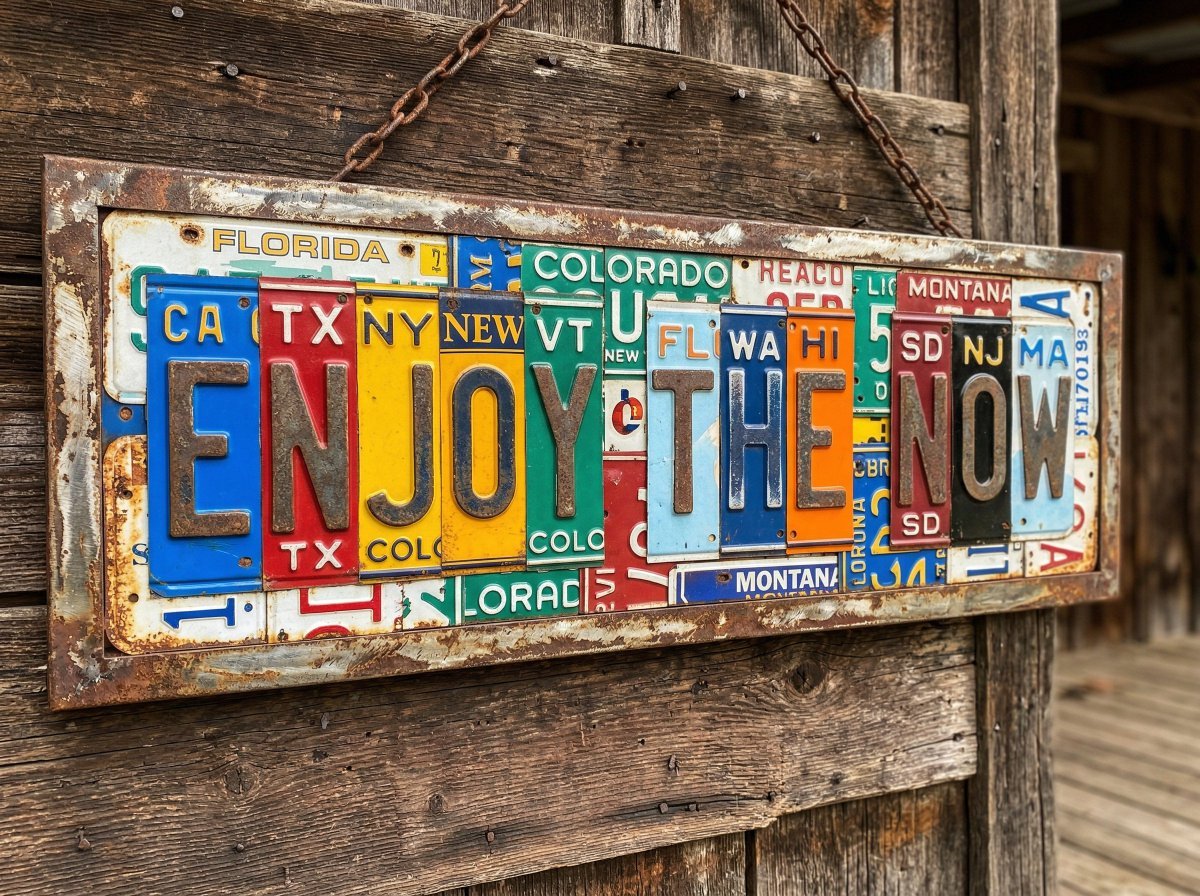
Distressed License Plate Sign
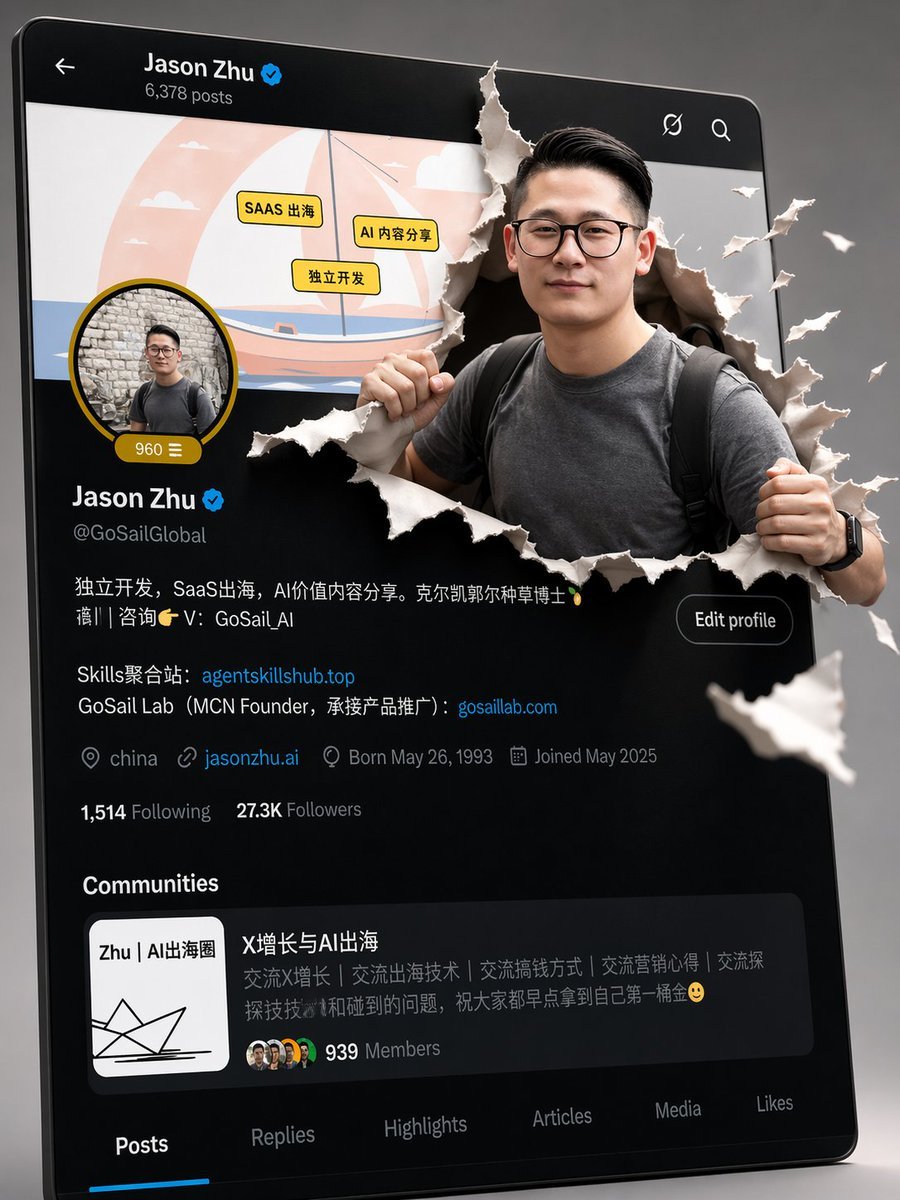
3D Pop-out Profile Page Illustration
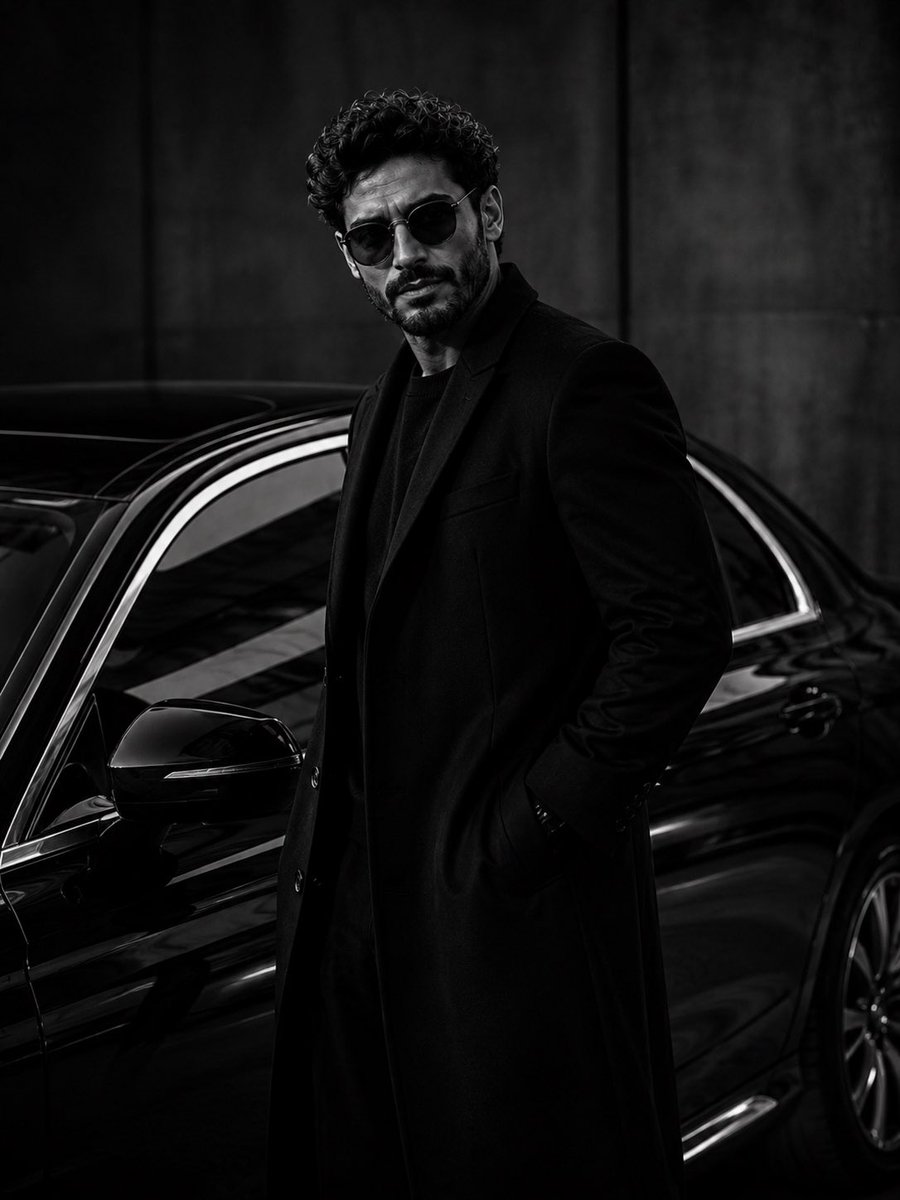
Ultra-Luxury Monochrome Fashion Editorial
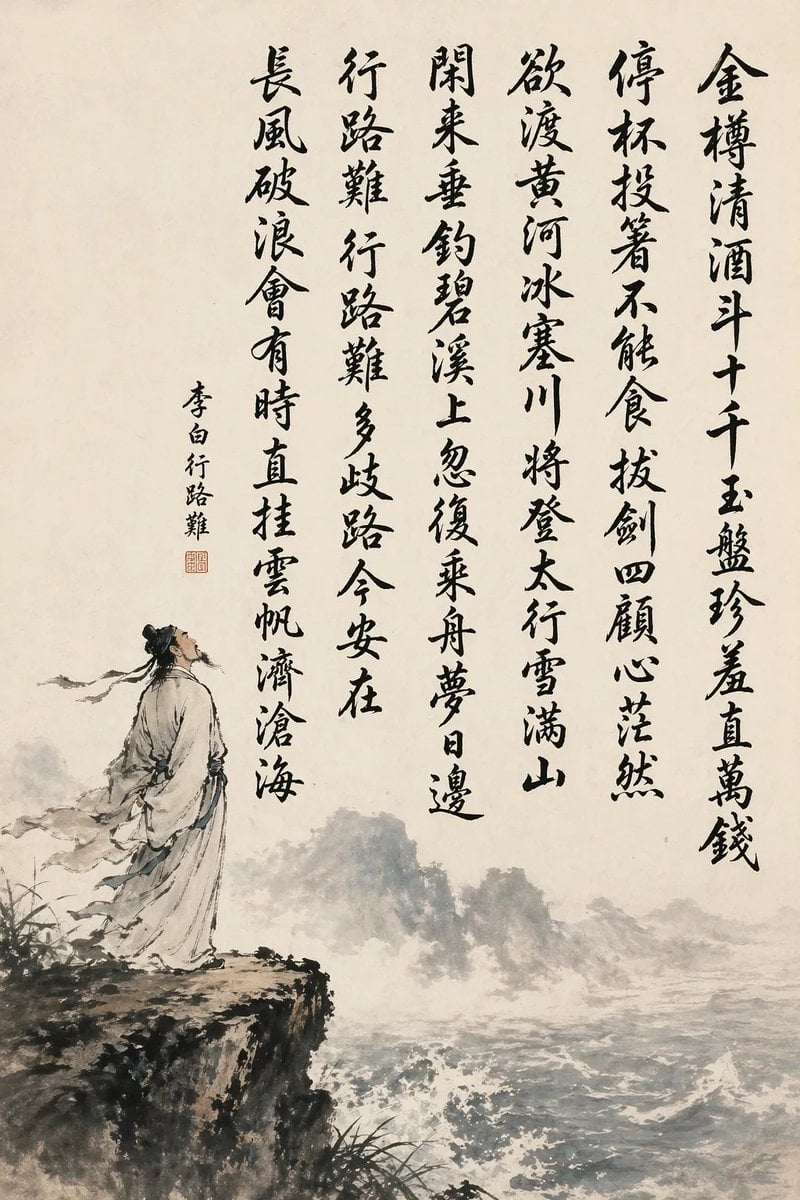
Chinese Calligraphy Poem Landscape
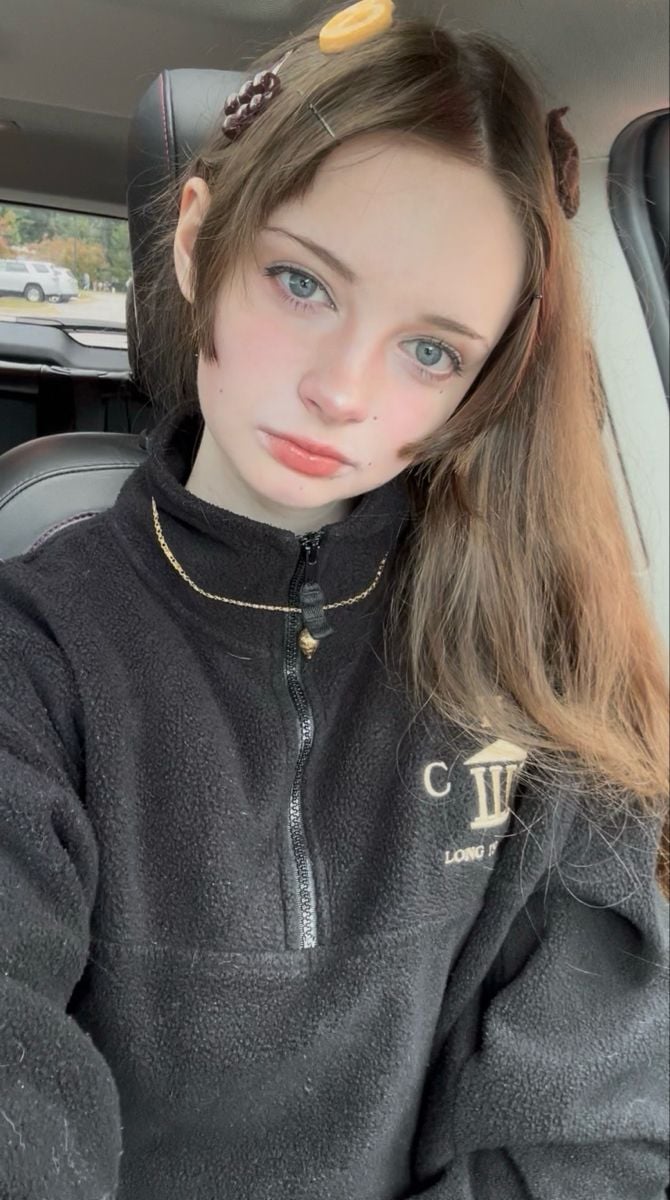
Close-up Candid Selfie Portrait of Young Woman
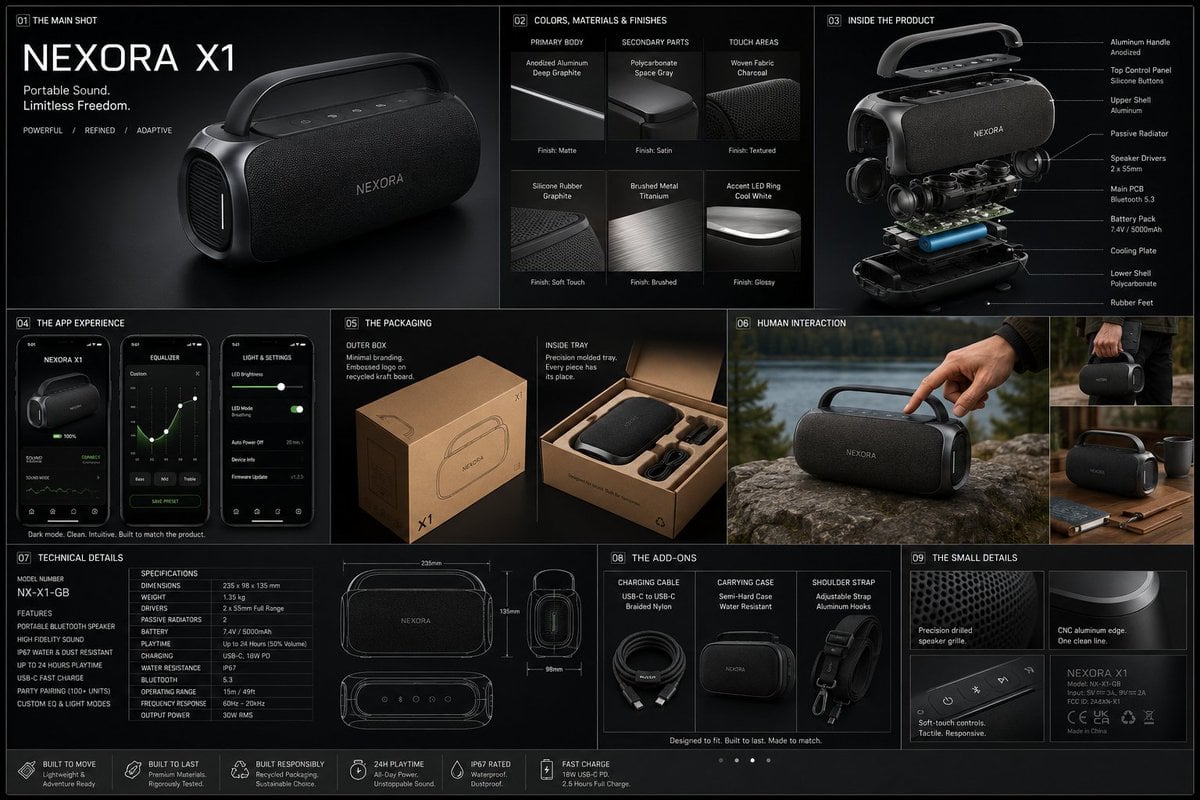
Professional Physical Product Design Board
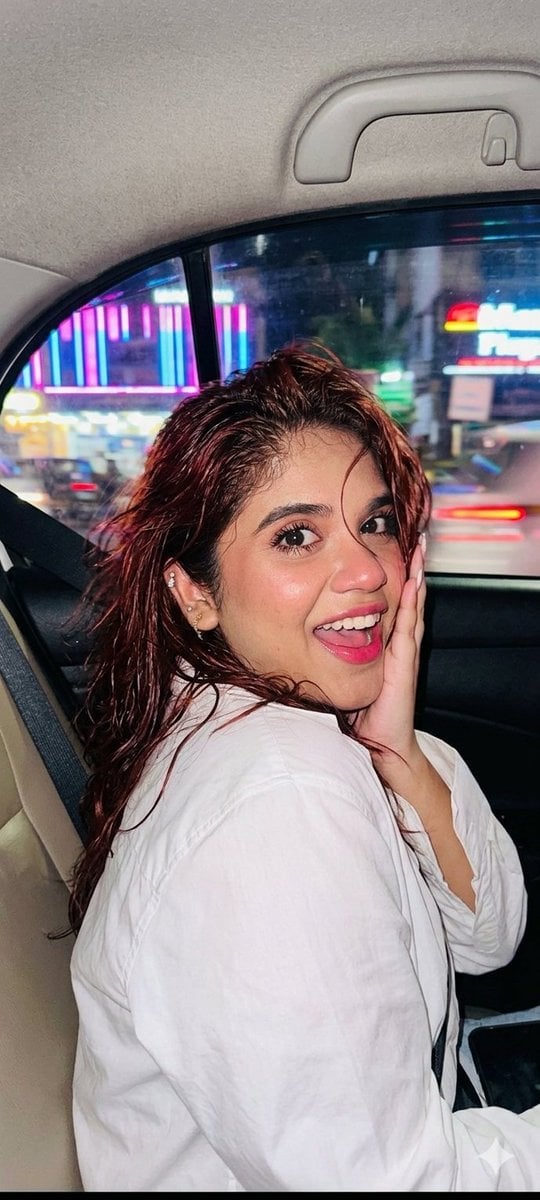
Nightlife Car Ride Portrait
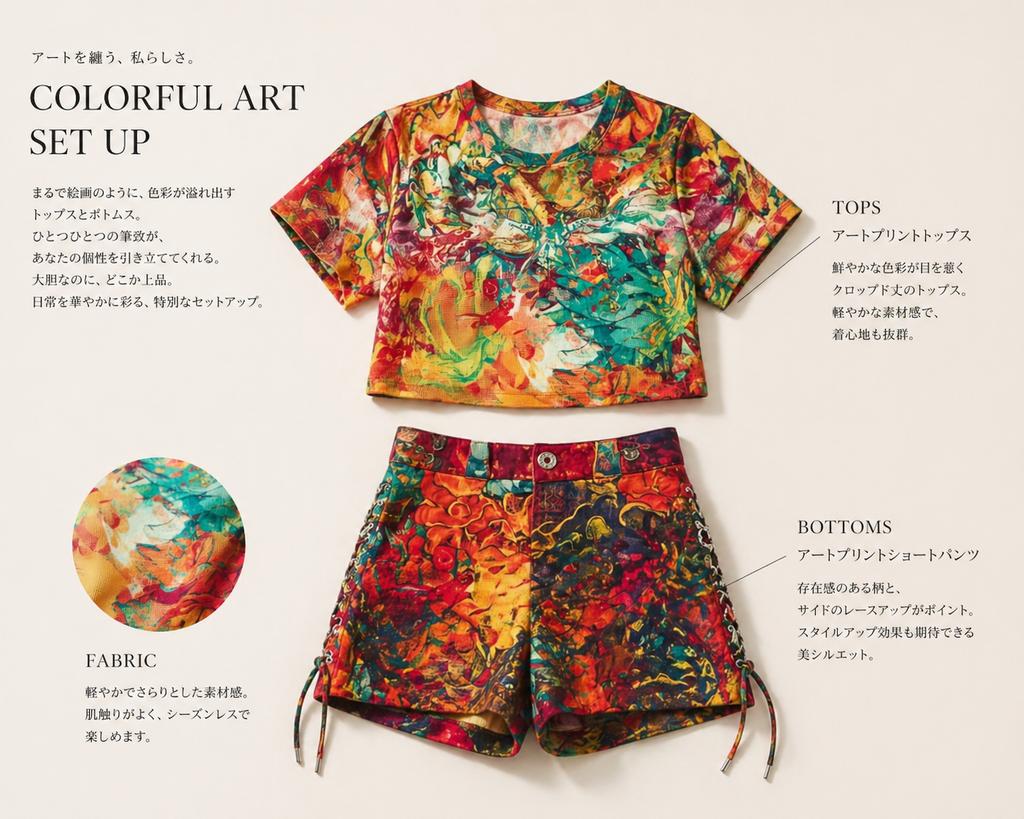
Fashion Editorial Outfit Breakdown
Browse template categories
Photography Prompt #982 questions
How do I use the Photography Prompt #982 template?
Add your photo if the template asks for one, edit the prompt if you like — the template's model and format are already selected — and press Generate. Your version opens in PicX Studio.
Can I customize the Photography Prompt #982 template?
Yes. You can change the subject, setting, lighting, mood, format, and available model controls before creating your image.
Is the Photography Prompt #982 template free?
Opening and editing this template is free. Generating uses credits, shown on the Generate button when you are signed in.
Which AI model should I use?
Start with Nano Banana 2, which is the model associated with this template. You can compare another compatible model for a different finish.
Looking for something else? Browse all templates.

Your photo, any look
Thousands of ready templates for every top image and video model, from one credit balance.