
Chinese Calligraphy Poem Landscape
This prompt generates a classical Chinese ink painting with flawless poem calligraphy and a scholar in a dramatic shanshui landscape, ideal for cultural posters, scroll art, or literary-themed visuals.
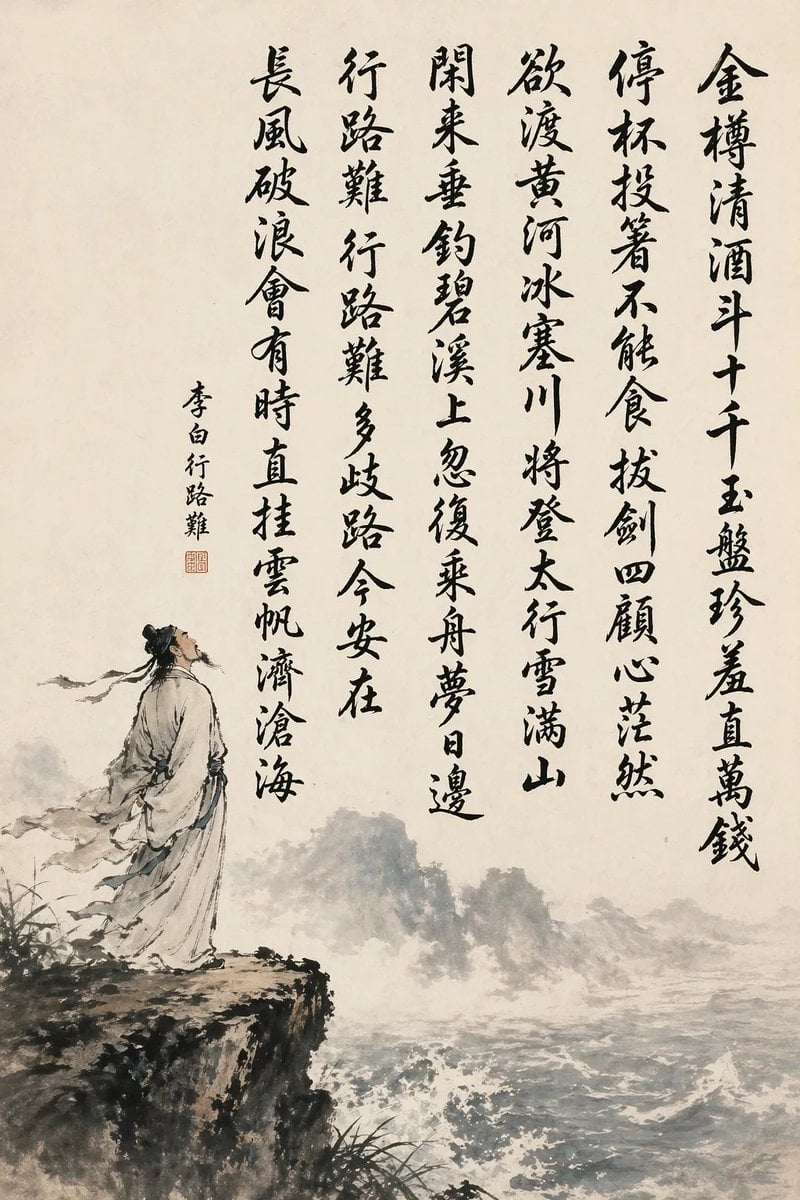
- Prompt included
- Model and format preset
- Free template
The prompt behind this image
Copy the exact prompt behind Chinese Calligraphy Poem Landscape, or open it in the studio and make it yours.
A traditional Chinese ink wash hanging-scroll style painting on warm off-white rice paper, vertically composed with large black brush-calligraphy occupying the upper and right-central area and a poetic landscape illustration in the lower left and bottom. The calligraphy must be crisp, fully legible, and written in expressive semi-cursive brush script, arranged in 6 vertical columns read right to left. The exact text of the 6 columns is: “金樽清酒斗十千 玉盘珍羞直万钱”, “停杯投箸不能食 拔剑四顾心茫然”, “欲渡黄河冰塞川 将登太行雪满山”, “闲来垂钓碧溪上 忽复乘舟梦日边”, “行路难 行路难 多歧路 今安在”, “长风破浪会有时 直挂云帆济沧海”. Add a smaller vertical signature inscription to the left of the main poem reading “李白行路难”, plus 1 small red square seal beneath the inscription. In the painted scene, show 1 ancient Chinese scholar-poet in flowing pale robes with a dark topknot and trailing ribbons, standing on the edge of a rugged cliff at lower left, gazing upward and outward in contemplation. Below and across the lower half, depict a turbulent river or sea with whitecaps and foam, misty ink-wash mountains receding in the distance, sparse grasses and dark brush vegetation near the cliff edge, and soft atmospheric fog. Use monochrome black and gray ink with very restrained muted blue-gray washes in the water and robe shadows. The mood is heroic, melancholic, and literary, evoking classical Chinese shanshui painting and museum-quality calligraphy, with empty negative space preserved around the text and landscape.
How to use Chinese Calligraphy Poem Landscape in 3 steps
- 1Upload ImagePNG, JPG or paste
Add your photo
Upload the photo the template builds on. The prompt, model and format are already set.
- 2…a portrait of your subject in softgolden-hour light, 85mm…
Personalize
Edit the subject and creative details for your destination.
- 3Generate
Generate
Press Generate — your image is created in PicX Studio, so you can compare it with the original and refine one variable at a time.
More like this
Templates with the same subject, style or setup. Open one to see its prompt.
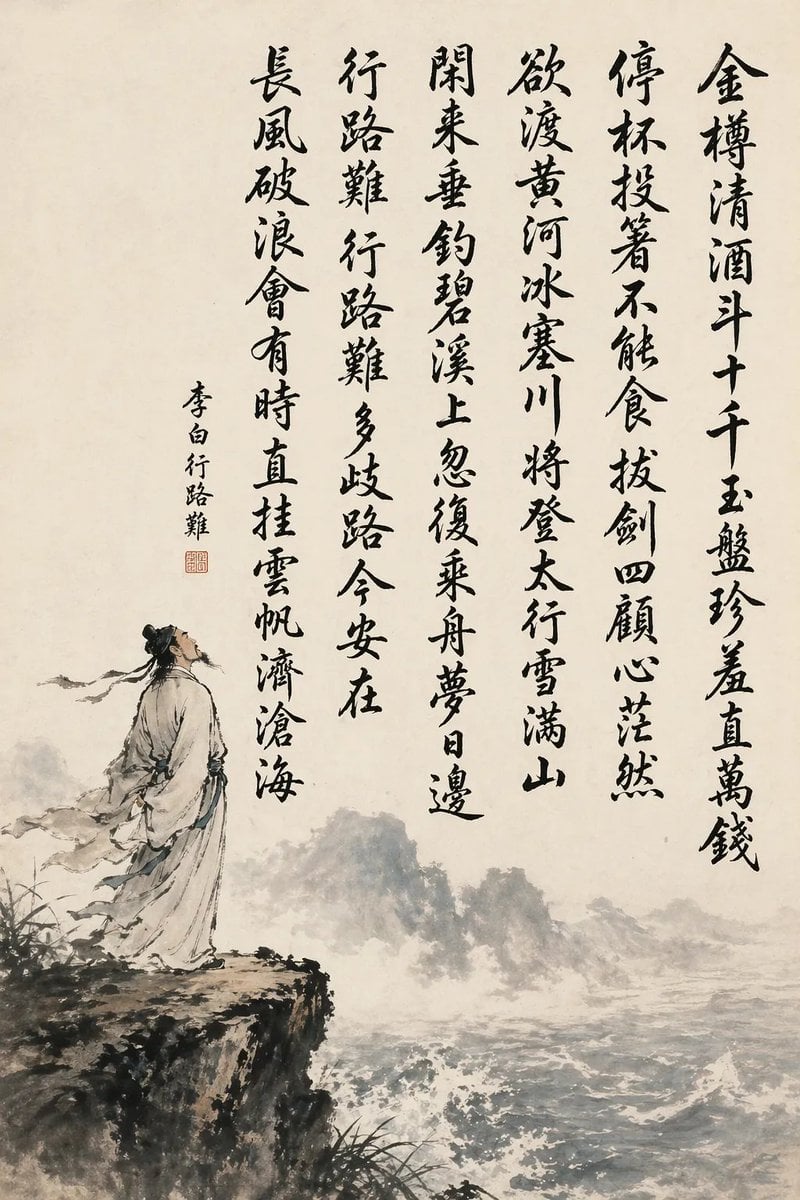
Chinese Calligraphy Poem Scroll
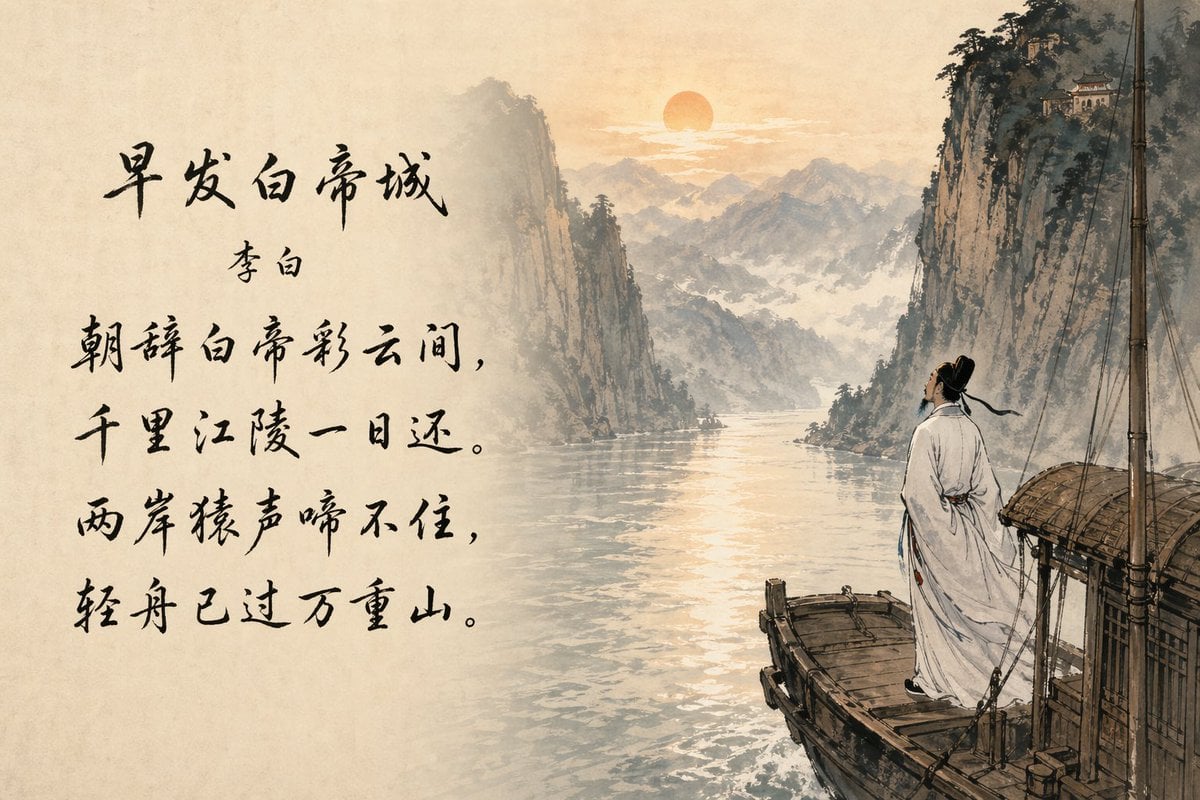
Classical Chinese Poem Scroll Landscape

Teen Girl Alpine Lake Mountain View

Anime Catgirl in Chinese Ink Landscape
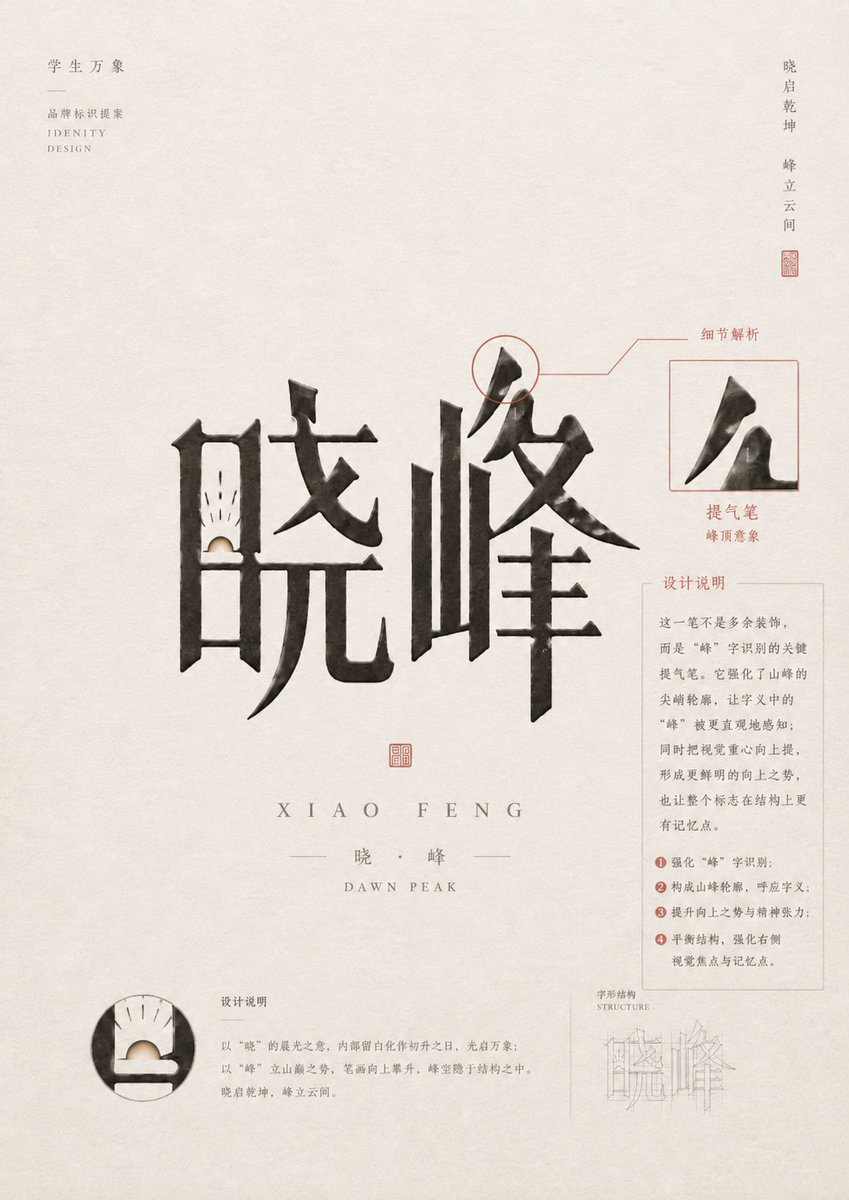
Chinese Calligraphy Identity Poster

Mountain Lake Sunset Landscape

Ghibli Final Takeoff Field

Ghibli Rainy Tram Interior

Ghibli Star Observatory

Ghibli Tiny House On Back

Ghibli Lantern River Festival

Ghibli Whale Bone Beach
Make it yours
Chinese Calligraphy Poem Landscape works as-is. These are the safest ways to change it without losing the look.
Change one field
Copy a single group, rewrite it, and generate again so you can see what that field is doing.
Keep the frame, change the subject
Hold the composition and light of Chinese Calligraphy Poem Landscape, then swap wardrobe, props or the person for a new take.
| If the result… | Why | Fix |
|---|---|---|
| The result drifts from the preview | Too many fields changed at once. | Reuse Chinese Calligraphy Poem Landscape as-is first, then change one group — subject, light, or setting. |
| The model over-stylizes the scene | The prose prompt leaves finish and camera underspecified. | Add one camera or lighting sentence and stay on GPT Image 2. |
More GPT Image 2 templates
Other prompts made for GPT Image 2.

Six VTuber Japanese Logo Sheet

Realistic Portrait of Woman and Deer

The Vista Modular Condo Poster

AI Model Routing Comparison Infographic

2.5D Anime Art Board

Isometric Productivity Desk Scene

New York Double Exposure Poster

Four-Panel AI Landscape Comparison

Japanese Tatami Lifestyle Magazine Cover

NESCAFÉ Coffee Map Poster
More image prompts
Fresh picks from across the catalog.
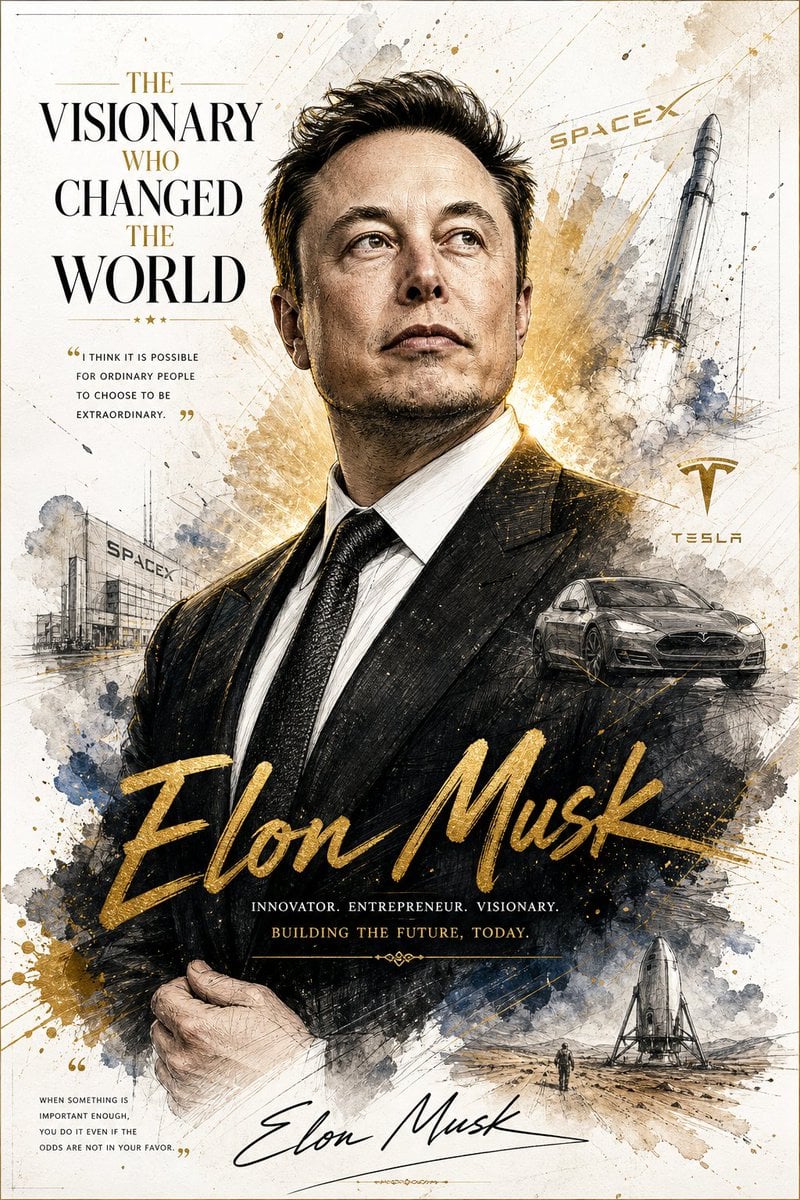
Luxury Business Leader Ink Portrait
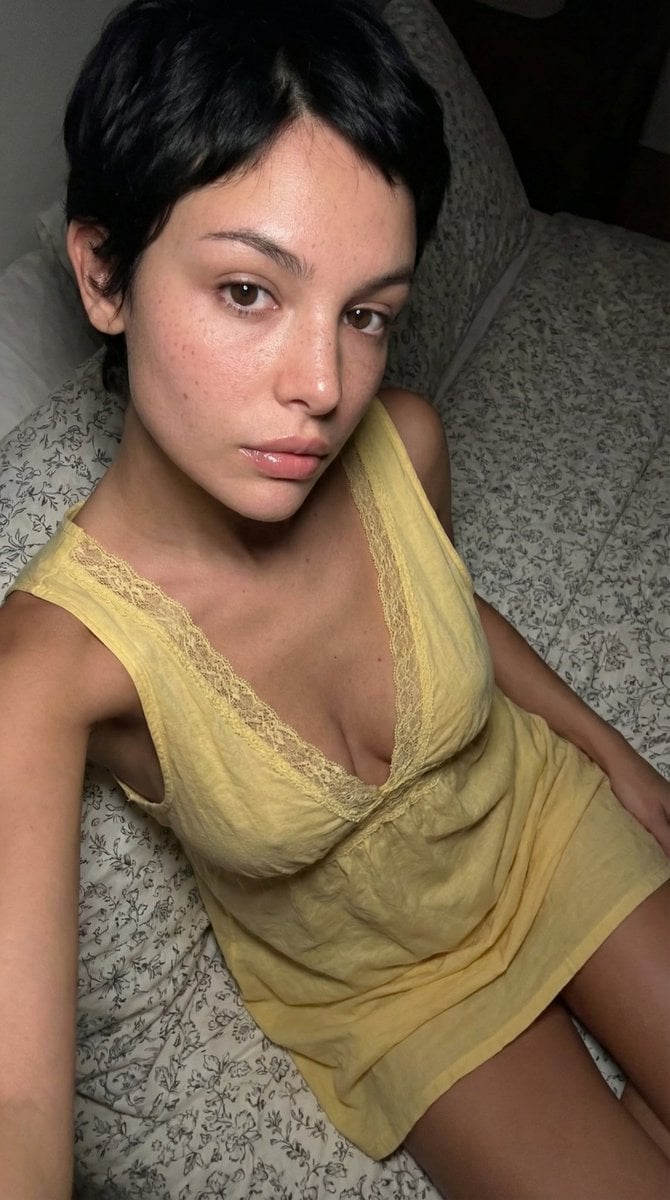
Raw, Flash-Lit Portrait (Late-2000s Digital Camera Aesthetic)
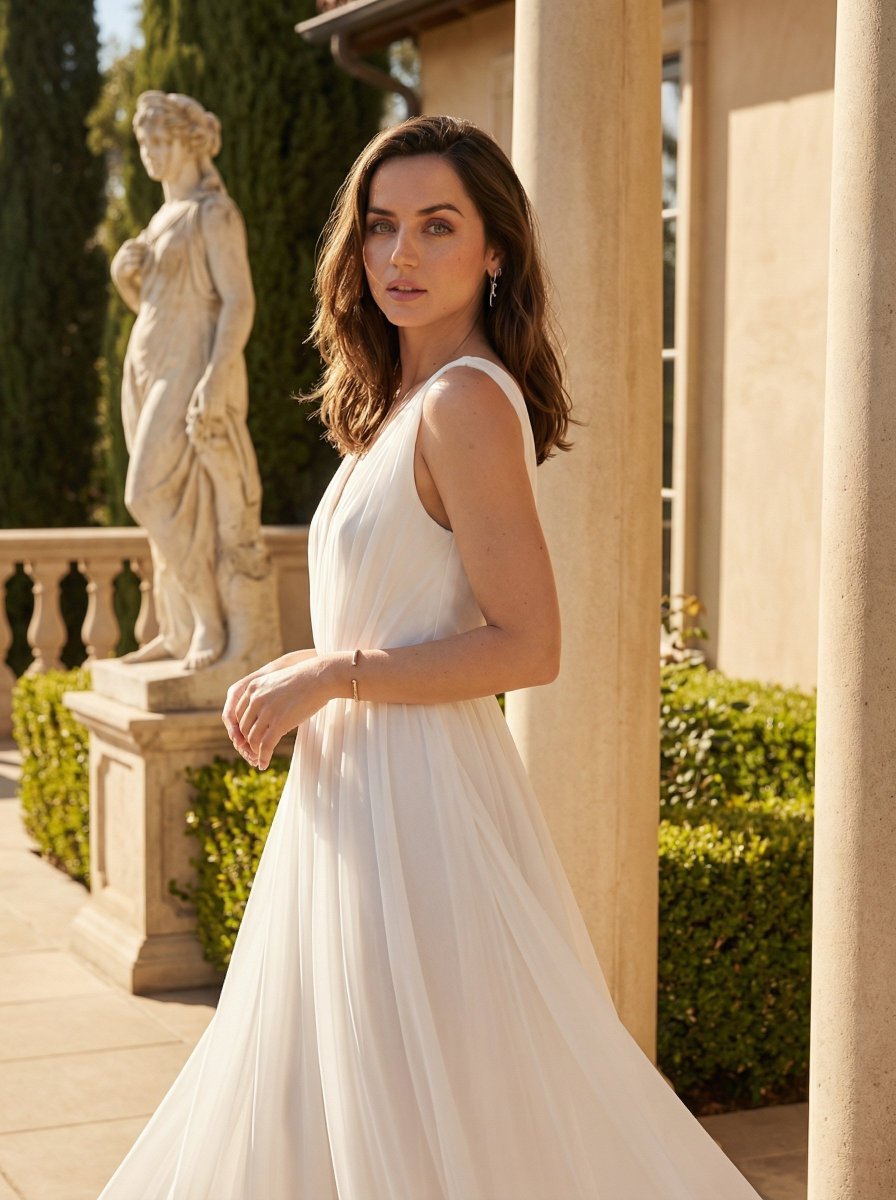
Golden Hour Goddess Editorial Portrait
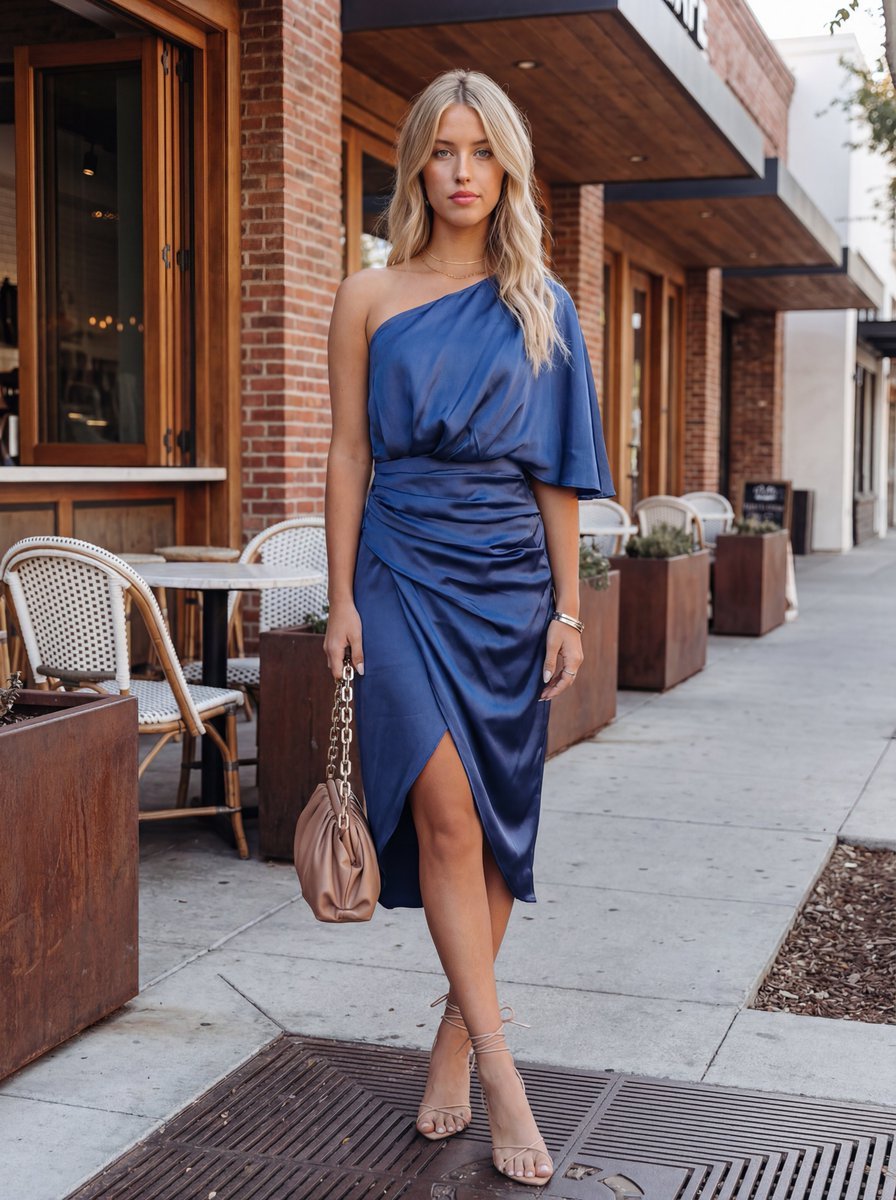
Commercial Fashion Photograph with Strict Garment Preservation (Variant)
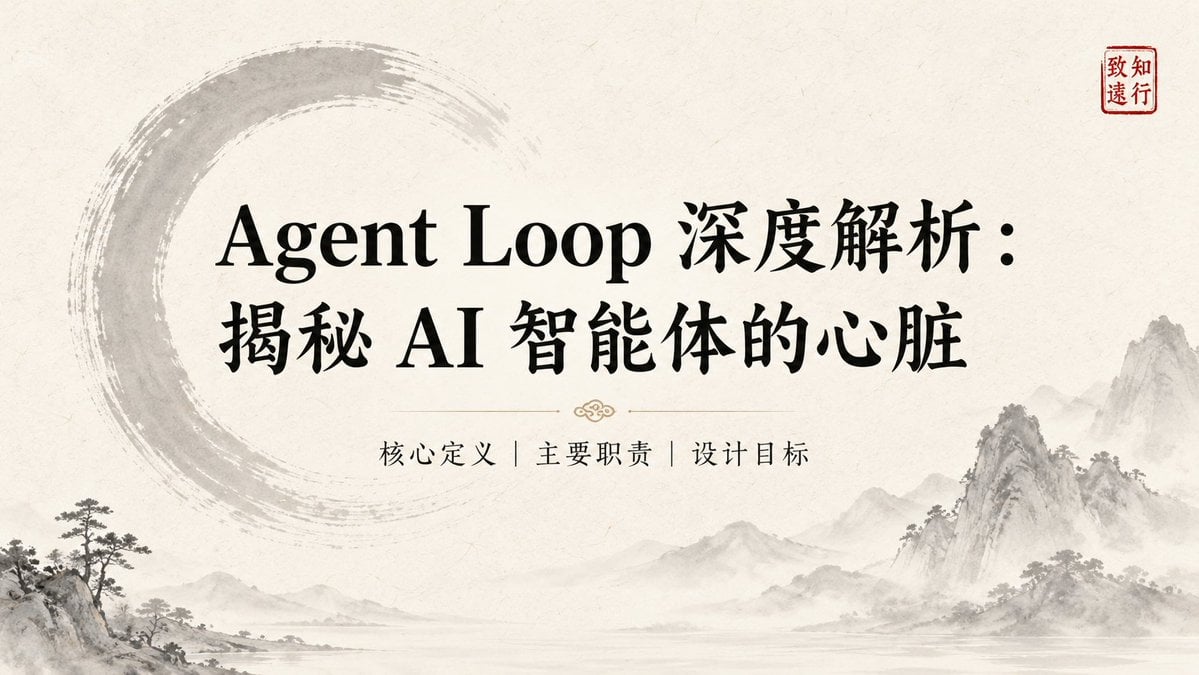
Ink-Wash Style Presentation Slides
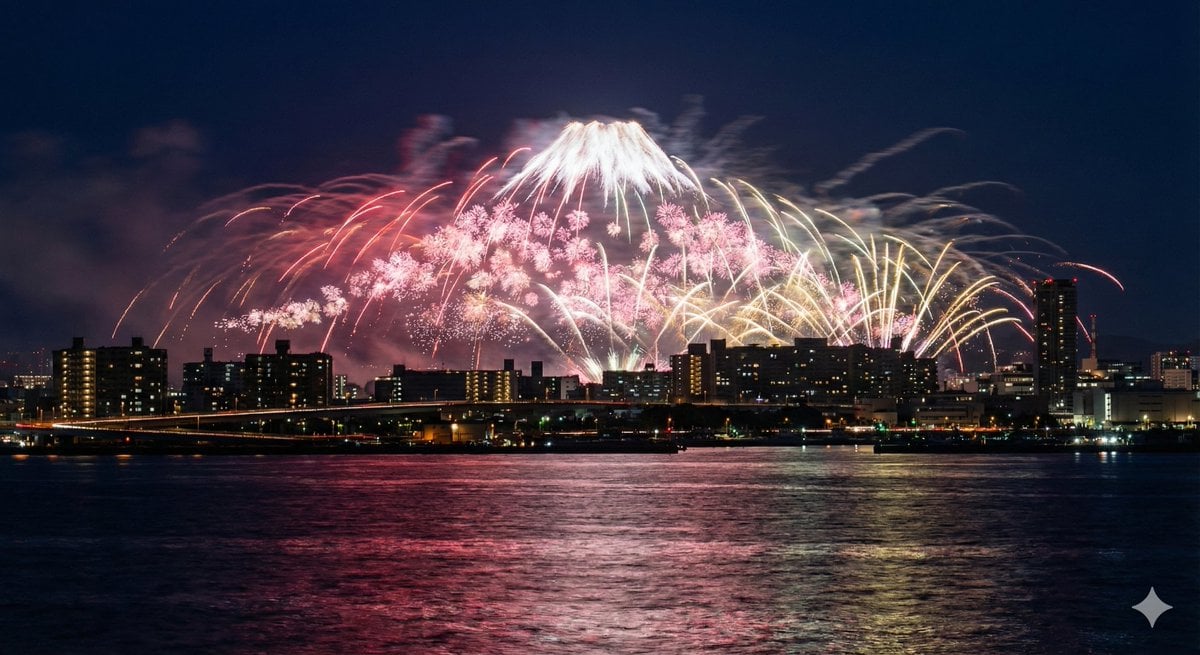
Photorealistic Long-Exposure Fireworks over a City Skyline
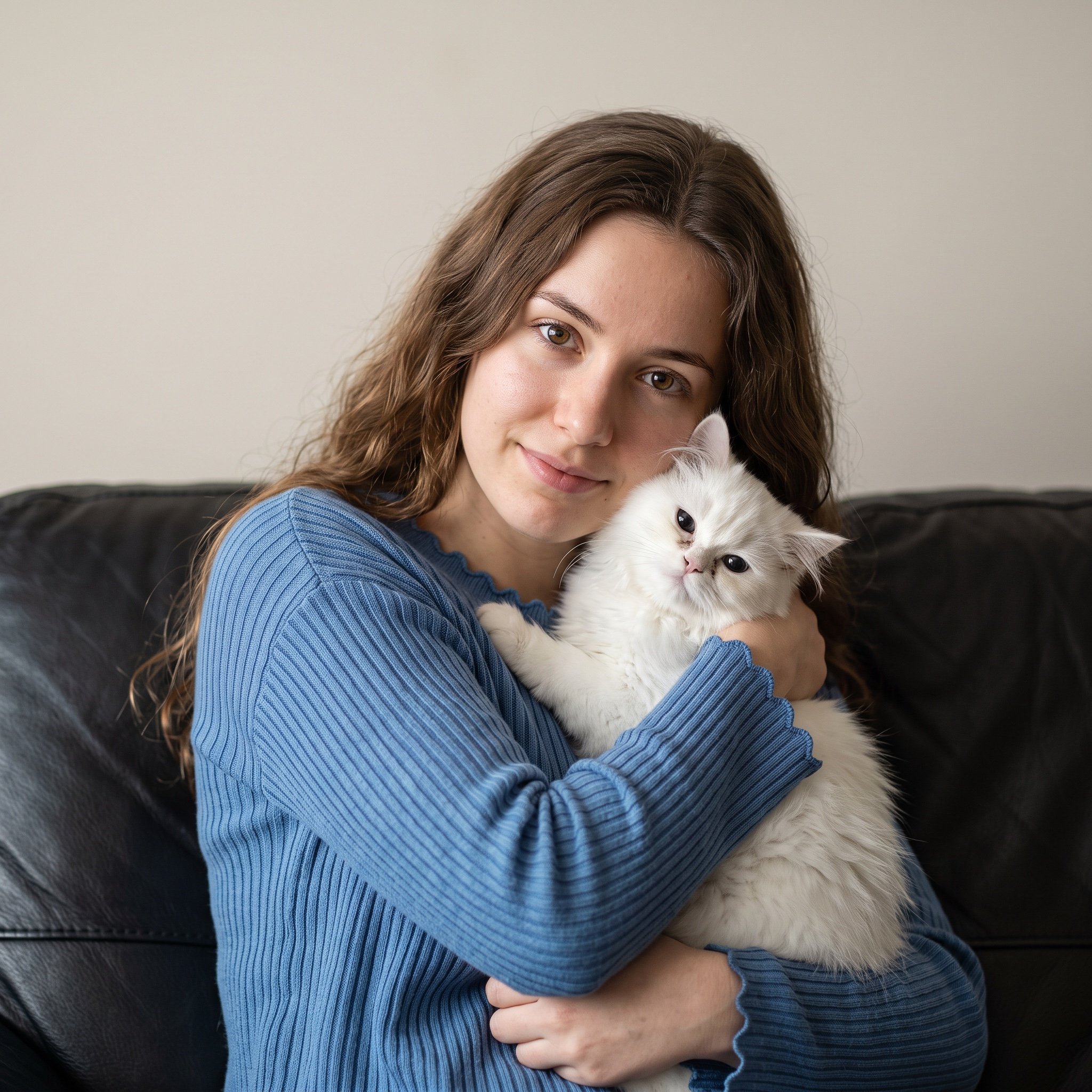
Ultra-Realistic Portrait of Woman Hugging a Persian Cat
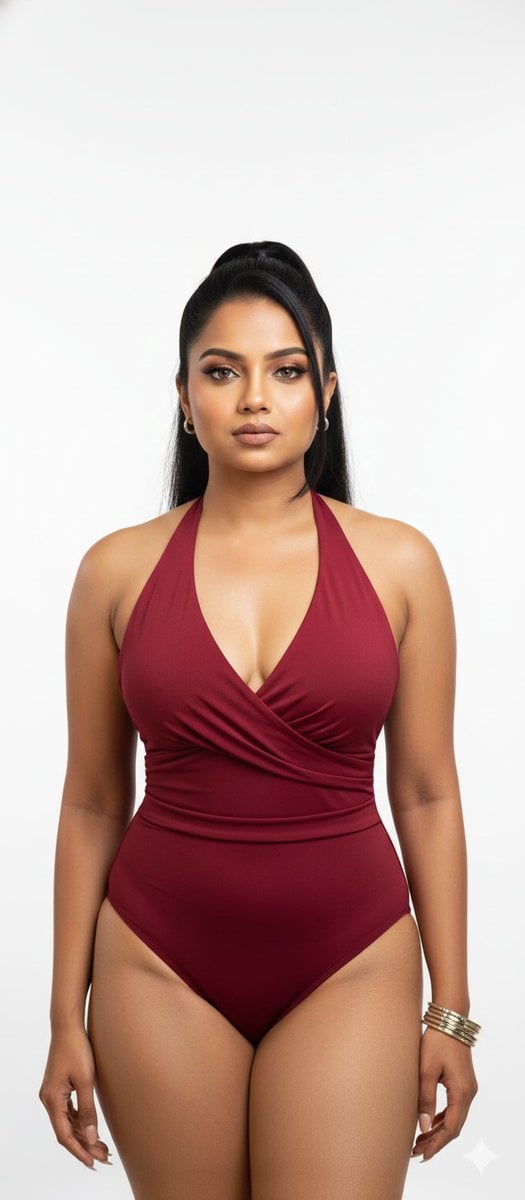
Stunning Glamour Photo Prompt for Gemini Nano Banana

Anime Character Drive-Thru Clerk (POV)
Photorealistic Candid Street Romance Prompt (Galata Bridge)
Browse template categories
Chinese Calligraphy Poem Landscape questions
How do I use the Chinese Calligraphy Poem Landscape template?
Add your photo if the template asks for one, edit the prompt if you like — the template's model and format are already selected — and press Generate. Your version opens in PicX Studio.
Can I customize the Chinese Calligraphy Poem Landscape template?
Yes. You can change the subject, setting, lighting, mood, format, and available model controls before creating your image.
Is the Chinese Calligraphy Poem Landscape template free?
Opening and editing this template is free. Generating uses credits, shown on the Generate button when you are signed in.
Which AI model should I use?
Start with GPT Image 2, which is the model associated with this template. You can compare another compatible model for a different finish.
Looking for something else? Browse all templates.

Your photo, any look
Thousands of ready templates for every top image and video model, from one credit balance.