
Chinese Calligraphy Identity Poster
Generates an elegant rice-paper brand identity poster featuring a Chinese calligraphic wordmark with seals, magnified stroke analysis, and design explanation modules.
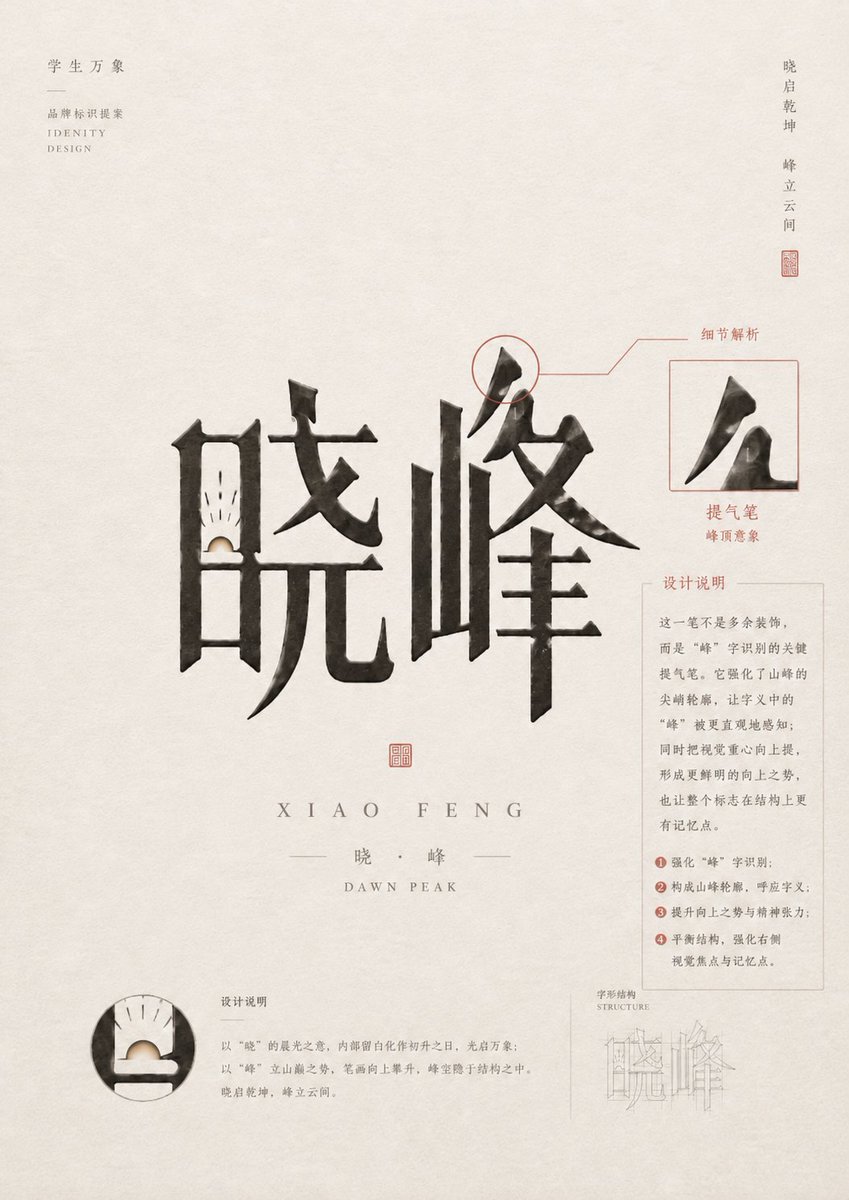
- Prompt included
- Model and format preset
- Premium template
The prompt behind this image
Copy the exact prompt behind Chinese Calligraphy Identity Poster, or open it in the studio and make it yours.
Goal: Create a refined Chinese identity-design poster for a calligraphic wordmark, centered on the two large brush characters {argument name="main Chinese wordmark" default="晓峰"}, with an elegant academy branding presentation and detailed typographic annotations. Canvas: Portrait poster, approximately 3:4 aspect ratio, warm off-white rice-paper background with subtle fiber texture, light gray ink speckles, generous negative space, and a quiet minimalist premium design mood. Layout: Place the oversized black ink calligraphy wordmark in the center, spanning most of the width. The two discrete main characters are: 1) left character “晓”, 2) right character “峰”. Below the wordmark, add a small red square seal centered, then widely spaced romanization “XIAO FENG”, then a thin divider line with “晓 · 峰”, then small English text “DAWN PEAK”. Use muted gray and cinnabar red for all annotation lines and seals. Top-left branding: Add small vertical/stacked Chinese text “学生万象”, a short horizontal divider line, then “品牌标识提案”, and small English text “IDENTITY DESIGN”. Keep it light gray, tiny, and aligned near the upper-left margin. Top-right motto: Add a narrow vertical Chinese phrase near the upper-right edge: “晓启乾坤 峰立云间”, with a tiny red seal stamp beneath it. Annotation system: Use exactly 4 visible analysis modules around the main wordmark. 1) Upper-right stroke callout: circle the top peak-like stroke of the right character, connect it with thin red leader lines to the label “细节解析”. 2) Right inset box: a thin red square frame containing an enlarged cropped black brush stroke from the character “峰”, with the label “提气笔” and small text “峰顶意象” below. 3) Right explanatory card: a pale gray rectangular text box titled “设计说明”, containing several short Chinese paragraphs and exactly 4 numbered red bullet points. 4) Bottom-left circular detail: a round magnified crop of the lower-left internal structure of “晓”, showing a small sunrise-like white semicircle and fine black rays, with a nearby title “设计说明” and short explanatory paragraph. Additional lower-right structure diagram: Add a very light technical construction sketch labeled “字形结构” and “STRUCTURE”, showing thin pale gray outline strokes of the wordmark, partially transparent and subordinate to the main design. Subject details: The calligraphy should be bold, expressive, and architectural, with dry-brush texture, uneven ink density, sharp wedge-shaped terminals, and a mountain-peak silhouette emphasized in the right character. The left character should contain a subtle dawn/sunrise motif in its lower inner opening: a pale cream semicircle rising from a dark horizontal base, with fine short rays above it. Typography and style: Use a tasteful mix of Chinese serif/Songti-style text and small spaced uppercase English letters. Keep annotation text delicate and readable but not dominant. Use black ink for the main wordmark, warm gray for body text, and muted red for seals, labels, leader lines, circles, and numbering. Constraints: Preserve a high-end brand identity presentation style, no people, no photo realism, no bright colors, no clutter, no watermark. Keep all Chinese text as design elements, with the customizable academy label {argument name="top-left Chinese title" default="学生万象"}, the subtitle {argument name="proposal label" default="品牌标识提案"}, the romanized name {argument name="romanized name" default="XIAO FENG"}, and the English subtitle {argument name="English subtitle" default="DAWN PEAK"}.
How to use Chinese Calligraphy Identity Poster in 3 steps
- 1Upload ImagePNG, JPG or paste
Add your photo
Upload the photo the template builds on. The prompt, model and format are already set.
- 2…a portrait of your subject in softgolden-hour light, 85mm…
Personalize
Edit the subject and creative details for your destination.
- 3Generate
Generate
Press Generate — your image is created in PicX Studio, so you can compare it with the original and refine one variable at a time.
More like this
Templates with the same subject, style or setup. Open one to see its prompt.
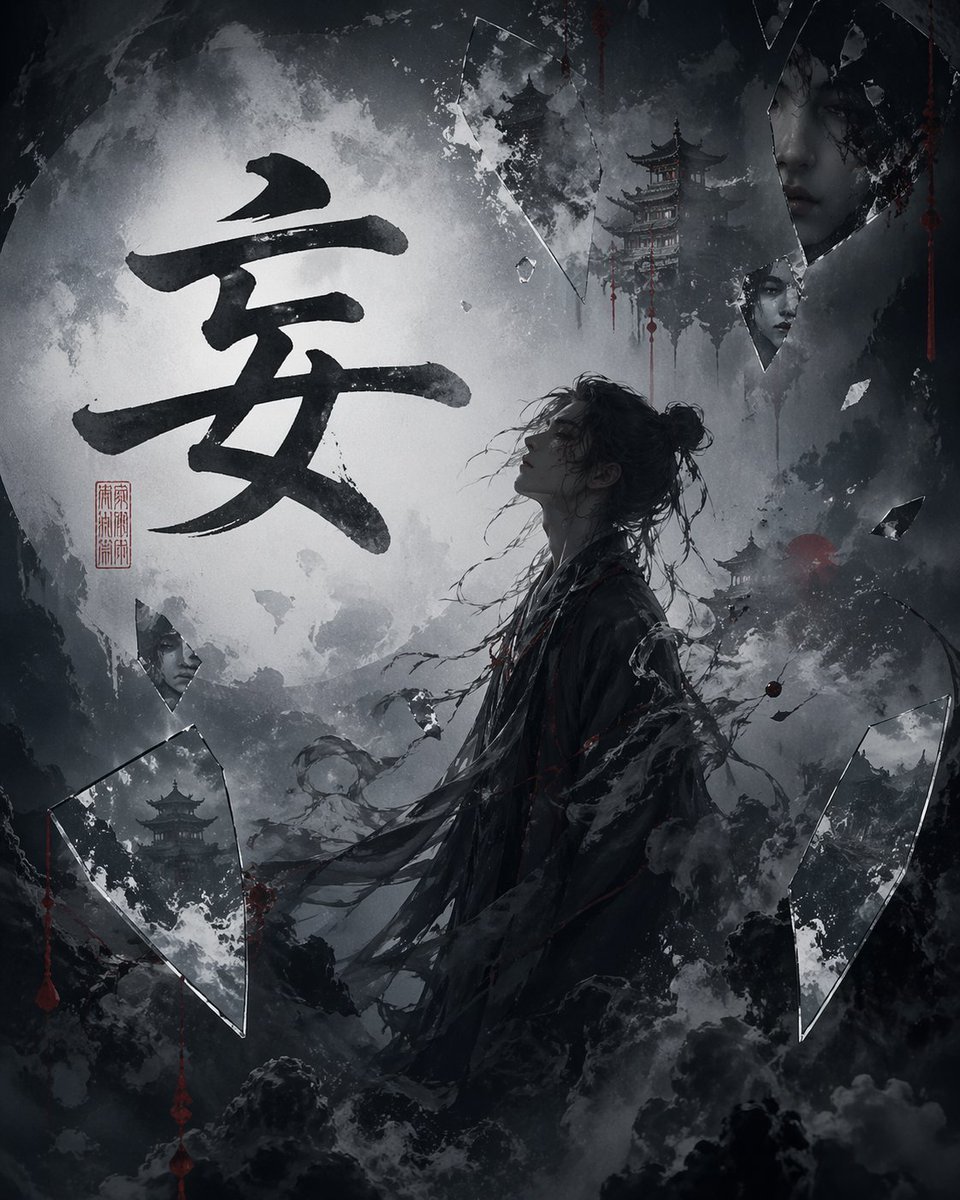
Chinese Calligraphy Dark Fantasy Poster
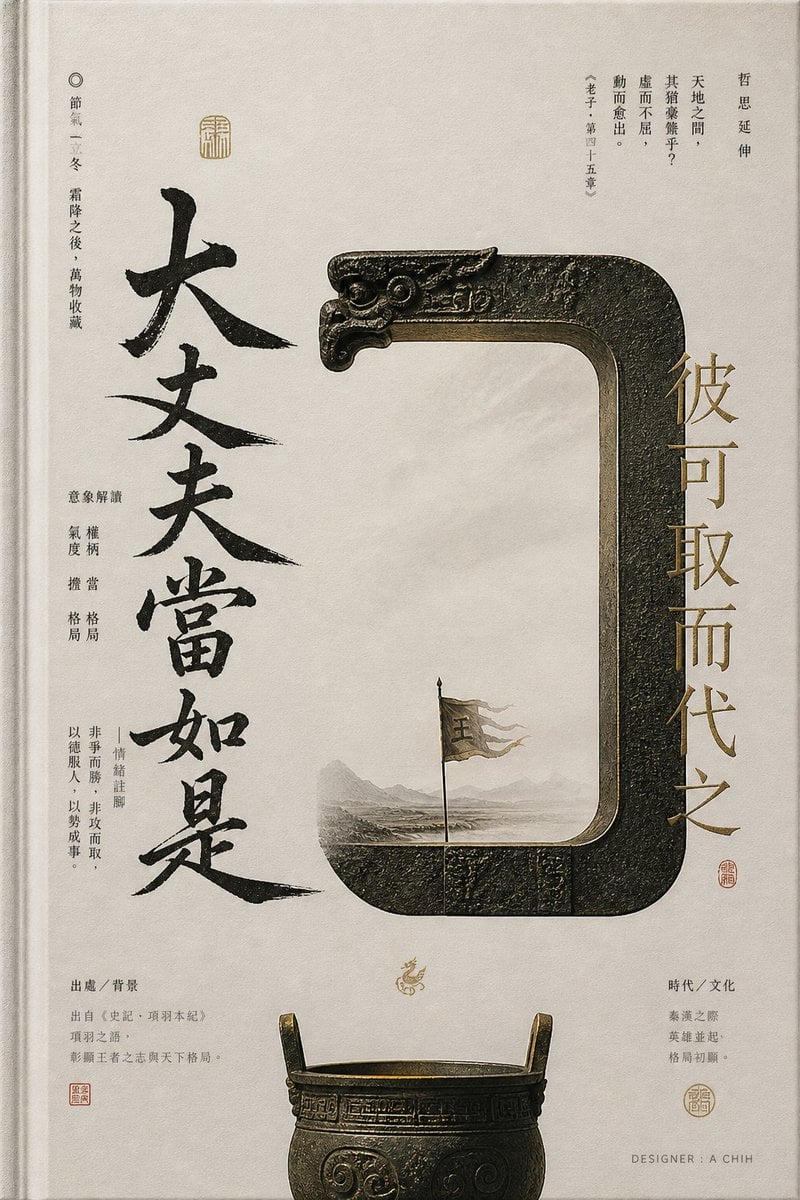
Ancient Chinese Bronze Calligraphy Poster

Japan Travel Brochure Poster

Cartoon TV Show Poster Pack

Trendy Cafe Drink Promo Poster

Urban Fashion Editorial Collage Streetwear Poster

Premium Fashion Editorial Cover Layout System

Polo Ralph Lauren Luxury American Heritage Fashion Campaign

Monochrome Halftone Editorial Fashion Poster
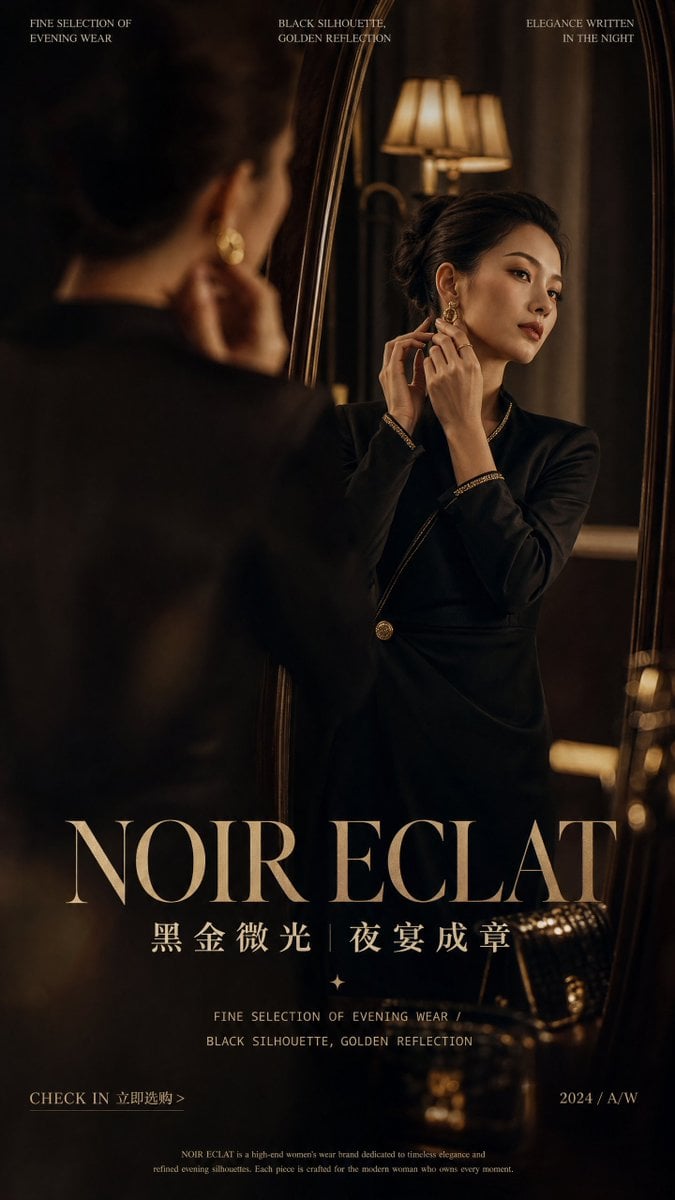
Retro Mirror Luxury Fashion Campaign Poster
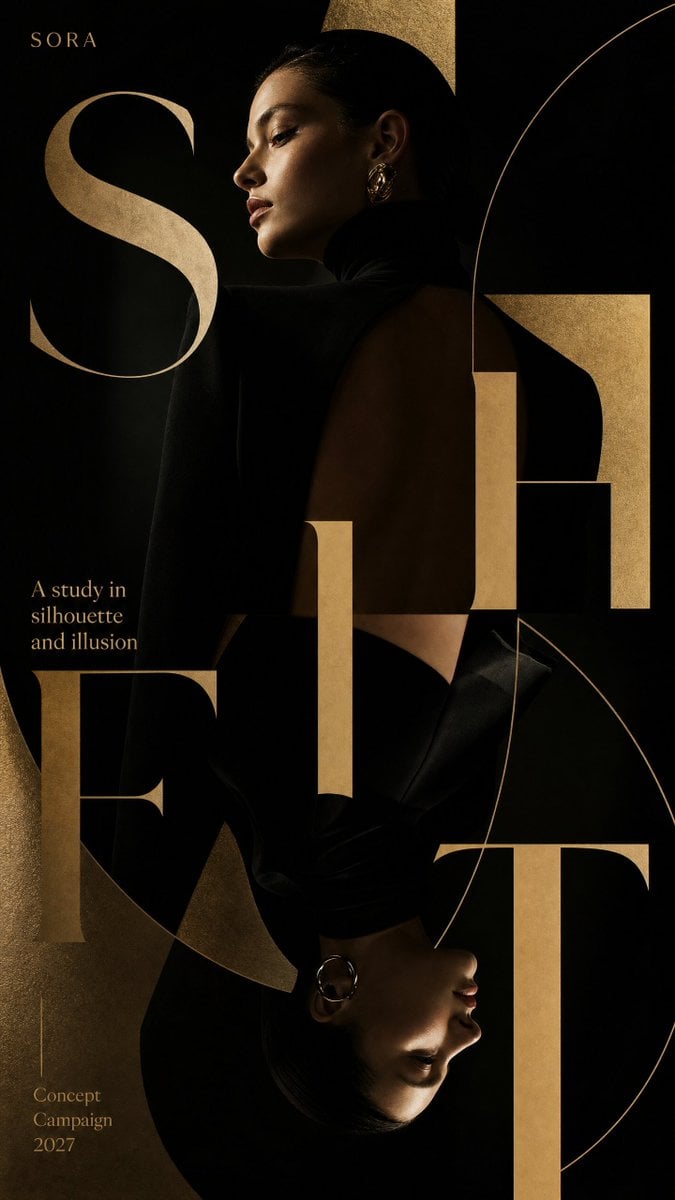
Luxury Fashion Campaign Typography Poster System
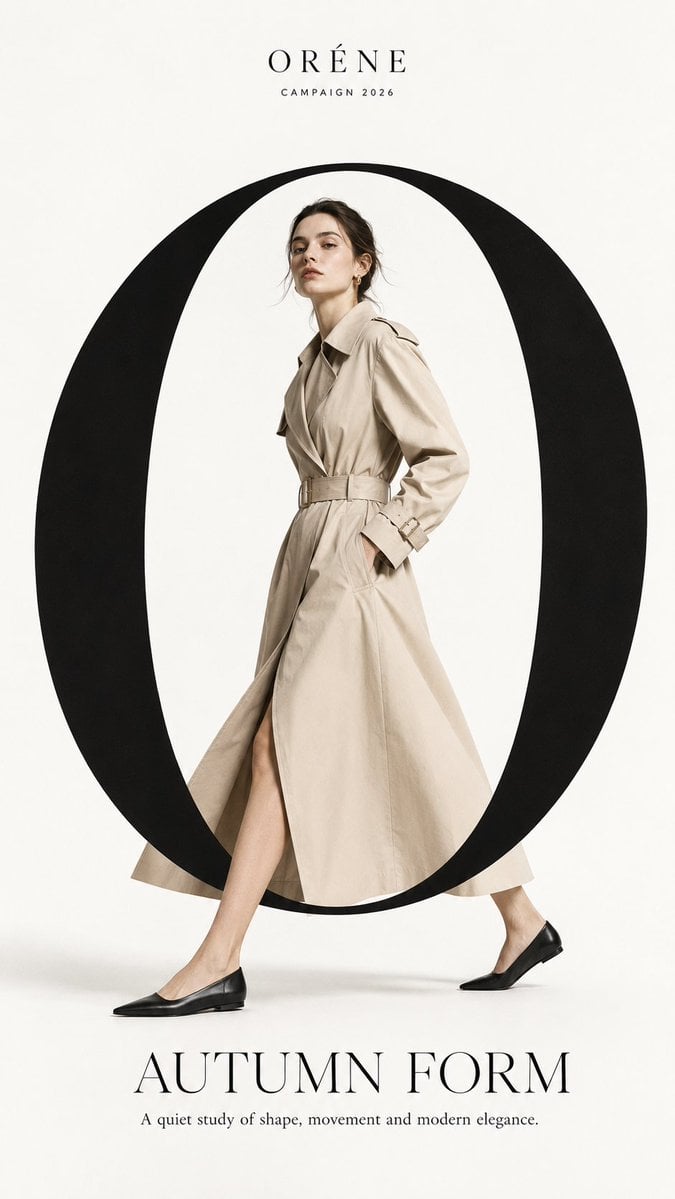
Premium Fashion Editorial Campaign Poster System
Make it yours
Chinese Calligraphy Identity Poster works as-is. These are the safest ways to change it without losing the look.
Change one field
Copy a single group, rewrite it, and generate again so you can see what that field is doing.
Keep the frame, change the subject
Hold the composition and light of Chinese Calligraphy Identity Poster, then swap wardrobe, props or the person for a new take.
| If the result… | Why | Fix |
|---|---|---|
| The result drifts from the preview | Too many fields changed at once. | Reuse Chinese Calligraphy Identity Poster as-is first, then change one group — subject, light, or setting. |
| The model over-stylizes the scene | The prose prompt leaves finish and camera underspecified. | Add one camera or lighting sentence and stay on GPT Image 2. |
More GPT Image 2 templates
Other prompts made for GPT Image 2.

Six VTuber Japanese Logo Sheet

Realistic Portrait of Woman and Deer

The Vista Modular Condo Poster

AI Model Routing Comparison Infographic

2.5D Anime Art Board

Isometric Productivity Desk Scene

New York Double Exposure Poster

Four-Panel AI Landscape Comparison

Japanese Tatami Lifestyle Magazine Cover

NESCAFÉ Coffee Map Poster
More image prompts
Fresh picks from across the catalog.
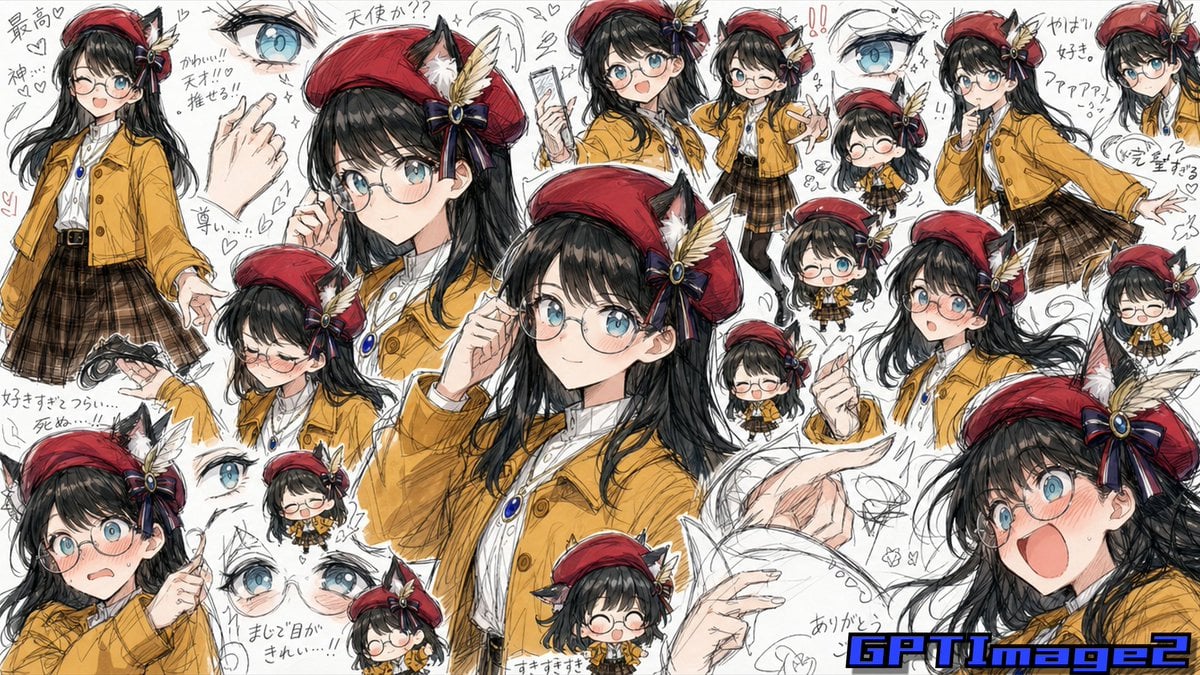
Fan Artist Sketchbook Collage
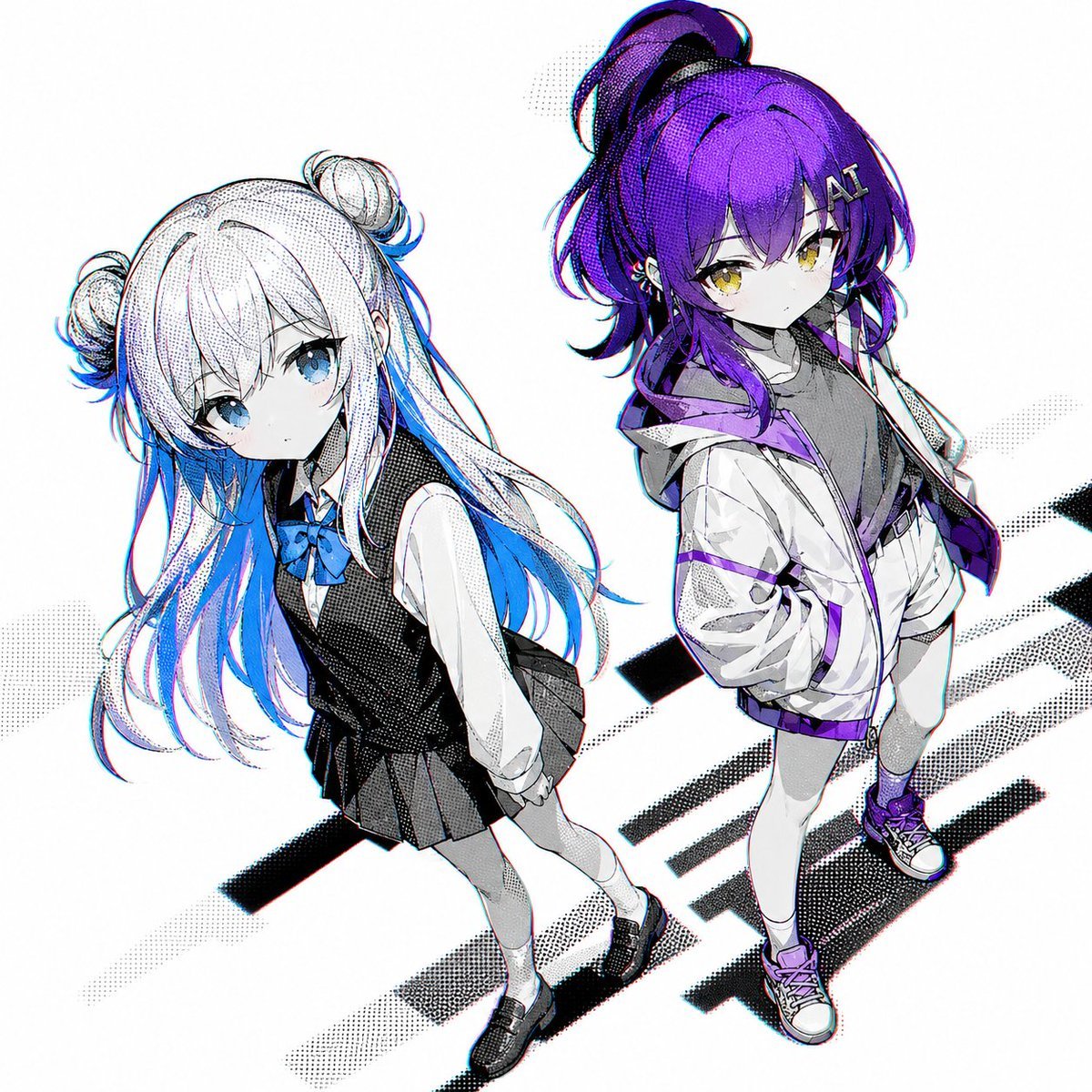
Two Anime Girls with Flashy Hair
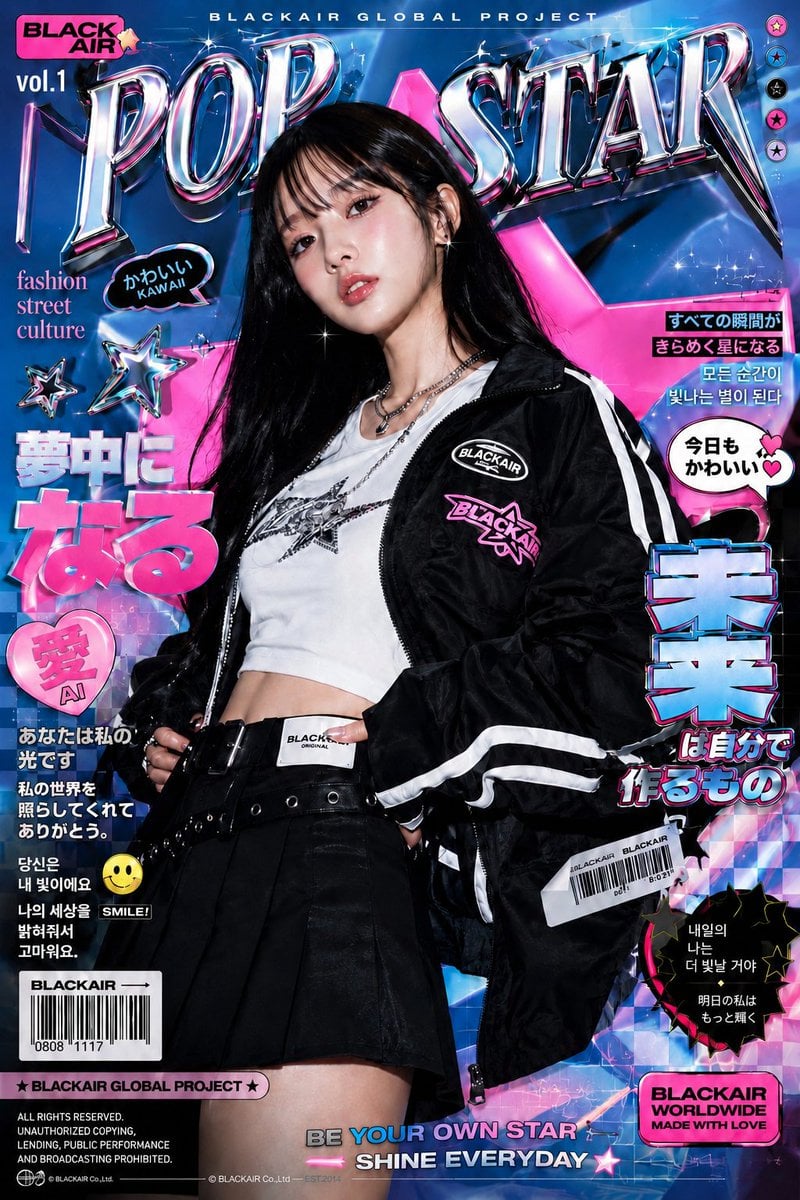
K-Fashion Retro Streetwear Editorial
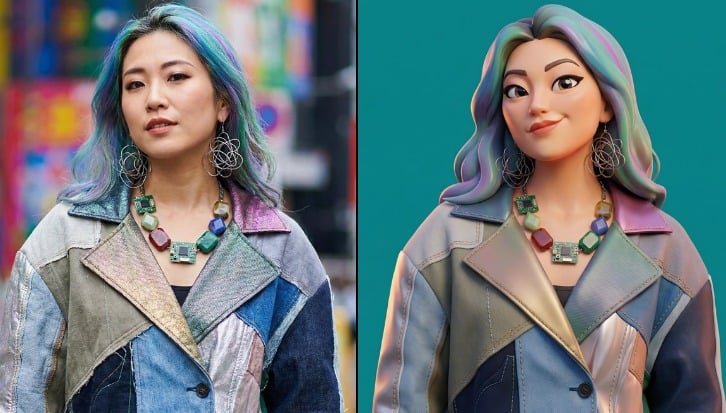
Viral 3D Caricature Generation Prompt
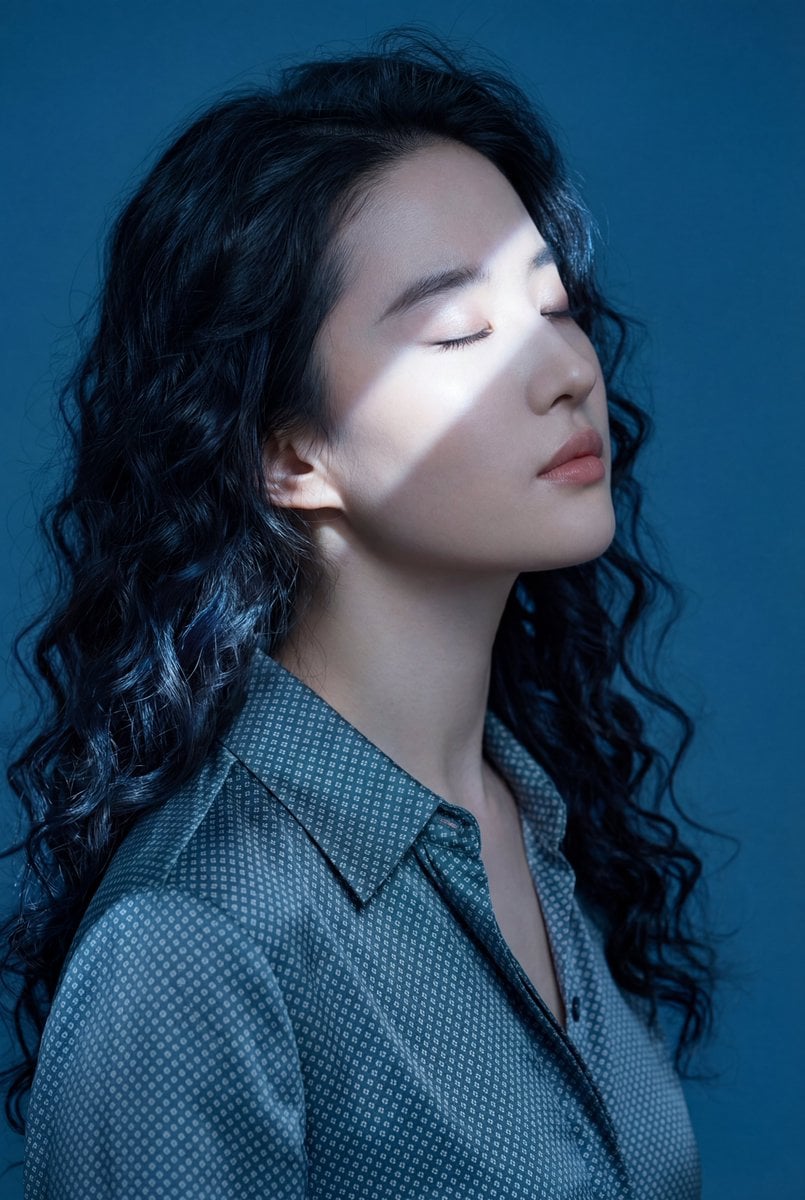
Ethereal Blue Light Editorial Portrait (Chinese Context)
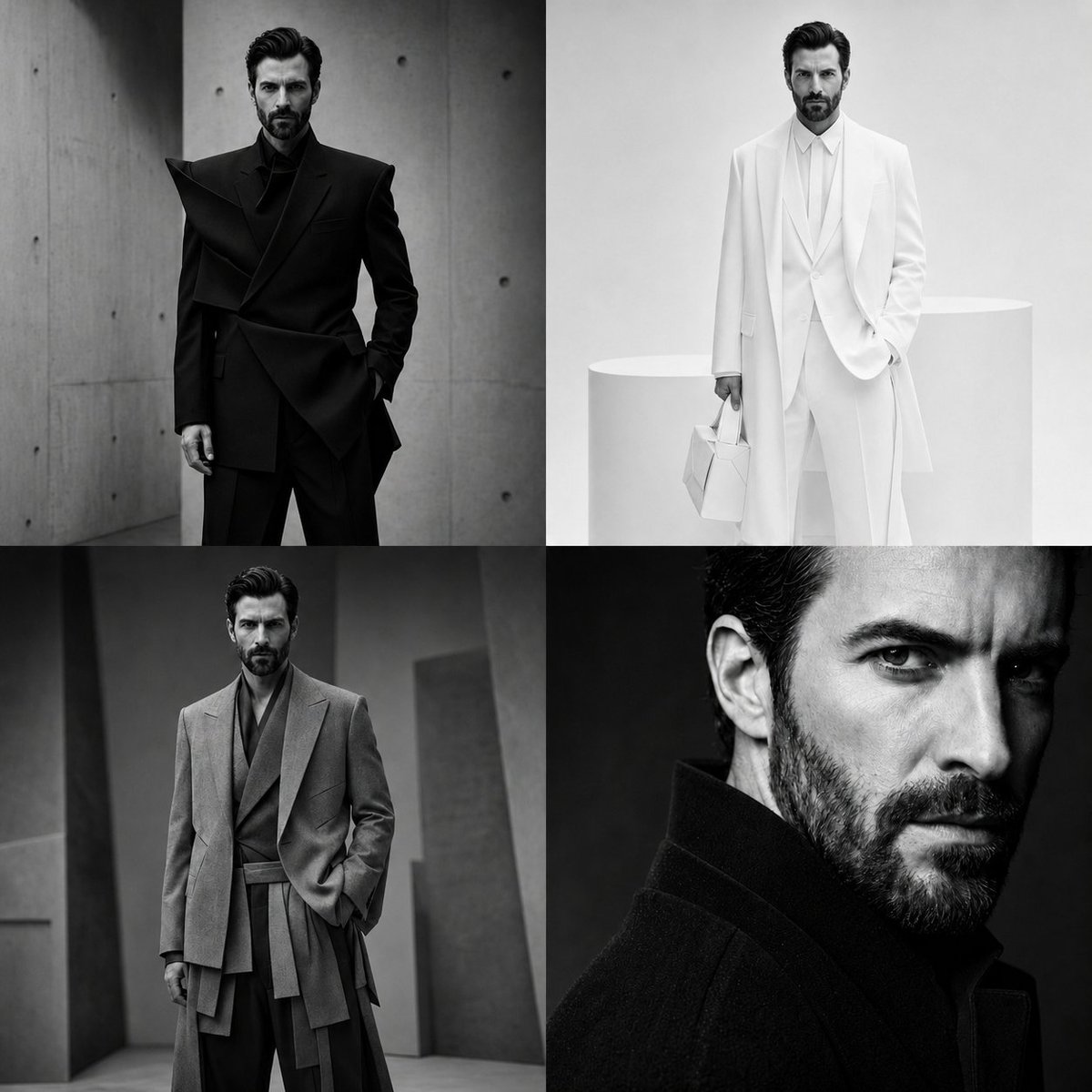
Panel Monochrome Fashion Grid
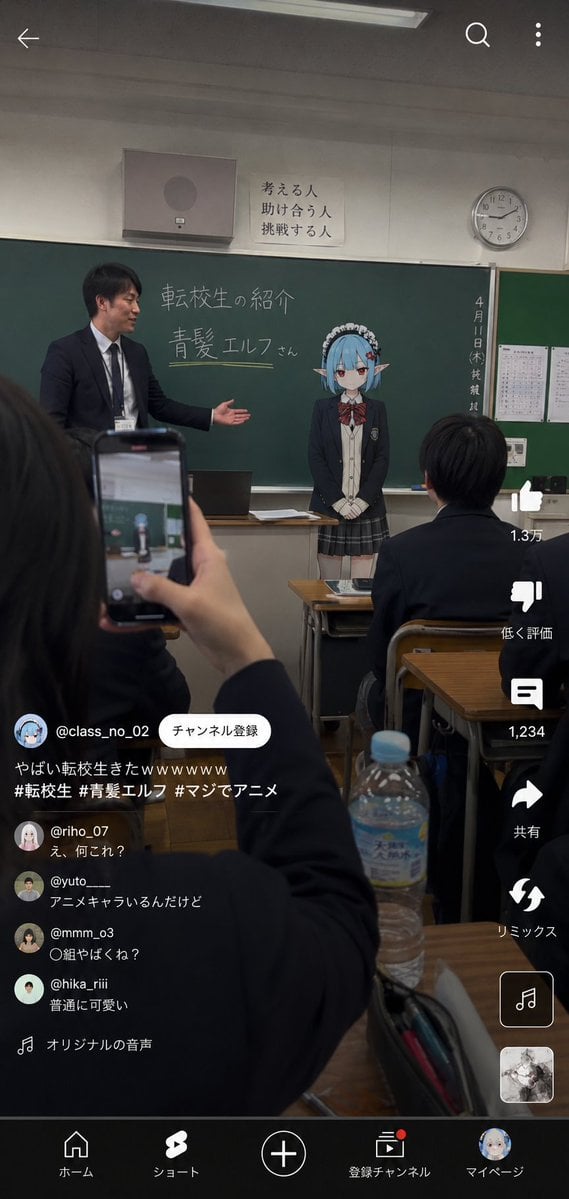
Anime Character Transfer to Reality
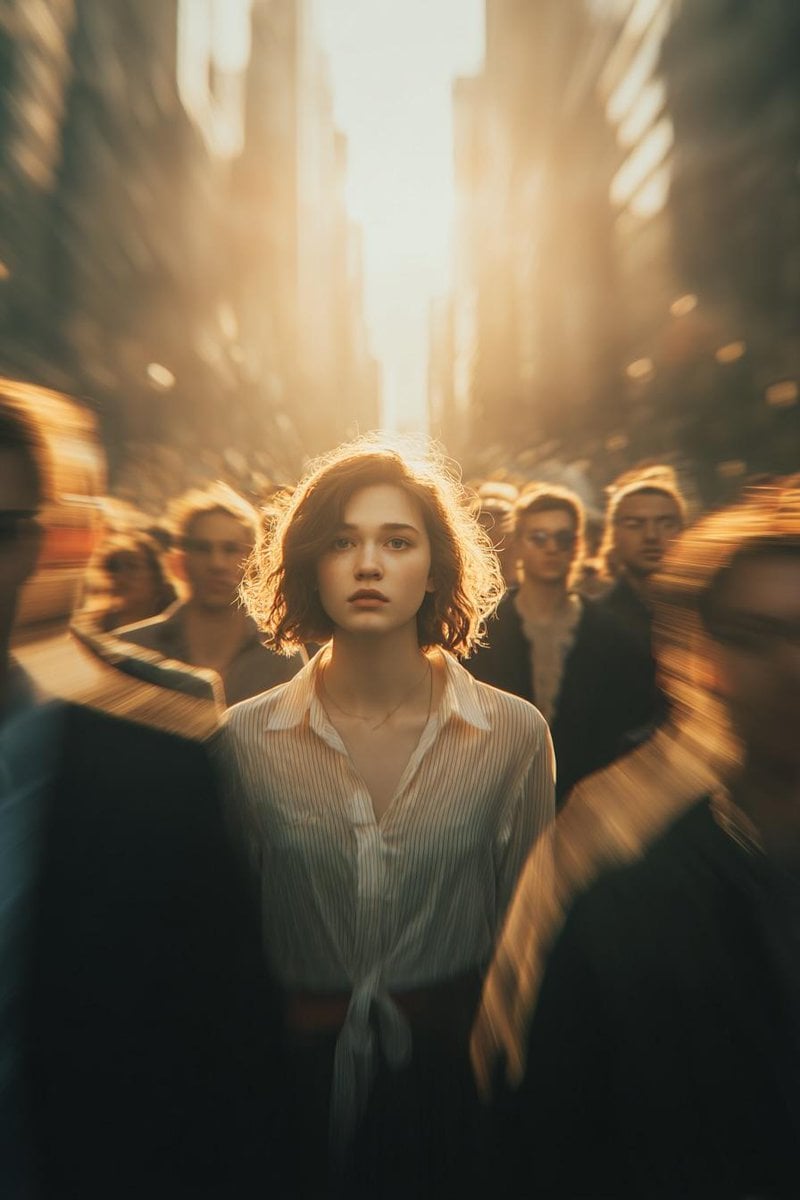
Cinematic Conceptual Portrait with Radial Motion Blur
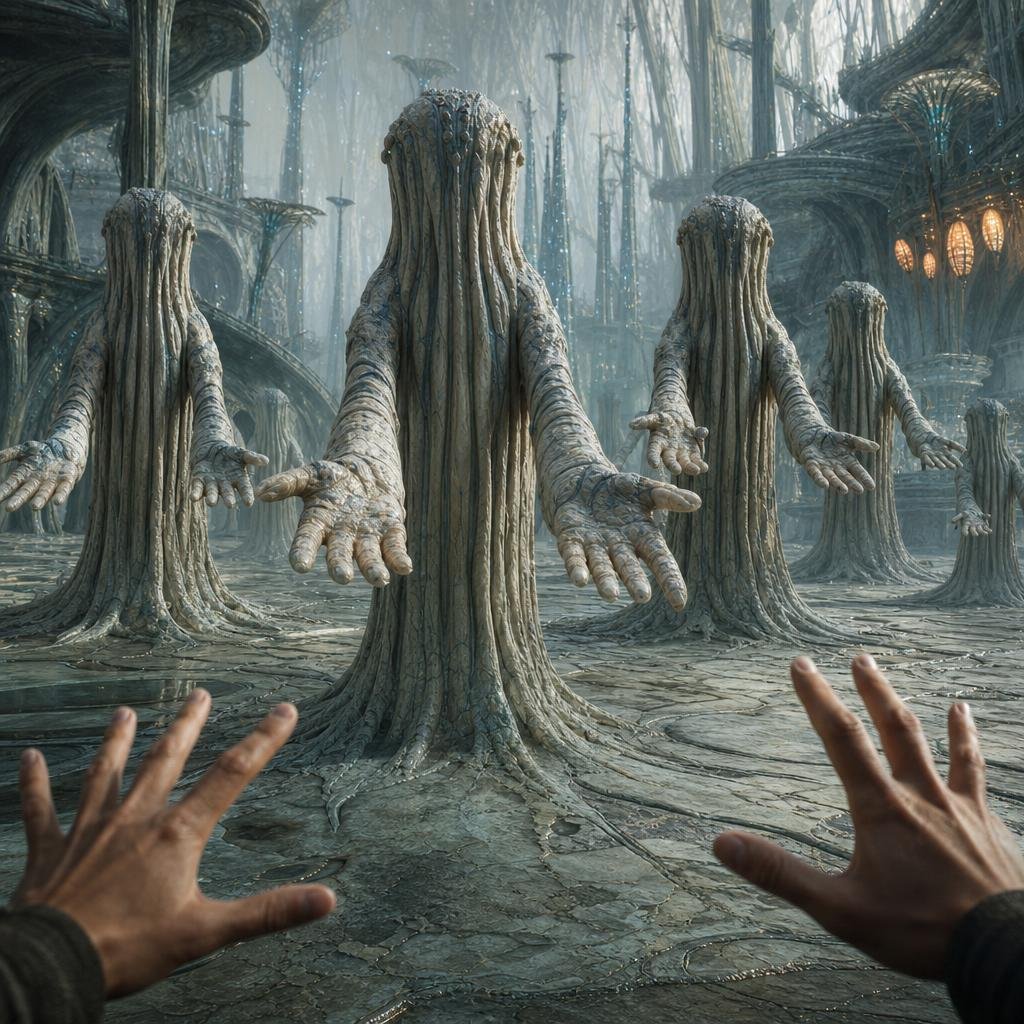
First-Person Alien Tree Beings
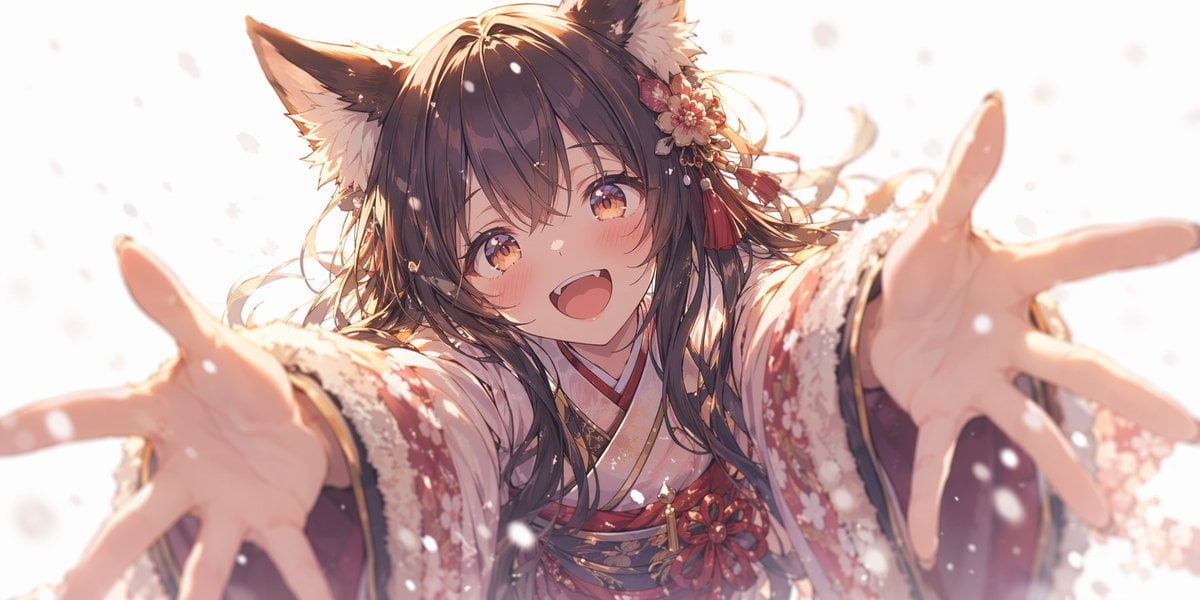
Anime Fox Girl Reaching for a Hug
Browse template categories
Chinese Calligraphy Identity Poster questions
How do I use the Chinese Calligraphy Identity Poster template?
Add your photo if the template asks for one, edit the prompt if you like — the template's model and format are already selected — and press Generate. Your version opens in PicX Studio.
Can I customize the Chinese Calligraphy Identity Poster template?
Yes. You can change the subject, setting, lighting, mood, format, and available model controls before creating your image.
Is the Chinese Calligraphy Identity Poster template free?
Opening and editing this template is free. Generating uses credits, shown on the Generate button when you are signed in.
Which AI model should I use?
Start with GPT Image 2, which is the model associated with this template. You can compare another compatible model for a different finish.
Looking for something else? Browse all templates.

Your photo, any look
Thousands of ready templates for every top image and video model, from one credit balance.