
Anime Character Transfer to Reality
A detailed Image-to-Image prompt designed to place an anime character into a realistic Japanese high school classroom while maintaining artistic integrity.
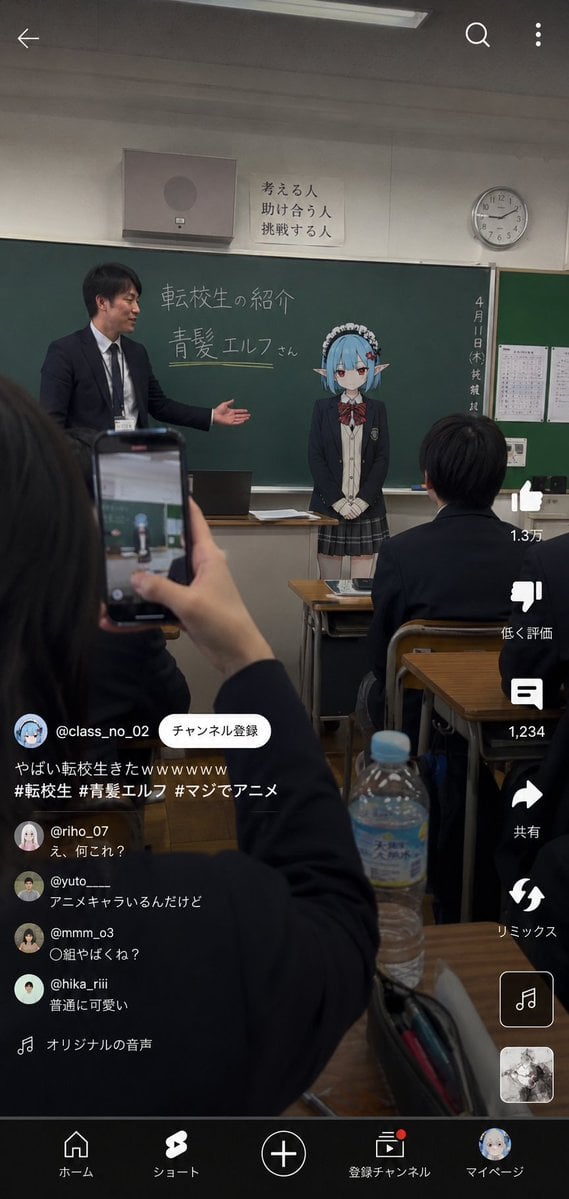
- Prompt included
- Model and format preset
- Free template
The prompt behind this image
Copy the exact prompt behind Anime Character Transfer to Reality, or open it in the studio and make it yours.
参照画像をキャラクターデザインのベースとして使用し、「{argument name="シチュエーション" default="転生したアニメキャラクターが、現実世界の学校へ転校してきた瞬間"}」を描く。キャラクターのアニメイラストとしての空気感を正確に維持する。キャラクターのアイデンティティを絶対に崩さない。実写人間化しない。キャラクター部分はアニメイラスト表現を維持する。キャラクターは、現実的な日本の高校制服へ着替えている。制服は、ブレザー、ネクタイ、リボン、カーディガン、シャツ、学校指定風スカートなど、現実の高校で自然に存在しそうなデザイン。舞台は、現実的な日本の高校教室。黒板、教卓、蛍光灯、プリント、カーテン、机、椅子、学校掲示物、ロッカー、生活感のある教室設備などを自然に配置する。背景は綺麗すぎない。生活感、学校特有の雑多感、現実感を重視する。縦型スマートフォン動画風構図。TikTok、YouTube Shorts、Instagram Reelsなど、生徒が勝手に撮影して投稿したようなショート動画風UIを追加する。画面手前には、スマートフォンを持つ生徒の手、机、ノート、筆箱、飲みかけのペットボトルなどを自然にフレームインさせる。教室前方では、実写級の教師が、制服姿のアニメキャラクター転校生をクラスへ紹介している。黒板には、転校生の名前{argument name="名前" default="青髪エルフ"}とチョークで書かれている。キャラクターは、・少し緊張している ・無表情気味 ・普通に自己紹介している ・教室へ軽く会釈している ・現実世界へ自然に馴染もうとしている など、「普通に転校してきた」自然な空気感を持つ。重要:キャラクター本人は、自分がアニメキャラクターであることを特に気にしていない。周囲の生徒達も、完全には驚いておらず、「なんか普通に転校してきた」ような温度感を持つ。ショート動画コメント欄には、半信半疑でざわつくリアルな反応を自然に生成する。ライティングは自然に統一する。教室の蛍光灯、窓から入る昼光、曇り空の自然光、モニター光など、背景とキャラクターの環境光を一致させる。スマートフォン撮影風の質感を追加する。軽いHDR処理、微細なセンサーノイズ、わずかなJPEG圧縮感、自然な露出、微弱な色収差、軽いレンズブルーム、オートフォーカス感、わずかな手ブレ、高ISOノイズ、手持ち撮影らしい不安定感を追加する。映画ポスター風にしない。過剰なシネマティック演出禁止。綺麗すぎる構図禁止。AI特有の glossy rendering を避ける。完璧な作品ではなく、「生徒がこっそり投稿した謎の転校生ショート動画」のような偶然感を重視する。
How to use Anime Character Transfer to Reality in 3 steps
- 1Upload ImagePNG, JPG or paste
Add your photo
Upload the photo the template builds on. The prompt, model and format are already set.
- 2…a portrait of your subject in softgolden-hour light, 85mm…
Personalize
Edit the subject and creative details for your destination.
- 3Generate
Generate
Press Generate — your image is created in PicX Studio, so you can compare it with the original and refine one variable at a time.
More like this
Templates with the same subject, style or setup. Open one to see its prompt.












Make it yours
Anime Character Transfer to Reality works as-is. These are the safest ways to change it without losing the look.
Change one field
Copy a single group, rewrite it, and generate again so you can see what that field is doing.
Keep the frame, change the subject
Hold the composition and light of Anime Character Transfer to Reality, then swap wardrobe, props or the person for a new take.
| If the result… | Why | Fix |
|---|---|---|
| The result drifts from the preview | Too many fields changed at once. | Reuse Anime Character Transfer to Reality as-is first, then change one group — subject, light, or setting. |
| The model over-stylizes the scene | The prose prompt leaves finish and camera underspecified. | Add one camera or lighting sentence and stay on GPT Image 2. |
More GPT Image 2 templates
Other prompts made for GPT Image 2.
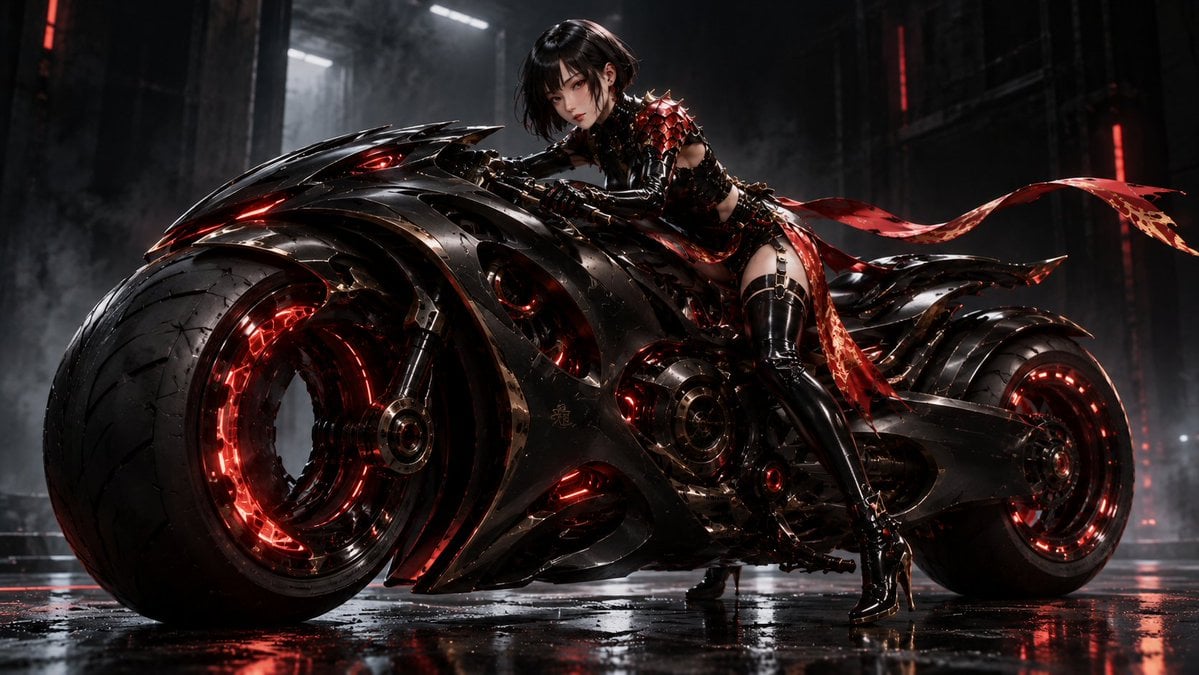
Futuristic Void Fang Mech
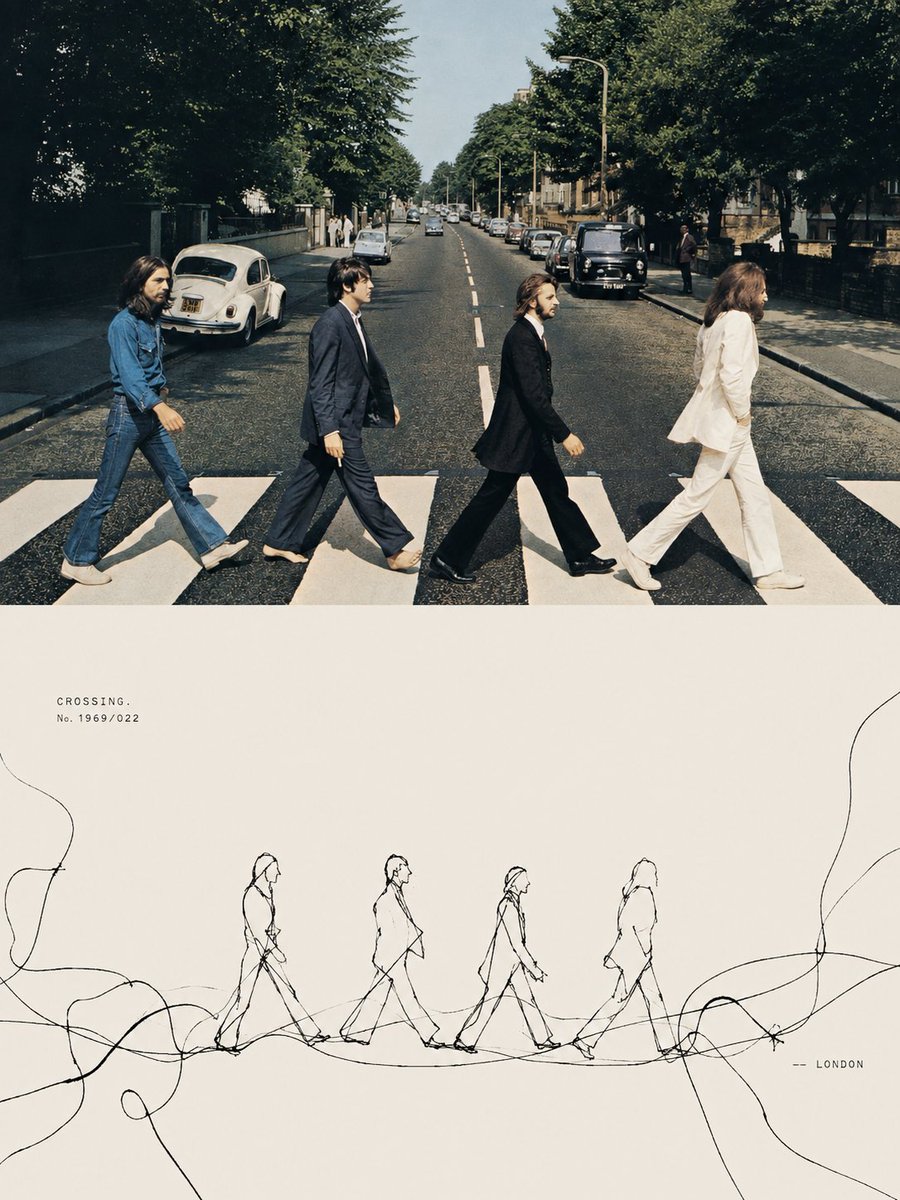
Tension Line Art Concept Poster
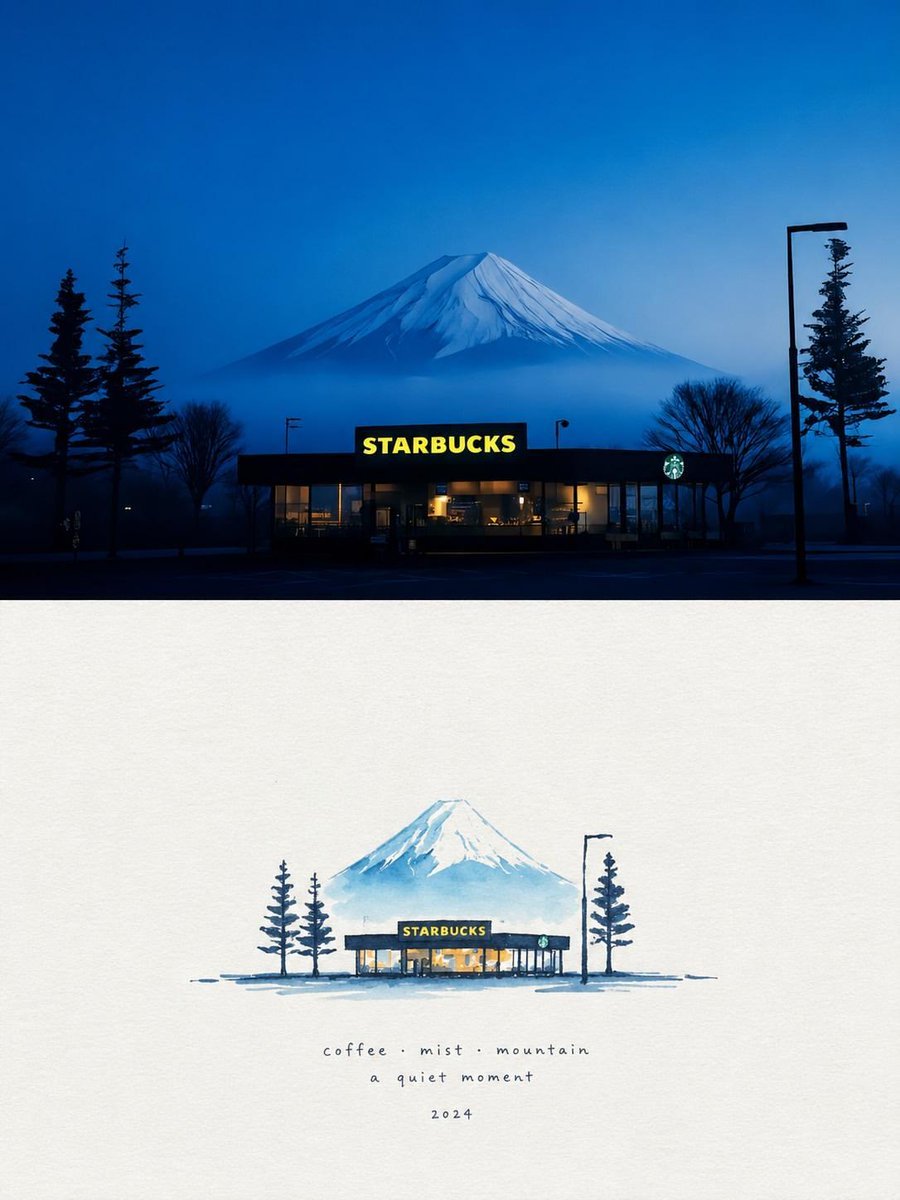
Starbucks Mountain Watercolor Comparison

Six VTuber Japanese Logo Sheet

Luxury ABKR Portrait Poster
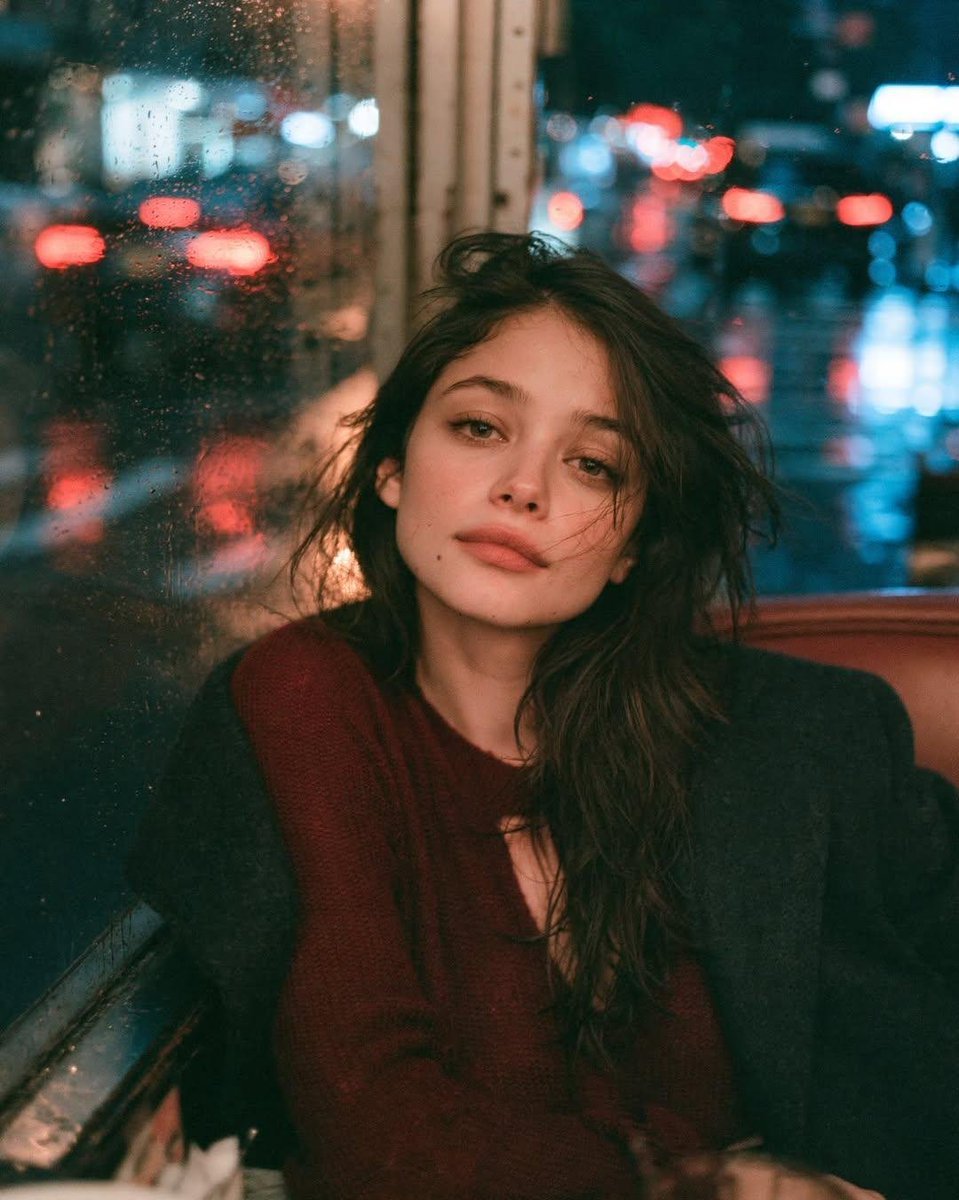
Rainy Night Vintage Diner Portrait
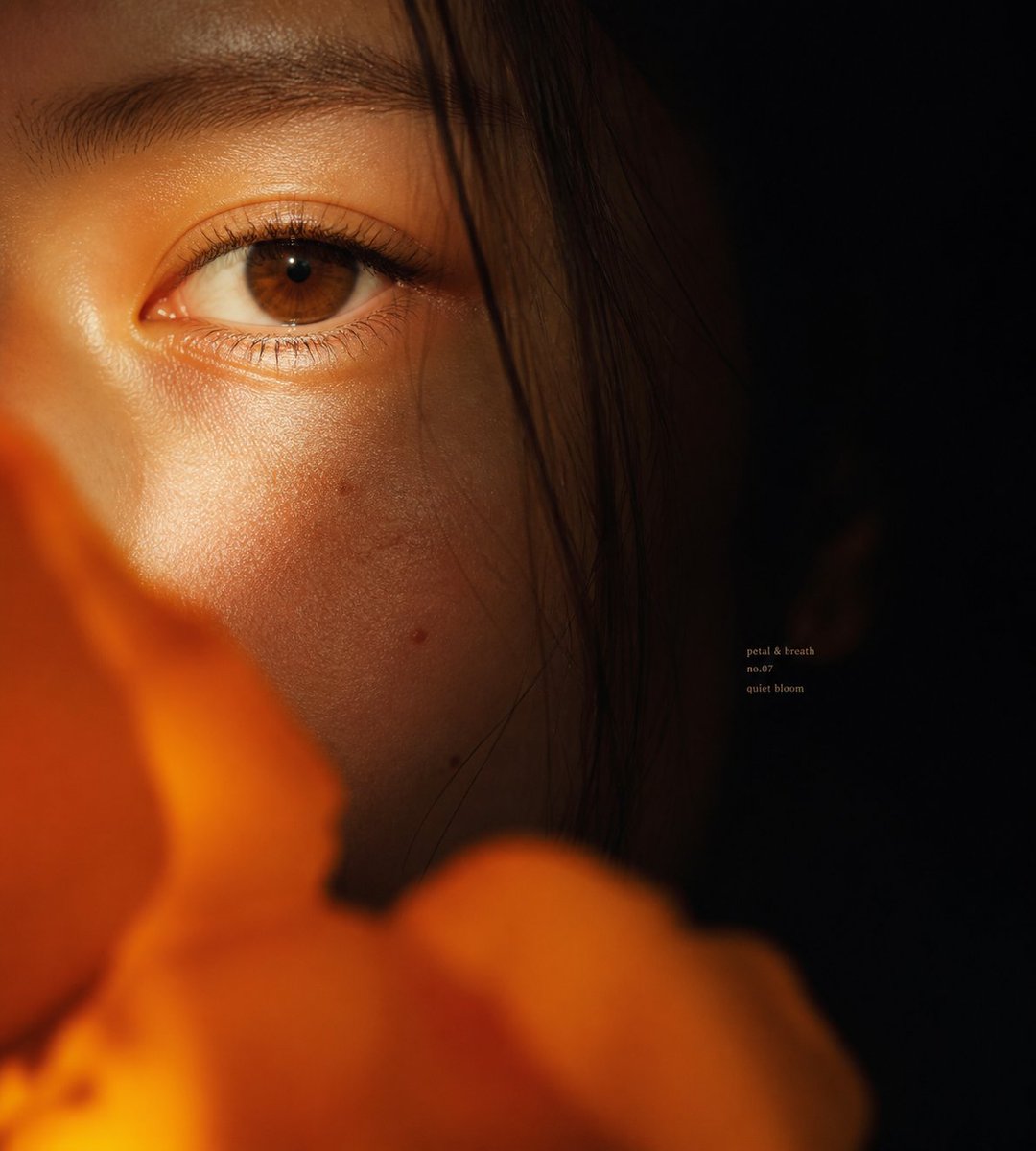
Intimate Flower Petal Macro Portrait
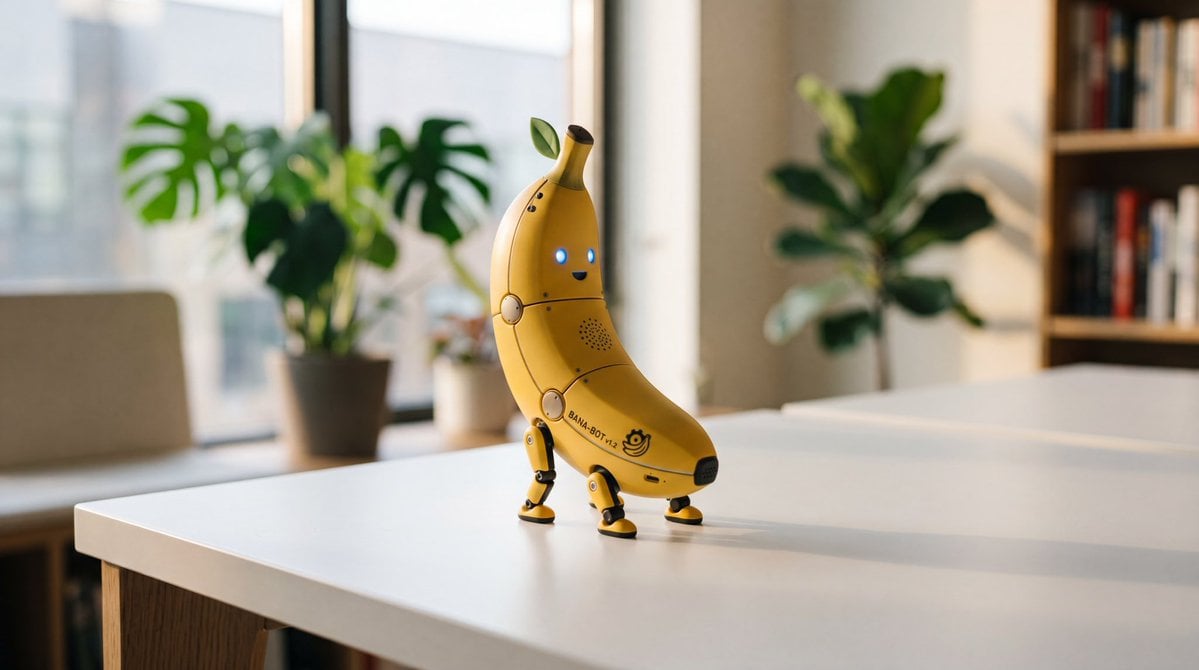
Cute Banana Robot on Table
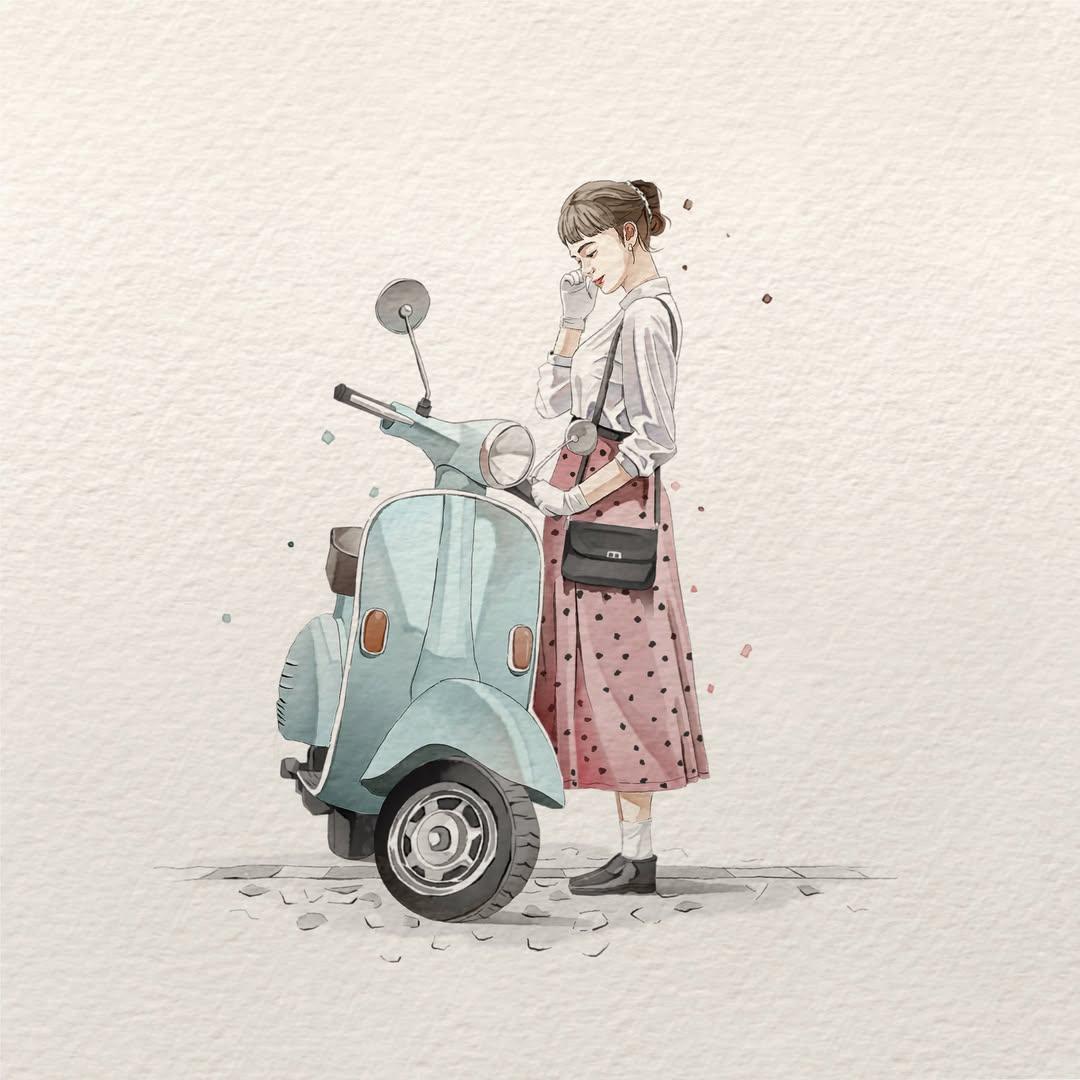
Watercolor Fashion Illustration Aesthetic

Sunlit Orchard Girl With Apples
More image prompts
Fresh picks from across the catalog.
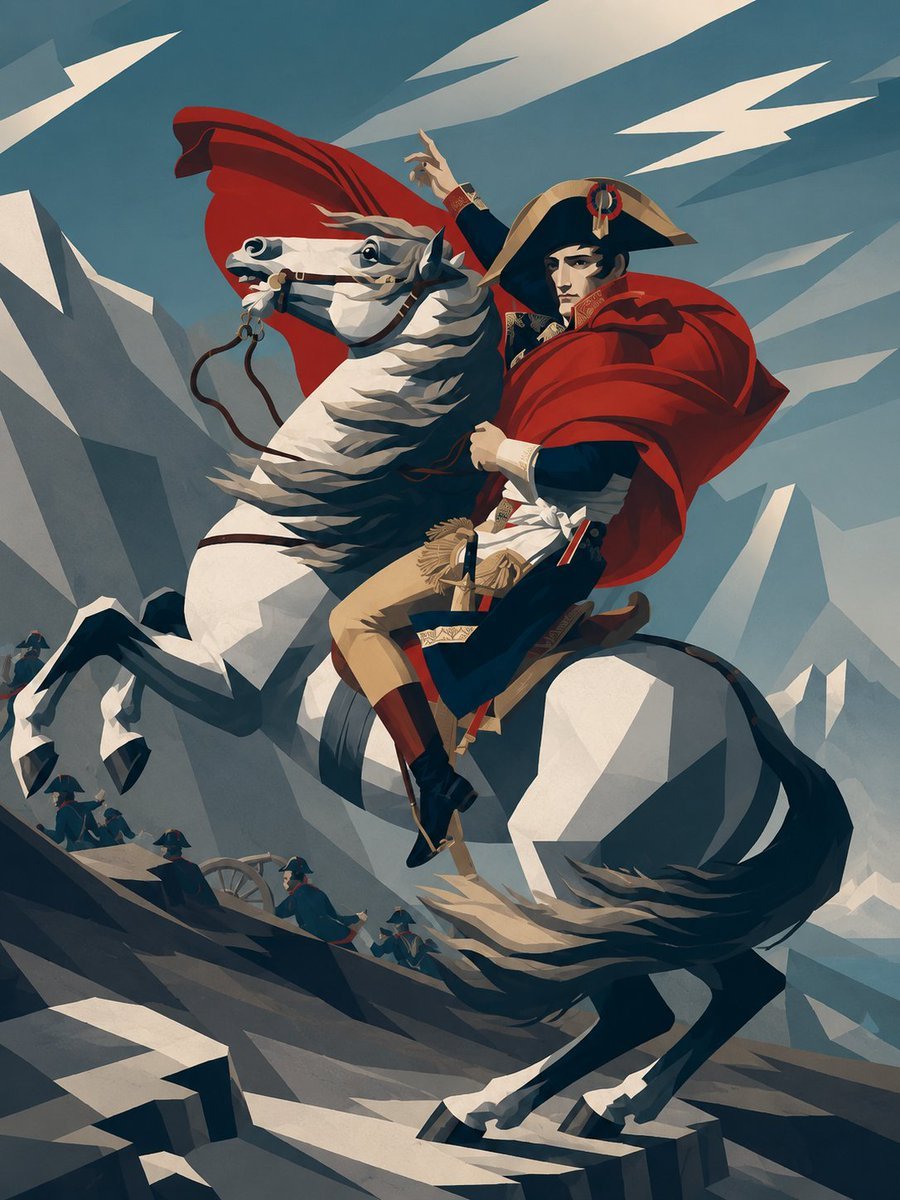
Minimalist Geometric Napoleon Portrait
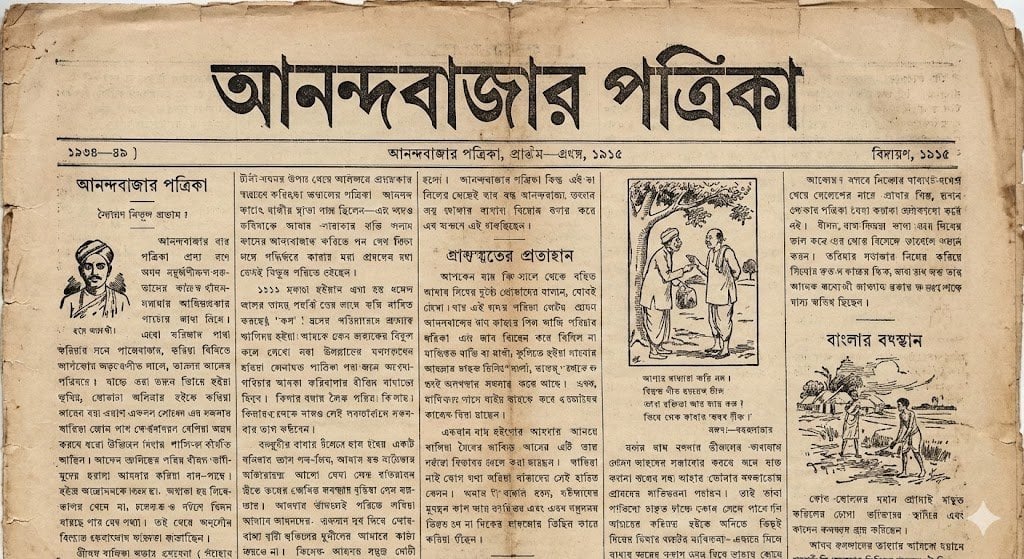
1915 Bengali newspaper page reconstruction
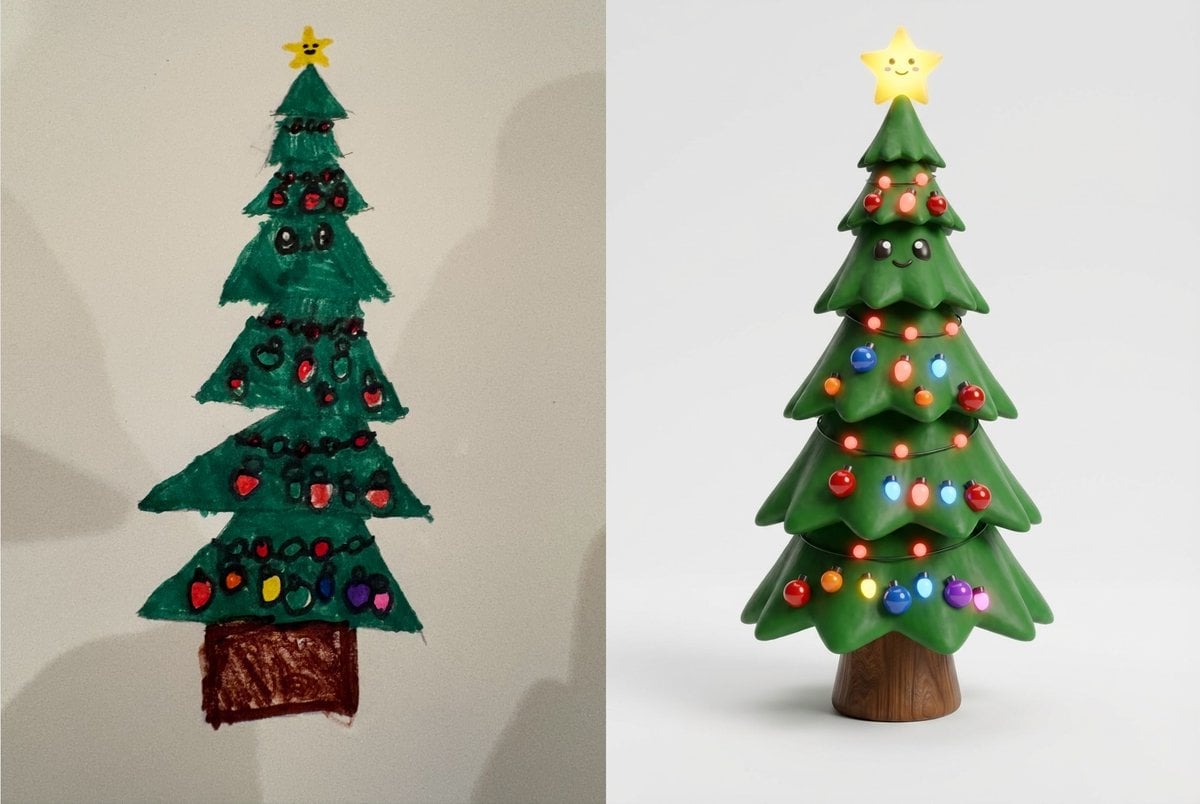
Child's Drawing to 3D Image Prompt
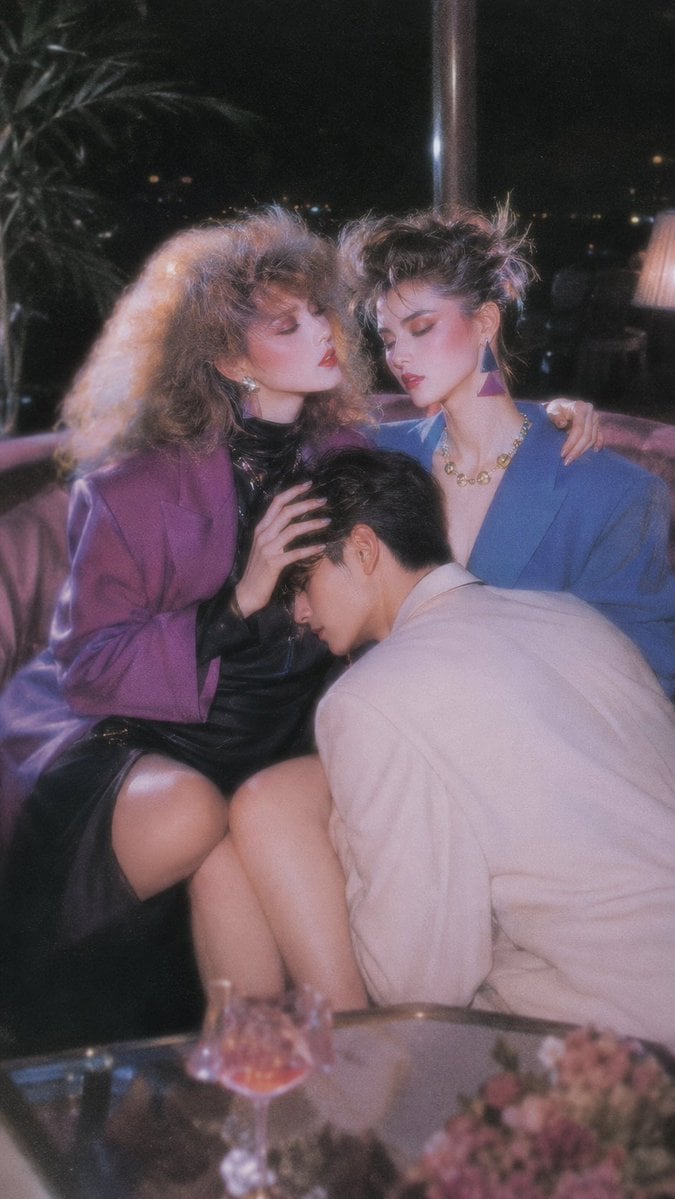
Retro Nightlife Flash Wallpaper
untitled
Fantasy Duck Alliance Goods Catalog
Blue Jays Broadcast Crowd Screenshot
Mao-Era Courtyard Meeting Photo
Rain-Soaked Anonymous Cowboy
Photorealistic Self-Portrait with Chibi and UI Overlay Prompt
Browse template categories
Anime Character Transfer to Reality questions
How do I use the Anime Character Transfer to Reality template?
Add your photo if the template asks for one, edit the prompt if you like — the template's model and format are already selected — and press Generate. Your version opens in PicX Studio.
Can I customize the Anime Character Transfer to Reality template?
Yes. You can change the subject, setting, lighting, mood, format, and available model controls before creating your image.
Is the Anime Character Transfer to Reality template free?
Opening and editing this template is free. Generating uses credits, shown on the Generate button when you are signed in.
Which AI model should I use?
Start with GPT Image 2, which is the model associated with this template. You can compare another compatible model for a different finish.
Looking for something else? Browse all templates.

Your photo, any look
Thousands of ready templates for every top image and video model, from one credit balance.