
Photorealistic Self-Portrait with Chibi and UI Overlay Prompt
A complex prompt for generating a hyperrealistic full-body photograph featuring the user's likeness, alongside a chibi anime version of themselves, with a superimposed Apple Music player UI overlay, emphasizing high…
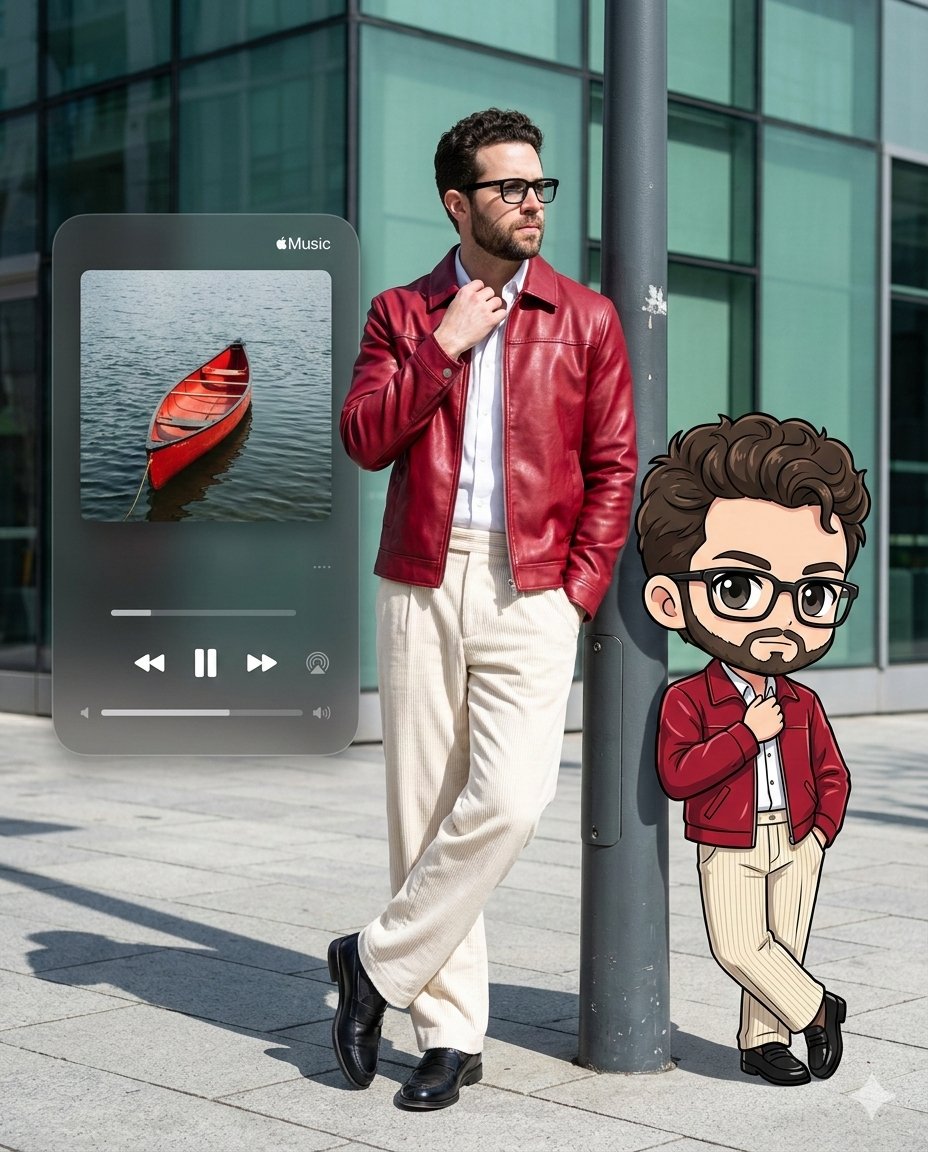
- Prompt included
- Model and format preset
- Free template
The prompt behind this image
Copy the exact prompt behind Photorealistic Self-Portrait with Chibi and UI Overlay Prompt, or open it in the studio and make it yours.
Create an Ultra-detailed, ratio 4:5, hyperrealistic full-body photograph of a stylish me posing on a modern city sidewalk under bright, direct midday sun. The composition is a vertical medium-full shot from an eye-level perspective. The me leans casually against a dark grey metal street pole that creates a strong vertical line just right of center. He wears a striking, slightly glossy crimson red faux leather jacket zipped halfway over a crisp white collared shirt. His trousers are wide-leg, cream-colored corduroy with visible texture. He wears polished black leather loafers. His pose is relaxed, with one leg crossed over the other, and his left hand is tucked into his pocket. He has curly black hair and wears modern black-framed glasses, looking off to his right with a neutral, cool expression. To his right, a cute chibi anime character version of himself, with a large head and big eyes, perfectly mirrors his pose and outfit, rendered with clean black line art and simple cell shading. On the left side of the frame, a large, semi-transparent, dark grey, rounded rectangle overlay mimicking an Apple Music player Ul is professionally superimposed, featuring album art of a red canoe on water and playback controls; this Ul has a subtle 'glassmorphism' frosted glass effect. The lighting is hard sunlight from the top-right, casting sharp, defined shadows on the light grey tiled pavement. The background consists of a modern building with large, greenish-tinted glass panels. Shot with a 35mm lens, f/5.6 aperture, creating sharp focus on the subject and graphics with a slightly soft background. The color science emphasizes high contrast between the crimson red, cream, and cool tones of the environment. Avoid any motion blur, unnatural skin textures, or distorted proportions. The integration of the graphic elements must be seamless and clean, without pixelation or rough edges.
How to use Photorealistic Self-Portrait with Chibi and UI Overlay Prompt in 3 steps
- 1
Open
The prompt is already in the box next to the preview, with the template's model and format selected.
- 2…a portrait of your subject in softgolden-hour light, 85mm…
Personalize
Edit the subject and creative details for your destination.
- 3Generate
Generate
Press Generate — your image is created in PicX Studio, so you can compare it with the original and refine one variable at a time.
More like this
Templates with the same subject, style or setup. Open one to see its prompt.
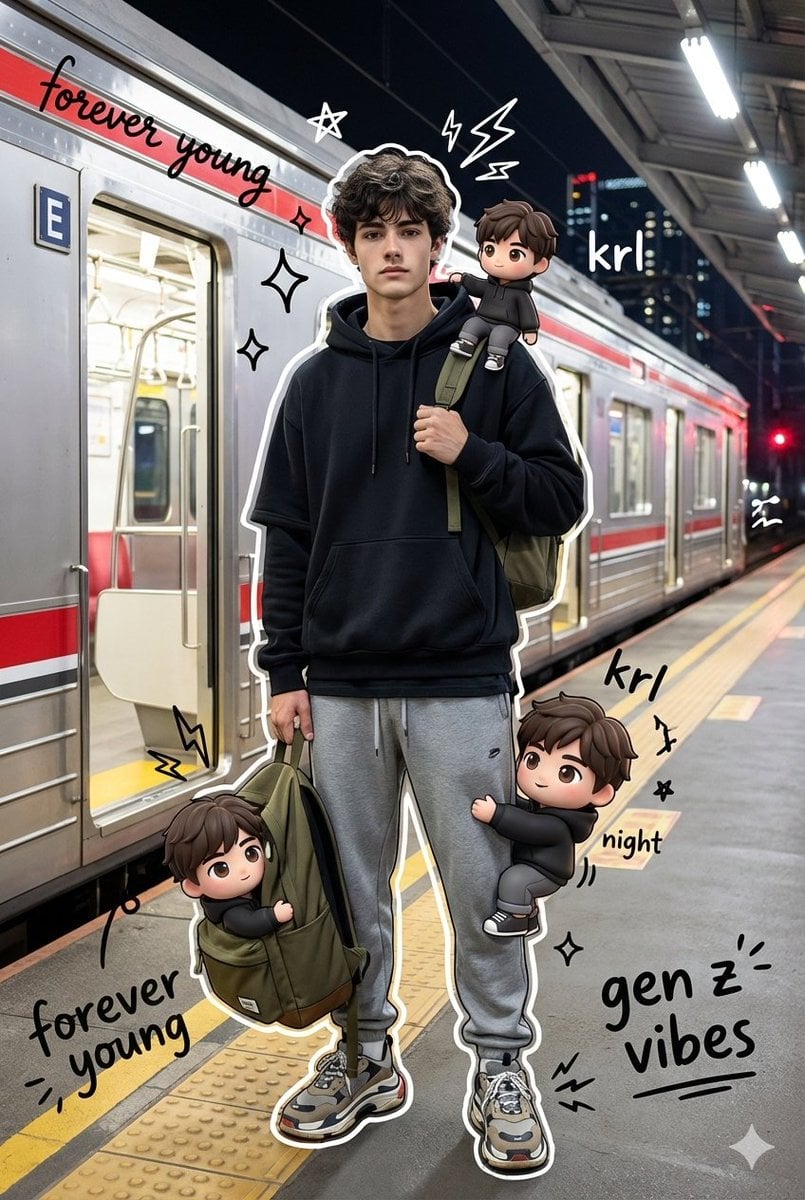
Mixed Media Portrait with Chibi Overlays
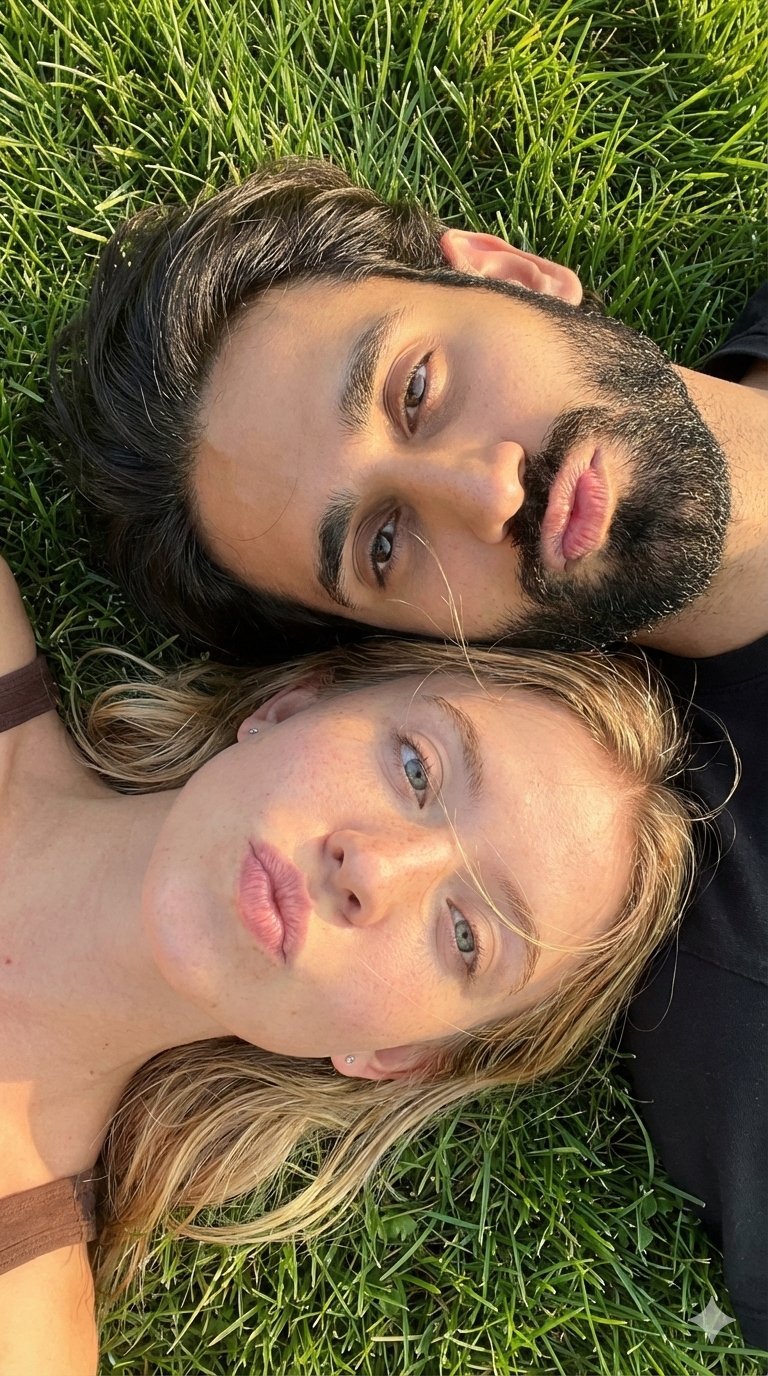
Selfie with Sydney Sweeney and Ana De Ar

Found Photograph: Us, 1970

80s Couple Studio Portrait

80s Bollywood Star

80s Golden Hour Cinema

Me in 1985

1985 Studio Portrait
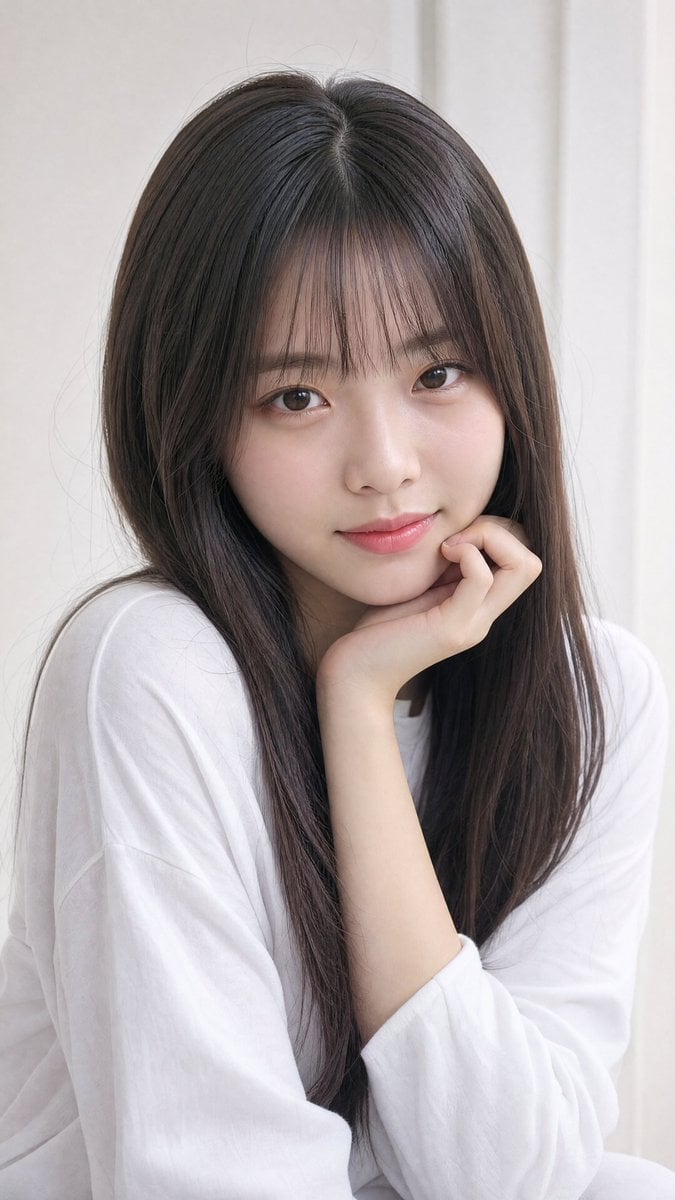
Photorealistic East Asian Portrait

Hyper-Realistic Minecraft POV Portrait
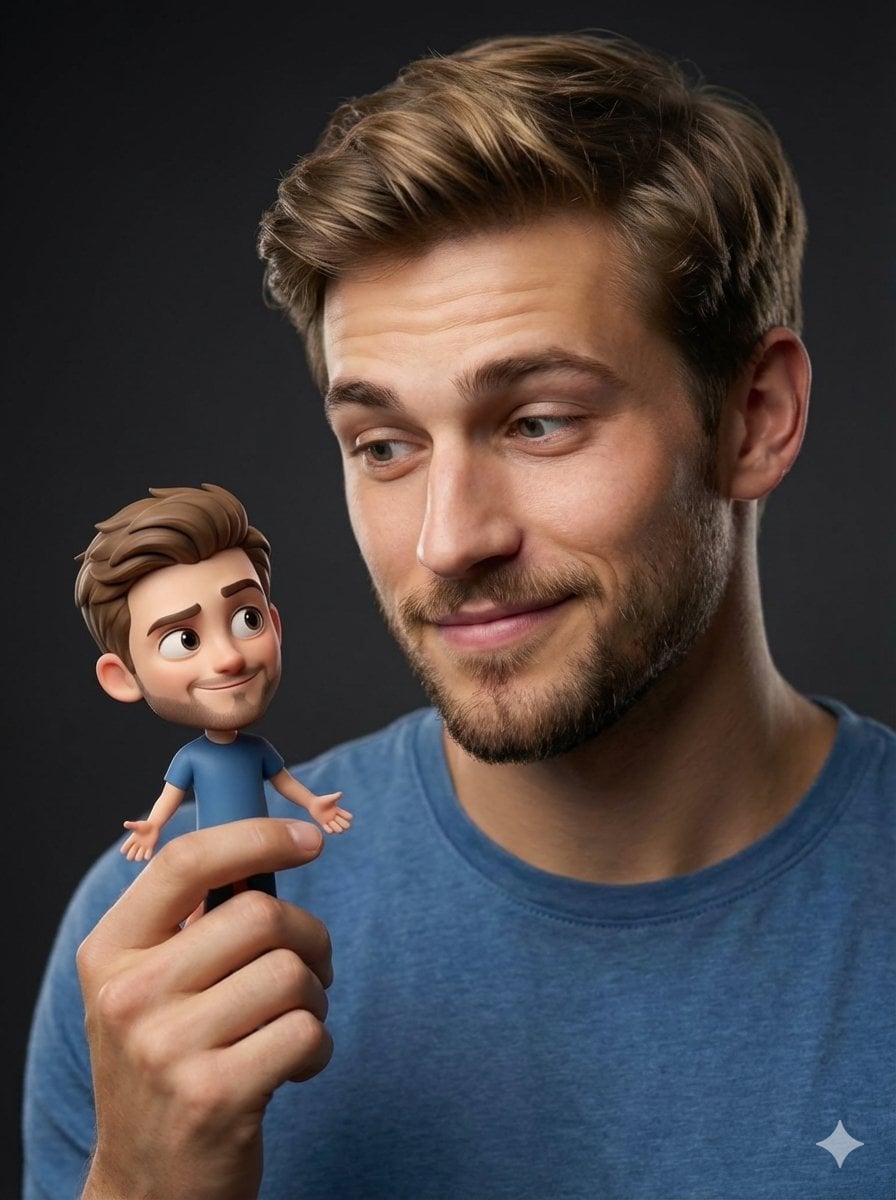
Human with Miniature 3D Self Portrait
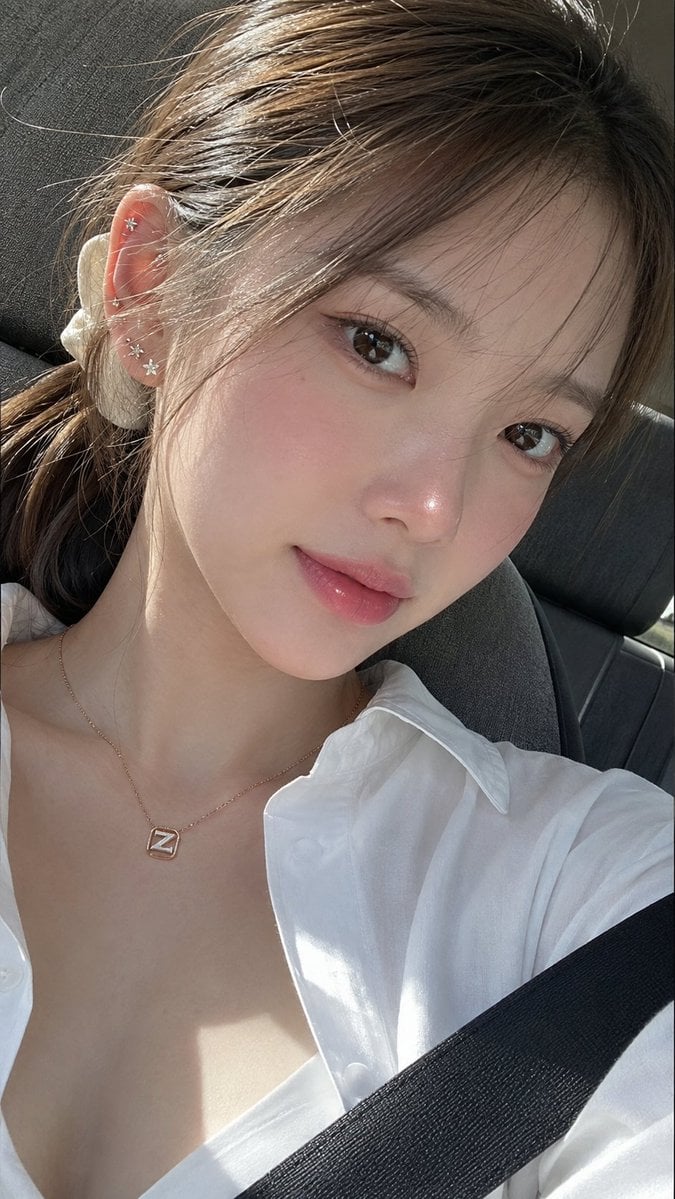
Ultra-Photorealistic Car Selfie
Make it yours
Photorealistic Self-Portrait with Chibi and UI Overlay Prompt works as-is. These are the safest ways to change it without losing the look.
Change one field
Copy a single group, rewrite it, and generate again so you can see what that field is doing.
Keep the frame, change the subject
Hold the composition and light of Photorealistic Self-Portrait with Chibi and UI Overlay Prompt, then swap wardrobe, props or the person for a new take.
| If the result… | Why | Fix |
|---|---|---|
| The result drifts from the preview | Too many fields changed at once. | Reuse Photorealistic Self-Portrait with Chibi and UI Overlay Prompt as-is first, then change one group — subject, light, or setting. |
| The model over-stylizes the scene | The prose prompt leaves finish and camera underspecified. | Add one camera or lighting sentence and stay on Nano Banana 2. |
More Nano Banana 2 templates
Other prompts made for Nano Banana 2.

Photorealistic Leaf Shaped Like a Dragon

K-Pop Idol Portrait Grid for Rapid Selection

Poetic Rain Forest Portrait During Golden Hour

Urban Street Portrait with Cartoon Inner Self Duo

Candid Nighttime Photo with Cat Prompt

High-Concept 3D Diorama Generation Prompt

Cinematic Futuristic Studio Portrait Template

Skincare Editorial Photography Collage Prompt

Hyper-Realistic Commercial Product Photography (Splash Effect)

Hyper-Realistic Nightclub Portrait Prompt
More image prompts
Fresh picks from across the catalog.

Ultra-realistic Urban Skateboarding Action Scene
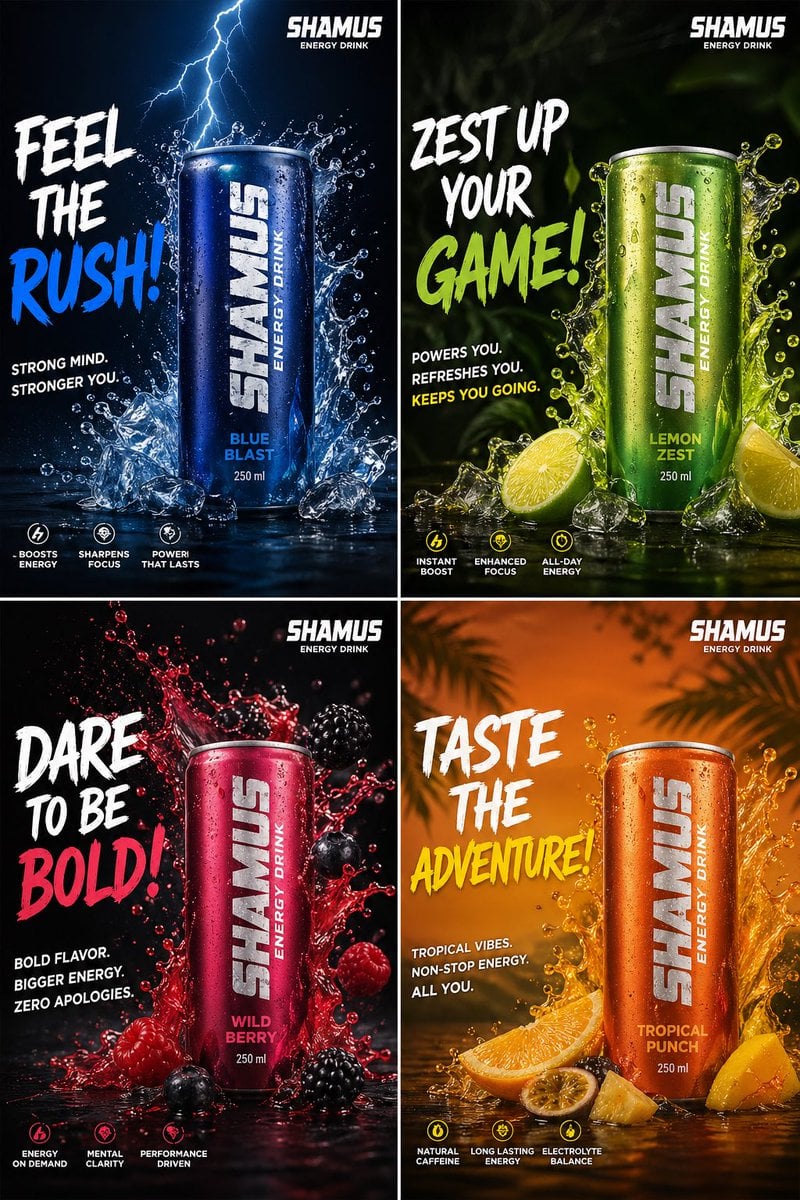
Energy Drink Brand Instagram Creatives
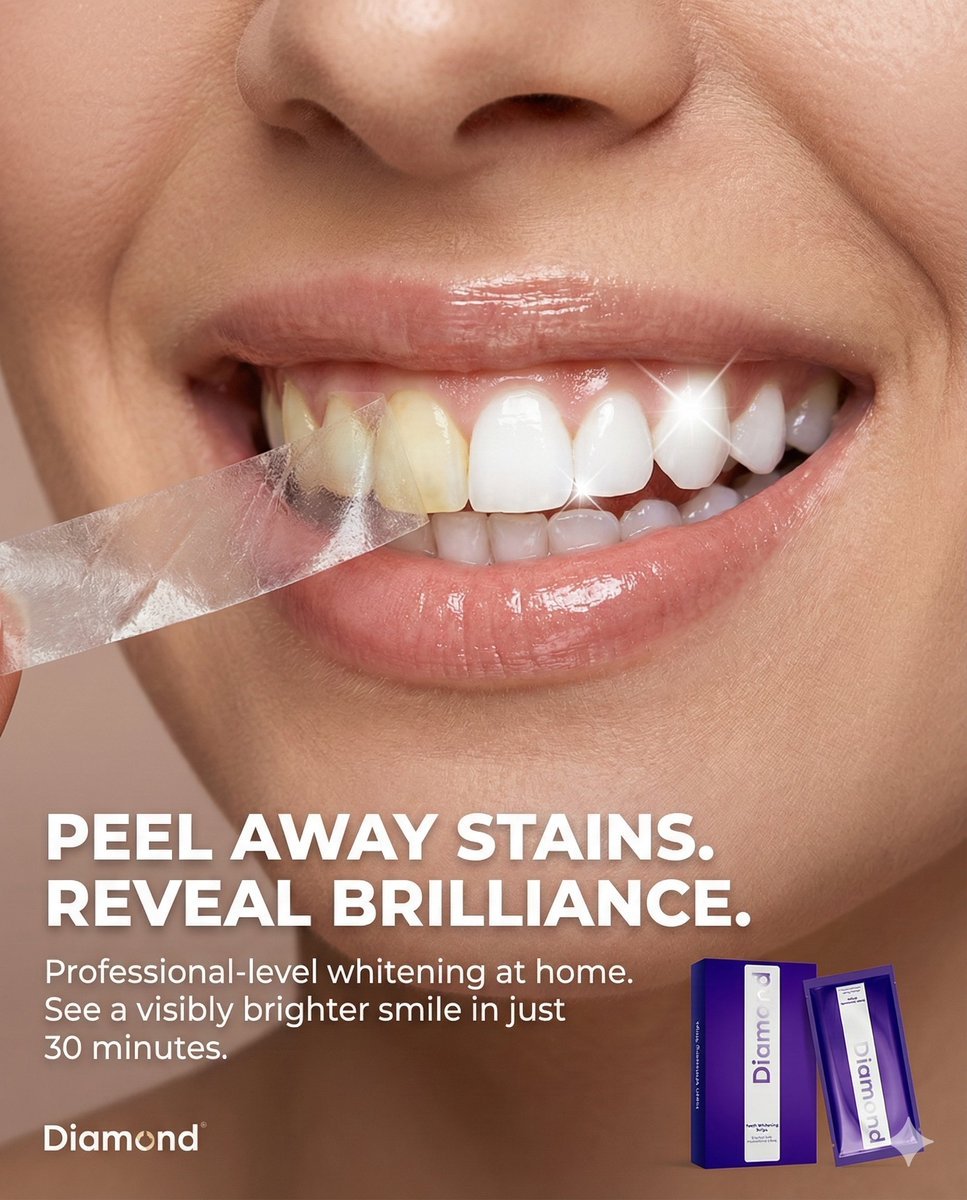
Macro Beauty Ad for Teeth Whitening Strips with Peeling Effect
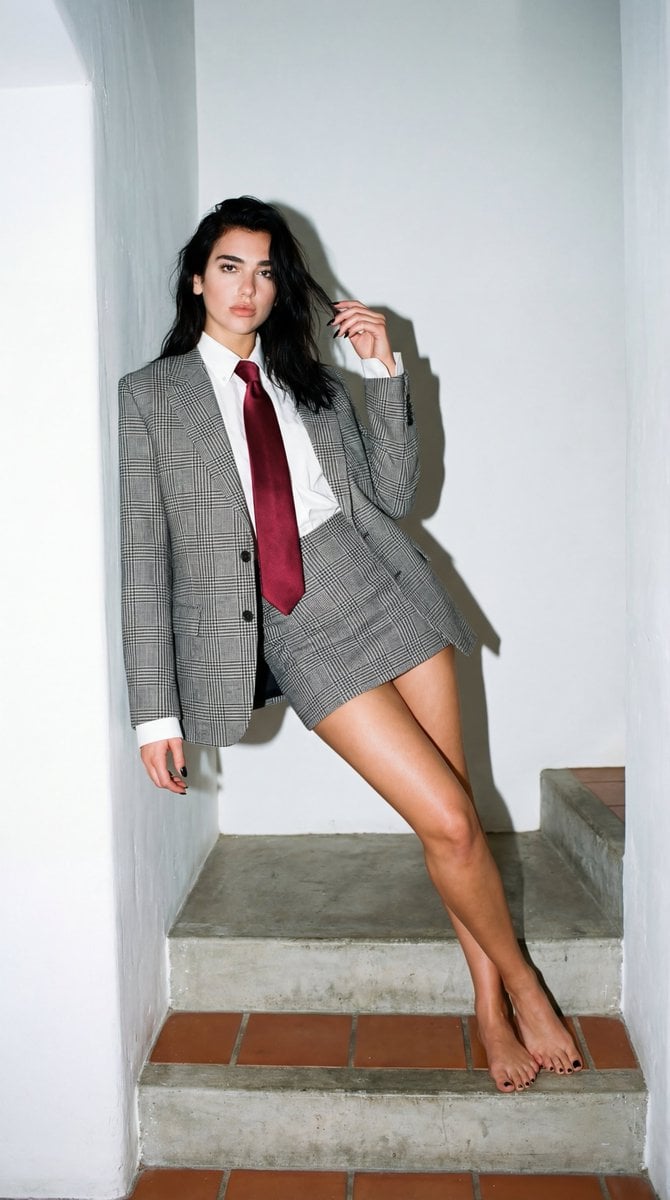
Dua Lipa Editorial Portrait (Brutalist Concrete Setting)
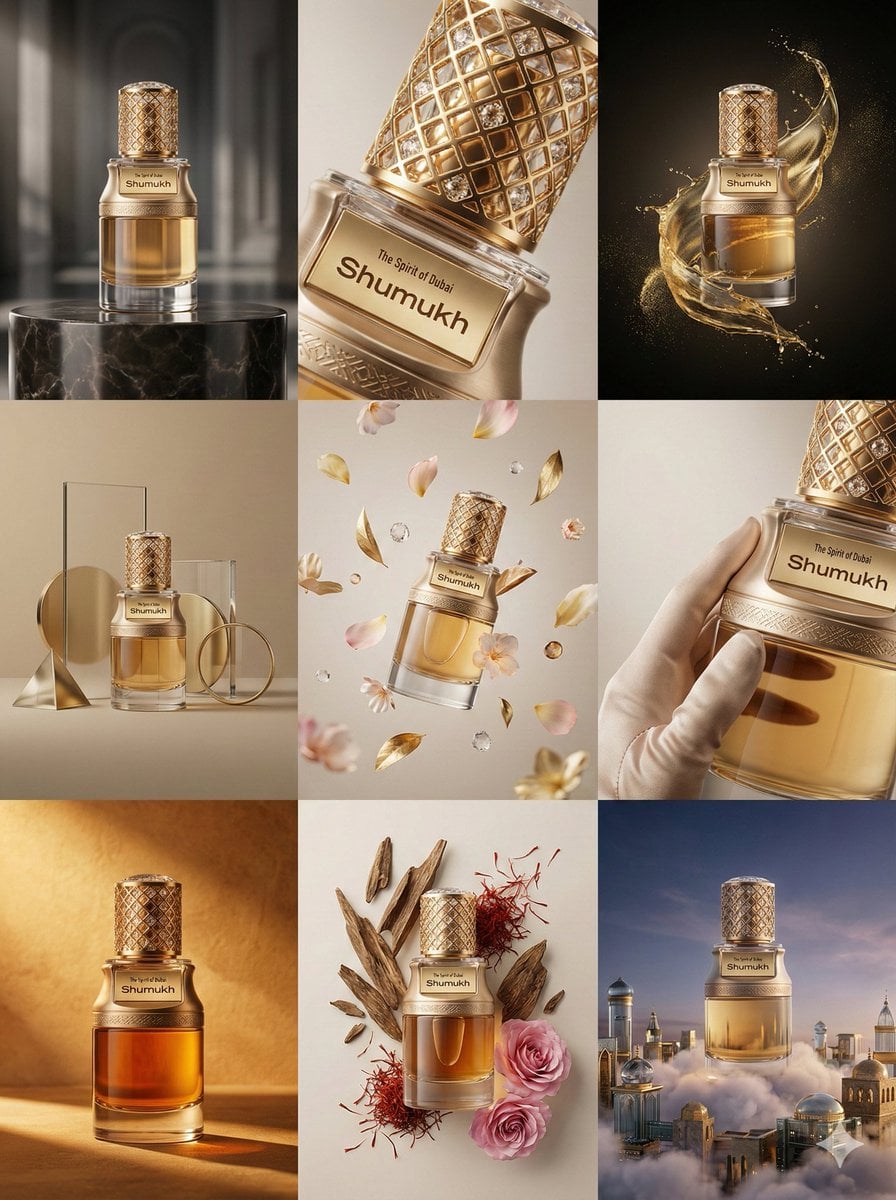
Luxury Product Commercial Grid Prompt (3x3)
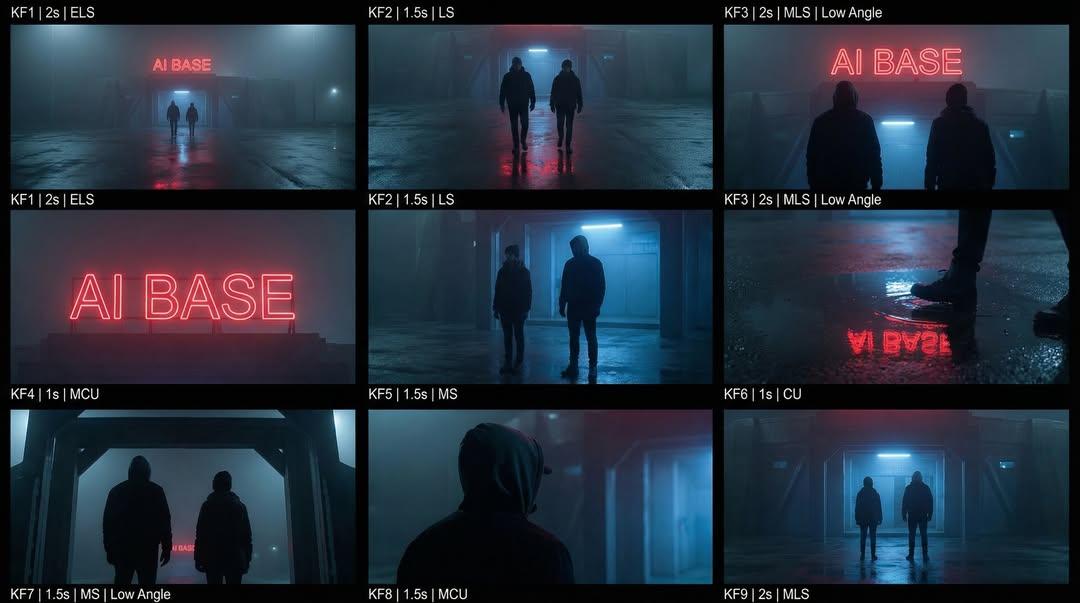
Cinematic Sci-Fi Storyboard Prompt for Nano Banana Pro
Seedance 2 0 Bullet Time Selfie Modular
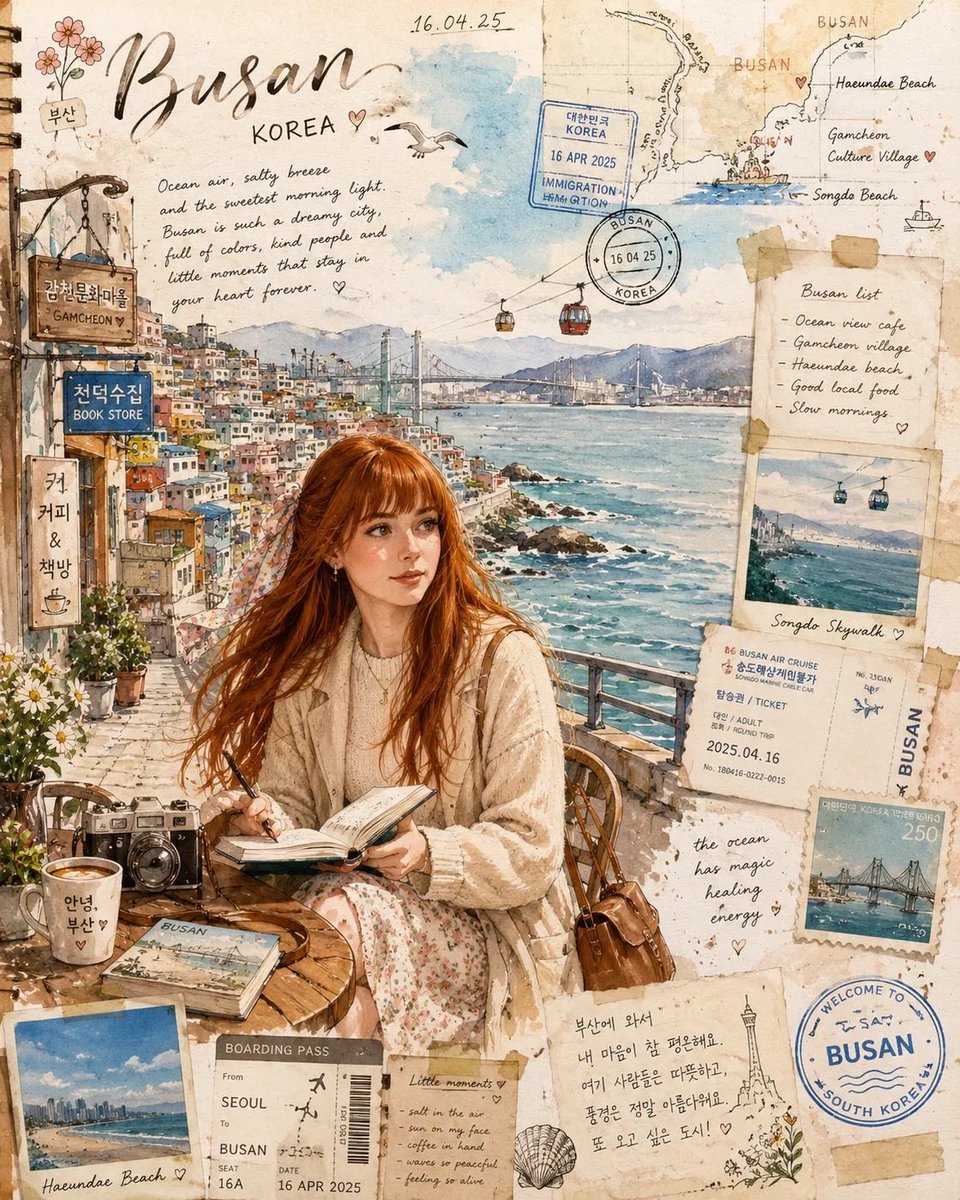
Busan Travel Journal Illustration
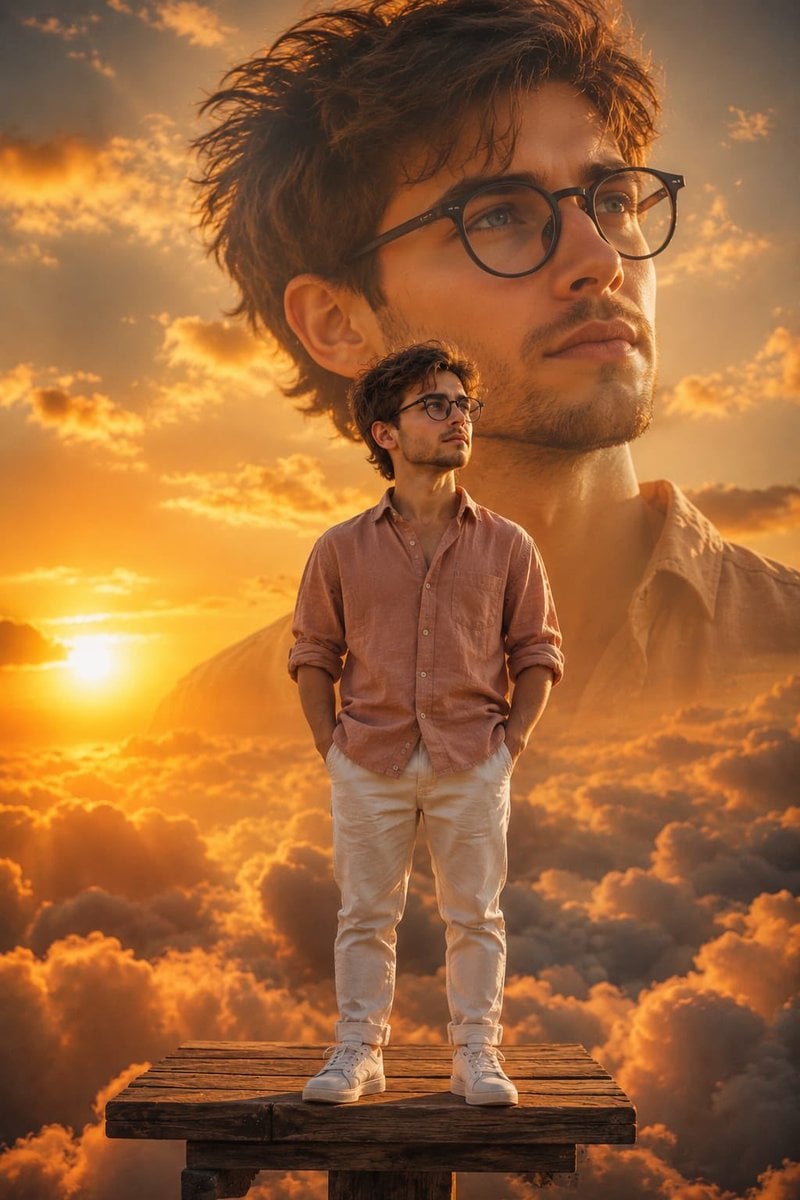
Double Exposure Child Sunset Portrait
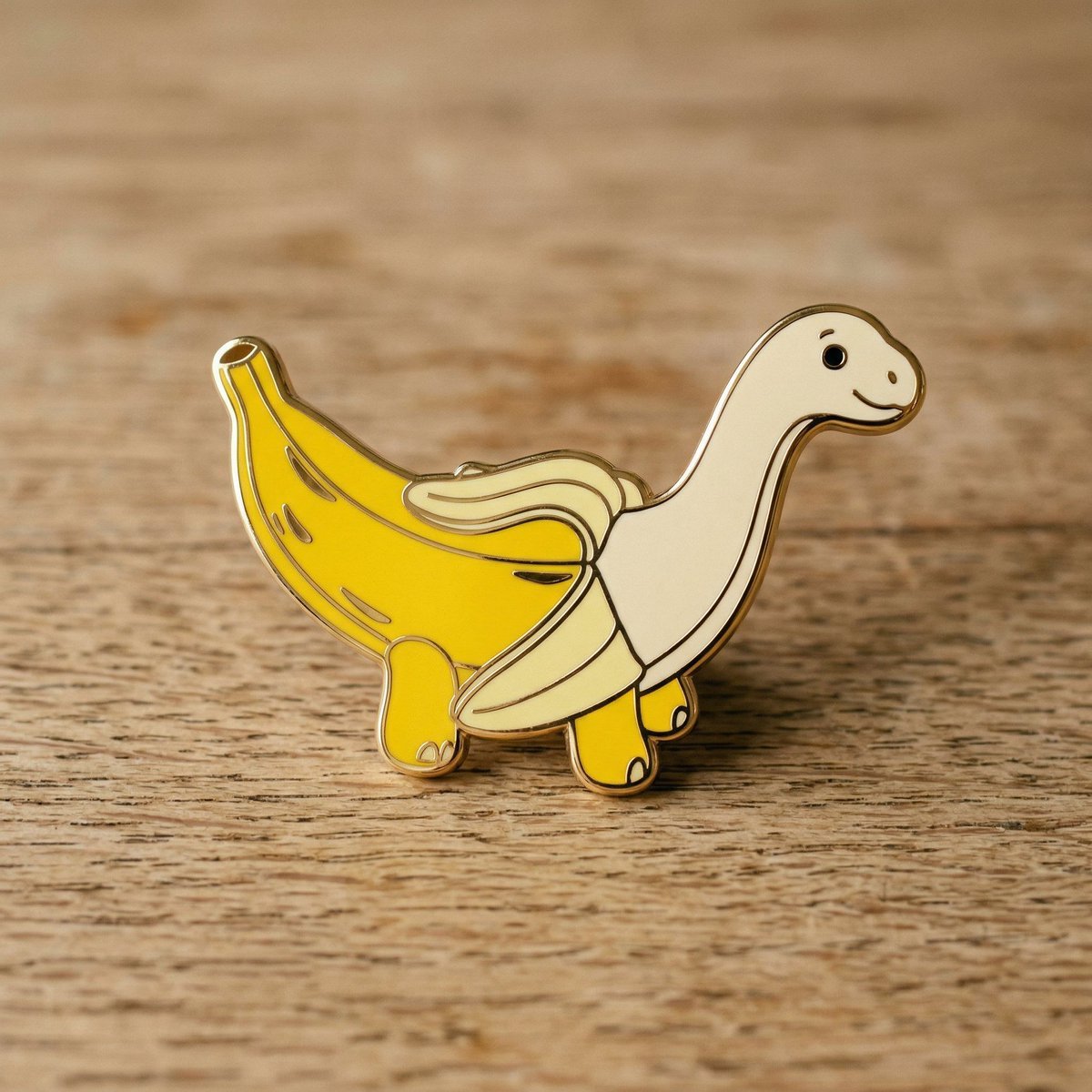
Subject-to-Enamel Pin Conversion
Browse template categories
Photorealistic Self-Portrait with Chibi and UI Overlay Prompt questions
How do I use the Photorealistic Self-Portrait with Chibi and UI Overlay Prompt template?
Add your photo if the template asks for one, edit the prompt if you like — the template's model and format are already selected — and press Generate. Your version opens in PicX Studio.
Can I customize the Photorealistic Self-Portrait with Chibi and UI Overlay Prompt template?
Yes. You can change the subject, setting, lighting, mood, format, and available model controls before creating your image.
Is the Photorealistic Self-Portrait with Chibi and UI Overlay Prompt template free?
Opening and editing this template is free. Generating uses credits, shown on the Generate button when you are signed in.
Which AI model should I use?
Start with Nano Banana 2, which is the model associated with this template. You can compare another compatible model for a different finish.
Looking for something else? Browse all templates.

Your photo, any look
Thousands of ready templates for every top image and video model, from one credit balance.