
Ultra-Photorealistic Car Selfie
A hyper-realistic prompt for a detailed smartphone-style selfie of a Korean woman inside a car, featuring glass skin and natural lighting.
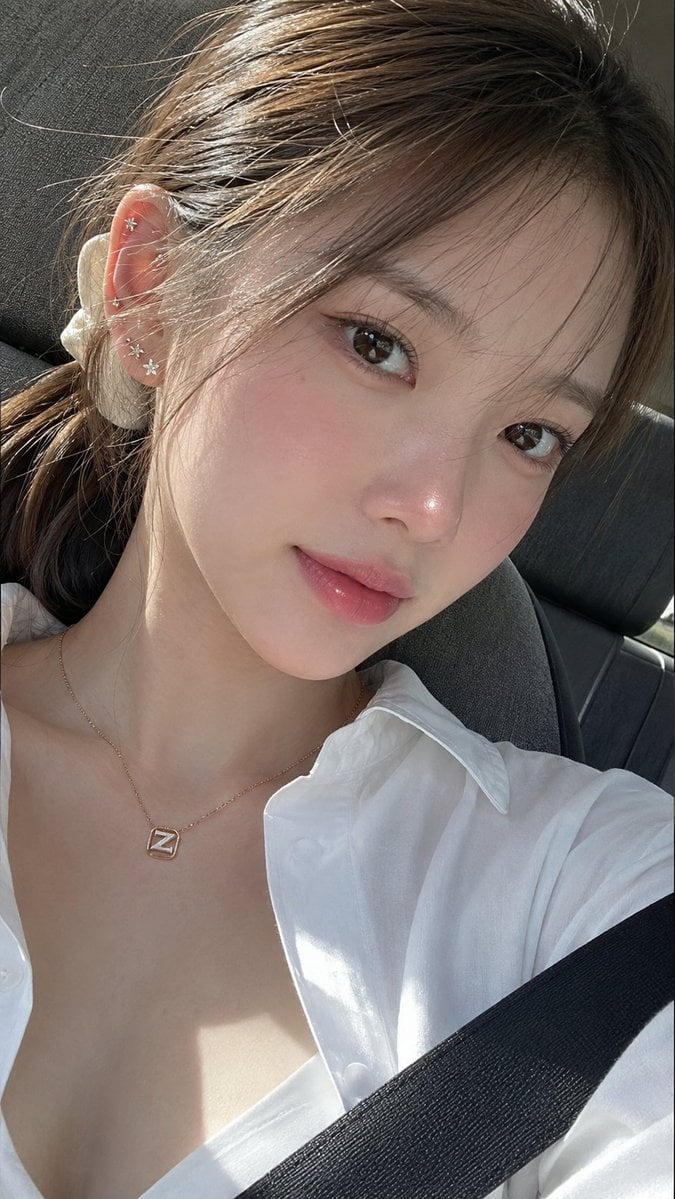
- Prompt included
- Model and format preset
- Premium template
The prompt behind this image
Copy the exact prompt behind Ultra-Photorealistic Car Selfie, or open it in the studio and make it yours.
A stunning ultra-photorealistic extreme close-up selfie of a youthful {argument name="ethnicity" default="Korean"} woman with naturally soft, balanced facial features and an elegant feminine appearance. Her complexion is exceptionally clear and luminous, featuring healthy, dewy glass skin with subtle natural pores and a delicate pearlescent glow that looks realistic rather than artificial. She has large warm dark-brown eyes with crisp natural catchlights, long curled black eyelashes, softly shaped natural brows, a fresh rosy blush across the cheeks, a gentle pink flush on the bridge and tip of the nose, and soft gradient rosy-pink lips finished with a light glossy sheen. Her makeup is refined, lightweight, and seamlessly blended in a modern Korean beauty style. Her body proportions appear natural and graceful with smooth, fair skin. Her light milk-tea brown hair is tied back into a relaxed ponytail using an ivory-white hair tie, while wispy baby hairs and loose face-framing strands soften her features. Multiple delicate piercings decorate her right ear (left side of the image), including the lobe and upper helix, adorned with tiny crystal star and floral earrings. Around her neck rests a fine rose-gold necklace featuring a minimalist white "Z"-inspired pendant enclosed within a slim gold frame. The photo is taken inside a {argument name="setting" default="modern car"}, with a grey fabric seat visible behind her and a black seatbelt crossing the lower-right portion of the frame, subtly reinforcing the vehicle interior. She is centred in the composition, filling almost the entire frame while holding her phone for a selfie. Her head is noticeably tilted toward the right side of the image, maintaining confident direct eye contact with a calm, captivating expression. She wears a crisp {argument name="clothing" default="white collared shirt"} with the top buttons casually undone, revealing her neckline and collarbones in a refined, effortless way. Bright natural sunlight pours through the windshield, creating clean, directional lighting that enhances the radiance of her skin, adds dimensional highlights to her hair, and produces realistic contrast across her face. The lighting has the authentic look of daylight reflected naturally from the phone and surroundings. Captured with an eye-level smartphone camera using a subtle Dutch angle that complements the head tilt, the composition focuses almost entirely on her face, neck, and shoulders, with very little background visible. Hyper-realistic skin texture, cinematic colour science, realistic HDR, premium smartphone photography, ultra-sharp details, shallow depth of field, authentic iPhone-quality image, 8K resolution, 9:16 aspect ratio. Negative Prompt: low quality, worst quality (1.4), blurry, bad anatomy, deformed face, asymmetrical features, crossed eyes, unrealistic skin, plastic skin, oversaturated makeup, extra limbs, extra fingers, fused fingers, missing fingers, watermark, logo, text, signature, illustration, painting, anime, cartoon, CGI, overprocessed, noise, compression
How to use Ultra-Photorealistic Car Selfie in 3 steps
- 1Upload ImagePNG, JPG or paste
Add your photo
Upload the photo the template builds on. The prompt, model and format are already set.
- 2…a portrait of your subject in softgolden-hour light, 85mm…
Personalize
Edit the subject and creative details for your destination.
- 3Generate
Generate
Press Generate — your image is created in PicX Studio, so you can compare it with the original and refine one variable at a time.
More like this
Templates with the same subject, style or setup. Open one to see its prompt.
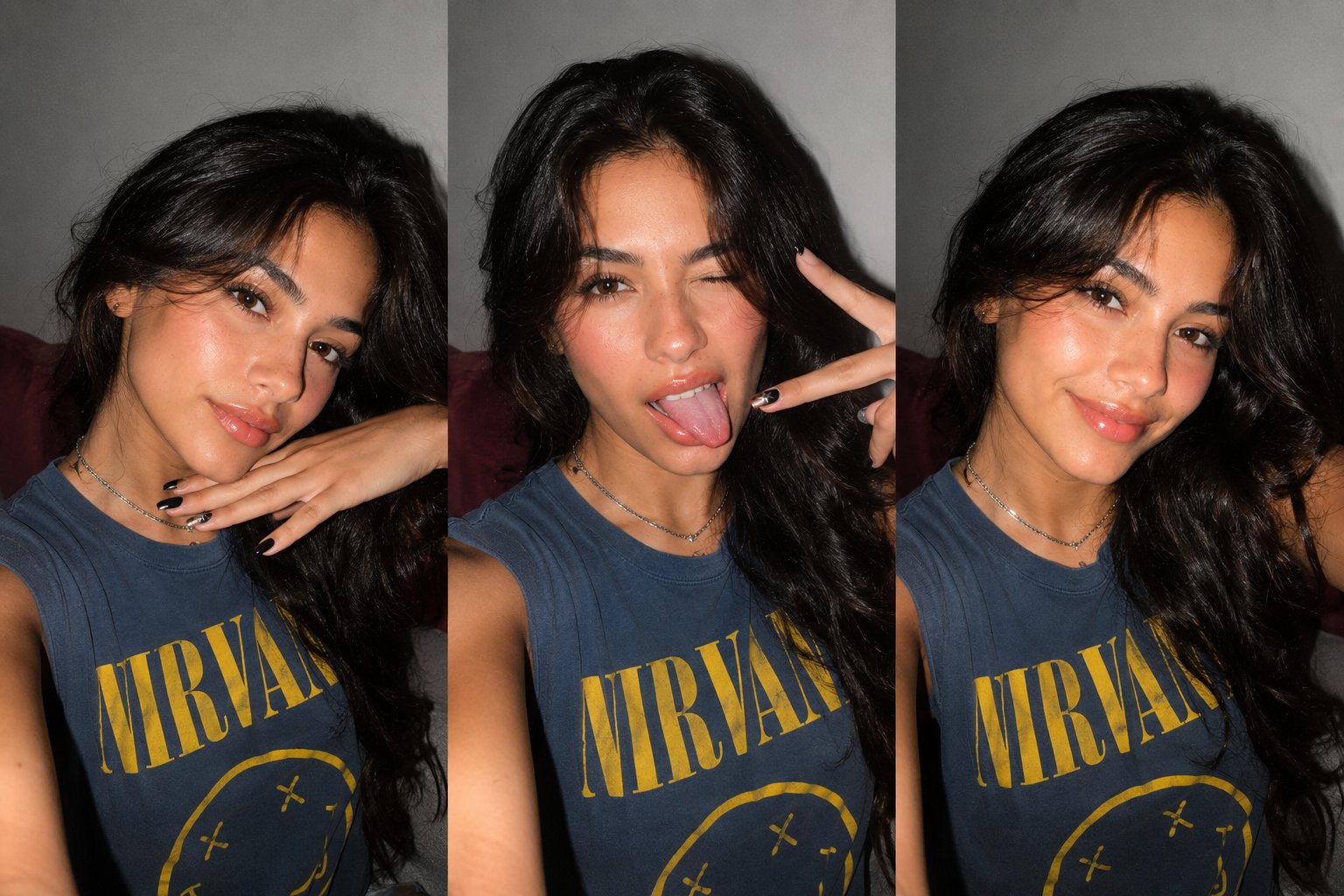
Gen Z Triple Selfie Collage — Y2K Flash Photography
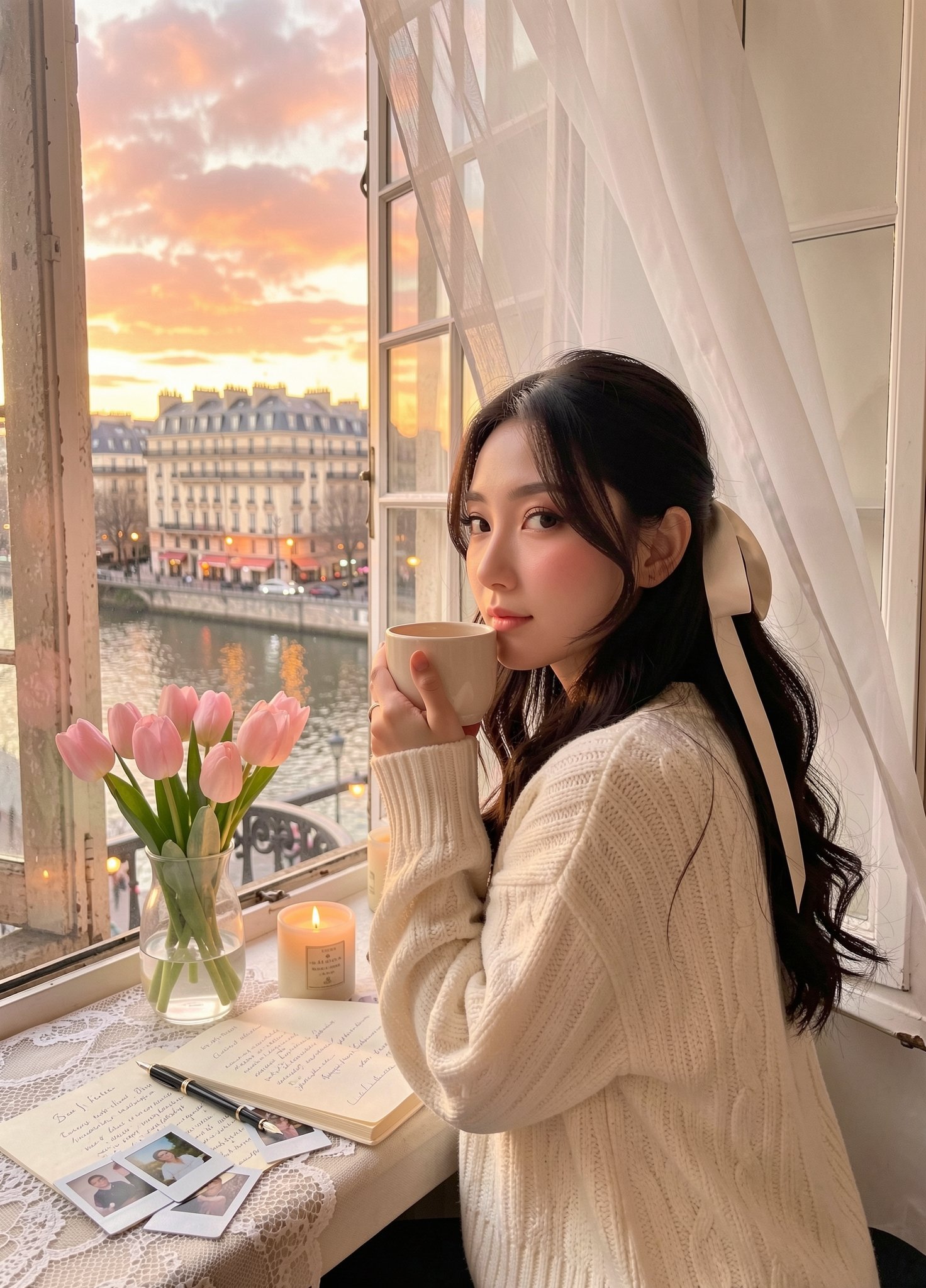
Cozy Knit Sweater Window Portrait
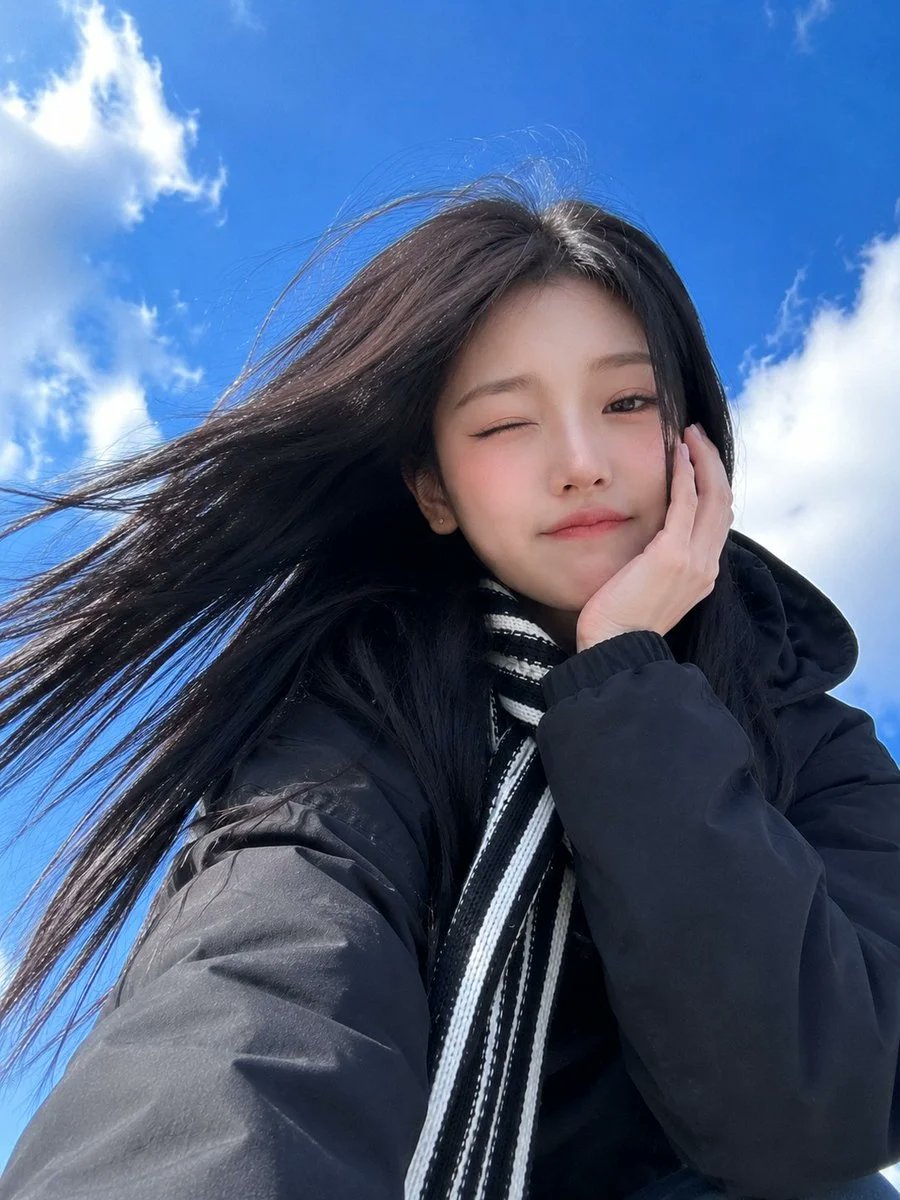
Low-Angle Winter Scarf Selfie

Rooftop Fisheye — Cat-Ear Balaclava at Golden Hour

Felt & Knit 3D Character — Photo-Exact Face, Pixar-Quality Plush Figurine
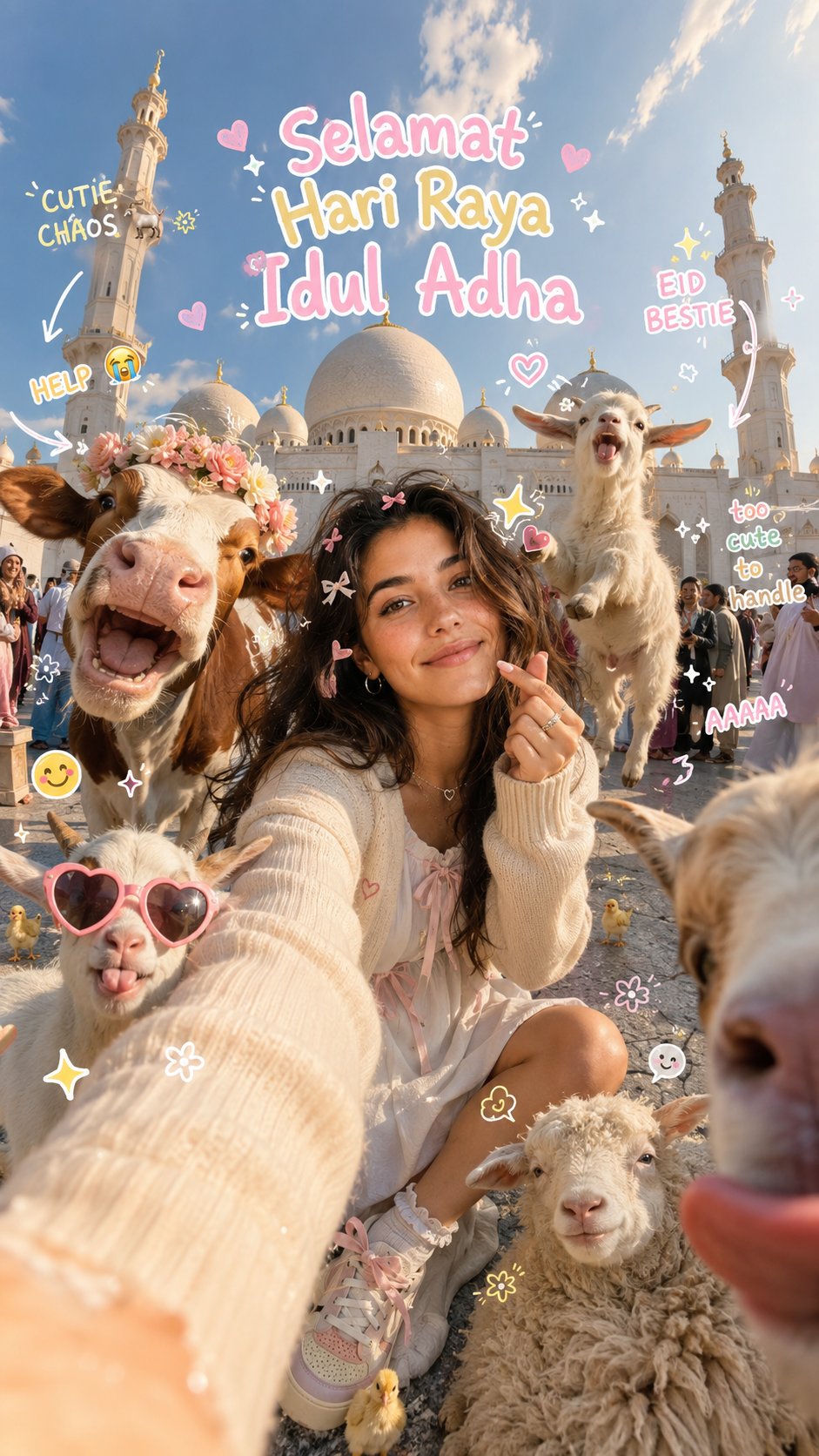
Eid al-Adha Cute Chaos — Fisheye Selfie with Farm Selfie, Mosque & Animals
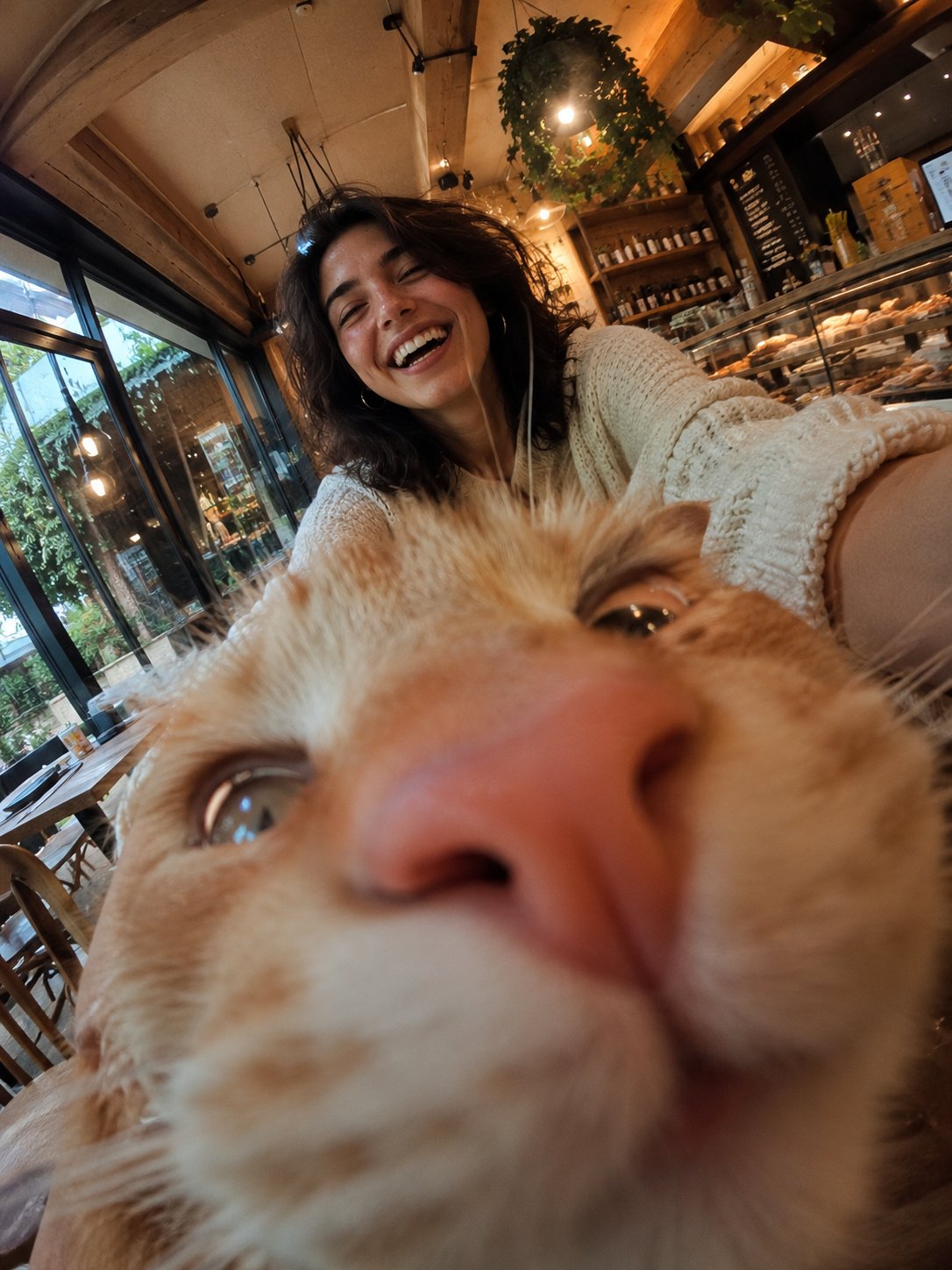
Cat Photobomb Selfie — 0.5x Wide Angle Café Chaos

Surreal Cat Astronaut — Humanoid Face Freefall
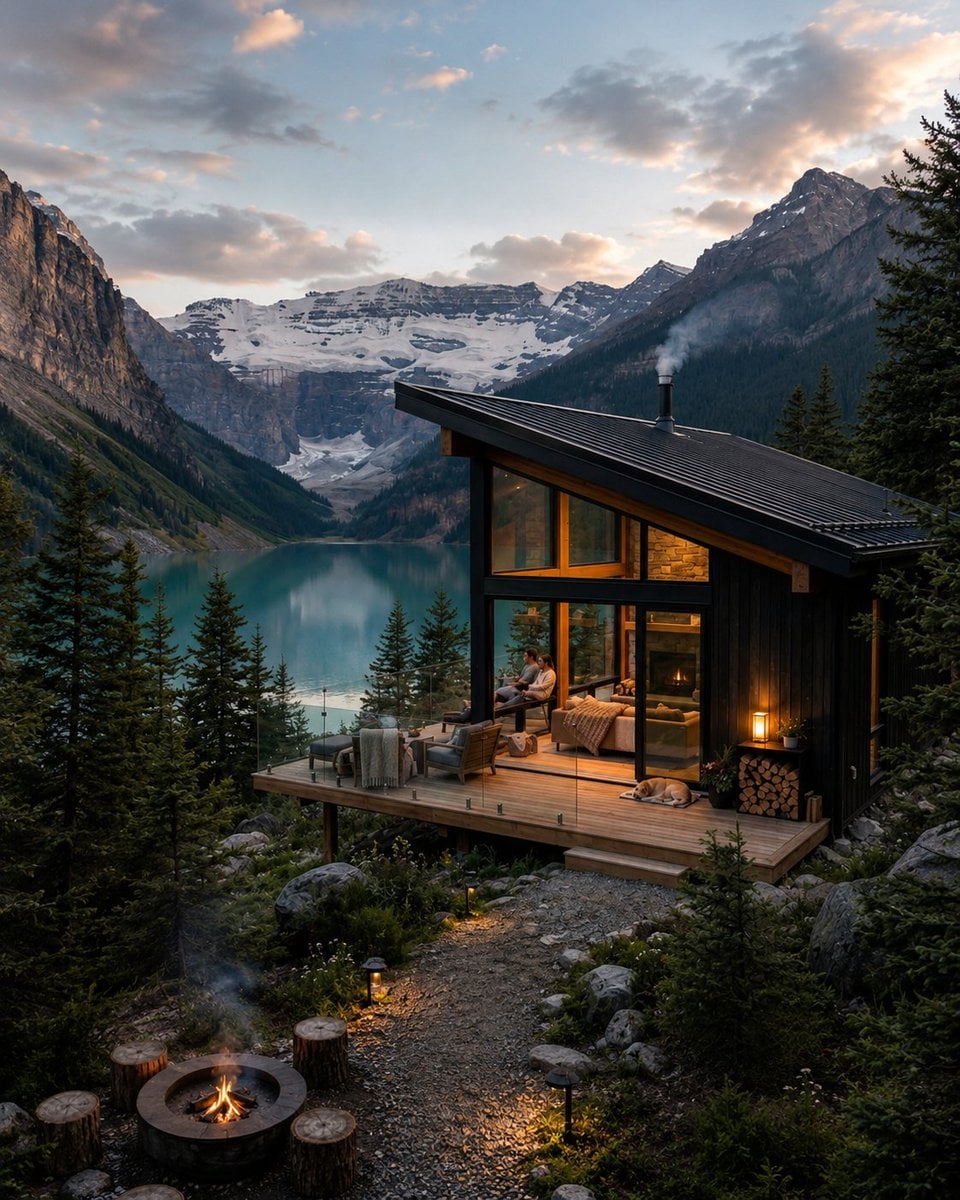
Mountain Lake Sunset Landscape
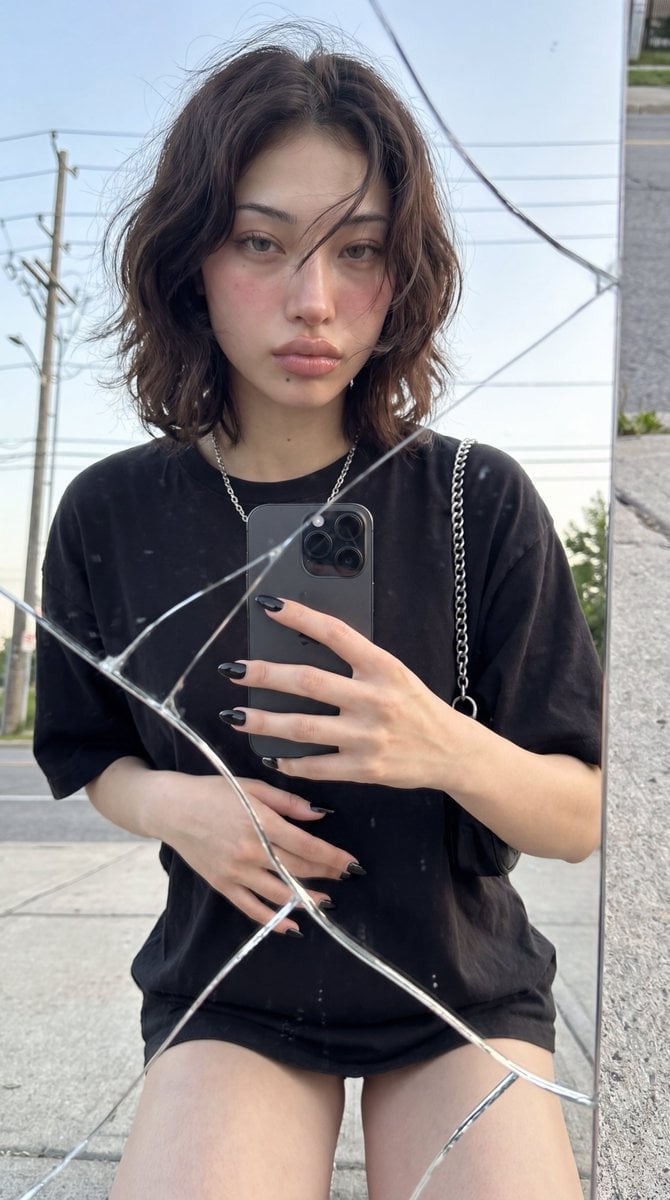
Photorealistic Cracked Mirror Selfie
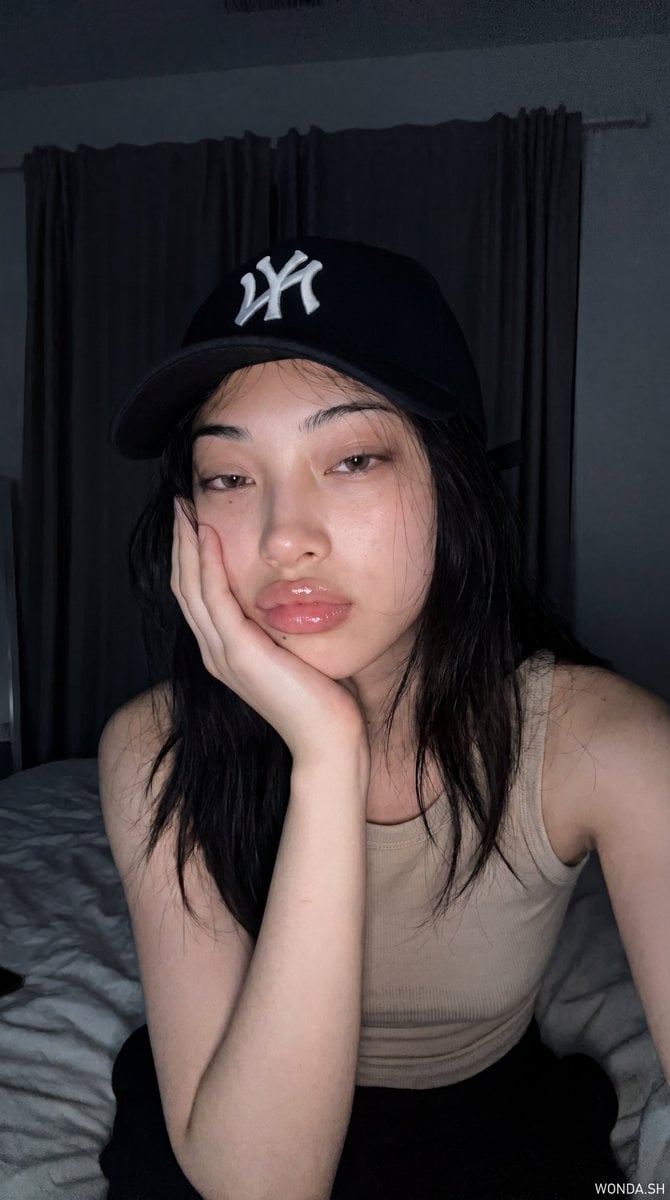
Hyper-Photorealistic Bedroom Flash Selfie
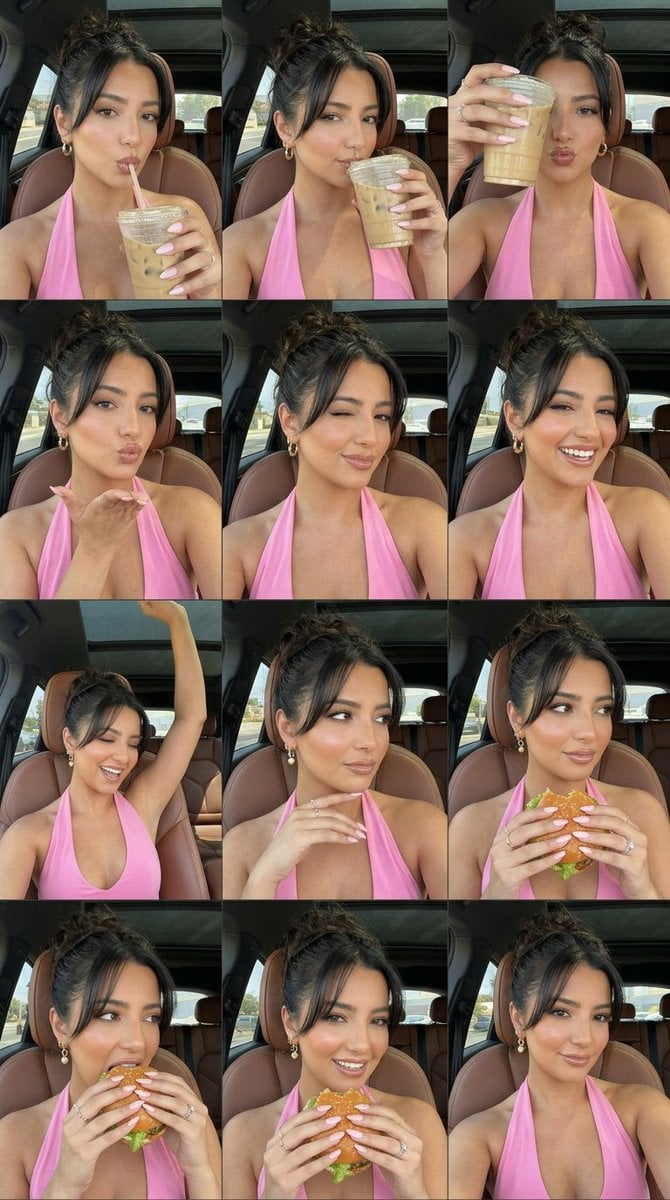
Luxury Car Selfie Collage
Make it yours
Ultra-Photorealistic Car Selfie works as-is. These are the safest ways to change it without losing the look.
Change one field
Copy a single group, rewrite it, and generate again so you can see what that field is doing.
Keep the frame, change the subject
Hold the composition and light of Ultra-Photorealistic Car Selfie, then swap wardrobe, props or the person for a new take.
| If the result… | Why | Fix |
|---|---|---|
| The result drifts from the preview | Too many fields changed at once. | Reuse Ultra-Photorealistic Car Selfie as-is first, then change one group — subject, light, or setting. |
| The model over-stylizes the scene | The prose prompt leaves finish and camera underspecified. | Add one camera or lighting sentence and stay on GPT Image 2. |
More GPT Image 2 templates
Other prompts made for GPT Image 2.

Six VTuber Japanese Logo Sheet

Realistic Portrait of Woman and Deer

The Vista Modular Condo Poster

AI Model Routing Comparison Infographic

2.5D Anime Art Board

Isometric Productivity Desk Scene

New York Double Exposure Poster

Four-Panel AI Landscape Comparison

Japanese Tatami Lifestyle Magazine Cover

NESCAFÉ Coffee Map Poster
More image prompts
Fresh picks from across the catalog.
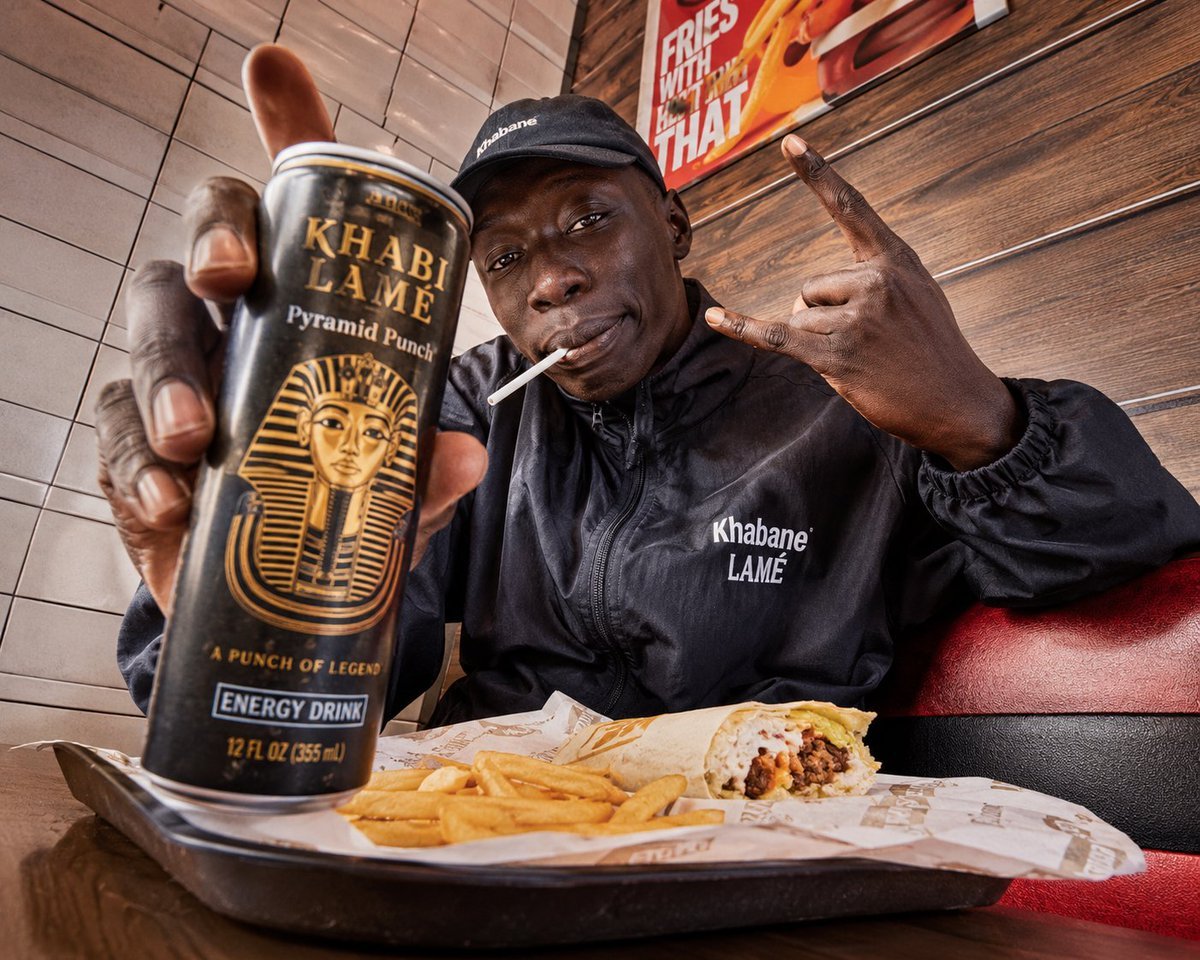
Egyptian Style Editorial Diner Shot
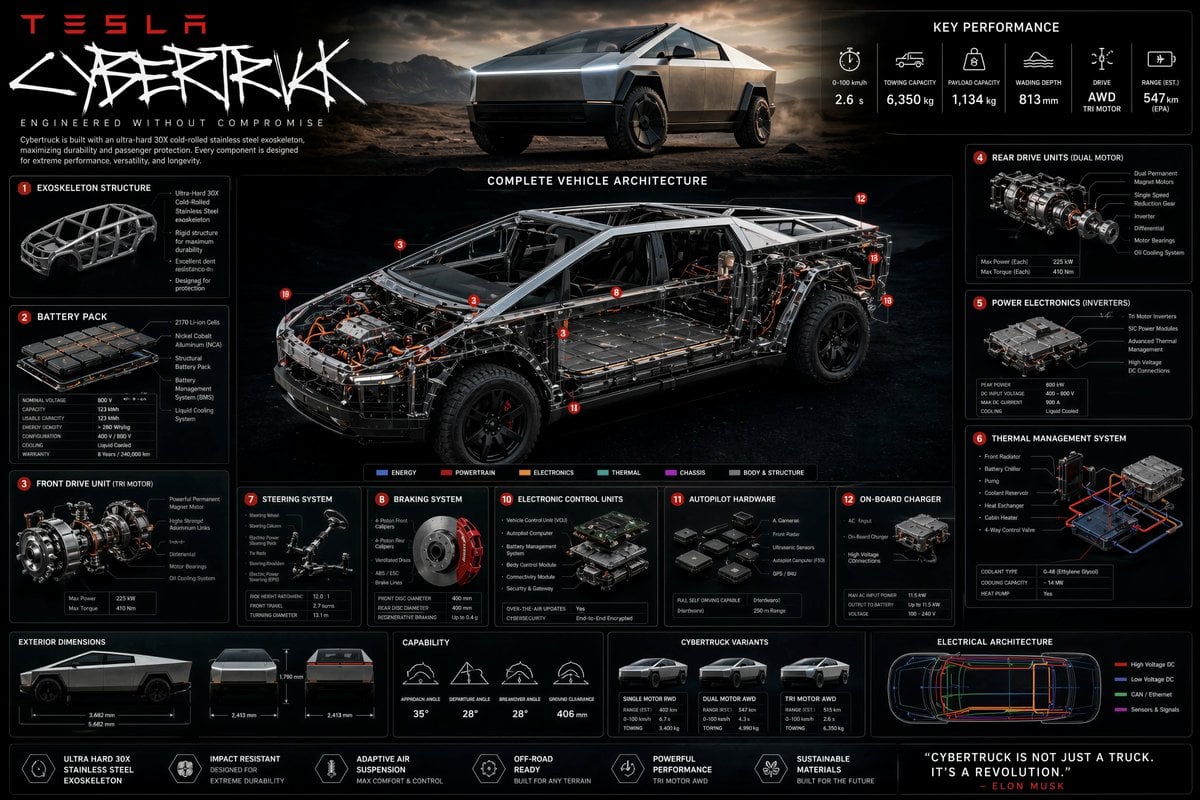
Technical Cutaway Infographic Poster
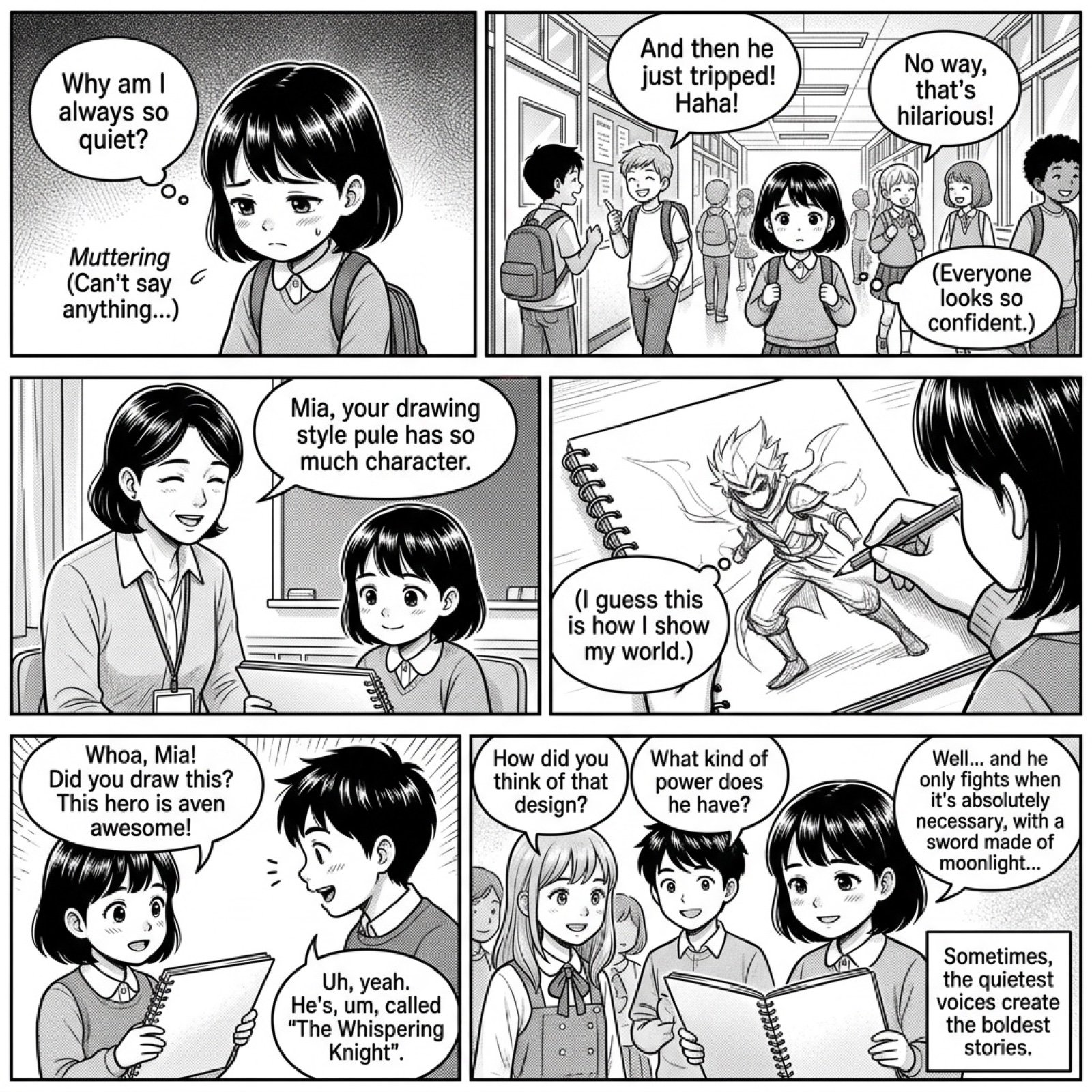
Add dialogue to a manga based on its content
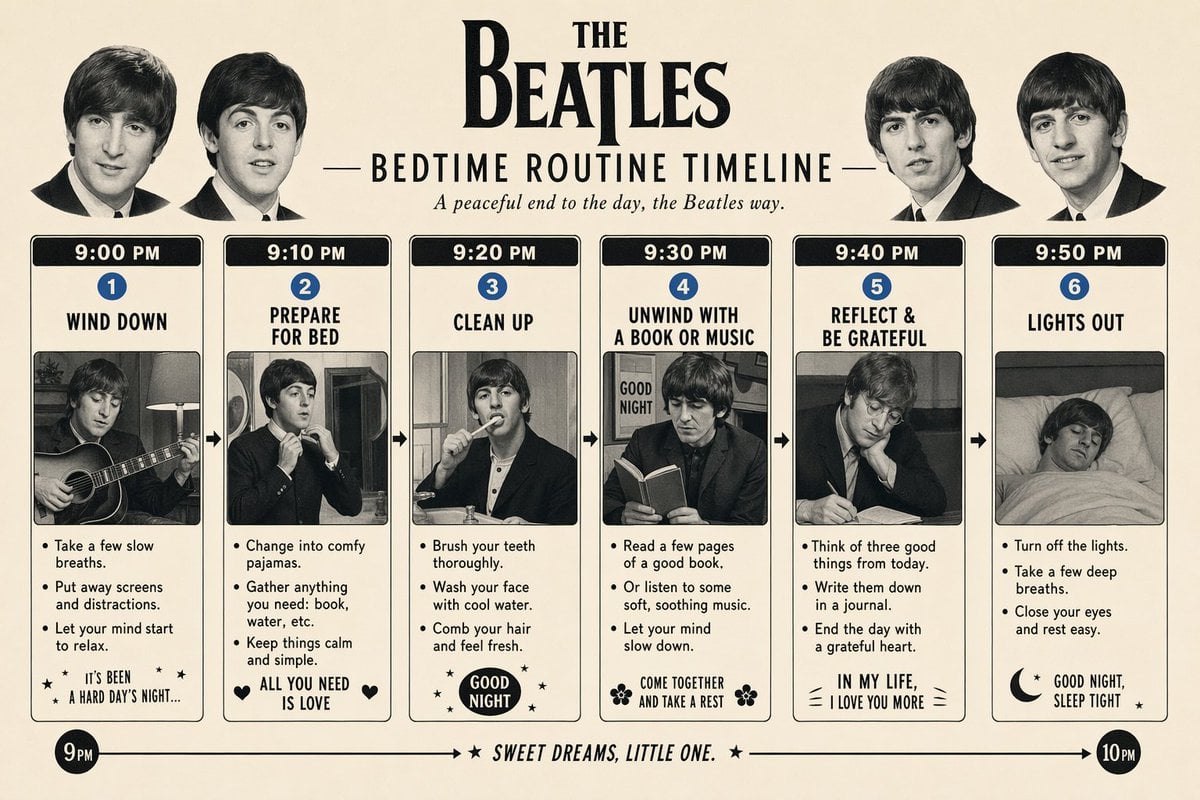
Themed Routine Timeline Infographic
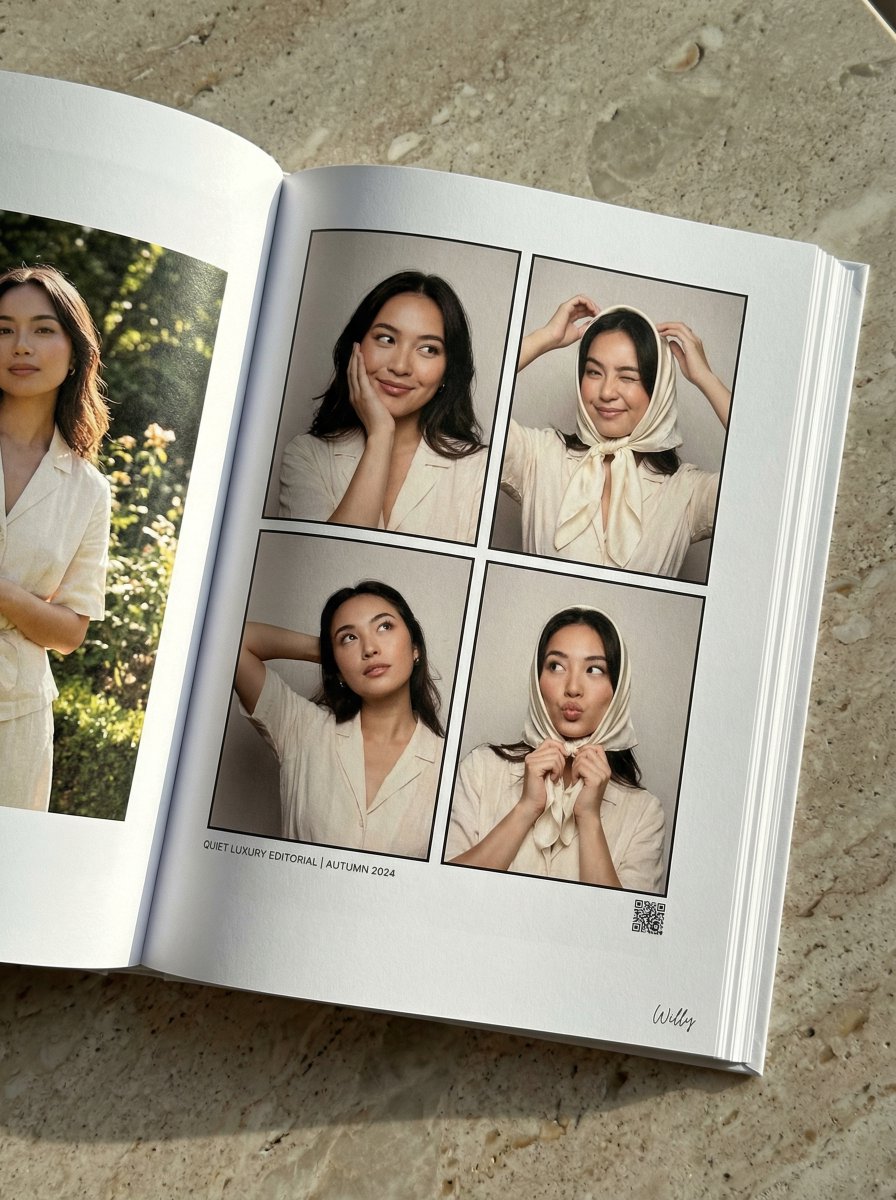
Quiet Luxury Editorial Photobook Spread
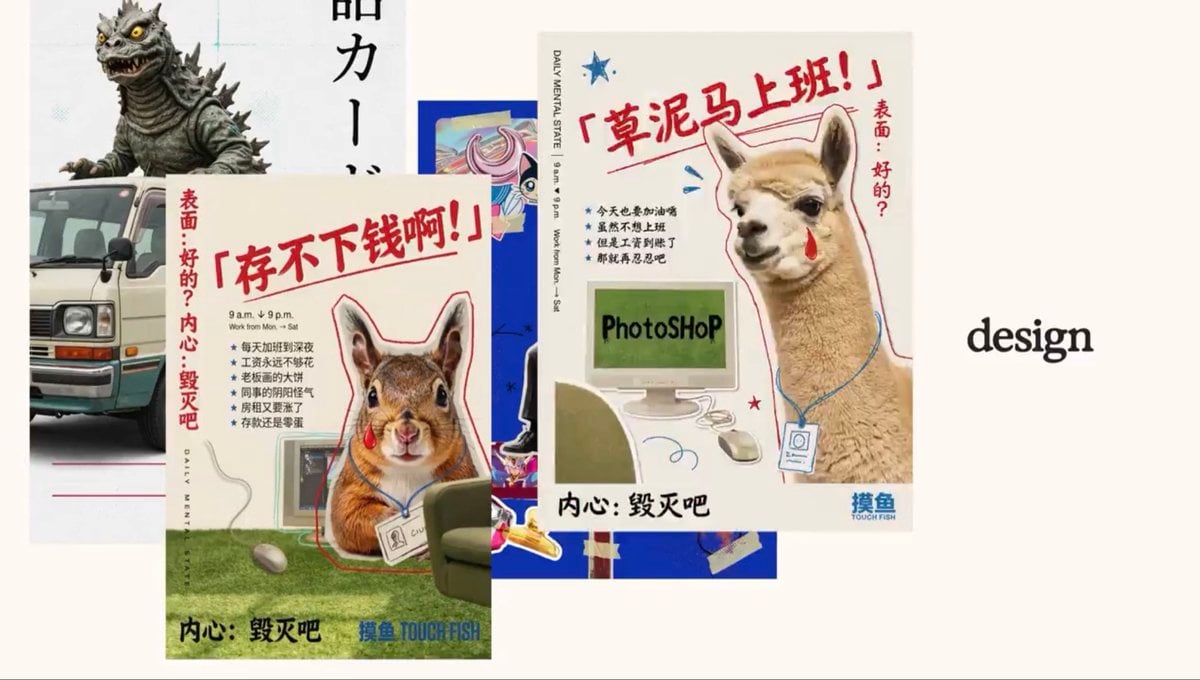
Retro Meme Design Poster Collage
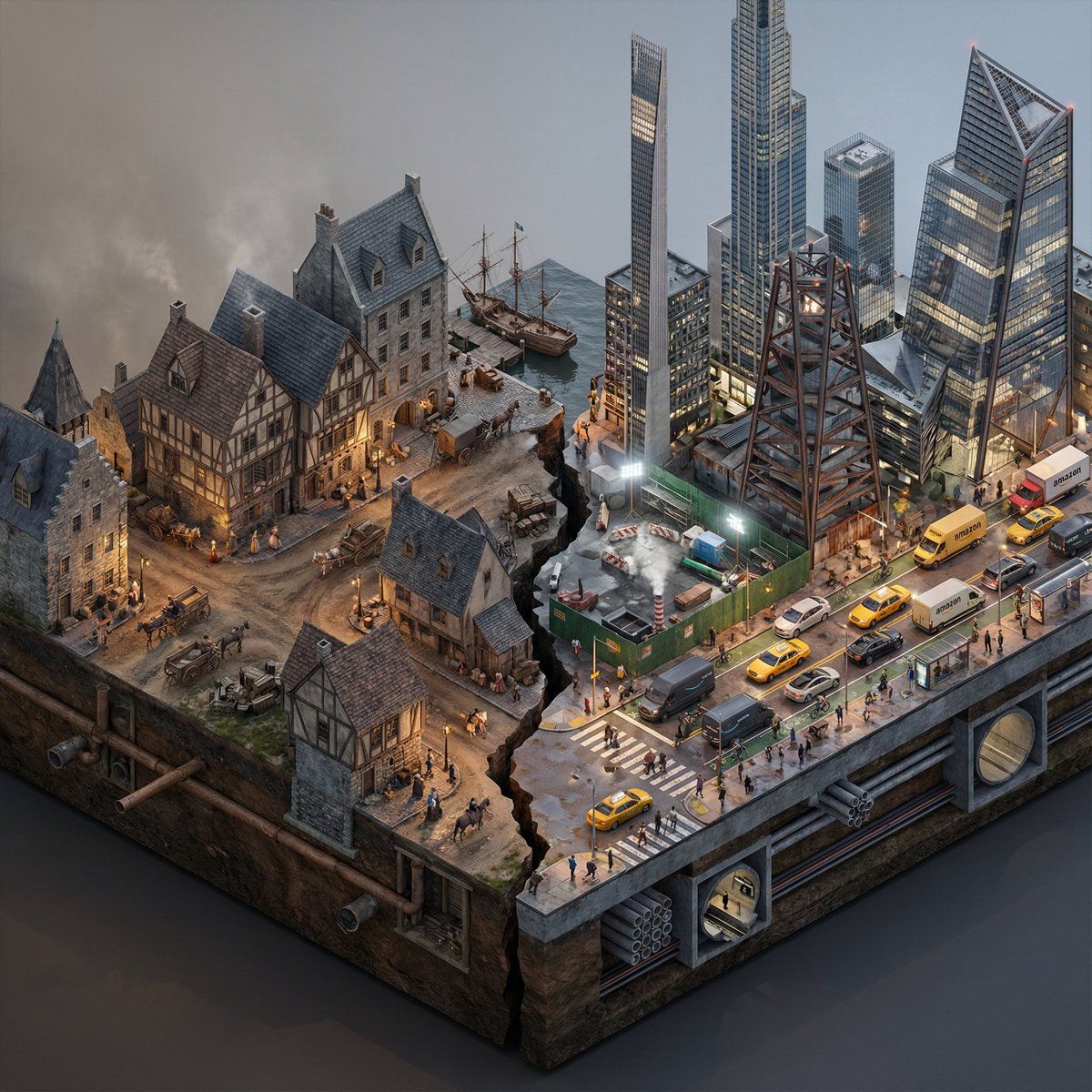
Split-Era Urban Diorama Generation Prompt for Nano Banana Pro
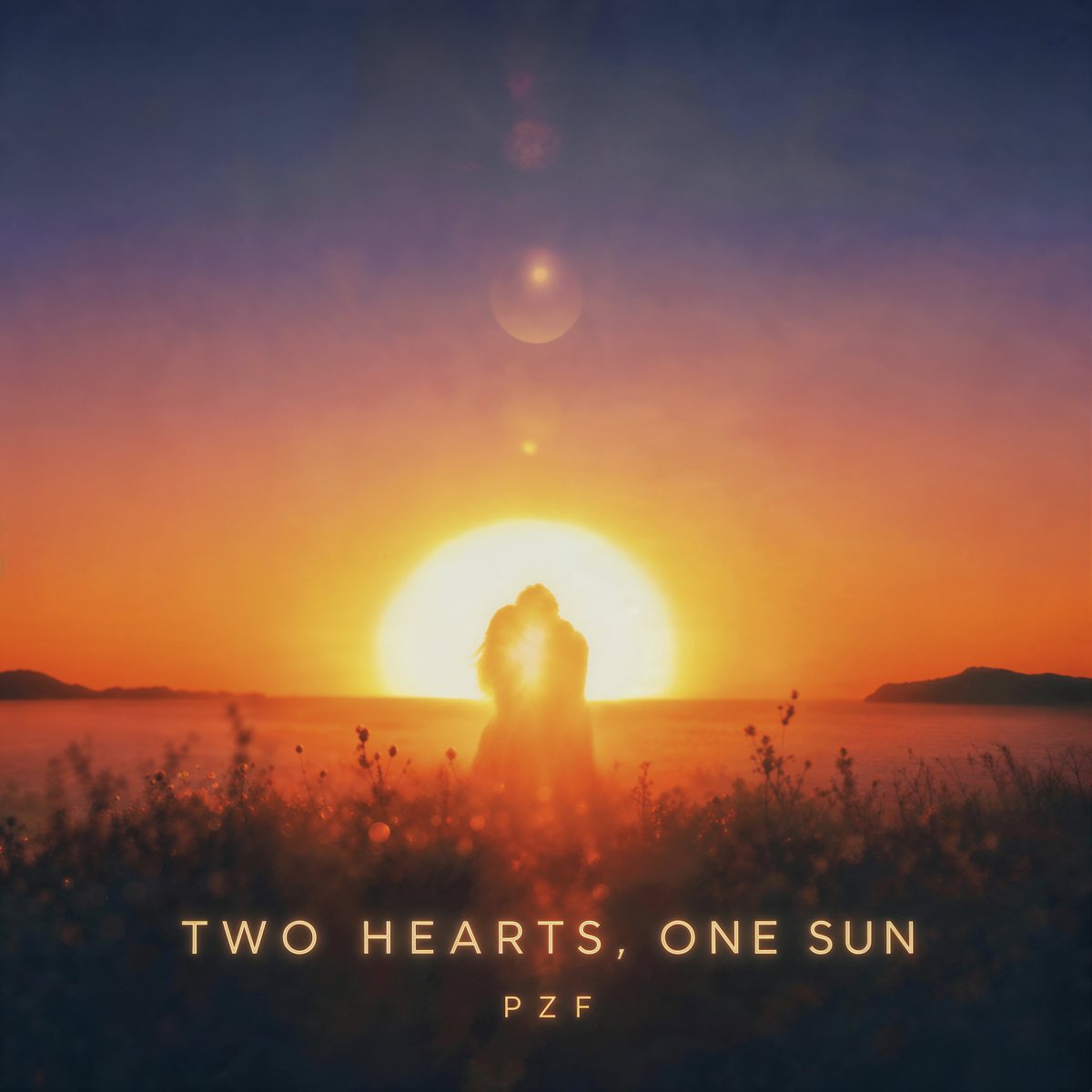
Romantic Sunset Album Cover
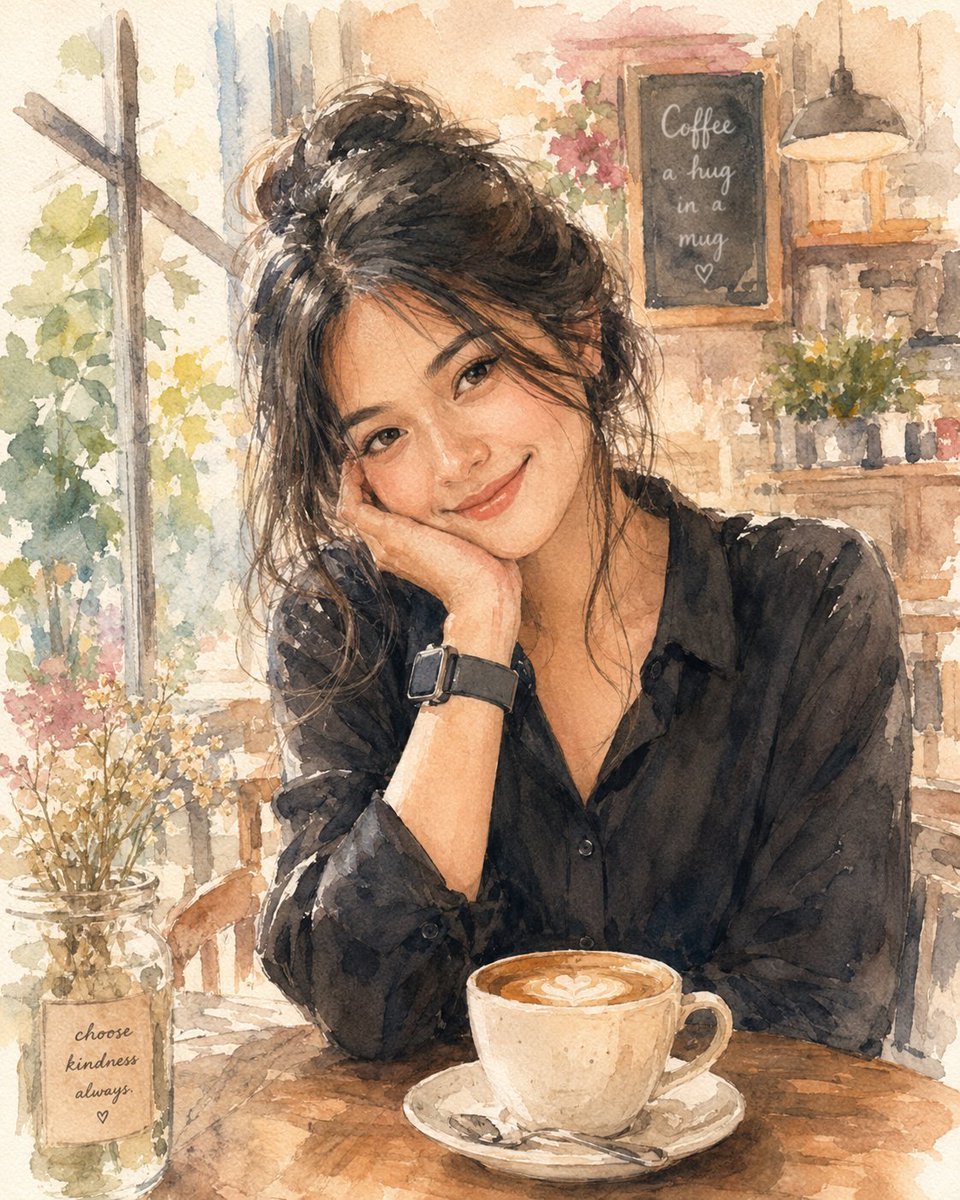
Soft Watercolor Café Illustration
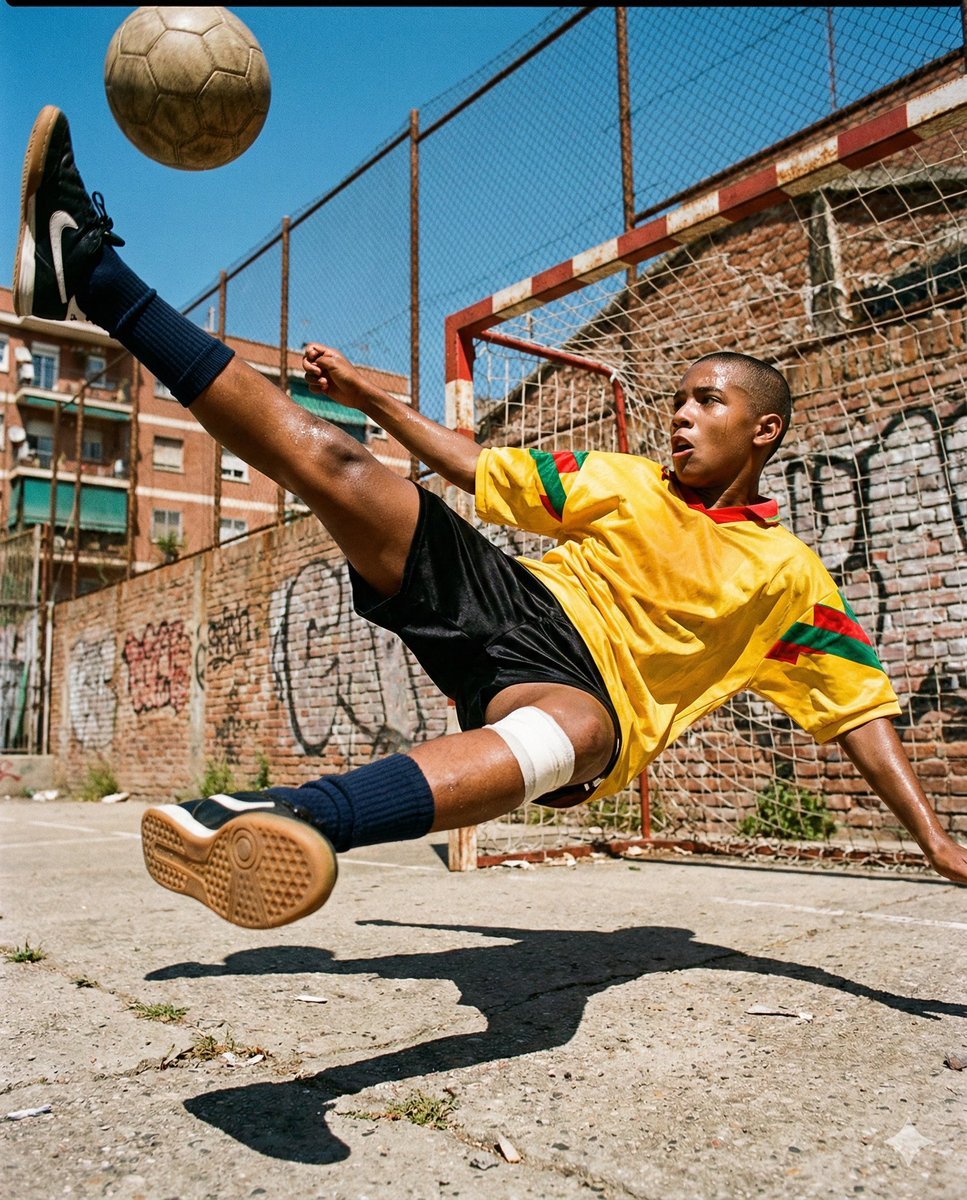
Hyper-Realistic Urban Soccer Bicycle Kick Action Shot
Browse template categories
Ultra-Photorealistic Car Selfie questions
How do I use the Ultra-Photorealistic Car Selfie template?
Add your photo if the template asks for one, edit the prompt if you like — the template's model and format are already selected — and press Generate. Your version opens in PicX Studio.
Can I customize the Ultra-Photorealistic Car Selfie template?
Yes. You can change the subject, setting, lighting, mood, format, and available model controls before creating your image.
Is the Ultra-Photorealistic Car Selfie template free?
Opening and editing this template is free. Generating uses credits, shown on the Generate button when you are signed in.
Which AI model should I use?
Start with GPT Image 2, which is the model associated with this template. You can compare another compatible model for a different finish.
Looking for something else? Browse all templates.

Your photo, any look
Thousands of ready templates for every top image and video model, from one credit balance.