
Retro Meme Design Poster Collage
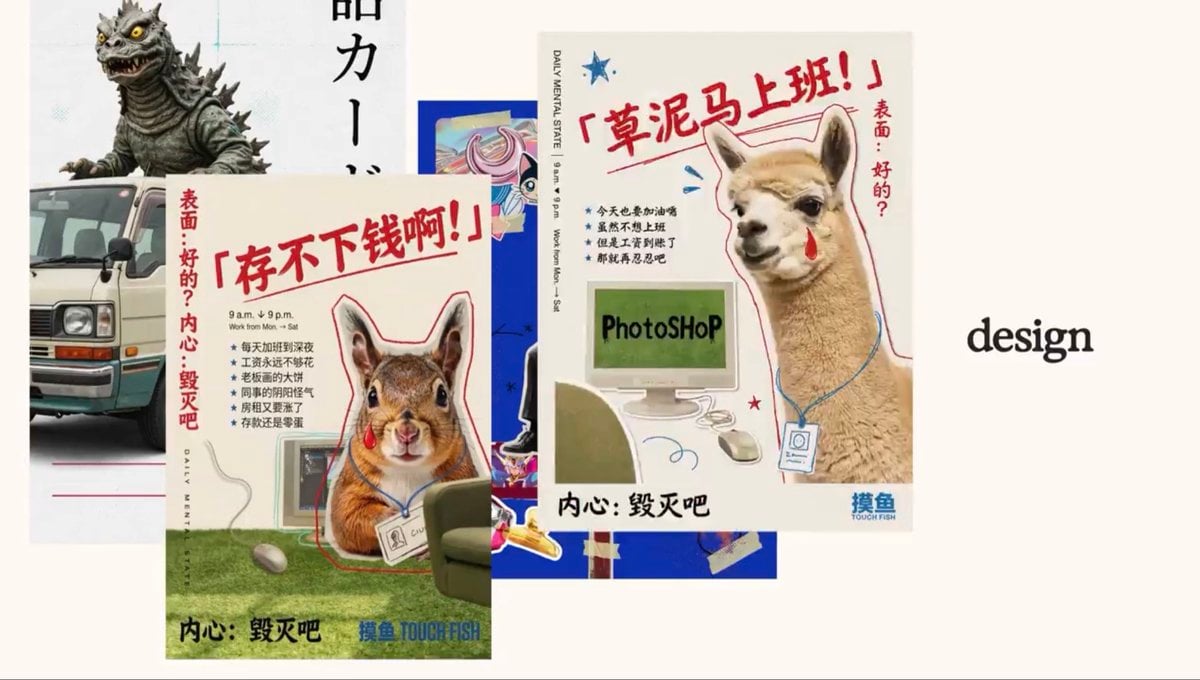
Generates a layered retro collage of Chinese workplace meme posters with animal cutouts, ideal for social banners or editorial design visuals.
- Prompt included
- Model and format preset
- Free template
The prompt behind this image
Copy the exact prompt behind Retro Meme Design Poster Collage, or open it in the studio and make it yours.
Goal: Create a retro editorial collage about chaotic graphic design and meme-like workplace posters, using layered printed flyers on a warm off-white background. Make the composition feel like a scanned magazine spread or social media banner, with imperfect paper shadows, slight grain, and playful mixed-media cutout energy. Canvas: Wide horizontal 16:9 image, approximately 1200 x 675 px, cream background with lots of negative space on the right. Layout: Arrange exactly 6 visible main elements in an overlapping collage. 1) Back-left vertical white poster with a gray spiky kaiju monster at the top, yellow eyes, black claws, and partial tall black East Asian lettering running downward. 2) Lower-left cropped retro cream-and-green minivan front, partly hidden behind the main poster. 3) Center-back bright cobalt-blue anime/card-like rectangle with a colorful illustrated eye/character fragment and taped scraps, mostly obscured. 4) Front-left main flyer: a beige poster tilted slightly, featuring a cute squirrel or chipmunk sitting at a computer desk on green carpet, wearing a lanyard badge, with a red teardrop mark on its cheek, red outline doodle around the animal, mouse and monitor cables visible, bold red Chinese headline across the top, vertical red Chinese side text, small black bullet list, black bottom slogan, and blue brand text at bottom right. 5) Front-right main flyer: a larger beige poster tilted slightly, featuring an alpaca or llama at a computer running Photoshop, also wearing a lanyard badge with a red tear mark, red sketch outline, blue cable scribbles, star doodles, vertical small English schedule text on the left edge, bold red Chinese headline at top, vertical red Chinese side text, small black bullet list, black bottom slogan, and blue brand text at bottom right. 6) On the far right, place the single lowercase black serif word “design,” centered vertically in the empty cream space. Text content: Use visible Chinese poster typography as decorative but legible where possible. The squirrel poster headline should read {argument name="squirrel headline" default="存不下钱啊!"}; the alpaca poster headline should read {argument name="alpaca headline" default="草泥马上班!"}; include side text similar to {argument name="side caption" default="表面:好的?内心:毁灭吧"}; include bottom slogan {argument name="bottom slogan" default="内心:毁灭吧"}; include small brand text {argument name="brand text" default="摸鱼 TOUCH FISH"}. Include tiny English details such as “DAILY MENTAL STATE,” “9 a.m. ↓ 9 p.m.,” and “Work from Mon. - Sat.” on the flyers. Visual style: Retro Chinese zine poster design, playful corporate burnout meme aesthetic, hand-drawn red marker annotations, blue star doodles, paper collage, soft shadows, slightly desaturated colors, realistic animal photo cutouts mixed with flat graphic design, imperfect print texture, clean cream negative space, high-resolution but with a scanned-paper feel. Constraints: Keep the two animal flyers as the dominant focus, with the squirrel flyer in front-left and the alpaca flyer in front-right. Preserve the exact count of 6 main visible elements. Do not add extra posters, extra animals, watermarks, or modern UI elements. Keep the right-side word “design” isolated and uncluttered.
How to use Retro Meme Design Poster Collage in 3 steps
- 1Upload ImagePNG, JPG or paste
Add your photo
Upload the photo the template builds on. The prompt, model and format are already set.
- 2…a portrait of your subject in softgolden-hour light, 85mm…
Personalize
Edit the subject and creative details for your destination.
- 3Generate
Generate
Press Generate — your image is created in PicX Studio, so you can compare it with the original and refine one variable at a time.
More like this
Templates with the same subject, style or setup. Open one to see its prompt.












Make it yours
Retro Meme Design Poster Collage works as-is. These are the safest ways to change it without losing the look.
Change one field
Copy a single group, rewrite it, and generate again so you can see what that field is doing.
Keep the frame, change the subject
Hold the composition and light of Retro Meme Design Poster Collage, then swap wardrobe, props or the person for a new take.
| If the result… | Why | Fix |
|---|---|---|
| The result drifts from the preview | Too many fields changed at once. | Reuse Retro Meme Design Poster Collage as-is first, then change one group — subject, light, or setting. |
| The model over-stylizes the scene | The prose prompt leaves finish and camera underspecified. | Add one camera or lighting sentence and stay on GPT Image 2. |
More GPT Image 2 templates
Other prompts made for GPT Image 2.

Six VTuber Japanese Logo Sheet

Realistic Portrait of Woman and Deer

The Vista Modular Condo Poster

AI Model Routing Comparison Infographic

2.5D Anime Art Board

Isometric Productivity Desk Scene

New York Double Exposure Poster

Four-Panel AI Landscape Comparison

Japanese Tatami Lifestyle Magazine Cover

NESCAFÉ Coffee Map Poster
More image prompts
Fresh picks from across the catalog.

Tropical Hammock Latte — Nano Banana iPhone Style
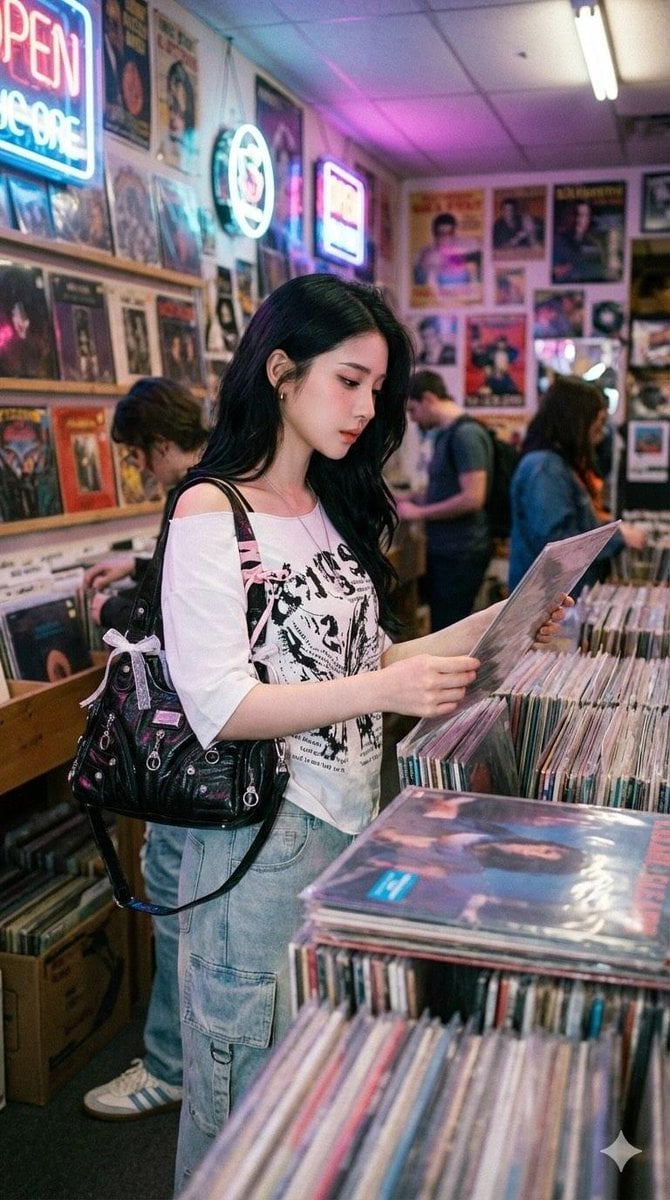
Y2K Coquette Streetwear in a Vintage Record Store
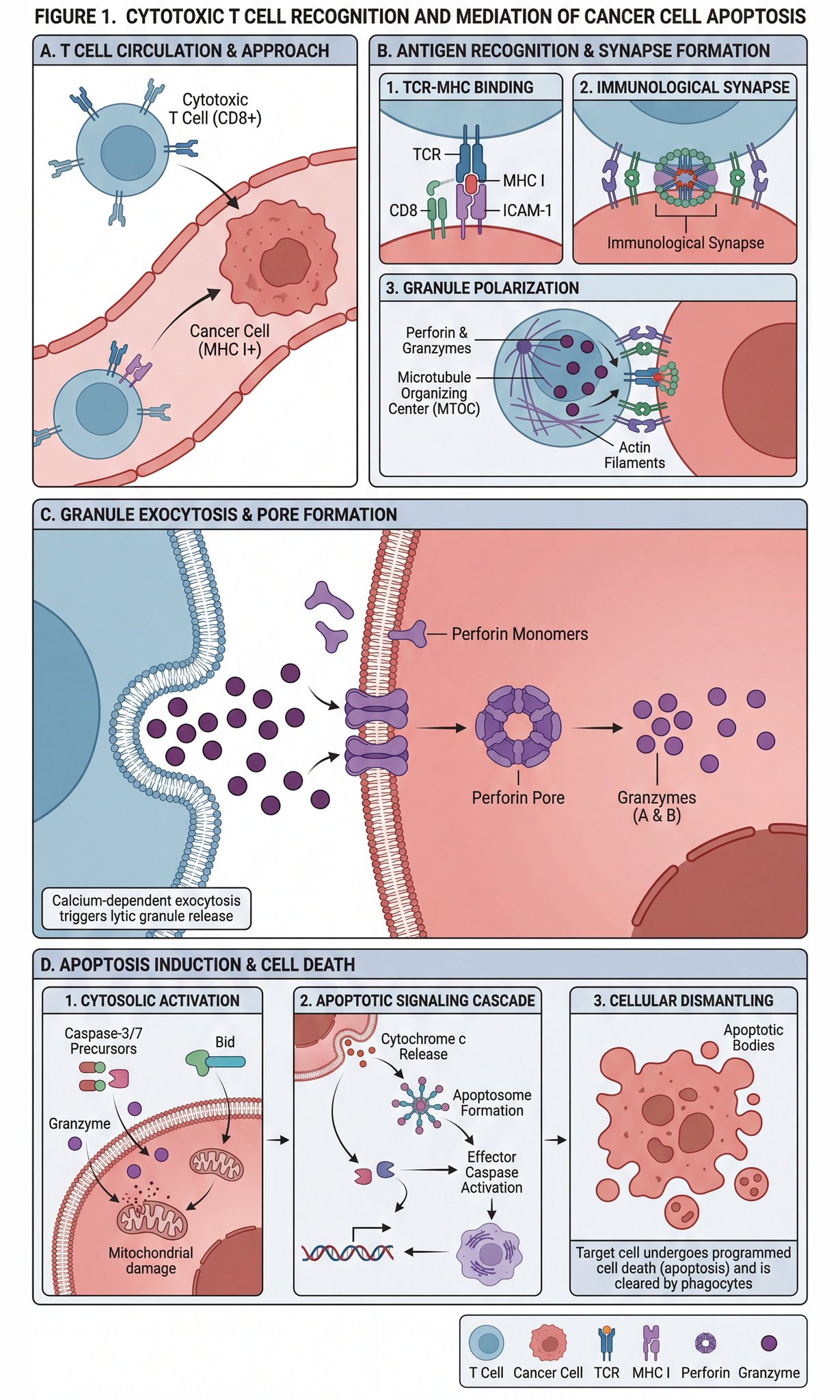
Scientific diagram of cytotoxic T cells killing cancer cells
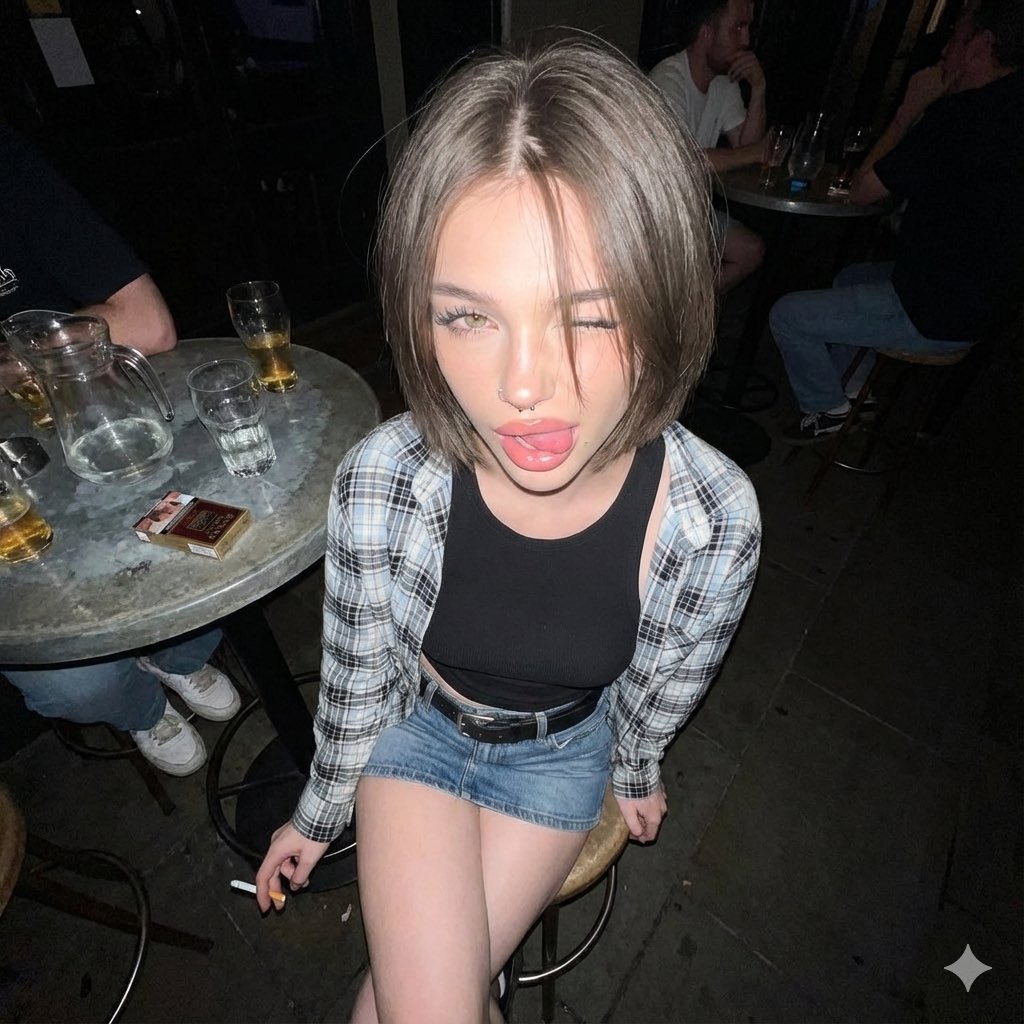
Y2K Grunge Flash Photography Portrait JSON
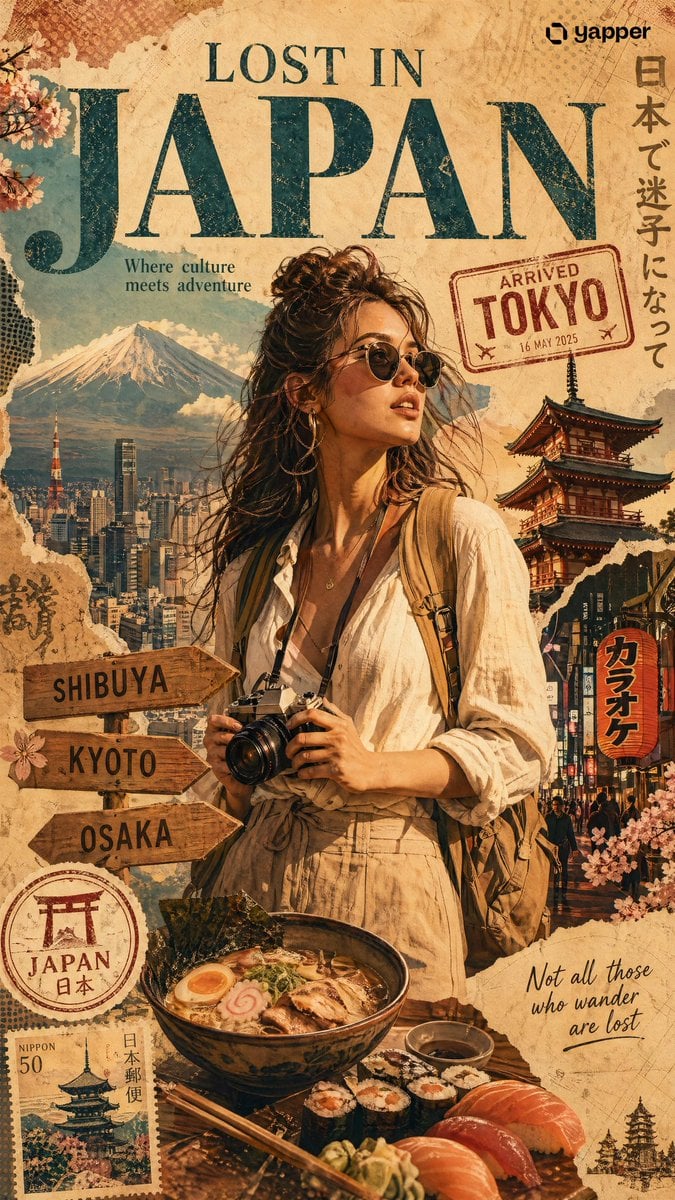
X Chatgptpaglu Gpt Image 2 on Yapper So
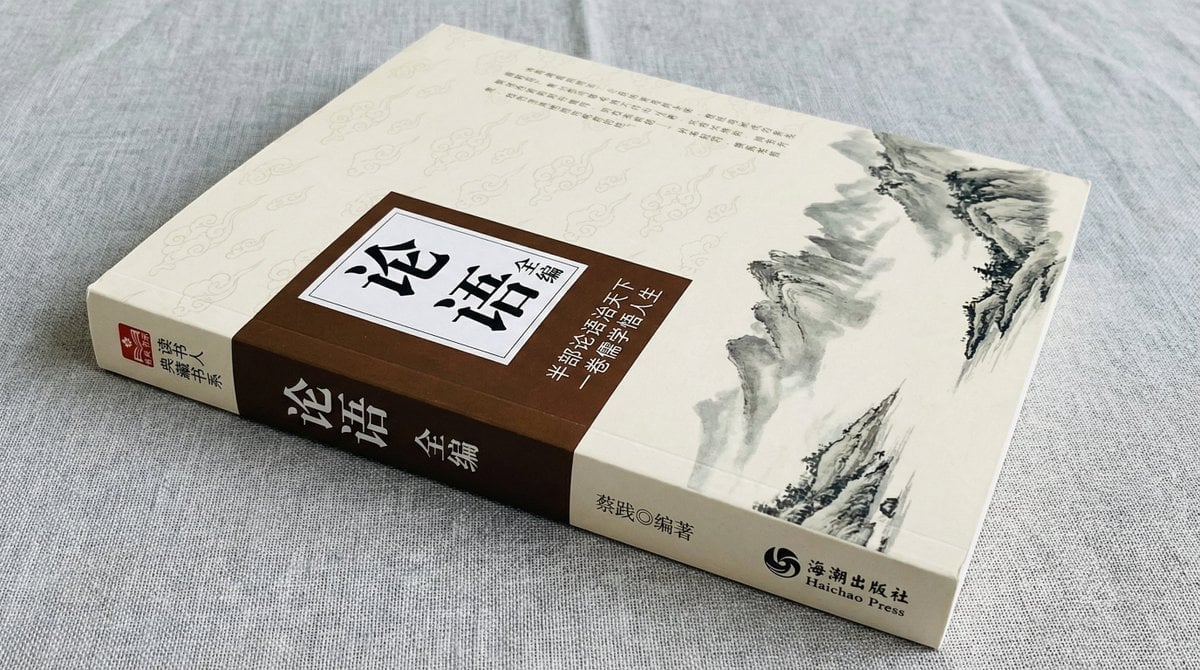
Book Product Photography Prompt
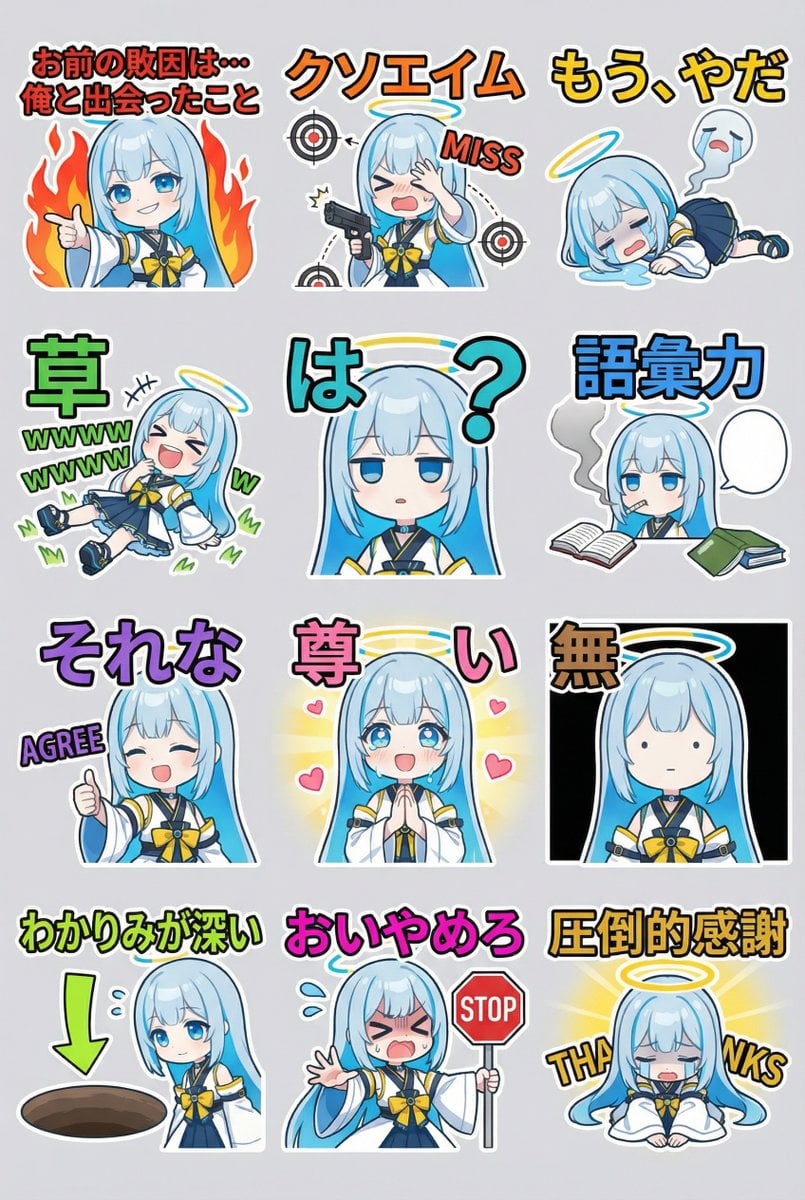
Humorous LINE sticker sheet for Oracle-chan

Cyberpunk Anime Energy Awakening
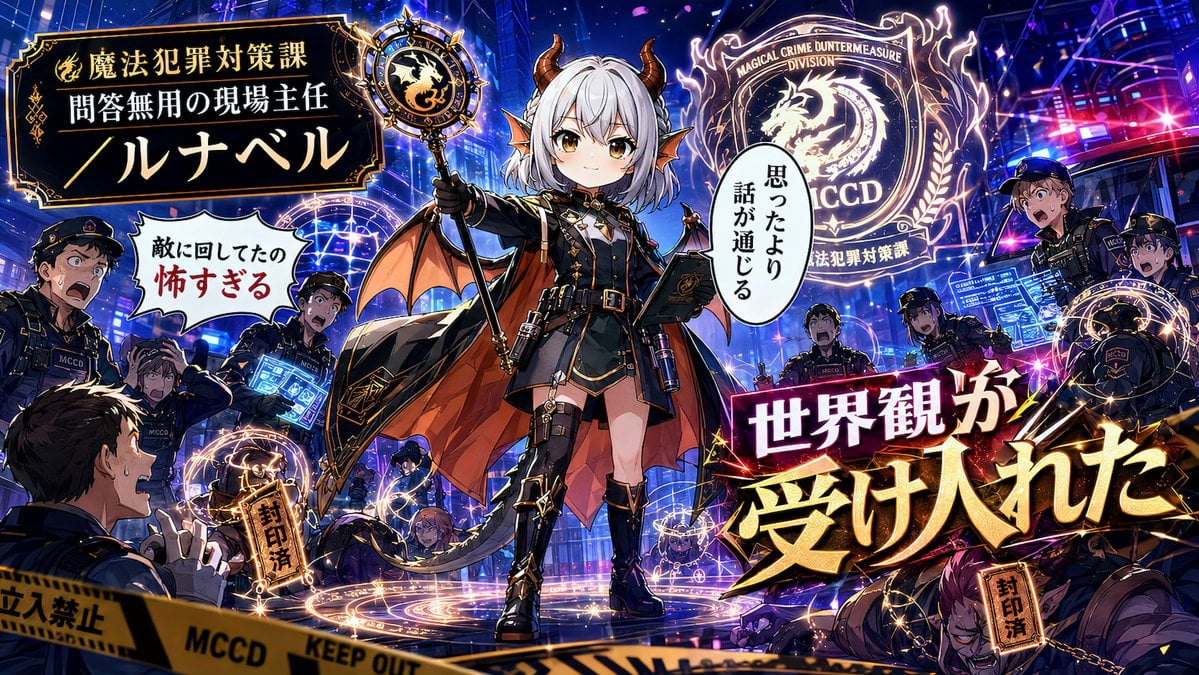
Alternative Faction Character Success Story
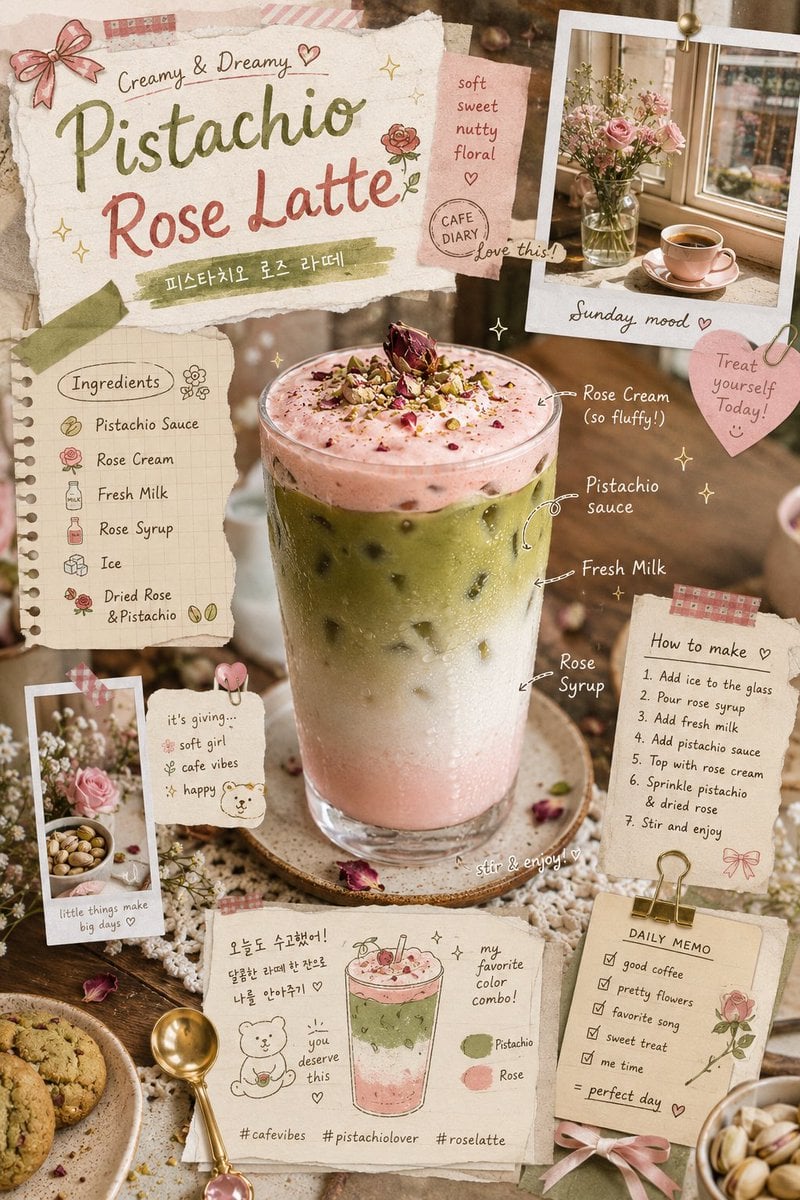
Whimsical Retro Cafe Scrapbook Poster
Browse template categories
Retro Meme Design Poster Collage questions
How do I use the Retro Meme Design Poster Collage template?
Add your photo if the template asks for one, edit the prompt if you like — the template's model and format are already selected — and press Generate. Your version opens in PicX Studio.
Can I customize the Retro Meme Design Poster Collage template?
Yes. You can change the subject, setting, lighting, mood, format, and available model controls before creating your image.
Is the Retro Meme Design Poster Collage template free?
Opening and editing this template is free. Generating uses credits, shown on the Generate button when you are signed in.
Which AI model should I use?
Start with GPT Image 2, which is the model associated with this template. You can compare another compatible model for a different finish.
Looking for something else? Browse all templates.

Your photo, any look
Thousands of ready templates for every top image and video model, from one credit balance.