
Meet Me When It Rains
Monsoon street, one umbrella — a 1980s restyle of a photo you upload, written for two people in frame.

- Prompt included
- Model and format preset
- Free template
The prompt behind this image
Copy the exact prompt behind Meet Me When It Rains, or open it in the studio and make it yours.
Transform the uploaded couple into a romantic 1980s monsoon photograph, standing beneath a single transparent umbrella on a rain-soaked Indian street outside an old cinema hall. Their clothes are completely period accurate, with the man in a tucked-in shirt and pleated trousers and the woman in a colorful printed salwar suit, her voluminous hair slightly affected by the rain. They stand very close, smiling softly at each other while scooters and glowing shop signs blur behind them. Wet pavement reflects warm streetlights. Shot on vintage 35mm film with realistic flash photography, subtle motion blur, soft lens imperfections, natural film grain, gentle halation and slightly faded colors. Make it feel like a real photograph taken during an unexpected romantic evening in 1987.
How to use Meet Me When It Rains in 3 steps
- 1Upload ImagePNG, JPG or paste
Add your photo
Upload the photo the template builds on. The prompt, model and format are already set.
- 2…a portrait of your subject in softgolden-hour light, 85mm…
Personalize
Edit the subject and creative details while keeping the 9:16 frame.
- 3Generate
Generate
Press Generate — your image is created in PicX Studio, so you can compare it with the original and refine one variable at a time.
More like this
Templates with the same subject, style or setup. Open one to see its prompt.












Make it yours
Meet Me When It Rains works as-is. These are the safest ways to change it without losing the look.
Change the frame
This template is built for 9:16. Try a matching image ratio in Studio if you need a different crop.
Change one field
Copy a single group, rewrite it, and generate again so you can see what that field is doing.
Keep the frame, change the subject
Hold the composition and light of Meet Me When It Rains, then swap wardrobe, props or the person for a new take.
| If the result… | Why | Fix |
|---|---|---|
| The result drifts from the preview | Too many fields changed at once. | Reuse Meet Me When It Rains as-is first, then change one group — subject, light, or setting. |
| The crop feels wrong | The prompt is framed for 9:16. | Set the image ratio to 9:16 before generating. |
| The model over-stylizes the scene | The prose prompt leaves finish and camera underspecified. | Add one camera or lighting sentence and stay on Openai/gpt Image 2.5/flare. |
More image prompts
Fresh picks from across the catalog.

3x3 Grid Character Consistency Prompt
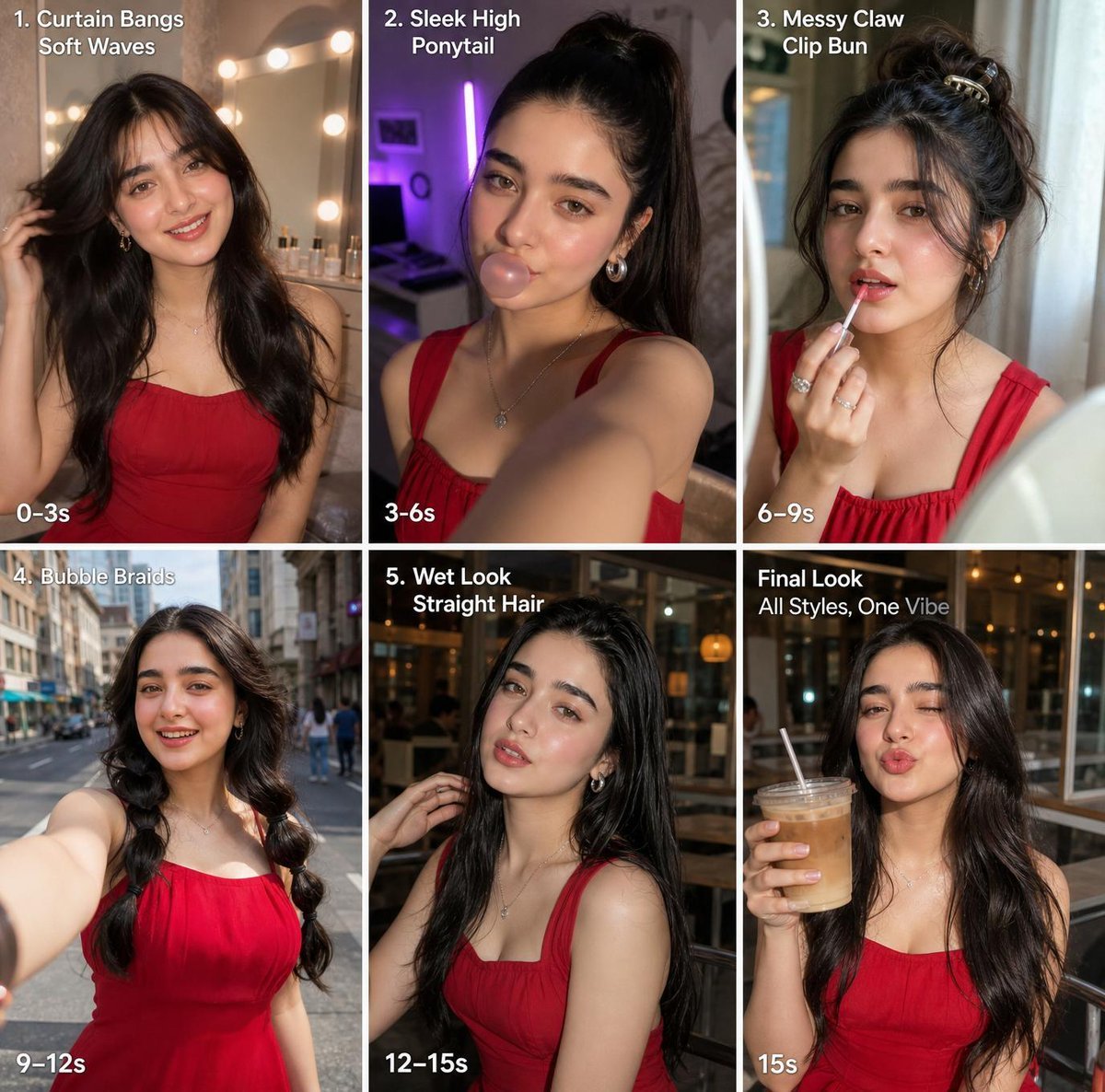
Six-Panel Hairstyle Storyboard
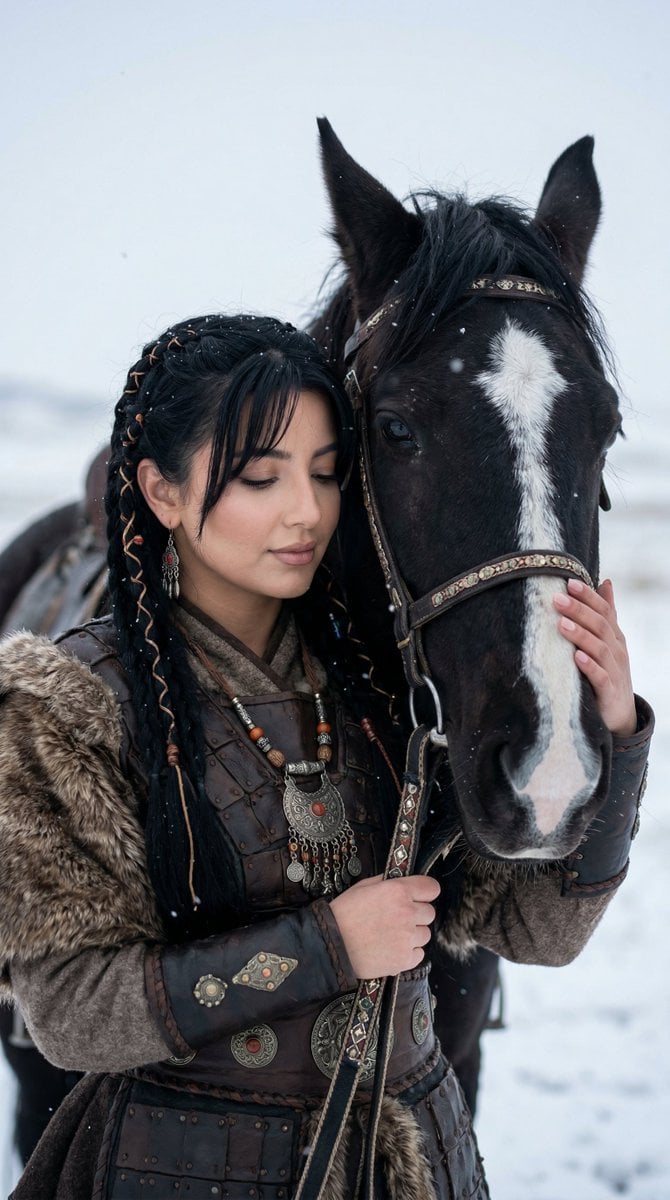
Cinematic Portrait of Ancient Turkic Woman and Horse in Snow

Luxury Fashion Hotel Lobby Portrait
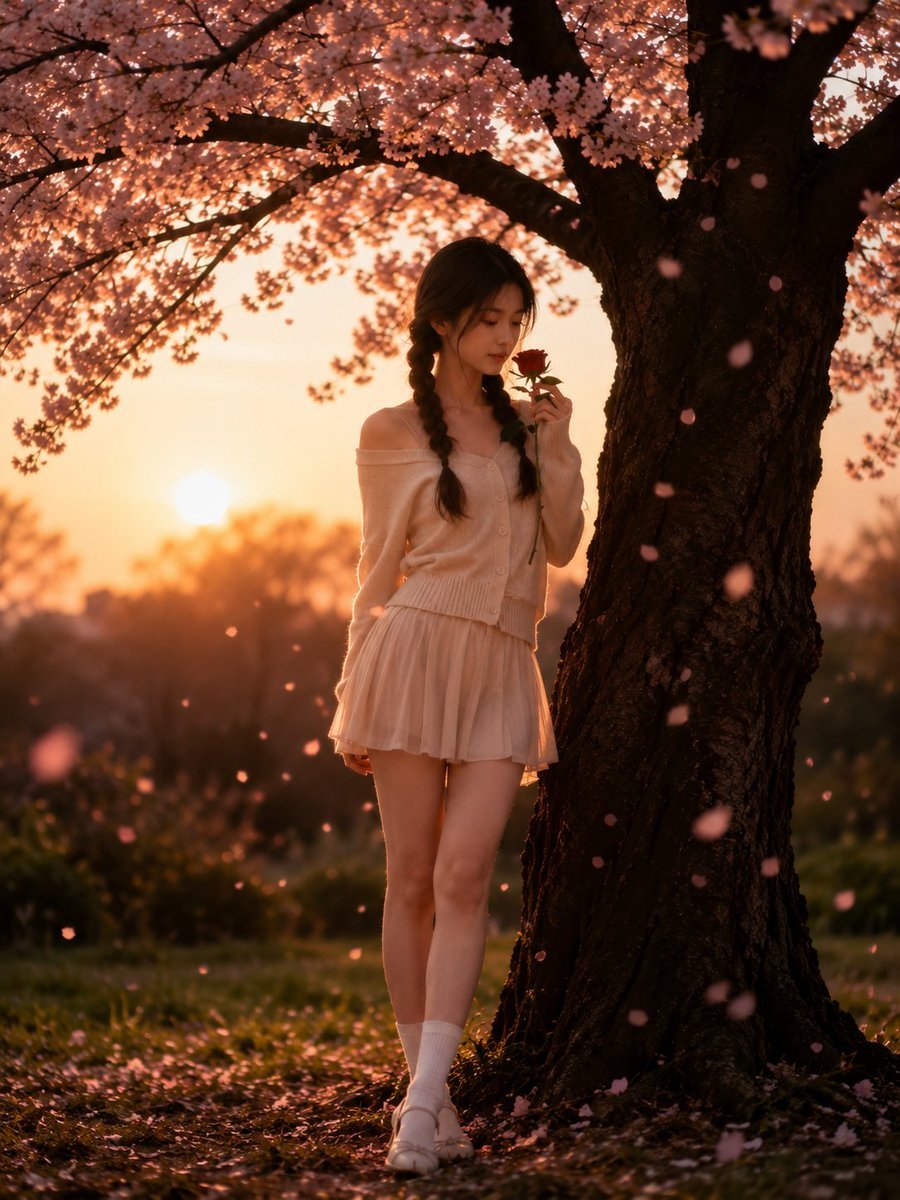
Cinematic Cherry Blossom Portrait
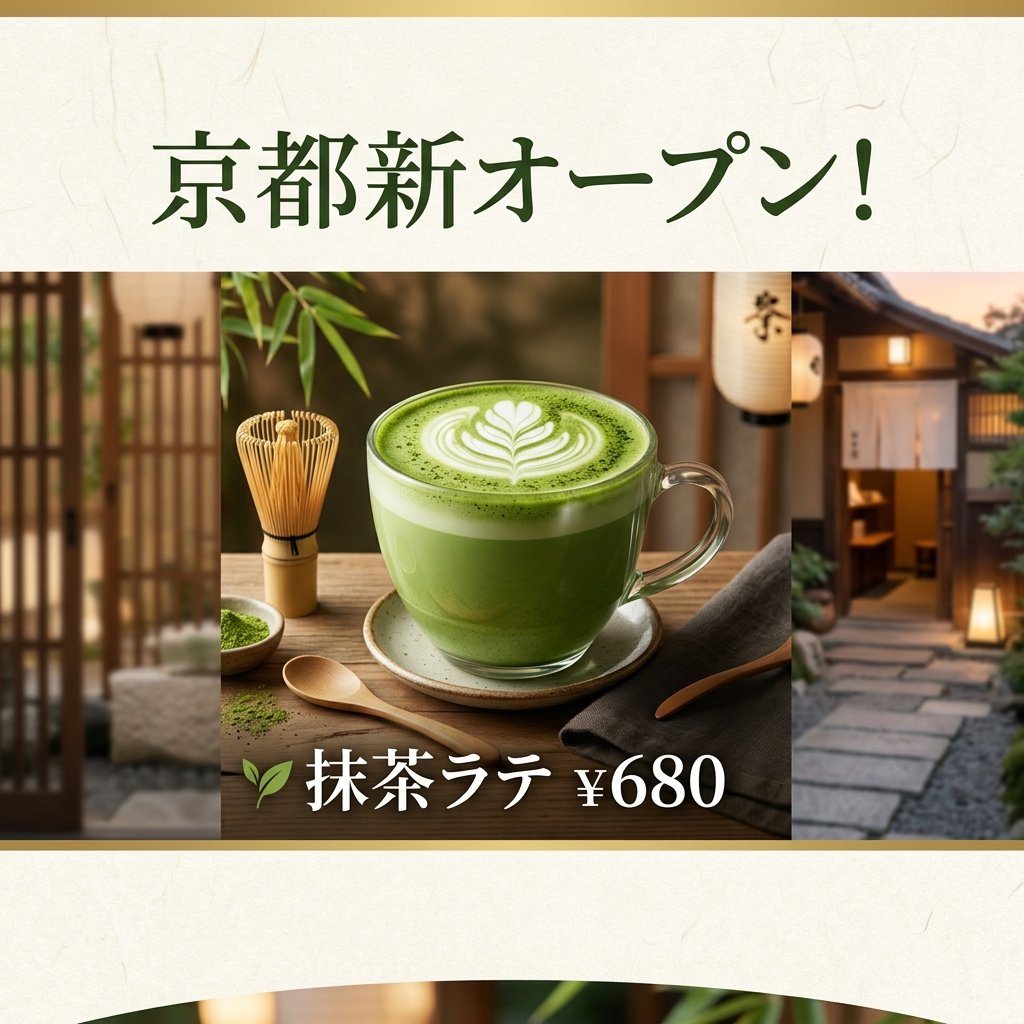
Matcha Latte Promotion Banner
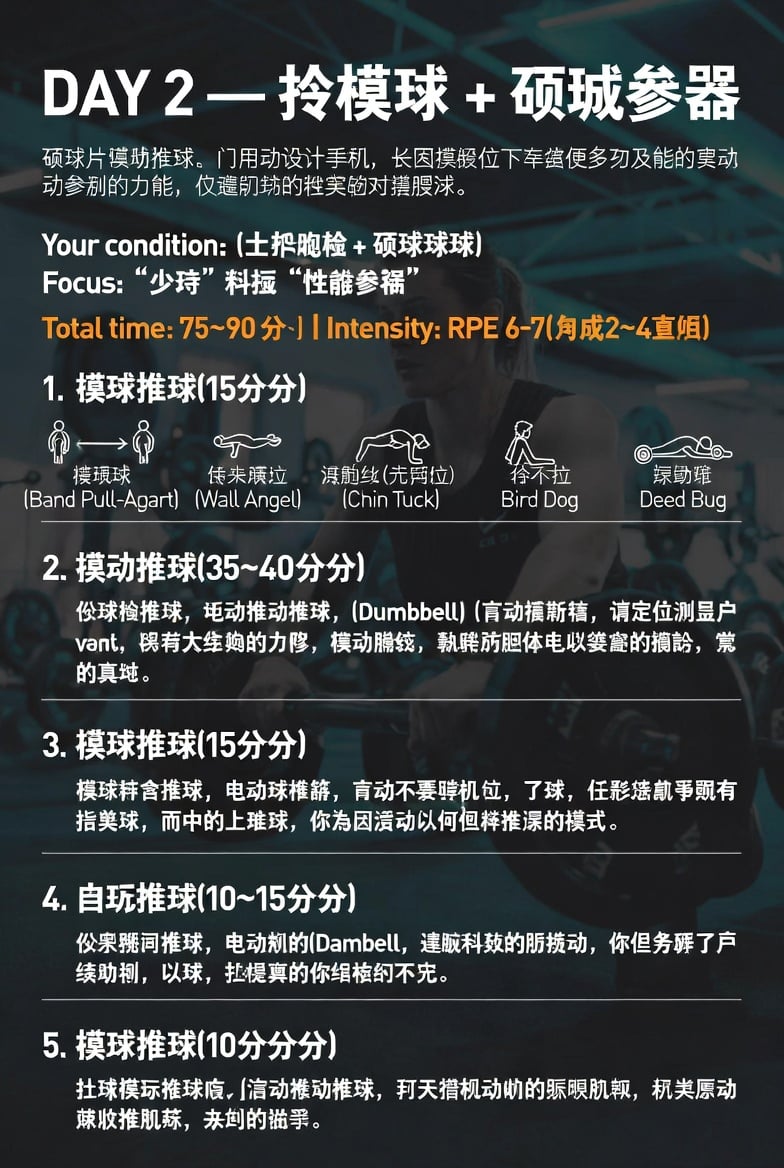
Chinese Gym Training Plan Infographic
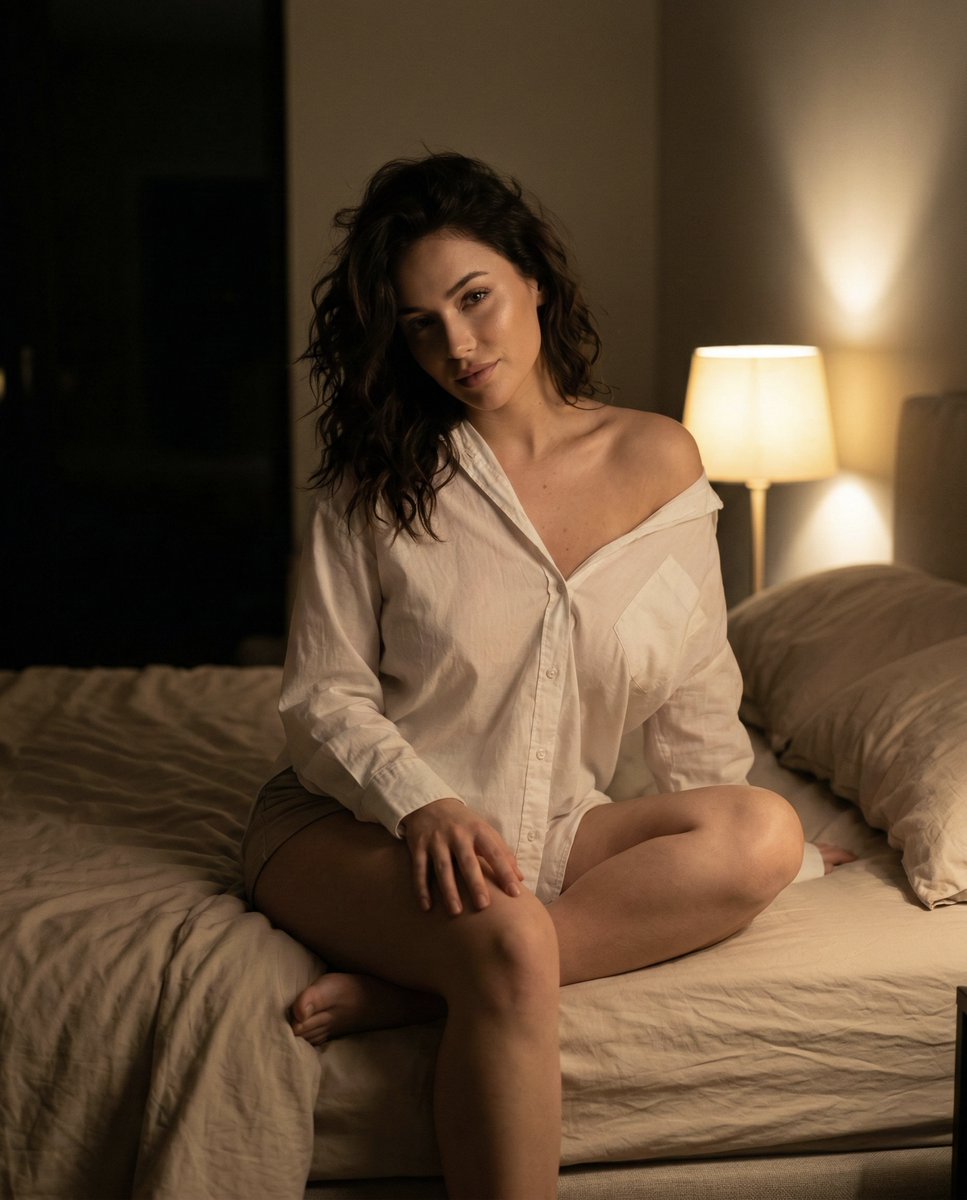
Intimate Nighttime Bedroom Portrait (iPhone Style)
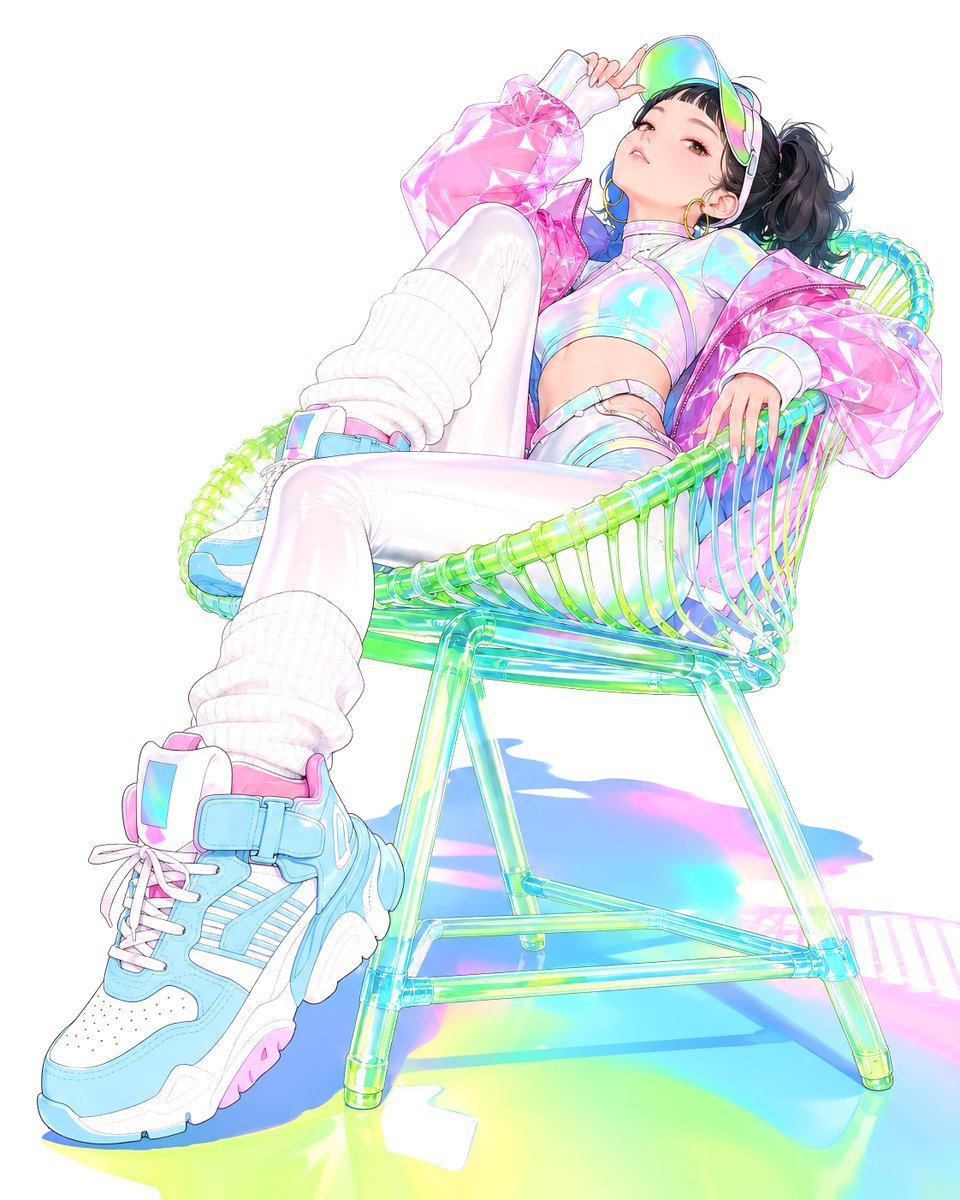
Y2K Holographic Anime Chair Fashion
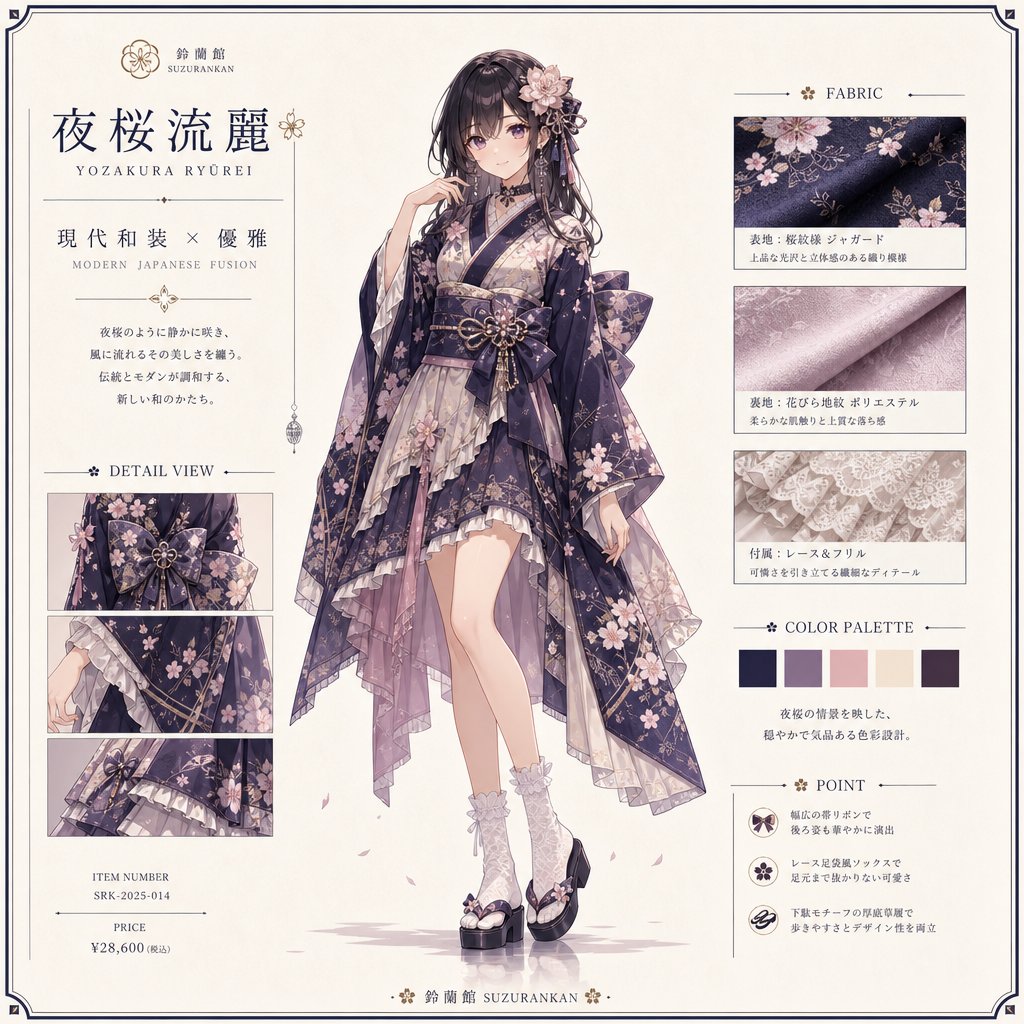
Yozakura Modern Kimono Catalog
Browse template categories
Meet Me When It Rains questions
How do I use the Meet Me When It Rains template?
Add your photo if the template asks for one, edit the prompt if you like — the template's model and format are already selected — and press Generate. Your version opens in PicX Studio.
Can I customize the Meet Me When It Rains template?
Yes. You can change the subject, setting, lighting, mood, format, and available model controls before creating your image.
Is the Meet Me When It Rains template free?
Opening and editing this template is free. Generating uses credits, shown on the Generate button when you are signed in.
Which AI model should I use?
Start with Openai/gpt Image 2.5/flare, which is the model associated with this template. You can compare another compatible model for a different finish.
Looking for something else? Browse all templates.

Your photo, any look
Thousands of ready templates for every top image and video model, from one credit balance.