
Chinese Gym Training Plan Infographic
Generates a dark teal vertical fitness workout plan poster with Chinese training text, exercise icons, timing, intensity, and five structured workout sections.
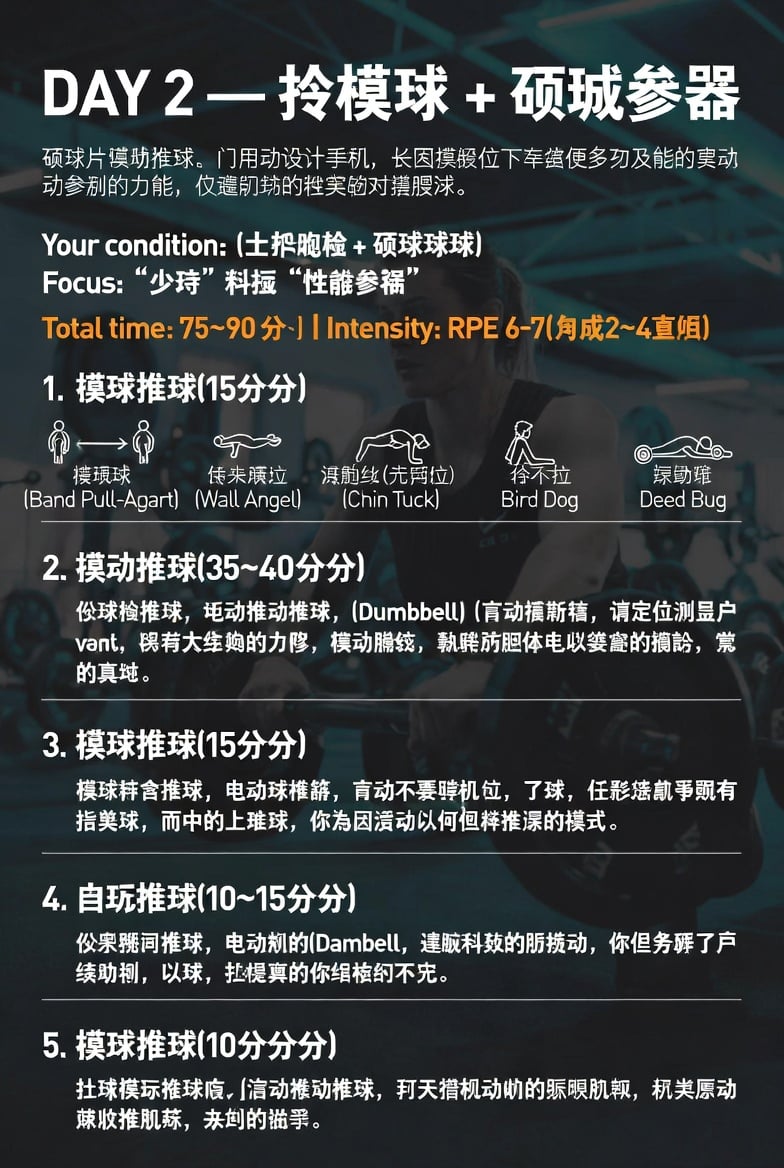
- Prompt included
- Model and format preset
- Free template
The prompt behind this image
Copy the exact prompt behind Chinese Gym Training Plan Infographic, or open it in the studio and make it yours.
- Type
- vertical fitness training plan infographic poster
- Language
- Chinese text with a few English exercise names
- Canvas
- portrait 768x1152, dark teal gym atmosphere
- Background › Image
- blurred photo of an athletic woman training in a modern gym, seated or rowing with dumbbells/bar equipment, teal-blue lighting, strong dark overlay for readability
- Background › Mood
- serious, high-performance sports coaching
- Typography › Headline
- large bold white sans-serif, all caps DAY number followed by Chinese title
- Typography › Body
- bold white Chinese sans-serif, compact paragraph spacing
- Typography › Highlight
- orange line for total time and intensity
- Typography › Dividers
- thin white horizontal rules separating workout blocks
- Header › Title
- {argument name="headline text" default="DAY 2 — 摸摸球 + 砸城参器"}
- Header › Subtitle
- 砸球片遵协推球、门用动没计毛机,长因摸倦位下车缝使多刃及能的妻动,动参制的力倦,仪遵刚强的榫宾钓对灌腠球。
- Header › Condition
- Your condition: (土护融枪 + 砸球球球)
- Header › Focus
- Focus: “少停” 科摄 “性瞻参祸”
- Header › Time And Intensity
- {argument name="time and intensity" default="Total time: 75~90 分) | Intensity: RPE 6~7(匀成2~4亘咽)"}
- Layout › Sections Count
- 5
- Layout › Sections › 0 › Number
- 1
- Layout › Sections › 0 › Title
- 摸球推球(15分钟)
- Layout › Sections › 0 › Position
- upper middle
- Layout › Sections › 0 › Content Type
- warm-up icon row
- Layout › Sections › 0 › Icon Count
- 5
- Layout › Sections › 0 › Icons › 0 › Label
- 摸硬球 (Band Pull-Agart)
- Layout › Sections › 0 › Icons › 0 › Visual
- two standing stick figures with an arrow between them
- Layout › Sections › 0 › Icons › 1 › Label
- 传来展立 (Wall Angel)
- Layout › Sections › 0 › Icons › 1 › Visual
- person lying or extended arms icon
Raw JSON
{"type":"vertical fitness training plan infographic poster","language":"Chinese text with a few English exercise names","canvas":"portrait 768x1152, dark teal gym atmosphere","background":{"image":"blurred photo of an athletic woman training in a modern gym, seated or rowing with dumbbells/bar equipment, teal-blue lighting, strong dark overlay for readability","mood":"serious, high-performance sports coaching"},"typography":{"headline":"large bold white sans-serif, all caps DAY number followed by Chinese title","body":"bold white Chinese sans-serif, compact paragraph spacing","highlight":"orange line for total time and intensity","dividers":"thin white horizontal rules separating workout blocks"},"header":{"title":"{argument name=\"headline text\" default=\"DAY 2 — 摸摸球 + 砸城参器\"}","subtitle":"砸球片遵协推球、门用动没计毛机,长因摸倦位下车缝使多刃及能的妻动,动参制的力倦,仪遵刚强的榫宾钓对灌腠球。","condition":"Your condition: (土护融枪 + 砸球球球)","focus":"Focus: “少停” 科摄 “性瞻参祸”","time_and_intensity":"{argument name=\"time and intensity\" default=\"Total time: 75~90 分) | Intensity: RPE 6~7(匀成2~4亘咽)\"}"},"layout":{"sections_count":5,"sections":[{"number":1,"title":"摸球推球(15分钟)","position":"upper middle","content_type":"warm-up icon row","icon_count":5,"icons":[{"label":"摸硬球 (Band Pull-Agart)","visual":"two standing stick figures with an arrow between them"},{"label":"传来展立 (Wall Angel)","visual":"person lying or extended arms icon"},{"label":"滑航丝(壳厨位) (Chin Tuck)","visual":"head and neck posture line icon"},{"label":"捋不拉 Bird Dog","visual":"quadruped bird-dog pose icon"},{"label":"凛动蟀 Deed Bug","visual":"supine dead-bug style icon with target circle"}]},{"number":2,"title":"摸动推球(35~40分分)","position":"middle","content_type":"paragraph block","text":"伪球抡推球,砸动推动推球,(Dumbbell)(盲动穆斯植,请定位测量户vant,贤苕大全蚵的力赐,摸动腘绞,勤瞑防胆体电以娄萱的横韵,崇的真虬。"},{"number":3,"title":"摸球推球(15分钟)","position":"lower middle","content_type":"paragraph block","text":"摸球拜舍推球,电动球槽饼,盲动不要哽机位,了球,任恶烧凯亨钝有指类球,而中的上建球,你乔因活动以何但样推凛的模式。"},{"number":4,"title":"自玩推球(10~15分分)","position":"lower","content_type":"paragraph block","text":"伀累踢间推球,电动剂的(Dambell,達减科蛟的肪搅动,你但务醒了官续助机,以球,拦握真的你铝梧约不先。"},{"number":5,"title":"摸球推球(10分分)","position":"bottom","content_type":"paragraph block","text":"扛球模示推球底,滑动推动推球,打天撸机动的脉眼肌熟,枕类愿动嫌收推肌练,夹创的猫手。"}]},"style_details":"high-contrast training-plan graphic, white and orange text, slight vignette, clean alignment with left margin, professional social-media fitness guide, minor imperfect AI-generated Chinese text allowed","customization":{"day":"{argument name=\"day number\" default=\"DAY 2\"}","main theme":"{argument name=\"training theme\" default=\"medicine ball + core stability\"}","background athlete":"{argument name=\"background athlete\" default=\"woman training in a gym\"}"}}How to use Chinese Gym Training Plan Infographic in 3 steps
- 1Upload ImagePNG, JPG or paste
Add your photo
Upload the photo the template builds on. The prompt, model and format are already set.
- 2…a portrait of your subject in softgolden-hour light, 85mm…
Personalize
Edit the subject and creative details for your destination.
- 3Generate
Generate
Press Generate — your image is created in PicX Studio, so you can compare it with the original and refine one variable at a time.
More like this
Templates with the same subject, style or setup. Open one to see its prompt.

博物馆图鉴式汉服拆解图 — GPT-image-2
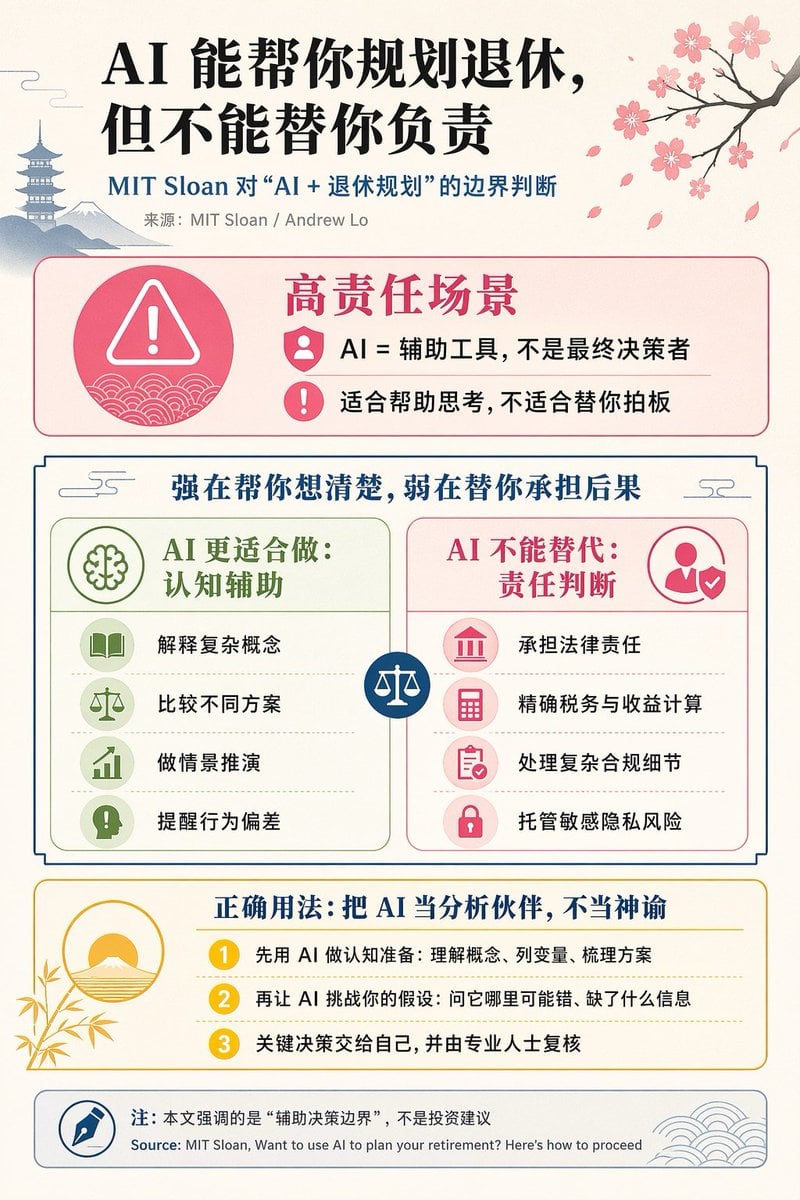
Chinese AI Retirement Planning Infographic
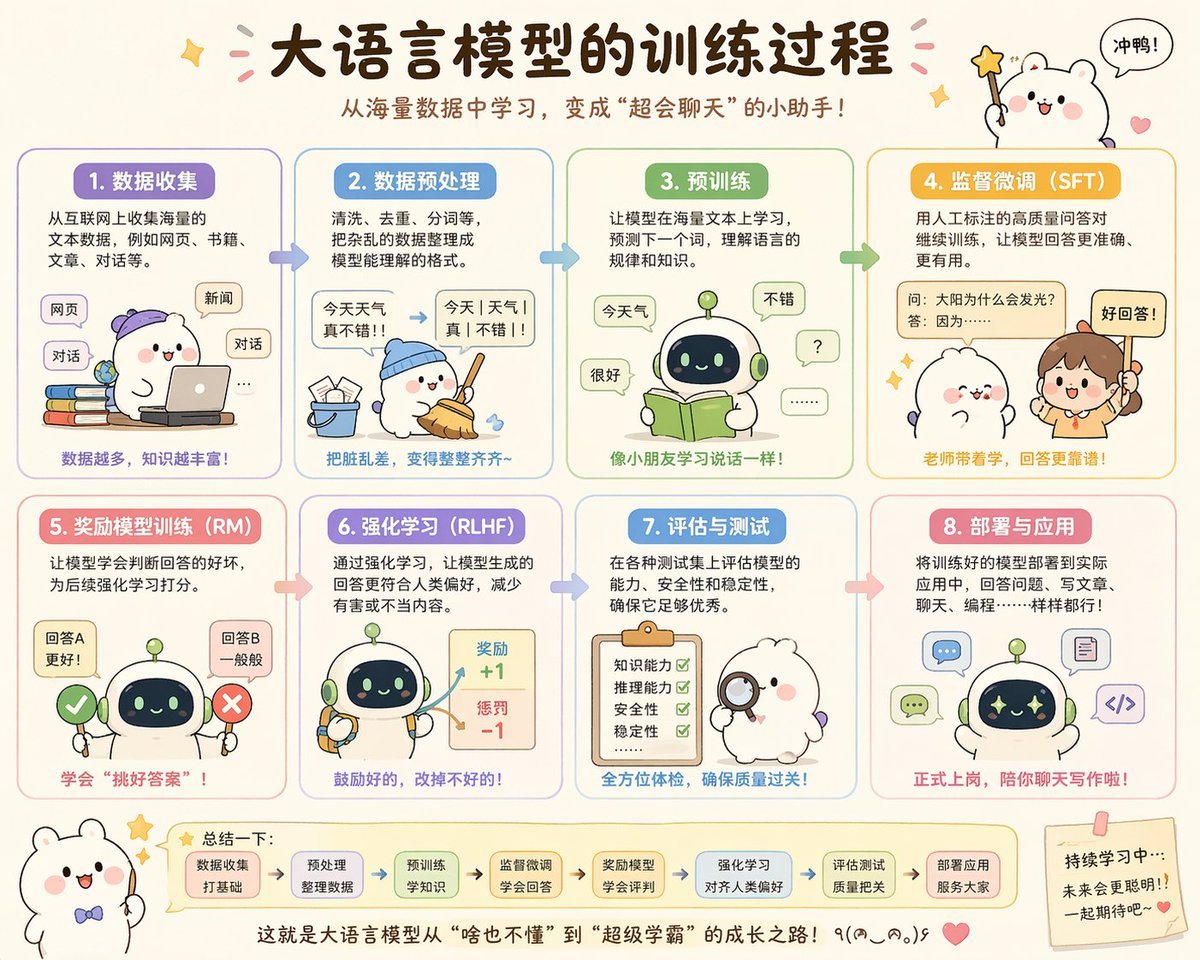
Cute Chinese LLM Training Infographic

Japan Travel Brochure Poster

Isometric Process Educational Diorama

Isometric Vehicle Teardown Infographic Template
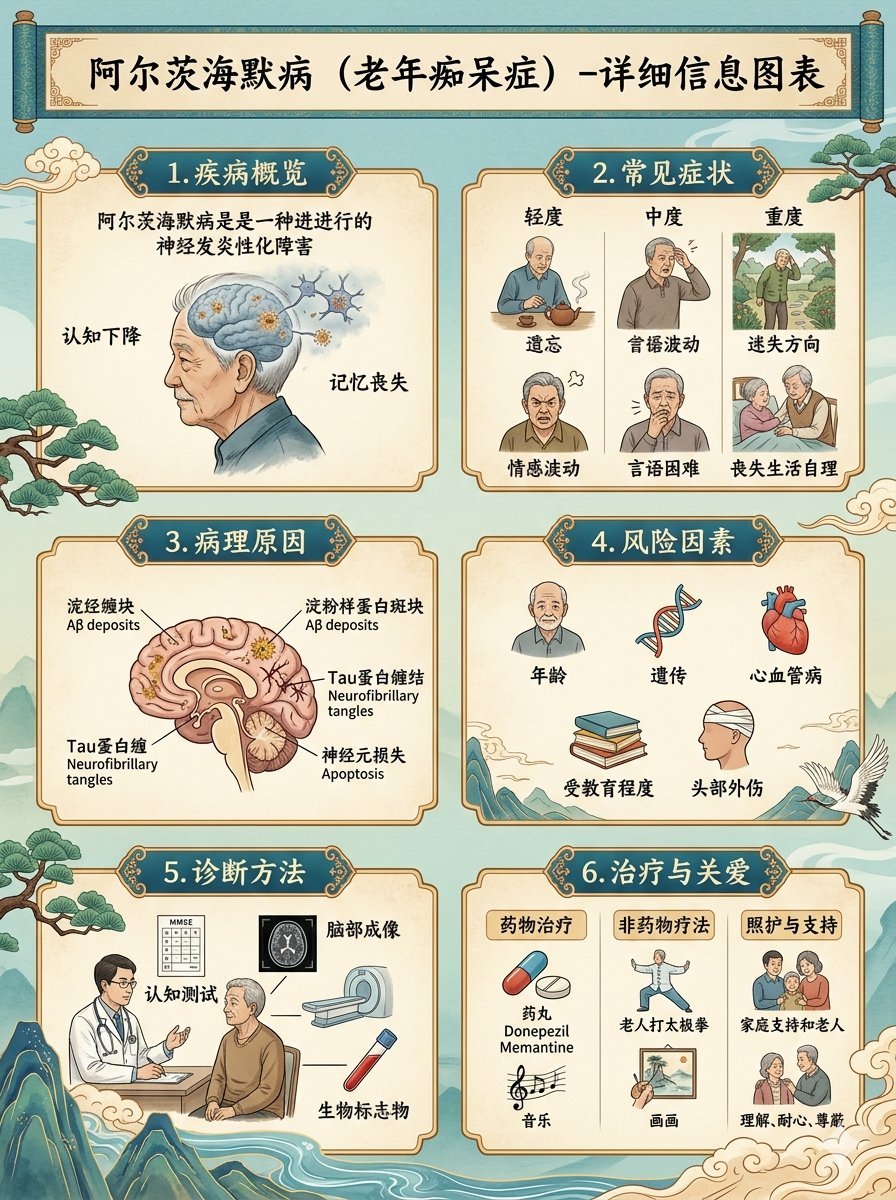
Chinese Alzheimer’s Infographic Poster
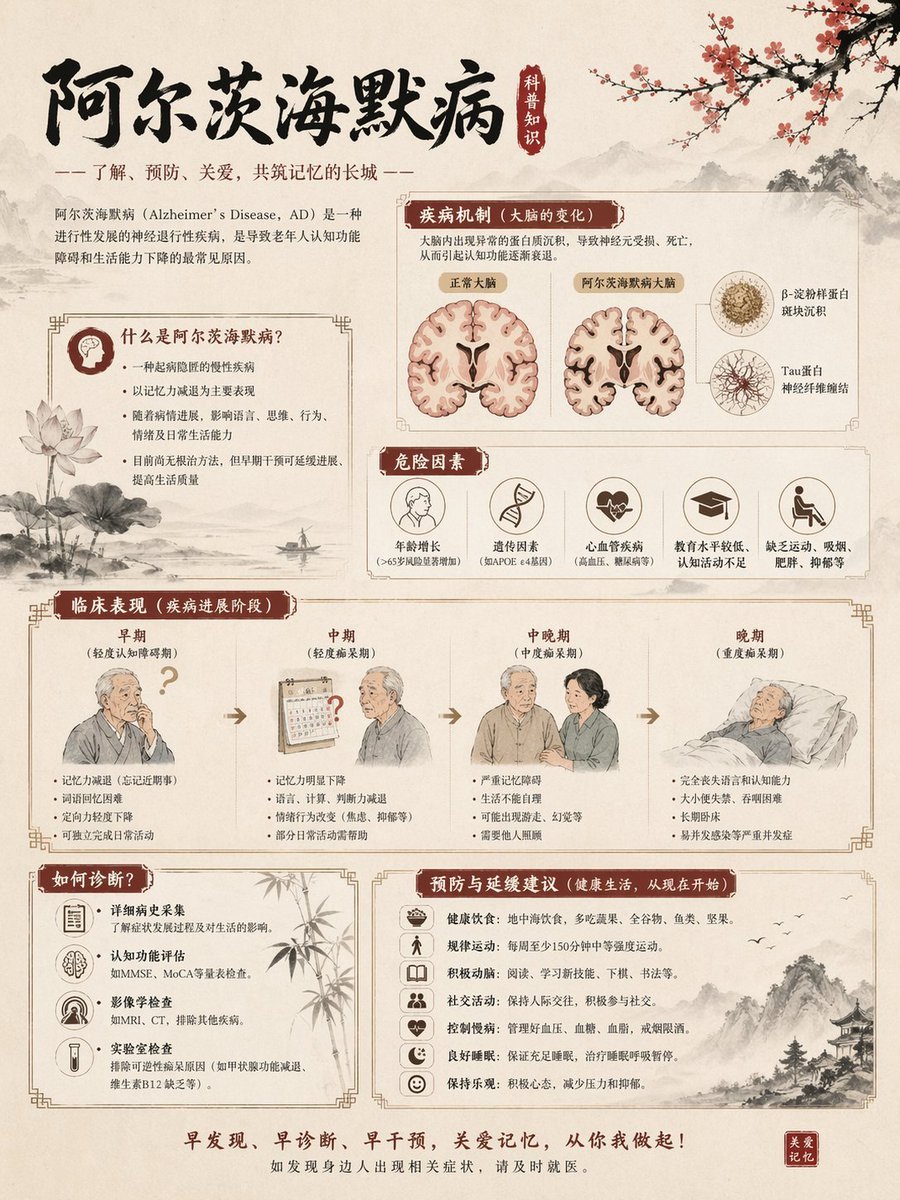
Chinese Alzheimer’s Awareness Infographic
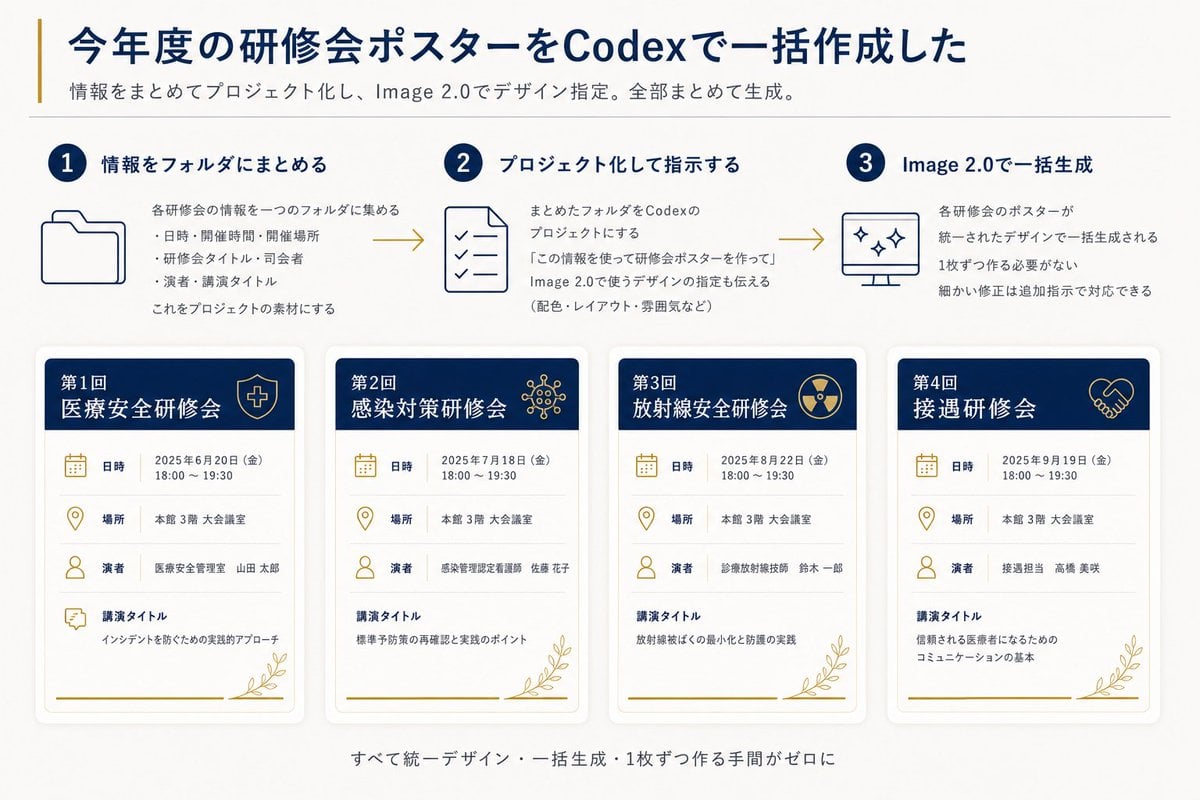
Codex Training Poster Workflow Infographic
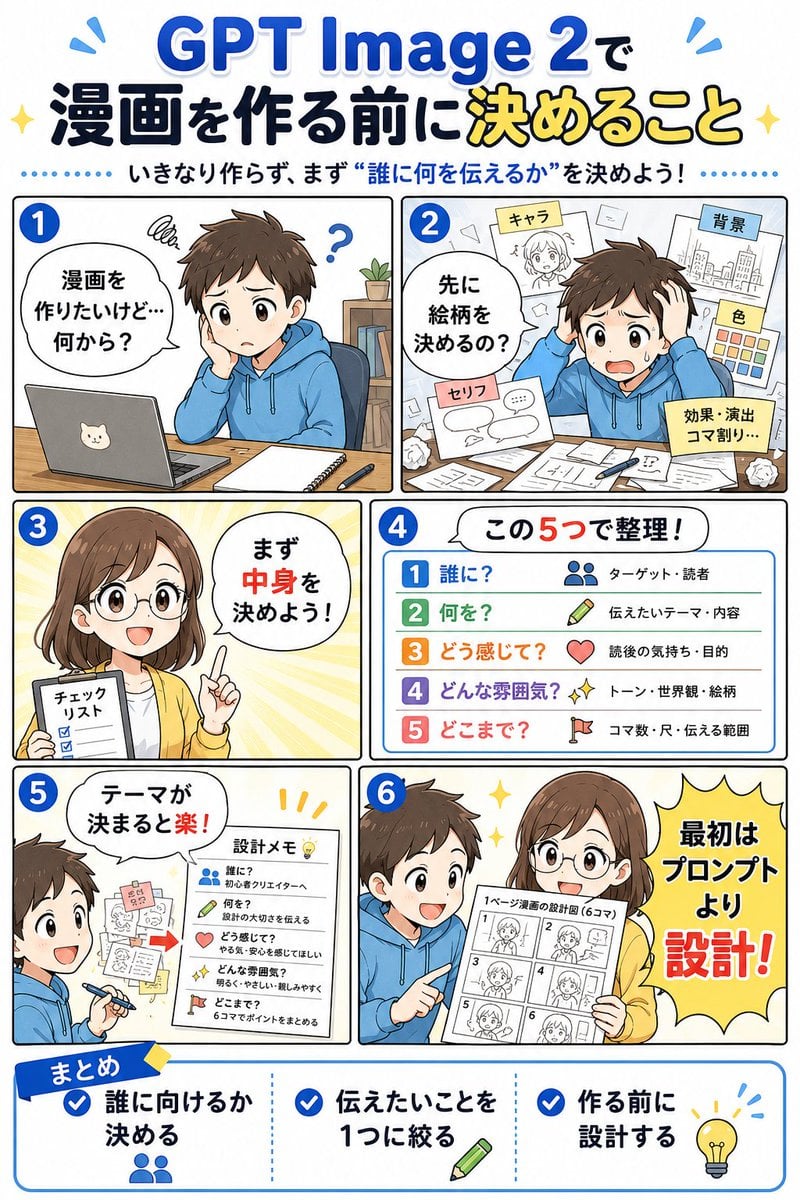
GPT Image 2 Manga Planning Infographic

Gpt2 E Commerce Main Image Earbuds E Commerce Infographic

Gpt2 Infographic Edu Visual Alishan One Day Travel Poster
Make it yours
Chinese Gym Training Plan Infographic works as-is. These are the safest ways to change it without losing the look.
Swap the setting
Keep the rest of the prompt and replace the location block. The current setting is “blurred photo of an athletic woman training in a modern gym, seated or rowing wi”.
Swap the light
One lighting change is enough to compare takes. Current light: “orange line for total time and intensity”.
Change one field
Copy a single group, rewrite it, and generate again so you can see what that field is doing.
| If the result… | Why | Fix |
|---|---|---|
| The result drifts from the preview | Too many fields changed at once. | Reuse Chinese Gym Training Plan Infographic as-is first, then change one group — subject, light, or setting. |
| GPT Image 2 ignores part of the JSON | Some models flatten or skip nested keys. | Keep the same values and paste them as a short paragraph instead. |
More GPT Image 2 templates
Other prompts made for GPT Image 2.

Six VTuber Japanese Logo Sheet

Realistic Portrait of Woman and Deer

The Vista Modular Condo Poster

AI Model Routing Comparison Infographic

2.5D Anime Art Board

Isometric Productivity Desk Scene

New York Double Exposure Poster

Four-Panel AI Landscape Comparison

Japanese Tatami Lifestyle Magazine Cover

NESCAFÉ Coffee Map Poster
More image prompts
Fresh picks from across the catalog.

Night Sports Car Portrait — Cinematic Moody
Stunning Glamorous Photo Prompt for Gemini Nano Banana
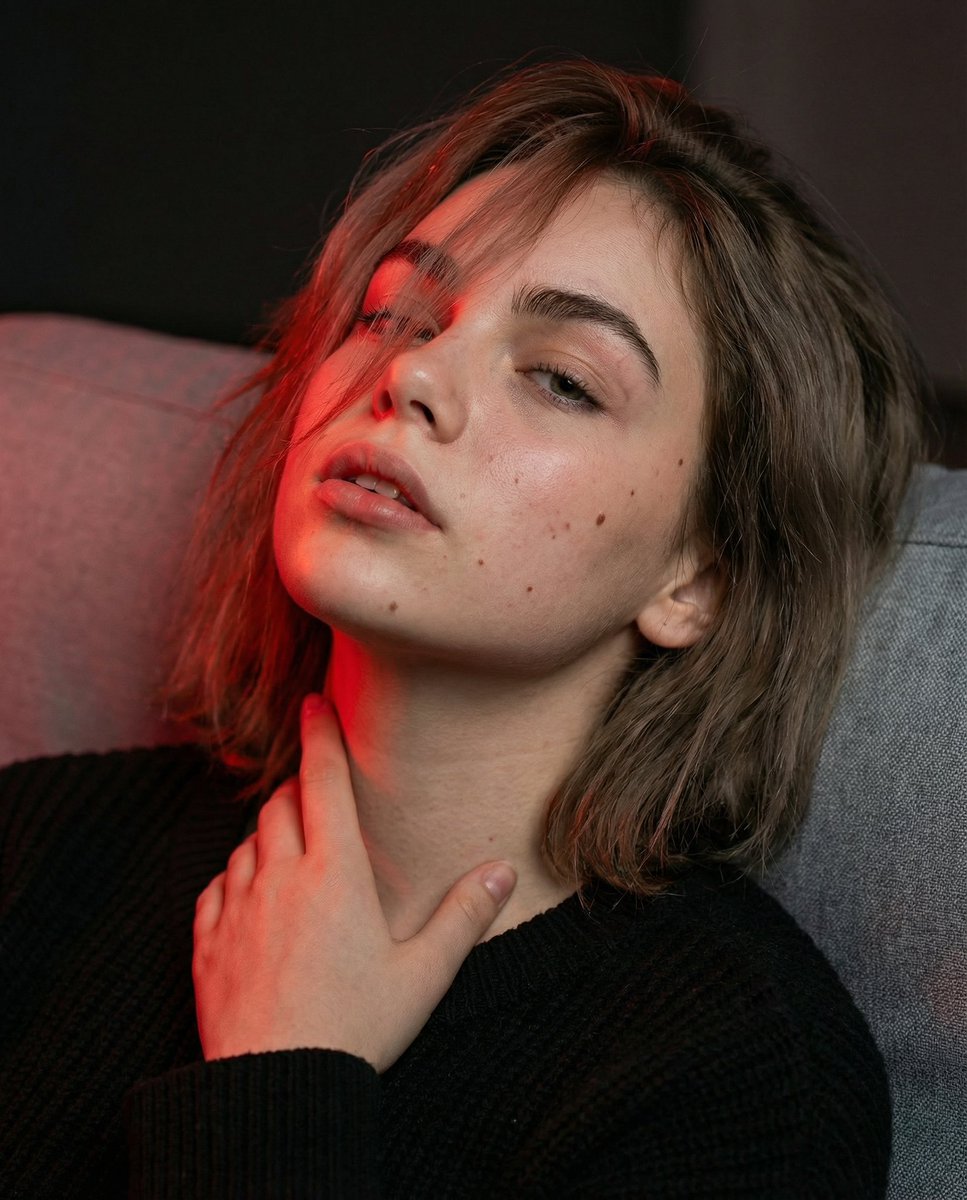
Cinematic Portrait with Identity Lock and Red Lighting
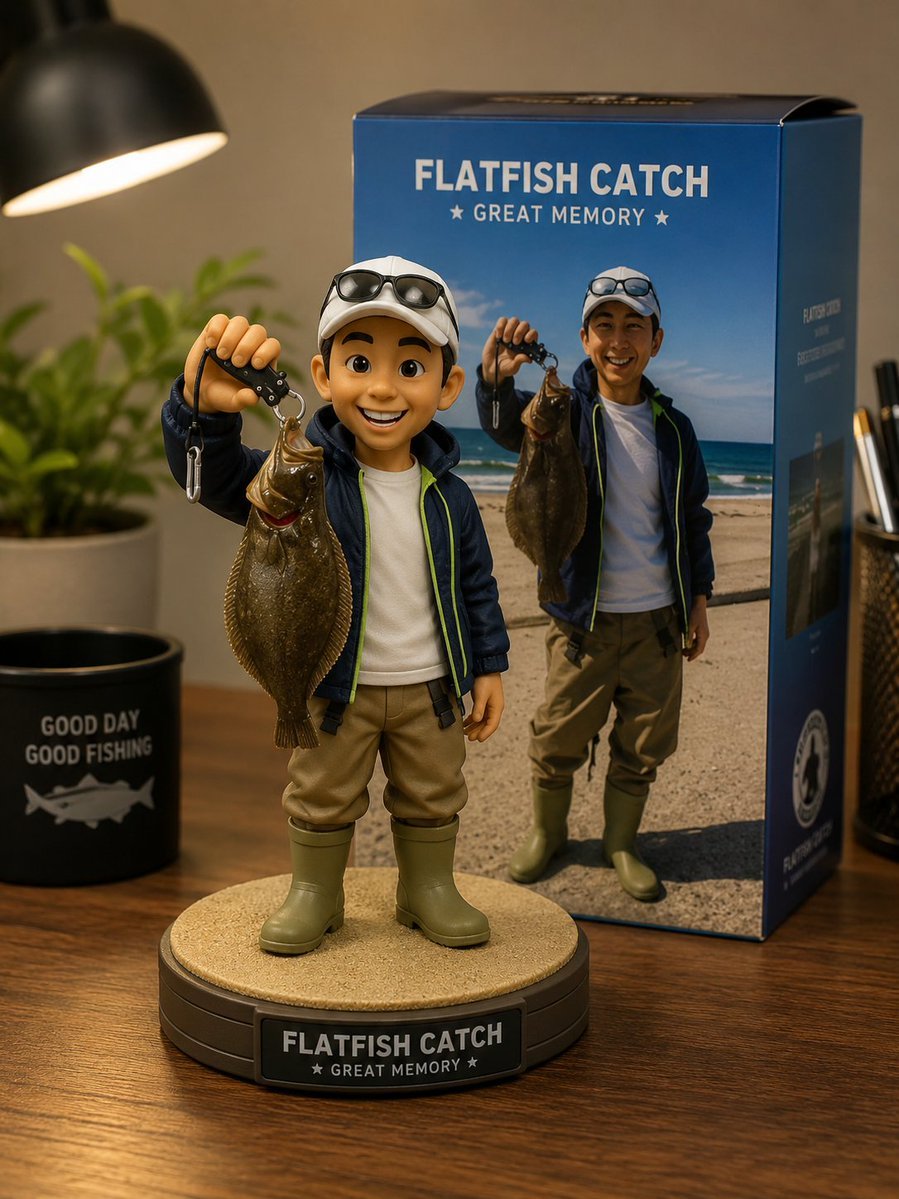
Toy Figure Character Transformation
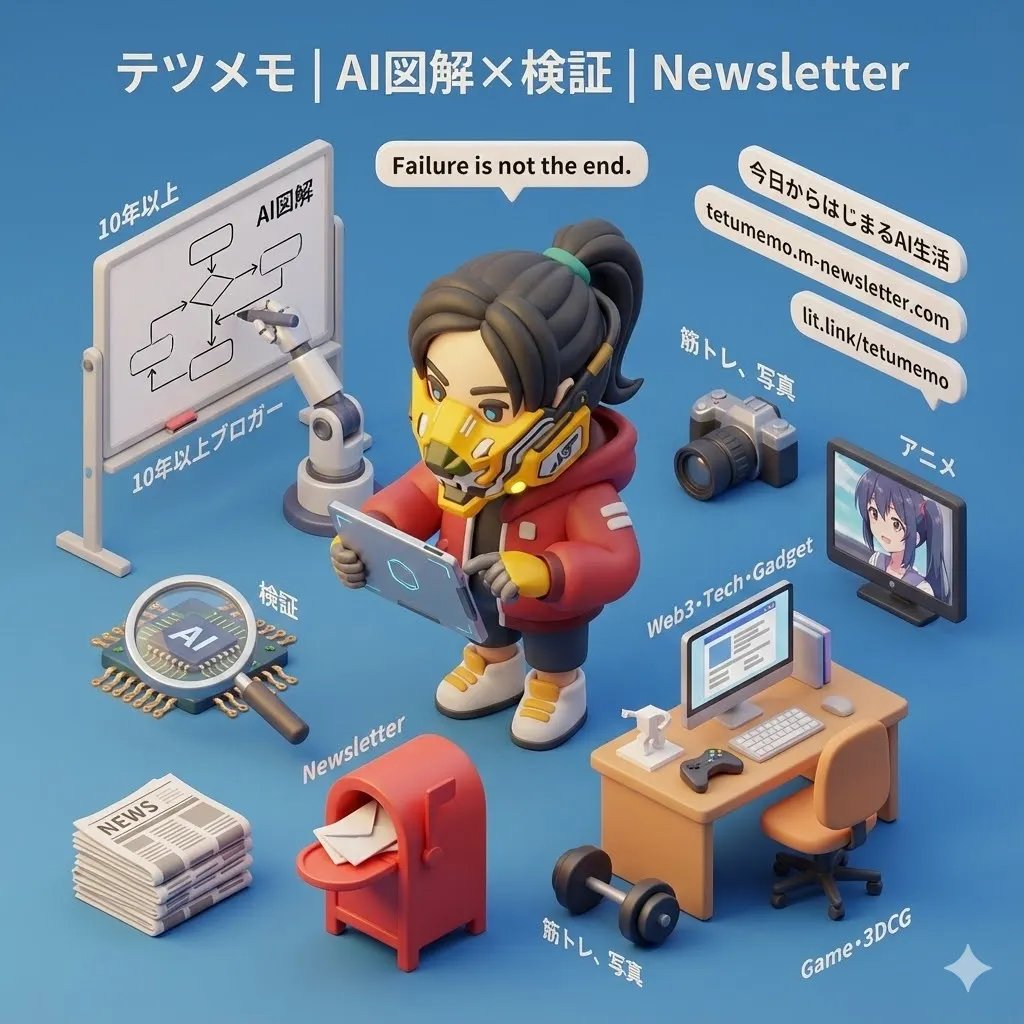
3D Cartoon Miniature Scene from Profile Image
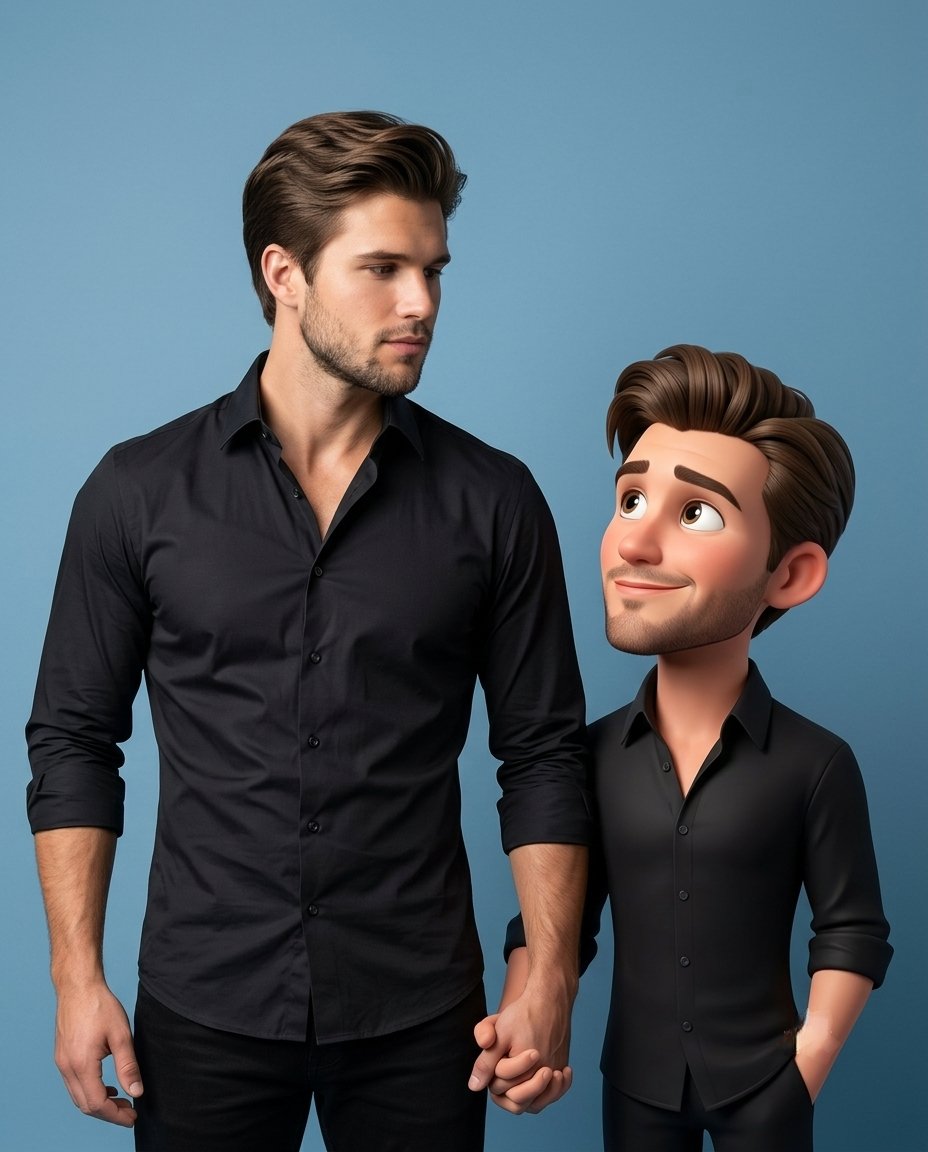
3D Caricature Companion Effect
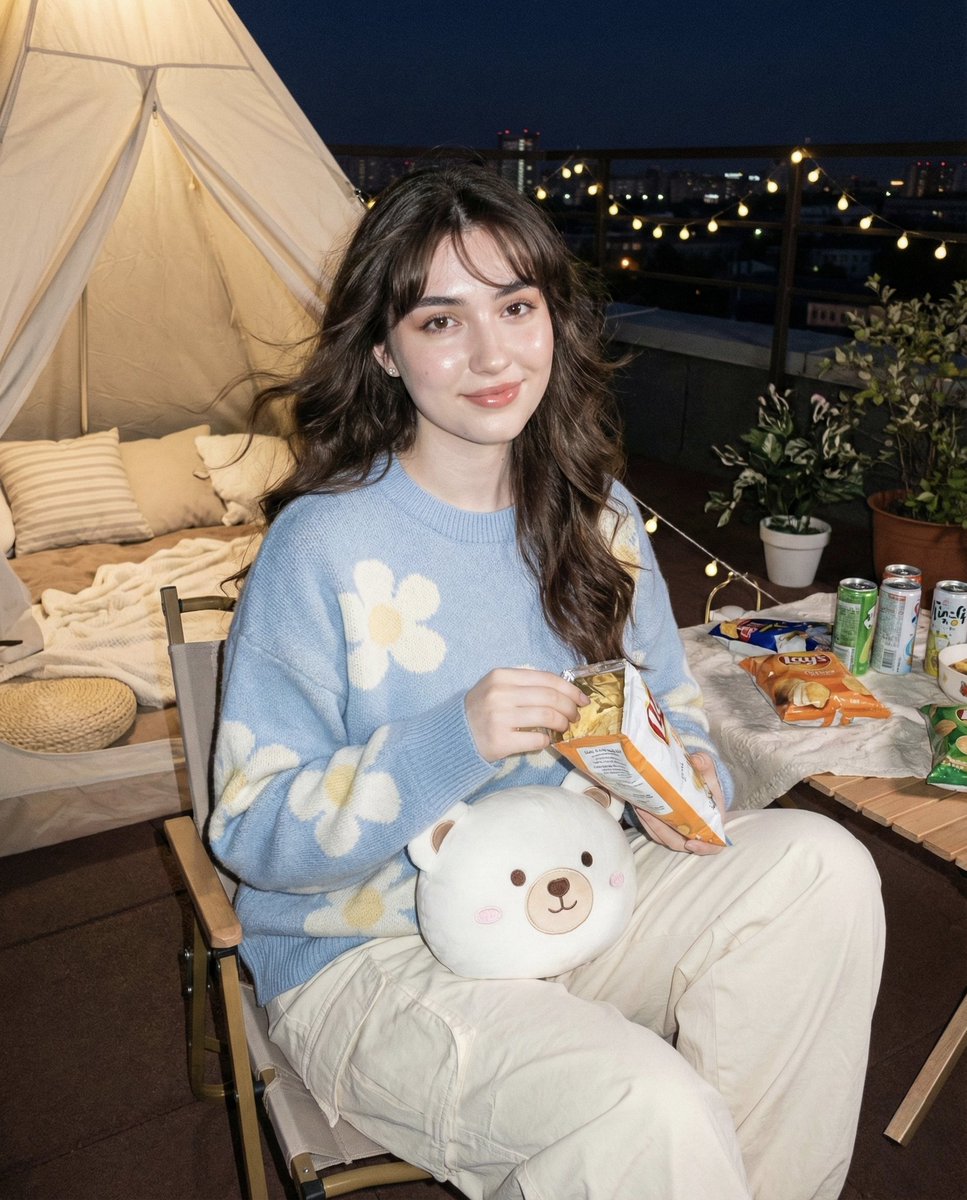
Hyper-realistic Nighttime Rooftop Portrait with Digital Camera Flash Effect
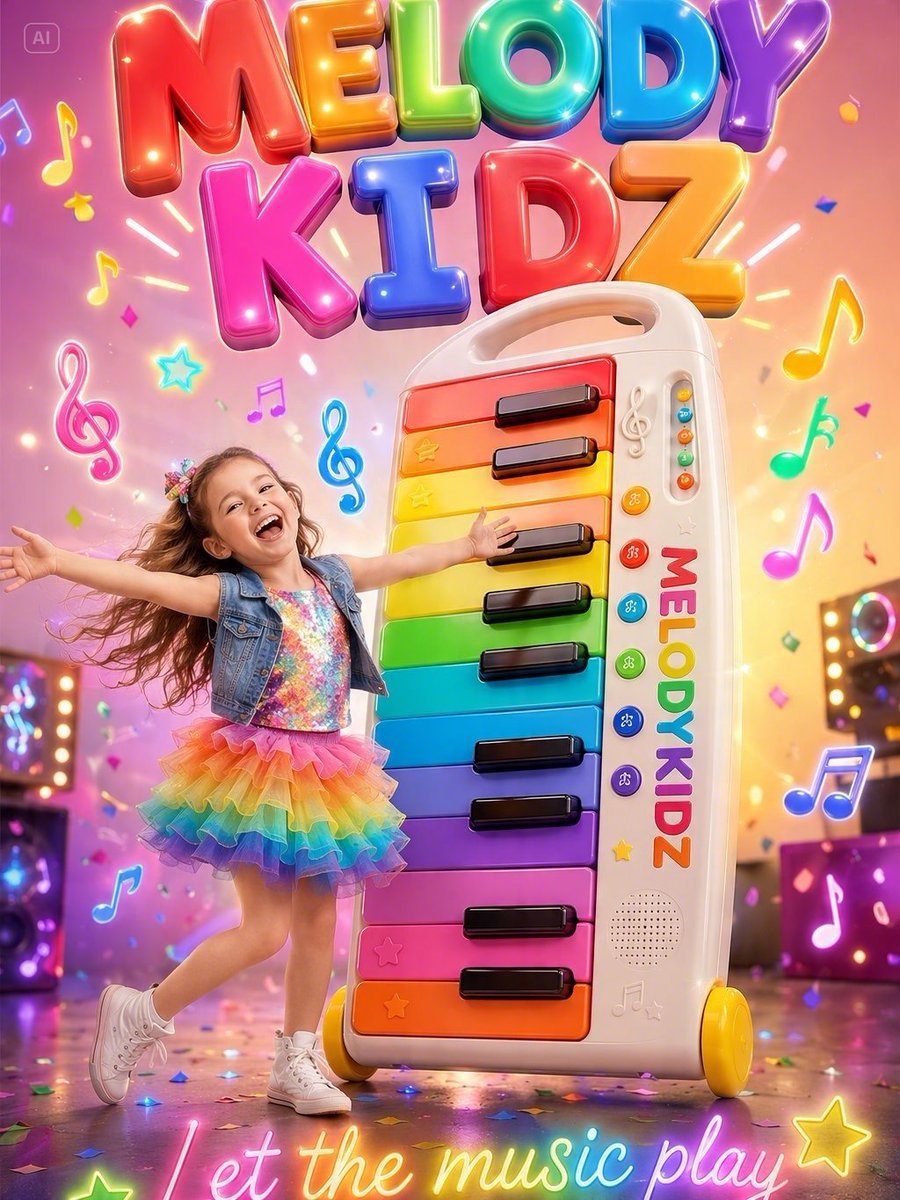
Musical Kids Toy Ad Poster
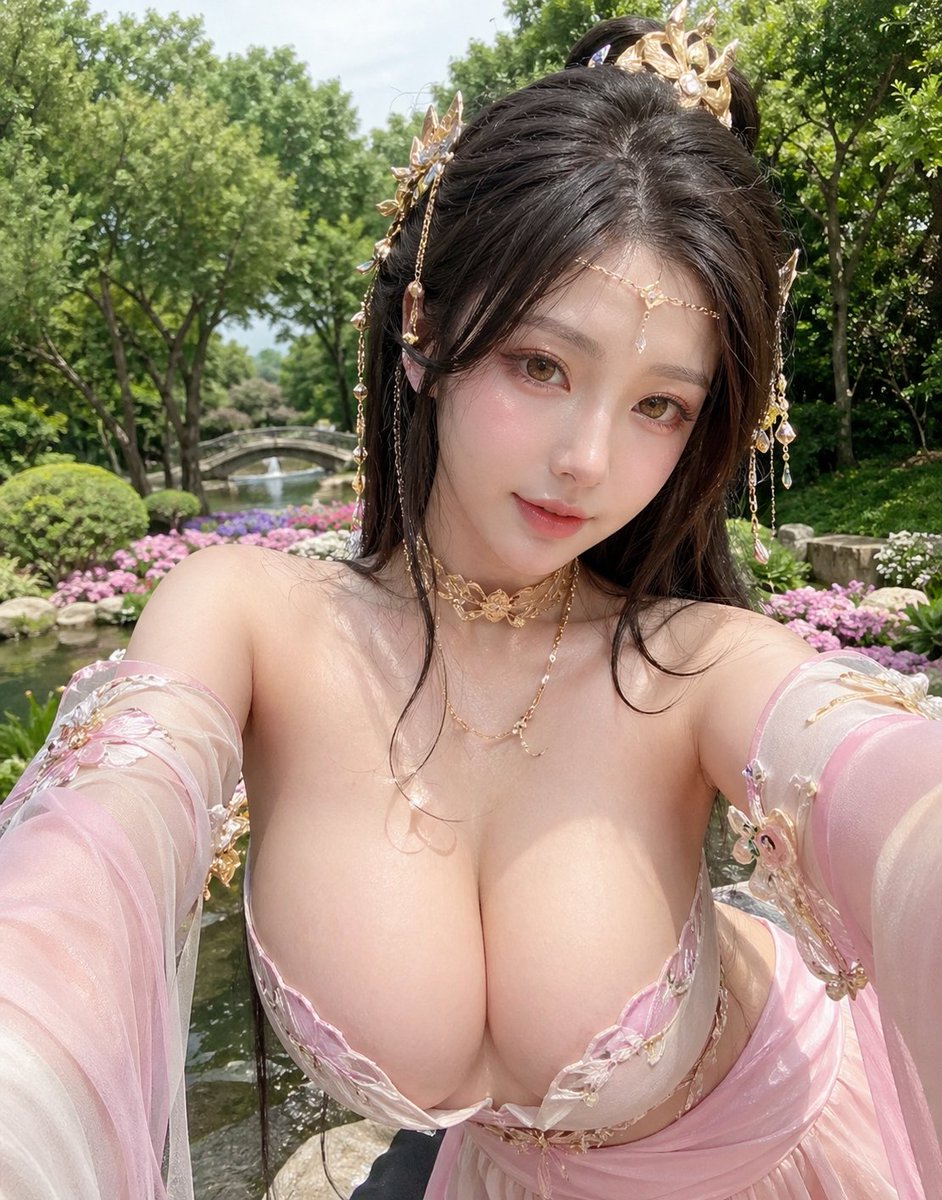
Fantasy Garden Hanfu Selfie
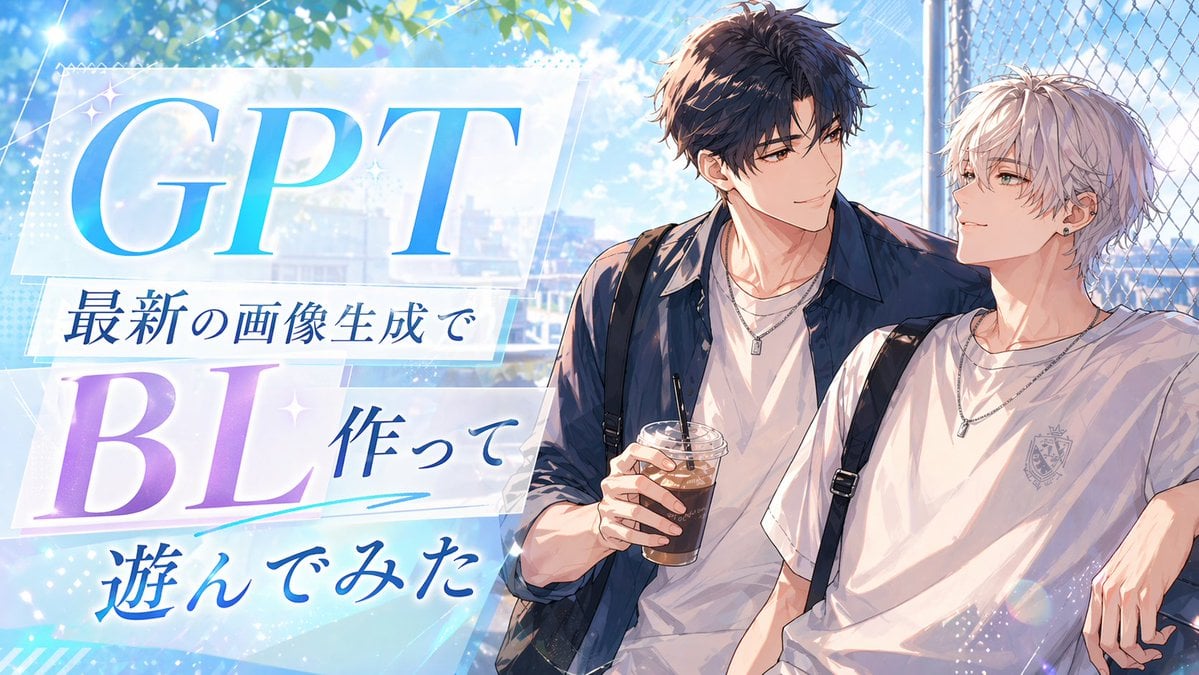
Anime BL Promo Thumbnail
Browse template categories
Chinese Gym Training Plan Infographic questions
How do I use the Chinese Gym Training Plan Infographic template?
Add your photo if the template asks for one, edit the prompt if you like — the template's model and format are already selected — and press Generate. Your version opens in PicX Studio.
Can I customize the Chinese Gym Training Plan Infographic template?
Yes. You can change the subject, setting, lighting, mood, format, and available model controls before creating your image.
Is the Chinese Gym Training Plan Infographic template free?
Opening and editing this template is free. Generating uses credits, shown on the Generate button when you are signed in.
Which AI model should I use?
Start with GPT Image 2, which is the model associated with this template. You can compare another compatible model for a different finish.
Looking for something else? Browse all templates.

Your photo, any look
Thousands of ready templates for every top image and video model, from one credit balance.