
3D Cartoon Miniature Scene from Profile Image
A detailed prompt for Nano Banana Pro to transform a user's profile image into a refined, miniature 3D cartoon scene.
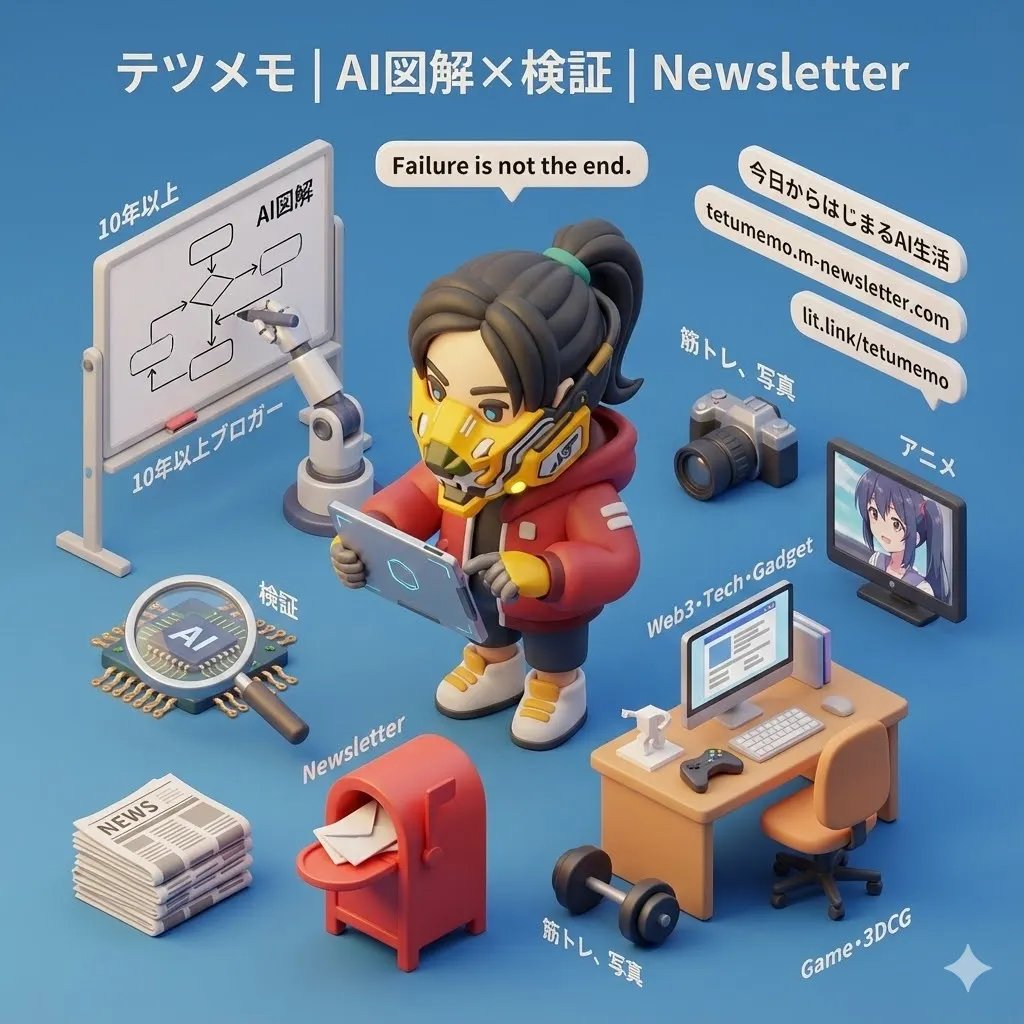
- Prompt included
- Model and format preset
- Free template
The prompt behind this image
Copy the exact prompt behind 3D Cartoon Miniature Scene from Profile Image, or open it in the studio and make it yours.
ユーザーが提供した画像を参考にテーマを題材とし、精巧なミニチュア 3D カートゥーン風のシーンを45度のトップダウン視点で明確に提示する。 添付画像のアイコンを元に忠実に再現したキャラクターをシーン中央に大きく配置し、テーマを象徴する代表的な要素、その周囲にテーマの核心やストーリーを示す主要要素、象徴的で魅力的なアイテム、プロップ、その他のディテールを、適切な比率で配置する。シーンは細部まで作り込まれ、精巧で、日本語の解説付き、遊び心のある仕上がりとする。 Cinema 4Dで描画されるモデルは洗練され、滑らかに丸みを帯び、質感豊かであること。PBRマテリアルを正確に再現し、柔らかく自然な光とソフトシャドウであたたかく心地よい雰囲気を作り出す。 レイアウトは清潔感のあるミニマル構成とし、背景は単色で、主題となる内容を際立たせる。 シーン上部中央には、テーマ名を大きなフォントサイズで目立つように表示する。 すべてのテキストは、ユーザーが指定または入力した言語で表示し、背景は付けず、全体のデザイン統合を高めるためにシーン要素とわずかに重なることがあってもよい。 パラメータ: アスペクト比:{argument name="アスペクト比" default="1:1"}
How to use 3D Cartoon Miniature Scene from Profile Image in 3 steps
- 1
Open
The prompt is already in the box next to the preview, with the template's model and format selected.
- 2…a portrait of your subject in softgolden-hour light, 85mm…
Personalize
Edit the subject and creative details for your destination.
- 3Generate
Generate
Press Generate — your image is created in PicX Studio, so you can compare it with the original and refine one variable at a time.
More like this
Templates with the same subject, style or setup. Open one to see its prompt.

Clear, 45 top-down isometric miniature 3D cartoon scene of the iconic

Paper Tunnel Book Architecture
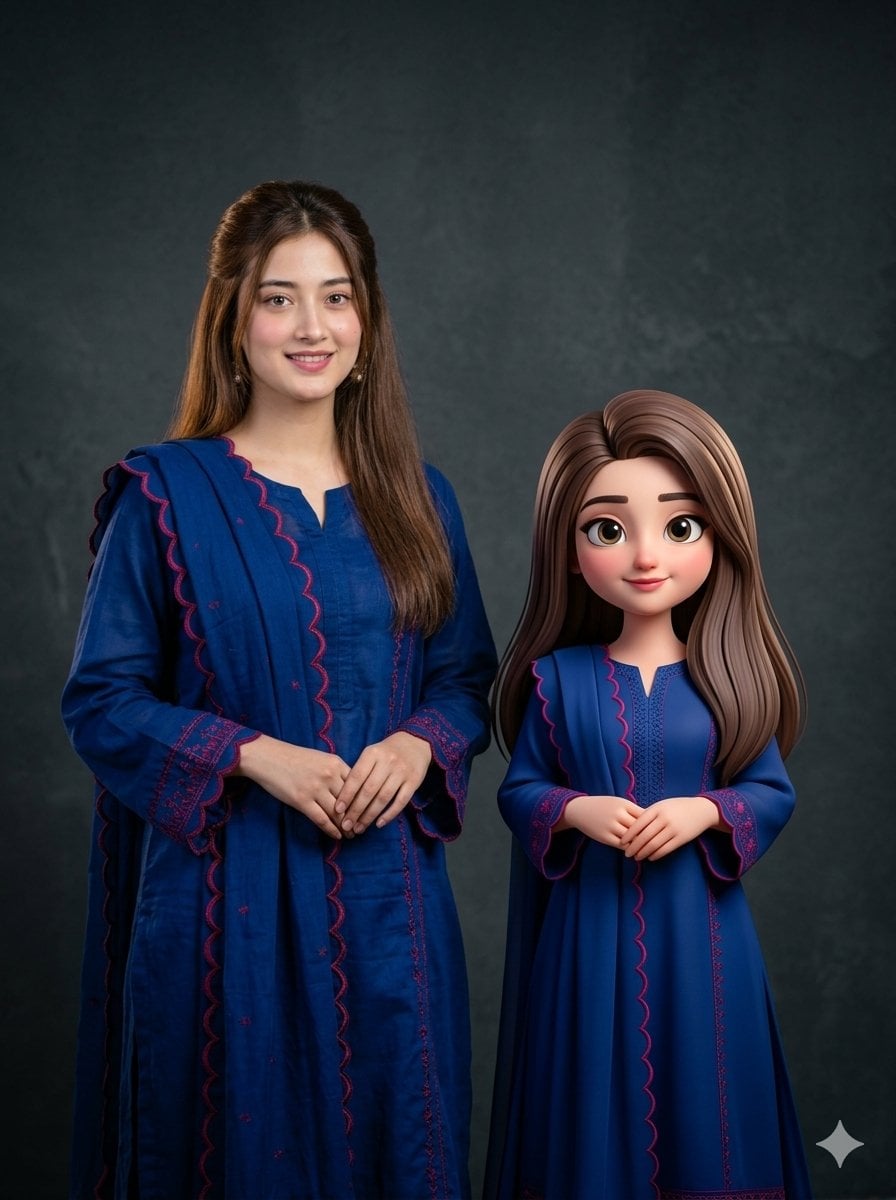
Woman with 3D Cartoon Miniature

Toon Cartoon Finale Fireworks

Toon Cartoon Garden Maze

Toon Cartoon Rooftop Concert

Toon Cartoon Kitchen Chaos

Toon Cartoon Carnival Ride
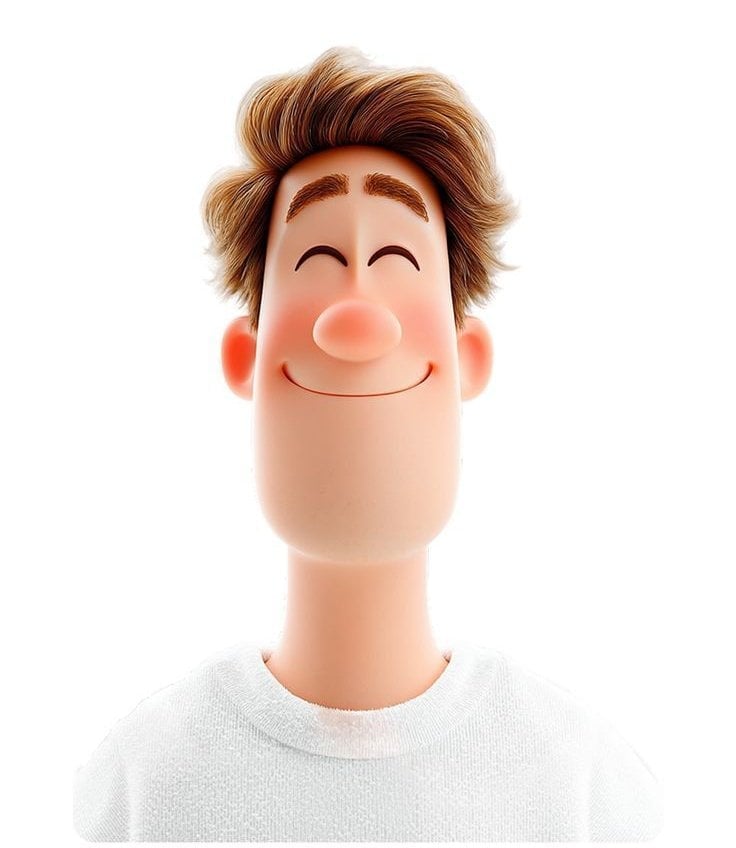
Toon Cartoon Rainy Bus Stop

Toon Cartoon Space Dock

Toon Cartoon Cafe Morning

Toon Cartoon Street Festival
Make it yours
3D Cartoon Miniature Scene from Profile Image works as-is. These are the safest ways to change it without losing the look.
Change one field
Copy a single group, rewrite it, and generate again so you can see what that field is doing.
Keep the frame, change the subject
Hold the composition and light of 3D Cartoon Miniature Scene from Profile Image, then swap wardrobe, props or the person for a new take.
| If the result… | Why | Fix |
|---|---|---|
| The result drifts from the preview | Too many fields changed at once. | Reuse 3D Cartoon Miniature Scene from Profile Image as-is first, then change one group — subject, light, or setting. |
| The model over-stylizes the scene | The prose prompt leaves finish and camera underspecified. | Add one camera or lighting sentence and stay on Nano Banana 2. |
More Nano Banana 2 templates
Other prompts made for Nano Banana 2.

Photorealistic Leaf Shaped Like a Dragon

K-Pop Idol Portrait Grid for Rapid Selection

Poetic Rain Forest Portrait During Golden Hour

Urban Street Portrait with Cartoon Inner Self Duo

Candid Nighttime Photo with Cat Prompt

High-Concept 3D Diorama Generation Prompt

Cinematic Futuristic Studio Portrait Template

Skincare Editorial Photography Collage Prompt

Hyper-Realistic Commercial Product Photography (Splash Effect)

Hyper-Realistic Nightclub Portrait Prompt
More image prompts
Fresh picks from across the catalog.
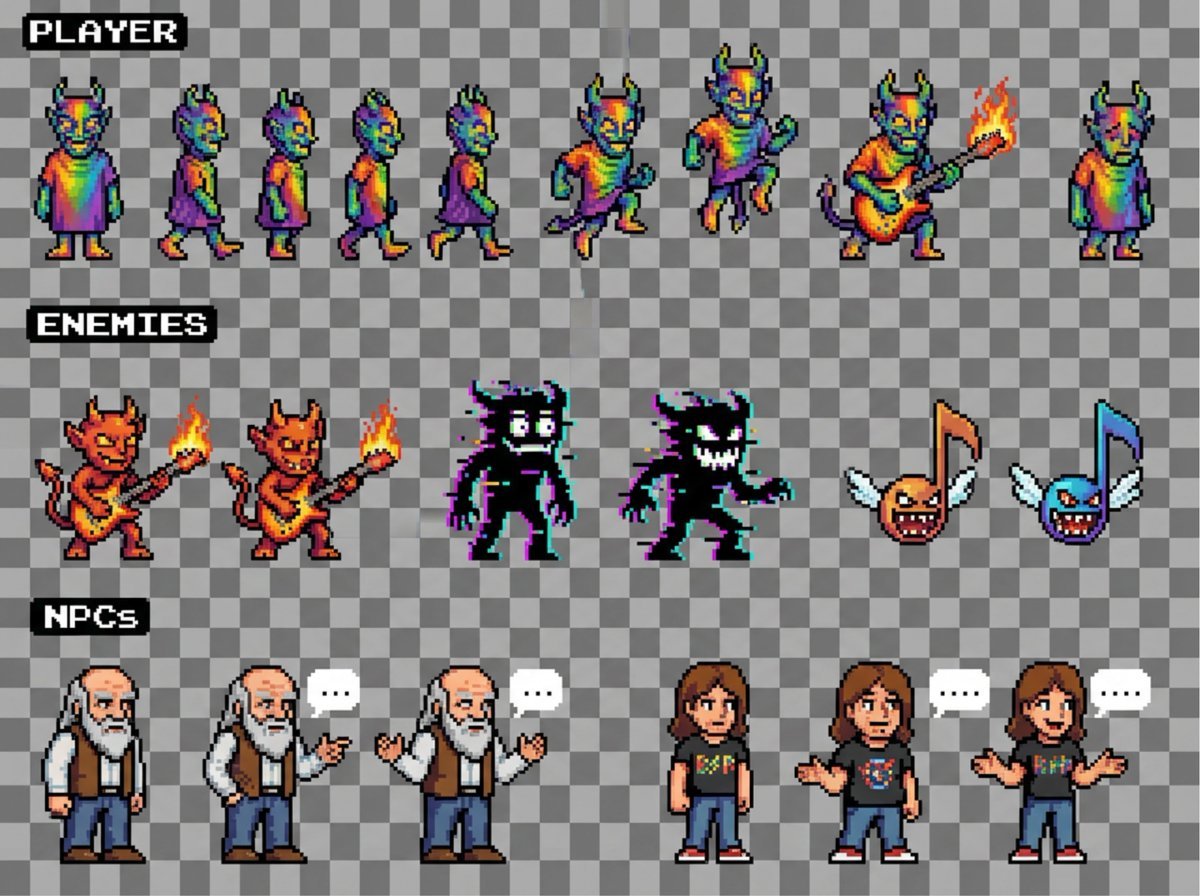
Sprite sheet for 2D NES platformer
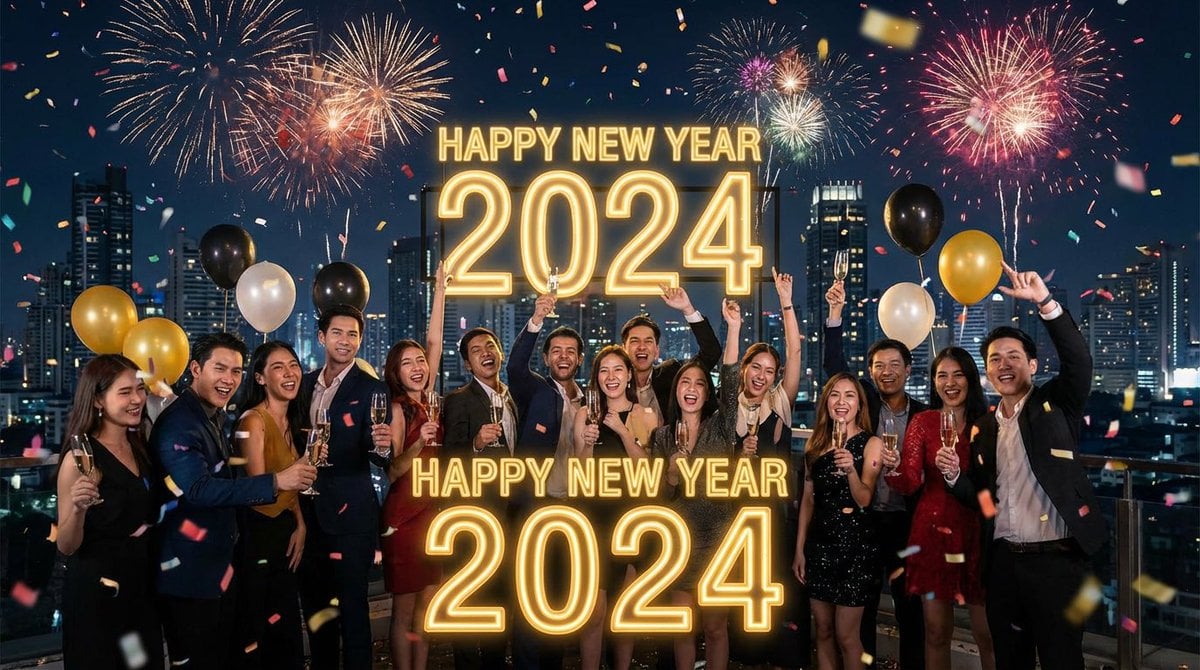
Simple 'Happy New Year' Prompt
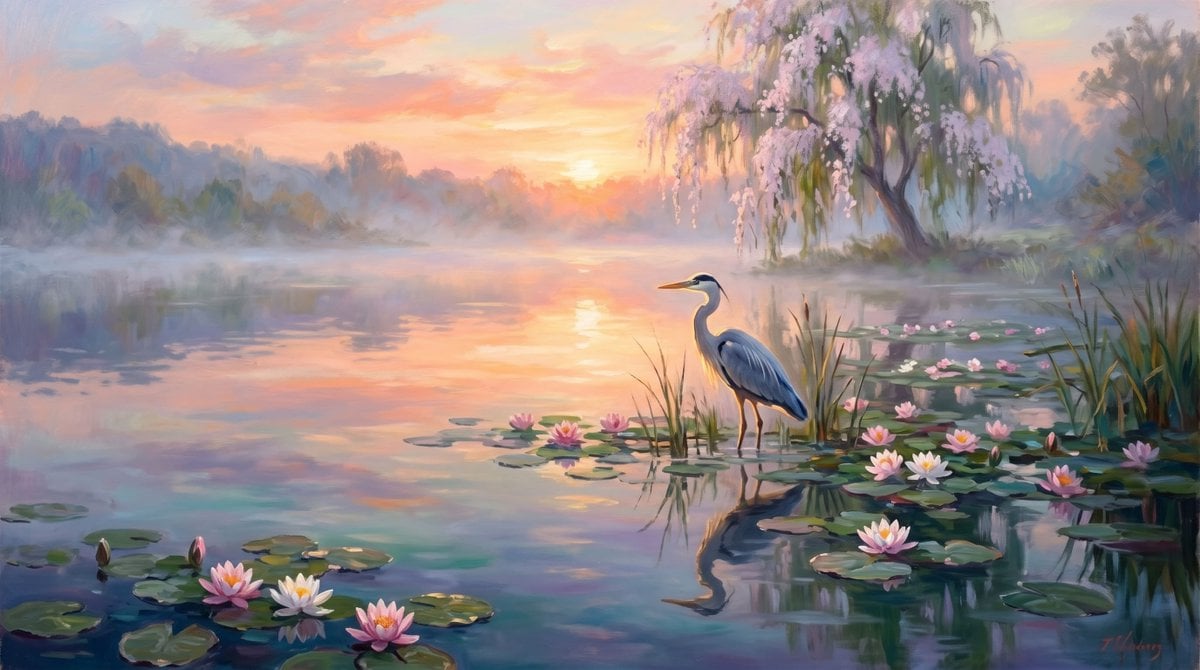
Misty Heron Sunrise Lake
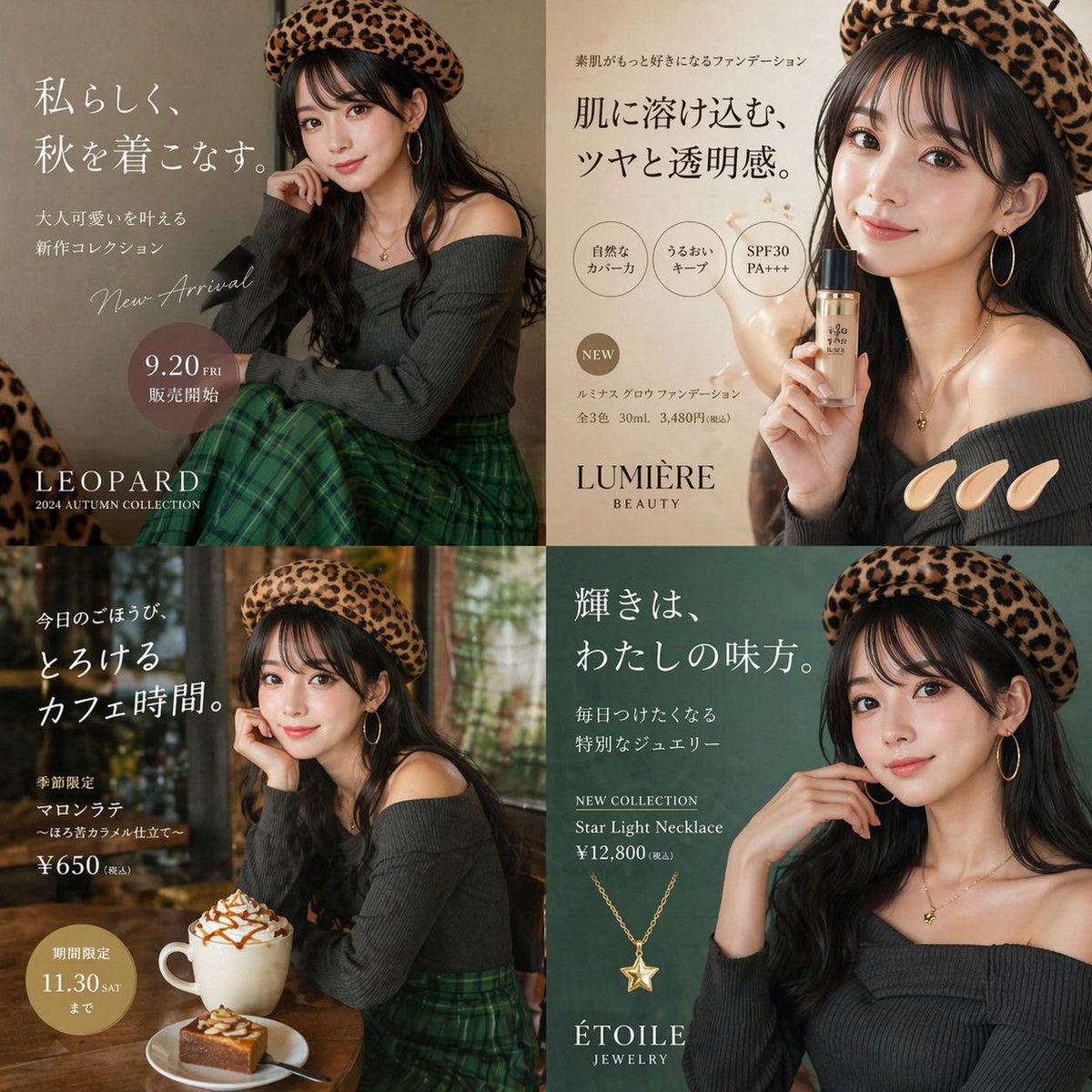
Autumn Fashion Lifestyle Ad Collage
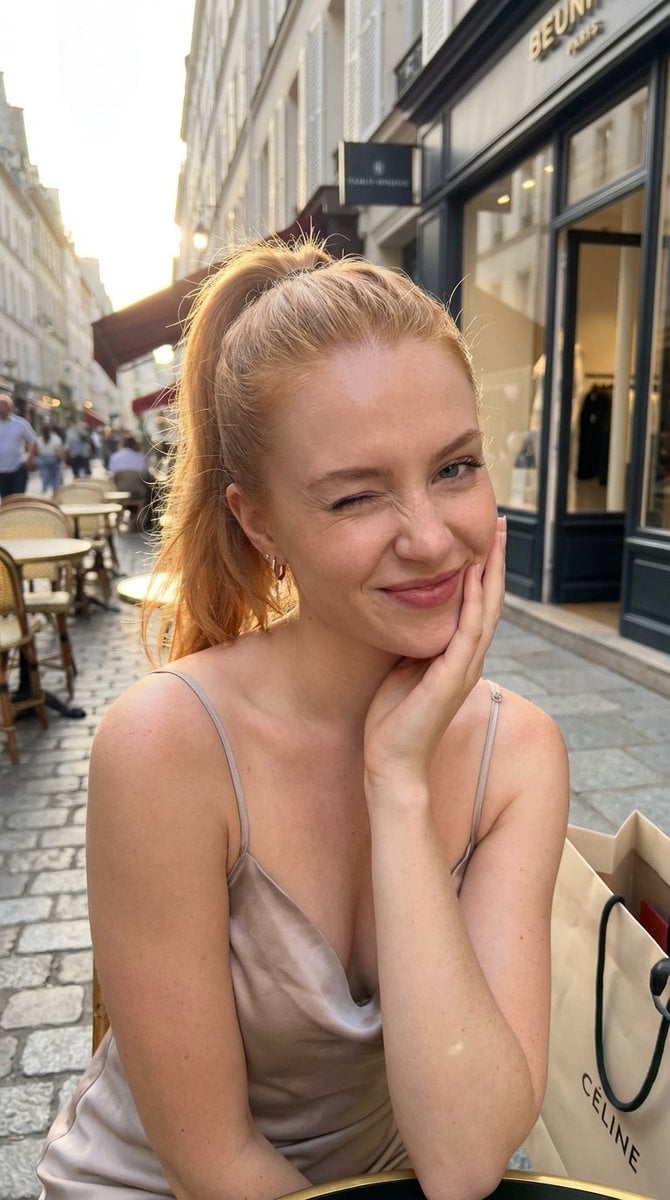
Golden Hour City Street Portrait of a Supermodel
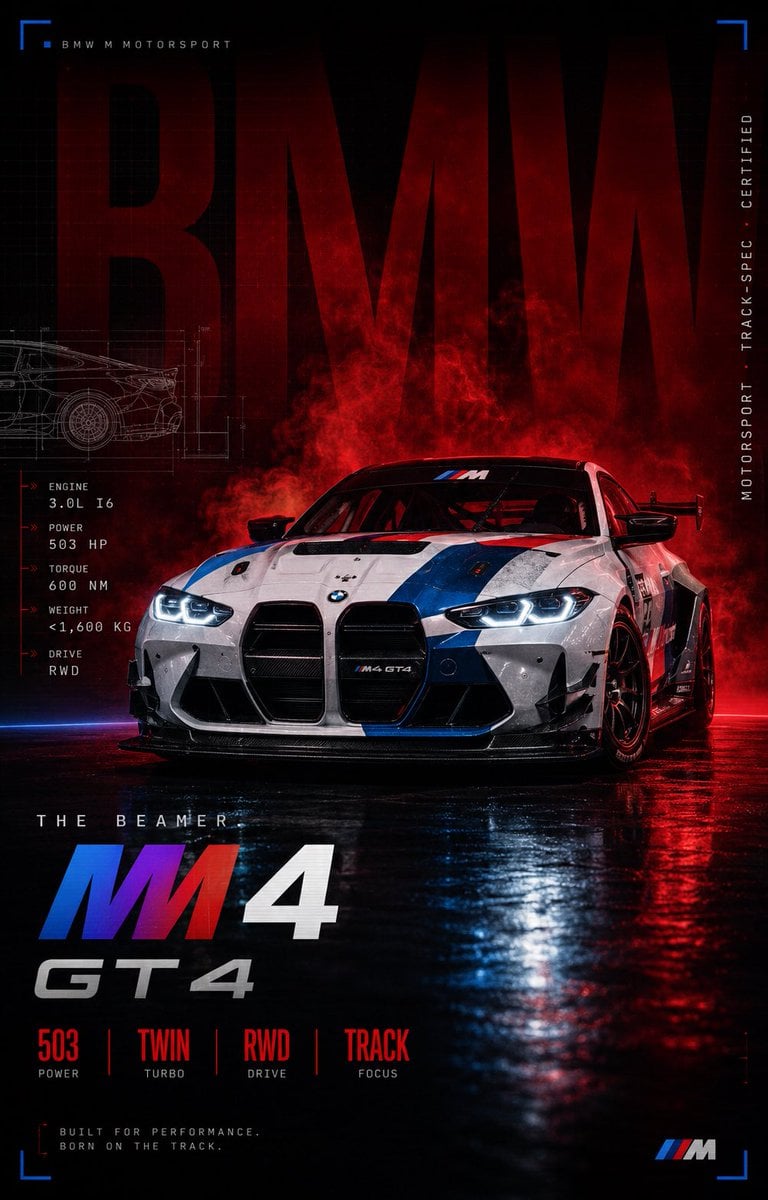
BMW M4 GT4 Motorsport Poster
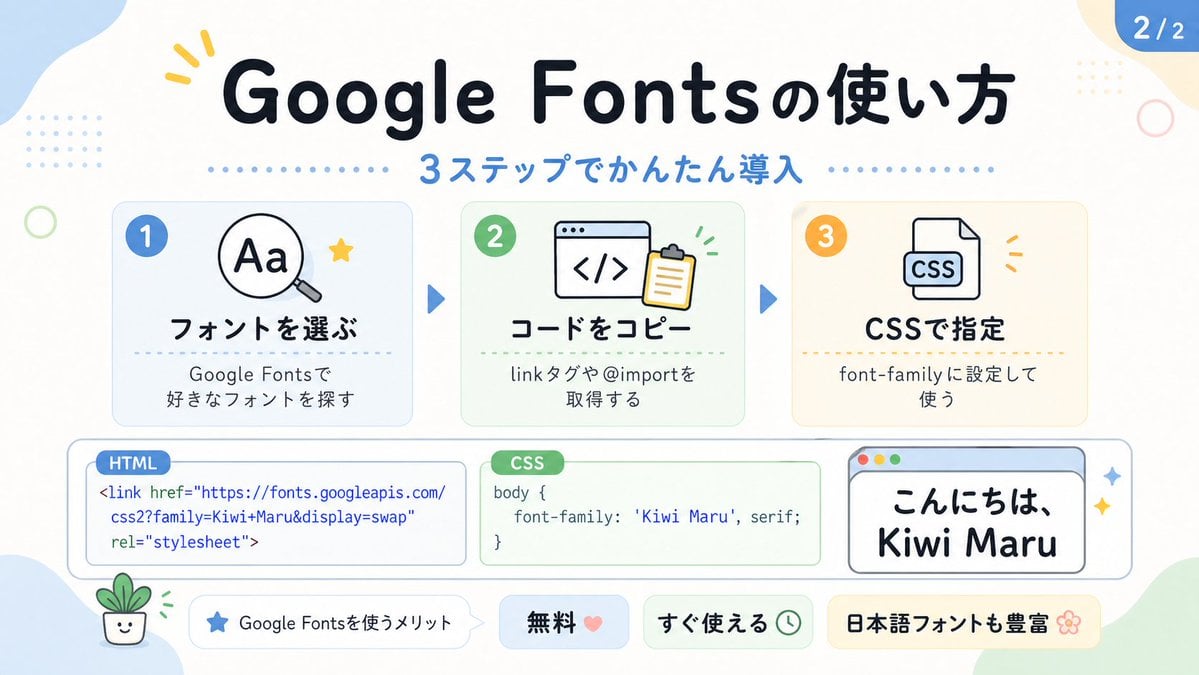
Cute Google Fonts Tutorial Infographic
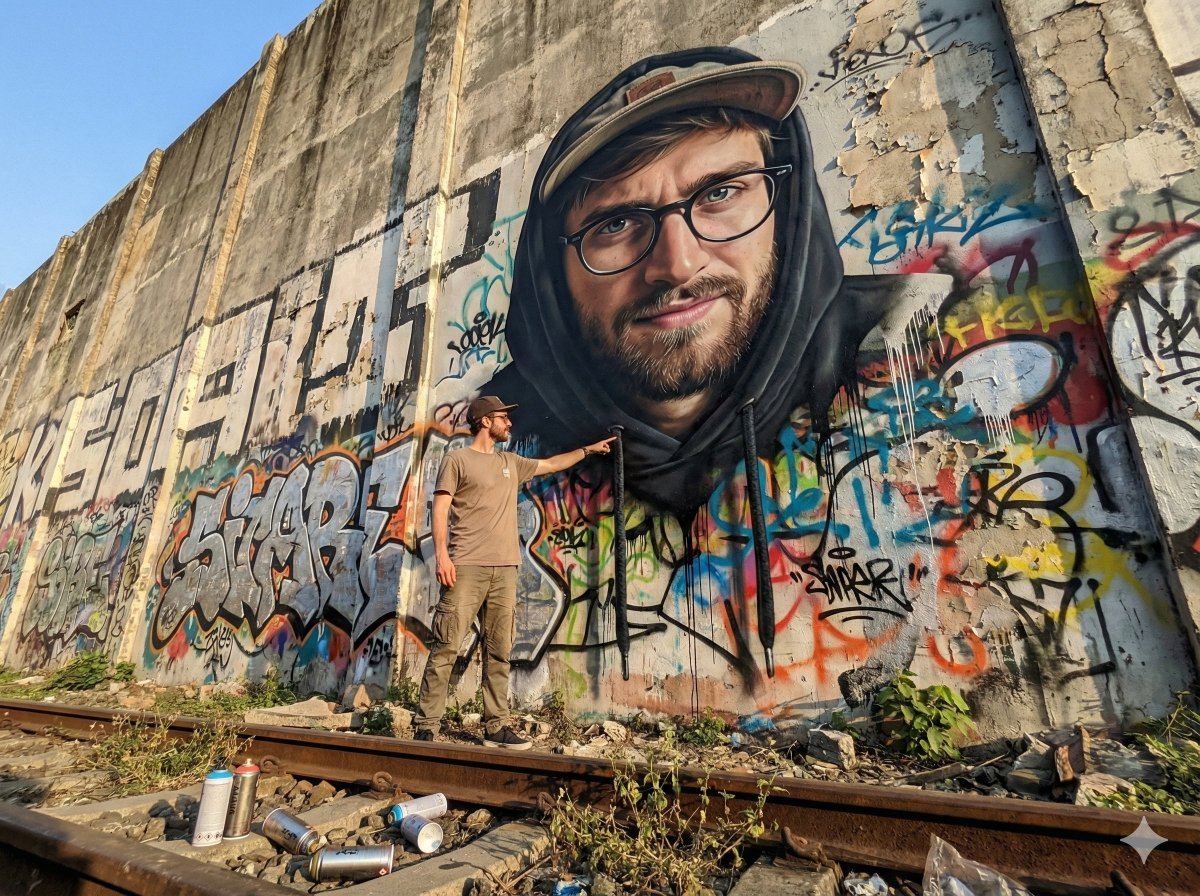
2D Mural to 3D Reality Street Art Prompt

Japanese AI Clinic Billing Statement
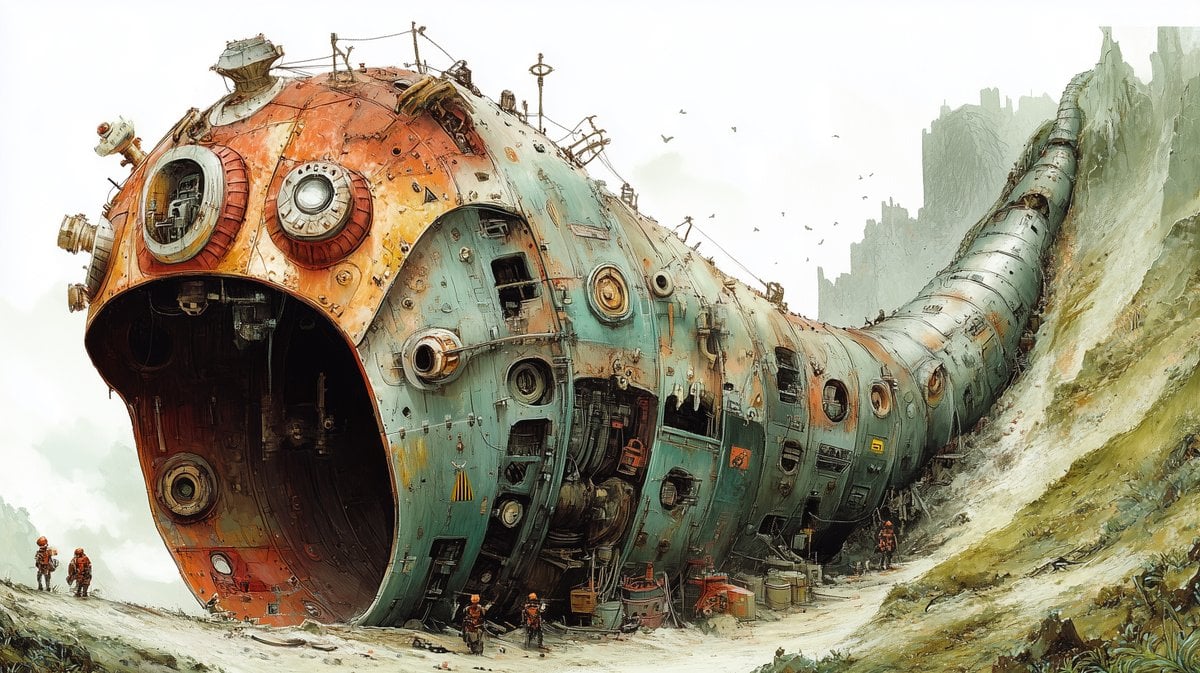
Massive Ancient Abandoned Alien Mining Machine Prompt
Browse template categories
3D Cartoon Miniature Scene from Profile Image questions
How do I use the 3D Cartoon Miniature Scene from Profile Image template?
Add your photo if the template asks for one, edit the prompt if you like — the template's model and format are already selected — and press Generate. Your version opens in PicX Studio.
Can I customize the 3D Cartoon Miniature Scene from Profile Image template?
Yes. You can change the subject, setting, lighting, mood, format, and available model controls before creating your image.
Is the 3D Cartoon Miniature Scene from Profile Image template free?
Opening and editing this template is free. Generating uses credits, shown on the Generate button when you are signed in.
Which AI model should I use?
Start with Nano Banana 2, which is the model associated with this template. You can compare another compatible model for a different finish.
Looking for something else? Browse all templates.

Your photo, any look
Thousands of ready templates for every top image and video model, from one credit balance.