
Misty Heron Sunrise Lake
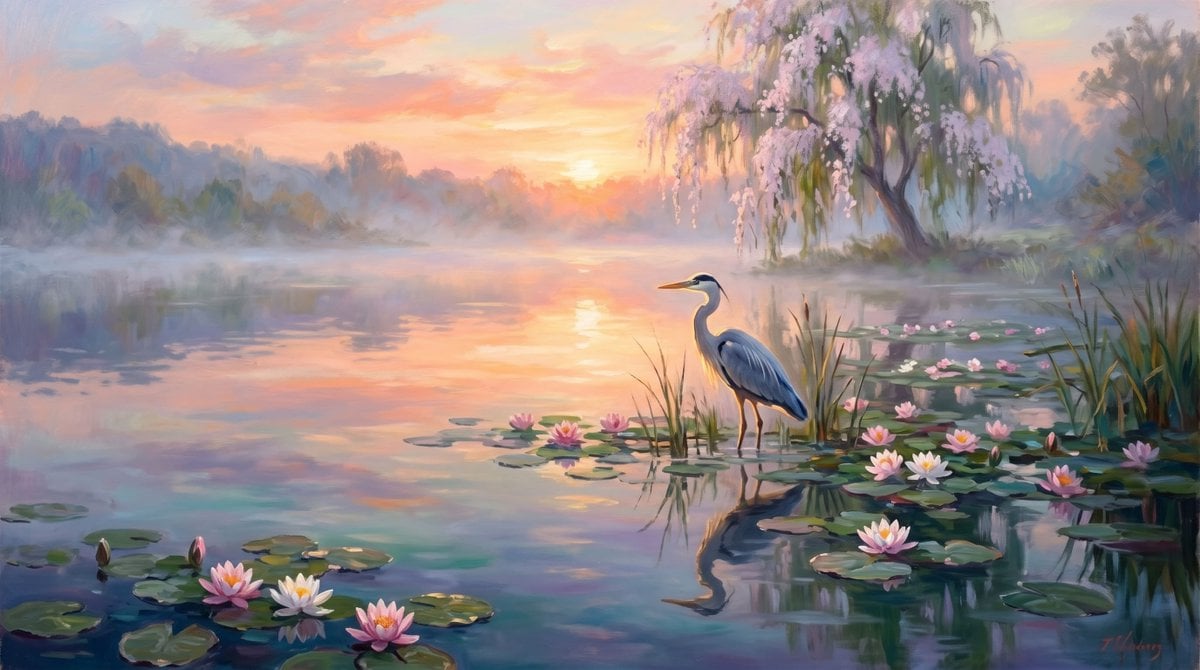
A peaceful impressionist landscape prompt for generating a quiet sunrise lake with a solitary heron, water lilies, mist, and a flowering willow.
- Prompt included
- Model and format preset
- Free template
The prompt behind this image
Copy the exact prompt behind Misty Heron Sunrise Lake, or open it in the studio and make it yours.
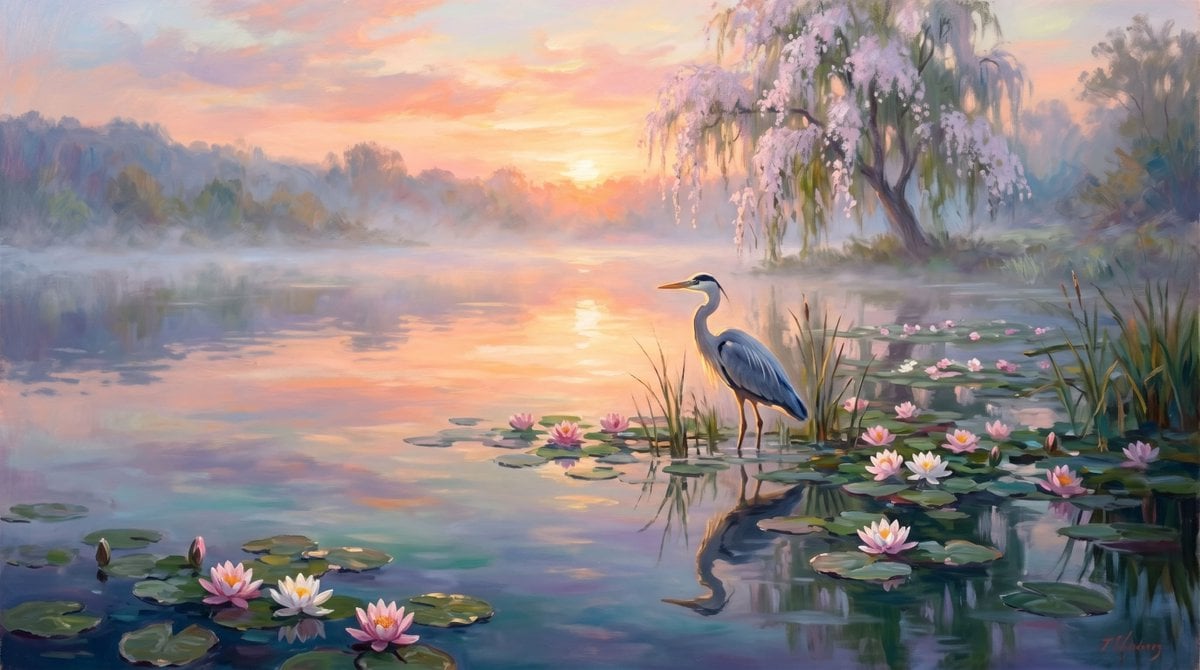
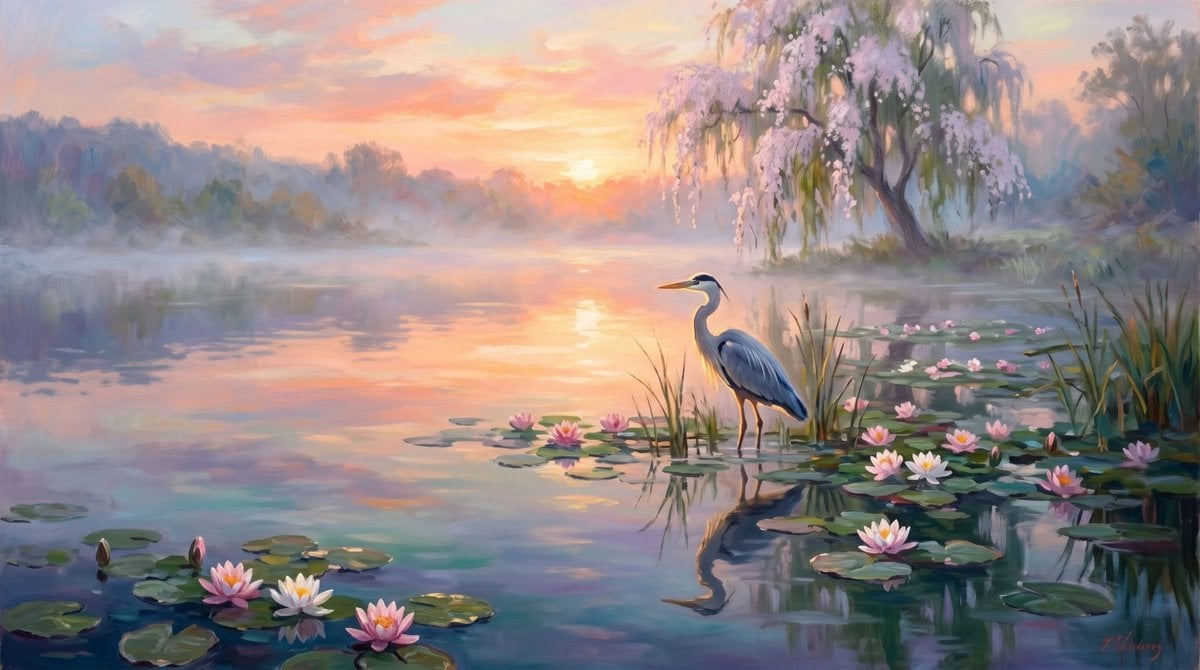
Create a serene impressionist oil painting of a quiet misty lake at sunrise, evoking solitude and calm. The scene shows one great blue heron standing in shallow water near the right-center foreground among reeds, facing left, with a long orange beak, slender neck, blue-gray feathers, dark legs, and a soft reflection in the water. Surround the bird with water lilies: exactly 16 visible blossoms total, including 7 blossoms clustered on lily pads in the lower foreground, 8 blossoms scattered around the right-side lily pads near the heron, and 1 small blossom near the mid-right waterline; use pale pink and white petals with warm yellow centers. Add many rounded dark green lily pads across the lower foreground and right side. In the background, paint a glowing peach-orange sun low on the horizon over the lake, with its light reflected as a vertical golden-pink shimmer on the water. Use pastel dawn colors: {argument name="sky colors" default="peach, coral, lavender, pale yellow, and soft blue"}. On the far shore, include hazy blue-gray tree silhouettes fading into morning fog. On the upper right, feature a graceful weeping willow with drooping green branches and abundant pale pink blossoms leaning over the water. The overall mood should match the phrase {argument name="mood" default="Silence is my best friend"}: peaceful, contemplative, and hushed. Style: painterly impressionism with visible brushstrokes, soft edges, atmospheric mist, luminous reflections, gentle color blending, romantic landscape lighting, no text, no people, no buildings, no hard outlines. Use a wide landscape canvas, approximately 16:9.
How to use Misty Heron Sunrise Lake in 3 steps
- 1Upload ImagePNG, JPG or paste
Add your photo
Upload the photo the template builds on. The prompt, model and format are already set.
- 2…a portrait of your subject in softgolden-hour light, 85mm…
Personalize
Edit the subject and creative details for your destination.
- 3Generate
Generate
Press Generate — your image is created in PicX Studio, so you can compare it with the original and refine one variable at a time.
More like this
Templates with the same subject, style or setup. Open one to see its prompt.
Misty Sunrise Heron Lake
Misty Sunrise Heron Lake
Misty Sunrise Heron Lake
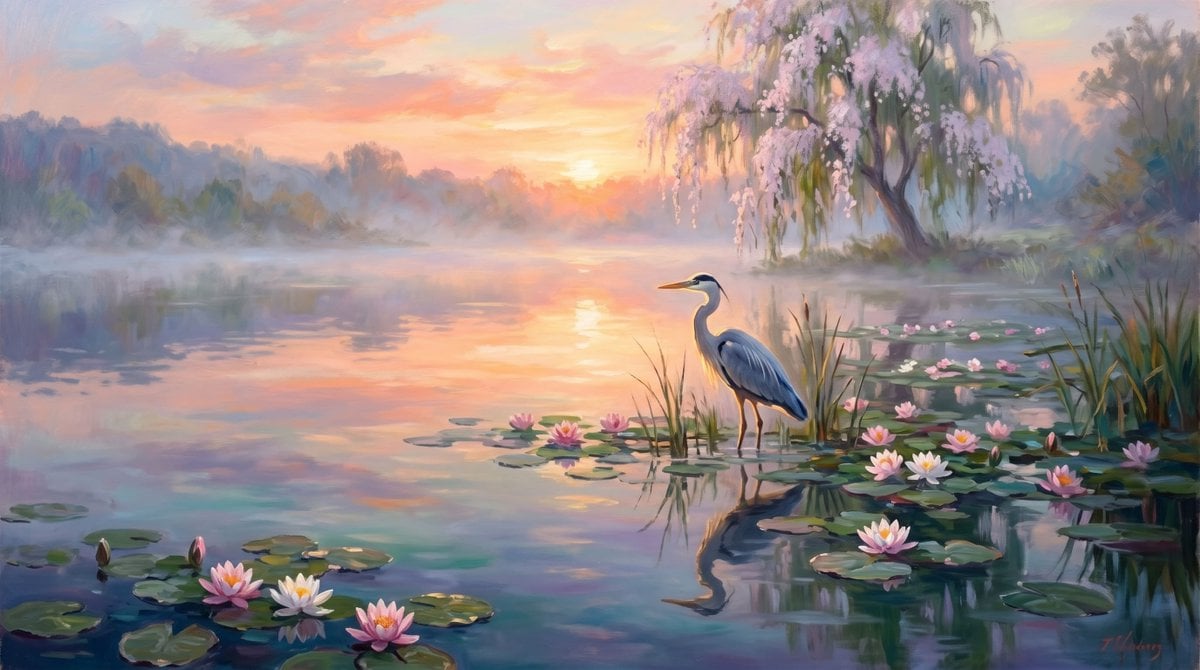
Misty Sunrise Heron Lake
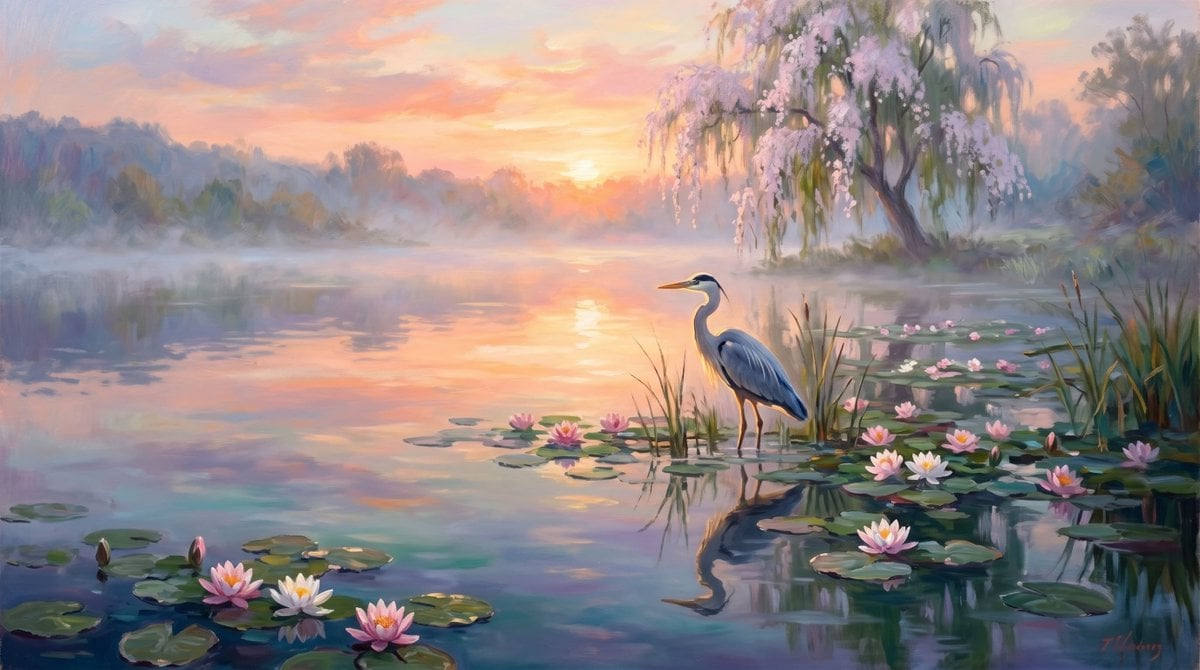
Misty Heron Lake at Sunrise
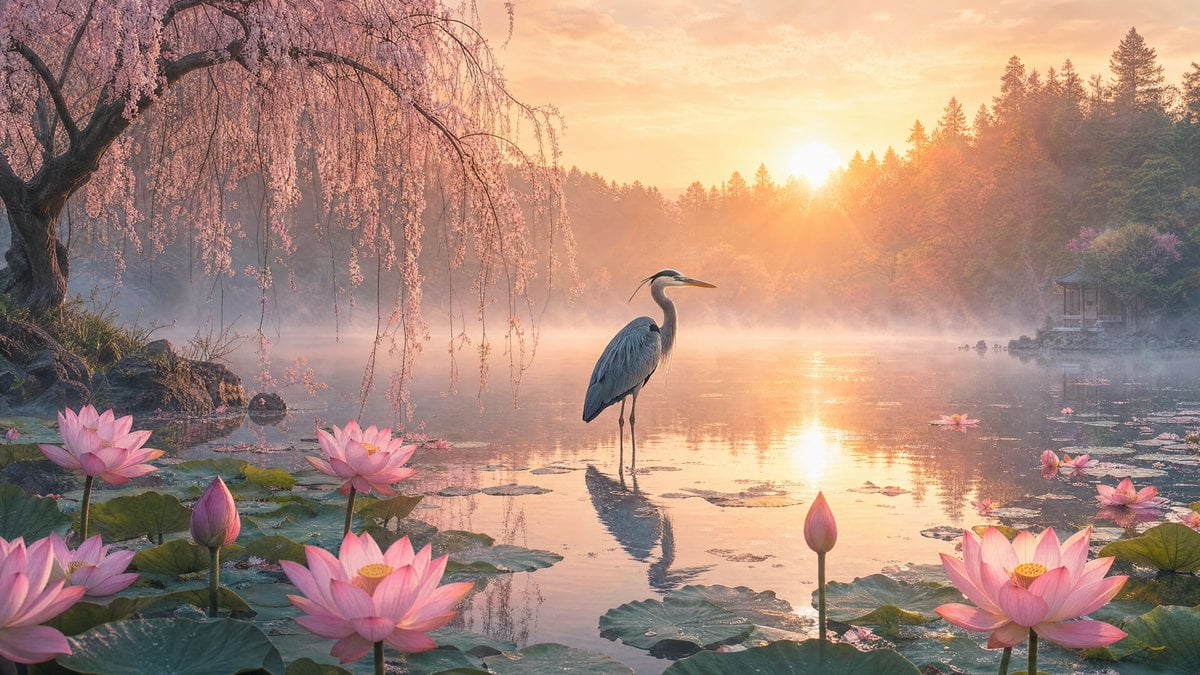
Misty Lotus Pond Heron Sunrise
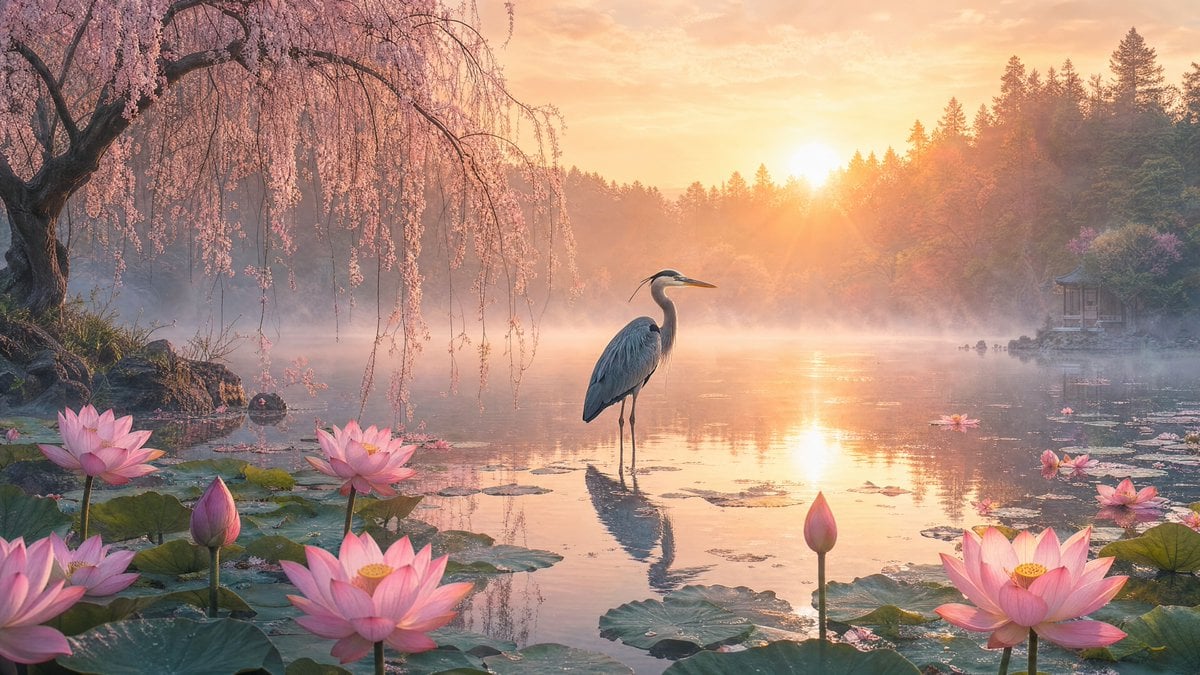
Misty Lotus Pond Heron Sunrise
Calm Heron Sunrise Lake
Misty Lotus Pond Heron Sunrise
Cinematic Alpine Lake Sunrise

Teen Girl Alpine Lake Mountain View
Soft Sunrise West Lake Poster
Make it yours
Misty Heron Sunrise Lake works as-is. These are the safest ways to change it without losing the look.
Change one field
Copy a single group, rewrite it, and generate again so you can see what that field is doing.
Keep the frame, change the subject
Hold the composition and light of Misty Heron Sunrise Lake, then swap wardrobe, props or the person for a new take.
| If the result… | Why | Fix |
|---|---|---|
| The result drifts from the preview | Too many fields changed at once. | Reuse Misty Heron Sunrise Lake as-is first, then change one group — subject, light, or setting. |
| The model over-stylizes the scene | The prose prompt leaves finish and camera underspecified. | Add one camera or lighting sentence and stay on GPT Image 2. |
More GPT Image 2 templates
Other prompts made for GPT Image 2.

Six VTuber Japanese Logo Sheet

Realistic Portrait of Woman and Deer

The Vista Modular Condo Poster

AI Model Routing Comparison Infographic

2.5D Anime Art Board

Isometric Productivity Desk Scene

New York Double Exposure Poster

Four-Panel AI Landscape Comparison

Japanese Tatami Lifestyle Magazine Cover

NESCAFÉ Coffee Map Poster
More image prompts
Fresh picks from across the catalog.

Fictional Japanese Driving Game Magazine Page
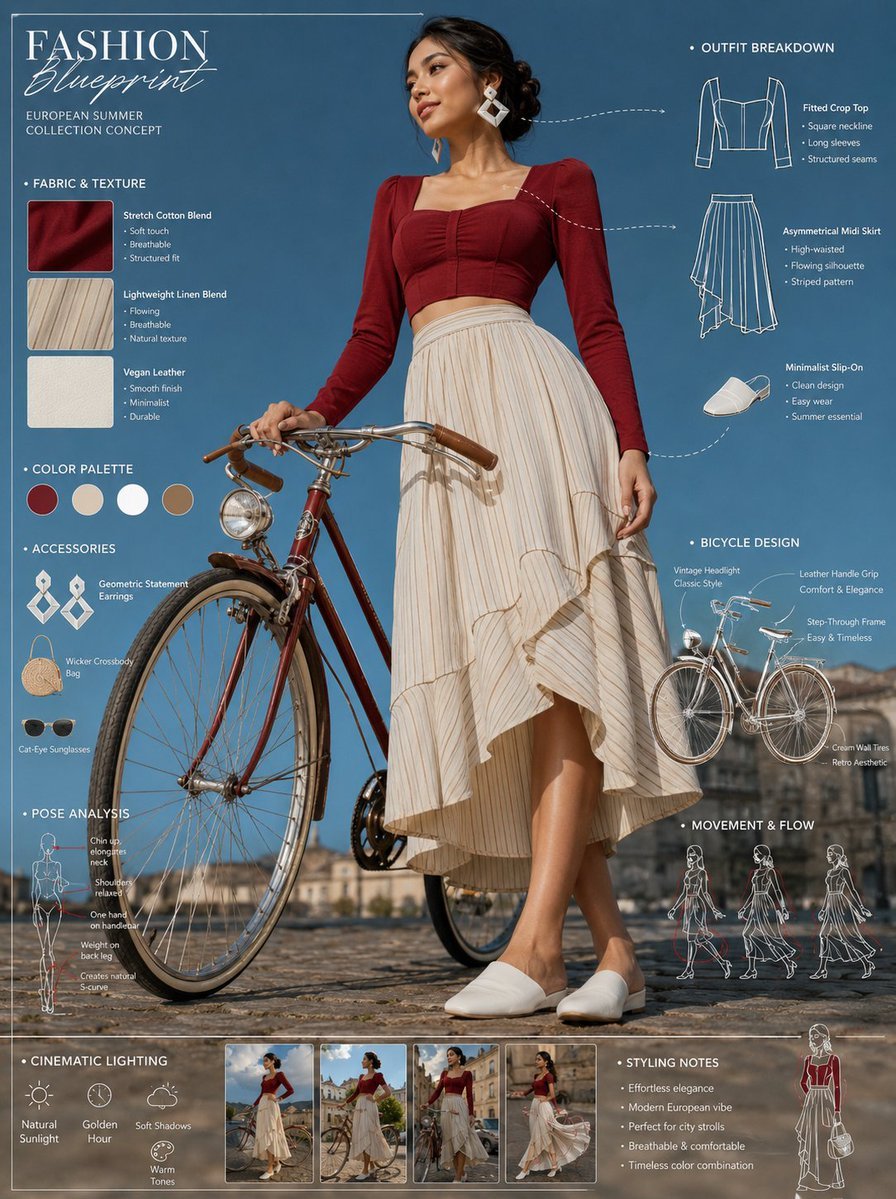
Vintage Bicycle Fashion Blueprint Sheet
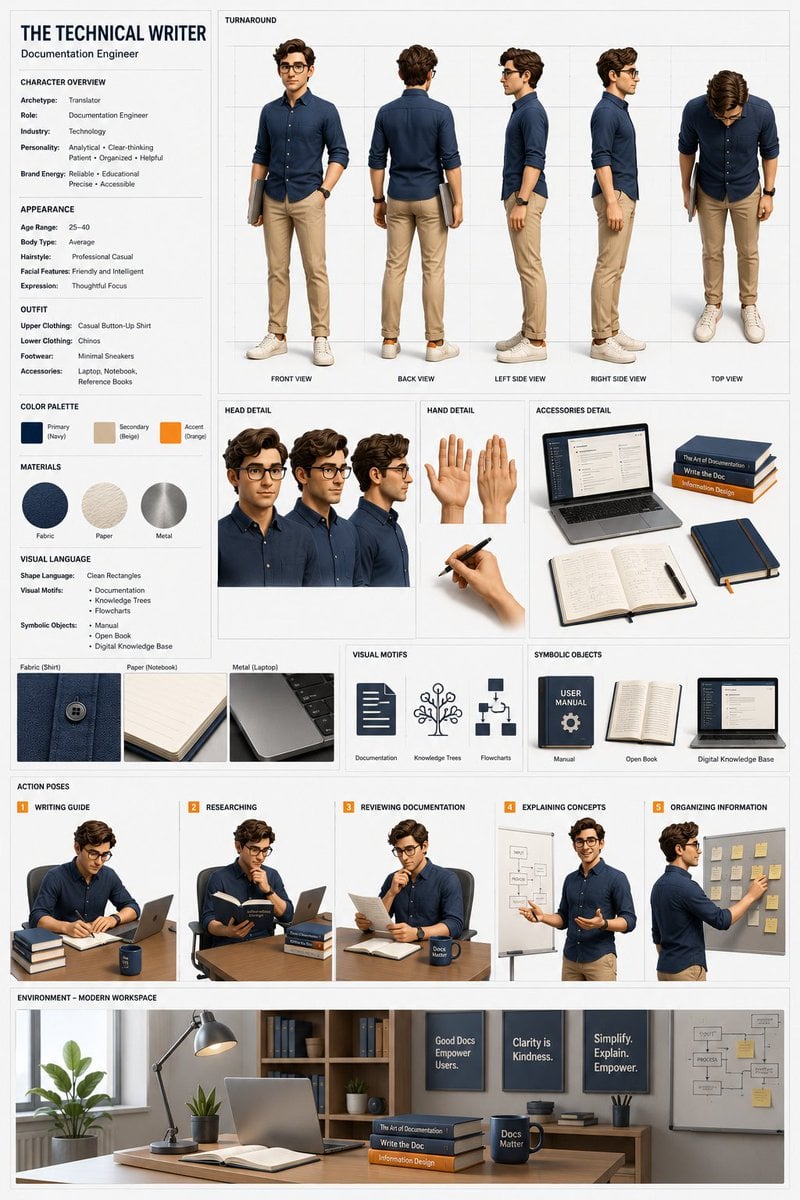
Professional 3D Character Concept Sheet

Manga Generation Prompt Template for Nano Banana Pro

Romantic Voxel Dinner Date
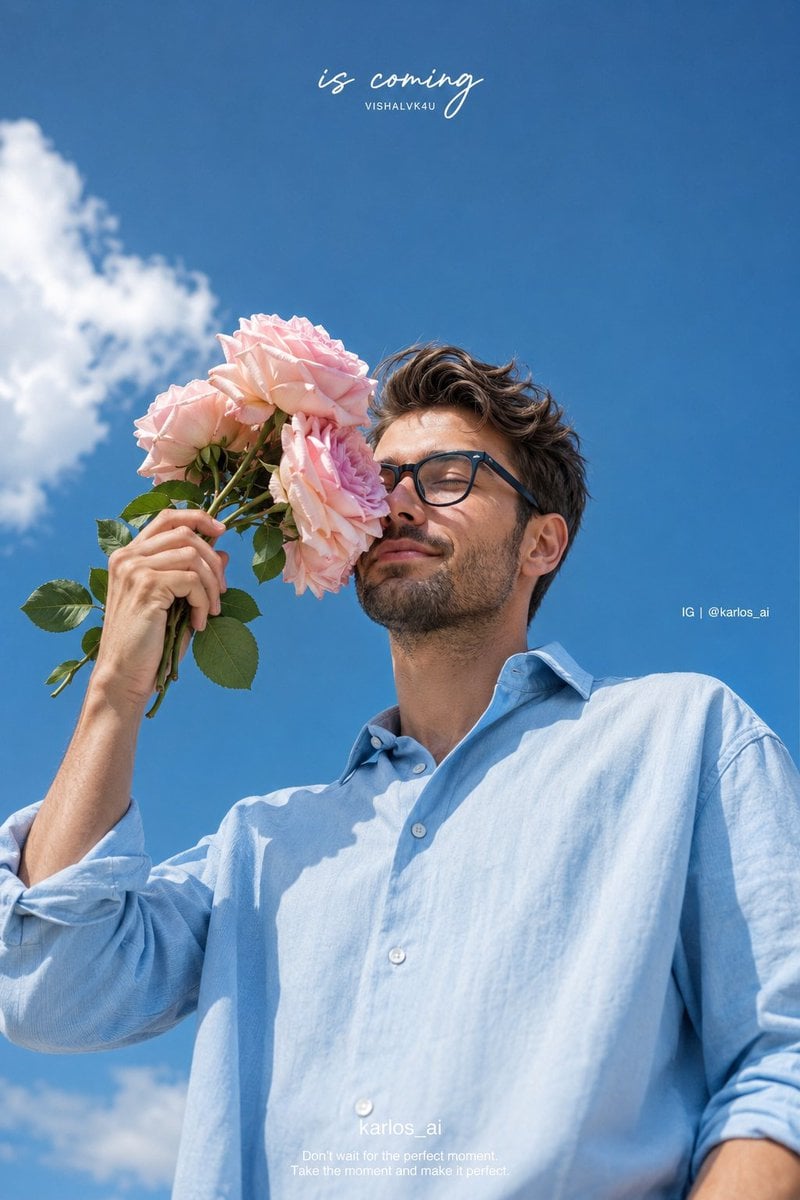
Romantic Korean Summer Portrait with Roses
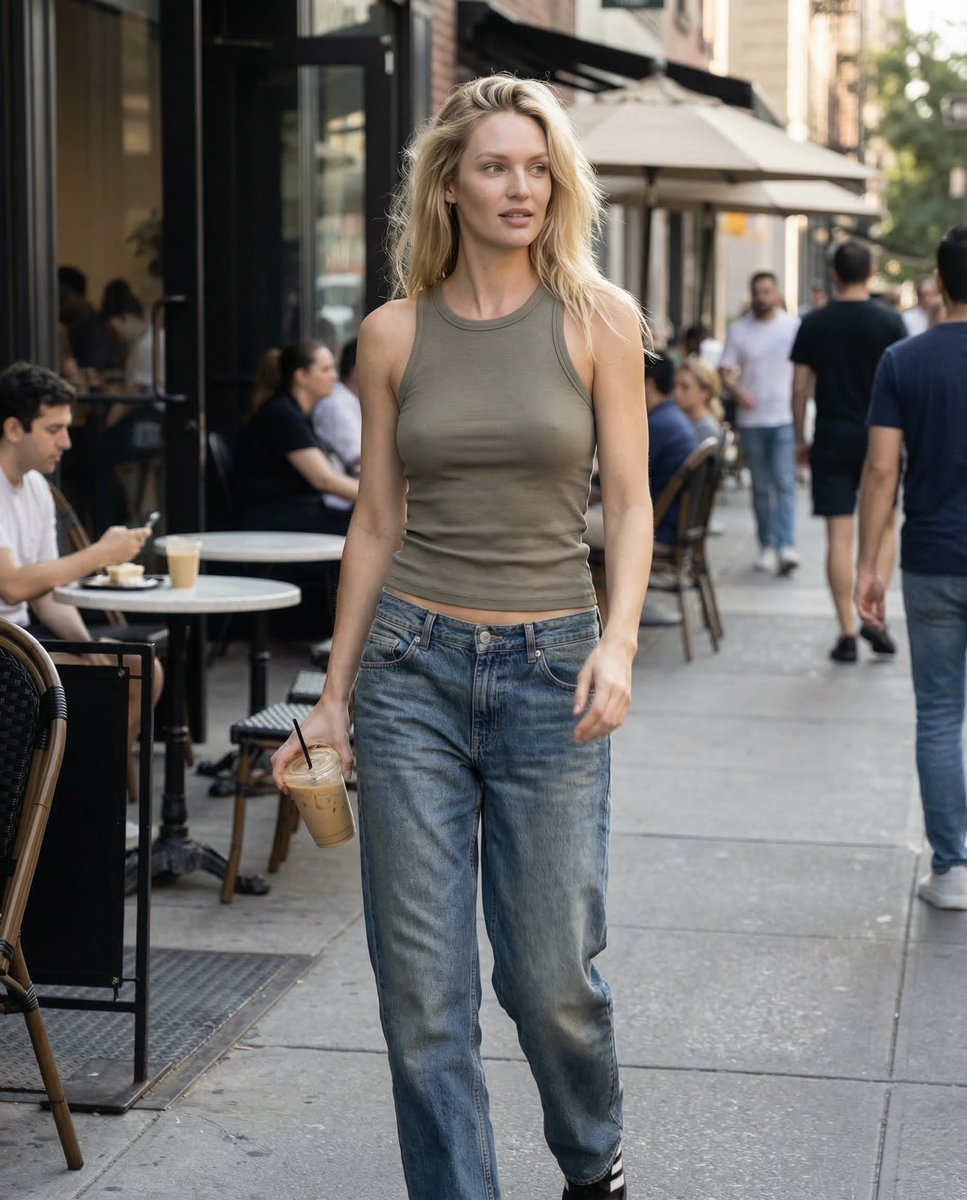
Candid iPhone Daylight Street Photo Prompt
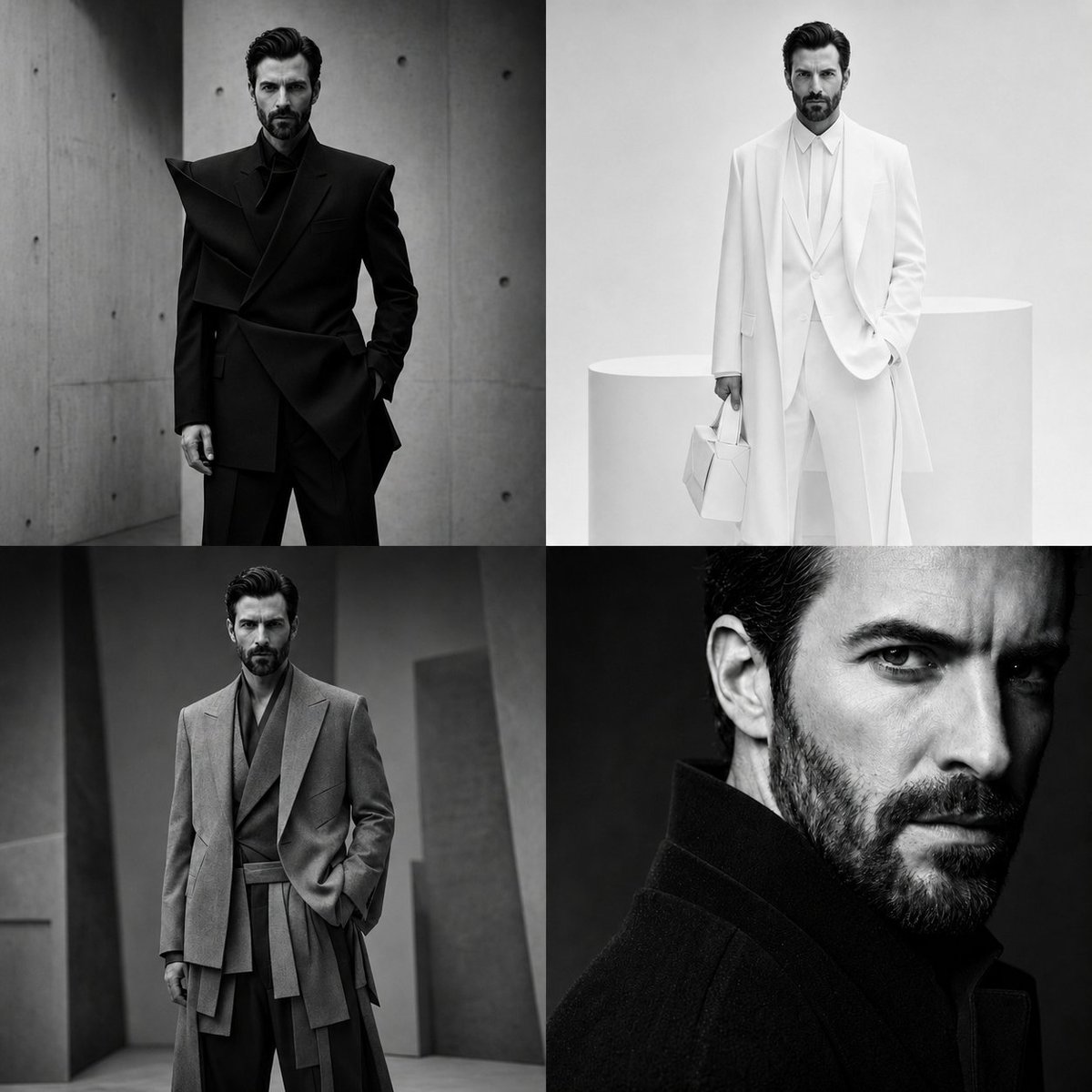
Panel Monochrome Fashion Grid
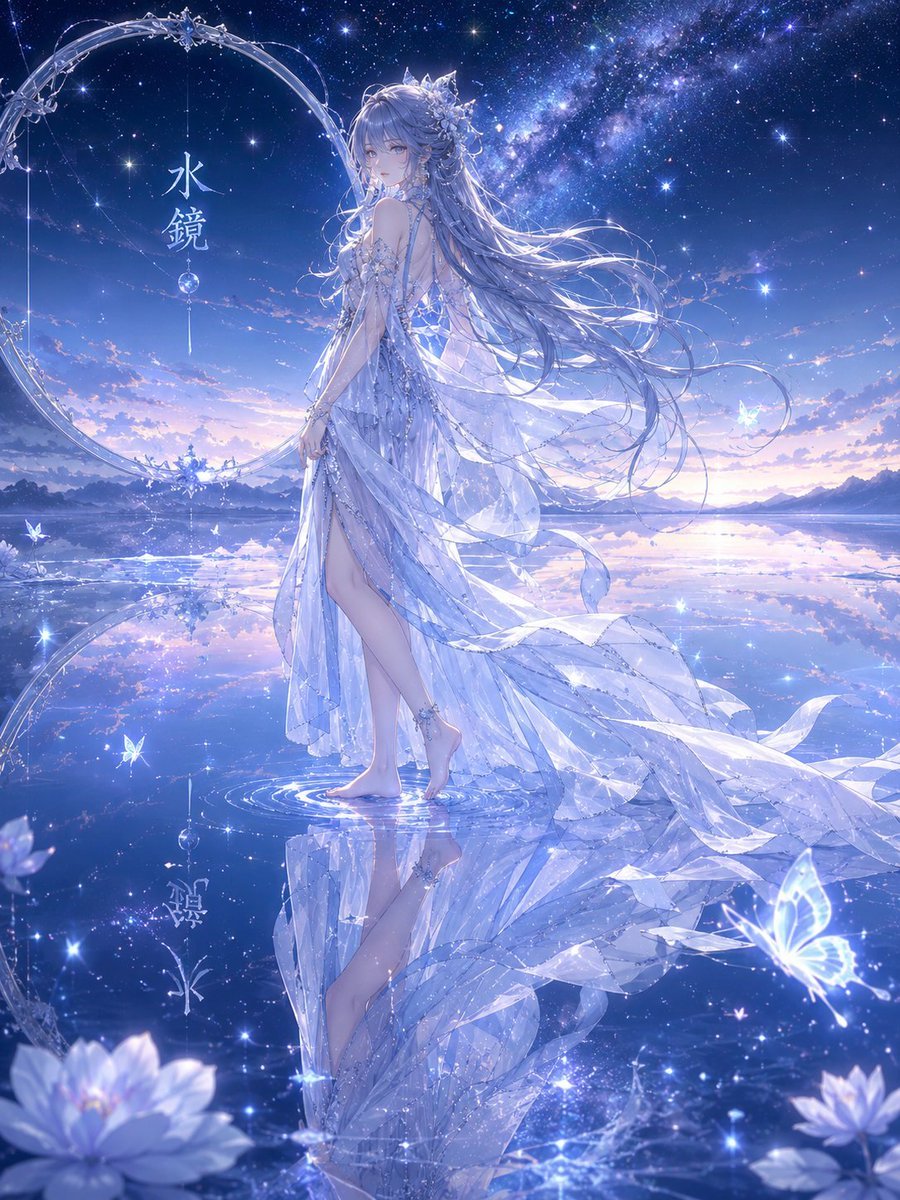
Water Mirror Fantasy Maiden
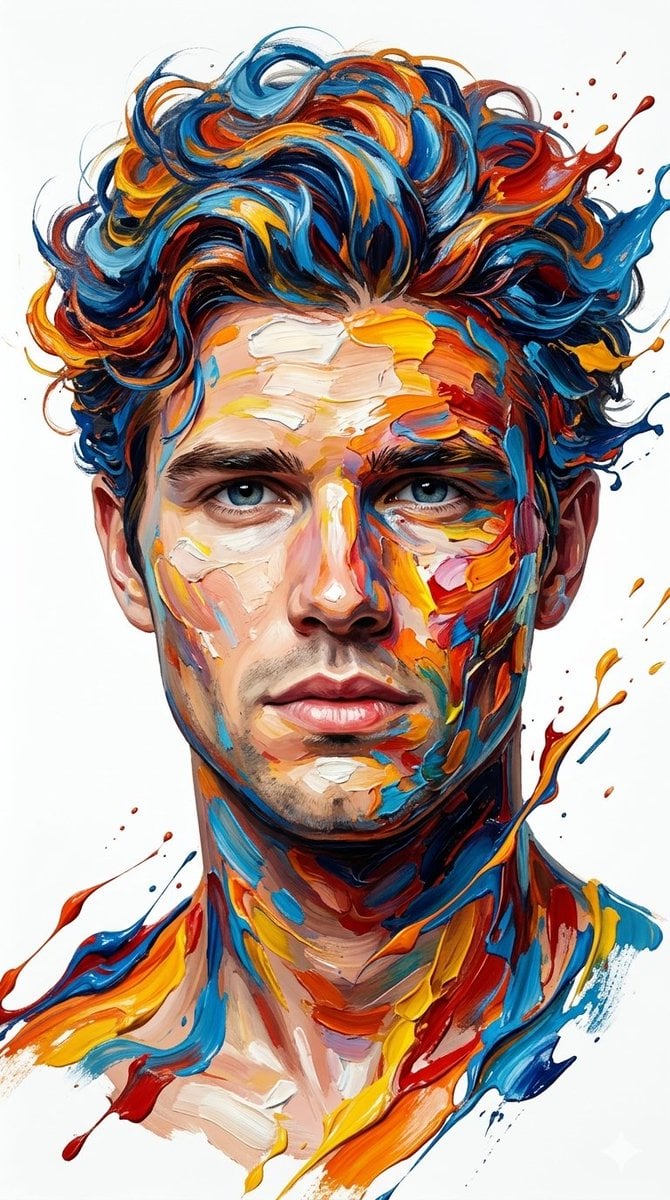
Hyper-Realistic Abstract Oil Portrait
Browse template categories
Misty Heron Sunrise Lake questions
How do I use the Misty Heron Sunrise Lake template?
Add your photo if the template asks for one, edit the prompt if you like — the template's model and format are already selected — and press Generate. Your version opens in PicX Studio.
Can I customize the Misty Heron Sunrise Lake template?
Yes. You can change the subject, setting, lighting, mood, format, and available model controls before creating your image.
Is the Misty Heron Sunrise Lake template free?
Opening and editing this template is free. Generating uses credits, shown on the Generate button when you are signed in.
Which AI model should I use?
Start with GPT Image 2, which is the model associated with this template. You can compare another compatible model for a different finish.
Looking for something else? Browse all templates.

Your photo, any look
Thousands of ready templates for every top image and video model, from one credit balance.