
Professional 3D Character Concept Sheet
A comprehensive character design sheet template for generating high-quality 3D character concepts with multiple views and technical details.
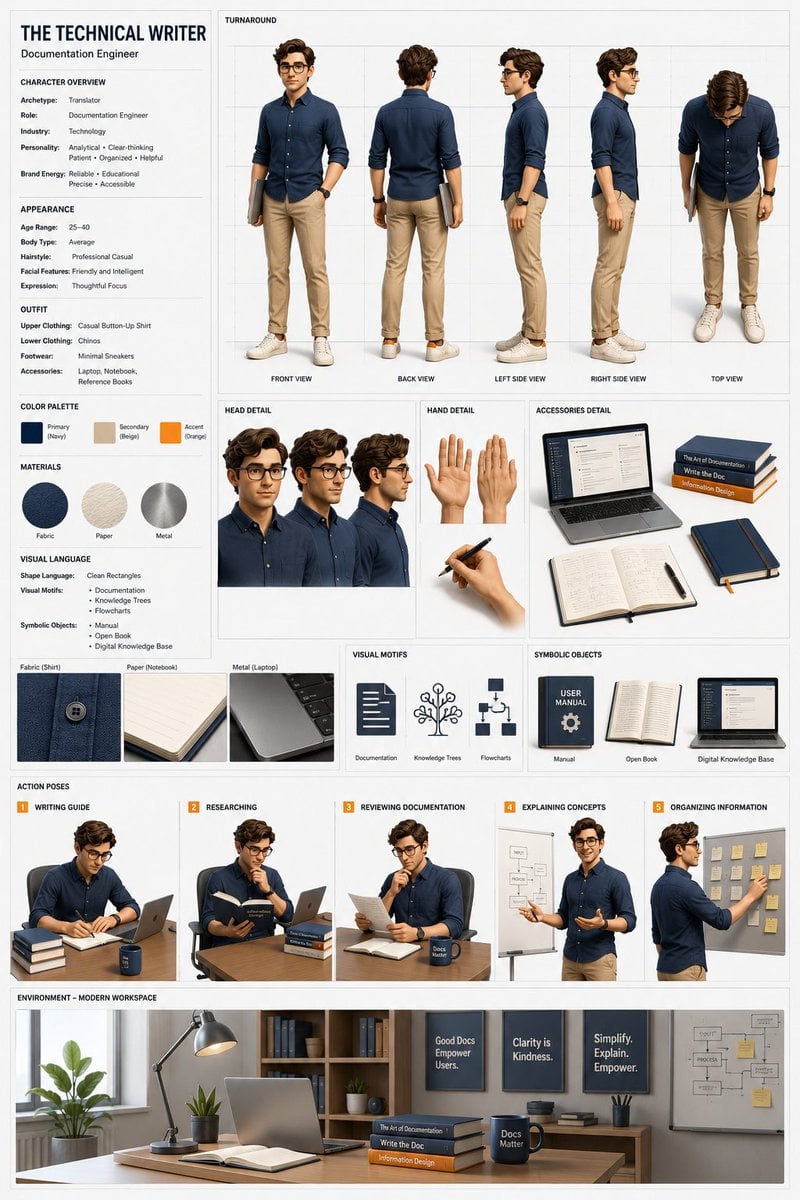
- Prompt included
- Model and format preset
- Free template
The prompt behind this image
Copy the exact prompt behind Professional 3D Character Concept Sheet, or open it in the studio and make it yours.
[CHARACTER TITLE]: {argument name="title" default="THE TECHNICAL WRITER"} [ARCHETYPE]: {argument name="archetype" default="Translator"} [ROLE]: Documentation Engineer [INDUSTRY]: Technology [PERSONALITY TRAITS]: Analytical • Clear-thinking • Patient • Organized • Helpful [BRAND ENERGY]: Reliable • Educational • Precise • Accessible [AGE RANGE]: 25–40 [BODY TYPE]: Average [HAIRSTYLE]: Professional Casual [FACIAL FEATURES]: Friendly and Intelligent [DEFAULT EXPRESSION]: Thoughtful Focus [TOP]: Casual Button-Up Shirt [BOTTOM]: Chinos [SHOES]: Minimal Sneakers [ACCESSORIES]: Laptop Notebook Reference Books [PRIMARY COLOR]: Navy [SECONDARY COLOR]: Beige [ACCENT COLOR]: Orange [MATERIAL 1]: Fabric [MATERIAL 2]: Paper [MATERIAL 3]: Metal [SHAPE LANGUAGE]: Clean Rectangles [VISUAL MOTIFS]: Documentation Knowledge Trees Flowcharts [SYMBOLIC OBJECTS]: Manual Open Book Digital Knowledge Base [POSE 1]: Writing Guide [POSE 2]: Researching [POSE 3]: Reviewing Documentation [POSE 4]: Explaining Concepts [POSE 5]: Organizing Information [ENVIRONMENT]: Modern Workspace CHARACTER SHEET — [CHARACTER TITLE] Create a professional AAA-quality 3D character concept sheet. Character Overview - Archetype: [ARCHETYPE] - Role: [ROLE] - Industry: [INDUSTRY] - Personality: [PERSONALITY TRAITS] - Brand Energy: [BRAND ENERGY] Appearance - Age Range: [AGE RANGE] - Body Type: [BODY TYPE] - Hairstyle: [HAIRSTYLE] - Facial Features: [FACIAL FEATURES] - Expression: [DEFAULT EXPRESSION] Outfit - Upper Clothing: [TOP] - Lower Clothing: [BOTTOM] - Footwear: [SHOES] - Accessories: [ACCESSORIES] Color Palette - Primary Color: [PRIMARY COLOR] - Secondary Color: [SECONDARY COLOR] - Accent Color: [ACCENT COLOR] Materials - [MATERIAL 1] - [MATERIAL 2] - [MATERIAL 3] Visual Language - Shape Language: [SHAPE LANGUAGE] - Visual Motifs: [VISUAL MOTIFS] - Symbolic Objects: [SYMBOLIC OBJECTS] Character Views - Front View - Back View - Left Side View - Right Side View - Top View Additional Panels - Head Detail - Hand Detail - Accessories Detail - Material Detail Action Poses - [POSE 1] - [POSE 2] - [POSE 3] - [POSE 4] - [POSE 5] Environment - [ENVIRONMENT] Style - Stylized realistic 3D character - Professional game studio turnaround sheet - Character design presentation board - White background - Clean grid layout - Thin gray guidelines - Minimal typography - No logos - No watermarks - High detail - Consistent proportions - Soft studio lighting - Product design aesthetic Output A clean professional character sheet suitable for games, animation, branding, marketing, education, and digital products.
How to use Professional 3D Character Concept Sheet in 3 steps
- 1
Open
The prompt is already in the box next to the preview, with the template's model and format selected.
- 2…a portrait of your subject in softgolden-hour light, 85mm…
Personalize
Edit the subject and creative details for your destination.
- 3Generate
Generate
Press Generate — your image is created in PicX Studio, so you can compare it with the original and refine one variable at a time.
More like this
Templates with the same subject, style or setup. Open one to see its prompt.
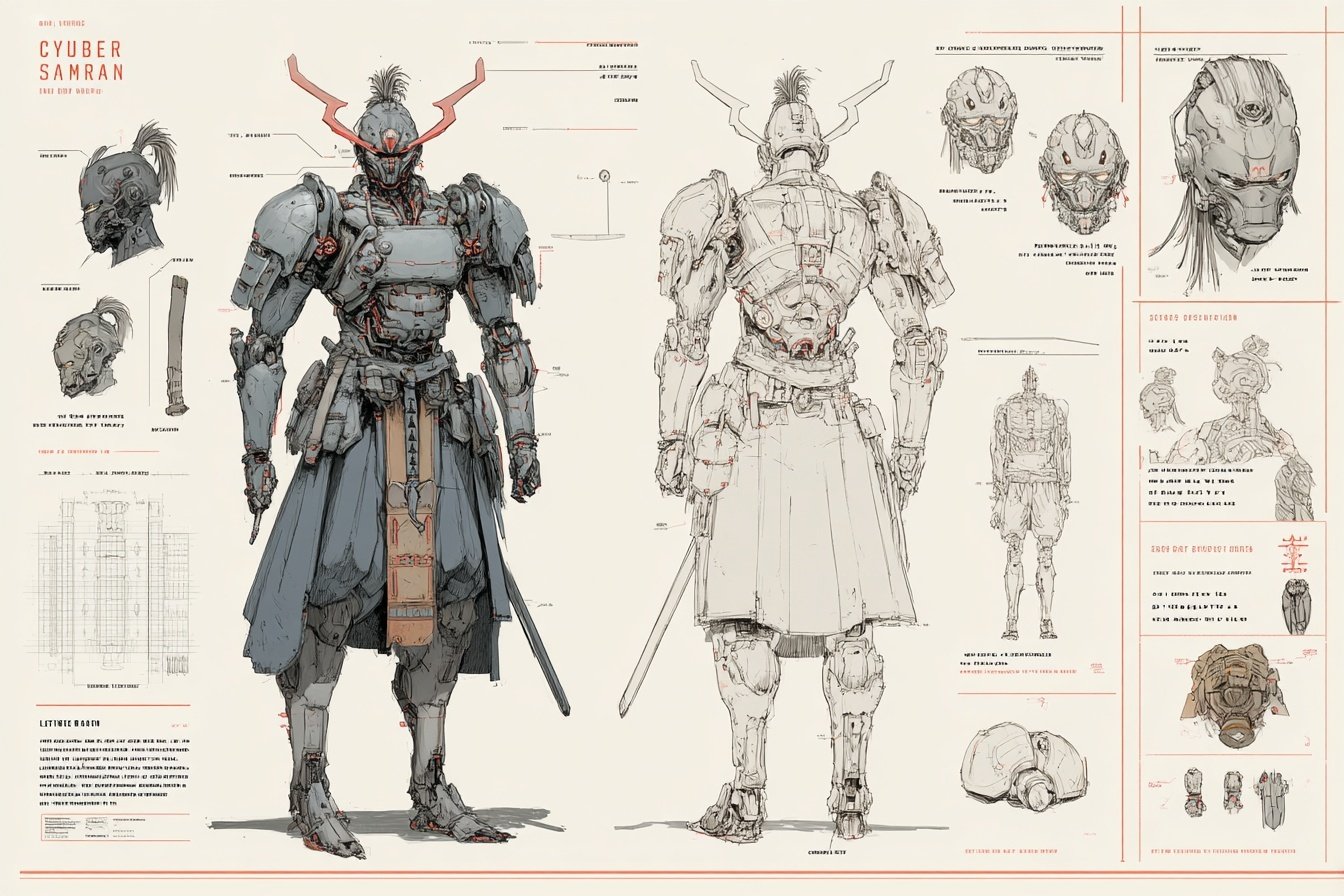
Character Archive — Blueprint Concept Sheet
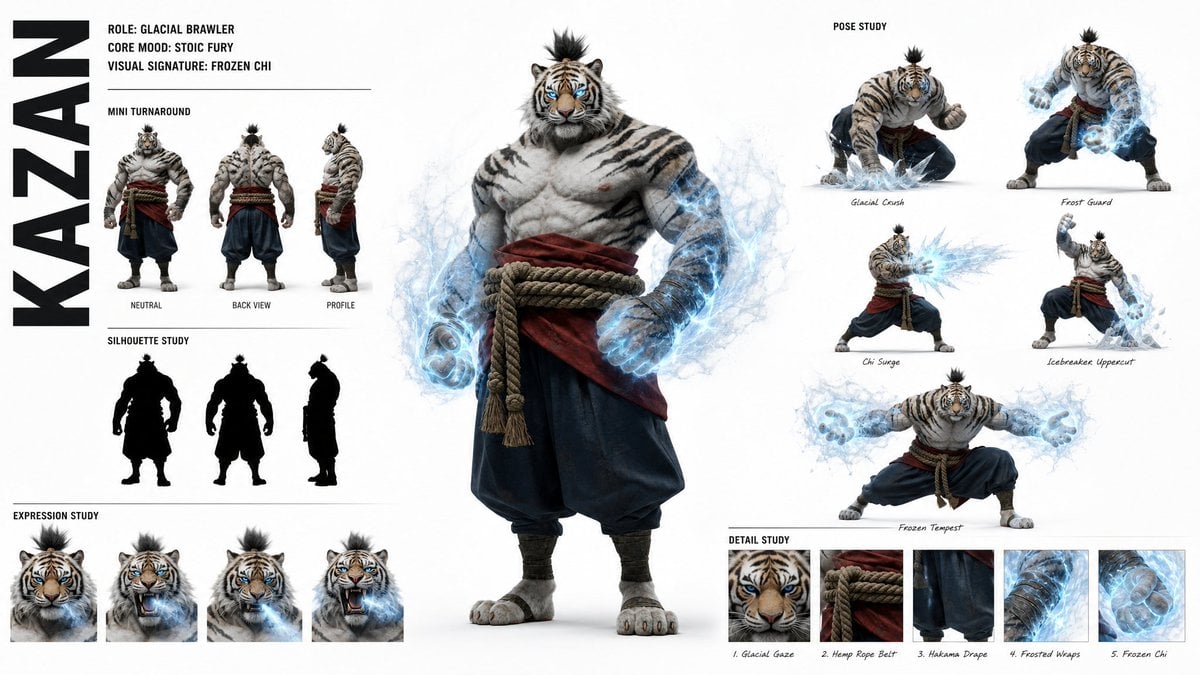
High-Fashion Character Concept Art Sheet
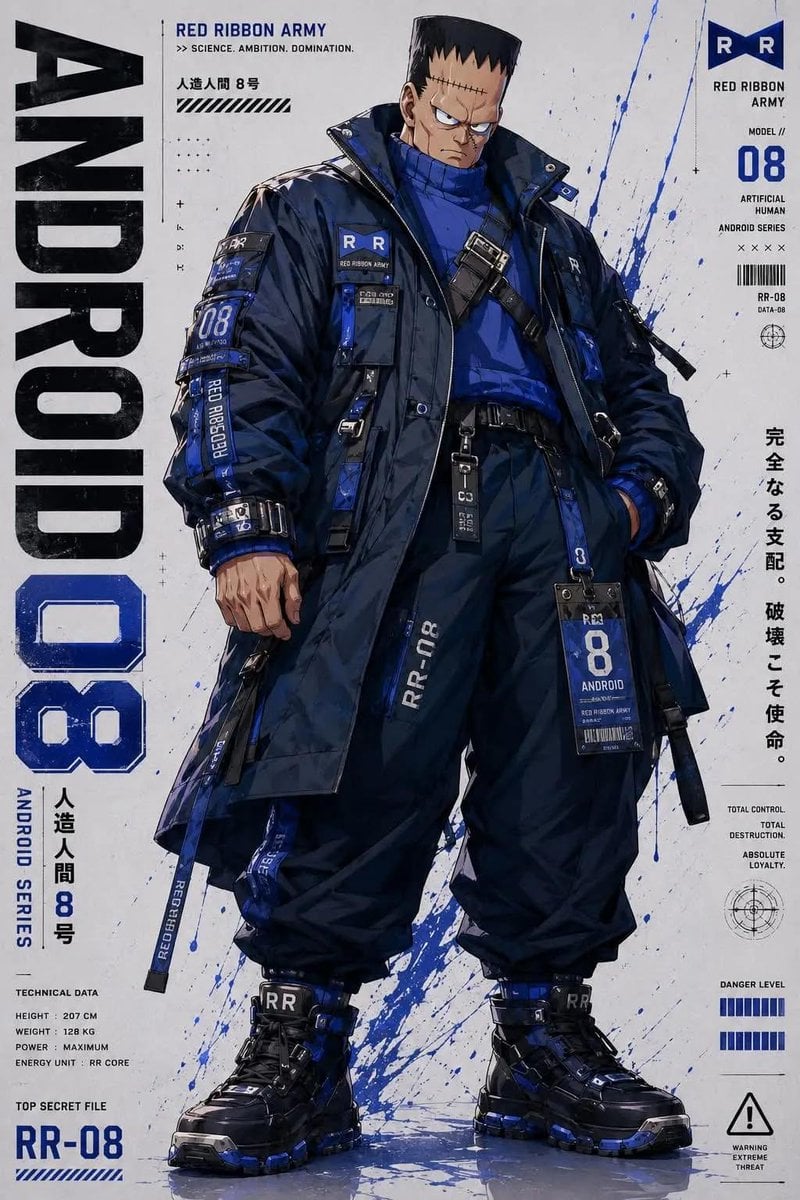
Futuristic Anime Tactical Concept Sheet
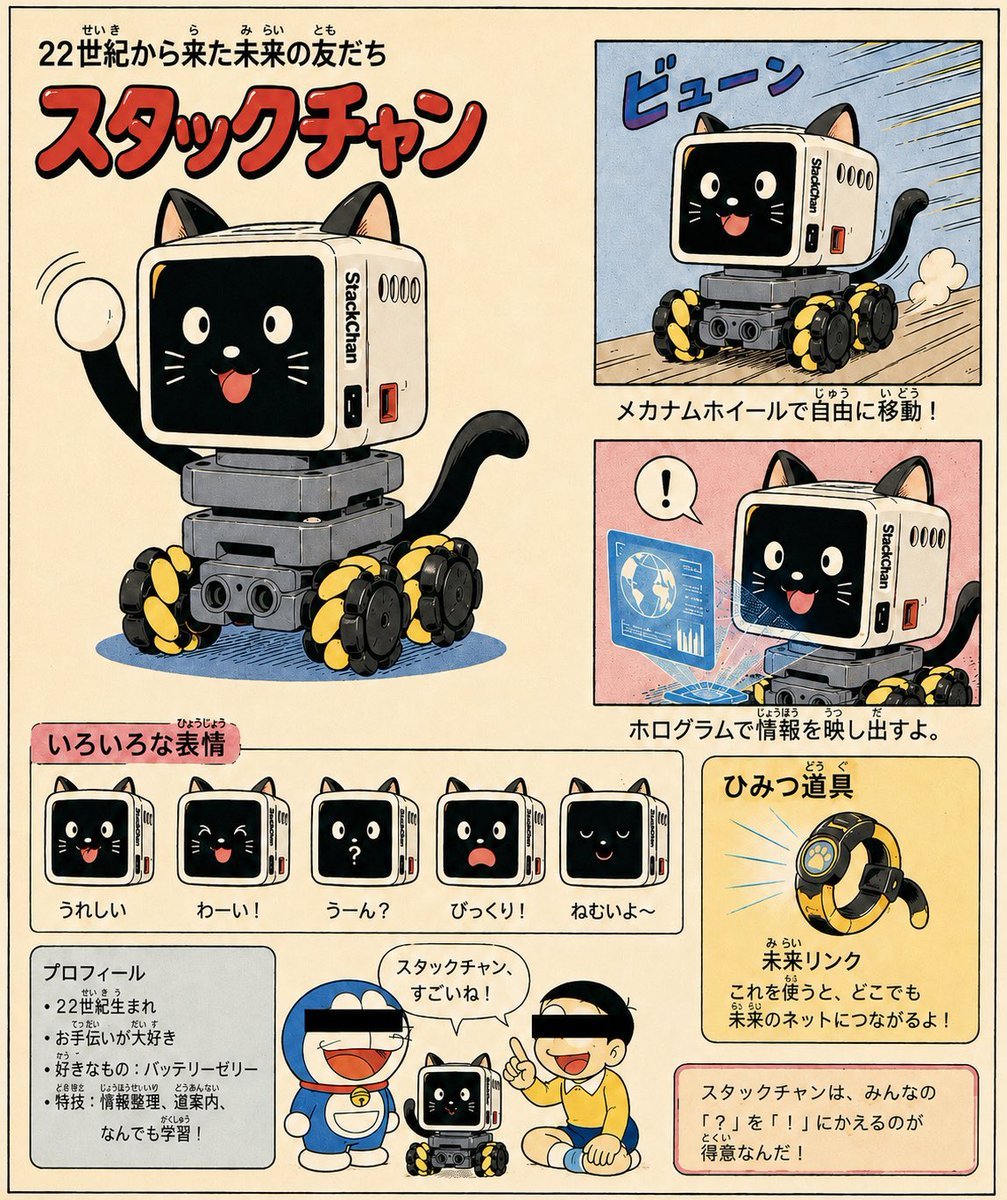
Retro Manga StackChan Concept Sheet
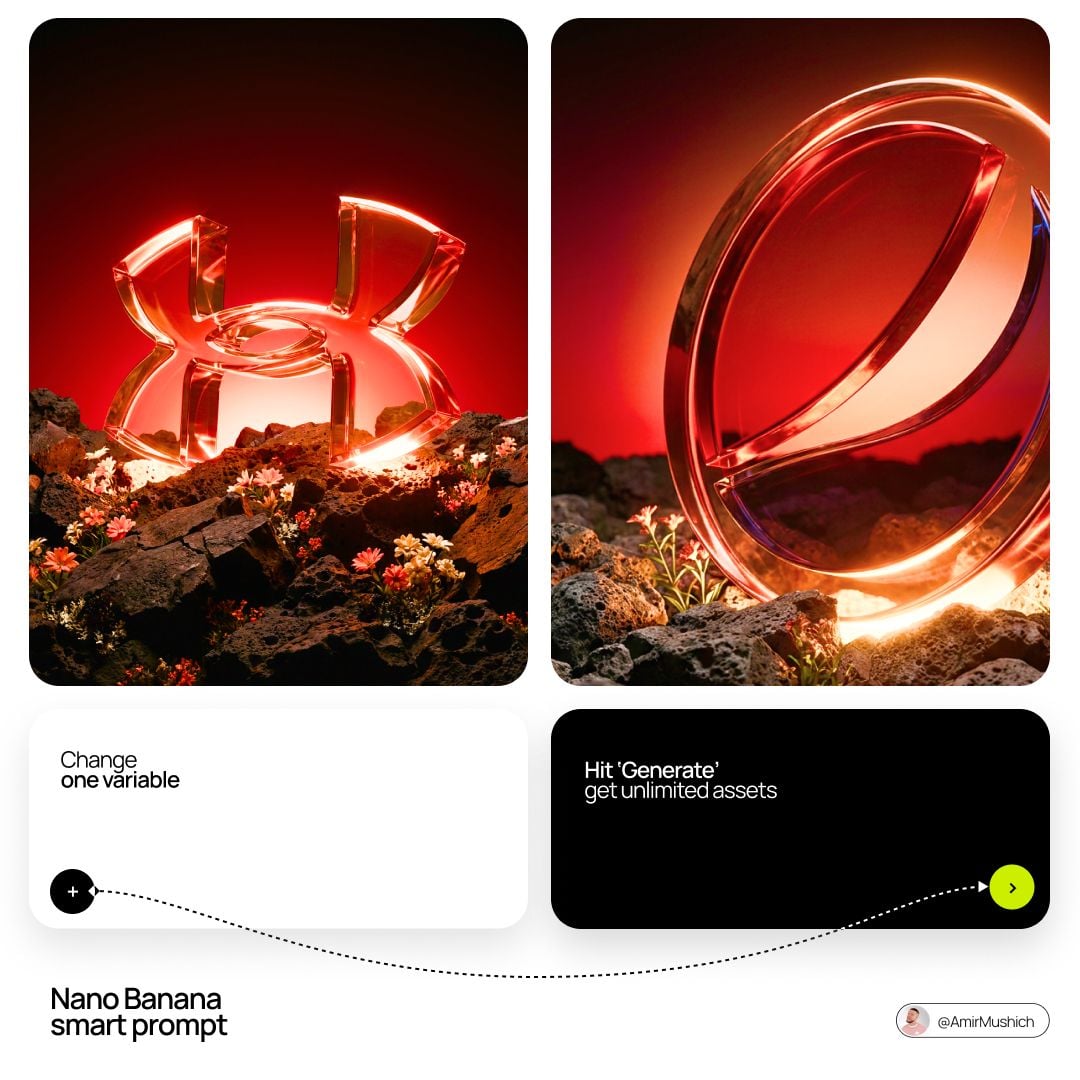
Glass Brand Logo Volcanic Landscape
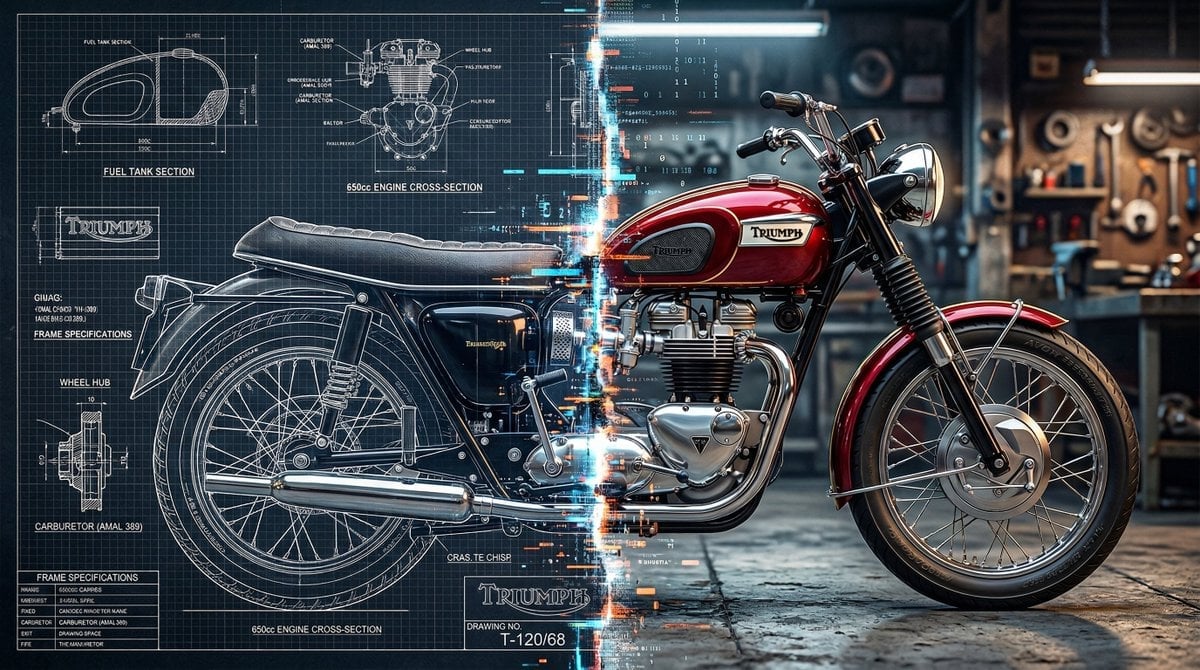
Blueprint Split Reality Archetype Prompt
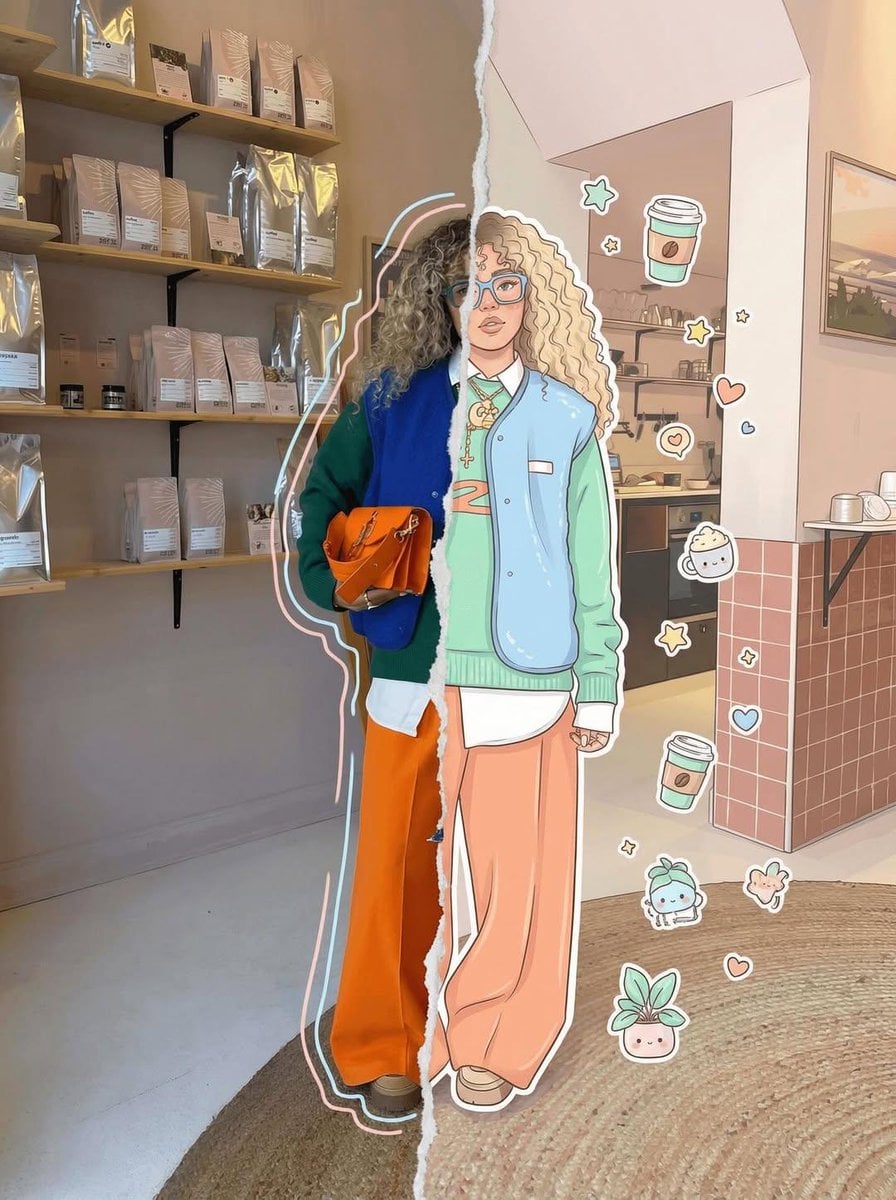
Real Illustration Split Portrait Transition
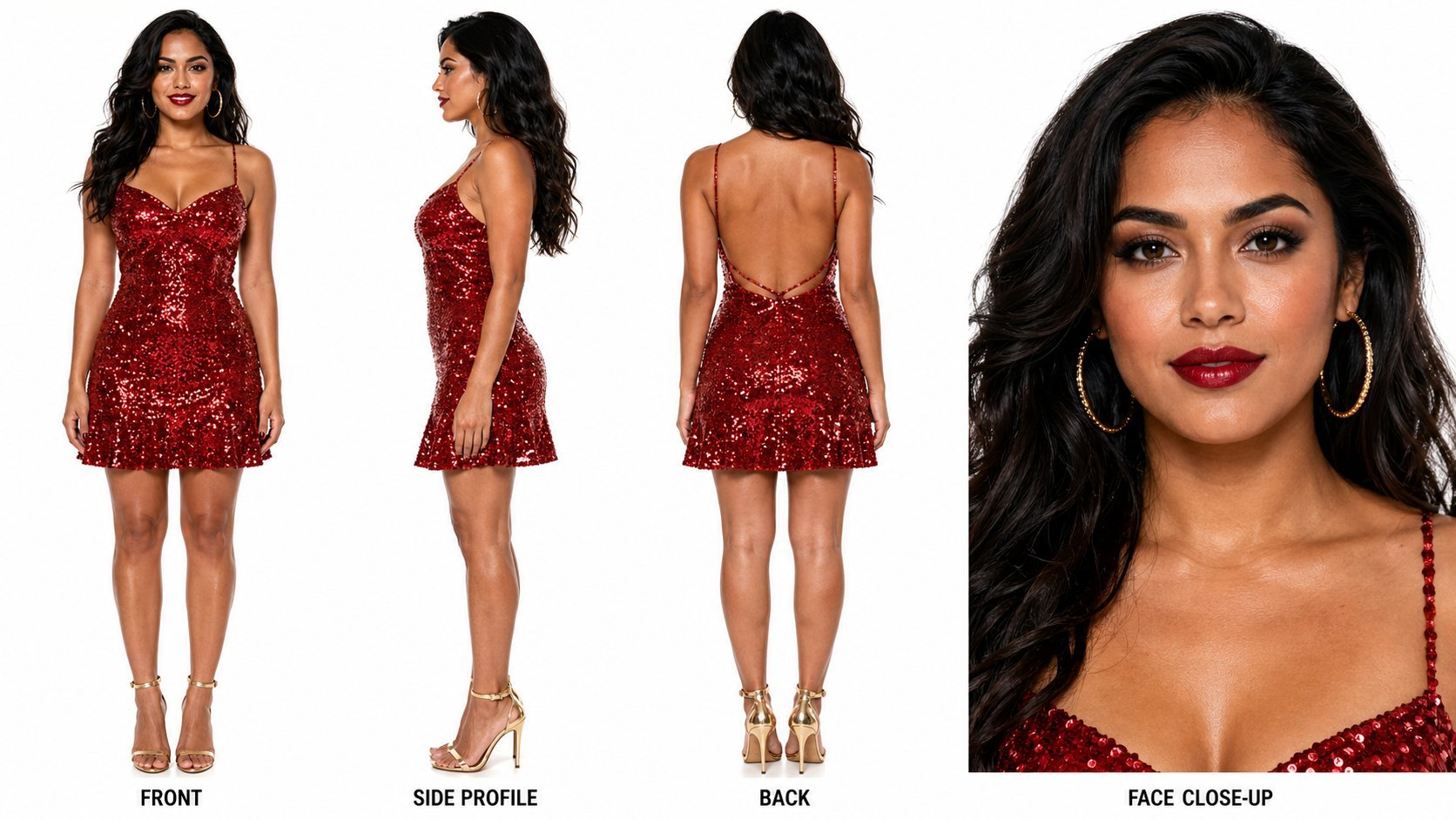
Dancer Character - Four View Reference Sheet
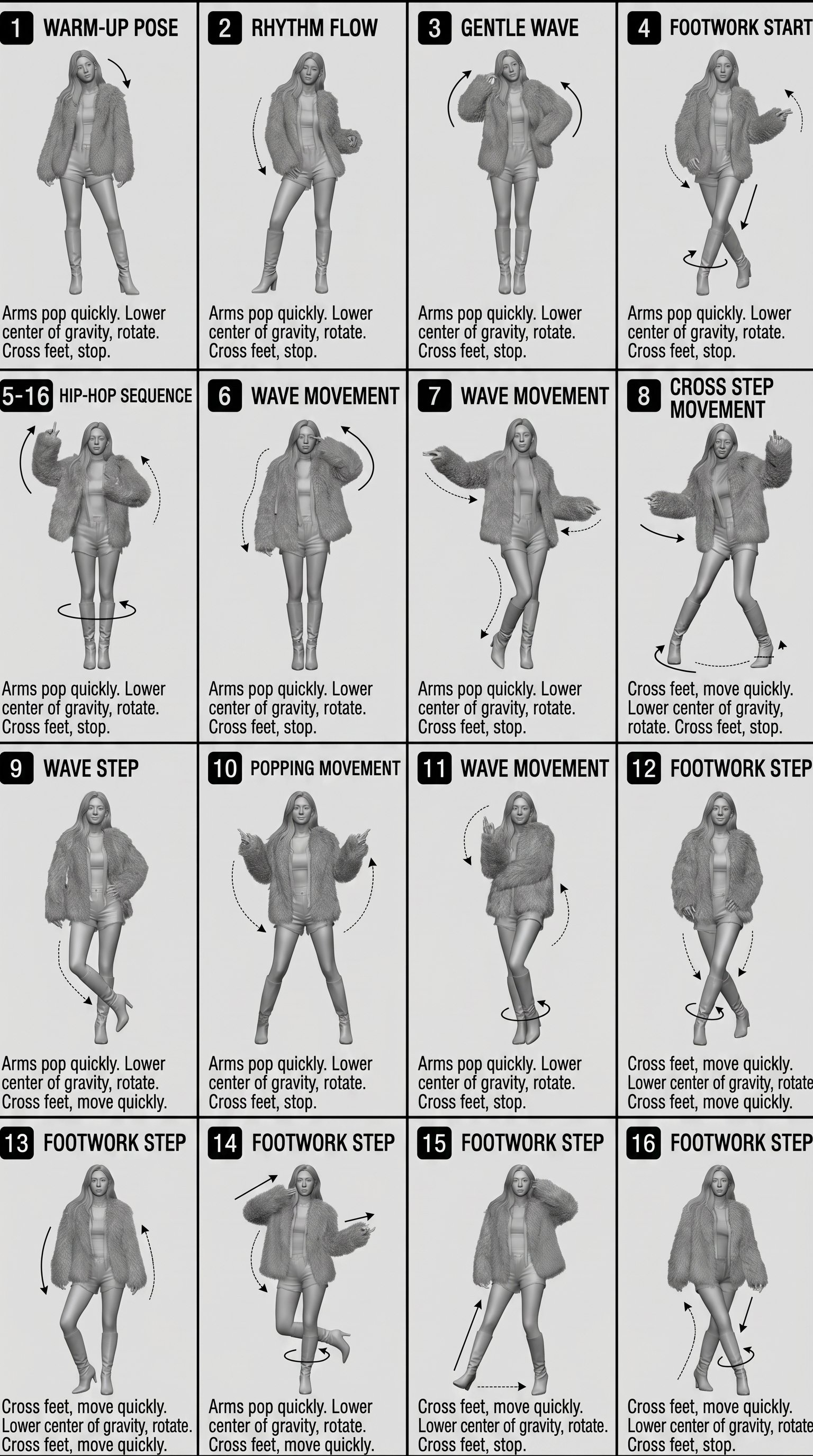
Movement Sheet - Dance Reference (Seedance 2.0)
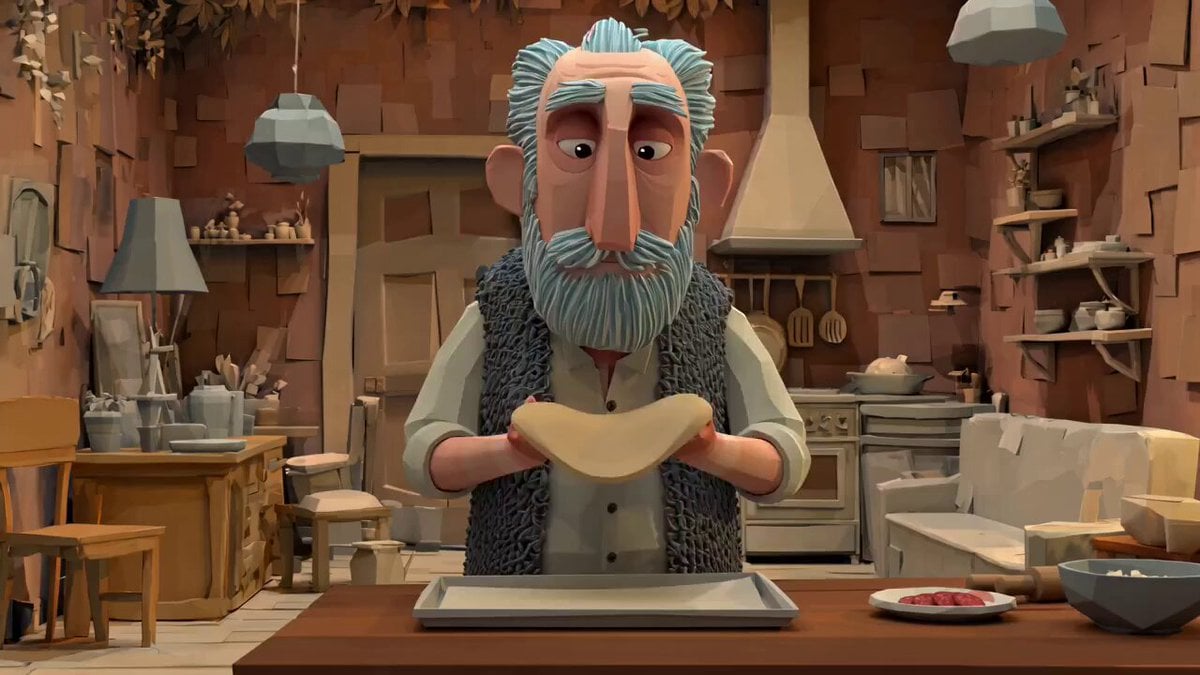
Animation Style - Framer Motion
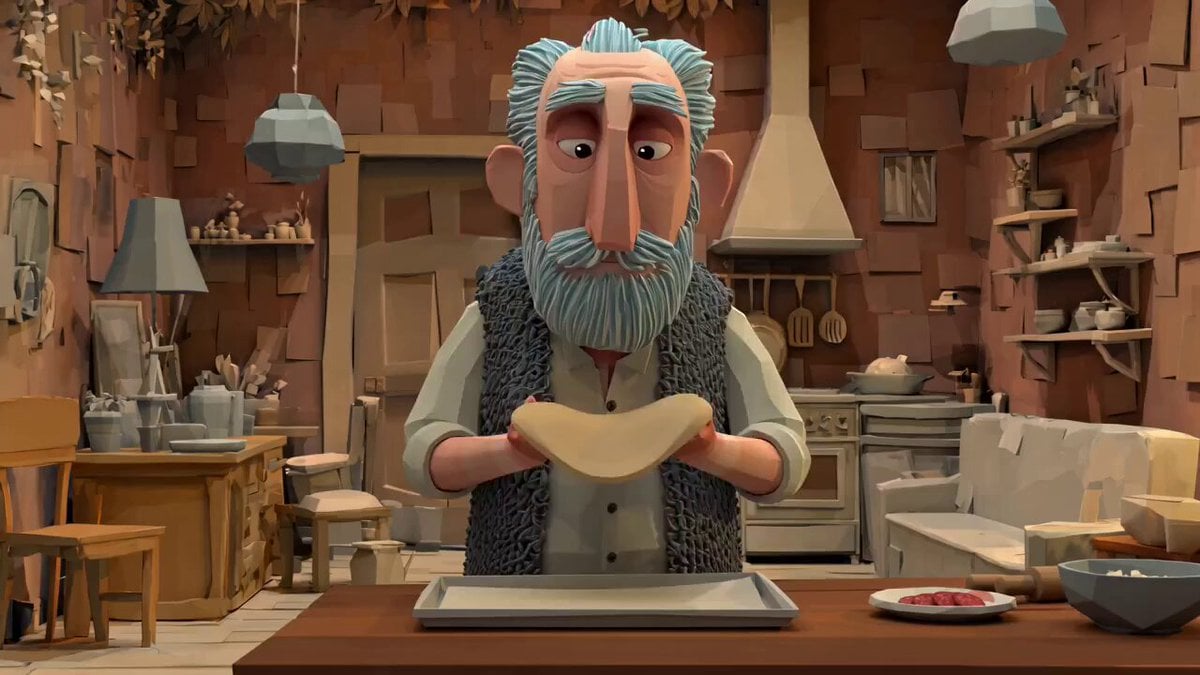
Animation Style - Framer Motion v2
Animation Style - Framer Motion
Make it yours
Professional 3D Character Concept Sheet works as-is. These are the safest ways to change it without losing the look.
Change one field
Copy a single group, rewrite it, and generate again so you can see what that field is doing.
Keep the frame, change the subject
Hold the composition and light of Professional 3D Character Concept Sheet, then swap wardrobe, props or the person for a new take.
| If the result… | Why | Fix |
|---|---|---|
| The result drifts from the preview | Too many fields changed at once. | Reuse Professional 3D Character Concept Sheet as-is first, then change one group — subject, light, or setting. |
| The model over-stylizes the scene | The prose prompt leaves finish and camera underspecified. | Add one camera or lighting sentence and stay on GPT Image 2. |
More GPT Image 2 templates
Other prompts made for GPT Image 2.

Realistic Portrait of Woman and Deer

The Vista Modular Condo Poster

AI Model Routing Comparison Infographic

2.5D Anime Art Board

Isometric Productivity Desk Scene

New York Double Exposure Poster

Four-Panel AI Landscape Comparison

Japanese Tatami Lifestyle Magazine Cover

NESCAFÉ Coffee Map Poster

Brutalist Cogito Chinese Typography Poster
More image prompts
Fresh picks from across the catalog.
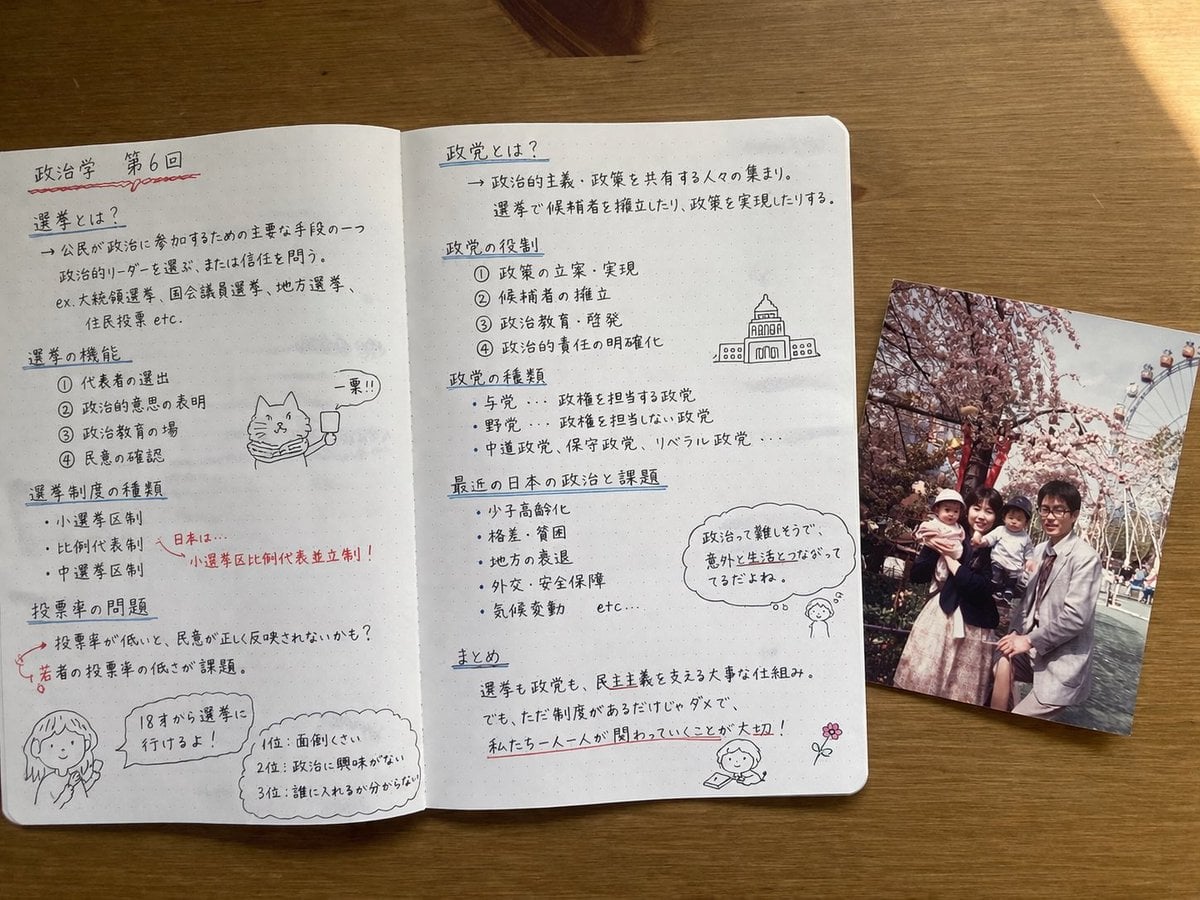
Handwritten Japanese Study Notes with Photograph
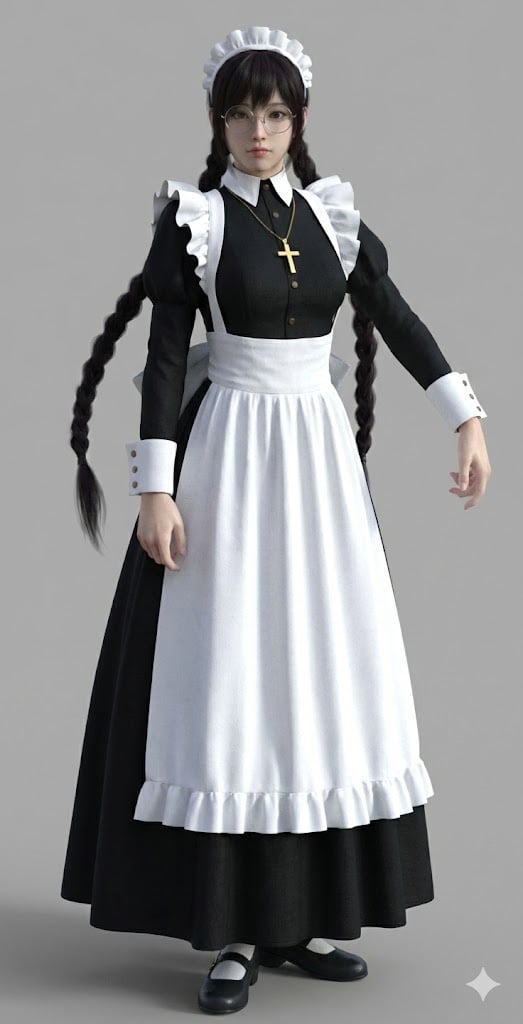
Anime Character to 3DCG Figure Prompt
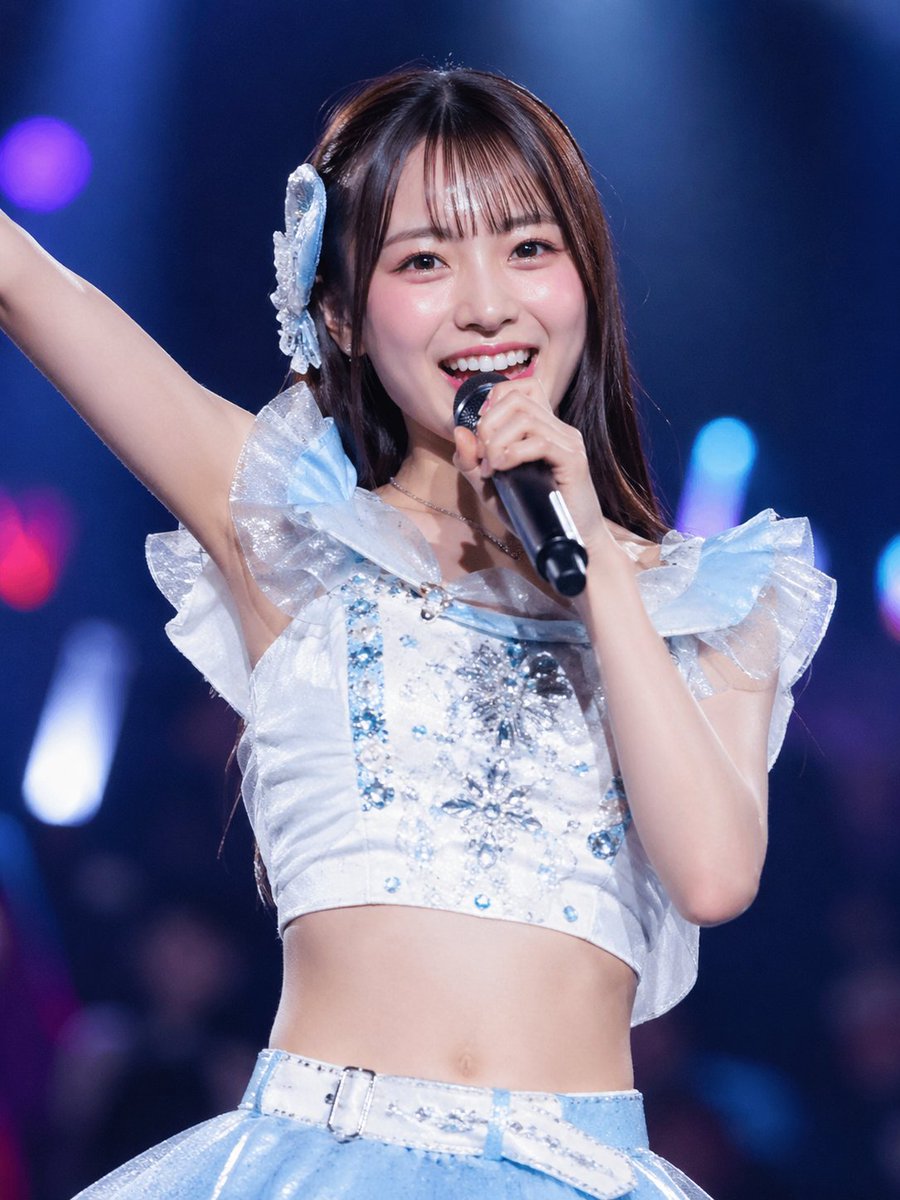
Japanese Idol Concert Portrait
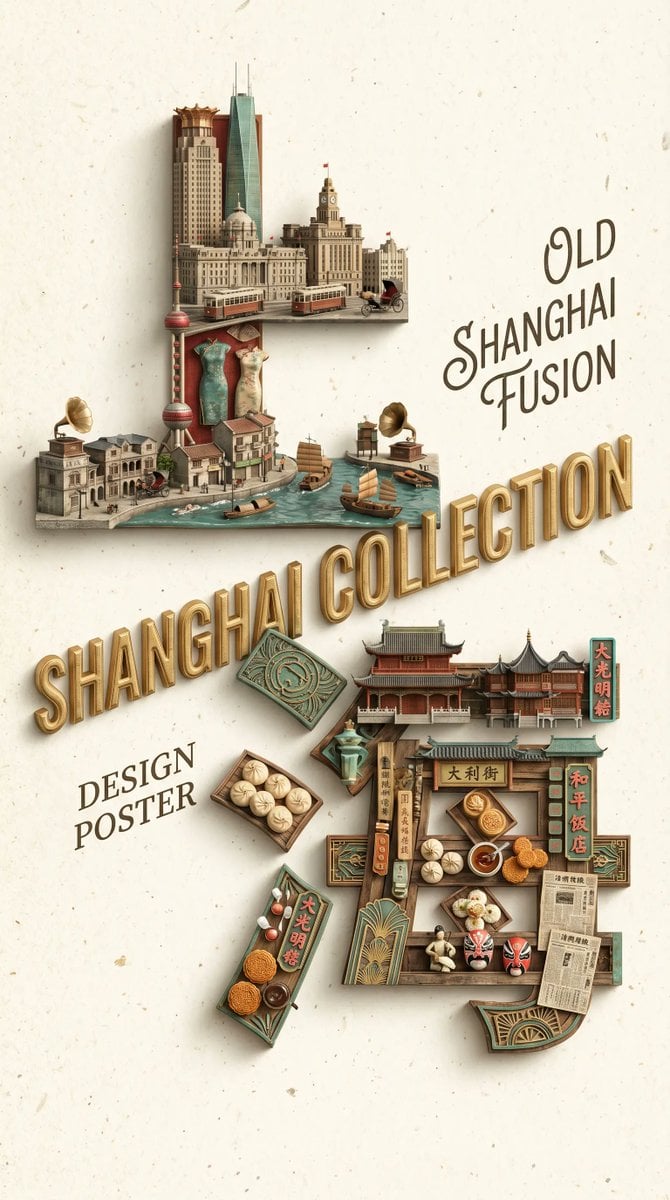
Old Shanghai Fusion Poster
High-Fashion Urban Gangster Editorial Portrait

Fantasy Sunset Landscape with Black Cat Silhouette and City Reflection
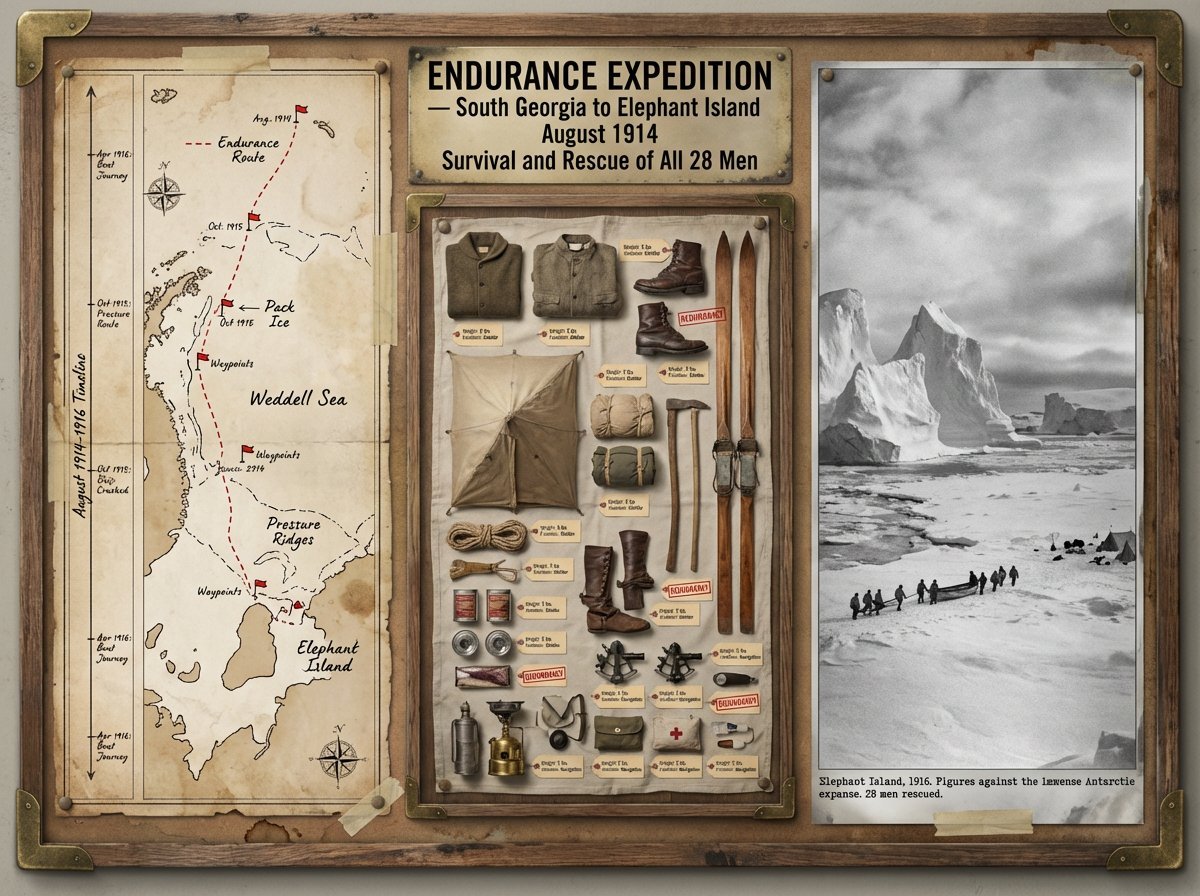
Expedition Planning Board Collage Prompt
Emotional Handala-Inspired Palestinian Boy Portrait
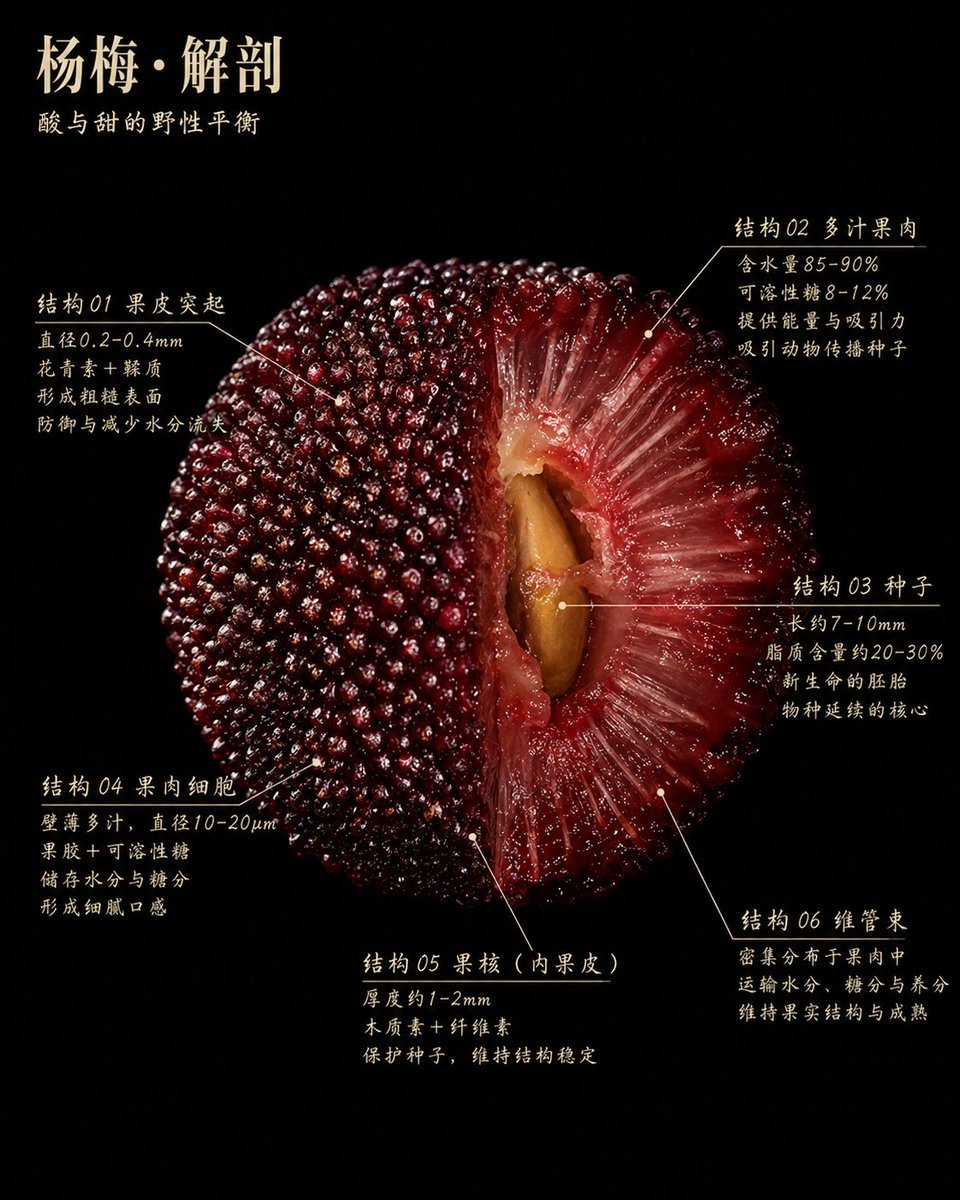
Scientific Bayberry Anatomy Poster

High-Fidelity Moroccan Souk Portrait
Browse template categories
Professional 3D Character Concept Sheet questions
How do I use the Professional 3D Character Concept Sheet template?
Add your photo if the template asks for one, edit the prompt if you like — the template's model and format are already selected — and press Generate. Your version opens in PicX Studio.
Can I customize the Professional 3D Character Concept Sheet template?
Yes. You can change the subject, setting, lighting, mood, format, and available model controls before creating your image.
Is the Professional 3D Character Concept Sheet template free?
Opening and editing this template is free. Generating uses credits, shown on the Generate button when you are signed in.
Which AI model should I use?
Start with GPT Image 2, which is the model associated with this template. You can compare another compatible model for a different finish.
Looking for something else? Browse all templates.

Your photo, any look
Thousands of ready templates for every top image and video model, from one credit balance.