
Blueprint Split Reality Archetype Prompt
Blueprint Split Reality Archetype Prompt

- Prompt included
- Model and format preset
- Free template
The prompt behind this image
Copy the exact prompt behind Blueprint Split Reality Archetype Prompt, or open it in the studio and make it yours.
A subject split vertically down the center. Left half as a technical blueprint. Right half as a 3D render. The seam between them glitches where both realities collide. Technical blueprint style for the left, high-fidelity 3D render for the right, modern digital art, clean composition, soft lighting, aesthetically pleasing, social media style, 8K resolution.
How to use Blueprint Split Reality Archetype Prompt in 3 steps
- 1
Open
The prompt is already in the box next to the preview, with the template's model and format selected.
- 2…a portrait of your subject in softgolden-hour light, 85mm…
Personalize
Edit the subject and creative details for your destination.
- 3Generate
Generate
Press Generate — your image is created in PicX Studio, so you can compare it with the original and refine one variable at a time.
More like this
Templates with the same subject, style or setup. Open one to see its prompt.
Blueprint Split Reality Archetype Prompt

Character Archive — Blueprint Concept Sheet

Paper Tunnel Book Architecture

Glass Brand Logo Volcanic Landscape

Real Illustration Split Portrait Transition

Automotive Blueprint Split Composition
Real Illustration Split Portrait Transition
Automotive Blueprint Split Composition

Neon Glitch Cyber Symbiote Music Poster
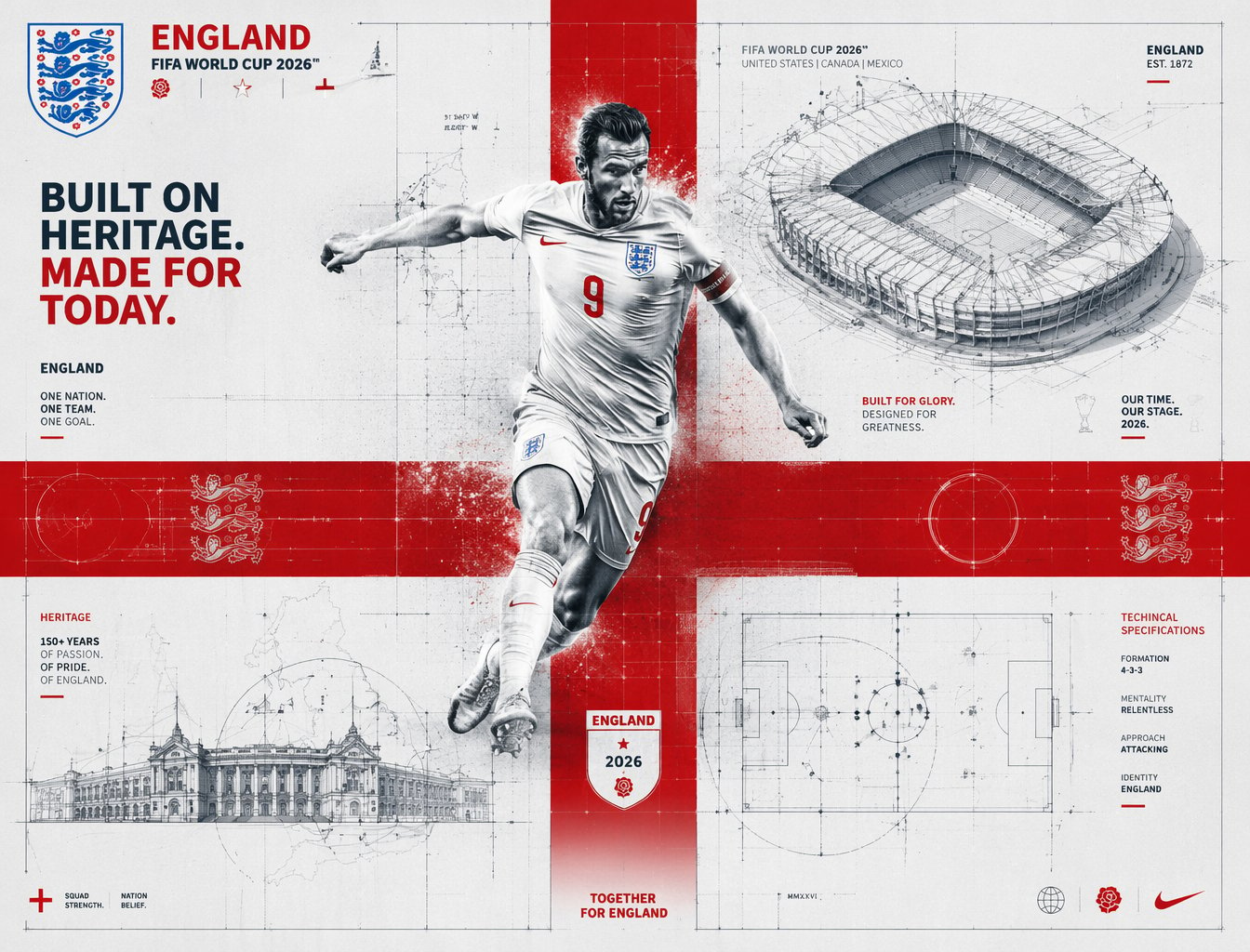
FIFA 2026 England — Blueprint Heritage
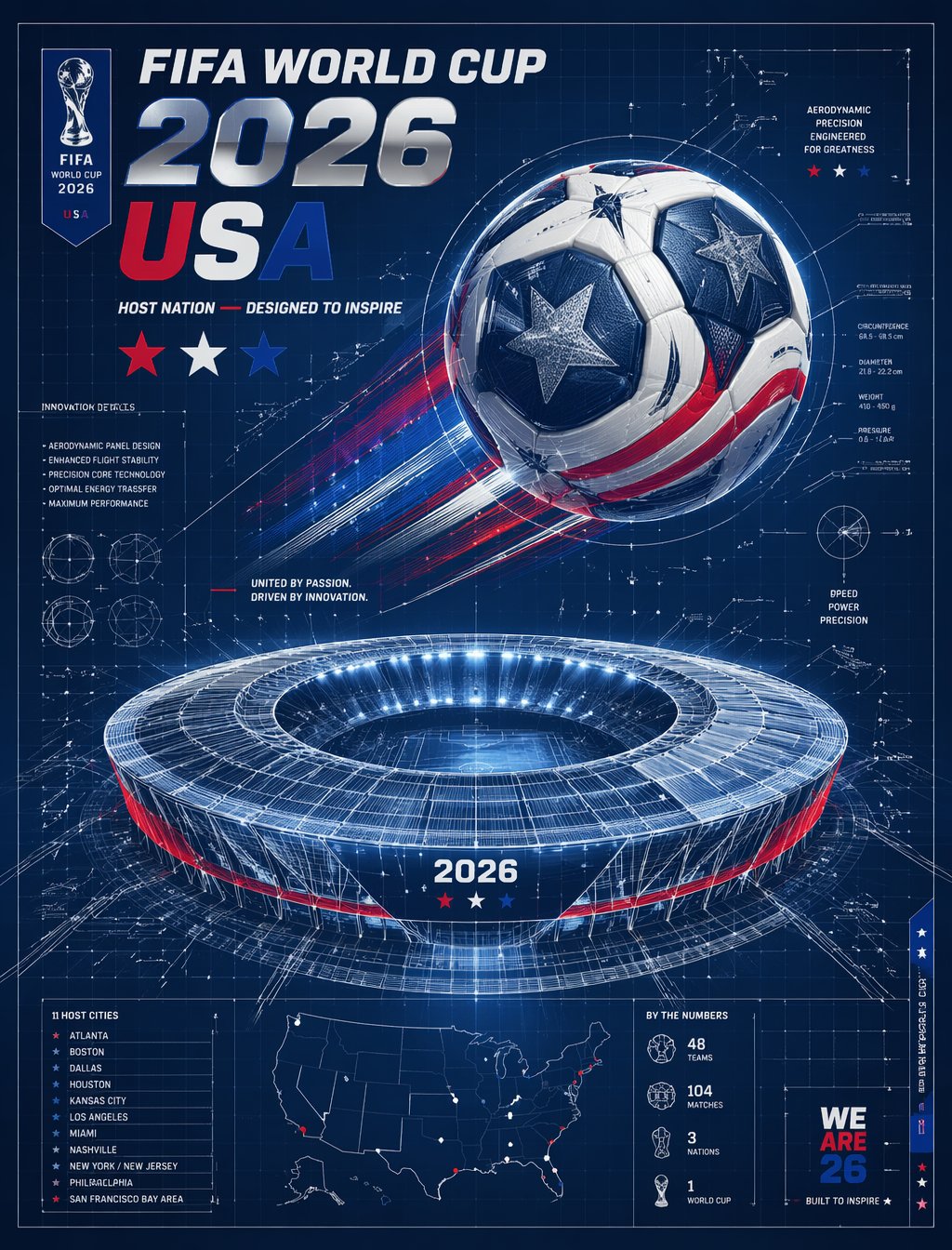
FIFA 2026 USA — Blueprint Host Nation
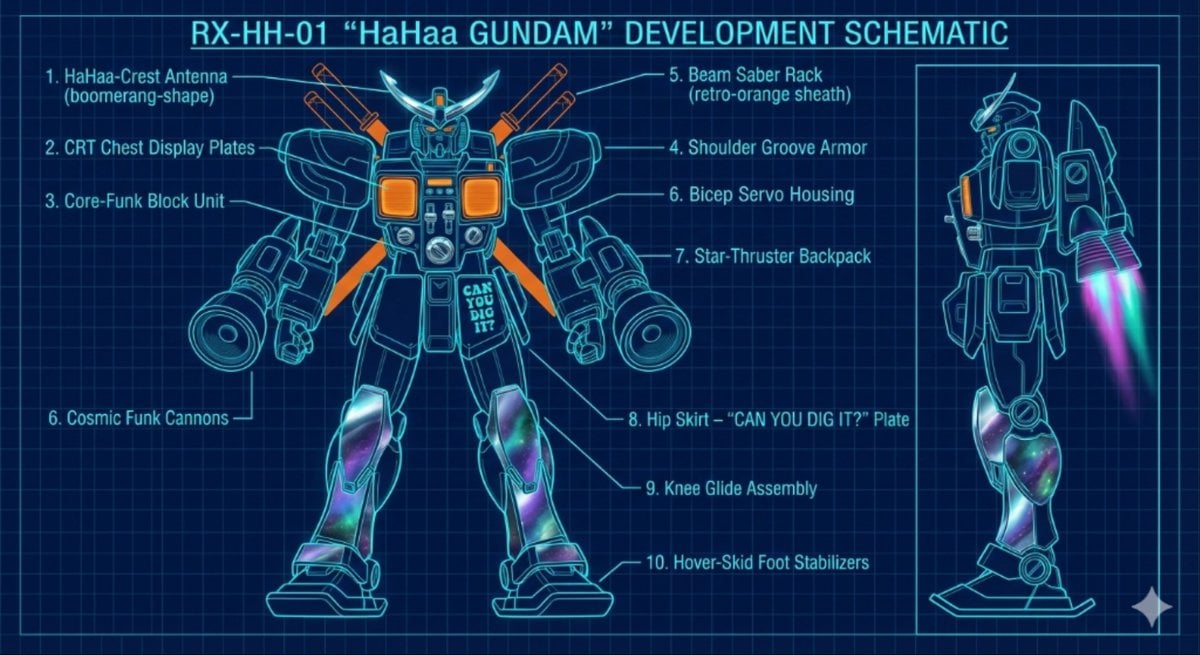
HaHaa Gundam blueprint concept
Make it yours
Blueprint Split Reality Archetype Prompt works as-is. These are the safest ways to change it without losing the look.
Change one field
Copy a single group, rewrite it, and generate again so you can see what that field is doing.
Keep the frame, change the subject
Hold the composition and light of Blueprint Split Reality Archetype Prompt, then swap wardrobe, props or the person for a new take.
| If the result… | Why | Fix |
|---|---|---|
| The result drifts from the preview | Too many fields changed at once. | Reuse Blueprint Split Reality Archetype Prompt as-is first, then change one group — subject, light, or setting. |
| The model over-stylizes the scene | The prose prompt leaves finish and camera underspecified. | Add one camera or lighting sentence and stay on PicX Studio. |
More image prompts
Fresh picks from across the catalog.
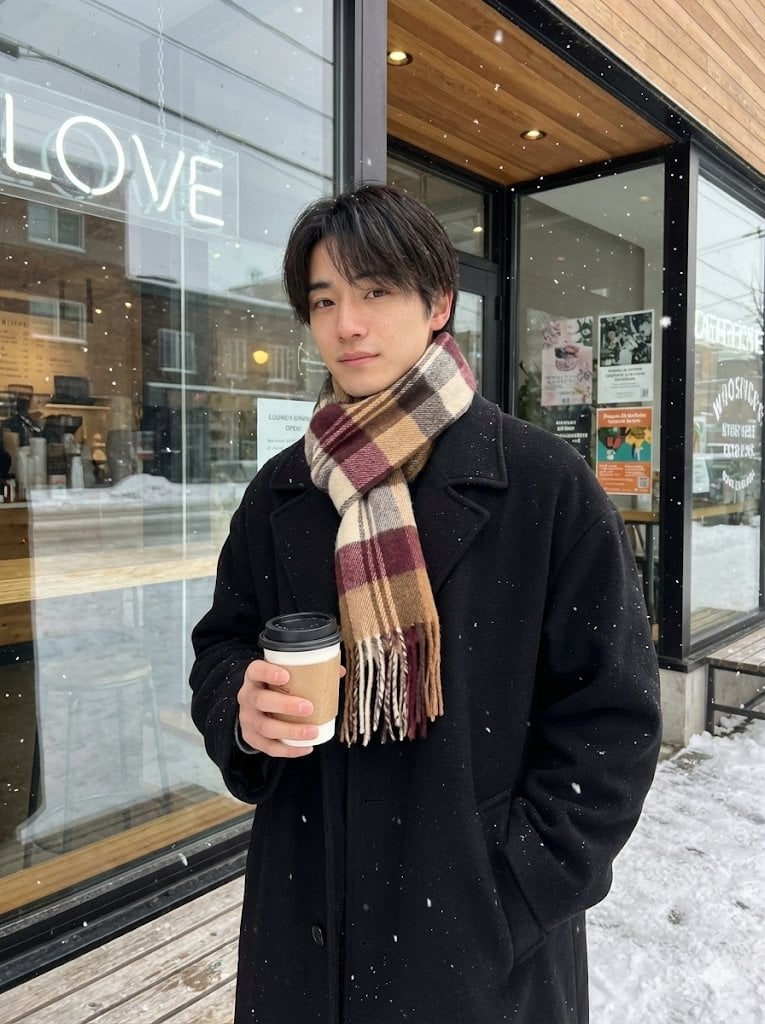
AI Profile Photo Generation Prompt (Angled Shot Modification)

Kesar Badam Beverage Photography

untitled

Christmas Angel Design Course Eyecatch Prompt (YAML Structure)
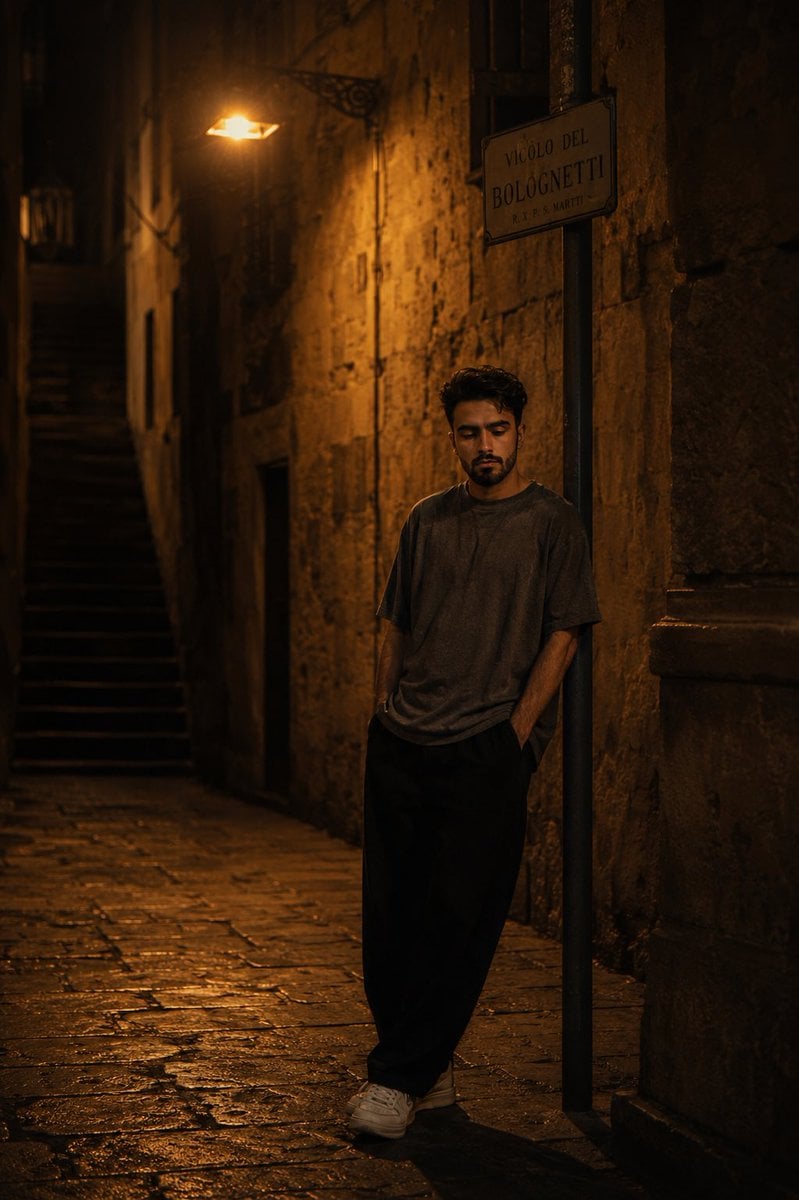
European Stone Alley Night Portrait
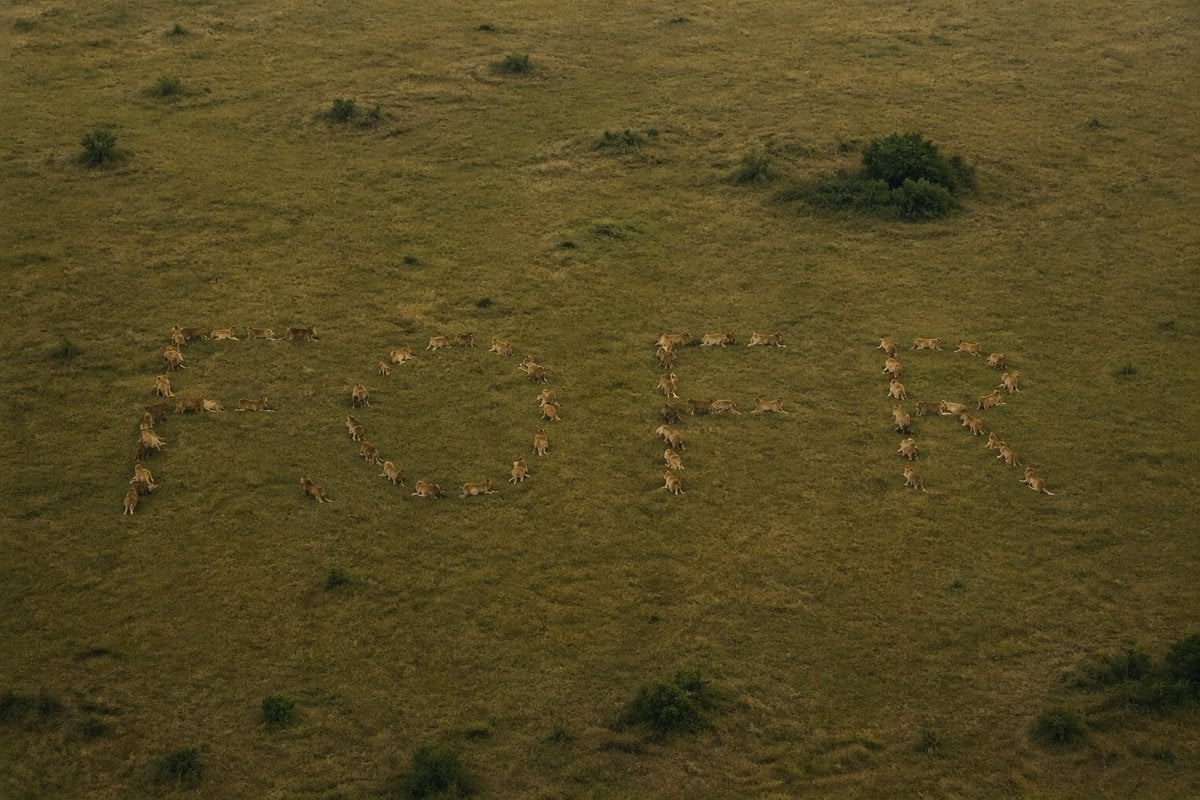
Hidden Word Optical Illusion Prompt
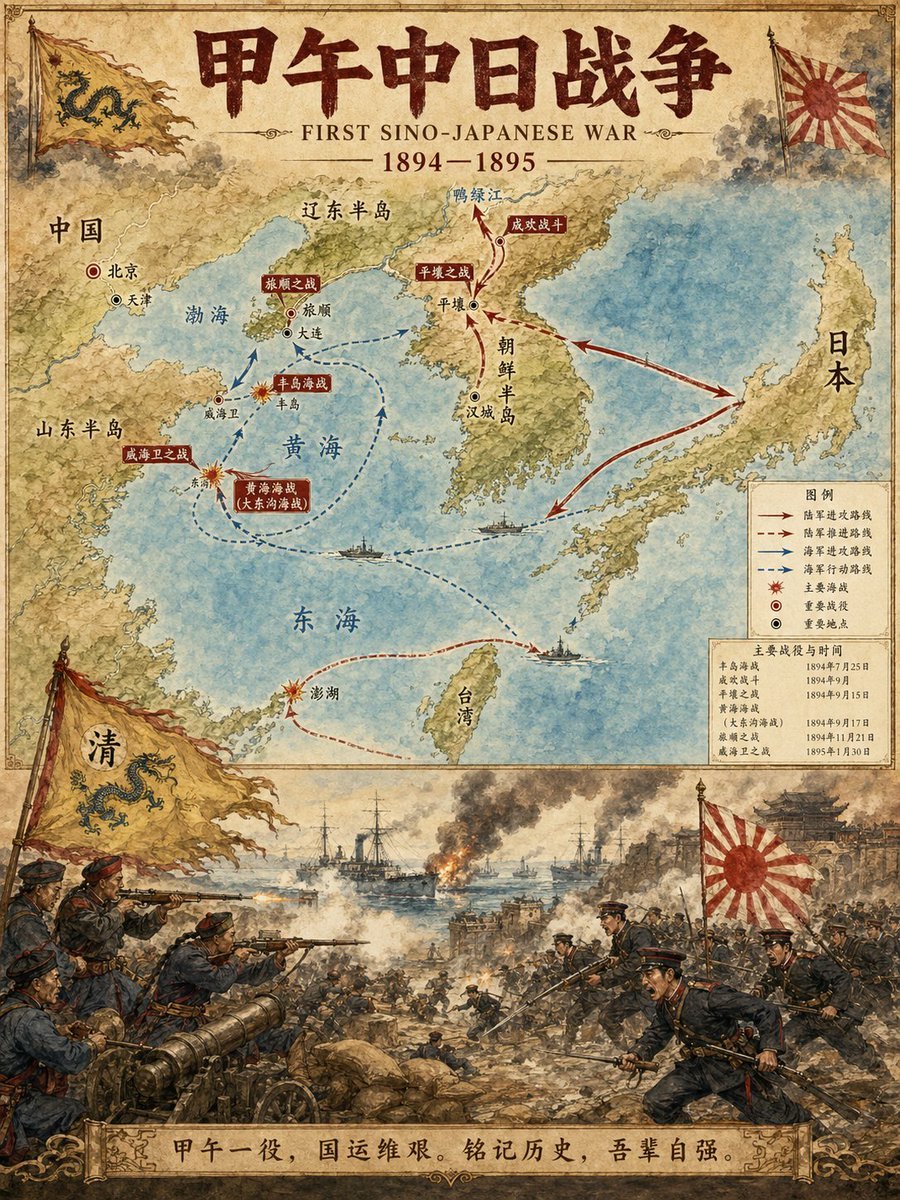
Historical Event Map Illustrator
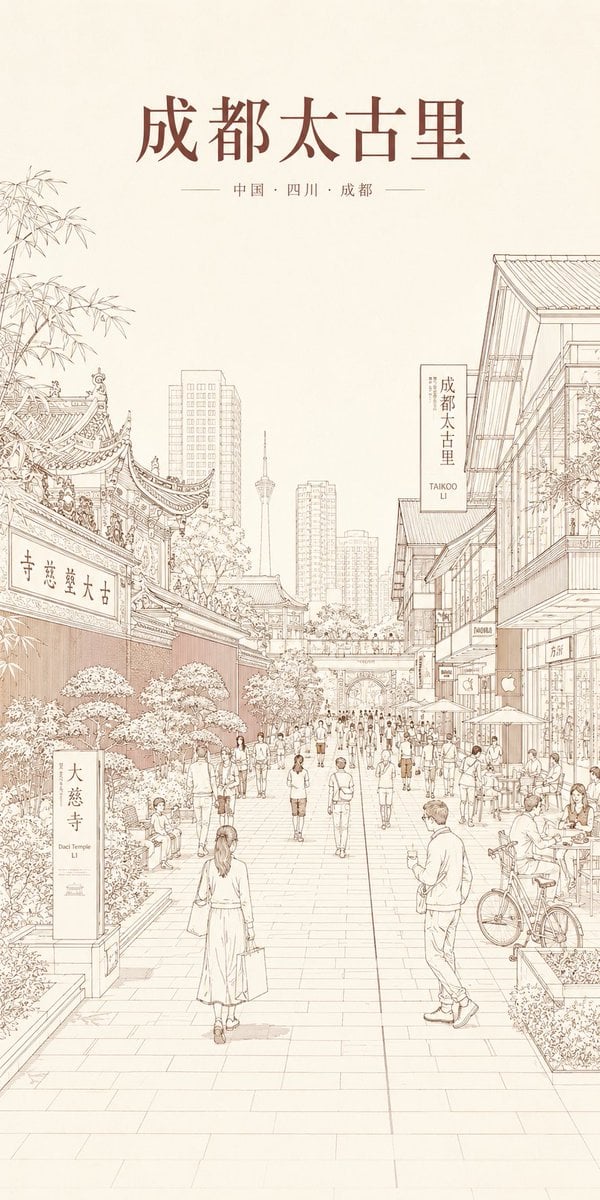
Chengdu Taikoo Li Line Art Poster
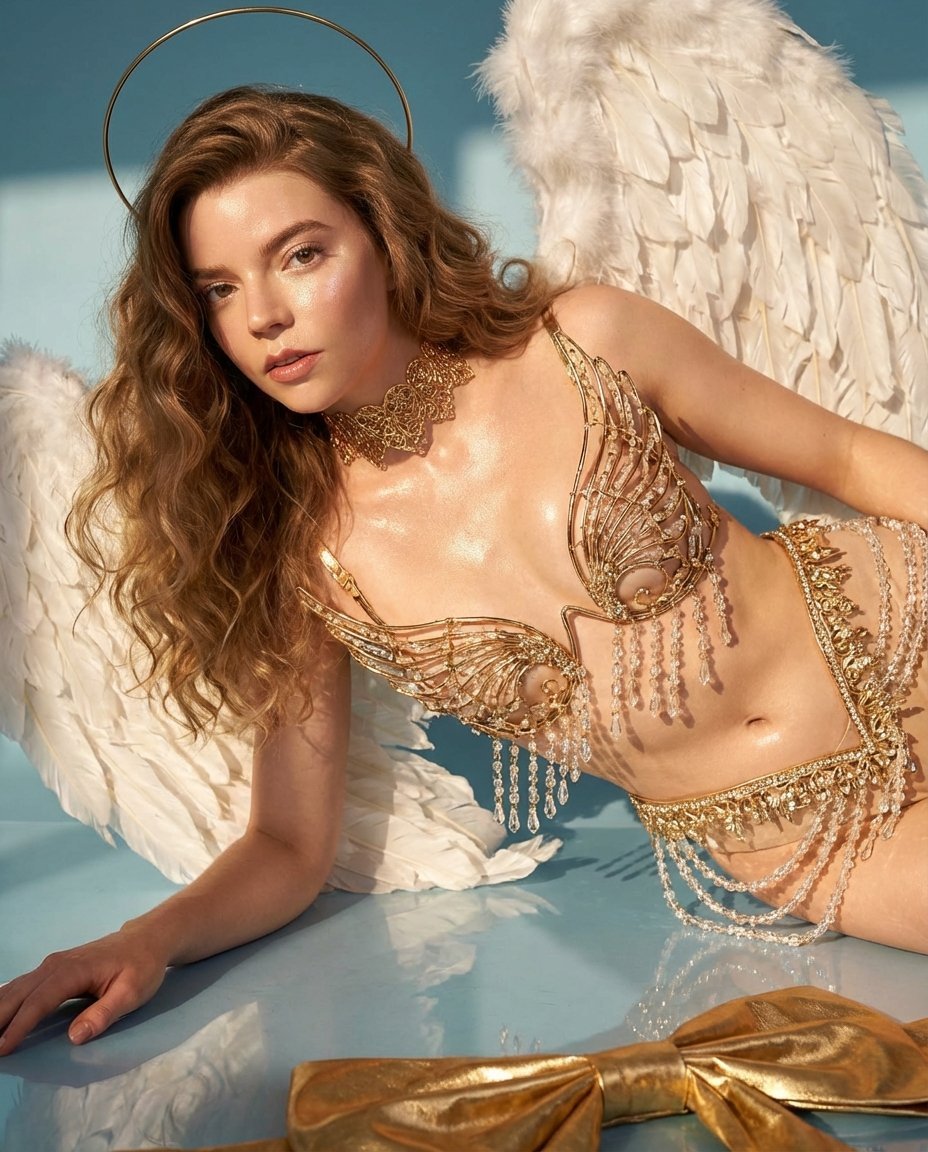
Ethereal Angelic Woman Portrait Prompt for Nano Banana Pro
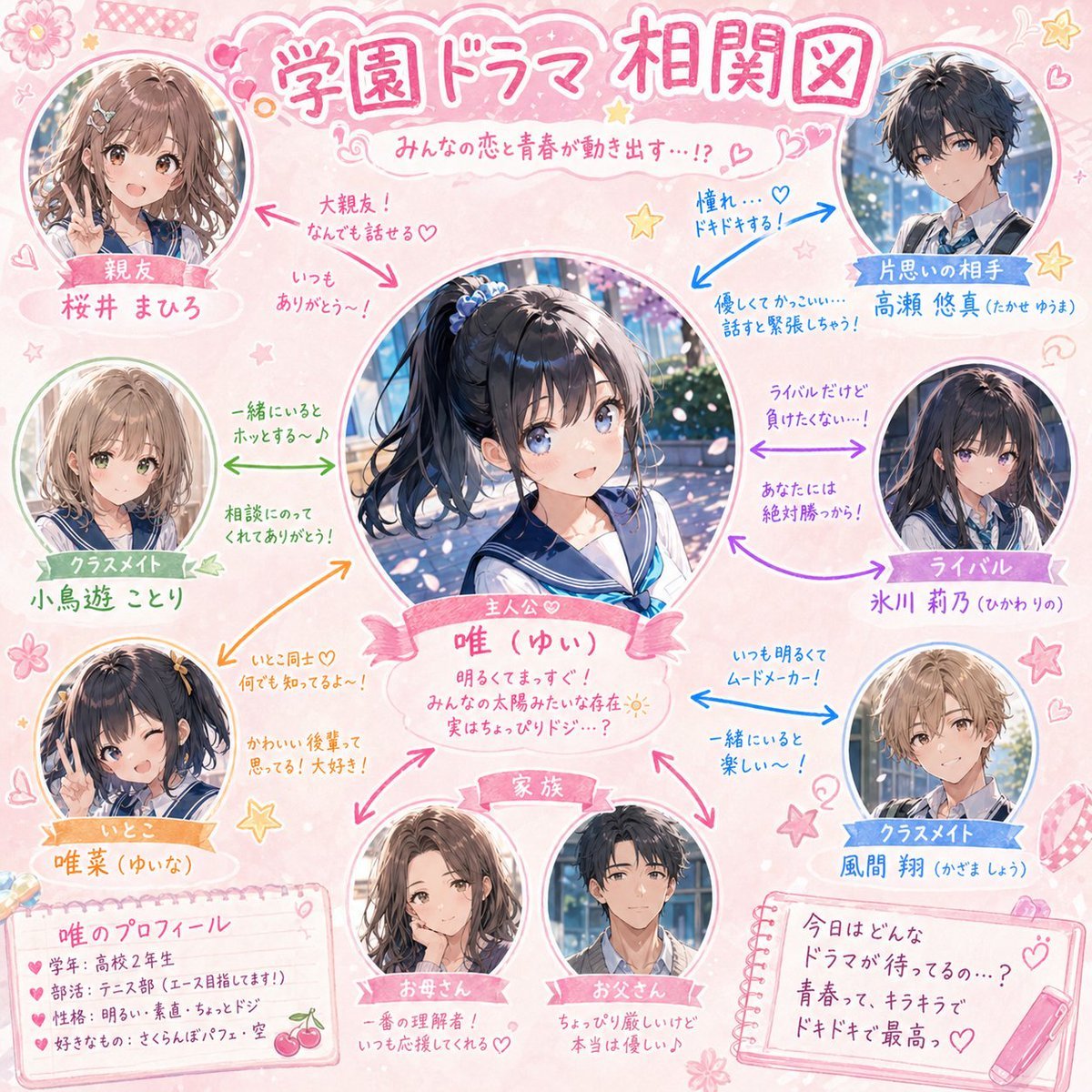
School Drama Relationship Chart Generator
Browse template categories
Blueprint Split Reality Archetype Prompt questions
How do I use the Blueprint Split Reality Archetype Prompt template?
Add your photo if the template asks for one, edit the prompt if you like — the template's model and format are already selected — and press Generate. Your version opens in PicX Studio.
Can I customize the Blueprint Split Reality Archetype Prompt template?
Yes. You can change the subject, setting, lighting, mood, format, and available model controls before creating your image.
Is the Blueprint Split Reality Archetype Prompt template free?
Opening and editing this template is free. Generating uses credits, shown on the Generate button when you are signed in.
Which AI model should I use?
Choose a compatible model in PicX Studio based on the style, speed, and output controls your project needs.
Looking for something else? Browse all templates.

Your photo, any look
Thousands of ready templates for every top image and video model, from one credit balance.