
Christmas Angel Design Course Eyecatch Prompt (YAML Structure)
A highly structured YAML-based prompt for Nano Banana Pro to generate a Christmas-themed thumbnail or 'eyecatch' image.
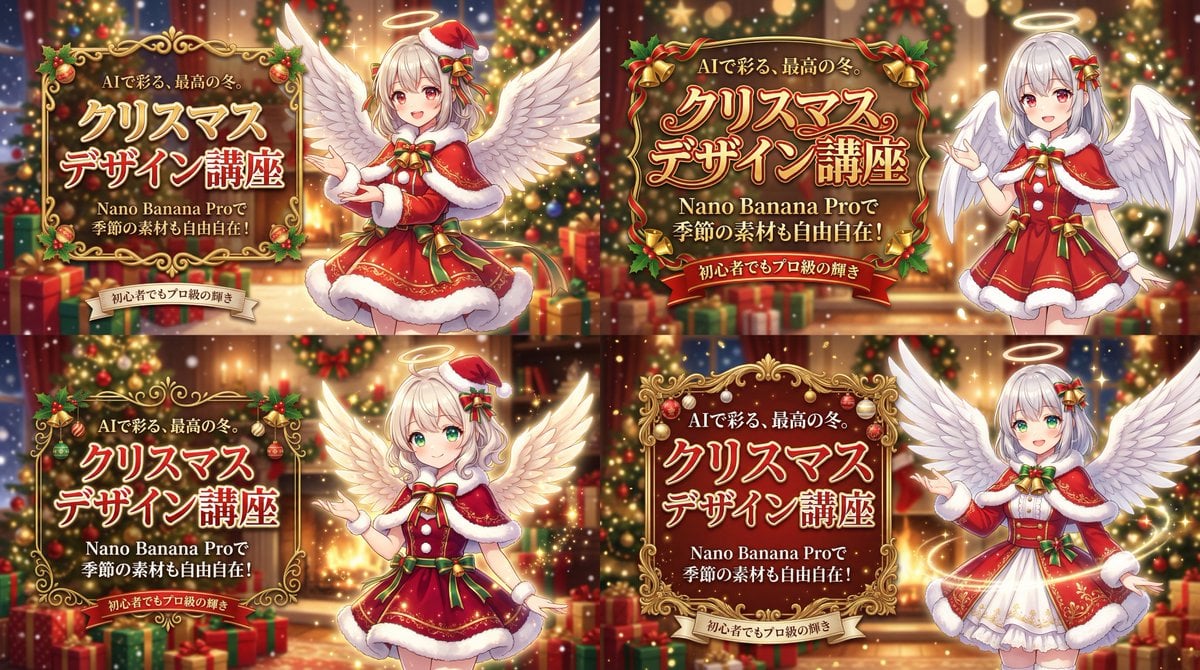
- Prompt included
- Model and format preset
- Premium template
The prompt behind this image
Copy the exact prompt behind Christmas Angel Design Course Eyecatch Prompt (YAML Structure), or open it in the studio and make it yours.
metadata: title: "Nano Banana Pro Design Course Eyecatch - Christmas Angel Ver." model_context: "Seasonal Christmas Advertisement mixed with Cute Anime aesthetics" image_structure: composition_type: "Full Background + Right Character + Left Decorated Text" visual_flow: "Left Text (Seasonal Benefit) -> Right Character (AI Generation Result)" layers: layer_background_full: shape: "Covers the entire screen." content: "Luxurious Christmas interior scene." details: elements: "Decorated Christmas trees with glowing lights, piles of wrapped presents, warm fireplace glow, bokeh lights in the background." atmosphere: "Warm, magical, festive, with soft falling snow or glitter effect." focus: "Shallow depth of field, blurring the background elements to make the foreground pop." layer_visual_right: shape: "Occupies the right half of the screen." content: "Japanese Kawaii Anime Angel character in Christmas outfit." style: "2D Cel-shaded anime art, high detail, warm and vibrant colors." details: subject: "A cute anime girl with large feathered angel wings." appearance: hair: "Silver or platinum blonde hair." eyes: "Large, sparkling red or green eyes." clothing: "A festive Santa Claus style dress with fur trim, ribbons, and bells. A small halo or Santa hat on her head." pose: "Smiling warmly, making a presenting gesture towards the text on the left." vfx: "Glowing particles and soft light around her wings and halo." layer_typography_left: location: "Left-aligned, positioned in the middle-left area." container: "Elaborate, decorative golden frame or scroll border (Christmas ornament style) around the main text." elements: - type: "Header/Hook" text: "{argument name="ヘッダーテキスト" default="AIで彩る、最高の冬。"}" style: "Small gold or white text above the main title." - type: "Main Title" text: "{argument name="メインタイトル" default="クリスマス\nデザイン講座"}" style: "Large, ornate, gold or red gradient font with white outline and shadow. Highly decorative." - type: "Sub-Title/Benefit" text: "{argument name="サブタイトル" default="Nano Banana Proで\n季節の素材も自由自在!"}" style: "Smaller white or gold text below the main title." - type: "Bottom Tagline" text: "{argument name="ボトムタグライン" default="初心者でもプロ級の輝き"}" style: "Small text at the bottom, maybe on a ribbon banner element." style_and_tone: art_style: "Festive Anime Illustration with Luxurious Background" color_palette: primary: "Red, Green, Gold" secondary: "White (Snow/Wings), Warm light colors" quality_tags: - "High resolution" - "Anime key visual" - "Detailed background" - "Atmospheric lighting" - "Festive"
How to use Christmas Angel Design Course Eyecatch Prompt (YAML Structure) in 3 steps
- 1
Open
The prompt is already in the box next to the preview, with the template's model and format selected.
- 2…a portrait of your subject in softgolden-hour light, 85mm…
Personalize
Edit the subject and creative details for your destination.
- 3Generate
Generate
Press Generate — your image is created in PicX Studio, so you can compare it with the original and refine one variable at a time.
More like this
Templates with the same subject, style or setup. Open one to see its prompt.
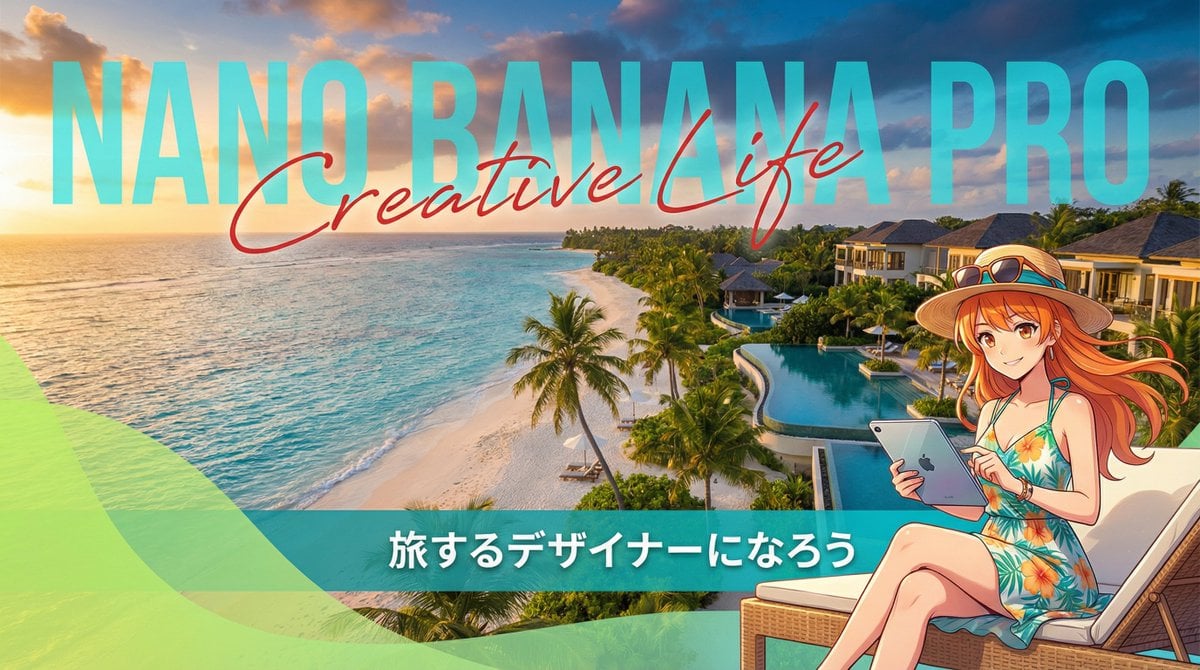
Resort Workcation Eyecatch Prompt (YAML Structure)
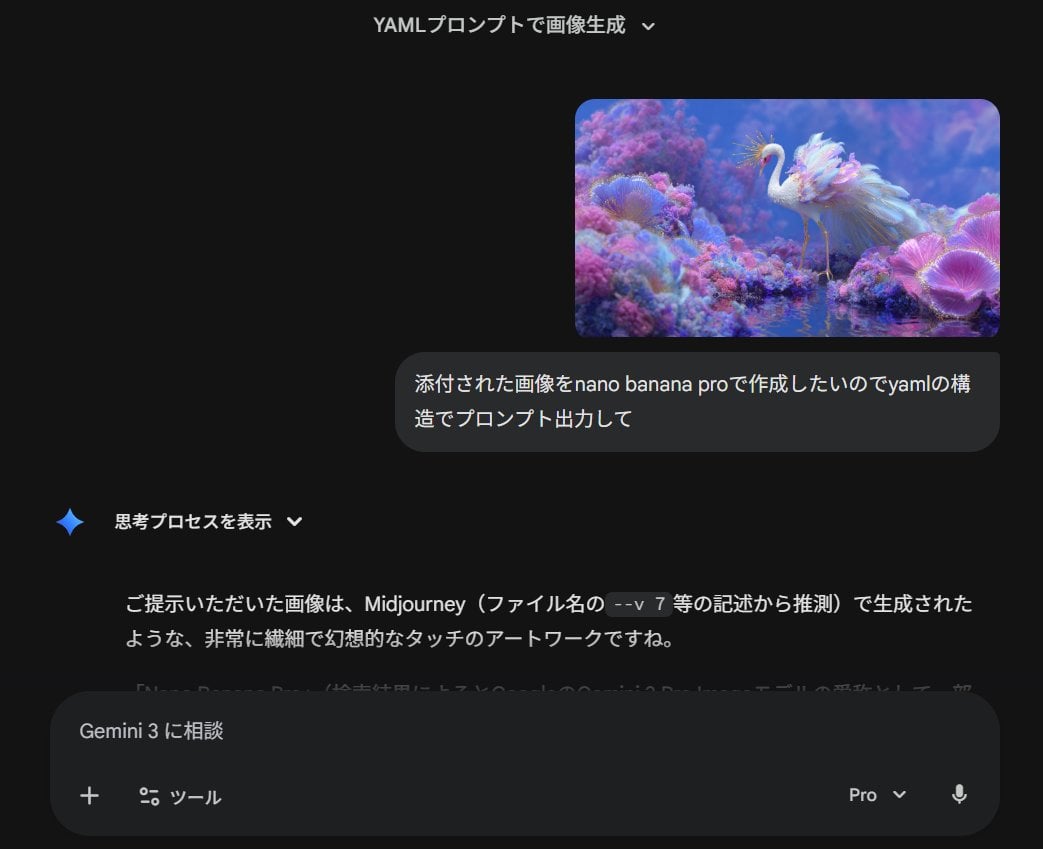
Meta-Prompt for Generating YAML-Structured Prompts from Images

Christmas Ornament Portrait Glossy Glass Resin Finish with Hand Painted Details Holiday Lighting
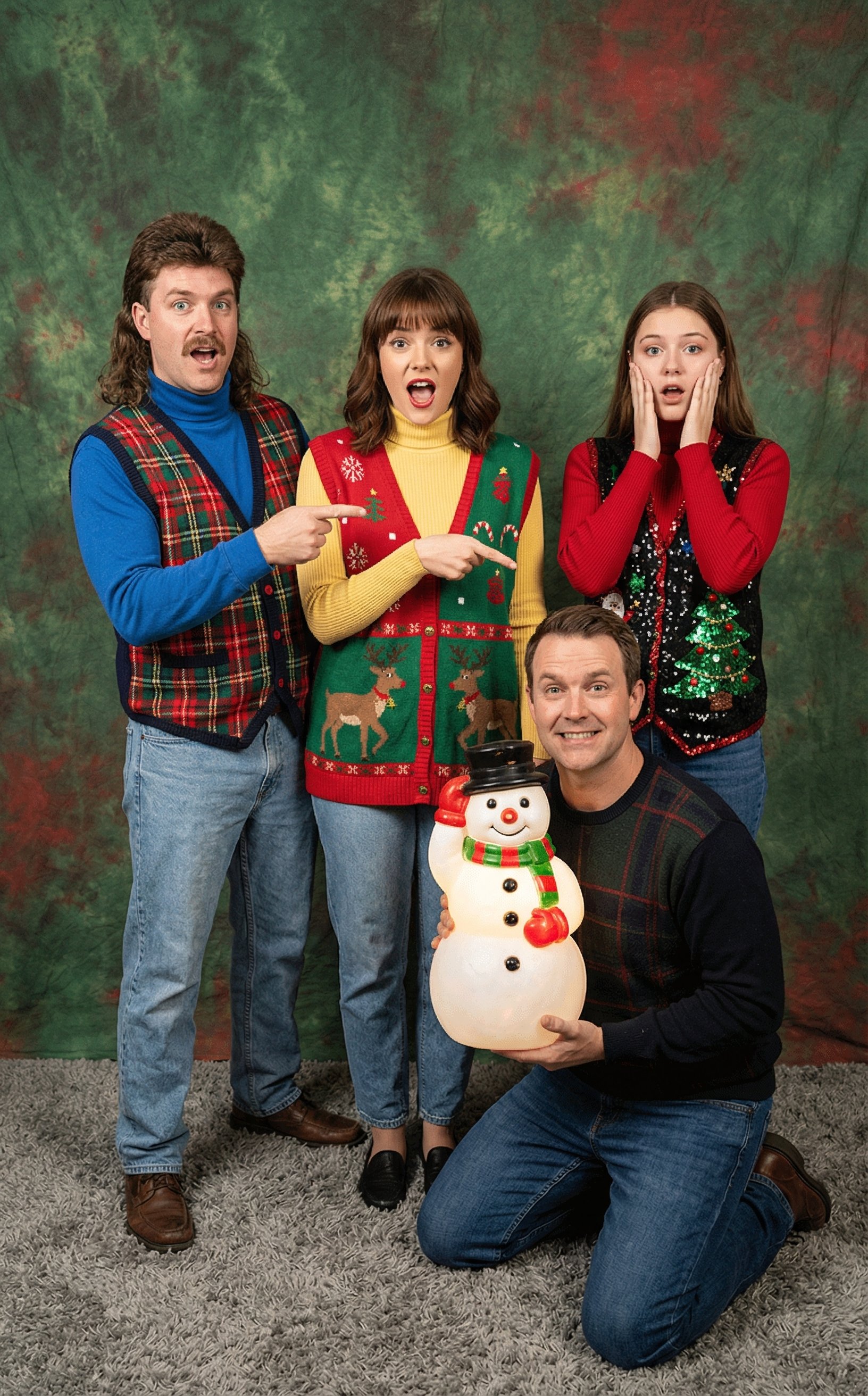
Awkward 90s Christmas Studio Portrait
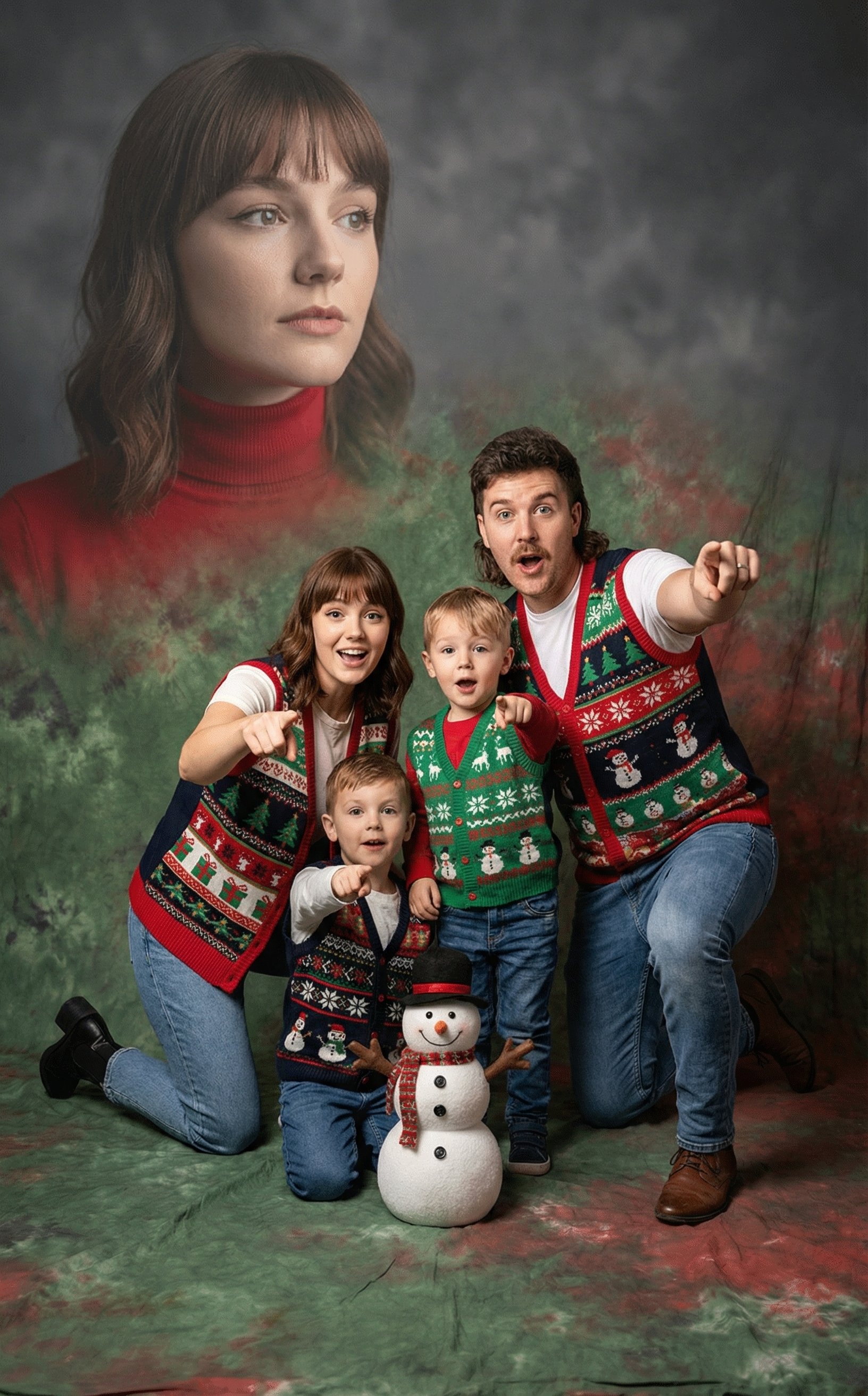
Awkward 90s Holiday Studio Portrait
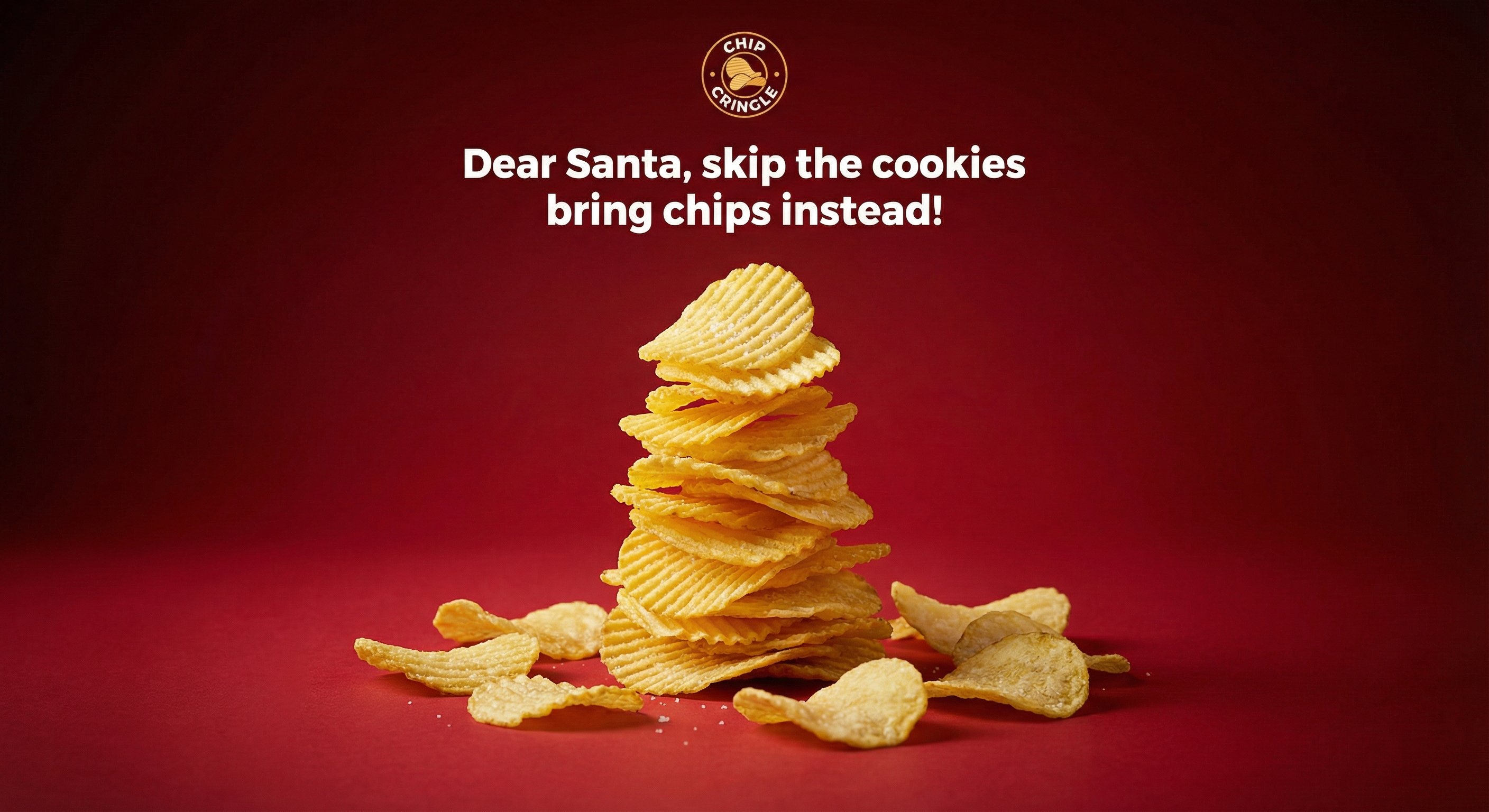
Crispy Chip Christmas Ad Template

Christmas Beverage Campaign Template

Festive Couple Holiday Magic Template
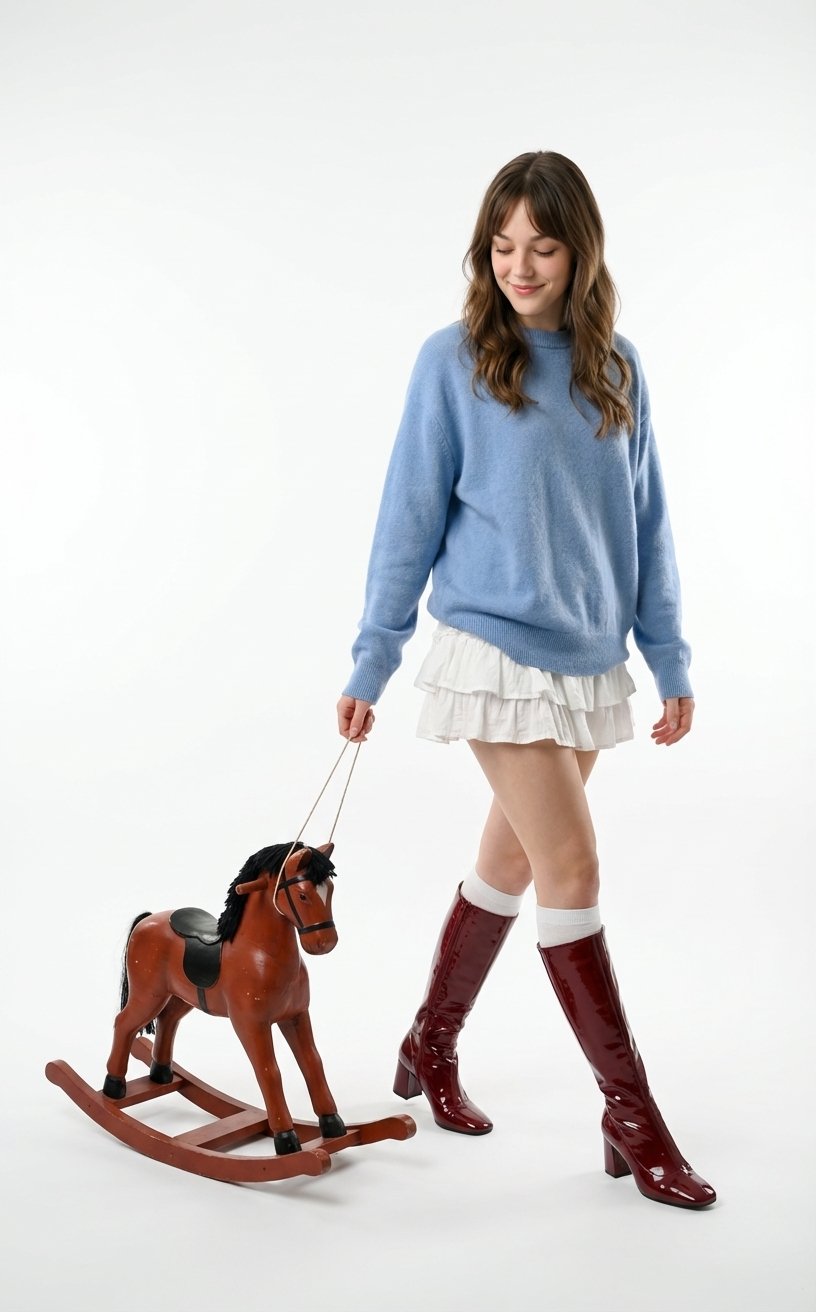
Vintage Toy Fashion Portrait
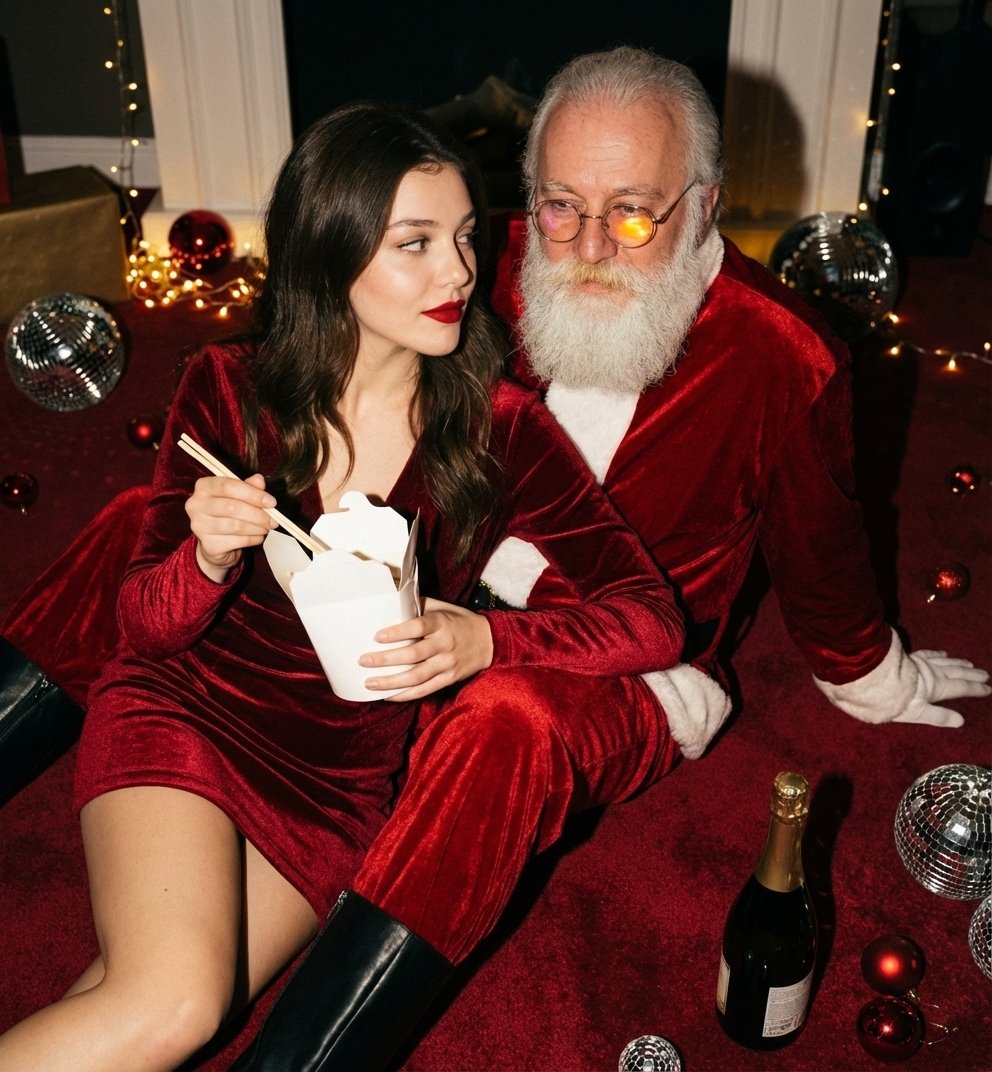
Christmas Holiday Editorial Template

Web Design Course Promotional Banner
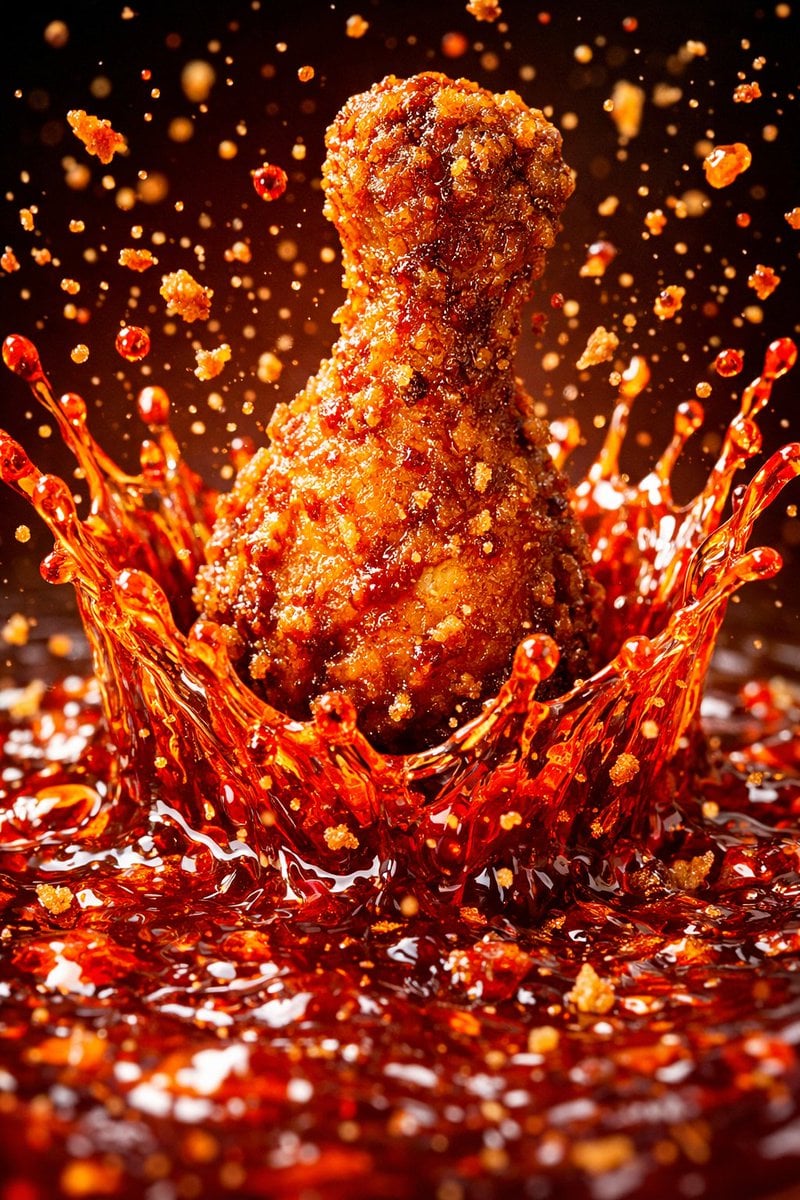
Each module shares structure but maintains unique visual dynamics
Make it yours
Christmas Angel Design Course Eyecatch Prompt (YAML Structure) works as-is. These are the safest ways to change it without losing the look.
Change one field
Copy a single group, rewrite it, and generate again so you can see what that field is doing.
Keep the frame, change the subject
Hold the composition and light of Christmas Angel Design Course Eyecatch Prompt (YAML Structure), then swap wardrobe, props or the person for a new take.
| If the result… | Why | Fix |
|---|---|---|
| The result drifts from the preview | Too many fields changed at once. | Reuse Christmas Angel Design Course Eyecatch Prompt (YAML Structure) as-is first, then change one group — subject, light, or setting. |
| The model over-stylizes the scene | The prose prompt leaves finish and camera underspecified. | Add one camera or lighting sentence and stay on Nano Banana 2. |
More Nano Banana 2 templates
Other prompts made for Nano Banana 2.

Photorealistic Leaf Shaped Like a Dragon

K-Pop Idol Portrait Grid for Rapid Selection

Poetic Rain Forest Portrait During Golden Hour

Urban Street Portrait with Cartoon Inner Self Duo

Candid Nighttime Photo with Cat Prompt

High-Concept 3D Diorama Generation Prompt

Cinematic Futuristic Studio Portrait Template

Skincare Editorial Photography Collage Prompt

Hyper-Realistic Commercial Product Photography (Splash Effect)

Hyper-Realistic Nightclub Portrait Prompt
More image prompts
Fresh picks from across the catalog.
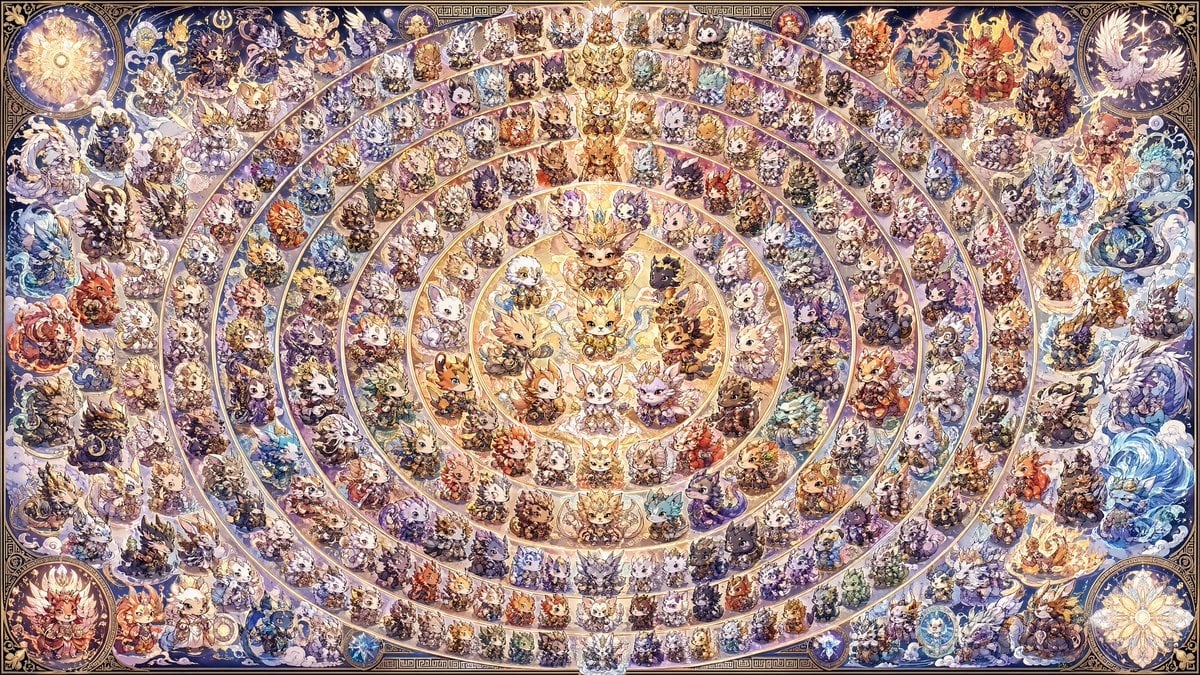
108 Chibi Fantasy Mandala
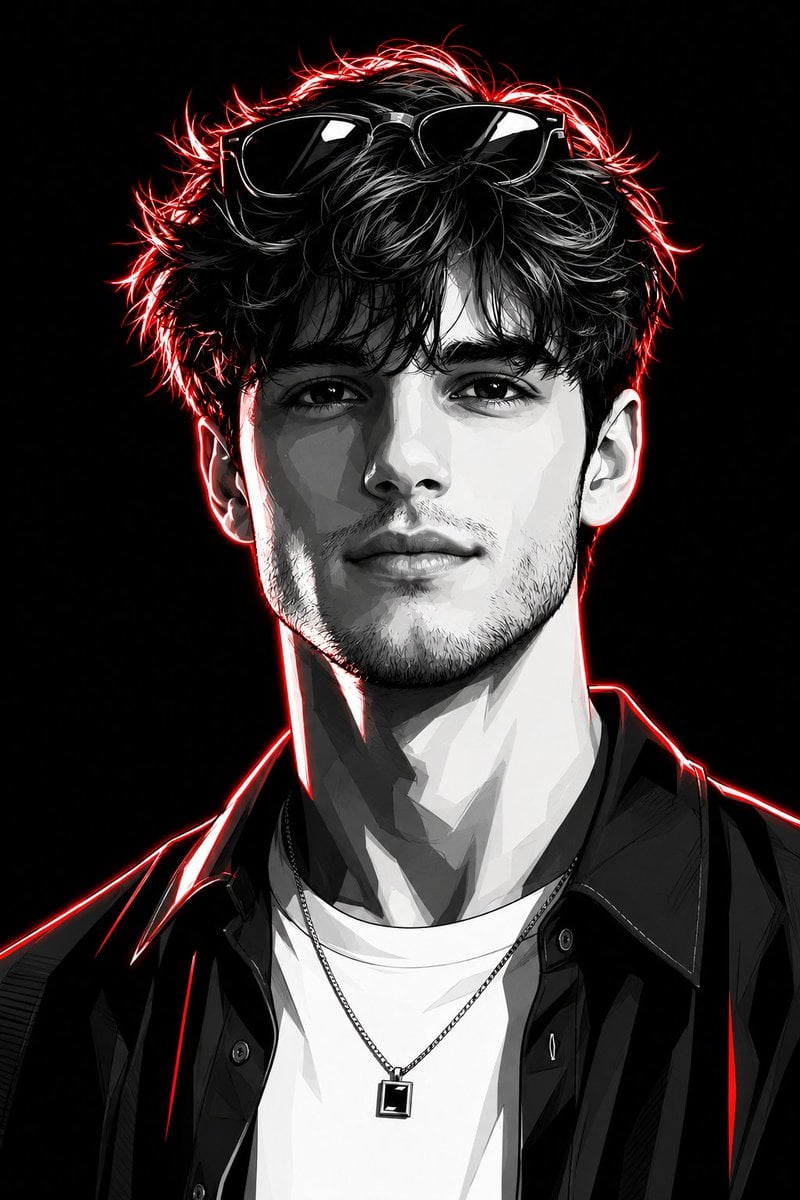
Neon Graphic Novel Character Transformation
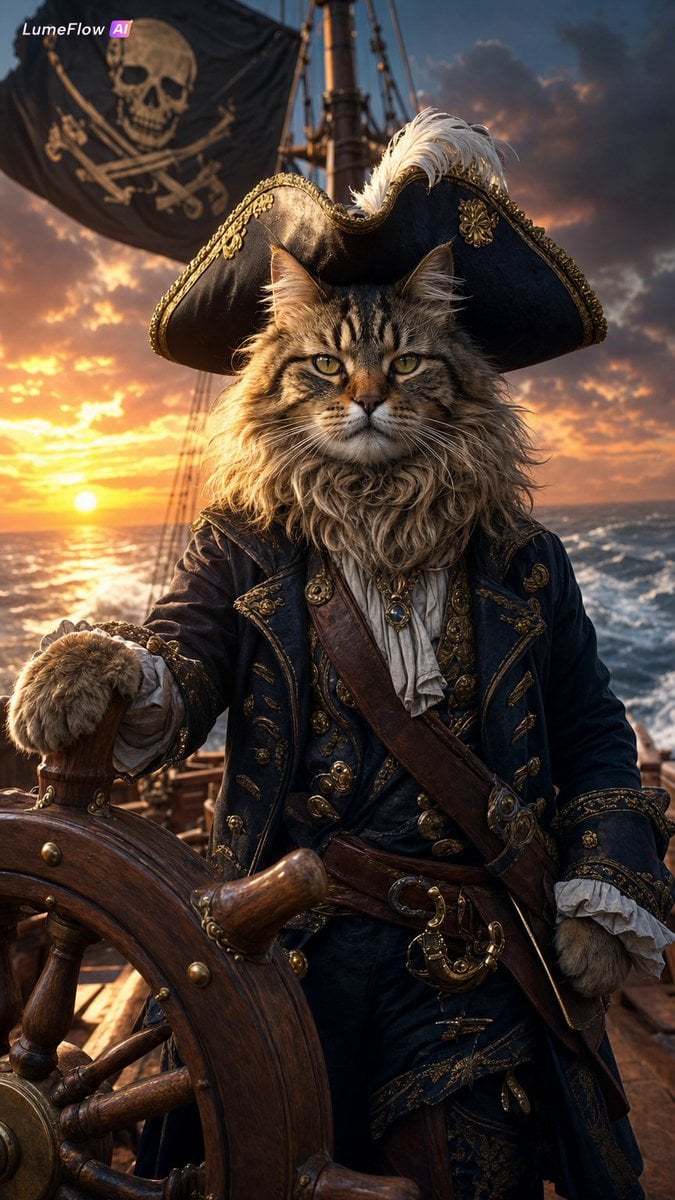
Fluffy Pirate Cat Captain Portrait
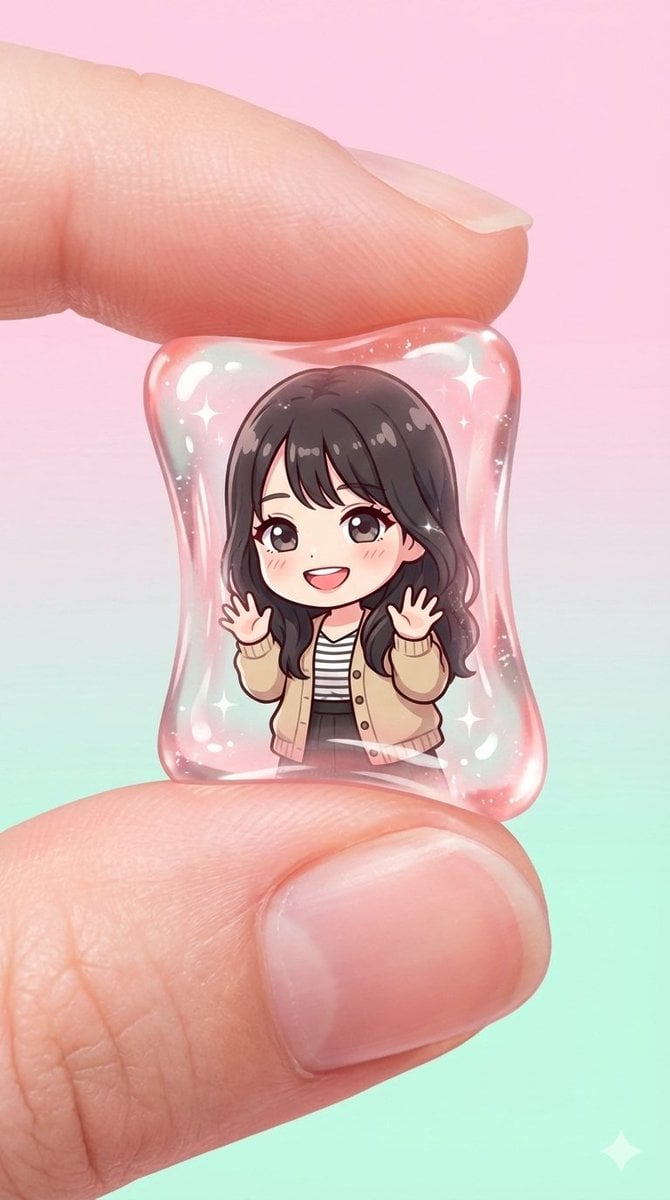
Transparent Gummy Character Encapsulation
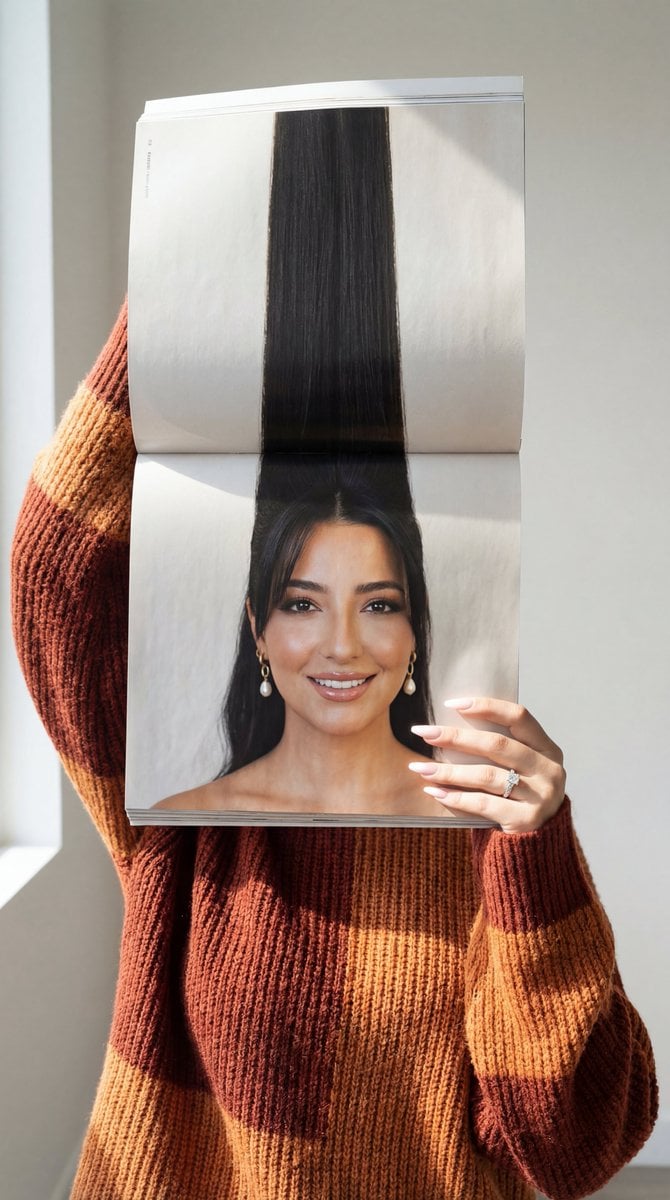
Photorealistic Surreal Fashion Concept Portrait with Identity Lock
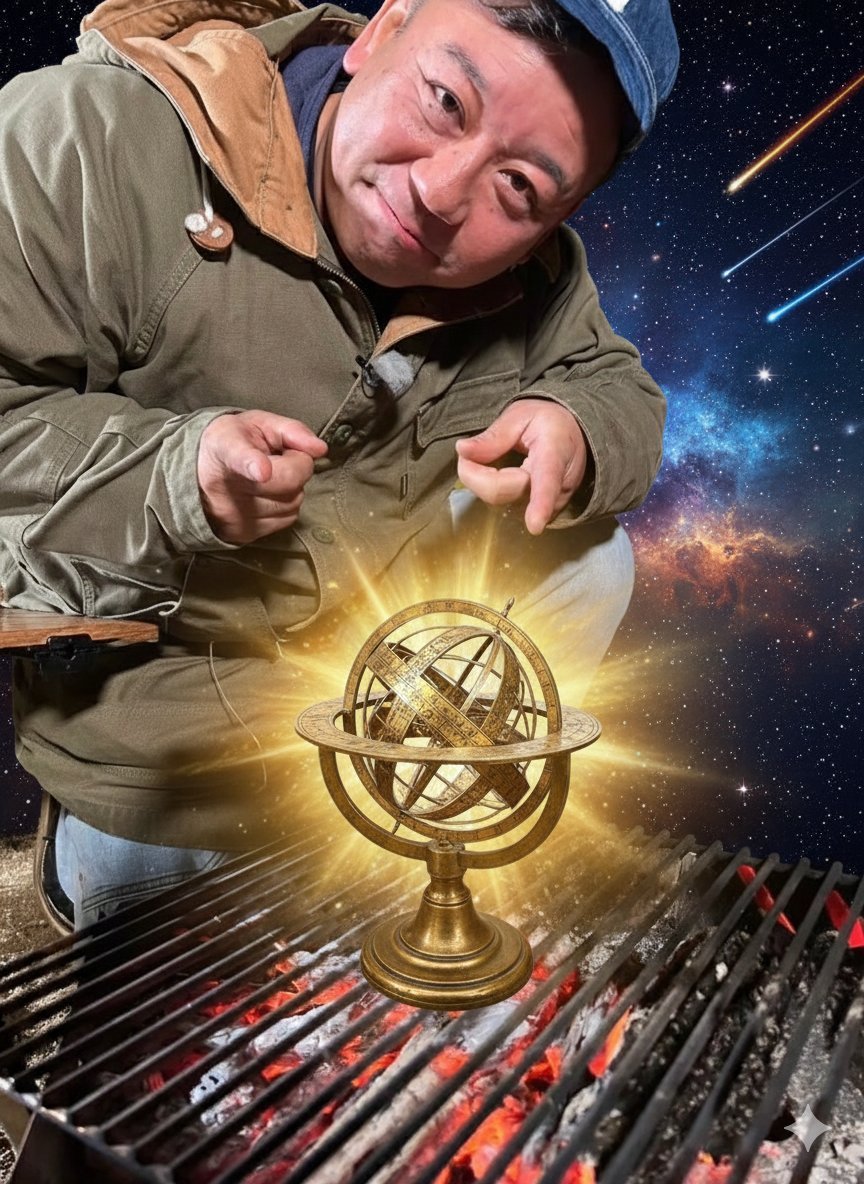
Hermes and Constellation Fantasy Image
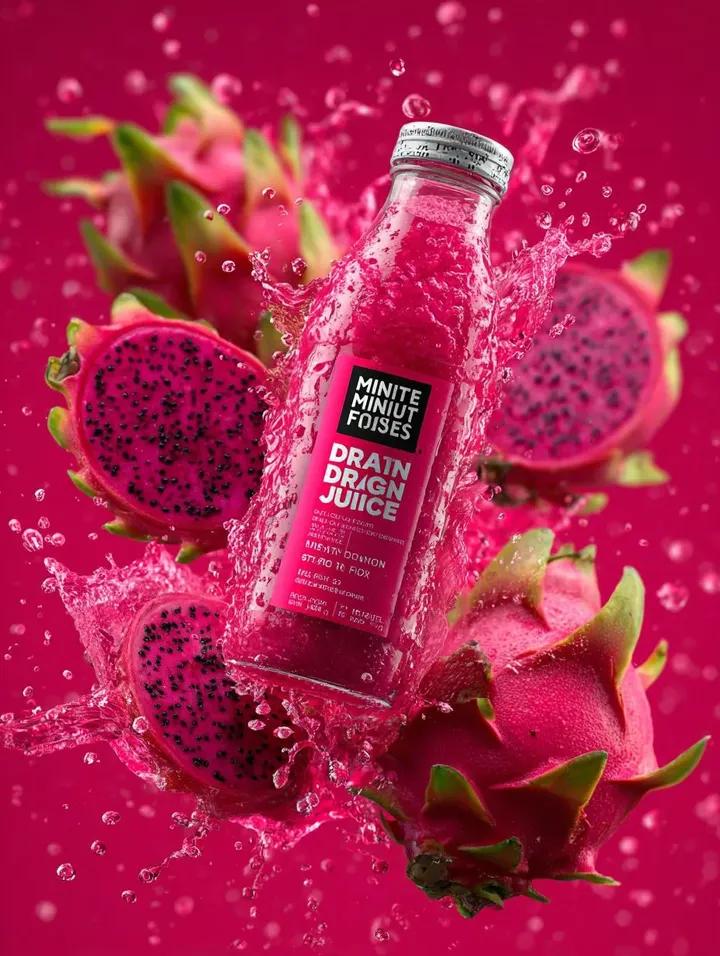
Explosive Dragon Fruit Juice Photography
Mediocre Drawing Style Illustration

Cinematic Short Video Prompt for Close-up ASMR Scene
GPT 2 Day 500 Gaming Thumbnail
Browse template categories
Christmas Angel Design Course Eyecatch Prompt (YAML Structure) questions
How do I use the Christmas Angel Design Course Eyecatch Prompt (YAML Structure) template?
Add your photo if the template asks for one, edit the prompt if you like — the template's model and format are already selected — and press Generate. Your version opens in PicX Studio.
Can I customize the Christmas Angel Design Course Eyecatch Prompt (YAML Structure) template?
Yes. You can change the subject, setting, lighting, mood, format, and available model controls before creating your image.
Is the Christmas Angel Design Course Eyecatch Prompt (YAML Structure) template free?
Opening and editing this template is free. Generating uses credits, shown on the Generate button when you are signed in.
Which AI model should I use?
Start with Nano Banana 2, which is the model associated with this template. You can compare another compatible model for a different finish.
Looking for something else? Browse all templates.

Your photo, any look
Thousands of ready templates for every top image and video model, from one credit balance.